@gregfrysocial
Optimising Video As
Part of Your Content
Strategy
Build Relationships faster with Video
thehappypear
Think Like a Content Marketer
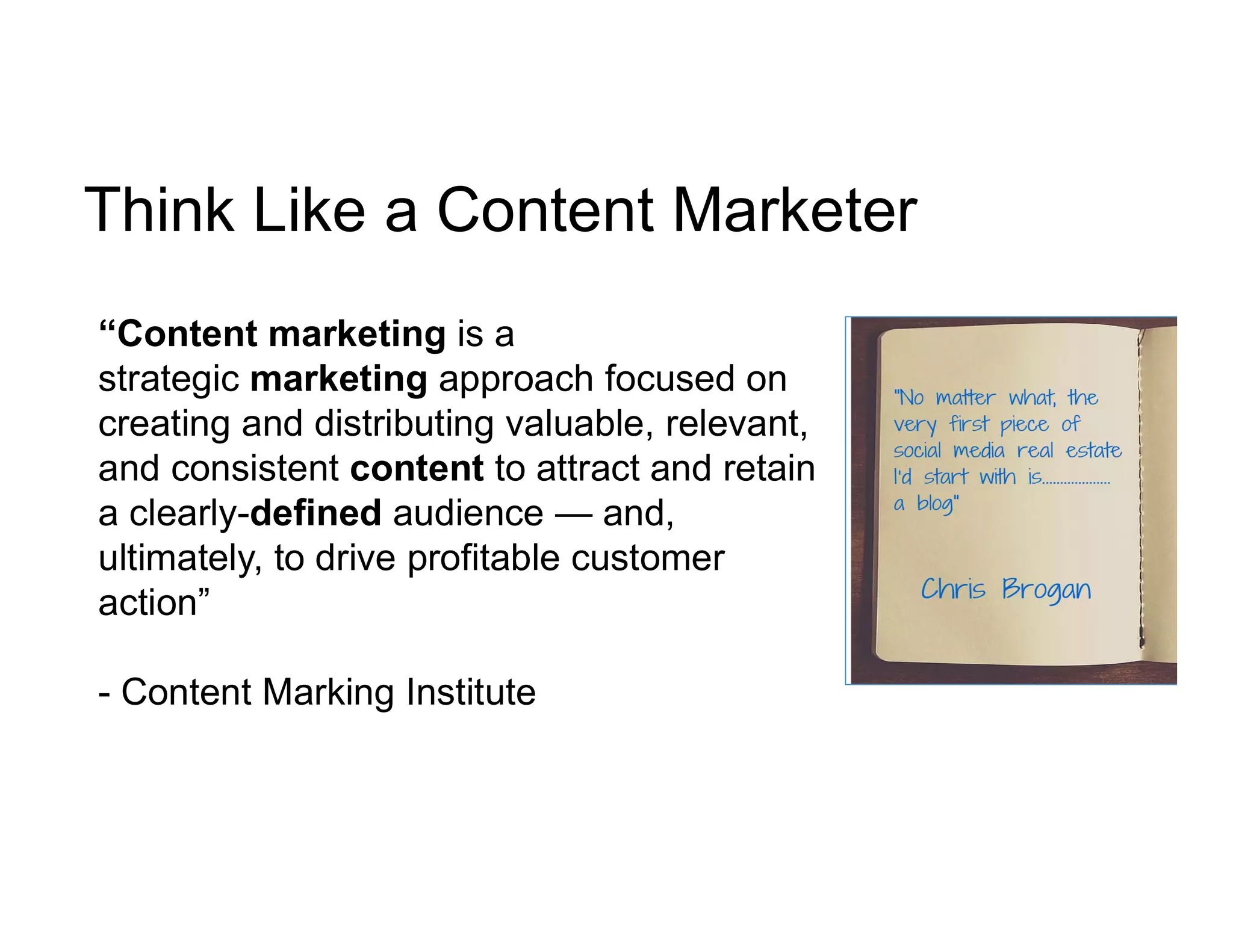
“Content marketing is a
strategic marketing approach focused on
creating and distributing valuable, relevant,
and consistent content to attract and retain
a clearly-defined audience — and,
ultimately, to drive profitable customer
action”
- Content Marking Institute
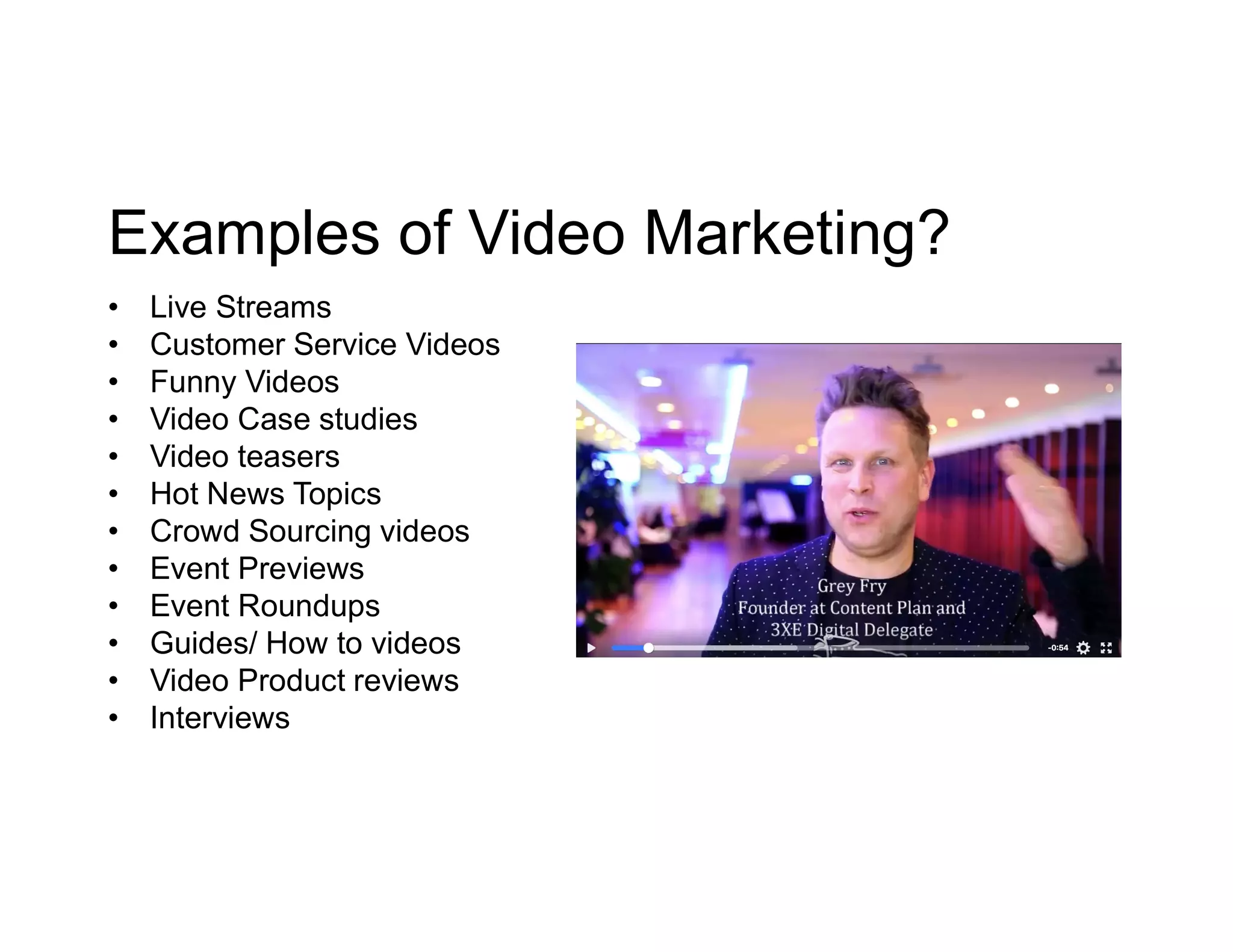
Examples of Video Marketing?
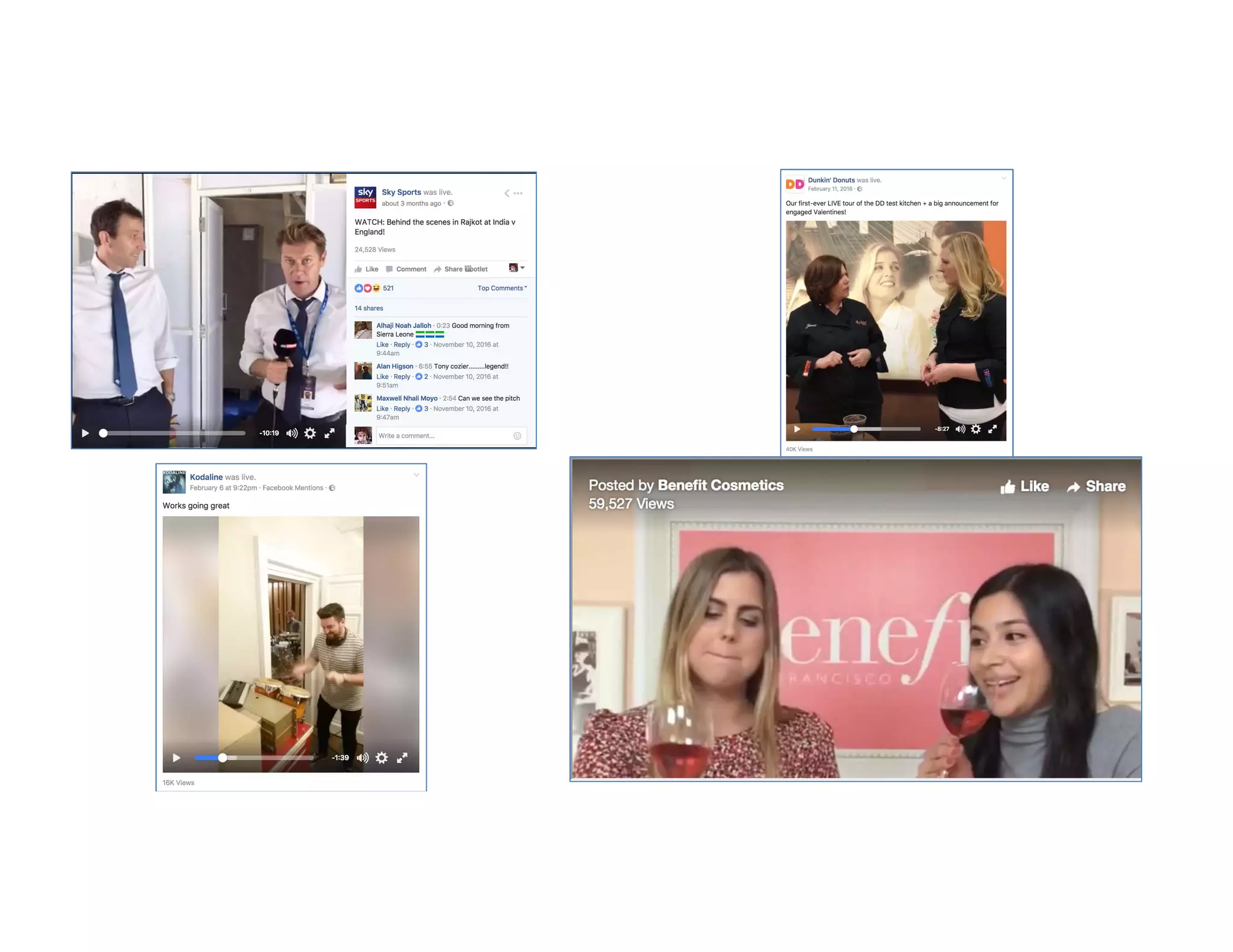
• Live Streams
• Customer Service Videos
• Funny Videos
• Video Case studies
• Video teasers
• Hot News Topics
• Crowd Sourcing videos
• Event Previews
• Event Roundups
• Guides/ How to videos
• Video Product reviews
• Interviews
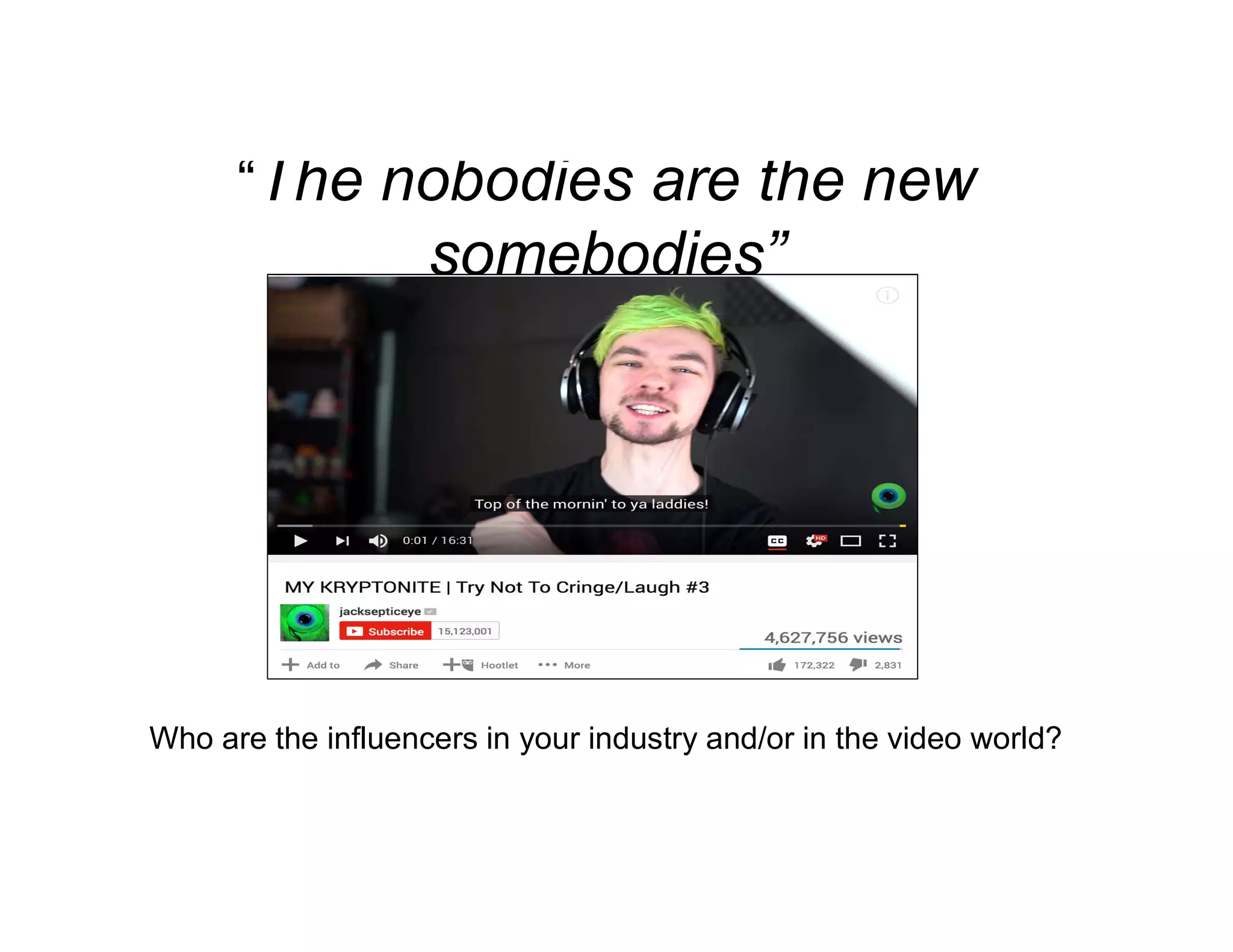
“The nobodies are the new
somebodies”
Who are the influencers in your industry and/or in the video world?
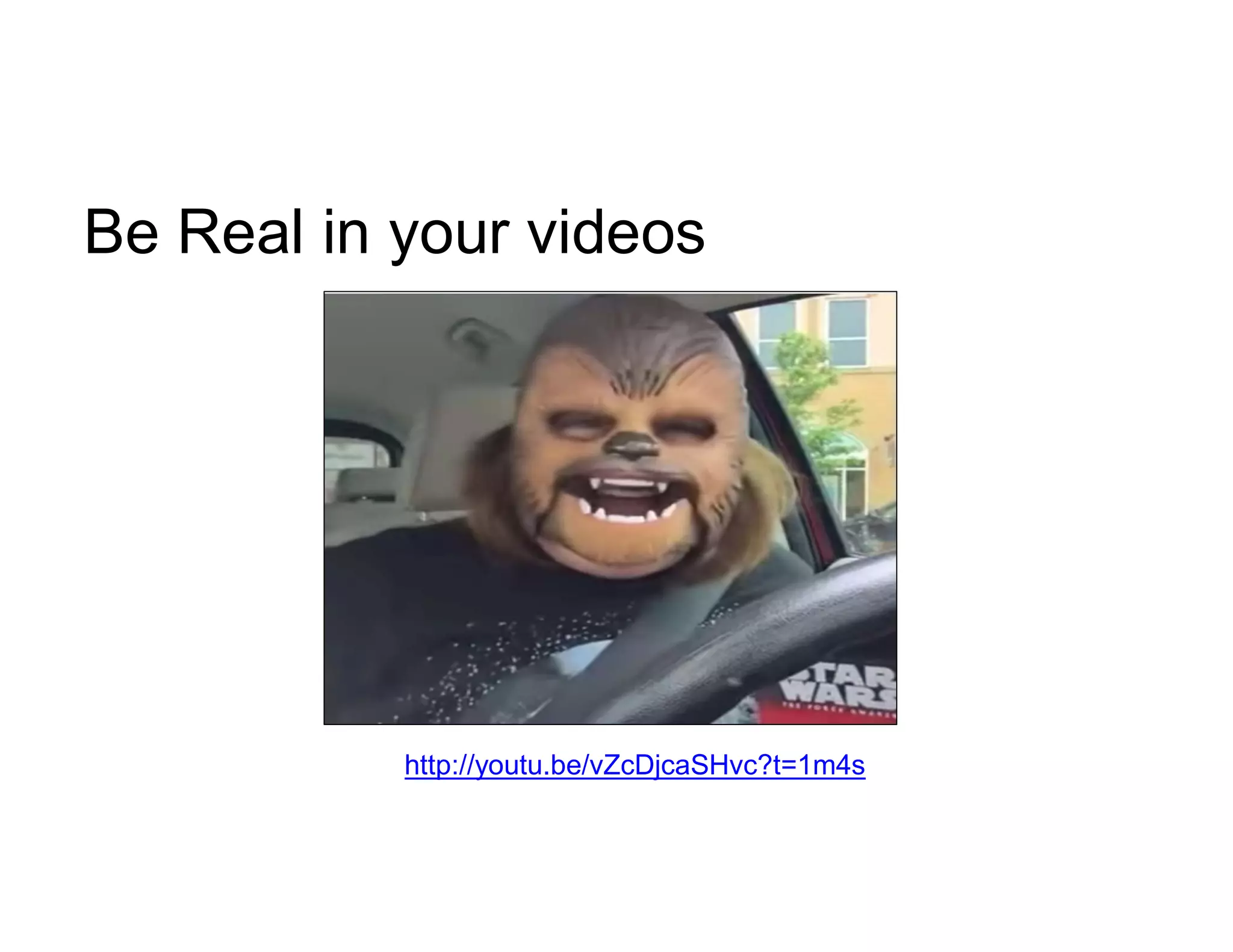
Be Real in your videos
http://youtu.be/vZcDjcaSHvc?t=1m4s
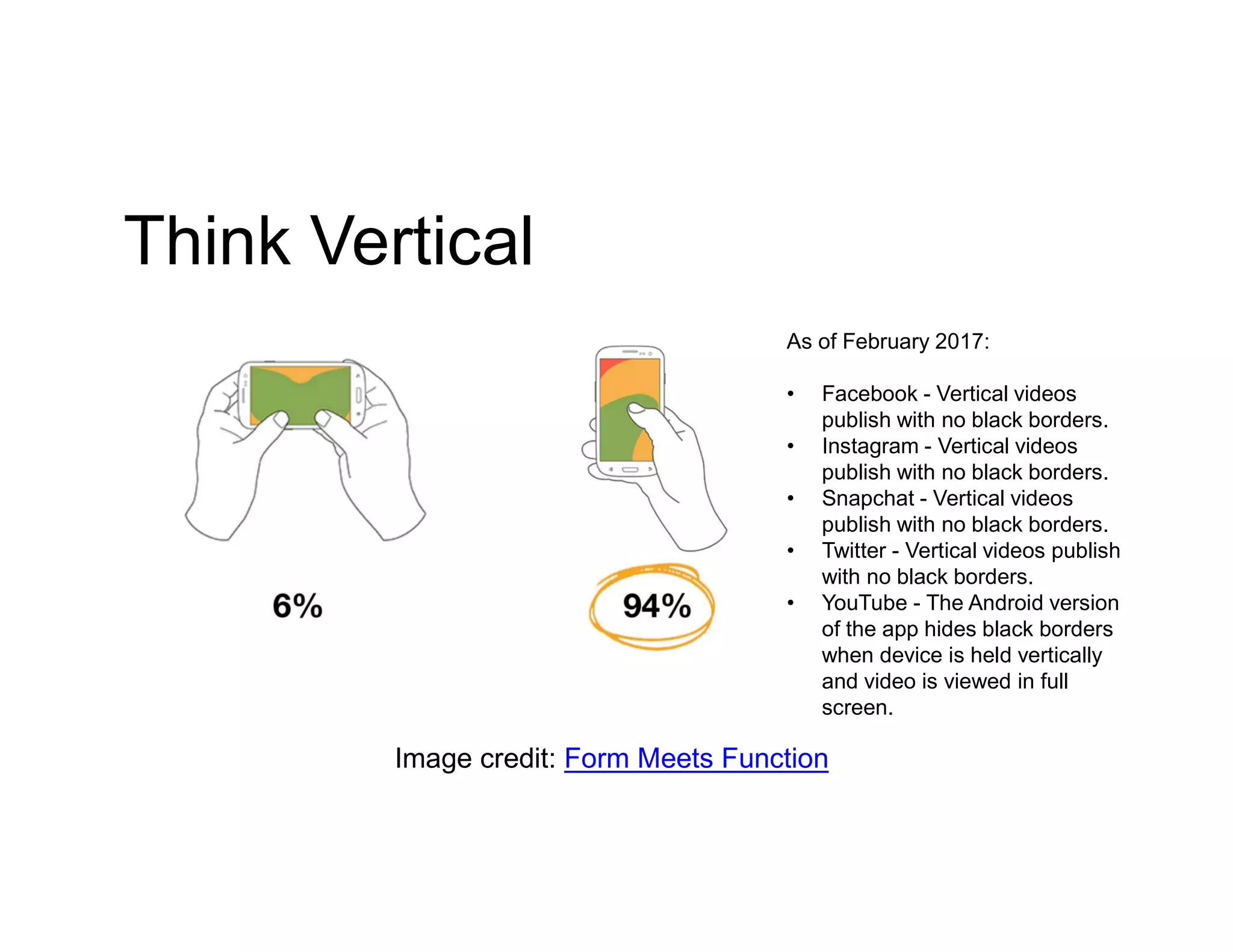
Think Vertical
Image credit: Form Meets Function
As of February 2017:
• Facebook - Vertical videos
publish with no black borders.
• Instagram - Vertical videos
publish with no black borders.
• Snapchat - Vertical videos
publish with no black borders.
• Twitter - Vertical videos publish
with no black borders.
• YouTube - The Android version
of the app hides black borders
when device is held vertically
and video is viewed in full
screen.
Formatting Your Video
Title – Ensure your keywords are included in your title.
Intro - Does it hold the viewer’s attention? Does it explain what the video is
about? Does it communicate the “what it’s in it for me” to the viewer?
Tags and Descriptions – Think SEO. Take time adding a description to your
video. Also add relevant tags so your video can be found online.
Add Subtitles - Add subtitles or captions so the viewer can understand your
video with or without sound.
Branding – Make sure you add your logo to your video. That way when your
video goes viral everyone will know where it came from.
Call to Action – Add a call to action in your video.
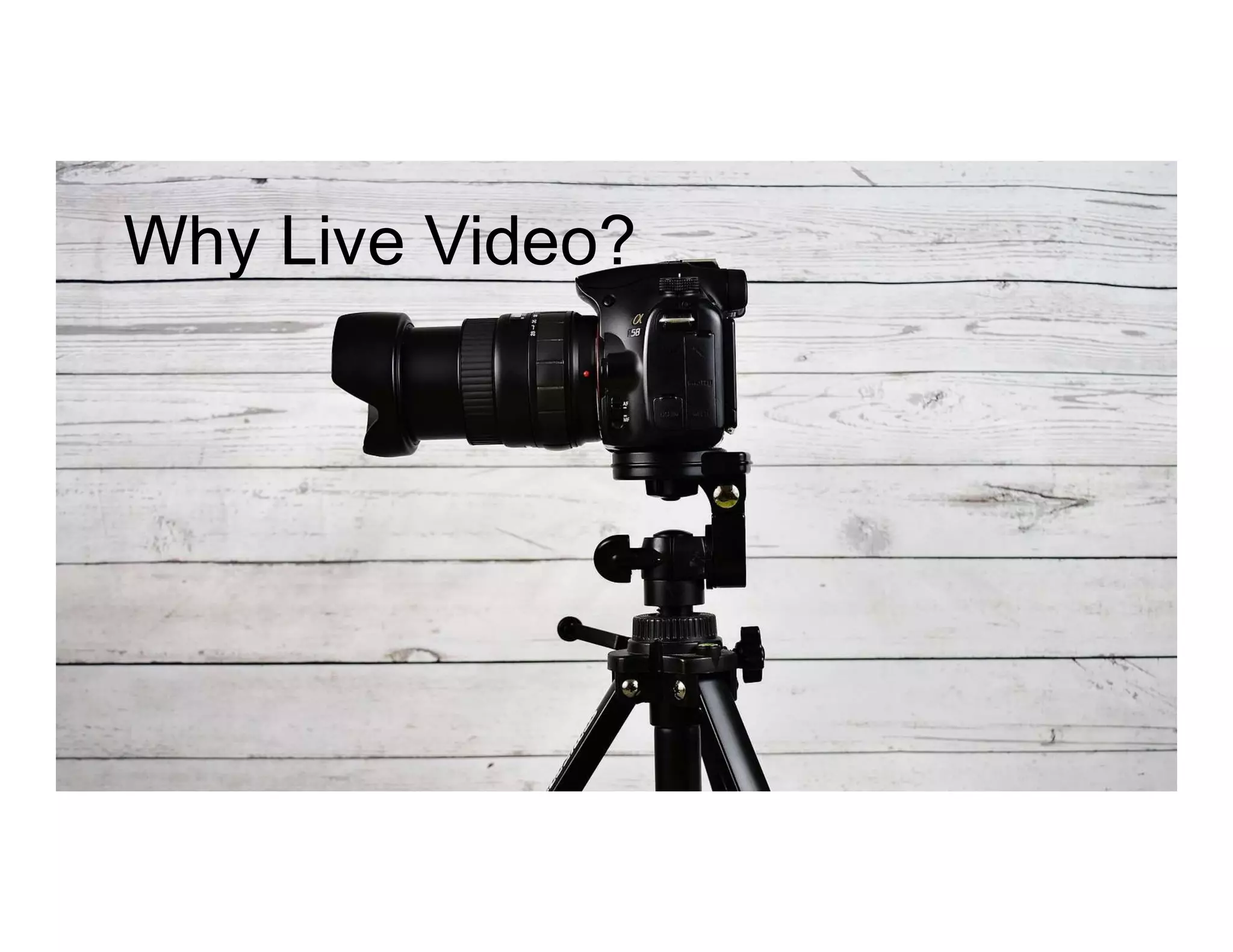
Why Live Video?
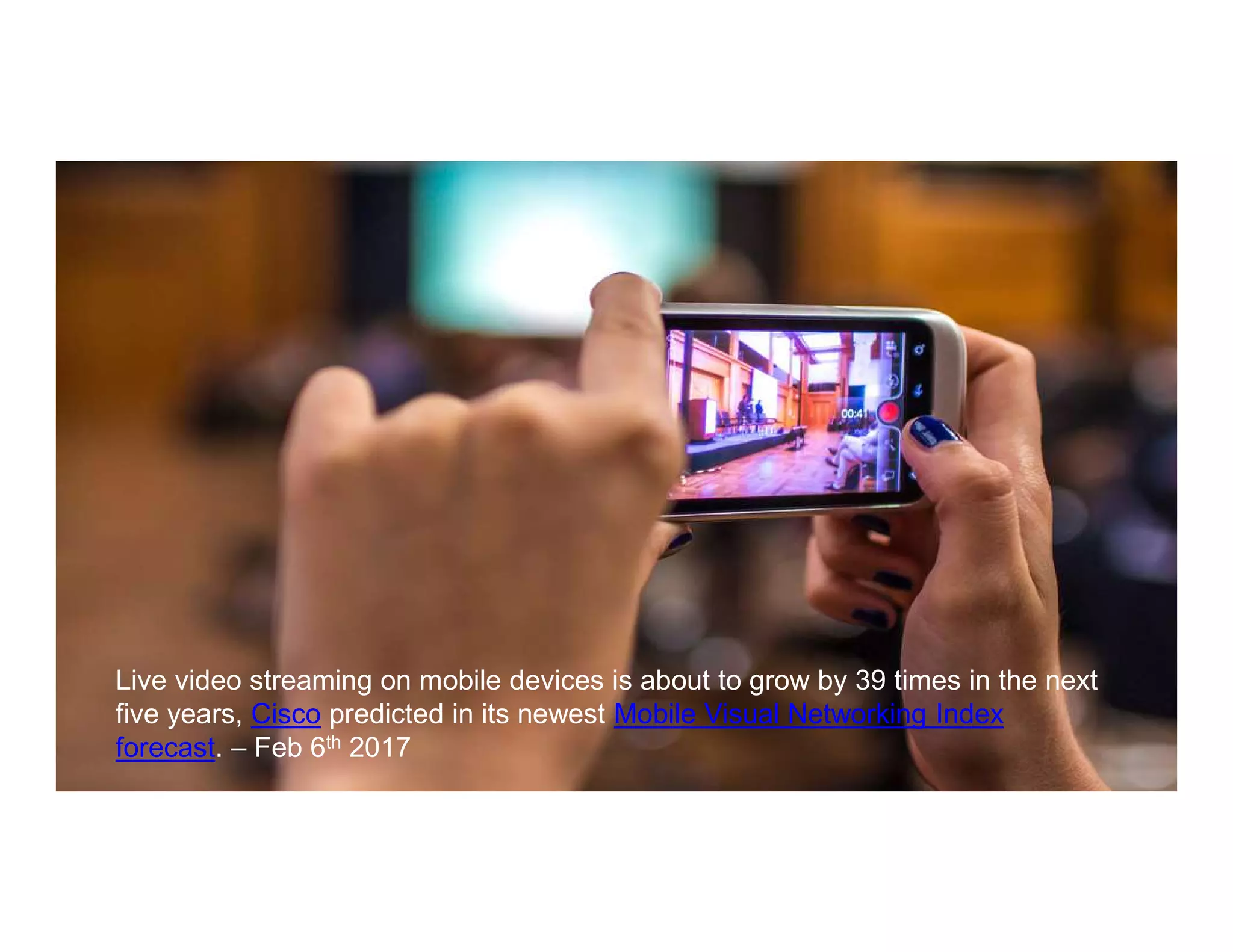
Live video streaming on mobile devices is about to grow by 39 times in the next
five years, Cisco predicted in its newest Mobile Visual Networking Index
forecast. – Feb 6th 2017
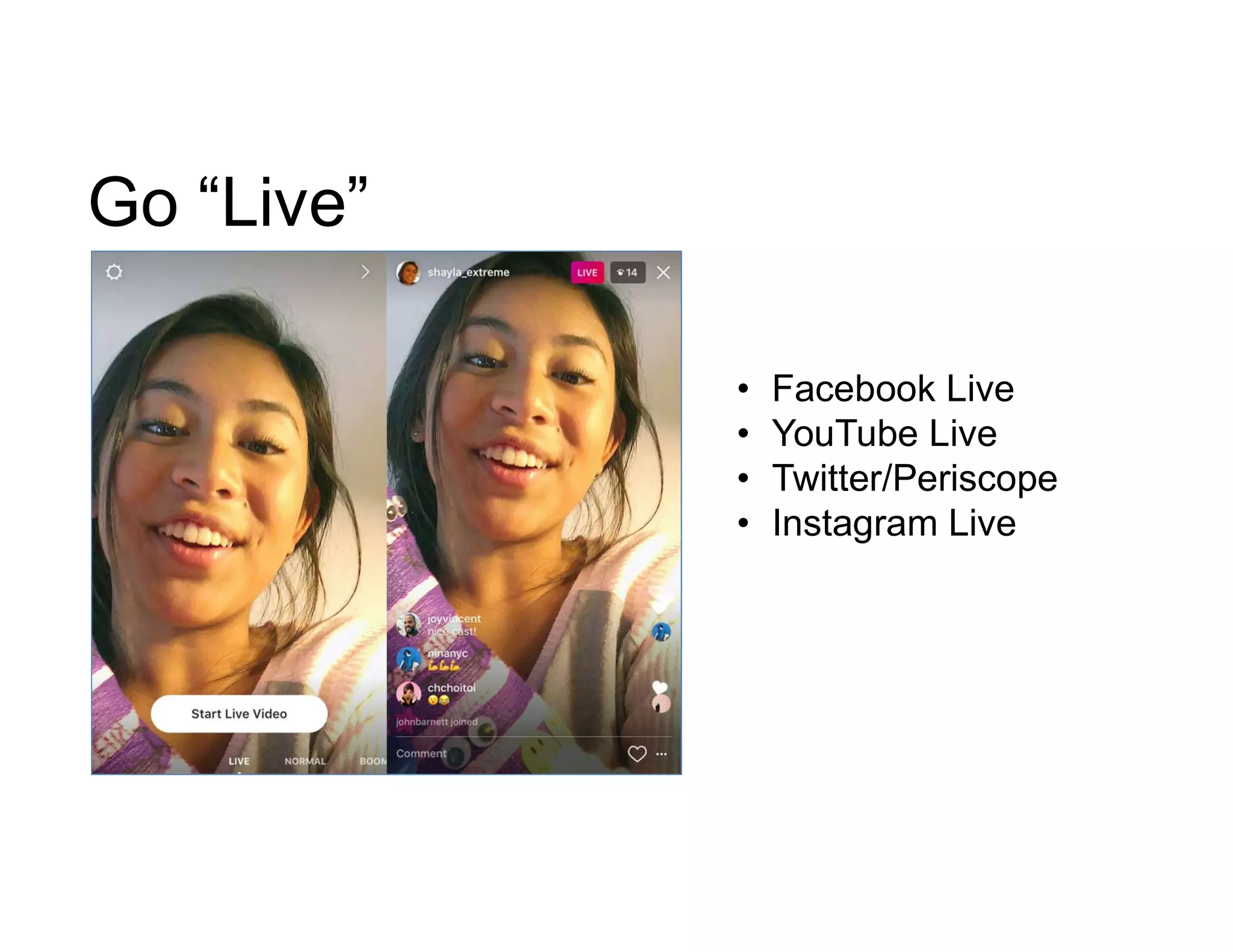
Go “Live”
• Facebook Live
• YouTube Live
• Twitter/Periscope
• Instagram Live
Live Video Ideas
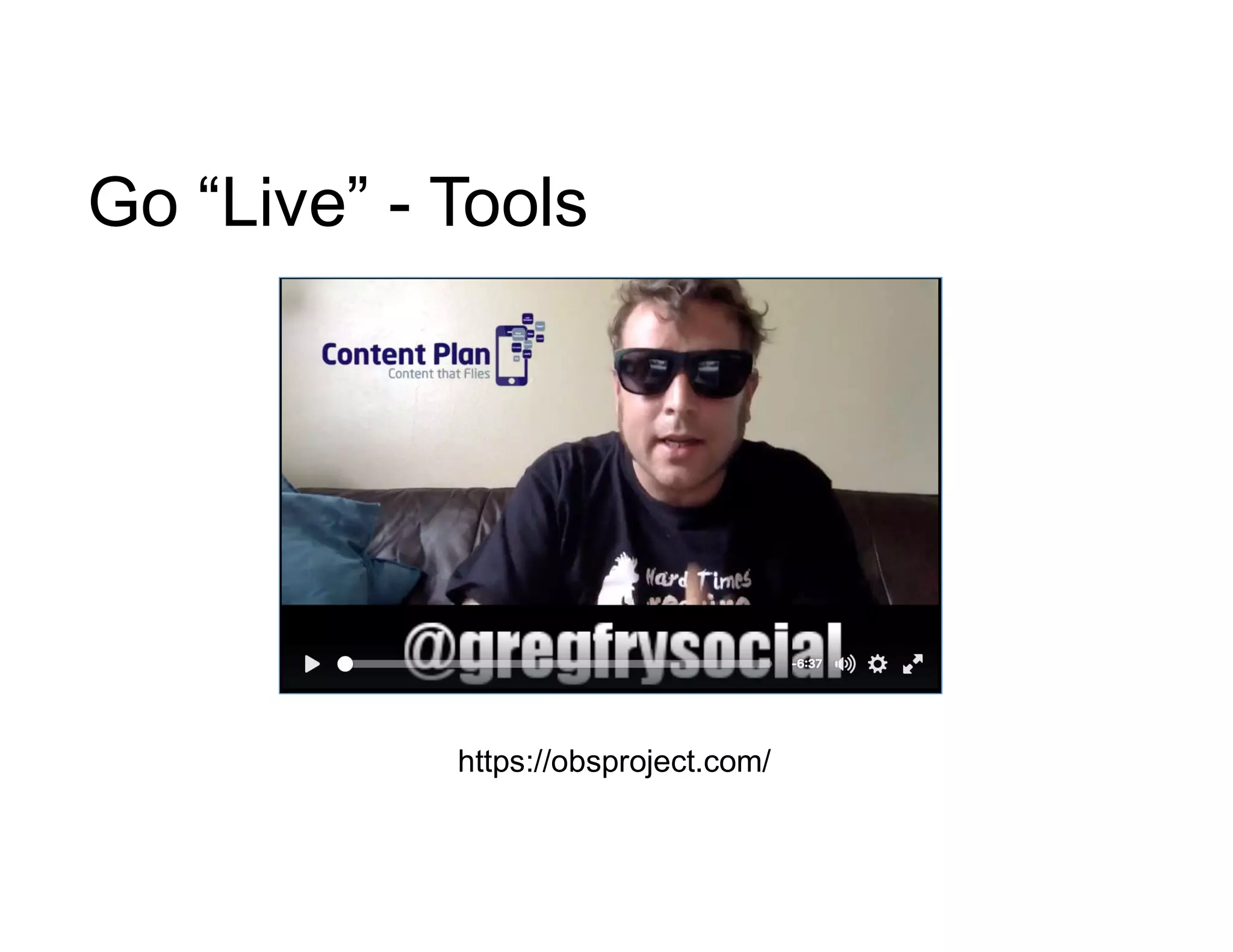
Go “Live” - Tools
https://obsproject.com/
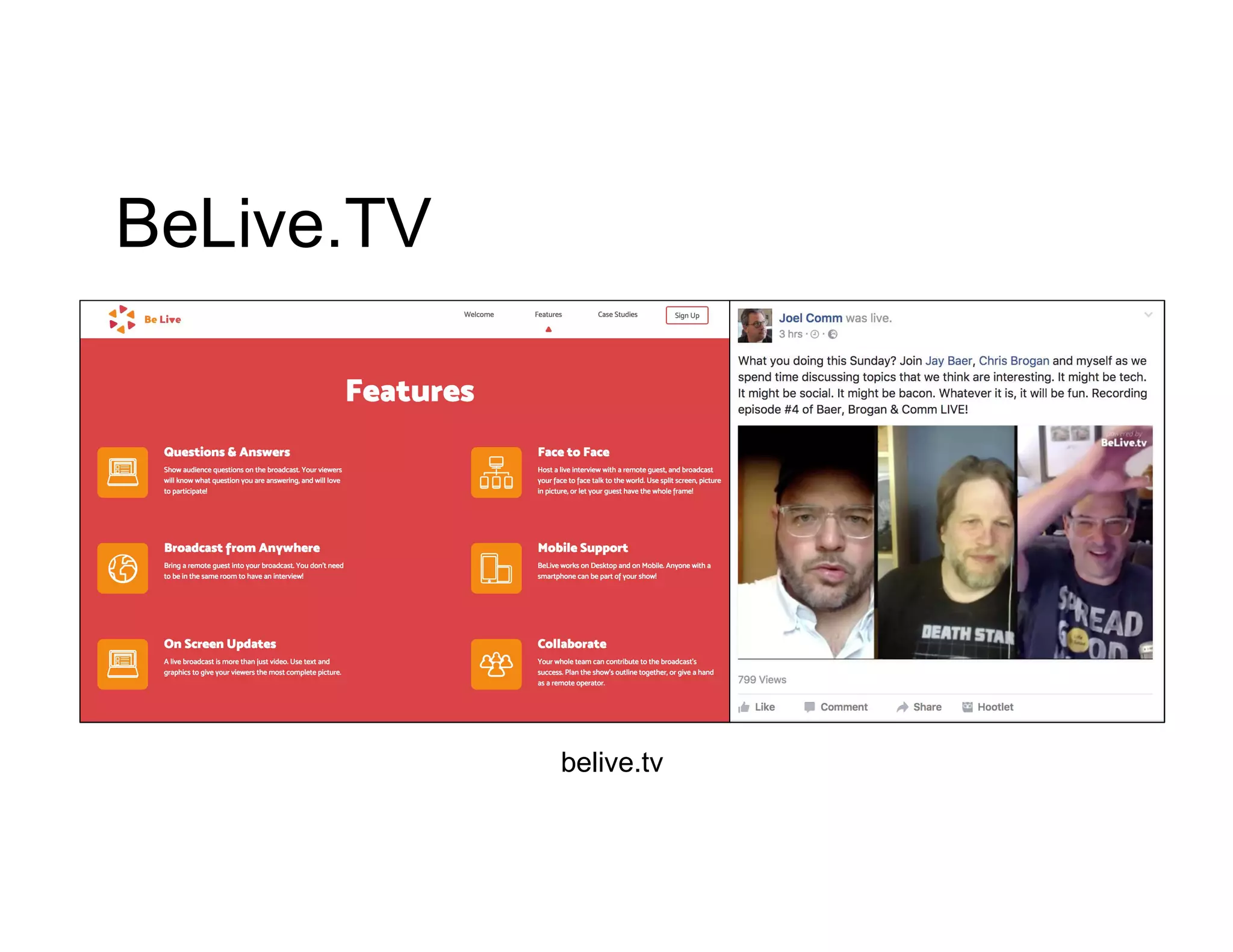
BeLive.TV
belive.tv
Switcher Go
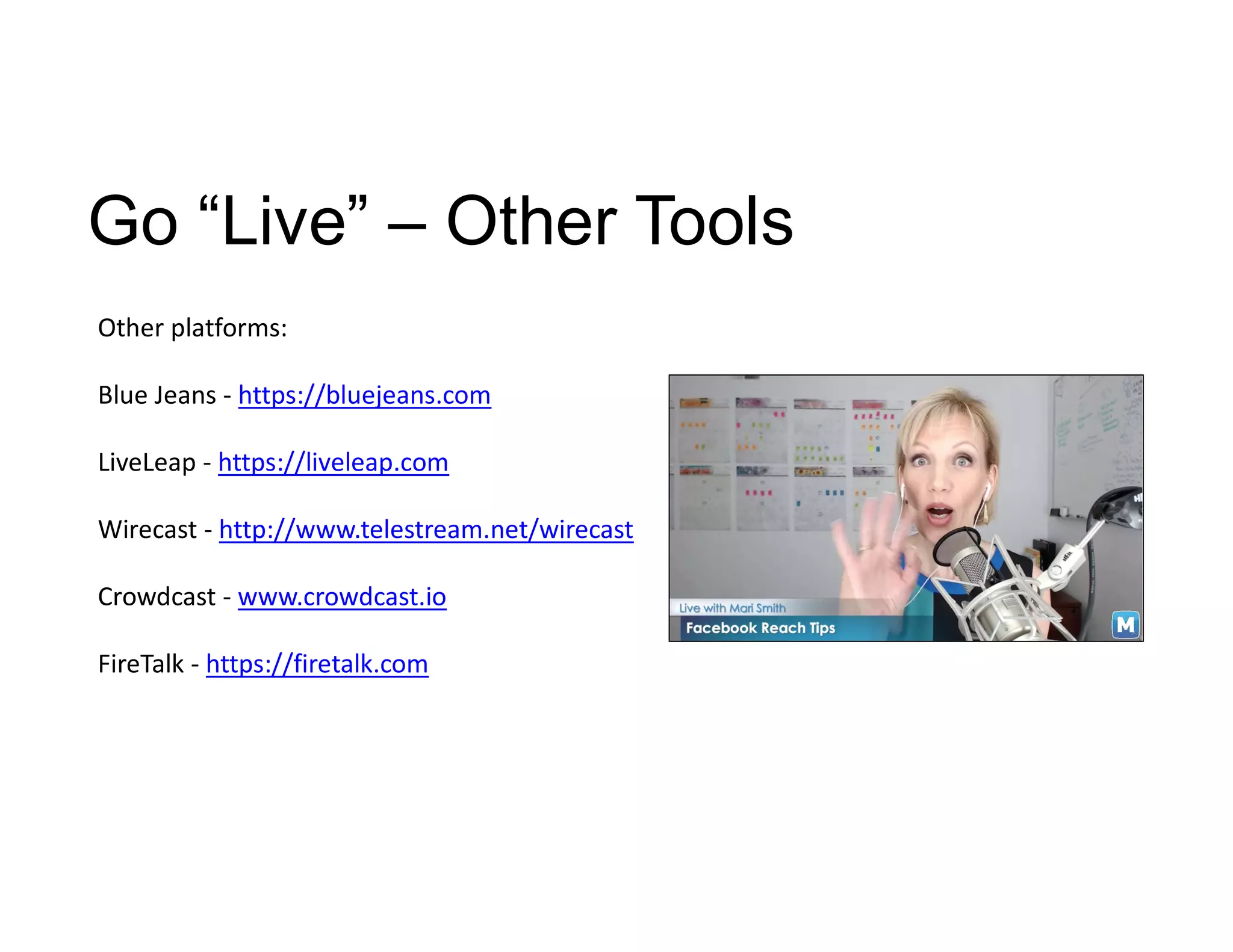
Go “Live” – Other Tools
Other platforms:
Blue Jeans - https://bluejeans.com
LiveLeap - https://liveleap.com
Wirecast - http://www.telestream.net/wirecast
Crowdcast - www.crowdcast.io
FireTalk - https://firetalk.com
This is a Workshop
Let’s Go Live
#3XEDigital
In your groups “Go Live”. Think “Value”.
Come up with ideas and tips on how businesses
can leverage your chosen live video format.
What tools and equipment do businesses need to leverage
live video?
Broadcast your tips online using the hashtag
#3XEDigital
Theme:
“Live Video ideas
and tips for
business”
The Workshop
The 10 Minute
HUDDLE
The Winning Team
Facebook Mobile Live Tips
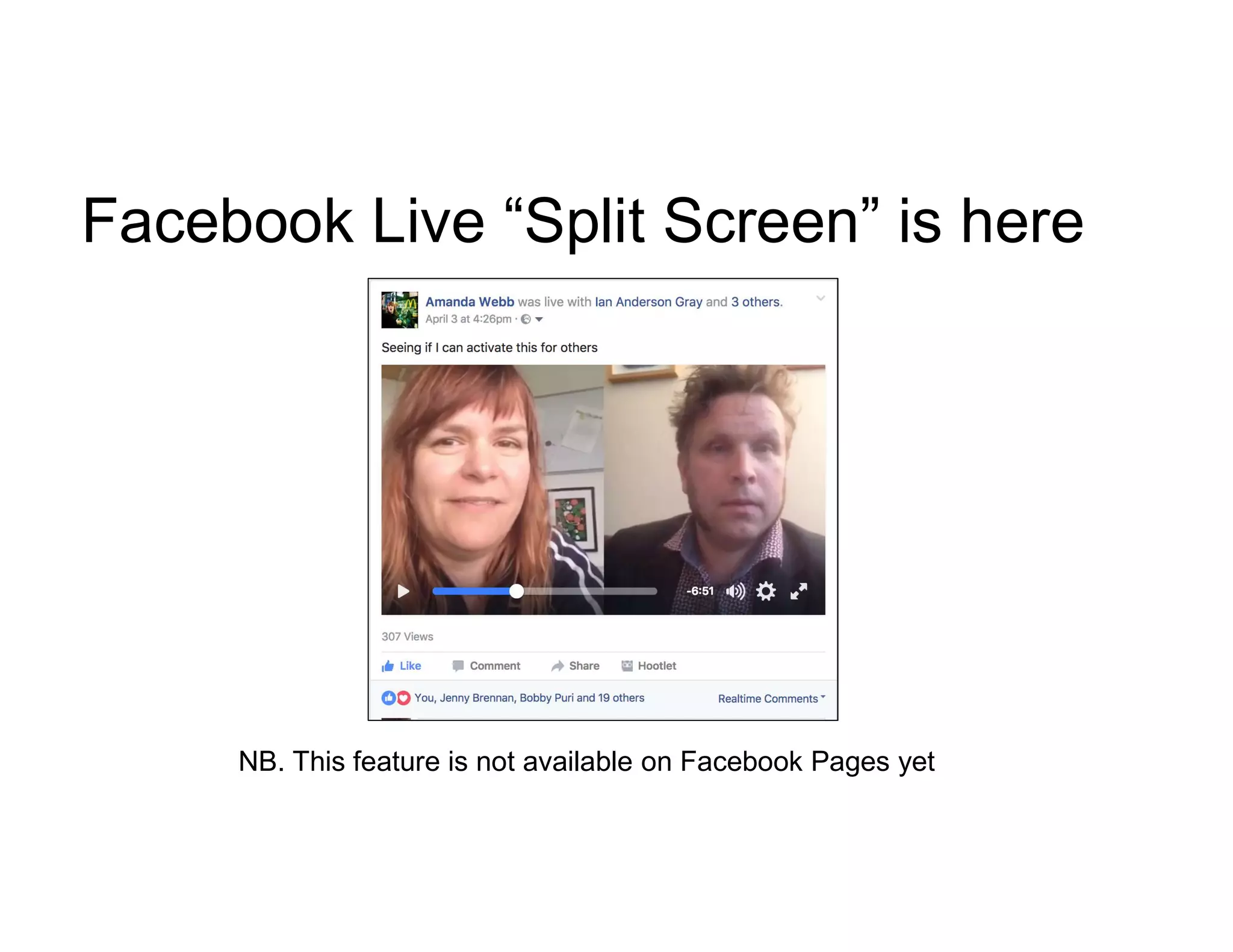
Facebook Live “Split Screen” is here
NB. This feature is not available on Facebook Pages yet
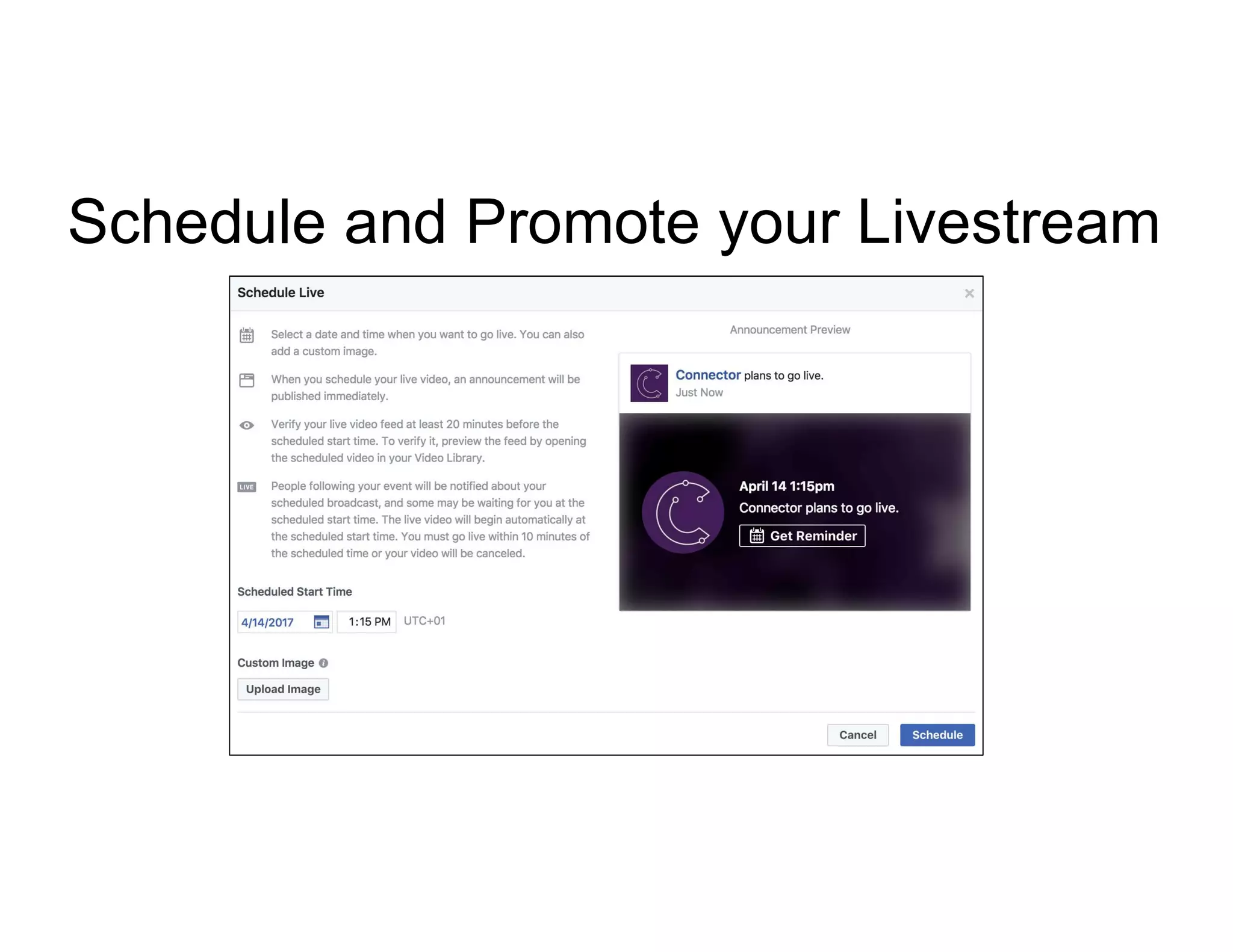
Schedule and Promote your Livestream
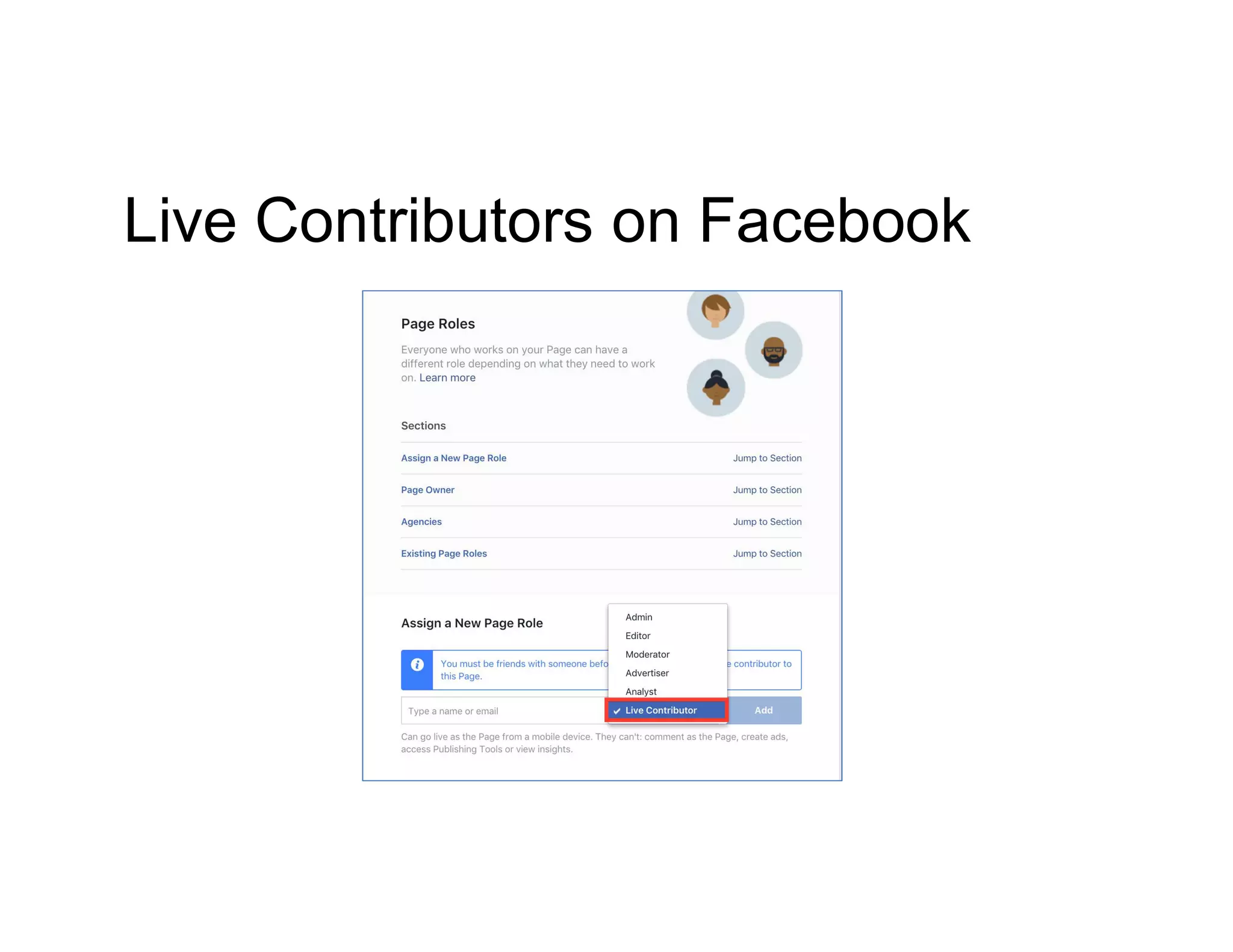
Live Contributors on Facebook
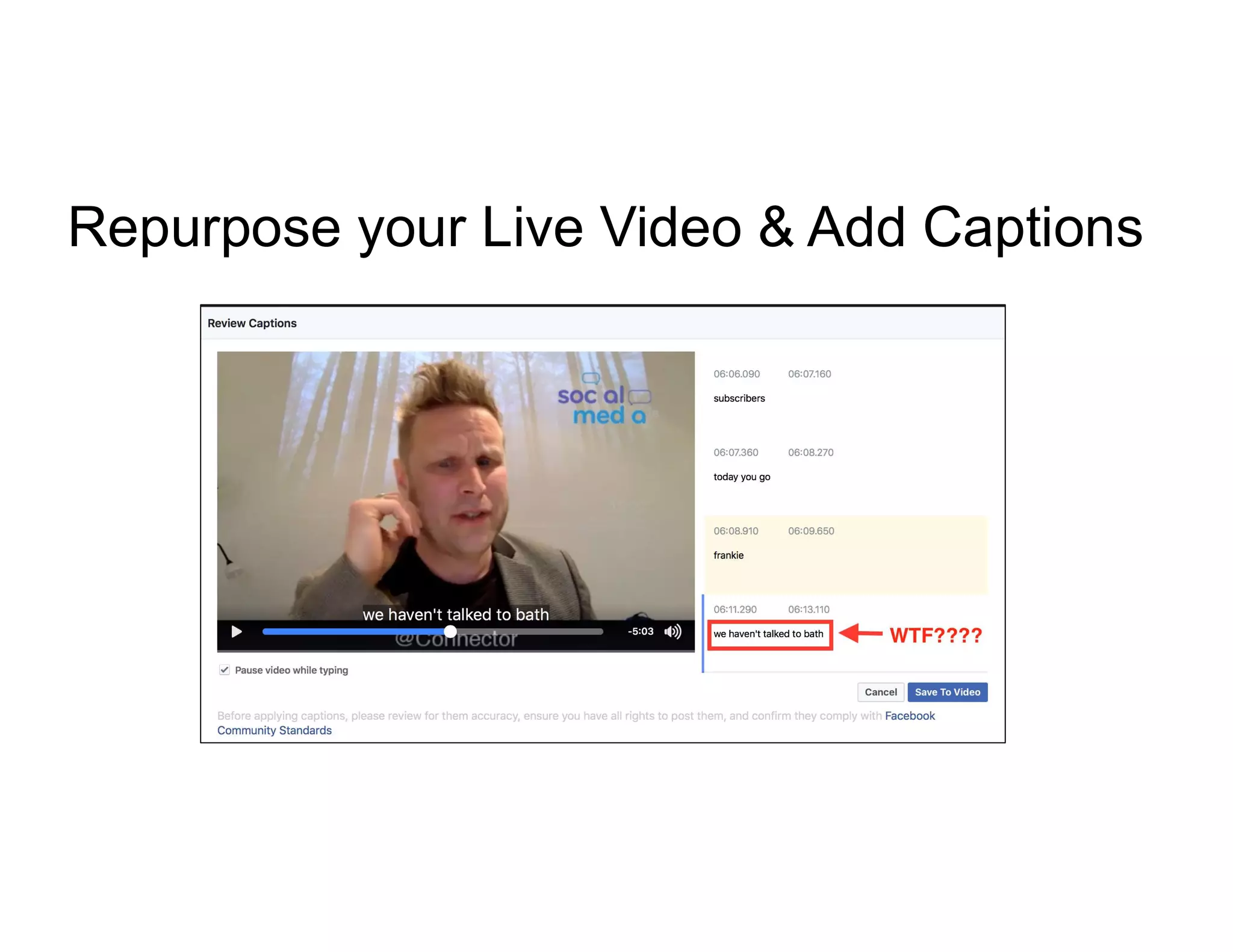
Repurpose your Live Video & Add Captions
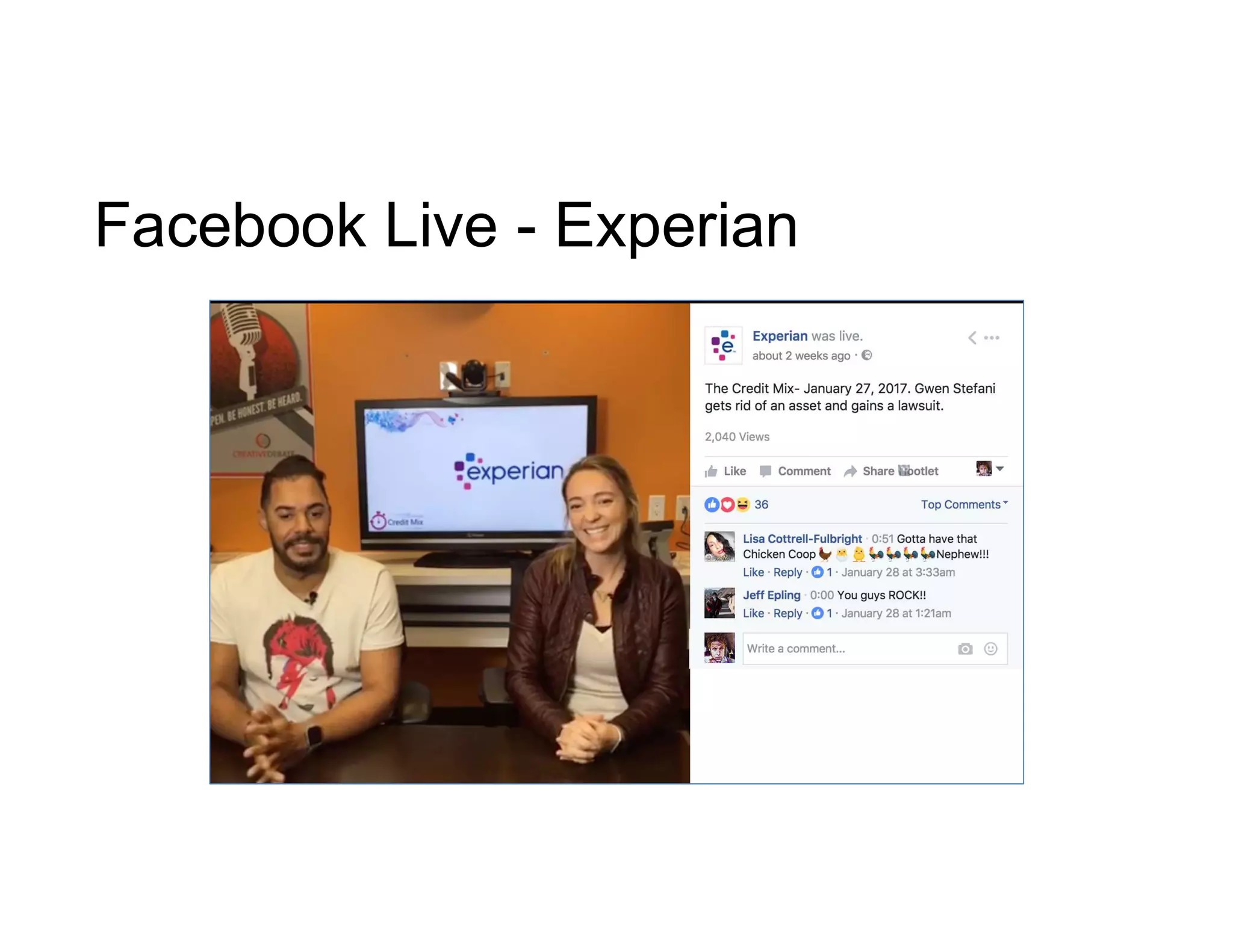
Facebook Live - Experian
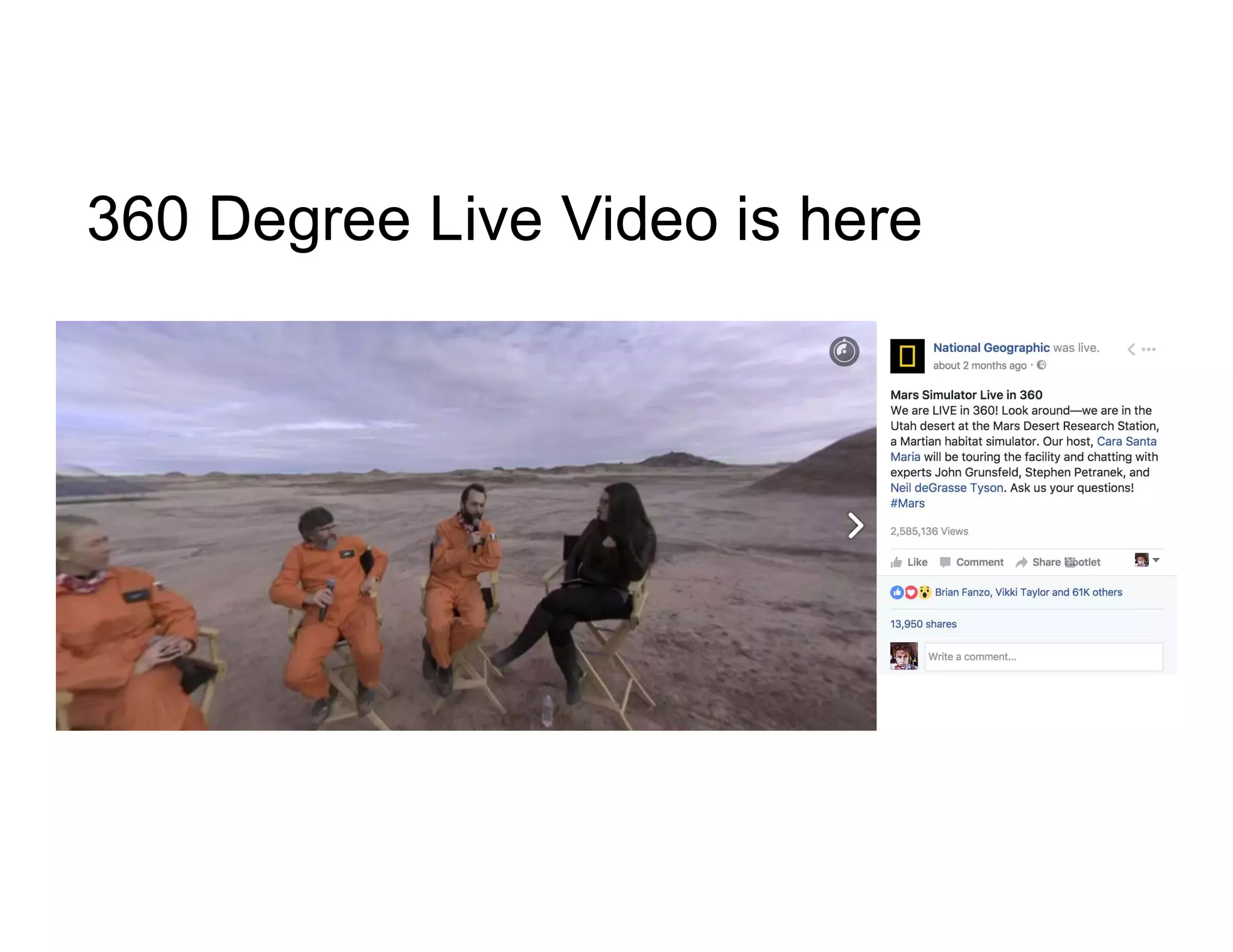
360 Degree Live Video is here
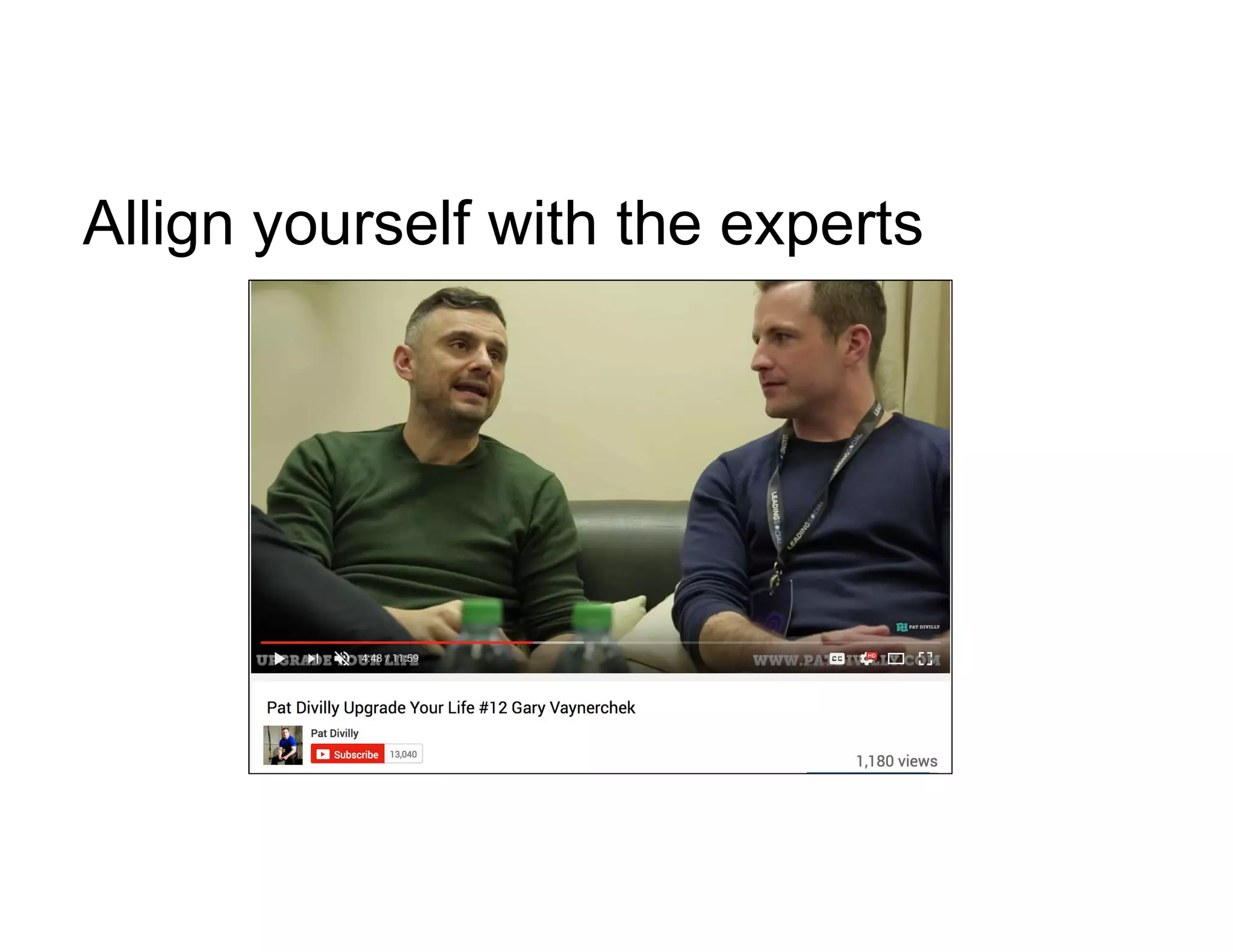
Allign yourself with the experts
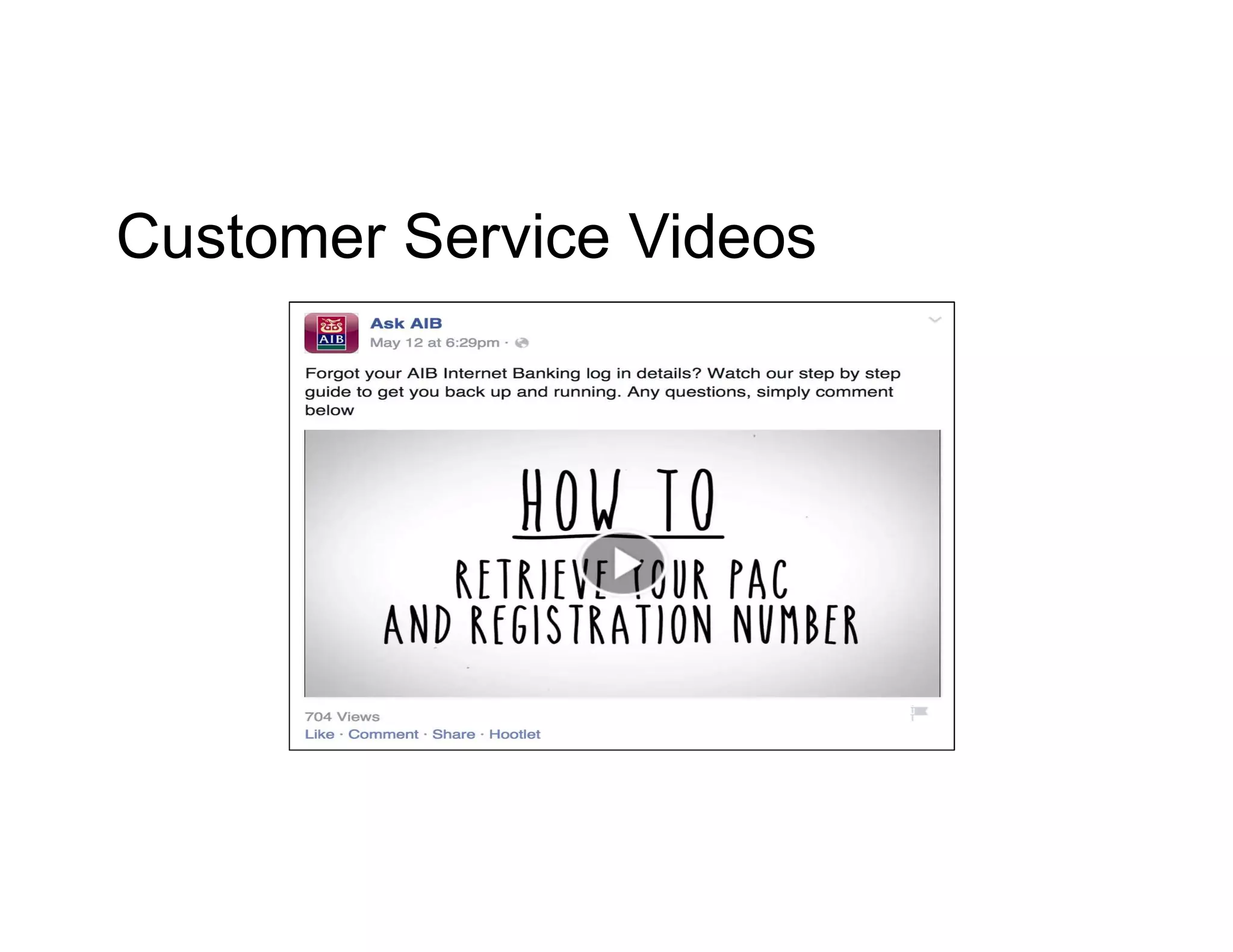
Customer Service Videos
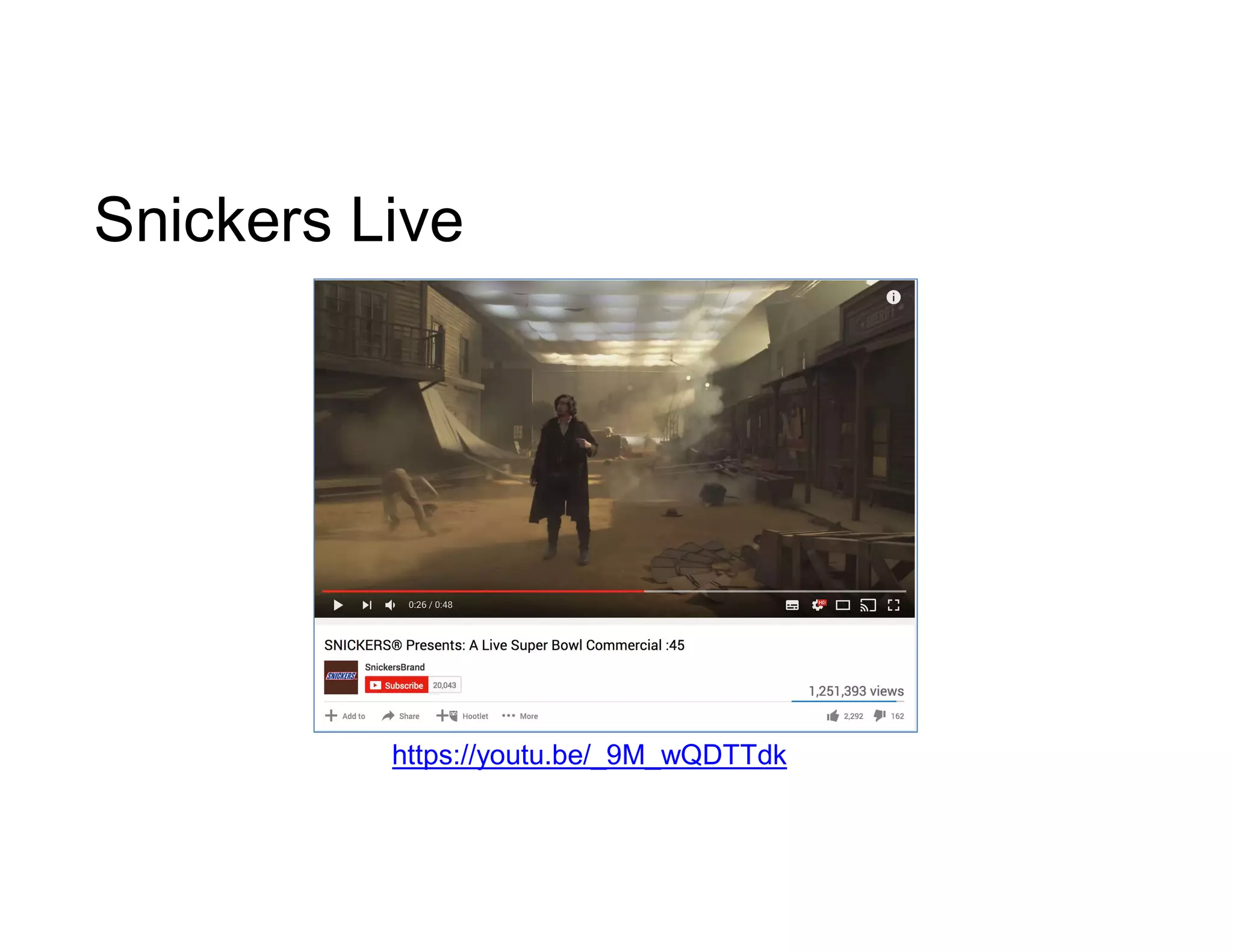
Snickers Live
https://youtu.be/_9M_wQDTTdk
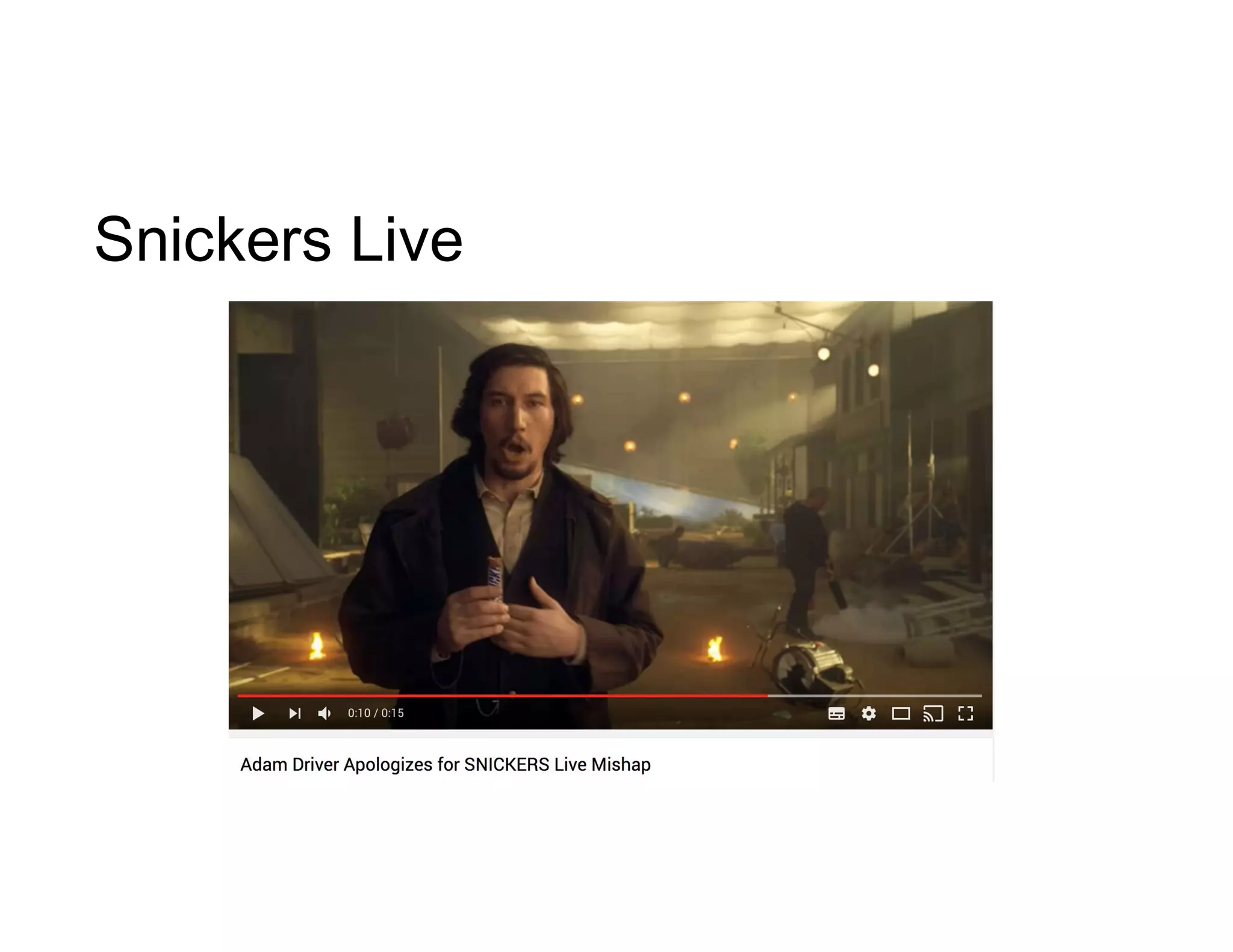
Snickers Live
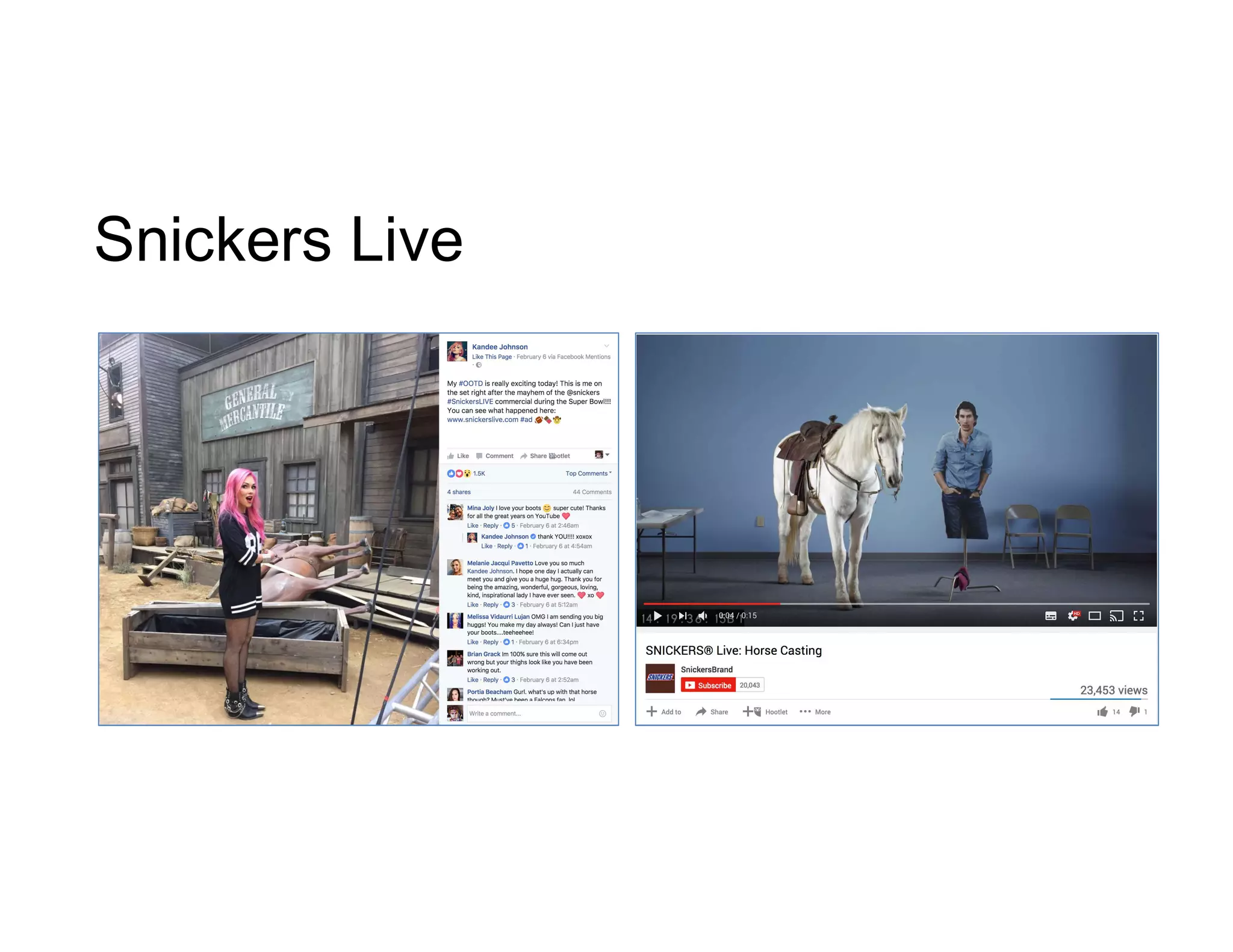
Snickers Live
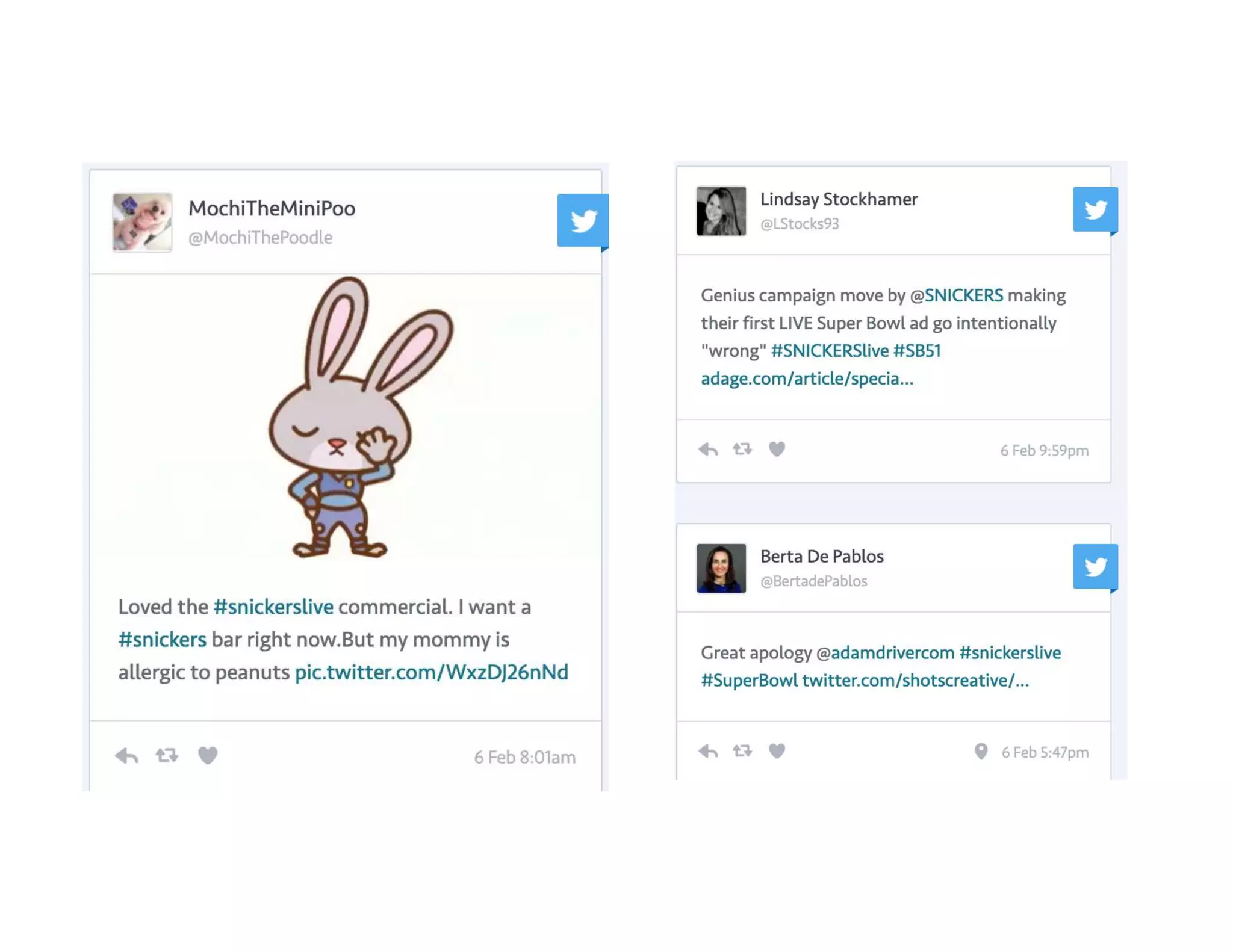
Snickers
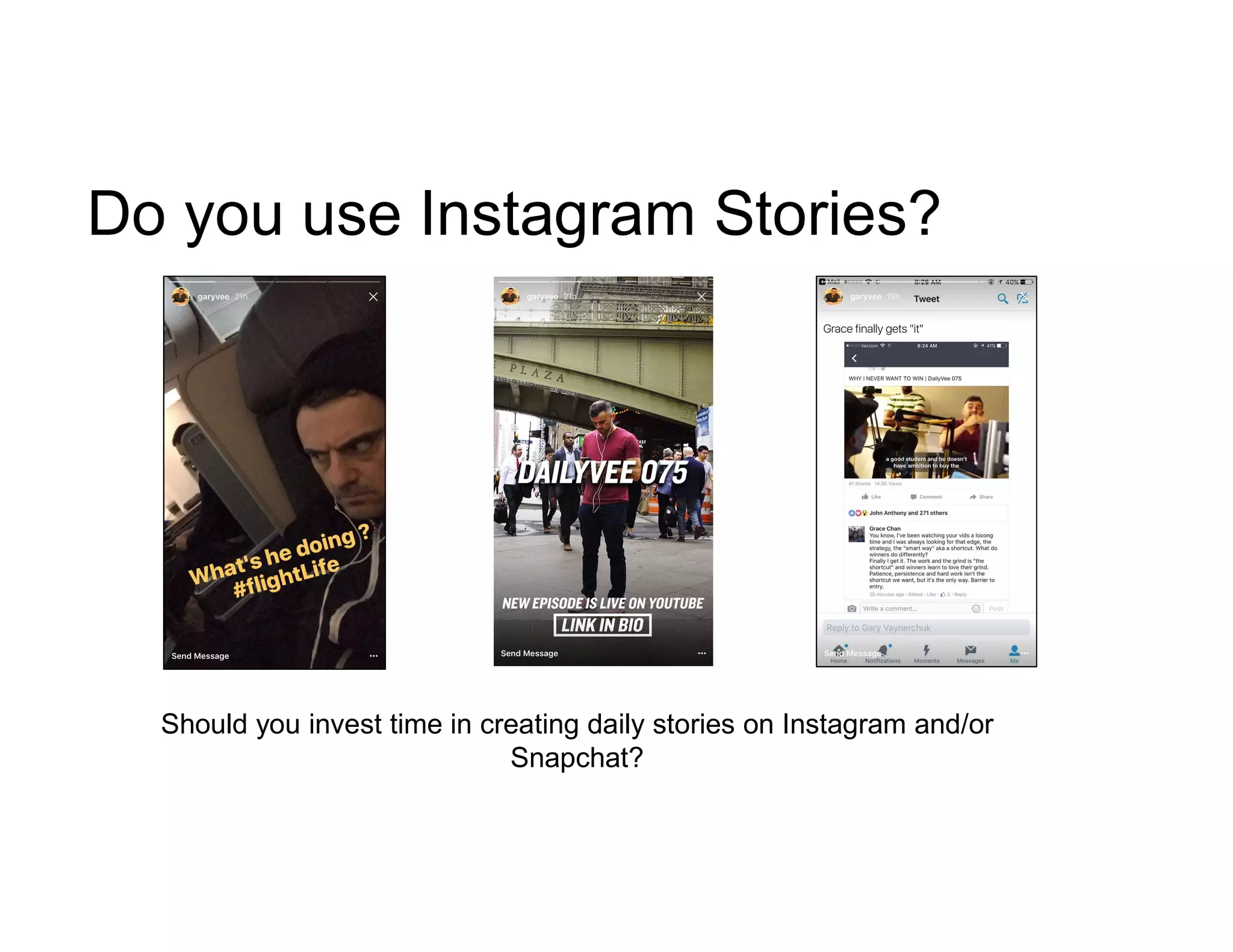
Do you use Instagram Stories?
Should you invest time in creating daily stories on Instagram and/or
Snapchat?
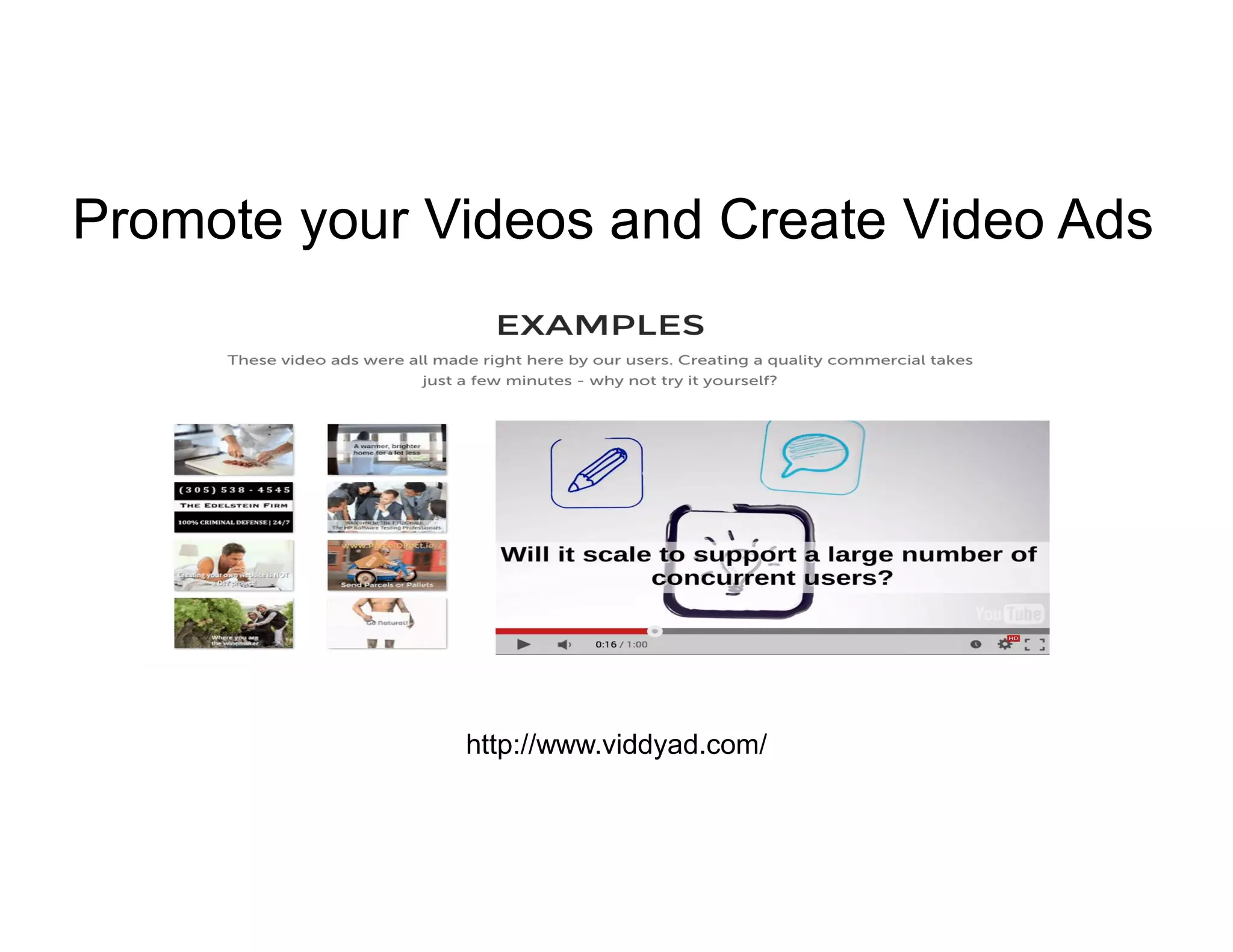
Promote your Videos and Create Video Ads
http://www.viddyad.com/
YouTube has rolled out
mobile live video for
Creators with more than
1,000 subscribers.
Super Chat also announced.
What about YouTube?
10 Livestreaming Tips
1. Create video for your audience not you. Be creative and dare to be
different.
2. Think like a Content Marketer. Write a great headlines (think SEO), add a
description and tag your live videos.
3. Promote your Livestream beforehand.
4. Plan your Live Video, but don’t rehearse so much you sound like a robot.
5. Look at the camera and be yourself. Give your best performance.
6. Have a person monitoring and fielding questions and comments in real
time.
7. Don’t be afraid to ask for something. Use “call to actions” in your
livestream
8. Consider 3rd party tools like OBS, Wirecast or BlueJeans to give your
livestream a professional look and feel.
9. Repurpose your video content after your live event.
10. Add captions or subtitles to your saved or repurposed video..
Questions?
Contact Me
+353 87 2039855
twitter.com/gregfrysocial
ie.linkedin.com/in/gregfry

WORKSHOP: Optimising Video As Part of Your Content Strategy - 3XE Digital

  • 1.
  • 4.
    Build Relationships fasterwith Video thehappypear
  • 5.
    Think Like aContent Marketer “Content marketing is a strategic marketing approach focused on creating and distributing valuable, relevant, and consistent content to attract and retain a clearly-defined audience — and, ultimately, to drive profitable customer action” - Content Marking Institute
  • 6.
    Examples of VideoMarketing? • Live Streams • Customer Service Videos • Funny Videos • Video Case studies • Video teasers • Hot News Topics • Crowd Sourcing videos • Event Previews • Event Roundups • Guides/ How to videos • Video Product reviews • Interviews
  • 7.
    “The nobodies arethe new somebodies” Who are the influencers in your industry and/or in the video world?
  • 8.
    Be Real inyour videos http://youtu.be/vZcDjcaSHvc?t=1m4s
  • 9.
    Think Vertical Image credit:Form Meets Function As of February 2017: • Facebook - Vertical videos publish with no black borders. • Instagram - Vertical videos publish with no black borders. • Snapchat - Vertical videos publish with no black borders. • Twitter - Vertical videos publish with no black borders. • YouTube - The Android version of the app hides black borders when device is held vertically and video is viewed in full screen.
  • 10.
    Formatting Your Video Title– Ensure your keywords are included in your title. Intro - Does it hold the viewer’s attention? Does it explain what the video is about? Does it communicate the “what it’s in it for me” to the viewer? Tags and Descriptions – Think SEO. Take time adding a description to your video. Also add relevant tags so your video can be found online. Add Subtitles - Add subtitles or captions so the viewer can understand your video with or without sound. Branding – Make sure you add your logo to your video. That way when your video goes viral everyone will know where it came from. Call to Action – Add a call to action in your video.
  • 11.
  • 12.
    Live video streamingon mobile devices is about to grow by 39 times in the next five years, Cisco predicted in its newest Mobile Visual Networking Index forecast. – Feb 6th 2017
  • 13.
    Go “Live” • FacebookLive • YouTube Live • Twitter/Periscope • Instagram Live
  • 14.
  • 16.
    Go “Live” -Tools https://obsproject.com/
  • 17.
  • 19.
  • 20.
    Go “Live” –Other Tools Other platforms: Blue Jeans - https://bluejeans.com LiveLeap - https://liveleap.com Wirecast - http://www.telestream.net/wirecast Crowdcast - www.crowdcast.io FireTalk - https://firetalk.com
  • 21.
    This is aWorkshop
  • 22.
  • 23.
    In your groups“Go Live”. Think “Value”. Come up with ideas and tips on how businesses can leverage your chosen live video format. What tools and equipment do businesses need to leverage live video? Broadcast your tips online using the hashtag #3XEDigital Theme: “Live Video ideas and tips for business” The Workshop The 10 Minute HUDDLE
  • 24.
  • 25.
  • 26.
    Facebook Live “SplitScreen” is here NB. This feature is not available on Facebook Pages yet
  • 27.
    Schedule and Promoteyour Livestream
  • 28.
  • 29.
    Repurpose your LiveVideo & Add Captions
  • 30.
  • 31.
    360 Degree LiveVideo is here
  • 32.
  • 33.
  • 34.
  • 35.
  • 36.
  • 37.
  • 38.
    Do you useInstagram Stories? Should you invest time in creating daily stories on Instagram and/or Snapchat?
  • 39.
    Promote your Videosand Create Video Ads http://www.viddyad.com/
  • 40.
    YouTube has rolledout mobile live video for Creators with more than 1,000 subscribers. Super Chat also announced. What about YouTube?
  • 41.
    10 Livestreaming Tips 1.Create video for your audience not you. Be creative and dare to be different. 2. Think like a Content Marketer. Write a great headlines (think SEO), add a description and tag your live videos. 3. Promote your Livestream beforehand. 4. Plan your Live Video, but don’t rehearse so much you sound like a robot. 5. Look at the camera and be yourself. Give your best performance. 6. Have a person monitoring and fielding questions and comments in real time. 7. Don’t be afraid to ask for something. Use “call to actions” in your livestream 8. Consider 3rd party tools like OBS, Wirecast or BlueJeans to give your livestream a professional look and feel. 9. Repurpose your video content after your live event. 10. Add captions or subtitles to your saved or repurposed video..
  • 42.
  • 43.
    Contact Me +353 872039855 twitter.com/gregfrysocial ie.linkedin.com/in/gregfry