
An Introduction to Windows
Phone Development

Frédéric Harper
Developer Evangelist @ Microsoft Canada

@fharper | outofcomfortzone.net
Agenda
                                        the
                                    marketplace:
                   an overview of
    foundations                     sharing your
                      the tools
                                    app with the
                                       world


       Your app can succeed on Windows Phone


2
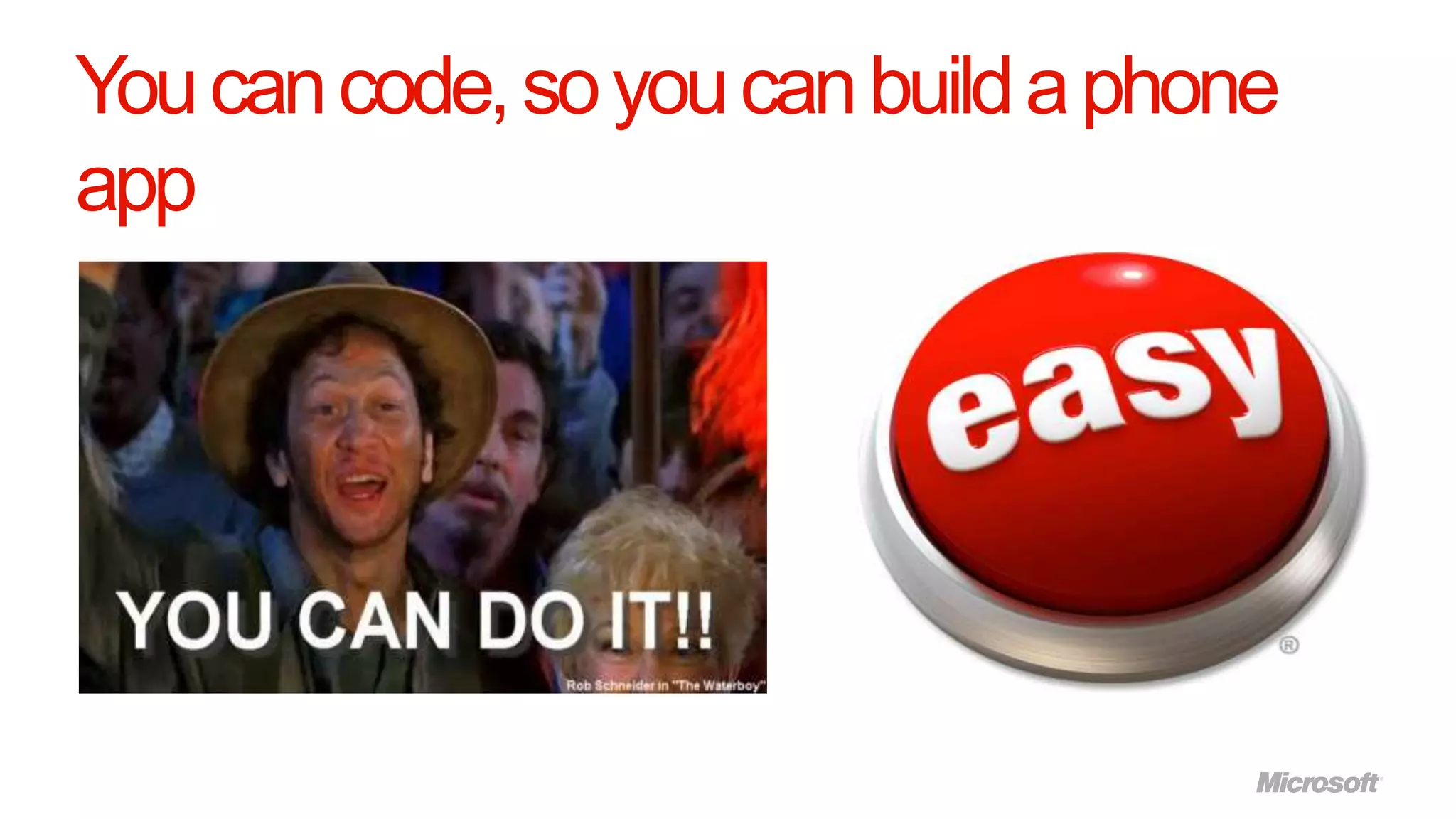
You can code, so you can build a phone
app
foundations
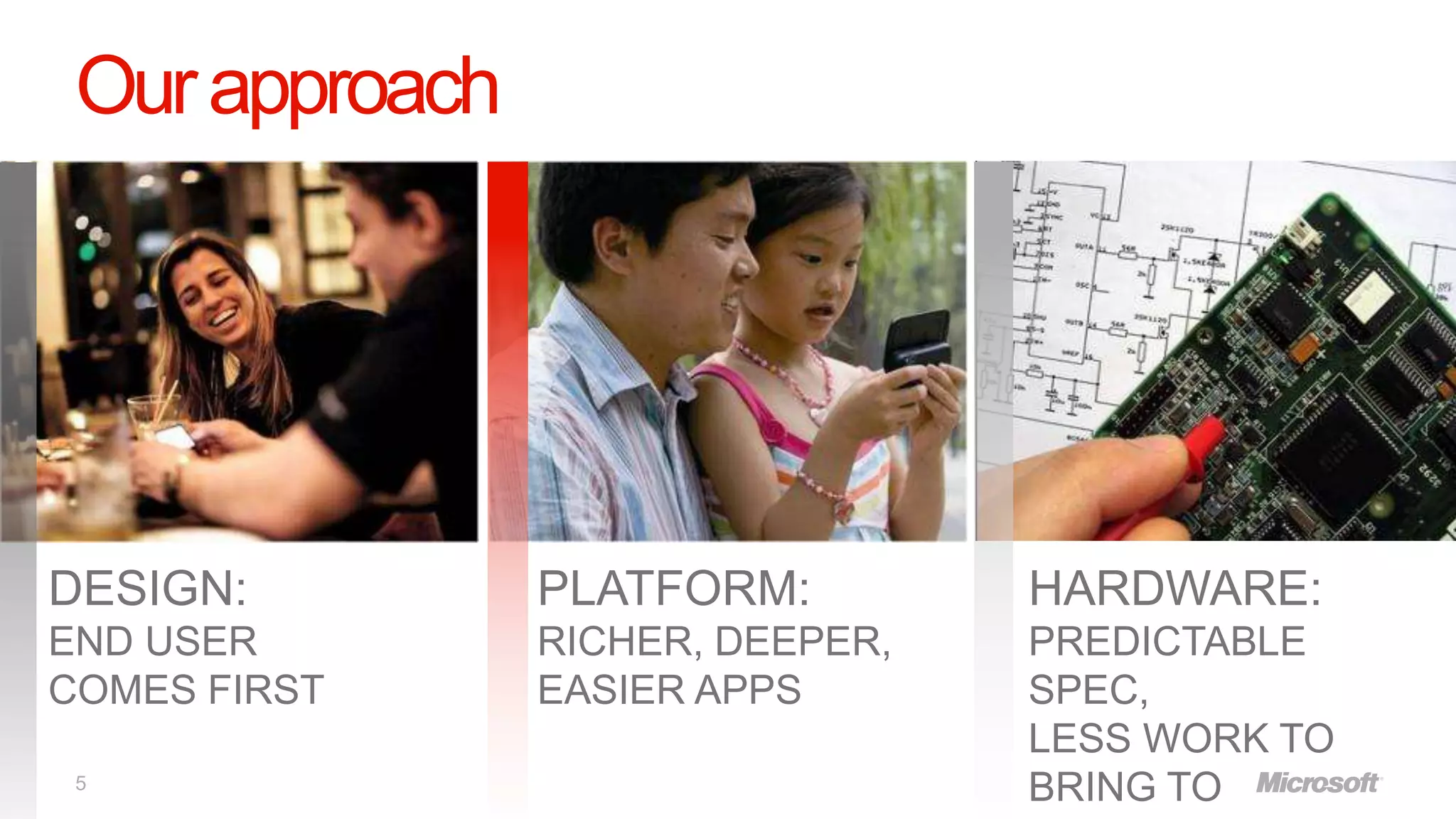
Our approach


DESIGN:         PLATFORM:         HARDWARE:
END USER        RICHER, DEEPER,   PREDICTABLE
COMES FIRST     EASIER APPS       SPEC,
                                  LESS WORK TO
 5
                                  BRING TO
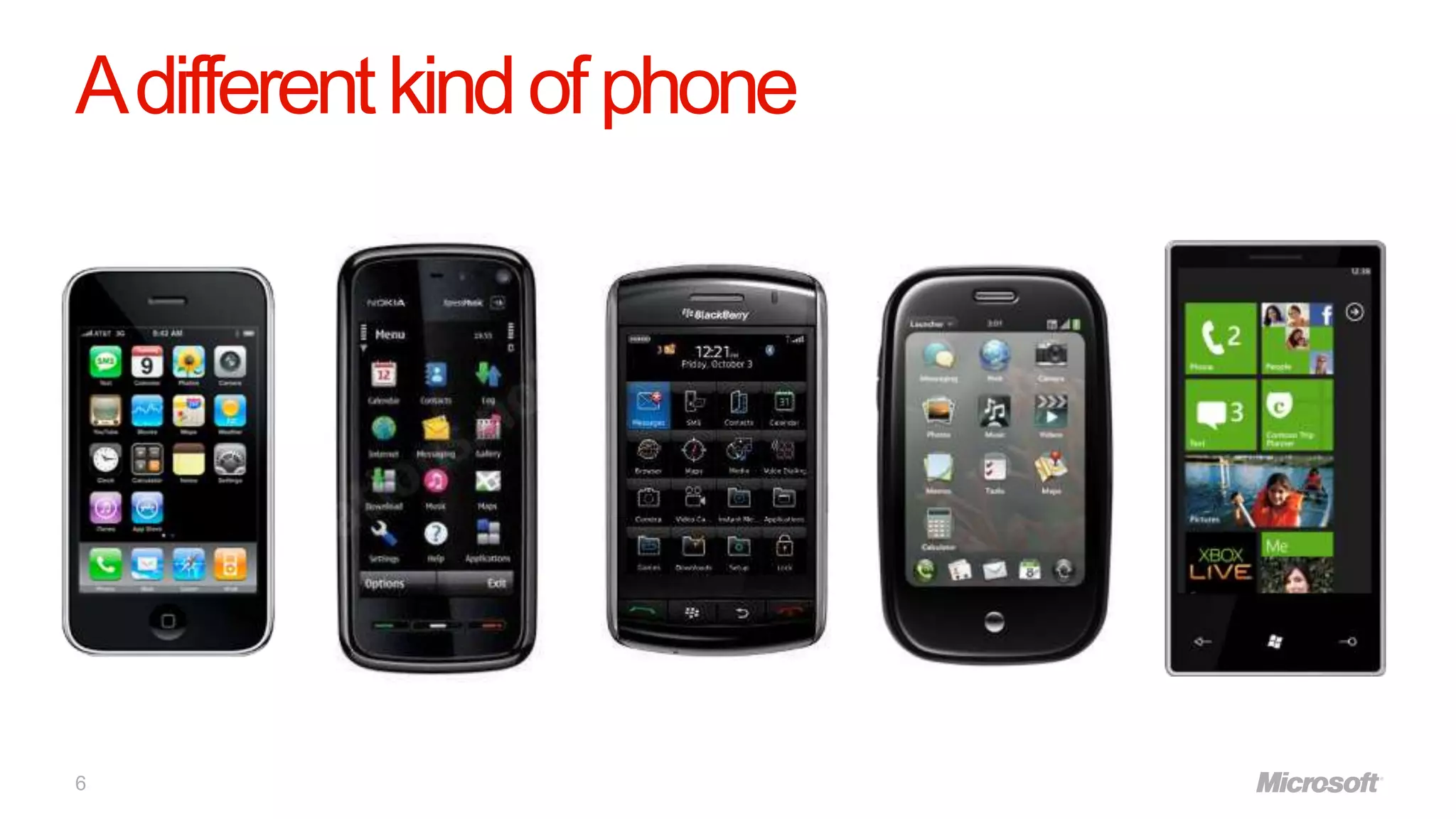
A different kind of phone


6
Introducing Metro


      Smart Design
      Integrated Experience
                 Experiences

7
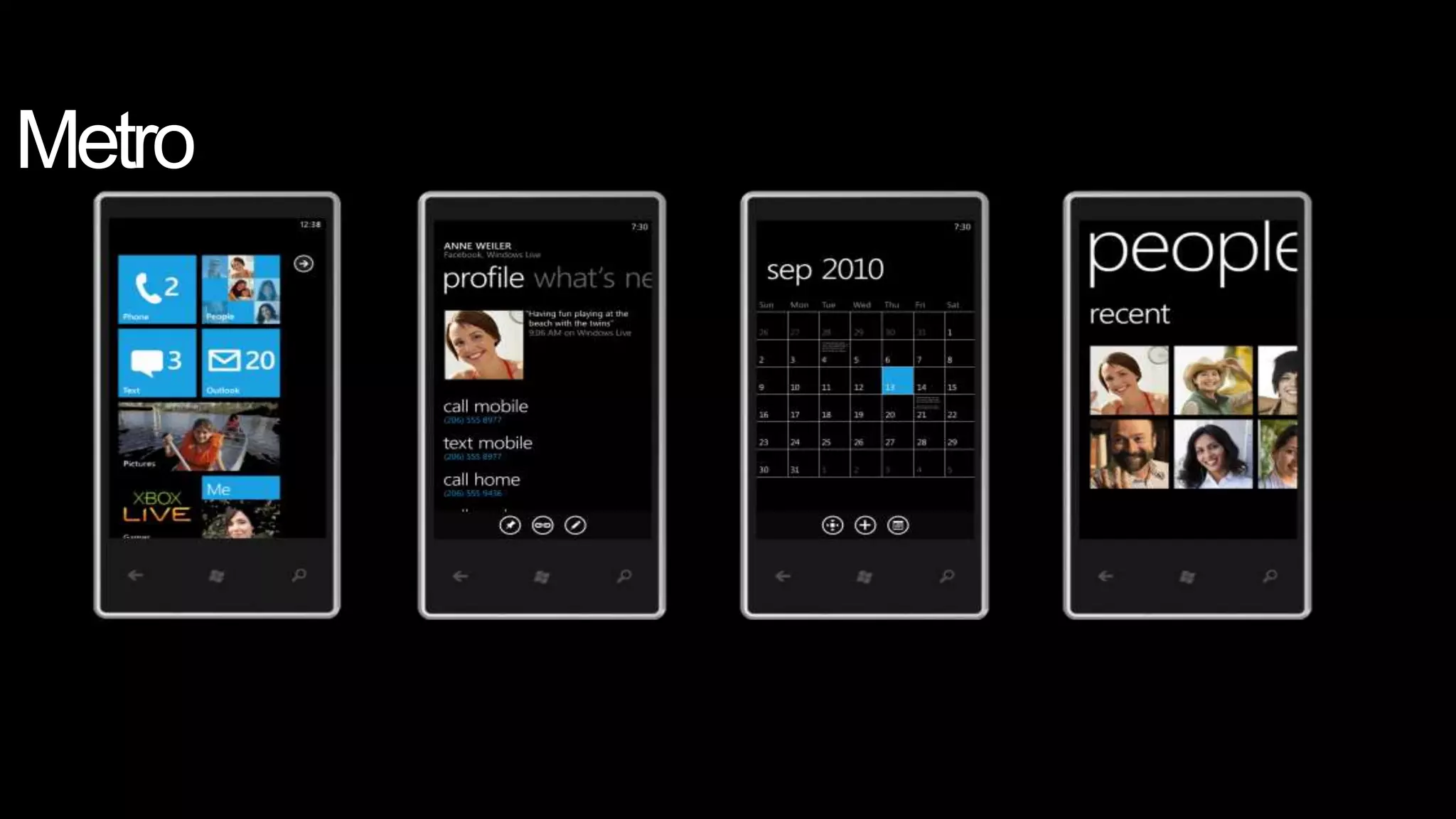
Metro
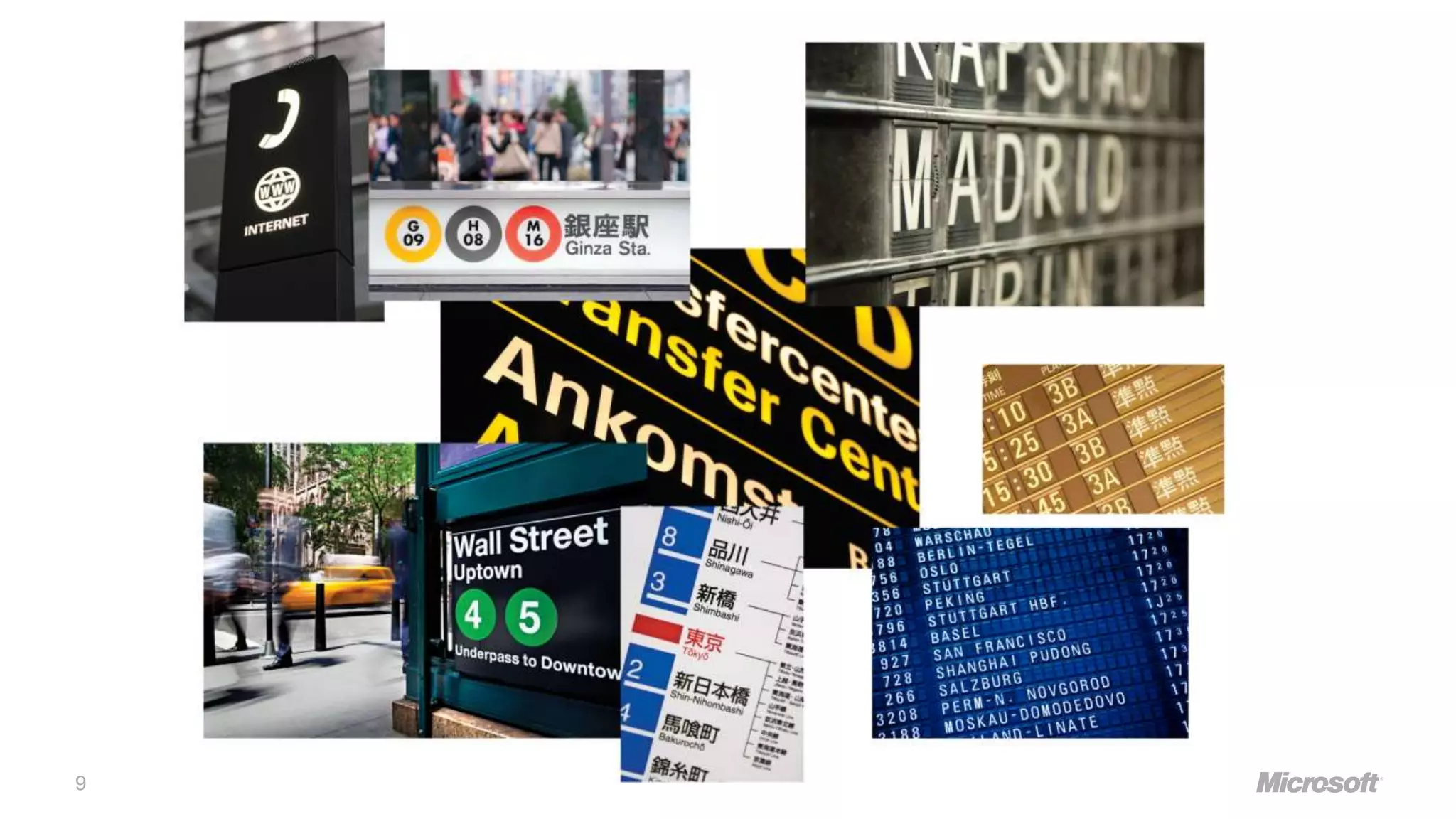
9
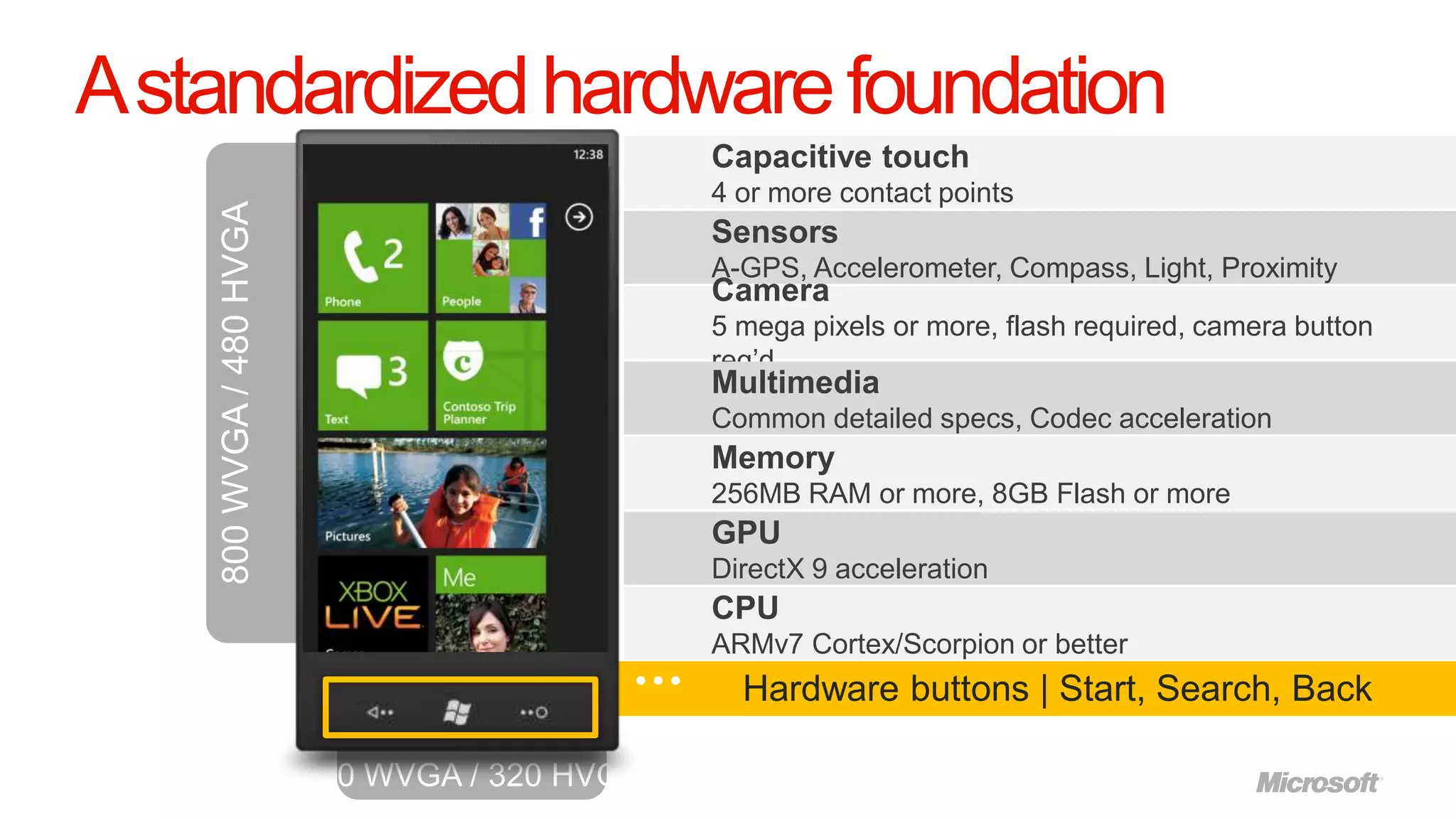
A standardized hardware foundation
                   Capacitive touch
                   4 or more contact points
                   Sensors
                   A-GPS, Accelerometer, Compass, Light, Proximity
                   Camera
                   5 mega pixels or more, flash required, camera button
                   req‟d
                   Multimedia
                   Common detailed specs, Codec acceleration
                   Memory
                   256MB RAM or more, 8GB Flash or more
                   GPU
                   DirectX 9 acceleration
                   CPU
                   ARMv7 Cortex/Scorpion or better
                     Hardware buttons | Start, Search, Back
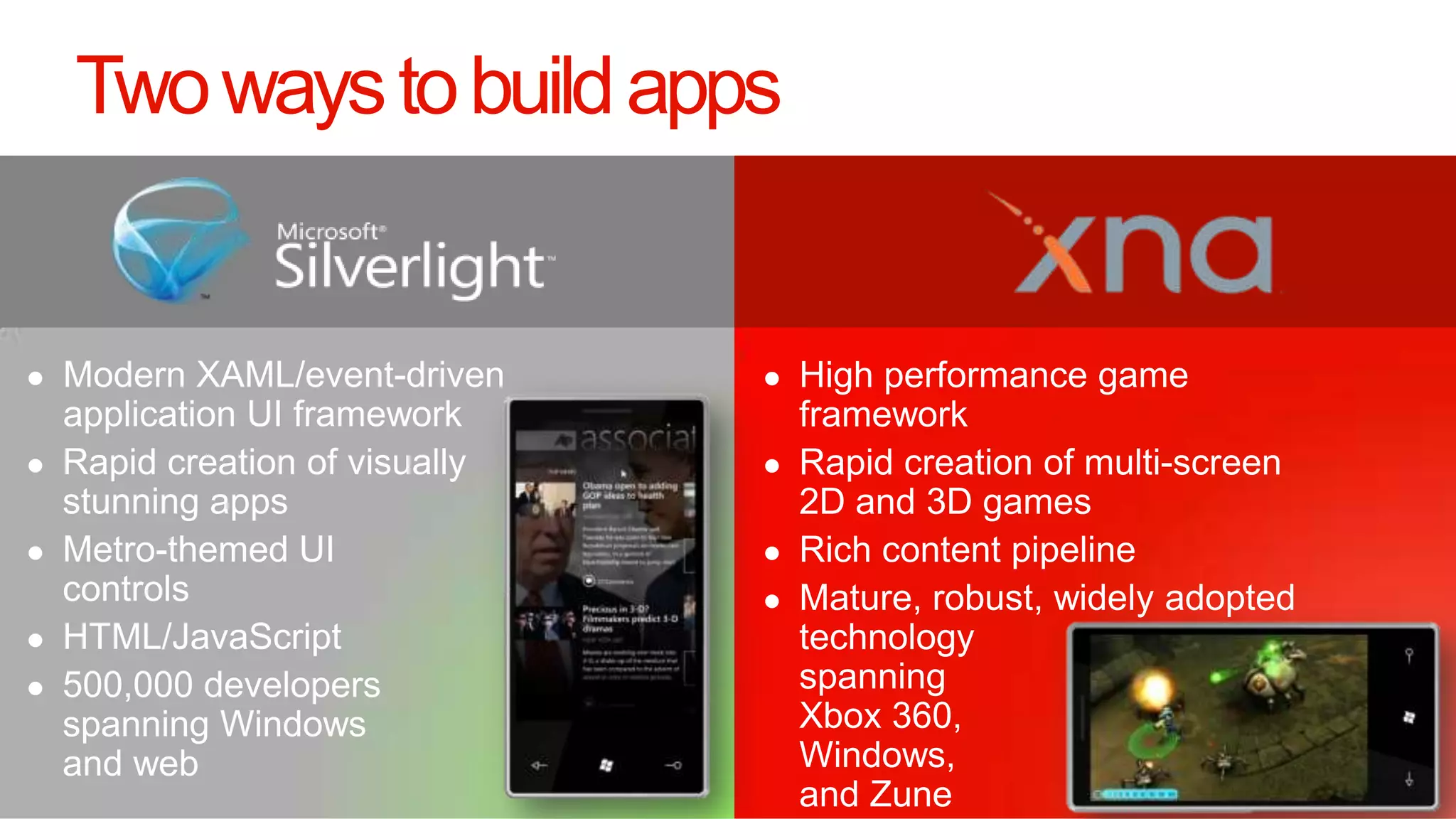
Two ways to build apps


11
let‟s talk tools
A Tour Around the App Hub
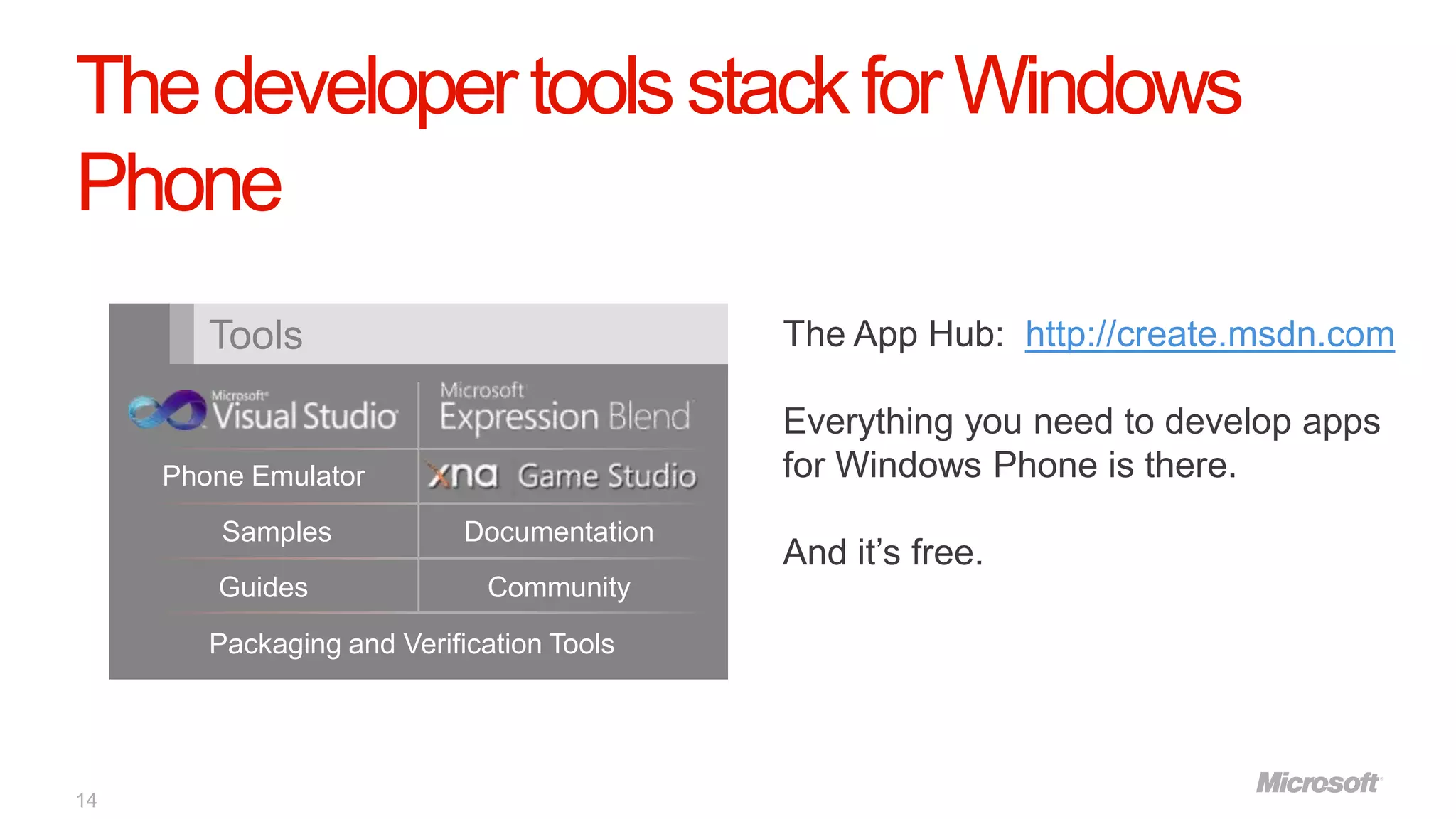
The developer tools stack for Windows
Phone
        Tools                               The App Hub: http://create.msdn.com

                                            Everything you need to develop apps
     Phone Emulator                         for Windows Phone is there.
         Samples            Documentation
                                            And it‟s free.
        Guides               Community
        Packaging and Verification Tools


14
Building an App
The Marketplace:
Testing your app on a
real phone and
submitting it
Testing your app on a real Windows Phone
device requires a Marketplace account
 A Marketplace account (CAD $99 annual fee) allows you to:

     • Publish apps and games to the Windows Phone Marketplace
     • Sideload your app to up to 3 phones at a time to test the app on real
       hardware
     • Access to analytics that allow you to determine how well your app is
       doing
     • Ability to submit games to the Xbox Indie arcade on the Xbox 360
       console


17
Developer-Unlocking your Phone
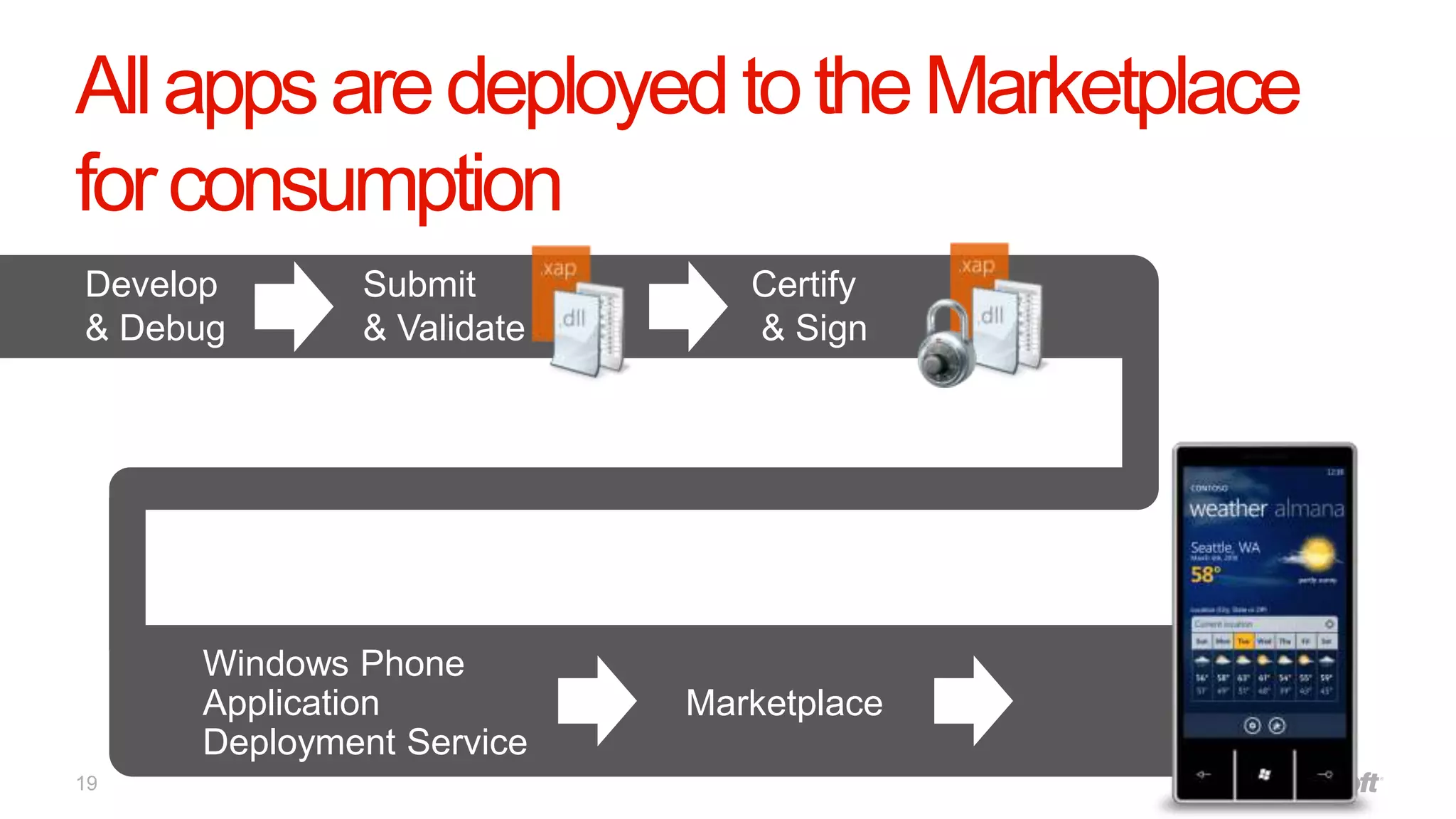
All apps are deployed to the Marketplace
for consumption
Develop      Submit          Certify
& Debug      & Validate      & Sign


     Windows Phone
     Application          Marketplace
     Deployment Service
19
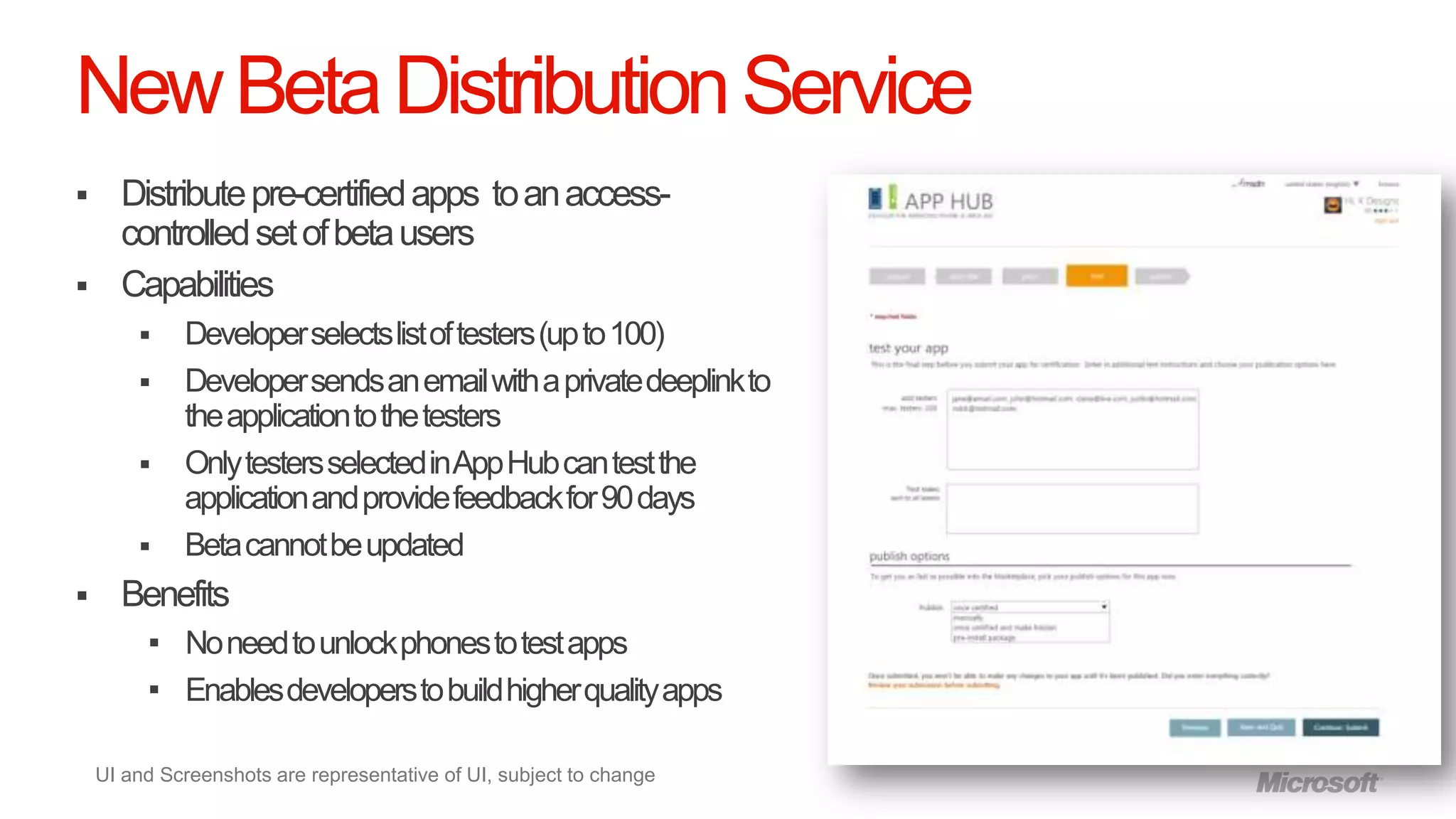
New Beta Distribution Service
     Distribute pre-certified apps to an access-
      controlled set of beta users
     Capabilities
            Developer selects list of testers (up to 100)
            Developer sends an email with a private deeplink to
             the application to the testers
            Only testers selected in App Hub can test the
             application and provide feedback for 90 days
            Beta cannot be updated
     Benefits
          No need to unlock phones to test apps
          Enables developers to build higher quality apps


    UI and Screenshots are representative of UI, subject to change
New Private Distribution Service
   Distribute certified apps privately to a targeted set of users

   Capabilities
        Developer needs to get the app certified before distributing
        Developer sends an email with a deeplink to the users (App is not discoverable via Search)
        Developer can update, which is pushed to the users
        No limits on the number of users or duration (no time-bombing)
        No access enforcement,
        Apps can be „free‟ or „paid‟
        Apps can be published publicly at any time

   Benefits
      Enables broad distribution of apps in a more private way
      Enables broad public betas, previews, and community distribution
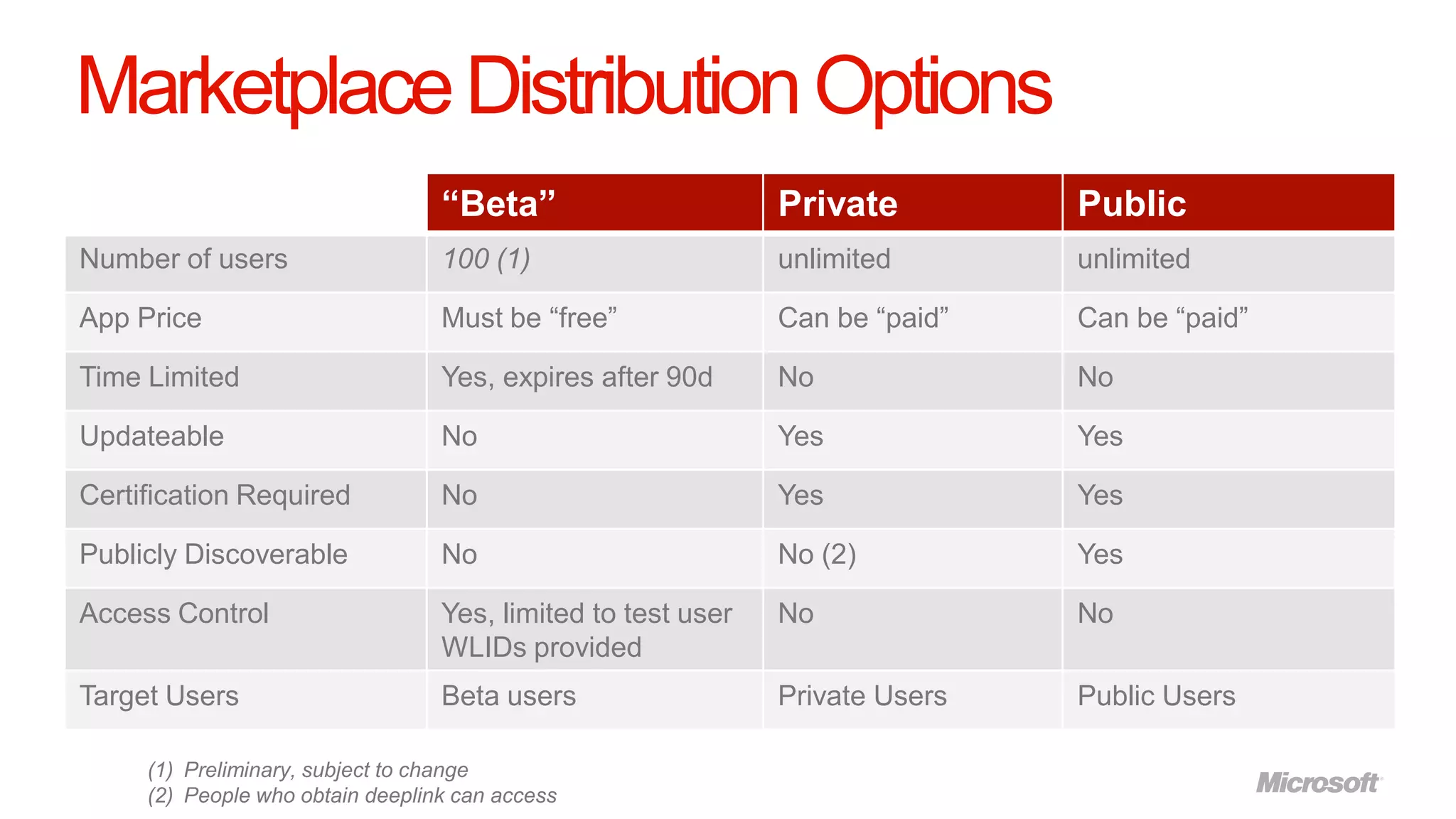
Marketplace Distribution Options
                                  “Beta”                      Private         Public
Number of users                   100 (1)                     unlimited       unlimited

App Price                         Must be “free”              Can be “paid”   Can be “paid”

Time Limited                      Yes, expires after 90d      No              No

Updateable                        No                          Yes             Yes

Certification Required            No                          Yes             Yes

Publicly Discoverable             No                          No (2)          Yes

Access Control                    Yes, limited to test user   No              No
                                  WLIDs provided
Target Users                      Beta users                  Private Users   Public Users

     (1) Preliminary, subject to change
     (2) People who obtain deeplink can access
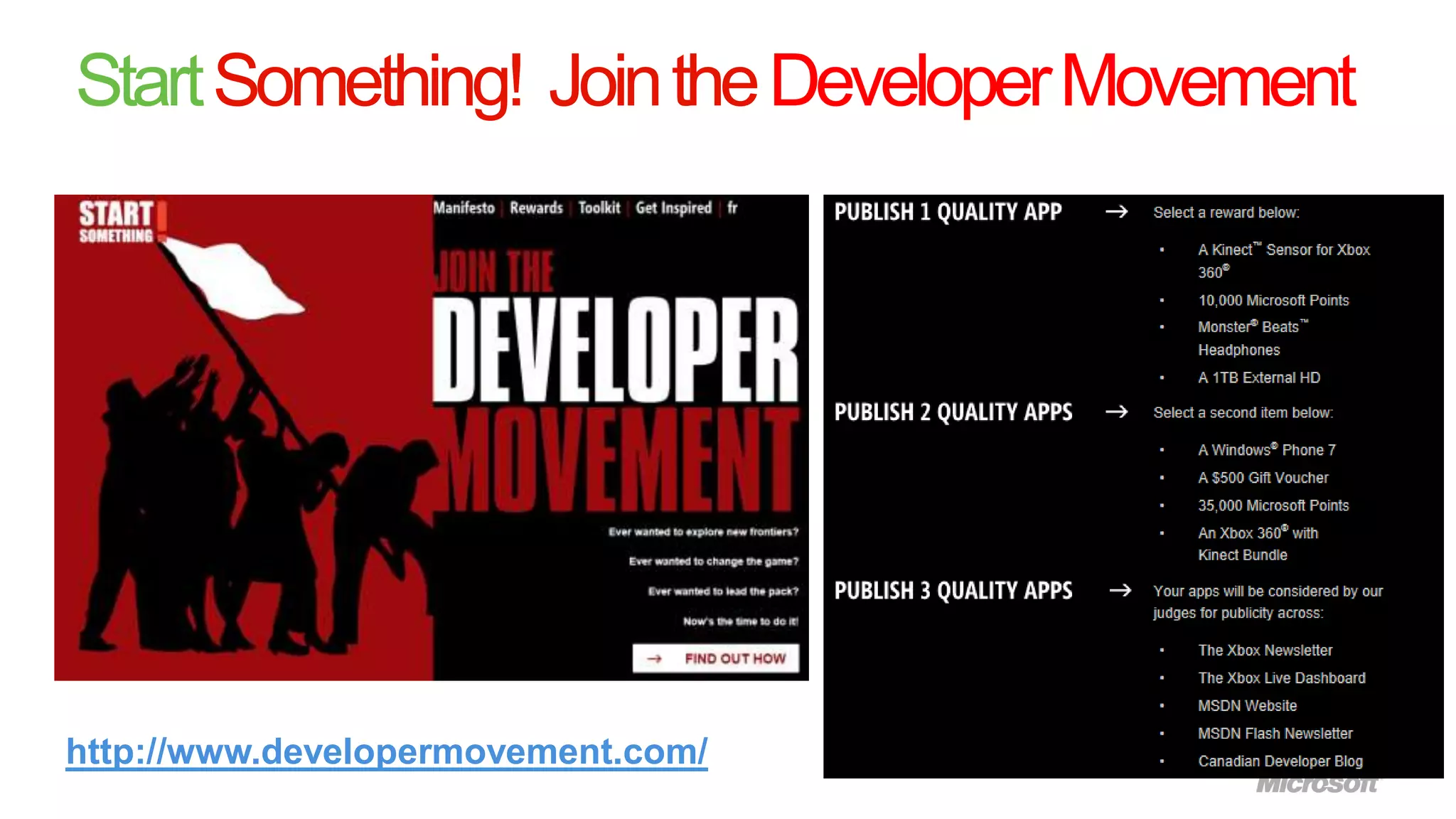
Start Something! Join the Developer Movement


http://www.developermovement.com/
Questions
            Frédéric Harper
            Developer Evangelist @ Microsoft Canada

            fredh@microsoft.com
            @fharper

            webnotwar.ca
            outofcomfortzone.net


24
The information herein is for informational purposes only and represents the current view of
                                          Microsoft Corporation as of the date of this presentation. Because Microsoft must respond to
                                          changing market conditions, it should not be interpreted to be a commitment on the part of
                                          Microsoft, and Microsoft cannot guarantee the accuracy of any information provided after the
                                          date of this presentation.

                                          MICROSOFT MAKES NO WARRANTIES, EXPRESS, IMPLIED OR STATUTORY, AS TO
                                          THE INFORMATION IN THIS PRESENTATION.


© 2011 Microsoft Corporation.

All rights reserved. Microsoft, Windows, Windows Vista and other product names are or may be registered trademarks and/or trademarks in the U.S. and/or other countries.

Windows Phone Code Camp Montreal - An introduction to Windows Phone development

  • 1.
    An Introduction toWindows Phone Development Frédéric Harper Developer Evangelist @ Microsoft Canada @fharper | outofcomfortzone.net
  • 2.
    Agenda the marketplace: an overview of foundations sharing your the tools app with the world Your app can succeed on Windows Phone 2
  • 3.
    You can code,so you can build a phone app
  • 4.
  • 5.
    Our approach DESIGN: PLATFORM: HARDWARE: END USER RICHER, DEEPER, PREDICTABLE COMES FIRST EASIER APPS SPEC, LESS WORK TO 5 BRING TO
  • 6.
    A different kindof phone 6
  • 7.
    Introducing Metro Smart Design Integrated Experience Experiences 7
  • 8.
  • 9.
  • 10.
    A standardized hardwarefoundation Capacitive touch 4 or more contact points Sensors A-GPS, Accelerometer, Compass, Light, Proximity Camera 5 mega pixels or more, flash required, camera button req‟d Multimedia Common detailed specs, Codec acceleration Memory 256MB RAM or more, 8GB Flash or more GPU DirectX 9 acceleration CPU ARMv7 Cortex/Scorpion or better Hardware buttons | Start, Search, Back
  • 11.
    Two ways tobuild apps 11
  • 12.
  • 13.
    A Tour Aroundthe App Hub
  • 14.
    The developer toolsstack for Windows Phone Tools The App Hub: http://create.msdn.com Everything you need to develop apps Phone Emulator for Windows Phone is there. Samples Documentation And it‟s free. Guides Community Packaging and Verification Tools 14
  • 15.
  • 16.
    The Marketplace: Testing yourapp on a real phone and submitting it
  • 17.
    Testing your appon a real Windows Phone device requires a Marketplace account A Marketplace account (CAD $99 annual fee) allows you to: • Publish apps and games to the Windows Phone Marketplace • Sideload your app to up to 3 phones at a time to test the app on real hardware • Access to analytics that allow you to determine how well your app is doing • Ability to submit games to the Xbox Indie arcade on the Xbox 360 console 17
  • 18.
  • 19.
    All apps aredeployed to the Marketplace for consumption Develop Submit Certify & Debug & Validate & Sign Windows Phone Application Marketplace Deployment Service 19
  • 20.
    New Beta DistributionService  Distribute pre-certified apps to an access- controlled set of beta users  Capabilities  Developer selects list of testers (up to 100)  Developer sends an email with a private deeplink to the application to the testers  Only testers selected in App Hub can test the application and provide feedback for 90 days  Beta cannot be updated  Benefits  No need to unlock phones to test apps  Enables developers to build higher quality apps UI and Screenshots are representative of UI, subject to change
  • 21.
    New Private DistributionService  Distribute certified apps privately to a targeted set of users  Capabilities  Developer needs to get the app certified before distributing  Developer sends an email with a deeplink to the users (App is not discoverable via Search)  Developer can update, which is pushed to the users  No limits on the number of users or duration (no time-bombing)  No access enforcement,  Apps can be „free‟ or „paid‟  Apps can be published publicly at any time  Benefits  Enables broad distribution of apps in a more private way  Enables broad public betas, previews, and community distribution
  • 22.
    Marketplace Distribution Options “Beta” Private Public Number of users 100 (1) unlimited unlimited App Price Must be “free” Can be “paid” Can be “paid” Time Limited Yes, expires after 90d No No Updateable No Yes Yes Certification Required No Yes Yes Publicly Discoverable No No (2) Yes Access Control Yes, limited to test user No No WLIDs provided Target Users Beta users Private Users Public Users (1) Preliminary, subject to change (2) People who obtain deeplink can access
  • 23.
    Start Something! Jointhe Developer Movement http://www.developermovement.com/
  • 24.
    Questions Frédéric Harper Developer Evangelist @ Microsoft Canada fredh@microsoft.com @fharper webnotwar.ca outofcomfortzone.net 24
  • 25.
    The information hereinis for informational purposes only and represents the current view of Microsoft Corporation as of the date of this presentation. Because Microsoft must respond to changing market conditions, it should not be interpreted to be a commitment on the part of Microsoft, and Microsoft cannot guarantee the accuracy of any information provided after the date of this presentation. MICROSOFT MAKES NO WARRANTIES, EXPRESS, IMPLIED OR STATUTORY, AS TO THE INFORMATION IN THIS PRESENTATION. © 2011 Microsoft Corporation. All rights reserved. Microsoft, Windows, Windows Vista and other product names are or may be registered trademarks and/or trademarks in the U.S. and/or other countries.

Editor's Notes

  • #2 Presentation checklist-Launch Visual Studio-Launch Zune if planning to deploy to phone-connect phone to laptop-Launch Internet Explorer and have tabs for:APP HUB http://create.msdn.com/en-US/IMAGINE CUP VIDEO http://www.youtube.com/watch?v=DOp-fUbZ26I&feature=player_embeddedDEVELOPER MOVEMENT developermovement.comDuring TechCheck you will want to test whether you have sound for the video and the sound level, if you don’t have sound bring speakers or skip the video and talk about Imagine Cup instead
  • #4 If you can code, you can build a phone appThe point of this slide is simply to drive home the point that it’s not that difficult.
  • #14 Go to http://create.msdn.comShow where you download the toolsShow where you register as a developer (more on this later in the presentation)Show educational resources section/getting started section
  • #16 Show the different project types (WP App, Panorama, Pivot, Library, Game, etc)Build a simple app (“Hello world” or similar). Doesn’t need to be complex.Show how to deal with user input, etc.
  • #19 Show how to developer unlock your phone using the Unlock tool that is installed with the WP SDK.Show how you can sideload a XAP file to the phone using the App Deployment tool