Windows IoT on Raspberry Pi で
ロボットアームを動かそう
増田 智明(@moonmile)
.NET ラボ Microsoft MVP .NET
Moonmile Solutions, h2Works
アジェンダ
 Windows IoT Core とは?
 Raspberry Pi とは?
 Windows IoT Core を Raspberry Pi にインストールする
 簡単な Hello World.
 Windows IoT on Raspberry Pi の利点
 Windows IoT on Raspberry Pi の欠点
 グリッパーアームを動かす(GPIO, LED, HDMI)
 Raspberry Pi タンクを動かす(L293D, GPIO, xbox コントロール)
 meArm を動かす(I2C)
Windows IoT Core とは?
 Internet of Things に特化したプラットフォーム
 Internet(有線LAN, Wi-Fi, Bluetooth)
 Things(加速度センサー、温度センサー、モーター制御など)
 Visual Studio 2015 で Universal アプリを使って開発できる
 ストアアプリと同じ方法で作成する
 バックグラウンドプロセスのみもあり。
 .NET Framework を利用する
Raspberry Pi とは?
 3年前から発売された組み込みボード
 主に Raspbian(Linux)で利用する
 Apache で簡易サーバーを立てる
 Pythonでプログラムを組む。
 Scratchでプログラムを組む。
 Arduinoとの違い
 Linux の経験が活用できる。
 ただし、Arduino ほど安くないし、バリエーションはない。
Raspberry Pi2 と Windows IoT
 Raspberry Pi2 から SoC(System on Chip)に対応し Windows IoT の対象となる
 他に MinnowBoard Max, Galileo の組み合わせがある。
 もともと Galileo が先行していたのだが、持っている人が少ないのか話題にならず。
 Raspberry Pi のほうがユーザーが多い?
Windows IoT Core のインストール
 8GB micro SD カードに焼き込む
 Windows 10 を利用する必要あり(VMWare Playerでも可能)
 1枚焼けば、Win32DiskImager 等で量産が可能
 SD カードを差し替えれば良いので、 元の Raspbian との共存は簡単
 Windows IoT - Setup your PC for Raspberry Pi 2
https://ms-iot.github.io/content/en-US/win10/SetupPCRPI.htm
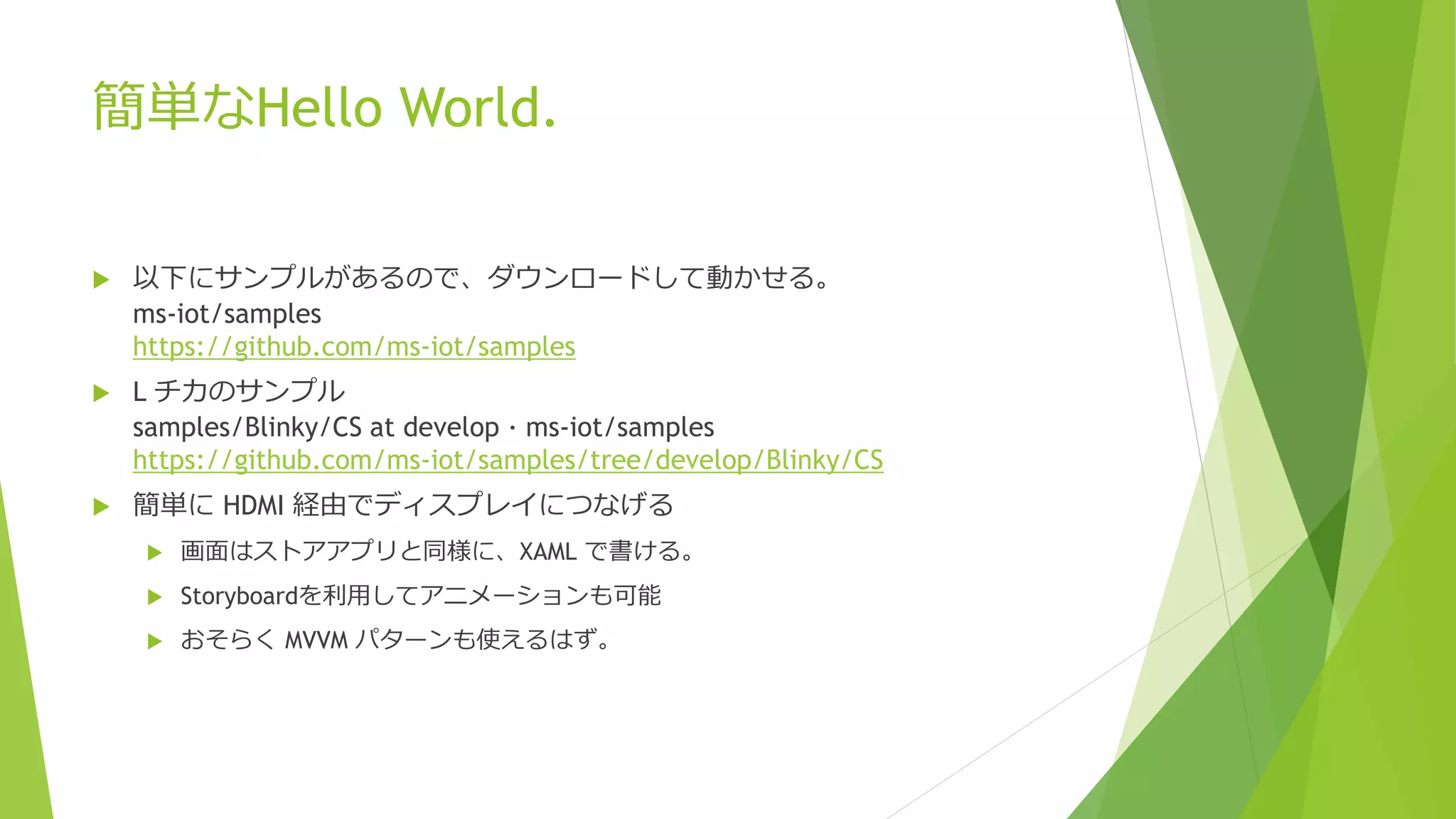
簡単なHello World.
 以下にサンプルがあるので、ダウンロードして動かせる。
ms-iot/samples
https://github.com/ms-iot/samples
 L チカのサンプル
samples/Blinky/CS at develop · ms-iot/samples
https://github.com/ms-iot/samples/tree/develop/Blinky/CS
 簡単に HDMI 経由でディスプレイにつなげる
 画面はストアアプリと同様に、XAML で書ける。
 Storyboardを利用してアニメーションも可能
 おそらく MVVM パターンも使えるはず。
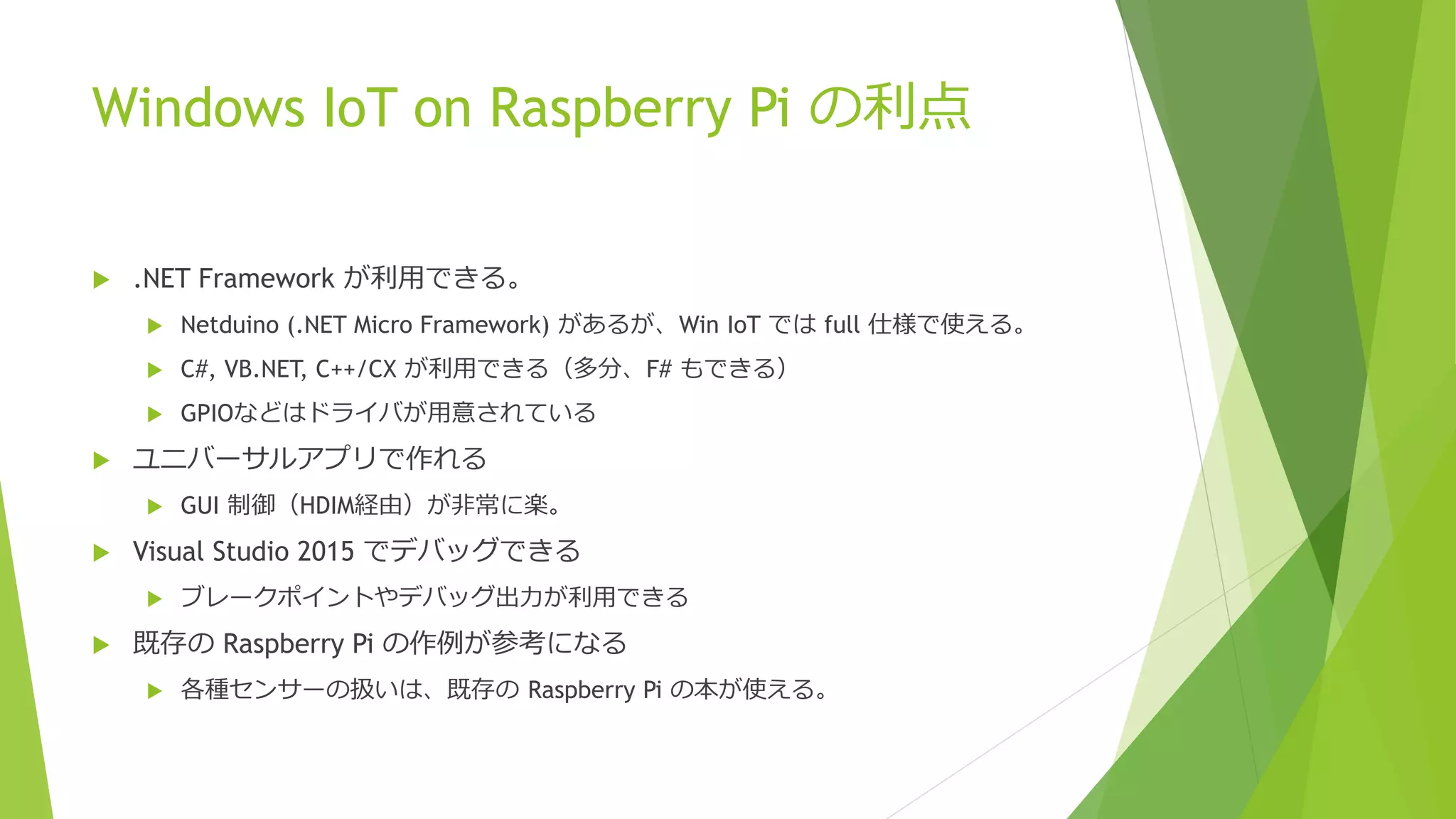
Windows IoT on Raspberry Pi の利点
 .NET Framework が利用できる。
 Netduino (.NET Micro Framework) があるが、Win IoT では full 仕様で使える。
 C#, VB.NET, C++/CX が利用できる(多分、F# もできる)
 GPIOなどはドライバが用意されている
 ユニバーサルアプリで作れる
 GUI 制御(HDIM経由)が非常に楽。
 Visual Studio 2015 でデバッグできる
 ブレークポイントやデバッグ出力が利用できる
 既存の Raspberry Pi の作例が参考になる
 各種センサーの扱いは、既存の Raspberry Pi の本が使える。
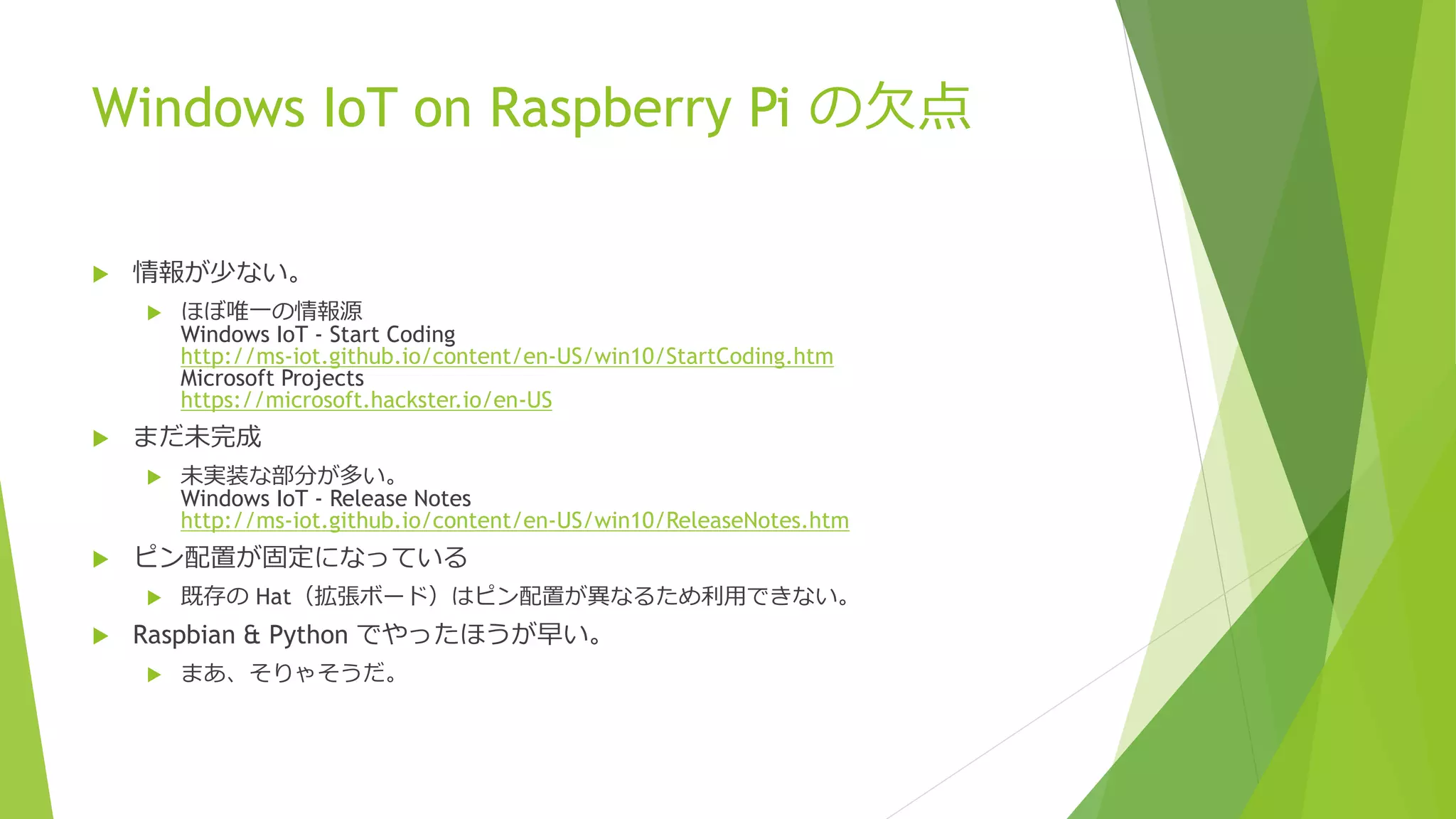
Windows IoT on Raspberry Pi の欠点
 情報が少ない。
 ほぼ唯一の情報源
Windows IoT - Start Coding
http://ms-iot.github.io/content/en-US/win10/StartCoding.htm
Microsoft Projects
https://microsoft.hackster.io/en-US
 まだ未完成
 未実装な部分が多い。
Windows IoT - Release Notes
http://ms-iot.github.io/content/en-US/win10/ReleaseNotes.htm
 ピン配置が固定になっている
 既存の Hat(拡張ボード)はピン配置が異なるため利用できない。
 Raspbian & Python でやったほうが早い。
 まあ、そりゃそうだ。
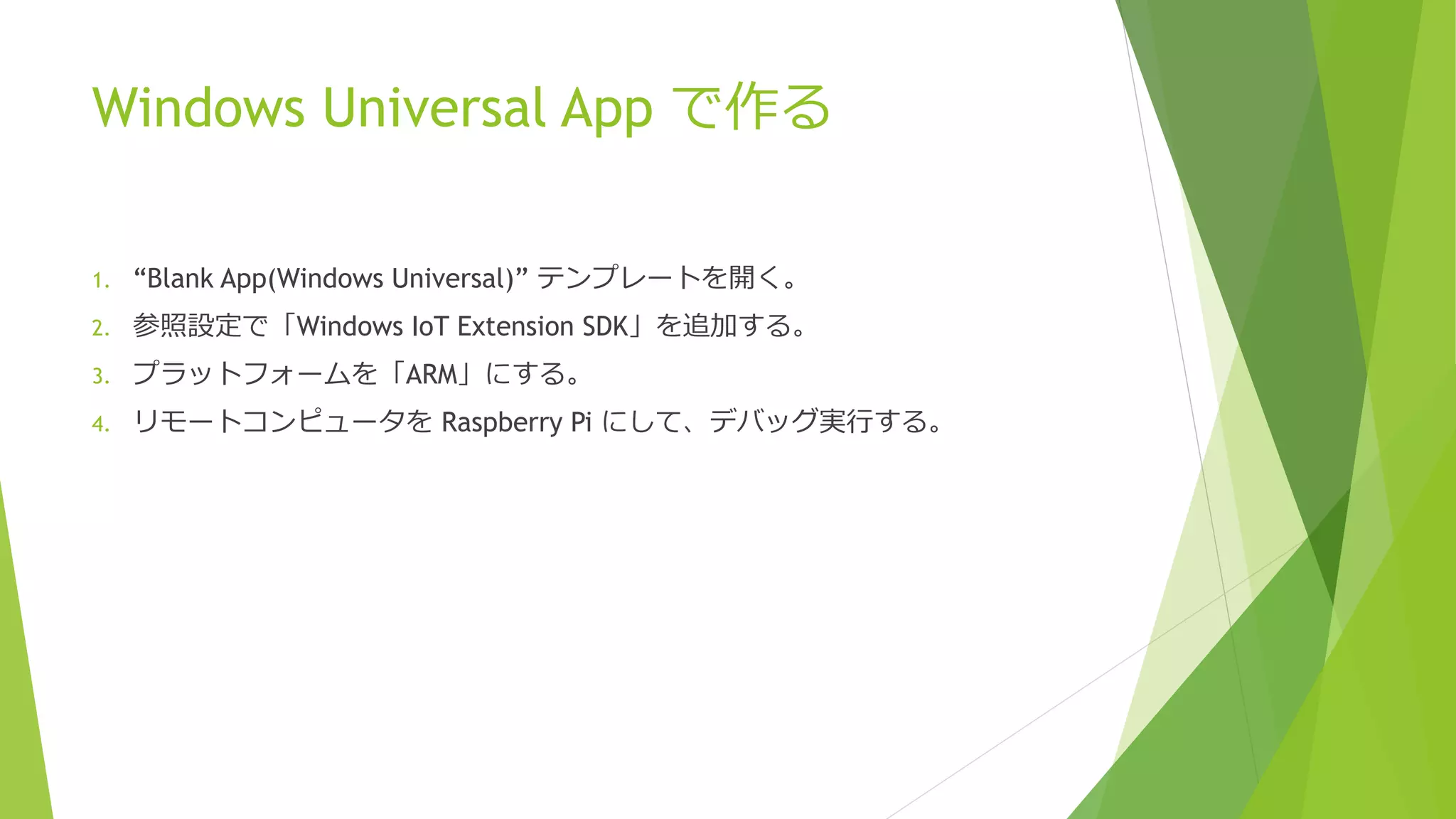
Windows Universal App で作る
1. “Blank App(Windows Universal)” テンプレートを開く。
2. 参照設定で「Windows IoT Extension SDK」を追加する。
3. プラットフォームを「ARM」にする。
4. リモートコンピュータを Raspberry Pi にして、デバッグ実行する。
Demo

Win IoT on RPi デモ

  • 1.
    Windows IoT onRaspberry Pi で ロボットアームを動かそう 増田 智明(@moonmile) .NET ラボ Microsoft MVP .NET Moonmile Solutions, h2Works
  • 2.
    アジェンダ  Windows IoTCore とは?  Raspberry Pi とは?  Windows IoT Core を Raspberry Pi にインストールする  簡単な Hello World.  Windows IoT on Raspberry Pi の利点  Windows IoT on Raspberry Pi の欠点  グリッパーアームを動かす(GPIO, LED, HDMI)  Raspberry Pi タンクを動かす(L293D, GPIO, xbox コントロール)  meArm を動かす(I2C)
  • 3.
    Windows IoT Coreとは?  Internet of Things に特化したプラットフォーム  Internet(有線LAN, Wi-Fi, Bluetooth)  Things(加速度センサー、温度センサー、モーター制御など)  Visual Studio 2015 で Universal アプリを使って開発できる  ストアアプリと同じ方法で作成する  バックグラウンドプロセスのみもあり。  .NET Framework を利用する
  • 4.
    Raspberry Pi とは? 3年前から発売された組み込みボード  主に Raspbian(Linux)で利用する  Apache で簡易サーバーを立てる  Pythonでプログラムを組む。  Scratchでプログラムを組む。  Arduinoとの違い  Linux の経験が活用できる。  ただし、Arduino ほど安くないし、バリエーションはない。
  • 5.
    Raspberry Pi2 とWindows IoT  Raspberry Pi2 から SoC(System on Chip)に対応し Windows IoT の対象となる  他に MinnowBoard Max, Galileo の組み合わせがある。  もともと Galileo が先行していたのだが、持っている人が少ないのか話題にならず。  Raspberry Pi のほうがユーザーが多い?
  • 6.
    Windows IoT Coreのインストール  8GB micro SD カードに焼き込む  Windows 10 を利用する必要あり(VMWare Playerでも可能)  1枚焼けば、Win32DiskImager 等で量産が可能  SD カードを差し替えれば良いので、 元の Raspbian との共存は簡単  Windows IoT - Setup your PC for Raspberry Pi 2 https://ms-iot.github.io/content/en-US/win10/SetupPCRPI.htm
  • 7.
    簡単なHello World.  以下にサンプルがあるので、ダウンロードして動かせる。 ms-iot/samples https://github.com/ms-iot/samples L チカのサンプル samples/Blinky/CS at develop · ms-iot/samples https://github.com/ms-iot/samples/tree/develop/Blinky/CS  簡単に HDMI 経由でディスプレイにつなげる  画面はストアアプリと同様に、XAML で書ける。  Storyboardを利用してアニメーションも可能  おそらく MVVM パターンも使えるはず。
  • 8.
    Windows IoT onRaspberry Pi の利点  .NET Framework が利用できる。  Netduino (.NET Micro Framework) があるが、Win IoT では full 仕様で使える。  C#, VB.NET, C++/CX が利用できる(多分、F# もできる)  GPIOなどはドライバが用意されている  ユニバーサルアプリで作れる  GUI 制御(HDIM経由)が非常に楽。  Visual Studio 2015 でデバッグできる  ブレークポイントやデバッグ出力が利用できる  既存の Raspberry Pi の作例が参考になる  各種センサーの扱いは、既存の Raspberry Pi の本が使える。
  • 9.
    Windows IoT onRaspberry Pi の欠点  情報が少ない。  ほぼ唯一の情報源 Windows IoT - Start Coding http://ms-iot.github.io/content/en-US/win10/StartCoding.htm Microsoft Projects https://microsoft.hackster.io/en-US  まだ未完成  未実装な部分が多い。 Windows IoT - Release Notes http://ms-iot.github.io/content/en-US/win10/ReleaseNotes.htm  ピン配置が固定になっている  既存の Hat(拡張ボード)はピン配置が異なるため利用できない。  Raspbian & Python でやったほうが早い。  まあ、そりゃそうだ。
  • 10.
    Windows Universal Appで作る 1. “Blank App(Windows Universal)” テンプレートを開く。 2. 参照設定で「Windows IoT Extension SDK」を追加する。 3. プラットフォームを「ARM」にする。 4. リモートコンピュータを Raspberry Pi にして、デバッグ実行する。
  • 11.