Helm
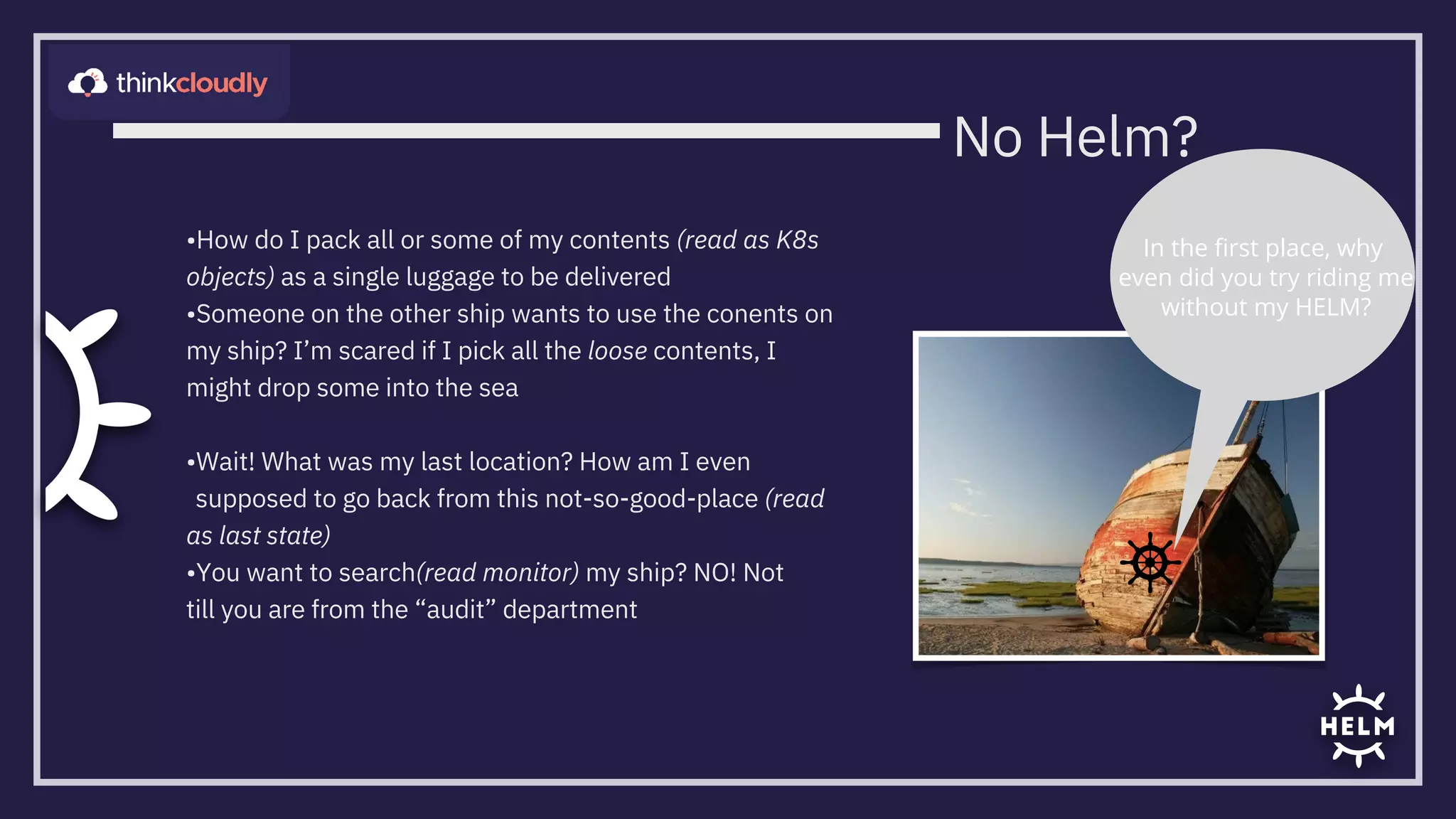
•How do I pack all or some of my contents (read as K8s
objects) as a single luggage to be delivered
•Someone on the other ship wants to use the conents on
my ship? I’m scared if I pick all the loose contents, I
might drop some into the sea


•Wait! What was my last location? How am I even
supposed to go back from this not-so-good-place (read
as last state)
•You want to search(read monitor) my ship? NO! Not
till you are from the “audit” department
In the first place, why
even did you try riding me

without my HELM?
No Helm?
The Power of Helm
•Package Manger
•The archivist. Of YAMLs
•Templating Engine
•Add some sense(read as logic) to your YAMLs!
•Charts
•Repository: artifacthub.io |
bitnami | appscode etc
•Release- e.g: prod, dev

•Revisions
•helm repo add

•helm search hub

•helm search repo

•helm install

•helm list
•helm upgrade

•helm uninstall

•helm pull
•helm --help

•helm rollback

•helm history
Helm Basics
Revision1
Revision2
Revision3
Revision1
Revision2
helm metadata as secrets
K8s cluster
Release1Release2
Chart Repo
Chart Repo
Cluster
master
Tiller
kube-

apiserver
Cluster
master
kube-
apisfeffrver
v2
v3
Architecture
Helm

CLI
Helm

CLI
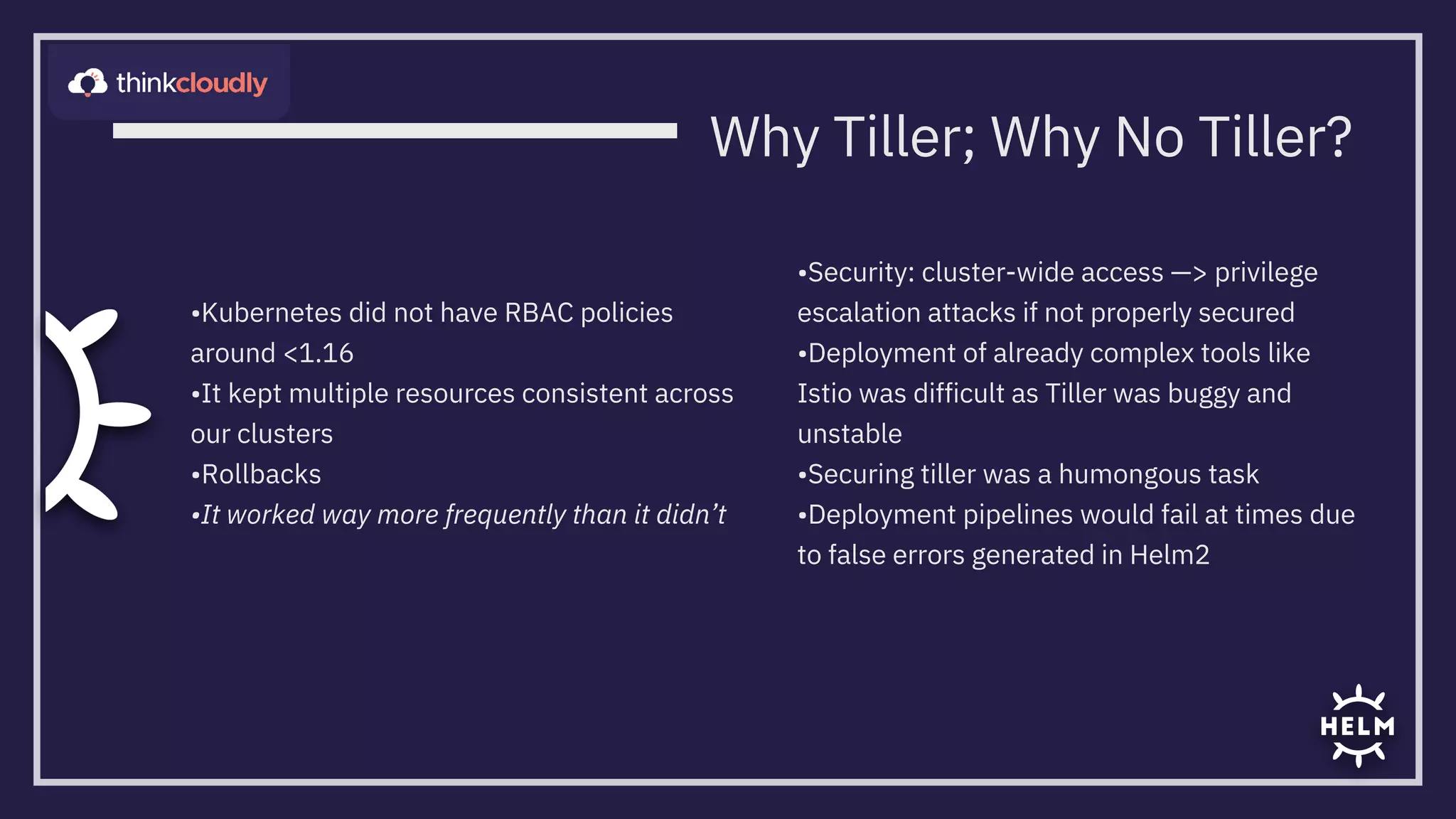
•Kubernetes did not have RBAC policies
around <1.16
•It kept multiple resources consistent across
our clusters
•Rollbacks
•It worked way more frequently than it didn’t
•Security: cluster-wide access —> privilege
escalation attacks if not properly secured
•Deployment of already complex tools like
Istio was difficult as Tiller was buggy and
unstable
•Securing tiller was a humongous task

•Deployment pipelines would fail at times due
to false errors generated in Helm2
Why Tiller; Why No Tiller?
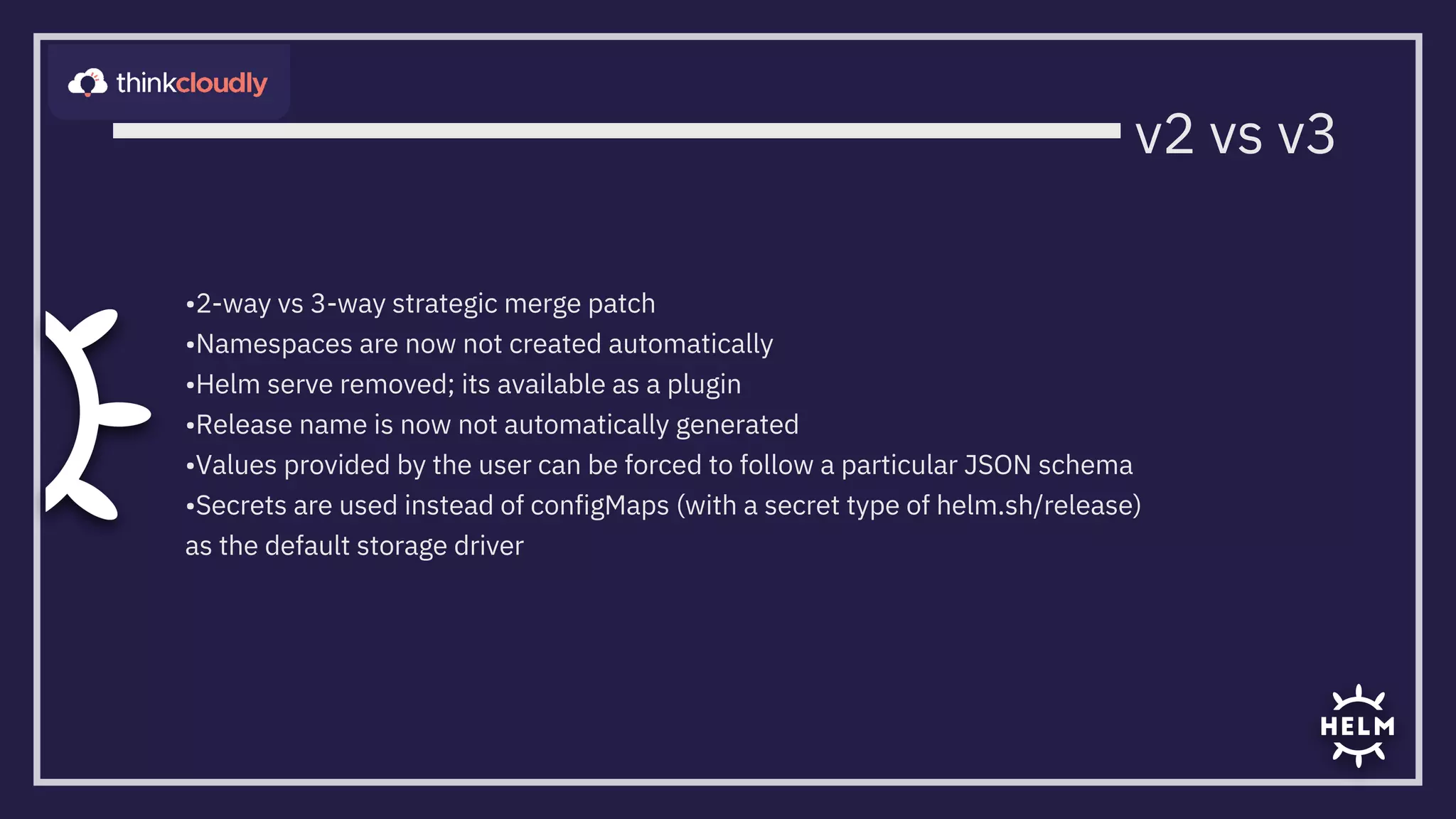
•2-way vs 3-way strategic merge patch
•Namespaces are now not created automatically
•Helm serve removed; its available as a plugin
•Release name is now not automatically generated
•Values provided by the user can be forced to follow a particular JSON schema

•Secrets are used instead of configMaps (with a secret type of helm.sh/release)
as the default storage driver
v2 vs v3
Charts: Structure; Configuration; Creation
•Chart directory/
•Chart.yaml
•templates/
•templates/k8sYAMLs
•templates/*.tpl
•templates/NOTES.txt
•values.yaml
•tests/- write some tests to validate your charts
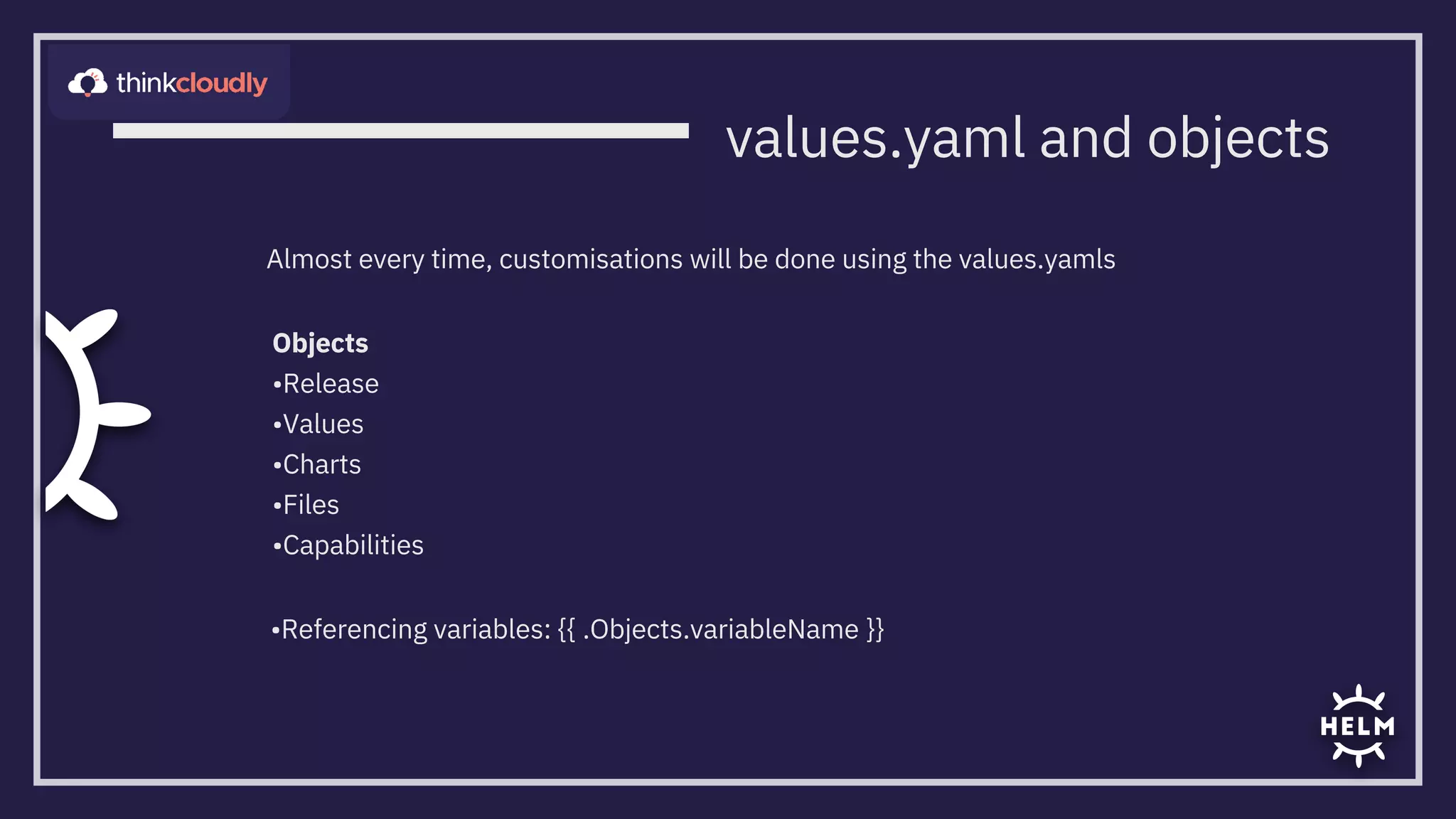
Objects

•Release

•Values

•Charts

•Files

•Capabilities
•Referencing variables: {{ .Objects.variableName }}
Almost every time, customisations will be done using the values.yamls
values.yaml and objects
Flow Control, Functions and Pipelines
Providing logic to Helm charts … or lets say kubernetes YAMLs
•Conditionals: If/Else in Helm
•Functions: quote, upper, lower
•Operators are also functions (eq, ne, lt, gt, and, or)
•Pipe- ‘|’ . - use output of one function for further processing
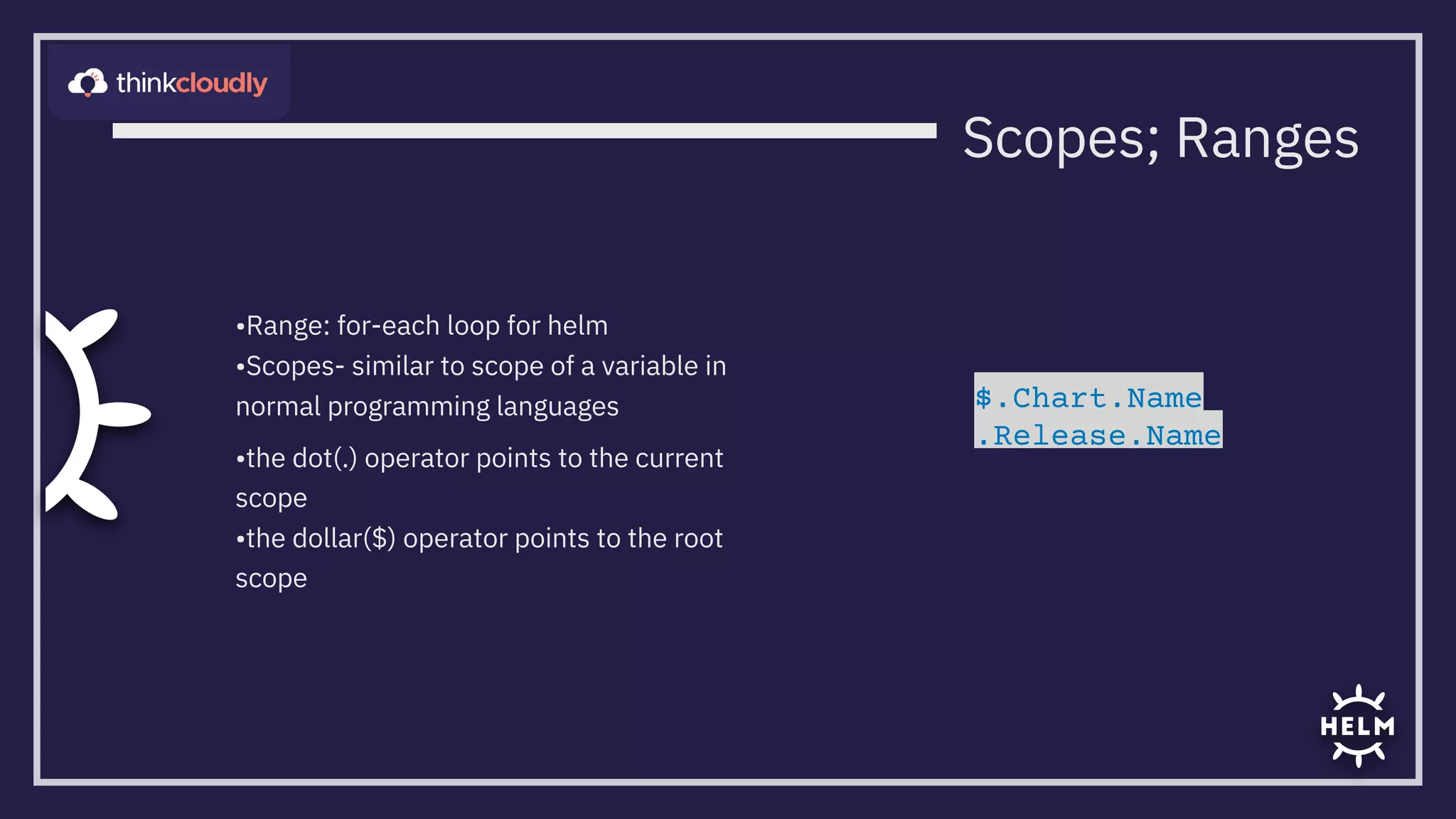
•Range: for-each loop for helm
•Scopes- similar to scope of a variable in
normal programming languages
•the dot(.) operator points to the current
scope
•the dollar($) operator points to the root
scope
Scopes; Ranges
$.Chart.Name

.Release.Name
•Used for removal of code duplication
and the need of rewriting code or some
code portions
•Present in the templates/ folder
•_ indicates to helm to not consider it as

a normal template file so that it is not
processed as a YAML file
metadata:
name: {{ .Release.Name }}-nginx

labels:
{{- template "labels" . }}
{{- define "labels" }}
app.kubernetes.io/name: {{ .Release.Name }}
app.kubernetes.io/instance: {{ .Release.Name }}

{{- end }}
_NamedTemplates.tpl
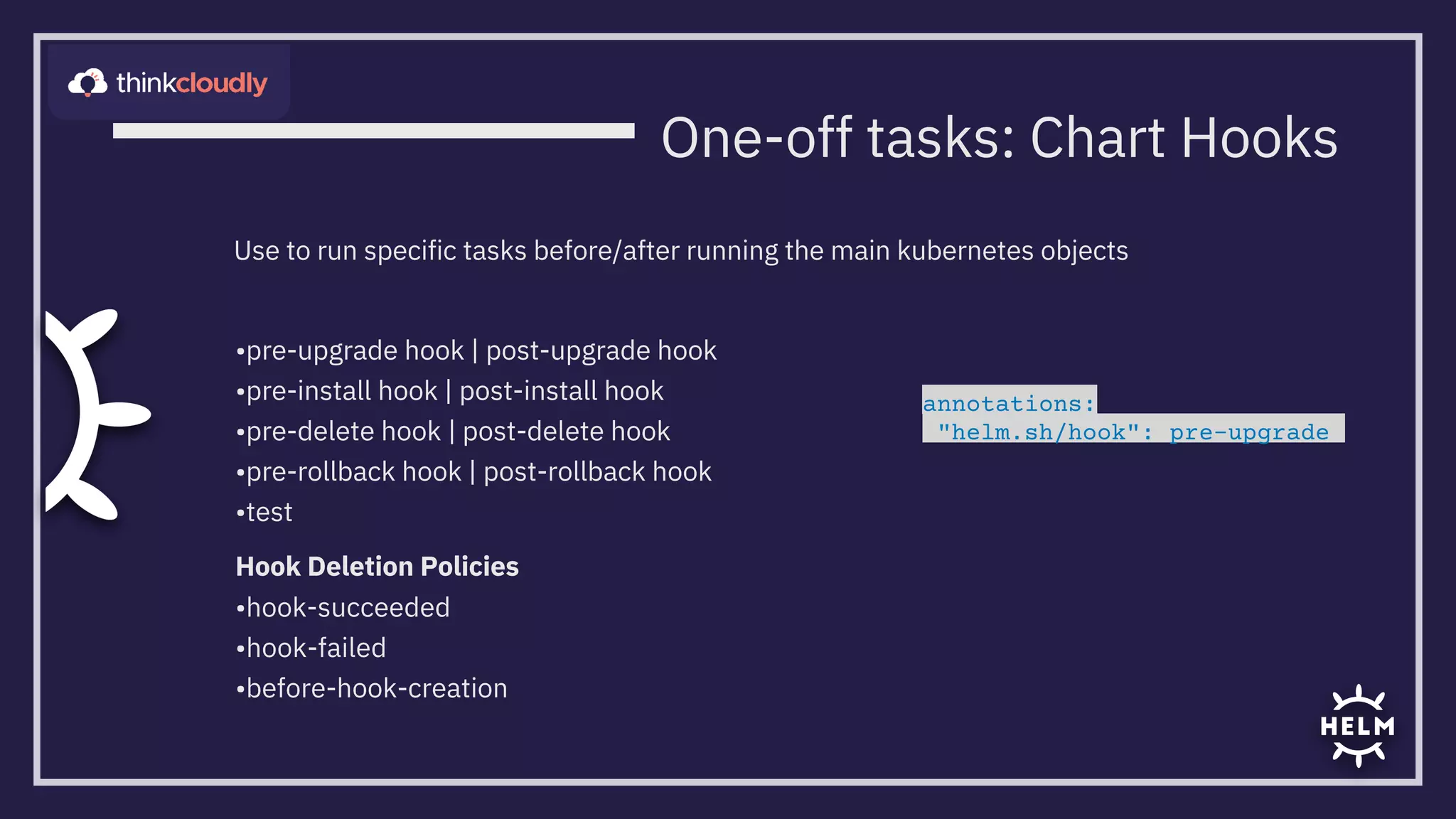
•pre-upgrade hook | post-upgrade hook

•pre-install hook | post-install hook

•pre-delete hook | post-delete hook

•pre-rollback hook | post-rollback hook

•test
Hook Deletion Policies
•hook-succeeded
•hook-failed
•before-hook-creation
Use to run specific tasks before/after running the main kubernetes objects
annotations:
"helm.sh/hook": pre-upgrade
One-off tasks: Chart Hooks
•Feedback? YES PLEASE!

•Appreciation? Would love to hear!

•Criticism? Sure, sure
Thank You
“Hope you liked it”

What Is Helm

  • 1.
  • 2.
    •How do Ipack all or some of my contents (read as K8s objects) as a single luggage to be delivered •Someone on the other ship wants to use the conents on my ship? I’m scared if I pick all the loose contents, I might drop some into the sea •Wait! What was my last location? How am I even supposed to go back from this not-so-good-place (read as last state) •You want to search(read monitor) my ship? NO! Not till you are from the “audit” department In the first place, why even did you try riding me without my HELM? No Helm?
  • 3.
    The Power ofHelm •Package Manger •The archivist. Of YAMLs •Templating Engine •Add some sense(read as logic) to your YAMLs!
  • 4.
    •Charts •Repository: artifacthub.io | bitnami| appscode etc •Release- e.g: prod, dev •Revisions •helm repo add •helm search hub •helm search repo •helm install •helm list •helm upgrade •helm uninstall •helm pull •helm --help •helm rollback •helm history Helm Basics Revision1 Revision2 Revision3 Revision1 Revision2 helm metadata as secrets K8s cluster Release1Release2
  • 5.
  • 6.
    •Kubernetes did nothave RBAC policies around <1.16 •It kept multiple resources consistent across our clusters •Rollbacks •It worked way more frequently than it didn’t •Security: cluster-wide access —> privilege escalation attacks if not properly secured •Deployment of already complex tools like Istio was difficult as Tiller was buggy and unstable •Securing tiller was a humongous task •Deployment pipelines would fail at times due to false errors generated in Helm2 Why Tiller; Why No Tiller?
  • 7.
    •2-way vs 3-waystrategic merge patch •Namespaces are now not created automatically •Helm serve removed; its available as a plugin •Release name is now not automatically generated •Values provided by the user can be forced to follow a particular JSON schema •Secrets are used instead of configMaps (with a secret type of helm.sh/release) as the default storage driver v2 vs v3
  • 8.
    Charts: Structure; Configuration;Creation •Chart directory/ •Chart.yaml •templates/ •templates/k8sYAMLs •templates/*.tpl •templates/NOTES.txt •values.yaml •tests/- write some tests to validate your charts
  • 9.
    Objects •Release •Values •Charts •Files •Capabilities •Referencing variables: {{.Objects.variableName }} Almost every time, customisations will be done using the values.yamls values.yaml and objects
  • 10.
    Flow Control, Functionsand Pipelines Providing logic to Helm charts … or lets say kubernetes YAMLs •Conditionals: If/Else in Helm •Functions: quote, upper, lower •Operators are also functions (eq, ne, lt, gt, and, or) •Pipe- ‘|’ . - use output of one function for further processing
  • 11.
    •Range: for-each loopfor helm •Scopes- similar to scope of a variable in normal programming languages •the dot(.) operator points to the current scope •the dollar($) operator points to the root scope Scopes; Ranges $.Chart.Name .Release.Name
  • 12.
    •Used for removalof code duplication and the need of rewriting code or some code portions •Present in the templates/ folder •_ indicates to helm to not consider it as a normal template file so that it is not processed as a YAML file metadata: name: {{ .Release.Name }}-nginx labels: {{- template "labels" . }} {{- define "labels" }} app.kubernetes.io/name: {{ .Release.Name }} app.kubernetes.io/instance: {{ .Release.Name }} {{- end }} _NamedTemplates.tpl
  • 13.
    •pre-upgrade hook |post-upgrade hook •pre-install hook | post-install hook •pre-delete hook | post-delete hook •pre-rollback hook | post-rollback hook •test Hook Deletion Policies •hook-succeeded •hook-failed •before-hook-creation Use to run specific tasks before/after running the main kubernetes objects annotations: "helm.sh/hook": pre-upgrade One-off tasks: Chart Hooks
  • 14.
    •Feedback? YES PLEASE! •Appreciation?Would love to hear! •Criticism? Sure, sure Thank You “Hope you liked it”