PostgreSQL Write-Ahead Log
                                     Heikki Linnakangas


pyright 2009 EnterpriseDB Corporation. All rights Reserved.
                                                      <presentation title goes here, edit in the slide master >   Slide: 1
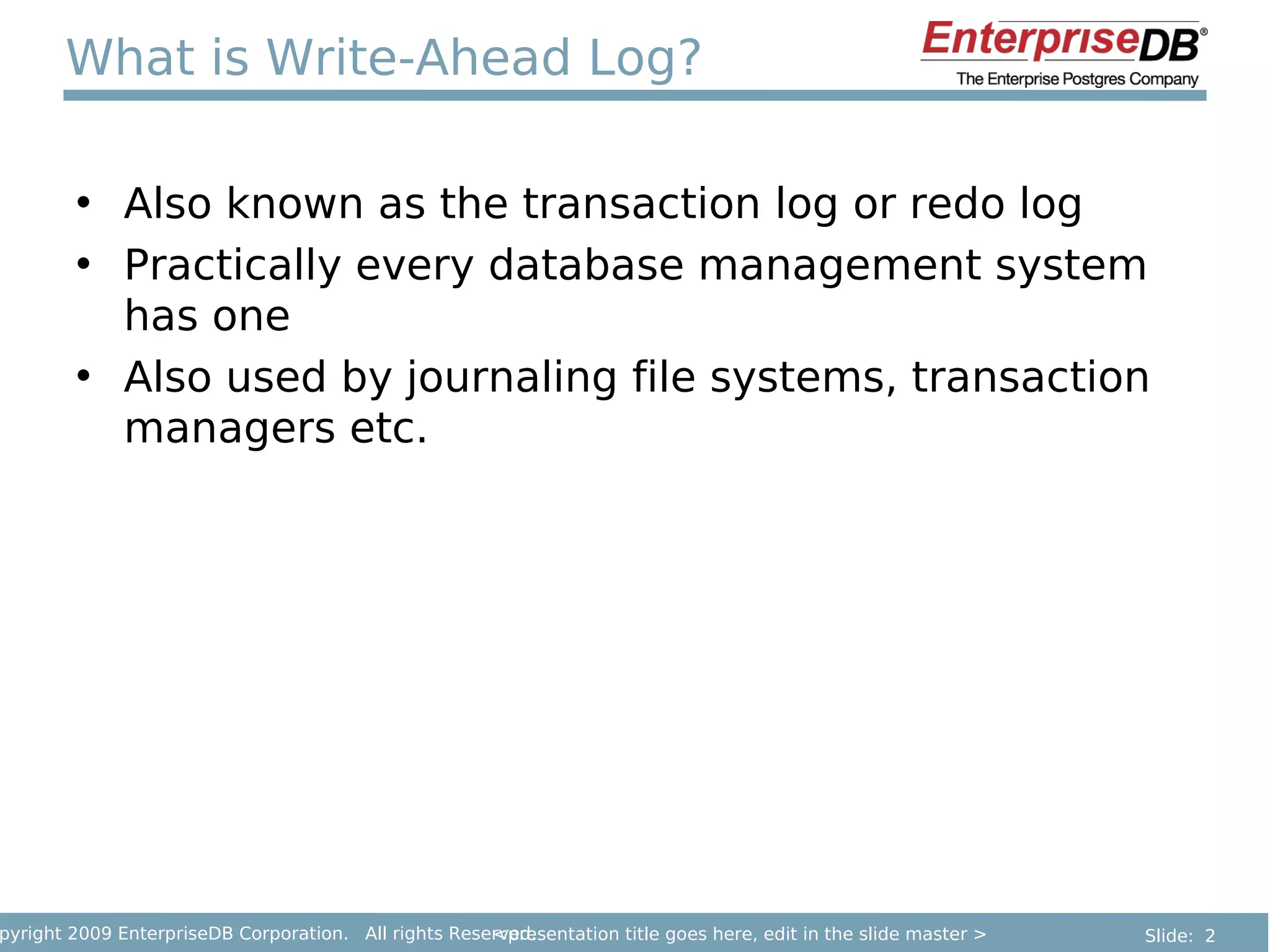
What is Write-Ahead Log?

        • Also known as the transaction log or redo log
        • Practically every database management system
          has one
        • Also used by journaling file systems, transaction
          managers etc.


pyright 2009 EnterpriseDB Corporation. All rights Reserved.
                                                      <presentation title goes here, edit in the slide master >   Slide: 2
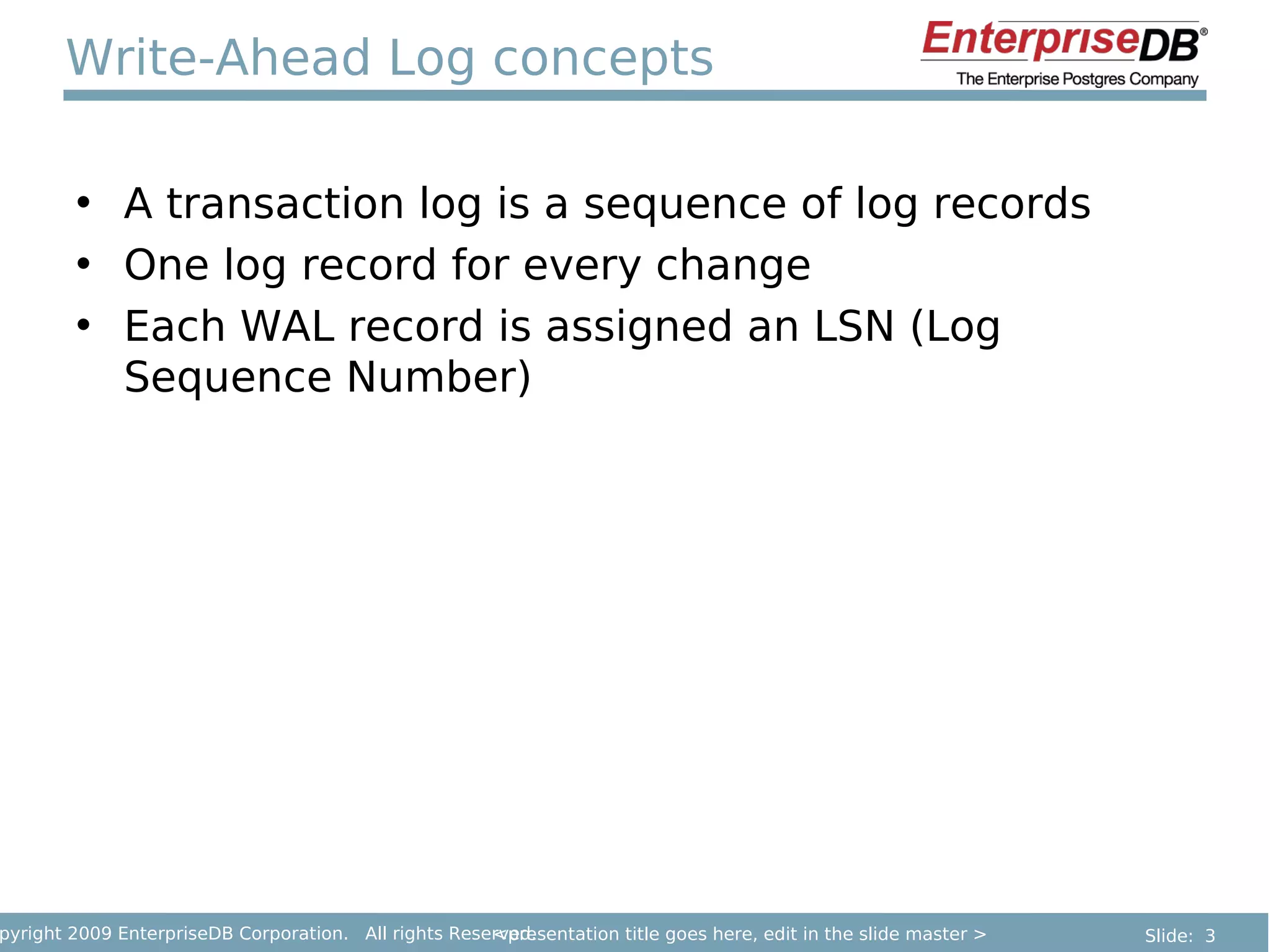
Write-Ahead Log concepts

        • A transaction log is a sequence of log records
        • One log record for every change
        • Each WAL record is assigned an LSN (Log
          Sequence Number)


pyright 2009 EnterpriseDB Corporation. All rights Reserved.
                                                      <presentation title goes here, edit in the slide master >   Slide: 3
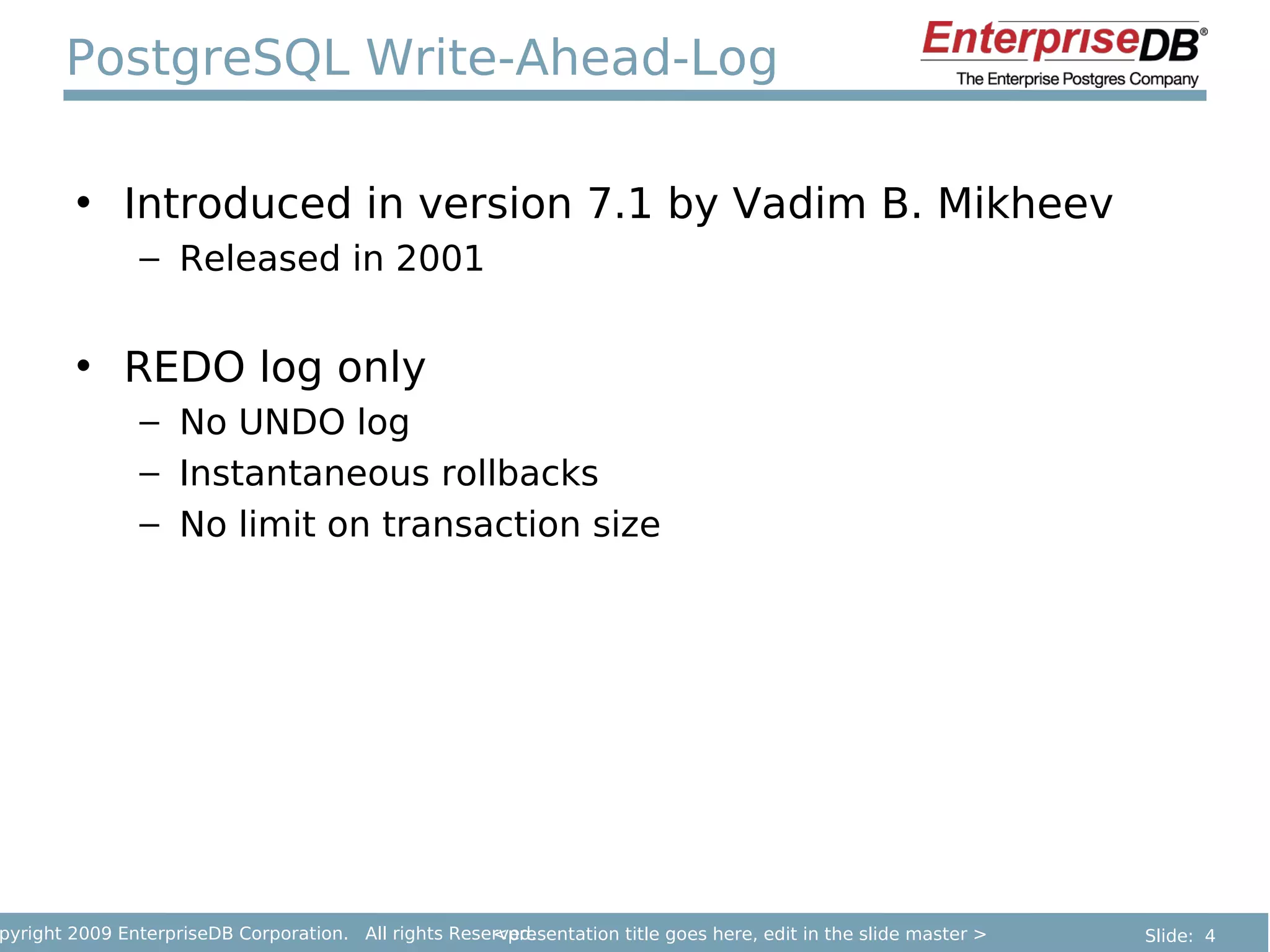
PostgreSQL Write-Ahead-Log

        • Introduced in version 7.1 by Vadim B. Mikheev
               – Released in 2001


        • REDO log only
               – No UNDO log
               – Instantaneous rollbacks
               – No limit on transaction size


pyright 2009 EnterpriseDB Corporation. All rights Reserved.
                                                      <presentation title goes here, edit in the slide master >   Slide: 4
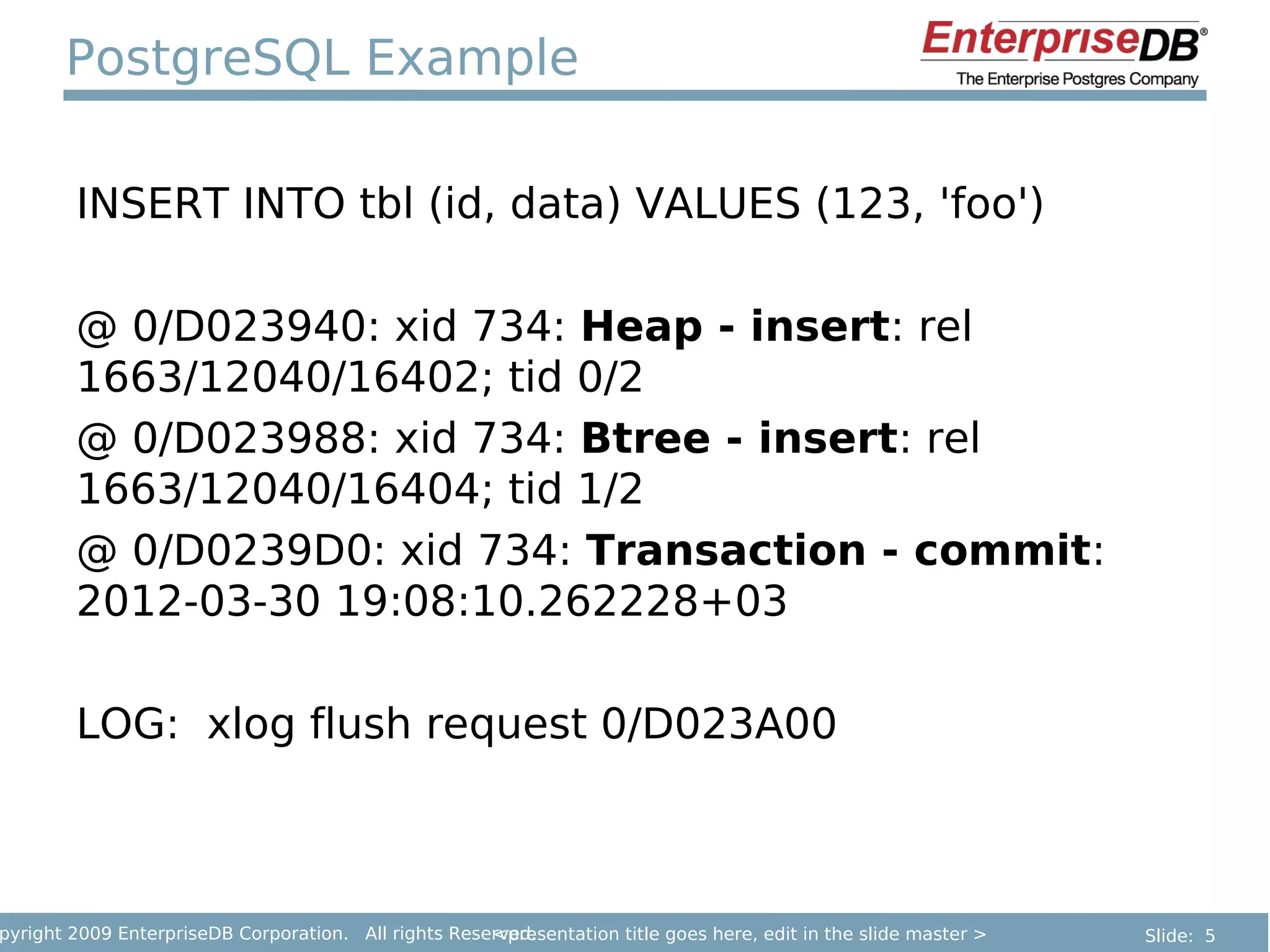
PostgreSQL Example

        INSERT INTO tbl (id, data) VALUES (123, 'foo')

        @ 0/D023940: xid 734: Heap - insert: rel
        1663/12040/16402; tid 0/2
        @ 0/D023988: xid 734: Btree - insert: rel
        1663/12040/16404; tid 1/2
        @ 0/D0239D0: xid 734: Transaction - commit:
        2012-03-30 19:08:10.262228+03

        LOG: xlog flush request 0/D023A00


pyright 2009 EnterpriseDB Corporation. All rights Reserved.
                                                      <presentation title goes here, edit in the slide master >   Slide: 5
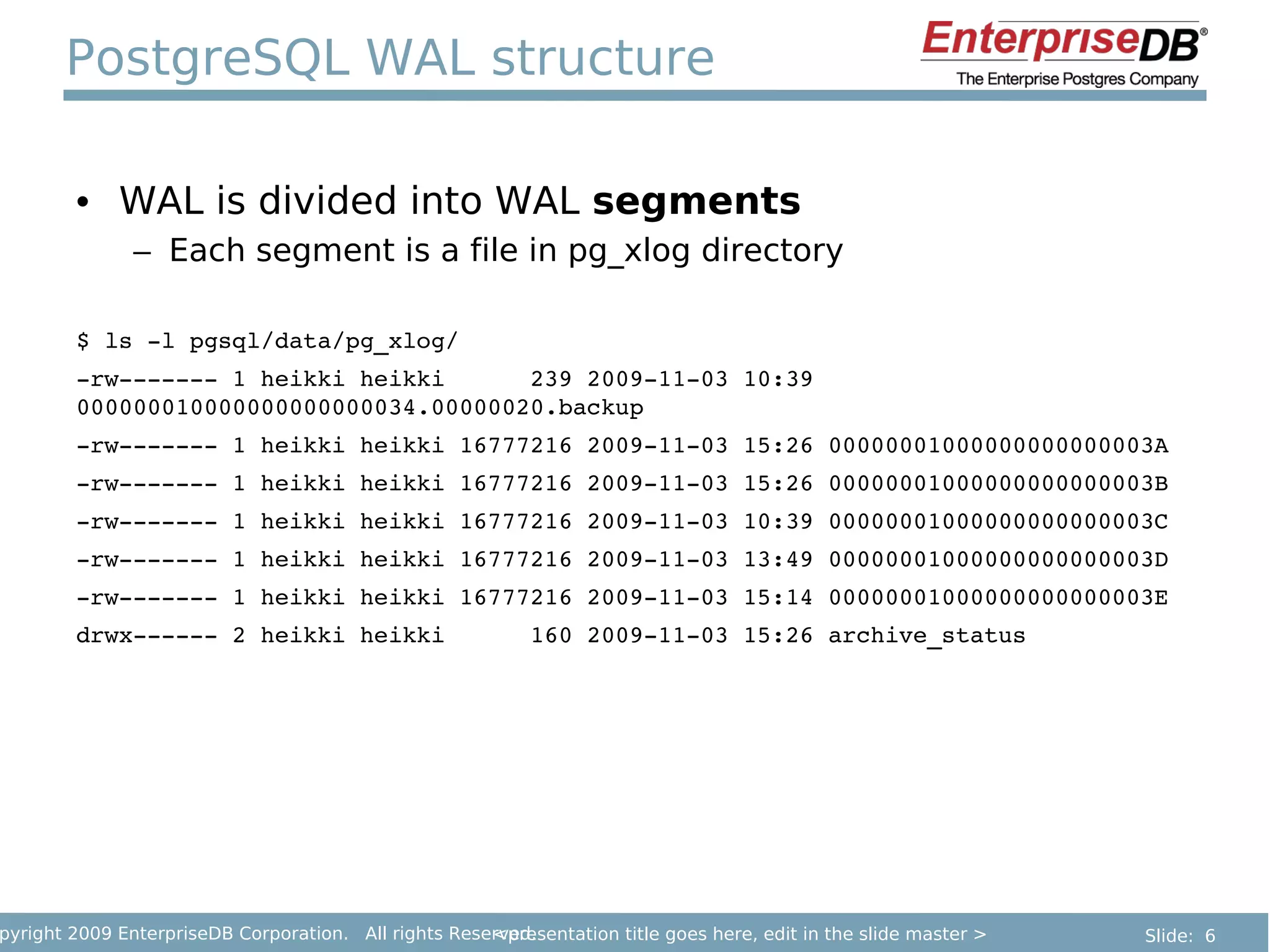
PostgreSQL WAL structure

        • WAL is divided into WAL segments
               – Each segment is a file in pg_xlog directory

        $ ls ­l pgsql/data/pg_xlog/
        ­rw­­­­­­­ 1 heikki heikki      239 2009­11­03 10:39 
        000000010000000000000034.00000020.backup
        ­rw­­­­­­­ 1 heikki heikki 16777216 2009­11­03 15:26 00000001000000000000003A
        ­rw­­­­­­­ 1 heikki heikki 16777216 2009­11­03 15:26 00000001000000000000003B
        ­rw­­­­­­­ 1 heikki heikki 16777216 2009­11­03 10:39 00000001000000000000003C
        ­rw­­­­­­­ 1 heikki heikki 16777216 2009­11­03 13:49 00000001000000000000003D
        ­rw­­­­­­­ 1 heikki heikki 16777216 2009­11­03 15:14 00000001000000000000003E
        drwx­­­­­­ 2 heikki heikki      160 2009­11­03 15:26 archive_status


pyright 2009 EnterpriseDB Corporation. All rights Reserved.
                                                      <presentation title goes here, edit in the slide master >   Slide: 6
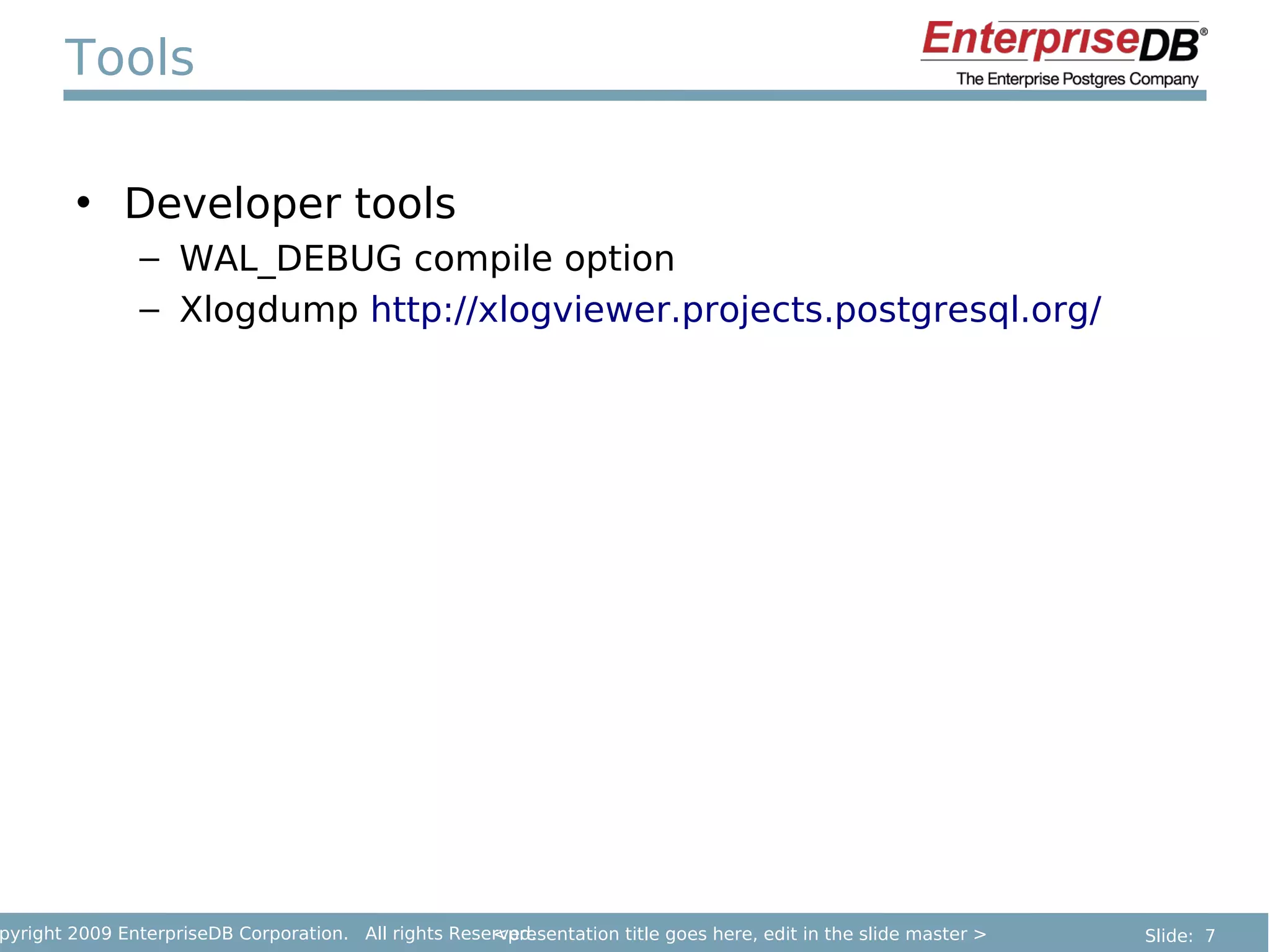
Tools

        • Developer tools
               – WAL_DEBUG compile option
               – Xlogdump http://xlogviewer.projects.postgresql.org/


pyright 2009 EnterpriseDB Corporation. All rights Reserved.
                                                      <presentation title goes here, edit in the slide master >   Slide: 7
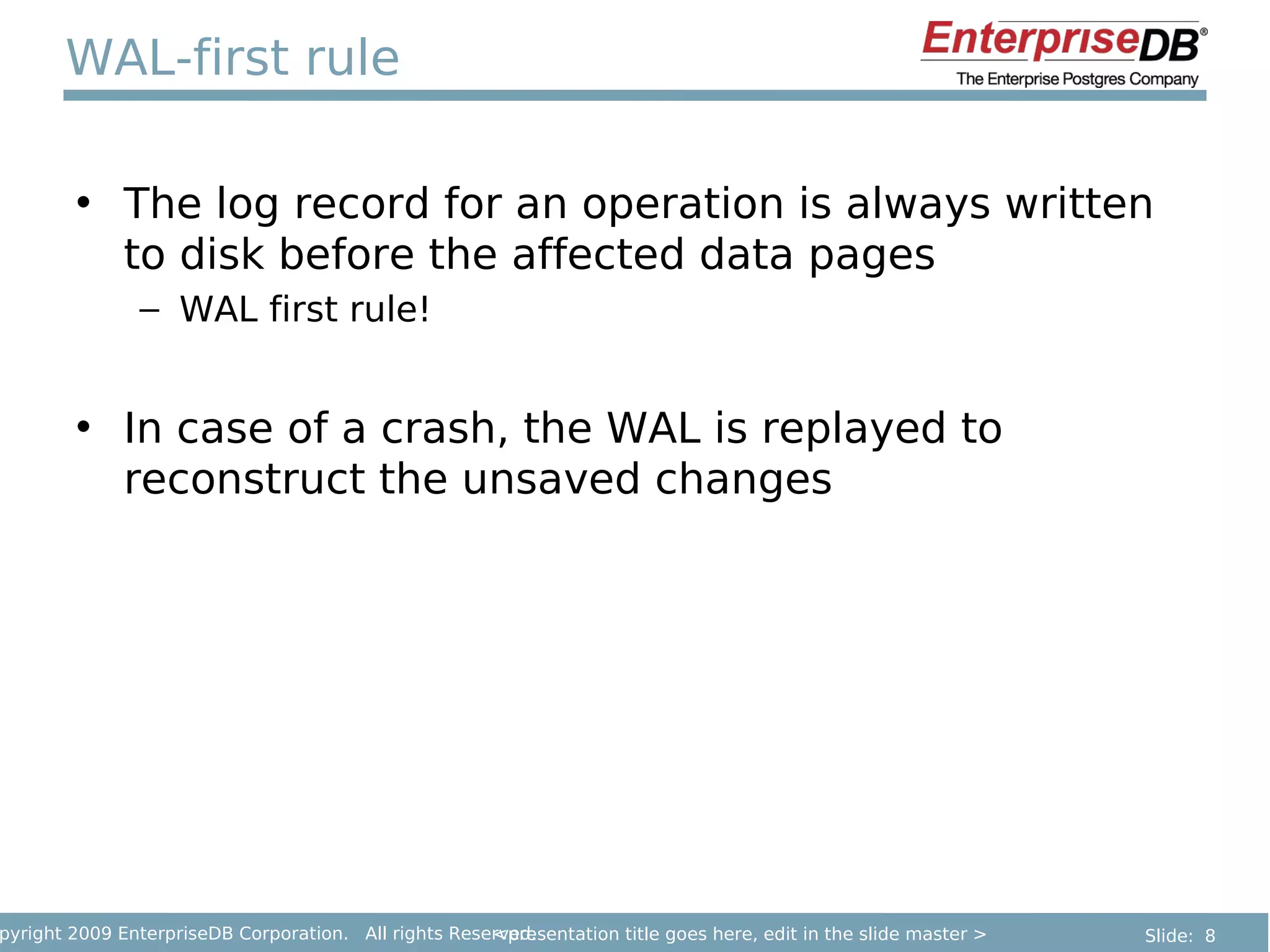
WAL-first rule

        • The log record for an operation is always written
          to disk before the affected data pages
               – WAL first rule!


        • In case of a crash, the WAL is replayed to
          reconstruct the unsaved changes


pyright 2009 EnterpriseDB Corporation. All rights Reserved.
                                                      <presentation title goes here, edit in the slide master >   Slide: 8
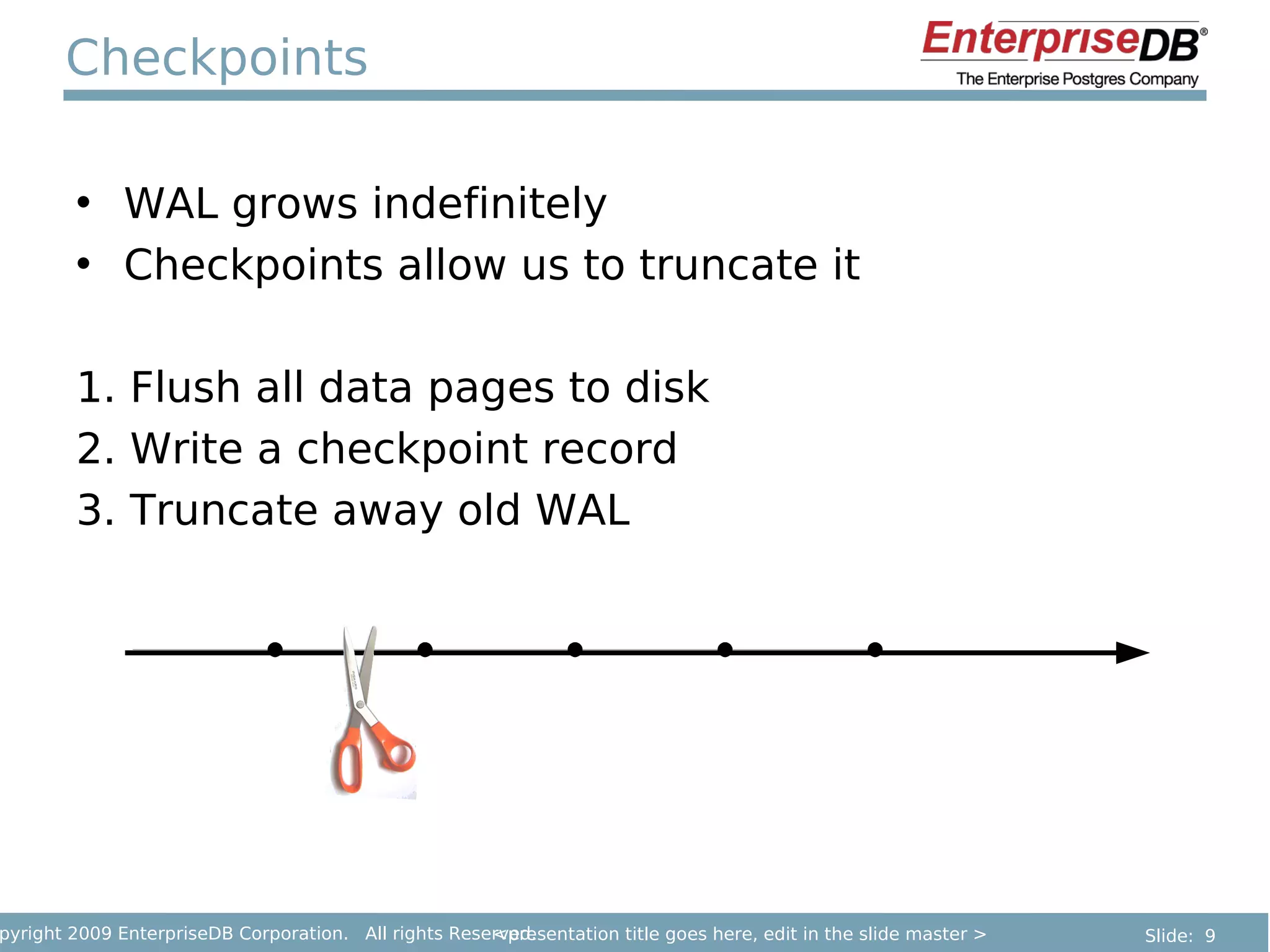
Checkpoints

        • WAL grows indefinitely
        • Checkpoints allow us to truncate it

        1. Flush all data pages to disk
        2. Write a checkpoint record
        3. Truncate away old WAL


pyright 2009 EnterpriseDB Corporation. All rights Reserved.
                                                      <presentation title goes here, edit in the slide master >   Slide: 9
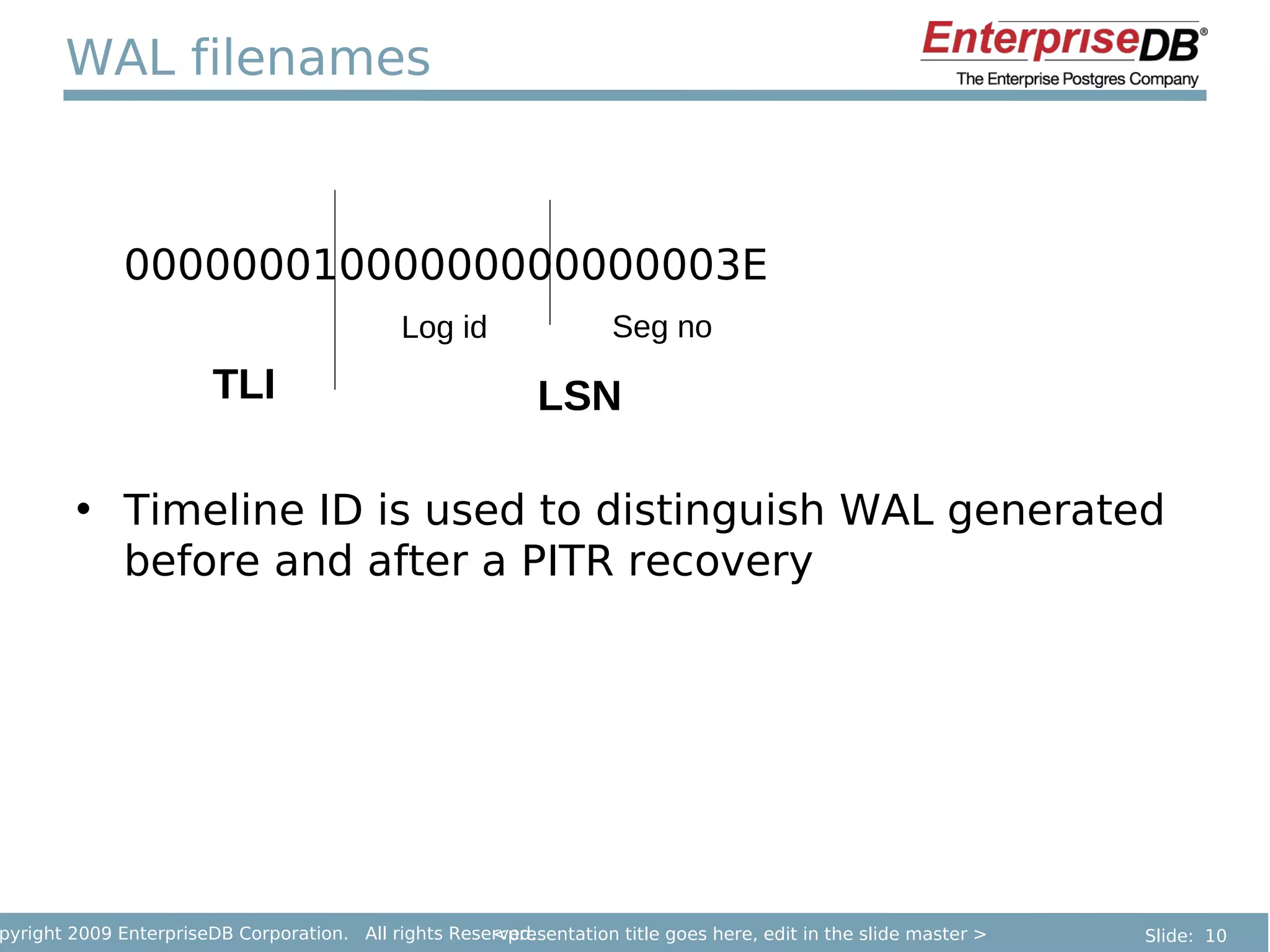
WAL filenames


              00000001000000000000003E
                                             Log id                 Seg no
                        TLI                                 LSN

        • Timeline ID is used to distinguish WAL generated
          before and after a PITR recovery


pyright 2009 EnterpriseDB Corporation. All rights Reserved.
                                                      <presentation title goes here, edit in the slide master >   Slide: 10
Crash-safety

        • Many database actions involve modifying more
          than one page.
           – Example: Splitting an index page.
        • Writing two data pages A and B is not atomic.
        • One write must happen before the other.
           – We need to give the operating system and disk
             controller freedom to reorder the writes; we
             don't even know which one will happen first.
        • We could crash in between.


pyright 2009 EnterpriseDB Corporation. All rights Reserved.
                                                      <presentation title goes here, edit in the slide master >   Slide: 11
WAL Summary

        Write-Ahead Logging is critical for:

        • Durability
               – Once you commit, your data is safe
        • Consistency
               – No corruption on crash


pyright 2009 EnterpriseDB Corporation. All rights Reserved.
                                                      <presentation title goes here, edit in the slide master >   Slide: 12
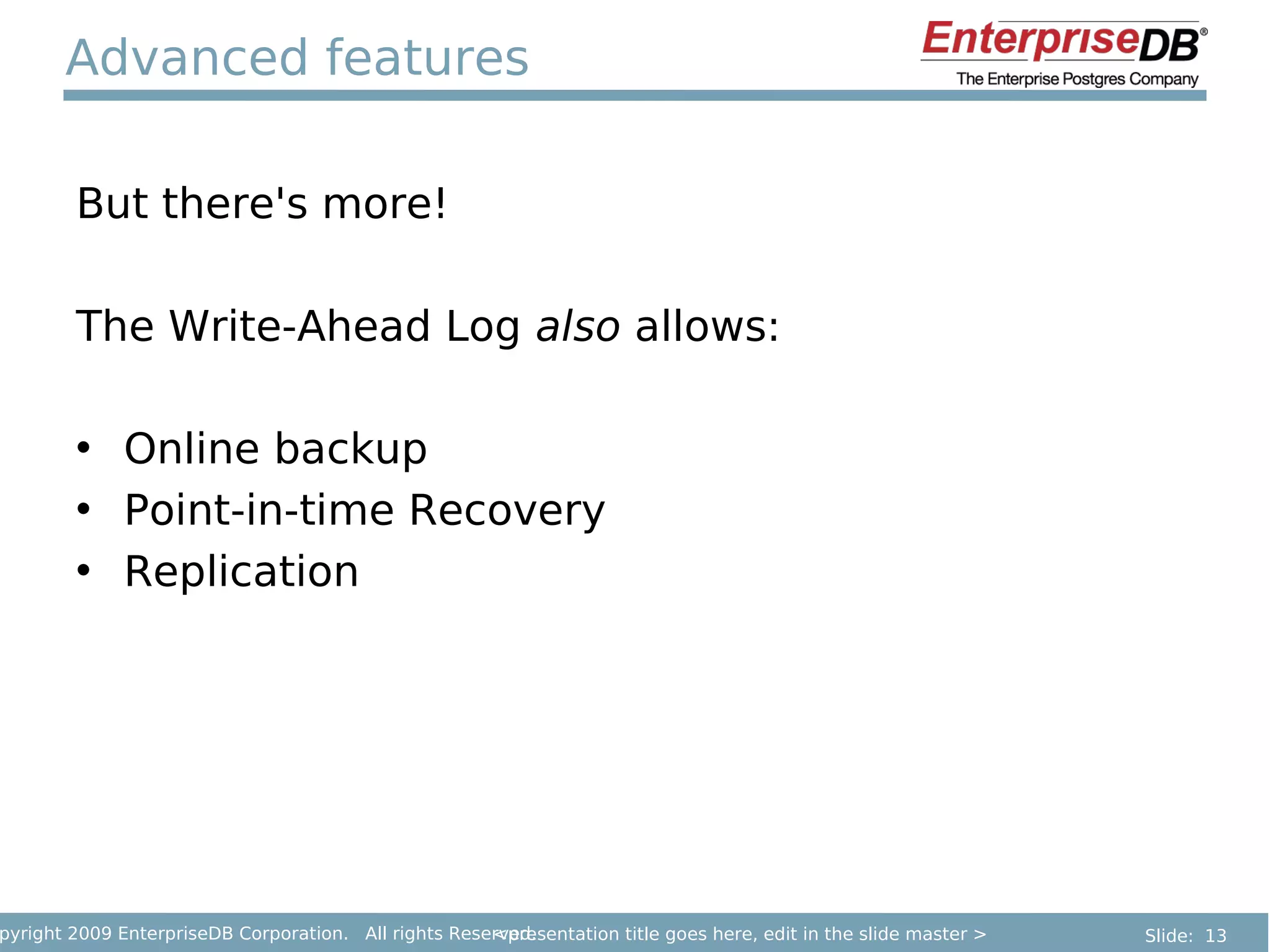
Advanced features

        But there's more!

        The Write-Ahead Log also allows:

        • Online backup
        • Point-in-time Recovery
        • Replication


pyright 2009 EnterpriseDB Corporation. All rights Reserved.
                                                      <presentation title goes here, edit in the slide master >   Slide: 13
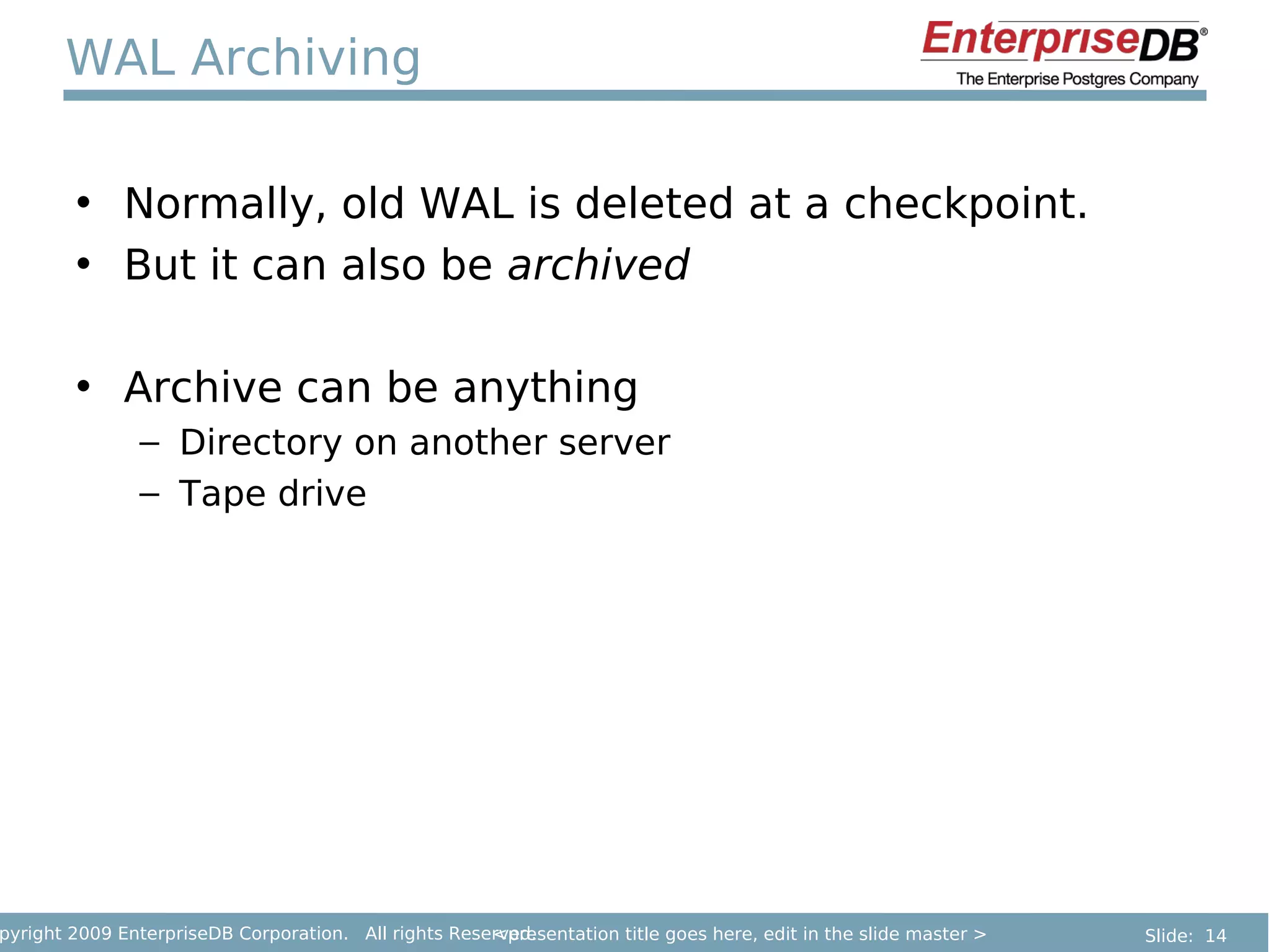
WAL Archiving

        • Normally, old WAL is deleted at a checkpoint.
        • But it can also be archived

        • Archive can be anything
               – Directory on another server
               – Tape drive


pyright 2009 EnterpriseDB Corporation. All rights Reserved.
                                                      <presentation title goes here, edit in the slide master >   Slide: 14
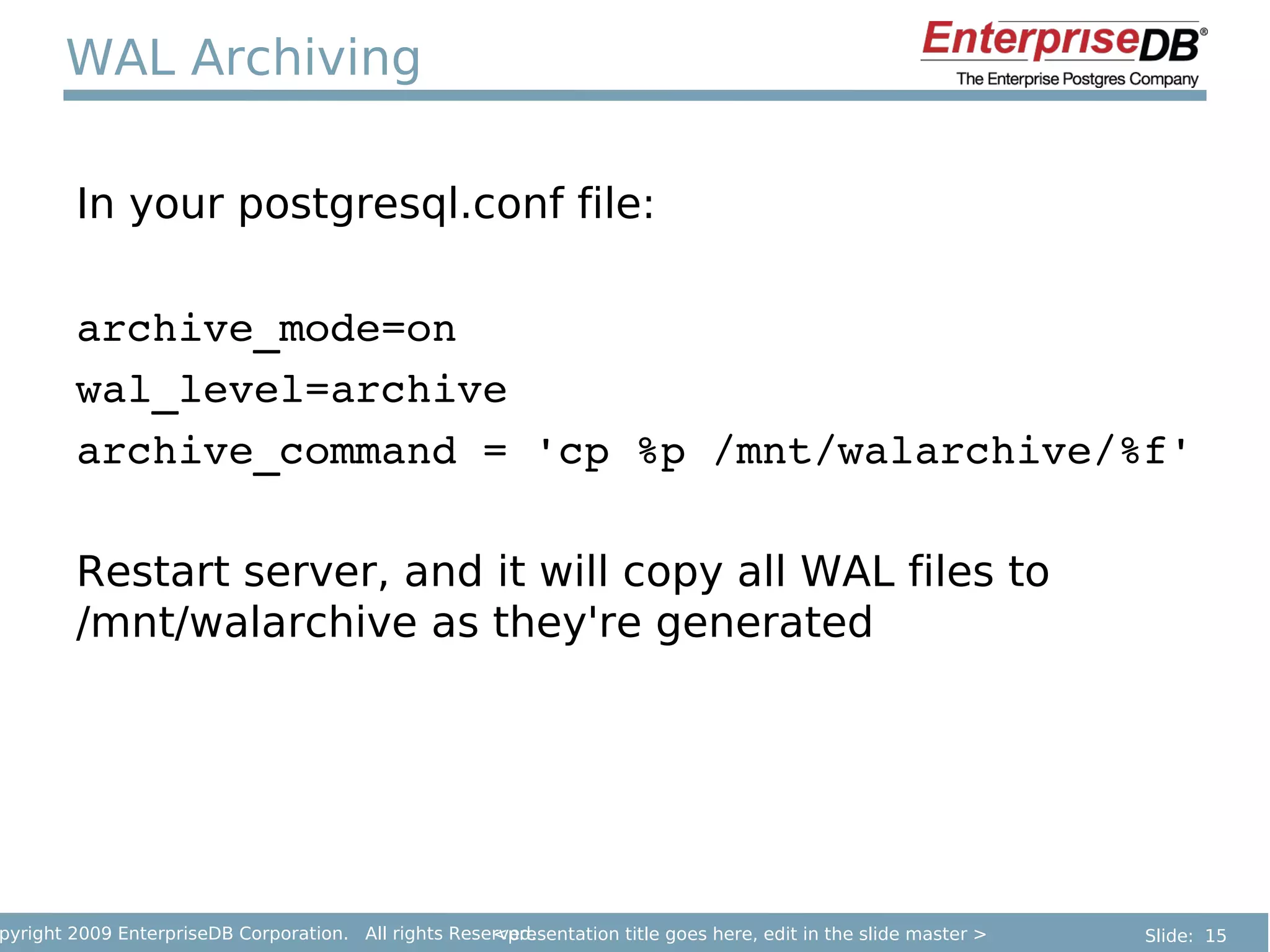
WAL Archiving

        In your postgresql.conf file:

        archive_mode=on
        wal_level=archive
        archive_command = 'cp %p /mnt/walarchive/%f'

        Restart server, and it will copy all WAL files to
        /mnt/walarchive as they're generated


pyright 2009 EnterpriseDB Corporation. All rights Reserved.
                                                      <presentation title goes here, edit in the slide master >   Slide: 15
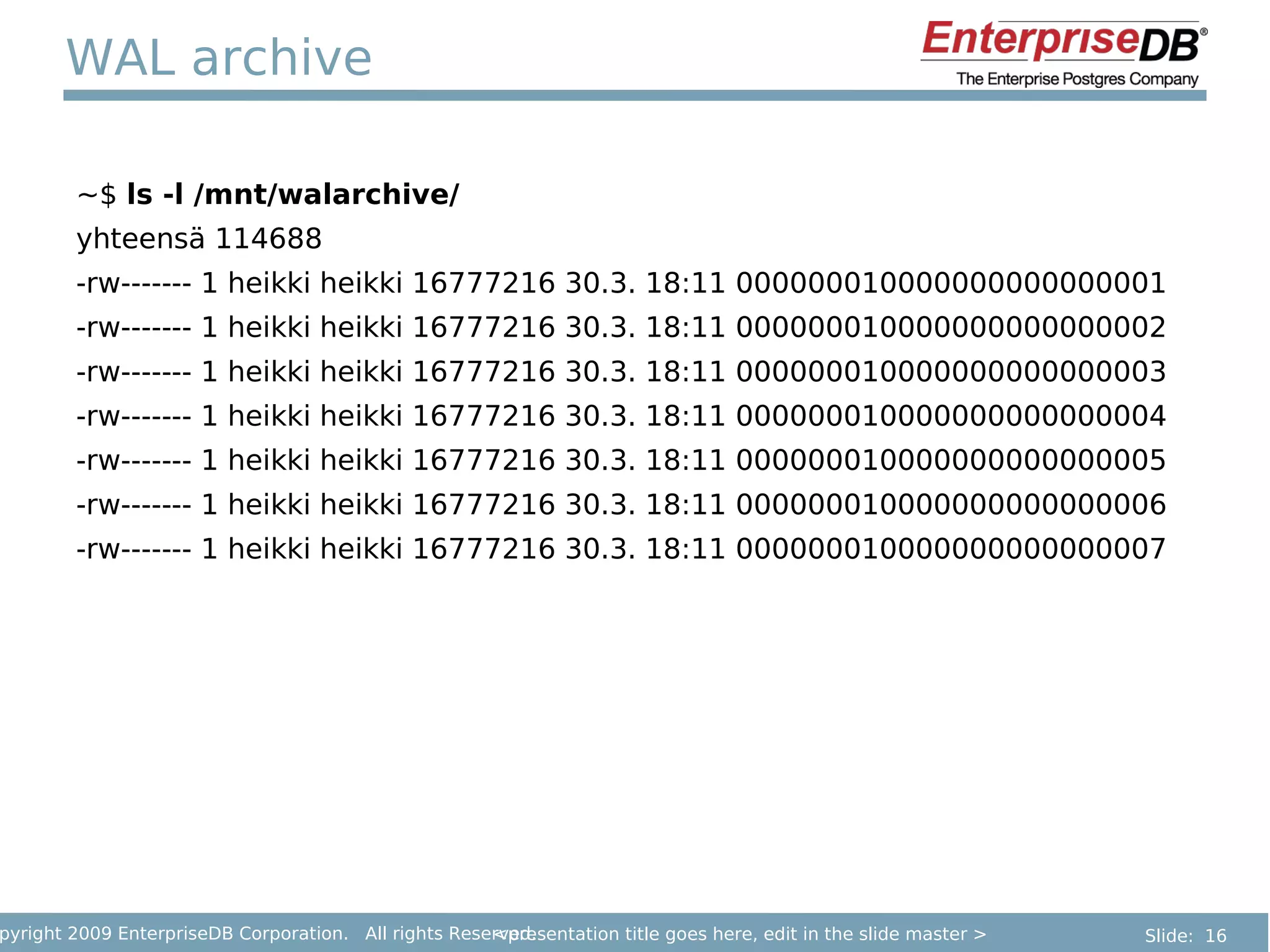
WAL archive

        ~$ ls -l /mnt/walarchive/
        yhteensä 114688
        -rw------- 1 heikki heikki 16777216 30.3. 18:11 000000010000000000000001
        -rw------- 1 heikki heikki 16777216 30.3. 18:11 000000010000000000000002
        -rw------- 1 heikki heikki 16777216 30.3. 18:11 000000010000000000000003
        -rw------- 1 heikki heikki 16777216 30.3. 18:11 000000010000000000000004
        -rw------- 1 heikki heikki 16777216 30.3. 18:11 000000010000000000000005
        -rw------- 1 heikki heikki 16777216 30.3. 18:11 000000010000000000000006
        -rw------- 1 heikki heikki 16777216 30.3. 18:11 000000010000000000000007


pyright 2009 EnterpriseDB Corporation. All rights Reserved.
                                                      <presentation title goes here, edit in the slide master >   Slide: 16
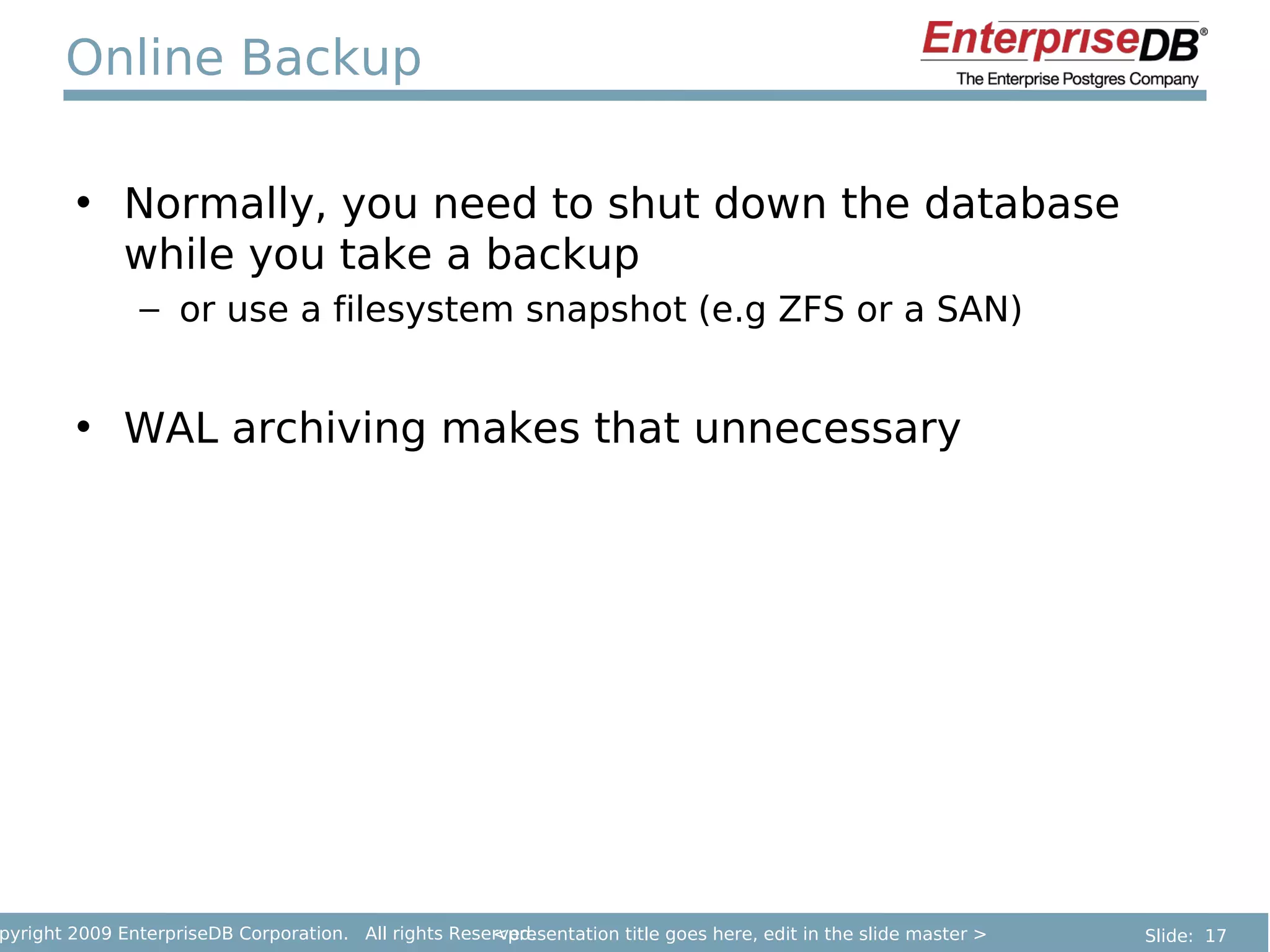
Online Backup

        • Normally, you need to shut down the database
          while you take a backup
               – or use a filesystem snapshot (e.g ZFS or a SAN)


        • WAL archiving makes that unnecessary


pyright 2009 EnterpriseDB Corporation. All rights Reserved.
                                                      <presentation title goes here, edit in the slide master >   Slide: 17
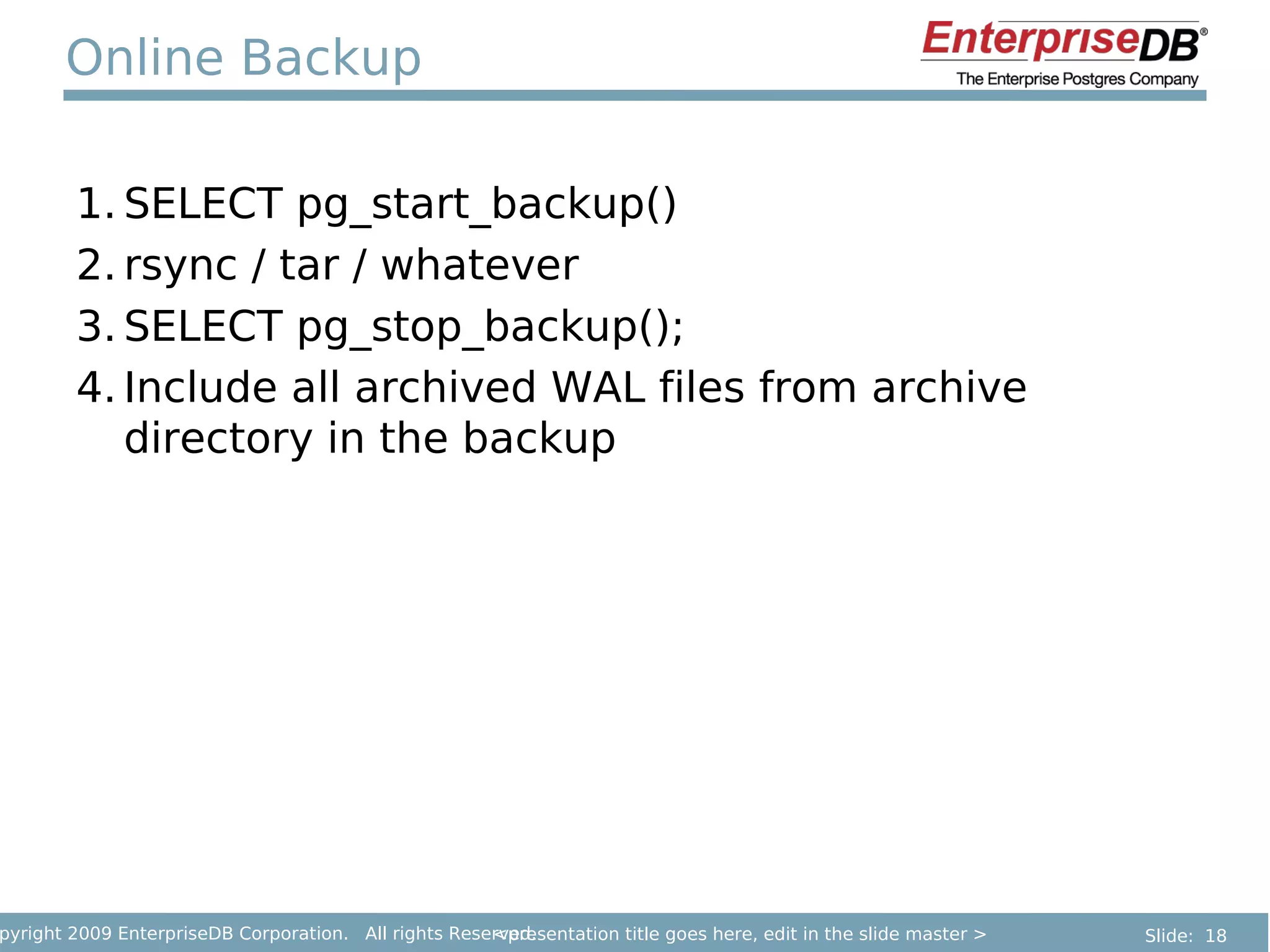
Online Backup

        1. SELECT pg_start_backup()
        2. rsync / tar / whatever
        3. SELECT pg_stop_backup();
        4. Include all archived WAL files from archive
           directory in the backup


pyright 2009 EnterpriseDB Corporation. All rights Reserved.
                                                      <presentation title goes here, edit in the slide master >   Slide: 18
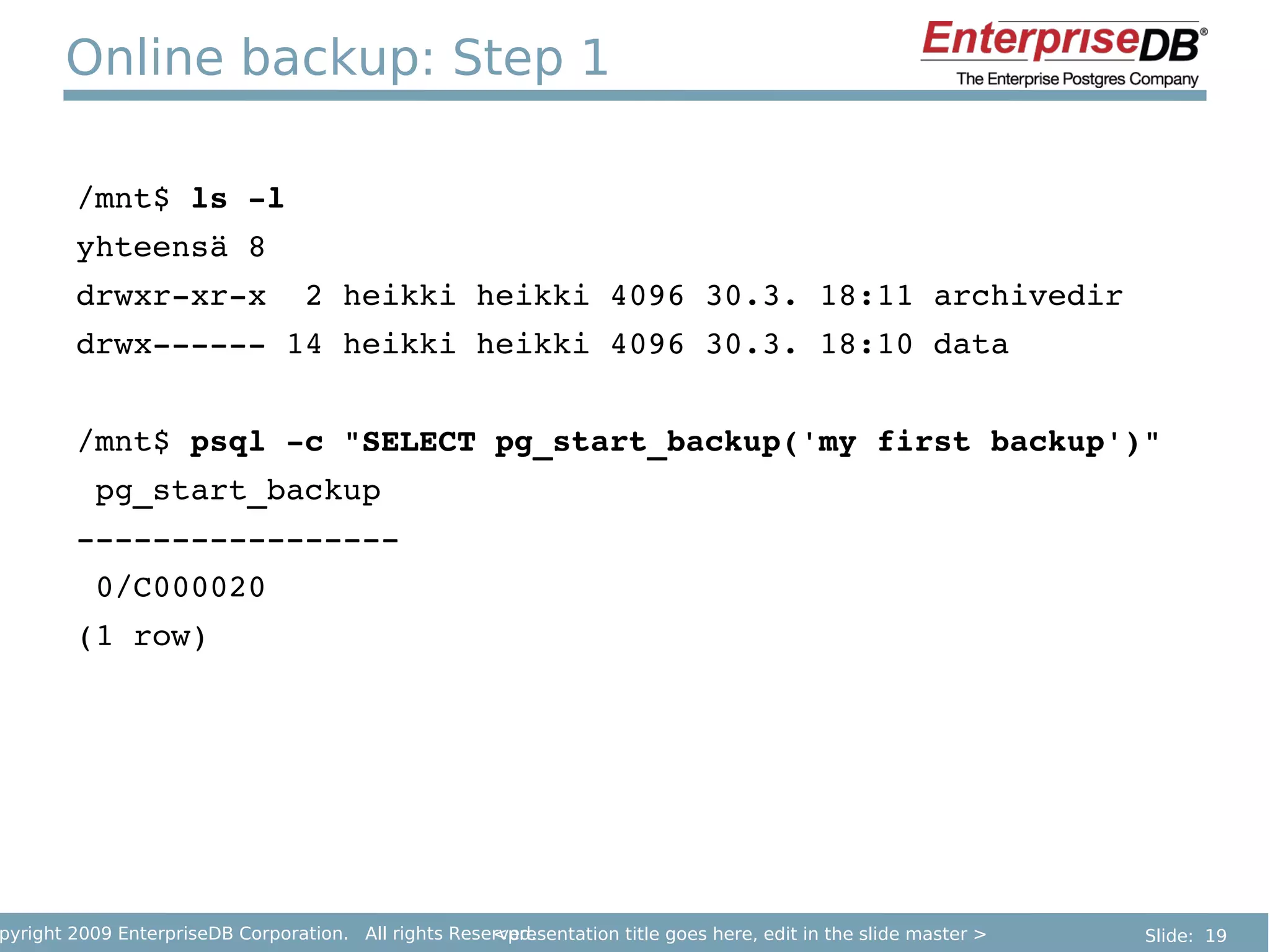
Online backup: Step 1

        /mnt$ ls ­l
        yhteensä 8
        drwxr­xr­x  2 heikki heikki 4096 30.3. 18:11 archivedir
        drwx­­­­­­ 14 heikki heikki 4096 30.3. 18:10 data


        /mnt$ psql ­c "SELECT pg_start_backup('my first backup')"
         pg_start_backup 
        ­­­­­­­­­­­­­­­­­
         0/C000020
        (1 row)


pyright 2009 EnterpriseDB Corporation. All rights Reserved.
                                                      <presentation title goes here, edit in the slide master >   Slide: 19
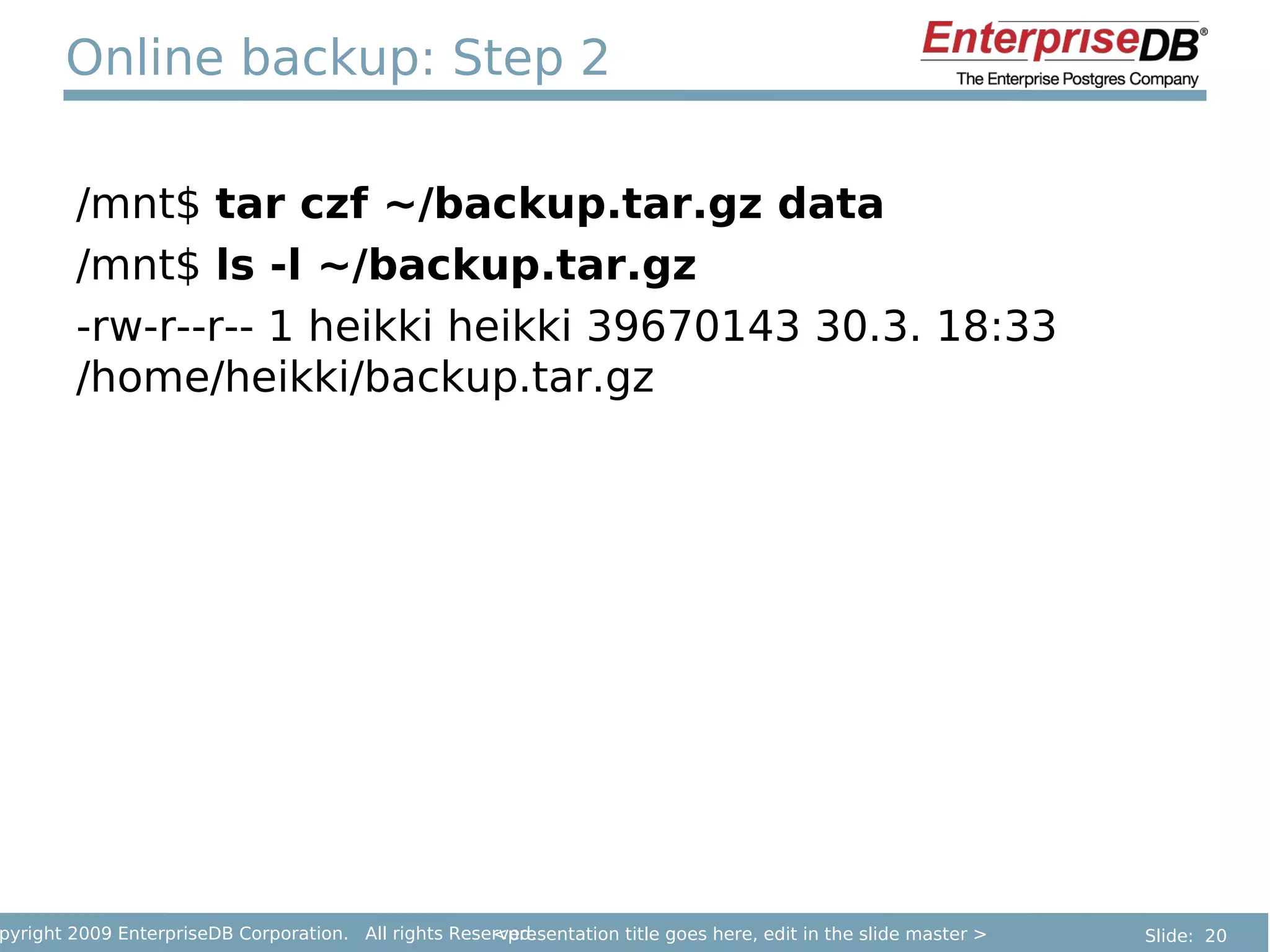
Online backup: Step 2

        /mnt$ tar czf ~/backup.tar.gz data
        /mnt$ ls -l ~/backup.tar.gz
        -rw-r--r-- 1 heikki heikki 39670143 30.3. 18:33
        /home/heikki/backup.tar.gz


pyright 2009 EnterpriseDB Corporation. All rights Reserved.
                                                      <presentation title goes here, edit in the slide master >   Slide: 20
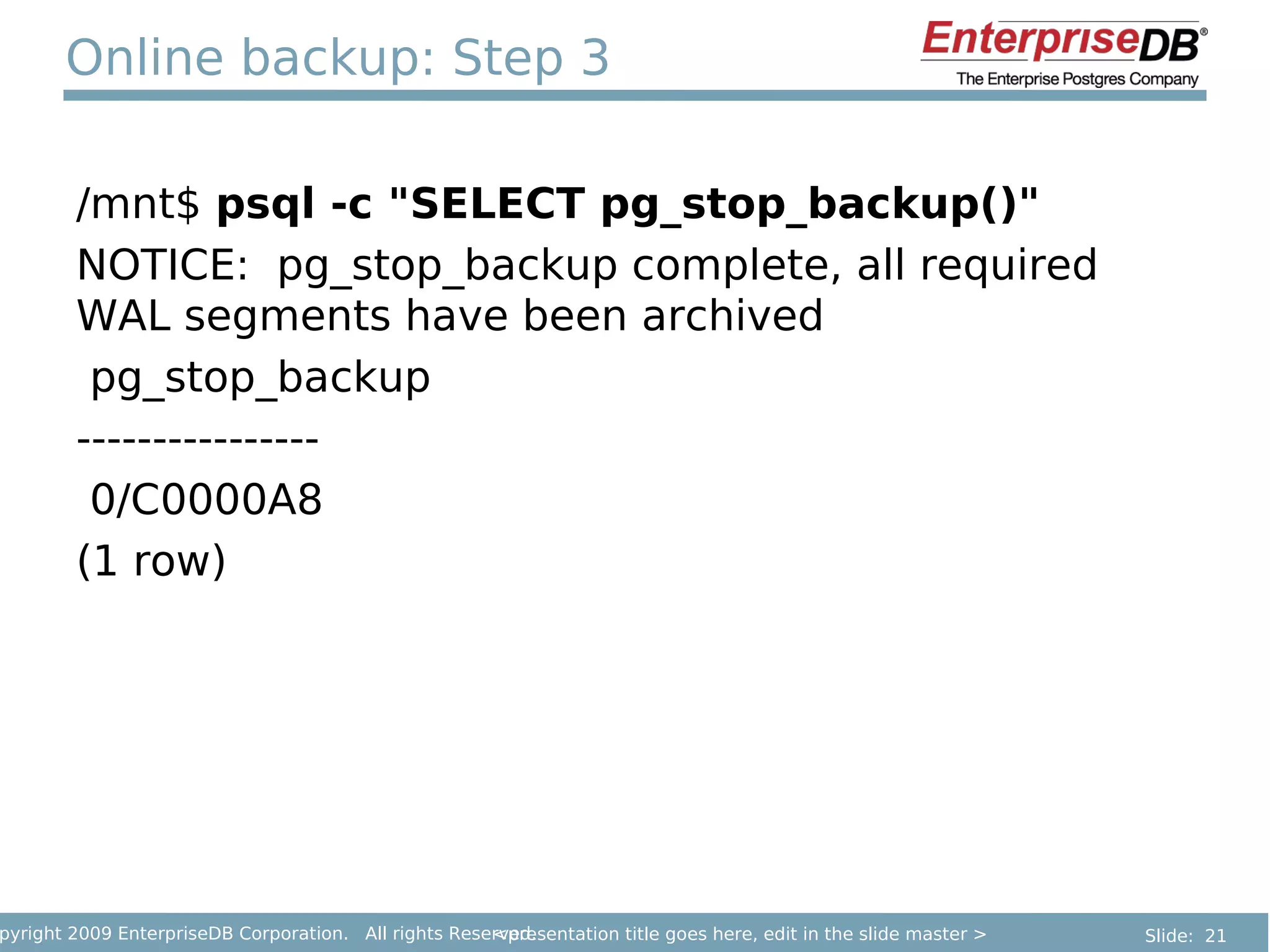
Online backup: Step 3

        /mnt$ psql -c "SELECT pg_stop_backup()"
        NOTICE: pg_stop_backup complete, all required
        WAL segments have been archived
         pg_stop_backup
        ----------------
         0/C0000A8
        (1 row)


pyright 2009 EnterpriseDB Corporation. All rights Reserved.
                                                      <presentation title goes here, edit in the slide master >   Slide: 21
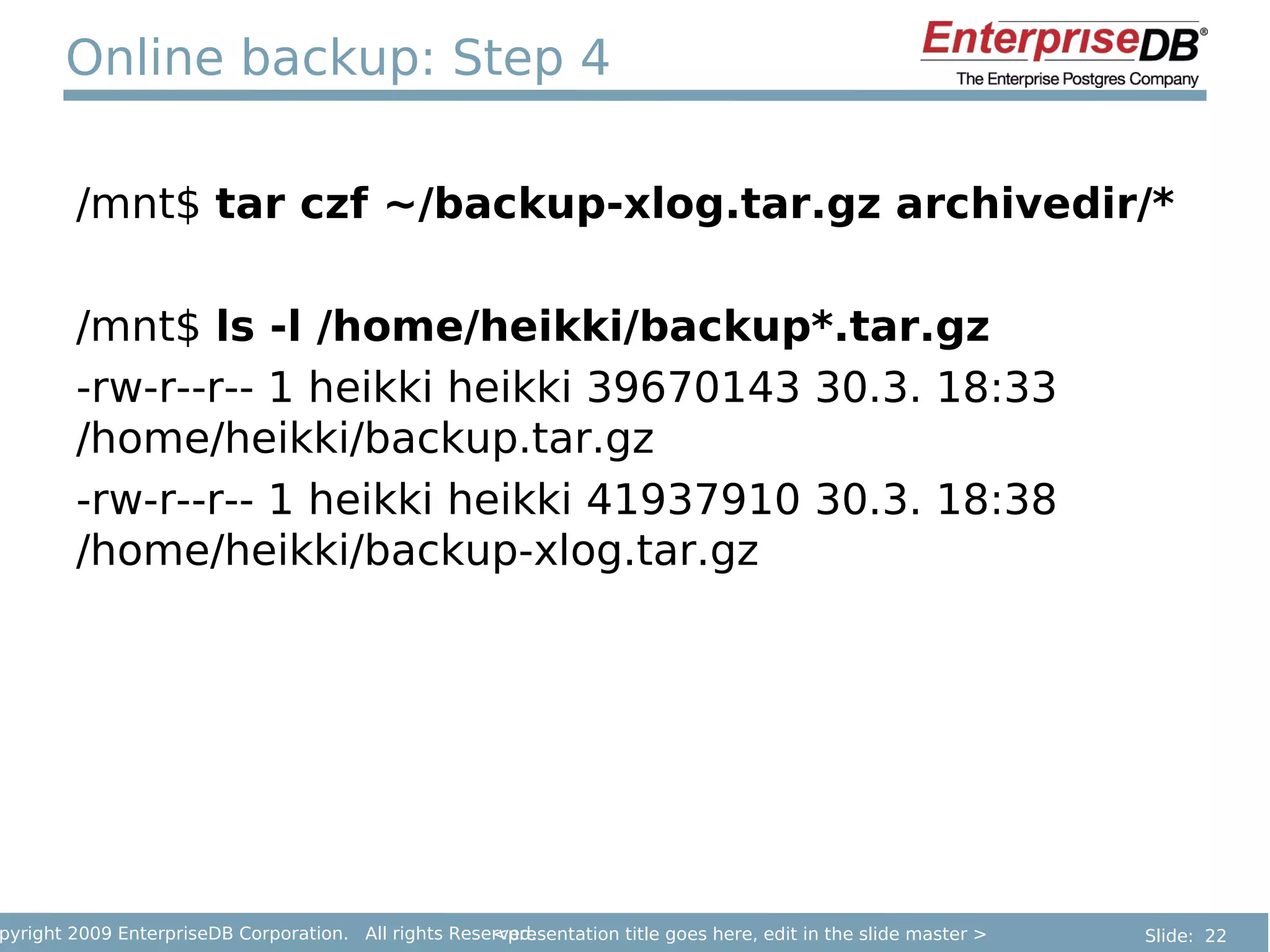
Online backup: Step 4

        /mnt$ tar czf ~/backup-xlog.tar.gz archivedir/*

        /mnt$ ls -l /home/heikki/backup*.tar.gz
        -rw-r--r-- 1 heikki heikki 39670143 30.3. 18:33
        /home/heikki/backup.tar.gz
        -rw-r--r-- 1 heikki heikki 41937910 30.3. 18:38
        /home/heikki/backup-xlog.tar.gz


pyright 2009 EnterpriseDB Corporation. All rights Reserved.
                                                      <presentation title goes here, edit in the slide master >   Slide: 22
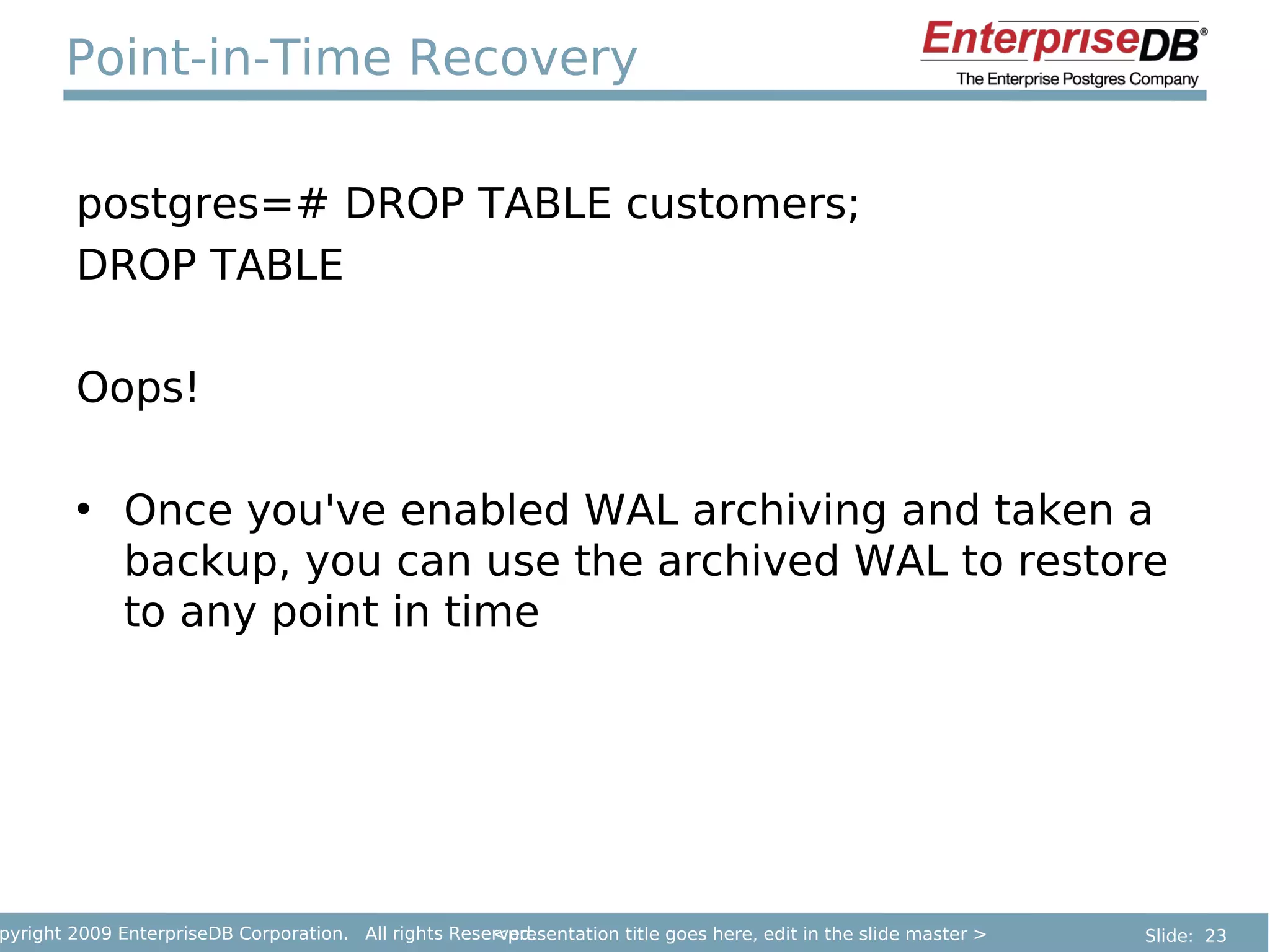
Point-in-Time Recovery

        postgres=# DROP TABLE customers;
        DROP TABLE

        Oops!

        • Once you've enabled WAL archiving and taken a
          backup, you can use the archived WAL to restore
          to any point in time


pyright 2009 EnterpriseDB Corporation. All rights Reserved.
                                                      <presentation title goes here, edit in the slide master >   Slide: 23
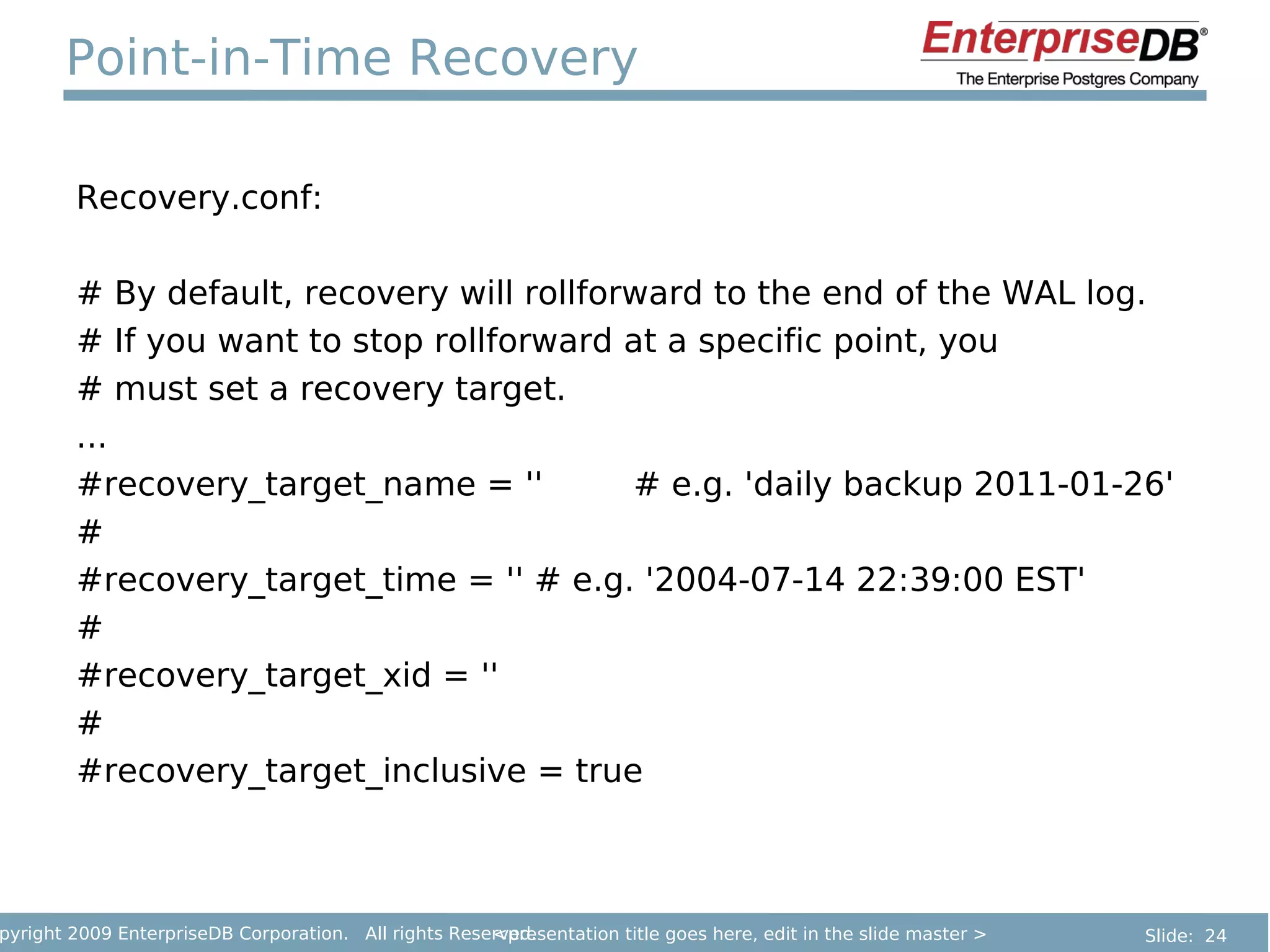
Point-in-Time Recovery

        Recovery.conf:

        # By default, recovery will rollforward to the end of the WAL log.
        # If you want to stop rollforward at a specific point, you
        # must set a recovery target.
        ...
        #recovery_target_name = ''         # e.g. 'daily backup 2011-01-26'
        #
        #recovery_target_time = '' # e.g. '2004-07-14 22:39:00 EST'
        #
        #recovery_target_xid = ''
        #
        #recovery_target_inclusive = true


pyright 2009 EnterpriseDB Corporation. All rights Reserved.
                                                      <presentation title goes here, edit in the slide master >   Slide: 24
Replication

        • You can transmit WAL as it is generated to a
          standby server
               – Replication!
        • This can be done using the WAL archive, or by
          streaming directly from the server over a TCP
          connection
        • Standby server can be used for read-only queries
          (Hot Standby)


pyright 2009 EnterpriseDB Corporation. All rights Reserved.
                                                      <presentation title goes here, edit in the slide master >   Slide: 25
Thank you

        Write-Ahead Logging makes it possible for a
        database to maintain consistency. It also allows
        many advanced features: online backup, PITR and
        replication

        Questions?


pyright 2009 EnterpriseDB Corporation. All rights Reserved.
                                                      <presentation title goes here, edit in the slide master >   Slide: 26

PostgreSQL Write-Ahead Log (Heikki Linnakangas)

  • 1.
    PostgreSQL Write-Ahead Log Heikki Linnakangas pyright 2009 EnterpriseDB Corporation. All rights Reserved. <presentation title goes here, edit in the slide master > Slide: 1
  • 2.
    What is Write-AheadLog? • Also known as the transaction log or redo log • Practically every database management system has one • Also used by journaling file systems, transaction managers etc. pyright 2009 EnterpriseDB Corporation. All rights Reserved. <presentation title goes here, edit in the slide master > Slide: 2
  • 3.
    Write-Ahead Log concepts • A transaction log is a sequence of log records • One log record for every change • Each WAL record is assigned an LSN (Log Sequence Number) pyright 2009 EnterpriseDB Corporation. All rights Reserved. <presentation title goes here, edit in the slide master > Slide: 3
  • 4.
    PostgreSQL Write-Ahead-Log • Introduced in version 7.1 by Vadim B. Mikheev – Released in 2001 • REDO log only – No UNDO log – Instantaneous rollbacks – No limit on transaction size pyright 2009 EnterpriseDB Corporation. All rights Reserved. <presentation title goes here, edit in the slide master > Slide: 4
  • 5.
    PostgreSQL Example INSERT INTO tbl (id, data) VALUES (123, 'foo') @ 0/D023940: xid 734: Heap - insert: rel 1663/12040/16402; tid 0/2 @ 0/D023988: xid 734: Btree - insert: rel 1663/12040/16404; tid 1/2 @ 0/D0239D0: xid 734: Transaction - commit: 2012-03-30 19:08:10.262228+03 LOG: xlog flush request 0/D023A00 pyright 2009 EnterpriseDB Corporation. All rights Reserved. <presentation title goes here, edit in the slide master > Slide: 5
  • 6.
    PostgreSQL WAL structure • WAL is divided into WAL segments – Each segment is a file in pg_xlog directory $ ls ­l pgsql/data/pg_xlog/ ­rw­­­­­­­ 1 heikki heikki      239 2009­11­03 10:39  000000010000000000000034.00000020.backup ­rw­­­­­­­ 1 heikki heikki 16777216 2009­11­03 15:26 00000001000000000000003A ­rw­­­­­­­ 1 heikki heikki 16777216 2009­11­03 15:26 00000001000000000000003B ­rw­­­­­­­ 1 heikki heikki 16777216 2009­11­03 10:39 00000001000000000000003C ­rw­­­­­­­ 1 heikki heikki 16777216 2009­11­03 13:49 00000001000000000000003D ­rw­­­­­­­ 1 heikki heikki 16777216 2009­11­03 15:14 00000001000000000000003E drwx­­­­­­ 2 heikki heikki      160 2009­11­03 15:26 archive_status pyright 2009 EnterpriseDB Corporation. All rights Reserved. <presentation title goes here, edit in the slide master > Slide: 6
  • 7.
    Tools • Developer tools – WAL_DEBUG compile option – Xlogdump http://xlogviewer.projects.postgresql.org/ pyright 2009 EnterpriseDB Corporation. All rights Reserved. <presentation title goes here, edit in the slide master > Slide: 7
  • 8.
    WAL-first rule • The log record for an operation is always written to disk before the affected data pages – WAL first rule! • In case of a crash, the WAL is replayed to reconstruct the unsaved changes pyright 2009 EnterpriseDB Corporation. All rights Reserved. <presentation title goes here, edit in the slide master > Slide: 8
  • 9.
    Checkpoints • WAL grows indefinitely • Checkpoints allow us to truncate it 1. Flush all data pages to disk 2. Write a checkpoint record 3. Truncate away old WAL pyright 2009 EnterpriseDB Corporation. All rights Reserved. <presentation title goes here, edit in the slide master > Slide: 9
  • 10.
    WAL filenames 00000001000000000000003E Log id Seg no TLI LSN • Timeline ID is used to distinguish WAL generated before and after a PITR recovery pyright 2009 EnterpriseDB Corporation. All rights Reserved. <presentation title goes here, edit in the slide master > Slide: 10
  • 11.
    Crash-safety • Many database actions involve modifying more than one page. – Example: Splitting an index page. • Writing two data pages A and B is not atomic. • One write must happen before the other. – We need to give the operating system and disk controller freedom to reorder the writes; we don't even know which one will happen first. • We could crash in between. pyright 2009 EnterpriseDB Corporation. All rights Reserved. <presentation title goes here, edit in the slide master > Slide: 11
  • 12.
    WAL Summary Write-Ahead Logging is critical for: • Durability – Once you commit, your data is safe • Consistency – No corruption on crash pyright 2009 EnterpriseDB Corporation. All rights Reserved. <presentation title goes here, edit in the slide master > Slide: 12
  • 13.
    Advanced features But there's more! The Write-Ahead Log also allows: • Online backup • Point-in-time Recovery • Replication pyright 2009 EnterpriseDB Corporation. All rights Reserved. <presentation title goes here, edit in the slide master > Slide: 13
  • 14.
    WAL Archiving • Normally, old WAL is deleted at a checkpoint. • But it can also be archived • Archive can be anything – Directory on another server – Tape drive pyright 2009 EnterpriseDB Corporation. All rights Reserved. <presentation title goes here, edit in the slide master > Slide: 14
  • 15.
    WAL Archiving In your postgresql.conf file: archive_mode=on wal_level=archive archive_command = 'cp %p /mnt/walarchive/%f' Restart server, and it will copy all WAL files to /mnt/walarchive as they're generated pyright 2009 EnterpriseDB Corporation. All rights Reserved. <presentation title goes here, edit in the slide master > Slide: 15
  • 16.
    WAL archive ~$ ls -l /mnt/walarchive/ yhteensä 114688 -rw------- 1 heikki heikki 16777216 30.3. 18:11 000000010000000000000001 -rw------- 1 heikki heikki 16777216 30.3. 18:11 000000010000000000000002 -rw------- 1 heikki heikki 16777216 30.3. 18:11 000000010000000000000003 -rw------- 1 heikki heikki 16777216 30.3. 18:11 000000010000000000000004 -rw------- 1 heikki heikki 16777216 30.3. 18:11 000000010000000000000005 -rw------- 1 heikki heikki 16777216 30.3. 18:11 000000010000000000000006 -rw------- 1 heikki heikki 16777216 30.3. 18:11 000000010000000000000007 pyright 2009 EnterpriseDB Corporation. All rights Reserved. <presentation title goes here, edit in the slide master > Slide: 16
  • 17.
    Online Backup • Normally, you need to shut down the database while you take a backup – or use a filesystem snapshot (e.g ZFS or a SAN) • WAL archiving makes that unnecessary pyright 2009 EnterpriseDB Corporation. All rights Reserved. <presentation title goes here, edit in the slide master > Slide: 17
  • 18.
    Online Backup 1. SELECT pg_start_backup() 2. rsync / tar / whatever 3. SELECT pg_stop_backup(); 4. Include all archived WAL files from archive directory in the backup pyright 2009 EnterpriseDB Corporation. All rights Reserved. <presentation title goes here, edit in the slide master > Slide: 18
  • 19.
    Online backup: Step1 /mnt$ ls ­l yhteensä 8 drwxr­xr­x  2 heikki heikki 4096 30.3. 18:11 archivedir drwx­­­­­­ 14 heikki heikki 4096 30.3. 18:10 data /mnt$ psql ­c "SELECT pg_start_backup('my first backup')"  pg_start_backup  ­­­­­­­­­­­­­­­­­  0/C000020 (1 row) pyright 2009 EnterpriseDB Corporation. All rights Reserved. <presentation title goes here, edit in the slide master > Slide: 19
  • 20.
    Online backup: Step2 /mnt$ tar czf ~/backup.tar.gz data /mnt$ ls -l ~/backup.tar.gz -rw-r--r-- 1 heikki heikki 39670143 30.3. 18:33 /home/heikki/backup.tar.gz pyright 2009 EnterpriseDB Corporation. All rights Reserved. <presentation title goes here, edit in the slide master > Slide: 20
  • 21.
    Online backup: Step3 /mnt$ psql -c "SELECT pg_stop_backup()" NOTICE: pg_stop_backup complete, all required WAL segments have been archived pg_stop_backup ---------------- 0/C0000A8 (1 row) pyright 2009 EnterpriseDB Corporation. All rights Reserved. <presentation title goes here, edit in the slide master > Slide: 21
  • 22.
    Online backup: Step4 /mnt$ tar czf ~/backup-xlog.tar.gz archivedir/* /mnt$ ls -l /home/heikki/backup*.tar.gz -rw-r--r-- 1 heikki heikki 39670143 30.3. 18:33 /home/heikki/backup.tar.gz -rw-r--r-- 1 heikki heikki 41937910 30.3. 18:38 /home/heikki/backup-xlog.tar.gz pyright 2009 EnterpriseDB Corporation. All rights Reserved. <presentation title goes here, edit in the slide master > Slide: 22
  • 23.
    Point-in-Time Recovery postgres=# DROP TABLE customers; DROP TABLE Oops! • Once you've enabled WAL archiving and taken a backup, you can use the archived WAL to restore to any point in time pyright 2009 EnterpriseDB Corporation. All rights Reserved. <presentation title goes here, edit in the slide master > Slide: 23
  • 24.
    Point-in-Time Recovery Recovery.conf: # By default, recovery will rollforward to the end of the WAL log. # If you want to stop rollforward at a specific point, you # must set a recovery target. ... #recovery_target_name = '' # e.g. 'daily backup 2011-01-26' # #recovery_target_time = '' # e.g. '2004-07-14 22:39:00 EST' # #recovery_target_xid = '' # #recovery_target_inclusive = true pyright 2009 EnterpriseDB Corporation. All rights Reserved. <presentation title goes here, edit in the slide master > Slide: 24
  • 25.
    Replication • You can transmit WAL as it is generated to a standby server – Replication! • This can be done using the WAL archive, or by streaming directly from the server over a TCP connection • Standby server can be used for read-only queries (Hot Standby) pyright 2009 EnterpriseDB Corporation. All rights Reserved. <presentation title goes here, edit in the slide master > Slide: 25
  • 26.
    Thank you Write-Ahead Logging makes it possible for a database to maintain consistency. It also allows many advanced features: online backup, PITR and replication Questions? pyright 2009 EnterpriseDB Corporation. All rights Reserved. <presentation title goes here, edit in the slide master > Slide: 26