LESSON TWO
Front End Development
HTML
[review]
ANATOMY OF A TAG

(1) Opening & closing =>
<tag_name attr_1=”val_1”   [...]   attr_n=”val_n” >

         [...]

</tag_name>

Ex:
ANATOMY OF A TAG


(2) “Self-closing” =>
<tag_name attr_1=”val_1” [...] attr_n=”val_n”   />

Ex:
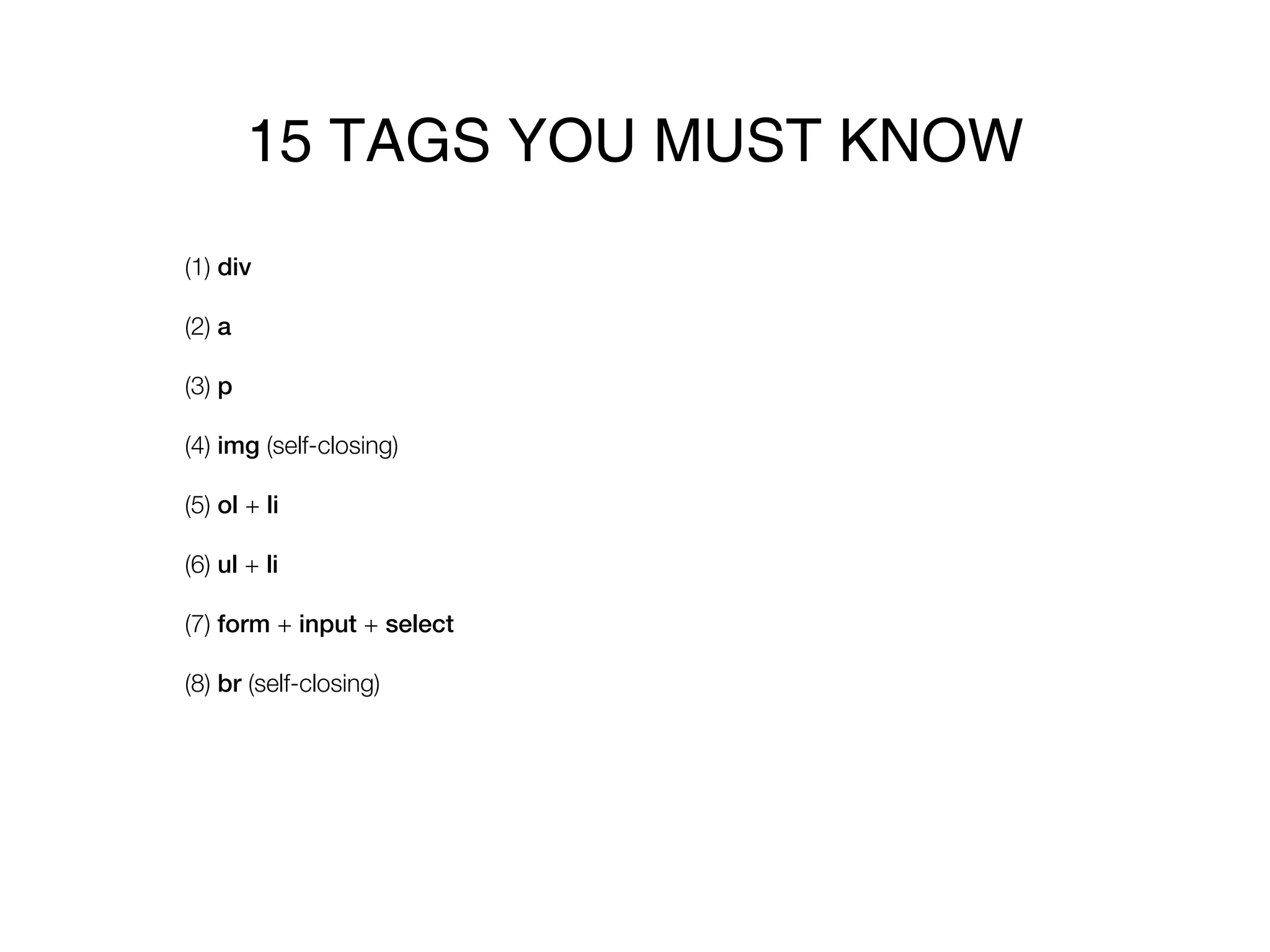
15 TAGS YOU MUST KNOW
(1) div

(2) a

(3) p

(4) img (self-closing)

(5) ol + li

(6) ul + li

(7) form + input + select

(8) br (self-closing)
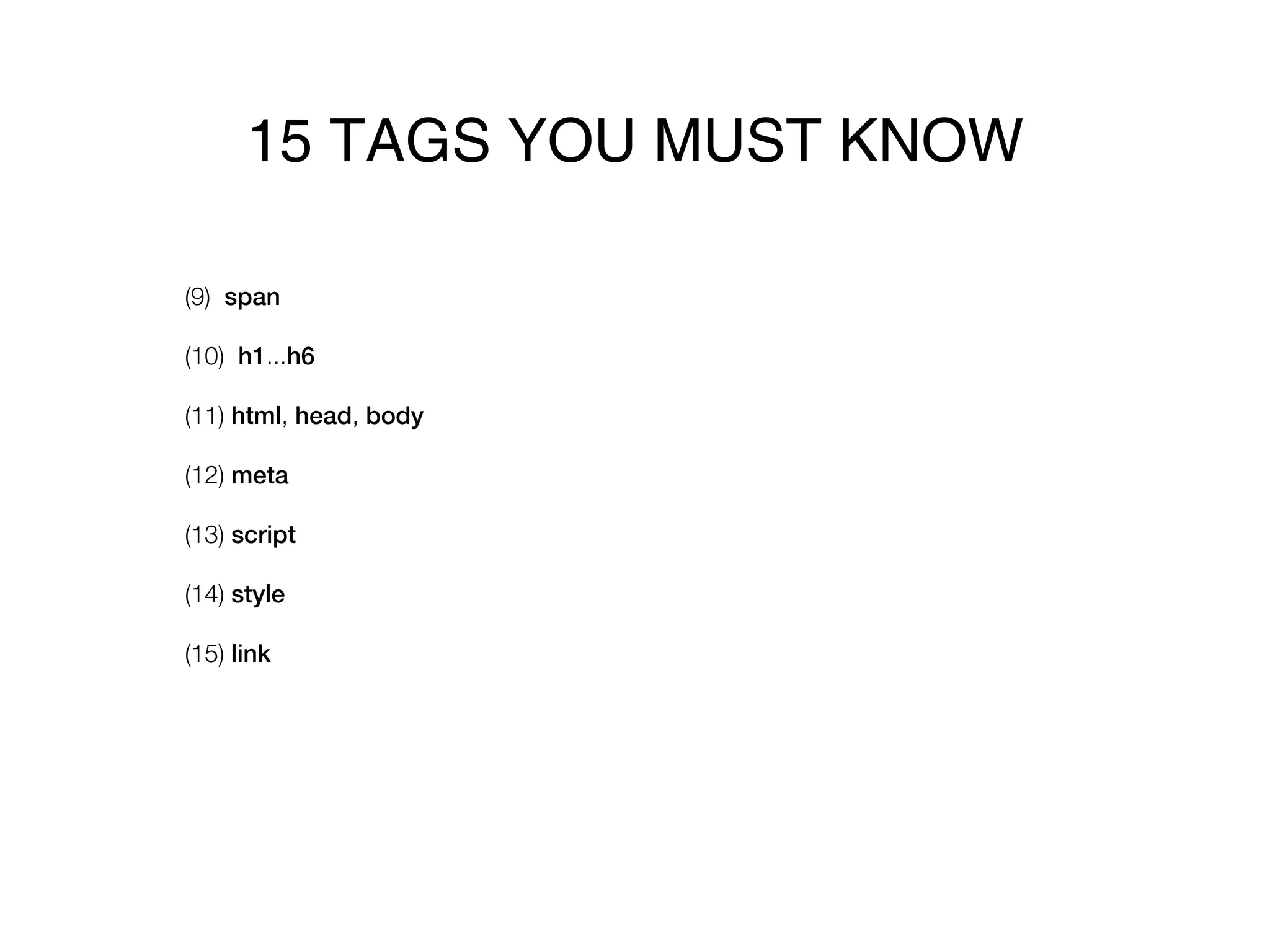
15 TAGS YOU MUST KNOW

(9) span

(10) h1...h6

(11) html, head, body

(12) meta

(13) script

(14) style

(15) link
CSS
[review]
ANATOMY OF A SELECTOR

(1) Select by tag name
tag_name {

      style_1: value_1;
      [ ... ]
      style_n: value_n;
}

Ex:

p {

      color: #000;
      font-size: 12px;
}
ANATOMY OF A SELECTOR
(2) Select by class
.class {

      style_1: value_1;
      [ ... ]
      style_n: value_n;
}

Ex:

.highlight {

      font-weight: bold;
      font-size: 14px;
}
ANATOMY OF A SELECTOR

(3) Select by id
#id {

      style_1: value_1;
      [ ... ]
      style_n: value_n;
}

Ex:

#footer p {

      font-size: 9px;
}
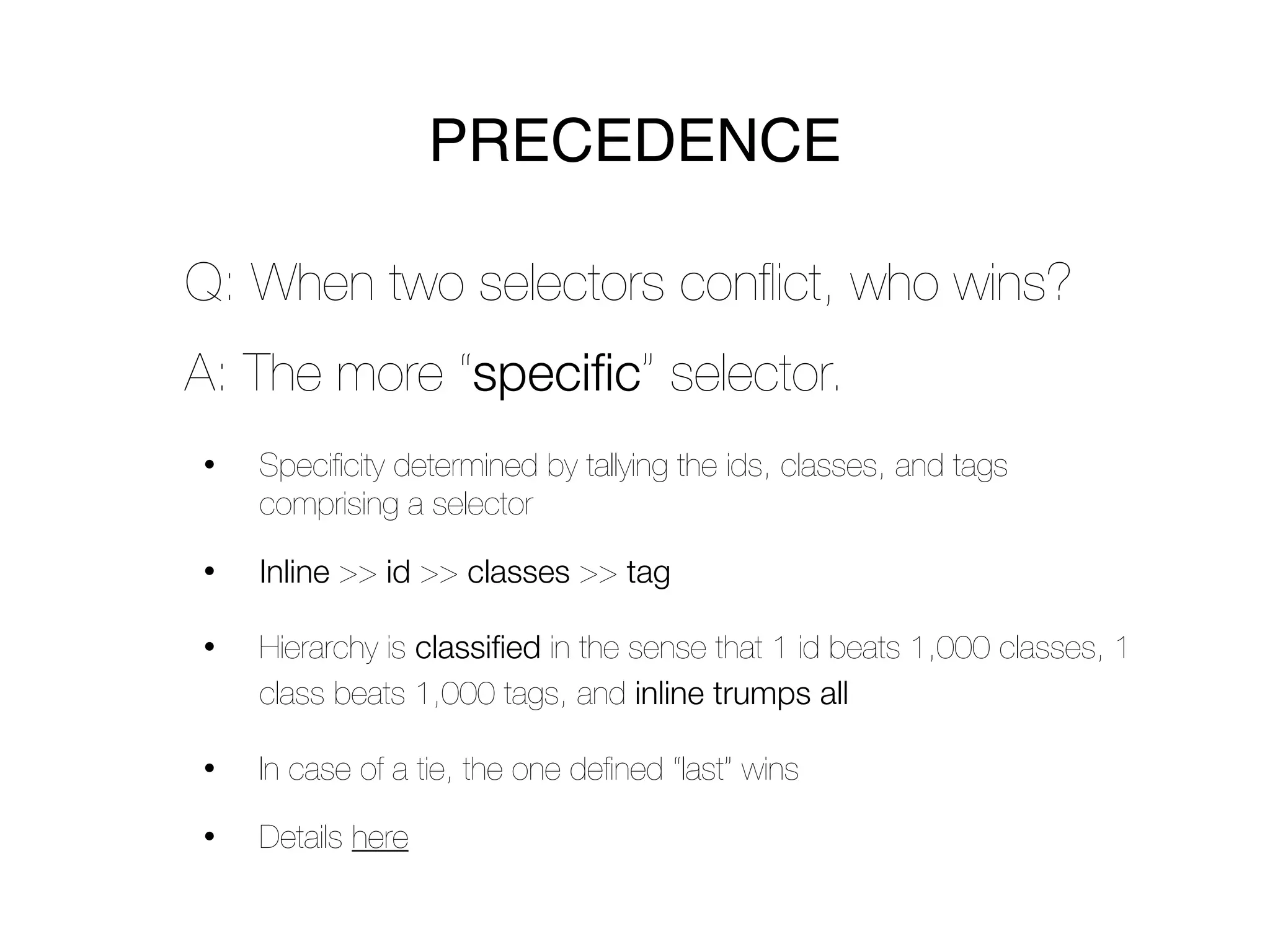
PRECEDENCE

Q: When two selectors conflict, who wins?
A: The more “specific” selector.
•   Specificity determined by tallying the ids, classes, and tags
    comprising a selector

•   Inline >> id >> classes >> tag

•   Hierarchy is classified in the sense that 1 id beats 1,000 classes, 1
    class beats 1,000 tags, and inline trumps all

•   In case of a tie, the one defined “last” wins

•   Details here
CSS
[laying out your pages]
TWO CAVEATS


(1) This stuff is confusing


(2) Muddling through & experimentation are
okay!
•   We’re experts at this technique

•   Ours are not necessarily best practices
DEFAULTS


Differ across browsers => use a reset
  •   E.g., Blueprint CSS

  •   Provides you with a common starting point

Resets create default settings like:
  •   Align everything to the left

  •   Divs are “block level” elements

  •   No padding, no margin, no border, anywhere
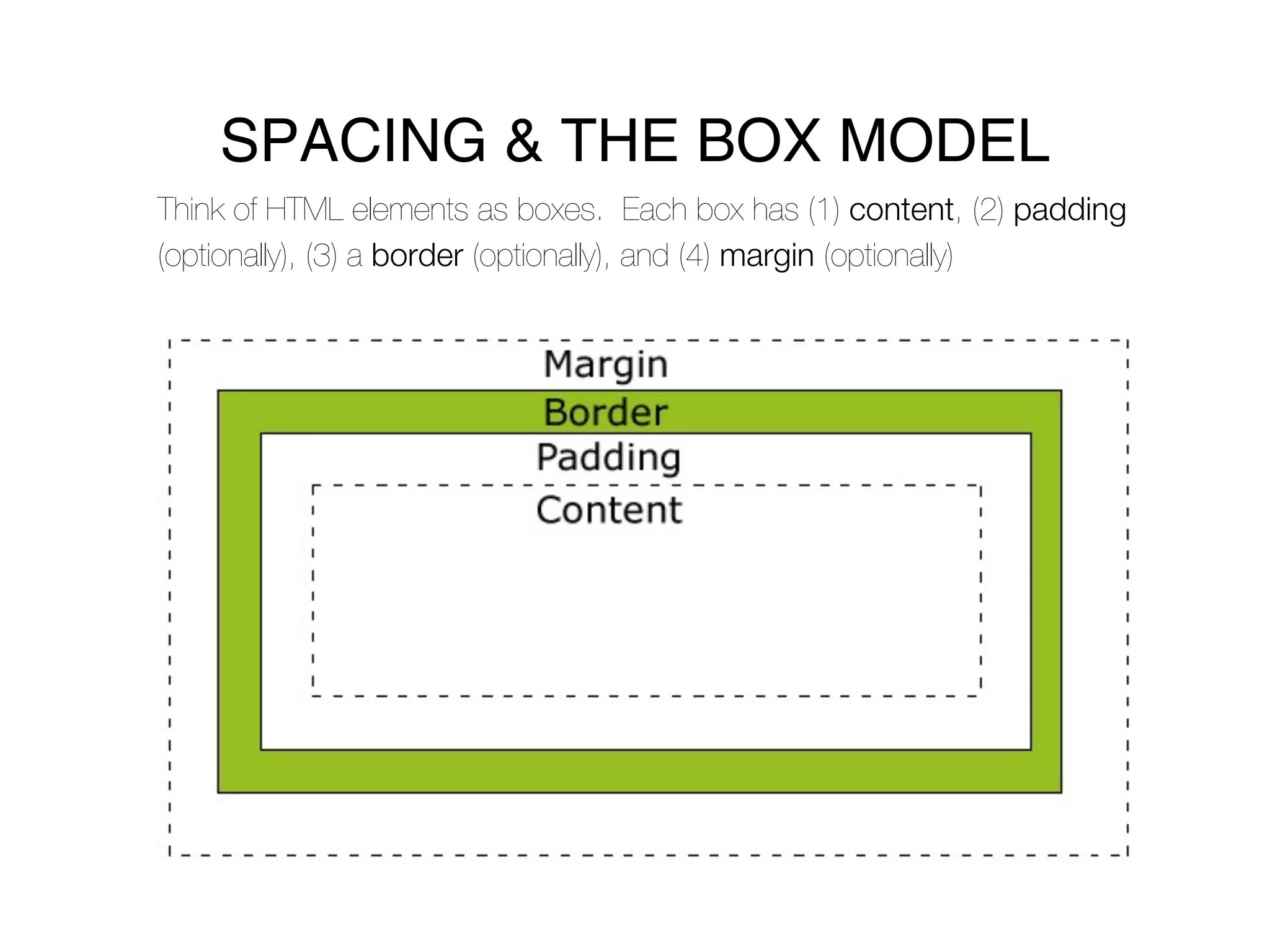
SPACING & THE BOX MODEL
Think of HTML elements as boxes. Each box has (1) content, (2) padding
(optionally), (3) a border (optionally), and (4) margin (optionally)
BLOCK LEVEL VS. INLINE

Block level => intuitively, “blocks” of
content
•   Starts a new line (before and after)

•   Has a width

•   By default, spans the entire width of their containing element

•   CSS: “display: block”

•   Block level elements: div, h1 - h6, p, ul, ol, li, table, tr, td, th,
    blockquote
BLOCK LEVEL VS. INLINE


Inline => intuitively, displayed “inline”
•   Does NOT start a new line (before or after)

•   Does NOT have a width

•   Takes up only as much space as necessary

•   CSS: “display: inline”

•   Inline elements: i, b, a, em, strong, q
FLOAT & CLEAR


Float => floats an element to ‘left’ or ‘right’
•   Values: inherit, left, right, none

•   Floats to left or right of container element.

•   Content flows around to side, down and around

•   Ignores display ‘block’ or display ‘in-line’

•   Needs a defined width
FLOAT & CLEAR


               China has a carefully thought out
               and strategic plan to take over
               America We took the Bible and prayer
               out of public schools, and now were
               having weekly shootings practically.
               The American Left hates Christendom.
They hate Western civilization. I am a firm believer
in intelligent design as a matter of faith and
intellect. I believe intelligent design should be
presented in schools alongside the theories of
evolution. The exact phrase separation of Church and
State came out of Adolph Hitlers mouth, thats where it
comes from.
FLOAT & CLEAR


Clear => allow elements to float on sides?
•   Values: inherit, left, right, none

•   If set, does not render until “beneath” previous floating object

•   Can be applied to any object, regardless of it’s float

•   Does not naturally inherit down to children
FLOAT & CLEAR


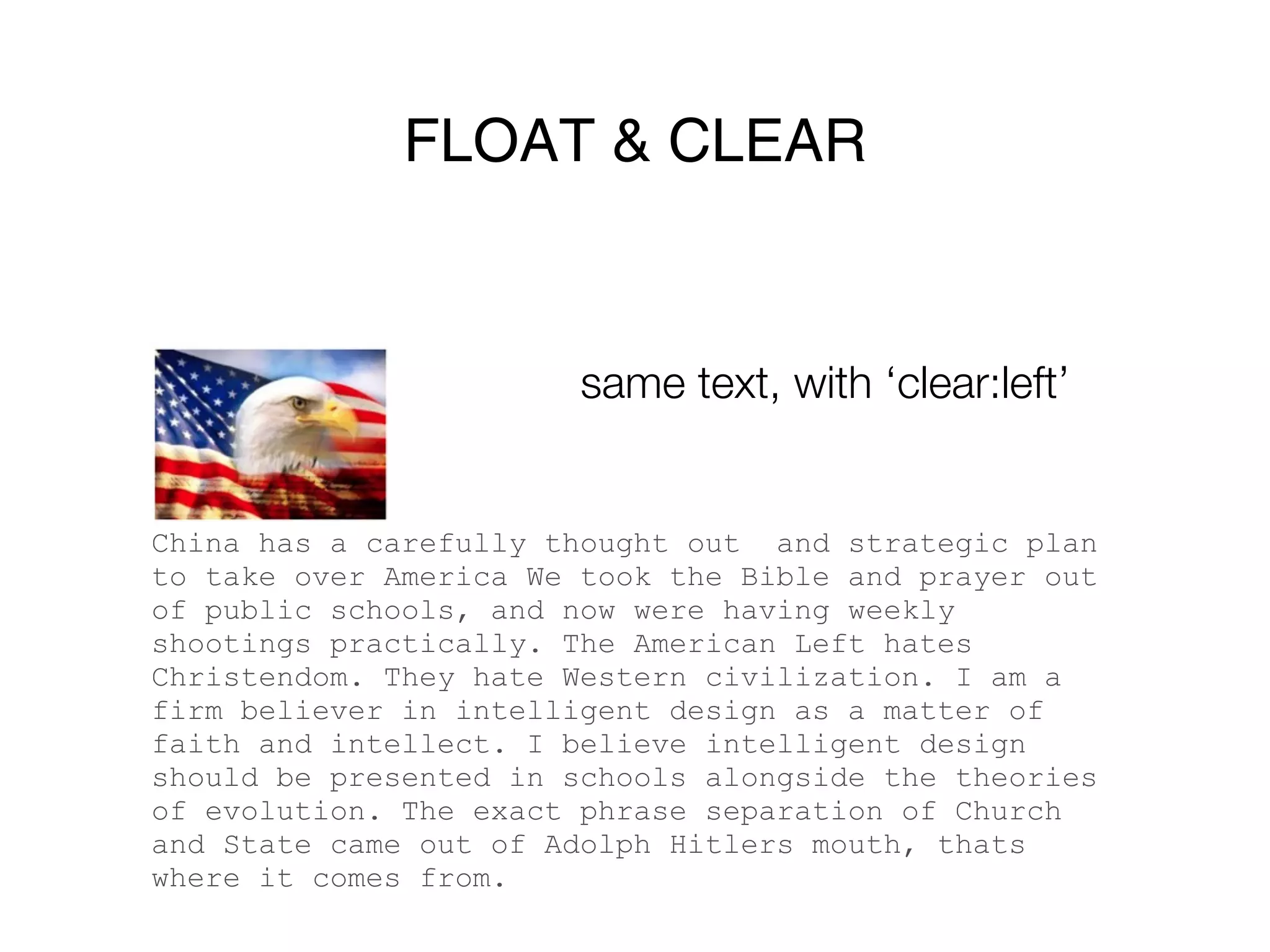
                        same text, with ‘clear:left’


China has a carefully thought out and strategic plan
to take over America We took the Bible and prayer out
of public schools, and now were having weekly
shootings practically. The American Left hates
Christendom. They hate Western civilization. I am a
firm believer in intelligent design as a matter of
faith and intellect. I believe intelligent design
should be presented in schools alongside the theories
of evolution. The exact phrase separation of Church
and State came out of Adolph Hitlers mouth, thats
where it comes from.
Fixed and Absolute Positioning


Fixed => fixed with respect to the
“viewport” (i.e. what you see)
Absolute => fixed with respect to its nearest
ancestor that has declared “position:
relative”
JAVASCRIPT
[language basics]
DATA TYPES


        Javascript
      [language basics]
BASIC SYNTAX


Lines end with a semicolon
Group code with braces: { }
DATA TYPES
    Must interact with Javascript on its own terms
    It divides the world into six fundamental
    categories:
•   (1) Numbers

•   (2) Strings

•   (3) Booleans

•   (4) Functions

•   (5) Objects

•   (6) Undefined
(1) NUMBERS & ARITHMETIC


Can do all your basic arithmetic in Javascript
Order of operations matters (as always)
   •   Use parentheses for clarity

Integer vs. floating point
   •   “Floating point” => decimal
(2) STRINGS


Intuitively, a string is text
   •   Must be enclosed in single or double quotes, e.g. “this is a
       string” and ‘so is this’
(3) BOOLEANS


Boolean is a fancy way of saying true or false
BUZZZZWORD


DRY => “Don’t Repeat Yourself”
•   Staying DRY is about efficiency and clarity

•   If you find yourself typing the same thing over and over, ask yourself
    whether you can dry off

•   Ways you’ll learn to stay dry: (1) variables, (2) functions, (3)
    modules
VARIABLES


Store data with an “arbitrary” name
One of the most fundamental coding
concepts
var name;
name = 17;
console.log(name); // => 17
ASSIGNMENT VS. EQUALITY

“== != =” -Charlie Croom
=
    •   This is a command

    •   Sets the value of a variable

== and ===
    •   These are tests

    •   Return Booleans (true or false)
(4) FUNCTIONS


The ultimate DRY

Encapsulate common functionality
function name( arg_1, ... arg_n ) {

    [ FUNCTION BODY ]

}
(4) FUNCTIONS


Can “return a value”
•   Return undefined if no return value specified


function name( arg_1, ... arg_n ) {
  var x;
  [ DO SOME STUFF WITH x ]
  return x;
}
CONTROL FLOW

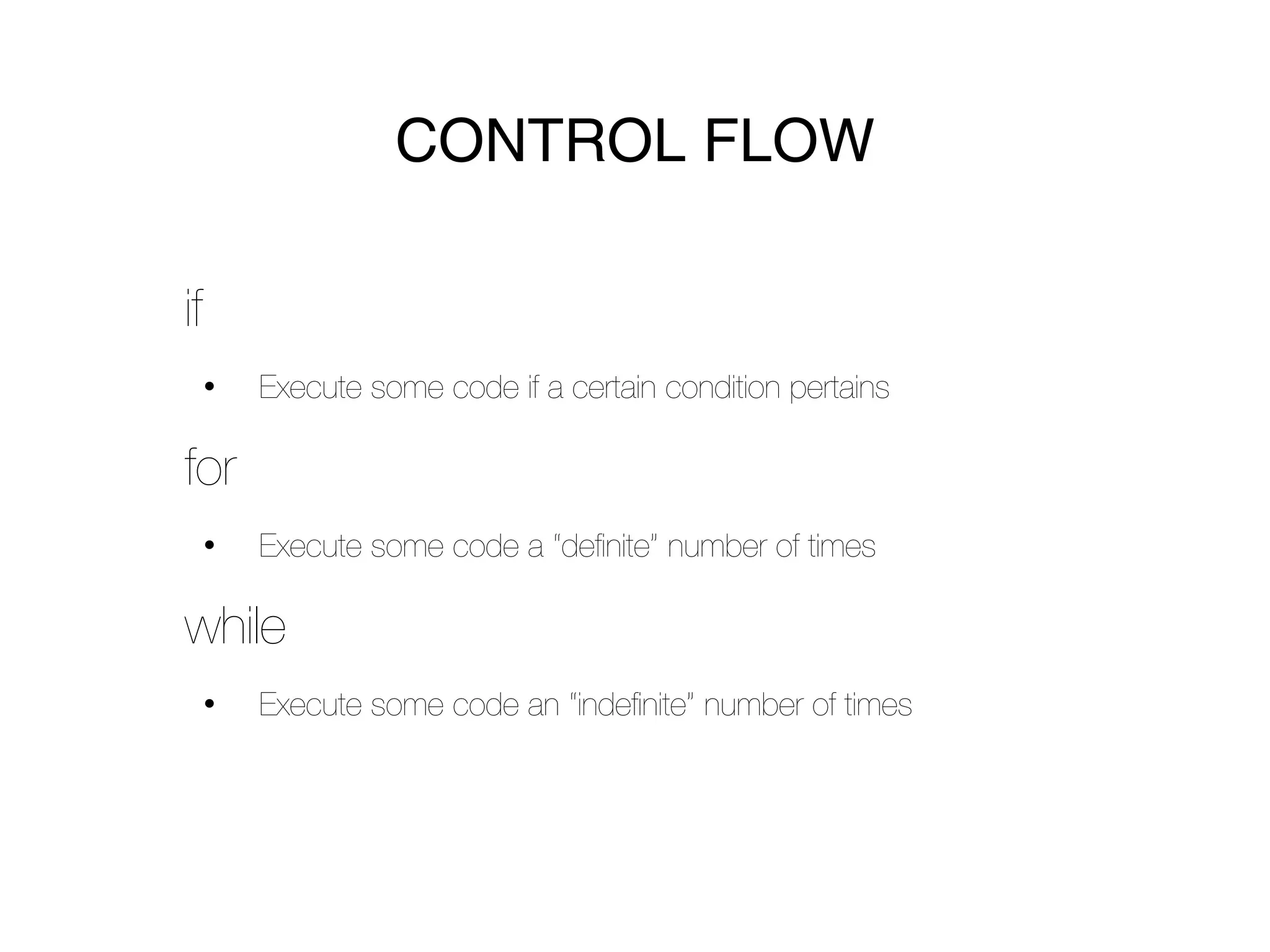
if
     •   Execute some code if a certain condition pertains

for
     •   Execute some code a “definite” number of times

while
     •   Execute some code an “indefinite” number of times
CONTROL FLOW: if

if ( condition_1) {
    [ DO SOME STUFF ]
} else if ( condition_2 ) {
    [ DO SOME OTHER STUFF ]
} else {
    [ DO DEFAULT STUFF ]
}
CONTROL FLOW: for


for ( var i = 0; i < 10; i++ ) {
    [ DO SOME STUFF ]
}
// That stuff will happen 10 times
CONTROL FLOW: while


while ( [SOME CONDITION OBTAINS] ) {
    [ KEEP DOING STUFF ]
}
// That stuff will keep happening until
// the condition is false
QUESTIONS?
contact will_and_bay@hackyale.com

Week2

  • 2.
  • 3.
  • 4.
    ANATOMY OF ATAG (1) Opening & closing => <tag_name attr_1=”val_1” [...] attr_n=”val_n” > [...] </tag_name> Ex:
  • 5.
    ANATOMY OF ATAG (2) “Self-closing” => <tag_name attr_1=”val_1” [...] attr_n=”val_n” /> Ex:
  • 6.
    15 TAGS YOUMUST KNOW (1) div (2) a (3) p (4) img (self-closing) (5) ol + li (6) ul + li (7) form + input + select (8) br (self-closing)
  • 7.
    15 TAGS YOUMUST KNOW (9) span (10) h1...h6 (11) html, head, body (12) meta (13) script (14) style (15) link
  • 8.
  • 9.
    ANATOMY OF ASELECTOR (1) Select by tag name tag_name { style_1: value_1; [ ... ] style_n: value_n; } Ex: p { color: #000; font-size: 12px; }
  • 10.
    ANATOMY OF ASELECTOR (2) Select by class .class { style_1: value_1; [ ... ] style_n: value_n; } Ex: .highlight { font-weight: bold; font-size: 14px; }
  • 11.
    ANATOMY OF ASELECTOR (3) Select by id #id { style_1: value_1; [ ... ] style_n: value_n; } Ex: #footer p { font-size: 9px; }
  • 12.
    PRECEDENCE Q: When twoselectors conflict, who wins? A: The more “specific” selector. • Specificity determined by tallying the ids, classes, and tags comprising a selector • Inline >> id >> classes >> tag • Hierarchy is classified in the sense that 1 id beats 1,000 classes, 1 class beats 1,000 tags, and inline trumps all • In case of a tie, the one defined “last” wins • Details here
  • 13.
  • 14.
    TWO CAVEATS (1) Thisstuff is confusing (2) Muddling through & experimentation are okay! • We’re experts at this technique • Ours are not necessarily best practices
  • 15.
    DEFAULTS Differ across browsers=> use a reset • E.g., Blueprint CSS • Provides you with a common starting point Resets create default settings like: • Align everything to the left • Divs are “block level” elements • No padding, no margin, no border, anywhere
  • 16.
    SPACING & THEBOX MODEL Think of HTML elements as boxes. Each box has (1) content, (2) padding (optionally), (3) a border (optionally), and (4) margin (optionally)
  • 17.
    BLOCK LEVEL VS.INLINE Block level => intuitively, “blocks” of content • Starts a new line (before and after) • Has a width • By default, spans the entire width of their containing element • CSS: “display: block” • Block level elements: div, h1 - h6, p, ul, ol, li, table, tr, td, th, blockquote
  • 18.
    BLOCK LEVEL VS.INLINE Inline => intuitively, displayed “inline” • Does NOT start a new line (before or after) • Does NOT have a width • Takes up only as much space as necessary • CSS: “display: inline” • Inline elements: i, b, a, em, strong, q
  • 19.
    FLOAT & CLEAR Float=> floats an element to ‘left’ or ‘right’ • Values: inherit, left, right, none • Floats to left or right of container element. • Content flows around to side, down and around • Ignores display ‘block’ or display ‘in-line’ • Needs a defined width
  • 20.
    FLOAT & CLEAR China has a carefully thought out and strategic plan to take over America We took the Bible and prayer out of public schools, and now were having weekly shootings practically. The American Left hates Christendom. They hate Western civilization. I am a firm believer in intelligent design as a matter of faith and intellect. I believe intelligent design should be presented in schools alongside the theories of evolution. The exact phrase separation of Church and State came out of Adolph Hitlers mouth, thats where it comes from.
  • 21.
    FLOAT & CLEAR Clear=> allow elements to float on sides? • Values: inherit, left, right, none • If set, does not render until “beneath” previous floating object • Can be applied to any object, regardless of it’s float • Does not naturally inherit down to children
  • 22.
    FLOAT & CLEAR same text, with ‘clear:left’ China has a carefully thought out and strategic plan to take over America We took the Bible and prayer out of public schools, and now were having weekly shootings practically. The American Left hates Christendom. They hate Western civilization. I am a firm believer in intelligent design as a matter of faith and intellect. I believe intelligent design should be presented in schools alongside the theories of evolution. The exact phrase separation of Church and State came out of Adolph Hitlers mouth, thats where it comes from.
  • 23.
    Fixed and AbsolutePositioning Fixed => fixed with respect to the “viewport” (i.e. what you see) Absolute => fixed with respect to its nearest ancestor that has declared “position: relative”
  • 24.
  • 25.
    DATA TYPES Javascript [language basics]
  • 26.
    BASIC SYNTAX Lines endwith a semicolon Group code with braces: { }
  • 27.
    DATA TYPES Must interact with Javascript on its own terms It divides the world into six fundamental categories: • (1) Numbers • (2) Strings • (3) Booleans • (4) Functions • (5) Objects • (6) Undefined
  • 28.
    (1) NUMBERS &ARITHMETIC Can do all your basic arithmetic in Javascript Order of operations matters (as always) • Use parentheses for clarity Integer vs. floating point • “Floating point” => decimal
  • 29.
    (2) STRINGS Intuitively, astring is text • Must be enclosed in single or double quotes, e.g. “this is a string” and ‘so is this’
  • 30.
    (3) BOOLEANS Boolean isa fancy way of saying true or false
  • 31.
    BUZZZZWORD DRY => “Don’tRepeat Yourself” • Staying DRY is about efficiency and clarity • If you find yourself typing the same thing over and over, ask yourself whether you can dry off • Ways you’ll learn to stay dry: (1) variables, (2) functions, (3) modules
  • 32.
    VARIABLES Store data withan “arbitrary” name One of the most fundamental coding concepts var name; name = 17; console.log(name); // => 17
  • 33.
    ASSIGNMENT VS. EQUALITY “==!= =” -Charlie Croom = • This is a command • Sets the value of a variable == and === • These are tests • Return Booleans (true or false)
  • 34.
    (4) FUNCTIONS The ultimateDRY Encapsulate common functionality function name( arg_1, ... arg_n ) { [ FUNCTION BODY ] }
  • 35.
    (4) FUNCTIONS Can “returna value” • Return undefined if no return value specified function name( arg_1, ... arg_n ) { var x; [ DO SOME STUFF WITH x ] return x; }
  • 36.
    CONTROL FLOW if • Execute some code if a certain condition pertains for • Execute some code a “definite” number of times while • Execute some code an “indefinite” number of times
  • 37.
    CONTROL FLOW: if if( condition_1) { [ DO SOME STUFF ] } else if ( condition_2 ) { [ DO SOME OTHER STUFF ] } else { [ DO DEFAULT STUFF ] }
  • 38.
    CONTROL FLOW: for for( var i = 0; i < 10; i++ ) { [ DO SOME STUFF ] } // That stuff will happen 10 times
  • 39.
    CONTROL FLOW: while while( [SOME CONDITION OBTAINS] ) { [ KEEP DOING STUFF ] } // That stuff will keep happening until // the condition is false
  • 40.