

Jamalludin Harun, PhD Centre for Teaching & Learning, Universiti Teknologi Malaysia TEACHING WITH SOCIAL MEDIA TOOLS - WEB 2.0 -
We know People work with each other They learn from each other They are capable of determining what they want to learn THE FUTURE OF EDUCATION
Ask yourself... Where have all the students gone? Who are Generation X & Y? What are their characteristics? How were they brought up? Where have they come from? How might this affect their approach to learning? THE FUTURE OF EDUCATION
Ask yourself... What are their tools? Where do they communicate? How do they network? Where do they network? How do they learn? Where do they research? THE FUTURE OF EDUCATION
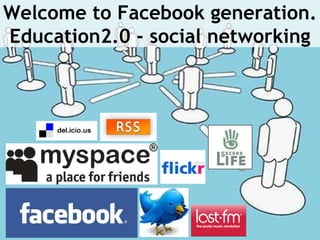
Welcome to Facebook generation. Education2.0 - social networking
Now....Ask yourself... How do you teach? How do you engage them? What tools do you use? What tools can you use?  Do you encourage them to innovate and create?  THE FUTURE OF EDUCATION
The Future of Education... Information is changing. WHERE and HOW we learn is changing. If we don’t integrate the tools effectively… Formal education will become increasingly irrelevant THE FUTURE OF EDUCATION
Technology web 2.0 (Social media) has the power to transform teaching and learning You have the power to give them the skills and tools to work in the 21st century. Teach them how to find, make sense of, and use relevant information Give them the ability to find and use information with critical discrimination in order to build knowledge. learn together, network together, grow together INTRODCUCTON TO SOCIAL MEDIA
INTRODUCTION
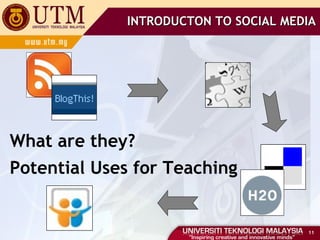
INTRODUCTON TO SOCIAL MEDIA What are they? Potential Uses for Teaching
WEB 2.0 TECHNOLOGIES Defined as the “Read-Write” Web Provides all the services and applications to allow individuals to co-create content, collaborate and share it with others Supports user-generated content Content created by users rather than specialist authors or publishing using a variety of affordable technologies like blogs, podcasts and wikis Encourages the social aspect of the web Through the use of social media like blogs, wikis, social bookmarking tools and social networks
WEB 2.0 TECHNOLOGIES What do these social technologies look like Social networking  - establishing and building online relationships with others, and a fundamental social activity File-sharing  - creating, storing and/or sharing files in all formats: pictures, videos, presentations, documents, screencasts, etc Social bookmarking  - storing and sharing links to web resources
WEB 2.0 TECHNOLOGIES Communication tools  - communicating in real time via instant messaging and chat, in web meetings, and in live broadcasts, or asynchronously via email Collaboration tools  - working synchronously or asynchronously with other to co-create documents, presentations, mindmaps, etc Blogging  - reading, commenting or writing blog posts Micro-blogging  - sending, receiving and replying to short messages with others - for real-time communications
WEB 2.0 TECHNOLOGIES Podcasting  - creating or listening to audio (MP3) files RSS  - Really Simple Syndication- subscribing to and reading blog and web news feeds Social and collaboration platforms  - providing enterprise-wide, integrated suites of social media tools in one platform
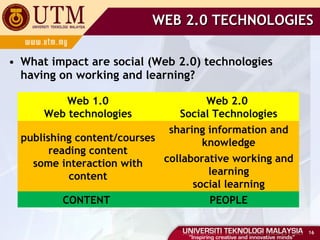
WEB 2.0 TECHNOLOGIES What impact are social (Web 2.0) technologies having on working and learning? Web 1.0 Web technologies Web 2.0  Social Technologies publishing content/courses reading content some interaction with content sharing information and knowledge collaborative working and learning social learning CONTENT  PEOPLE
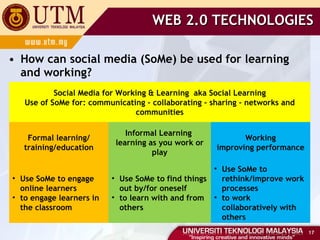
WEB 2.0 TECHNOLOGIES How can social media (SoMe) be used for learning and working? Social Media for Working & Learning  aka Social Learning Use of SoMe for: communicating - collaborating - sharing - networks and communities Formal learning/ training/education Informal Learning  learning as you work or play Working improving performance Use SoMe to engage online learners to engage learners in the classroom Use SoMe to find things out by/for oneself to learn with and from others  Use SoMe to rethink/improve work processes to work collaboratively with others
TEACHING WITH TECHNOLOGY TEACHING WITH SOCIAL MEDIA (TOOLS) - WEB 2.0 -
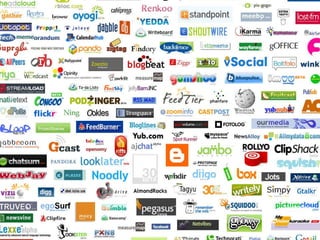
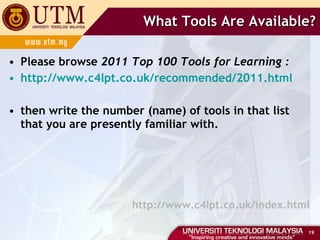
What Tools Are Available? Please browse  2011 Top 100 Tools for Learning : http://www.c4lpt.co.uk/recommended/2011.html then write the number (name) of tools in that list that you are presently familiar with. http://www.c4lpt.co.uk/index.html
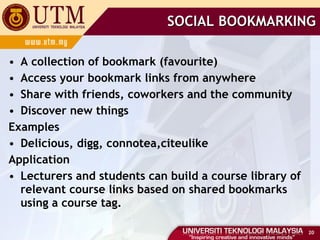
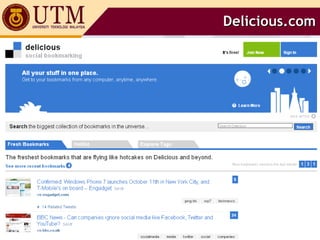
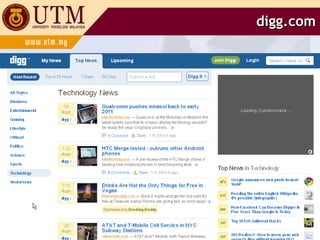
SOCIAL BOOKMARKING A collection of bookmark (favourite)  Access your bookmark links from anywhere  Share with friends, coworkers and the community  Discover new things  Examples Delicious, digg, connotea,citeulike  Application Lecturers and students can build a course library of relevant course links based on shared bookmarks using a course tag.
Delicious.com
digg.com
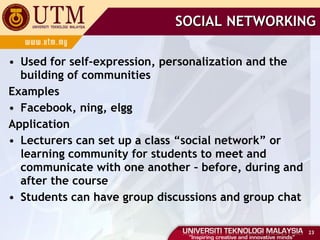
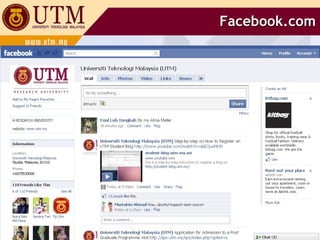
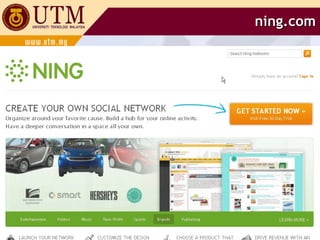
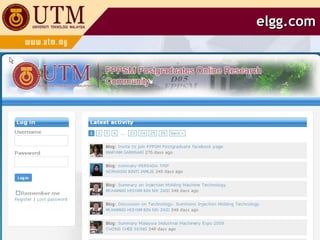
SOCIAL NETWORKING Used for self-expression, personalization and the building of communities Examples Facebook, ning, elgg Application Lecturers can set up a class “social network” or learning community for students to meet and communicate with one another – before, during and after the course Students can have group discussions and group chat
Facebook.com
ning.com
elgg.com
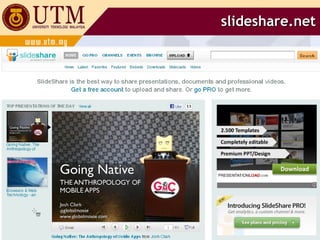
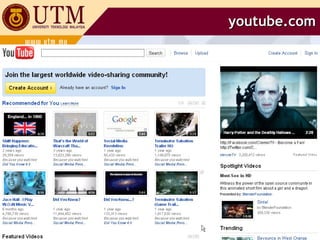
MEDIA SHARING Sharing of slides, videos, pictures, audio… True user generated contents Some available for download Examples Slideshare, Youtube, FlickR Application Educators and students can share their own as well as other user-generated podcasts, presentations, screencast, videos, etc and embed them in blogs, websites, etc, and comment on each other resources.
slideshare.net
youtube.com
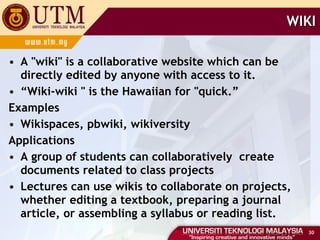
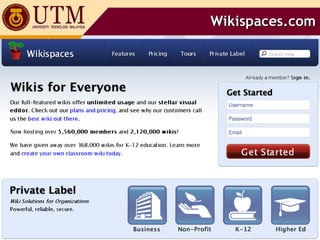
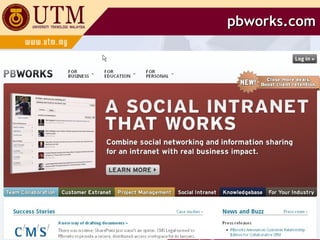
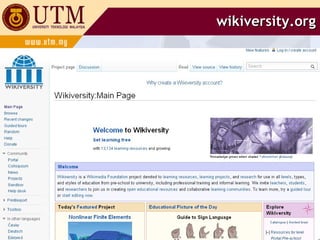
WIKI A "wiki" is a collaborative website which can be directly edited by anyone with access to it. “ Wiki-wiki " is the Hawaiian for "quick.” Examples Wikispaces, pbwiki, wikiversity Applications A group of students can collaboratively  create documents related to class projects Lectures can use wikis to collaborate on projects, whether editing a textbook, preparing a journal article, or assembling a syllabus or reading list.
Wikispaces.com
pbworks.com
wikiversity.org
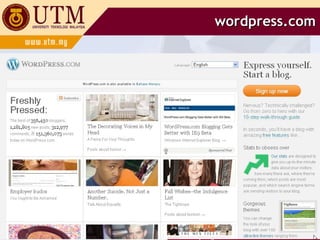
BLOG “… a web-based publication consisting primarily of periodic articles, most often in reverse chronological order. Examples Blogspot, wordpress, edublogs Applications Educators can write course blogs to host an entire course, to provide a chronological focus for assignments, a site for student interaction and discussion, where students can contribute thought and experiences Students can write blog to reflect on their learning or to post e-portfolios and to comment on the other student blogs
blogger.com
wordpress.com
 

Web2.0 utm-mac2011

  • 1.
    Jamalludin Harun, PhDCentre for Teaching & Learning, Universiti Teknologi Malaysia TEACHING WITH SOCIAL MEDIA TOOLS - WEB 2.0 -
  • 2.
    We know Peoplework with each other They learn from each other They are capable of determining what they want to learn THE FUTURE OF EDUCATION
  • 3.
    Ask yourself... Wherehave all the students gone? Who are Generation X & Y? What are their characteristics? How were they brought up? Where have they come from? How might this affect their approach to learning? THE FUTURE OF EDUCATION
  • 4.
    Ask yourself... Whatare their tools? Where do they communicate? How do they network? Where do they network? How do they learn? Where do they research? THE FUTURE OF EDUCATION
  • 5.
    Welcome to Facebookgeneration. Education2.0 - social networking
  • 6.
    Now....Ask yourself... Howdo you teach? How do you engage them? What tools do you use? What tools can you use? Do you encourage them to innovate and create? THE FUTURE OF EDUCATION
  • 7.
    The Future ofEducation... Information is changing. WHERE and HOW we learn is changing. If we don’t integrate the tools effectively… Formal education will become increasingly irrelevant THE FUTURE OF EDUCATION
  • 9.
    Technology web 2.0(Social media) has the power to transform teaching and learning You have the power to give them the skills and tools to work in the 21st century. Teach them how to find, make sense of, and use relevant information Give them the ability to find and use information with critical discrimination in order to build knowledge. learn together, network together, grow together INTRODCUCTON TO SOCIAL MEDIA
  • 10.
  • 11.
    INTRODUCTON TO SOCIALMEDIA What are they? Potential Uses for Teaching
  • 12.
    WEB 2.0 TECHNOLOGIESDefined as the “Read-Write” Web Provides all the services and applications to allow individuals to co-create content, collaborate and share it with others Supports user-generated content Content created by users rather than specialist authors or publishing using a variety of affordable technologies like blogs, podcasts and wikis Encourages the social aspect of the web Through the use of social media like blogs, wikis, social bookmarking tools and social networks
  • 13.
    WEB 2.0 TECHNOLOGIESWhat do these social technologies look like Social networking - establishing and building online relationships with others, and a fundamental social activity File-sharing - creating, storing and/or sharing files in all formats: pictures, videos, presentations, documents, screencasts, etc Social bookmarking - storing and sharing links to web resources
  • 14.
    WEB 2.0 TECHNOLOGIESCommunication tools - communicating in real time via instant messaging and chat, in web meetings, and in live broadcasts, or asynchronously via email Collaboration tools - working synchronously or asynchronously with other to co-create documents, presentations, mindmaps, etc Blogging - reading, commenting or writing blog posts Micro-blogging - sending, receiving and replying to short messages with others - for real-time communications
  • 15.
    WEB 2.0 TECHNOLOGIESPodcasting - creating or listening to audio (MP3) files RSS - Really Simple Syndication- subscribing to and reading blog and web news feeds Social and collaboration platforms - providing enterprise-wide, integrated suites of social media tools in one platform
  • 16.
    WEB 2.0 TECHNOLOGIESWhat impact are social (Web 2.0) technologies having on working and learning? Web 1.0 Web technologies Web 2.0 Social Technologies publishing content/courses reading content some interaction with content sharing information and knowledge collaborative working and learning social learning CONTENT PEOPLE
  • 17.
    WEB 2.0 TECHNOLOGIESHow can social media (SoMe) be used for learning and working? Social Media for Working & Learning  aka Social Learning Use of SoMe for: communicating - collaborating - sharing - networks and communities Formal learning/ training/education Informal Learning learning as you work or play Working improving performance Use SoMe to engage online learners to engage learners in the classroom Use SoMe to find things out by/for oneself to learn with and from others Use SoMe to rethink/improve work processes to work collaboratively with others
  • 18.
    TEACHING WITH TECHNOLOGYTEACHING WITH SOCIAL MEDIA (TOOLS) - WEB 2.0 -
  • 19.
    What Tools AreAvailable? Please browse 2011 Top 100 Tools for Learning : http://www.c4lpt.co.uk/recommended/2011.html then write the number (name) of tools in that list that you are presently familiar with. http://www.c4lpt.co.uk/index.html
  • 20.
    SOCIAL BOOKMARKING Acollection of bookmark (favourite) Access your bookmark links from anywhere Share with friends, coworkers and the community Discover new things Examples Delicious, digg, connotea,citeulike Application Lecturers and students can build a course library of relevant course links based on shared bookmarks using a course tag.
  • 21.
  • 22.
  • 23.
    SOCIAL NETWORKING Usedfor self-expression, personalization and the building of communities Examples Facebook, ning, elgg Application Lecturers can set up a class “social network” or learning community for students to meet and communicate with one another – before, during and after the course Students can have group discussions and group chat
  • 24.
  • 25.
  • 26.
  • 27.
    MEDIA SHARING Sharingof slides, videos, pictures, audio… True user generated contents Some available for download Examples Slideshare, Youtube, FlickR Application Educators and students can share their own as well as other user-generated podcasts, presentations, screencast, videos, etc and embed them in blogs, websites, etc, and comment on each other resources.
  • 28.
  • 29.
  • 30.
    WIKI A "wiki"is a collaborative website which can be directly edited by anyone with access to it. “ Wiki-wiki " is the Hawaiian for "quick.” Examples Wikispaces, pbwiki, wikiversity Applications A group of students can collaboratively create documents related to class projects Lectures can use wikis to collaborate on projects, whether editing a textbook, preparing a journal article, or assembling a syllabus or reading list.
  • 31.
  • 32.
  • 33.
  • 34.
    BLOG “… aweb-based publication consisting primarily of periodic articles, most often in reverse chronological order. Examples Blogspot, wordpress, edublogs Applications Educators can write course blogs to host an entire course, to provide a chronological focus for assignments, a site for student interaction and discussion, where students can contribute thought and experiences Students can write blog to reflect on their learning or to post e-portfolios and to comment on the other student blogs
  • 35.
  • 36.
  • 37.

Editor's Notes

  • #11 http://www.nowhereroad.com/twt/
  • #12 http://www.nowhereroad.com/twt/
  • #18 http://c4lpt.co.uk/academy/ism/whatissome.html
  • #26 http://elgg.fppsm.utm.my/