22ITT42
22ITT42
Web Technology
Introduction
Web
• It is a collection of information that is
accessed via the Internet.
• It connected the world in a way that made it
much easier for people to get information,
share, and communicate.
• It has since allowed people to share their
work and thoughts through social networking
sites, blogs, video sharing, and more.
Web
• The web, often referred to as the World Wide
Web (WWW),
• It is a system of interlinked hypertext documents
and multimedia content that is accessed via the
internet.
• It allows users to view and interact with a vast
array of information and services.
What is web technology
• Web technology refers to the tools, languages,
and frameworks used to create and manage
websites and web applications.
Languages
• Programming languages are formal languages
consisting of a set of instructions that can be
used to produce various kinds of output, such
as software applications, scripts, or data
processing.
Languages
• HTML (HyperText Markup Language): The standard
markup language for creating web pages.
• CSS (Cascading Style Sheets): Used for styling
HTML elements, controlling layout, colors, fonts,
and overall aesthetics.
• JavaScript: A programming language that enables
interactive elements on web pages, such as
animations and dynamic content.
Tools
• Tools are software applications or utilities
that assist developers in the process of
creating, testing, and maintaining software.
• They can encompass a wide range of
functionality, including code editors,
compilers, debuggers, and version control
systems.
Tools - Examples:
• Code Editors: Visual Studio Code, Sublime
Text, Atom.
• Version Control Systems: Git, GitHub,
Bitbucket.
• Build Tools: Webpack, Gulp, Grunt
• Office Tools – Microsoft Word , Google Sheets
• Web Browsers - Google Chrome , Mozilla Firefox
• Communication Tools – Slack ( A collaboration tool for teams that
allows messaging, file sharing, and integrations with other apps)
and Zoom
• Graphics and Design Tools – Canva , Adobe Photoshop
• Development Tools - Visual Studio Code , Git( A version control
system that helps track changes in code and collaborate with
other developers)
• File Management Tools-File Explorer, (Windows) Finder (macOS):
• Security Tools - Antivirus Software: Programs like Norton or
McAfee that protect against malware.
• VPN (Virtual Private Network): Tools like NordVPN or
ExpressVPN that enhance online privacy and security.
Frameworks and Libraries
• Frameworks are pre-built collections of code
that provide a structured way to build and
develop applications.
• They often include libraries, tools, and best
practices that simplify the development
process.
Frameworks and Libraries
• Frontend Frameworks: Such as React, Angular,
and Vue.js, which help in building user
interfaces.
• Backend Frameworks: Such as Node.js,
Django, Ruby on Rails, and Flask, which assist
in server-side development.
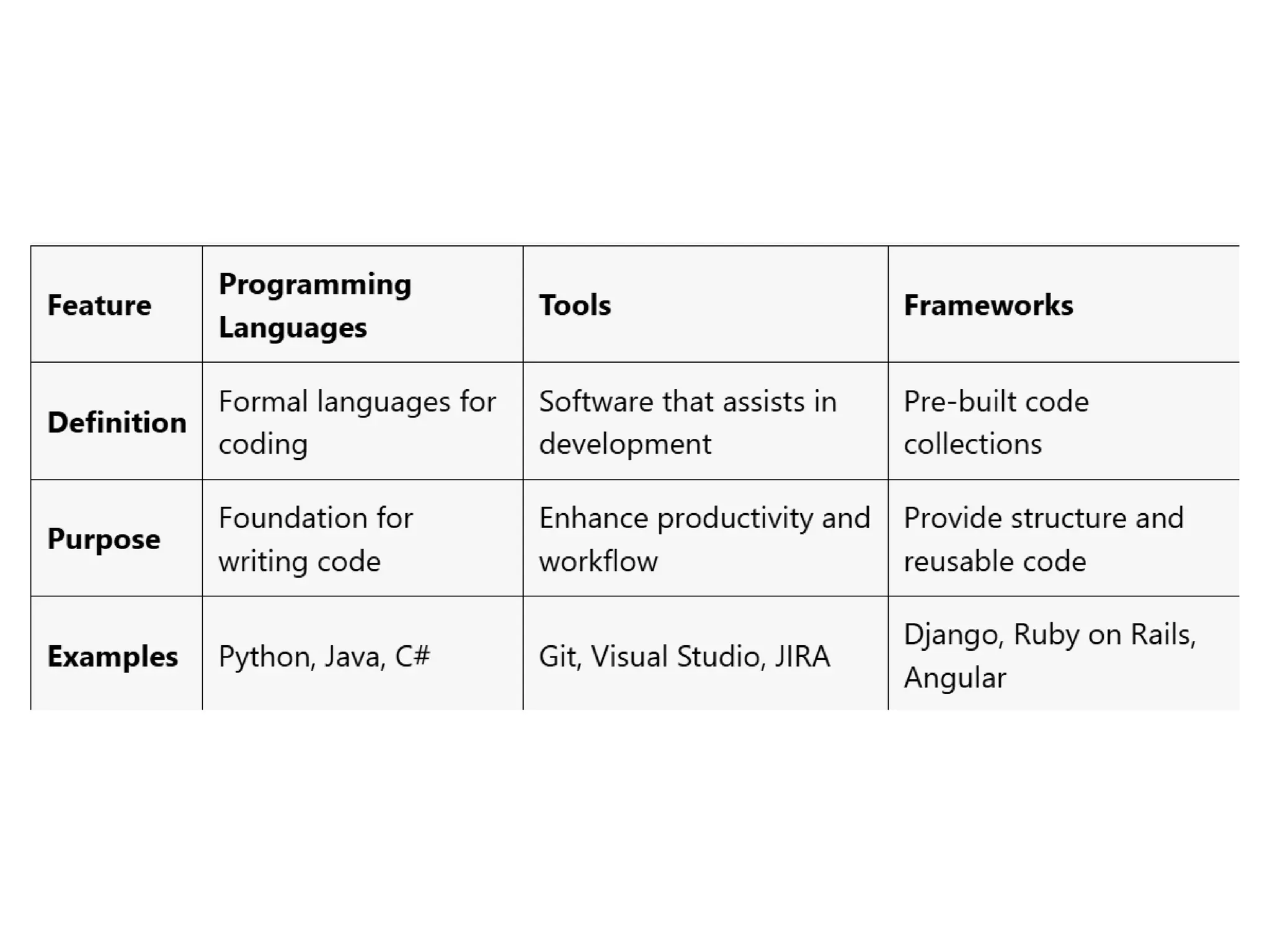
Differences
• Languages are the foundational building blocks
for writing software.
• Frameworks provide a structured way to build
applications using specific languages, often
including additional tools and libraries.
• Tools are applications that assist in the
development process, enhancing productivity
and collaboration but are not limited to specific
programming languages or frameworks.
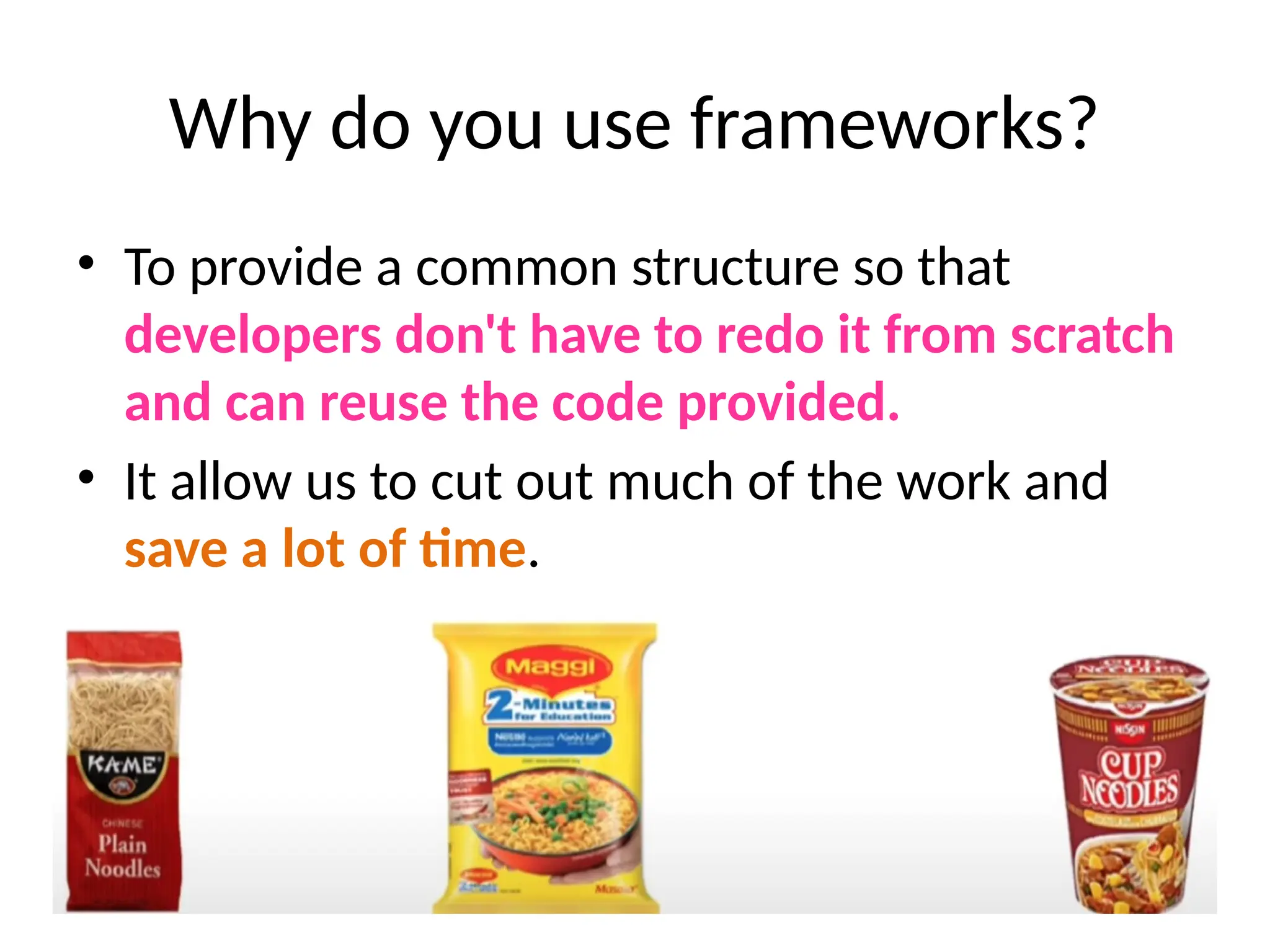
Why do you use frameworks?
• To provide a common structure so that
developers don't have to redo it from scratch
and can reuse the code provided.
• It allow us to cut out much of the work and
save a lot of time.
Purpose:
• They help developers avoid repetitive tasks
and provide a foundation for building
applications efficiently.
Content Management Systems (CMS)
• It is a software application that allows users to
create, manage, and modify content on a website
without needing specialized technical knowledge.
• Platforms like WordPress, Joomla, and Drupal
that facilitate the creation and management of
digital content without requiring extensive
coding knowledge.
Web Technology can be classified into the
following sections:
• World Wide Web
• Web Browser
• Web Server
• Web Pages
• Web Development
What is World Wide Web?
• It is known as a Web
• It is a collection of websites or web pages stored
in web servers and connected to local computers
through the internet.
• Websites contain text pages, digital images,
audios, videos, etc.
World Wide Web (WWW)
• Users can access the content of these sites from
any part of the world over the internet using their
devices such as computers, laptops, cell phones,
etc.
• The WWW, along with internet, enables the
retrieval and display of text and media to your
device.
World Wide Web (WWW)
• It uses Web browsers,
• Hypertext Markup Language (HTML) and
• Hypertext Transfer Protocol (HTTP).
Web Browser
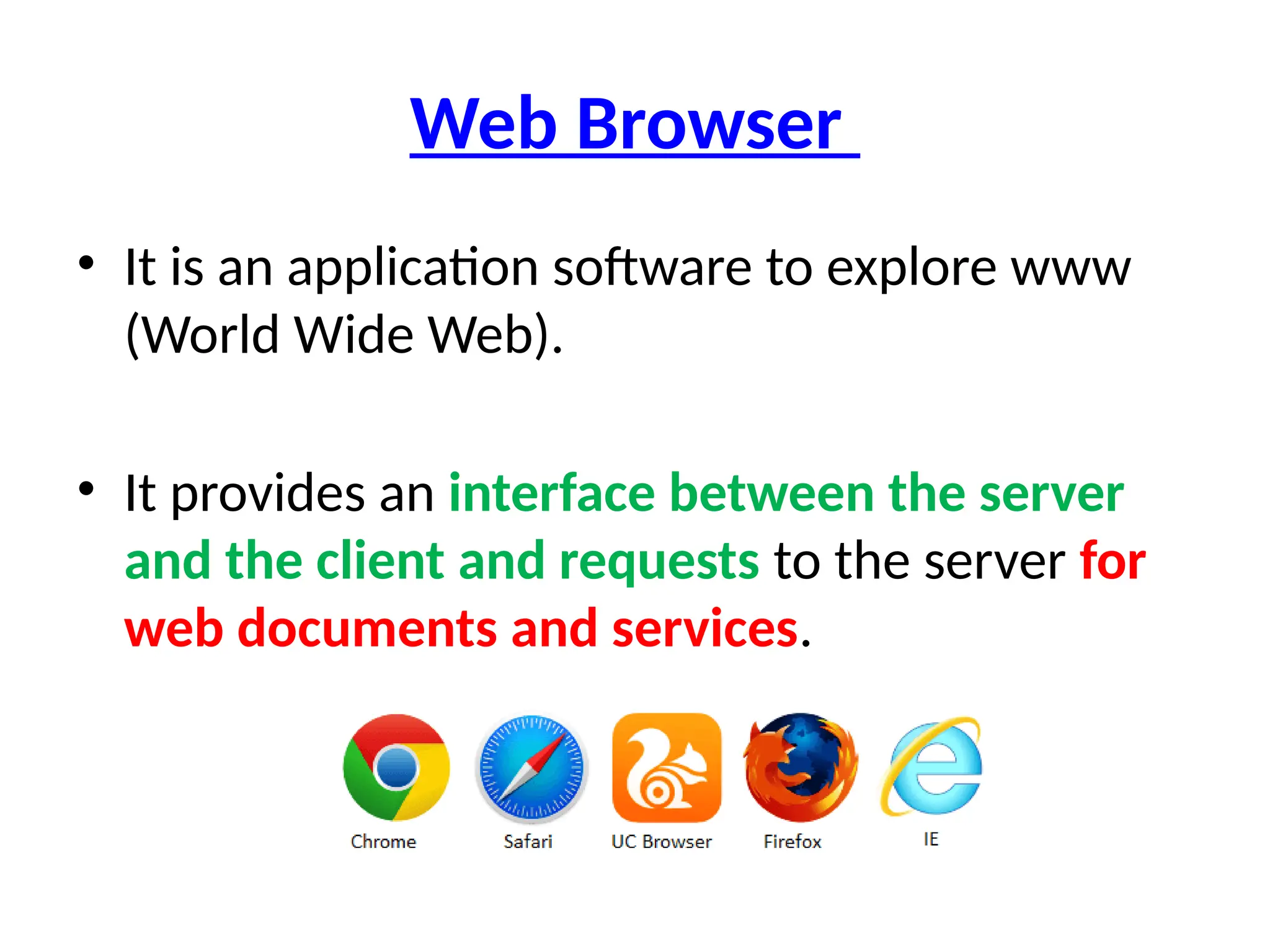
• It is an application software to explore www
(World Wide Web).
• It provides an interface between the server
and the client and requests to the server for
web documents and services.
Web Browser
• A web browser is an application for accessing
websites.
• When a user requests a web page from a
particular website, the browser retrieves its
files from a web server and then displays the
page on the user's screen.
• Browsers are used on a range of devices,
including desktops, laptops, tablets, and
smartphones.
Web Server
• Software that serves web pages to users, such
as Apache, Nginx, and Microsoft IIS.
• Web server is a program which processes the
network requests of the users and serves
them with files that create web pages.
• This exchange takes place using Hypertext
Transfer Protocol (HTTP).
Databases
• Systems for storing and retrieving data, such
as MySQL, PostgreSQL, MongoDB, and SQLite.
Web Protocols
• HTTP/HTTPS (HyperText Transfer
Protocol/Secure): The protocols used for
transmitting data over the web.
• FTP (File Transfer Protocol): Used for transferring
files to and from servers.
Web Pages
• A webpage is a digital document that is linked
to the World Wide Web and viewable by
anyone connected to the internet has a web
browser.
Static and Dynamic Website
• A static website is a simple website with fixed
content,
• It contains web pages with fixed
content coded in HTML and stored on a
web server. It does not change.
• Dynamic website is an advanced website that
provides different content in response to
client requests.
Is youtube a static or dynamic website?
• YouTube is a dynamic website that allows
users to engage with it in various ways,
including creating an account, posting
content, following, and subscribing to videos.
• Facebook , Twitter
What is a static website example?
• Examples of static websites include portfolio
sites, brochure sites, read-only sites, resume
sites, etc.
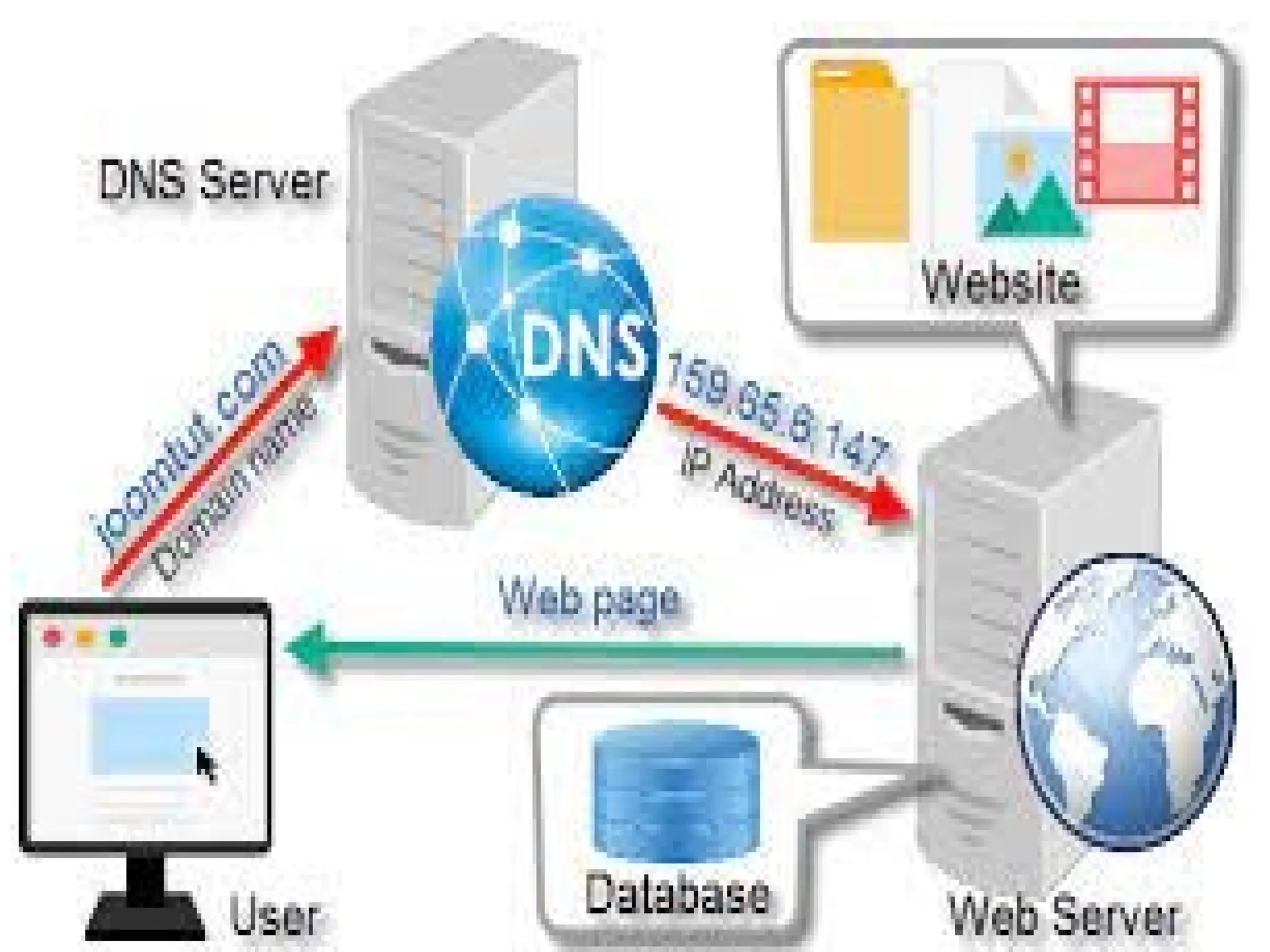
web server and web page
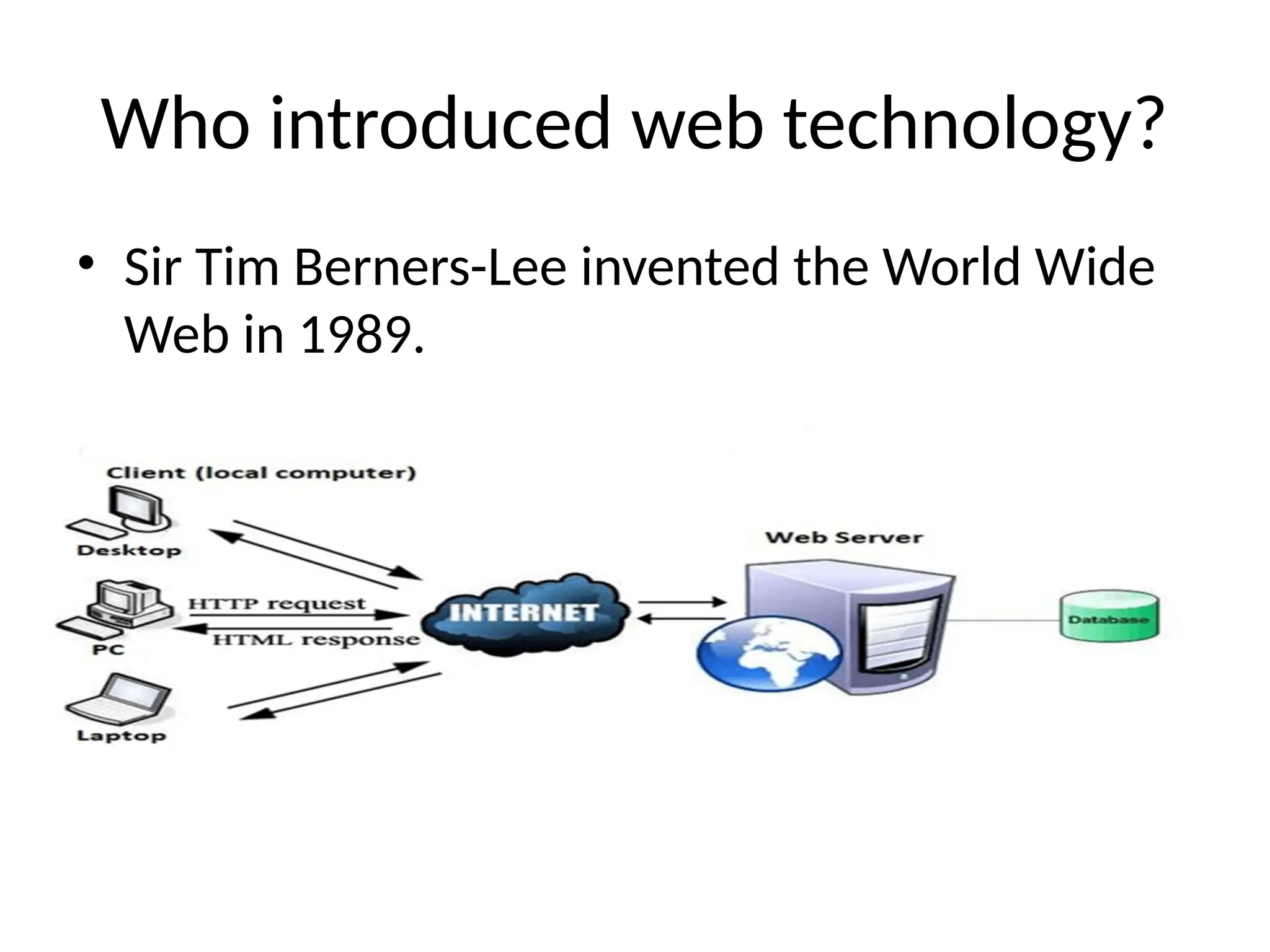
• A web server is a computer hosting one or more
websites.
• "Hosting" - all the web pages and their
supporting files are available on that computer.
• The web server will send any web page from the
website it is hosting to any user's browser, per
user request.
Web Development:
• Web development refers to the building, creating,
and maintaining of websites.
• It includes aspects such as web design, web
publishing, web programming, and database
management.
• It is the creation of an application that works over
the internet i.e. websites.
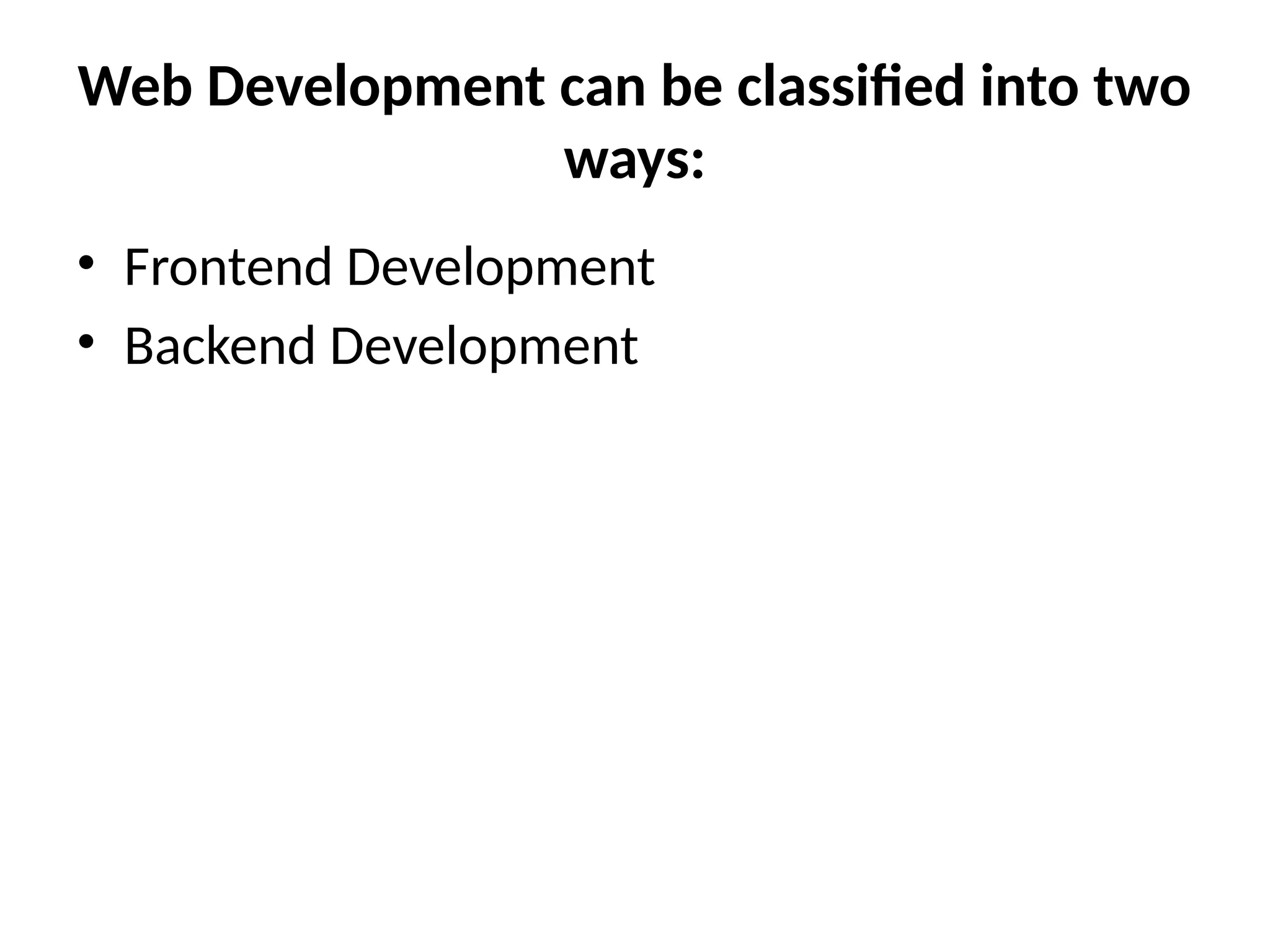
Web Development can be classified into two
ways:
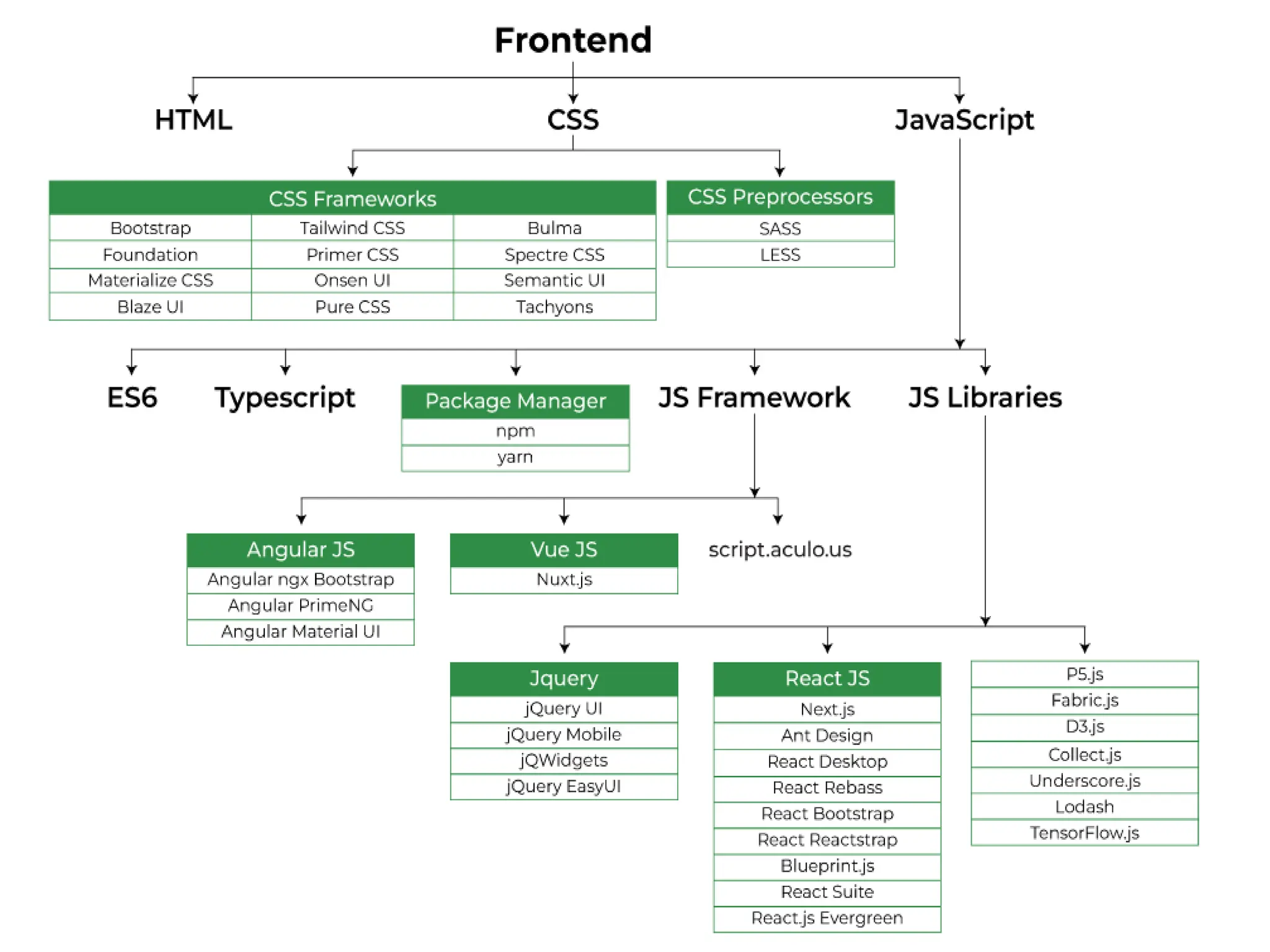
• Frontend Development
• Backend Development
Frontend Development
• The part of a website that the user interacts
directly is termed as front end.
• It is also referred to as the ‘client side’ of the
application.
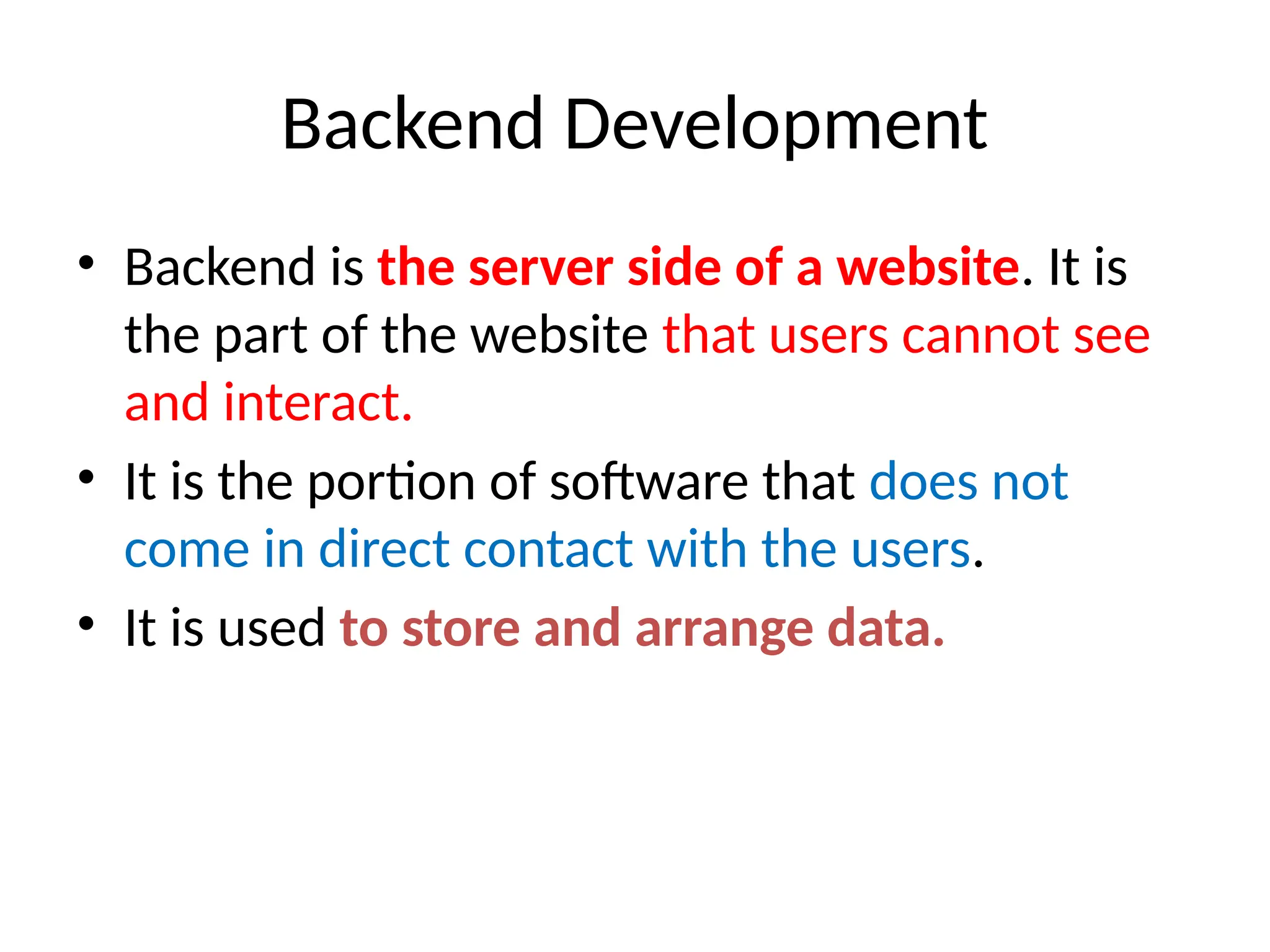
Backend Development
• Backend is the server side of a website. It is
the part of the website that users cannot see
and interact.
• It is the portion of software that does not
come in direct contact with the users.
• It is used to store and arrange data.
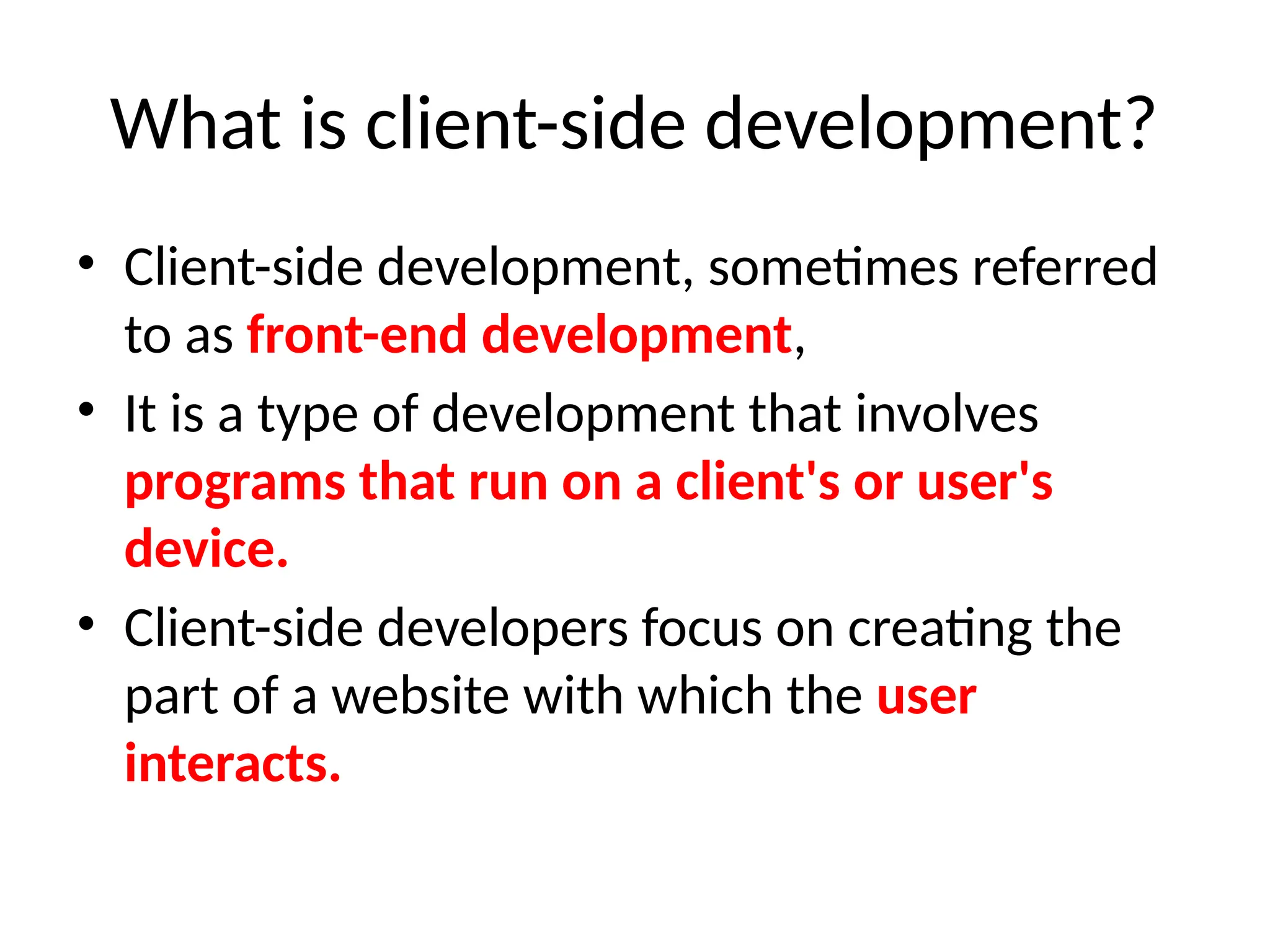
What is client-side development?
• Client-side development, sometimes referred
to as front-end development,
• It is a type of development that involves
programs that run on a client's or user's
device.
• Client-side developers focus on creating the
part of a website with which the user
interacts.
Client-side development
• Creating website layouts
• Designing user interfaces
• Adding form validation
• Reviewing the performance of websites
• Adding visual design elements like colors and fonts
• Making website features more functional
• Resolving any issues that users encounter on a site
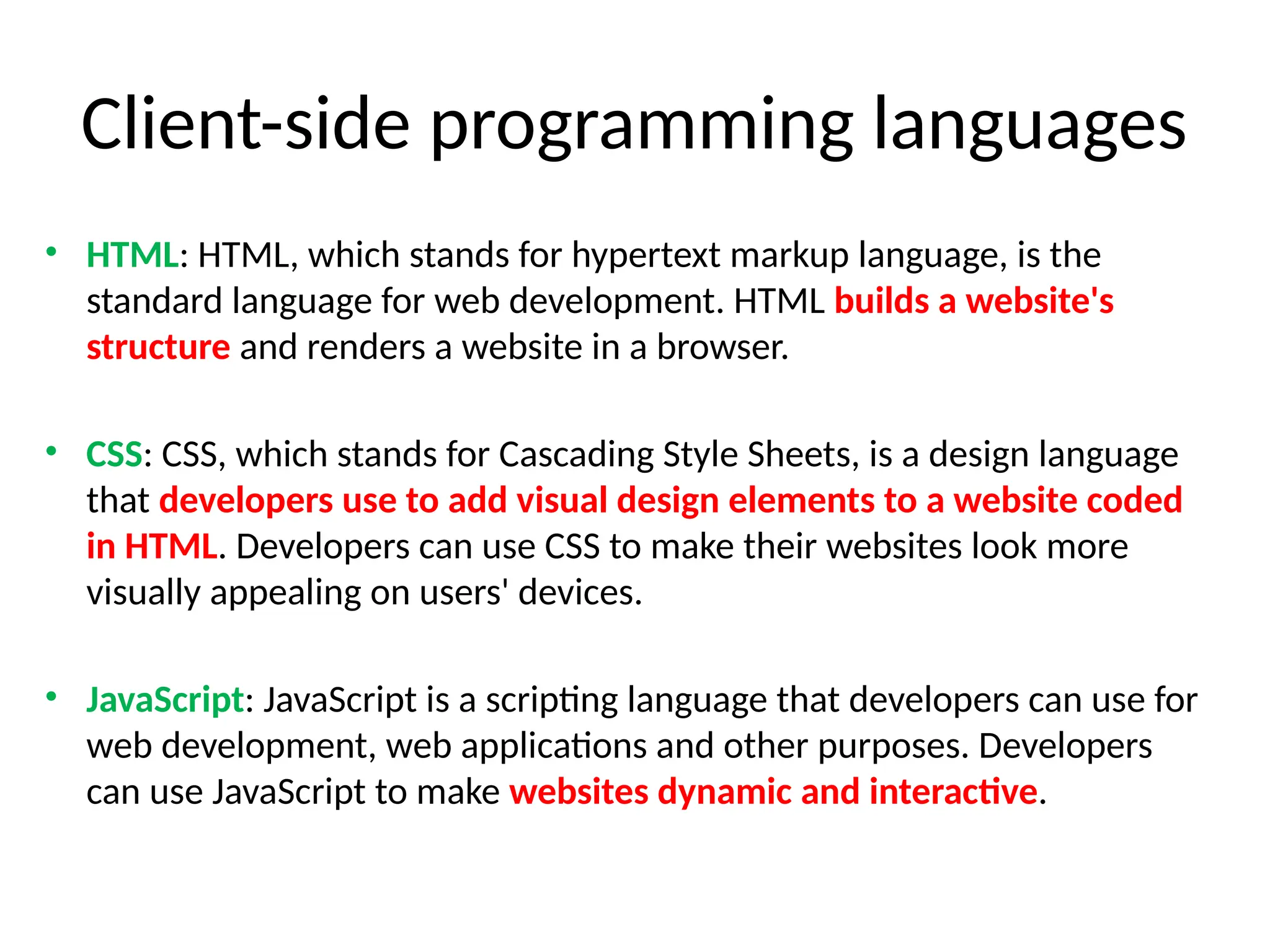
Client-side programming languages
• HTML: HTML, which stands for hypertext markup language, is the
standard language for web development. HTML builds a website's
structure and renders a website in a browser.
• CSS: CSS, which stands for Cascading Style Sheets, is a design language
that developers use to add visual design elements to a website coded
in HTML. Developers can use CSS to make their websites look more
visually appealing on users' devices.
• JavaScript: JavaScript is a scripting language that developers can use for
web development, web applications and other purposes. Developers
can use JavaScript to make websites dynamic and interactive.
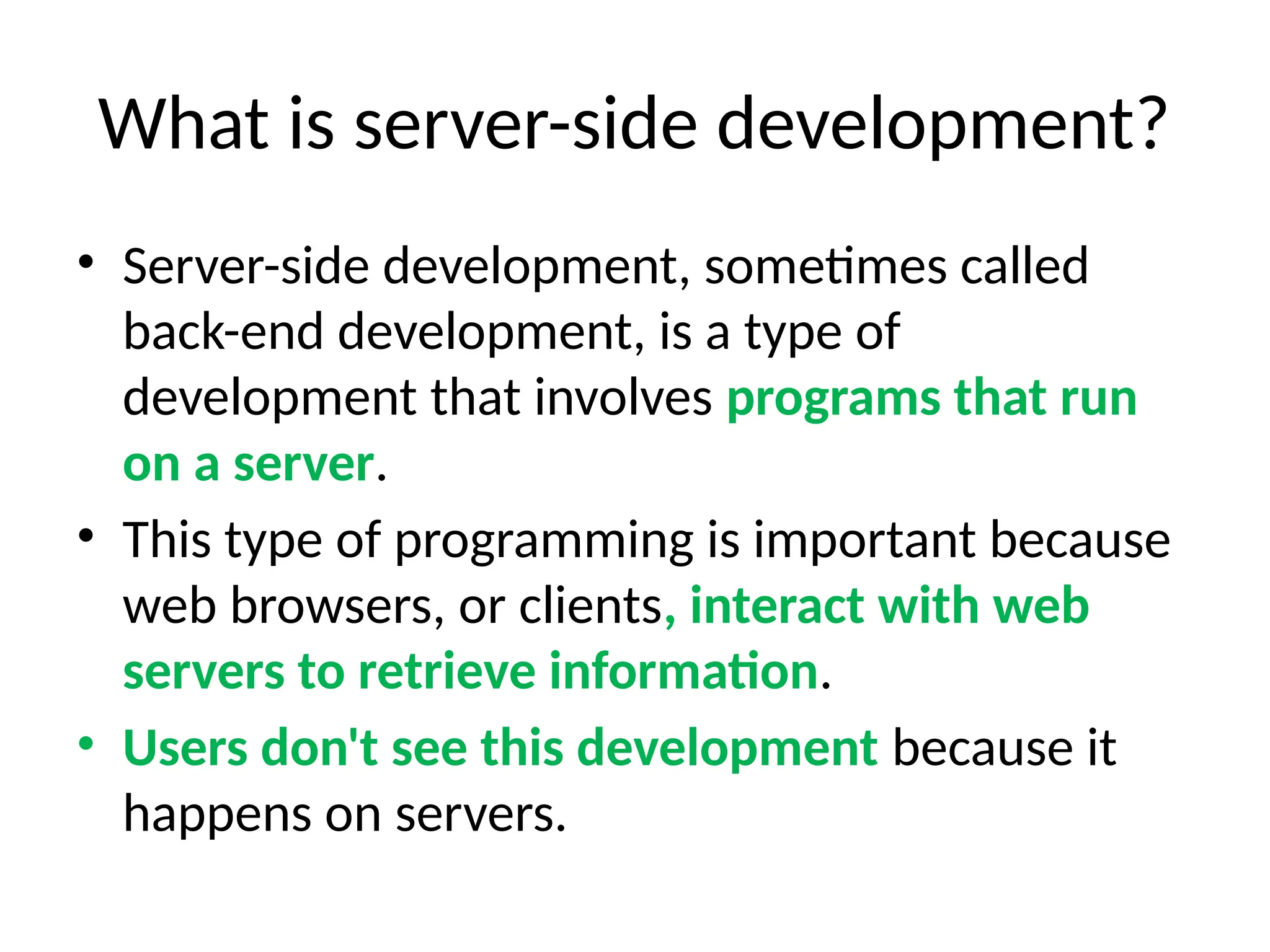
What is server-side development?
• Server-side development, sometimes called
back-end development, is a type of
development that involves programs that run
on a server.
• This type of programming is important because
web browsers, or clients, interact with web
servers to retrieve information.
• Users don't see this development because it
happens on servers.
Server-side development
• Coding dynamic websites
• Developing web applications
• Connecting websites to databases
• Implementing content management systems
• Making sure programs retrieve information
properly
• Ensuring systems are safe from hackers
• Restoring and backing up files
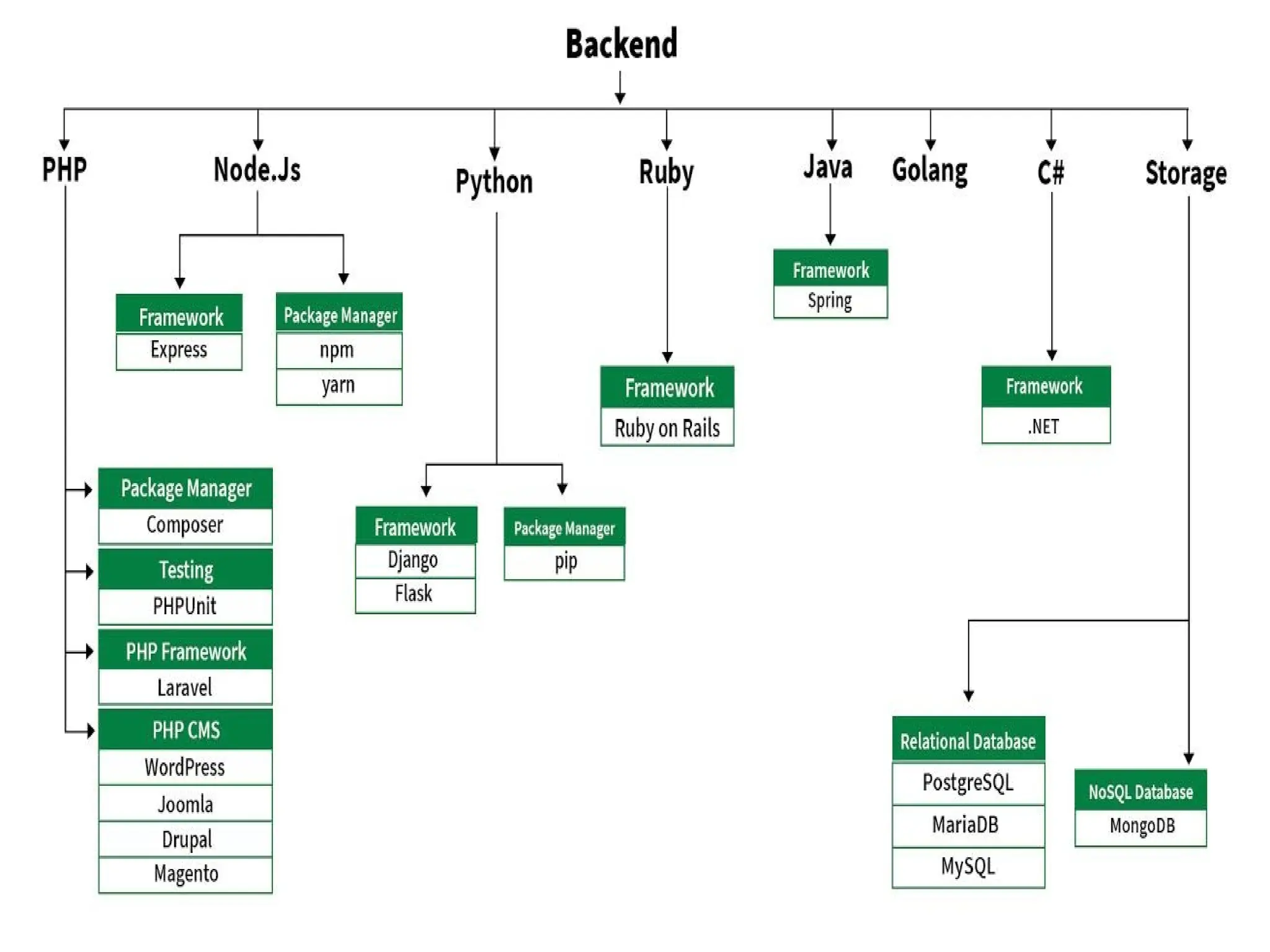
Server-side programming languages
• Java: including software and application development.
• Python: applications in data science, finance,
computing and other fields.
• SQL: for interacting with databases. Developers can use
SQL to manipulate data in databases, including
updating, retrieving and deleting data.
• PHP: stands for Hypertext Preprocessor, is a scripting
language developers use to create websites and web
applications.
• PHP can connect to databases to display content on
websites.
Types of servers
• File servers. File servers store and distribute files. ...
• Print servers. Print servers allow for the management
and distribution of printing functionality. ...
• Application servers. ...
• Web servers. ...
• Database servers. ...
• Virtual servers. ...
• Proxy servers. ...
• Monitoring and management servers.
Who introduced web technology?
• Sir Tim Berners-Lee invented the World Wide
Web in 1989.
Angular
• Angular is a front-end, or client side,
framework. This means that the development
and functionality is performed on your
browser, and not by the server.
APIs (Application Programming Interfaces)
• APIs, or Application Programming Interfaces,
are sets of rules and protocols that allow
different software applications to
communicate with each other.
• They define the methods and data formats
that applications can use to request and
exchange information.
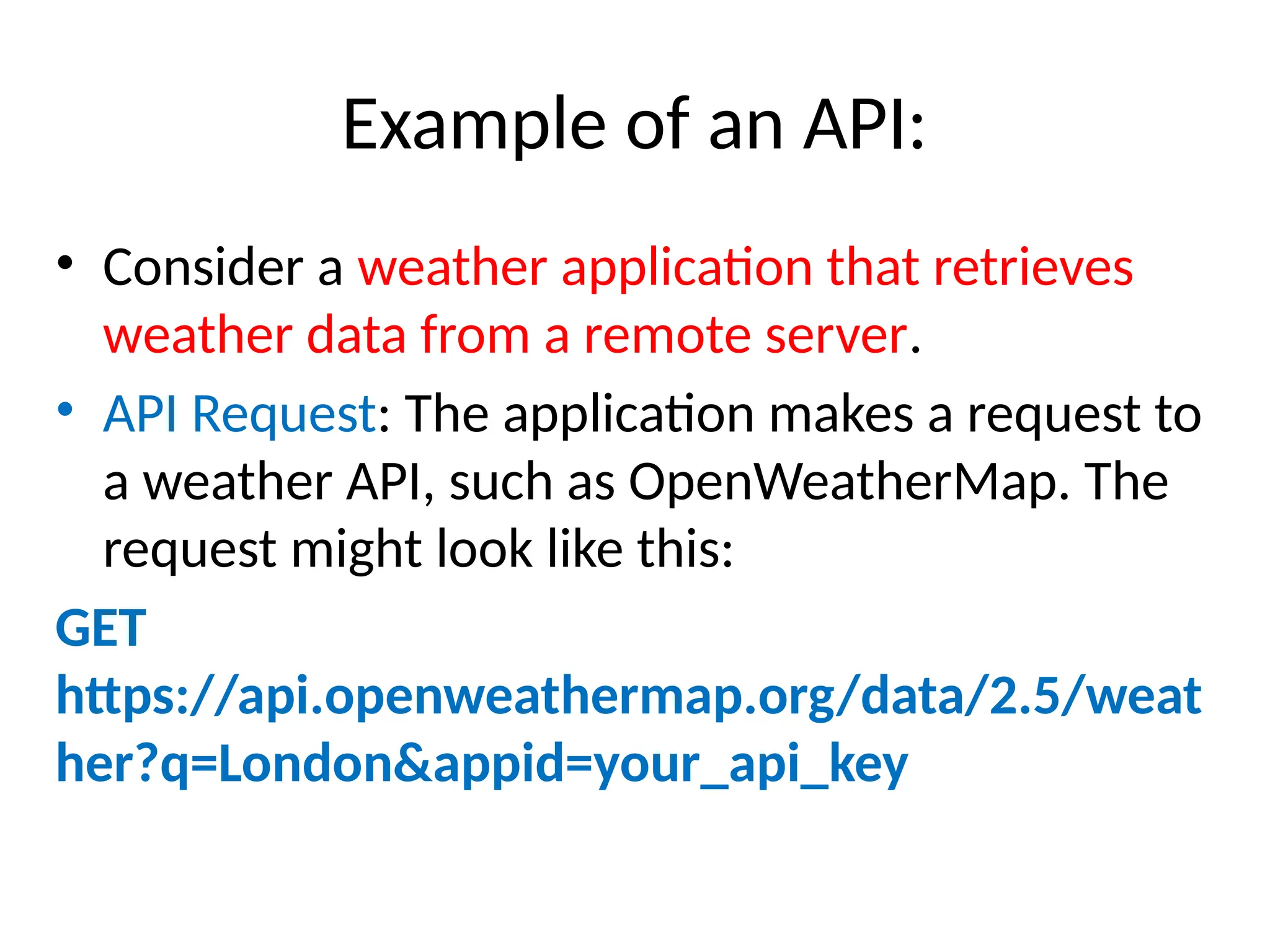
Example of an API:
• Consider a weather application that retrieves
weather data from a remote server.
• API Request: The application makes a request to
a weather API, such as OpenWeatherMap. The
request might look like this:
GET
https://api.openweathermap.org/data/2.5/weat
her?q=London&appid=your_api_key
Response: The API responds with data in a
structured format, typically JSON
{
"weather": [
{
"description": "light rain"
}
],
"main": {
"temp": 280.32,
"pressure": 1012,
"humidity": 81
},
"name": "London"
}
• Software is a broad term that includes all
types of programs on a computer.
• Applications are a specific type of software
designed to perform particular tasks for users.
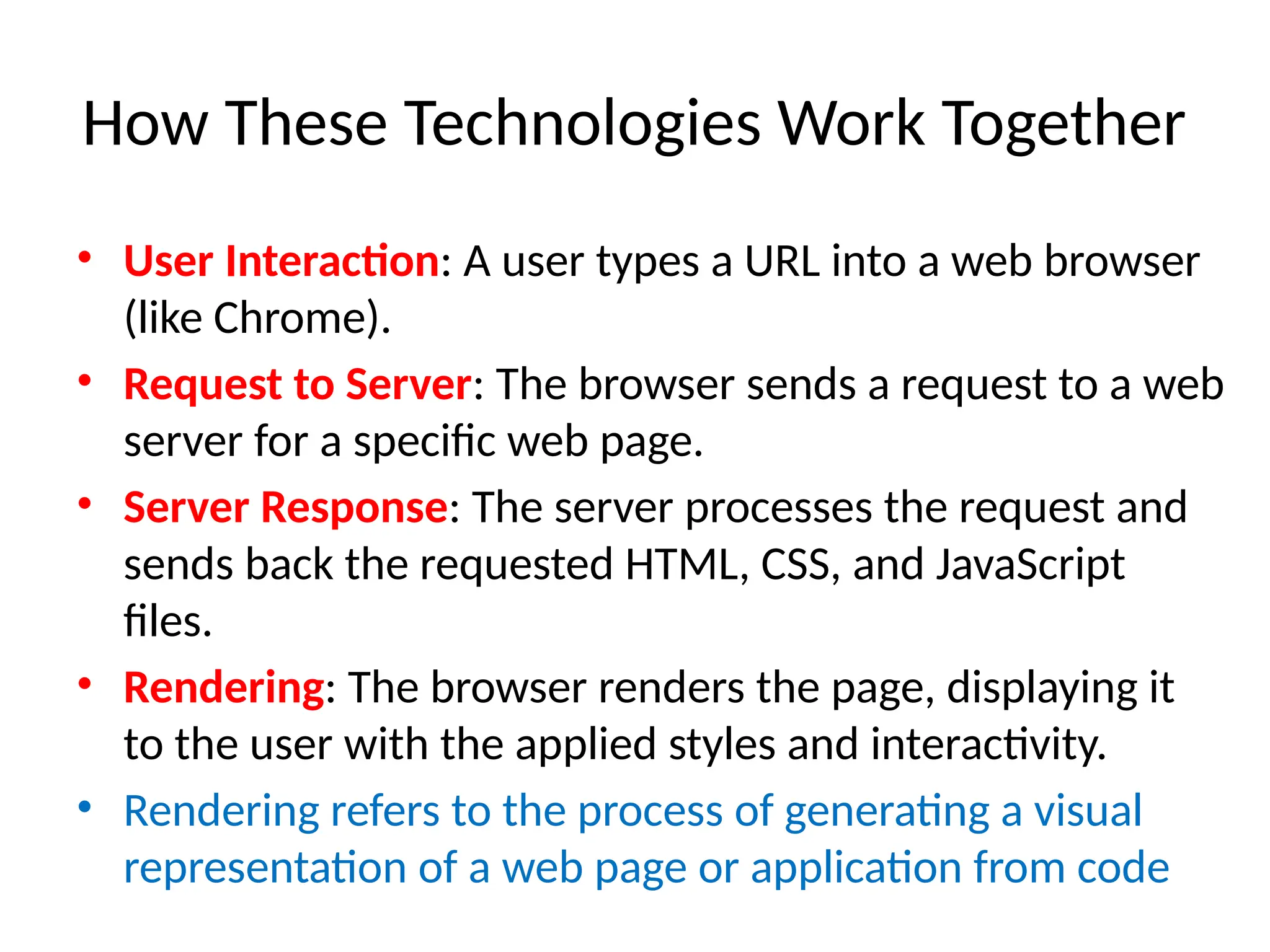
How These Technologies Work Together
• User Interaction: A user types a URL into a web browser
(like Chrome).
• Request to Server: The browser sends a request to a web
server for a specific web page.
• Server Response: The server processes the request and
sends back the requested HTML, CSS, and JavaScript
files.
• Rendering: The browser renders the page, displaying it
to the user with the applied styles and interactivity.
• Rendering refers to the process of generating a visual
representation of a web page or application from code
6ainvqq

Web Technology Introduction framework.pptx

  • 1.
  • 2.
    Web • It isa collection of information that is accessed via the Internet. • It connected the world in a way that made it much easier for people to get information, share, and communicate. • It has since allowed people to share their work and thoughts through social networking sites, blogs, video sharing, and more.
  • 3.
    Web • The web,often referred to as the World Wide Web (WWW), • It is a system of interlinked hypertext documents and multimedia content that is accessed via the internet. • It allows users to view and interact with a vast array of information and services.
  • 4.
    What is webtechnology • Web technology refers to the tools, languages, and frameworks used to create and manage websites and web applications.
  • 5.
    Languages • Programming languagesare formal languages consisting of a set of instructions that can be used to produce various kinds of output, such as software applications, scripts, or data processing.
  • 6.
    Languages • HTML (HyperTextMarkup Language): The standard markup language for creating web pages. • CSS (Cascading Style Sheets): Used for styling HTML elements, controlling layout, colors, fonts, and overall aesthetics. • JavaScript: A programming language that enables interactive elements on web pages, such as animations and dynamic content.
  • 7.
    Tools • Tools aresoftware applications or utilities that assist developers in the process of creating, testing, and maintaining software. • They can encompass a wide range of functionality, including code editors, compilers, debuggers, and version control systems.
  • 8.
    Tools - Examples: •Code Editors: Visual Studio Code, Sublime Text, Atom. • Version Control Systems: Git, GitHub, Bitbucket. • Build Tools: Webpack, Gulp, Grunt
  • 9.
    • Office Tools– Microsoft Word , Google Sheets • Web Browsers - Google Chrome , Mozilla Firefox • Communication Tools – Slack ( A collaboration tool for teams that allows messaging, file sharing, and integrations with other apps) and Zoom • Graphics and Design Tools – Canva , Adobe Photoshop • Development Tools - Visual Studio Code , Git( A version control system that helps track changes in code and collaborate with other developers) • File Management Tools-File Explorer, (Windows) Finder (macOS): • Security Tools - Antivirus Software: Programs like Norton or McAfee that protect against malware. • VPN (Virtual Private Network): Tools like NordVPN or ExpressVPN that enhance online privacy and security.
  • 10.
    Frameworks and Libraries •Frameworks are pre-built collections of code that provide a structured way to build and develop applications. • They often include libraries, tools, and best practices that simplify the development process.
  • 11.
    Frameworks and Libraries •Frontend Frameworks: Such as React, Angular, and Vue.js, which help in building user interfaces. • Backend Frameworks: Such as Node.js, Django, Ruby on Rails, and Flask, which assist in server-side development.
  • 12.
    Differences • Languages arethe foundational building blocks for writing software. • Frameworks provide a structured way to build applications using specific languages, often including additional tools and libraries. • Tools are applications that assist in the development process, enhancing productivity and collaboration but are not limited to specific programming languages or frameworks.
  • 13.
    Why do youuse frameworks? • To provide a common structure so that developers don't have to redo it from scratch and can reuse the code provided. • It allow us to cut out much of the work and save a lot of time.
  • 15.
    Purpose: • They helpdevelopers avoid repetitive tasks and provide a foundation for building applications efficiently.
  • 16.
    Content Management Systems(CMS) • It is a software application that allows users to create, manage, and modify content on a website without needing specialized technical knowledge. • Platforms like WordPress, Joomla, and Drupal that facilitate the creation and management of digital content without requiring extensive coding knowledge.
  • 17.
    Web Technology canbe classified into the following sections: • World Wide Web • Web Browser • Web Server • Web Pages • Web Development
  • 18.
    What is WorldWide Web? • It is known as a Web • It is a collection of websites or web pages stored in web servers and connected to local computers through the internet. • Websites contain text pages, digital images, audios, videos, etc.
  • 19.
    World Wide Web(WWW) • Users can access the content of these sites from any part of the world over the internet using their devices such as computers, laptops, cell phones, etc. • The WWW, along with internet, enables the retrieval and display of text and media to your device.
  • 20.
    World Wide Web(WWW) • It uses Web browsers, • Hypertext Markup Language (HTML) and • Hypertext Transfer Protocol (HTTP).
  • 21.
    Web Browser • Itis an application software to explore www (World Wide Web). • It provides an interface between the server and the client and requests to the server for web documents and services.
  • 22.
    Web Browser • Aweb browser is an application for accessing websites. • When a user requests a web page from a particular website, the browser retrieves its files from a web server and then displays the page on the user's screen. • Browsers are used on a range of devices, including desktops, laptops, tablets, and smartphones.
  • 23.
    Web Server • Softwarethat serves web pages to users, such as Apache, Nginx, and Microsoft IIS. • Web server is a program which processes the network requests of the users and serves them with files that create web pages. • This exchange takes place using Hypertext Transfer Protocol (HTTP).
  • 24.
    Databases • Systems forstoring and retrieving data, such as MySQL, PostgreSQL, MongoDB, and SQLite.
  • 25.
    Web Protocols • HTTP/HTTPS(HyperText Transfer Protocol/Secure): The protocols used for transmitting data over the web. • FTP (File Transfer Protocol): Used for transferring files to and from servers.
  • 26.
    Web Pages • Awebpage is a digital document that is linked to the World Wide Web and viewable by anyone connected to the internet has a web browser.
  • 27.
    Static and DynamicWebsite • A static website is a simple website with fixed content, • It contains web pages with fixed content coded in HTML and stored on a web server. It does not change. • Dynamic website is an advanced website that provides different content in response to client requests.
  • 28.
    Is youtube astatic or dynamic website? • YouTube is a dynamic website that allows users to engage with it in various ways, including creating an account, posting content, following, and subscribing to videos. • Facebook , Twitter
  • 29.
    What is astatic website example? • Examples of static websites include portfolio sites, brochure sites, read-only sites, resume sites, etc.
  • 30.
    web server andweb page • A web server is a computer hosting one or more websites. • "Hosting" - all the web pages and their supporting files are available on that computer. • The web server will send any web page from the website it is hosting to any user's browser, per user request.
  • 31.
    Web Development: • Webdevelopment refers to the building, creating, and maintaining of websites. • It includes aspects such as web design, web publishing, web programming, and database management. • It is the creation of an application that works over the internet i.e. websites.
  • 33.
    Web Development canbe classified into two ways: • Frontend Development • Backend Development
  • 34.
    Frontend Development • Thepart of a website that the user interacts directly is termed as front end. • It is also referred to as the ‘client side’ of the application.
  • 36.
    Backend Development • Backendis the server side of a website. It is the part of the website that users cannot see and interact. • It is the portion of software that does not come in direct contact with the users. • It is used to store and arrange data.
  • 38.
    What is client-sidedevelopment? • Client-side development, sometimes referred to as front-end development, • It is a type of development that involves programs that run on a client's or user's device. • Client-side developers focus on creating the part of a website with which the user interacts.
  • 39.
    Client-side development • Creatingwebsite layouts • Designing user interfaces • Adding form validation • Reviewing the performance of websites • Adding visual design elements like colors and fonts • Making website features more functional • Resolving any issues that users encounter on a site
  • 40.
    Client-side programming languages •HTML: HTML, which stands for hypertext markup language, is the standard language for web development. HTML builds a website's structure and renders a website in a browser. • CSS: CSS, which stands for Cascading Style Sheets, is a design language that developers use to add visual design elements to a website coded in HTML. Developers can use CSS to make their websites look more visually appealing on users' devices. • JavaScript: JavaScript is a scripting language that developers can use for web development, web applications and other purposes. Developers can use JavaScript to make websites dynamic and interactive.
  • 41.
    What is server-sidedevelopment? • Server-side development, sometimes called back-end development, is a type of development that involves programs that run on a server. • This type of programming is important because web browsers, or clients, interact with web servers to retrieve information. • Users don't see this development because it happens on servers.
  • 42.
    Server-side development • Codingdynamic websites • Developing web applications • Connecting websites to databases • Implementing content management systems • Making sure programs retrieve information properly • Ensuring systems are safe from hackers • Restoring and backing up files
  • 43.
    Server-side programming languages •Java: including software and application development. • Python: applications in data science, finance, computing and other fields. • SQL: for interacting with databases. Developers can use SQL to manipulate data in databases, including updating, retrieving and deleting data. • PHP: stands for Hypertext Preprocessor, is a scripting language developers use to create websites and web applications. • PHP can connect to databases to display content on websites.
  • 44.
    Types of servers •File servers. File servers store and distribute files. ... • Print servers. Print servers allow for the management and distribution of printing functionality. ... • Application servers. ... • Web servers. ... • Database servers. ... • Virtual servers. ... • Proxy servers. ... • Monitoring and management servers.
  • 45.
    Who introduced webtechnology? • Sir Tim Berners-Lee invented the World Wide Web in 1989.
  • 46.
    Angular • Angular isa front-end, or client side, framework. This means that the development and functionality is performed on your browser, and not by the server.
  • 47.
    APIs (Application ProgrammingInterfaces) • APIs, or Application Programming Interfaces, are sets of rules and protocols that allow different software applications to communicate with each other. • They define the methods and data formats that applications can use to request and exchange information.
  • 48.
    Example of anAPI: • Consider a weather application that retrieves weather data from a remote server. • API Request: The application makes a request to a weather API, such as OpenWeatherMap. The request might look like this: GET https://api.openweathermap.org/data/2.5/weat her?q=London&appid=your_api_key
  • 49.
    Response: The APIresponds with data in a structured format, typically JSON { "weather": [ { "description": "light rain" } ], "main": { "temp": 280.32, "pressure": 1012, "humidity": 81 }, "name": "London" }
  • 50.
    • Software isa broad term that includes all types of programs on a computer. • Applications are a specific type of software designed to perform particular tasks for users.
  • 51.
    How These TechnologiesWork Together • User Interaction: A user types a URL into a web browser (like Chrome). • Request to Server: The browser sends a request to a web server for a specific web page. • Server Response: The server processes the request and sends back the requested HTML, CSS, and JavaScript files. • Rendering: The browser renders the page, displaying it to the user with the applied styles and interactivity. • Rendering refers to the process of generating a visual representation of a web page or application from code
  • 54.