Web 2.0 Tutorial Application

For the tutorial assignment, I chose to do the Duolingo app that we did for our 21st century pillar
presentation because I’m sure a lot of students aren’t aware of it yet. Duolingo is an application that you
can download or use in your browser for free to learn different languages. Teachers could use Duolingo
to help students learn a second language in the classroom that they could also use at home. Duolingo
allows you to create an account and you work at your own pace, and you only advanced when you have
scored a certain percentage, so the app makes sure that you know the material before moving onto
harder material.

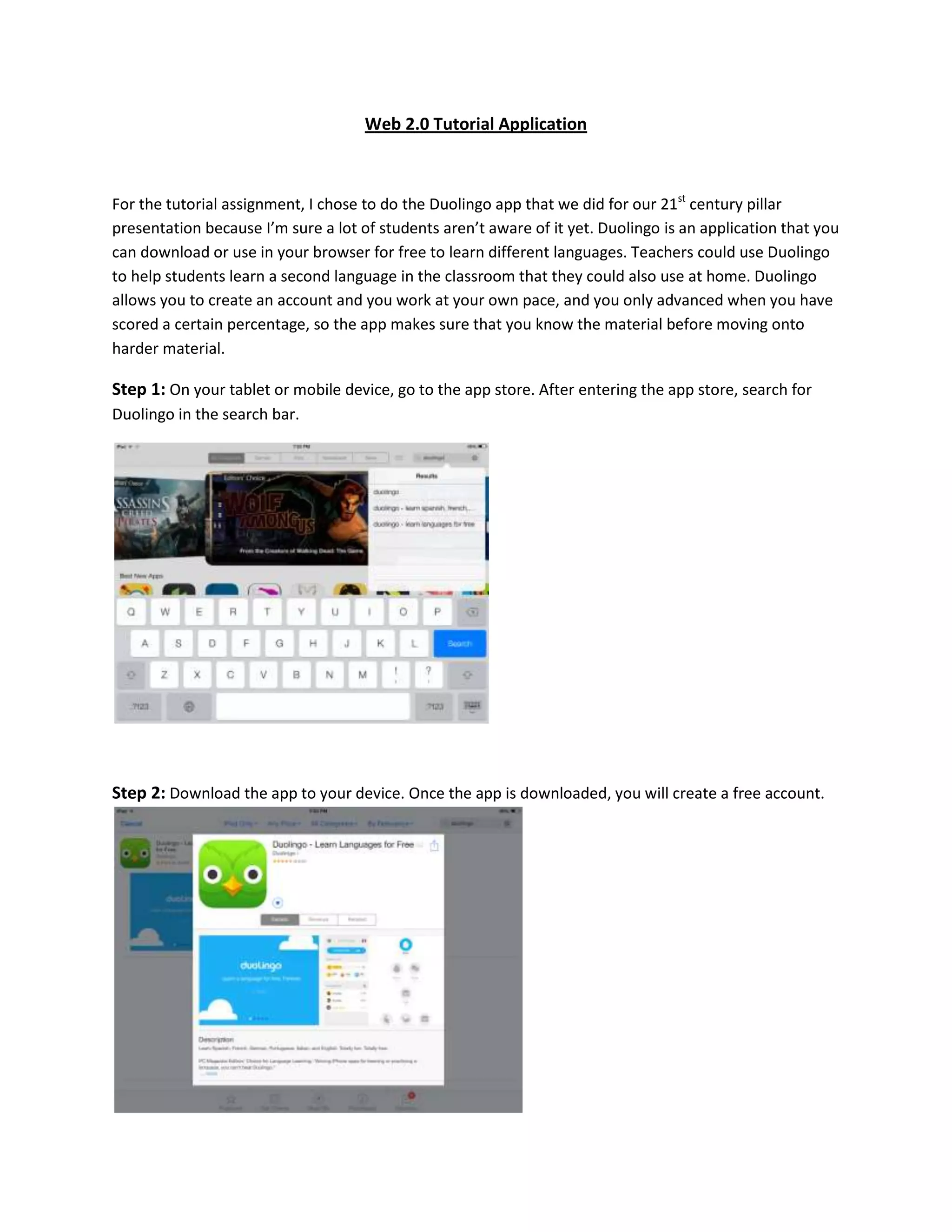
Step 1: On your tablet or mobile device, go to the app store. After entering the app store, search for
Duolingo in the search bar.

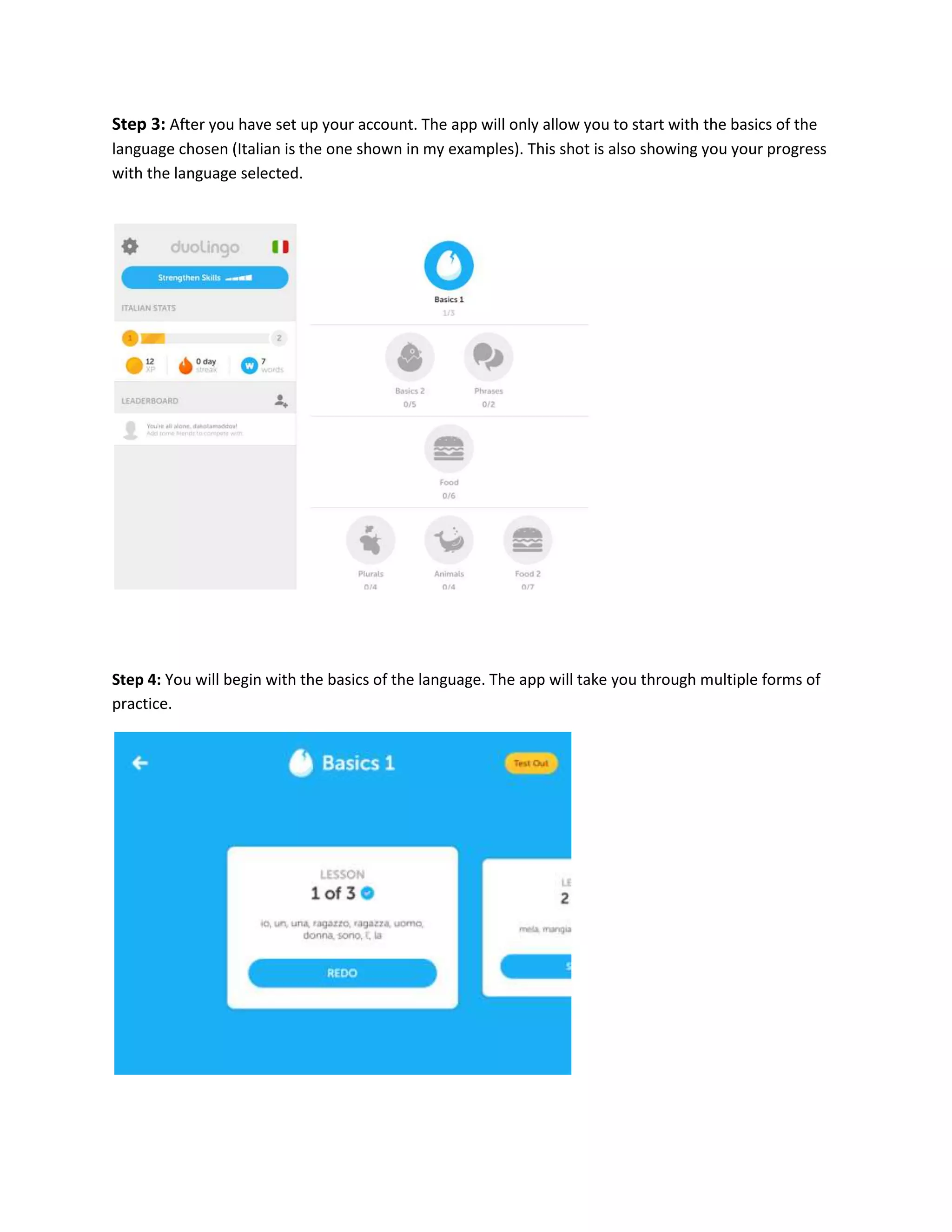
Step 2: Download the app to your device. Once the app is downloaded, you will create a free account.
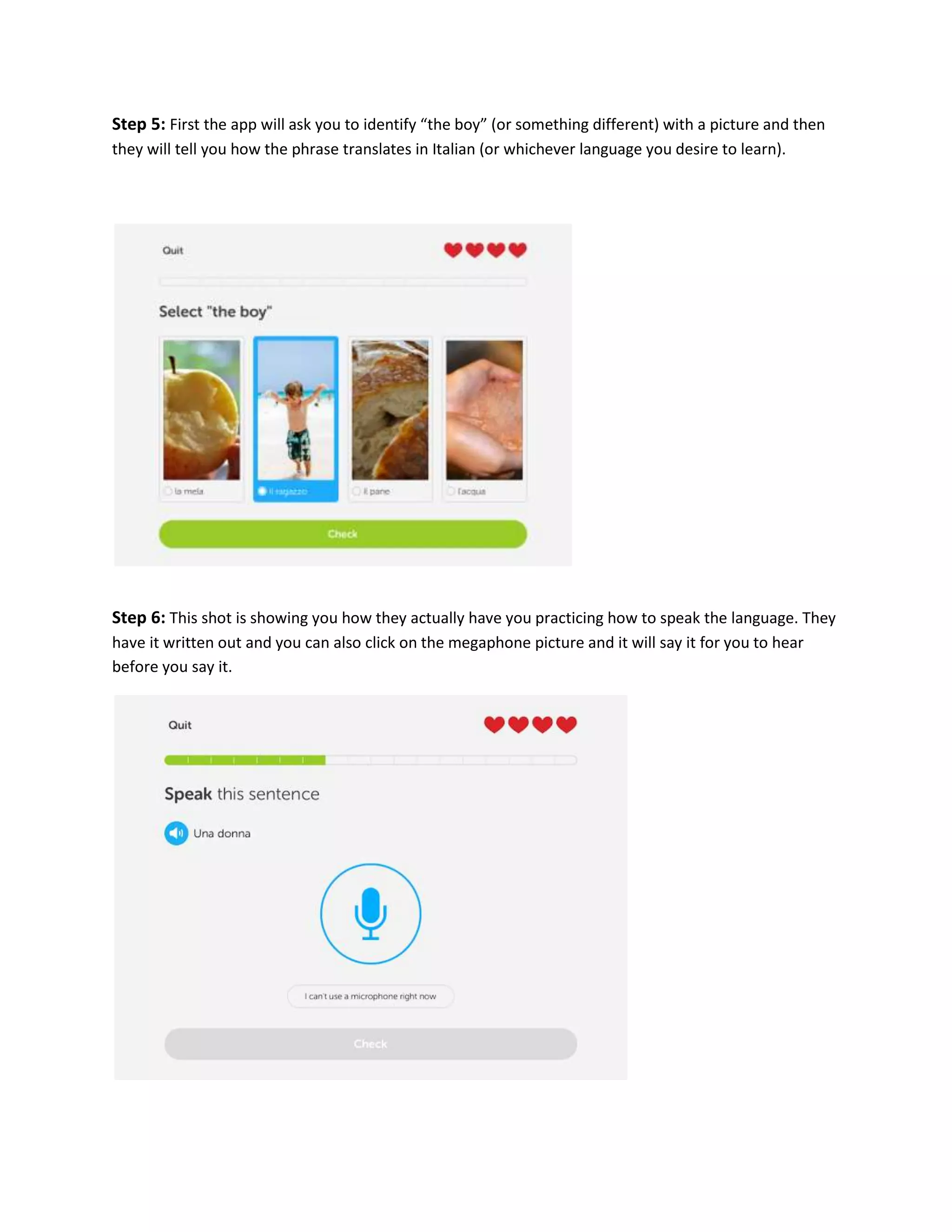
Step 3: After you have set up your account. The app will only allow you to start with the basics of the
language chosen (Italian is the one shown in my examples). This shot is also showing you your progress
with the language selected.

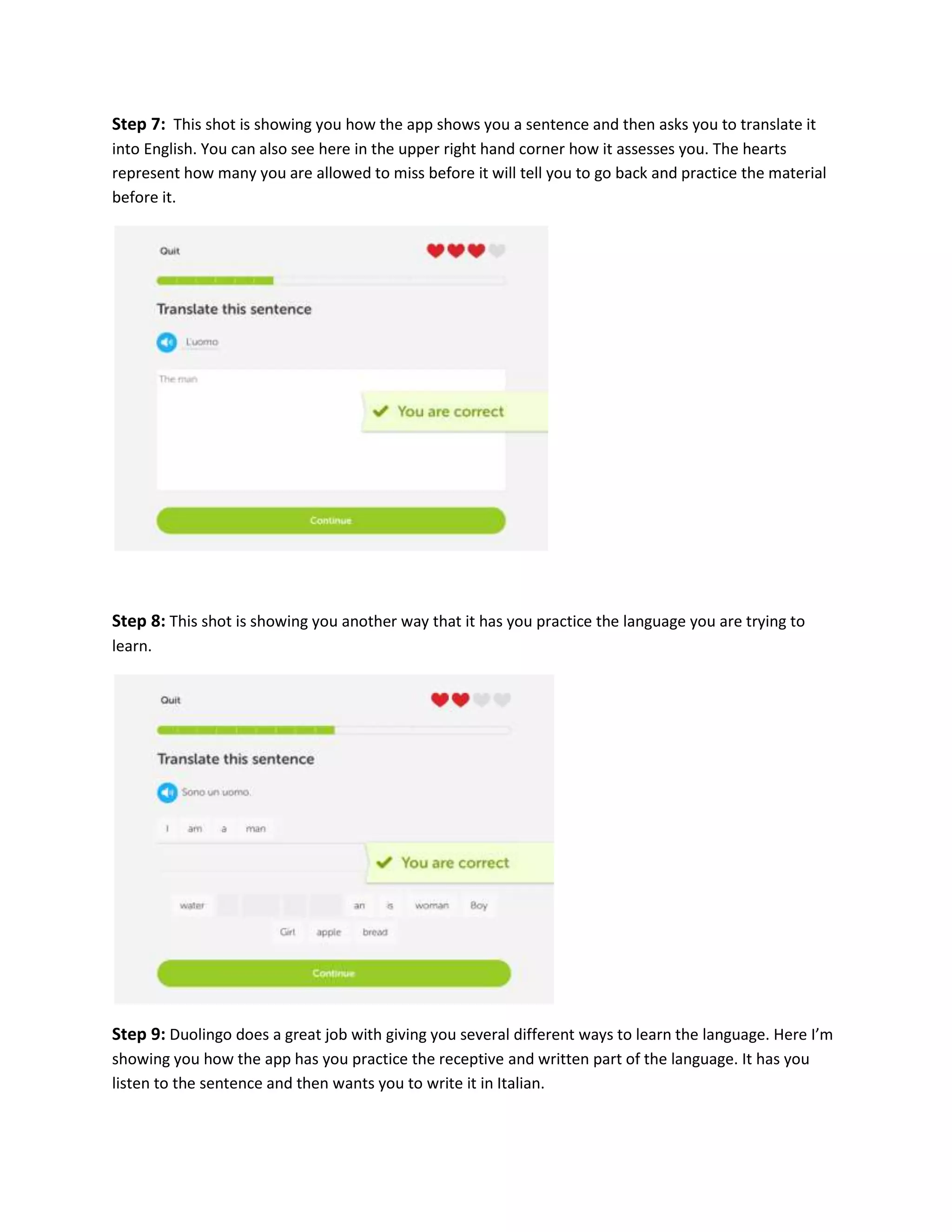
Step 4: You will begin with the basics of the language. The app will take you through multiple forms of
practice.
Step 5: First the app will ask you to identify “the boy” (or something different) with a picture and then
they will tell you how the phrase translates in Italian (or whichever language you desire to learn).

Step 6: This shot is showing you how they actually have you practicing how to speak the language. They
have it written out and you can also click on the megaphone picture and it will say it for you to hear
before you say it.
Step 7: This shot is showing you how the app shows you a sentence and then asks you to translate it
into English. You can also see here in the upper right hand corner how it assesses you. The hearts
represent how many you are allowed to miss before it will tell you to go back and practice the material
before it.

Step 8: This shot is showing you another way that it has you practice the language you are trying to
learn.

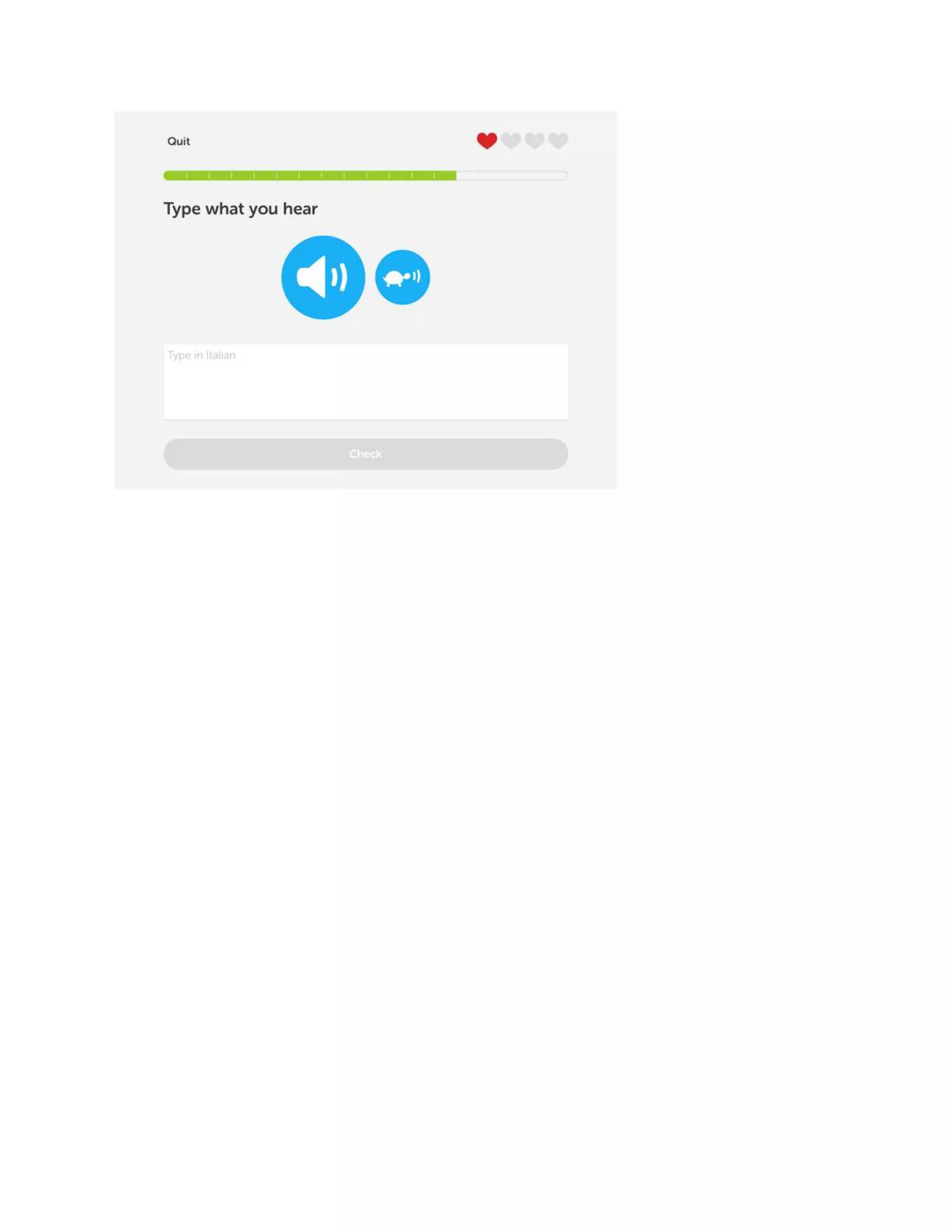
Step 9: Duolingo does a great job with giving you several different ways to learn the language. Here I’m
showing you how the app has you practice the receptive and written part of the language. It has you
listen to the sentence and then wants you to write it in Italian.
Web 2

Web 2

  • 1.
    Web 2.0 TutorialApplication For the tutorial assignment, I chose to do the Duolingo app that we did for our 21st century pillar presentation because I’m sure a lot of students aren’t aware of it yet. Duolingo is an application that you can download or use in your browser for free to learn different languages. Teachers could use Duolingo to help students learn a second language in the classroom that they could also use at home. Duolingo allows you to create an account and you work at your own pace, and you only advanced when you have scored a certain percentage, so the app makes sure that you know the material before moving onto harder material. Step 1: On your tablet or mobile device, go to the app store. After entering the app store, search for Duolingo in the search bar. Step 2: Download the app to your device. Once the app is downloaded, you will create a free account.
  • 2.
    Step 3: Afteryou have set up your account. The app will only allow you to start with the basics of the language chosen (Italian is the one shown in my examples). This shot is also showing you your progress with the language selected. Step 4: You will begin with the basics of the language. The app will take you through multiple forms of practice.
  • 3.
    Step 5: Firstthe app will ask you to identify “the boy” (or something different) with a picture and then they will tell you how the phrase translates in Italian (or whichever language you desire to learn). Step 6: This shot is showing you how they actually have you practicing how to speak the language. They have it written out and you can also click on the megaphone picture and it will say it for you to hear before you say it.
  • 4.
    Step 7: Thisshot is showing you how the app shows you a sentence and then asks you to translate it into English. You can also see here in the upper right hand corner how it assesses you. The hearts represent how many you are allowed to miss before it will tell you to go back and practice the material before it. Step 8: This shot is showing you another way that it has you practice the language you are trying to learn. Step 9: Duolingo does a great job with giving you several different ways to learn the language. Here I’m showing you how the app has you practice the receptive and written part of the language. It has you listen to the sentence and then wants you to write it in Italian.