VIM
how one week changed my mind
Who am I?

   Jonathan Birkholz
   codemav.com/rookieone
   @rookieone
ChaiONE
Houston, TX

  Rails
  iPhone
  Android


               HIRING
    Developers and Project Managers
www.virtualbrownbag.com
Thursday 12pm-1pm central
www.codemav.com
 consolidate profiles
   build an identity
     earn points
   stay connected

JOIN TODAY!
please give feedback :)
Who are you?
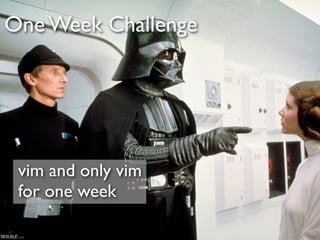
One Week Challenge


 vim and only vim
 for one week
Why Learn vim


expand horizon
challenge yourself
be cool
What I love about vim


                 control
                 customization
vim != FAST
Not an Expert
Outline


• Vim Introduction
• Learning Resources
• Normal, Edit, Visual Modes
• Plugins
• Color Schemes
• Vimrc
vim History


• Bram Moolenaar released in 1991
• original copy of vi
• feature set now surpasses vi
• free and open source
• supported on many platforms
• like bikes

               Text Editor
Advanced Text Editors
Textmate
IDEs
vim
Where can I learn about vim?
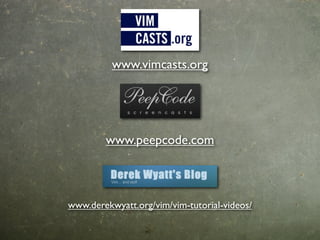
www.vimcasts.org


        www.peepcode.com


www.derekwyatt.org/vim/vim-tutorial-videos/
Vimmy
Now lets get our vim on
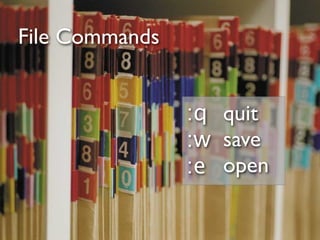
File Commands


                :q quit
                :w save
                :e open
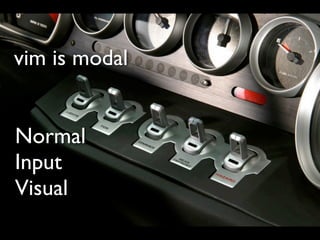
vim is modal


Normal
Input
Visual
Normal Mode
Basic Navigation   H J K L
                       K
                   H         L
                       J
HJKL Fail
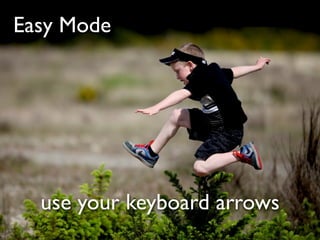
Easy Mode


  use your keyboard arrows
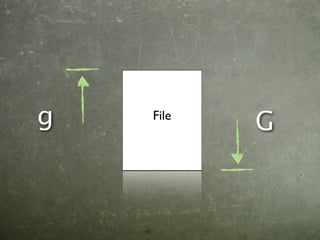
g   File
           G
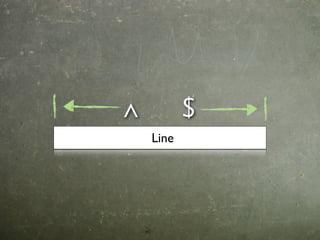
^          $
    Line
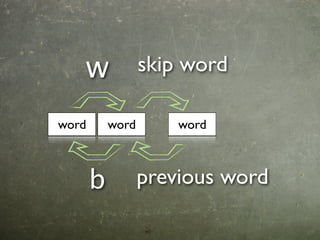
w              skip word

word       word       word


       b          previous word
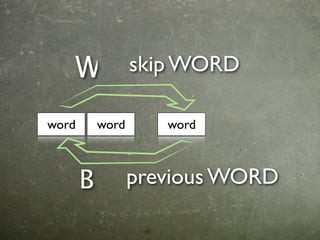
W              skip WORD

word       word      word


       B          previous WORD
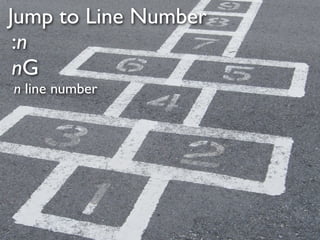
Jump to Line Number
 :n
 nG
n line number
DEMO
Edit Mode
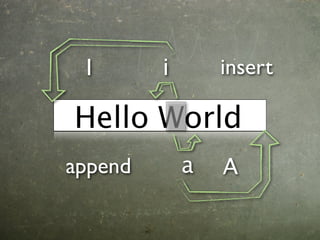
I       i       insert

Hello World
append       a   A
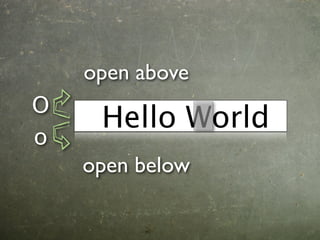
open above
O
     Hello World
o
    open below
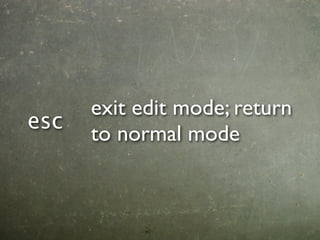
exit edit mode; return
esc
      to normal mode
DEMO
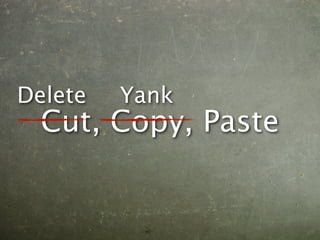
Delete   Yank
  Cut, Copy, Paste
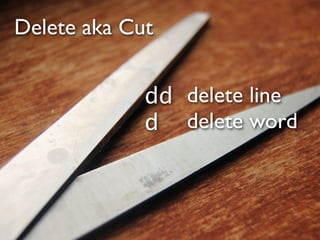
Delete aka Cut


             dd delete line
             d delete word
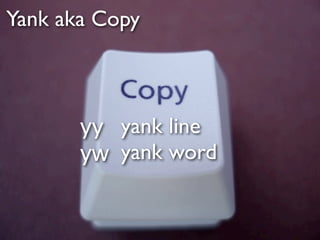
Yank aka Copy
        Yank / Copy


   • yy yy yank line
   • cw yw yank word
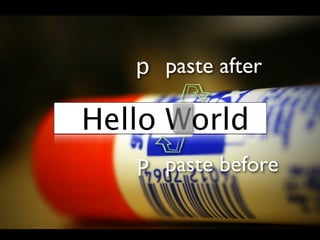
p paste after

Hello World
   P paste before
DEMO
vimisms
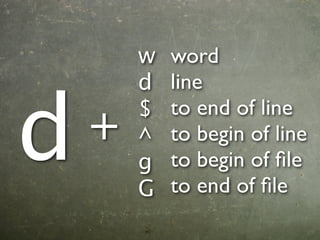
w   word
        d   line


d       $   to end of line
    +   ^   to begin of line
        g   to begin of file
        G   to end of file
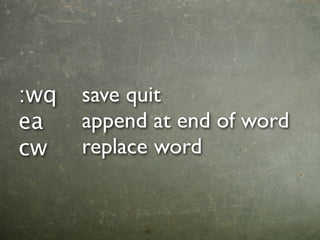
:wq   save quit
ea    append at end of word
cw    replace word
vim comamnds
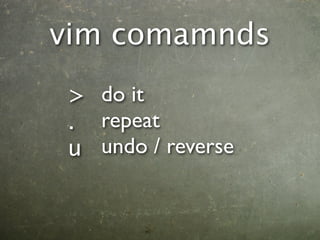
> do it
. repeat
u undo / reverse
upper vs lower case

can be opposite command

can also be extreme version of
command
DEMO
Visual Mode
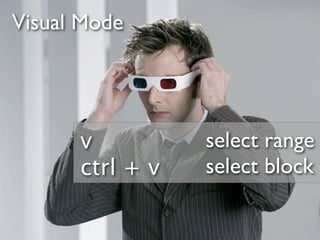
Visual Mode


      v          select range
      ctrl + v   select block
DEMO
Search
Search


  / searchtext
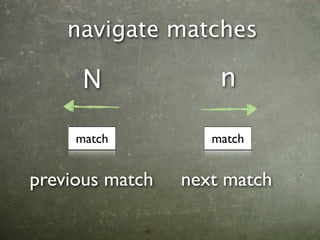
navigate matches

      N              n

     match          match


previous match   next match
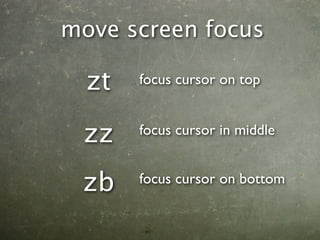
move screen focus

  zt   focus cursor on top


 zz    focus cursor in middle


 zb    focus cursor on bottom
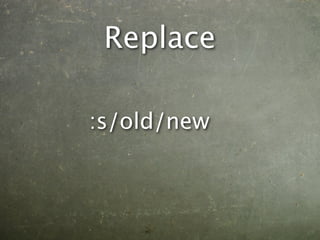
Replace

:s/old/new
DEMO
Plugins
~/.vim/plugin
C:Program Files (x86)Vimvimfilesplugin


                           Found online
                           www.vim.org
                           www.github.com
NERD Tree

project directory tree
Fugitive

vim plugin for git
Rails

vim plugin for rails
Pathogen

vim plugin for... plugins
Janus


        github.com/carlhuda/janus
        opinionated vim package for Mac
DEMO
Color Schemes
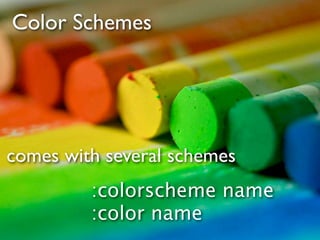
Color Schemes


comes with several schemes
         :colorscheme name
         :color name
Custom Color Schemes

     vimcast : create color scheme
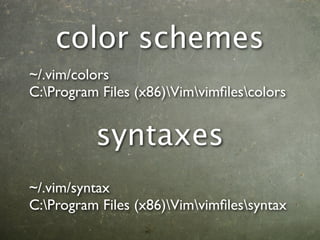
color schemes
~/.vim/colors
C:Program Files (x86)Vimvimfilescolors


          syntaxes
~/.vim/syntax
C:Program Files (x86)Vimvimfilessyntax
DEMO
vimrc
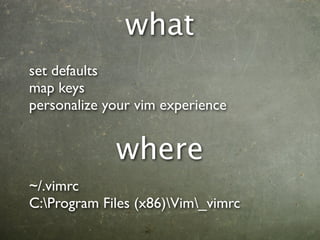
what
set defaults
map keys
personalize your vim experience


             where
~/.vimrc
C:Program Files (x86)Vim_vimrc
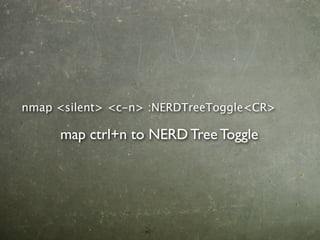
nmap <silent> <c-n> :NERDTreeToggle<CR>

     map ctrl+n to NERD Tree Toggle
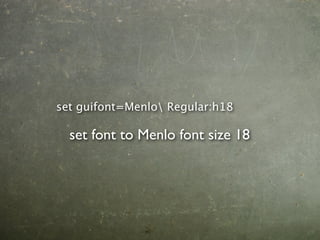
set guifont=Menlo Regular:h18

  set font to Menlo font size 18
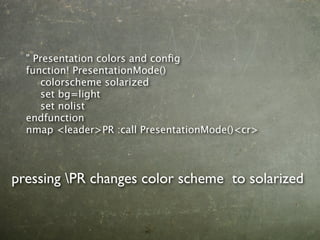
" Presentation colors and config
  function! PresentationMode()
  
 colorscheme solarized
  
 set bg=light
  
 set nolist
  endfunction
  nmap <leader>PR :call PresentationMode()<cr>


pressing PR changes color scheme to solarized
DEMO
Let’s wrap it up
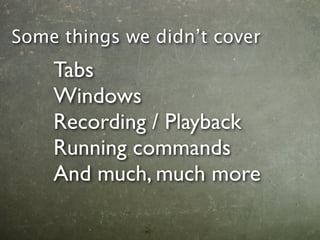
Some things we didn’t cover
    Tabs
    Windows
    Recording / Playback
    Running commands
    And much, much more
Other tools


              • Peep Open
              • Keycastr
vim in other apps

  • vimperator - Firefox
  • vimium - Chrome
  • viEmulator - Visual Studio
  • and others...
References
                         Flickr
• vimcast
• vim.org         •   greasylightbulb

• vim.wikia.com   •   chocolatebubbles

                  •   u2ultraviolet81

• Star Wars       •   Dave Linscheid


• Kung Fu Panda
www.codemav.com
        consolidate profiles
          build an identity
            earn points
          stay connected

     JOIN TODAY!
seriously... create an account already
I needz more vim!
 www.virtualbrownbag.com
 Thursday 12pm-1pm central
Questions?
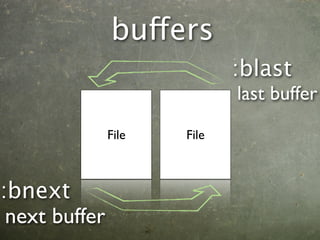
buffers
                             :blast
                             last buffer
               File   File


:bnext
 next buffer

Vim week