

Welcome!


Video for Small Business
What We’ll Learn

• What can I make a video about?
• The most important thing to remember when
  making a video
• Phases of production
• Gear and Gadgets
• Activity - Find the Story!
• Discussion - Exploring Video for your Business
What’s wrong with this picture?
What can I make a
  video about?
Product Marketing
Interviews
What can I make a video about?


• Market a product
• Profile interesting people (clients, employees,
  community members)
• Give advice, share expertise
• Cover an event
• Describe your services
What’s Your Story?

• Every great video begins with a story
• Every idea has a story waiting to be told
• How do you find your story?
What are some of
the elements of a
   good story?
A good story has a
beginning, a middle
    and an end.
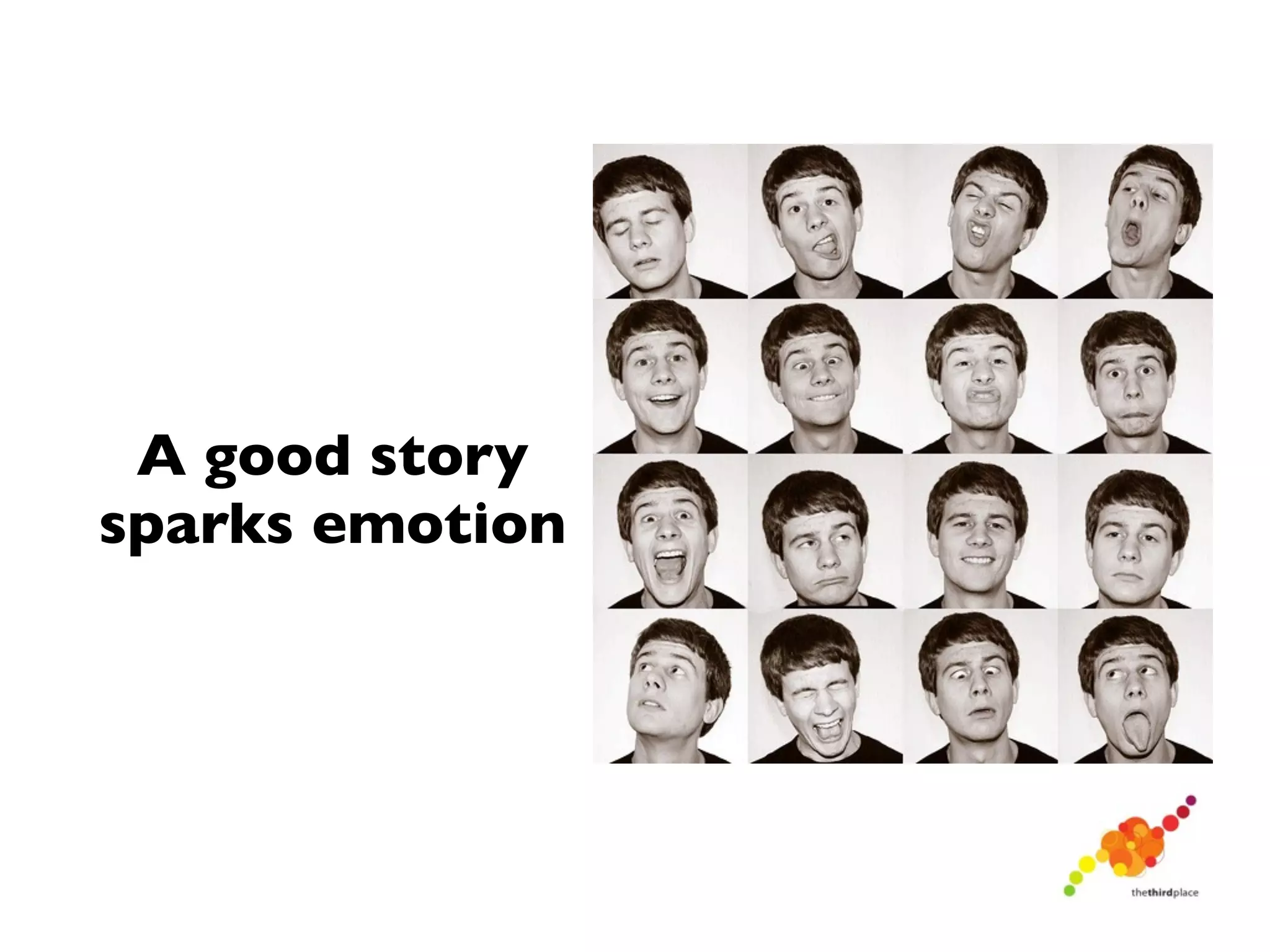
A good story
sparks emotion
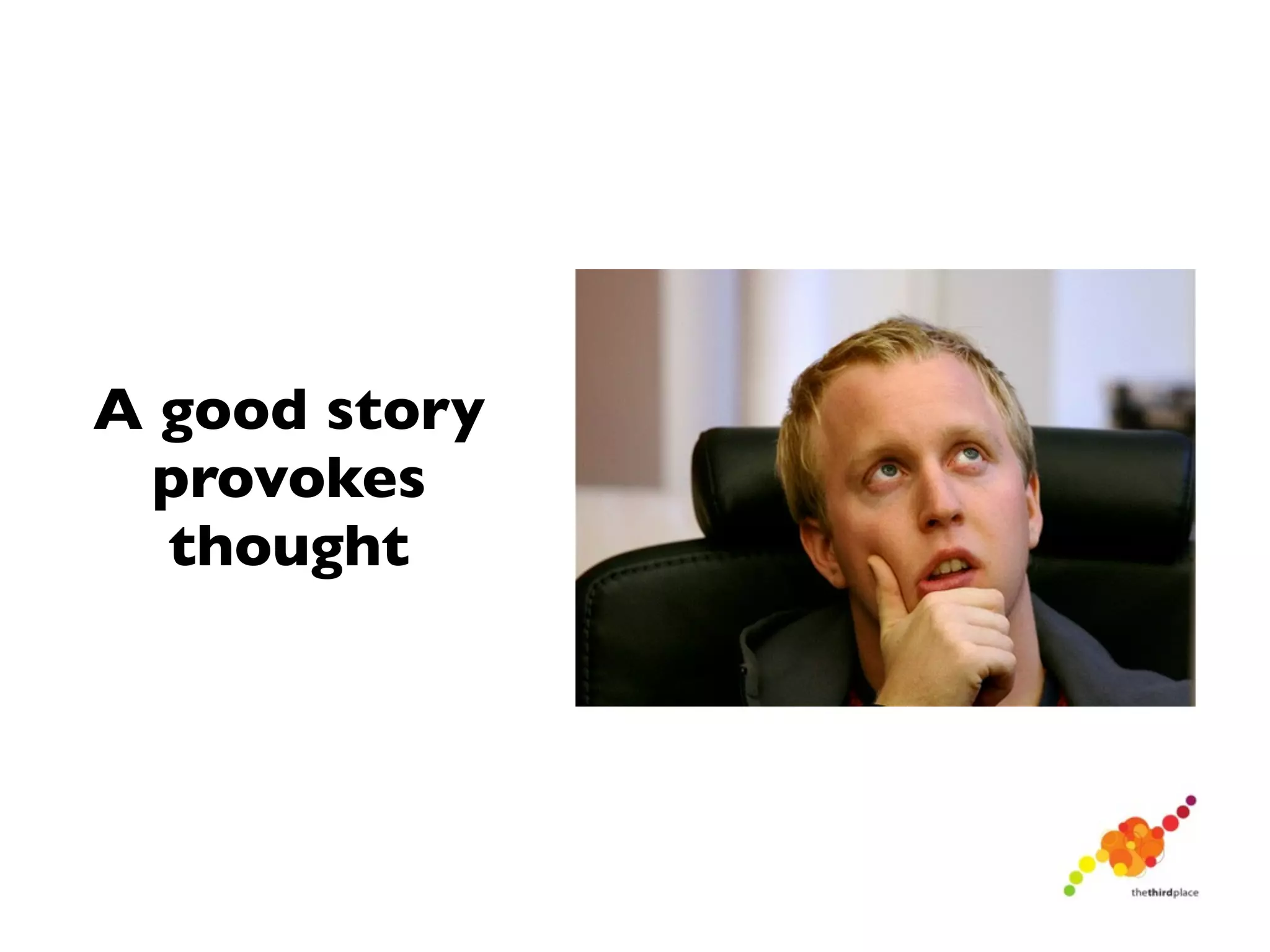
A good story
  provokes
  thought
The Production Process

•   Production is a three-   Pre-Production
    step process

•   Often, people forget
    about pre-production
                               Production
•   Pre-production is the
    storytelling step
    and is the MOST
    IMPORTANT!               Post-Production
The Production Process
                        Pre-Production

 Production works on
 the 80/20 rule: 80
 percent of your work     Production
 is in the pre-
 production step!

                        Post-Production
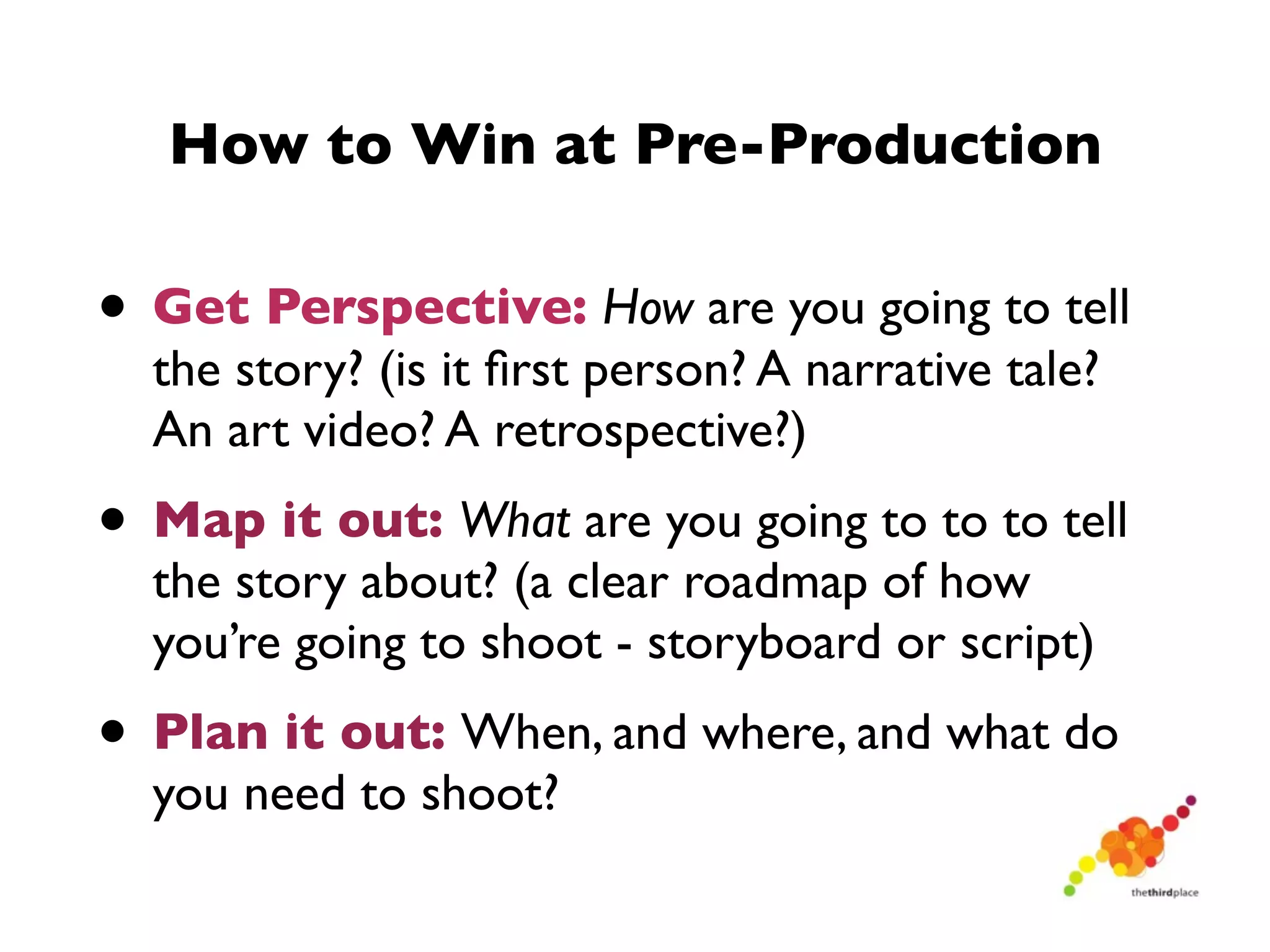
How to Win at Pre-Production

• Get Perspective: How are you going to tell
  the story? (is it first person? A narrative tale?
  An art video? A retrospective?)
• Map it out: What are you going to to to tell
  the story about? (a clear roadmap of how
  you’re going to shoot - storyboard or script)
• Plan it out: When, and where, and what do
  you need to shoot?
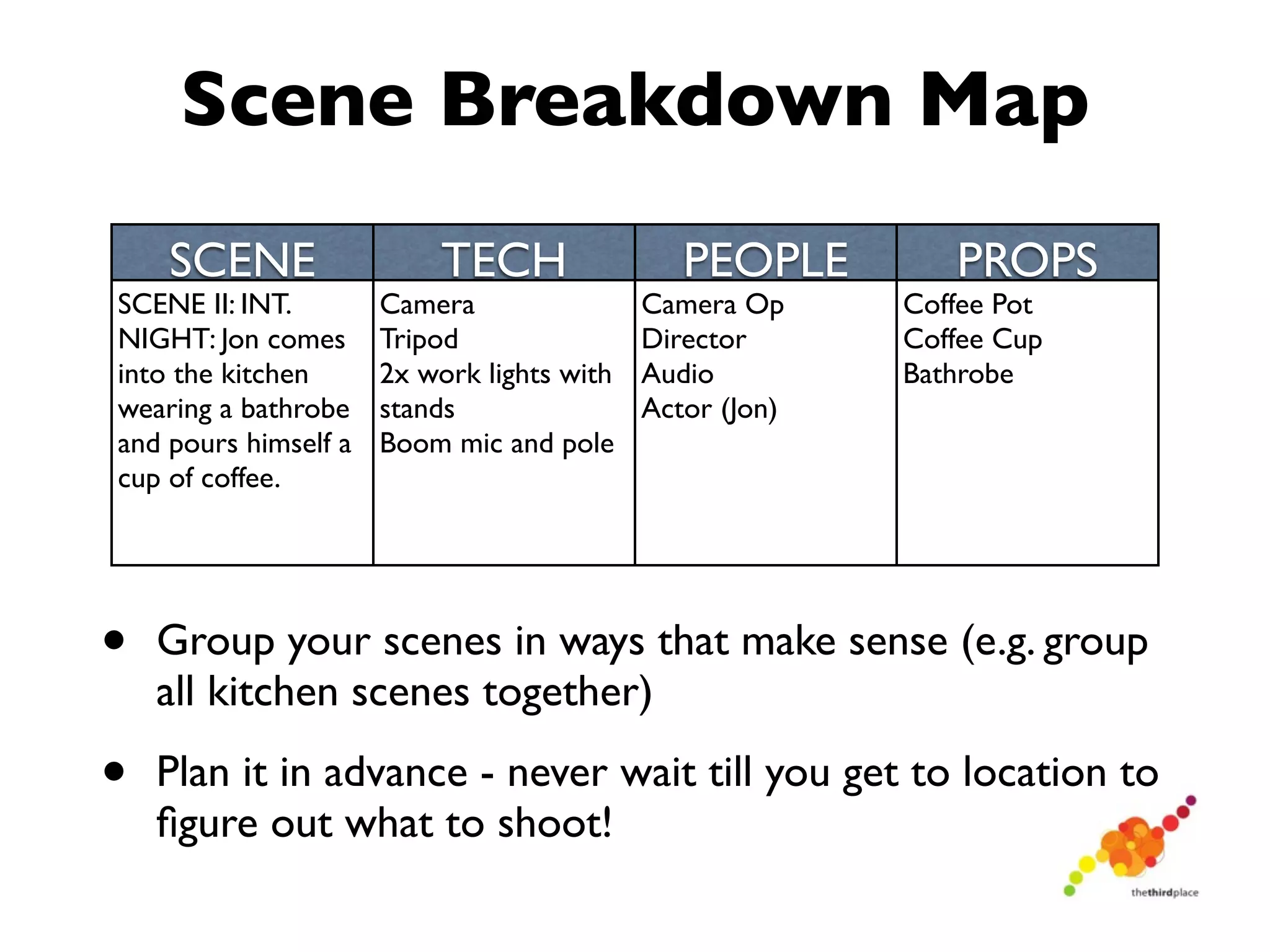
Scene Breakdown Map
    SCENE                 TECH                 PEOPLE        PROPS
SCENE II: INT.        Camera                Camera Op     Coffee Pot
NIGHT: Jon comes      Tripod                Director      Coffee Cup
into the kitchen      2x work lights with   Audio         Bathrobe
wearing a bathrobe    stands                Actor (Jon)
and pours himself a   Boom mic and pole
cup of coffee.


•   Group your scenes in ways that make sense (e.g. group
    all kitchen scenes together)

•   Plan it in advance - never wait till you get to location to
    figure out what to shoot!
Tips for a Smooth Production Day


•   Make sure you’ve got all the equipment you need and that
    you know how to use it.

•   Bring extra copies of the script

•   Get there early!

•   Strive for controlled chaos

•   Keep detailed notes as you shoot to make editing easier
    (recruit your most organized friend or employee!)

•   Hydrate!
Suze’s No-Slip Grip Bag
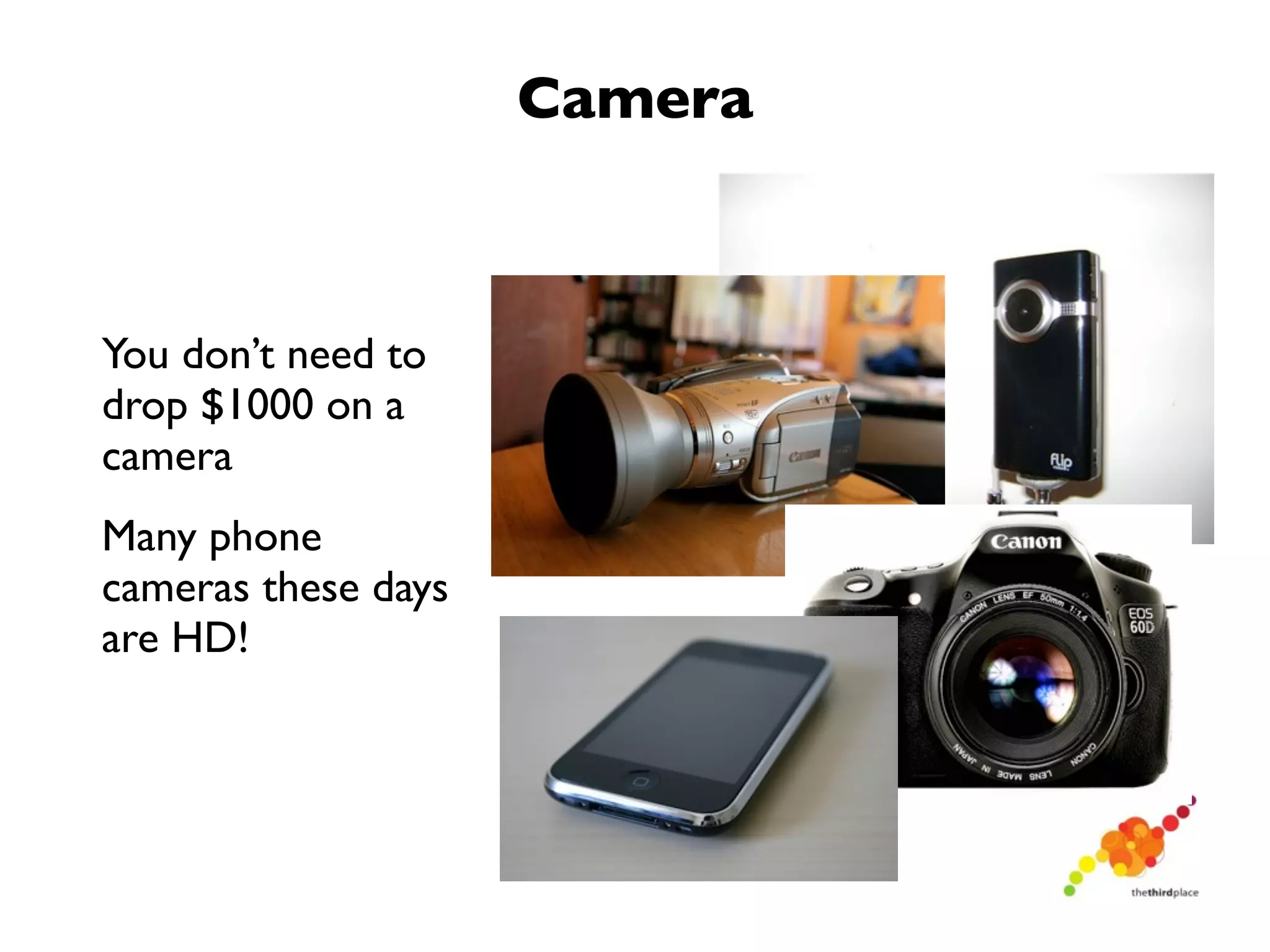
Camera


You don’t need to
drop $1000 on a
camera
Many phone
cameras these days
are HD!
Tripod


Have an option
available to
stabilize your
camera
Again, it doesn’t
have to cost a
fortune!
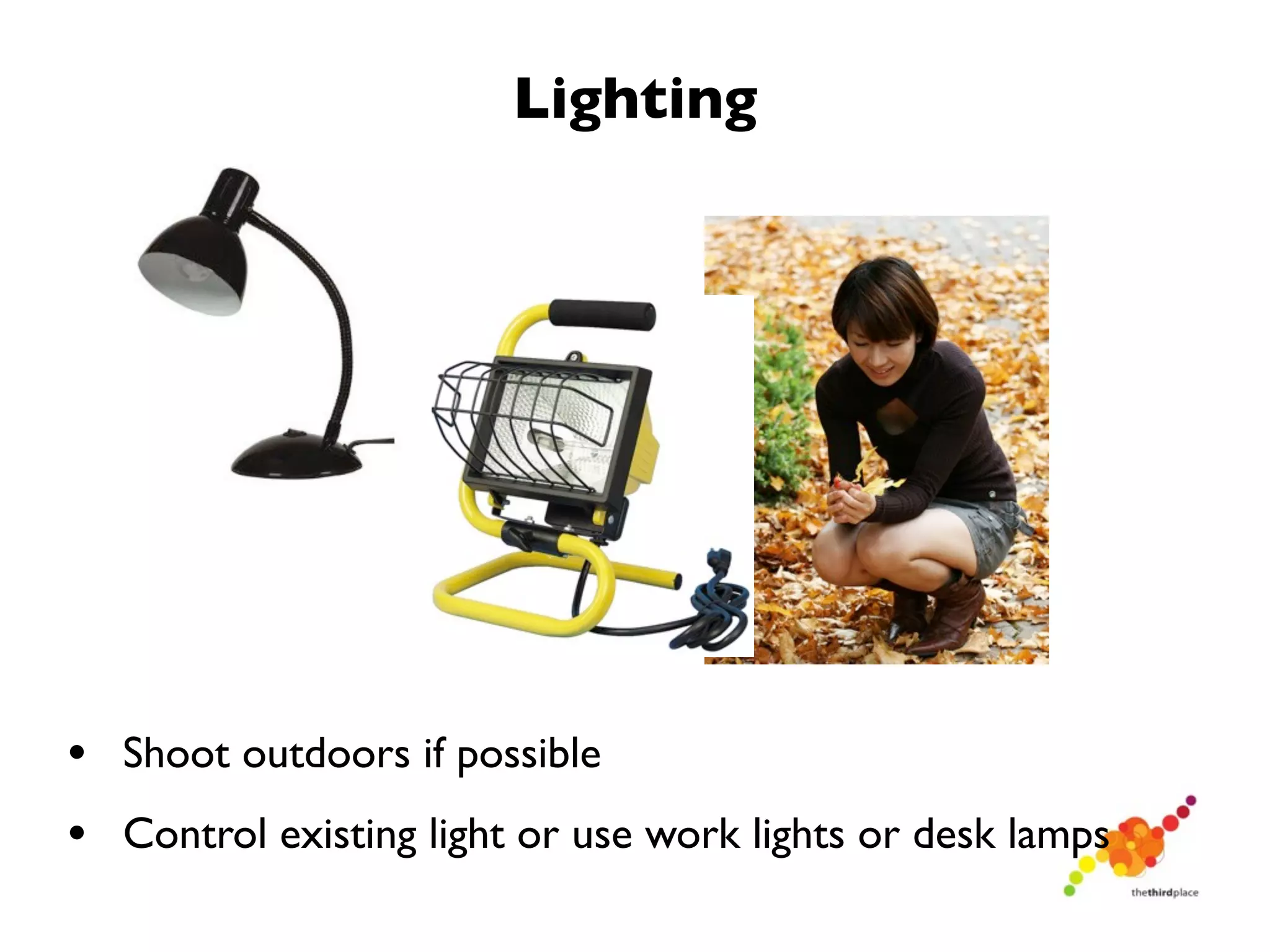
Lighting


• Shoot outdoors if possible
• Control existing light or use work lights or desk lamps
Audio


• Camera mics can work in close quarters
• Use an external audio recorder or microphone ideally
• Minimize background noise for best results
Hit the hardware store!


• You can never have enough duct tape and clothespins
  on hand!
Post Production


•   There are a number of simple editing tools

•   Windows Movie Maker, iMovie are great and FREE!

•   YouTube has FREE editing features available now!

•   Adobe Premiere, Final Cut are not free and more
    advanced

•   Use the tools you feel most comfortable with
Tips for Smooth Editing


•   If you’ve done a good job with your script and
    have taken good notes when shooting, editing will
    be smooth!

•   Map your edit out on paper first - pick the best
    clips and be organized before you start.
A Word on Copyright


•   Ensure your music and images are not subject to
    copyright

•   You can use images and music licensed under
    CreativeCommons.org (provided you give
    attribution)

•   Creative Commons images: MorgueFile, Flickr
    Creative Commons

•   Creative Commons (podsafe) music: Free Music
    Archive, MusOpen.org, iBeat.org
Just Hit Publish!


•   Publish your video

•   Start promoting
    (blog, Twitter,
    Facebook, etc)

•   YouTube is the 2nd
    largest search engine!
6 Steps to Great Video

1) Figure out your story (brainstorm and write it down!).
2) Figure out how you want to tell your story (your
perspective).
3) Pre-production: Prepare your script scene by scene, listing
action, equipment, props and people. Plan the logistics of your
production.
4) Production: Have a smooth shoot!
5) Post production: Map out your edit on paper before you
start editing
6) Publish: Get your video up on YouTube and tell the world!
More Learning!
http://vimeo.com/videoschool
Find the Story
Questions?
Thoughts?
  Ideas?
Thank you!
• Shawn MacDonell, CreatiVision, @passiontoaction
• Susan Murphy, Jester Creative, @suzemuse
• Patti Church, Algonquin College, @pattichurch
• Follow The Third Place on Twitter @thirdplaceott
• Join our Facebook Group - exclusively for TPO
  participants!

Video for Your Small Business

  • 1.
  • 2.
    What We’ll Learn •What can I make a video about? • The most important thing to remember when making a video • Phases of production • Gear and Gadgets • Activity - Find the Story! • Discussion - Exploring Video for your Business
  • 3.
    What’s wrong withthis picture?
  • 4.
    What can Imake a video about?
  • 5.
  • 6.
  • 7.
    What can Imake a video about? • Market a product • Profile interesting people (clients, employees, community members) • Give advice, share expertise • Cover an event • Describe your services
  • 8.
    What’s Your Story? •Every great video begins with a story • Every idea has a story waiting to be told • How do you find your story?
  • 9.
    What are someof the elements of a good story?
  • 10.
    A good storyhas a beginning, a middle and an end.
  • 11.
  • 12.
    A good story provokes thought
  • 13.
    The Production Process • Production is a three- Pre-Production step process • Often, people forget about pre-production Production • Pre-production is the storytelling step and is the MOST IMPORTANT! Post-Production
  • 14.
    The Production Process Pre-Production Production works on the 80/20 rule: 80 percent of your work Production is in the pre- production step! Post-Production
  • 15.
    How to Winat Pre-Production • Get Perspective: How are you going to tell the story? (is it first person? A narrative tale? An art video? A retrospective?) • Map it out: What are you going to to to tell the story about? (a clear roadmap of how you’re going to shoot - storyboard or script) • Plan it out: When, and where, and what do you need to shoot?
  • 16.
    Scene Breakdown Map SCENE TECH PEOPLE PROPS SCENE II: INT. Camera Camera Op Coffee Pot NIGHT: Jon comes Tripod Director Coffee Cup into the kitchen 2x work lights with Audio Bathrobe wearing a bathrobe stands Actor (Jon) and pours himself a Boom mic and pole cup of coffee. • Group your scenes in ways that make sense (e.g. group all kitchen scenes together) • Plan it in advance - never wait till you get to location to figure out what to shoot!
  • 17.
    Tips for aSmooth Production Day • Make sure you’ve got all the equipment you need and that you know how to use it. • Bring extra copies of the script • Get there early! • Strive for controlled chaos • Keep detailed notes as you shoot to make editing easier (recruit your most organized friend or employee!) • Hydrate!
  • 18.
  • 19.
    Camera You don’t needto drop $1000 on a camera Many phone cameras these days are HD!
  • 20.
    Tripod Have an option availableto stabilize your camera Again, it doesn’t have to cost a fortune!
  • 21.
    Lighting • Shoot outdoorsif possible • Control existing light or use work lights or desk lamps
  • 22.
    Audio • Camera micscan work in close quarters • Use an external audio recorder or microphone ideally • Minimize background noise for best results
  • 23.
    Hit the hardwarestore! • You can never have enough duct tape and clothespins on hand!
  • 24.
    Post Production • There are a number of simple editing tools • Windows Movie Maker, iMovie are great and FREE! • YouTube has FREE editing features available now! • Adobe Premiere, Final Cut are not free and more advanced • Use the tools you feel most comfortable with
  • 25.
    Tips for SmoothEditing • If you’ve done a good job with your script and have taken good notes when shooting, editing will be smooth! • Map your edit out on paper first - pick the best clips and be organized before you start.
  • 26.
    A Word onCopyright • Ensure your music and images are not subject to copyright • You can use images and music licensed under CreativeCommons.org (provided you give attribution) • Creative Commons images: MorgueFile, Flickr Creative Commons • Creative Commons (podsafe) music: Free Music Archive, MusOpen.org, iBeat.org
  • 27.
    Just Hit Publish! • Publish your video • Start promoting (blog, Twitter, Facebook, etc) • YouTube is the 2nd largest search engine!
  • 28.
    6 Steps toGreat Video 1) Figure out your story (brainstorm and write it down!). 2) Figure out how you want to tell your story (your perspective). 3) Pre-production: Prepare your script scene by scene, listing action, equipment, props and people. Plan the logistics of your production. 4) Production: Have a smooth shoot! 5) Post production: Map out your edit on paper before you start editing 6) Publish: Get your video up on YouTube and tell the world!
  • 29.
  • 30.
  • 31.
  • 32.
    Thank you! • ShawnMacDonell, CreatiVision, @passiontoaction • Susan Murphy, Jester Creative, @suzemuse • Patti Church, Algonquin College, @pattichurch • Follow The Third Place on Twitter @thirdplaceott • Join our Facebook Group - exclusively for TPO participants!