
Using
Technology
purposely
with Juniors
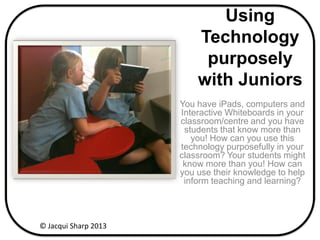
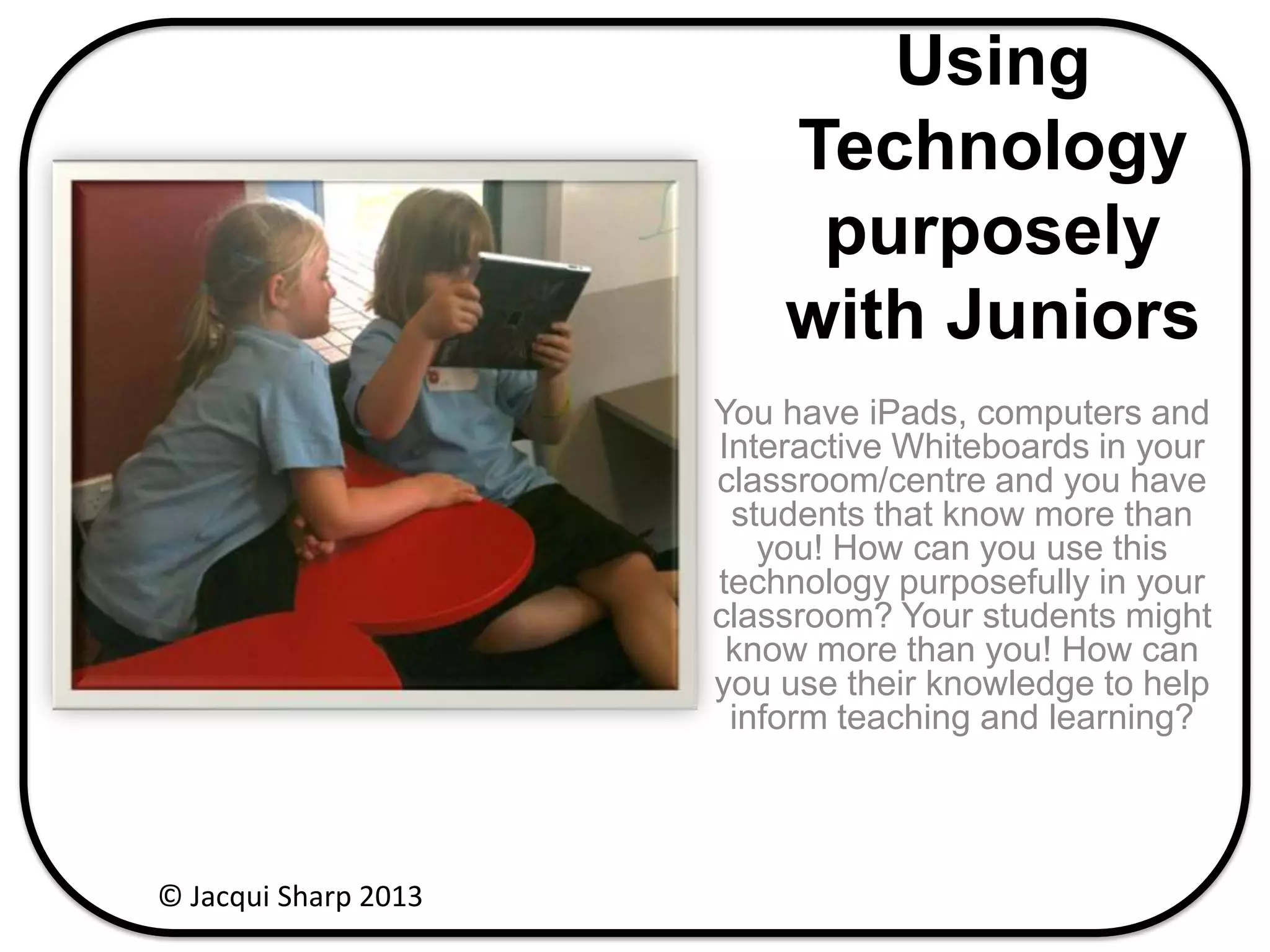
You have iPads, computers and
Interactive Whiteboards in your
classroom/centre and you have
students that know more than
you! How can you use this
technology purposefully in your
classroom? Your students might
know more than you! How can
you use their knowledge to help
inform teaching and learning?
© Jacqui Sharp 2013
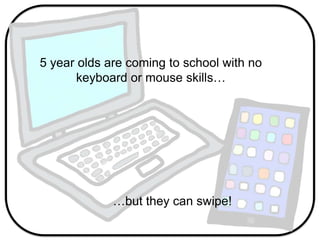
5 year olds are coming to school with no
keyboard or mouse skills…
…but they can swipe!
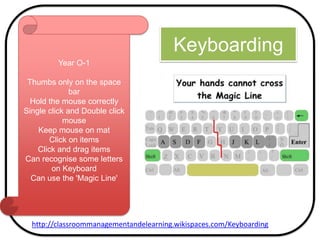
Keyboarding
Year O-1
Thumbs only on the space
bar
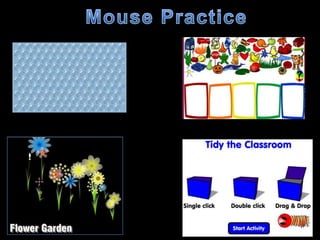
Hold the mouse correctly
Single click and Double click
mouse
Keep mouse on mat
Click on items
Click and drag items
Can recognise some letters
on Keyboard
Can use the 'Magic Line'
http://classroommanagementandelearning.wikispaces.com/Keyboarding
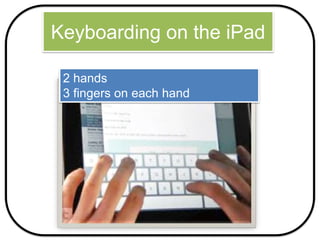
Keyboarding on the iPad
2 hands
3 fingers on each hand
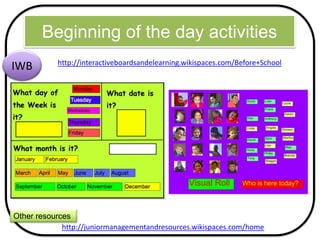
Beginning of the day activities
http://interactiveboardsandelearning.wikispaces.com/Before+School
IWB
http://juniormanagementandresources.wikispaces.com/home
Other resources
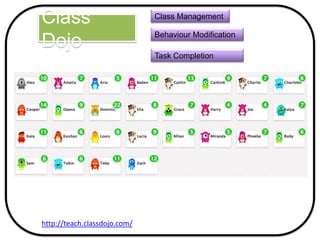
Class
Dojo
http://teach.classdojo.com/
Class Management
Behaviour Modification
Task Completion
Writing
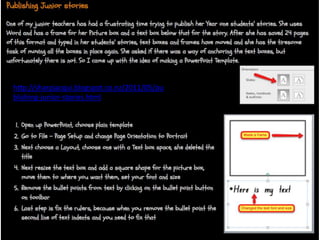
http://sharpjacqui.blogspot.co.nz/2011/05/pu
blishing-junior-stories.html
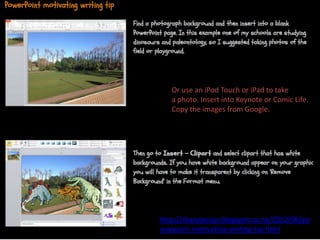
http://sharpjacqui.blogspot.co.nz/2012/06/po
werpoint-motivating-writing-tip.html
Or use an iPod Touch or iPad to take
a photo. Insert into Keynote or Comic Life.
Copy the images from Google.
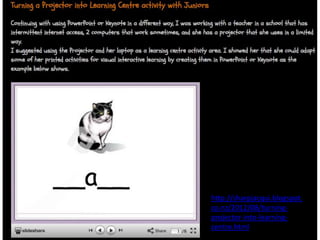
http://sharpjacqui.blogspot.
co.nz/2012/08/turning-
projector-into-learning-
centre.html
Comic
Builder
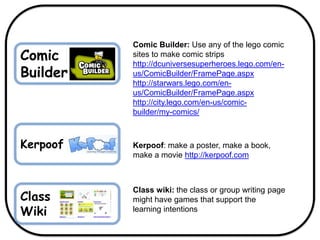
Comic Builder: Use any of the lego comic
sites to make comic strips
http://dcuniversesuperheroes.lego.com/en-
us/ComicBuilder/FramePage.aspx
http://starwars.lego.com/en-
us/ComicBuilder/FramePage.aspx
http://city.lego.com/en-us/comic-
builder/my-comics/
Kerpoof Kerpoof: make a poster, make a book,
make a movie http://kerpoof.com
Class
Wiki
Class wiki: the class or group writing page
might have games that support the
learning intentions
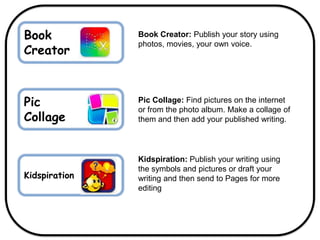
Book
Creator
Pic
Collage
Book Creator: Publish your story using
photos, movies, your own voice.
Pic Collage: Find pictures on the internet
or from the photo album. Make a collage of
them and then add your published writing.
Kidspiration
Kidspiration: Publish your writing using
the symbols and pictures or draft your
writing and then send to Pages for more
editing
Reading
http://sharpjacqui.blogspot.co.nz/2010/08/ma
ke-poetry-file.html
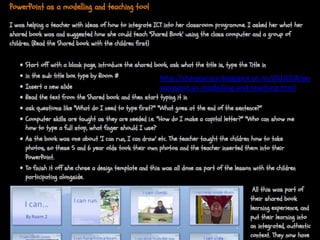
http://sharpjacqui.blogspot.co.nz/2010/04/po
werpoint-as-modelling-and-teaching.html
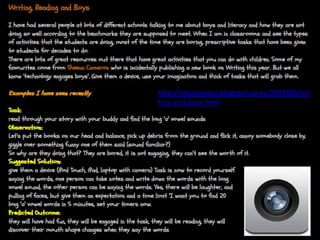
http://sharpjacqui.blogspot.co.nz/2013/03/wri
ting-and-boys.html
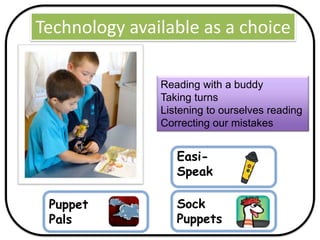
Reading with a buddy
Taking turns
Listening to ourselves reading
Correcting our mistakes
Technology available as a choice
Sock
Puppets
Puppet
Pals
Easi-
Speak
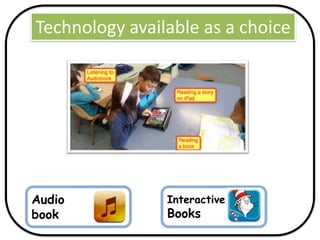
Technology available as a choice
Audio
book
Interactive
Books
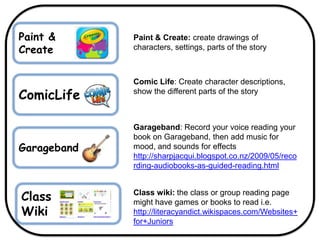
ComicLife
Comic Life: Create character descriptions,
show the different parts of the story
Garageband
Garageband: Record your voice reading your
book on Garageband, then add music for
mood, and sounds for effects
http://sharpjacqui.blogspot.co.nz/2009/05/reco
rding-audiobooks-as-guided-reading.html
Class wiki: the class or group reading page
might have games or books to read i.e.
http://literacyandict.wikispaces.com/Websites+
for+Juniors
Class
Wiki
Paint &
Create
Paint & Create: create drawings of
characters, settings, parts of the story
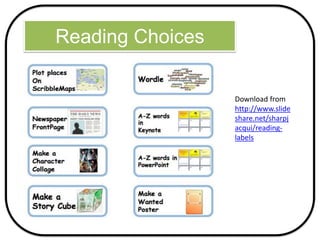
Reading Choices
Download from
http://www.slide
share.net/sharpj
acqui/reading-
labels
Maths
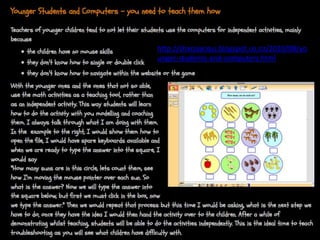
http://sharpjacqui.blogspot.co.nz/2010/08/yo
unger-students-and-computers.html
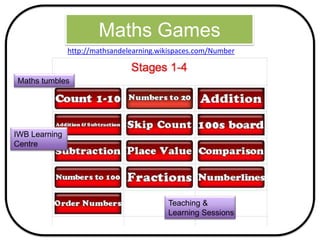
Maths Games
http://mathsandelearning.wikispaces.com/Number
Maths tumbles
IWB Learning
Centre
Teaching &
Learning Sessions
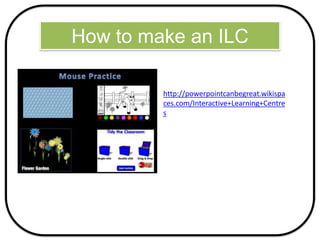
How to make an ILC
http://powerpointcanbegreat.wikispa
ces.com/Interactive+Learning+Centre
s
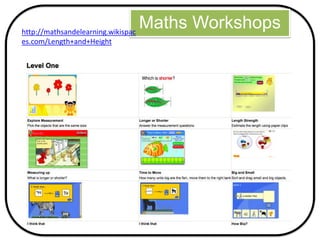
Maths Workshopshttp://mathsandelearning.wikispac
es.com/Length+and+Height
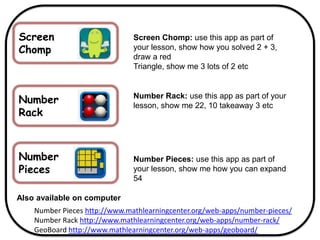
Screen
Chomp
Screen Chomp: use this app as part of
your lesson, show how you solved 2 + 3,
draw a red
Triangle, show me 3 lots of 2 etc
Number
Rack
Number Rack: use this app as part of your
lesson, show me 22, 10 takeaway 3 etc
Number
Pieces
Number Pieces: use this app as part of
your lesson, show me how you can expand
54
Also available on computer
Number Pieces http://www.mathlearningcenter.org/web-apps/number-pieces/
Number Rack http://www.mathlearningcenter.org/web-apps/number-rack/
GeoBoard http://www.mathlearningcenter.org/web-apps/geoboard/
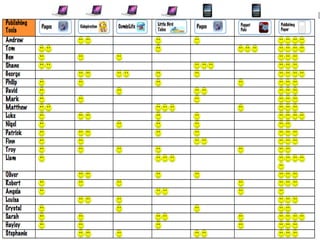
Management
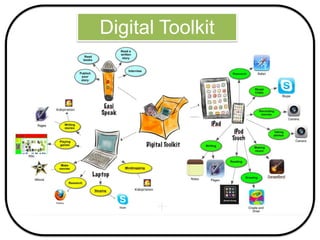
Digital Toolkit
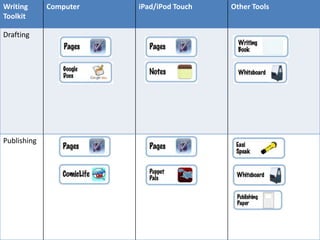
Writing
Toolkit
Computer iPad/iPod Touch Other Tools
Drafting
Publishing
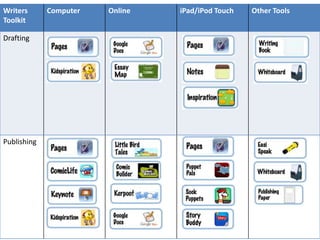
Writers
Toolkit
Computer Online iPad/iPod Touch Other Tools
Drafting
Publishing
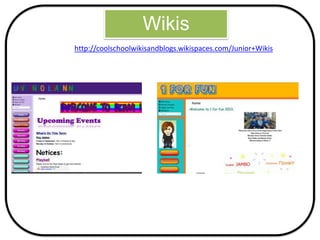
Wikis
http://coolschoolwikisandblogs.wikispaces.com/Junior+Wikis
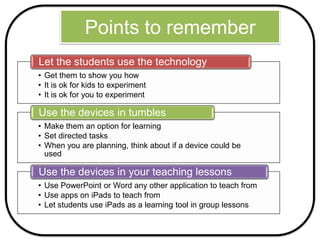
Points to remember
• Get them to show you how
• It is ok for kids to experiment
• It is ok for you to experiment
Let the students use the technology
• Make them an option for learning
• Set directed tasks
• When you are planning, think about if a device could be
used
Use the devices in tumbles
• Use PowerPoint or Word any other application to teach from
• Use apps on iPads to teach from
• Let students use iPads as a learning tool in group lessons
Use the devices in your teaching lessons
References
• (2007). ICT Teaching and Learning. Retrieved September 30, 2013, from
http://sharpjacqui.blogspot.com/.
• (2011). classroommanagementandelearning - home - Wikispaces. Retrieved
September 28, 2013, from
http://classroommanagementandelearning.wikispaces.com/.
• 2010). LiteracyandICT - home - Wikispaces. Retrieved September 30, 2013, from
http://literacyandict.wikispaces.com/.
• (2010). mathsandelearning - home - Wikispaces. Retrieved September 30, 2013,
from http://mathsandelearning.wikispaces.com/.
• (2012). Junior Wikis - Coolschoolwikisandblogs - home - Wikispaces. Retrieved
September 30, 2013, from
http://coolschoolwikisandblogs.wikispaces.com/Junior+Wikis.
• (2013) Junior Management and Resources – home – Wikispaces. Retrieved
September 30, 2013, from http://juniormanagementandresources.wikispaces.com

Using devices with juniors