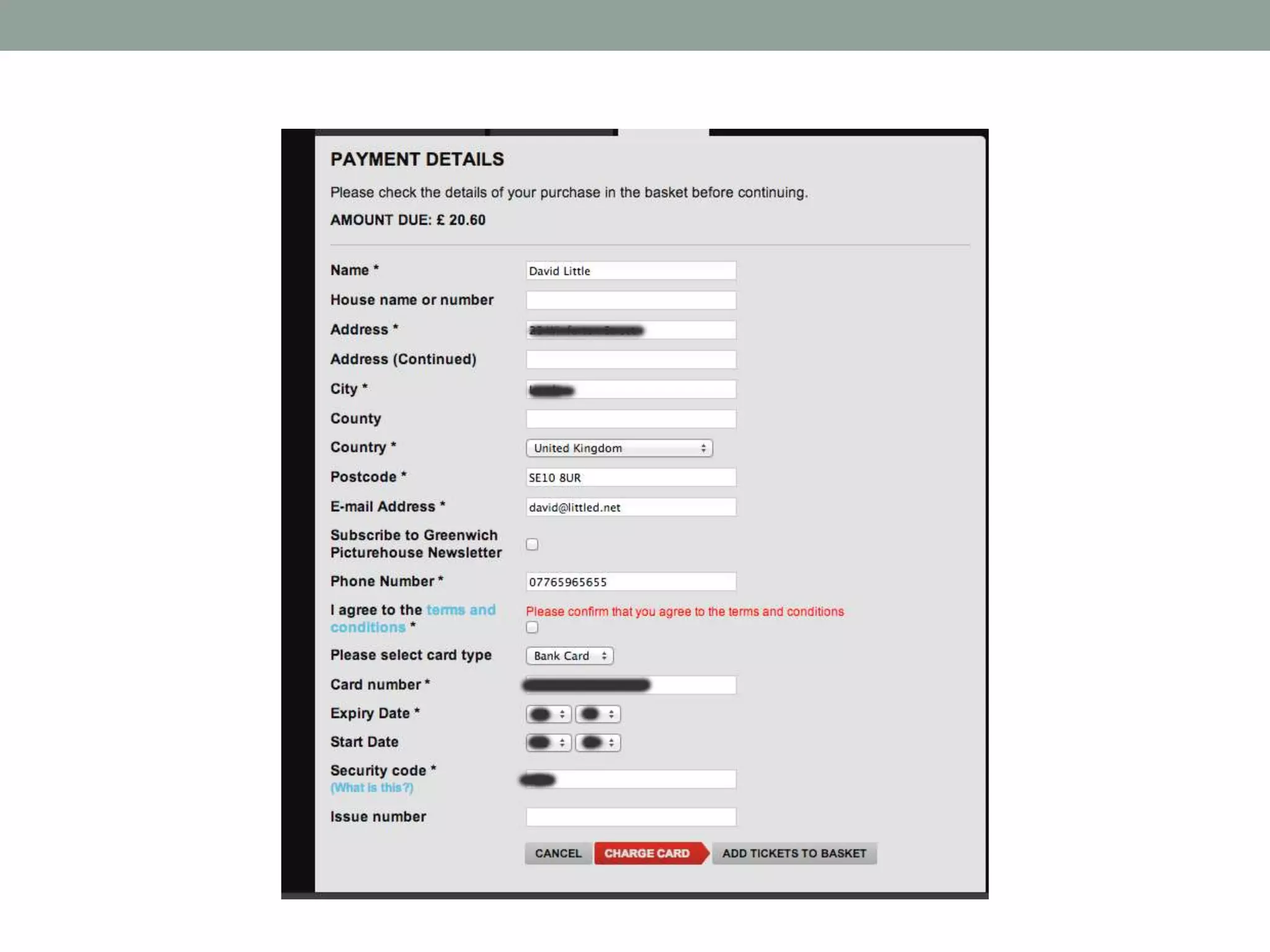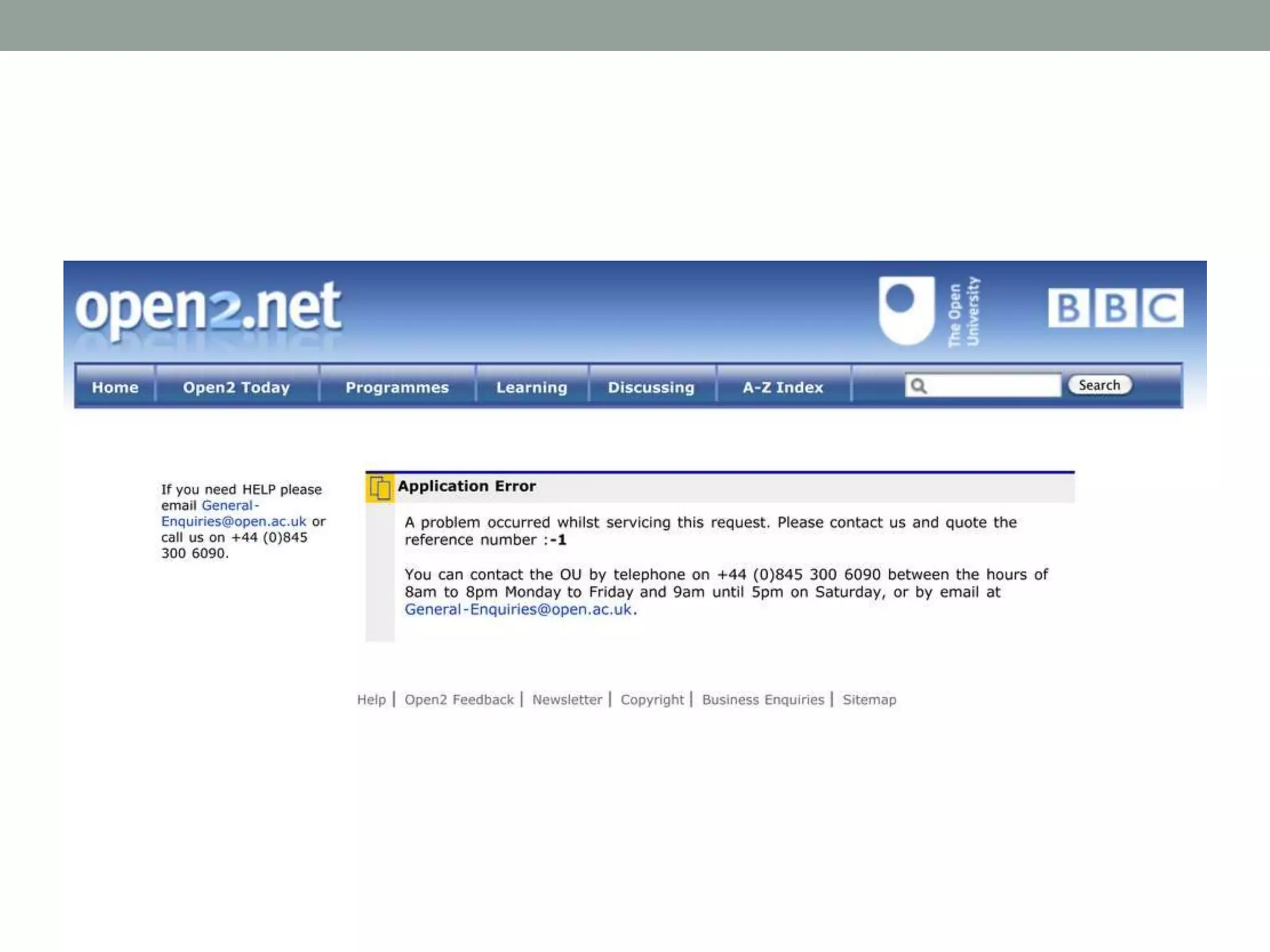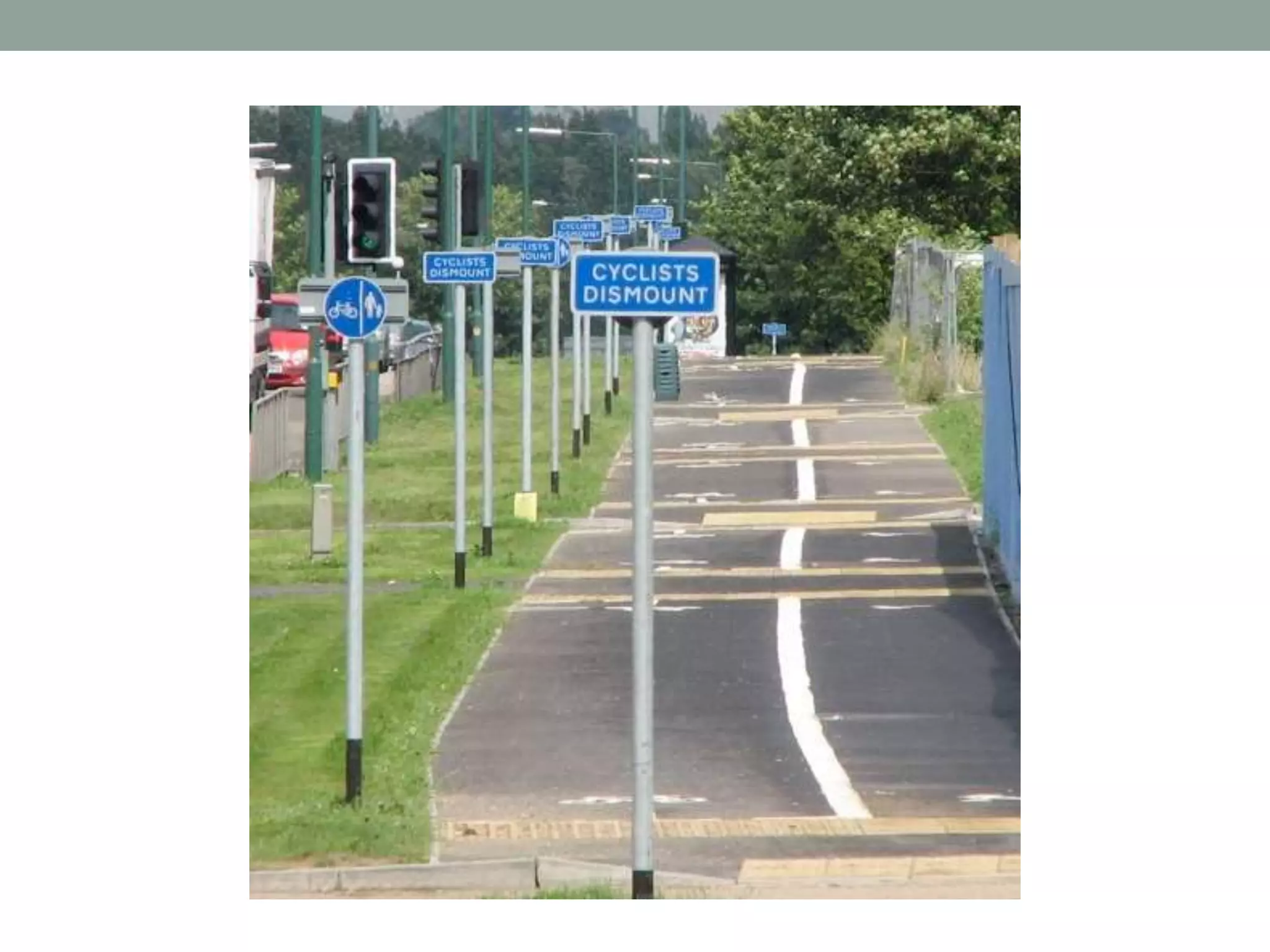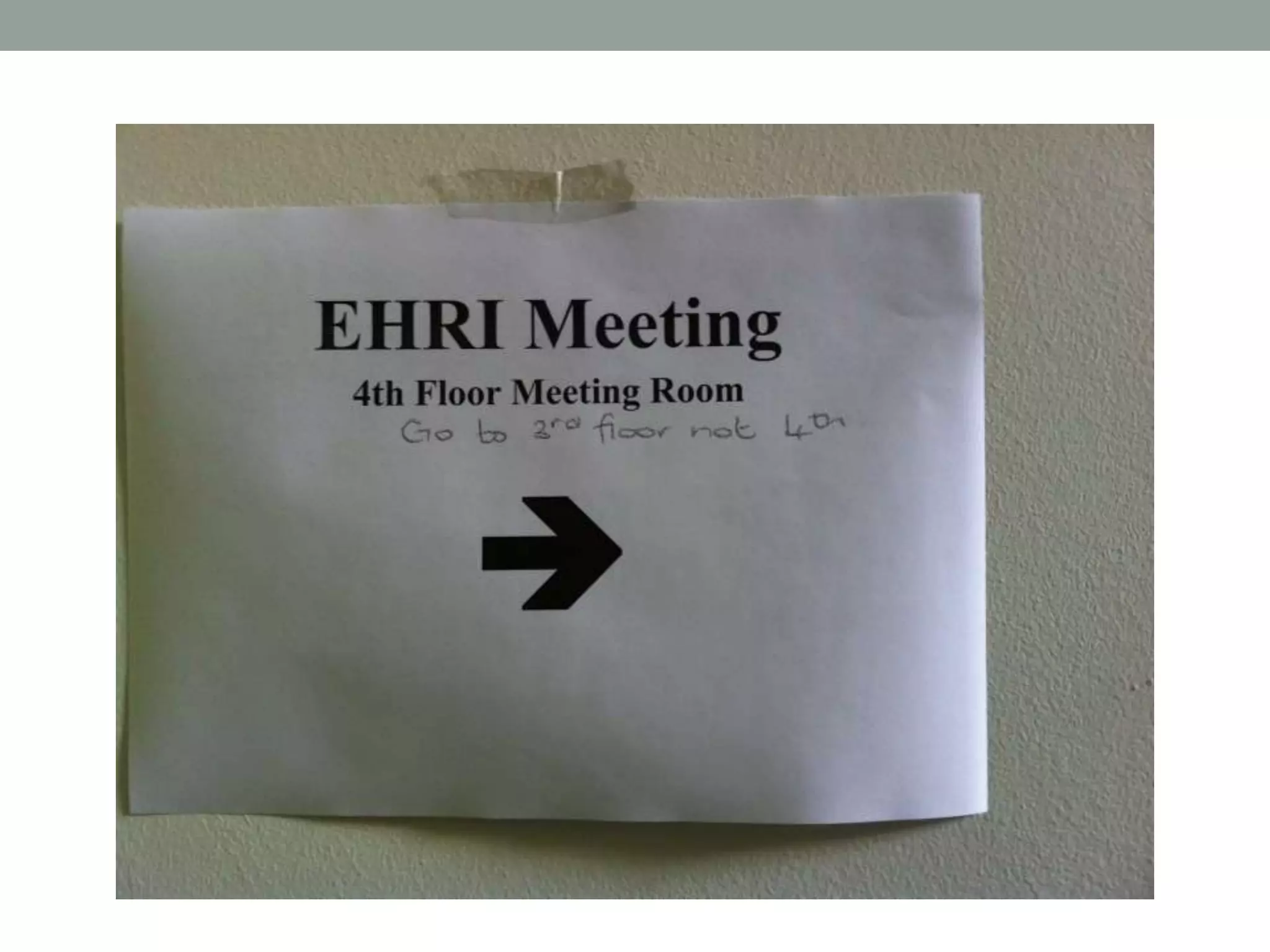
USER INTERFACE
DESIGN
Definitions, processes and principles
David Little, User Interface Designer, DDH
MA Digital Humanities: Methods and Techniques
OVERVIEW
1. Definitions
2. User-centred design (UCD)
3. Design principles
4. Why you should care
5. Design exercise
1. DEFINITIONS
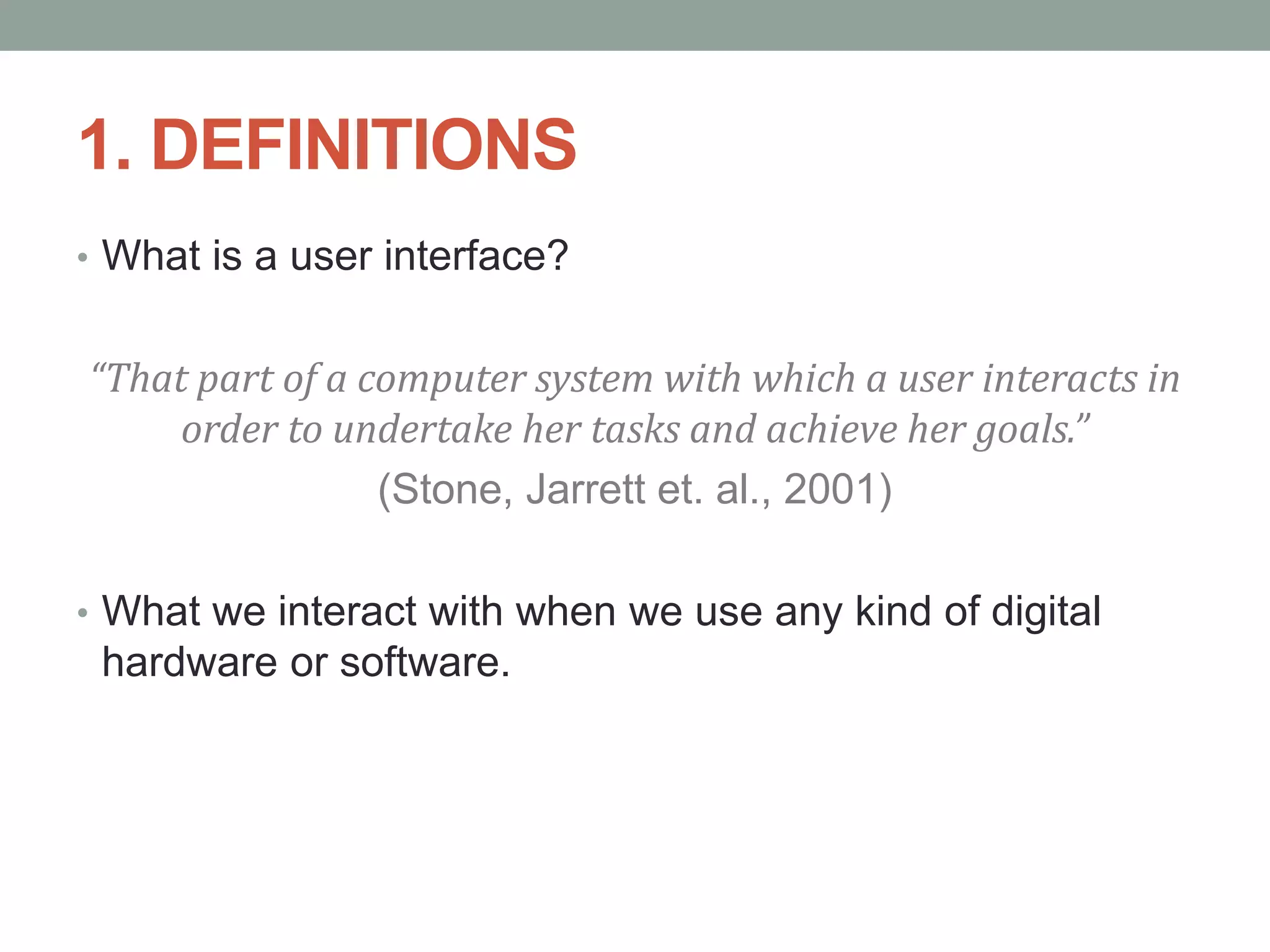
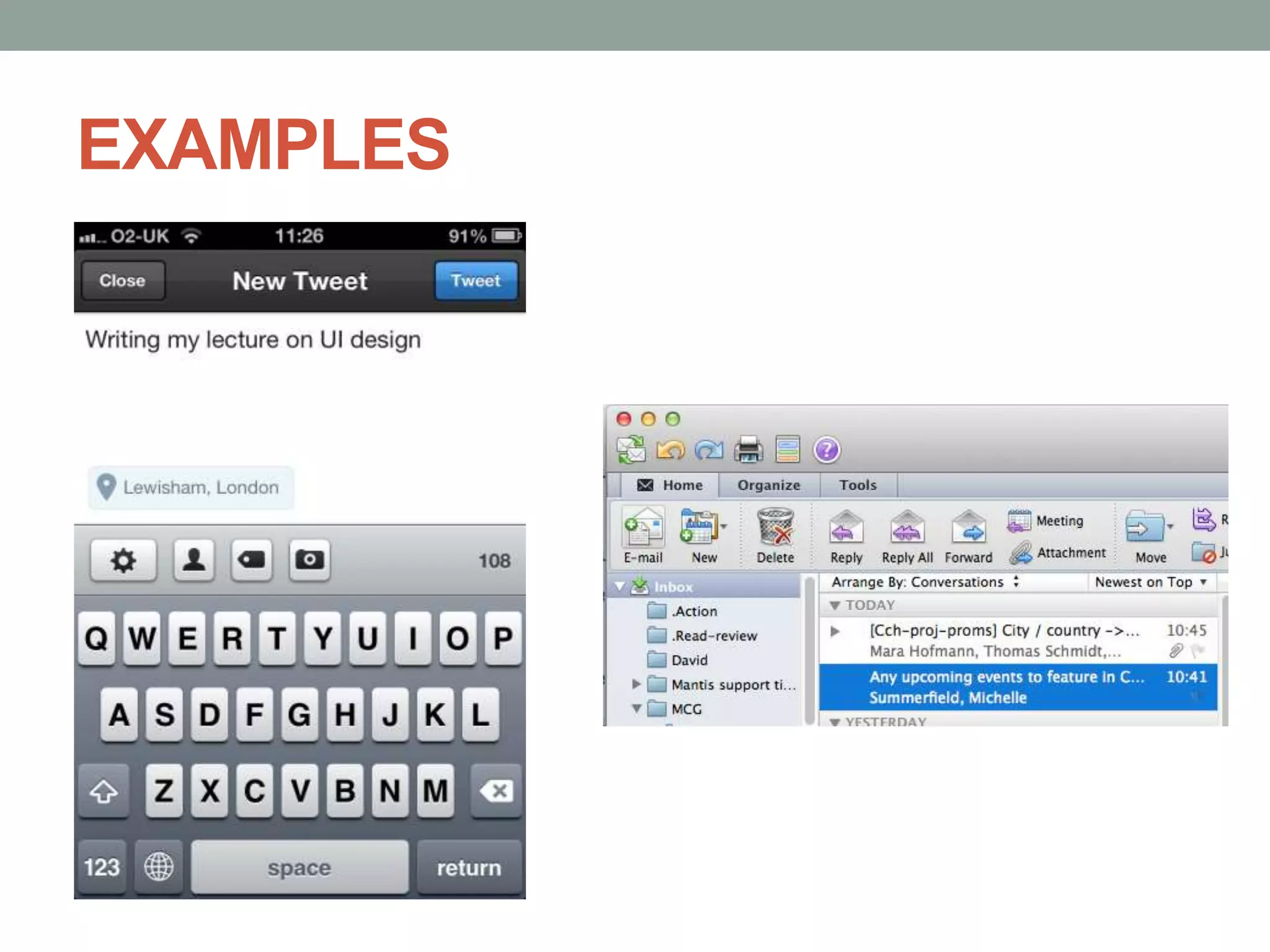
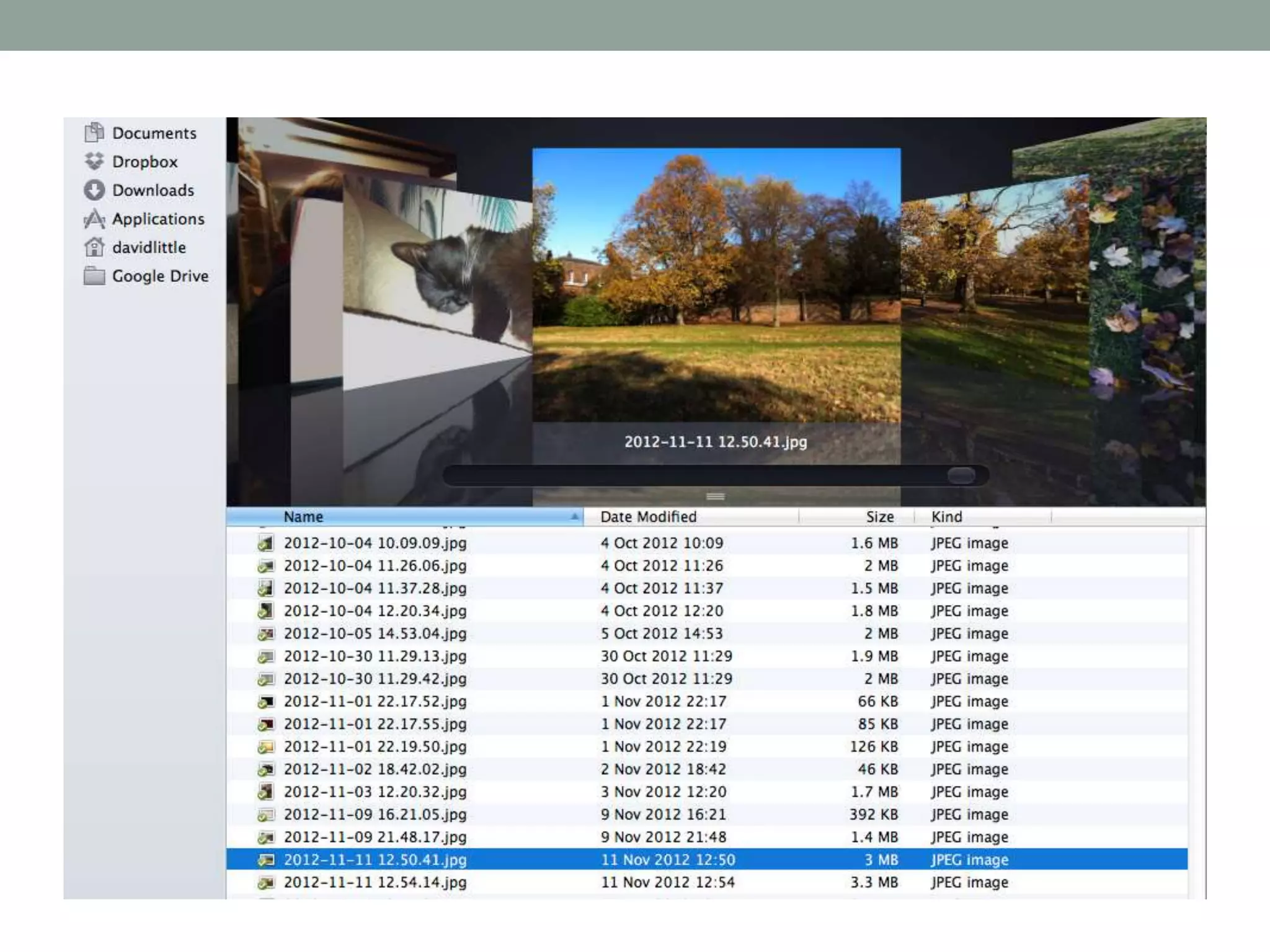
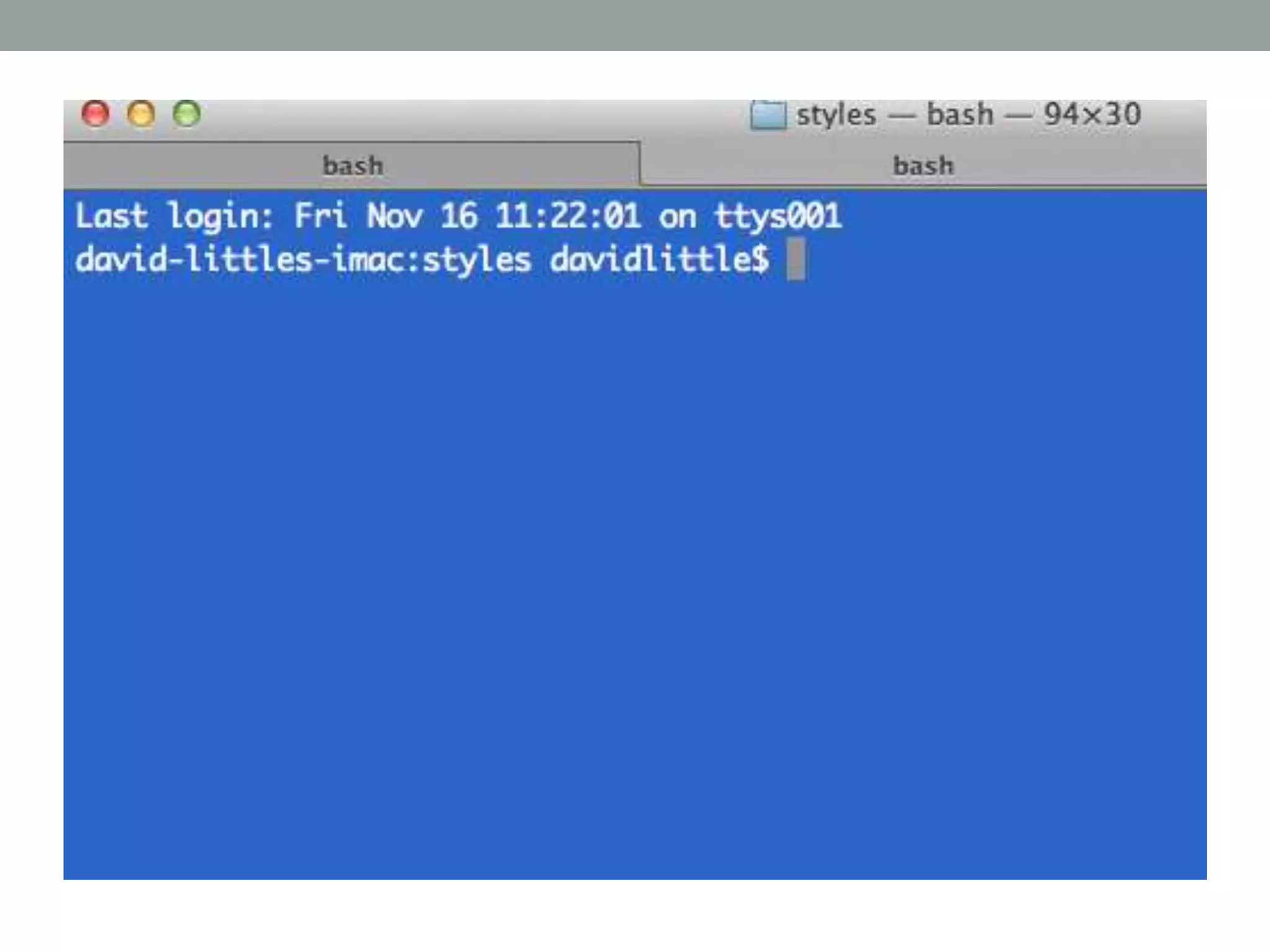
โ€ข What is a user interface?
โ€œThat part of a computer system with which a user interacts in
order to undertake her tasks and achieve her goals.โ€
(Stone, Jarrett et. al., 2001)
โ€ข What we interact with when we use any kind of digital
hardware or software.
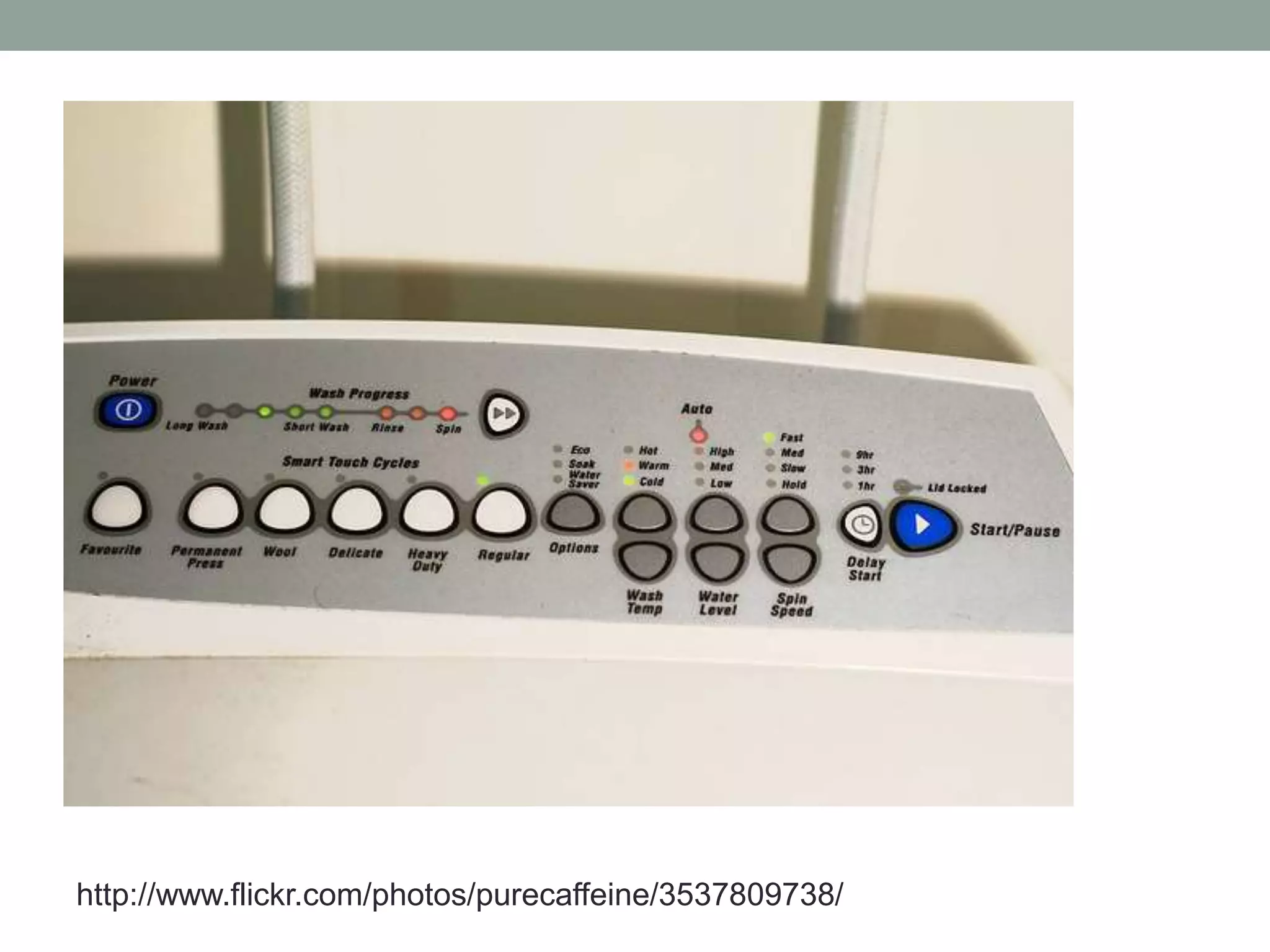
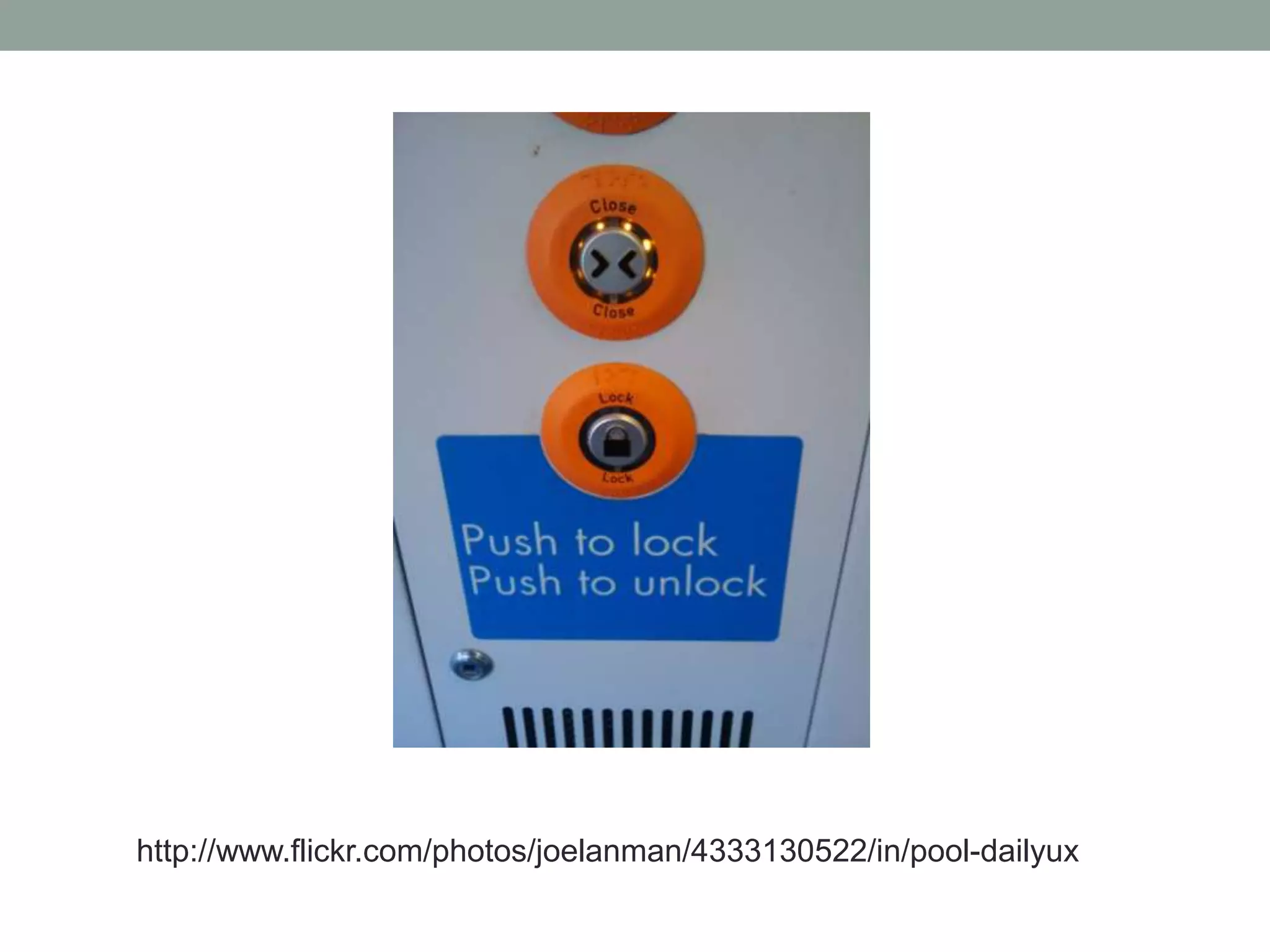
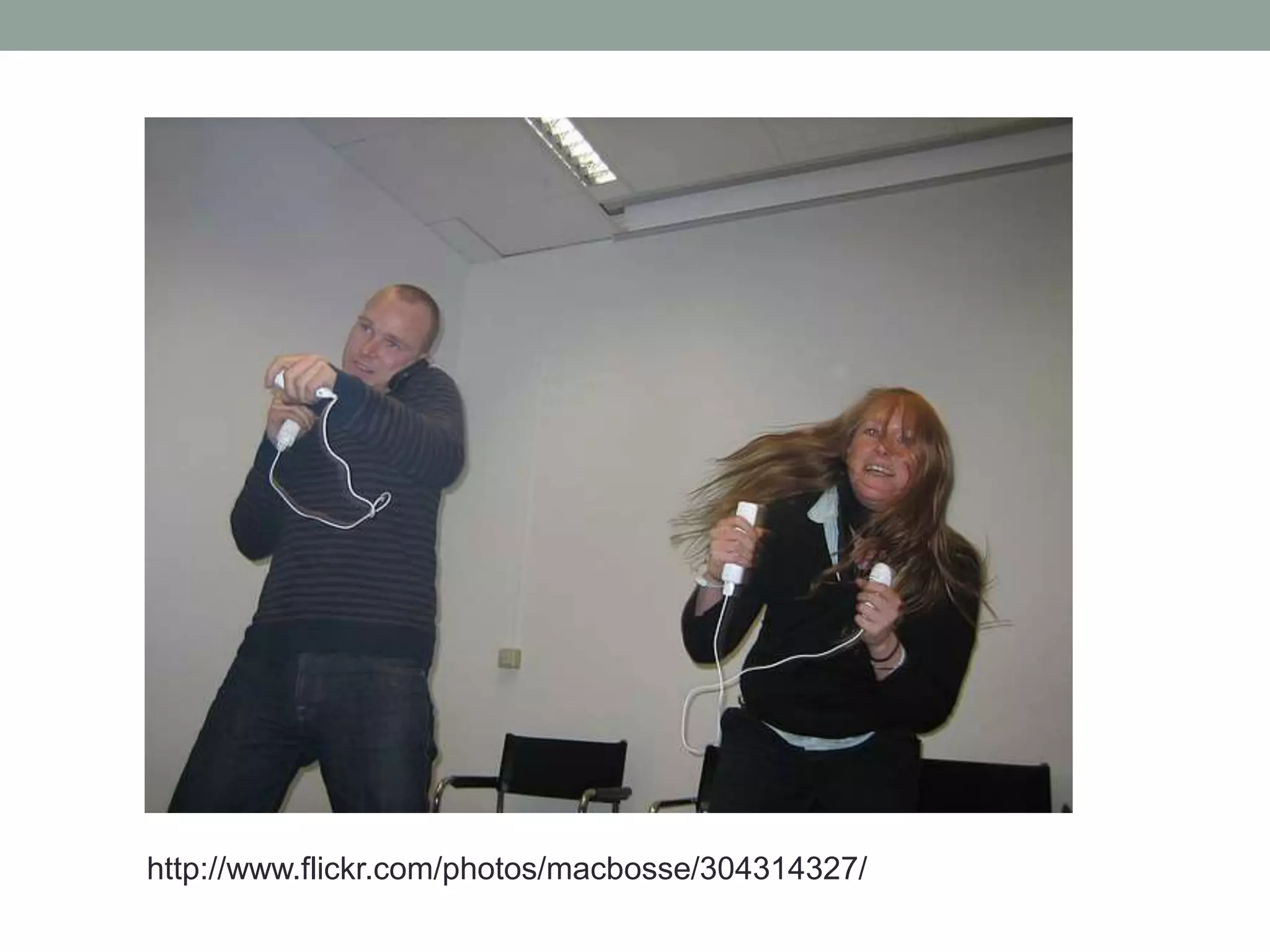
EXAMPLES
http://www.flickr.com/photos/purecaffeine/3537809738/
http://www.flickr.com/photos/joelanman/4333130522/in/pool-dailyux
http://www.flickr.com/photos/macbosse/304314327/
WHERE THE UI FITS
โ€ข Back-end infrastructure: servers, databases and
programming.
โ€ข Content (i.e. words and pictures).
โ€ข Information architecture: how the content is organised and
navigated.
โ€ข User interface: where the user interacts with the above.
USER INTERFACE DESIGN
โ€œ[Interaction design] is concerned with describing user
behavior and defining how the system will accommodate and
respond to that behavior"
(Jesse James Garrett, 2011)
โ€ข Research into the behaviours and goals of the target
users of a digital product or service.
PLUS
โ€ข The design of appropriate tools (interfaces) which enable
users to achieve their goals.
!
โ€ข Design without research is guesswork.
โ€ข Or may result in an interface which reflects the
understanding (mental model) of a productโ€™s programmers
or architects, not its users.
UI design should be thought of as:
โ€ข A process integral to the creation of digital products.
โ€ข A group of interrelated activities.
โ€ข A mindset.
THE CONTEXT OF UI DESIGN
โ€ข Sits within a larger set of disciplines, all ultimately
concerned with the interaction of people with machines.
โ€ข Labels can be confusing and describe overlapping
activities and processes which may be carried out by one
or a number of people.
โ€ข Interaction Design (IXD) and UI design: subtle differences
in definition but will be used interchangeably in this
lecture.
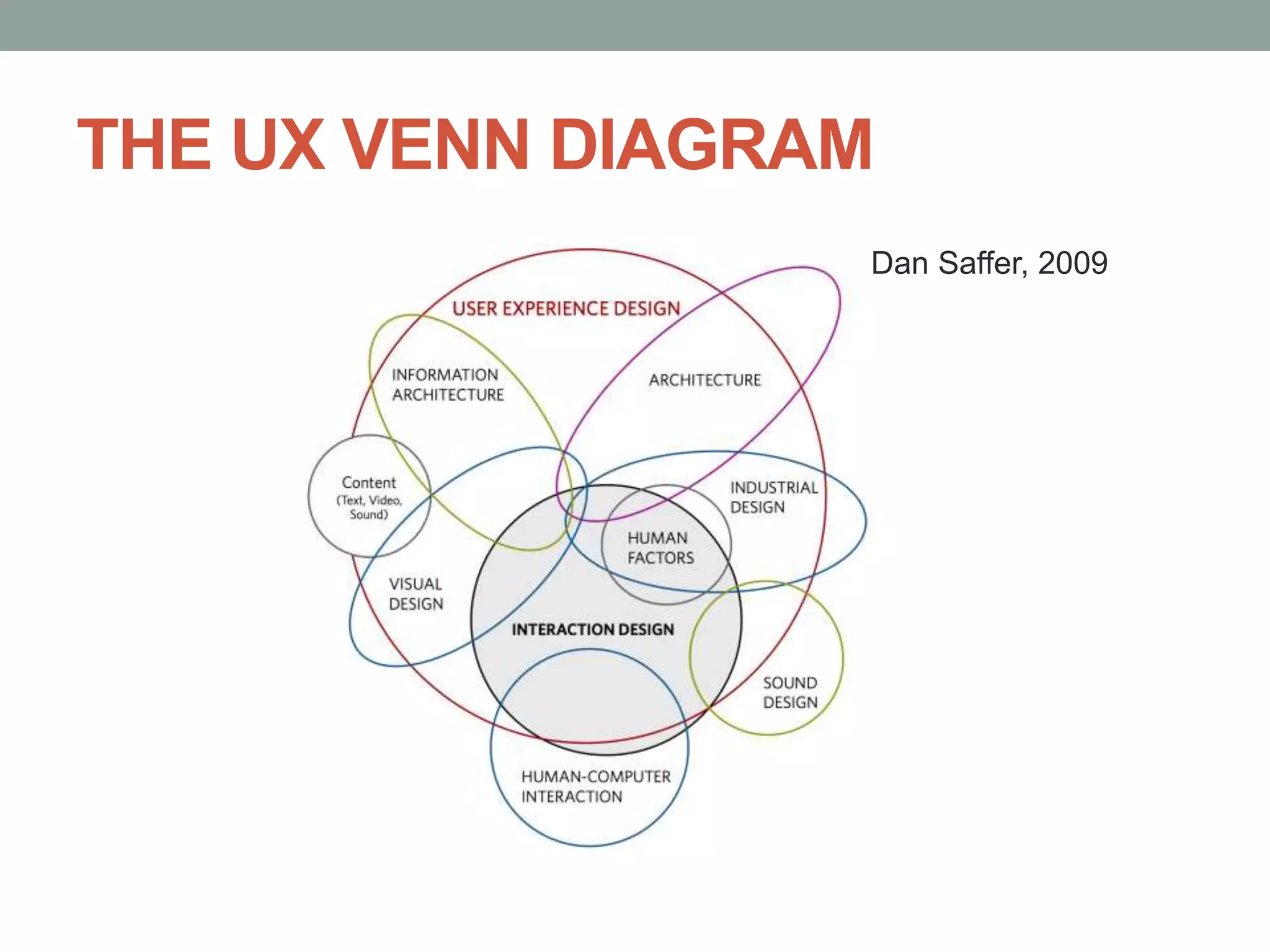
USER EXPERIENCE (UX) DESIGN
โ€ข Commonplace term in software design and beyond.
โ€ข A vague term: which part of a digital product isnโ€™t
experienced by users?
โ€ข Totality of usersโ€™ experiences of a product or service, from
its content, navigation, aesthetics, interactions or even
how quickly it performs or responds to usersโ€™ interactions.
โ€ข Umbrella term for a number of more defined disciplines.
THE UX VENN DIAGRAM
Dan Saffer, 2009
HUMAN-COMPUTER INTERACTION
(HCI)
โ€ข Academic study of the interaction between humans and
machines.
โ€ข Computer science, psychology, linguistics, sociology,
anthropology.
โ€ข Popularised in the 1980s but with roots in older fields of
ergonomics and human factors: 1900s and earlier.
โ€ข UI design can be thought of as the practical
implementation of HCI research, methods and practices.
2. USER-CENTRED DESIGN (UCD)
โ€ข The โ€œUโ€ in UI: USER; the โ€œHโ€ in HCI: HUMAN
โ€œFocus on the user and all else will follow.โ€
(Google)
โ€ข Focus on: people, their motivations, goals and
behaviours.
โ€ข Must be aware of technological constraints but UI design
is not a technological process.
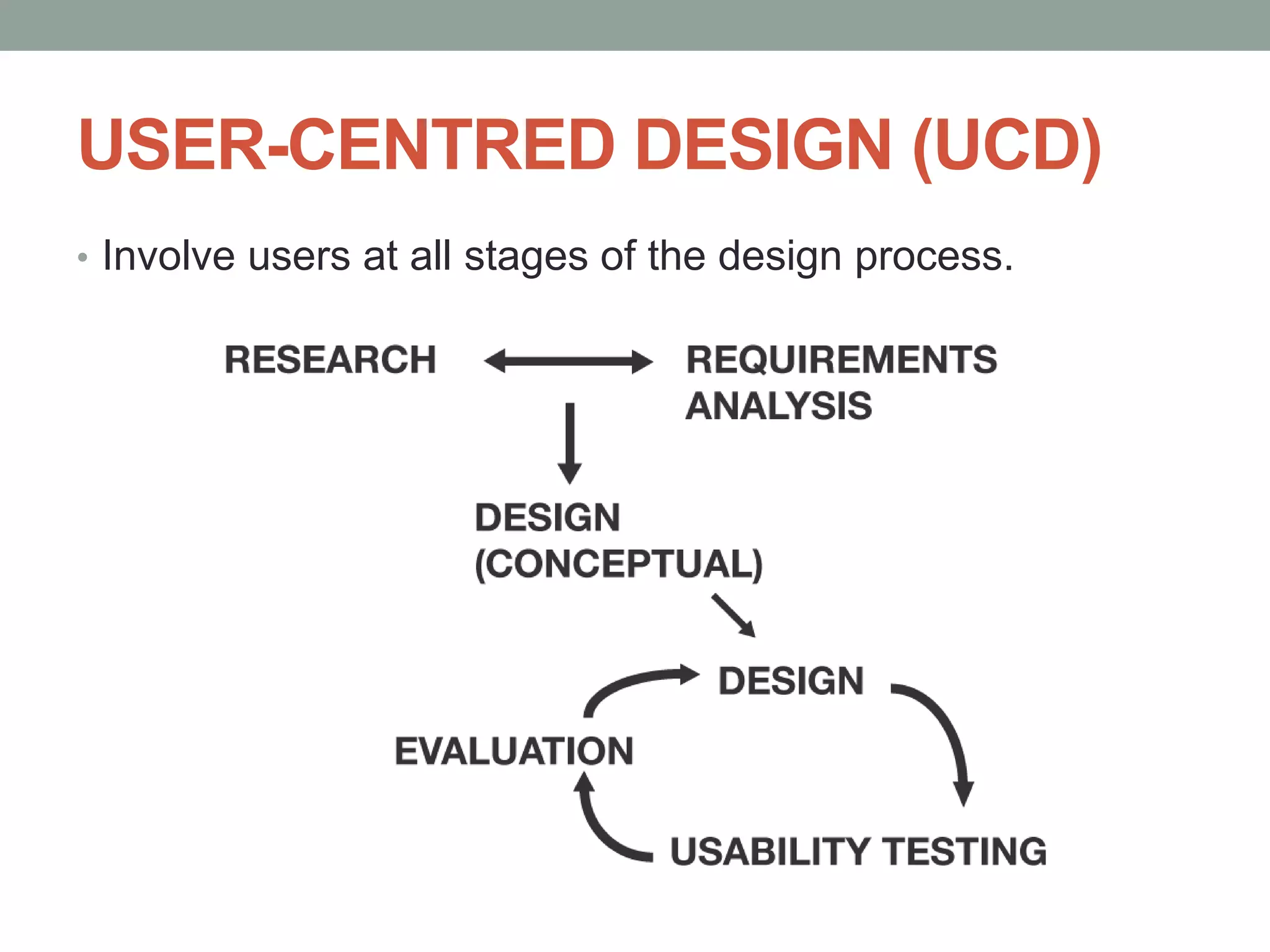
USER-CENTRED DESIGN (UCD)
โ€ข Involve users at all stages of the design process.
RESEARCH
โ€ข Who are the users?
โ€ข How many different types of user are there?
โ€ข What do they want to be able to do?
โ€ข How do they currently do it?
โ€ข Where do they currently do it?
โ€ข Where might they want to be able to do it?
โ€ข How might they want to be able to do it?
USER GOALS, STRATEGIC GOALS
AND CONSTRAINTS
โ€ข What are the strategic goals (โ€œbusiness goalsโ€) of the
product you are creating; what were you funded to do?
โ€ข Tensions between strategic goals and user goals: how will
this be managed?
โ€ข What constraints do you have:
โ€ข Financial
โ€ข Time
โ€ข Technology
โ€ข People
USER RESEARCH
โ€ข How do you find users?
โ€ข An existing user base.
โ€ข An organisationโ€™s own information (e.g. marketing, focus groups,
audience profiles): what are they willing to share?
โ€ข Academic projects: project team contacts and knowledge.
โ€ข If you have limited resources?
โ€ข Friends, family, colleagues.
โ€ข Mailing lists.
โ€ข Social media.
ENGAGING WITH USERS:
INTERVIEWS
โ€ข Need to be pragmatic: what are your constraints (time,
financial). User research takes time and you may need to
recompense people for their time.
โ€ข If you have time: face-to-face, one-to-one interviews in userโ€™s
โ€œnatural environmentโ€: ethnography or contextual enquiry.
โ€ข Observe users: how they work, their behaviours, what other
resources they use.
โ€ข What users do and what they say they actually do may well be
different (c.f. Jakob Nielsenโ€™s First Rule of Usability).
โ€ข Unstated goals, domain language.
ENGAGING WITH USERS: OTHER
METHODS
โ€ข Interviews via Skype or Email.
โ€ข Online surveys (generally better for quantitative
information).
โ€ข Existing published information about user behaviours.
WHAT TO ASK
โ€ข What kind of information: qualitative or quantitative
information? At initial stages of research qualitative
information may be more useful.
โ€ข Ask non-judgmental and non-leading questions.
โ€ข Donโ€™t ask questions that are too open-ended (what is of
relevance to the project given its constraints?)
โ€ข For more information:
โ€ข Box and Bowles, Undercover User Experience Design (2010)
โ€ข Kuniavsky, Observing the User Experience: A Practitioner's Guide
to User Research (2003).
ANALYSIS AND CONCEPTUAL
DESIGN
โ€ข Analysis will probably take a lot of time!
โ€ข Identify trends: what are user goals and how can these be
supportedโ€”identify by analysing interests and behaviours,
stated and unstated goals.
โ€ข Use information to create high-level documentation to guide the
design, e.g. user stories (statement of user goals by user
group) or personas (more in-depth descriptions of โ€œtypicalโ€
users).
โ€ข Conceptual design documentationโ€”wireframes.
DELIVERABLES
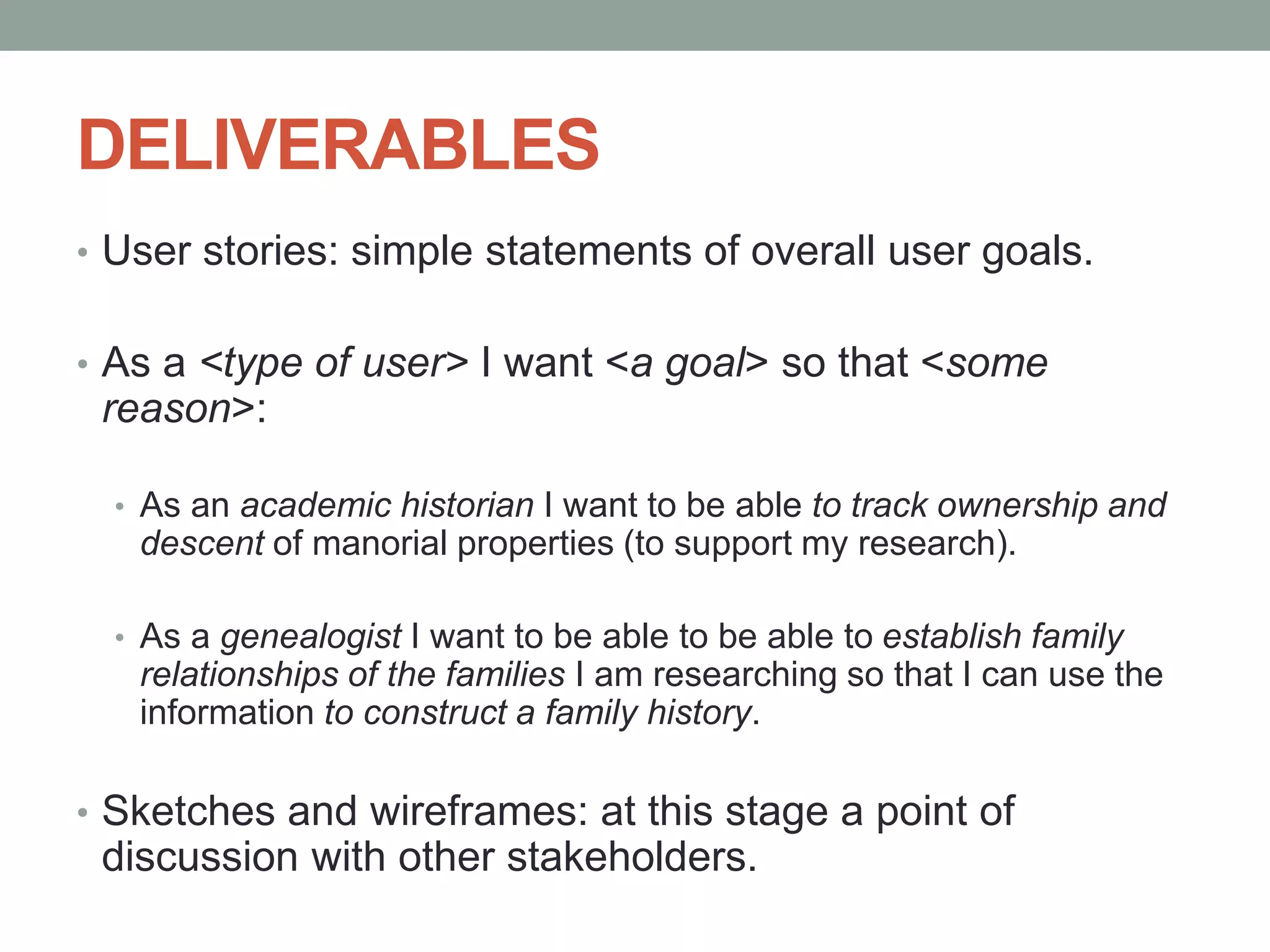
โ€ข User stories: simple statements of overall user goals.
โ€ข As a <type of user> I want <a goal> so that <some
reason>:
โ€ข As an academic historian I want to be able to track ownership and
descent of manorial properties (to support my research).
โ€ข As a genealogist I want to be able to be able to establish family
relationships of the families I am researching so that I can use the
information to construct a family history.
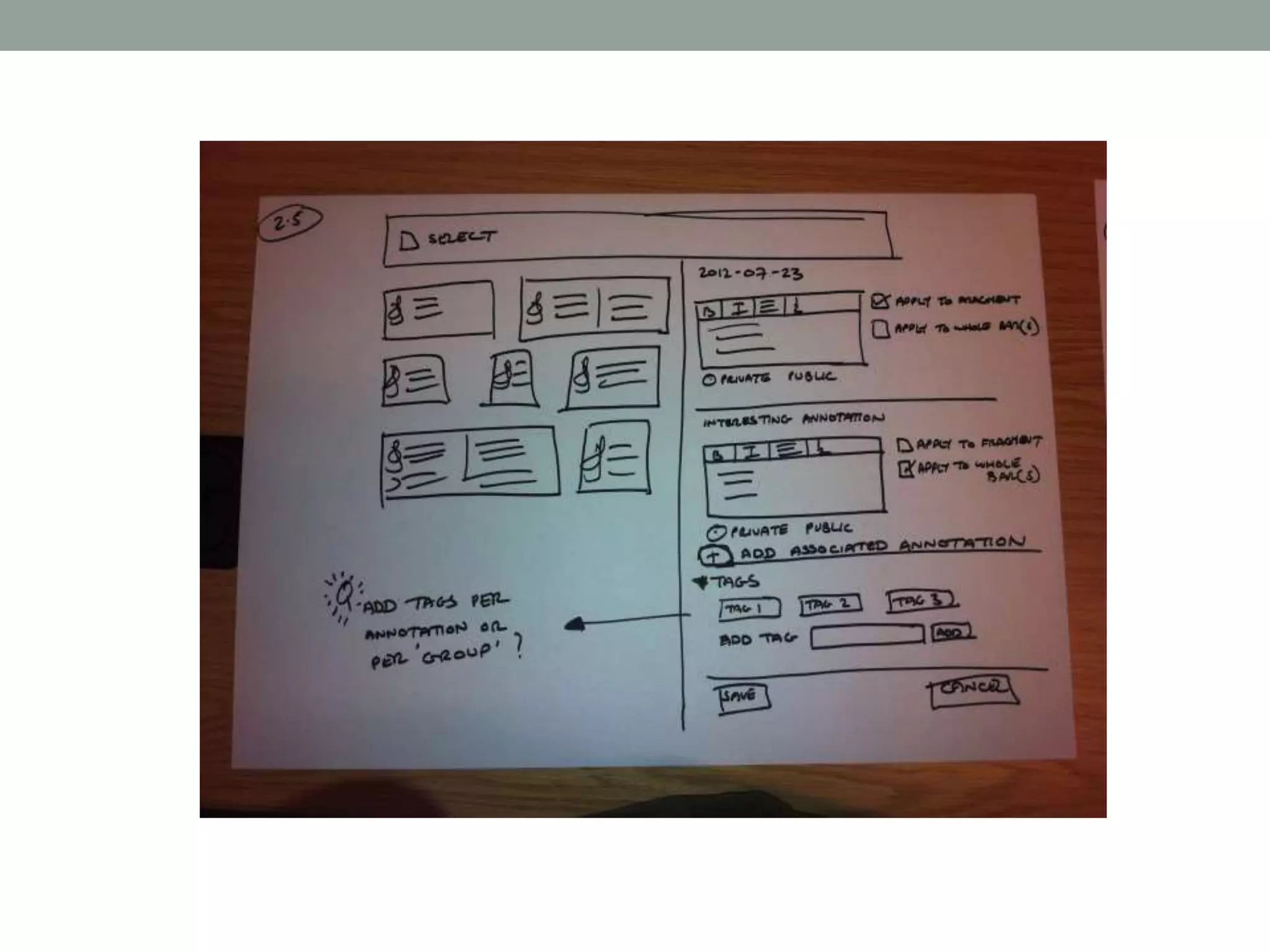
โ€ข Sketches and wireframes: at this stage a point of
discussion with other stakeholders.
PROTOTYPING AND TESTING
โ€ข Prototyping: creation of artefacts for testing with users:
can be low-fidelity (e.g. paper-based), medium fidelity
(e.g. wireframes, static coded web pages) or high fidelity
(e.g. functional web pages).
โ€ข Feedback from testing the prototypes can be fed back into
further iterations of the design.
โ€ข Resource intensive but much easier (and cheaper) to
address issues and fix usability problems early in the
process than later.
COST BENEFIT
โ€œThe rule of thumb in many usability-aware organizations is
that the cost-benefit ratio for usability is $1:$10-$100. Once a
system is in development, correcting a problem costs 10
times as much as fixing the same problem in design. If the
system has been released, it costs 100 times as much relative
to fixing in design.โ€
T. Gilb (1998) quoted on the Usability Professionals
Association (UPA) website.
USABILITY TESTING
โ€ข Usability
โ€œThe extent to which a product can be used by specified users to
achieve specified goals with effectiveness, efficiency and satisfaction
in a specified context of use.โ€
International Organization for Standardization (ISO): ISO 9241-11
โ€ข Doesnโ€™t require a lab or expensive equipment.
โ€ข One-to-one testing of a prototype with a user. A facilitator gives a
participant a number of tasks to work through on the interface and asks
them to โ€œthink aloudโ€ their decisions.
โ€ข Make notes on the userโ€™s behaviour and, if possible, use screen
recording software to record the userโ€™s decisions, voice and facial
expression.
ITERATIVE DESIGN
โ€ข Analyse results of testing and feed back into design
โ€ข Donโ€™t need many participants to identify main usability problems
(around four should be fine).
โ€ข Steve Krug: short, accessible books on running usability testing: Donโ€™t
Make Me Think! and Rocket Surgery Made Easy.
โ€ข How many tests should you run? It depends. Usually defined by
project constraints (unless youโ€™re Google who once famously tested
41 shades of blue to see which performed better!).
โ€ข Remote usability testing software: an alternative to running face-to-
face tests, but usually better for gathering quantitative information.
UCD: SUMMARY
โ€ข A mindset: gives a voice to the user throughout the design
and build process.
โ€ข Iterative: design, test, design, test etc.
โ€ข Be pragmatic. You will always have constraints.
โ€ข One round of testing is better than none.
โ€ข Testing one user is 100% better than testing none (but
more is better!).
3. DESIGN PRINCIPLES
3.1 Simplicity
3.2 Structure
3.3 Visibility
3.4 Consistency
3.5 Tolerance
3.6 Feedback
3.1 SIMPLICITY
โ€ข A user interface should be kept as simple as possible for
users in order that they can achieve their goals.
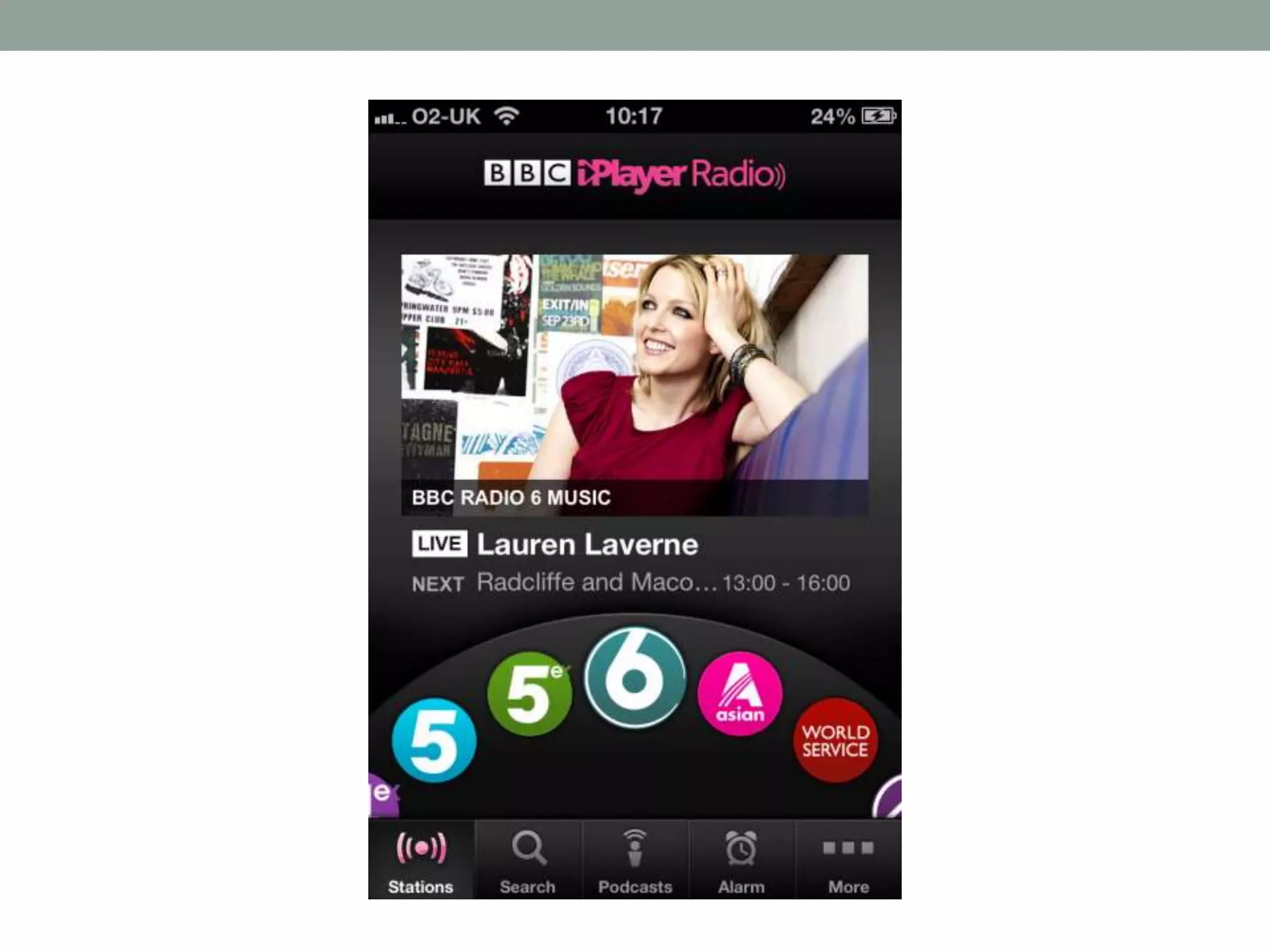
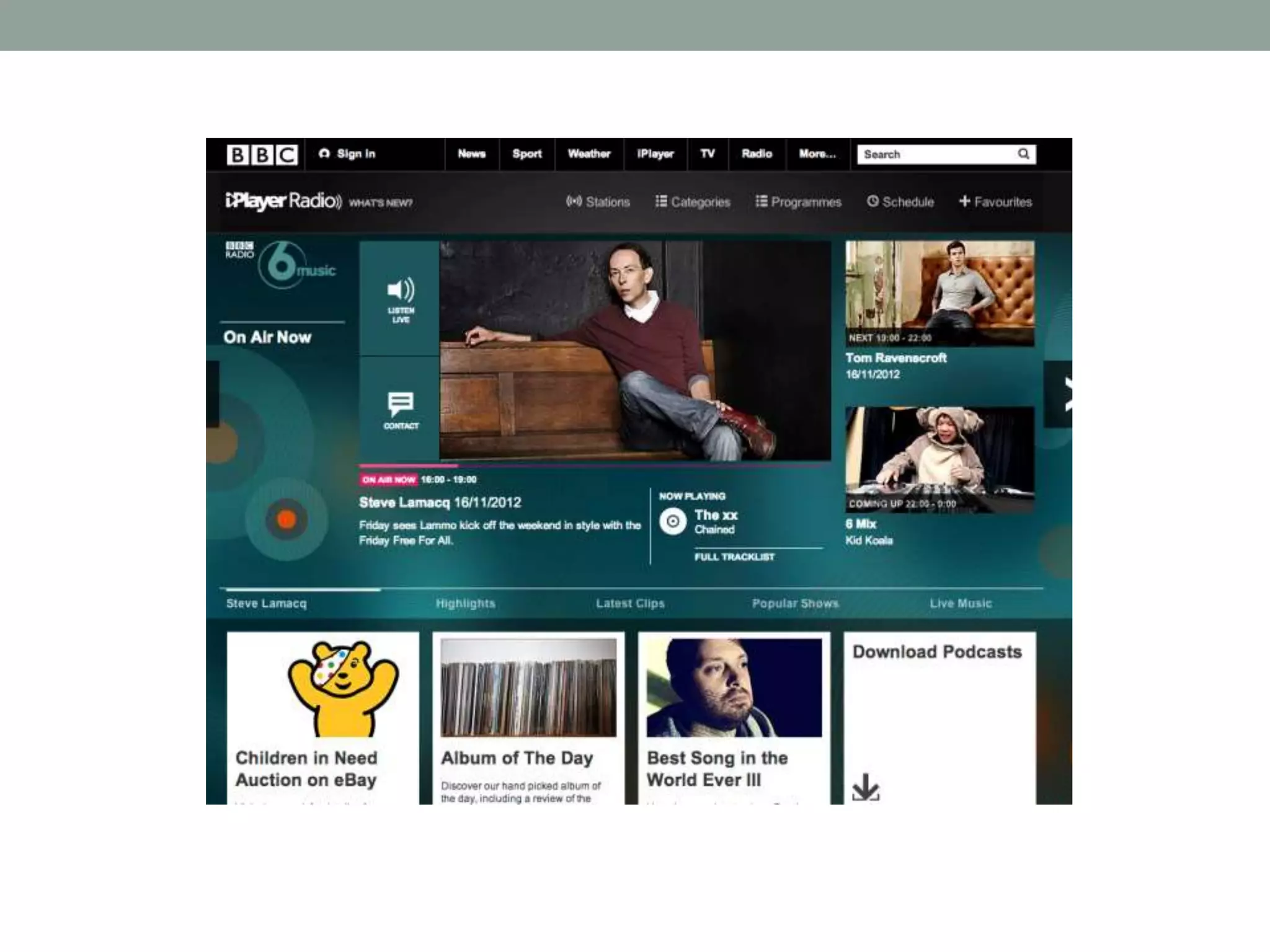
โ€ข What is simplicity? The simplest interface for the job, but
no simpler!
โ€ข Which is simpler?
SIMPLICITY
โ€ข Depends on context of use.
โ€ข What is the purpose of your product?
โ€ข What do your users want to do?
โ€ข Keep to your core functionality
3.2. STRUCTURE
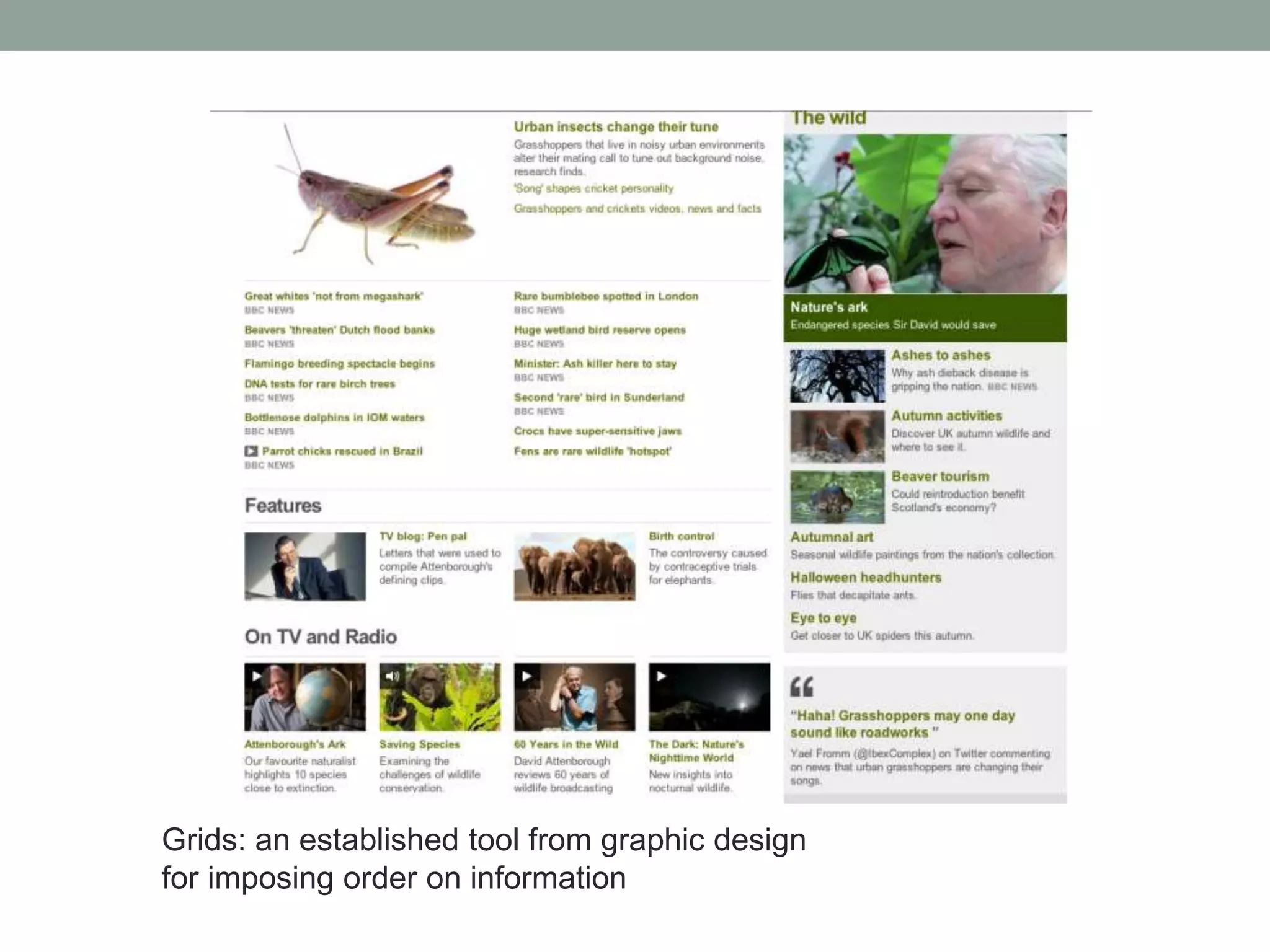
โ€ข Ensure that the interface is clearly laid out, well organised
and controls are easily identifiable.
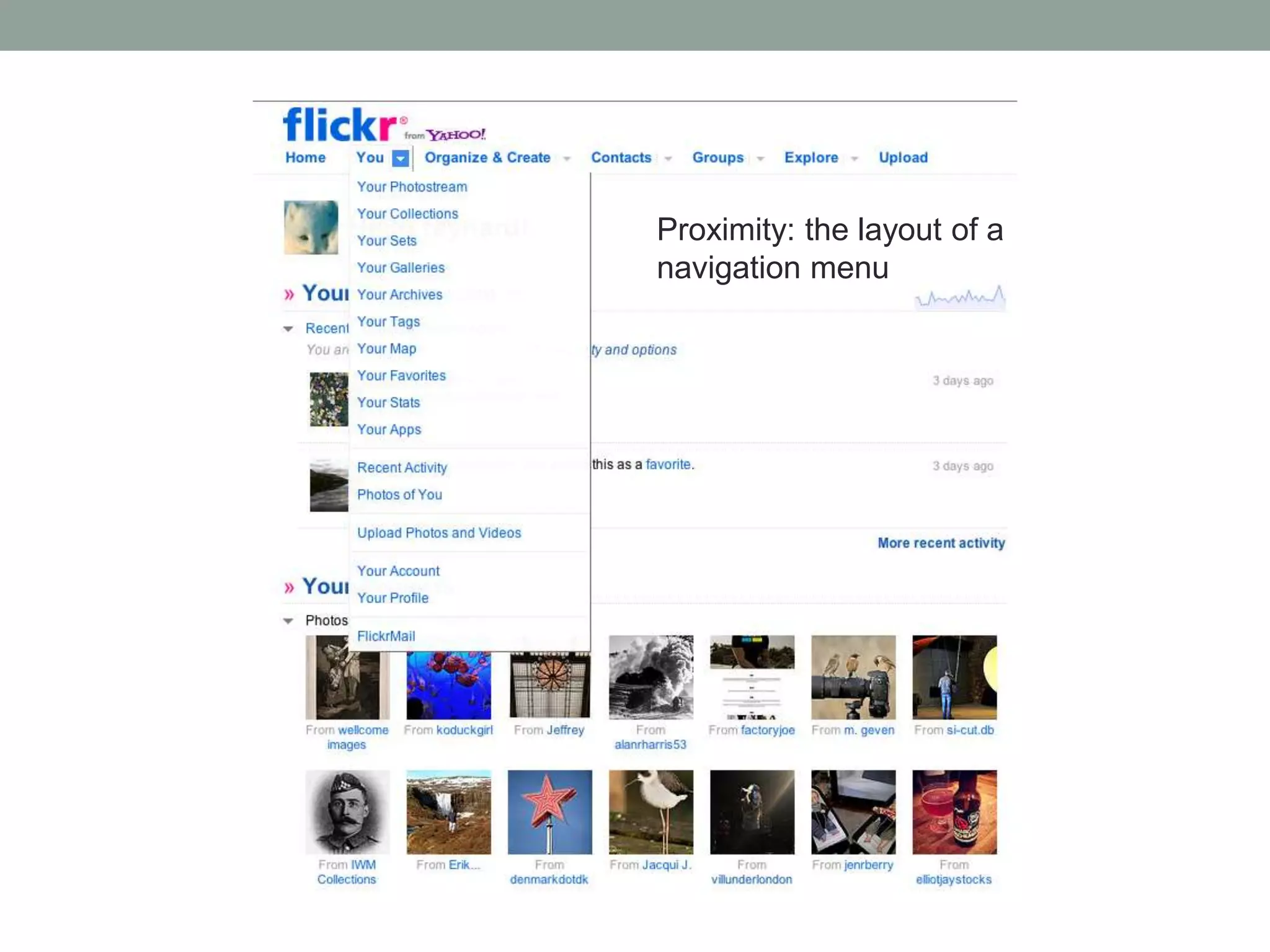
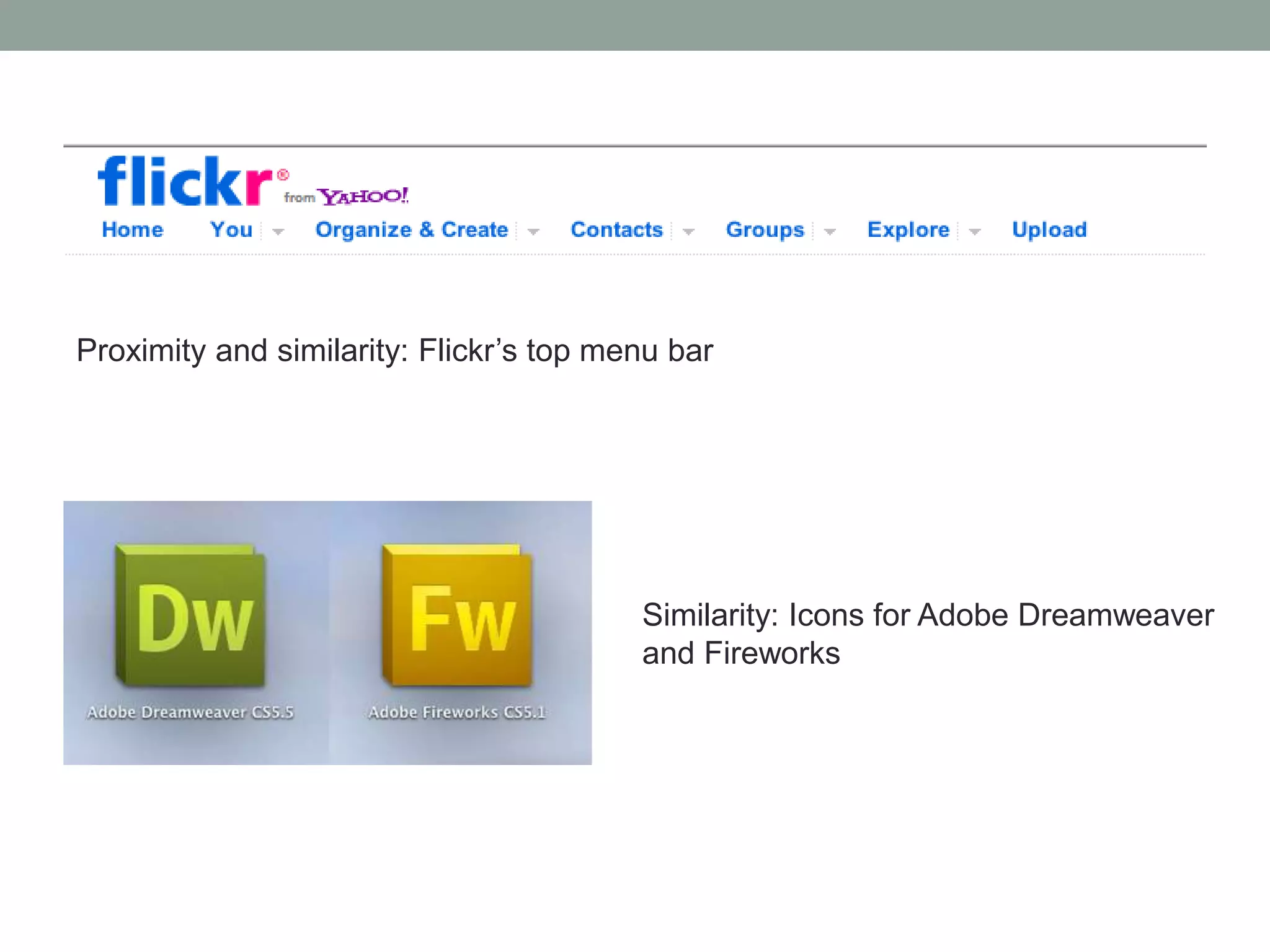
โ€ข โ€œGestalt laws of perceptionโ€:
โ€ข Proximity. When elements are grouped together, people perceive
them as being related.
โ€ข Similarity. Elements that look similar are perceived as being
related.
โ€ข Closure. As humans we are generally quite good at filling in
missing information and this is certainly the case in perception. We
fill in the blanks with โ€œincompleteโ€ images. Commonly used in logo
design etc.
Proximity: the layout of a
navigation menu
Proximity and similarity: Flickrโ€™s top menu bar
Similarity: Icons for Adobe Dreamweaver
and Fireworks
Closure: Appleโ€™s logo
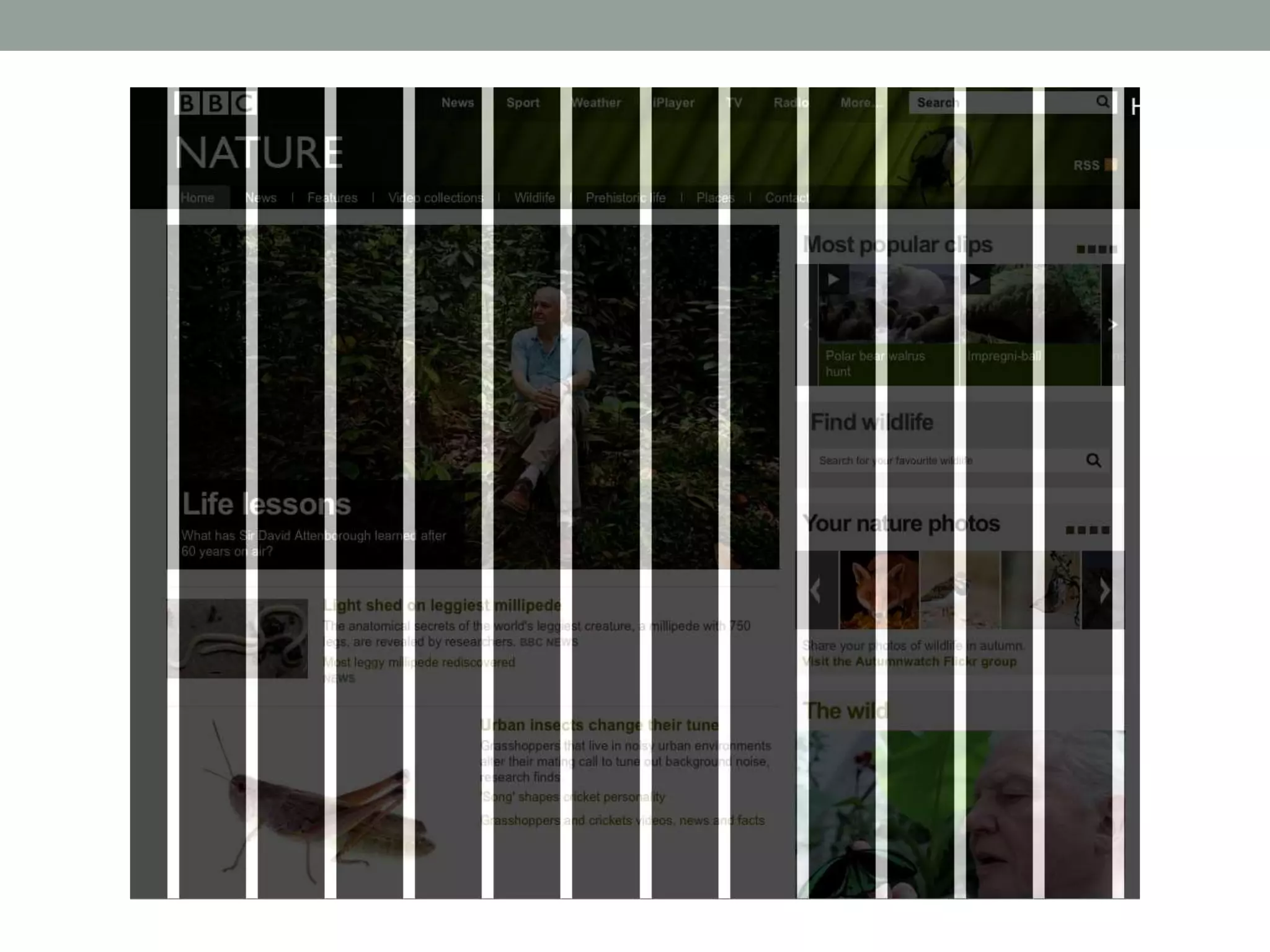
Grids: an established tool from graphic design
for imposing order on information
3.3. VISIBILITY
โ€ข Visibility can be thought as ensuring that interface controls
that need to be accessed by the user are as visible as
possible.
โ€ข It ties in with the idea of โ€œaffordanceโ€, popularised by the
design thinker and writer Don Norman:
โ€œThe perceived and actual properties of the thing, primarily
those fundamental properties that determine just how the thing
could possibly be used.โ€
(Don Norman, 1988)
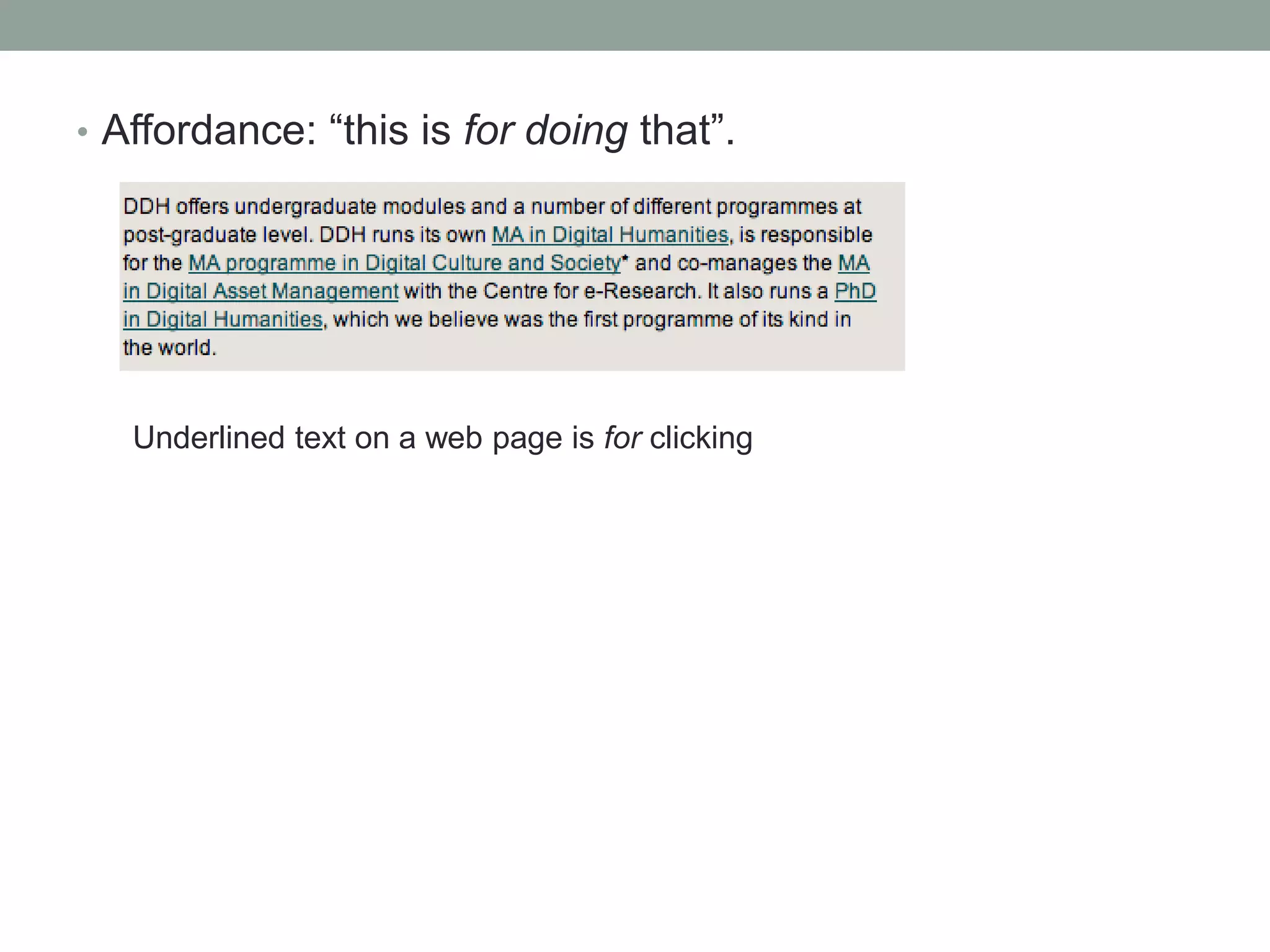
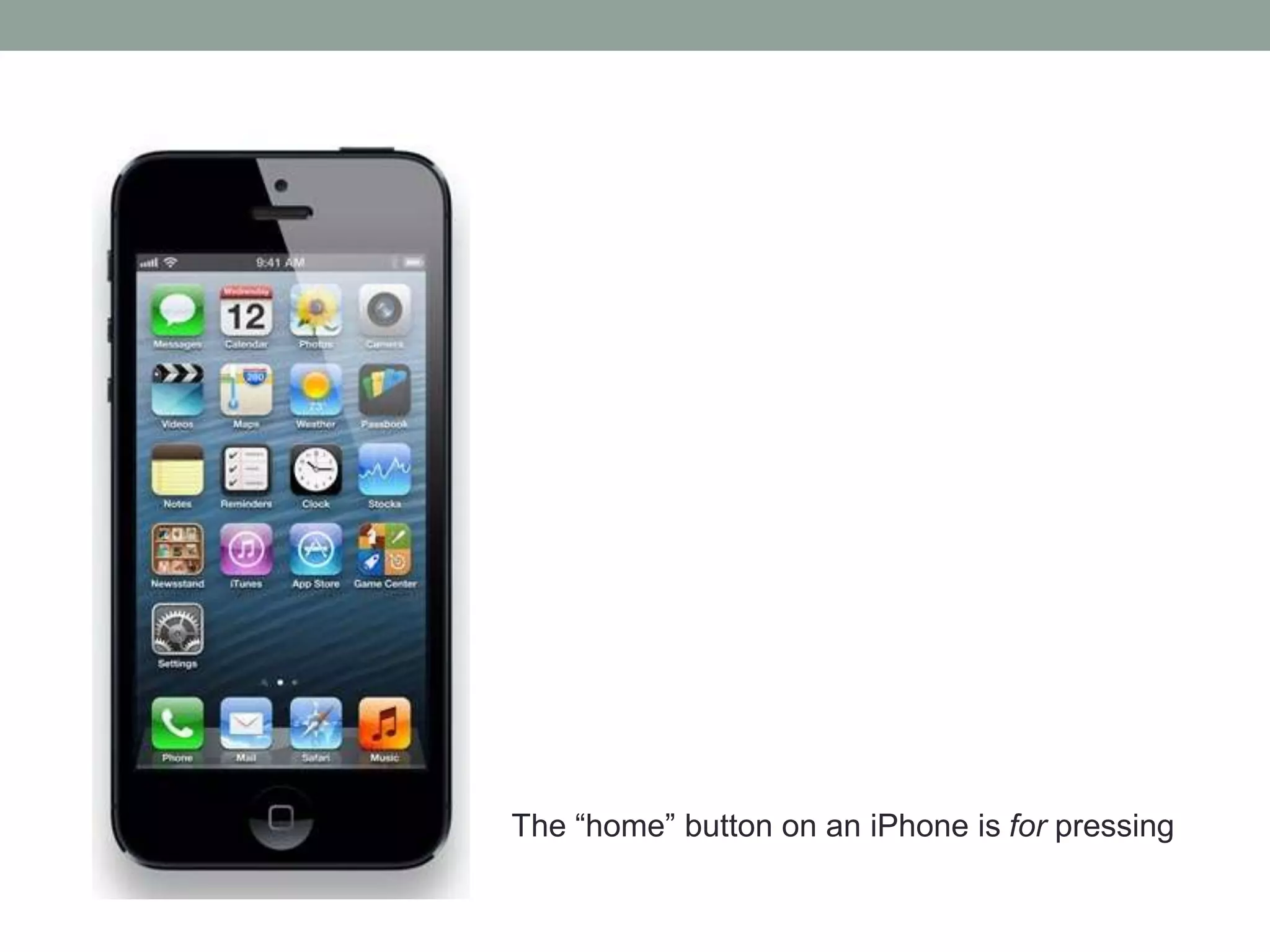
โ€ข Affordance: โ€œthis is for doing thatโ€.
Underlined text on a web page is for clicking
The โ€œhomeโ€ button on an iPhone is for pressing
โ€ข Conform to established rules.
โ€ข Use of appropriate metaphors can also promote visibility.
Sometimes metaphors come from a pre-existing technology,
e.g.:
โ€ข At its most extreme this can result in โ€œskeuomorphismโ€:
incorporating elements in the UI from a previous technology
that serve no purpose other than being decorative.
The Gmail icon: resembles a โ€œtraditionalโ€ envelope
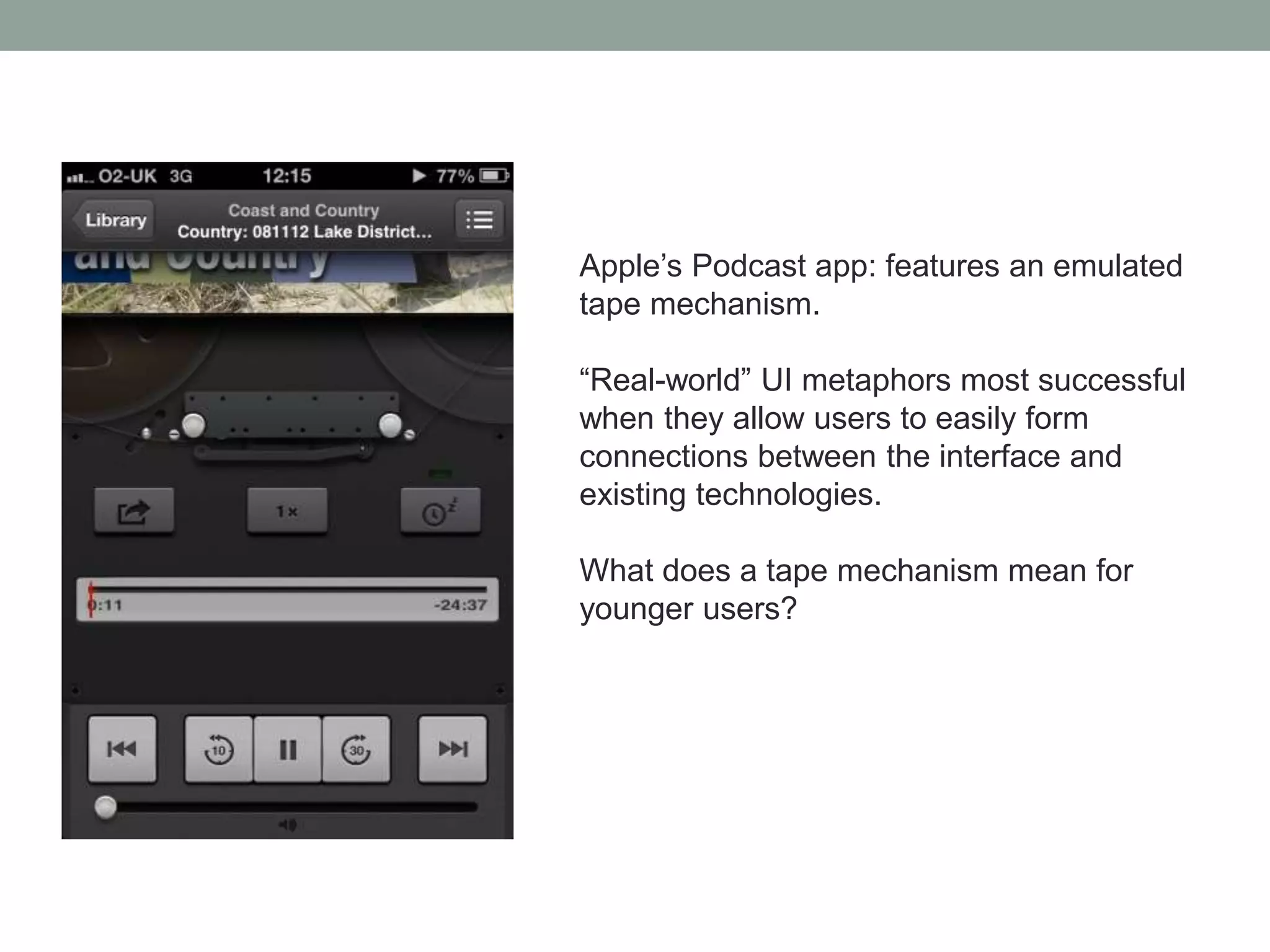
Appleโ€™s Podcast app: features an emulated
tape mechanism.
โ€œReal-worldโ€ UI metaphors most successful
when they allow users to easily form
connections between the interface and
existing technologies.
What does a tape mechanism mean for
younger users?
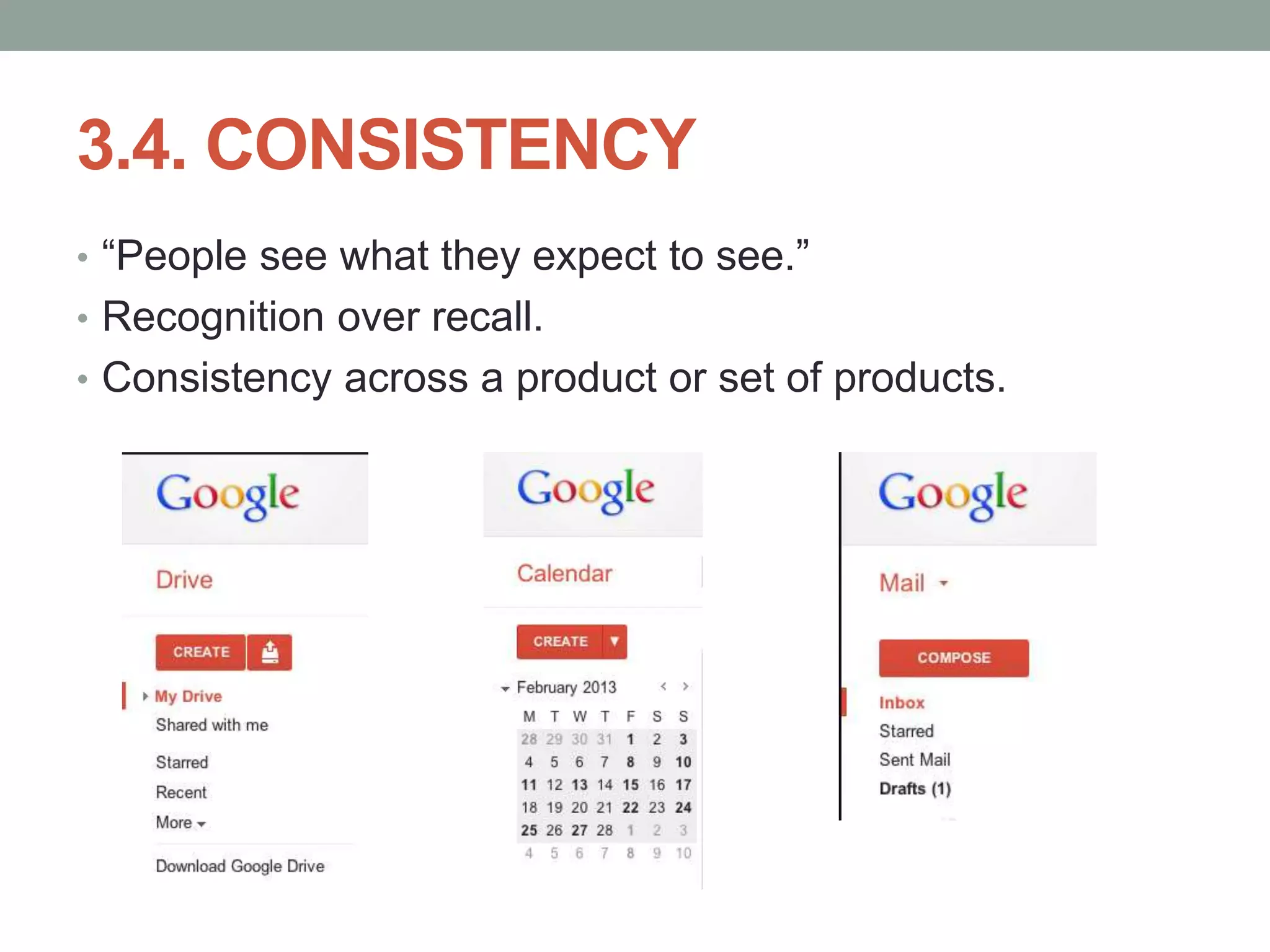
3.4. CONSISTENCY
โ€ข โ€œPeople see what they expect to see.โ€
โ€ข Recognition over recall.
โ€ข Consistency across a product or set of products.
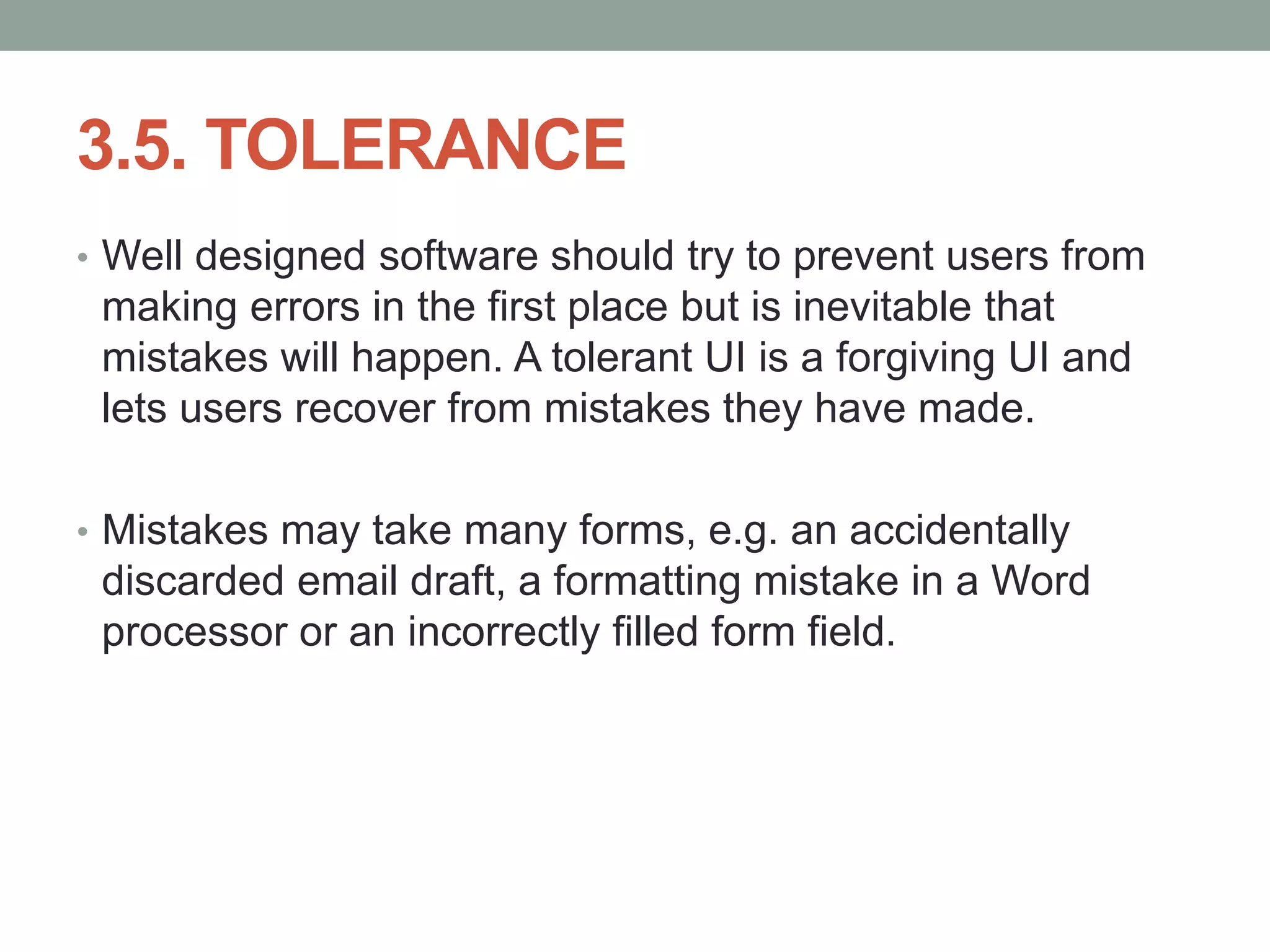
3.5. TOLERANCE
โ€ข Well designed software should try to prevent users from
making errors in the first place but is inevitable that
mistakes will happen. A tolerant UI is a forgiving UI and
lets users recover from mistakes they have made.
โ€ข Mistakes may take many forms, e.g. an accidentally
discarded email draft, a formatting mistake in a Word
processor or an incorrectly filled form field.
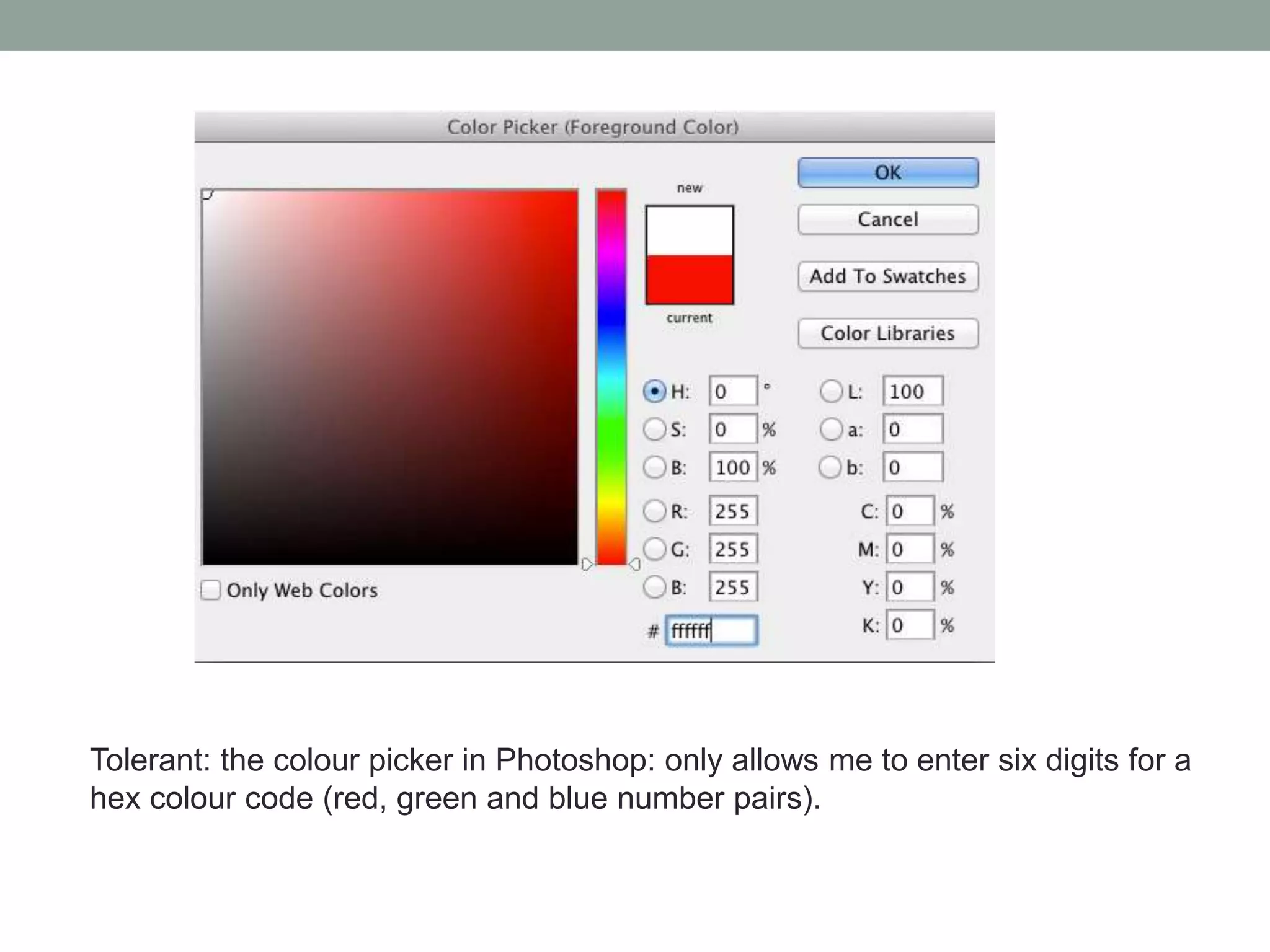
Tolerant: the colour picker in Photoshop: only allows me to enter six digits for a
hex colour code (red, green and blue number pairs).
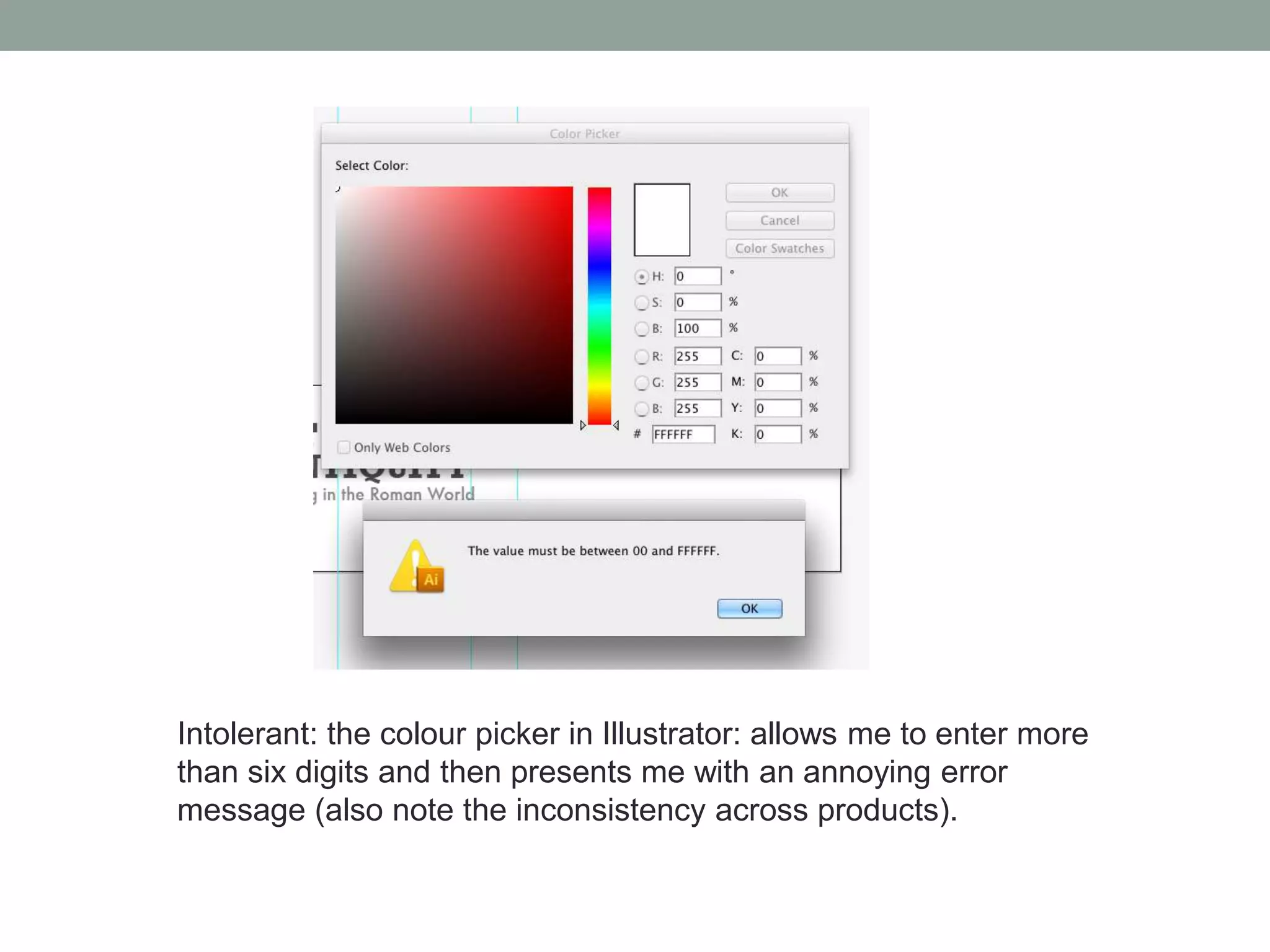
Intolerant: the colour picker in Illustrator: allows me to enter more
than six digits and then presents me with an annoying error
message (also note the inconsistency across products).
3.6. FEEDBACK
โ€ข How the UI communicates with the user after she has
carried out an interaction.
โ€ข Feedback may be visual, auditory or even haptic (that is
communicated via touch):
โ€ข The success message that appears after a web form has been
submitted.
โ€ข The whooshing sounds as an SMS is sent from an iPhone.
โ€ข The sense of a Wii controller vibrating when simulating a machine
gun being fired on Call of Duty.
NIELSENโ€™S HEURISTICS
โ€ข Jakob Nielsenโ€™s ten heuristics (guidelines!) for creating usable
interfaces (1999):
โ€ข Visibility of system status
โ€ข Match between system and the real world
โ€ข User control and freedom
โ€ข Consistency and standards
โ€ข Error prevention
โ€ข Recognition rather than recall
โ€ข Flexibility and efficiency of use
โ€ข Aesthetic and minimalist design
โ€ข Help users recognise, diagnose and recover from errors
โ€ข Help and documentation
http://www.useit.com/papers/heuristic/heuristic_list.html
4. WHY YOU SHOULD CARE
4.1 Finance
4.2 Impact
4.3 Ethics
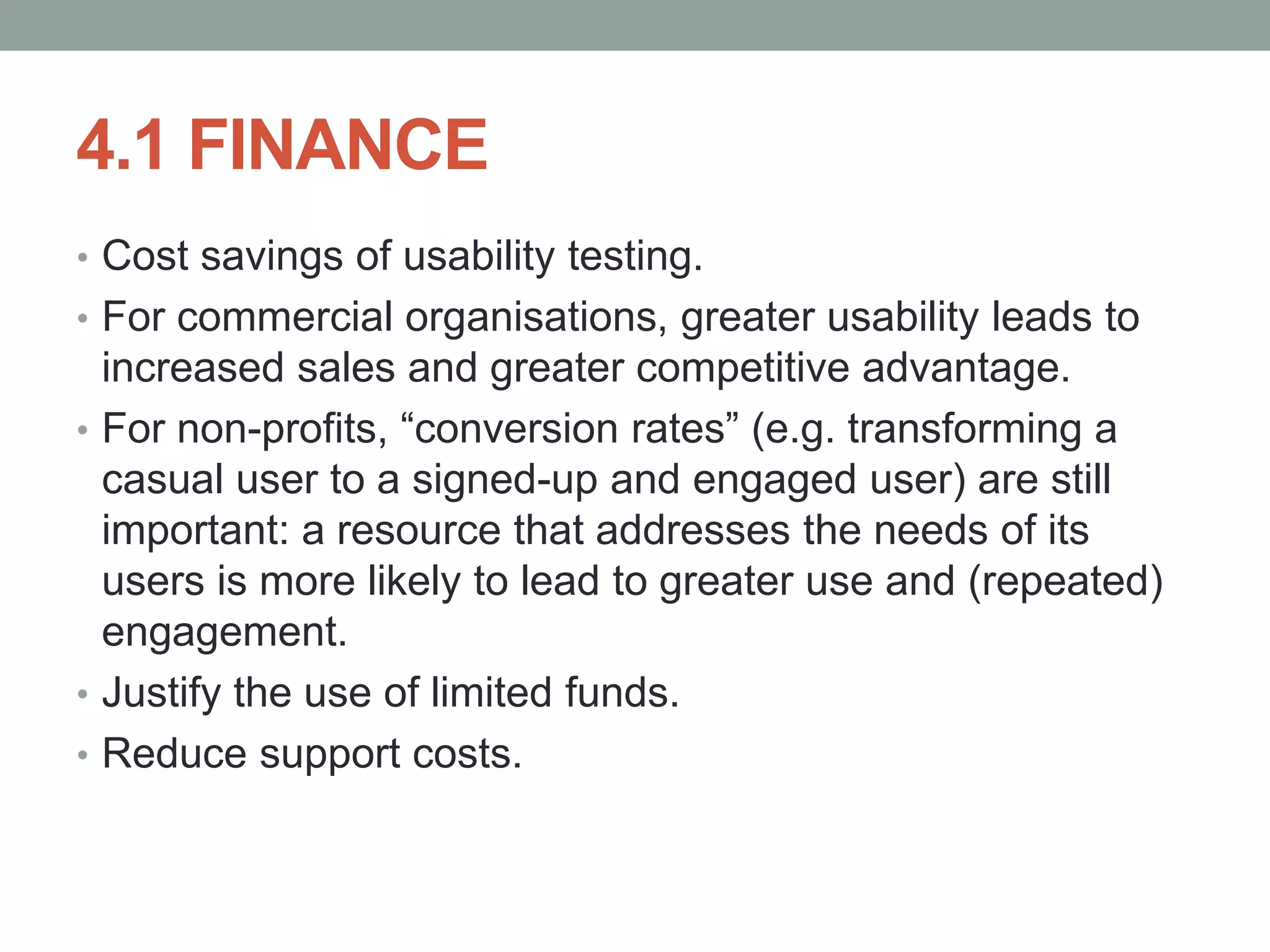
4.1 FINANCE
โ€ข Cost savings of usability testing.
โ€ข For commercial organisations, greater usability leads to
increased sales and greater competitive advantage.
โ€ข For non-profits, โ€œconversion ratesโ€ (e.g. transforming a
casual user to a signed-up and engaged user) are still
important: a resource that addresses the needs of its
users is more likely to lead to greater use and (repeated)
engagement.
โ€ข Justify the use of limited funds.
โ€ข Reduce support costs.
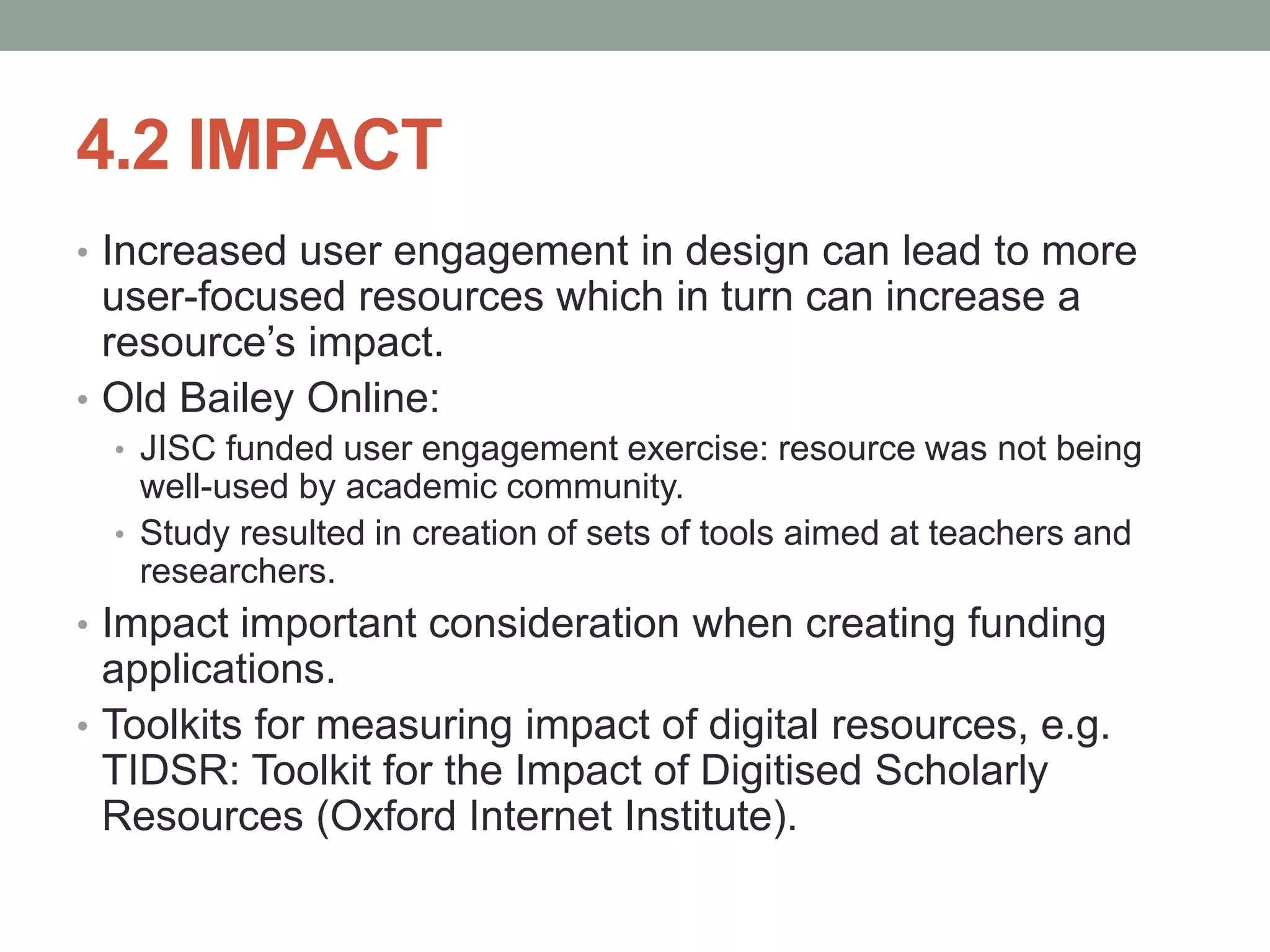
4.2 IMPACT
โ€ข Increased user engagement in design can lead to more
user-focused resources which in turn can increase a
resourceโ€™s impact.
โ€ข Old Bailey Online:
โ€ข JISC funded user engagement exercise: resource was not being
well-used by academic community.
โ€ข Study resulted in creation of sets of tools aimed at teachers and
researchers.
โ€ข Impact important consideration when creating funding
applications.
โ€ข Toolkits for measuring impact of digital resources, e.g.
TIDSR: Toolkit for the Impact of Digitised Scholarly
Resources (Oxford Internet Institute).
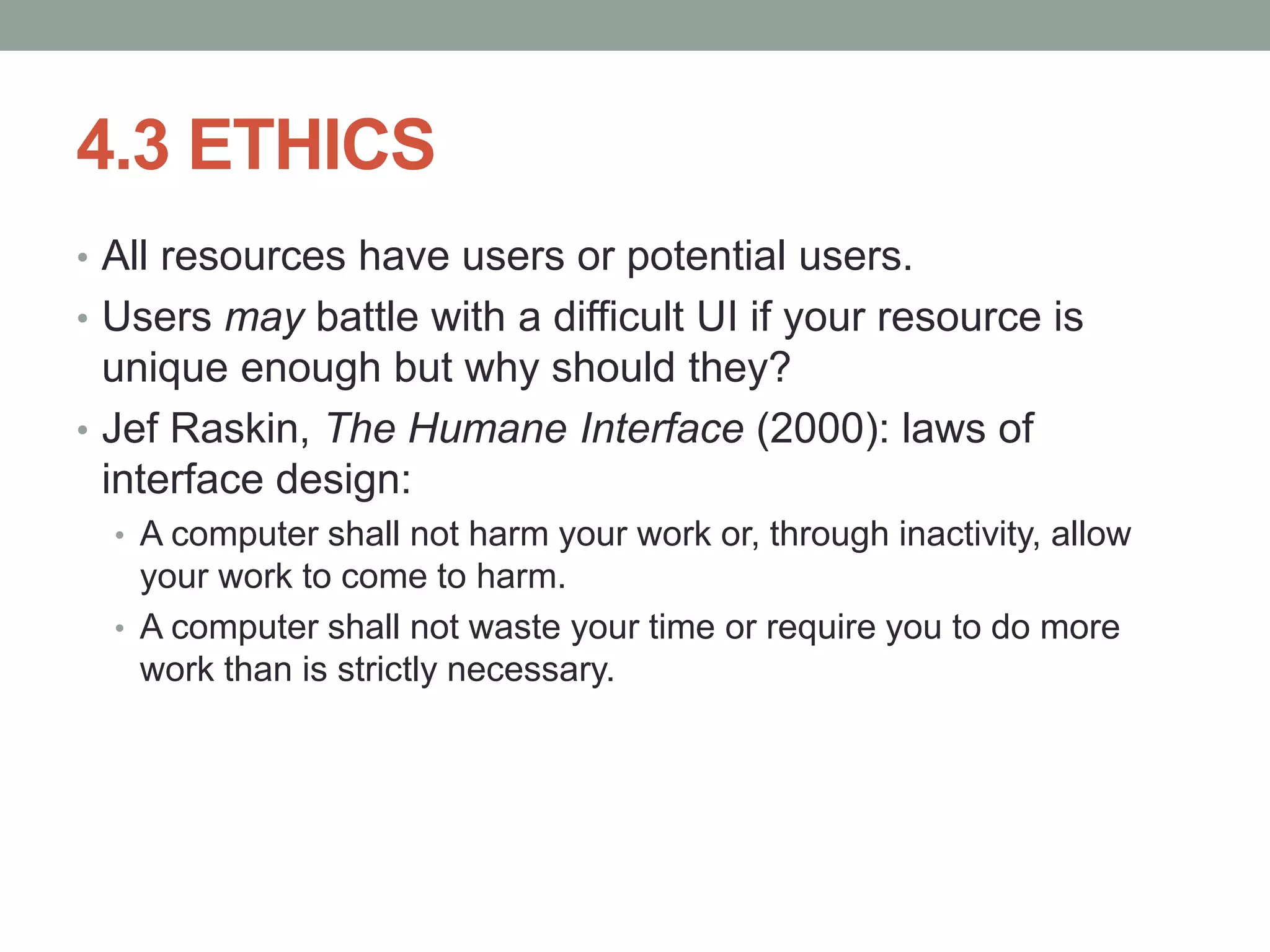
4.3 ETHICS
โ€ข All resources have users or potential users.
โ€ข Users may battle with a difficult UI if your resource is
unique enough but why should they?
โ€ข Jef Raskin, The Humane Interface (2000): laws of
interface design:
โ€ข A computer shall not harm your work or, through inactivity, allow
your work to come to harm.
โ€ข A computer shall not waste your time or require you to do more
work than is strictly necessary.
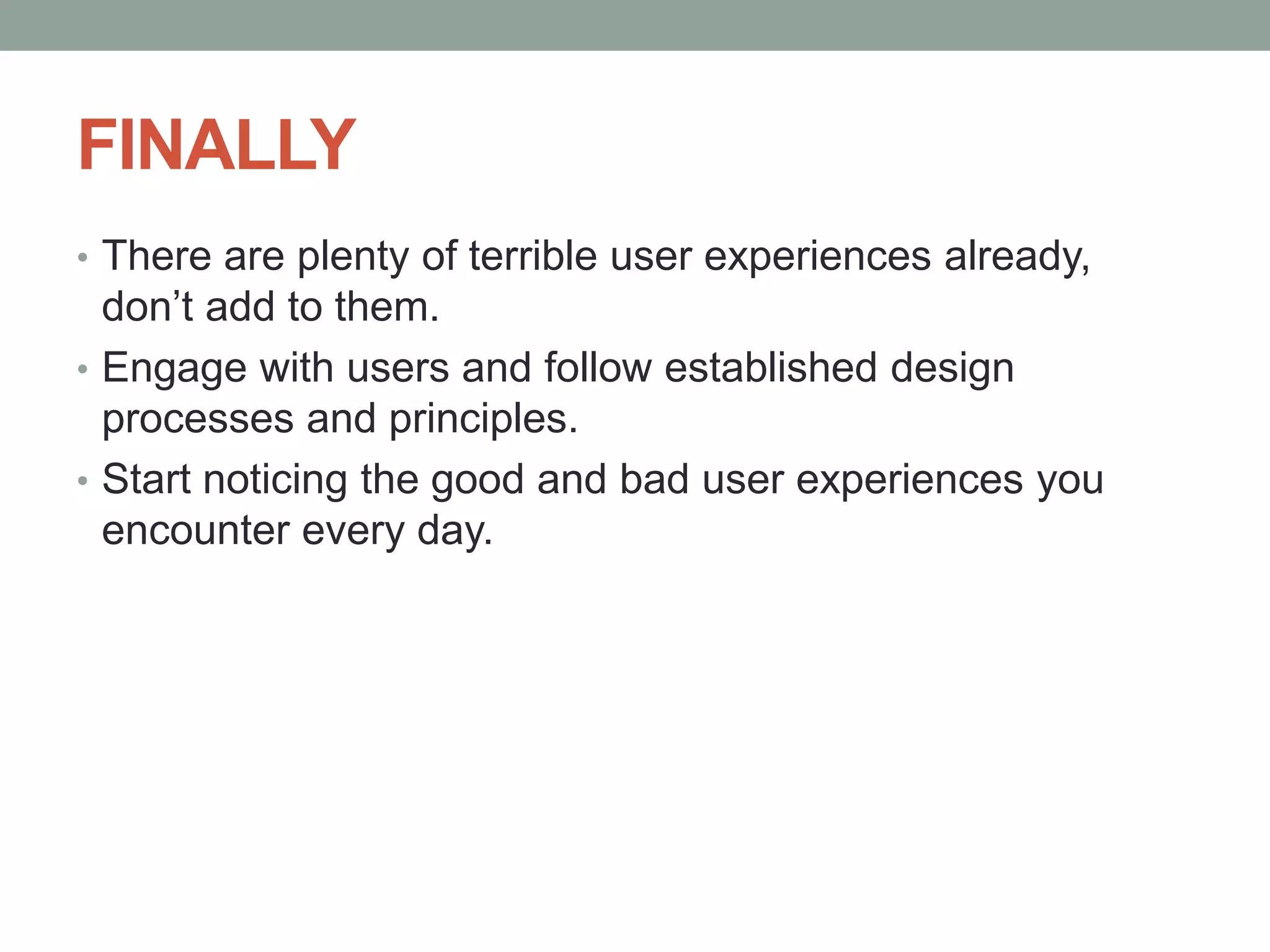
FINALLY
โ€ข There are plenty of terrible user experiences already,
donโ€™t add to them.
โ€ข Engage with users and follow established design
processes and principles.
โ€ข Start noticing the good and bad user experiences you
encounter every day.
David Little
david.little@kcl.ac.uk
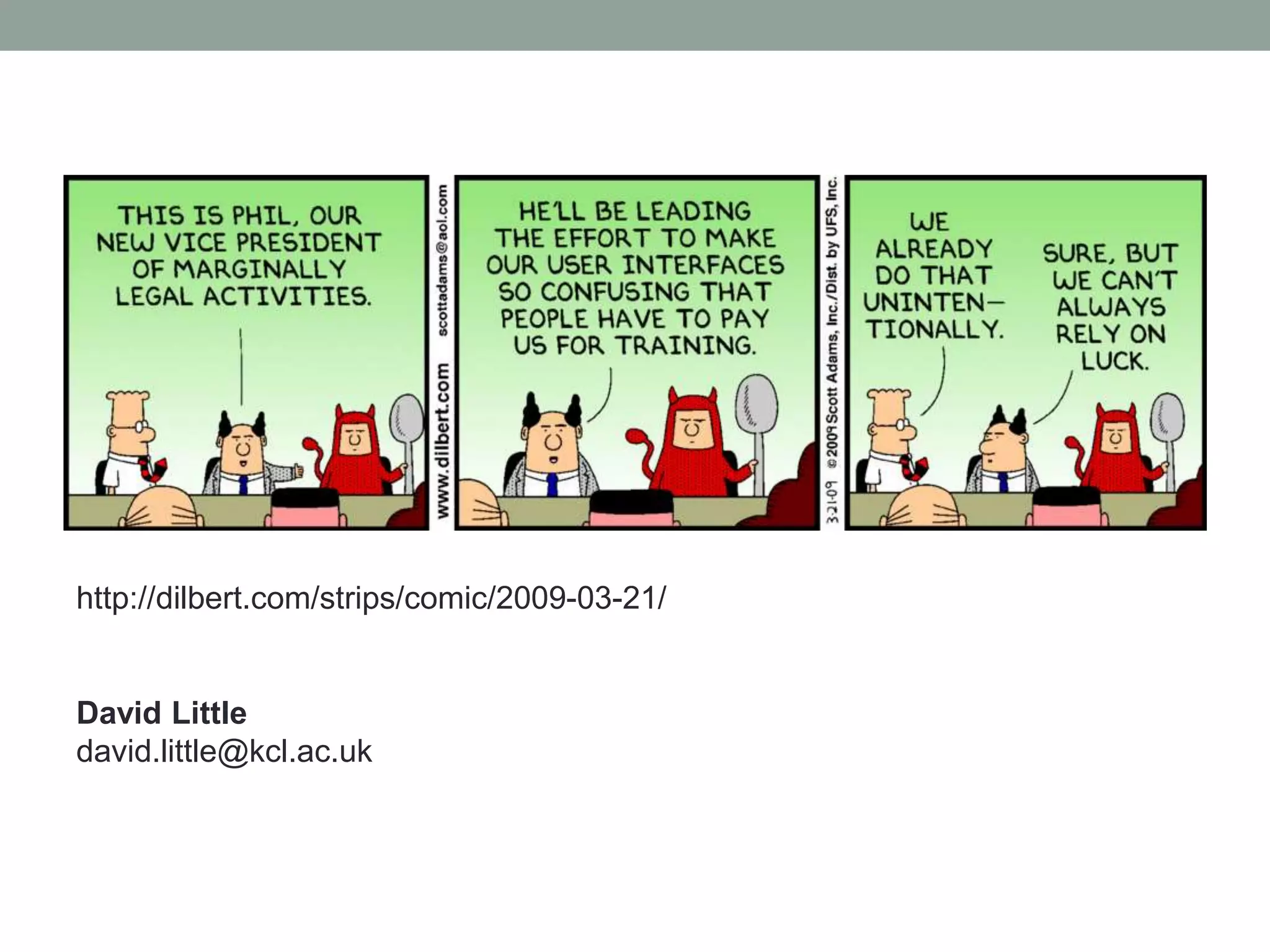
http://dilbert.com/strips/comic/2009-03-21/
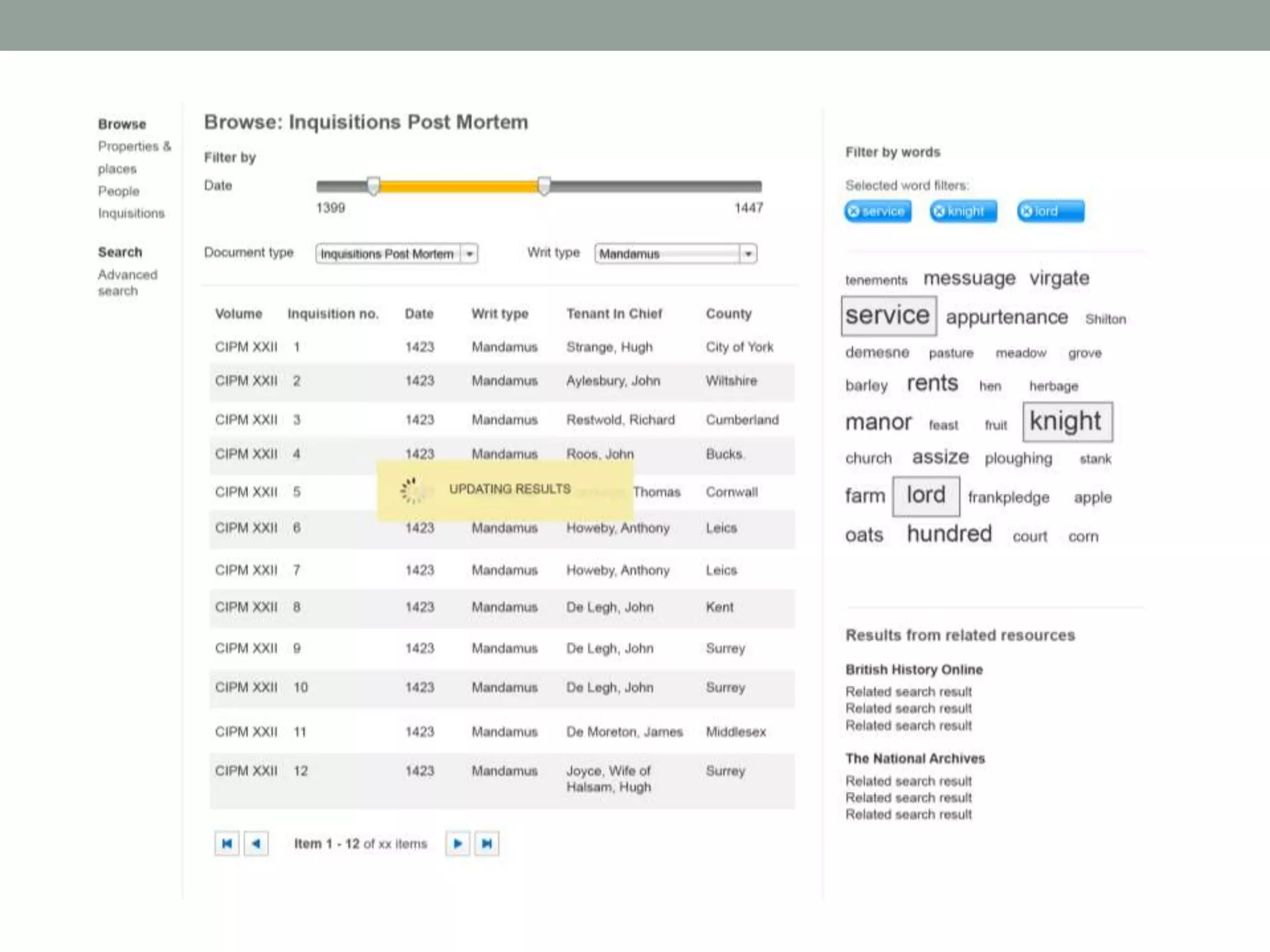
DESIGN EXERCISE
โ€ข Suggest up to three changes to the CCED search screen
which would assist amateur local historians.
โ€ข 5-10 minutes: familiarise yourself with the brief.
โ€ข Maximum 25 minutes on the design: sketch!
โ€ข 5 minutes: prepare to present.
โ€ข 2-3 minutes per group: present your ideas.
โ€ข No right or wrong answers.

User Interface Design: Definitions, Processes and Principles

  • 1.
    USER INTERFACE DESIGN Definitions, processesand principles David Little, User Interface Designer, DDH MA Digital Humanities: Methods and Techniques
  • 2.
    OVERVIEW 1. Definitions 2. User-centreddesign (UCD) 3. Design principles 4. Why you should care 5. Design exercise
  • 3.
    1. DEFINITIONS โ€ข Whatis a user interface? โ€œThat part of a computer system with which a user interacts in order to undertake her tasks and achieve her goals.โ€ (Stone, Jarrett et. al., 2001) โ€ข What we interact with when we use any kind of digital hardware or software.
  • 4.
  • 7.
  • 8.
  • 9.
  • 10.
    WHERE THE UIFITS โ€ข Back-end infrastructure: servers, databases and programming. โ€ข Content (i.e. words and pictures). โ€ข Information architecture: how the content is organised and navigated. โ€ข User interface: where the user interacts with the above.
  • 11.
    USER INTERFACE DESIGN โ€œ[Interactiondesign] is concerned with describing user behavior and defining how the system will accommodate and respond to that behavior" (Jesse James Garrett, 2011) โ€ข Research into the behaviours and goals of the target users of a digital product or service. PLUS โ€ข The design of appropriate tools (interfaces) which enable users to achieve their goals.
  • 12.
    ! โ€ข Design withoutresearch is guesswork. โ€ข Or may result in an interface which reflects the understanding (mental model) of a productโ€™s programmers or architects, not its users. UI design should be thought of as: โ€ข A process integral to the creation of digital products. โ€ข A group of interrelated activities. โ€ข A mindset.
  • 13.
    THE CONTEXT OFUI DESIGN โ€ข Sits within a larger set of disciplines, all ultimately concerned with the interaction of people with machines. โ€ข Labels can be confusing and describe overlapping activities and processes which may be carried out by one or a number of people. โ€ข Interaction Design (IXD) and UI design: subtle differences in definition but will be used interchangeably in this lecture.
  • 14.
    USER EXPERIENCE (UX)DESIGN โ€ข Commonplace term in software design and beyond. โ€ข A vague term: which part of a digital product isnโ€™t experienced by users? โ€ข Totality of usersโ€™ experiences of a product or service, from its content, navigation, aesthetics, interactions or even how quickly it performs or responds to usersโ€™ interactions. โ€ข Umbrella term for a number of more defined disciplines.
  • 15.
    THE UX VENNDIAGRAM Dan Saffer, 2009
  • 16.
    HUMAN-COMPUTER INTERACTION (HCI) โ€ข Academicstudy of the interaction between humans and machines. โ€ข Computer science, psychology, linguistics, sociology, anthropology. โ€ข Popularised in the 1980s but with roots in older fields of ergonomics and human factors: 1900s and earlier. โ€ข UI design can be thought of as the practical implementation of HCI research, methods and practices.
  • 17.
    2. USER-CENTRED DESIGN(UCD) โ€ข The โ€œUโ€ in UI: USER; the โ€œHโ€ in HCI: HUMAN โ€œFocus on the user and all else will follow.โ€ (Google) โ€ข Focus on: people, their motivations, goals and behaviours. โ€ข Must be aware of technological constraints but UI design is not a technological process.
  • 18.
    USER-CENTRED DESIGN (UCD) โ€ขInvolve users at all stages of the design process.
  • 19.
    RESEARCH โ€ข Who arethe users? โ€ข How many different types of user are there? โ€ข What do they want to be able to do? โ€ข How do they currently do it? โ€ข Where do they currently do it? โ€ข Where might they want to be able to do it? โ€ข How might they want to be able to do it?
  • 20.
    USER GOALS, STRATEGICGOALS AND CONSTRAINTS โ€ข What are the strategic goals (โ€œbusiness goalsโ€) of the product you are creating; what were you funded to do? โ€ข Tensions between strategic goals and user goals: how will this be managed? โ€ข What constraints do you have: โ€ข Financial โ€ข Time โ€ข Technology โ€ข People
  • 21.
    USER RESEARCH โ€ข Howdo you find users? โ€ข An existing user base. โ€ข An organisationโ€™s own information (e.g. marketing, focus groups, audience profiles): what are they willing to share? โ€ข Academic projects: project team contacts and knowledge. โ€ข If you have limited resources? โ€ข Friends, family, colleagues. โ€ข Mailing lists. โ€ข Social media.
  • 22.
    ENGAGING WITH USERS: INTERVIEWS โ€ขNeed to be pragmatic: what are your constraints (time, financial). User research takes time and you may need to recompense people for their time. โ€ข If you have time: face-to-face, one-to-one interviews in userโ€™s โ€œnatural environmentโ€: ethnography or contextual enquiry. โ€ข Observe users: how they work, their behaviours, what other resources they use. โ€ข What users do and what they say they actually do may well be different (c.f. Jakob Nielsenโ€™s First Rule of Usability). โ€ข Unstated goals, domain language.
  • 23.
    ENGAGING WITH USERS:OTHER METHODS โ€ข Interviews via Skype or Email. โ€ข Online surveys (generally better for quantitative information). โ€ข Existing published information about user behaviours.
  • 24.
    WHAT TO ASK โ€ขWhat kind of information: qualitative or quantitative information? At initial stages of research qualitative information may be more useful. โ€ข Ask non-judgmental and non-leading questions. โ€ข Donโ€™t ask questions that are too open-ended (what is of relevance to the project given its constraints?) โ€ข For more information: โ€ข Box and Bowles, Undercover User Experience Design (2010) โ€ข Kuniavsky, Observing the User Experience: A Practitioner's Guide to User Research (2003).
  • 25.
    ANALYSIS AND CONCEPTUAL DESIGN โ€ขAnalysis will probably take a lot of time! โ€ข Identify trends: what are user goals and how can these be supportedโ€”identify by analysing interests and behaviours, stated and unstated goals. โ€ข Use information to create high-level documentation to guide the design, e.g. user stories (statement of user goals by user group) or personas (more in-depth descriptions of โ€œtypicalโ€ users). โ€ข Conceptual design documentationโ€”wireframes.
  • 26.
    DELIVERABLES โ€ข User stories:simple statements of overall user goals. โ€ข As a <type of user> I want <a goal> so that <some reason>: โ€ข As an academic historian I want to be able to track ownership and descent of manorial properties (to support my research). โ€ข As a genealogist I want to be able to be able to establish family relationships of the families I am researching so that I can use the information to construct a family history. โ€ข Sketches and wireframes: at this stage a point of discussion with other stakeholders.
  • 29.
    PROTOTYPING AND TESTING โ€ขPrototyping: creation of artefacts for testing with users: can be low-fidelity (e.g. paper-based), medium fidelity (e.g. wireframes, static coded web pages) or high fidelity (e.g. functional web pages). โ€ข Feedback from testing the prototypes can be fed back into further iterations of the design. โ€ข Resource intensive but much easier (and cheaper) to address issues and fix usability problems early in the process than later.
  • 30.
    COST BENEFIT โ€œThe ruleof thumb in many usability-aware organizations is that the cost-benefit ratio for usability is $1:$10-$100. Once a system is in development, correcting a problem costs 10 times as much as fixing the same problem in design. If the system has been released, it costs 100 times as much relative to fixing in design.โ€ T. Gilb (1998) quoted on the Usability Professionals Association (UPA) website.
  • 31.
    USABILITY TESTING โ€ข Usability โ€œTheextent to which a product can be used by specified users to achieve specified goals with effectiveness, efficiency and satisfaction in a specified context of use.โ€ International Organization for Standardization (ISO): ISO 9241-11 โ€ข Doesnโ€™t require a lab or expensive equipment. โ€ข One-to-one testing of a prototype with a user. A facilitator gives a participant a number of tasks to work through on the interface and asks them to โ€œthink aloudโ€ their decisions. โ€ข Make notes on the userโ€™s behaviour and, if possible, use screen recording software to record the userโ€™s decisions, voice and facial expression.
  • 32.
    ITERATIVE DESIGN โ€ข Analyseresults of testing and feed back into design โ€ข Donโ€™t need many participants to identify main usability problems (around four should be fine). โ€ข Steve Krug: short, accessible books on running usability testing: Donโ€™t Make Me Think! and Rocket Surgery Made Easy. โ€ข How many tests should you run? It depends. Usually defined by project constraints (unless youโ€™re Google who once famously tested 41 shades of blue to see which performed better!). โ€ข Remote usability testing software: an alternative to running face-to- face tests, but usually better for gathering quantitative information.
  • 33.
    UCD: SUMMARY โ€ข Amindset: gives a voice to the user throughout the design and build process. โ€ข Iterative: design, test, design, test etc. โ€ข Be pragmatic. You will always have constraints. โ€ข One round of testing is better than none. โ€ข Testing one user is 100% better than testing none (but more is better!).
  • 34.
    3. DESIGN PRINCIPLES 3.1Simplicity 3.2 Structure 3.3 Visibility 3.4 Consistency 3.5 Tolerance 3.6 Feedback
  • 35.
    3.1 SIMPLICITY โ€ข Auser interface should be kept as simple as possible for users in order that they can achieve their goals. โ€ข What is simplicity? The simplest interface for the job, but no simpler! โ€ข Which is simpler?
  • 38.
    SIMPLICITY โ€ข Depends oncontext of use. โ€ข What is the purpose of your product? โ€ข What do your users want to do? โ€ข Keep to your core functionality
  • 39.
    3.2. STRUCTURE โ€ข Ensurethat the interface is clearly laid out, well organised and controls are easily identifiable. โ€ข โ€œGestalt laws of perceptionโ€: โ€ข Proximity. When elements are grouped together, people perceive them as being related. โ€ข Similarity. Elements that look similar are perceived as being related. โ€ข Closure. As humans we are generally quite good at filling in missing information and this is certainly the case in perception. We fill in the blanks with โ€œincompleteโ€ images. Commonly used in logo design etc.
  • 40.
    Proximity: the layoutof a navigation menu
  • 41.
    Proximity and similarity:Flickrโ€™s top menu bar Similarity: Icons for Adobe Dreamweaver and Fireworks
  • 42.
  • 43.
    Grids: an establishedtool from graphic design for imposing order on information
  • 45.
    3.3. VISIBILITY โ€ข Visibilitycan be thought as ensuring that interface controls that need to be accessed by the user are as visible as possible. โ€ข It ties in with the idea of โ€œaffordanceโ€, popularised by the design thinker and writer Don Norman: โ€œThe perceived and actual properties of the thing, primarily those fundamental properties that determine just how the thing could possibly be used.โ€ (Don Norman, 1988)
  • 46.
    โ€ข Affordance: โ€œthisis for doing thatโ€. Underlined text on a web page is for clicking
  • 47.
    The โ€œhomeโ€ buttonon an iPhone is for pressing
  • 48.
    โ€ข Conform toestablished rules. โ€ข Use of appropriate metaphors can also promote visibility. Sometimes metaphors come from a pre-existing technology, e.g.: โ€ข At its most extreme this can result in โ€œskeuomorphismโ€: incorporating elements in the UI from a previous technology that serve no purpose other than being decorative. The Gmail icon: resembles a โ€œtraditionalโ€ envelope
  • 49.
    Appleโ€™s Podcast app:features an emulated tape mechanism. โ€œReal-worldโ€ UI metaphors most successful when they allow users to easily form connections between the interface and existing technologies. What does a tape mechanism mean for younger users?
  • 50.
    3.4. CONSISTENCY โ€ข โ€œPeoplesee what they expect to see.โ€ โ€ข Recognition over recall. โ€ข Consistency across a product or set of products.
  • 51.
    3.5. TOLERANCE โ€ข Welldesigned software should try to prevent users from making errors in the first place but is inevitable that mistakes will happen. A tolerant UI is a forgiving UI and lets users recover from mistakes they have made. โ€ข Mistakes may take many forms, e.g. an accidentally discarded email draft, a formatting mistake in a Word processor or an incorrectly filled form field.
  • 52.
    Tolerant: the colourpicker in Photoshop: only allows me to enter six digits for a hex colour code (red, green and blue number pairs).
  • 53.
    Intolerant: the colourpicker in Illustrator: allows me to enter more than six digits and then presents me with an annoying error message (also note the inconsistency across products).
  • 54.
    3.6. FEEDBACK โ€ข Howthe UI communicates with the user after she has carried out an interaction. โ€ข Feedback may be visual, auditory or even haptic (that is communicated via touch): โ€ข The success message that appears after a web form has been submitted. โ€ข The whooshing sounds as an SMS is sent from an iPhone. โ€ข The sense of a Wii controller vibrating when simulating a machine gun being fired on Call of Duty.
  • 55.
    NIELSENโ€™S HEURISTICS โ€ข JakobNielsenโ€™s ten heuristics (guidelines!) for creating usable interfaces (1999): โ€ข Visibility of system status โ€ข Match between system and the real world โ€ข User control and freedom โ€ข Consistency and standards โ€ข Error prevention โ€ข Recognition rather than recall โ€ข Flexibility and efficiency of use โ€ข Aesthetic and minimalist design โ€ข Help users recognise, diagnose and recover from errors โ€ข Help and documentation http://www.useit.com/papers/heuristic/heuristic_list.html
  • 56.
    4. WHY YOUSHOULD CARE 4.1 Finance 4.2 Impact 4.3 Ethics
  • 57.
    4.1 FINANCE โ€ข Costsavings of usability testing. โ€ข For commercial organisations, greater usability leads to increased sales and greater competitive advantage. โ€ข For non-profits, โ€œconversion ratesโ€ (e.g. transforming a casual user to a signed-up and engaged user) are still important: a resource that addresses the needs of its users is more likely to lead to greater use and (repeated) engagement. โ€ข Justify the use of limited funds. โ€ข Reduce support costs.
  • 58.
    4.2 IMPACT โ€ข Increaseduser engagement in design can lead to more user-focused resources which in turn can increase a resourceโ€™s impact. โ€ข Old Bailey Online: โ€ข JISC funded user engagement exercise: resource was not being well-used by academic community. โ€ข Study resulted in creation of sets of tools aimed at teachers and researchers. โ€ข Impact important consideration when creating funding applications. โ€ข Toolkits for measuring impact of digital resources, e.g. TIDSR: Toolkit for the Impact of Digitised Scholarly Resources (Oxford Internet Institute).
  • 59.
    4.3 ETHICS โ€ข Allresources have users or potential users. โ€ข Users may battle with a difficult UI if your resource is unique enough but why should they? โ€ข Jef Raskin, The Humane Interface (2000): laws of interface design: โ€ข A computer shall not harm your work or, through inactivity, allow your work to come to harm. โ€ข A computer shall not waste your time or require you to do more work than is strictly necessary.
  • 60.
    FINALLY โ€ข There areplenty of terrible user experiences already, donโ€™t add to them. โ€ข Engage with users and follow established design processes and principles. โ€ข Start noticing the good and bad user experiences you encounter every day.
  • 65.
  • 66.
    DESIGN EXERCISE โ€ข Suggestup to three changes to the CCED search screen which would assist amateur local historians. โ€ข 5-10 minutes: familiarise yourself with the brief. โ€ข Maximum 25 minutes on the design: sketch! โ€ข 5 minutes: prepare to present. โ€ข 2-3 minutes per group: present your ideas. โ€ข No right or wrong answers.