Processing data with Python
using standard library modules you
(probably) never knew about


                               PyCon AU 2012
                                      Tutorial
                                Graeme Cross
This is an introduction to…
•   Python's data containers
•   Choosing the best container for the job
•   Iterators and comprehensions
•   Useful modules for working with data
I am assuming…
• You know how to program (at least a bit!)
• Some familiarity with Python basics
• Python 2.7 (but not Python 3)
  – Note: the examples work with Python 2.7
  – Some won't work with Python 2.6
Along the way, we will…
•   Check out the AFL ladder
•   Count yearly winners of the Sheffield Shield
•   Parlez-vous Français?
•   Find the suburb that uses the most water
•   Use set theory on the X-Men
•   Analyse Olympic medal results
The examples and these notes
• We will use a number of demo scripts
  – This is an interactive tutorial
  – If you have a laptop, join in!
  – We will use ipython for the demos
• Code is on USB sticks being passed around
• Code & these notes are also at:
  http://www.curiousvenn.com/
ipython
• A very flexible Python shell
• Works on all platforms
• Lots of really nice features:
  – Command line editing with history
  – Coloured syntax
  – Edit and run within the shell
  – Web notebooks, Visual Studio, Qt, …
  – %lsmagic
• http://ipython.org/
  http://ipython.org/presentation.html
Interlude 0
Simple Python data types
• Numbers
  answer = 42
  pi = 3.141592654

• Boolean
  exit_flag = True
  winning = False

• Strings
  my_name = "Malcolm Reynolds"
Python data containers
• Can hold more than one object
• Have a consistent interface between
  different types of containers
• Fundamental to working in Python
Python sequences
•   A container that is ordered by position
•   Store and access objects by position
•   Python has 7 fundamental sequence types
•   Examples include:
    – string
    – list
    – tuple
Fundamental sequence opreations
Name             Purpose
x in s           True if the object x is in the sequence s
x not in s       True if the object x is NOT in the sequence s
s + t            Concatenate two sequences
s * n            Concatentate sequence s n times
s[i]             Return the object in sequence s at position i
s[i:j]           Return a slice of objects in the sequence s from position i
s[i:j:k]         to j
                 Can have an optional step value, k
len(s)           Return the number of objects in the sequence s

s.index(x)       Return the index of the first occurrence of x in the
                 sequence s
s.count(x)       Return the number of occurrences of x in the sequence s

min(s), max(s)   Return smallest or largest element in sequence s
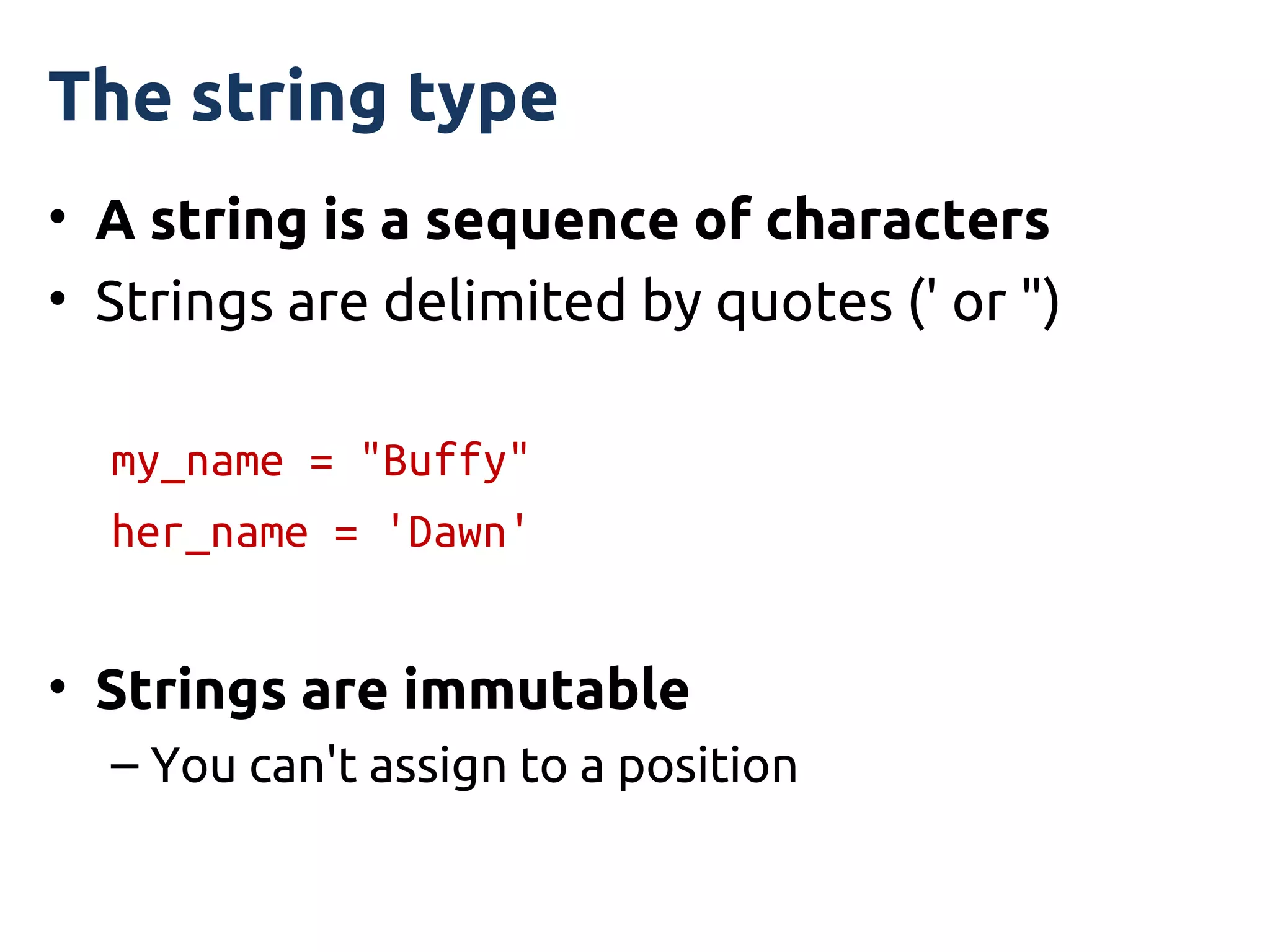
The string type
• A string is a sequence of characters
• Strings are delimited by quotes (' or ")

  my_name = "Buffy"
  her_name = 'Dawn'


• Strings are immutable
  – You can't assign to a position
string positions
• The sequence starts at position 0
• Use location[n] to access the character at
  position n from the start, first = 0
• Use location[-n] to access the character
  that is at position n from the end, last = -1
string position example
• A string with 26 characters
• Positions index from 0 to 25

  location = "Arkham Asylum, Gotham City"
  location[0]  'A'
  location[15]  'G'
  location[25] or location[-1]  'y'
  location[-4]  'C'
string position slices
• You can return a substring by slicing with
  two positions
• For example, return the string from position
  15 up to (but not including) position 21

  location = "Arkham Asylum, Gotham City"
  location[15]  'G'
  location[20]  'm'
  location[15:21]  Gotham'
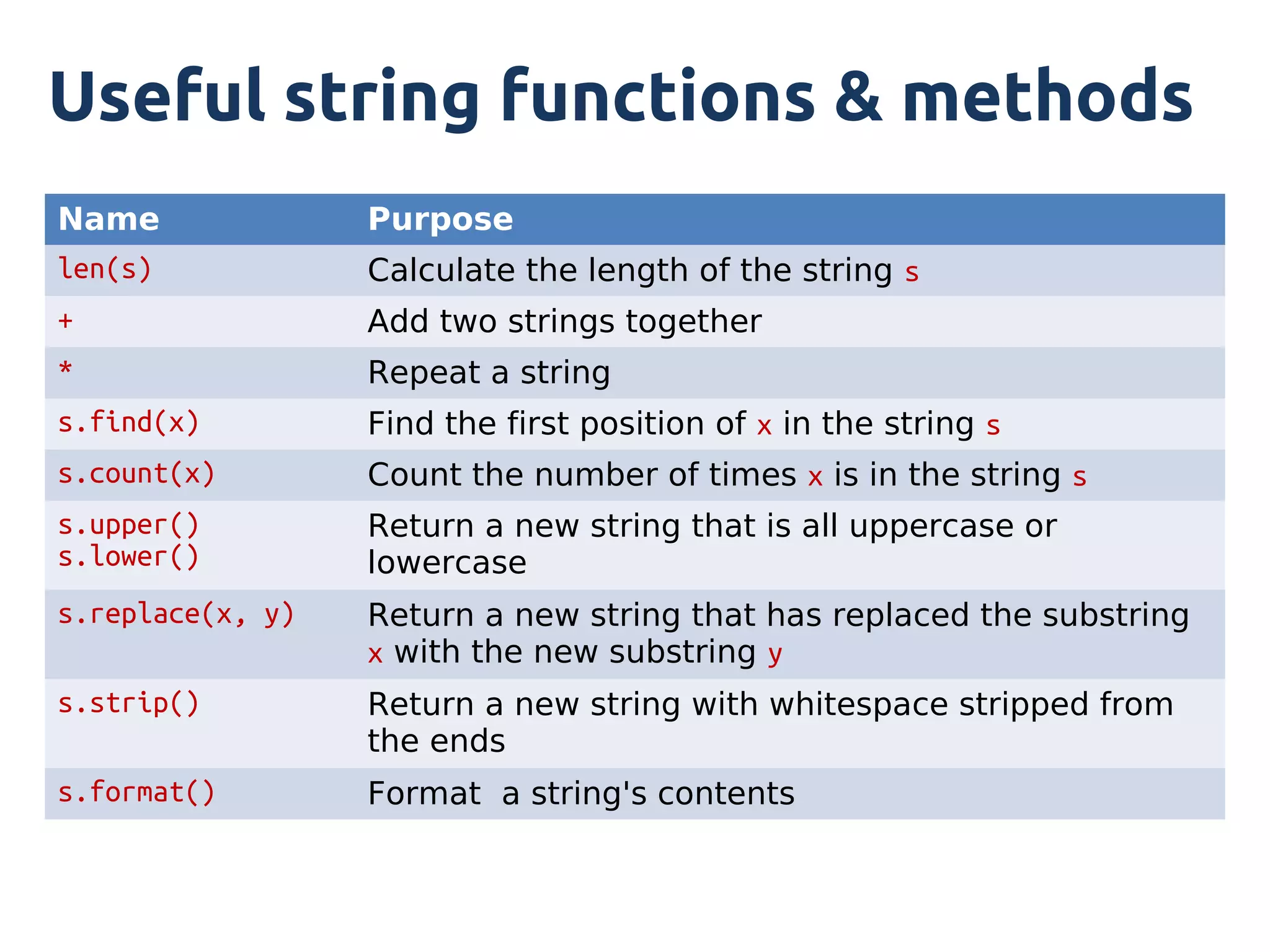
Useful string functions & methods
Name              Purpose
len(s)            Calculate the length of the string s
+                 Add two strings together
*                 Repeat a string
s.find(x)         Find the first position of x in the string s
s.count(x)        Count the number of times x is in the string s
s.upper()         Return a new string that is all uppercase or
s.lower()         lowercase
s.replace(x, y)   Return a new string that has replaced the substring
                  x with the new substring y
s.strip()         Return a new string with whitespace stripped from
                  the ends
s.format()        Format a string's contents
Some string demos
Example: string1.py
Iterating through a string
• You can visit each character in a string
• This process is called iteration
• The 'for' keyword is used to step or iterate
  through a sequence
• Example: string2.py
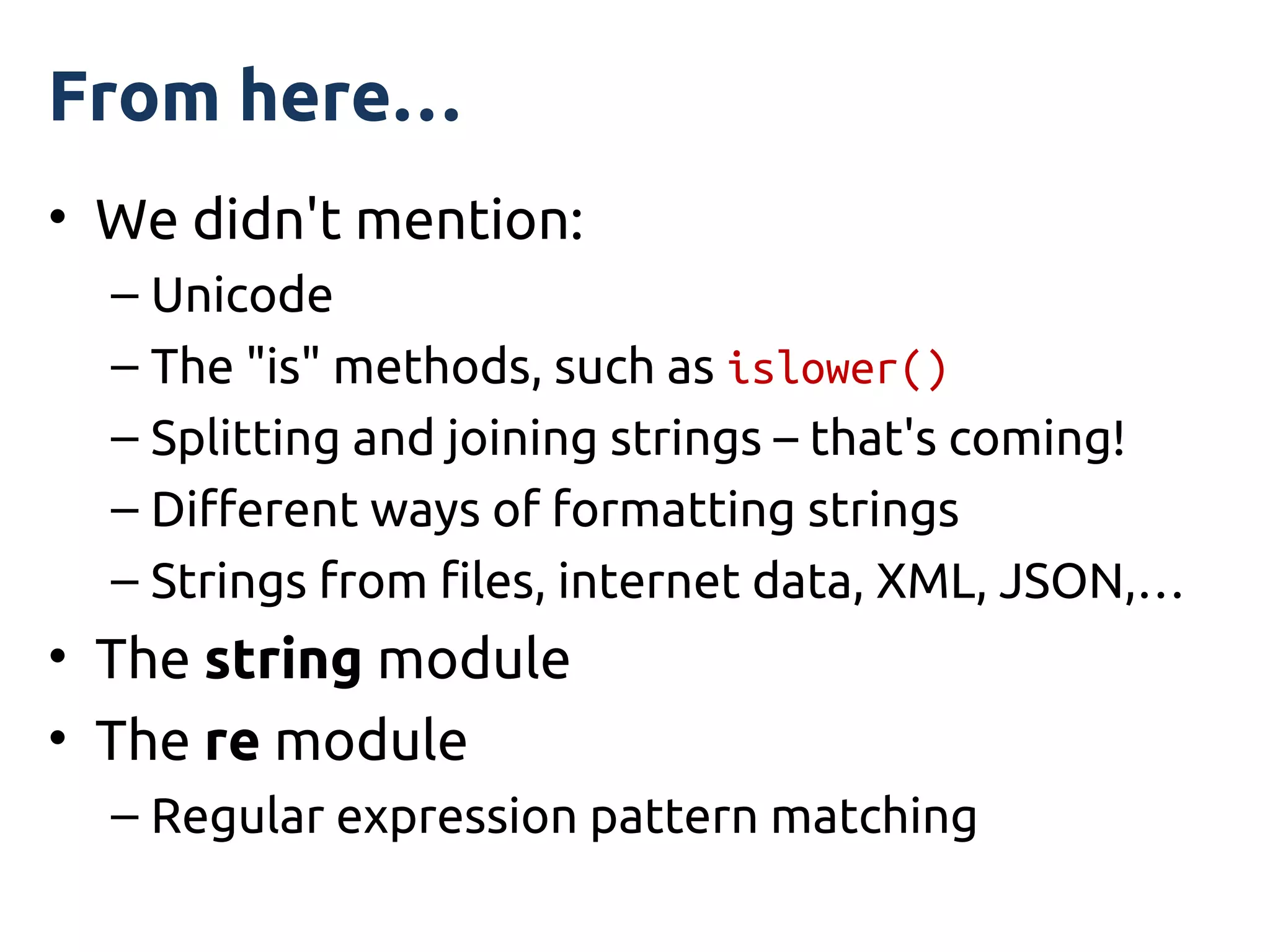
From here…
• We didn't mention:
  – Unicode
  – The "is" methods, such as islower()
  – Splitting and joining strings – that's coming!
  – Different ways of formatting strings
  – Strings from files, internet data, XML, JSON,…
• The string module
• The re module
  – Regular expression pattern matching
Interlude 1
list
• A simple sequence of objects
• Just like a string…
  – All the methods you have already learnt work
• Except…
  – It is mutable (you can change the contents)
  – Not just for characters
• Objects separated by commas
• Wrapped inside square brackets
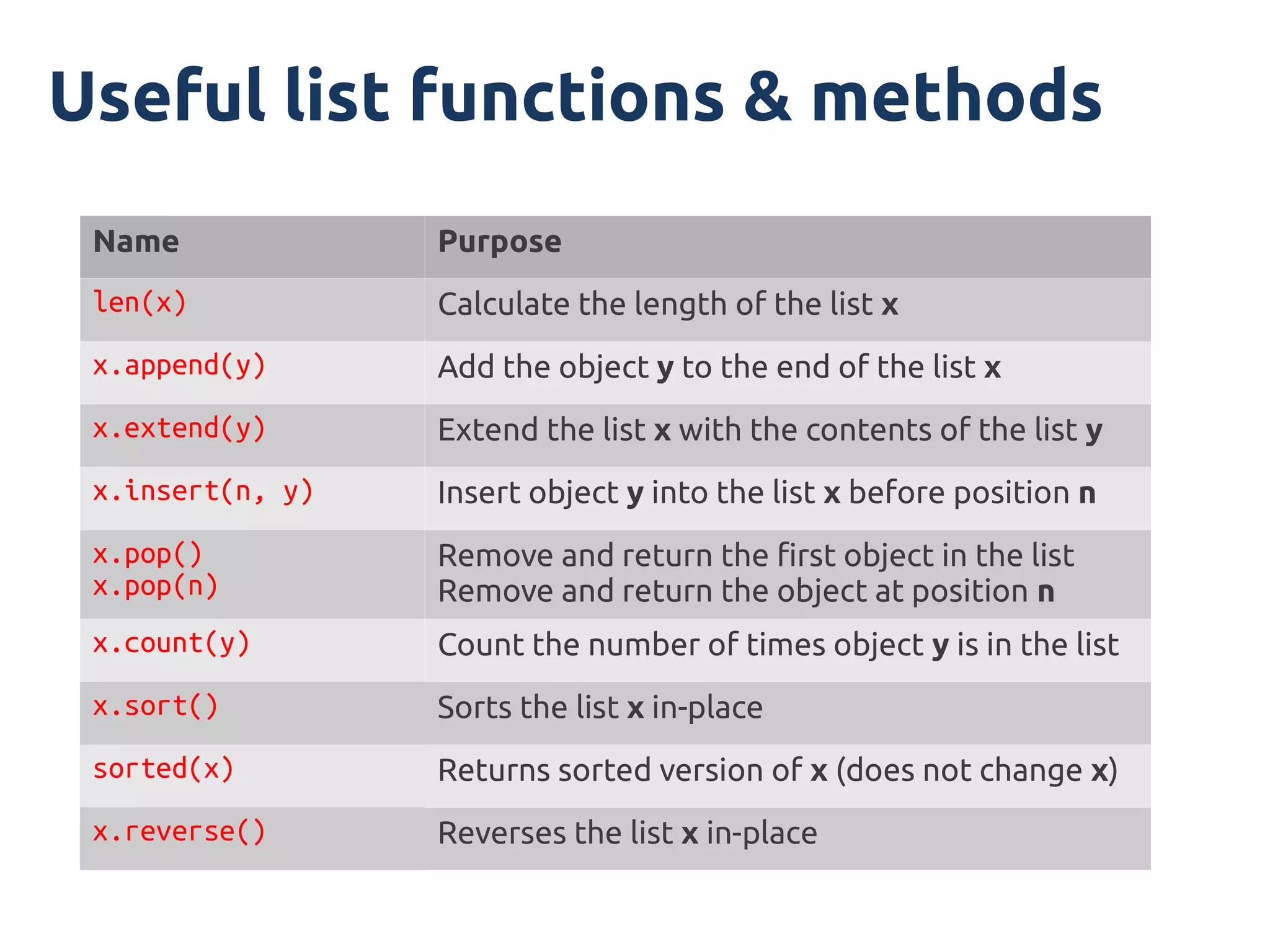
Useful list functions & methods
 Name             Purpose
 len(x)           Calculate the length of the list x
 x.append(y)      Add the object y to the end of the list x
 x.extend(y)      Extend the list x with the contents of the list y
 x.insert(n, y)   Insert object y into the list x before position n
 x.pop()          Remove and return the first object in the list
 x.pop(n)         Remove and return the object at position n
 x.count(y)       Count the number of times object y is in the list
 x.sort()         Sorts the list x in-place
 sorted(x)        Returns sorted version of x (does not change x)
 x.reverse()      Reverses the list x in-place
Some list demos
Examples: list1.py → list4.py
list iteration
• Same concept as string iteration
• Example: list5.py
list of lists
• A list can hold any other object
• This includes other lists
• Example: lol.py
list comprehensions
• A compact way to create a list
• Build the list by applying an expression to
  each element in a sequence
• Can contain logic and function calls
• Uses square brackets (list)
• Syntax:

[output_func(var) for var in input_list if predicate]
list comprehension advantages
• Focus is on the logic, not loop mechanics
• Less code, more readable code
• Can nest comprehensions, keeping logic in a
  single place
• Easier to map algorithm to working code
• Widely used in Python (and many other
  languages, especially functional languages)
list comprehension examples
• Some simple examples:

 single_digits = [n for n in range(10)]
 squares = [x*x for x in range(10)]
 even_sq = [i*i for i in squares if i%2 == 0]

• Example: comp1.py
list traps
• Copying → actually copying references
• Passing lists in to functions/methods
Interlude 2
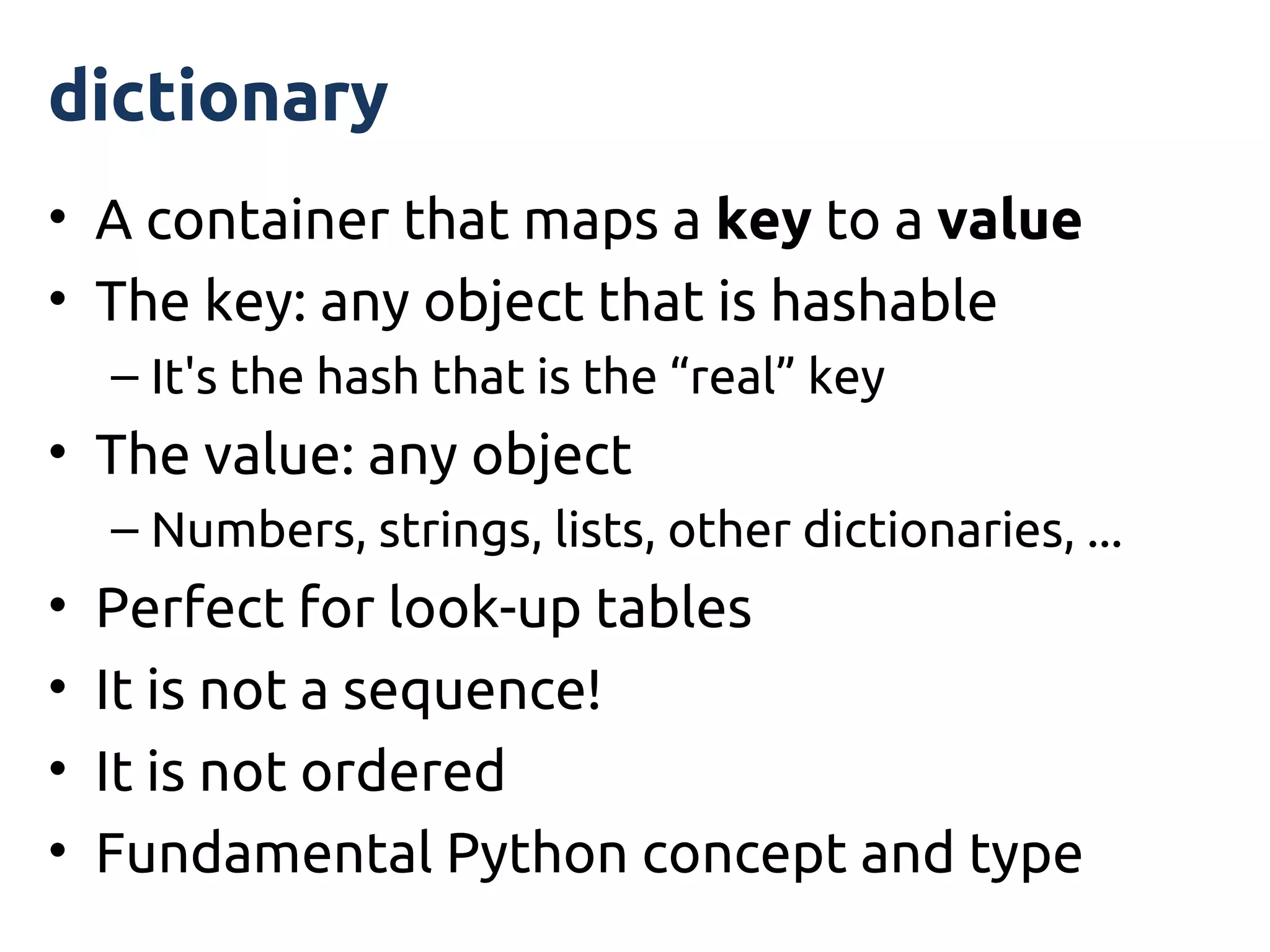
dictionary
• A container that maps a key to a value
• The key: any object that is hashable
    – It's the hash that is the “real” key
• The value: any object
    – Numbers, strings, lists, other dictionaries, ...
•   Perfect for look-up tables
•   It is not a sequence!
•   It is not ordered
•   Fundamental Python concept and type
Working with dictionaries
• Getting values and testing for keys:
  – my_dict[key]
  – my_dict.get(key)
  – my_dict.get(key, default)
  – my_dict.has_key(key)
  – key in my_dict
  – my_dict.keys()
  – my_dict.values()
  – my_dict.items()
Iterating over dictionaries
• Can iterate via keys, values or pairs of (key,
  value)
• Simple example: dict1.py
• Detailed example: dict2.py
From here with dictionaries
• Lots that we didn't mention!
• Python docs have a good overview of:
  – Methods
  – Views
• “Learning Python” and “Hello Python”
  – Detailed coverage of dictionaries
Interlude 3
tuple
• Immutable, ordered sequence
• Tuples are basically immutable lists
• Delimited by round brackets and separated
  by commas
  years = (1940, 1945, 1967, 1968, 1970)


• Remember to use a comma with a tuple
  containing a single object
  numbers = (1.23,)
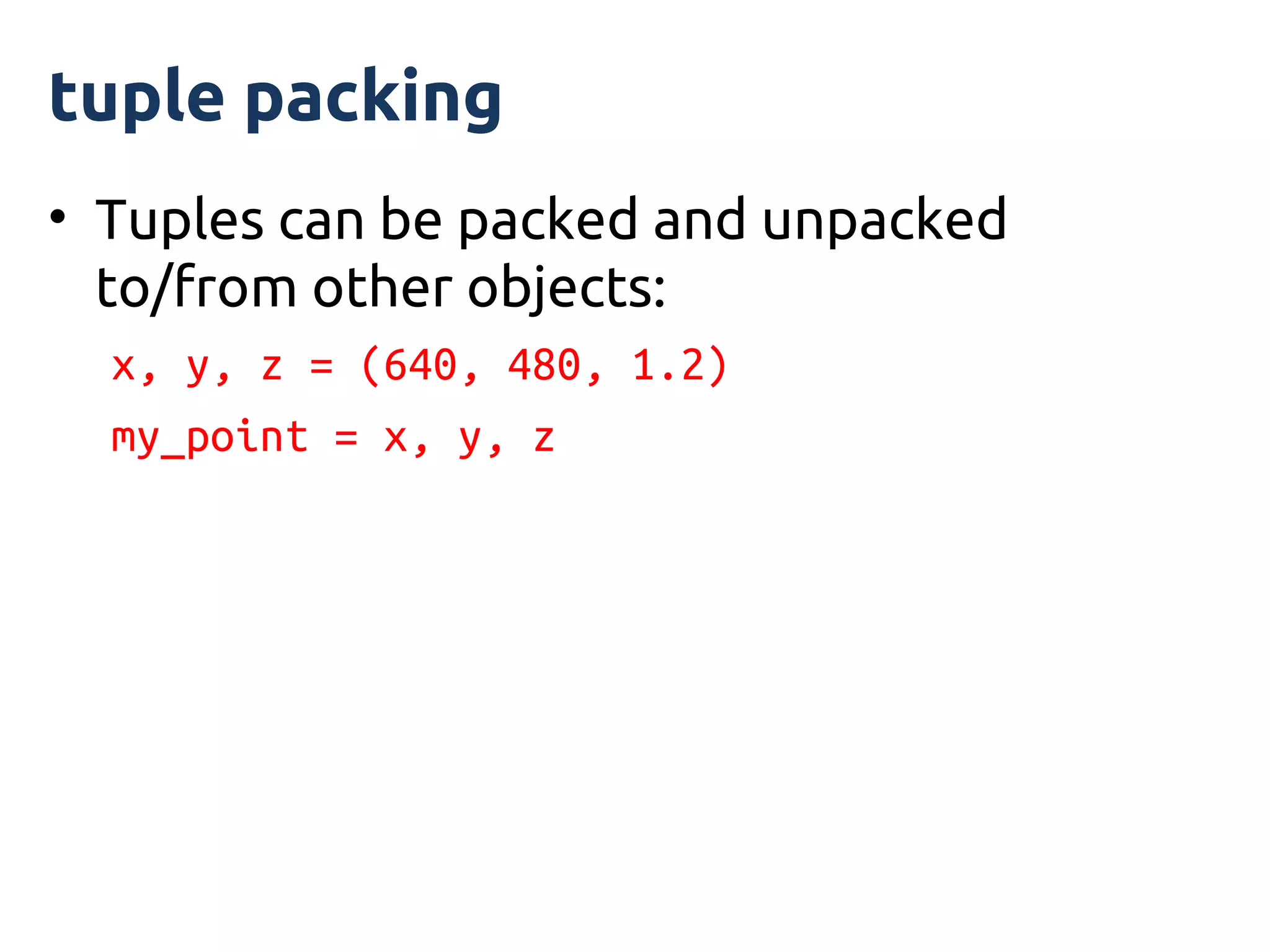
tuple packing
• Tuples can be packed and unpacked
  to/from other objects:
  x, y, z = (640, 480, 1.2)
  my_point = x, y, z
tuple immutability
• The tuple may be immutable
• But objects inside may not!
• Example: tuple1.py
tuples: why bother?
• A limited, read-only kind of list
• Less methods than lists
• But:
  – can pass data around with (more) confidence
  – can use (hashable) tuples as dictionary keys
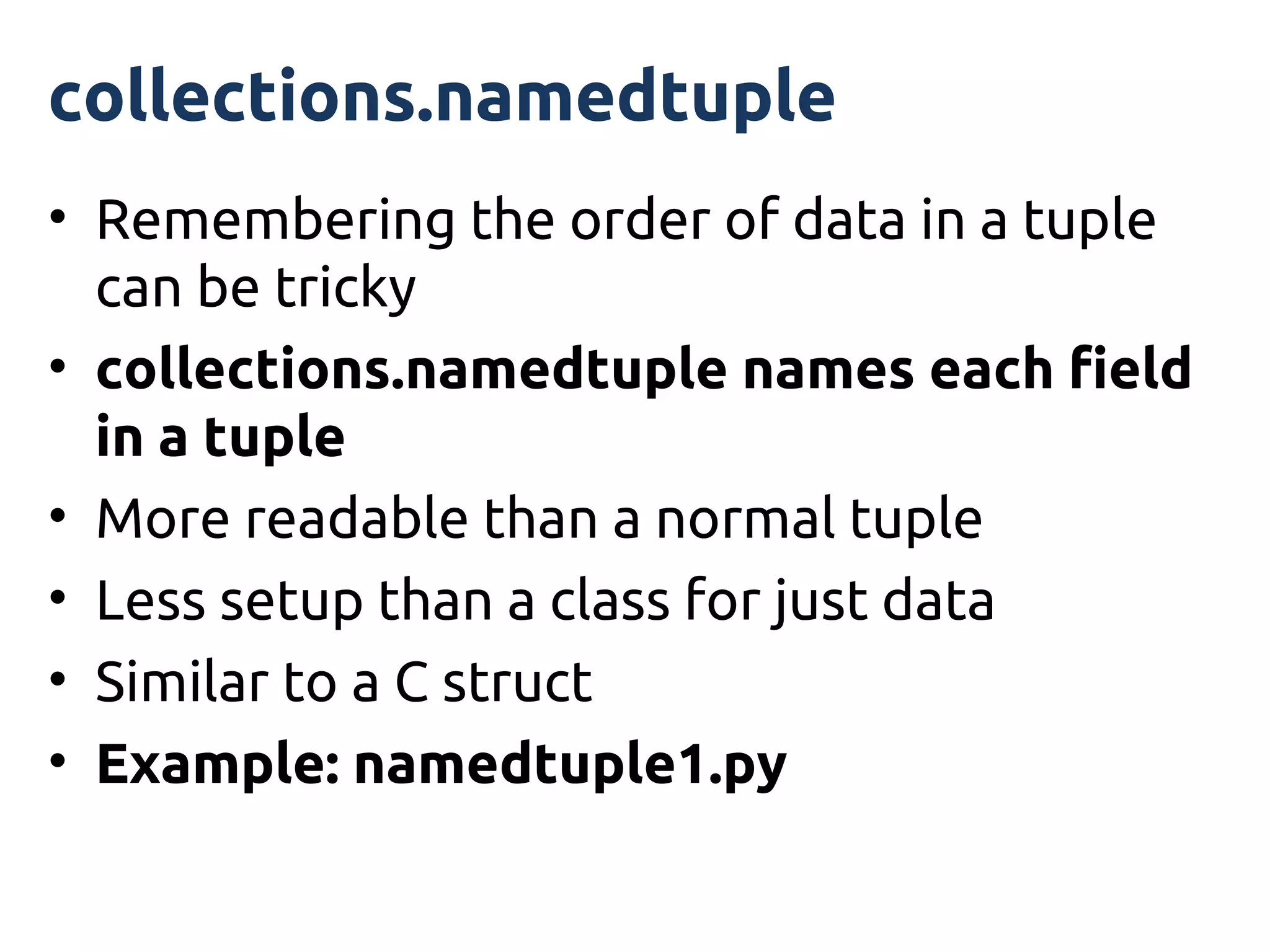
collections.namedtuple
• Remembering the order of data in a tuple
  can be tricky
• collections.namedtuple names each field
  in a tuple
• More readable than a normal tuple
• Less setup than a class for just data
• Similar to a C struct
• Example: namedtuple1.py
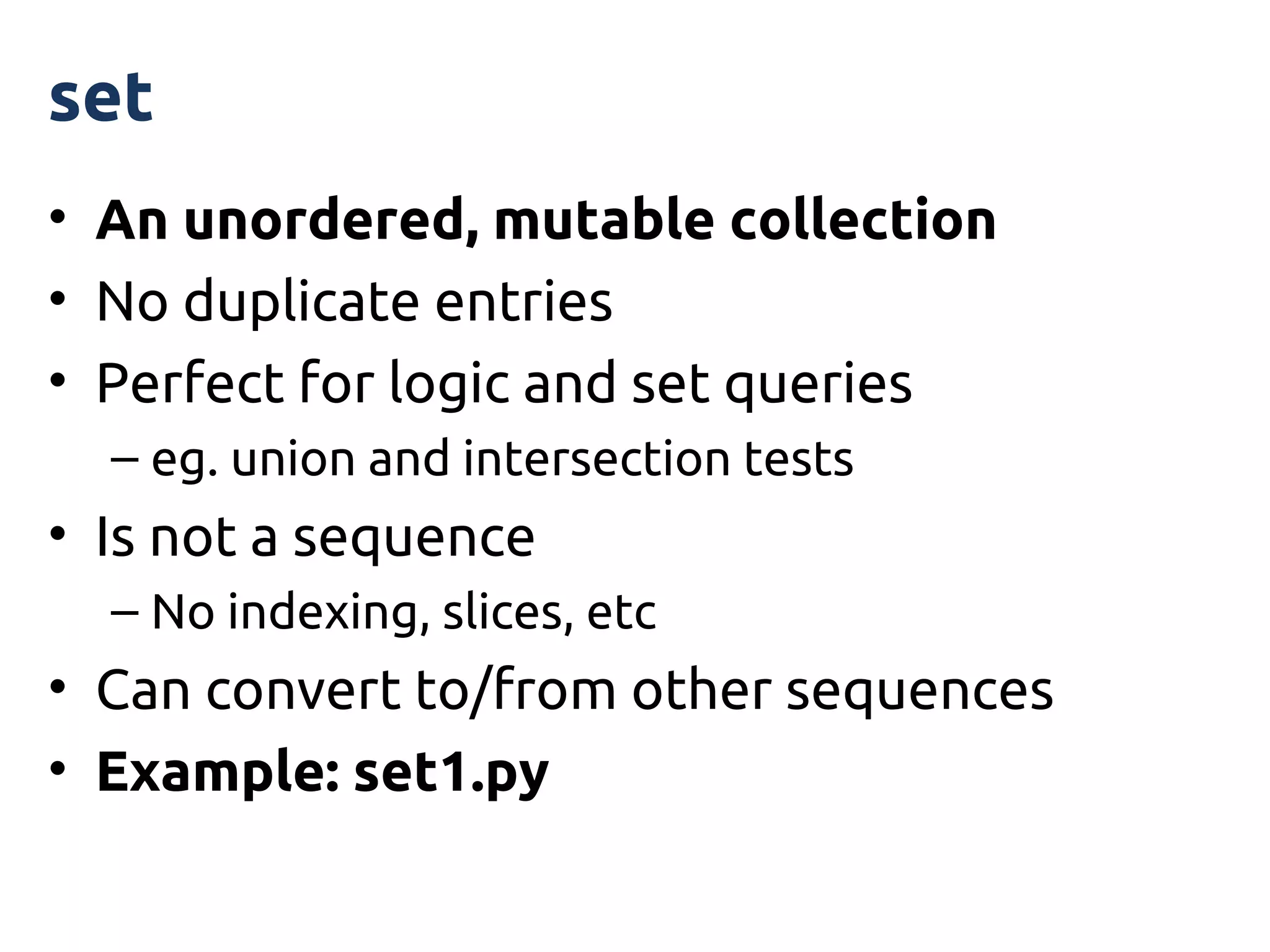
set
• An unordered, mutable collection
• No duplicate entries
• Perfect for logic and set queries
  – eg. union and intersection tests
• Is not a sequence
  – No indexing, slices, etc
• Can convert to/from other sequences
• Example: set1.py
frozenset
• Same as set except it is immutable
• So can be used as a key for dictionaries
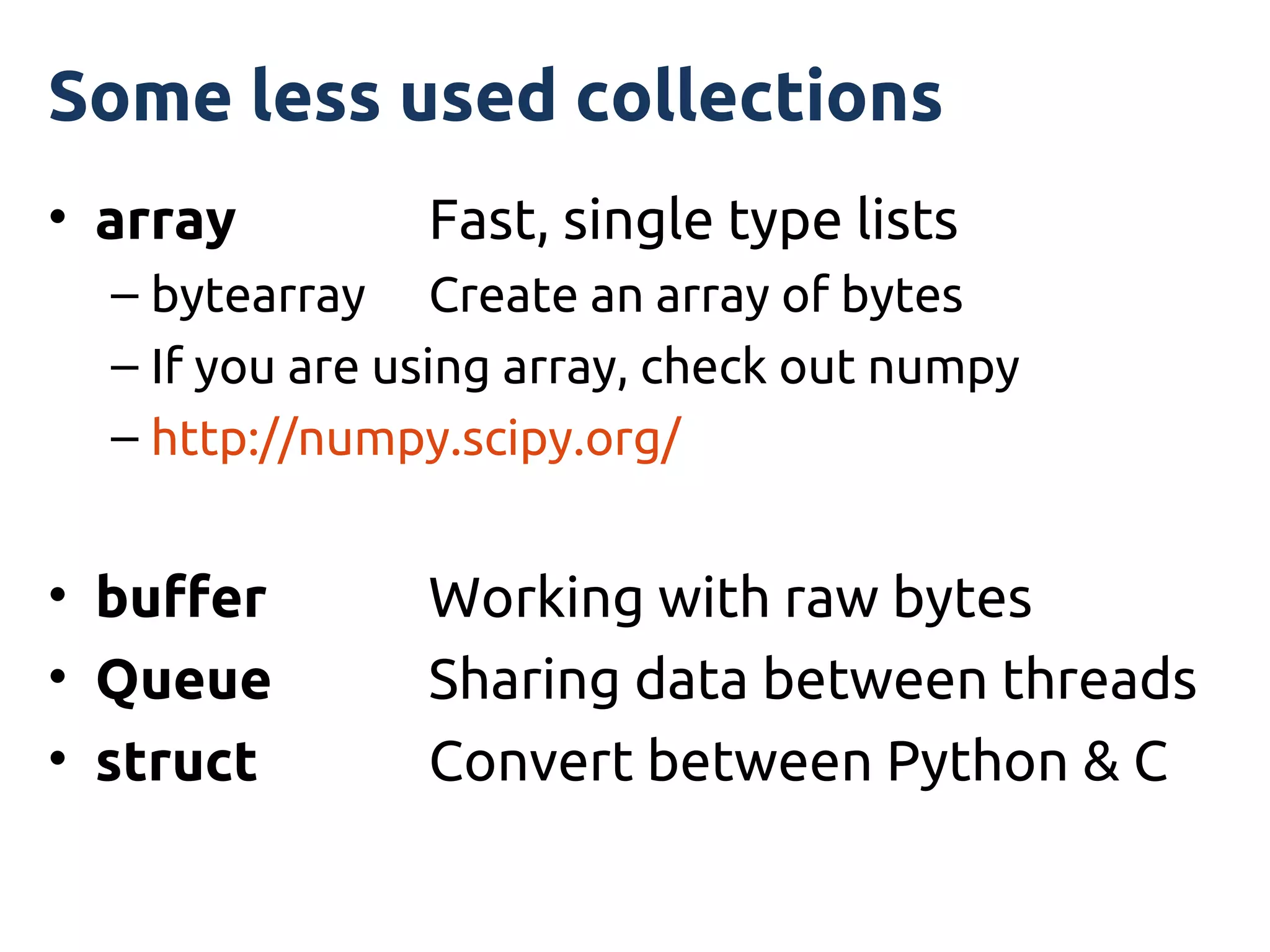
Some less used collections
• array         Fast, single type lists
  – bytearray Create an array of bytes
  – If you are using array, check out numpy
  – http://numpy.scipy.org/


• buffer        Working with raw bytes
• Queue         Sharing data between threads
• struct        Convert between Python & C
Interlude 4
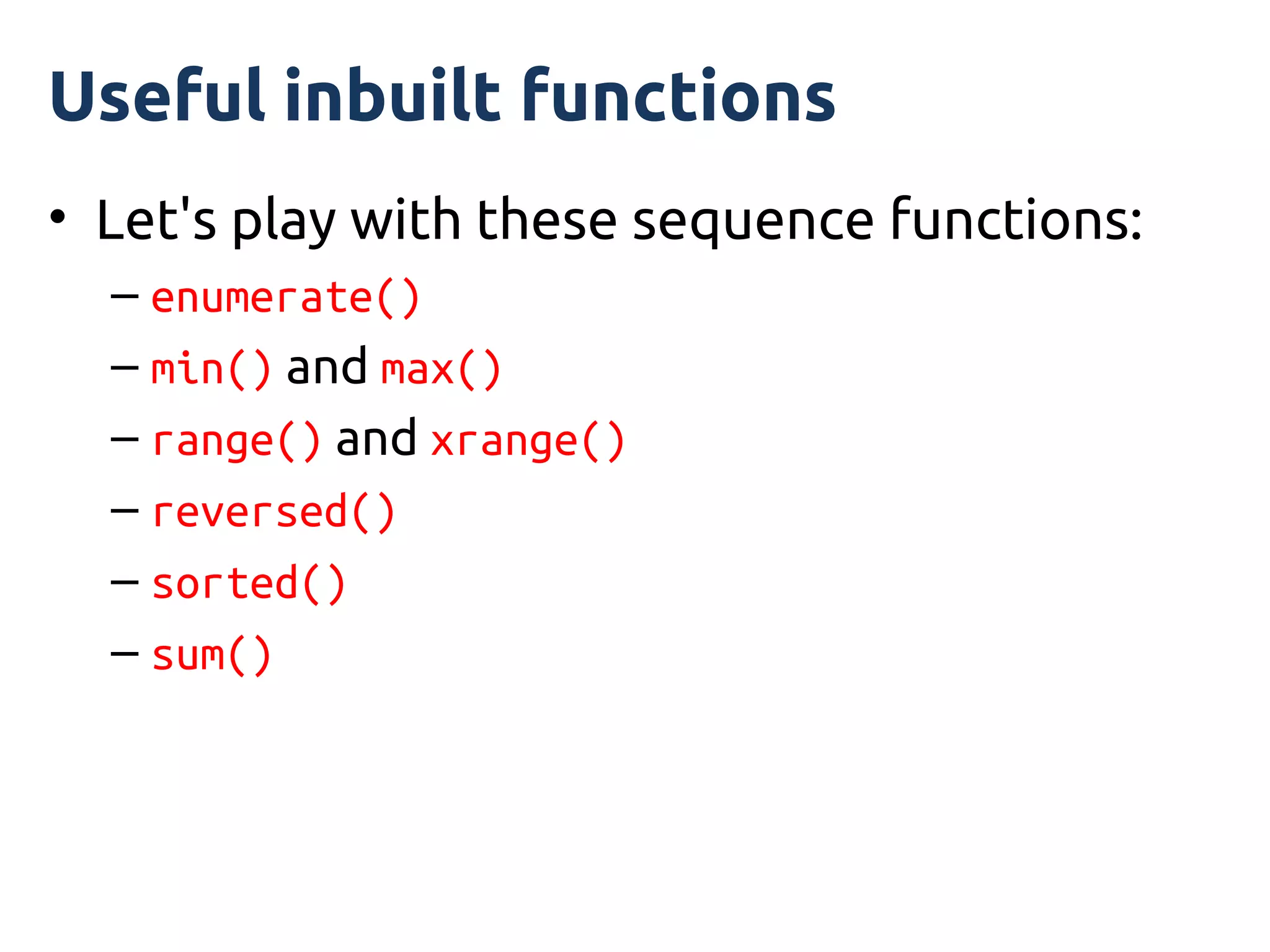
Useful inbuilt functions
• Let's play with these sequence functions:
  – enumerate()
  – min() and max()
  – range() and xrange()
  – reversed()
  – sorted()
  – sum()
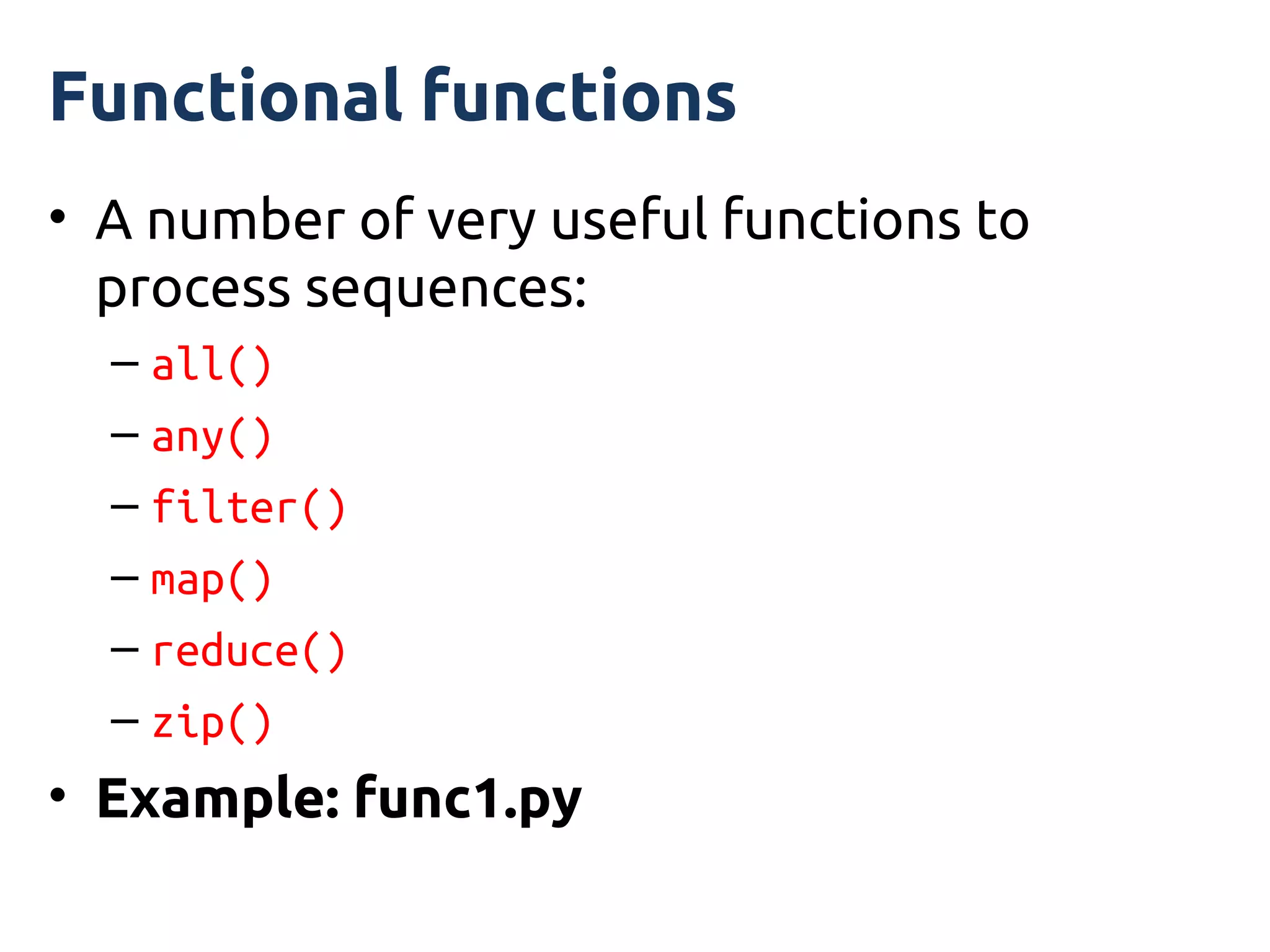
Functional functions
• A number of very useful functions to
  process sequences:
  – all()
  – any()
  – filter()
  – map()
  – reduce()
  – zip()
• Example: func1.py
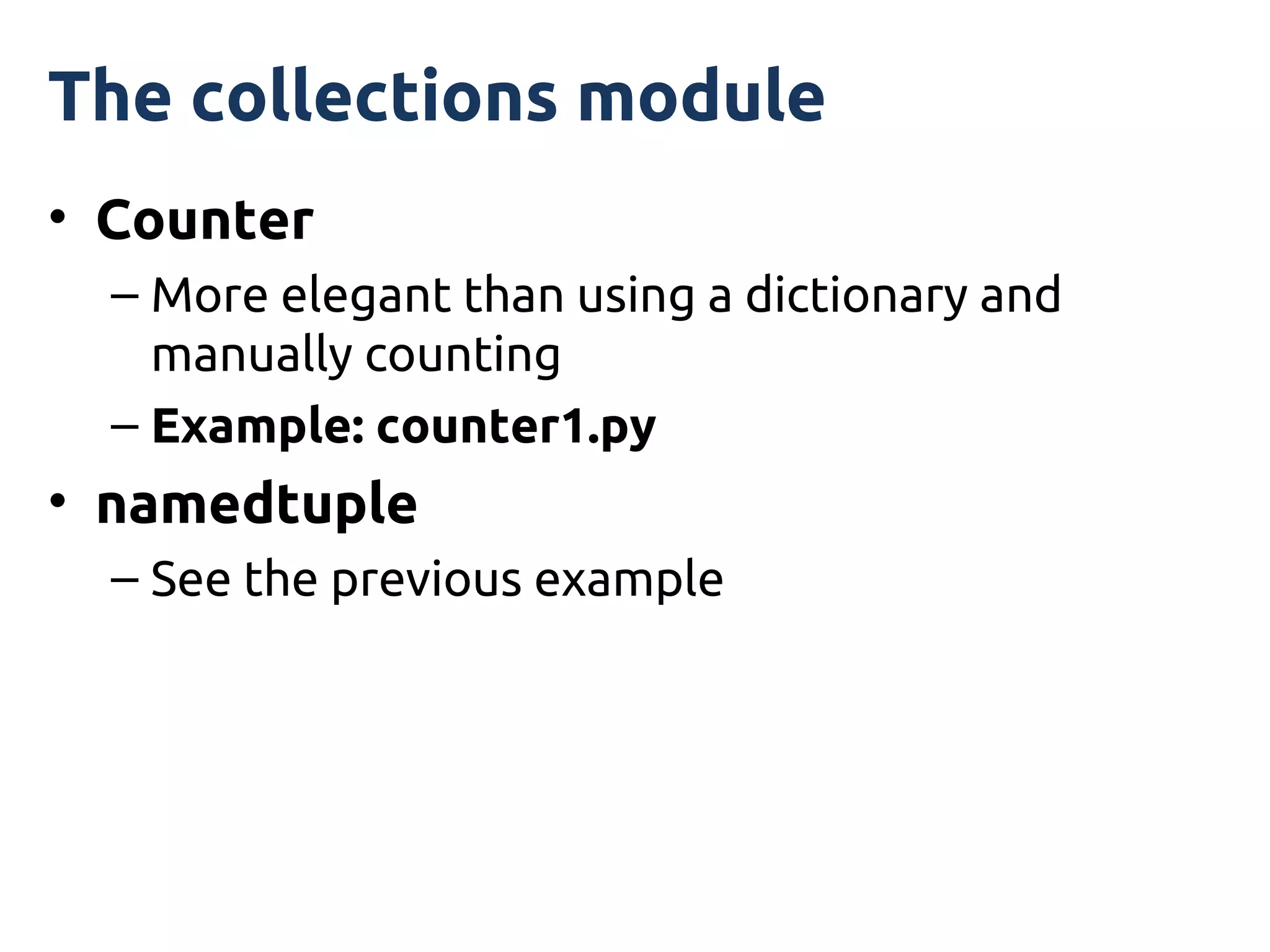
The collections module
• Counter
  – More elegant than using a dictionary and
    manually counting
  – Example: counter1.py
• namedtuple
  – See the previous example
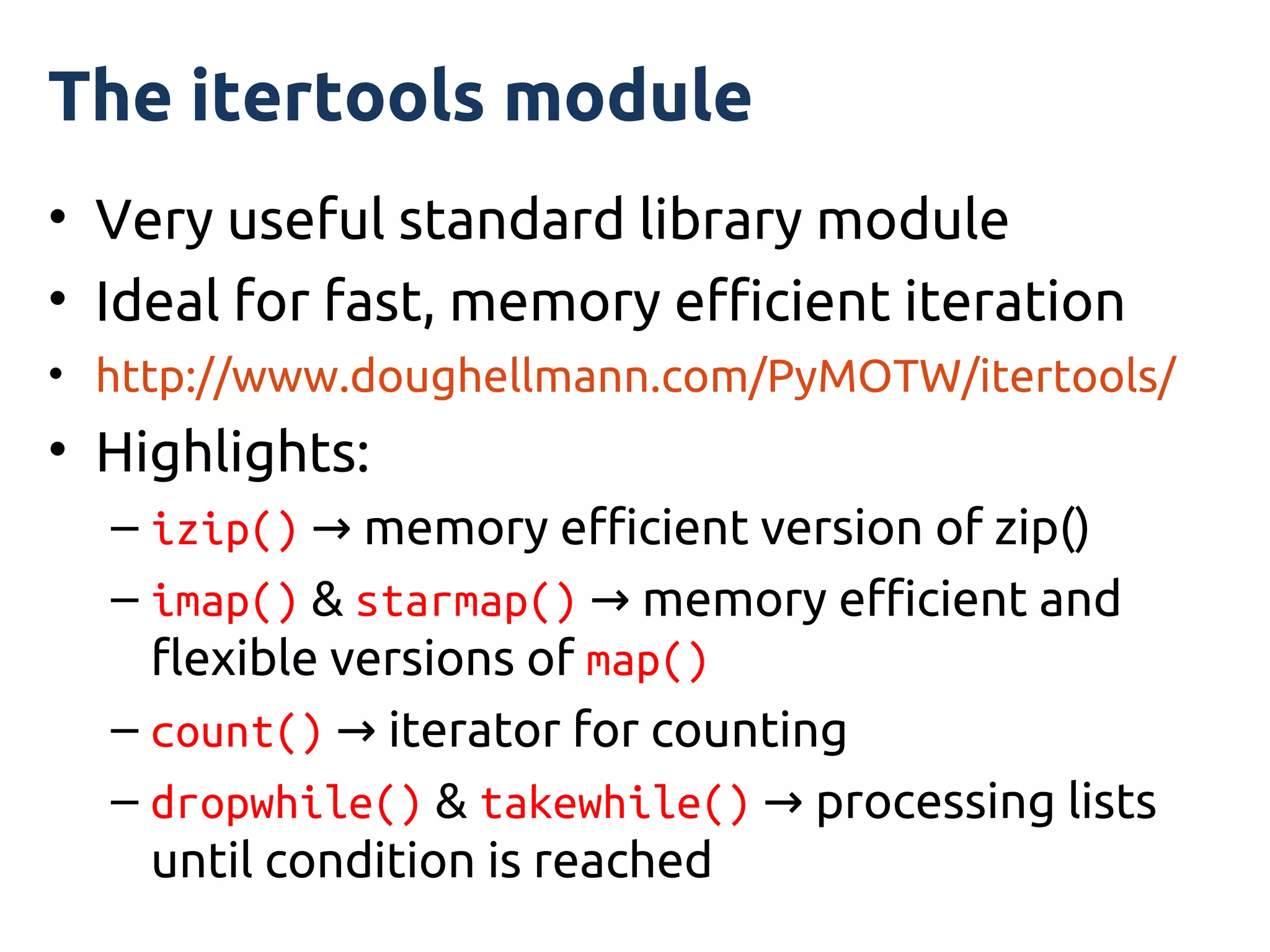
The itertools module
• Very useful standard library module
• Ideal for fast, memory efficient iteration
• http://www.doughellmann.com/PyMOTW/itertools/
• Highlights:
  – izip() → memory efficient version of zip()
  – imap() & starmap() → memory efficient and
    flexible versions of map()
  – count() → iterator for counting
  – dropwhile() & takewhile() → processing lists
    until condition is reached
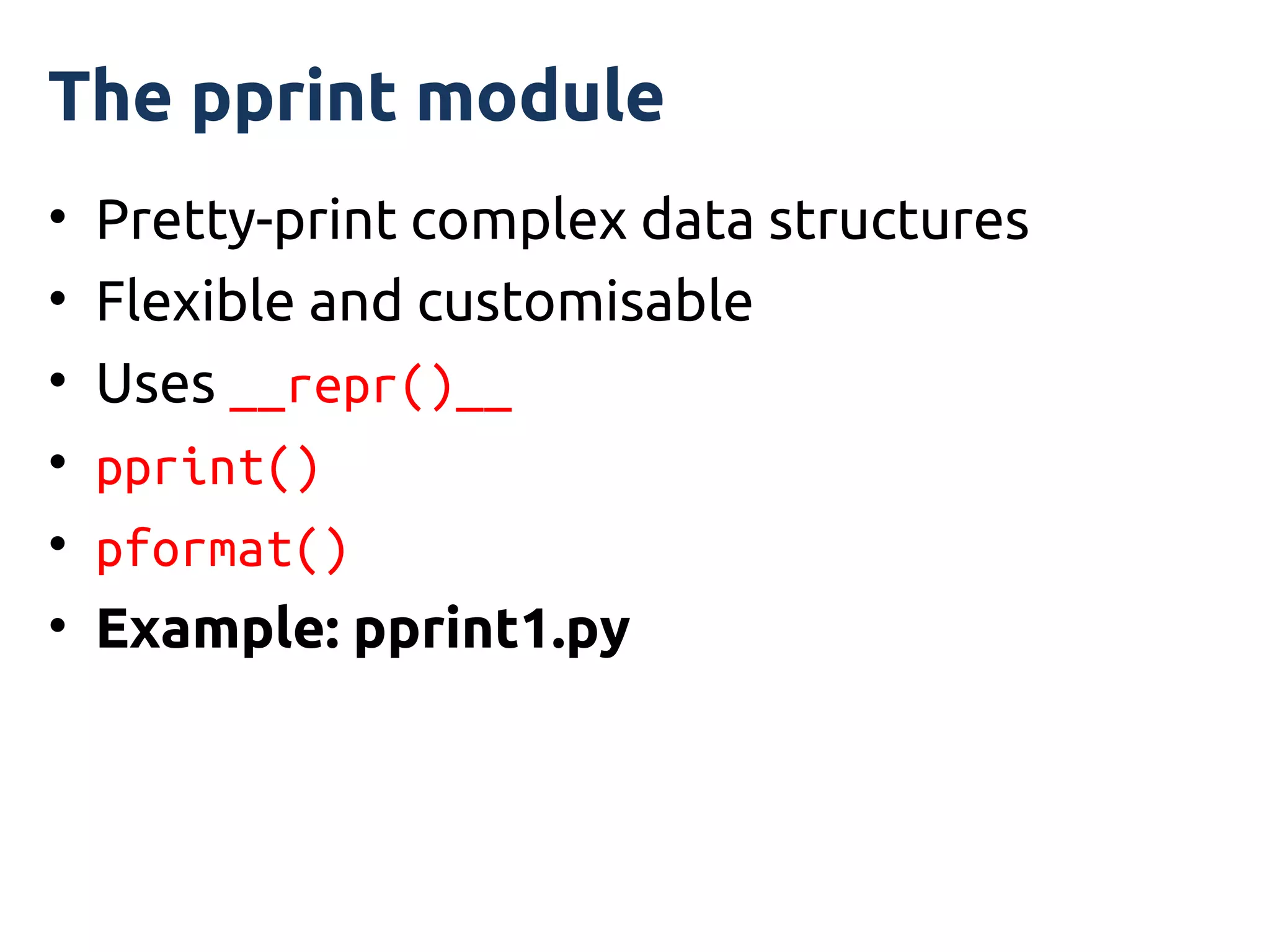
The pprint module
•   Pretty-print complex data structures
•   Flexible and customisable
•   Uses __repr()__
•   pprint()
•   pformat()
•   Example: pprint1.py
Interlude 5
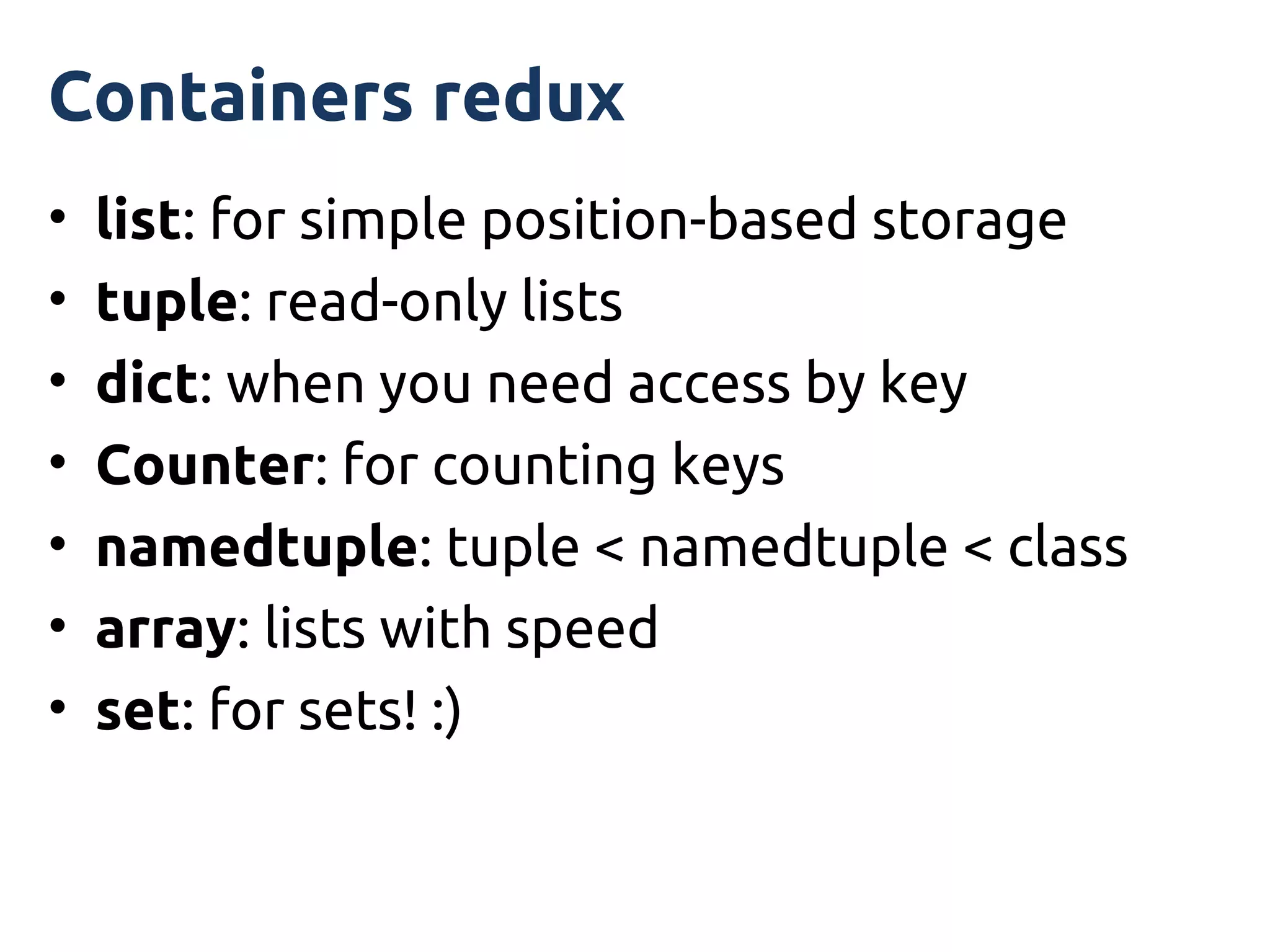
Containers redux
•   list: for simple position-based storage
•   tuple: read-only lists
•   dict: when you need access by key
•   Counter: for counting keys
•   namedtuple: tuple < namedtuple < class
•   array: lists with speed
•   set: for sets! :)
For more information...
• The Python tutorial
  – http://python.org/
• Python Module of the Week
  – http://www.doughellmann.com/PyMOTW/
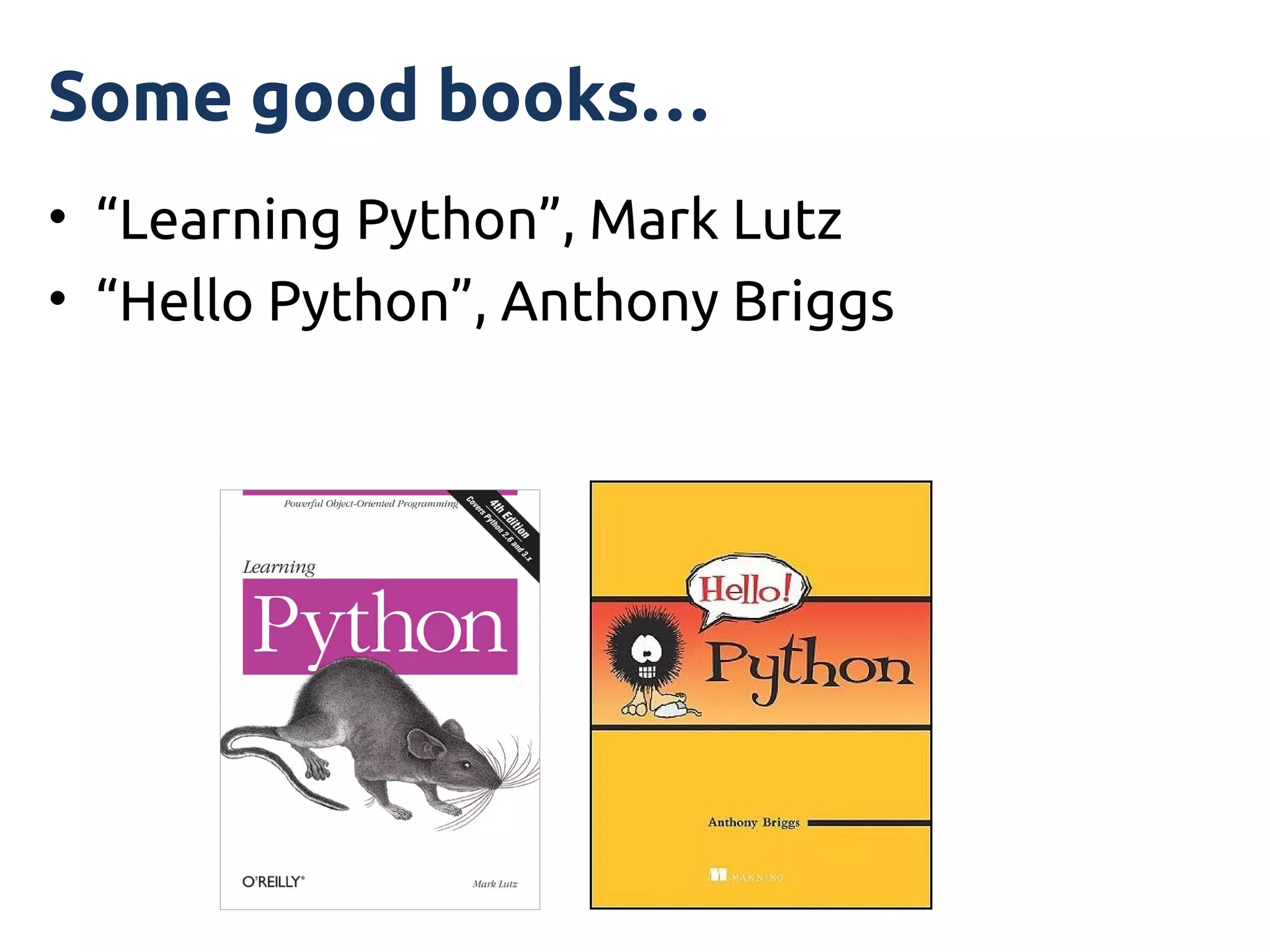
Some good books…
• “Learning Python”, Mark Lutz
• “Hello Python”, Anthony Briggs

Processing data with Python, using standard library modules you (probably) never knew about

  • 1.
    Processing data withPython using standard library modules you (probably) never knew about PyCon AU 2012 Tutorial Graeme Cross
  • 2.
    This is anintroduction to… • Python's data containers • Choosing the best container for the job • Iterators and comprehensions • Useful modules for working with data
  • 3.
    I am assuming… •You know how to program (at least a bit!) • Some familiarity with Python basics • Python 2.7 (but not Python 3) – Note: the examples work with Python 2.7 – Some won't work with Python 2.6
  • 4.
    Along the way,we will… • Check out the AFL ladder • Count yearly winners of the Sheffield Shield • Parlez-vous Français? • Find the suburb that uses the most water • Use set theory on the X-Men • Analyse Olympic medal results
  • 5.
    The examples andthese notes • We will use a number of demo scripts – This is an interactive tutorial – If you have a laptop, join in! – We will use ipython for the demos • Code is on USB sticks being passed around • Code & these notes are also at: http://www.curiousvenn.com/
  • 6.
    ipython • A veryflexible Python shell • Works on all platforms • Lots of really nice features: – Command line editing with history – Coloured syntax – Edit and run within the shell – Web notebooks, Visual Studio, Qt, … – %lsmagic • http://ipython.org/ http://ipython.org/presentation.html
  • 7.
  • 8.
    Simple Python datatypes • Numbers answer = 42 pi = 3.141592654 • Boolean exit_flag = True winning = False • Strings my_name = "Malcolm Reynolds"
  • 9.
    Python data containers •Can hold more than one object • Have a consistent interface between different types of containers • Fundamental to working in Python
  • 10.
    Python sequences • A container that is ordered by position • Store and access objects by position • Python has 7 fundamental sequence types • Examples include: – string – list – tuple
  • 11.
    Fundamental sequence opreations Name Purpose x in s True if the object x is in the sequence s x not in s True if the object x is NOT in the sequence s s + t Concatenate two sequences s * n Concatentate sequence s n times s[i] Return the object in sequence s at position i s[i:j] Return a slice of objects in the sequence s from position i s[i:j:k] to j Can have an optional step value, k len(s) Return the number of objects in the sequence s s.index(x) Return the index of the first occurrence of x in the sequence s s.count(x) Return the number of occurrences of x in the sequence s min(s), max(s) Return smallest or largest element in sequence s
  • 12.
    The string type •A string is a sequence of characters • Strings are delimited by quotes (' or ") my_name = "Buffy" her_name = 'Dawn' • Strings are immutable – You can't assign to a position
  • 13.
    string positions • Thesequence starts at position 0 • Use location[n] to access the character at position n from the start, first = 0 • Use location[-n] to access the character that is at position n from the end, last = -1
  • 14.
    string position example •A string with 26 characters • Positions index from 0 to 25 location = "Arkham Asylum, Gotham City" location[0]  'A' location[15]  'G' location[25] or location[-1]  'y' location[-4]  'C'
  • 15.
    string position slices •You can return a substring by slicing with two positions • For example, return the string from position 15 up to (but not including) position 21 location = "Arkham Asylum, Gotham City" location[15]  'G' location[20]  'm' location[15:21]  Gotham'
  • 16.
    Useful string functions& methods Name Purpose len(s) Calculate the length of the string s + Add two strings together * Repeat a string s.find(x) Find the first position of x in the string s s.count(x) Count the number of times x is in the string s s.upper() Return a new string that is all uppercase or s.lower() lowercase s.replace(x, y) Return a new string that has replaced the substring x with the new substring y s.strip() Return a new string with whitespace stripped from the ends s.format() Format a string's contents
  • 17.
  • 18.
    Iterating through astring • You can visit each character in a string • This process is called iteration • The 'for' keyword is used to step or iterate through a sequence • Example: string2.py
  • 19.
    From here… • Wedidn't mention: – Unicode – The "is" methods, such as islower() – Splitting and joining strings – that's coming! – Different ways of formatting strings – Strings from files, internet data, XML, JSON,… • The string module • The re module – Regular expression pattern matching
  • 20.
  • 21.
    list • A simplesequence of objects • Just like a string… – All the methods you have already learnt work • Except… – It is mutable (you can change the contents) – Not just for characters • Objects separated by commas • Wrapped inside square brackets
  • 22.
    Useful list functions& methods Name Purpose len(x) Calculate the length of the list x x.append(y) Add the object y to the end of the list x x.extend(y) Extend the list x with the contents of the list y x.insert(n, y) Insert object y into the list x before position n x.pop() Remove and return the first object in the list x.pop(n) Remove and return the object at position n x.count(y) Count the number of times object y is in the list x.sort() Sorts the list x in-place sorted(x) Returns sorted version of x (does not change x) x.reverse() Reverses the list x in-place
  • 23.
    Some list demos Examples:list1.py → list4.py
  • 24.
    list iteration • Sameconcept as string iteration • Example: list5.py
  • 25.
    list of lists •A list can hold any other object • This includes other lists • Example: lol.py
  • 26.
    list comprehensions • Acompact way to create a list • Build the list by applying an expression to each element in a sequence • Can contain logic and function calls • Uses square brackets (list) • Syntax: [output_func(var) for var in input_list if predicate]
  • 27.
    list comprehension advantages •Focus is on the logic, not loop mechanics • Less code, more readable code • Can nest comprehensions, keeping logic in a single place • Easier to map algorithm to working code • Widely used in Python (and many other languages, especially functional languages)
  • 28.
    list comprehension examples •Some simple examples: single_digits = [n for n in range(10)] squares = [x*x for x in range(10)] even_sq = [i*i for i in squares if i%2 == 0] • Example: comp1.py
  • 29.
    list traps • Copying→ actually copying references • Passing lists in to functions/methods
  • 30.
  • 31.
    dictionary • A containerthat maps a key to a value • The key: any object that is hashable – It's the hash that is the “real” key • The value: any object – Numbers, strings, lists, other dictionaries, ... • Perfect for look-up tables • It is not a sequence! • It is not ordered • Fundamental Python concept and type
  • 32.
    Working with dictionaries •Getting values and testing for keys: – my_dict[key] – my_dict.get(key) – my_dict.get(key, default) – my_dict.has_key(key) – key in my_dict – my_dict.keys() – my_dict.values() – my_dict.items()
  • 33.
    Iterating over dictionaries •Can iterate via keys, values or pairs of (key, value) • Simple example: dict1.py • Detailed example: dict2.py
  • 34.
    From here withdictionaries • Lots that we didn't mention! • Python docs have a good overview of: – Methods – Views • “Learning Python” and “Hello Python” – Detailed coverage of dictionaries
  • 35.
  • 36.
    tuple • Immutable, orderedsequence • Tuples are basically immutable lists • Delimited by round brackets and separated by commas years = (1940, 1945, 1967, 1968, 1970) • Remember to use a comma with a tuple containing a single object numbers = (1.23,)
  • 37.
    tuple packing • Tuplescan be packed and unpacked to/from other objects: x, y, z = (640, 480, 1.2) my_point = x, y, z
  • 38.
    tuple immutability • Thetuple may be immutable • But objects inside may not! • Example: tuple1.py
  • 39.
    tuples: why bother? •A limited, read-only kind of list • Less methods than lists • But: – can pass data around with (more) confidence – can use (hashable) tuples as dictionary keys
  • 40.
    collections.namedtuple • Remembering theorder of data in a tuple can be tricky • collections.namedtuple names each field in a tuple • More readable than a normal tuple • Less setup than a class for just data • Similar to a C struct • Example: namedtuple1.py
  • 41.
    set • An unordered,mutable collection • No duplicate entries • Perfect for logic and set queries – eg. union and intersection tests • Is not a sequence – No indexing, slices, etc • Can convert to/from other sequences • Example: set1.py
  • 42.
    frozenset • Same asset except it is immutable • So can be used as a key for dictionaries
  • 43.
    Some less usedcollections • array Fast, single type lists – bytearray Create an array of bytes – If you are using array, check out numpy – http://numpy.scipy.org/ • buffer Working with raw bytes • Queue Sharing data between threads • struct Convert between Python & C
  • 44.
  • 45.
    Useful inbuilt functions •Let's play with these sequence functions: – enumerate() – min() and max() – range() and xrange() – reversed() – sorted() – sum()
  • 46.
    Functional functions • Anumber of very useful functions to process sequences: – all() – any() – filter() – map() – reduce() – zip() • Example: func1.py
  • 47.
    The collections module •Counter – More elegant than using a dictionary and manually counting – Example: counter1.py • namedtuple – See the previous example
  • 48.
    The itertools module •Very useful standard library module • Ideal for fast, memory efficient iteration • http://www.doughellmann.com/PyMOTW/itertools/ • Highlights: – izip() → memory efficient version of zip() – imap() & starmap() → memory efficient and flexible versions of map() – count() → iterator for counting – dropwhile() & takewhile() → processing lists until condition is reached
  • 49.
    The pprint module • Pretty-print complex data structures • Flexible and customisable • Uses __repr()__ • pprint() • pformat() • Example: pprint1.py
  • 50.
  • 51.
    Containers redux • list: for simple position-based storage • tuple: read-only lists • dict: when you need access by key • Counter: for counting keys • namedtuple: tuple < namedtuple < class • array: lists with speed • set: for sets! :)
  • 52.
    For more information... •The Python tutorial – http://python.org/ • Python Module of the Week – http://www.doughellmann.com/PyMOTW/
  • 53.
    Some good books… •“Learning Python”, Mark Lutz • “Hello Python”, Anthony Briggs