Join the conversation #AU2017Join the conversation #AU2017
Turn Revit Data into useful information with
visualization techniques and workflows
Valentin Noves
BIM Project Manager
Valentin Noves is a BIM project manager at ENGworks, where
he leads teams on medium and large scale international projects
and provides support on geometric rationalization, programmatic
solutions, development of computational workflows for
interoperability and MEP analysis. He has continued to push the
boundaries of technology focusing on computational design and
BIM to deliver buildings in ways that improves current working
methods; from rationalizing geometrically complex buildings to
workflow automation. He is a Revit certified professional and a
Lean Manager Certified Professional by the AGC
Valentin.noves@engworks.com
@valenovesl
Valentin Noves
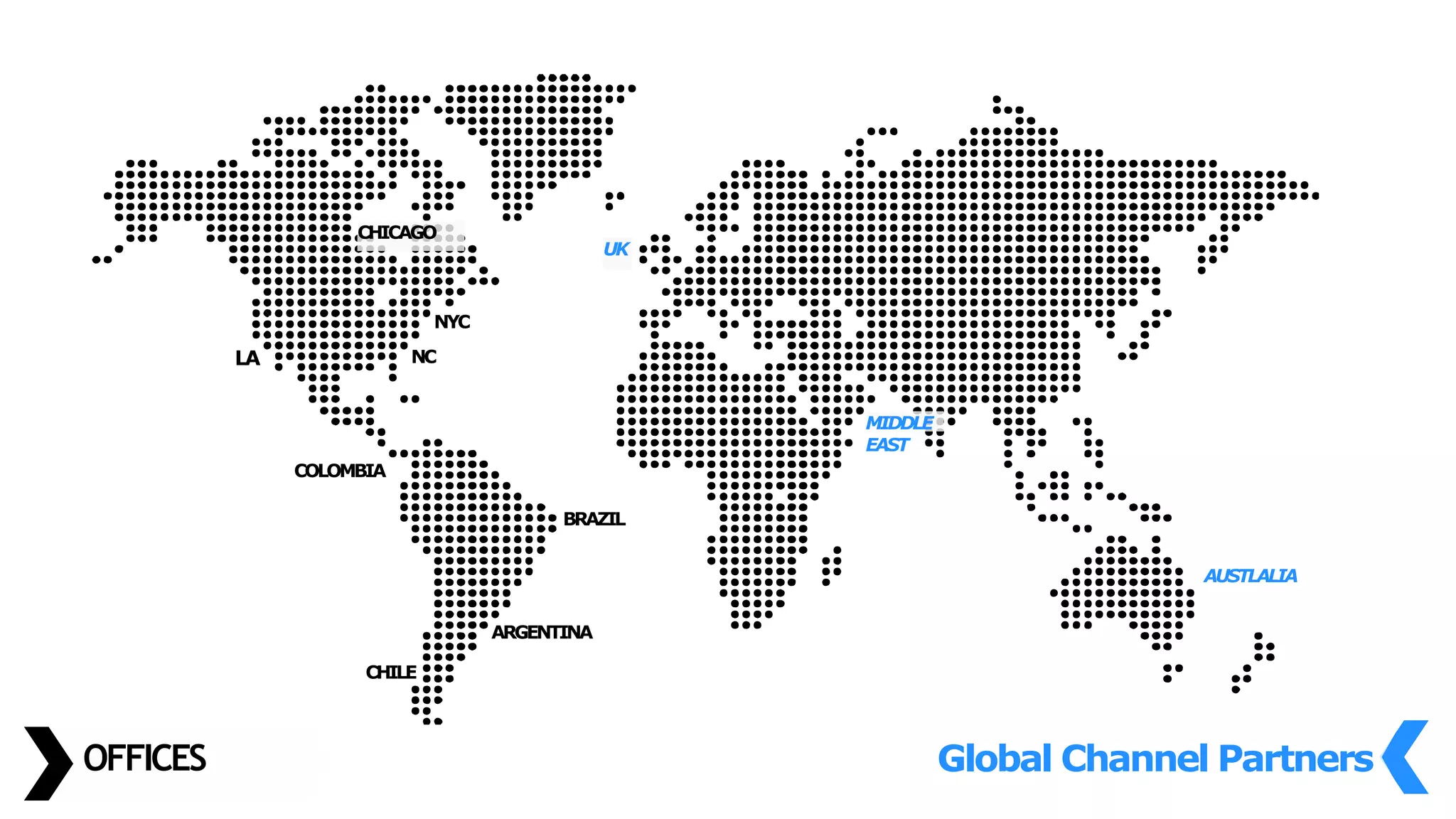
OFFICES
LA
CHICAGO
CHILE
ARGENTINA
BRAZIL
COLOMBIA
Global Channel Partners
UK
MIDDLE
EAST
AUSTLALIA
NYC
NC
Owners /
Operators
Architects
Civil & Structural Engineers
MEP Contractors
General
Contractors
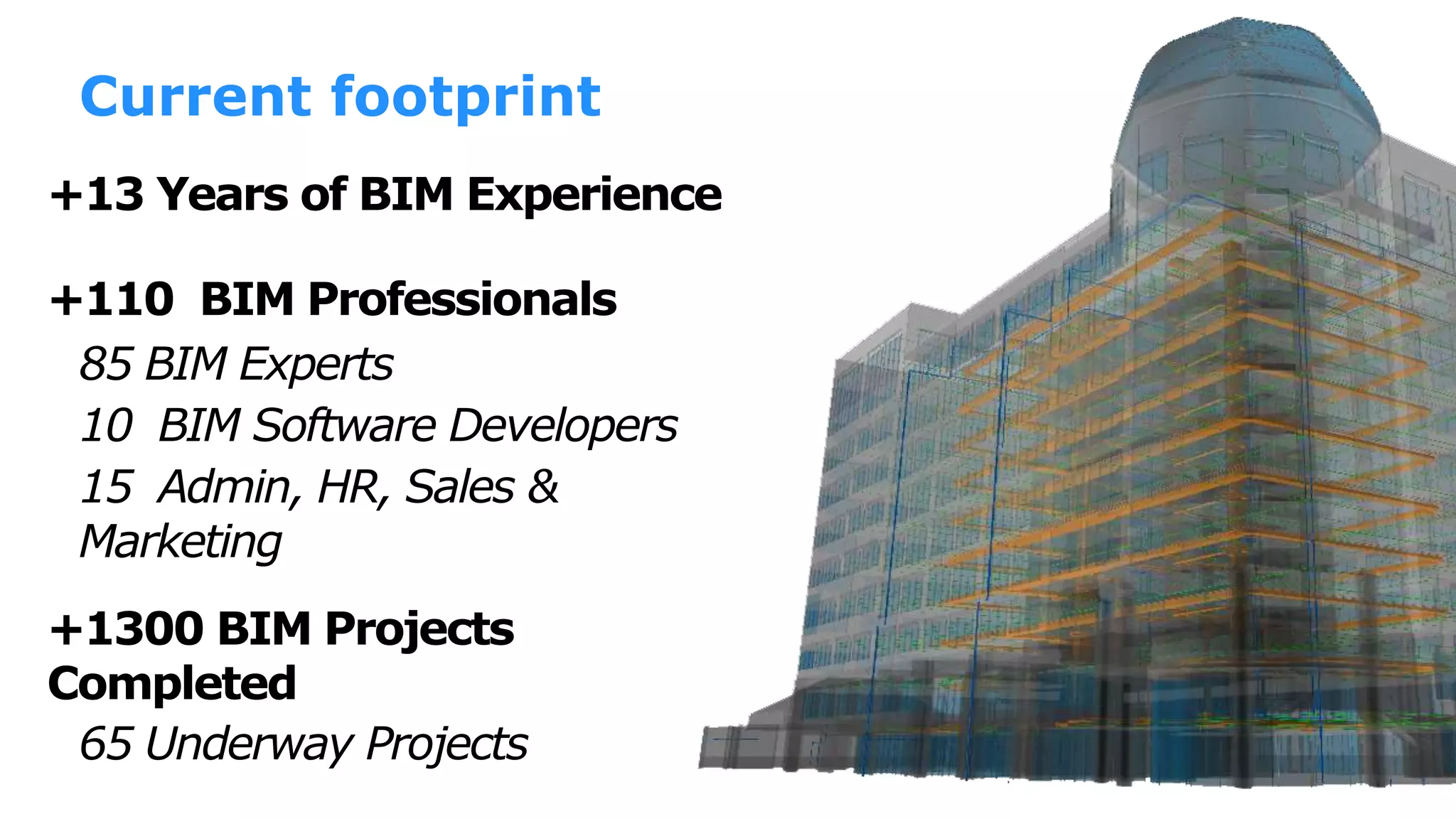
+13 Years of BIM Experience
+1300 BIM Projects
Completed
+110 BIM Professionals
65 Underway Projects
85 BIM Experts
10 BIM Software Developers
15 Admin, HR, Sales &
Marketing
Current footprint
Who are you?
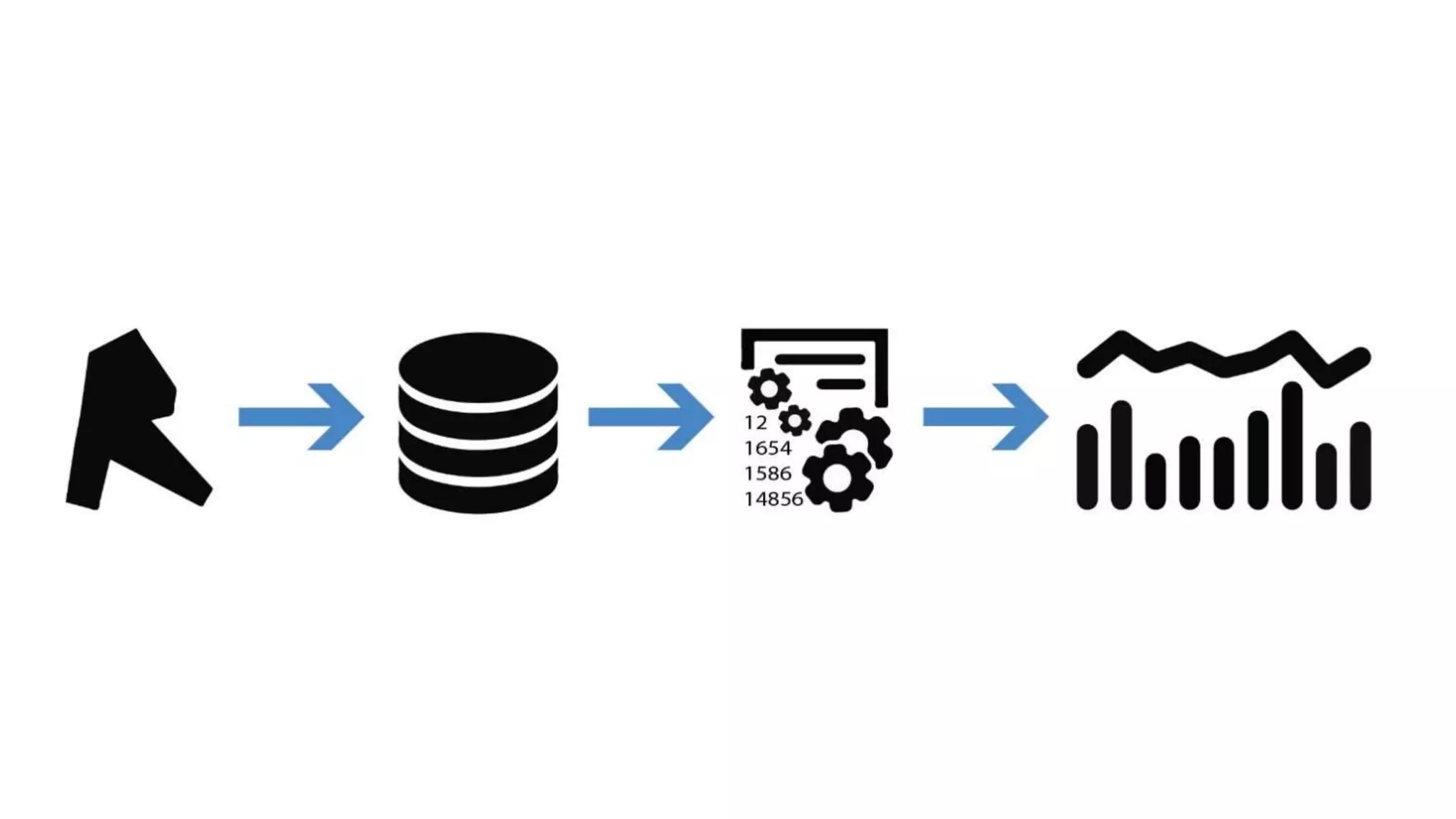
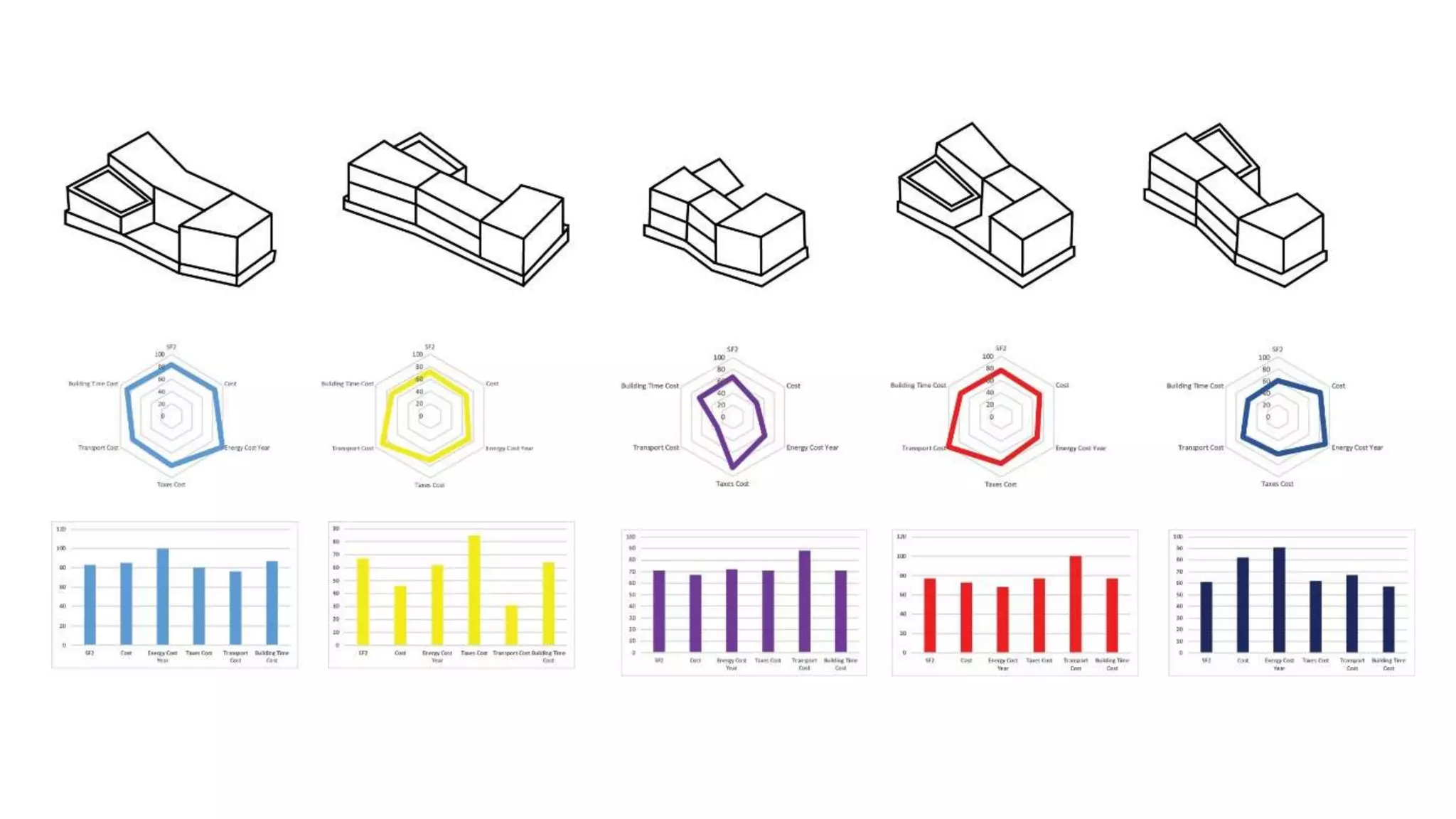
 Learn about the potential of data coming from Revit.
 Learn about best ways to extract Revit data.
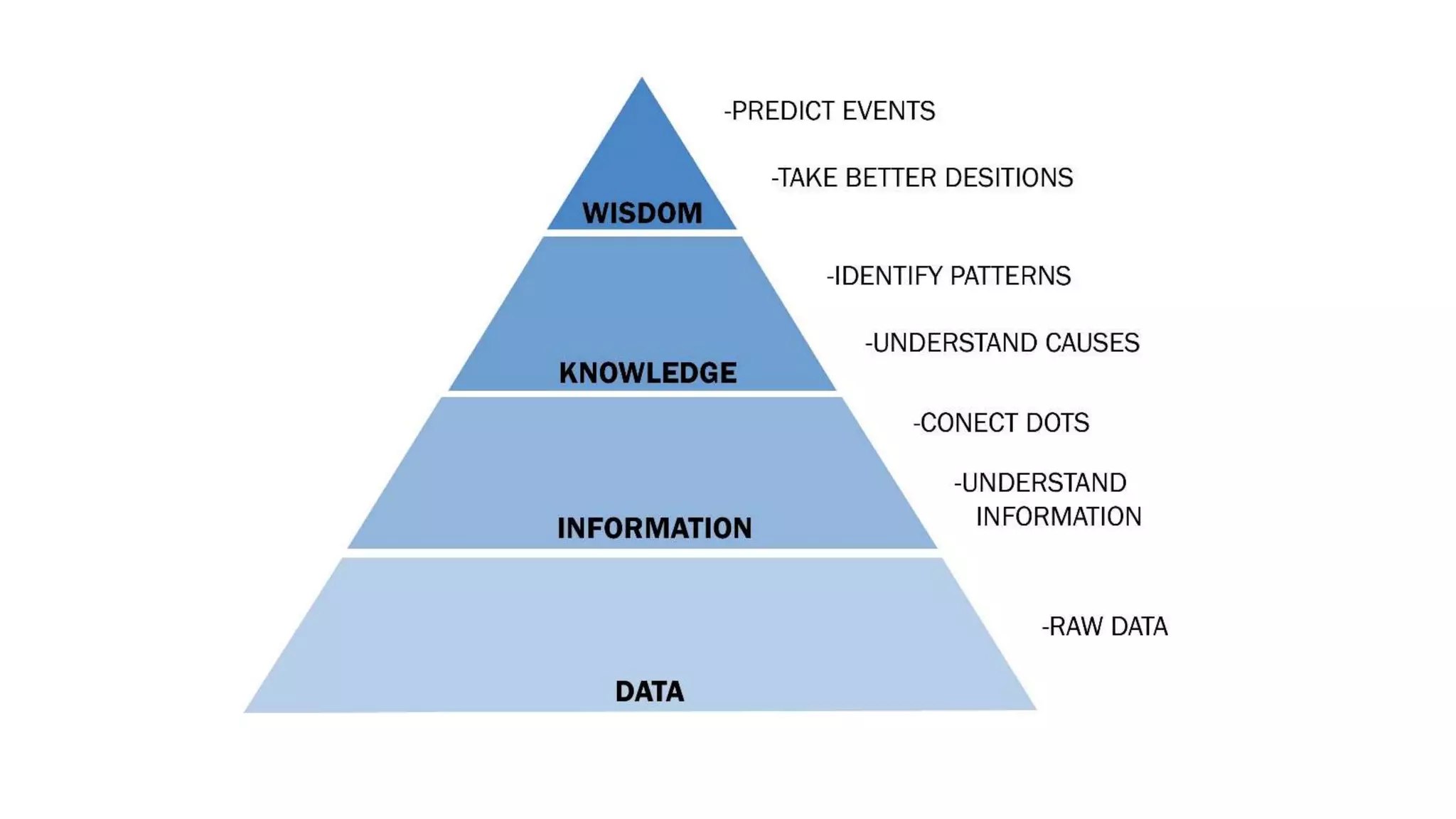
 How to transform Revit Data into useful information.
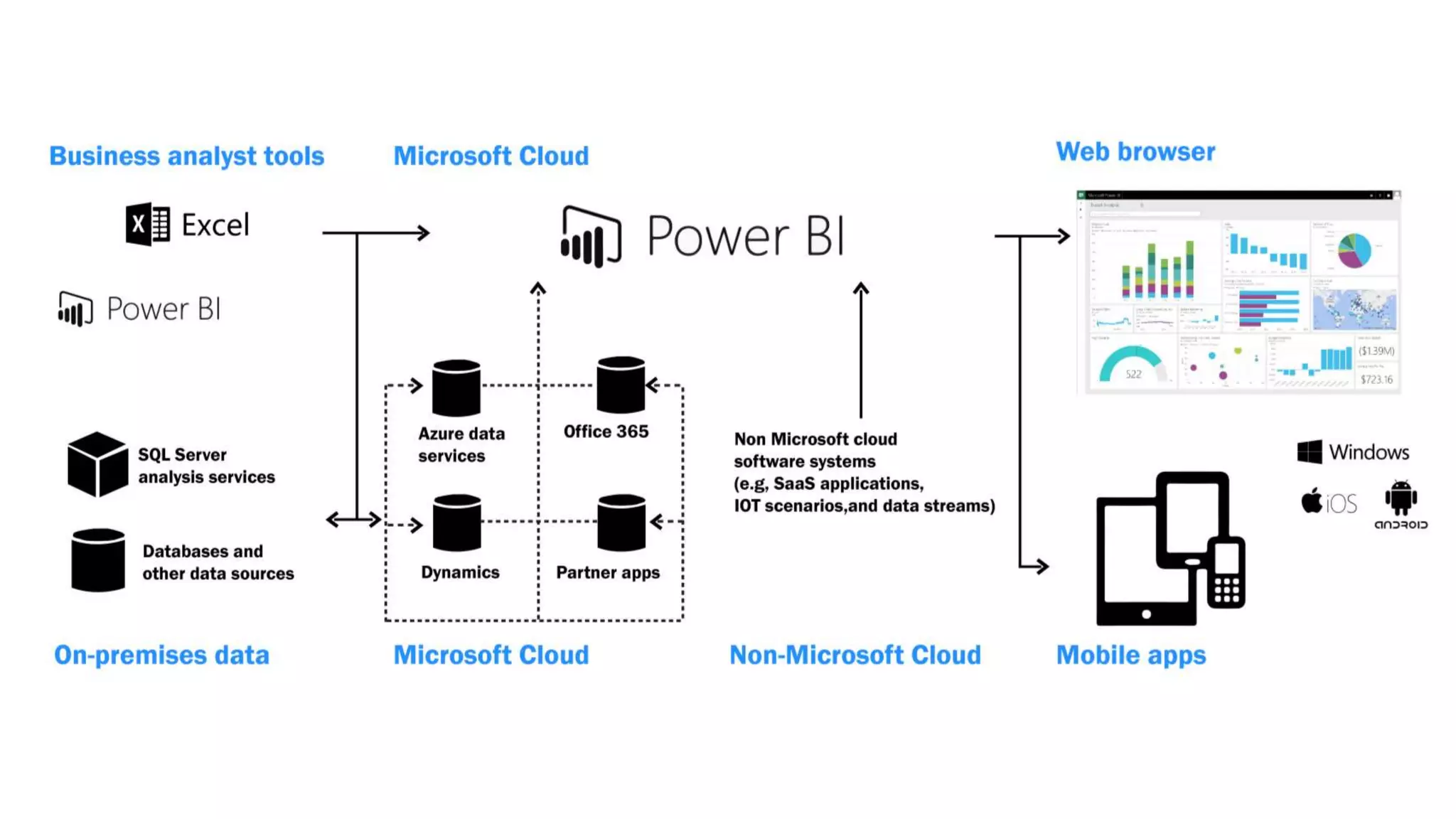
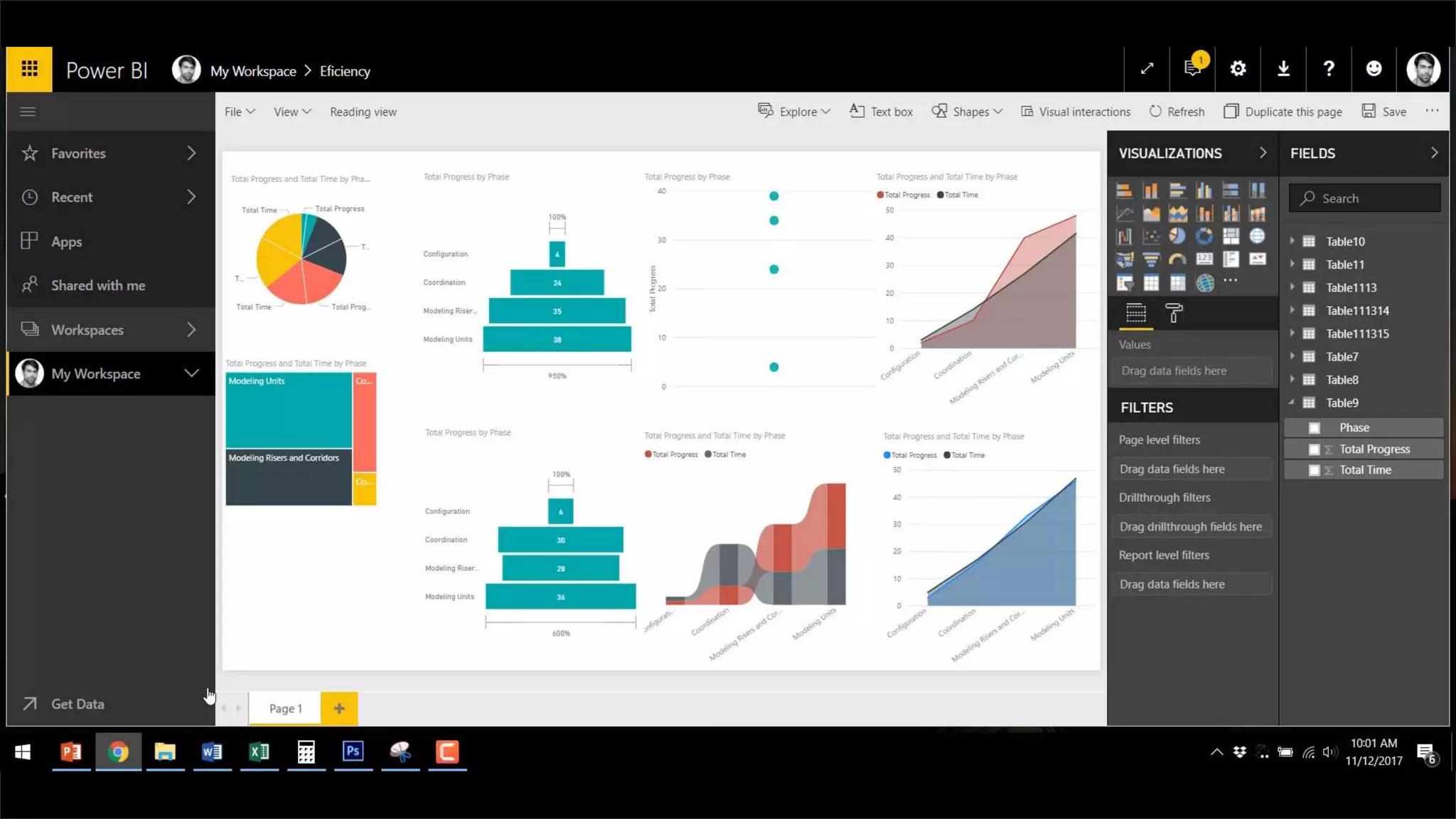
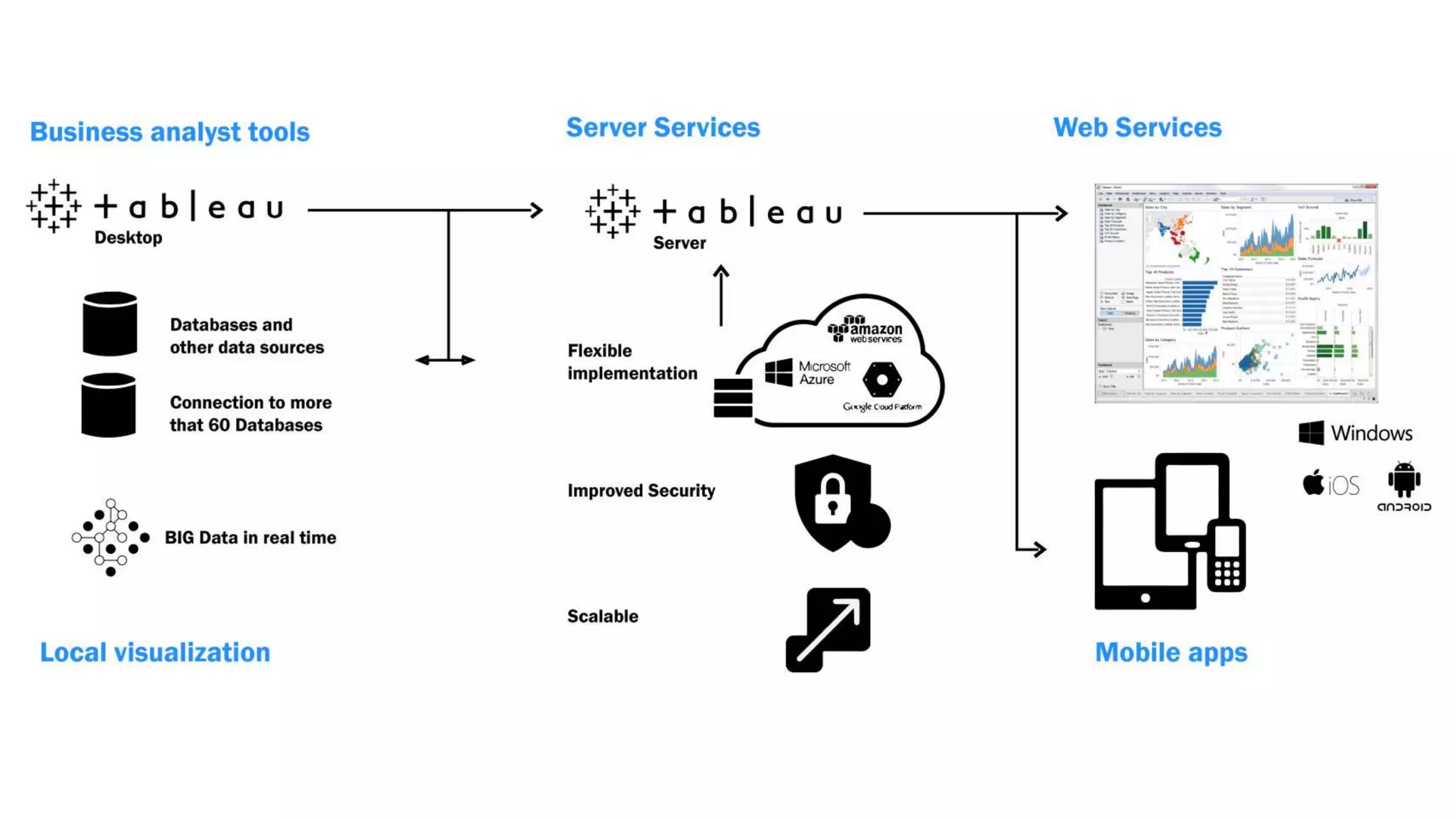
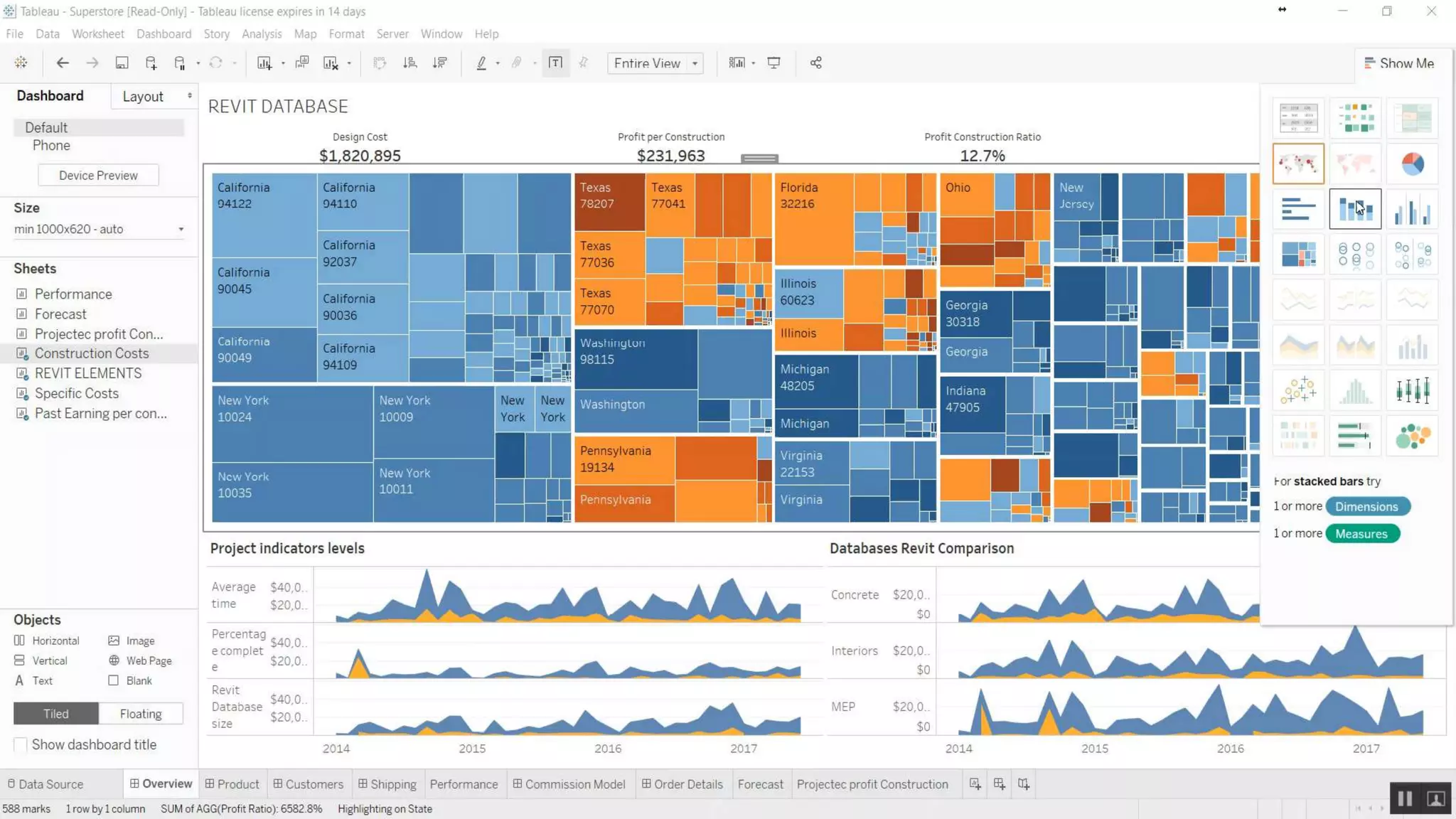
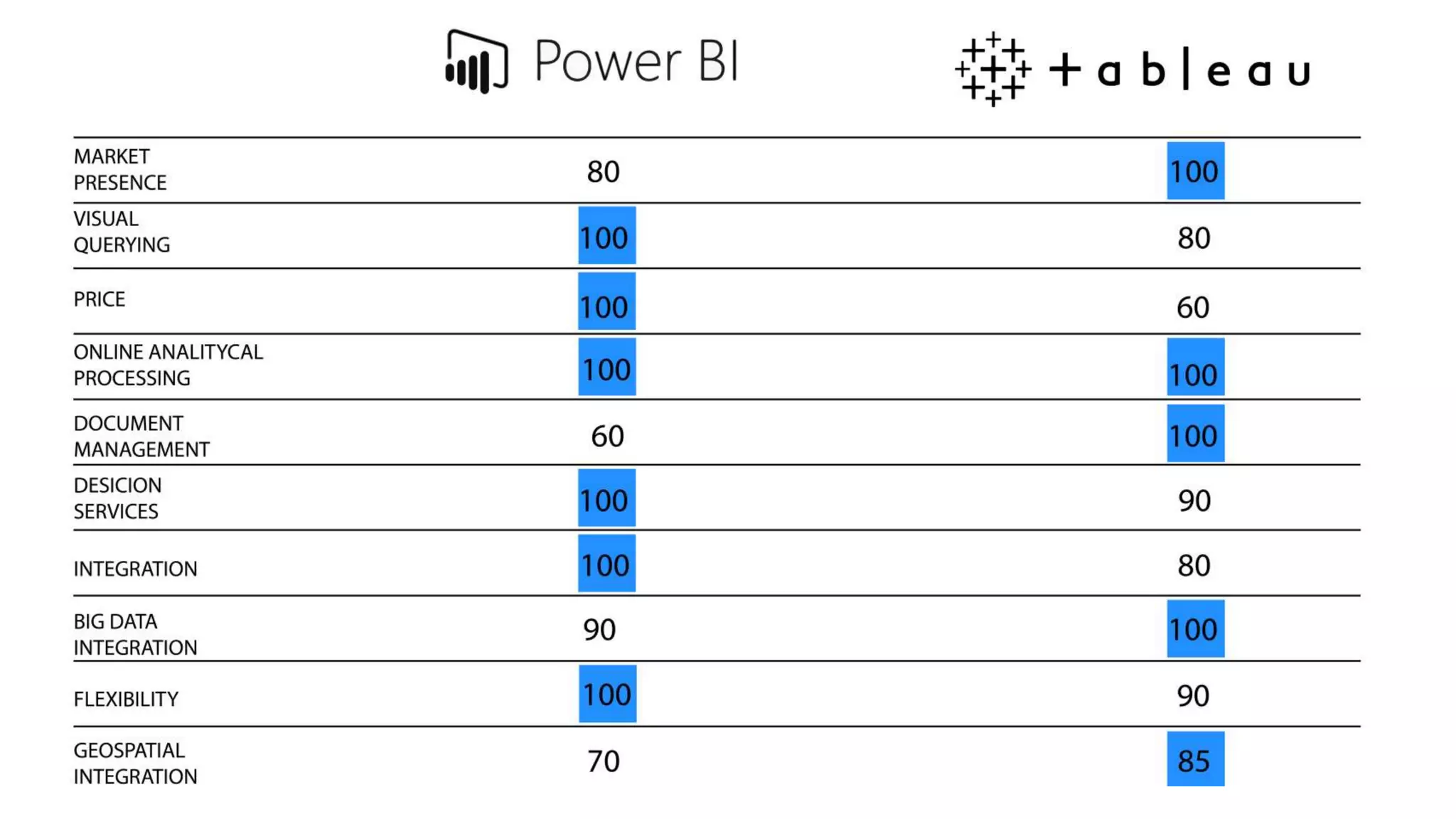
 Data-visualization techniques for architectural projects using Power BI
and Tableau.
Learning Objectives
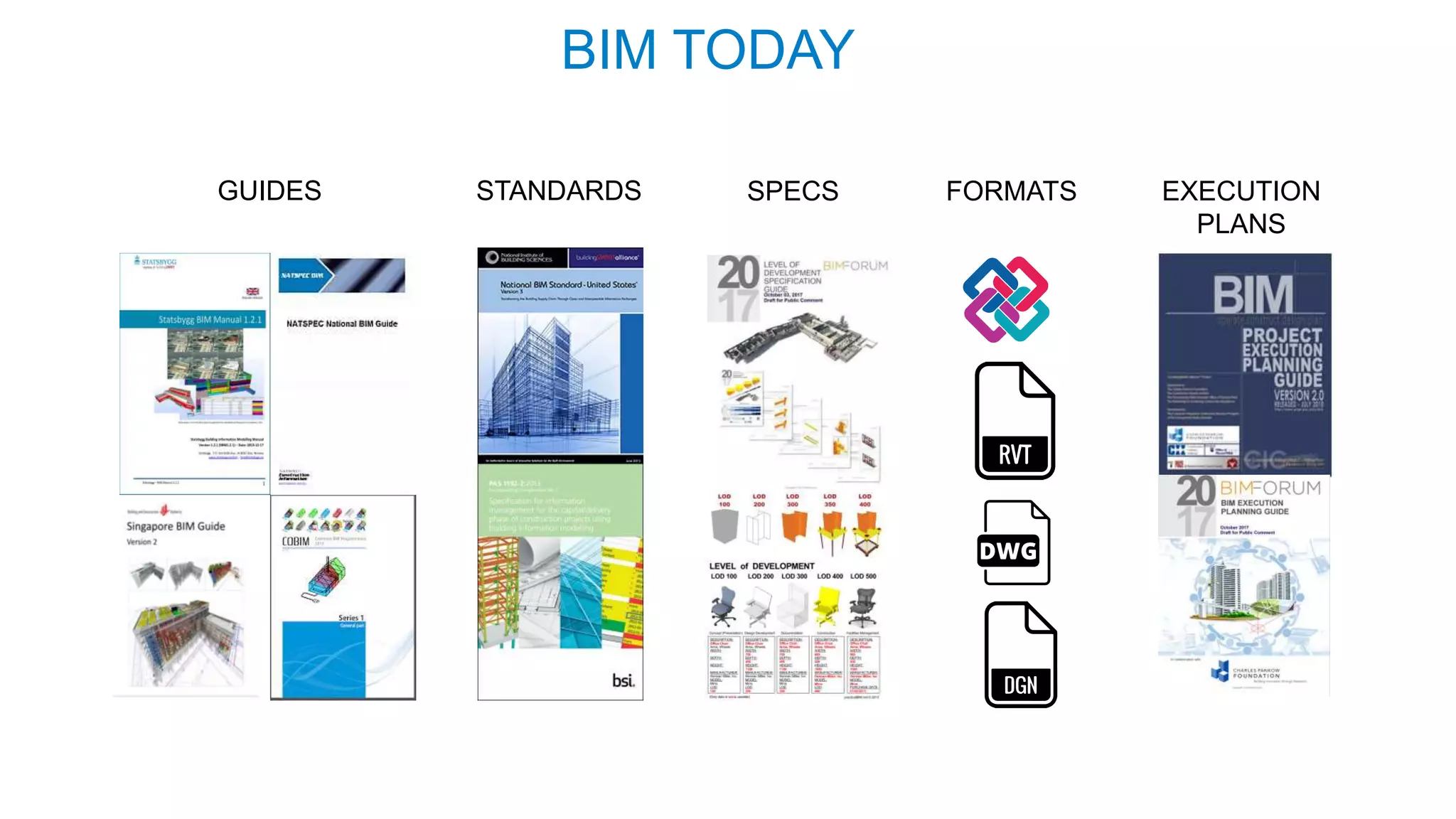
BIM TODAY
GUIDES STANDARDS SPECS FORMATS EXECUTION
PLANS
BIM
Learn about the
potential of data
coming from Revit.
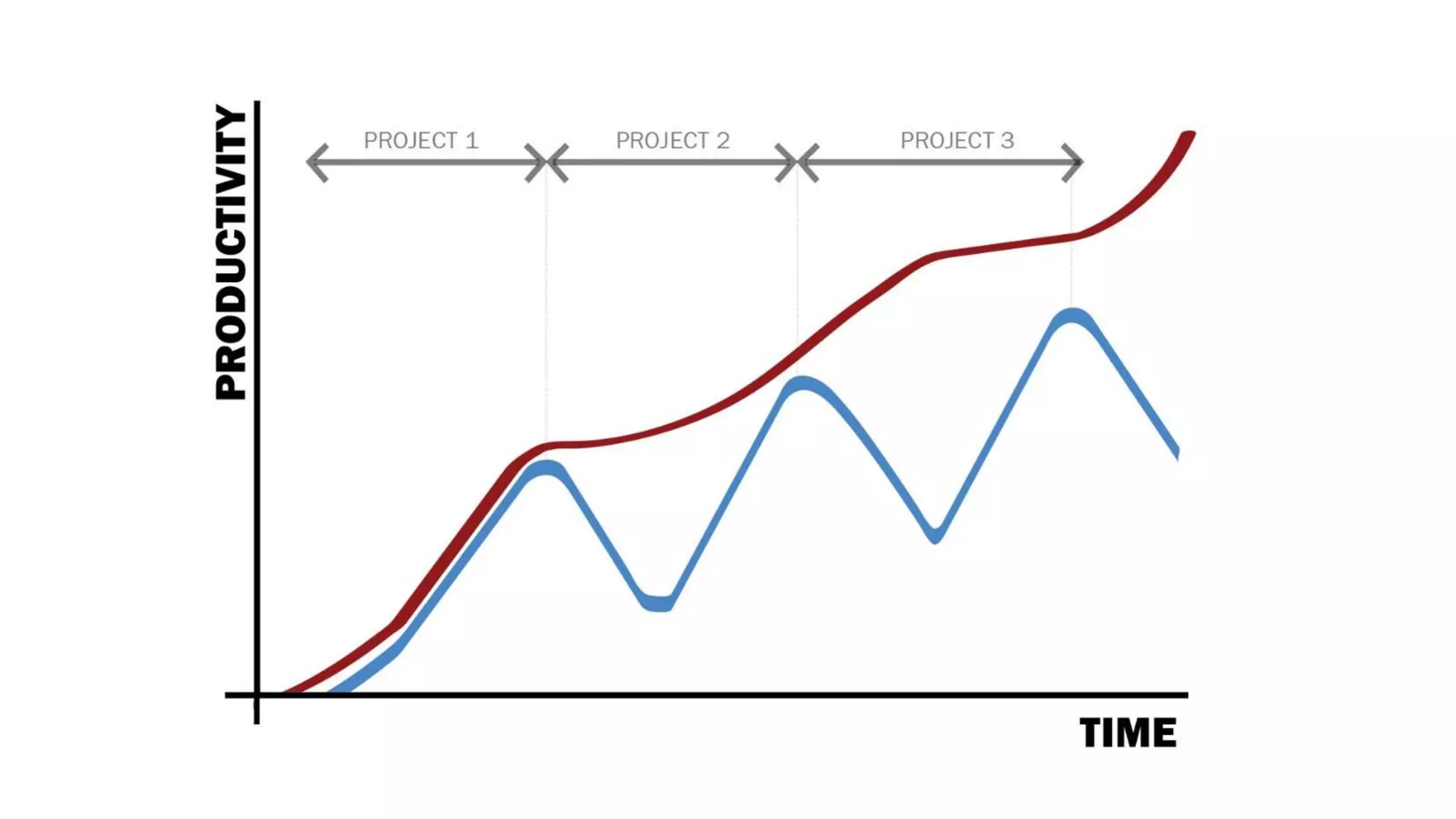
Example
VideoRealTimeBI
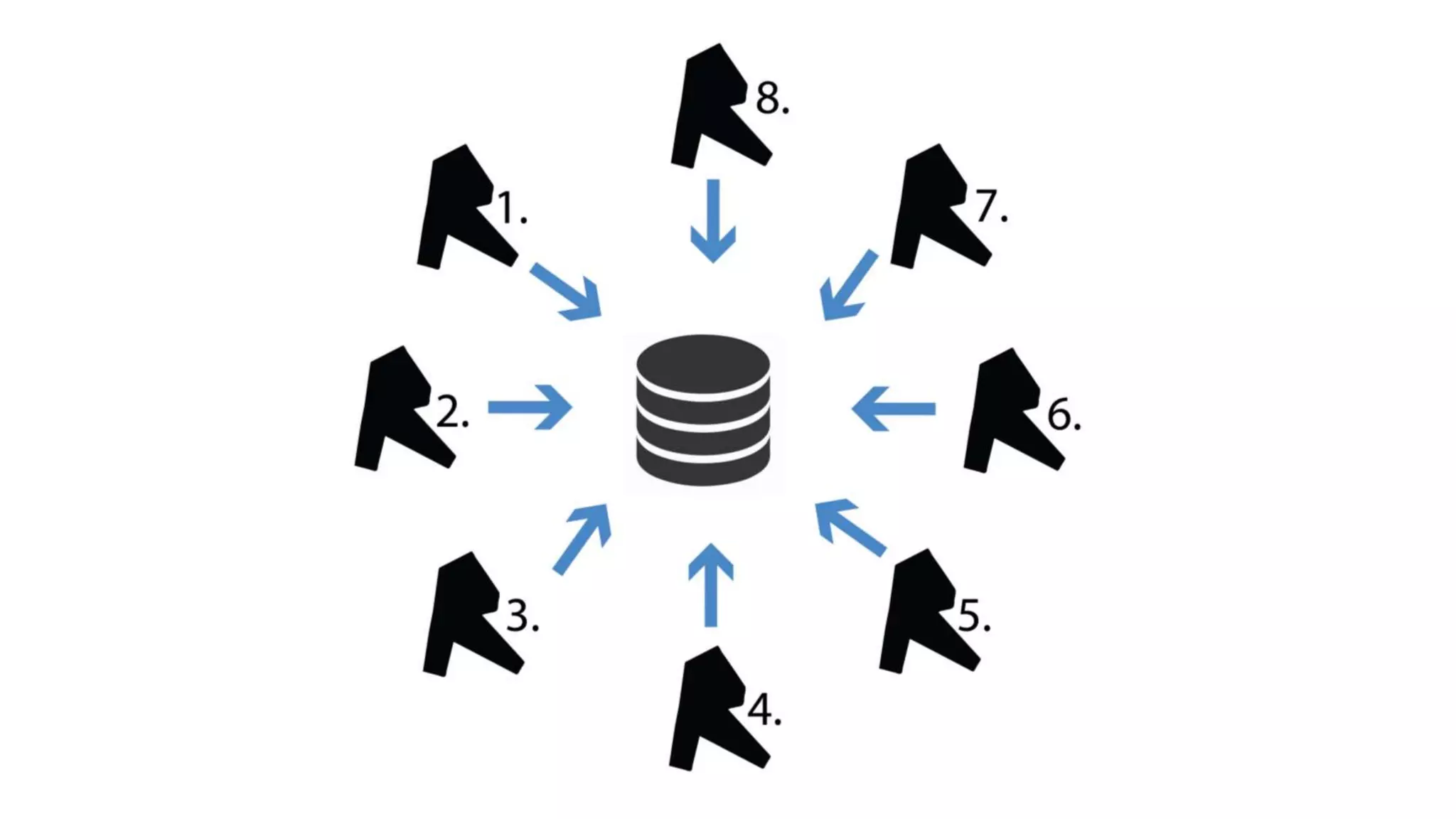
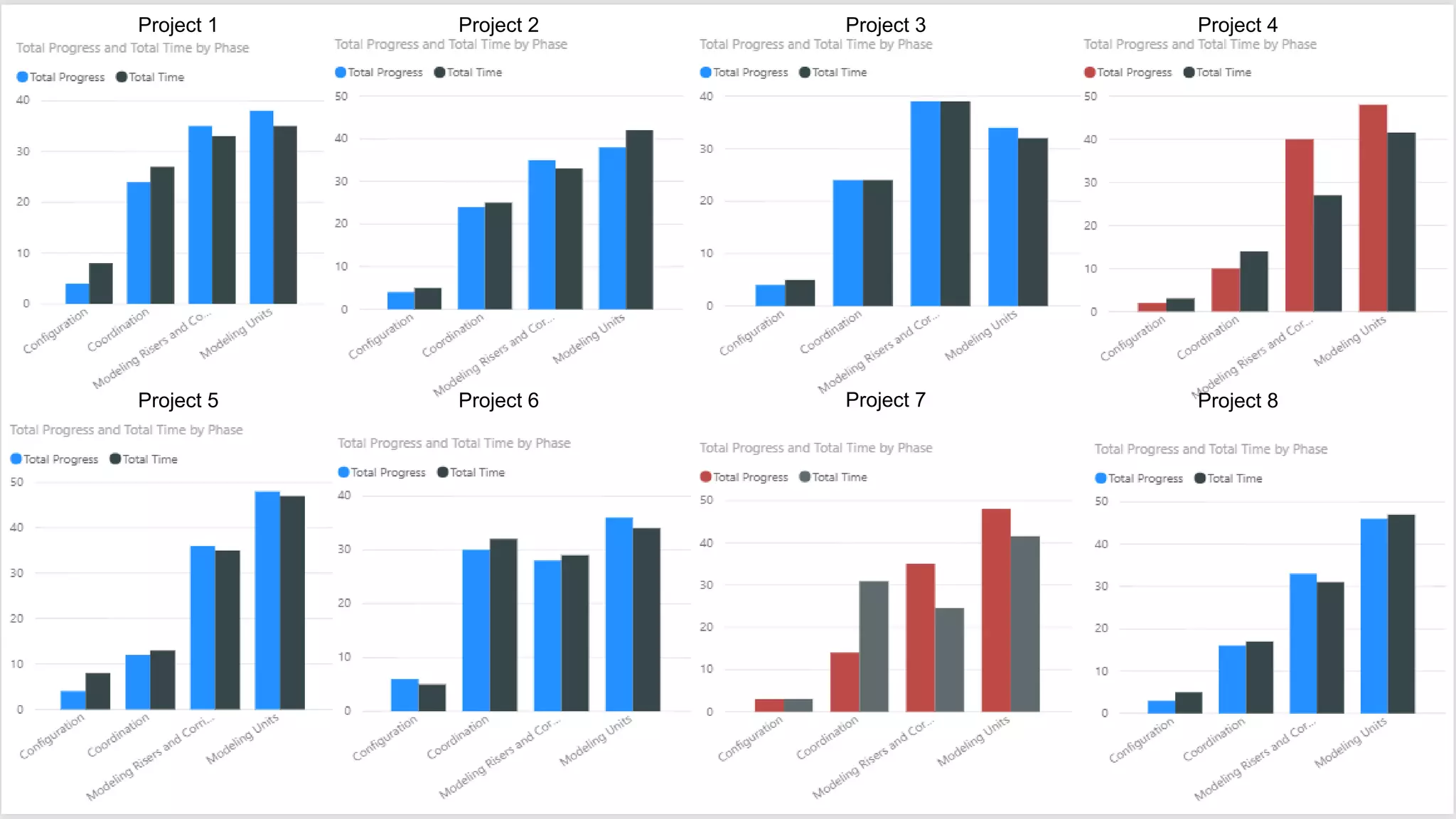
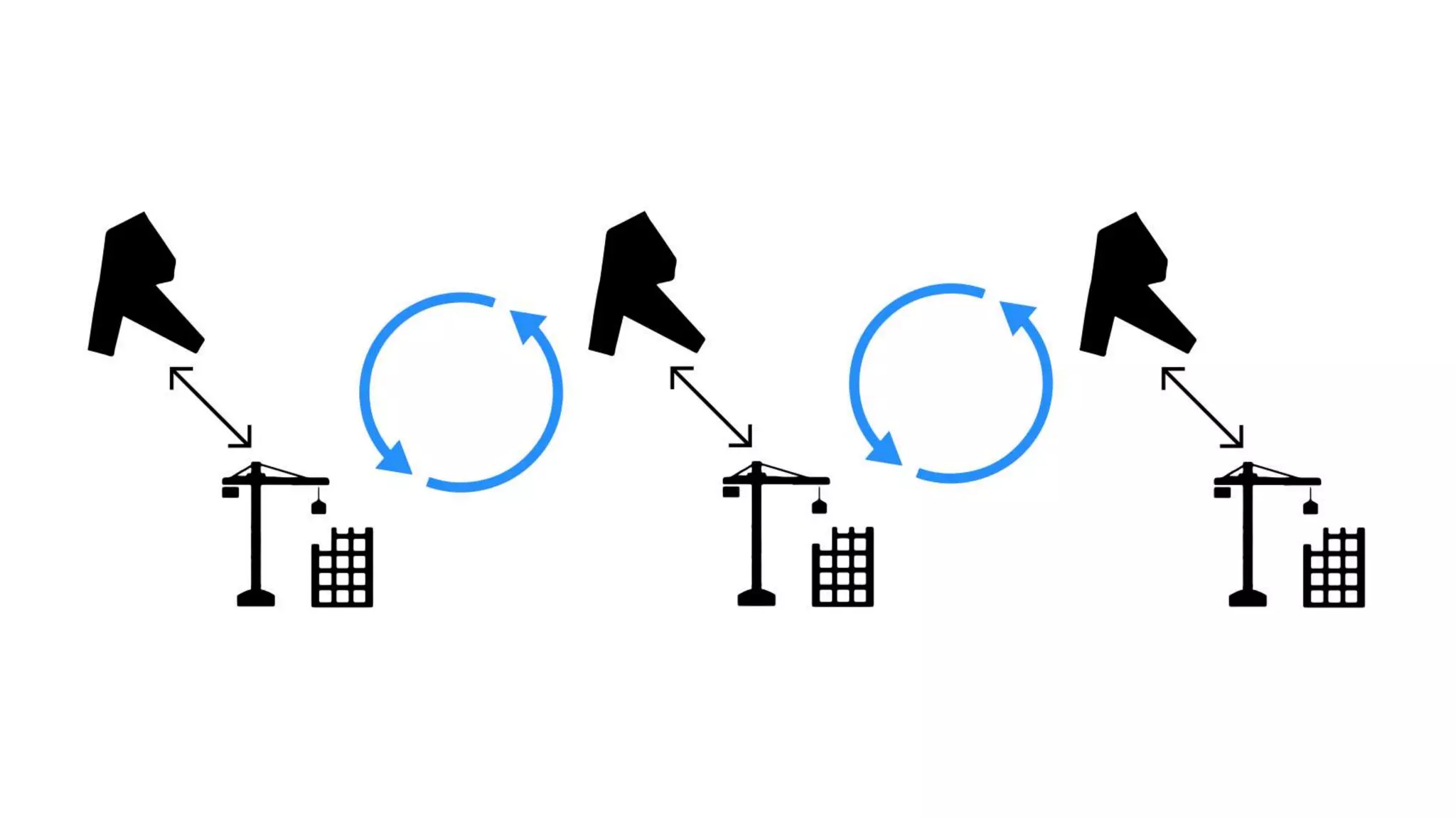
Project 1 Project 2 Project 3 Project 4
Project 5 Project 6 Project 7 Project 8
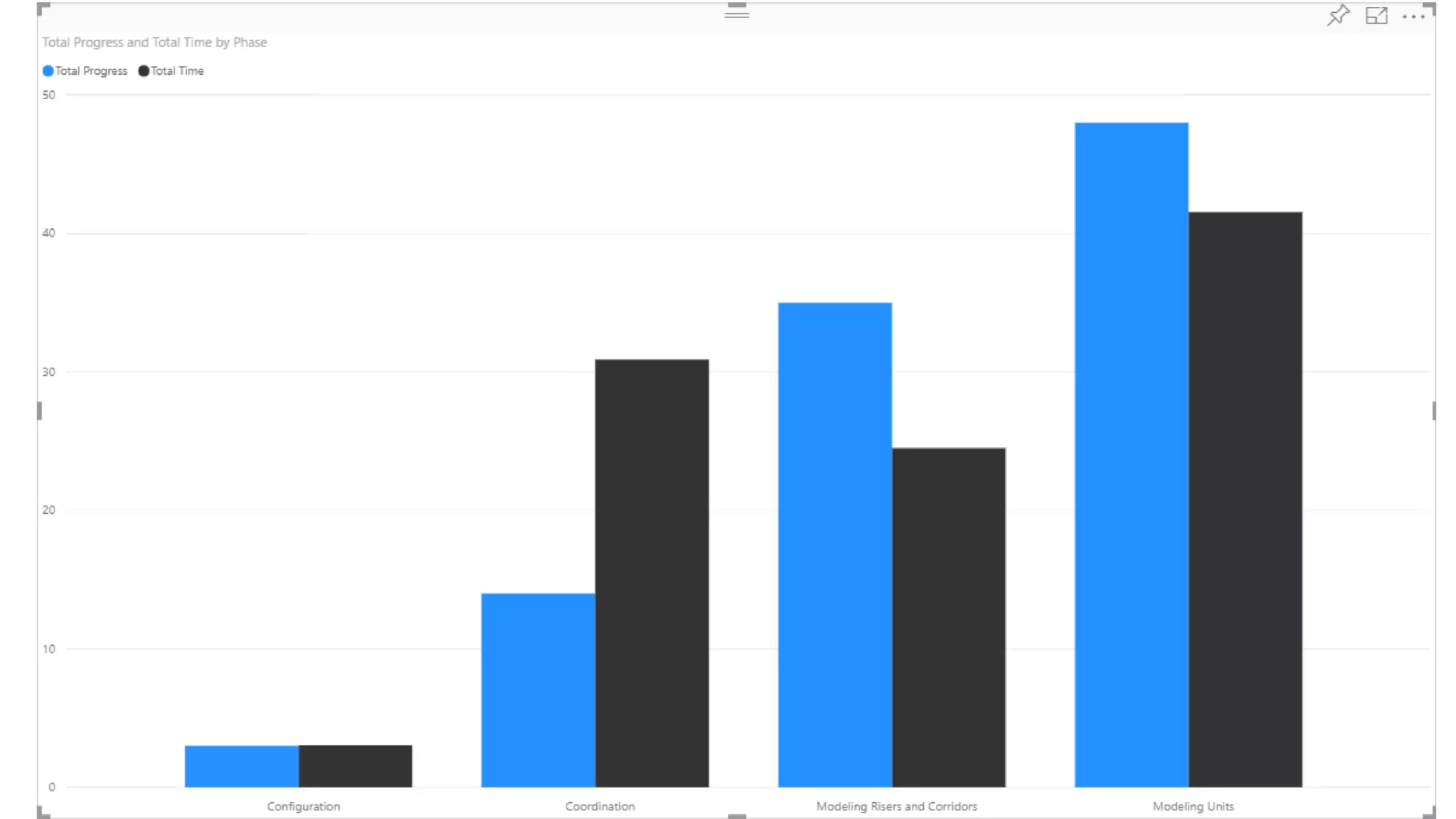
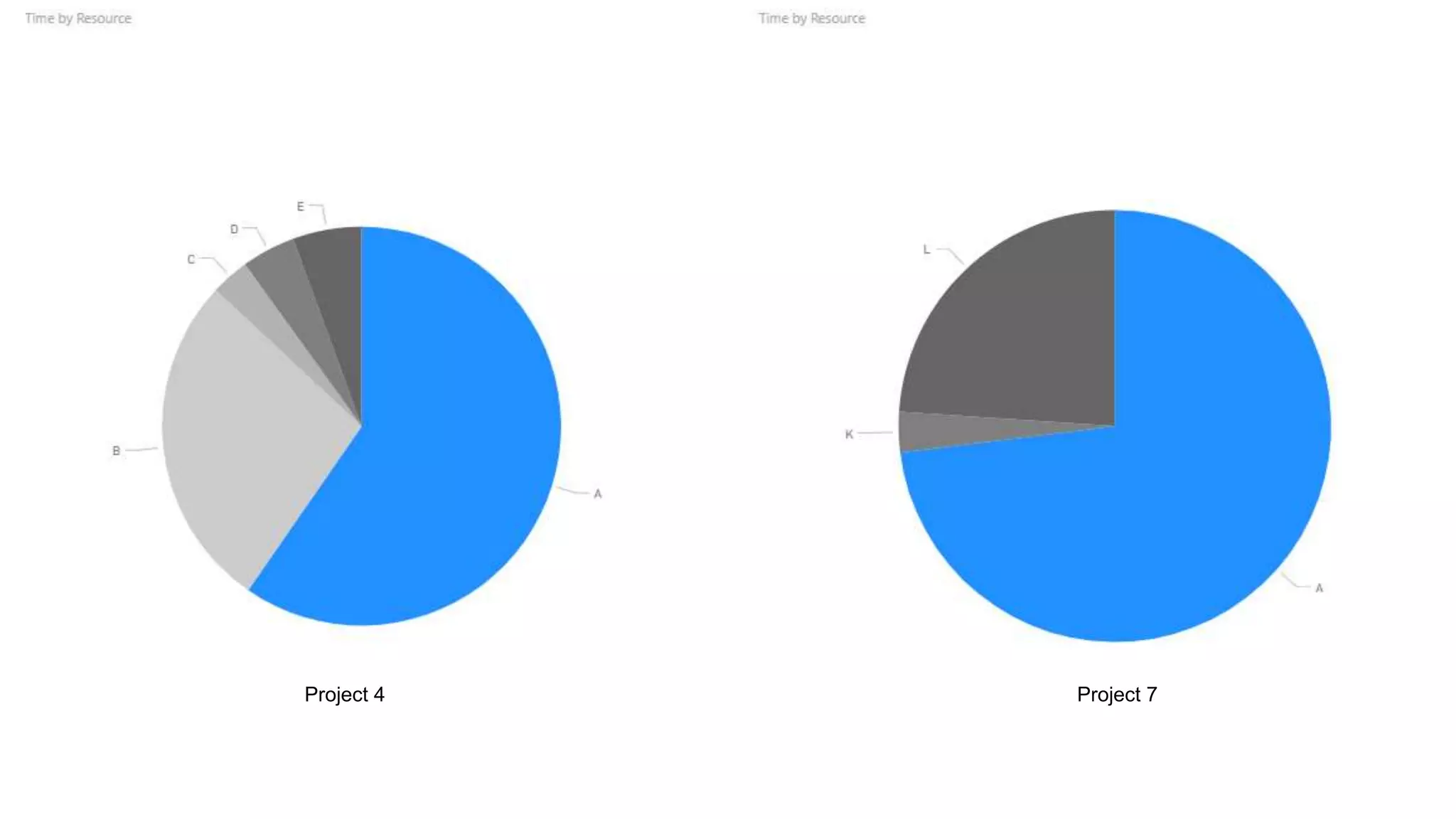
Project 4 Project 7
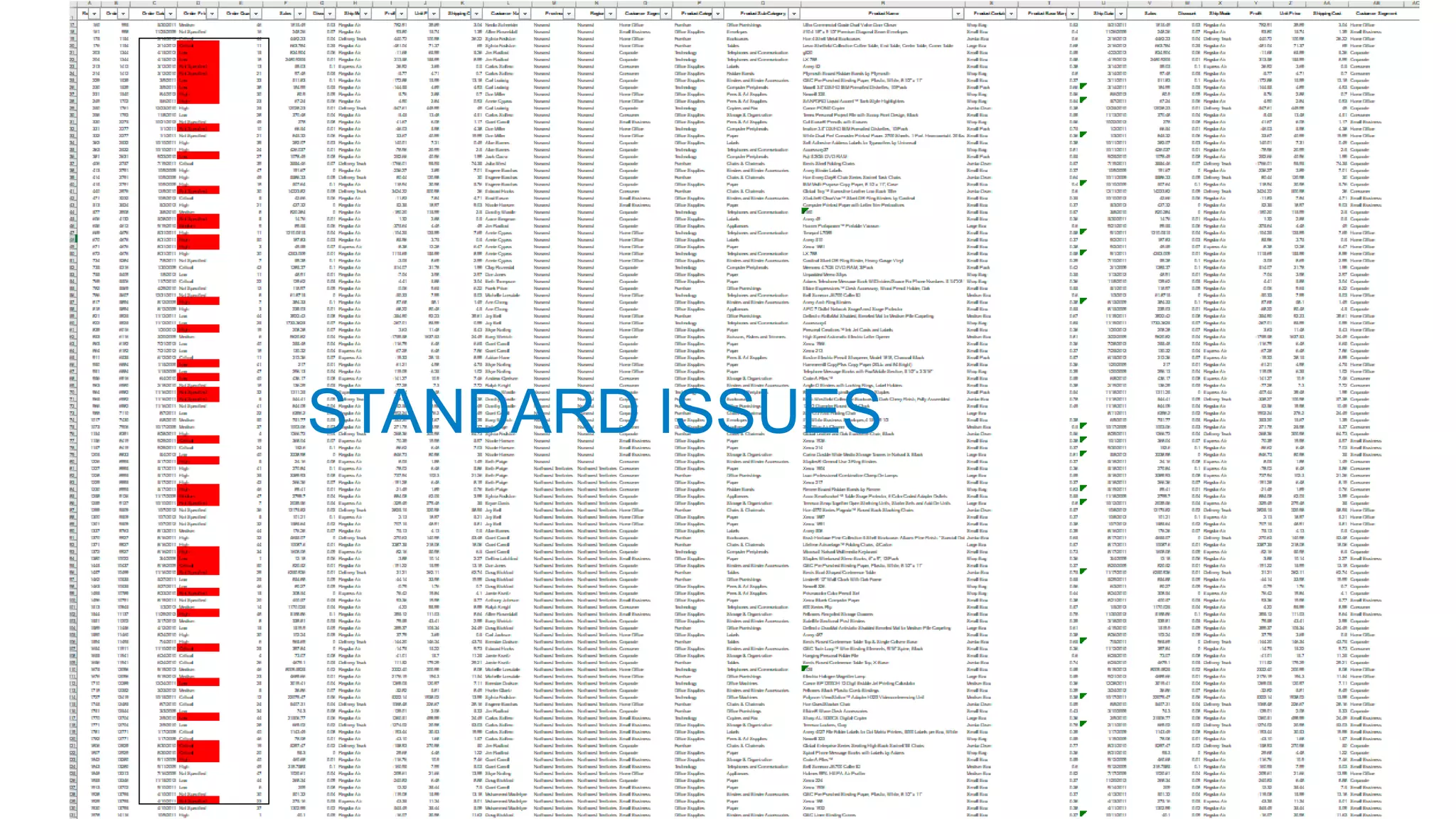
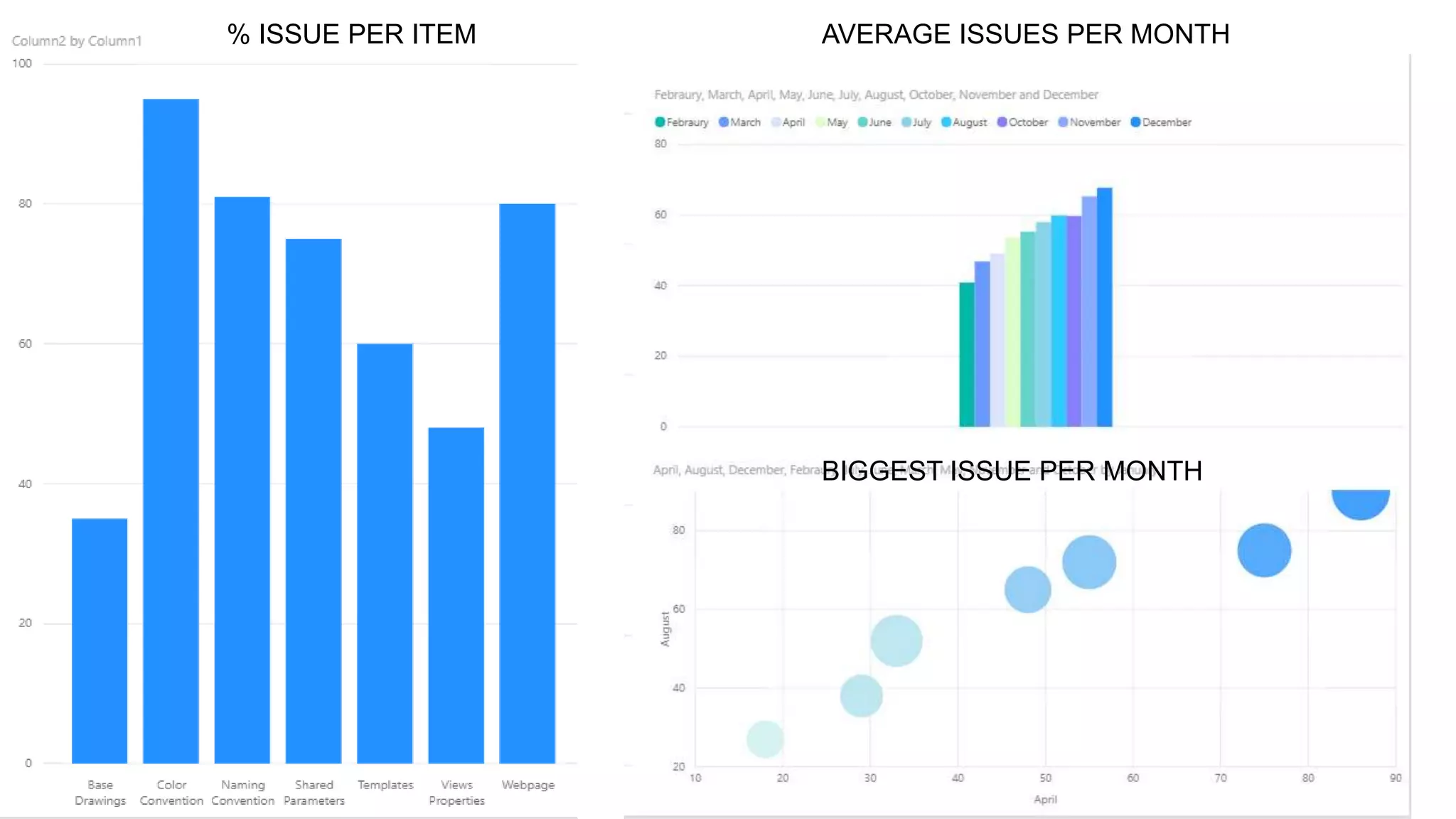
STANDARD ISSUES
% ISSUE PER ITEM AVERAGE ISSUES PER MONTH
BIGGEST ISSUE PER MONTH
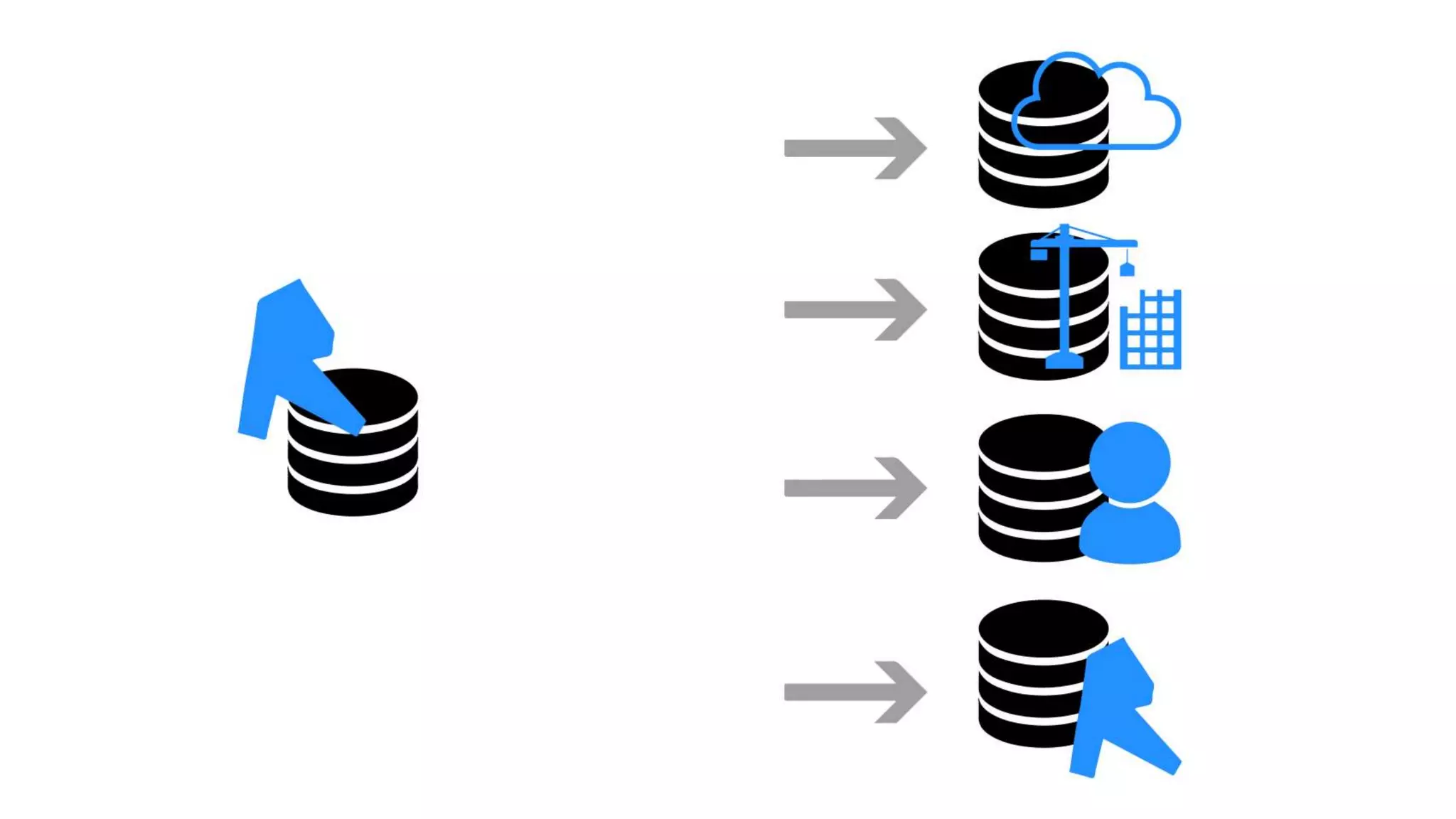
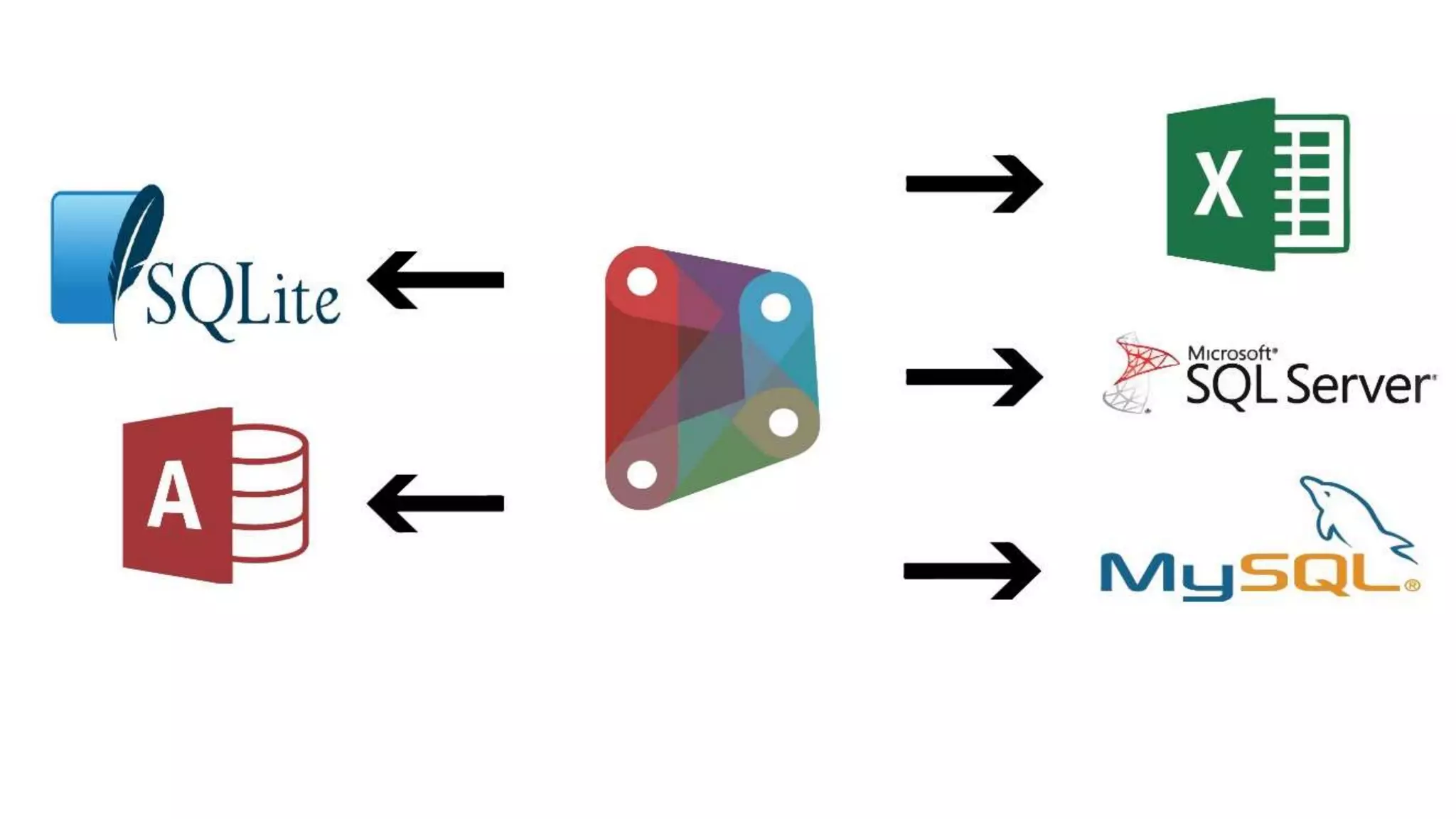
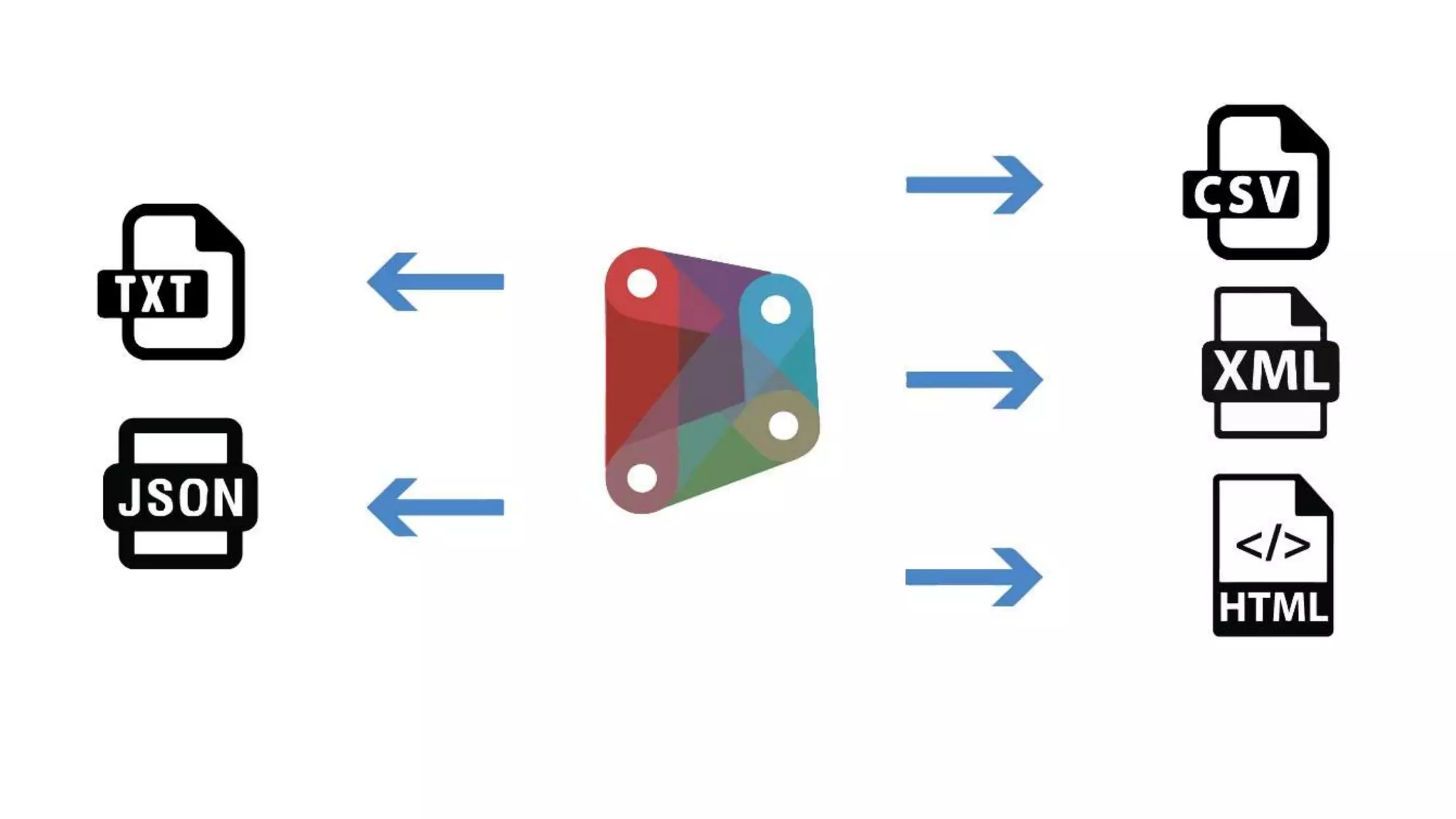
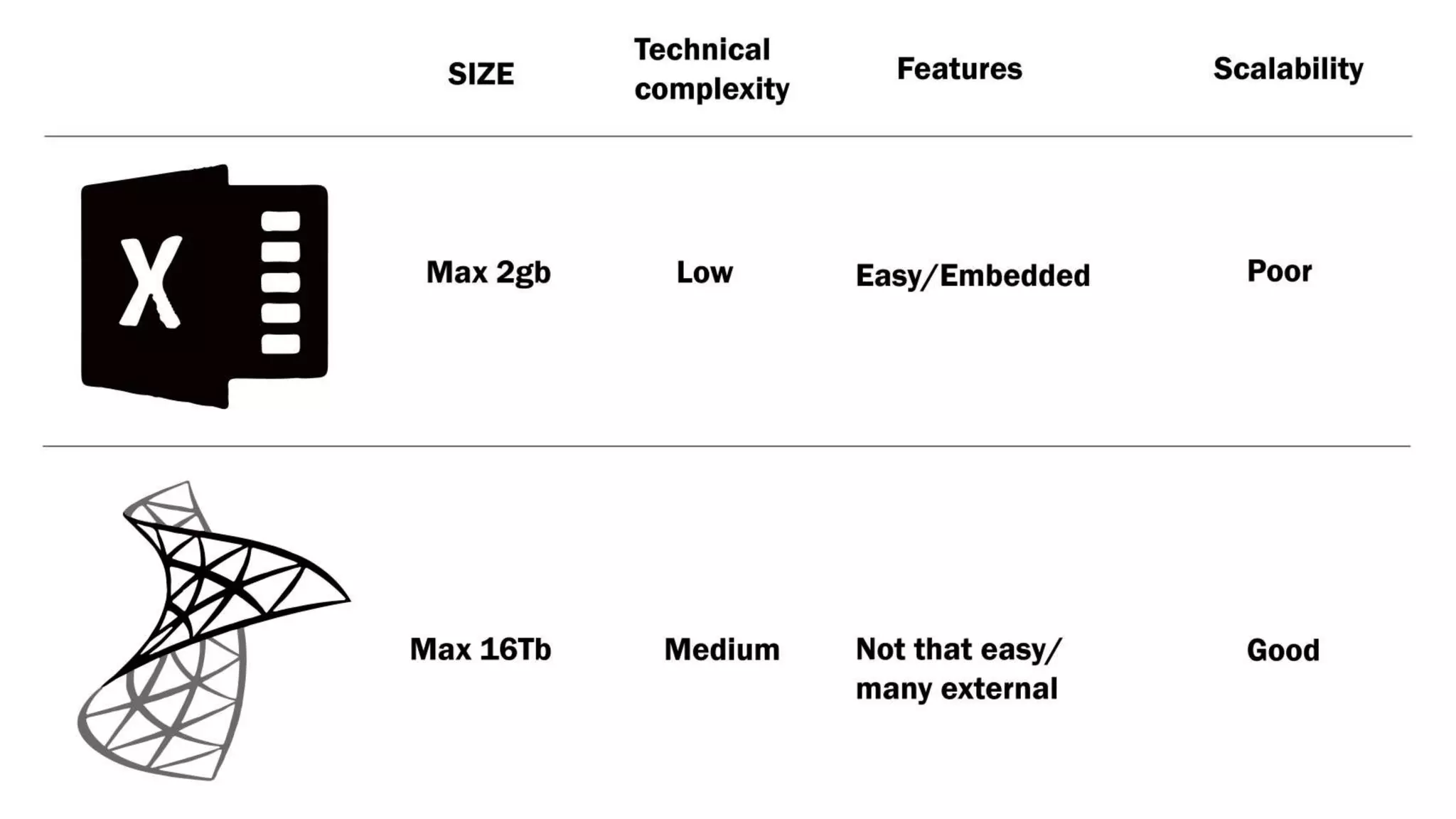
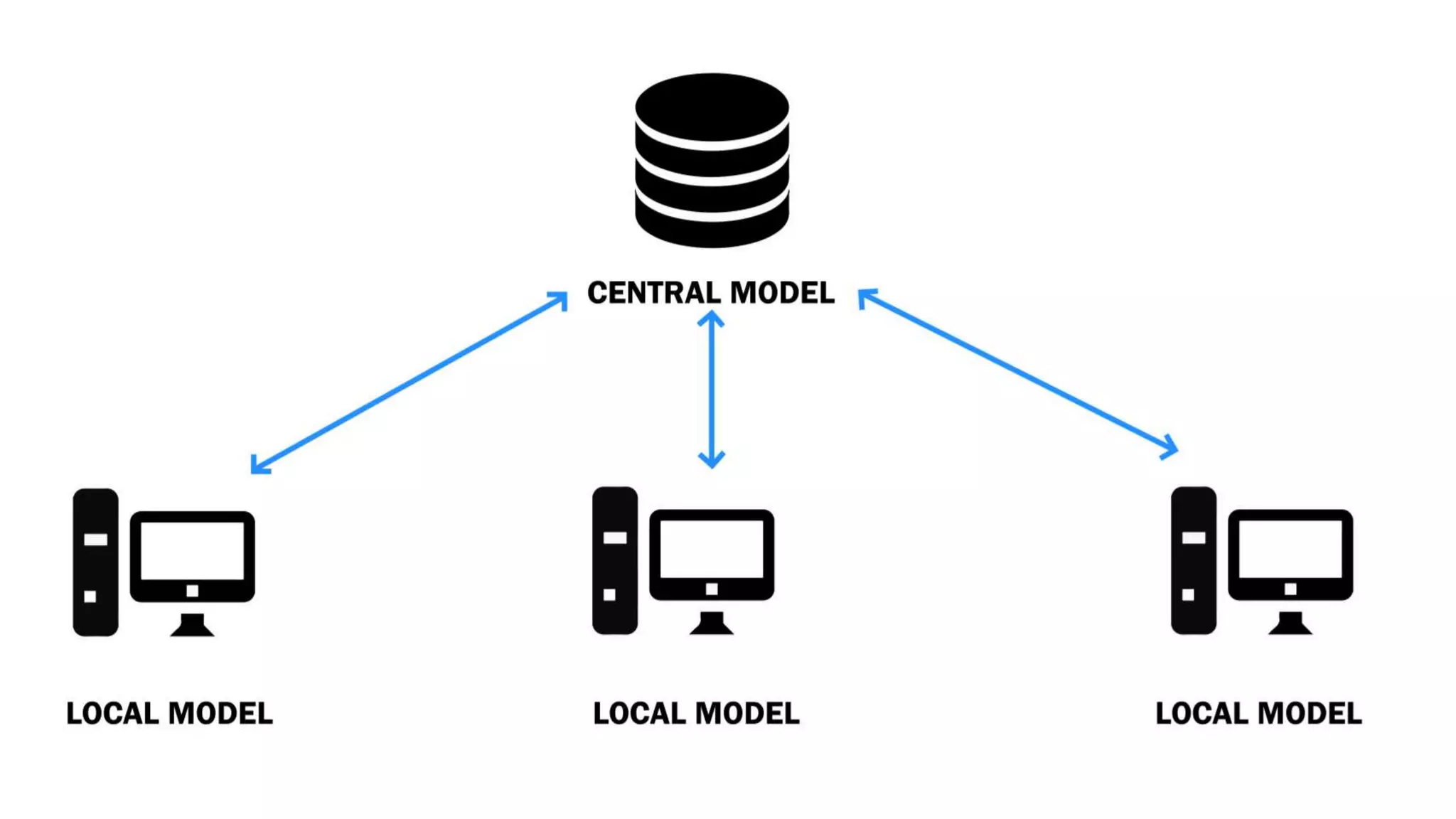
How to extract
Revit Data
?
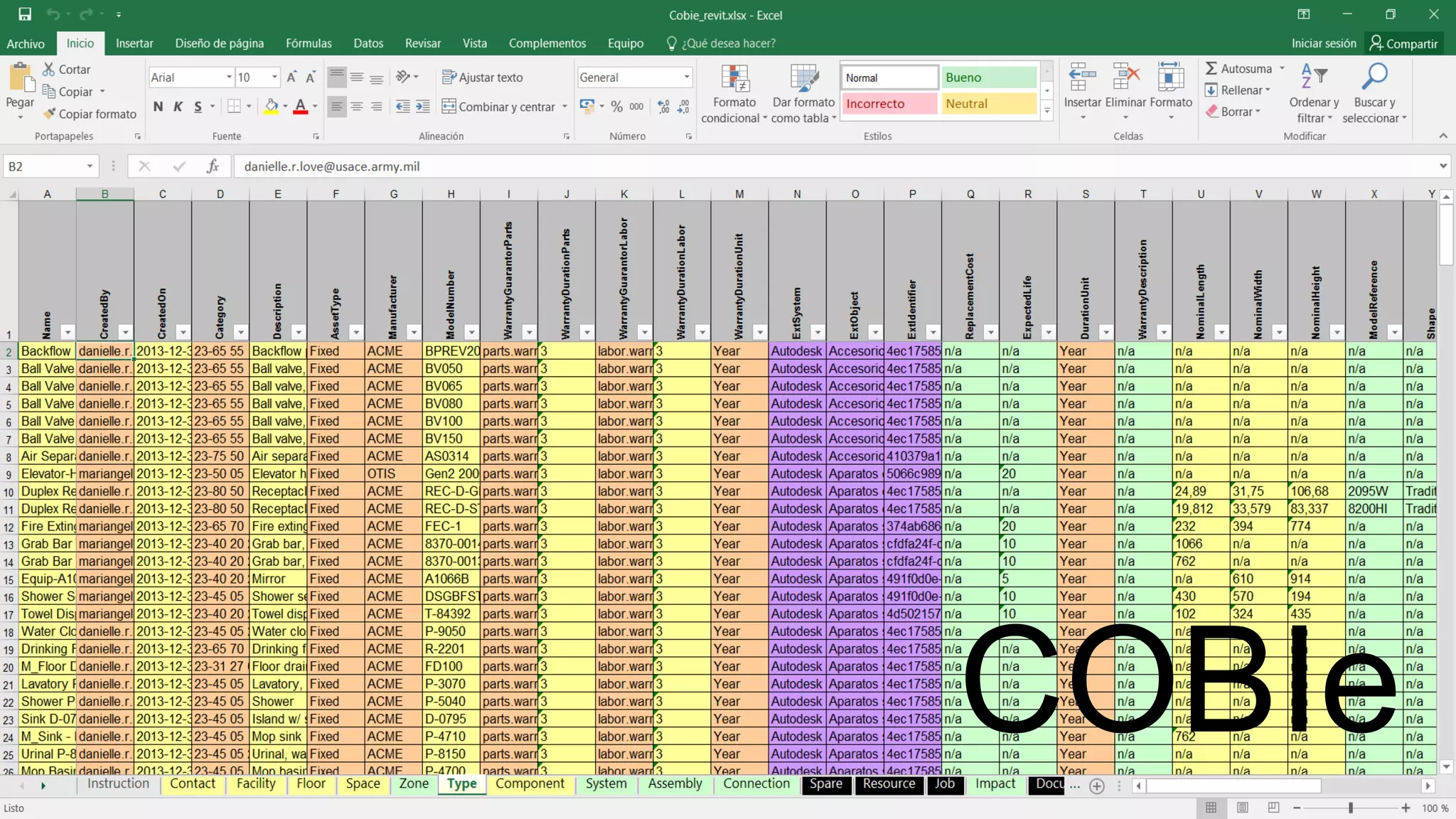
COBIe
REVITAPI
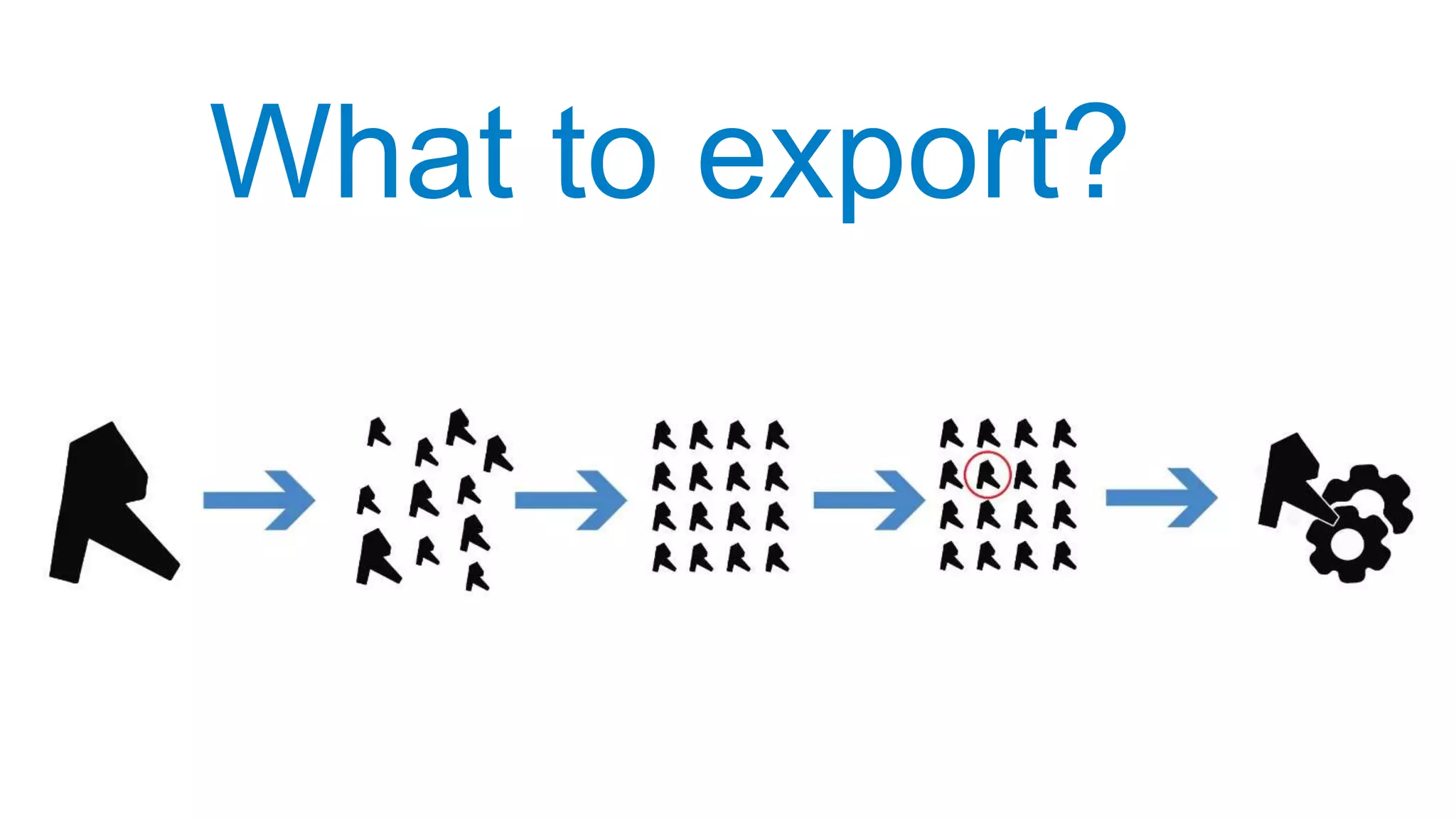
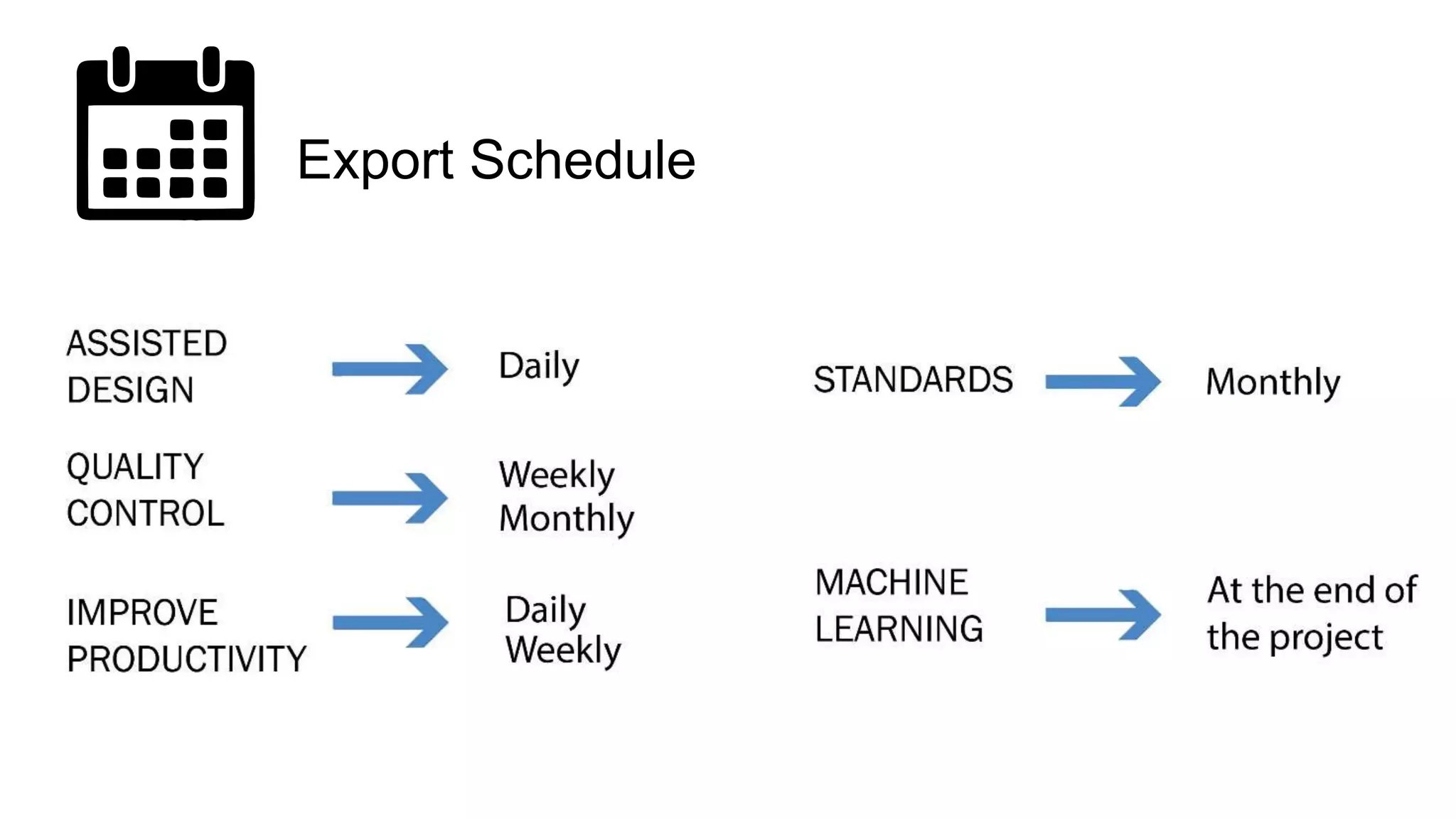
What to export?
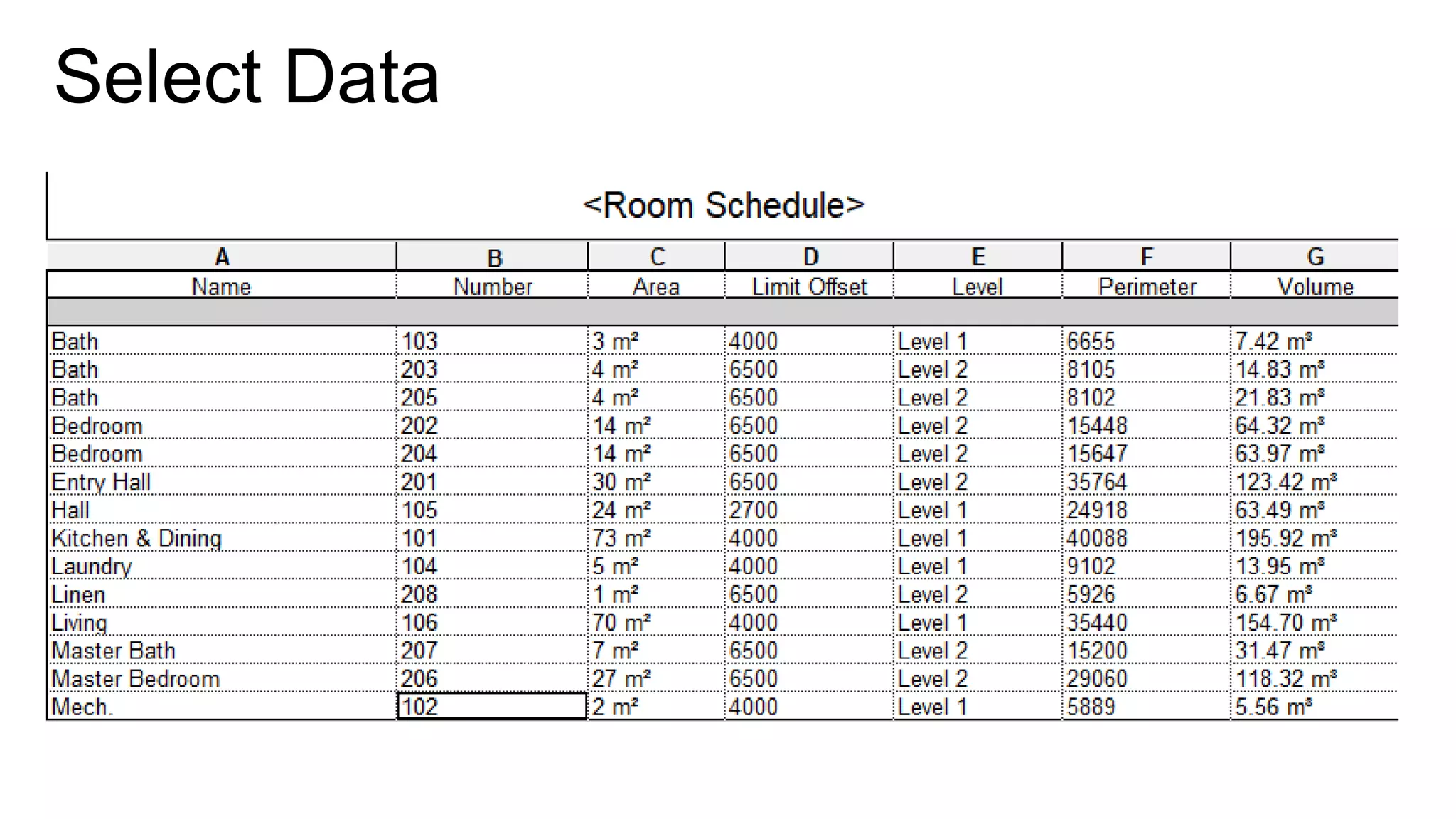
Export Schedule
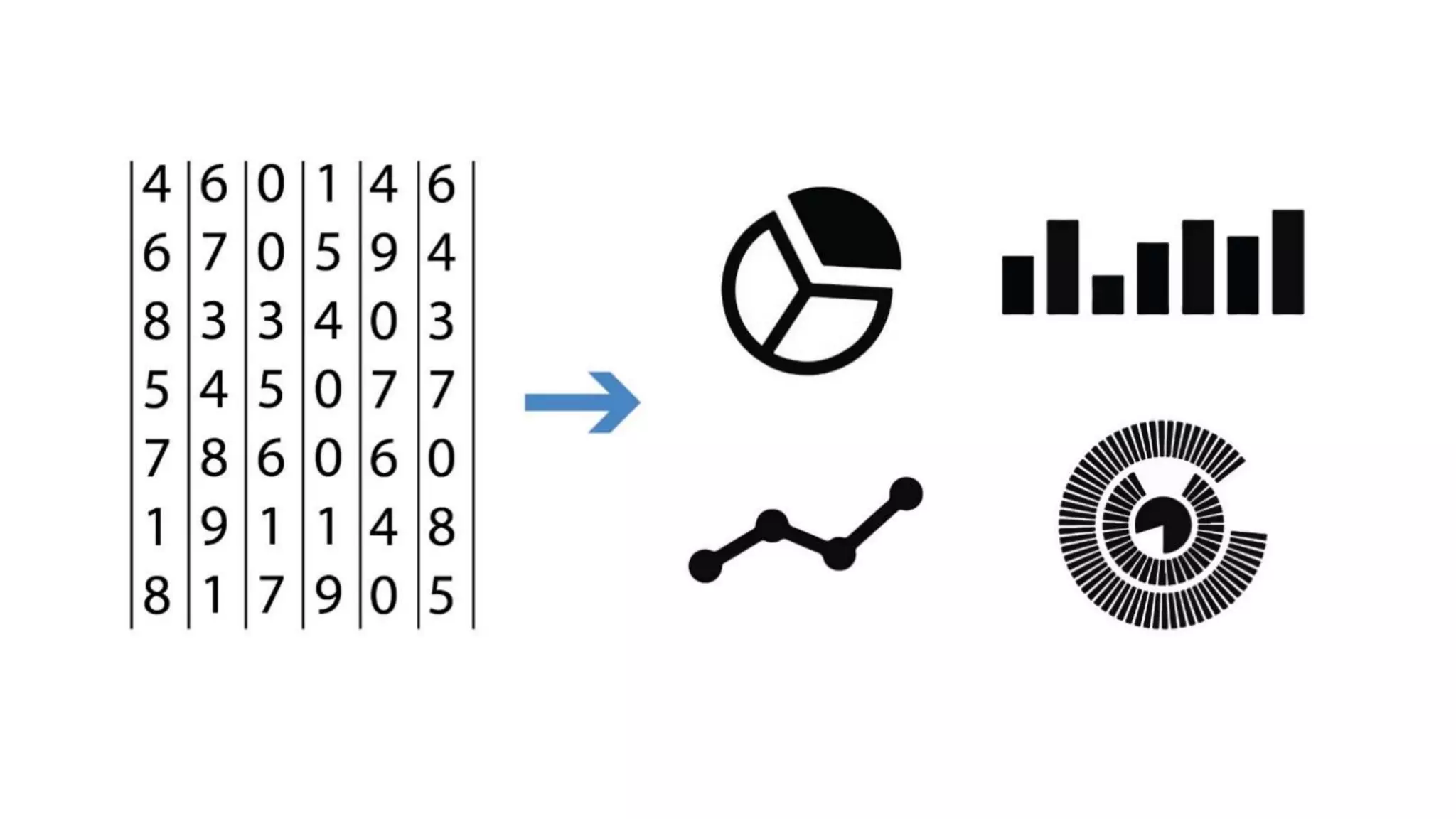
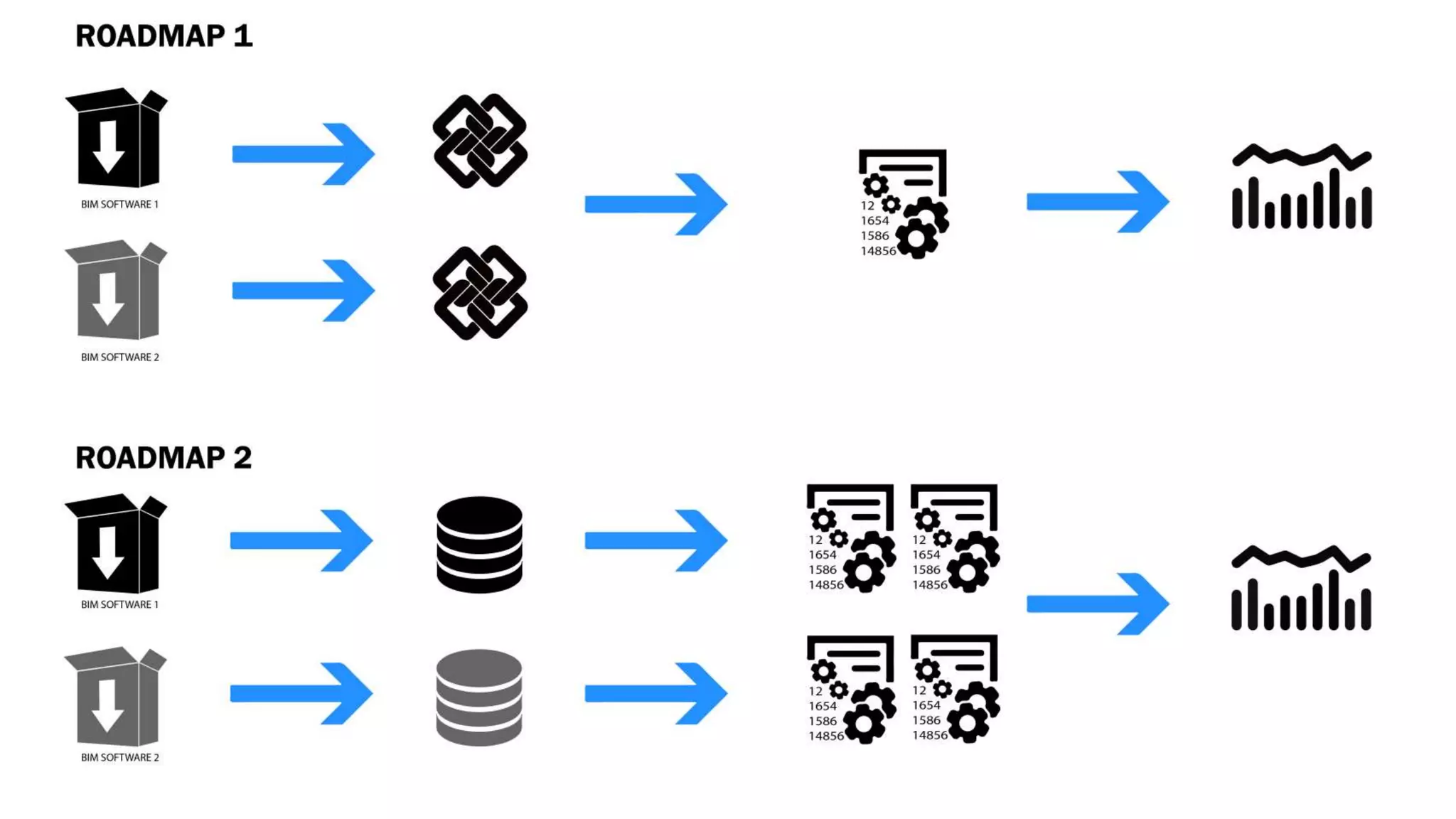
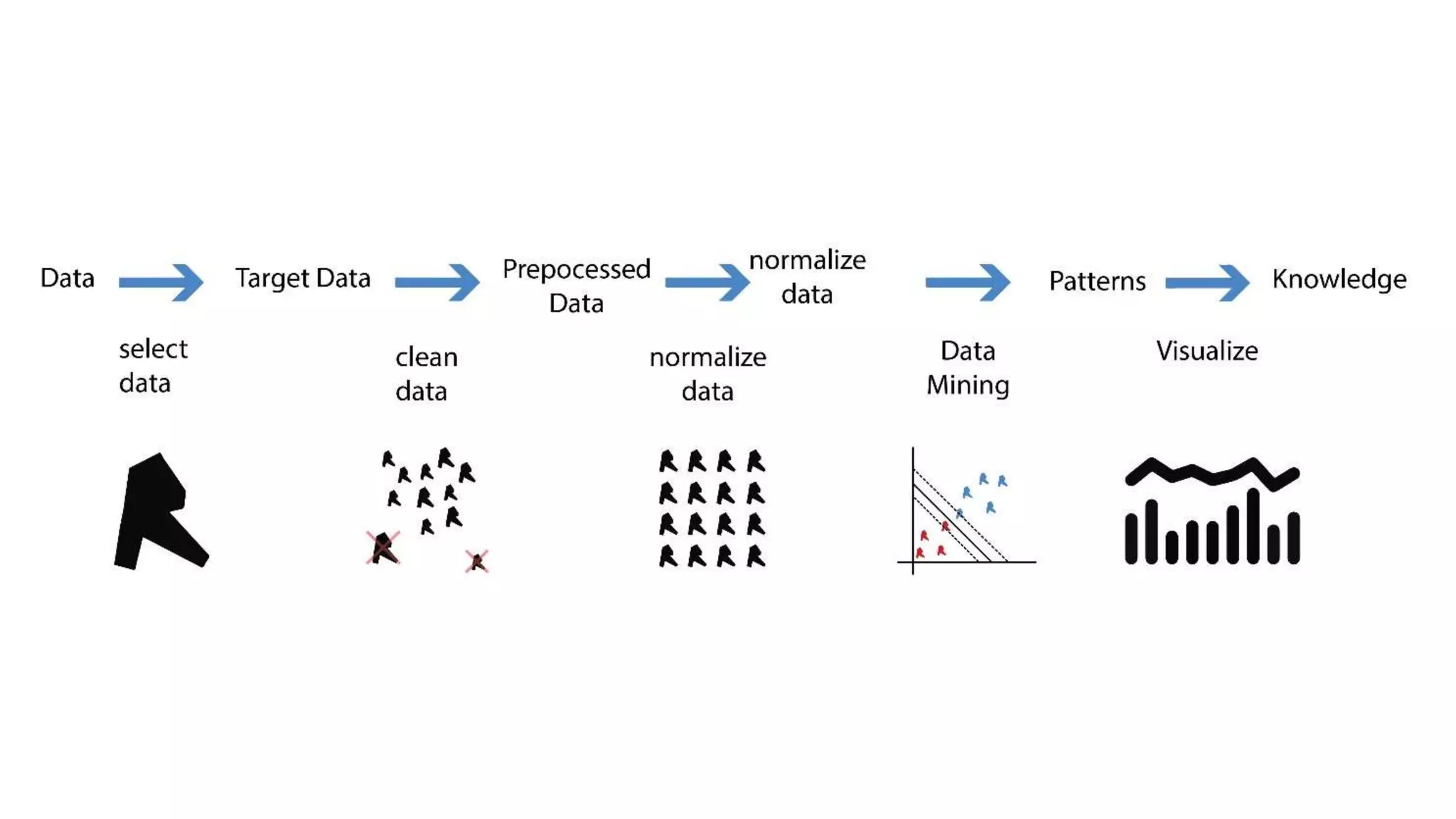
Transform Data into
useful information
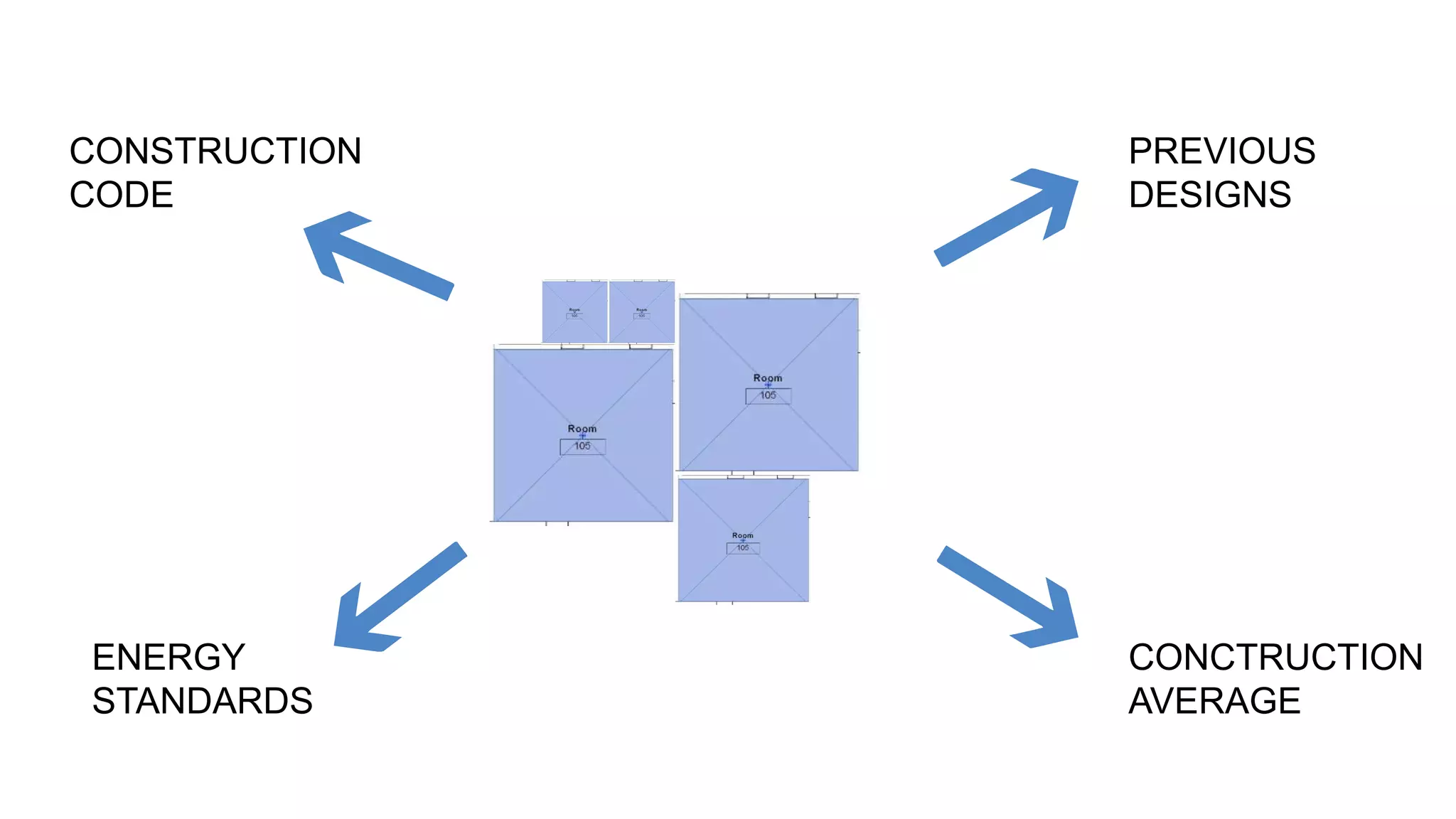
Select Data
CONSTRUCTION
CODE
PREVIOUS
DESIGNS
ENERGY
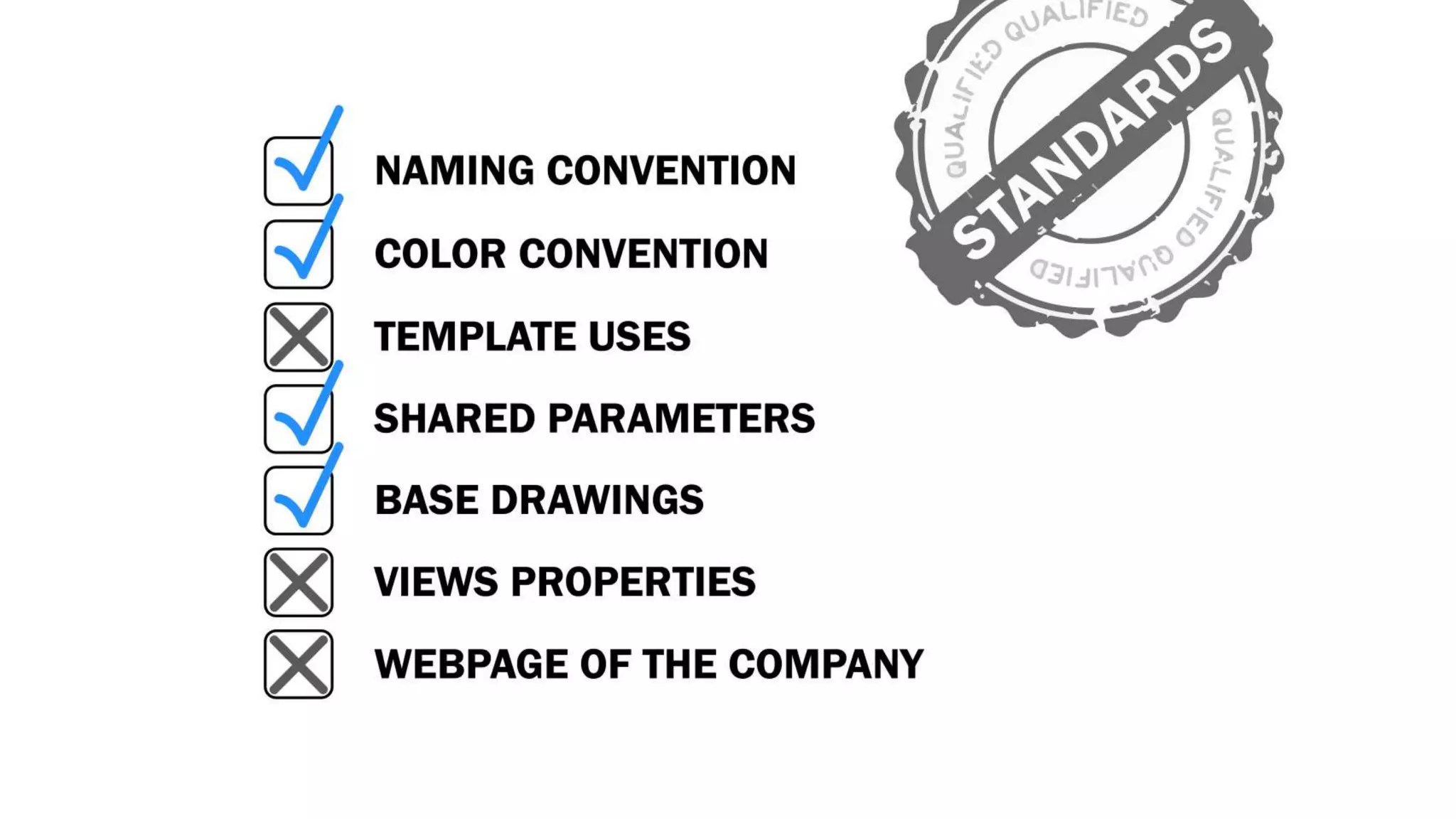
STANDARDS
CONCTRUCTION
AVERAGE
Clean Data
• Detect False positives
• Detect deviations
• Make sure we have exported the right
data
• Check the Data integrity
• Check that the Data is complete
Normalize Data
• Make sure all values are in the same
units
• Same sure everything is in the same
format
• Reorder lists
• Normalize data given an specific range
• Check length of lists
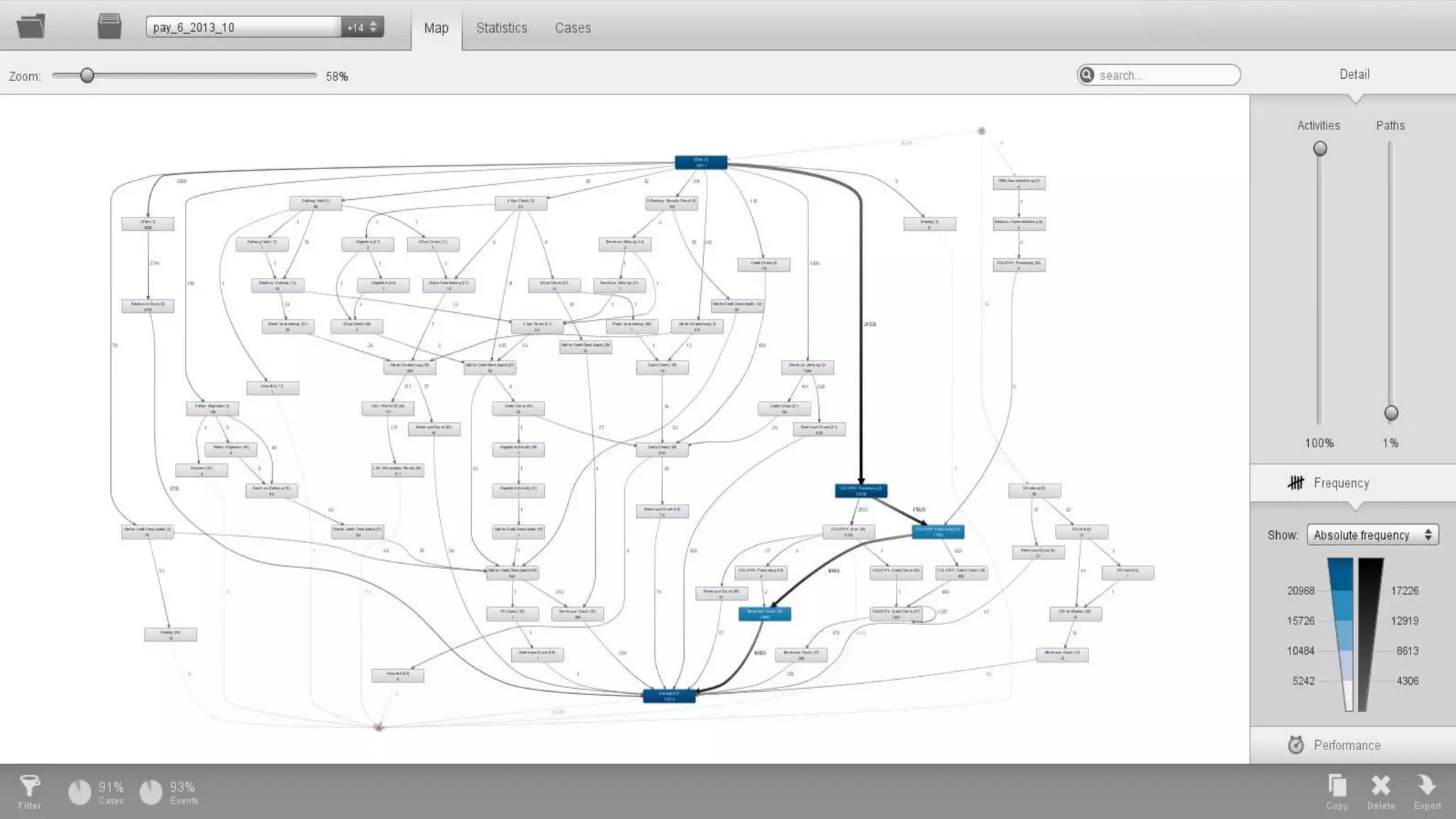
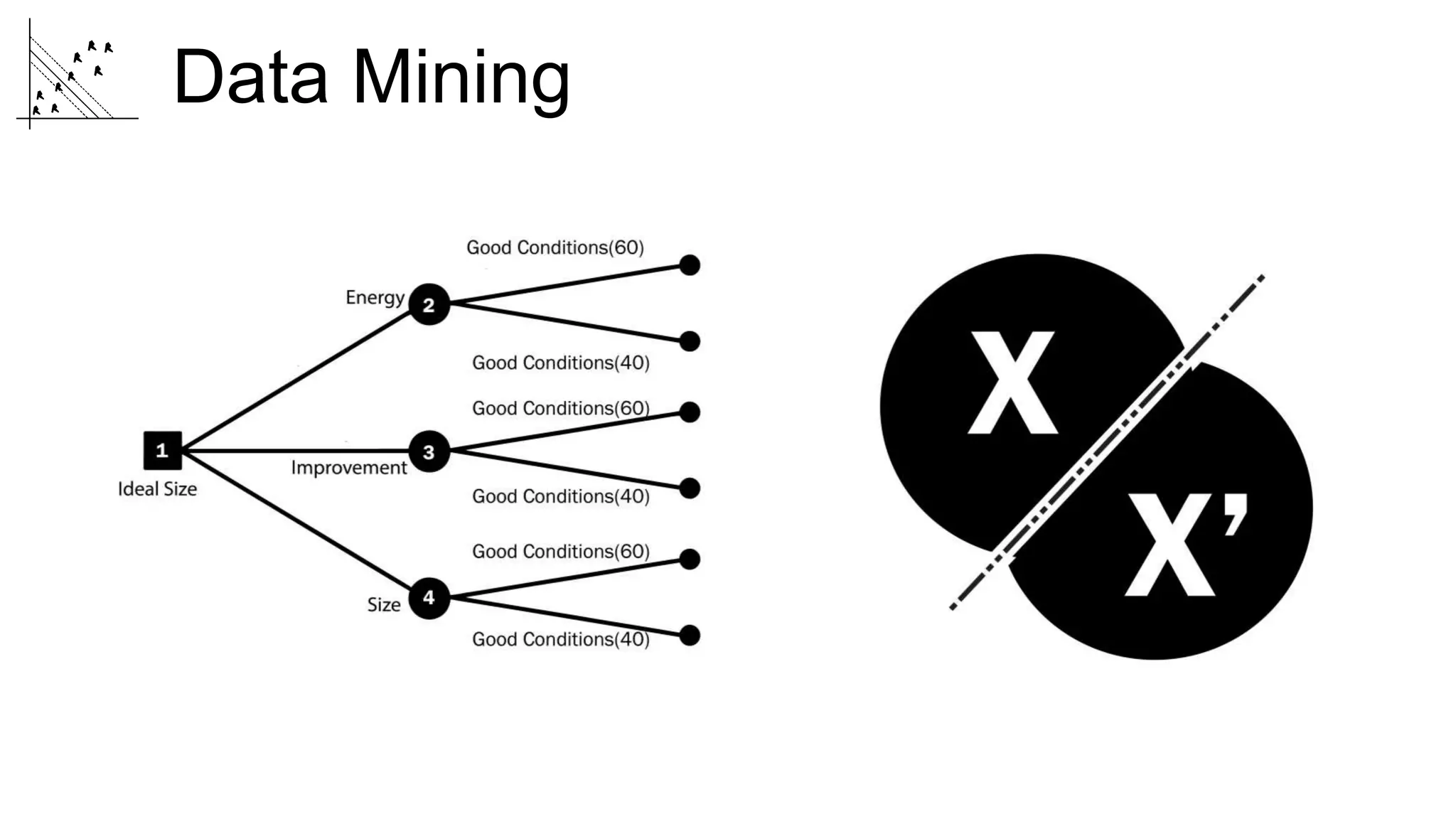
Data Mining
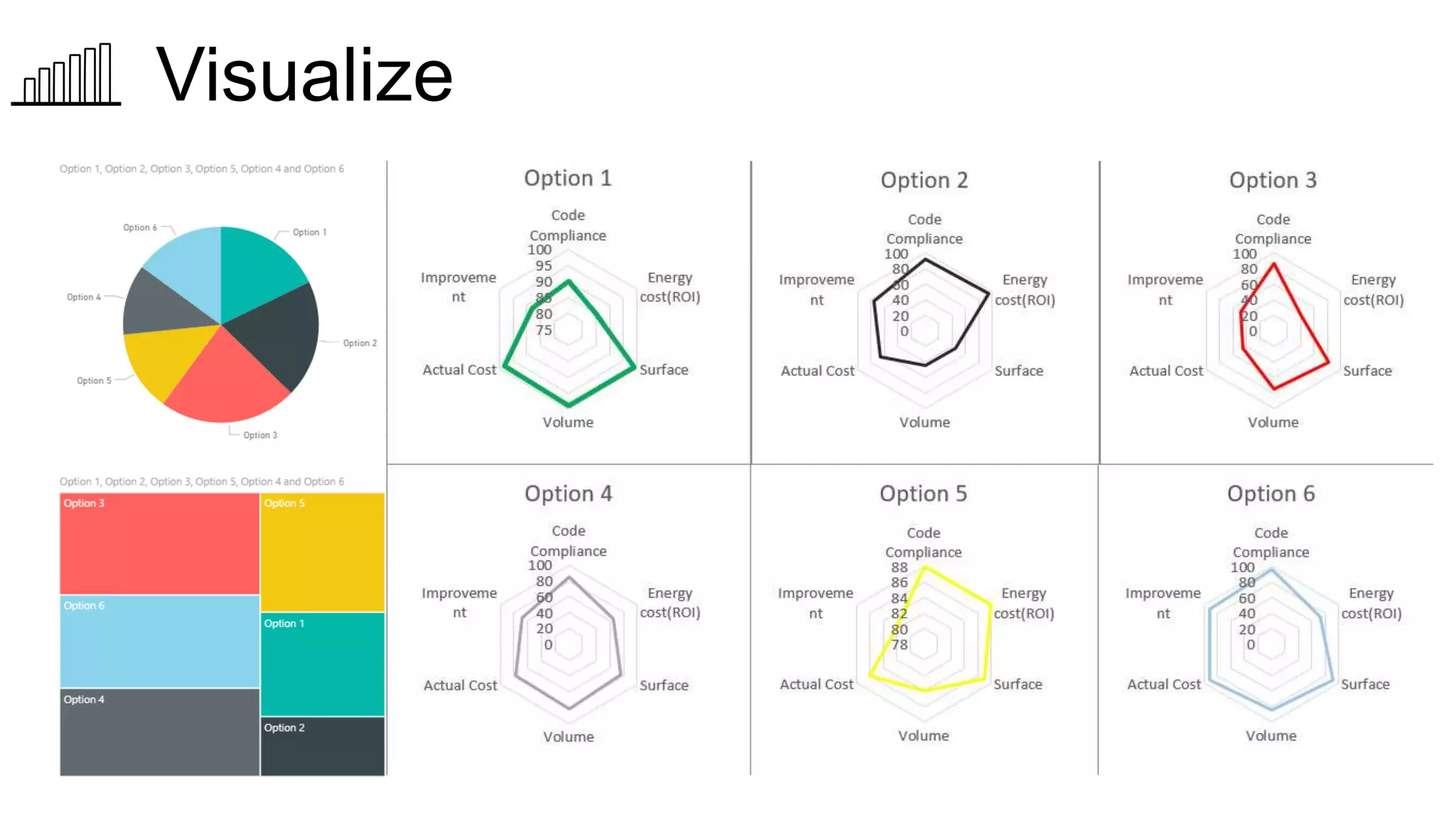
Visualize
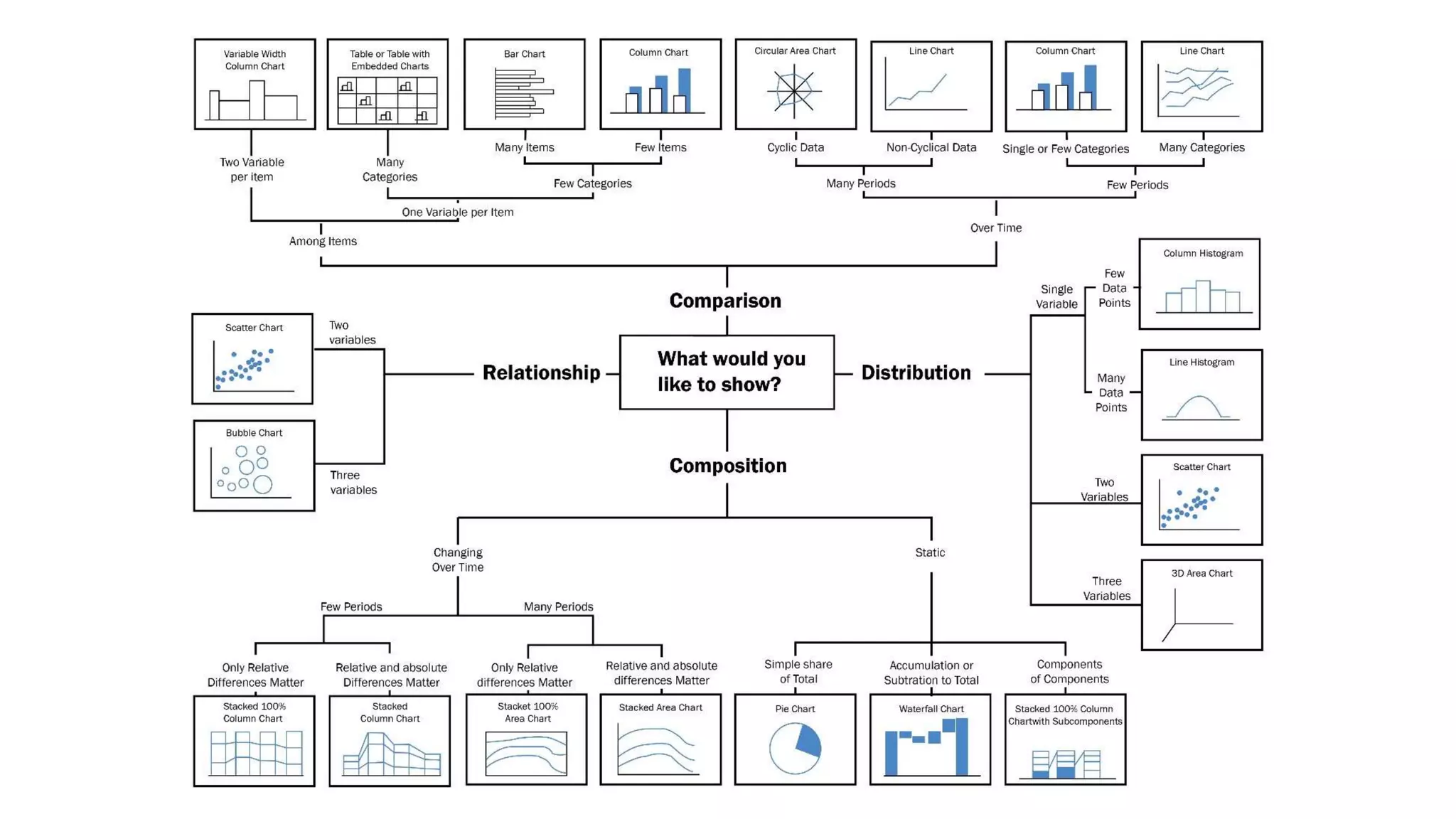
How to Visualize Data
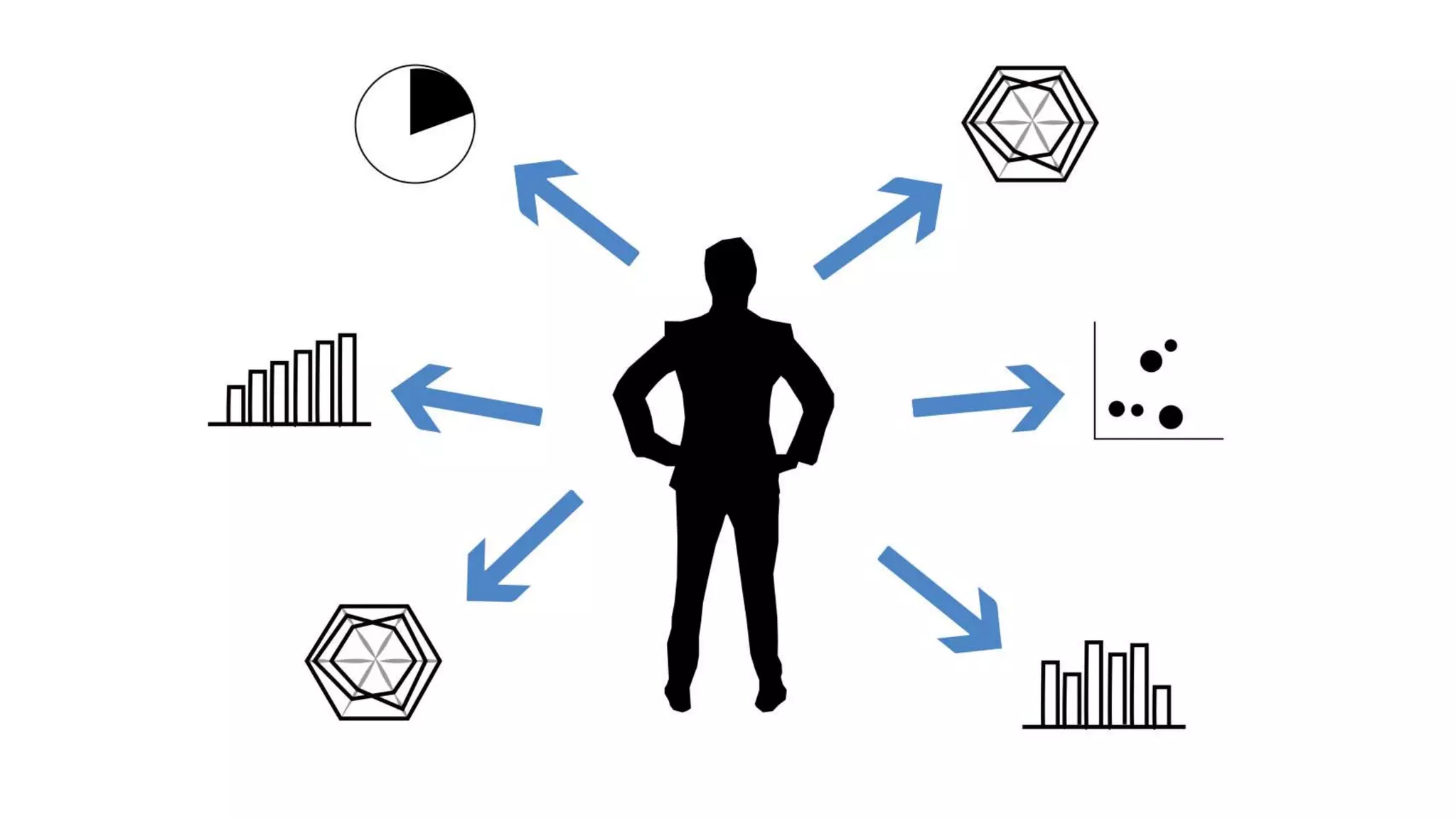
How to make a great
Data visualization
Graph
COLOR
COMPOSITION
ANNOTATIONS
WHAT IS NEXT?
Autodesk and the Autodesk logo are registered trademarks or trademarks of Autodesk, Inc., and/or its subsidiaries and/or affiliates in the USA and/or other countries. All other brand names, product names, or trademarks belong to their respective holders.
Autodesk reserves the right to alter product and services offerings, and specifications and pricing at any time without notice, and is not responsible for typographical or graphical errors that may appear in this document.
© 2017 Autodesk. All rights reserved.

Turn Revit data into useful information with visualization techniques and workflows