Ring Documentation, Release 1.5.1
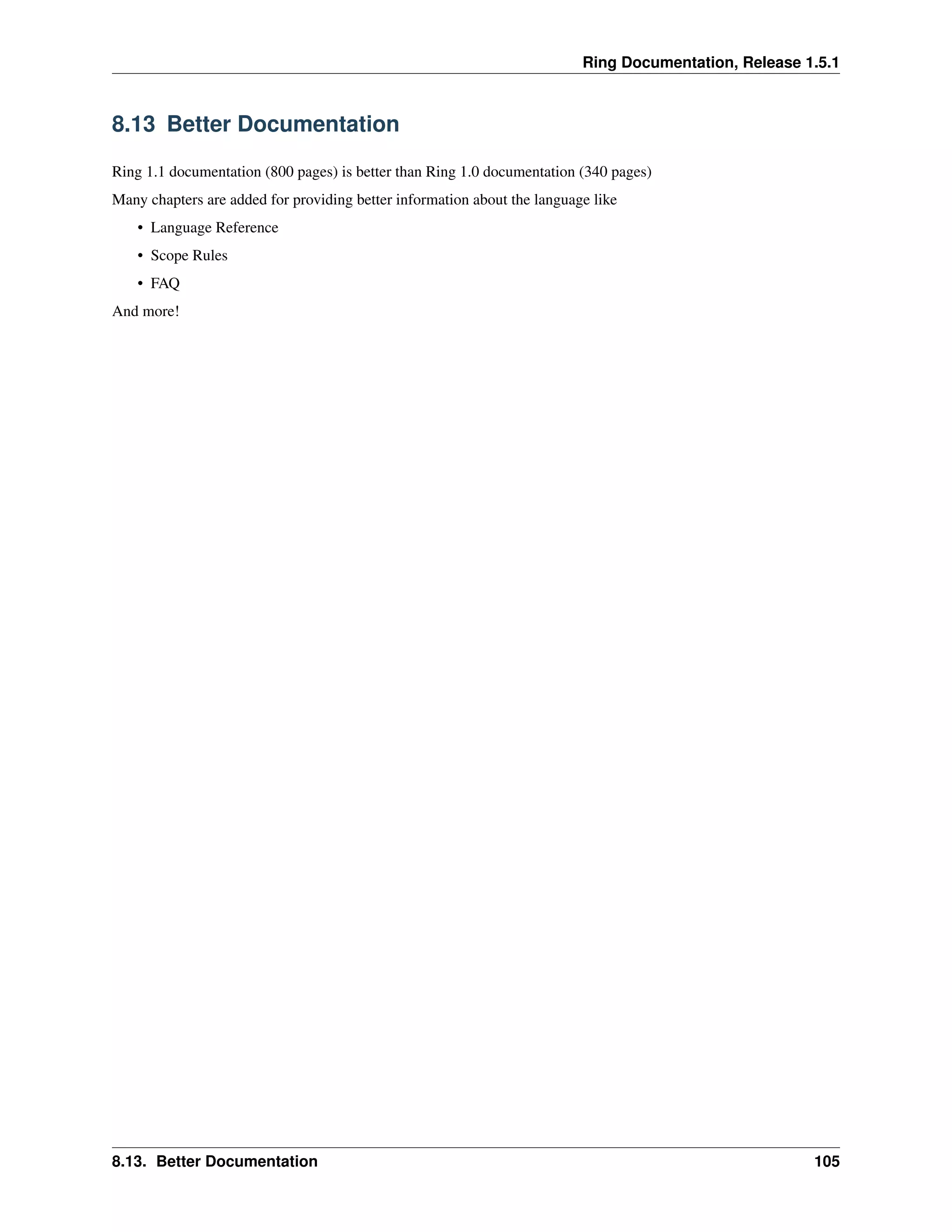
8.13 Better Documentation
Ring 1.1 documentation (800 pages) is better than Ring 1.0 documentation (340 pages)
Many chapters are added for providing better information about the language like
• Language Reference
• Scope Rules
• FAQ
And more!
8.13. Better Documentation 105
CHAPTER
NINE
BUILDING FROM SOURCE CODE
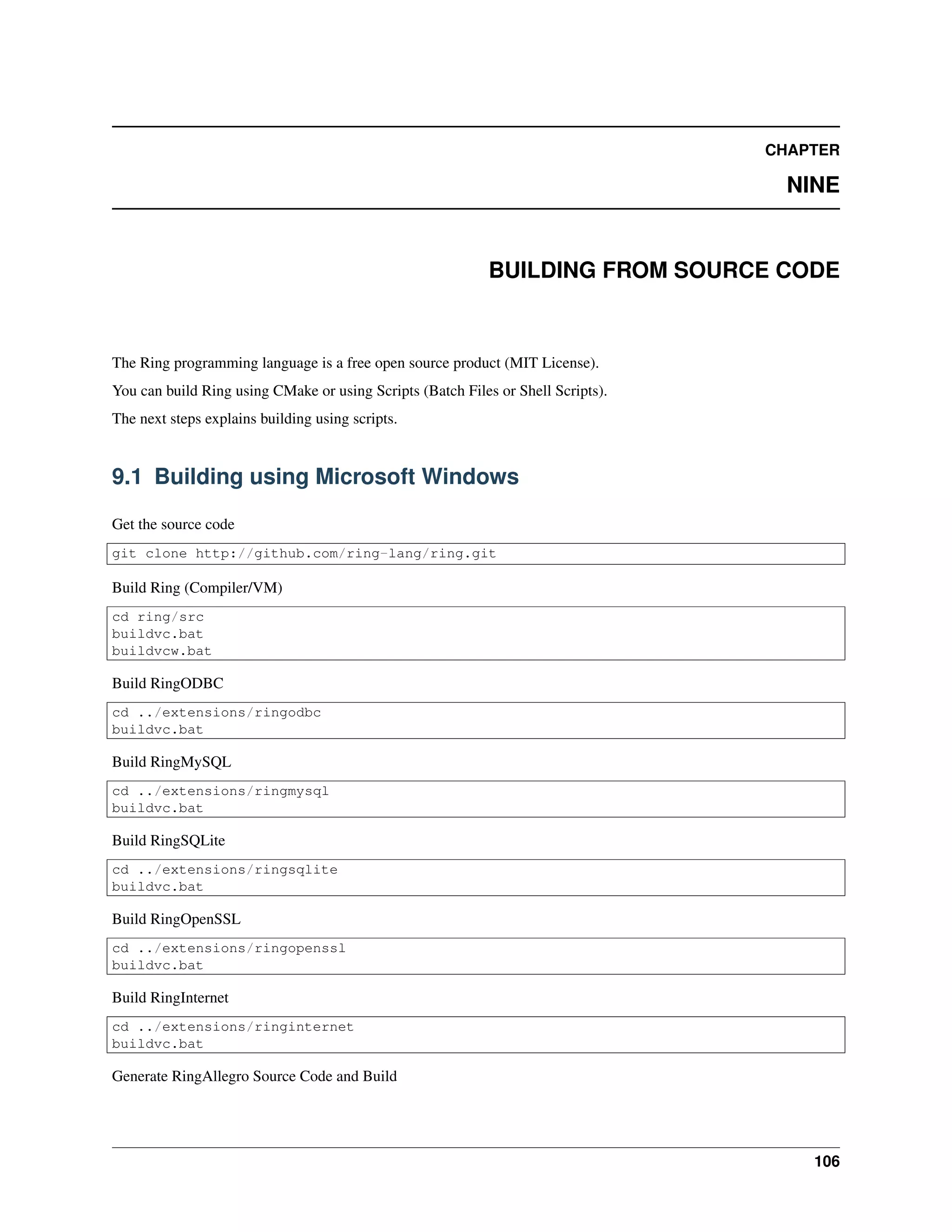
The Ring programming language is a free open source product (MIT License).
You can build Ring using CMake or using Scripts (Batch Files or Shell Scripts).
The next steps explains building using scripts.
9.1 Building using Microsoft Windows
Get the source code
git clone http://github.com/ring-lang/ring.git
Build Ring (Compiler/VM)
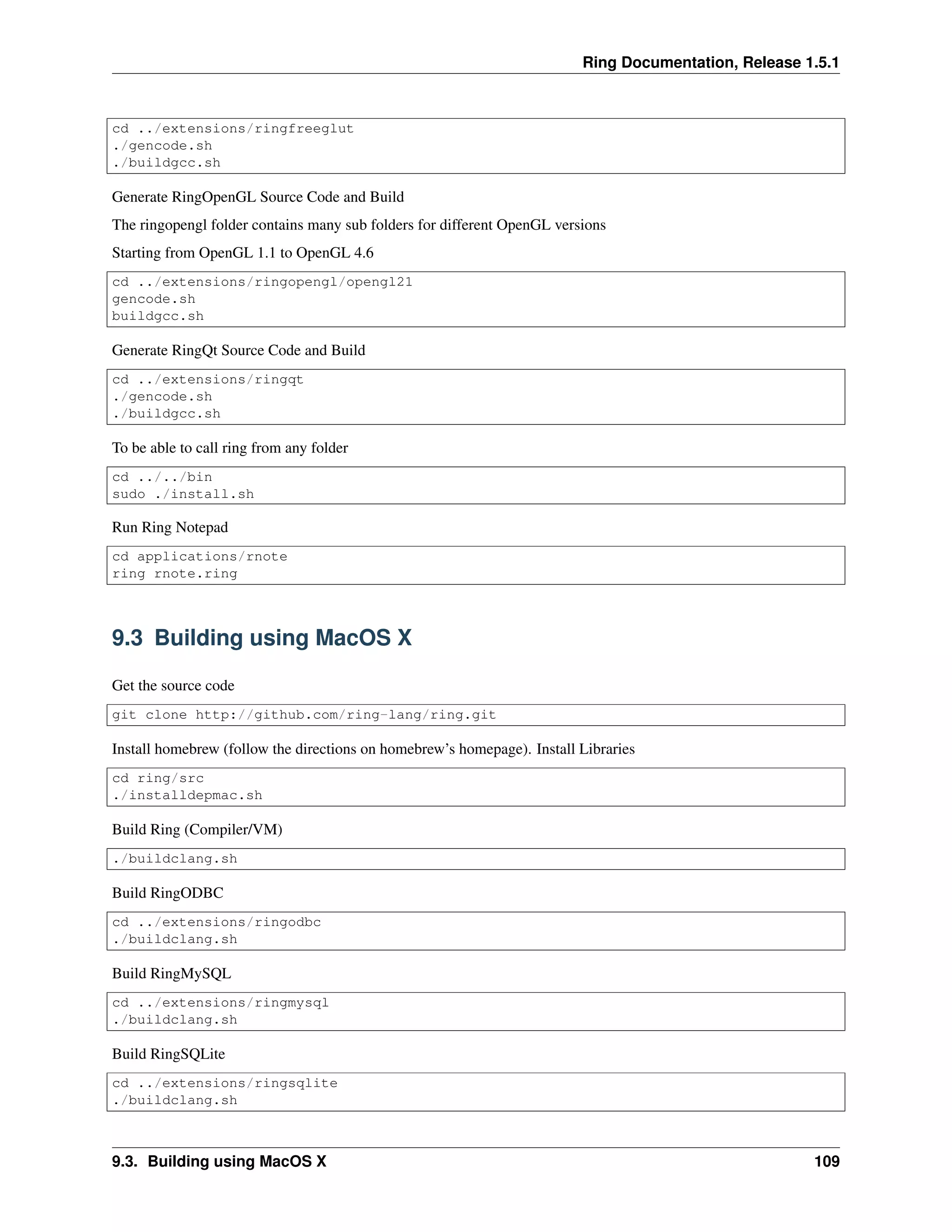
cd ring/src
buildvc.bat
buildvcw.bat
Build RingODBC
cd ../extensions/ringodbc
buildvc.bat
Build RingMySQL
cd ../extensions/ringmysql
buildvc.bat
Build RingSQLite
cd ../extensions/ringsqlite
buildvc.bat
Build RingOpenSSL
cd ../extensions/ringopenssl
buildvc.bat
Build RingInternet
cd ../extensions/ringinternet
buildvc.bat
Generate RingAllegro Source Code and Build
106
Ring Documentation, Release 1.5.1
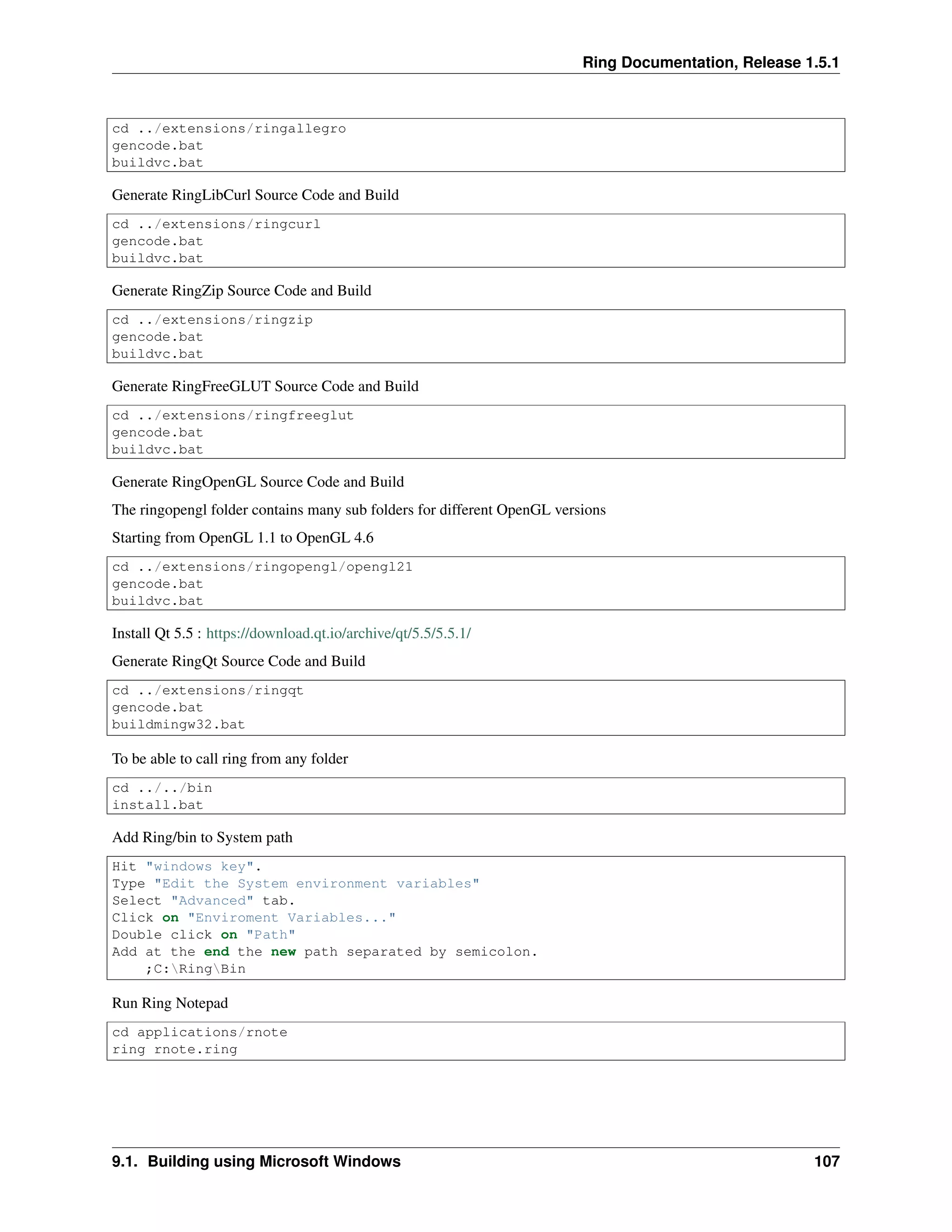
cd ../extensions/ringallegro
gencode.bat
buildvc.bat
Generate RingLibCurl Source Code and Build
cd ../extensions/ringcurl
gencode.bat
buildvc.bat
Generate RingZip Source Code and Build
cd ../extensions/ringzip
gencode.bat
buildvc.bat
Generate RingFreeGLUT Source Code and Build
cd ../extensions/ringfreeglut
gencode.bat
buildvc.bat
Generate RingOpenGL Source Code and Build
The ringopengl folder contains many sub folders for different OpenGL versions
Starting from OpenGL 1.1 to OpenGL 4.6
cd ../extensions/ringopengl/opengl21
gencode.bat
buildvc.bat
Install Qt 5.5 : https://download.qt.io/archive/qt/5.5/5.5.1/
Generate RingQt Source Code and Build
cd ../extensions/ringqt
gencode.bat
buildmingw32.bat
To be able to call ring from any folder
cd ../../bin
install.bat
Add Ring/bin to System path
Hit "windows key".
Type "Edit the System environment variables"
Select "Advanced" tab.
Click on "Enviroment Variables..."
Double click on "Path"
Add at the end the new path separated by semicolon.
;C:RingBin
Run Ring Notepad
cd applications/rnote
ring rnote.ring
9.1. Building using Microsoft Windows 107
Ring Documentation, Release 1.5.1
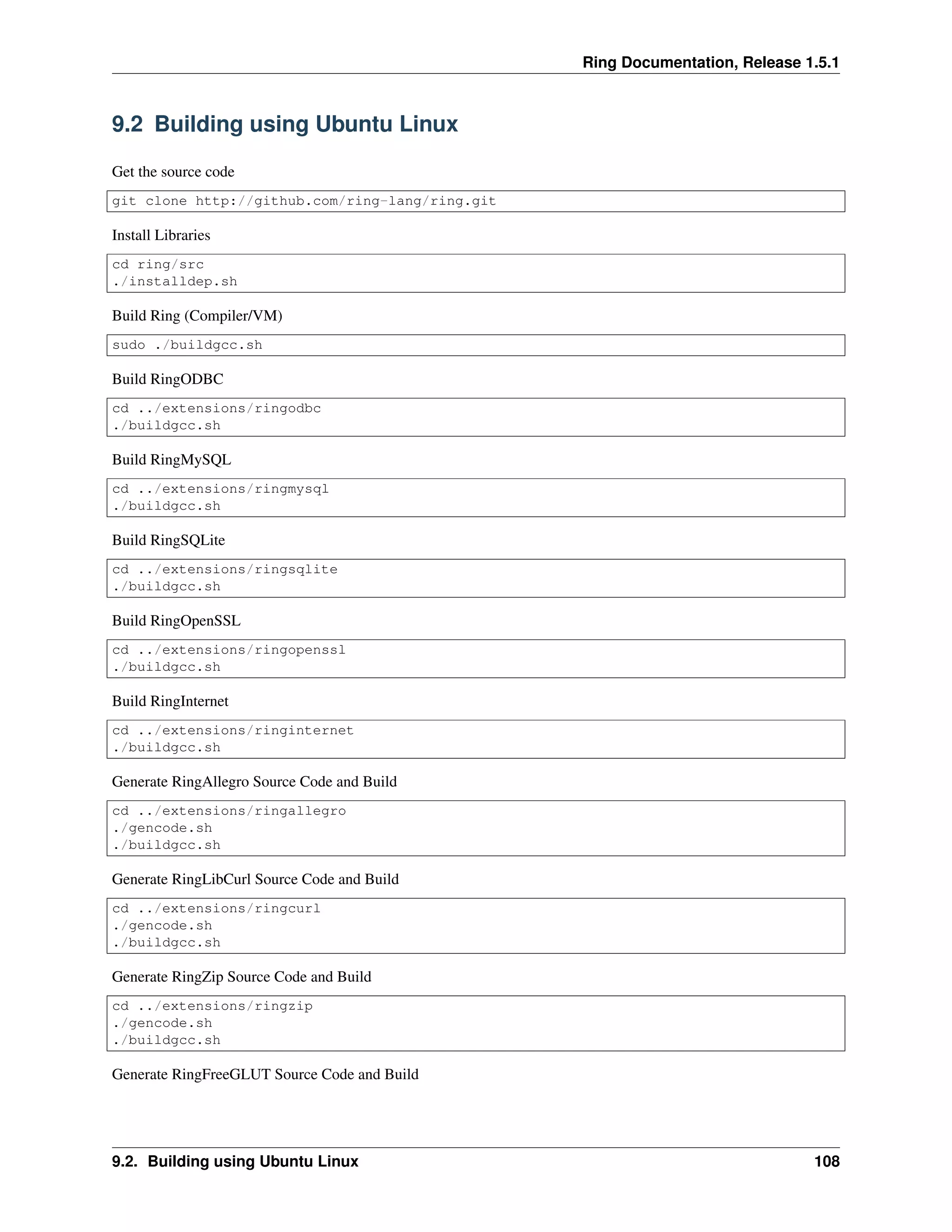
9.2 Building using Ubuntu Linux
Get the source code
git clone http://github.com/ring-lang/ring.git
Install Libraries
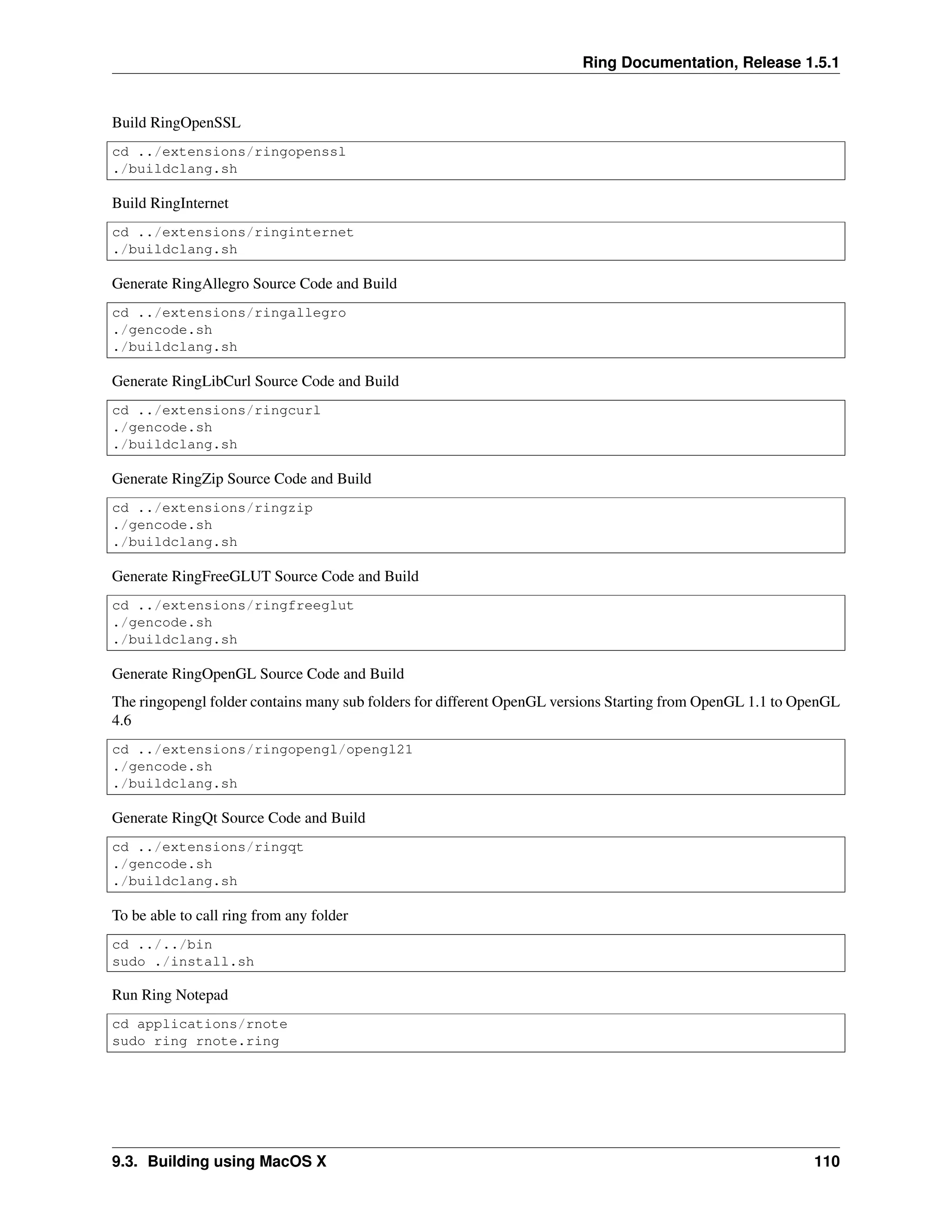
cd ring/src
./installdep.sh
Build Ring (Compiler/VM)
sudo ./buildgcc.sh
Build RingODBC
cd ../extensions/ringodbc
./buildgcc.sh
Build RingMySQL
cd ../extensions/ringmysql
./buildgcc.sh
Build RingSQLite
cd ../extensions/ringsqlite
./buildgcc.sh
Build RingOpenSSL
cd ../extensions/ringopenssl
./buildgcc.sh
Build RingInternet
cd ../extensions/ringinternet
./buildgcc.sh
Generate RingAllegro Source Code and Build
cd ../extensions/ringallegro
./gencode.sh
./buildgcc.sh
Generate RingLibCurl Source Code and Build
cd ../extensions/ringcurl
./gencode.sh
./buildgcc.sh
Generate RingZip Source Code and Build
cd ../extensions/ringzip
./gencode.sh
./buildgcc.sh
Generate RingFreeGLUT Source Code and Build
9.2. Building using Ubuntu Linux 108
Ring Documentation, Release 1.5.1
cd ../extensions/ringfreeglut
./gencode.sh
./buildgcc.sh
Generate RingOpenGL Source Code and Build
The ringopengl folder contains many sub folders for different OpenGL versions
Starting from OpenGL 1.1 to OpenGL 4.6
cd ../extensions/ringopengl/opengl21
gencode.sh
buildgcc.sh
Generate RingQt Source Code and Build
cd ../extensions/ringqt
./gencode.sh
./buildgcc.sh
To be able to call ring from any folder
cd ../../bin
sudo ./install.sh
Run Ring Notepad
cd applications/rnote
ring rnote.ring
9.3 Building using MacOS X
Get the source code
git clone http://github.com/ring-lang/ring.git
Install homebrew (follow the directions on homebrew’s homepage). Install Libraries
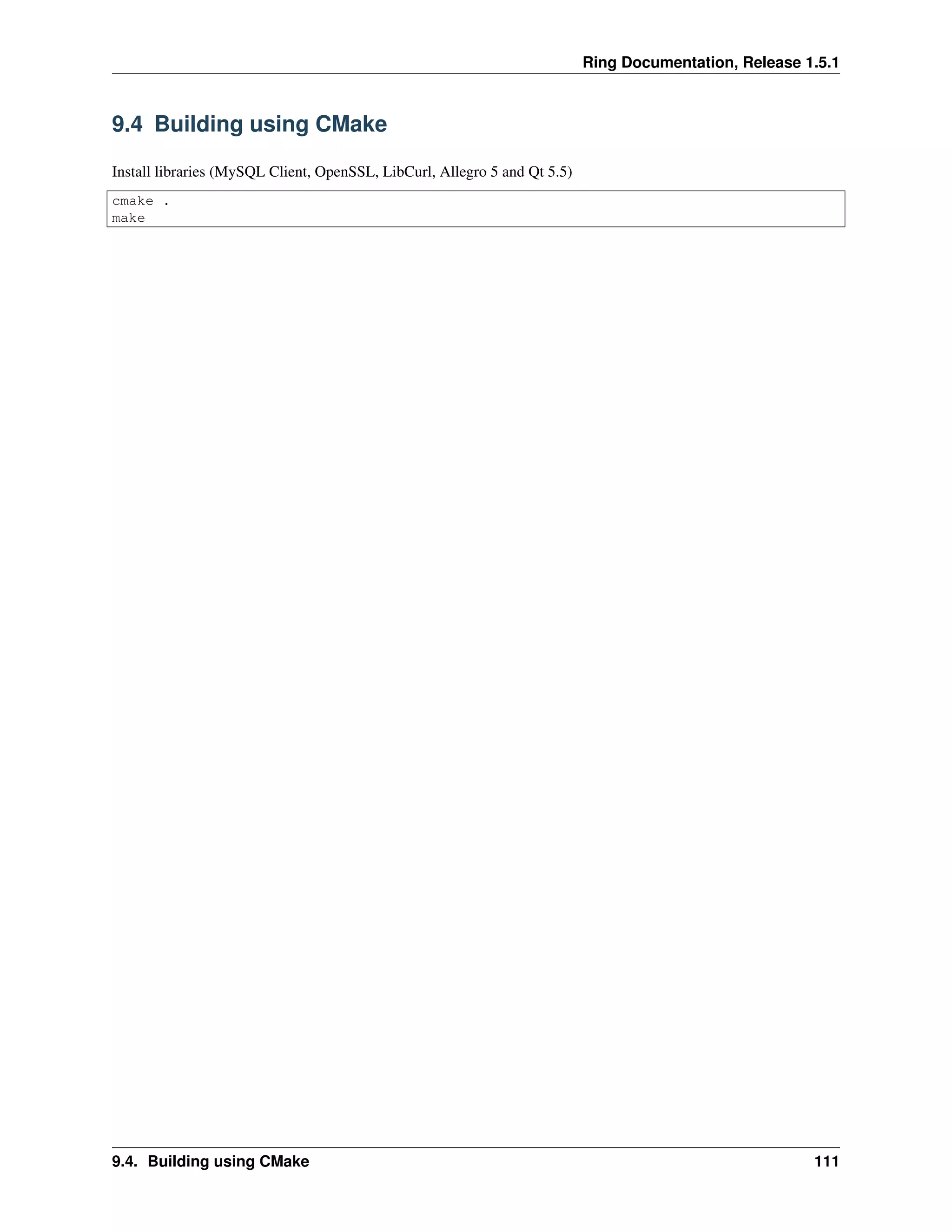
cd ring/src
./installdepmac.sh
Build Ring (Compiler/VM)
./buildclang.sh
Build RingODBC
cd ../extensions/ringodbc
./buildclang.sh
Build RingMySQL
cd ../extensions/ringmysql
./buildclang.sh
Build RingSQLite
cd ../extensions/ringsqlite
./buildclang.sh
9.3. Building using MacOS X 109
Ring Documentation, Release 1.5.1
Build RingOpenSSL
cd ../extensions/ringopenssl
./buildclang.sh
Build RingInternet
cd ../extensions/ringinternet
./buildclang.sh
Generate RingAllegro Source Code and Build
cd ../extensions/ringallegro
./gencode.sh
./buildclang.sh
Generate RingLibCurl Source Code and Build
cd ../extensions/ringcurl
./gencode.sh
./buildclang.sh
Generate RingZip Source Code and Build
cd ../extensions/ringzip
./gencode.sh
./buildclang.sh
Generate RingFreeGLUT Source Code and Build
cd ../extensions/ringfreeglut
./gencode.sh
./buildclang.sh
Generate RingOpenGL Source Code and Build
The ringopengl folder contains many sub folders for different OpenGL versions Starting from OpenGL 1.1 to OpenGL
4.6
cd ../extensions/ringopengl/opengl21
./gencode.sh
./buildclang.sh
Generate RingQt Source Code and Build
cd ../extensions/ringqt
./gencode.sh
./buildclang.sh
To be able to call ring from any folder
cd ../../bin
sudo ./install.sh
Run Ring Notepad
cd applications/rnote
sudo ring rnote.ring
9.3. Building using MacOS X 110
Ring Documentation, Release 1.5.1
9.4 Building using CMake
Install libraries (MySQL Client, OpenSSL, LibCurl, Allegro 5 and Qt 5.5)
cmake .
make
9.4. Building using CMake 111
CHAPTER
TEN
HOW TO CONTRIBUTE?
Ring is a free-open source project, Everyone is welcome to contribute to Ring.
Project Home : https://github.com/ring-lang/ring
You can help in many parts in the project
• Documentation
• Testing
• Samples
• Applications
• Editors Support
• Libraries in Ring
• Extensions in C/C++
• Compiler and Virtual Machine (VM)
• Ideas and suggestions
10.1 Special thanks to contributors
Throughout the creation of this project, Ring relied heavily on contributions from experts along with college students.
Their input was invaluable, and we want to take a moment to thank them and recognize them for all of their hard work.
Ring Team: http://ring-lang.sf.net/team.html
10.2 Documentation
You can modify anything in the documentation, by updating the text files (*.txt) in this folder : https://github.com/ring-
lang/ring/tree/master/docs/source
The documentation is created using Sphinx : http://www.sphinx-doc.org/en/stable/
10.3 Testing
You can write new tests in this folder
https://github.com/ring-lang/ring/tree/master/tests/scripts
112
Ring Documentation, Release 1.5.1
10.4 Samples
You can add new samples to this folder
https://github.com/ring-lang/ring/tree/master/samples/other
10.5 Applications
You can add new applications to this folder
https://github.com/ring-lang/ring/tree/master/applications
10.6 Editors Support
You can help in supporting Ring in different code editors
Check the next folder
https://github.com/ring-lang/ring/tree/master/editor
10.7 Libraries in Ring
You can update and add libraries to this folder
https://github.com/ring-lang/ring/tree/master/ringlibs
10.8 Extensions in C/C++
You can add and update extensions in this folder
https://github.com/ring-lang/ring/tree/master/extensions
10.9 Compiler and Virtual Machine (VM)
• Source Code (C Language) : https://github.com/ring-lang/ring/tree/master/src
• Visual Source (PWCT) : https://github.com/ring-lang/ring/tree/master/visualsrc
10.10 Ideas and suggestions
You can share your ideas, suggestions and questions in this group
https://groups.google.com/forum/#!forum/ring-lang
10.4. Samples 113
CHAPTER
ELEVEN
GETTING STARTED - FIRST STYLE
11.1 Hello World
The next program prints the Hello World message on the screen (std-out).
see "Hello World"
11.2 Run the program
to run the program, save the code in a file, for example : hello.ring then from the command line or terminal, run it
using the ring interpreter
ring hello.ring
11.3 Not Case-Sensitive
Since the Ring language is not case-sensitive, the same program can be written in different styles
Tip: It’s better to select one style and use it in all of the program source code
SEE "Hello World"
See "Hello World"
11.4 Multi-Line literals
Using Ring we can write multi-line literal, see the next example
See "
Hello
Welcome to the Ring programming language
How are you?
"
Also you can use the nl constant to insert new line and you can use the + operator to concatenate strings
114

The Ring programming language version 1.5.1 book - Part 14 of 180

  • 1.
    Ring Documentation, Release1.5.1 8.13 Better Documentation Ring 1.1 documentation (800 pages) is better than Ring 1.0 documentation (340 pages) Many chapters are added for providing better information about the language like • Language Reference • Scope Rules • FAQ And more! 8.13. Better Documentation 105
  • 2.
    CHAPTER NINE BUILDING FROM SOURCECODE The Ring programming language is a free open source product (MIT License). You can build Ring using CMake or using Scripts (Batch Files or Shell Scripts). The next steps explains building using scripts. 9.1 Building using Microsoft Windows Get the source code git clone http://github.com/ring-lang/ring.git Build Ring (Compiler/VM) cd ring/src buildvc.bat buildvcw.bat Build RingODBC cd ../extensions/ringodbc buildvc.bat Build RingMySQL cd ../extensions/ringmysql buildvc.bat Build RingSQLite cd ../extensions/ringsqlite buildvc.bat Build RingOpenSSL cd ../extensions/ringopenssl buildvc.bat Build RingInternet cd ../extensions/ringinternet buildvc.bat Generate RingAllegro Source Code and Build 106
  • 3.
    Ring Documentation, Release1.5.1 cd ../extensions/ringallegro gencode.bat buildvc.bat Generate RingLibCurl Source Code and Build cd ../extensions/ringcurl gencode.bat buildvc.bat Generate RingZip Source Code and Build cd ../extensions/ringzip gencode.bat buildvc.bat Generate RingFreeGLUT Source Code and Build cd ../extensions/ringfreeglut gencode.bat buildvc.bat Generate RingOpenGL Source Code and Build The ringopengl folder contains many sub folders for different OpenGL versions Starting from OpenGL 1.1 to OpenGL 4.6 cd ../extensions/ringopengl/opengl21 gencode.bat buildvc.bat Install Qt 5.5 : https://download.qt.io/archive/qt/5.5/5.5.1/ Generate RingQt Source Code and Build cd ../extensions/ringqt gencode.bat buildmingw32.bat To be able to call ring from any folder cd ../../bin install.bat Add Ring/bin to System path Hit "windows key". Type "Edit the System environment variables" Select "Advanced" tab. Click on "Enviroment Variables..." Double click on "Path" Add at the end the new path separated by semicolon. ;C:RingBin Run Ring Notepad cd applications/rnote ring rnote.ring 9.1. Building using Microsoft Windows 107
  • 4.
    Ring Documentation, Release1.5.1 9.2 Building using Ubuntu Linux Get the source code git clone http://github.com/ring-lang/ring.git Install Libraries cd ring/src ./installdep.sh Build Ring (Compiler/VM) sudo ./buildgcc.sh Build RingODBC cd ../extensions/ringodbc ./buildgcc.sh Build RingMySQL cd ../extensions/ringmysql ./buildgcc.sh Build RingSQLite cd ../extensions/ringsqlite ./buildgcc.sh Build RingOpenSSL cd ../extensions/ringopenssl ./buildgcc.sh Build RingInternet cd ../extensions/ringinternet ./buildgcc.sh Generate RingAllegro Source Code and Build cd ../extensions/ringallegro ./gencode.sh ./buildgcc.sh Generate RingLibCurl Source Code and Build cd ../extensions/ringcurl ./gencode.sh ./buildgcc.sh Generate RingZip Source Code and Build cd ../extensions/ringzip ./gencode.sh ./buildgcc.sh Generate RingFreeGLUT Source Code and Build 9.2. Building using Ubuntu Linux 108
  • 5.
    Ring Documentation, Release1.5.1 cd ../extensions/ringfreeglut ./gencode.sh ./buildgcc.sh Generate RingOpenGL Source Code and Build The ringopengl folder contains many sub folders for different OpenGL versions Starting from OpenGL 1.1 to OpenGL 4.6 cd ../extensions/ringopengl/opengl21 gencode.sh buildgcc.sh Generate RingQt Source Code and Build cd ../extensions/ringqt ./gencode.sh ./buildgcc.sh To be able to call ring from any folder cd ../../bin sudo ./install.sh Run Ring Notepad cd applications/rnote ring rnote.ring 9.3 Building using MacOS X Get the source code git clone http://github.com/ring-lang/ring.git Install homebrew (follow the directions on homebrew’s homepage). Install Libraries cd ring/src ./installdepmac.sh Build Ring (Compiler/VM) ./buildclang.sh Build RingODBC cd ../extensions/ringodbc ./buildclang.sh Build RingMySQL cd ../extensions/ringmysql ./buildclang.sh Build RingSQLite cd ../extensions/ringsqlite ./buildclang.sh 9.3. Building using MacOS X 109
  • 6.
    Ring Documentation, Release1.5.1 Build RingOpenSSL cd ../extensions/ringopenssl ./buildclang.sh Build RingInternet cd ../extensions/ringinternet ./buildclang.sh Generate RingAllegro Source Code and Build cd ../extensions/ringallegro ./gencode.sh ./buildclang.sh Generate RingLibCurl Source Code and Build cd ../extensions/ringcurl ./gencode.sh ./buildclang.sh Generate RingZip Source Code and Build cd ../extensions/ringzip ./gencode.sh ./buildclang.sh Generate RingFreeGLUT Source Code and Build cd ../extensions/ringfreeglut ./gencode.sh ./buildclang.sh Generate RingOpenGL Source Code and Build The ringopengl folder contains many sub folders for different OpenGL versions Starting from OpenGL 1.1 to OpenGL 4.6 cd ../extensions/ringopengl/opengl21 ./gencode.sh ./buildclang.sh Generate RingQt Source Code and Build cd ../extensions/ringqt ./gencode.sh ./buildclang.sh To be able to call ring from any folder cd ../../bin sudo ./install.sh Run Ring Notepad cd applications/rnote sudo ring rnote.ring 9.3. Building using MacOS X 110
  • 7.
    Ring Documentation, Release1.5.1 9.4 Building using CMake Install libraries (MySQL Client, OpenSSL, LibCurl, Allegro 5 and Qt 5.5) cmake . make 9.4. Building using CMake 111
  • 8.
    CHAPTER TEN HOW TO CONTRIBUTE? Ringis a free-open source project, Everyone is welcome to contribute to Ring. Project Home : https://github.com/ring-lang/ring You can help in many parts in the project • Documentation • Testing • Samples • Applications • Editors Support • Libraries in Ring • Extensions in C/C++ • Compiler and Virtual Machine (VM) • Ideas and suggestions 10.1 Special thanks to contributors Throughout the creation of this project, Ring relied heavily on contributions from experts along with college students. Their input was invaluable, and we want to take a moment to thank them and recognize them for all of their hard work. Ring Team: http://ring-lang.sf.net/team.html 10.2 Documentation You can modify anything in the documentation, by updating the text files (*.txt) in this folder : https://github.com/ring- lang/ring/tree/master/docs/source The documentation is created using Sphinx : http://www.sphinx-doc.org/en/stable/ 10.3 Testing You can write new tests in this folder https://github.com/ring-lang/ring/tree/master/tests/scripts 112
  • 9.
    Ring Documentation, Release1.5.1 10.4 Samples You can add new samples to this folder https://github.com/ring-lang/ring/tree/master/samples/other 10.5 Applications You can add new applications to this folder https://github.com/ring-lang/ring/tree/master/applications 10.6 Editors Support You can help in supporting Ring in different code editors Check the next folder https://github.com/ring-lang/ring/tree/master/editor 10.7 Libraries in Ring You can update and add libraries to this folder https://github.com/ring-lang/ring/tree/master/ringlibs 10.8 Extensions in C/C++ You can add and update extensions in this folder https://github.com/ring-lang/ring/tree/master/extensions 10.9 Compiler and Virtual Machine (VM) • Source Code (C Language) : https://github.com/ring-lang/ring/tree/master/src • Visual Source (PWCT) : https://github.com/ring-lang/ring/tree/master/visualsrc 10.10 Ideas and suggestions You can share your ideas, suggestions and questions in this group https://groups.google.com/forum/#!forum/ring-lang 10.4. Samples 113
  • 10.
    CHAPTER ELEVEN GETTING STARTED -FIRST STYLE 11.1 Hello World The next program prints the Hello World message on the screen (std-out). see "Hello World" 11.2 Run the program to run the program, save the code in a file, for example : hello.ring then from the command line or terminal, run it using the ring interpreter ring hello.ring 11.3 Not Case-Sensitive Since the Ring language is not case-sensitive, the same program can be written in different styles Tip: It’s better to select one style and use it in all of the program source code SEE "Hello World" See "Hello World" 11.4 Multi-Line literals Using Ring we can write multi-line literal, see the next example See " Hello Welcome to the Ring programming language How are you? " Also you can use the nl constant to insert new line and you can use the + operator to concatenate strings 114