TESTING
SUCKSFITZROY-DALE
 NICHOLAS


   NOVEMBER 2011
TESTING IS LIKE
FLOSSING
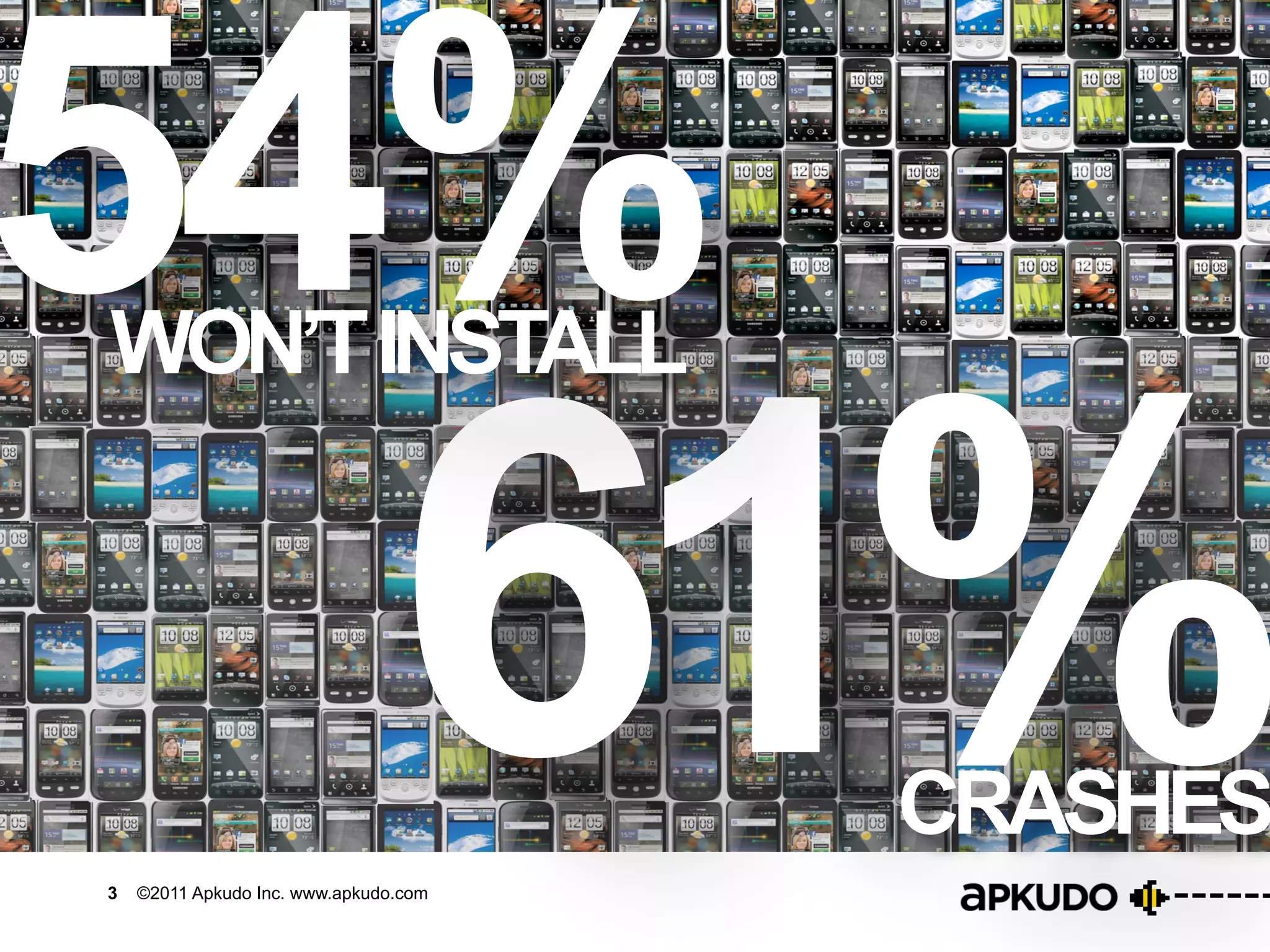
54%                        WON’T INSTALL


                                                       61%
  ©	
  2011	
  -­‐	
                                            ©	
  2011	
  -­‐	
             ©	
  2011	
  -­‐	
  
CONFIDENTIAL	
                                                CONFIDENTIAL	
                 CONFIDENTIA


                                                                                         CRASHES
                       3   ©2011 Apkudo Inc. www.apkudo.com

    ©	
  2011	
  -­‐	
                                            ©	
  2011	
  -­‐	
             ©	
  2011	
  -­‐	
  
“I TEST MY APP!”


                                       99%
4   ©2011 Apkudo Inc. www.apkudo.com
“I TEST MY APP!”

                                       99%
                                        O RLY?

                                        85%
                                          MANUAL	


5   ©2011 Apkudo Inc. www.apkudo.com
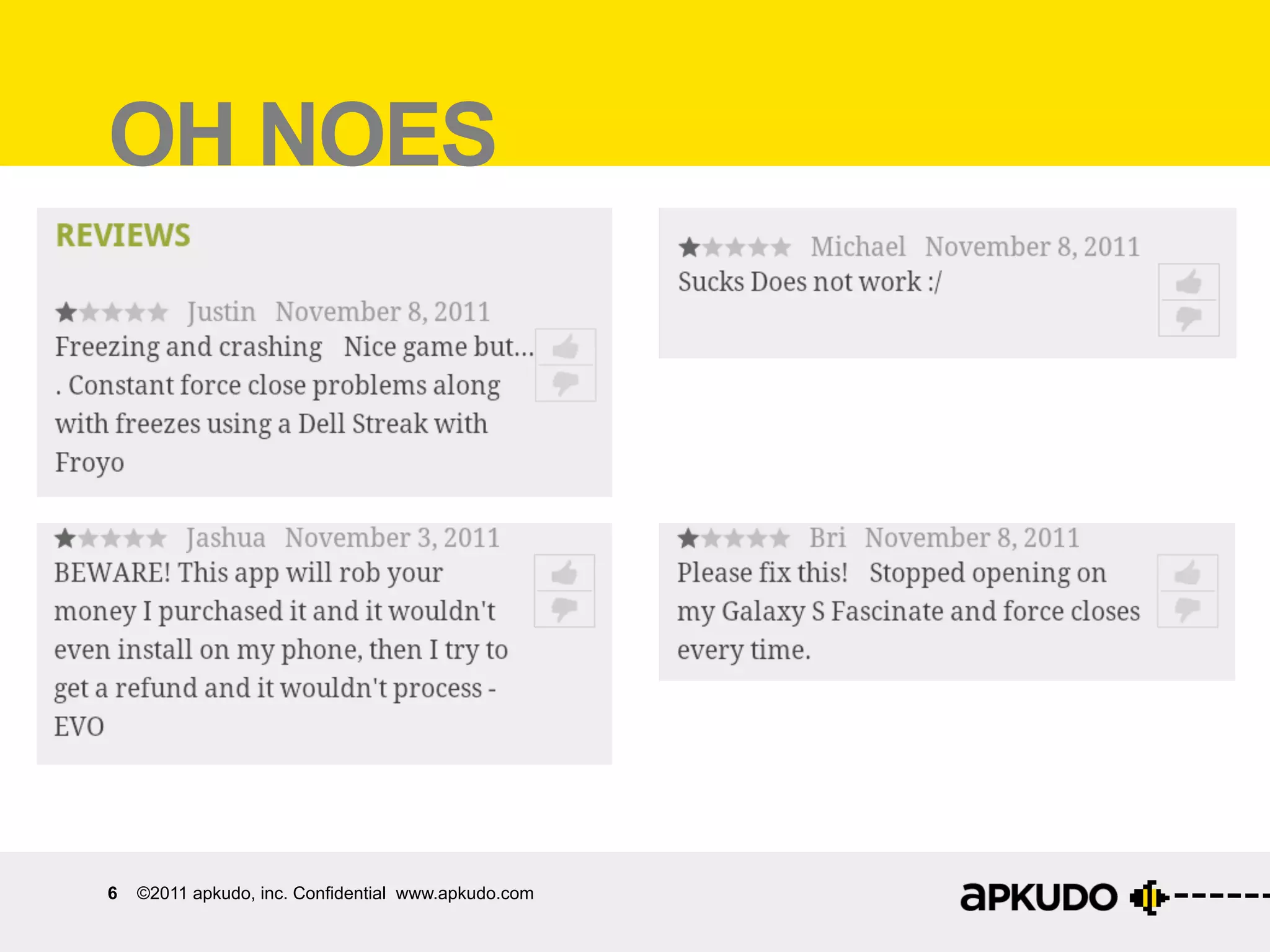
OH NOES


6   ©2011 apkudo, inc. Confidential www.apkudo.com
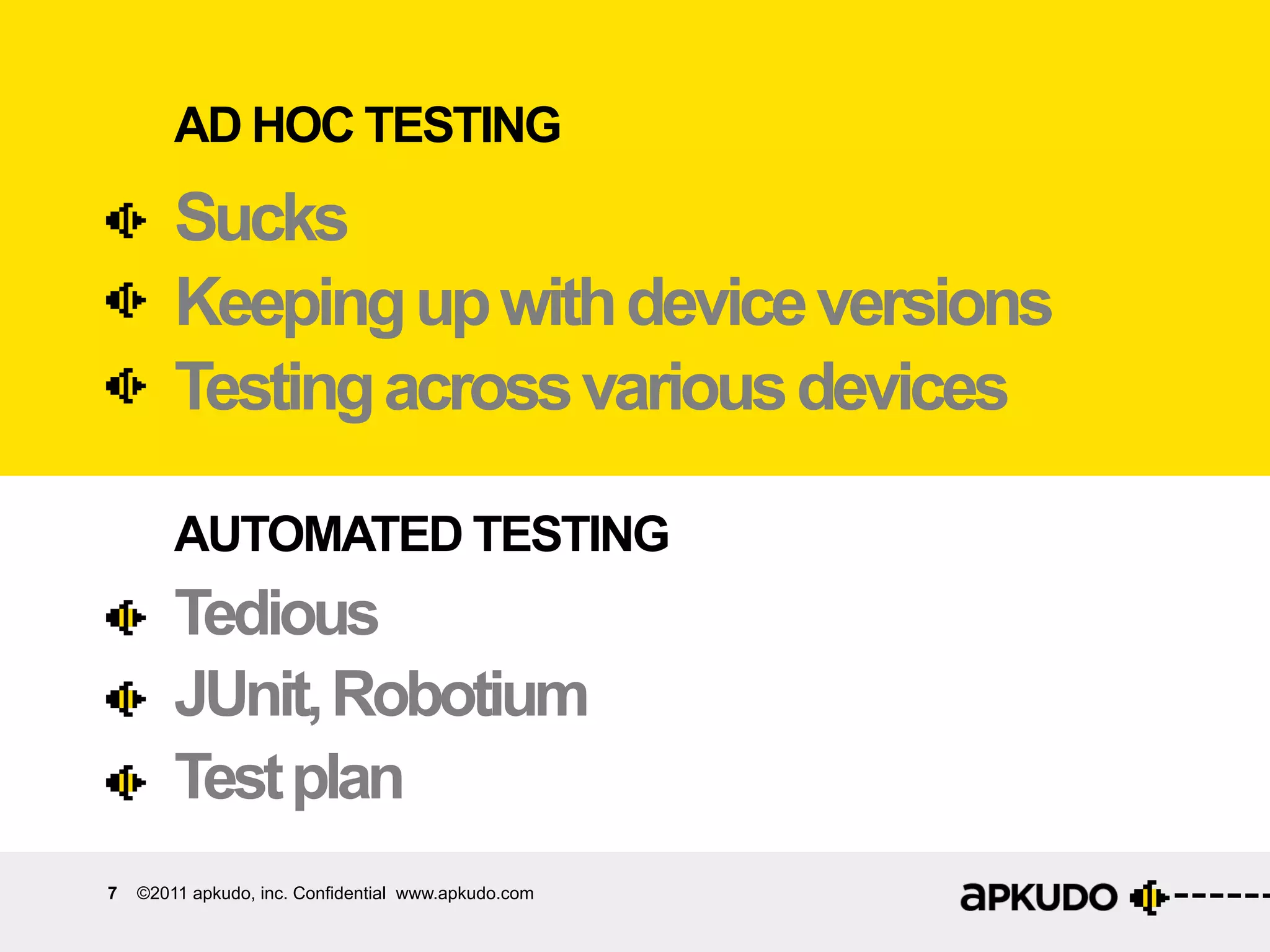
AD HOC TESTING
        Sucks
        Keeping up with device versions
        Testing across various devices

        AUTOMATED TESTING
        Tedious
        JUnit, Robotium
        Test plan
7   ©2011 apkudo, inc. Confidential www.apkudo.com
MONKEY!
        A good start.
        Simulates inputs.
        Completely automated.

8   ©2011 apkudo, inc. Confidential www.apkudo.com
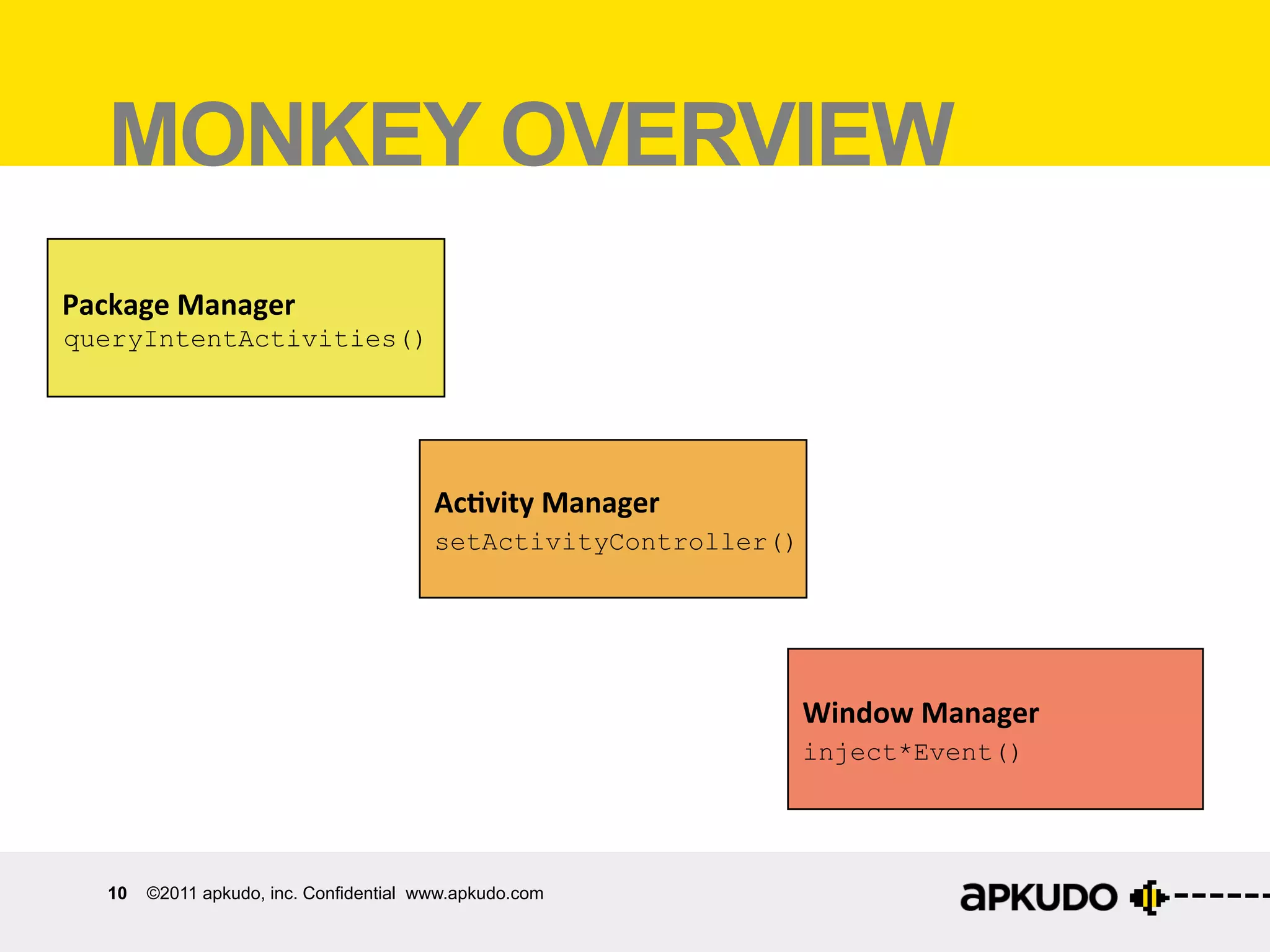
MONKEY OVERVIEW
	
  	
  Package	
  Manager	


  Install	
  and	
  uninstall	
  packages	


  Get	
  list	
  of	
  package	
  ac:vi:es	


  Ac$vity	
  Manager	


  Start	
  /	
  stop	
  ac:vi:es	


  Get	
  list	
  of	
  running	
  ac:vi:es	


  Window	
  Manager	


  Send	
  touch	
  and	
  key	
  events	


  to	
  foreground	
  app	


       9   ©2011 apkudo, inc. Confidential www.apkudo.com
MONKEY OVERVIEW
	
  	
  Package	
  Manager	
  
 queryIntentActivities()


  Ac$vity	
  Manager	


  setActivityController()


  Window	
  Manager	


  inject*Event()


       10   ©2011 apkudo, inc. Confidential www.apkudo.com
MONKEY SEE
MONKEY DO
•  Monkey injects “events” - what is an event?
       –  KeyEvent: Hardware buttons and keyboard
       –  MotionEvent: X, Y, and touches
       –  FlipEvent, NetworkEvent, PowerEvent (mostly
          legacy)


11   ©2011 apkudo, inc. Confidential www.apkudo.com
Security	
  
     SECURITY
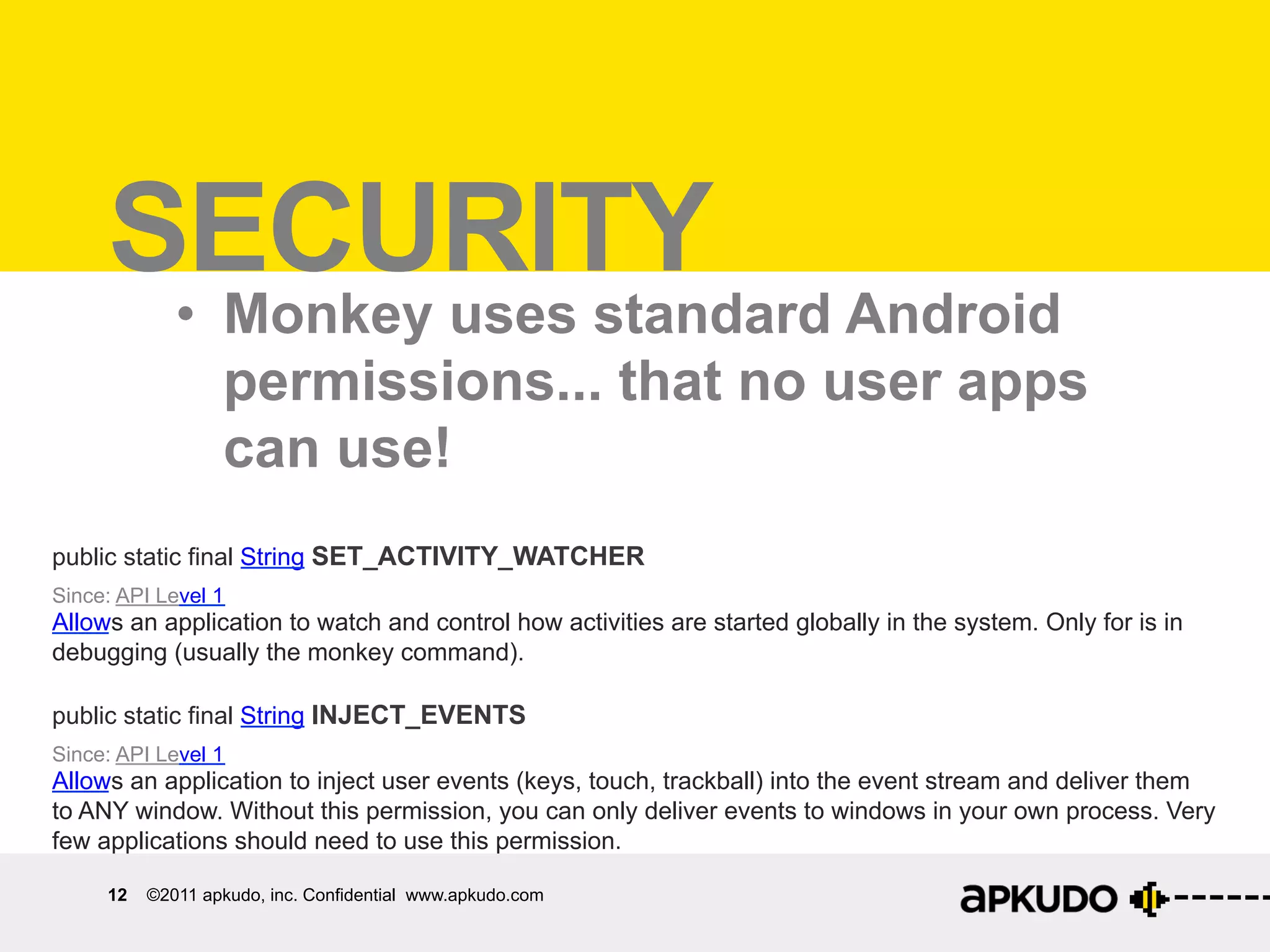
             •  Monkey uses standard Android
                permissions... that no user apps
                can use!
public static final String SET_ACTIVITY_WATCHER
Since: API Level 1
Allows an application to watch and control how activities are started globally in the system. Only for is in
debugging (usually the monkey command).

public static final String INJECT_EVENTS
Since: API Level 1
Allows an application to inject user events (keys, touch, trackball) into the event stream and deliver them
to ANY window. Without this permission, you can only deliver events to windows in your own process. Very
few applications should need to use this permission.

     12   ©2011 apkudo, inc. Confidential www.apkudo.com
MONKEYvVS onkey	
  Runner	
  
 Monkey	
   s	
  M
MONKEY RUNNER
•  Monkey is for randomized testing, and runs on
   the device
•  Monkey Runner is for scripting your own tests,
   and runs on a laptop / desktop
•  In fact, Monkey Runner uses Monkey internally
Monkey	
  on	
  Angry	
  Birds	
  
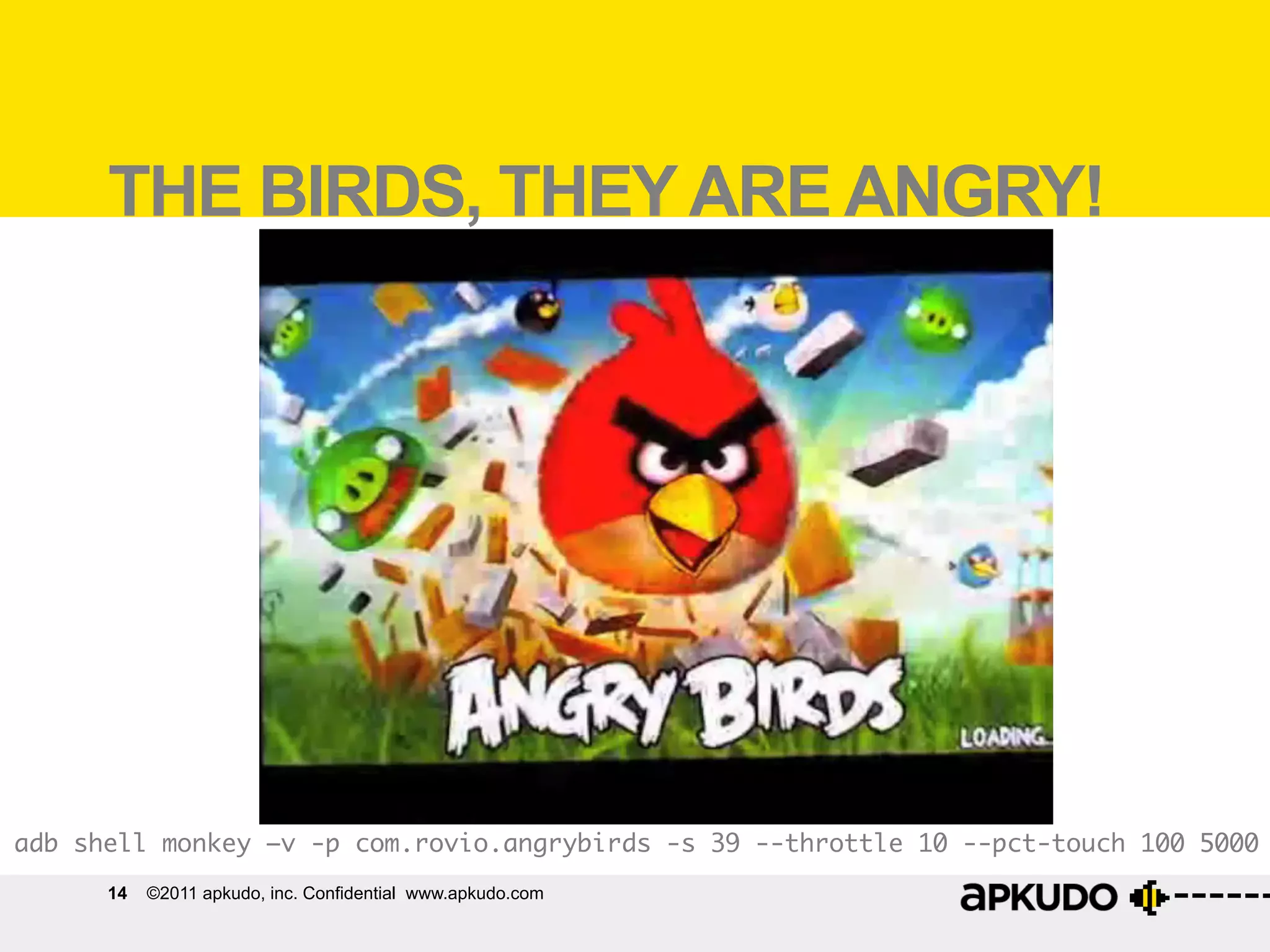
       THE BIRDS, THEY ARE ANGRY!


adb shell monkey –v -p com.rovio.angrybirds -s 39 --throttle 10 --pct-touch 100 5000	
       14   ©2011 apkudo, inc. Confidential www.apkudo.com
adb shell monkey -p com.rovio.angrybirds 5000
What	
  can	
  Monkey	
  find?	
  
  MONKEY RESULTS
   •  Key and motion events
   •  Crash information if applicable, as traceback
:AllowPackage:	
  com.rovio.angrybirds	
  
:IncludeCategory:	
  android.intent.category.LAUNCHER	
  
:IncludeCategory:	
  android.intent.category.MONKEY	
  
:Switch:	
  
#Intent;ac:on=android.intent.ac:on.MAIN;category=android.intent.category.LAUNCHER;launchFlags=0x10000000;compo
nent=com.rovio.angrybirds/com.rovio.ka3d.App;end	


  //	
  Allowing	
  start	
  of	
  Intent	
  {	
  act=android.intent.ac:on.MAIN	
  cat=[android.intent.category.LAUNCHER]	
  
cmp=com.rovio.angrybirds/com.rovio.ka3d.App	
  }	
  in	
  package	
  com.rovio.angrybirds	
  
:Sending	
  Pointer	
  ACTION_DOWN	
  x=554.0	
  y=357.0	
  
:Sending	
  Pointer	
  ACTION_UP	
  x=558.0	
  y=350.0	


  //	
  Rejec:ng	
  start	
  of	
  Intent	
  {	
  act=android.intent.ac:on.CALL_BUTTON	
  cmp=com.android.contacts/.DialtactsAc:vity	
  }	
  in	
  
package	
  com.android.contacts	
  
:Sending	
  Pointer	
  ACTION_DOWN	
  x=696.0	
  y=280.0	
  
:Sending	
  Pointer	
  ACTION_UP	
  x=709.0	
  y=271.0	
  
:Sending	
  Pointer	
  ACTION_MOVE	
  x=-­‐1.0	
  y=1.0	
  
:Sending	
  Pointer	
  ACTION_DOWN	
  x=348.0	
  y=10.0	
  

  15   ©2011 apkudo, inc. Confidential www.apkudo.com
WHAT CAN Monkey	
  find?	
  
  What	
  can	
  
MONKEY FIND?
•  Weird UI sequences
       –  Press button 2 before button 1
•  Unexpected inputs
       –  E.G. keyboard input during a Toast
•  User-interface race conditions
•  Activity life-cycle errors

16   ©2011 apkudo, inc. Confidential www.apkudo.com
Weird	
  UI	
  sequences	
  
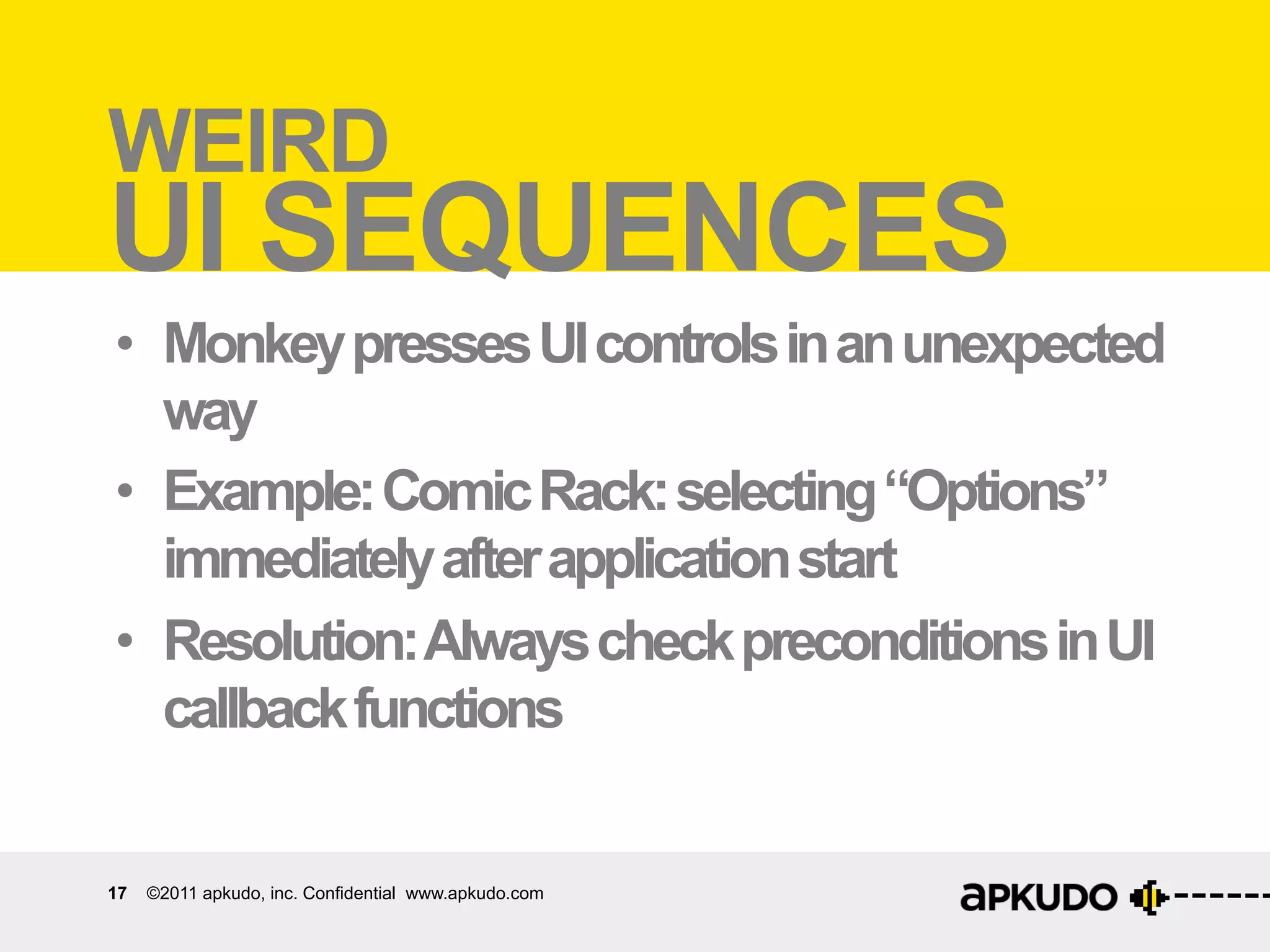
WEIRD
UI SEQUENCES
•  Monkey presses UI controls in an unexpected
   way
•  Example: Comic Rack: selecting “Options”
   immediately after application start
•  Resolution: Always check preconditions in UI
   callback functions


17   ©2011 apkudo, inc. Confidential www.apkudo.com
UNEXPECTED inputs	
  
    Unexpected	
  
INPUTS
•  Monkey simulates keypresses that the
   application doesn’t expect
•  Example: multiple keypresses on the same
   button
•  Resolution: Again, be paranoid when entering
   UI callback functions

18   ©2011 apkudo, inc. Confidential www.apkudo.com
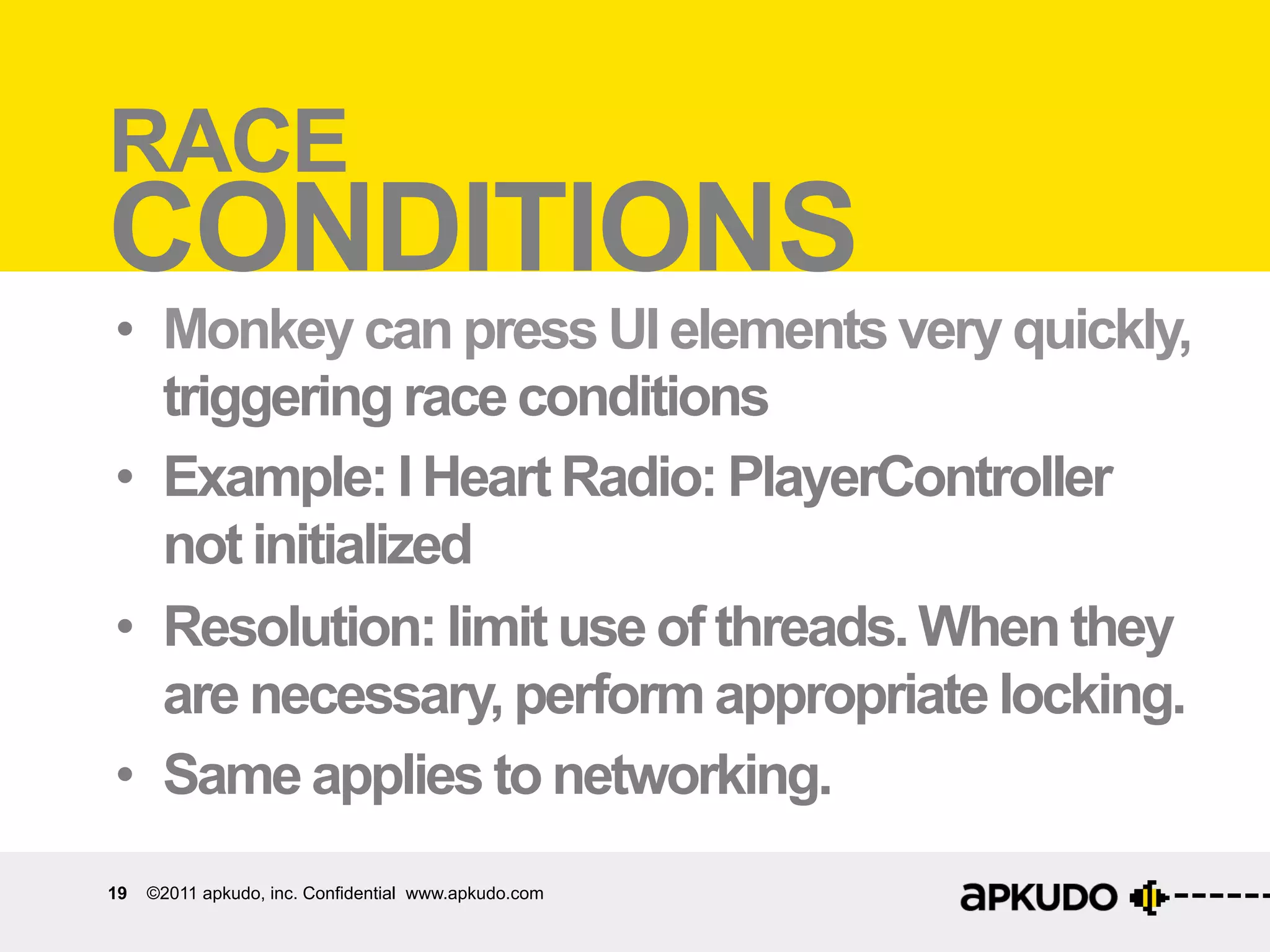
RACE Race	
  condi:ons	
  
CONDITIONS
•  Monkey can press UI elements very quickly,
   triggering race conditions
•  Example: I Heart Radio: PlayerController
   not initialized
•  Resolution: limit use of threads. When they
   are necessary, perform appropriate locking.
•  Same applies to networking.
19   ©2011 apkudo, inc. Confidential www.apkudo.com
Ac:vity	
  life-­‐cycle	
  errors	
  
ACTIVITY LIFE CYCLE
ERRORS
•  Monkey performs unexpected activity life-
   cycle actions
•  Example: Shazam: Unable to pause activity
•  Resolution: Become tiresomely familiar
   with the Android activity life cycle.
MULTI-DEVICE Monkey	
  
   Mul:-­‐device	
  
MONKEY
•  Monkey is really good at testing across
   multiple devices:
•  Correct Market permissions
  –  appropriate-architecture native code, eg armv7
•  Unexpected hardware properties
•  “Weird” hardware failures
Mul:-­‐device	
  Monkey	
  
CORRECT MARKET
FILTERS
•  OpenGL ES version and features
•  Dependencies on system libraries
•  Incorrect or missing minSdkVersion
Unexpected	
  hardware	
  proper:es	
  
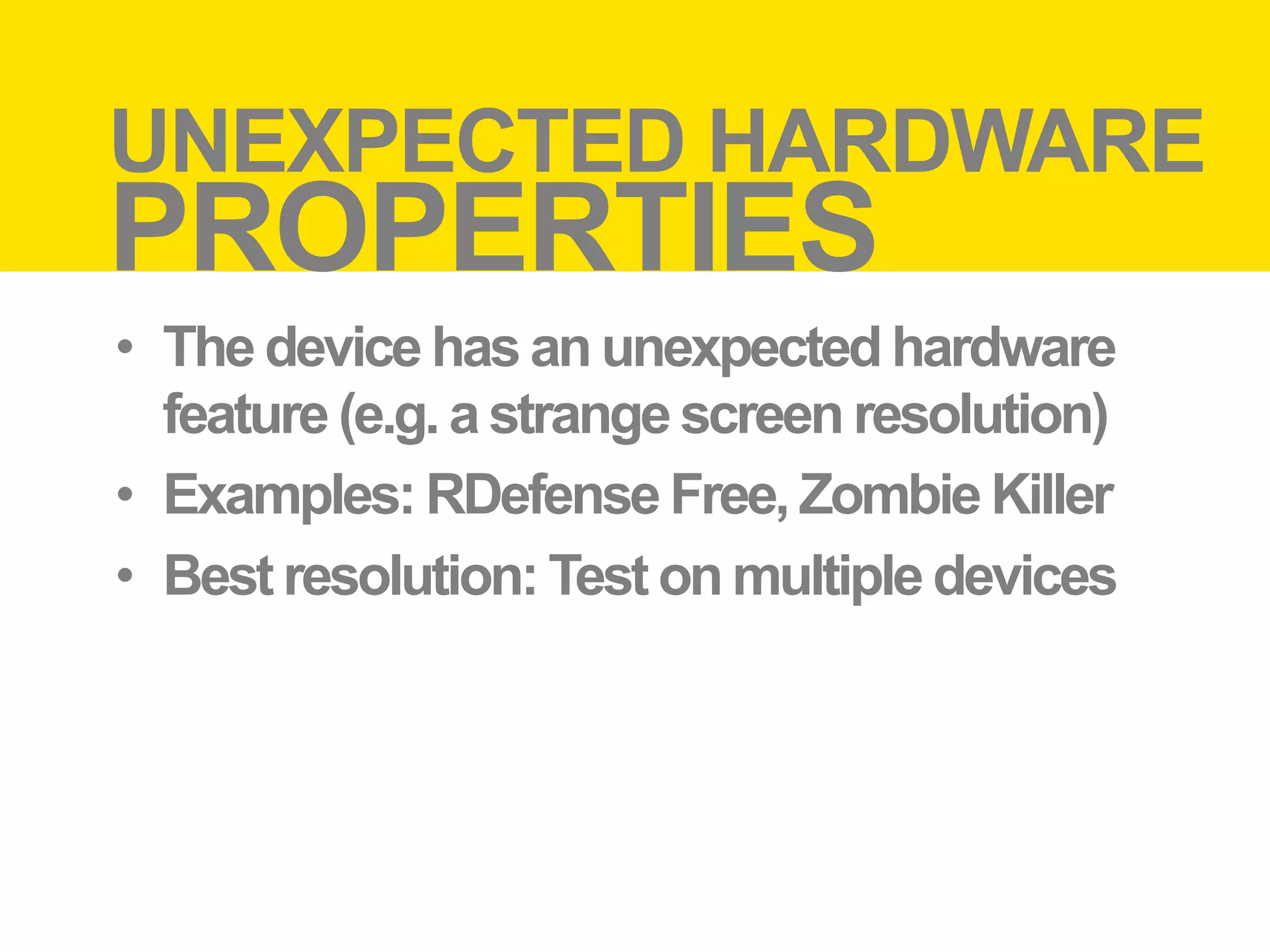
UNEXPECTED HARDWARE
PROPERTIES
•  The device has an unexpected hardware
   feature (e.g. a strange screen resolution)
•  Examples: RDefense Free, Zombie Killer
•  Best resolution: Test on multiple devices
Weird	
  hardware	
  failures	
  
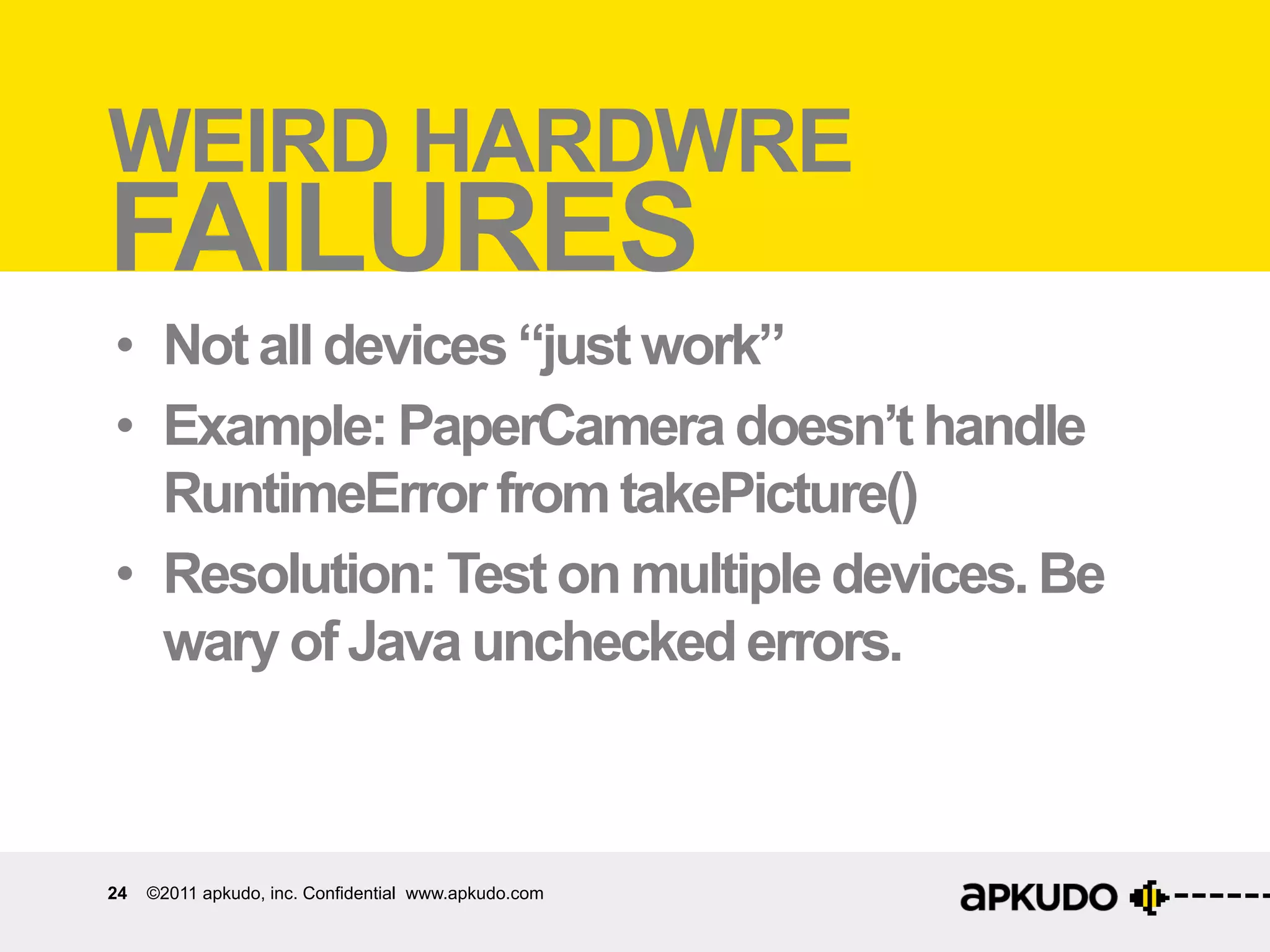
WEIRD HARDWRE
FAILURES
•  Not all devices “just work”
•  Example: PaperCamera doesn’t handle
   RuntimeError from takePicture()
•  Resolution: Test on multiple devices. Be
   wary of Java unchecked errors.


24   ©2011 apkudo, inc. Confidential www.apkudo.com
MONKEYLimita:ons	
  
LIMITATIONS
•  False positives
       –  “Impossible” sequences of actions / speeds
•  Very limited testing strategy
       –  What if most of your app is hidden behind a login
          screen?
•  Some Android pain points not covered
       –  E.G. screen rotation, layout issues

25   ©2011 apkudo, inc. Confidential www.apkudo.com
AND                                            Apkudo	
  
APKUDO
•  “See your app run on every Android
   device”
       –  Monkey test on 289 phones and tablets
       –  Free
       –  Private beta right now: email
          sayhi@apkudo.com if interested


26   ©2011 apkudo, inc. Confidential www.apkudo.com
Thank you.
     NFD@    .COM

Testing Sucks, But It Doesn't Have To

  • 1.
  • 2.
  • 3.
    54% WON’T INSTALL 61% ©  2011  -­‐   ©  2011  -­‐   ©  2011  -­‐   CONFIDENTIAL   CONFIDENTIAL   CONFIDENTIA CRASHES 3 ©2011 Apkudo Inc. www.apkudo.com ©  2011  -­‐   ©  2011  -­‐   ©  2011  -­‐  
  • 4.
    “I TEST MYAPP!” 99% 4 ©2011 Apkudo Inc. www.apkudo.com
  • 5.
    “I TEST MYAPP!” 99% O RLY? 85% MANUAL   5 ©2011 Apkudo Inc. www.apkudo.com
  • 6.
    OH NOES 6 ©2011 apkudo, inc. Confidential www.apkudo.com
  • 7.
    AD HOC TESTING Sucks Keeping up with device versions Testing across various devices AUTOMATED TESTING Tedious JUnit, Robotium Test plan 7 ©2011 apkudo, inc. Confidential www.apkudo.com
  • 8.
    MONKEY! A good start. Simulates inputs. Completely automated. 8 ©2011 apkudo, inc. Confidential www.apkudo.com
  • 9.
    MONKEY OVERVIEW    Package  Manager      Install  and  uninstall  packages      Get  list  of  package  ac:vi:es      Ac$vity  Manager      Start  /  stop  ac:vi:es      Get  list  of  running  ac:vi:es      Window  Manager      Send  touch  and  key  events        to  foreground  app   9 ©2011 apkudo, inc. Confidential www.apkudo.com
  • 10.
    MONKEY OVERVIEW    Package  Manager   queryIntentActivities()    Ac$vity  Manager      setActivityController()    Window  Manager      inject*Event() 10 ©2011 apkudo, inc. Confidential www.apkudo.com
  • 11.
    MONKEY SEE MONKEY DO • Monkey injects “events” - what is an event? –  KeyEvent: Hardware buttons and keyboard –  MotionEvent: X, Y, and touches –  FlipEvent, NetworkEvent, PowerEvent (mostly legacy) 11 ©2011 apkudo, inc. Confidential www.apkudo.com
  • 12.
    Security   SECURITY •  Monkey uses standard Android permissions... that no user apps can use! public static final String SET_ACTIVITY_WATCHER Since: API Level 1 Allows an application to watch and control how activities are started globally in the system. Only for is in debugging (usually the monkey command). public static final String INJECT_EVENTS Since: API Level 1 Allows an application to inject user events (keys, touch, trackball) into the event stream and deliver them to ANY window. Without this permission, you can only deliver events to windows in your own process. Very few applications should need to use this permission. 12 ©2011 apkudo, inc. Confidential www.apkudo.com
  • 13.
    MONKEYvVS onkey  Runner   Monkey   s  M MONKEY RUNNER •  Monkey is for randomized testing, and runs on the device •  Monkey Runner is for scripting your own tests, and runs on a laptop / desktop •  In fact, Monkey Runner uses Monkey internally
  • 14.
    Monkey  on  Angry  Birds   THE BIRDS, THEY ARE ANGRY! adb shell monkey –v -p com.rovio.angrybirds -s 39 --throttle 10 --pct-touch 100 5000 14 ©2011 apkudo, inc. Confidential www.apkudo.com adb shell monkey -p com.rovio.angrybirds 5000
  • 15.
    What  can  Monkey  find?   MONKEY RESULTS •  Key and motion events •  Crash information if applicable, as traceback :AllowPackage:  com.rovio.angrybirds   :IncludeCategory:  android.intent.category.LAUNCHER   :IncludeCategory:  android.intent.category.MONKEY   :Switch:   #Intent;ac:on=android.intent.ac:on.MAIN;category=android.intent.category.LAUNCHER;launchFlags=0x10000000;compo nent=com.rovio.angrybirds/com.rovio.ka3d.App;end        //  Allowing  start  of  Intent  {  act=android.intent.ac:on.MAIN  cat=[android.intent.category.LAUNCHER]   cmp=com.rovio.angrybirds/com.rovio.ka3d.App  }  in  package  com.rovio.angrybirds   :Sending  Pointer  ACTION_DOWN  x=554.0  y=357.0   :Sending  Pointer  ACTION_UP  x=558.0  y=350.0        //  Rejec:ng  start  of  Intent  {  act=android.intent.ac:on.CALL_BUTTON  cmp=com.android.contacts/.DialtactsAc:vity  }  in   package  com.android.contacts   :Sending  Pointer  ACTION_DOWN  x=696.0  y=280.0   :Sending  Pointer  ACTION_UP  x=709.0  y=271.0   :Sending  Pointer  ACTION_MOVE  x=-­‐1.0  y=1.0   :Sending  Pointer  ACTION_DOWN  x=348.0  y=10.0   15 ©2011 apkudo, inc. Confidential www.apkudo.com
  • 16.
    WHAT CAN Monkey  find?   What  can   MONKEY FIND? •  Weird UI sequences –  Press button 2 before button 1 •  Unexpected inputs –  E.G. keyboard input during a Toast •  User-interface race conditions •  Activity life-cycle errors 16 ©2011 apkudo, inc. Confidential www.apkudo.com
  • 17.
    Weird  UI  sequences   WEIRD UI SEQUENCES •  Monkey presses UI controls in an unexpected way •  Example: Comic Rack: selecting “Options” immediately after application start •  Resolution: Always check preconditions in UI callback functions 17 ©2011 apkudo, inc. Confidential www.apkudo.com
  • 18.
    UNEXPECTED inputs   Unexpected   INPUTS •  Monkey simulates keypresses that the application doesn’t expect •  Example: multiple keypresses on the same button •  Resolution: Again, be paranoid when entering UI callback functions 18 ©2011 apkudo, inc. Confidential www.apkudo.com
  • 19.
    RACE Race  condi:ons   CONDITIONS •  Monkey can press UI elements very quickly, triggering race conditions •  Example: I Heart Radio: PlayerController not initialized •  Resolution: limit use of threads. When they are necessary, perform appropriate locking. •  Same applies to networking. 19 ©2011 apkudo, inc. Confidential www.apkudo.com
  • 20.
    Ac:vity  life-­‐cycle  errors   ACTIVITY LIFE CYCLE ERRORS •  Monkey performs unexpected activity life- cycle actions •  Example: Shazam: Unable to pause activity •  Resolution: Become tiresomely familiar with the Android activity life cycle.
  • 21.
    MULTI-DEVICE Monkey   Mul:-­‐device   MONKEY •  Monkey is really good at testing across multiple devices: •  Correct Market permissions –  appropriate-architecture native code, eg armv7 •  Unexpected hardware properties •  “Weird” hardware failures
  • 22.
    Mul:-­‐device  Monkey   CORRECTMARKET FILTERS •  OpenGL ES version and features •  Dependencies on system libraries •  Incorrect or missing minSdkVersion
  • 23.
    Unexpected  hardware  proper:es   UNEXPECTED HARDWARE PROPERTIES •  The device has an unexpected hardware feature (e.g. a strange screen resolution) •  Examples: RDefense Free, Zombie Killer •  Best resolution: Test on multiple devices
  • 24.
    Weird  hardware  failures   WEIRD HARDWRE FAILURES •  Not all devices “just work” •  Example: PaperCamera doesn’t handle RuntimeError from takePicture() •  Resolution: Test on multiple devices. Be wary of Java unchecked errors. 24 ©2011 apkudo, inc. Confidential www.apkudo.com
  • 25.
    MONKEYLimita:ons   LIMITATIONS •  Falsepositives –  “Impossible” sequences of actions / speeds •  Very limited testing strategy –  What if most of your app is hidden behind a login screen? •  Some Android pain points not covered –  E.G. screen rotation, layout issues 25 ©2011 apkudo, inc. Confidential www.apkudo.com
  • 26.
    AND Apkudo   APKUDO •  “See your app run on every Android device” –  Monkey test on 289 phones and tablets –  Free –  Private beta right now: email sayhi@apkudo.com if interested 26 ©2011 apkudo, inc. Confidential www.apkudo.com
  • 27.
    Thank you. NFD@ .COM