Telegram bots
Theory and practice
Bohdan Pashkovskyi, Ph.D., Senior .NET Developer at Perfectial
Bots: An introduction for developers
Bots are third-party applications that run inside Telegram.
Users can interact with bots by sending them messages,
commands and inline requests. You control your bots
using HTTPS requests to our bot API.
How do I create a bot?
Just talk to BotFather and follow a few simple steps. Once
you've created a bot and received your authorization token,
head down to the Bot API manual to see what you can
teach your bot to do.
How are bots different from humans?
Bots have no online status and no last seen timestamps,
the interface shows the label ‘bot’ instead.
How are bots different from humans?
Bots have limited cloud storage — older messages may be
removed by the server shortly after they have been
processed.
How are bots different from humans?
Bots can't initiate conversations with users. A user must
either add them to a group or send them a message first.
People can use telegram.me/<bot_username> links or
username search to find your bot.
How are bots different from humans?
Bot usernames always end in ‘bot’ (e.g. @TriviaBot,
@GitHub_bot).
How are bots different from humans?
When added to a group, bots do not receive all messages
by default.
How are bots different from humans?
Bots never eat, sleep or complain (unless expressly
programmed otherwise).
Privacy mode
A bot running in privacy mode will not receive all
messages that people send to the group. Instead, it will
only receive:
Privacy mode
Messages that start with a slash ‘/’
Privacy mode
Replies to the bot's own messages
Privacy mode
Service messages (people added or removed from the
group, etc.)
Privacy mode
Messages from channels where it's a member
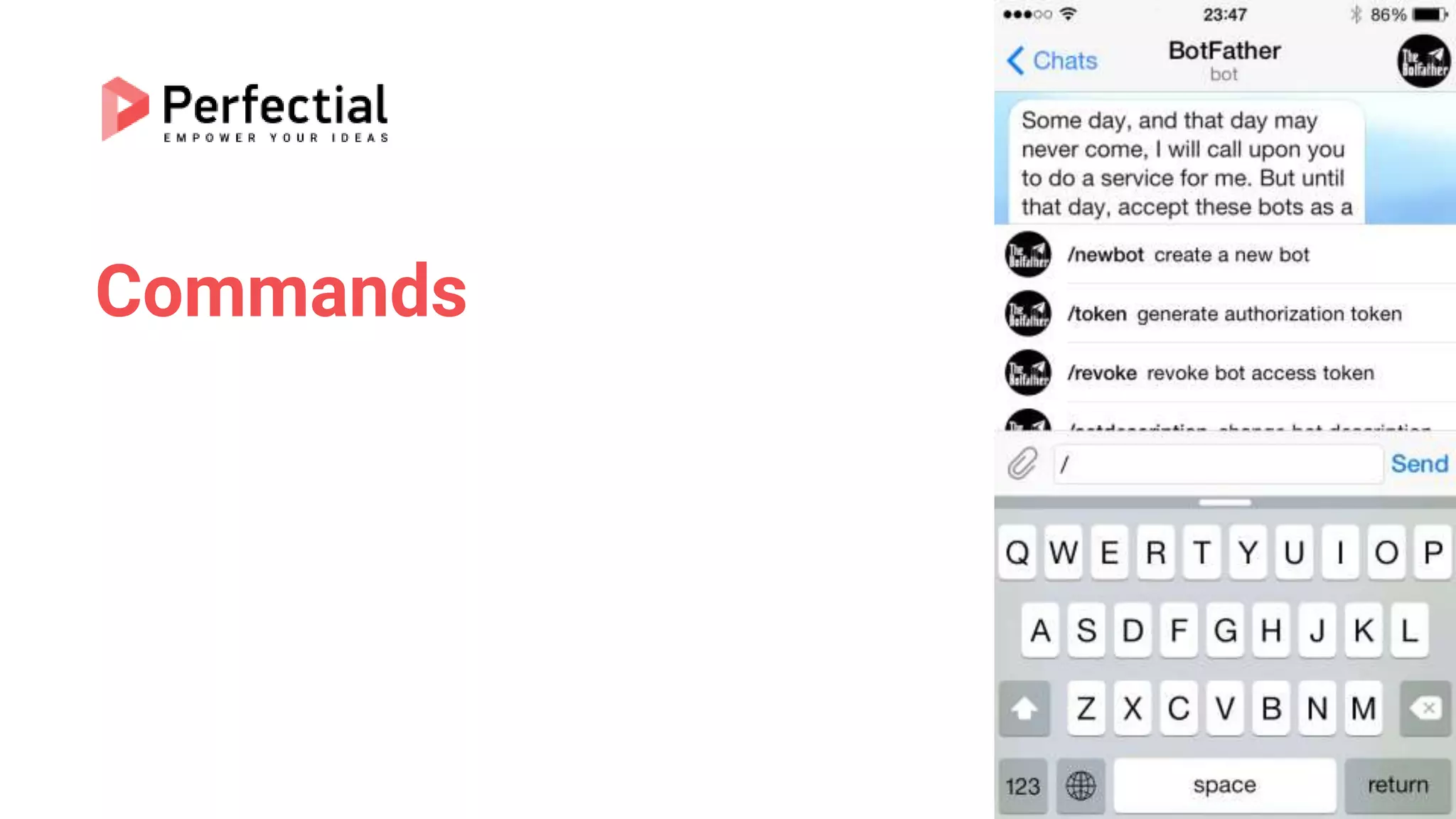
Commands
Commands present a more flexible way to communicate
with your bot. The following syntax may be used:
/command
Commands
A command must always start with the ‘/’ symbol and may not be
longer than 32 characters. Commands can use latin letters, numbers
and underscores. Here are a few examples:
/get_messages_stats
/set_timer 10min Alarm!
/get_timezone London, UK
Commands
Authorizing your bot
Each bot is given a unique authentication token when it is created. The
token looks something like 123456:ABC-DEF1234ghIkl-
zyx57W2v1u123ew11, but we'll use simply <token> in this document
instead.
Making requests
All queries to the Telegram Bot API must be served over HTTPS and
need to be presented in this form:
https://api.telegram.org/bot<token>/METHOD_NAME.
Getting updates
There are two mutually exclusive ways of receiving updates for your
bot — the getUpdates method on one hand and Webhooks on the
other. Incoming updates are stored on the server until the bot receives
them either way, but they will not be kept longer than 24 hours.
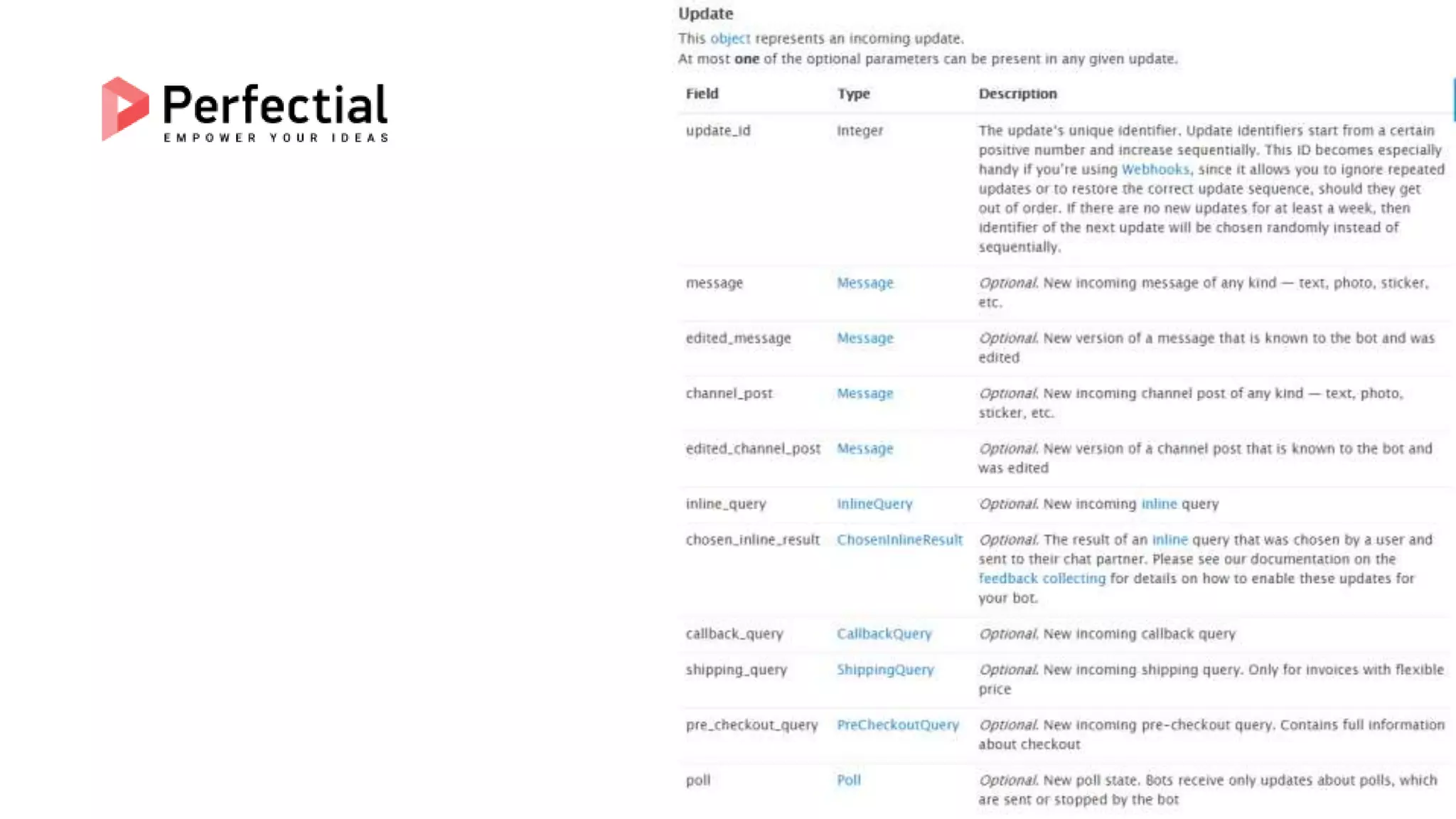
Regardless of which option you choose, you will receive JSON-
serialized Update objects as a result.
getUpdates
Use this method to receive incoming updates using long polling (wiki).
An Array of Update objects is returned.
setWebhook
Use this method to specify a url and receive incoming updates via an
outgoing webhook. Whenever there is an update for the bot, we will
send an HTTPS POST request to the specified url, containing a JSON-
serialized Update. In case of an unsuccessful request, we will give up
after a reasonable amount of attempts. Returns True on success.
.NET Client
https://github.com/TelegramBots/Telegram.Bot
Initialize .NET client
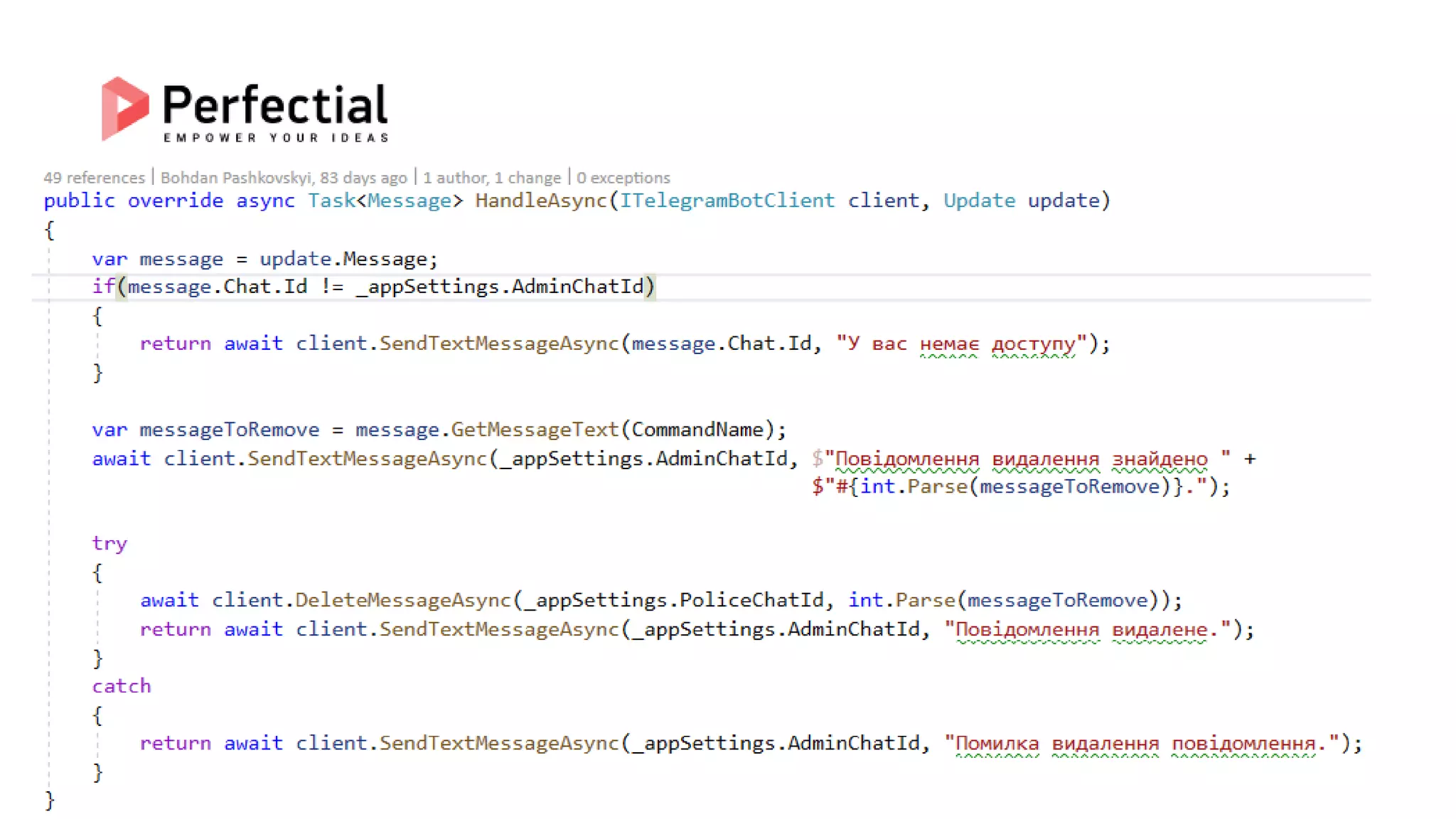
CommandHandler Example
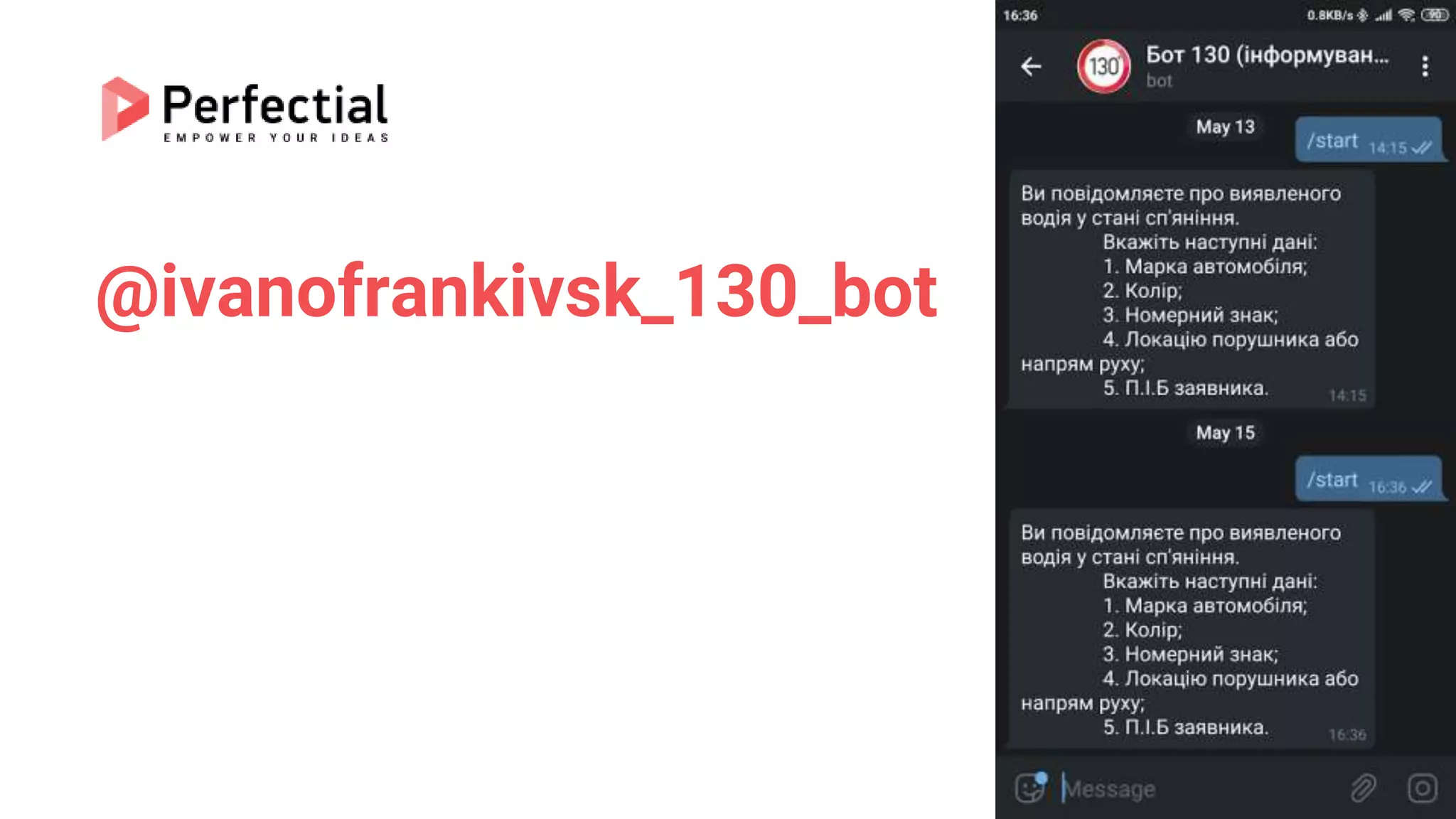
@ivanofrankivsk_130_bot
@IF112_bot
Додавання водяного знаку
Можливість адміністрації писати
в чаті від імені бота
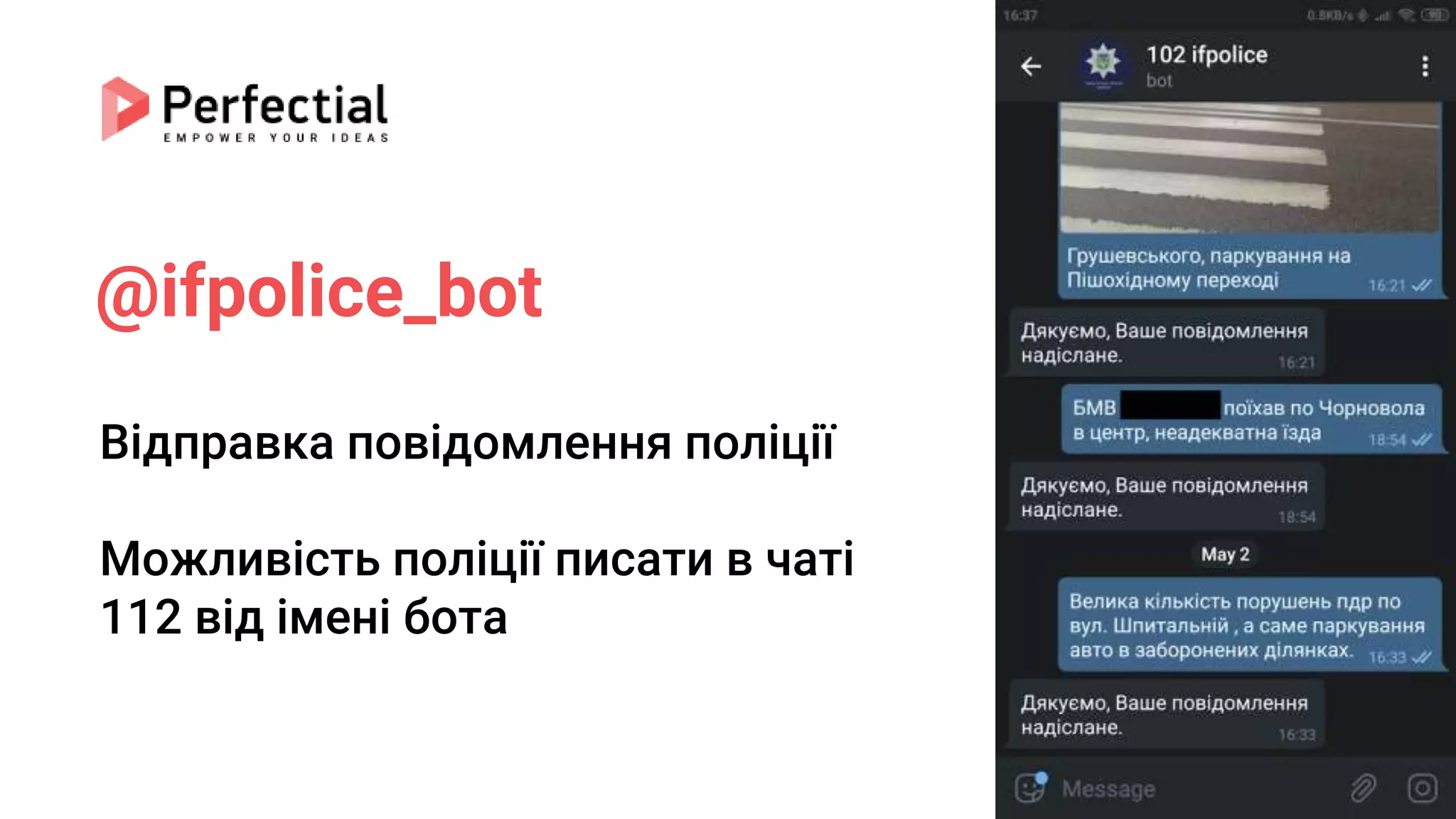
@ifpolice_bot
Відправка повідомлення поліції
Можливість поліції писати в чаті
112 від імені бота
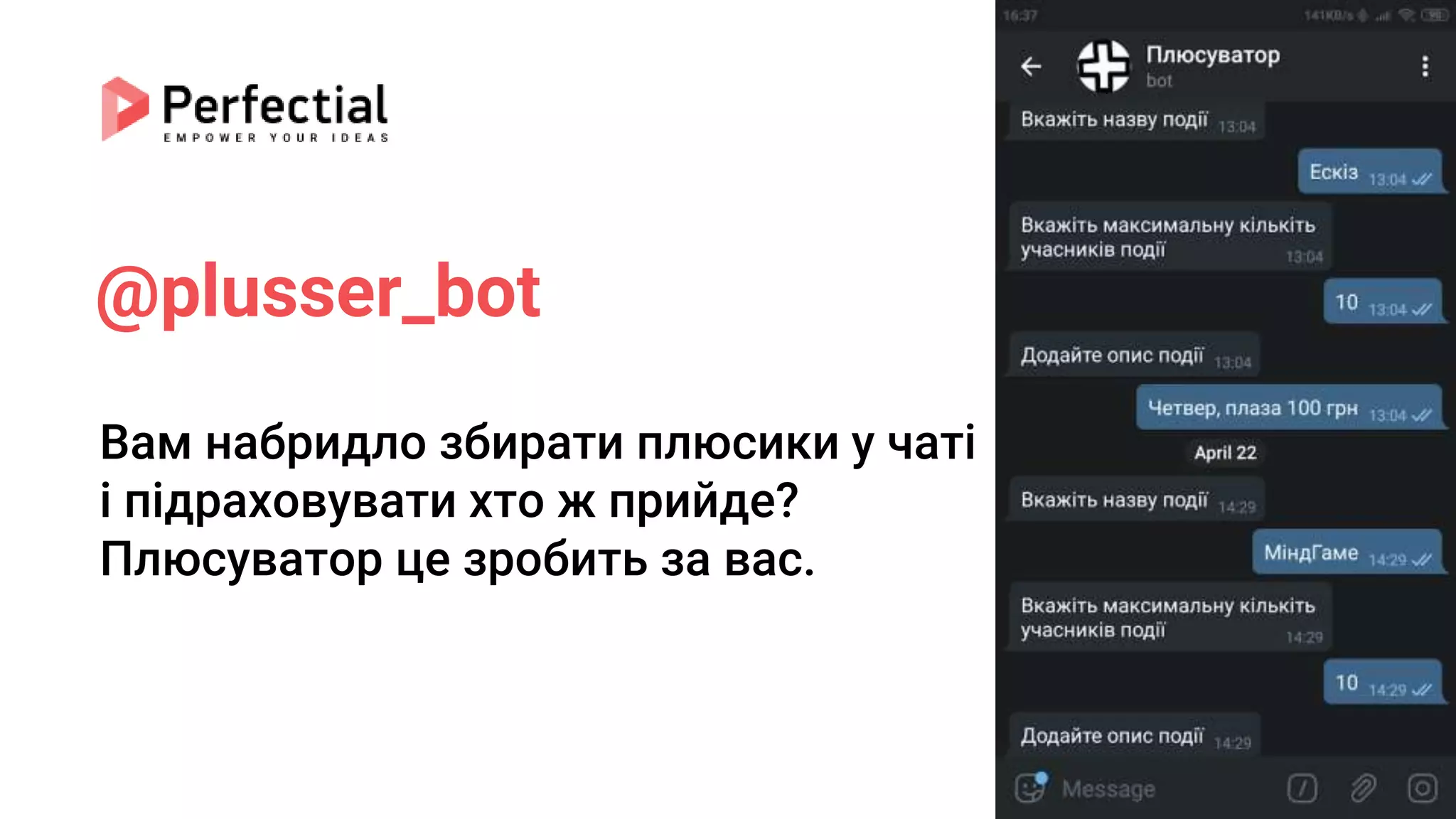
@plusser_bot
Вам набридло збирати плюсики у чаті
і підраховувати хто ж прийде?
Плюсуватор це зробить за вас.
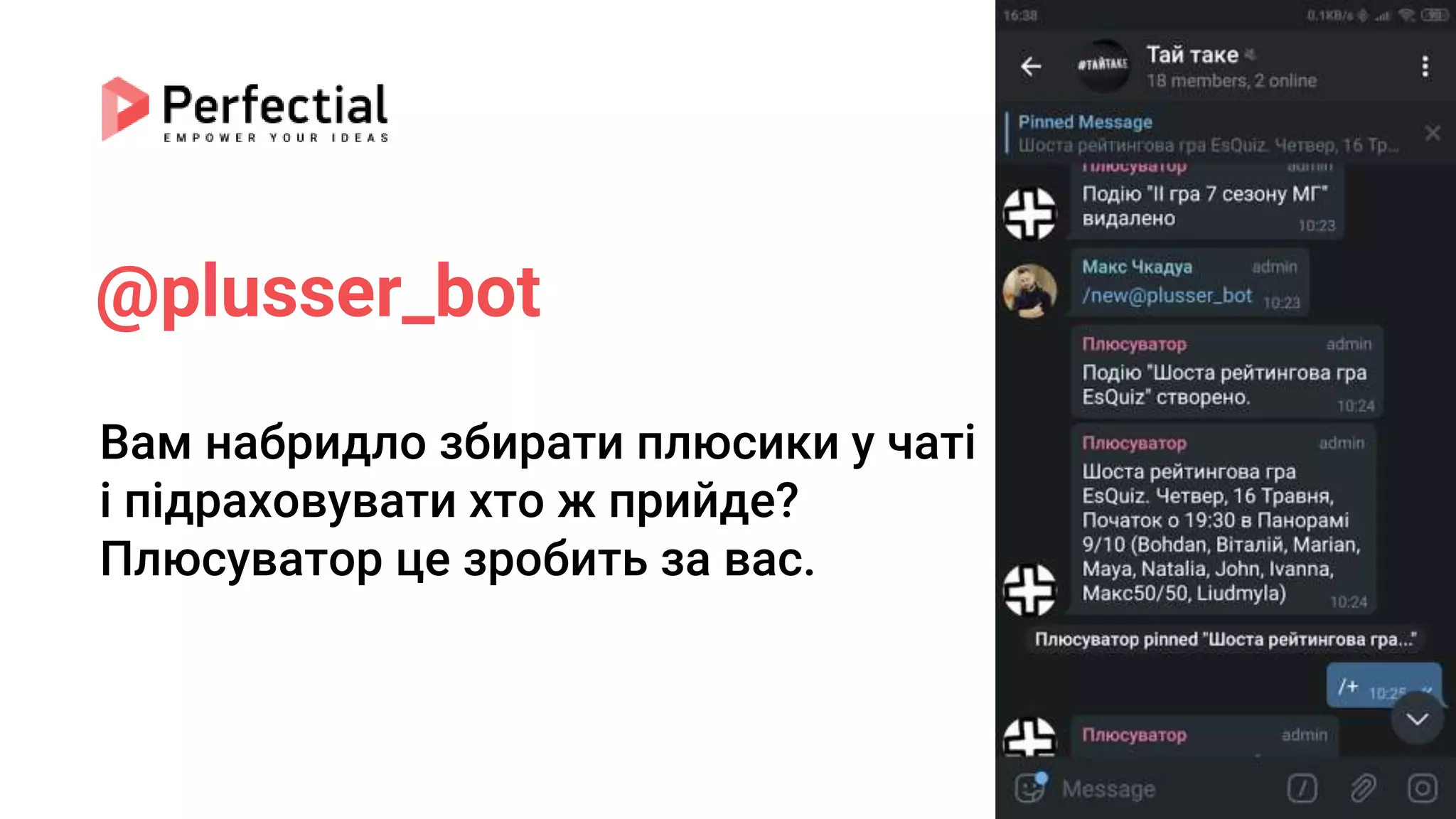
@plusser_bot
Вам набридло збирати плюсики у чаті
і підраховувати хто ж прийде?
Плюсуватор це зробить за вас.
Thank you
Questions?
Bohdan Pashkovskyi, Ph.D., Senior .NET Developer at Perfectial

Telegram bots