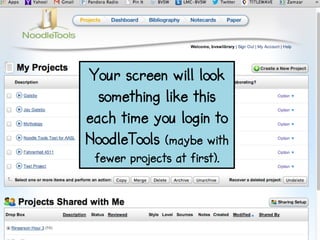
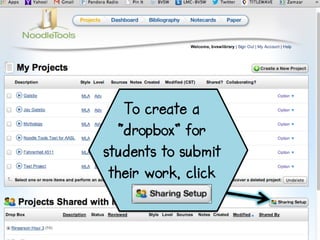
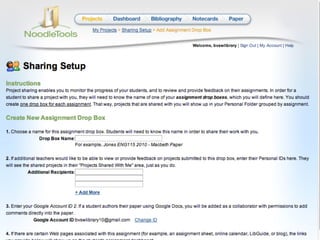
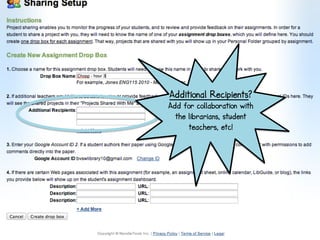
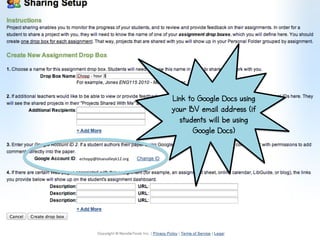
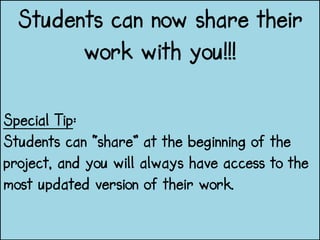
This document provides instructions for teachers to set up project drop boxes in NoodleTools for submitting student work. It explains that teachers should click "Create a New Drop Box" and name each drop box with the teacher's last name and class hour. The drop box can then be customized by adding additional recipients for collaboration, linking to Google Docs using the teacher's email, and adding links to other resources. Teachers are told to repeat these steps to create a drop box for each class section so that students can then share their work.