Taking it to the next level
Strategies for making
good UX a team effort
About me
Joyce Peralta
Manager, Digital Communications
Communications and External Relations, McGill University
about.me/theotherlondon
@theotherlondon
Presentation slides
https://mcgill.ca/x/ZpZ
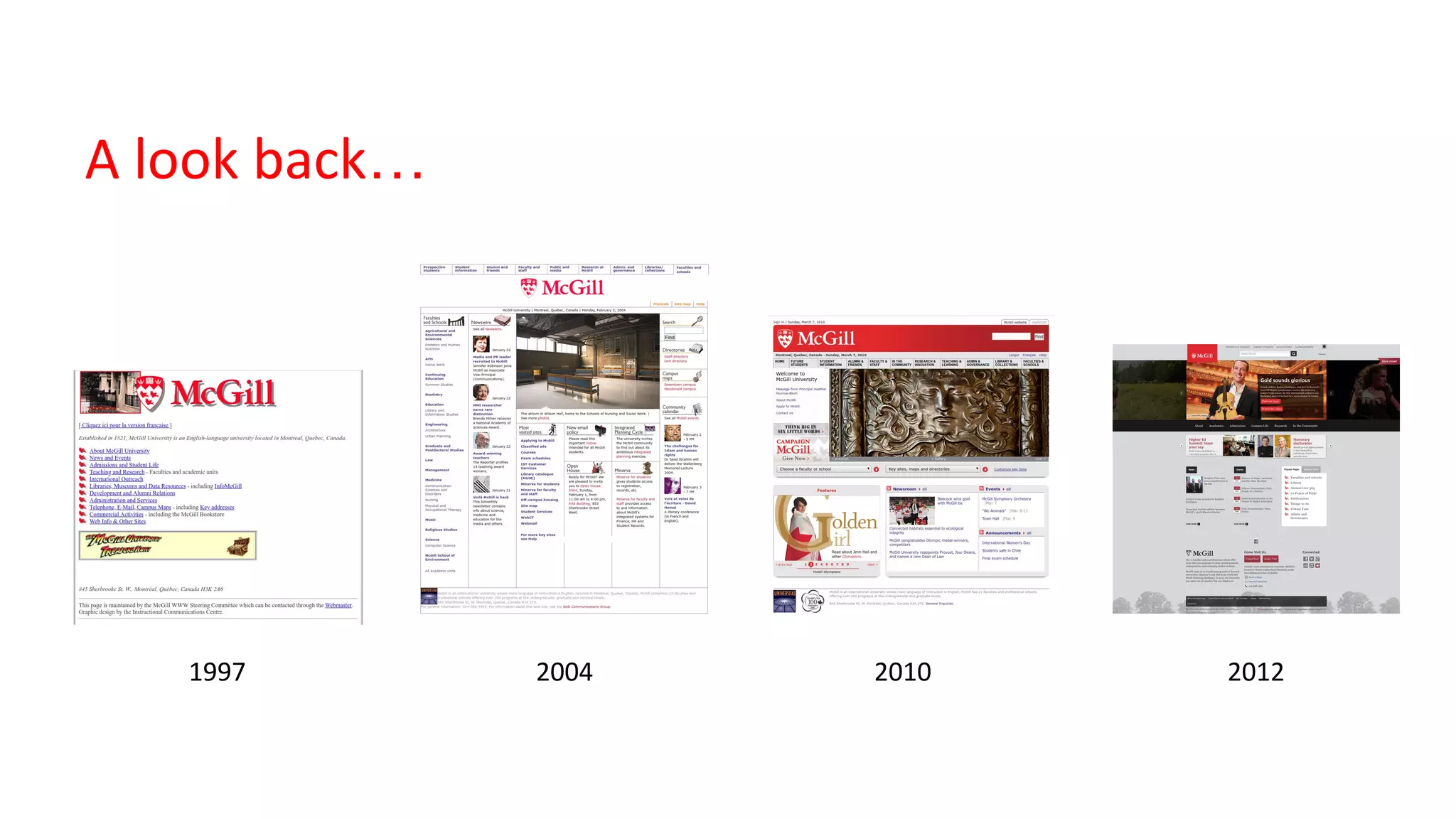
A look back…
1997 2004 2010 2012
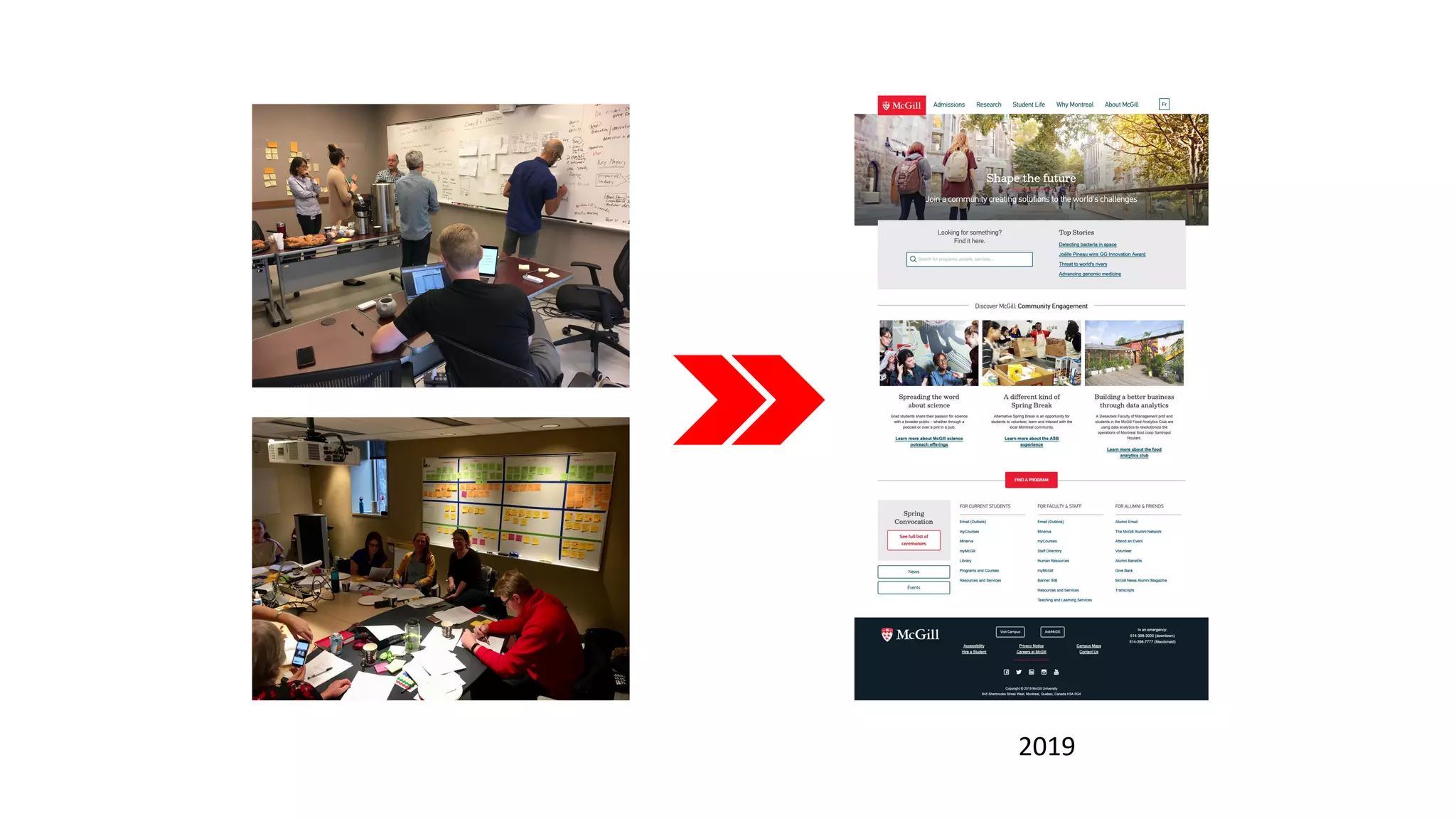
2019
Benefits
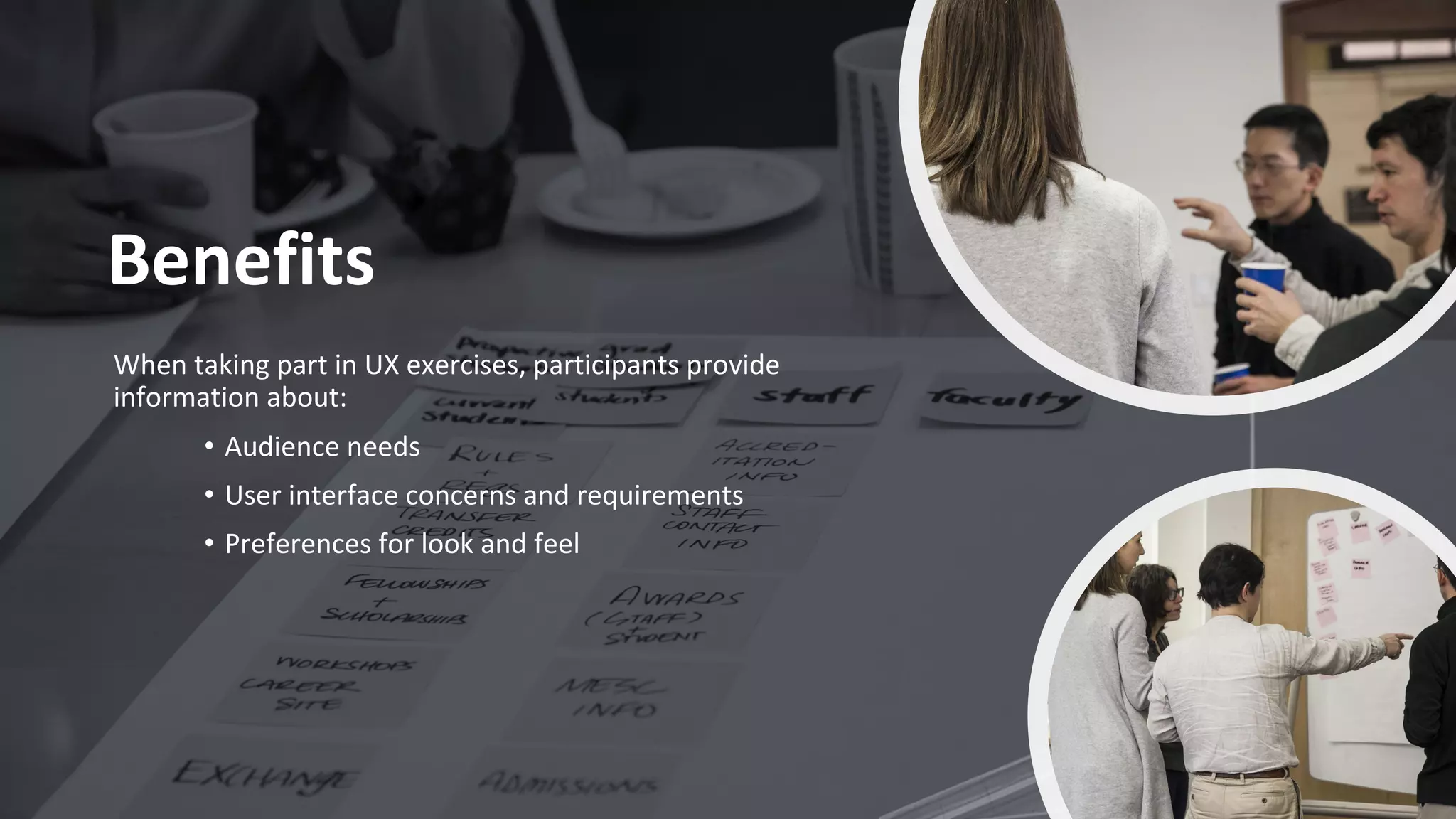
When taking part in UX exercises, participants provide
information about:
• Audience needs
• User interface concerns and requirements
• Preferences for look and feel
What else can we
gain?
Who participates in our user research exercises?
Audience members
• Students
• Faculty
• Staff
• Alumni
• External community members
Other roles
• Facilitators
• Note takers
• Observers
• Project team members
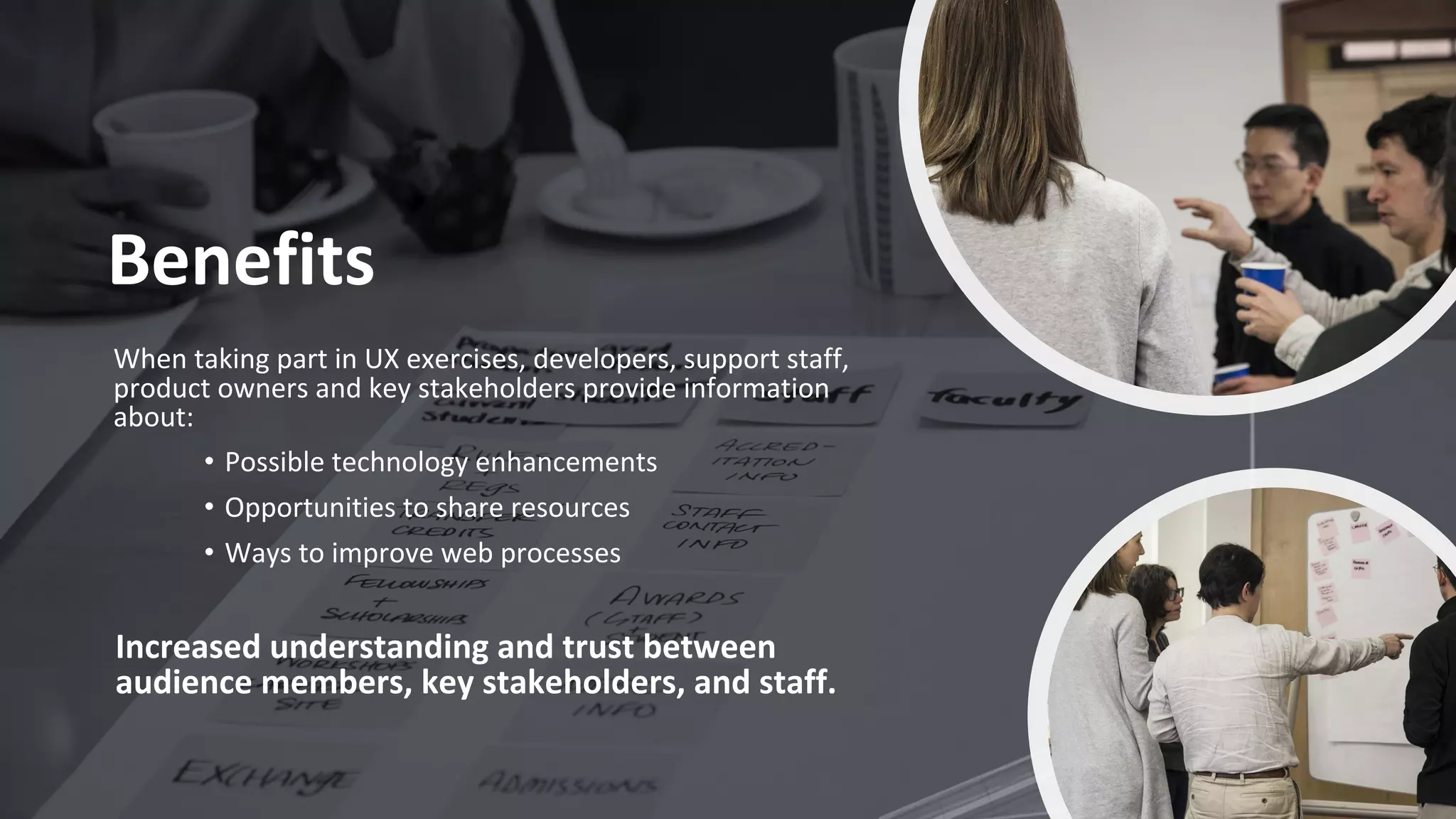
Benefits
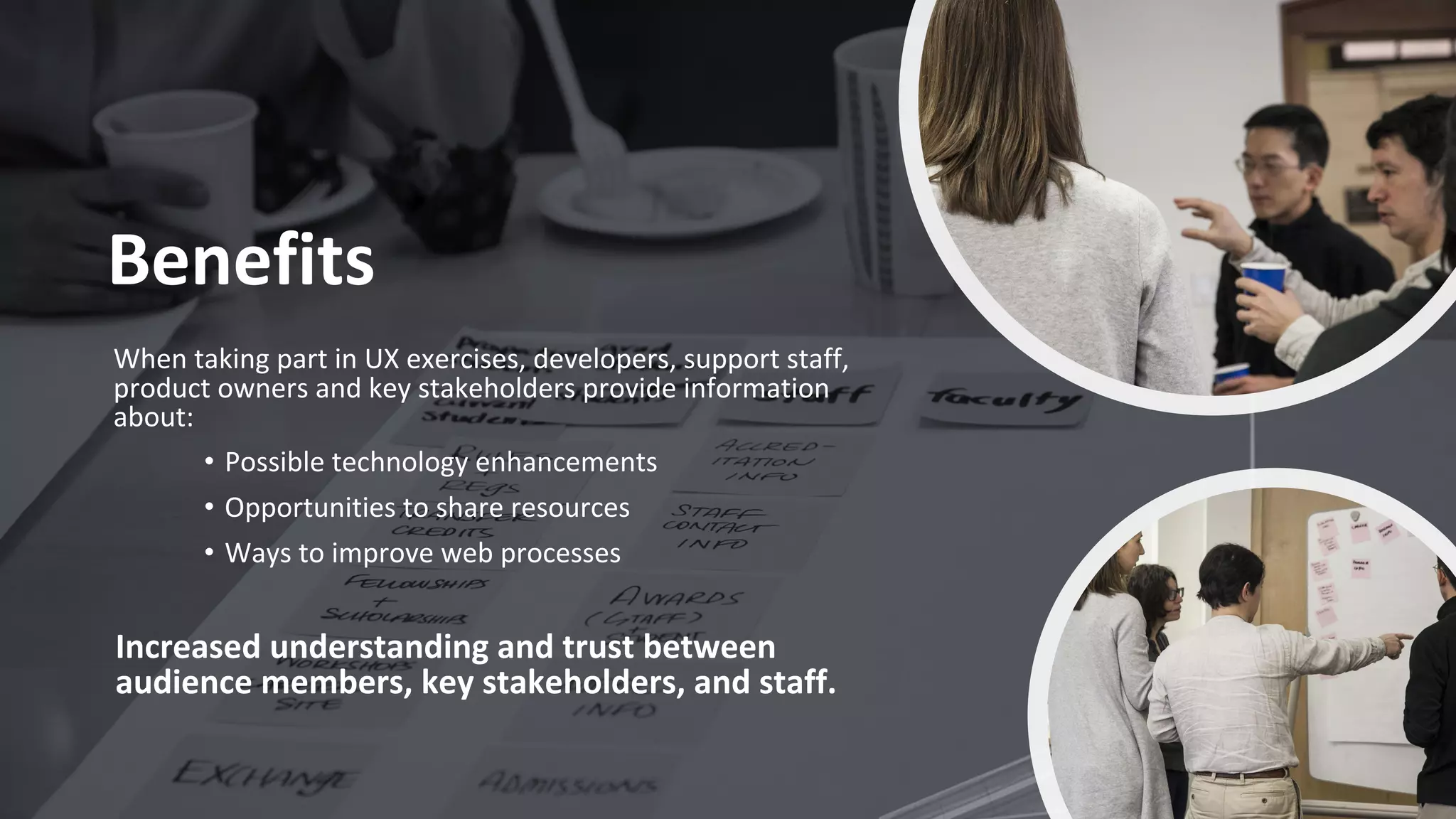
When taking part in UX exercises, developers, support staff,
product owners and key stakeholders provide information
about:
• Possible technology enhancements
• Opportunities to share resources
• Ways to improve web processes
Increased understanding and trust between
audience members, key stakeholders, and staff.
Challenges
Types of UX exercises
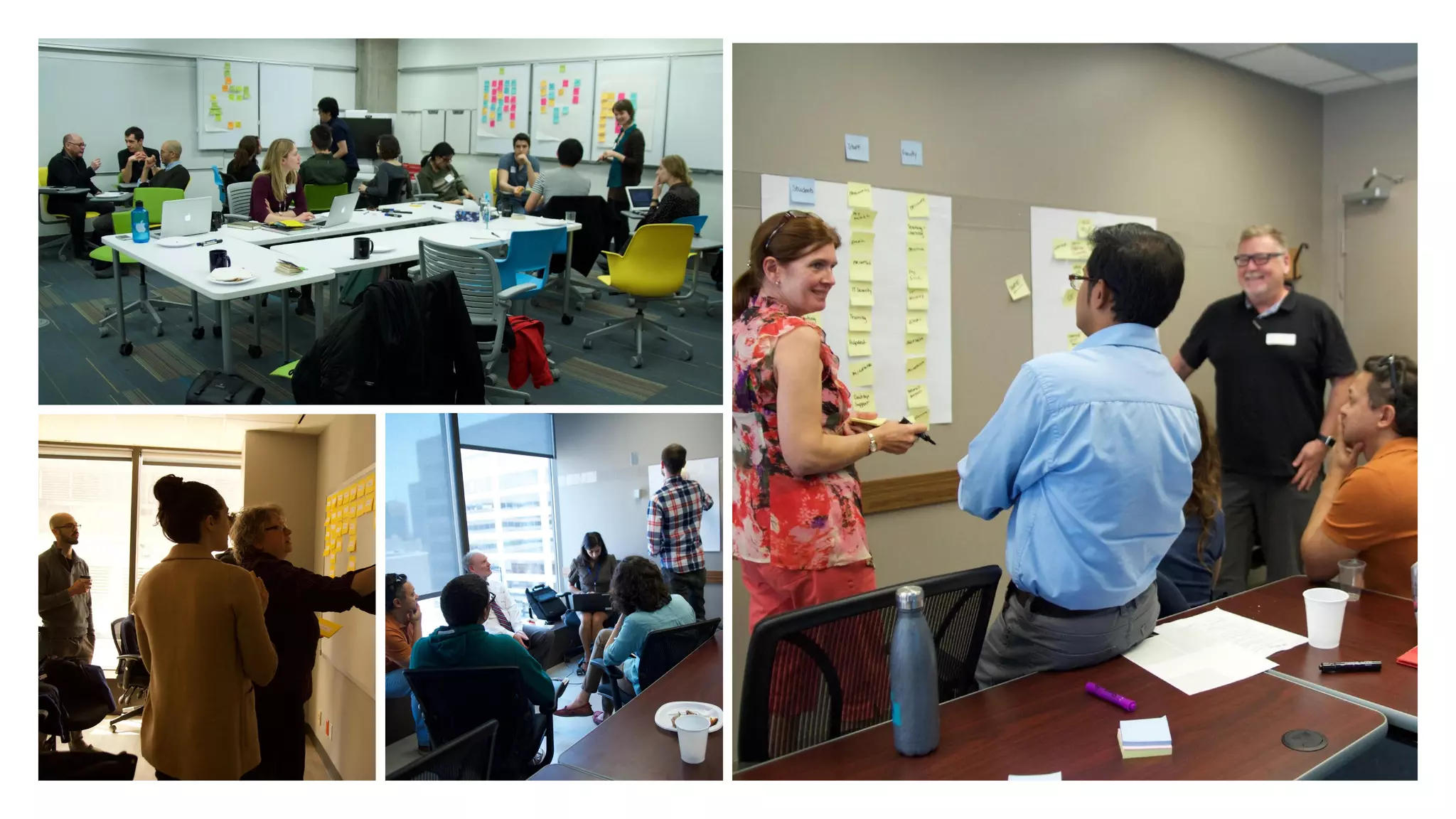
• Focus group workshops
• User journey mapping
• Surveys
• Tree testing
• Usability testing
• A/B testing
• Review existing data
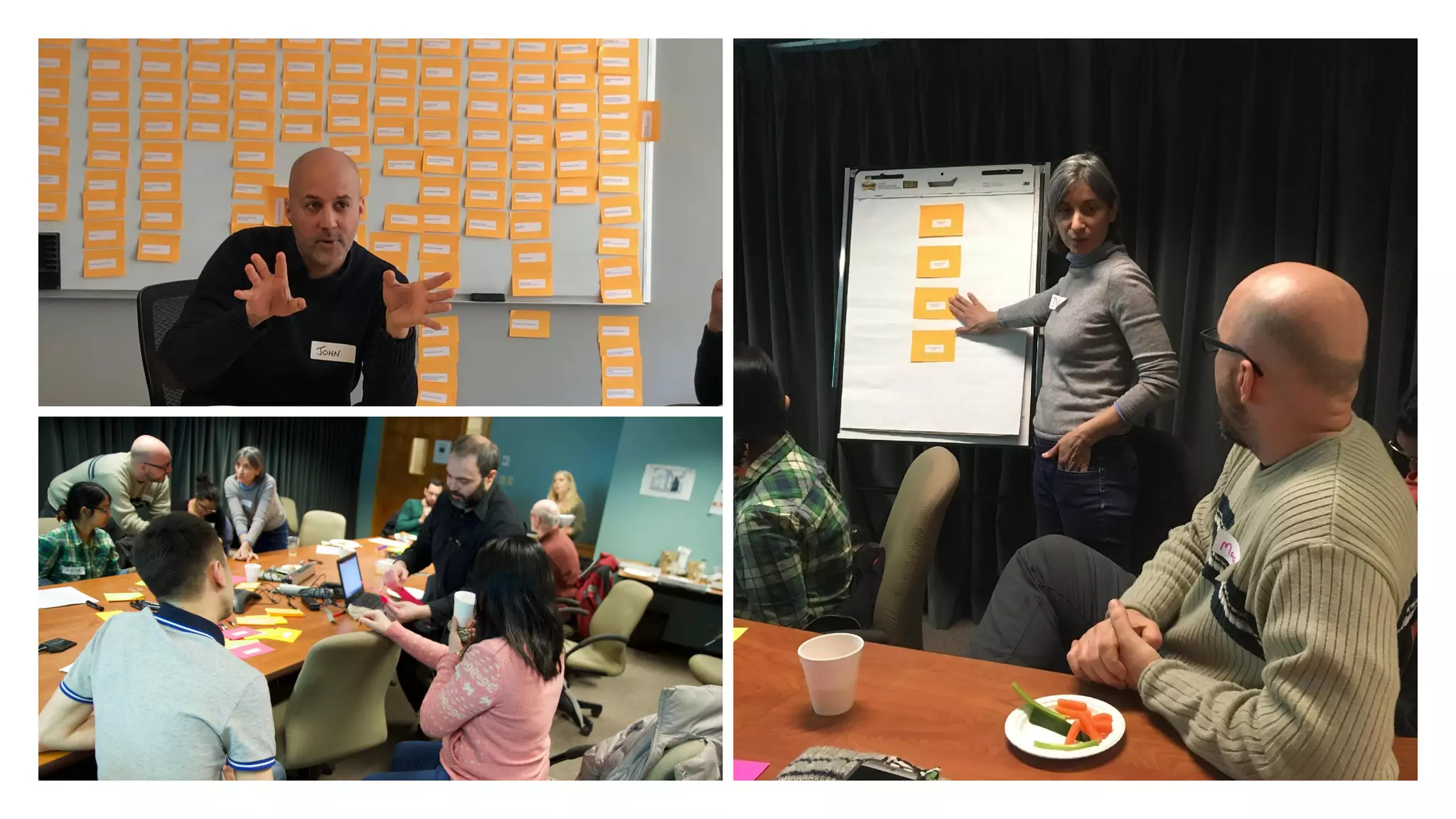
Example: Focus group exercise
Brainstorm and create a diagram of the information students look for when they arrive on the
Engineering homepage.
Questions to consider:
• When you visit the Engineering homepage, what information are you looking for?
• What actions are you hoping to take?
• What information did you look for as a new student?
Group diagram presentations (30 min) 
Supporting resource: Information sessions
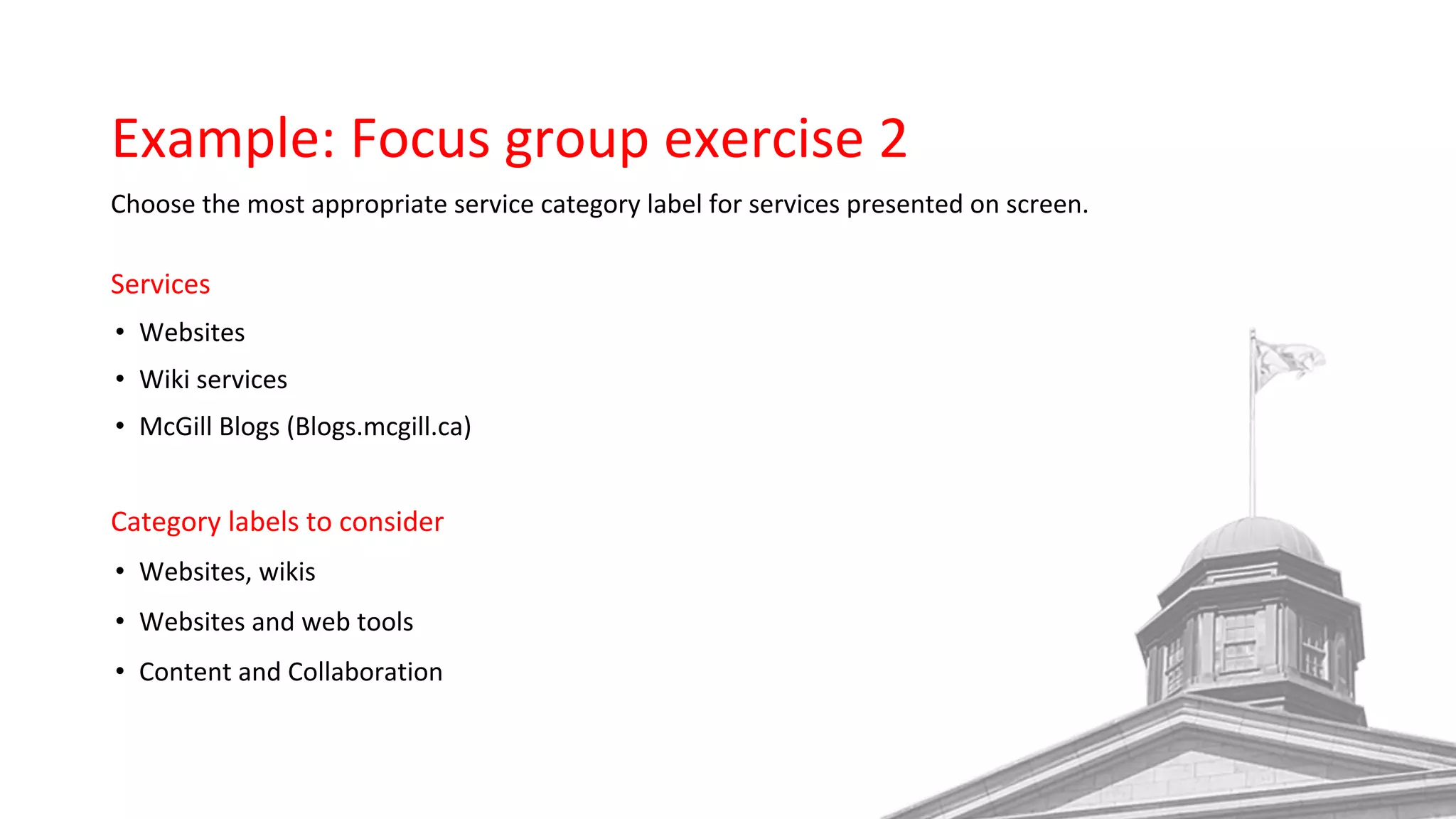
Example: Focus group exercise 2
Choose the most appropriate service category label for services presented on screen.
Services
• Websites
• Wiki services
• McGill Blogs (Blogs.mcgill.ca)
Category labels to consider
• Websites, wikis
• Websites and web tools
• Content and Collaboration
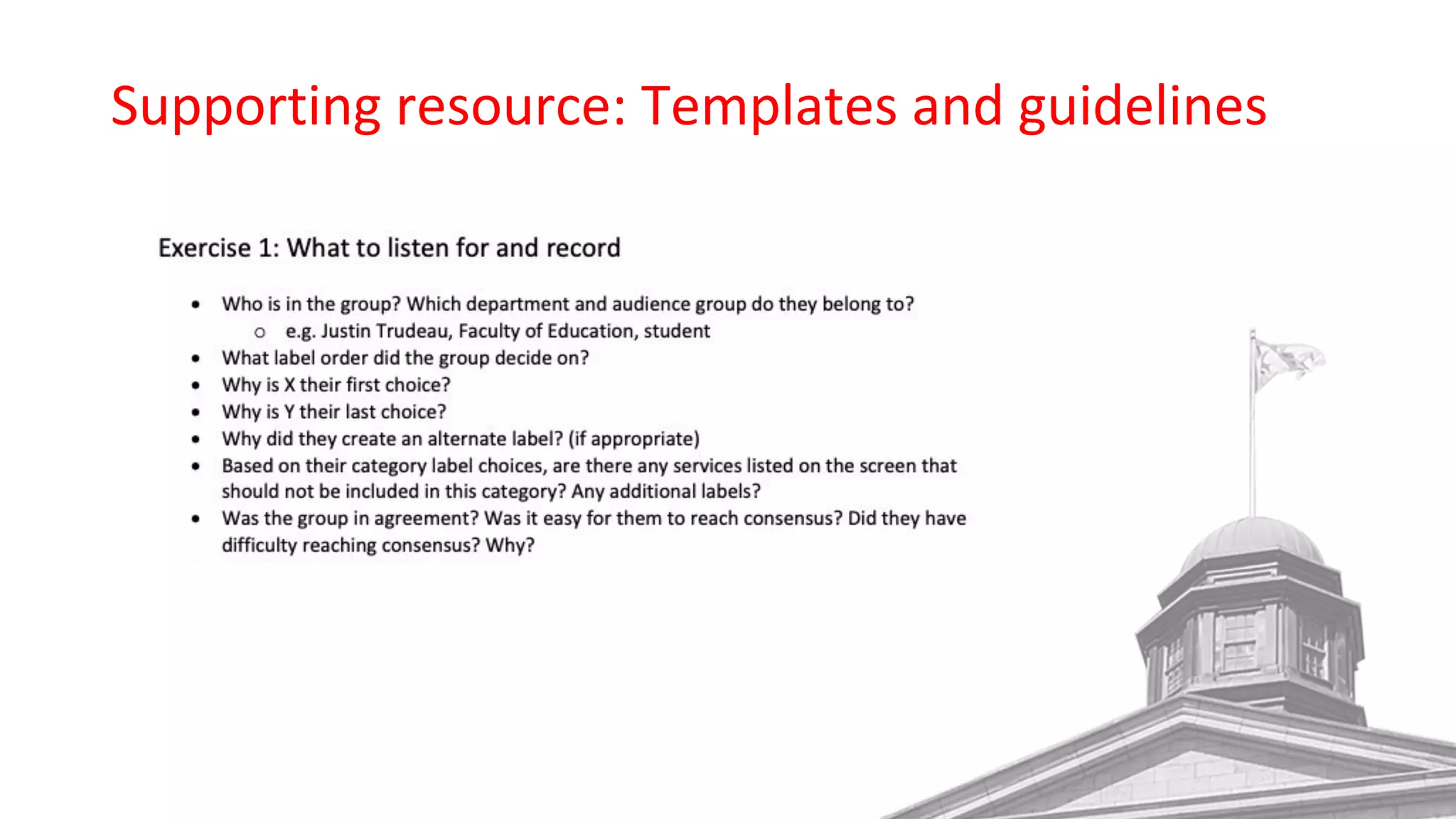
Supporting resource: Templates and guidelines
Example: User journey mapping exercise
Map students’ thoughts, feelings and actions through each stage of the university selection process.
Identify related opportunities.
Questions to consider:
• How did students discover McGill and their programs of study?
• What are students’ criteria and priorities when choosing a university?
• What are the biggest challenges?
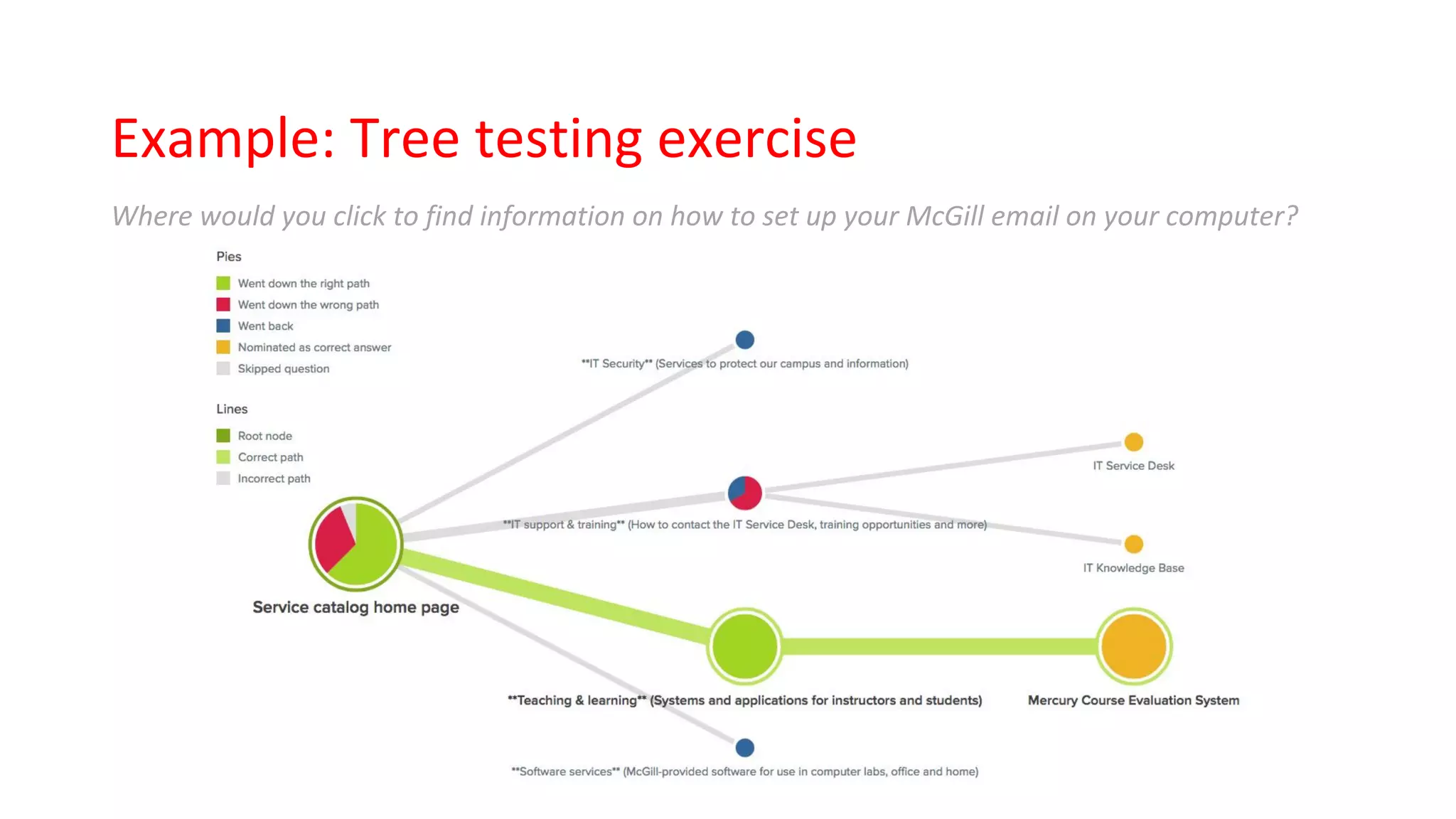
Example: Tree testing exercise
Where would you click to find information on how to set up your McGill email on your computer?
Challenges & solutions
Strategies for team success
Have a plan
Clearly define…
• Goals and objectives
• Timeline and responsibilities
• Structure for team analysis
Strategies for team success
Helpful resources for team members
• UX toolkit, how-to documentation
• Training / information session
• Templates and guidelines
• Transcripts of interviews with audience members
Benefits
When taking part in UX exercises, developers, support staff,
product owners and key stakeholders provide information
about:
• Possible technology enhancements
• Opportunities to share resources
• Ways to improve web processes
Increased understanding and trust between
audience members, key stakeholders, and staff.
Some of my favourite UX resources
Websites
• Nielsen Norman Group
• UX Booth
Books
• Don’t Make Me Think
• Quantifying the User Experience: Practical Statistics for User Research
UX research tools
• Optimal Workshop
• Lookback
• Hotjar
About me
Joyce Peralta, Web Analyst
McGill University, IT Communications
about.me/theotherlondon
@theotherlondon
Presentation slides
https://mcgill.ca/x/ZpZ
Building UX Practices
Higher Education Summit roundtable discussion
• What is the level of understanding about UX design in your university department?
• How do you advocate for UX design and user research in your university?
• Do you have resources/practices in place for sharing UX research data among departments?
• Do you have any tips for recruiting participants for UX workshops and exercises? Specific tips
for recruiting students? Faculty? Staff?
• How do you conduct UX research with prospective students?
• What notable challenges have you experienced doing UX research at your university? What
solutions have you developed to address these challenges?
• What are some notable successes have you achieved (successful projects, discoveries, lessons
learned)?

Taking it to the next level: Strategies for making good UX a team effort

  • 1.
    Taking it tothe next level Strategies for making good UX a team effort
  • 2.
    About me Joyce Peralta Manager,Digital Communications Communications and External Relations, McGill University about.me/theotherlondon @theotherlondon Presentation slides https://mcgill.ca/x/ZpZ
  • 3.
    A look back… 19972004 2010 2012
  • 4.
  • 5.
    Benefits When taking partin UX exercises, participants provide information about: • Audience needs • User interface concerns and requirements • Preferences for look and feel
  • 6.
    What else canwe gain?
  • 7.
    Who participates inour user research exercises? Audience members • Students • Faculty • Staff • Alumni • External community members Other roles • Facilitators • Note takers • Observers • Project team members
  • 8.
    Benefits When taking partin UX exercises, developers, support staff, product owners and key stakeholders provide information about: • Possible technology enhancements • Opportunities to share resources • Ways to improve web processes Increased understanding and trust between audience members, key stakeholders, and staff.
  • 9.
  • 10.
    Types of UXexercises • Focus group workshops • User journey mapping • Surveys • Tree testing • Usability testing • A/B testing • Review existing data
  • 11.
    Example: Focus groupexercise Brainstorm and create a diagram of the information students look for when they arrive on the Engineering homepage. Questions to consider: • When you visit the Engineering homepage, what information are you looking for? • What actions are you hoping to take? • What information did you look for as a new student? Group diagram presentations (30 min) 
  • 13.
  • 14.
    Example: Focus groupexercise 2 Choose the most appropriate service category label for services presented on screen. Services • Websites • Wiki services • McGill Blogs (Blogs.mcgill.ca) Category labels to consider • Websites, wikis • Websites and web tools • Content and Collaboration
  • 16.
  • 17.
    Example: User journeymapping exercise Map students’ thoughts, feelings and actions through each stage of the university selection process. Identify related opportunities. Questions to consider: • How did students discover McGill and their programs of study? • What are students’ criteria and priorities when choosing a university? • What are the biggest challenges?
  • 19.
    Example: Tree testingexercise Where would you click to find information on how to set up your McGill email on your computer?
  • 20.
  • 21.
    Strategies for teamsuccess Have a plan Clearly define… • Goals and objectives • Timeline and responsibilities • Structure for team analysis
  • 22.
    Strategies for teamsuccess Helpful resources for team members • UX toolkit, how-to documentation • Training / information session • Templates and guidelines • Transcripts of interviews with audience members
  • 23.
    Benefits When taking partin UX exercises, developers, support staff, product owners and key stakeholders provide information about: • Possible technology enhancements • Opportunities to share resources • Ways to improve web processes Increased understanding and trust between audience members, key stakeholders, and staff.
  • 25.
    Some of myfavourite UX resources Websites • Nielsen Norman Group • UX Booth Books • Don’t Make Me Think • Quantifying the User Experience: Practical Statistics for User Research UX research tools • Optimal Workshop • Lookback • Hotjar
  • 26.
    About me Joyce Peralta,Web Analyst McGill University, IT Communications about.me/theotherlondon @theotherlondon Presentation slides https://mcgill.ca/x/ZpZ
  • 27.
    Building UX Practices HigherEducation Summit roundtable discussion • What is the level of understanding about UX design in your university department? • How do you advocate for UX design and user research in your university? • Do you have resources/practices in place for sharing UX research data among departments? • Do you have any tips for recruiting participants for UX workshops and exercises? Specific tips for recruiting students? Faculty? Staff? • How do you conduct UX research with prospective students? • What notable challenges have you experienced doing UX research at your university? What solutions have you developed to address these challenges? • What are some notable successes have you achieved (successful projects, discoveries, lessons learned)?