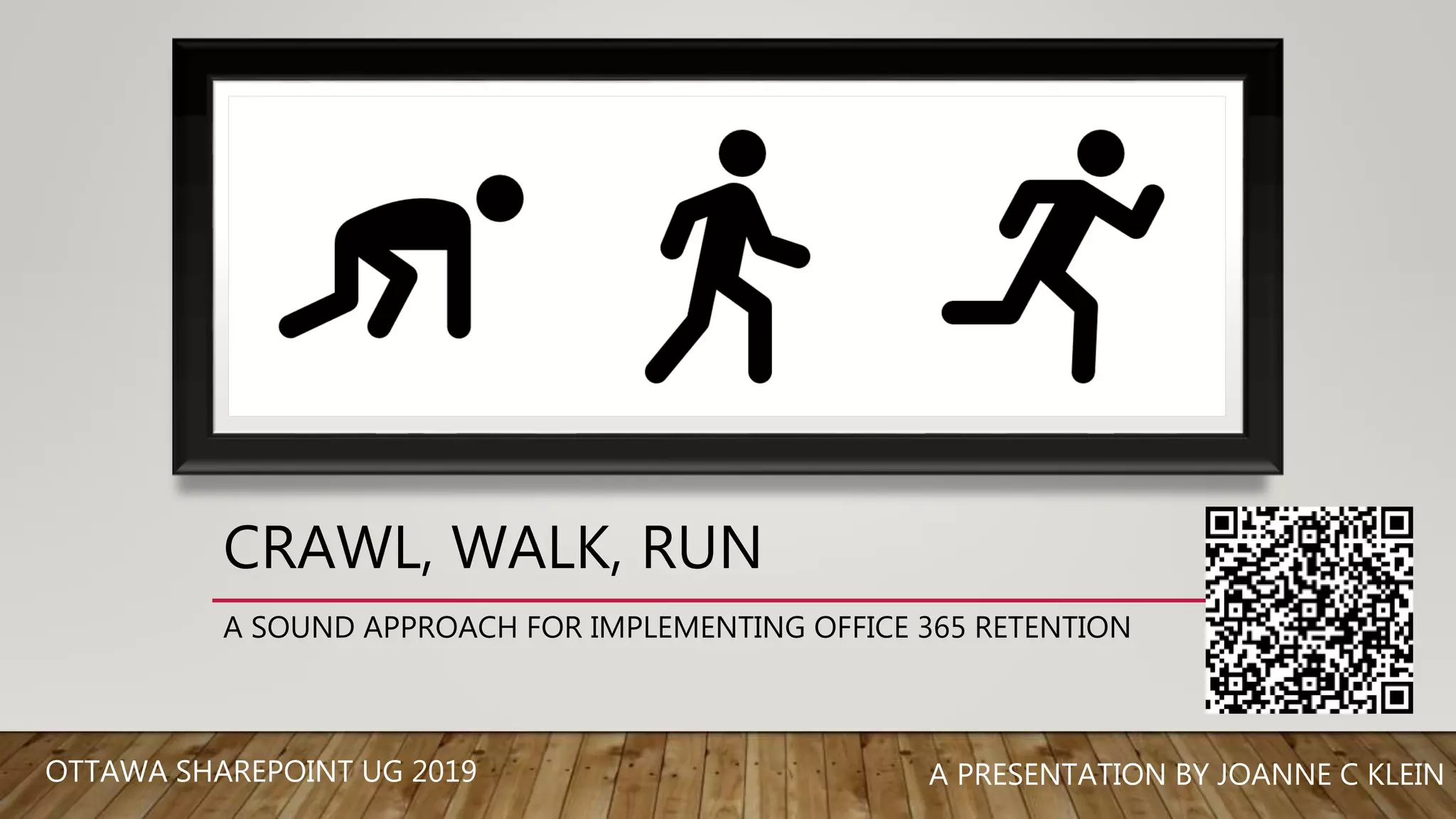

CRAWL, WALK, RUN
A SOUND APPROACH FOR IMPLEMENTING OFFICE 365 RETENTION
A PRESENTATION BY JOANNE C KLEINOTTAWA SHAREPOINT UG 2019
Hi! I’m Joanne!
@JoanneCKlein
joannecklein@nexnovus.com
joannecklein.com
SharePoint & Office 365 consultant | Speaker | Trainer | Mentor | Saskatchewan SharePoint & Office 365 UG
AGENDA
• What is Crawl-Walk-Run?
• What is Advanced Data Governance?
• Staffing up for Retention
• Retention Labels and Retention Policies
• The Crawl-Walk-Run stages
• What are the Gaps?
• What’s on the Roadmap?
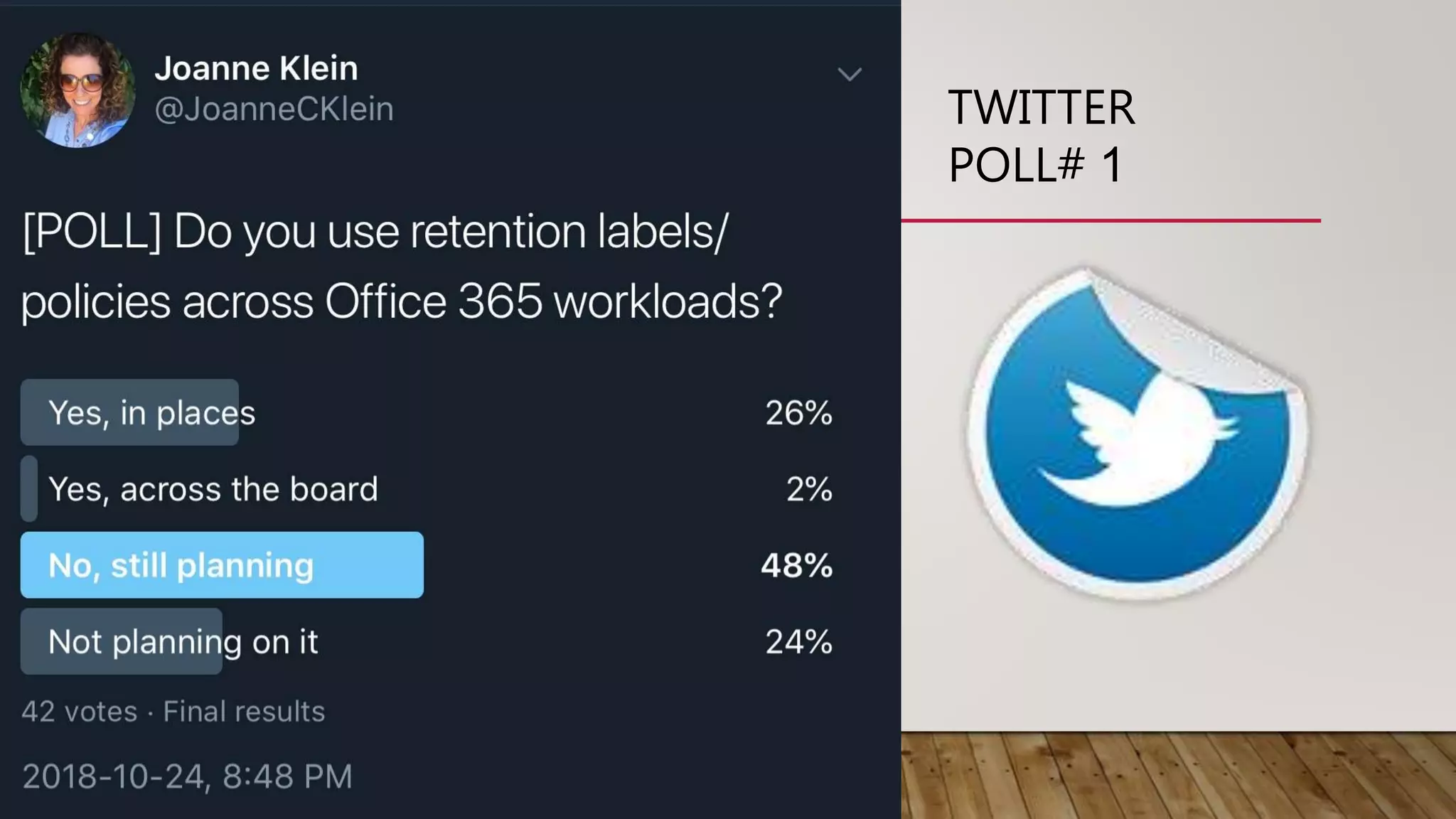
TWITTER
POLL# 1
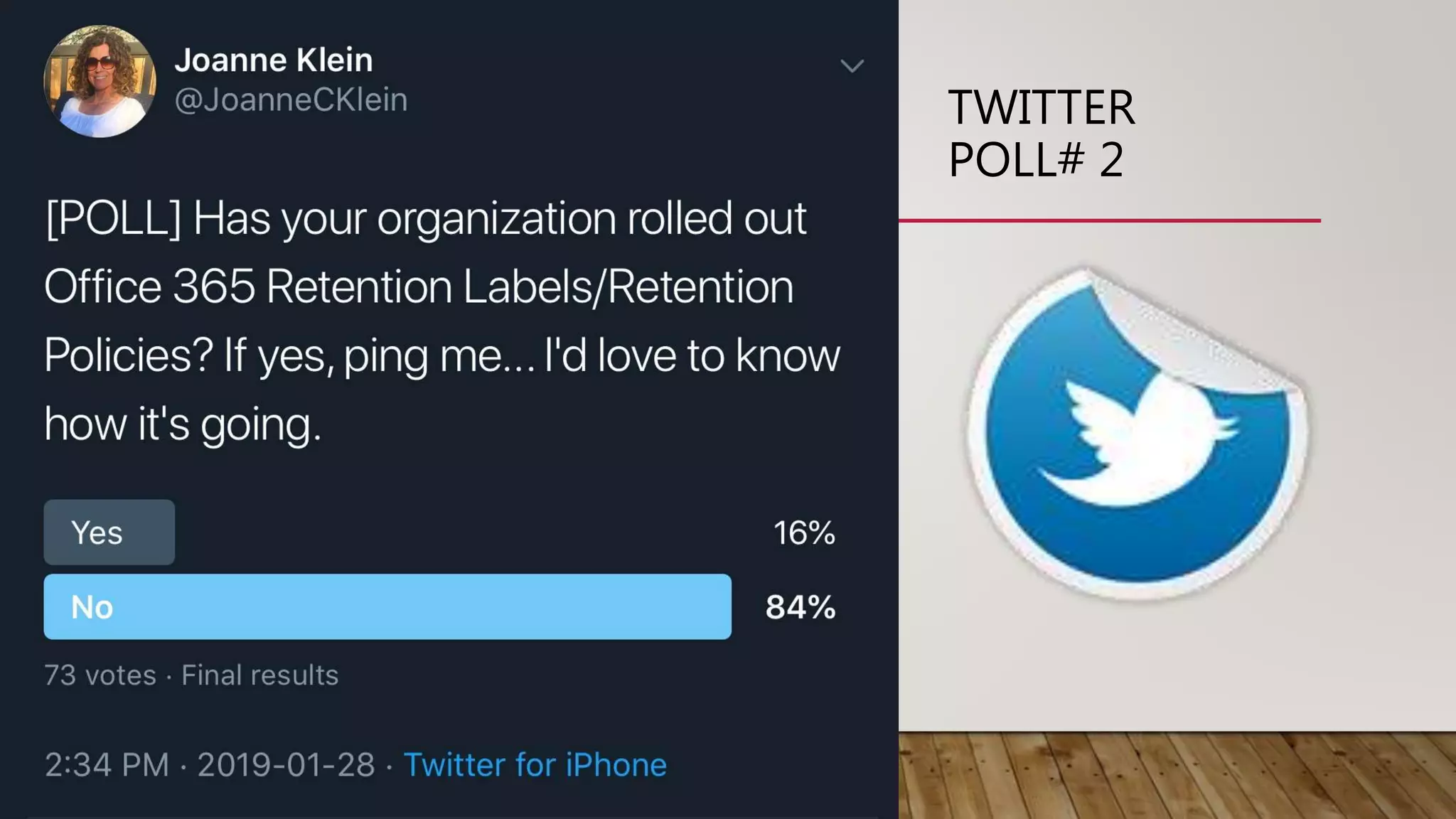
TWITTER
POLL# 2
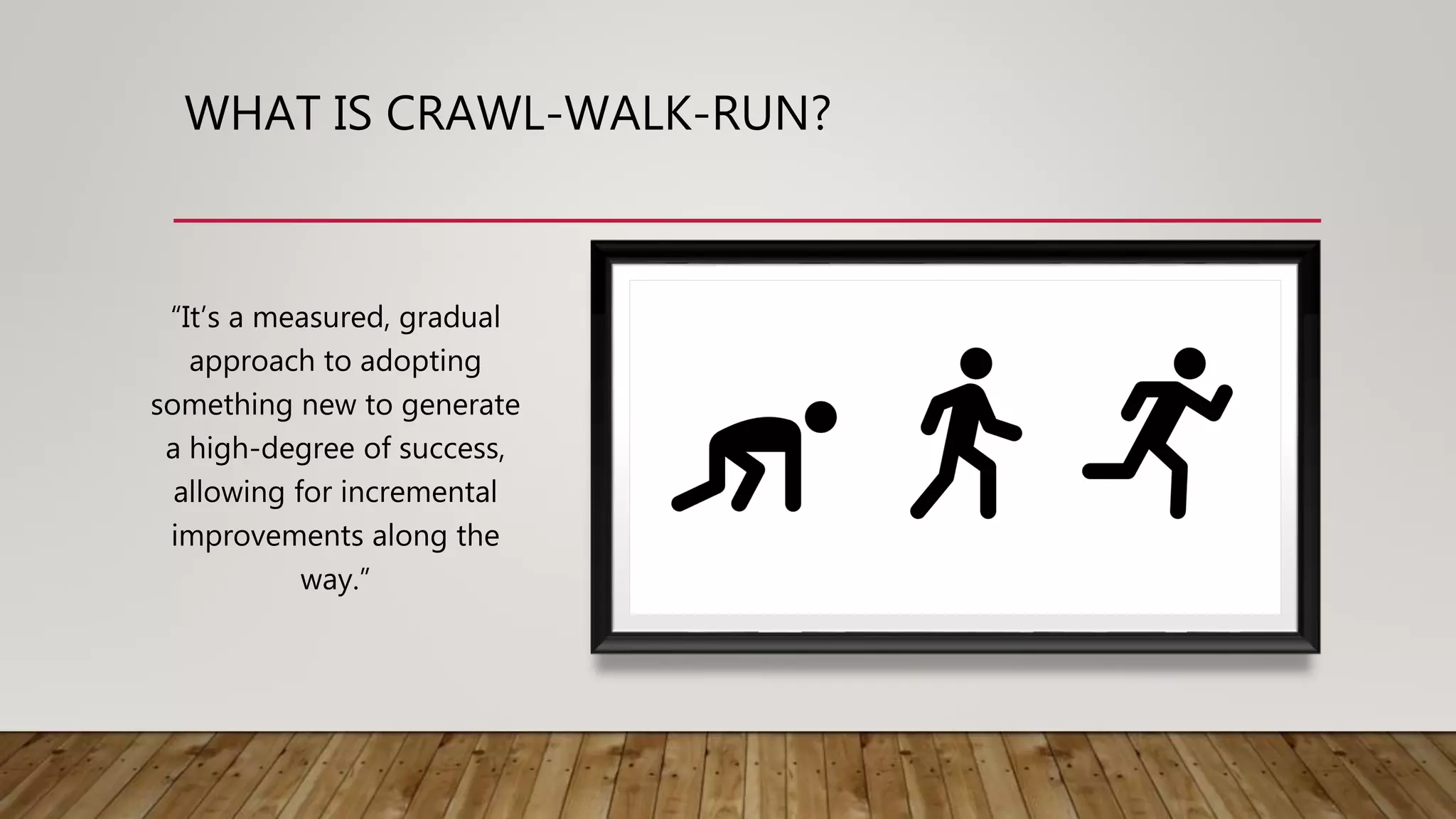
WHAT IS CRAWL-WALK-RUN?
“It’s a measured, gradual
approach to adopting
something new to generate
a high-degree of success,
allowing for incremental
improvements along the
way.”
THE CRAWL-WALK-RUN ADVANTAGE
Allows you to
start without
having it all
figured out
Allows for
incremental
improvements
Eases information
workers into the
world of retention
Some retention is
better than none
RETENTION AND
DATA GOVERNANCE
IN OFFICE 365
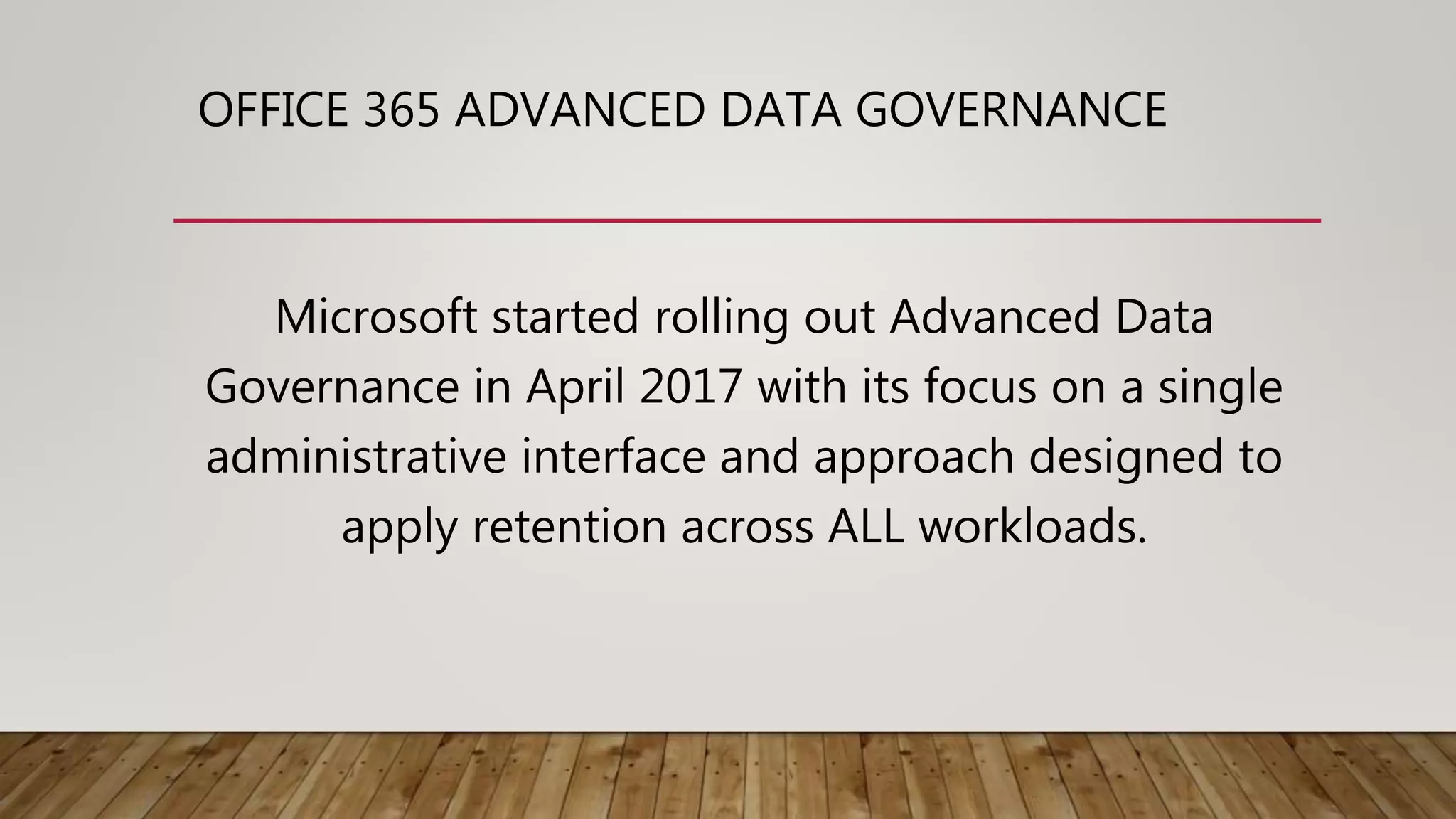
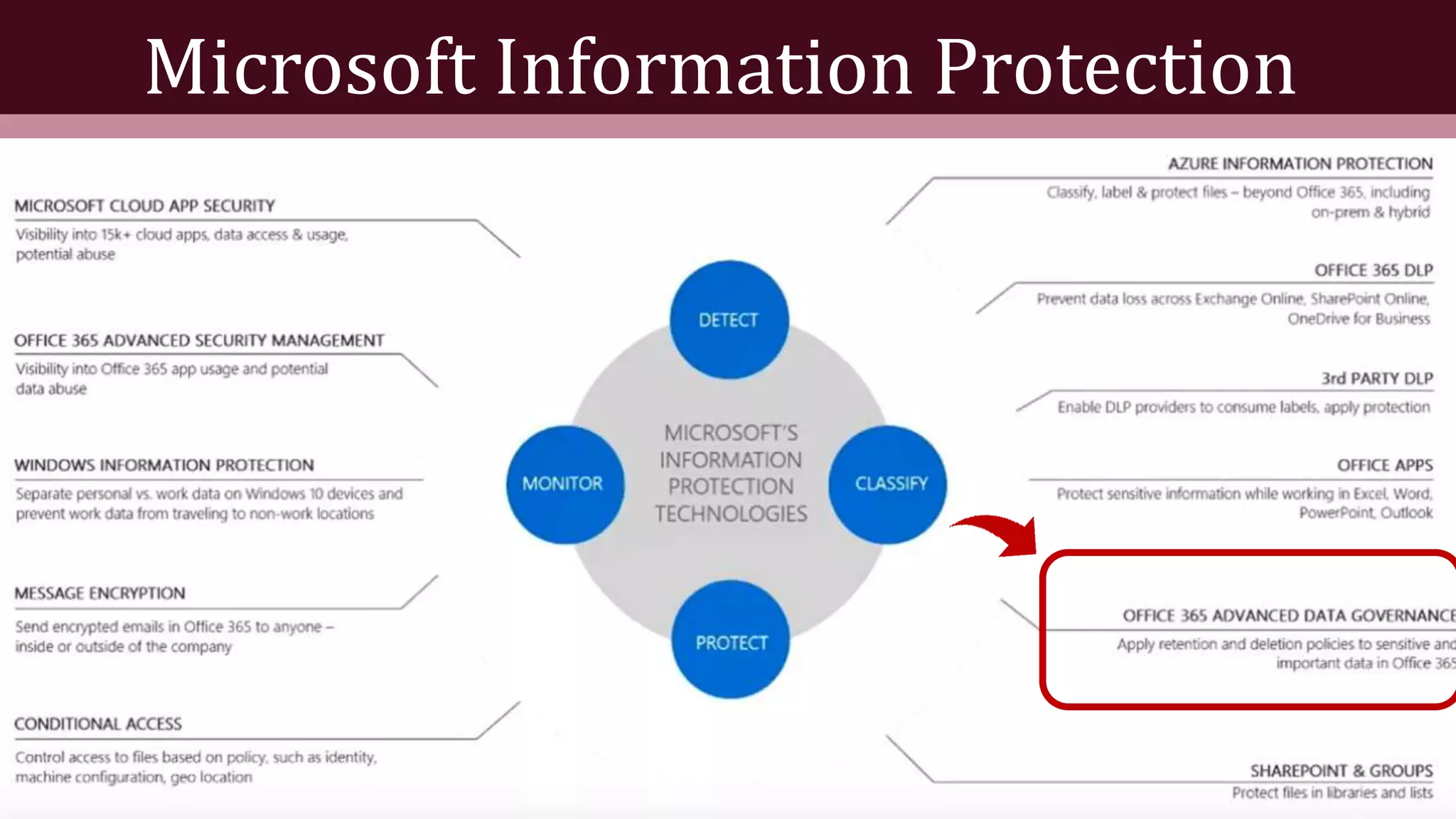
OFFICE 365 ADVANCED DATA GOVERNANCE
Microsoft started rolling out Advanced Data
Governance in April 2017 with its focus on a single
administrative interface and approach designed to
apply retention across ALL workloads.
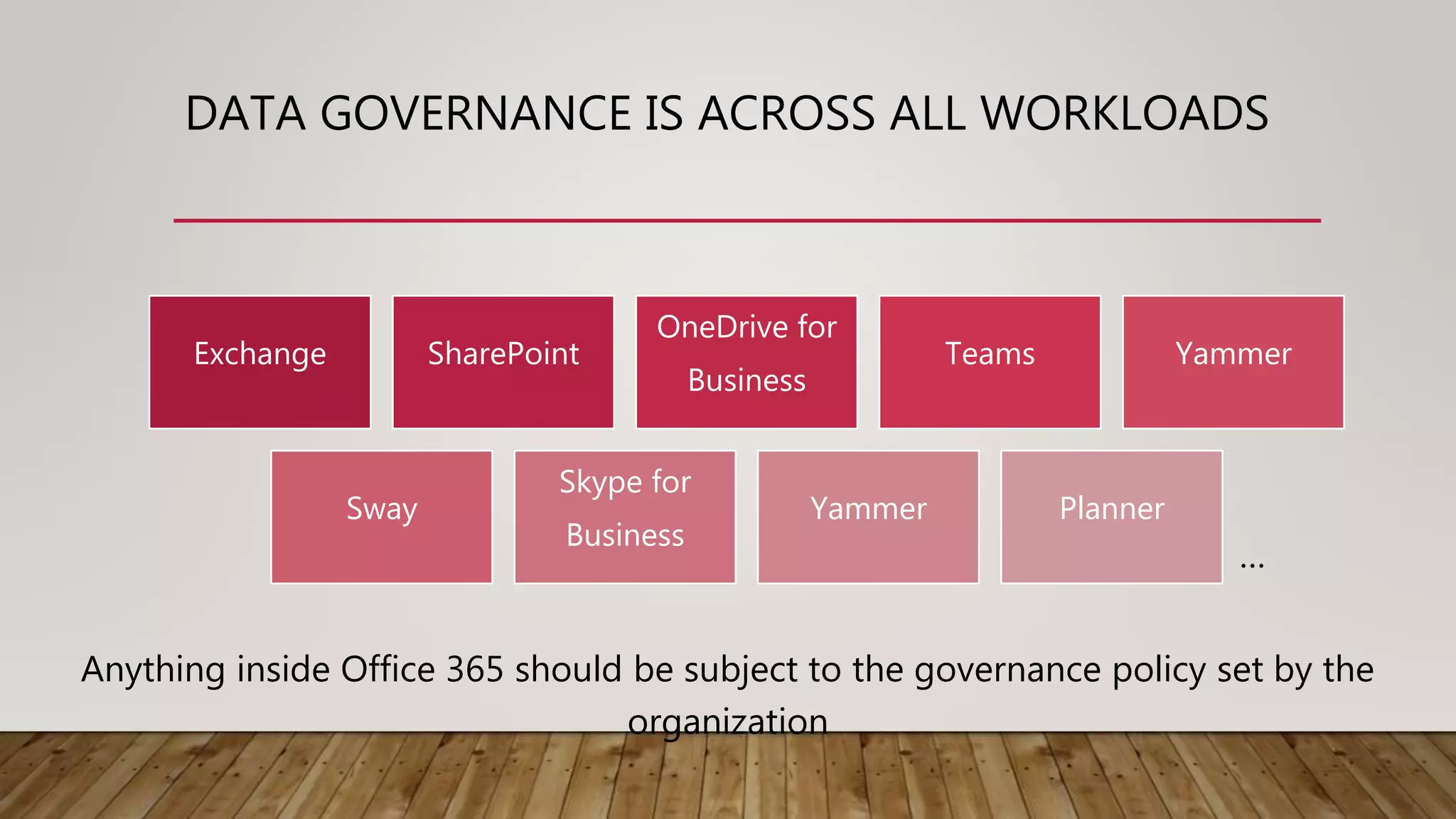
DATA GOVERNANCE IS ACROSS ALL WORKLOADS
Exchange SharePoint
OneDrive for
Business
Teams Yammer
Sway
Skype for
Business
Yammer Planner
Anything inside Office 365 should be subject to the governance policy set by the
organization
…
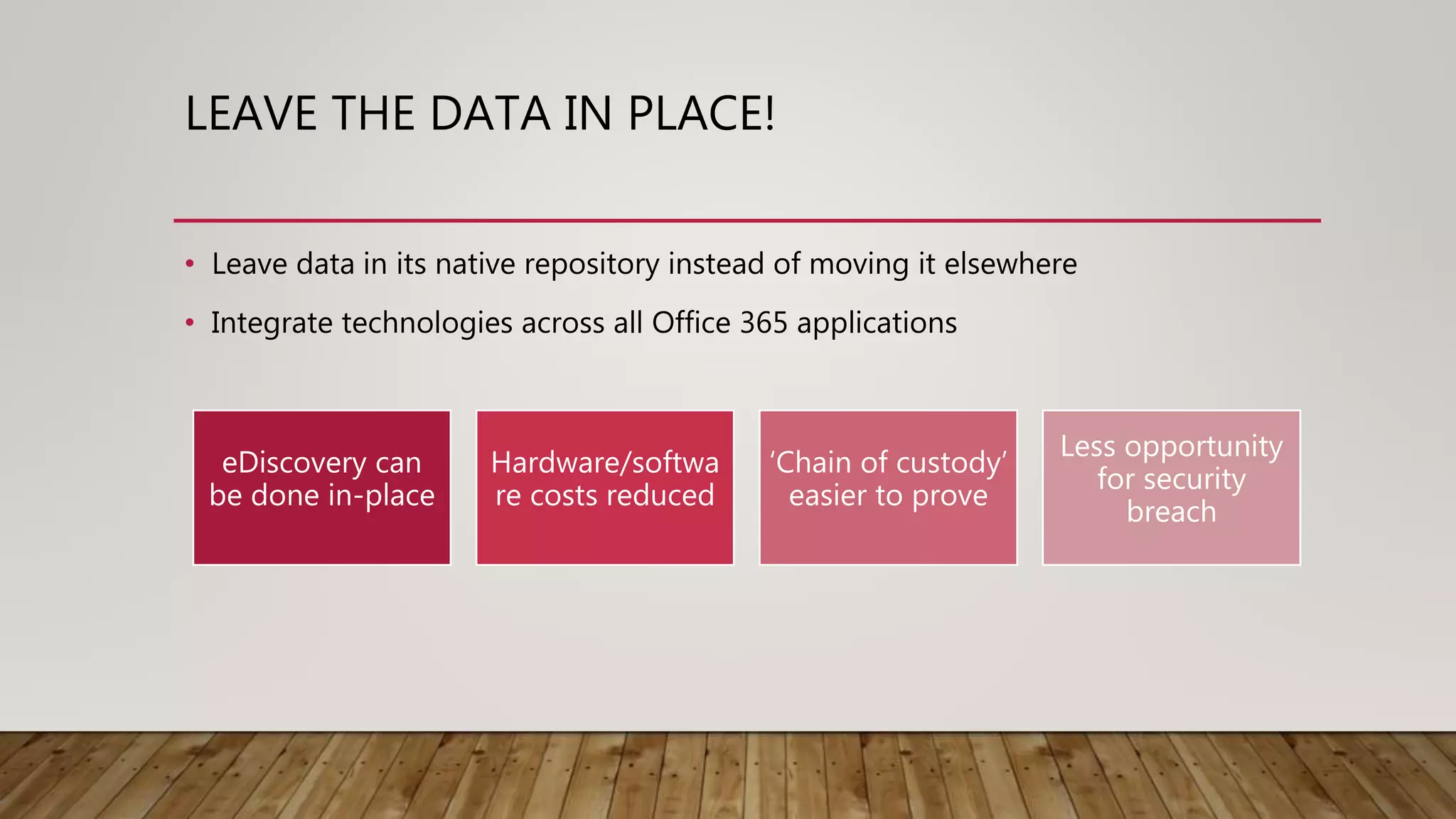
LEAVE THE DATA IN PLACE!
• Leave data in its native repository instead of moving it elsewhere
• Integrate technologies across all Office 365 applications
eDiscovery can
be done in-place
Hardware/softwa
re costs reduced
‘Chain of custody’
easier to prove
Less opportunity
for security
breach
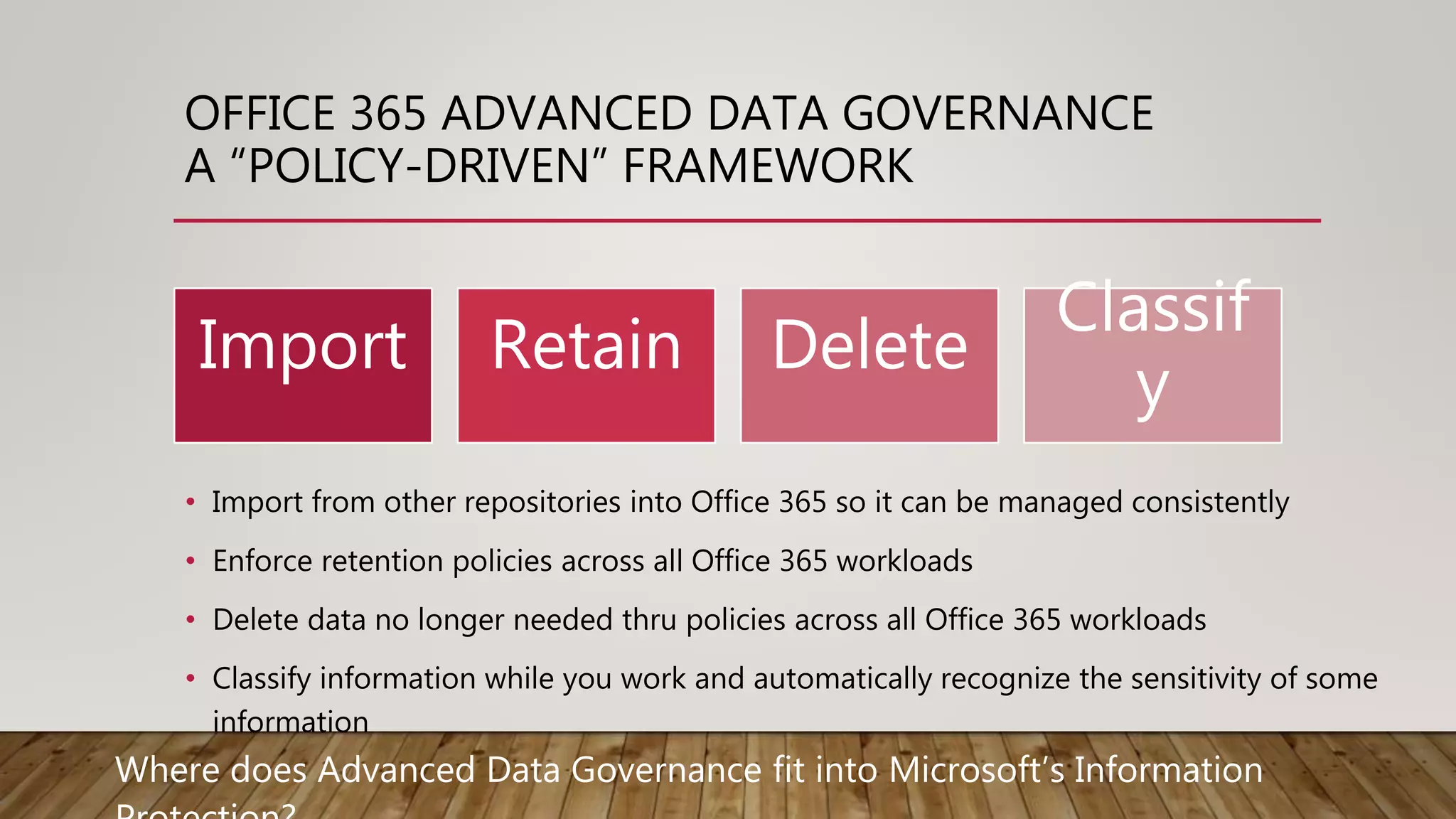
OFFICE 365 ADVANCED DATA GOVERNANCE
A “POLICY-DRIVEN” FRAMEWORK
• Import from other repositories into Office 365 so it can be managed consistently
• Enforce retention policies across all Office 365 workloads
• Delete data no longer needed thru policies across all Office 365 workloads
• Classify information while you work and automatically recognize the sensitivity of some
information
Import Retain Delete
Classif
y
Where does Advanced Data Governance fit into Microsoft’s Information
Microsoft Information Protection
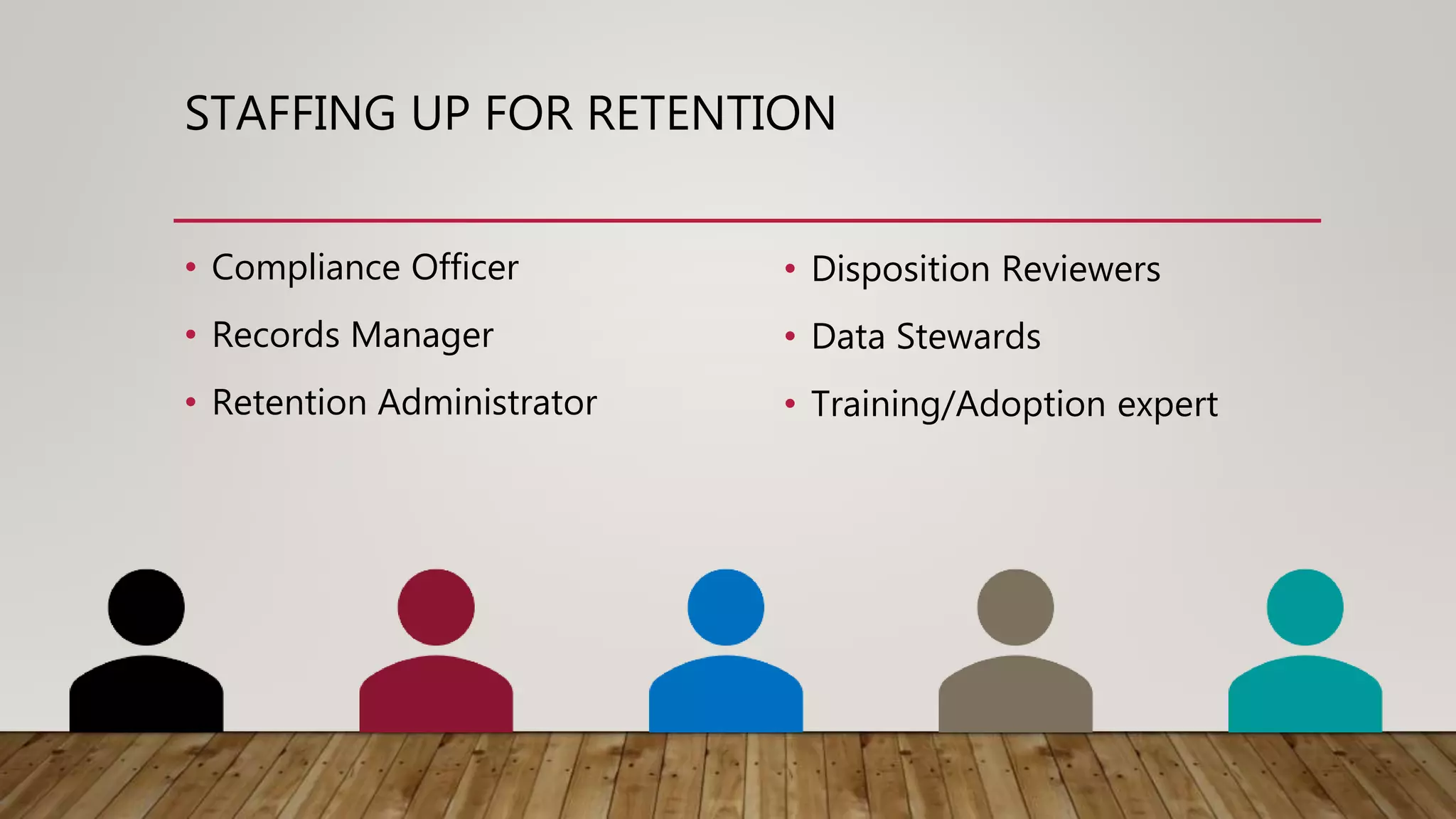
STAFFING UP FOR RETENTION
• Compliance Officer
• Records Manager
• Retention Administrator
• Disposition Reviewers
• Data Stewards
• Training/Adoption expert
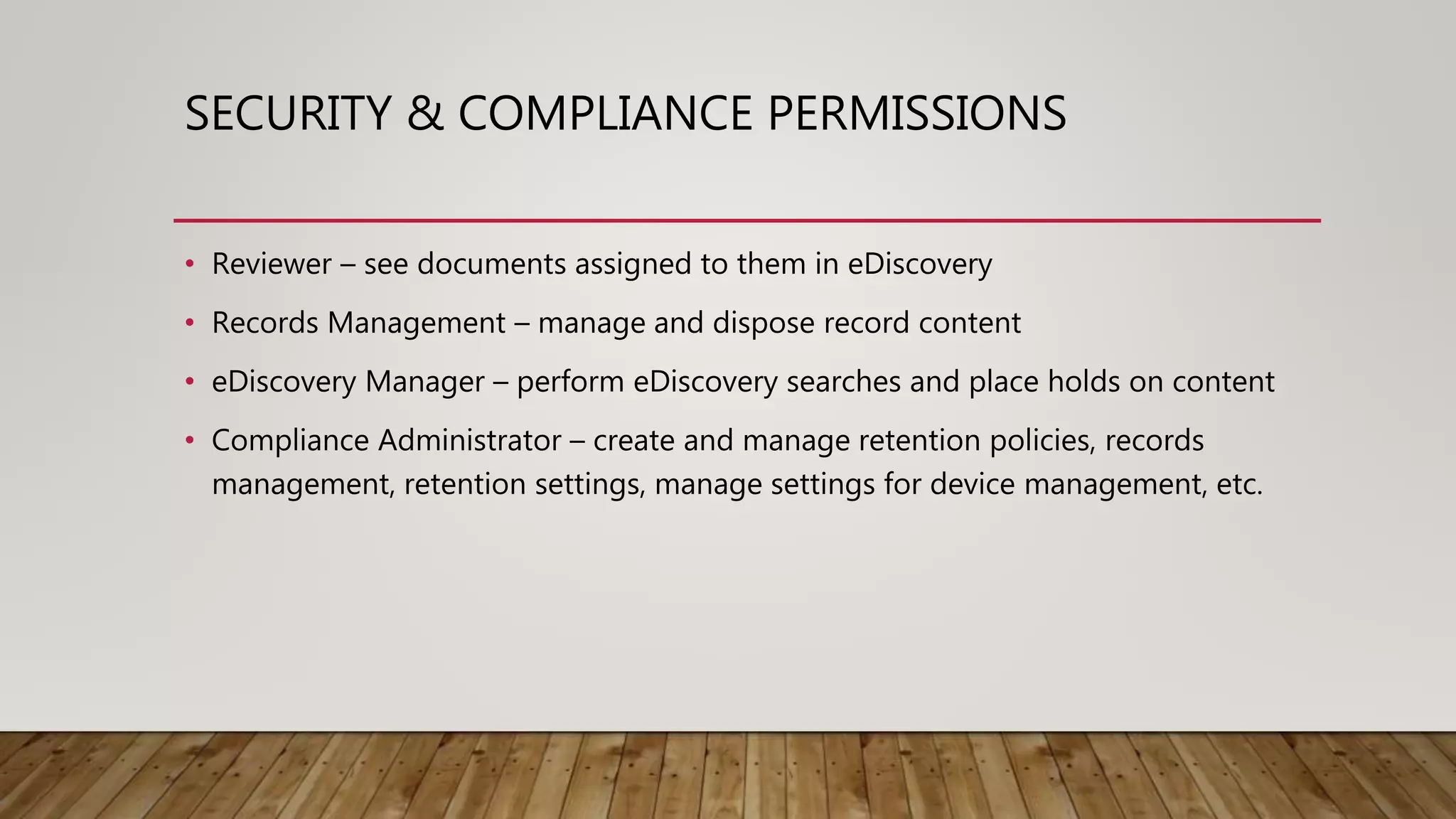
SECURITY & COMPLIANCE PERMISSIONS
• Reviewer – see documents assigned to them in eDiscovery
• Records Management – manage and dispose record content
• eDiscovery Manager – perform eDiscovery searches and place holds on content
• Compliance Administrator – create and manage retention policies, records
management, retention settings, manage settings for device management, etc.
RETENTION READINESS FOR OFFICE 365
• File Plan
• Regulatory Requirements
• Information Management Team Office 365 Retention
training
• How will the File Plan translate into Office 365
capabilities?
• Know how to use the tools and monitor its usage
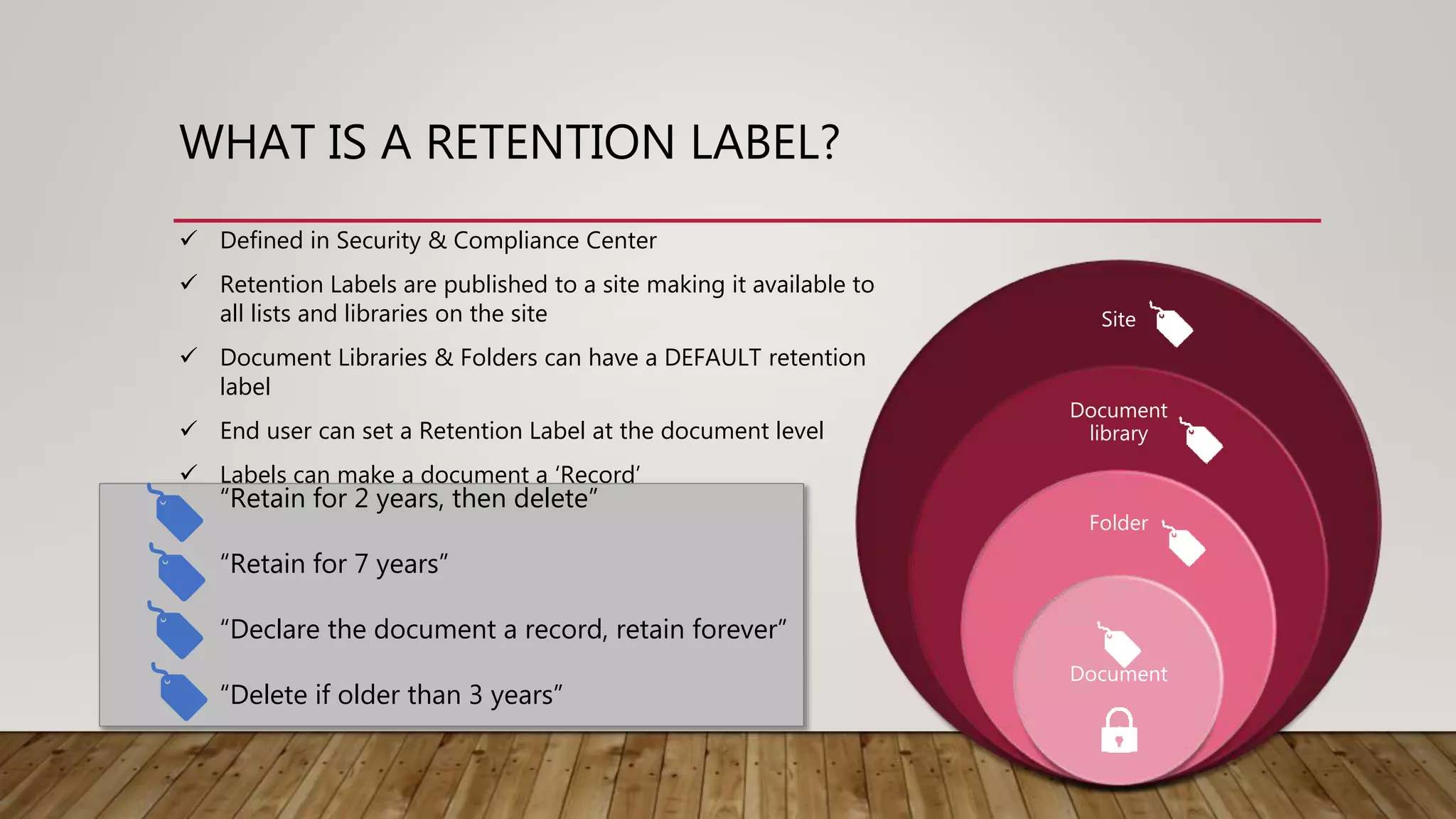
WHAT IS A RETENTION LABEL?
Site
Document
library
Folder
Document
 Defined in Security & Compliance Center
 Retention Labels are published to a site making it available to
all lists and libraries on the site
 Document Libraries & Folders can have a DEFAULT retention
label
 End user can set a Retention Label at the document level
 Labels can make a document a ‘Record’
“Retain for 2 years, then delete”
“Retain for 7 years”
“Declare the document a record, retain forever”
“Delete if older than 3 years”
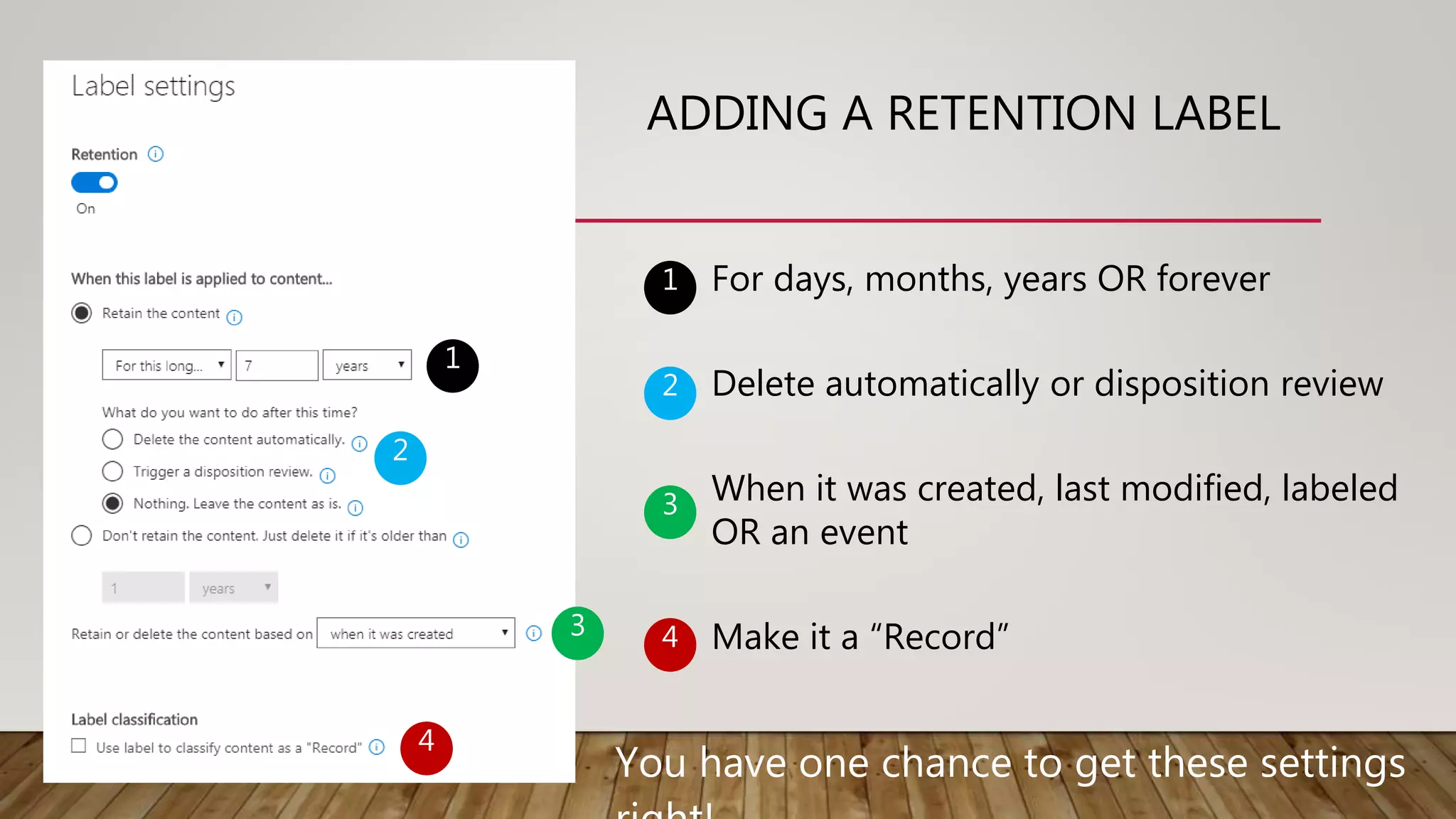
ADDING A RETENTION LABEL
1
2
3
4
For days, months, years OR forever
Delete automatically or disposition review
When it was created, last modified, labeled
OR an event
Make it a “Record”
1
2
3
4
You have one chance to get these settings
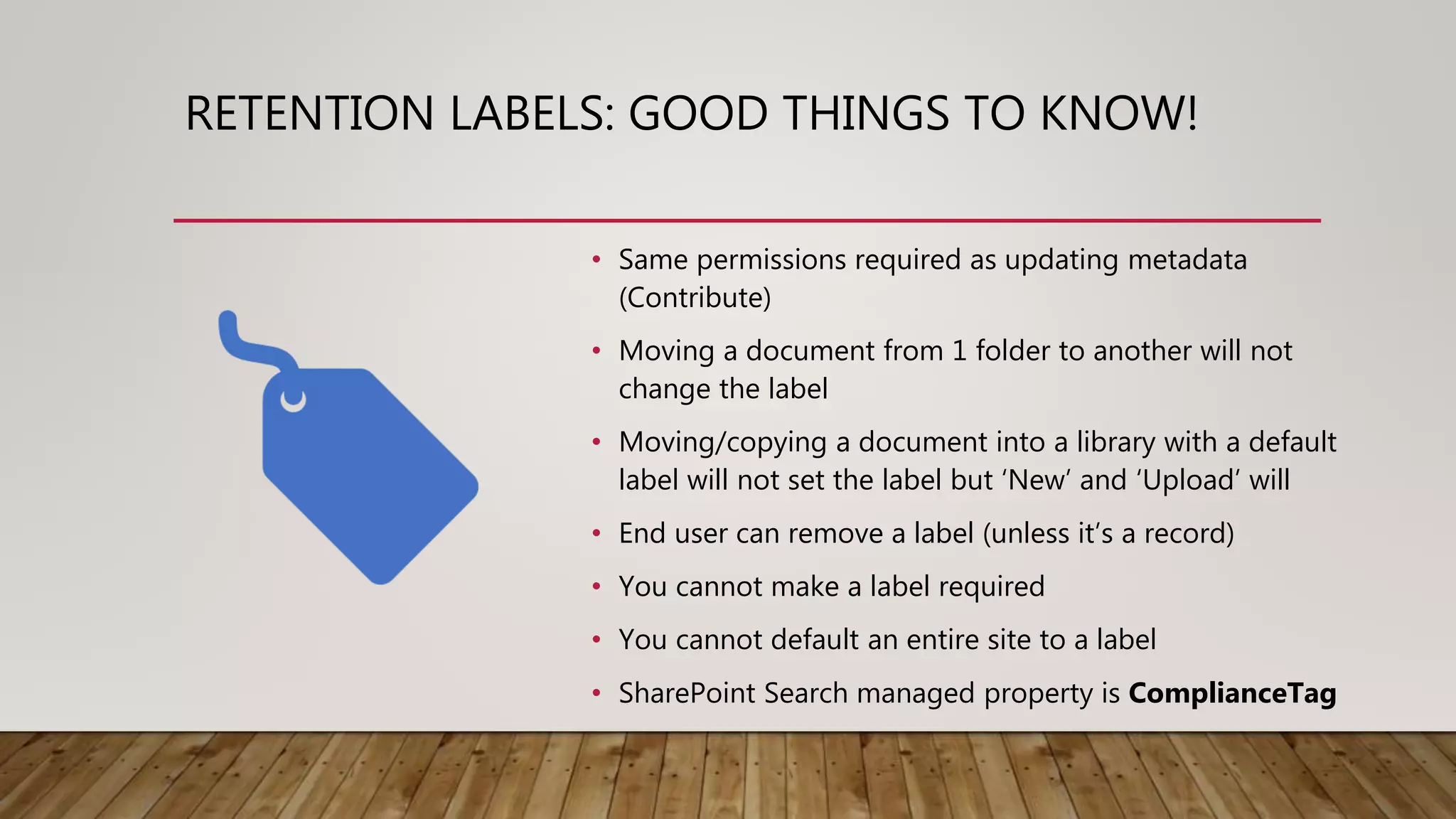
RETENTION LABELS: GOOD THINGS TO KNOW!
• Same permissions required as updating metadata
(Contribute)
• Moving a document from 1 folder to another will not
change the label
• Moving/copying a document into a library with a default
label will not set the label but ‘New’ and ‘Upload’ will
• End user can remove a label (unless it’s a record)
• You cannot make a label required
• You cannot default an entire site to a label
• SharePoint Search managed property is ComplianceTag
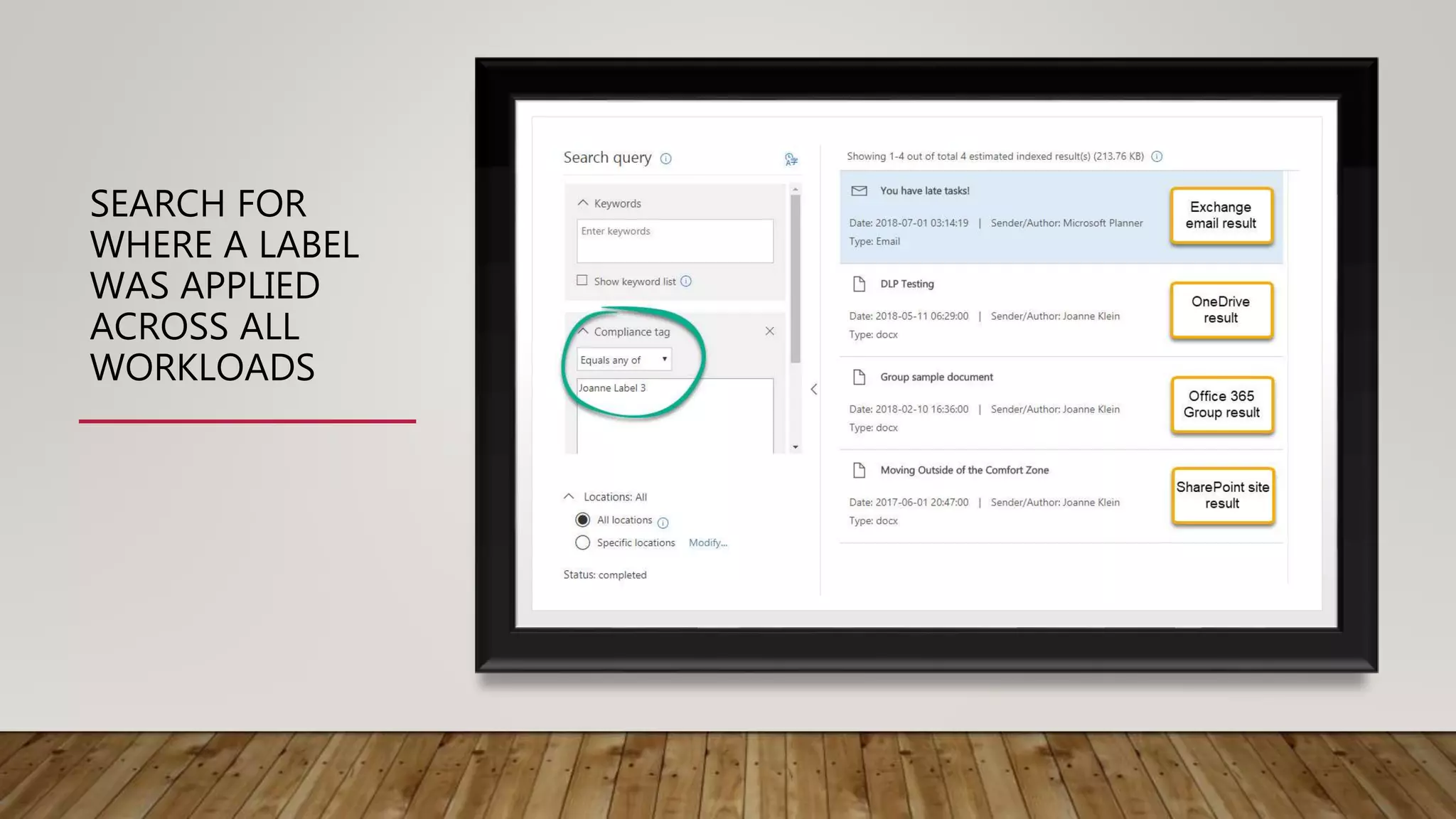
SEARCH FOR
WHERE A LABEL
WAS APPLIED
ACROSS ALL
WORKLOADS
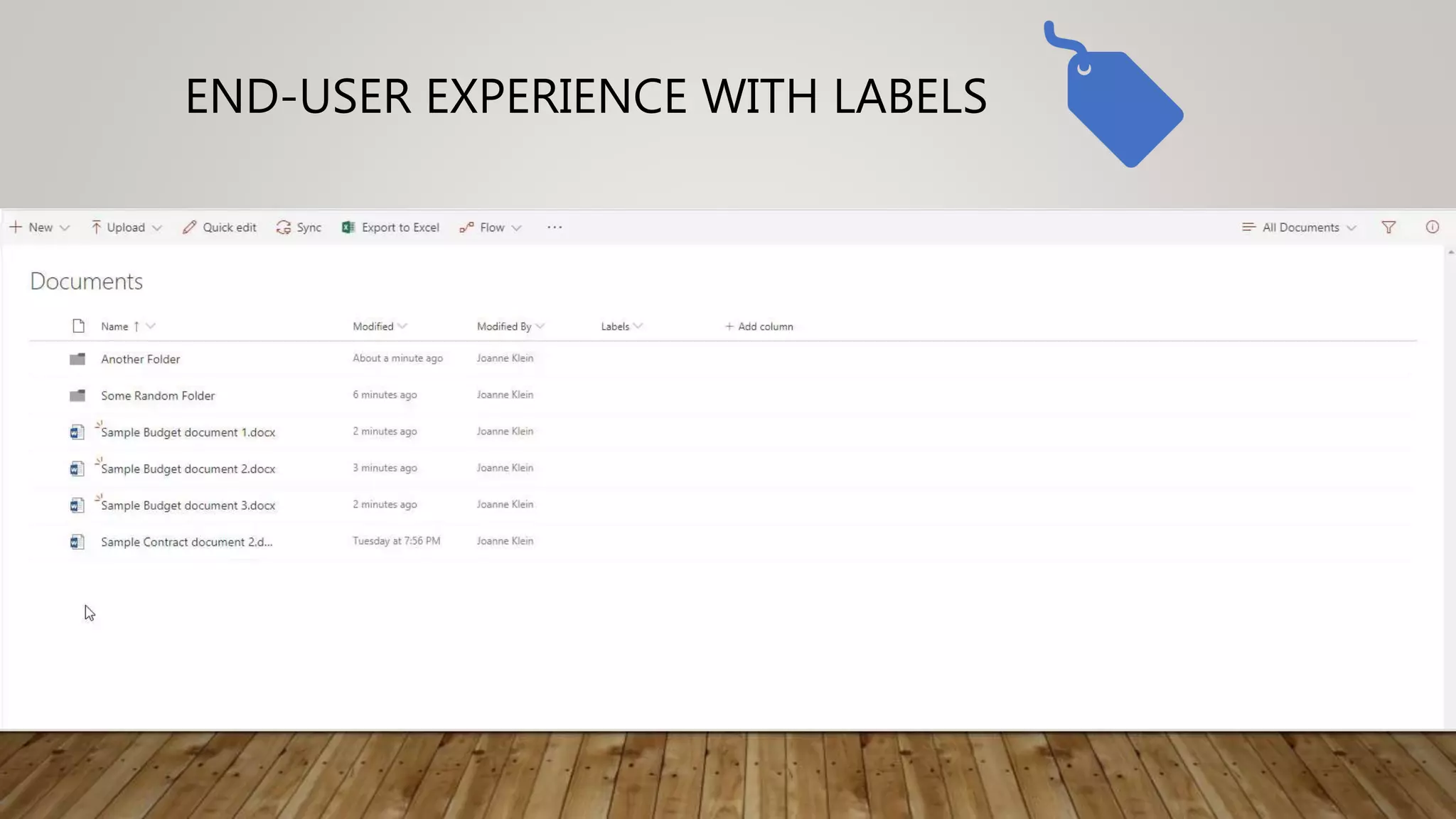
END-USER EXPERIENCE WITH LABELS
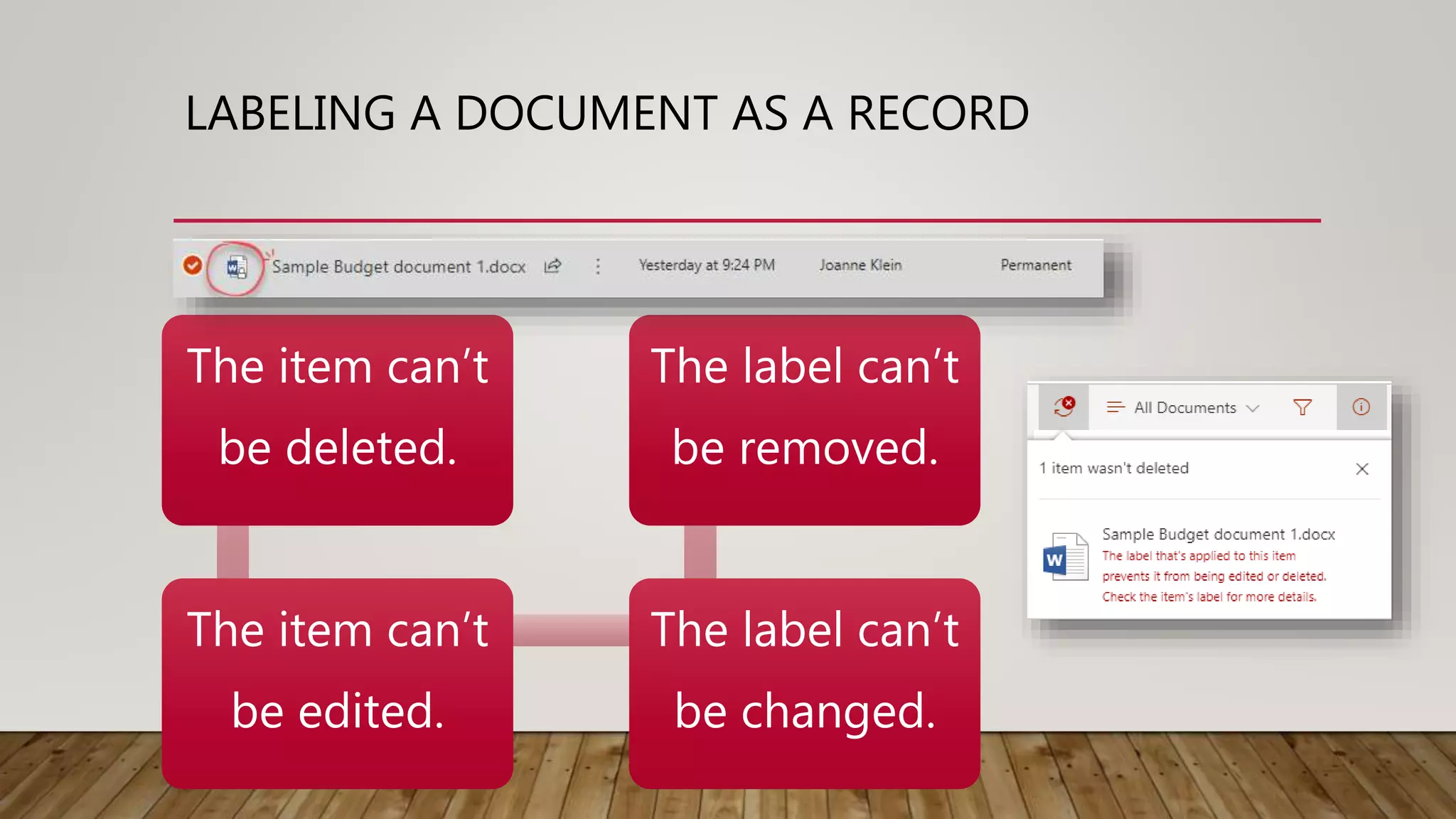
LABELING A DOCUMENT AS A RECORD
The item can’t
be deleted.
The item can’t
be edited.
The label can’t
be changed.
The label can’t
be removed.
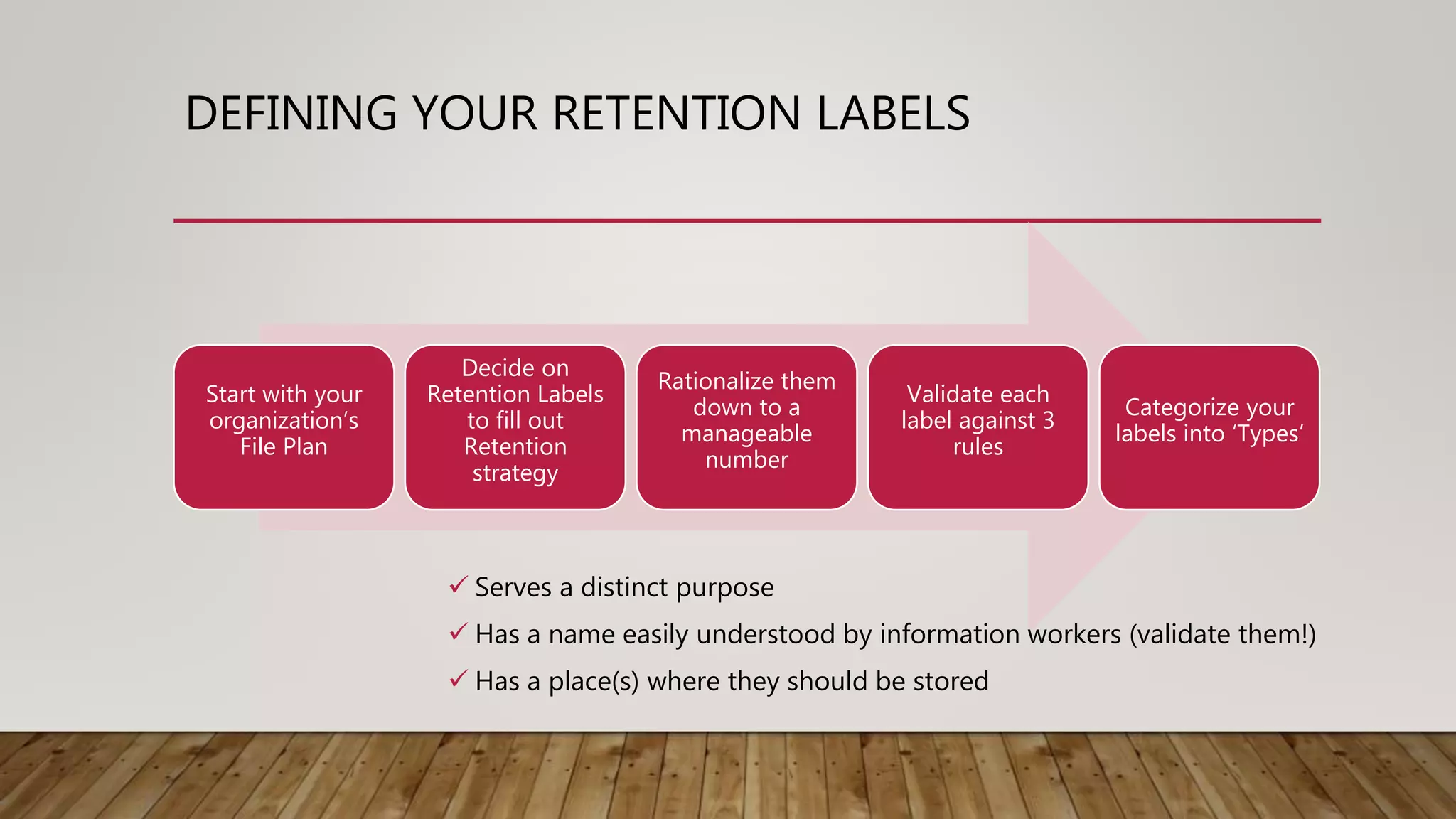
DEFINING YOUR RETENTION LABELS
Start with your
organization’s
File Plan
Decide on
Retention Labels
to fill out
Retention
strategy
Rationalize them
down to a
manageable
number
Validate each
label against 3
rules
Categorize your
labels into ‘Types’
 Serves a distinct purpose
 Has a name easily understood by information workers (validate them!)
 Has a place(s) where they should be stored
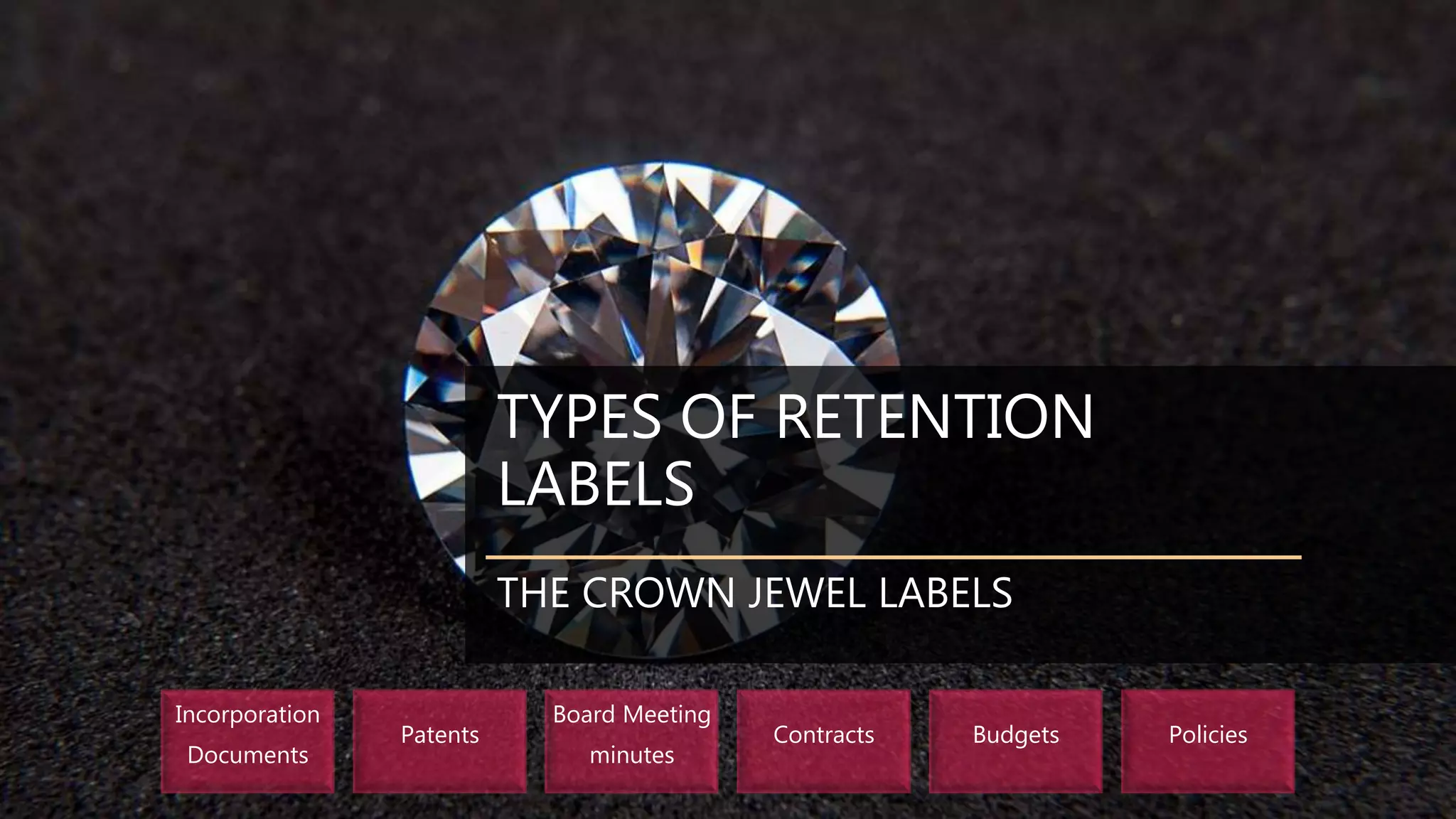
TYPES OF RETENTION
LABELS
THE CROWN JEWEL LABELS
Incorporation
Documents
Patents
Board Meeting
minutes
Contracts Budgets Policies
TYPES OF RETENTION
LABELS
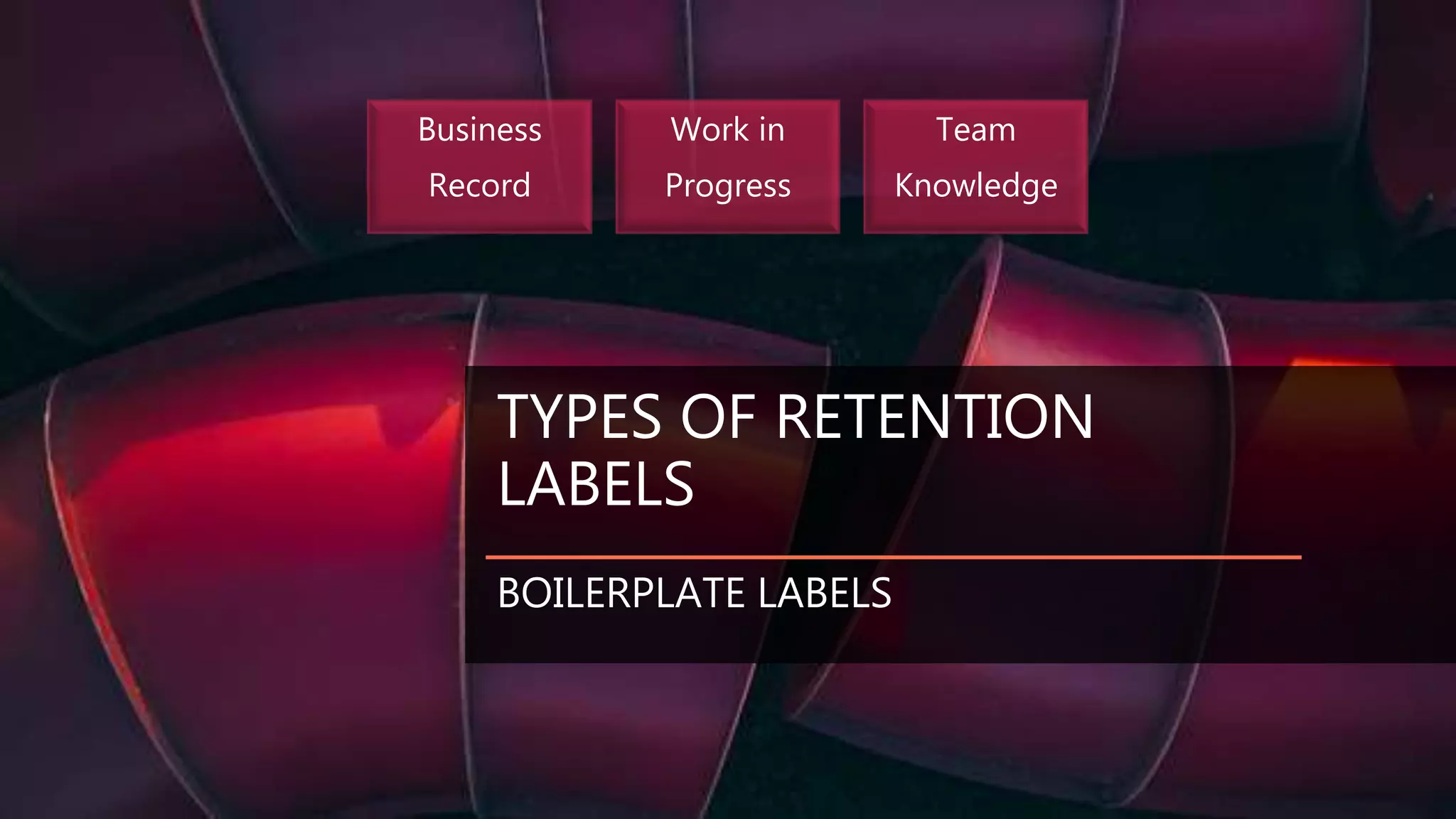
BOILERPLATE LABELS
Business
Record
Work in
Progress
Team
Knowledge
TYPES OF
RETENTION
LABELS
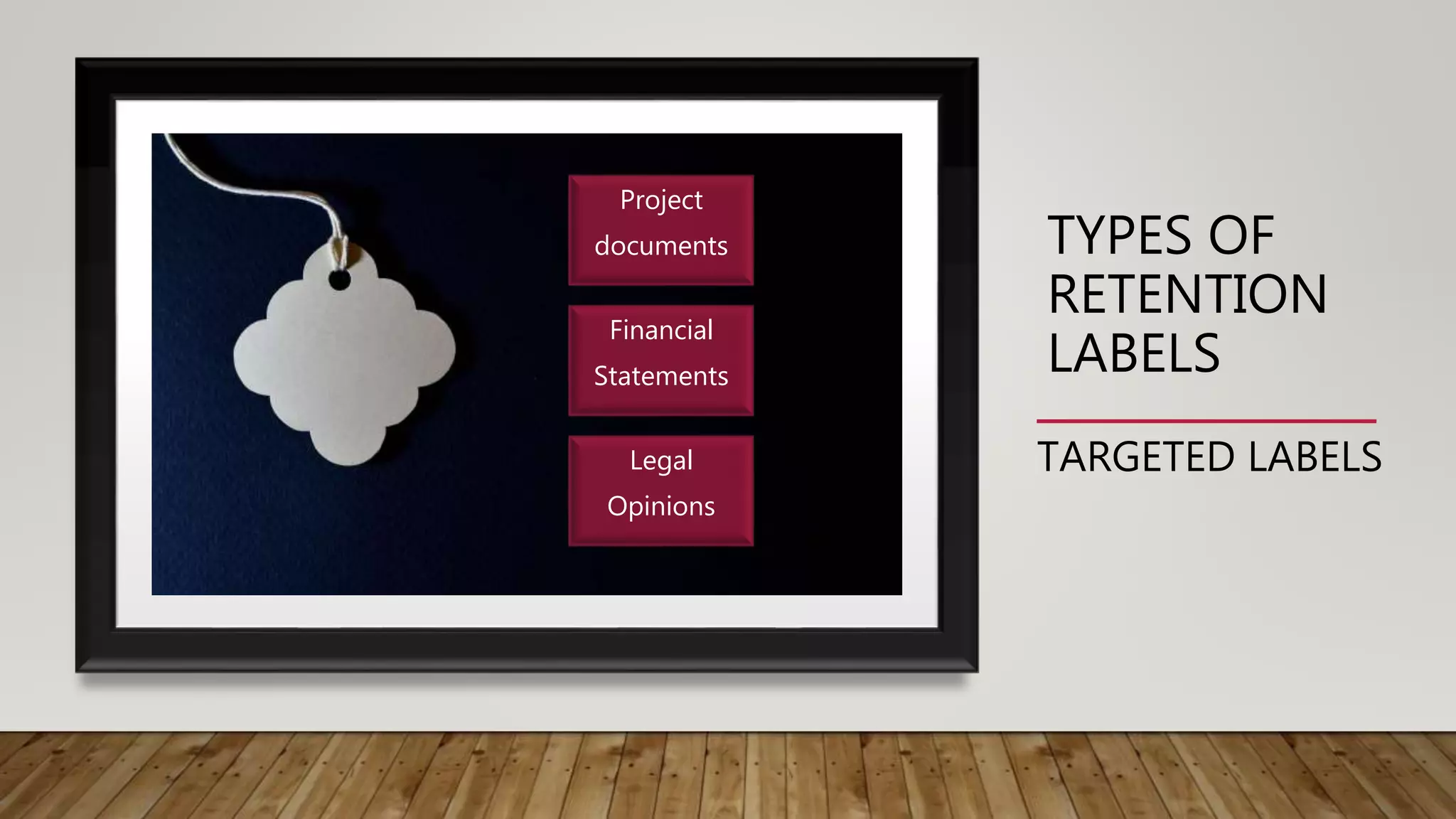
TARGETED LABELS
Project
documents
Financial
Statements
Legal
Opinions
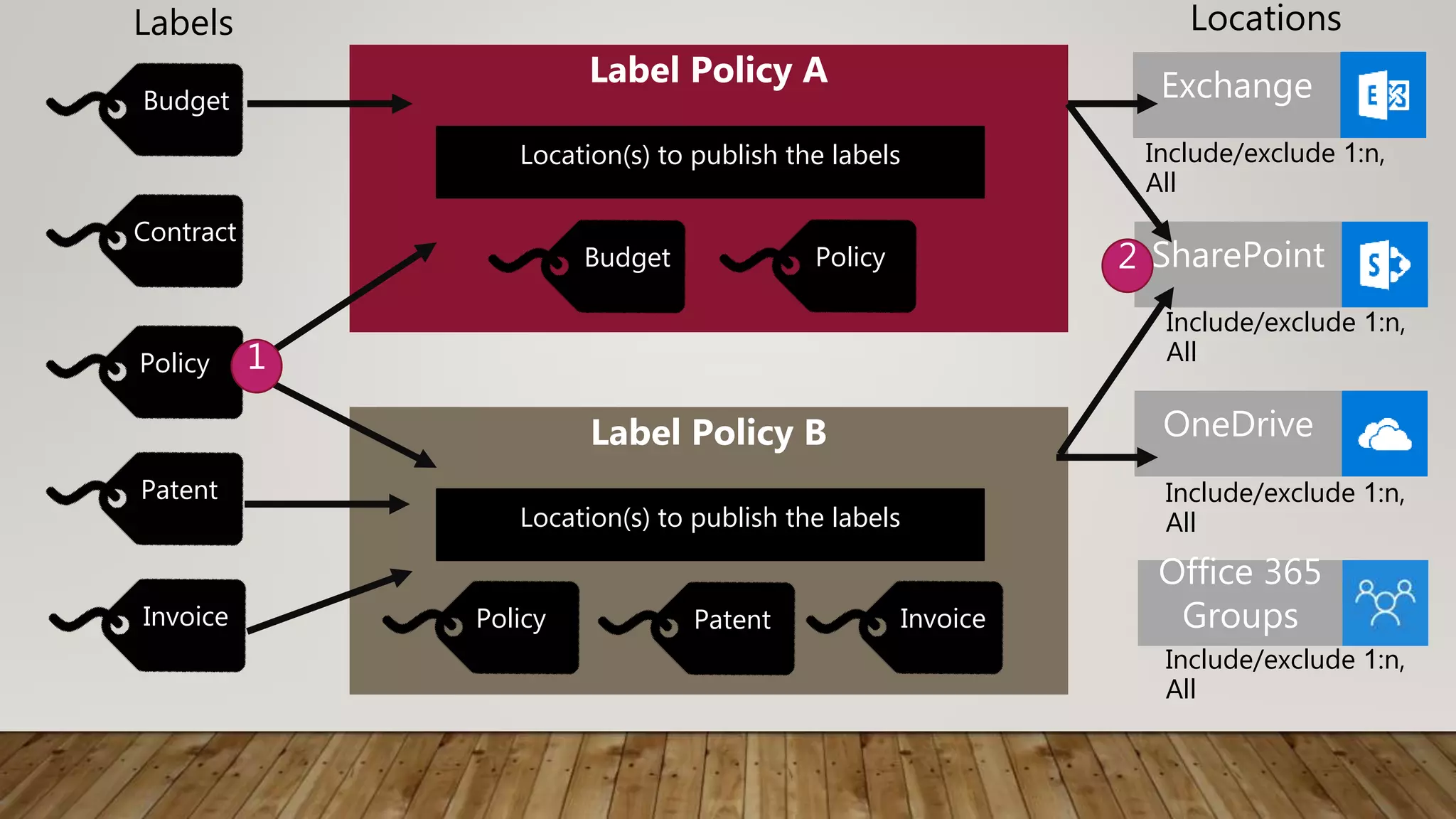
SharePoint
Exchange
OneDrive
Label Policy A
Location(s) to publish the labels
Budget Policy
Budget
Contract
Policy
Patent
Invoice
Label Policy B
Location(s) to publish the labels
Policy Patent Invoice
1
Office 365
Groups
Labels Locations
Include/exclude 1:n,
All
Include/exclude 1:n,
All
Include/exclude 1:n,
All
Include/exclude 1:n,
All
2
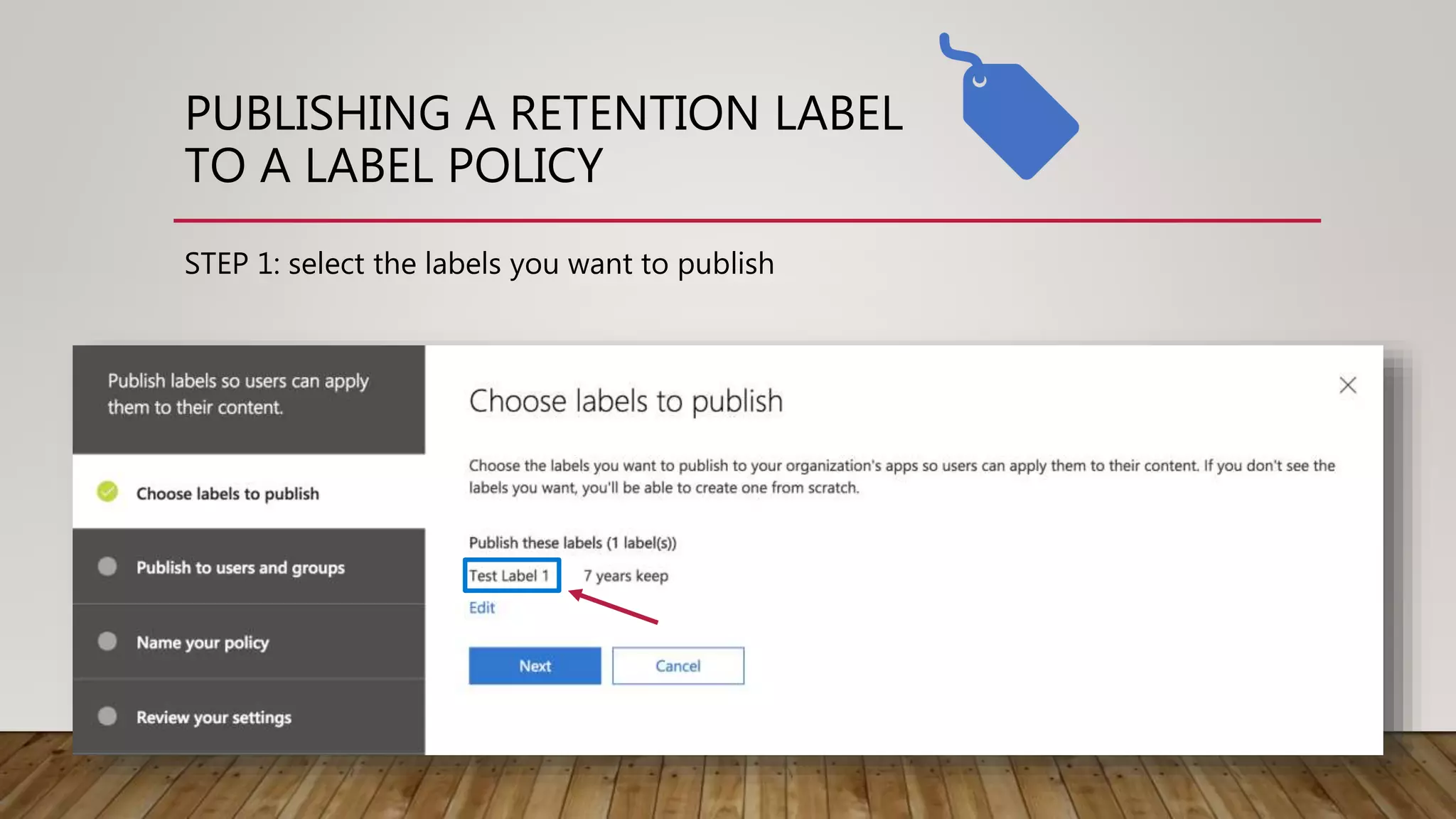
PUBLISHING A RETENTION LABEL
TO A LABEL POLICY
STEP 1: select the labels you want to publish
PUBLISHING A
RETENTION LABEL
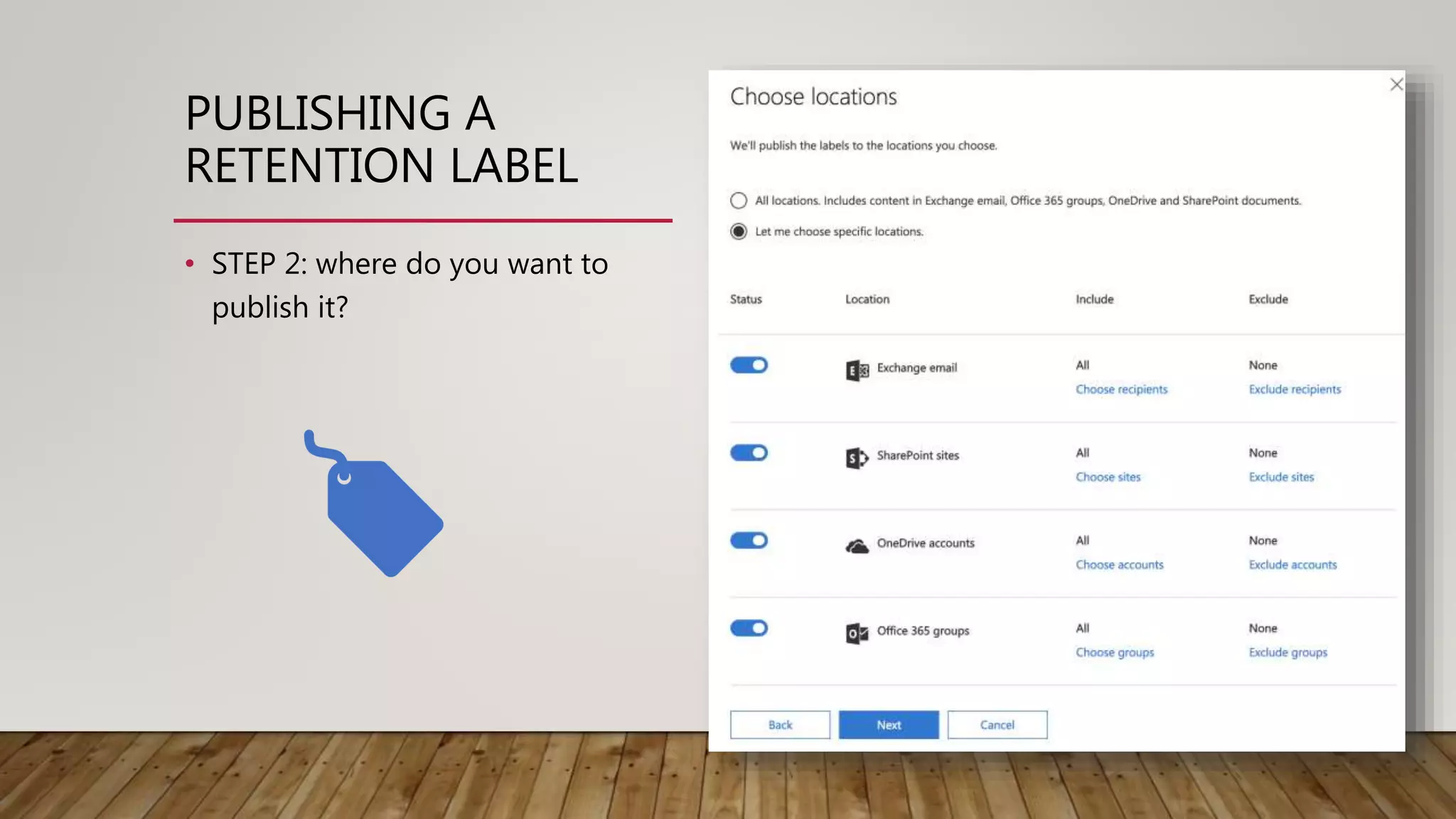
• STEP 2: where do you want to
publish it?
DEMO
RETENTION
LABELS
“Business Record” label
“Team Knowledge” label
“Contract” label
TYPES OF RETENTION
LABELS
AUTO-APPLY LABELS
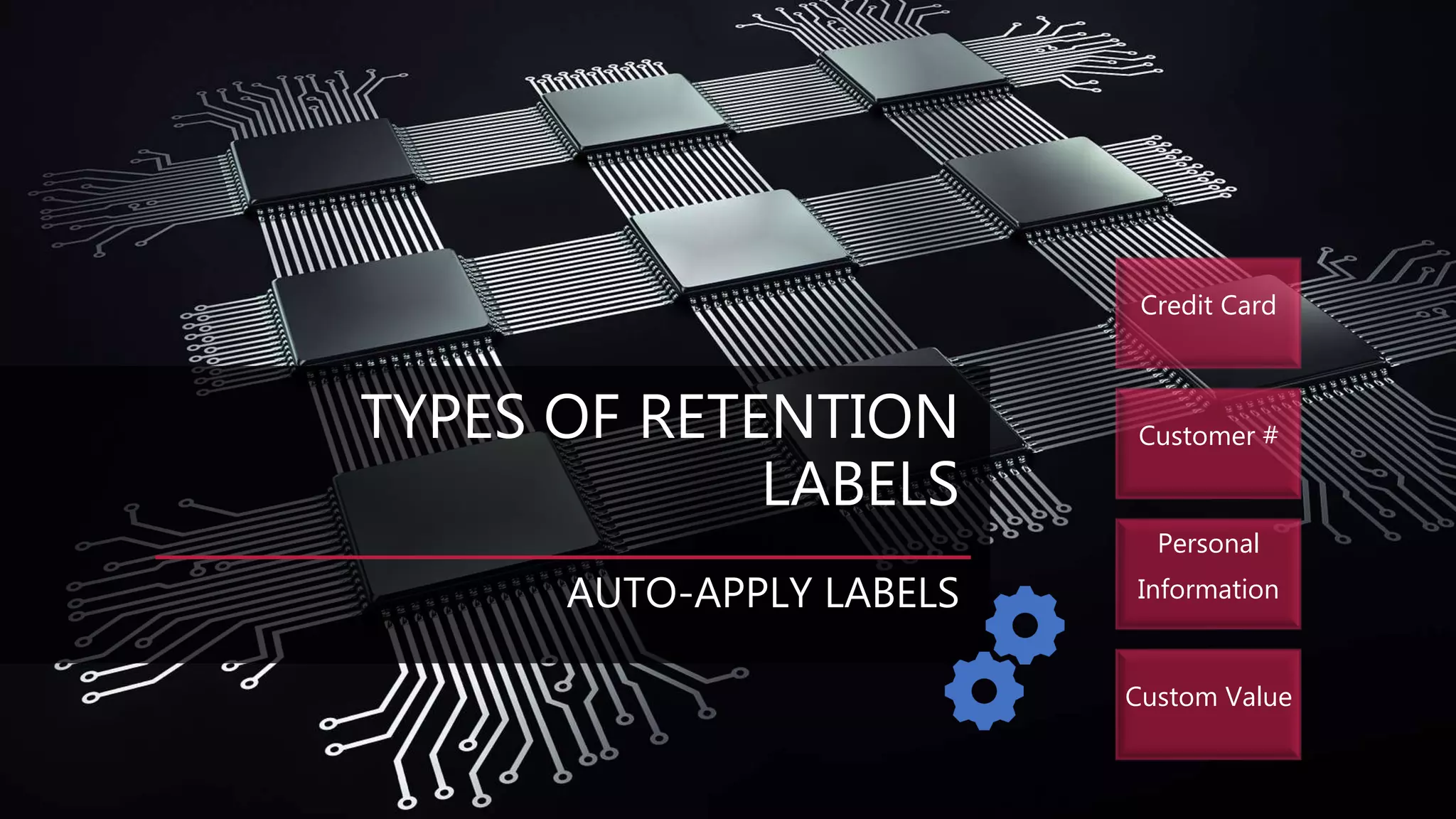
Credit Card
Customer #
Personal
Information
Custom Value
AUTO-APPLY LABELS
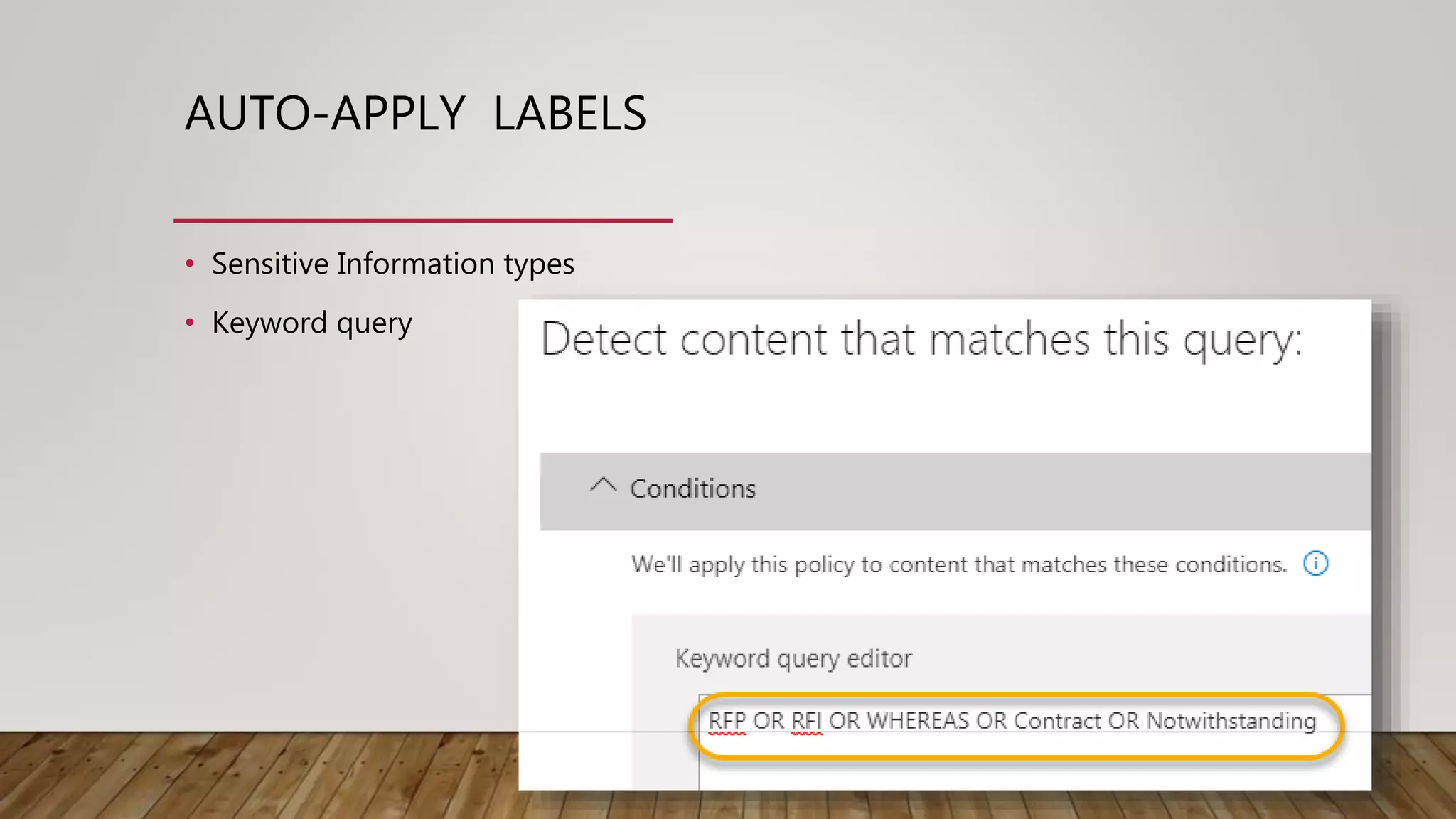
• Sensitive Information types
• Keyword query
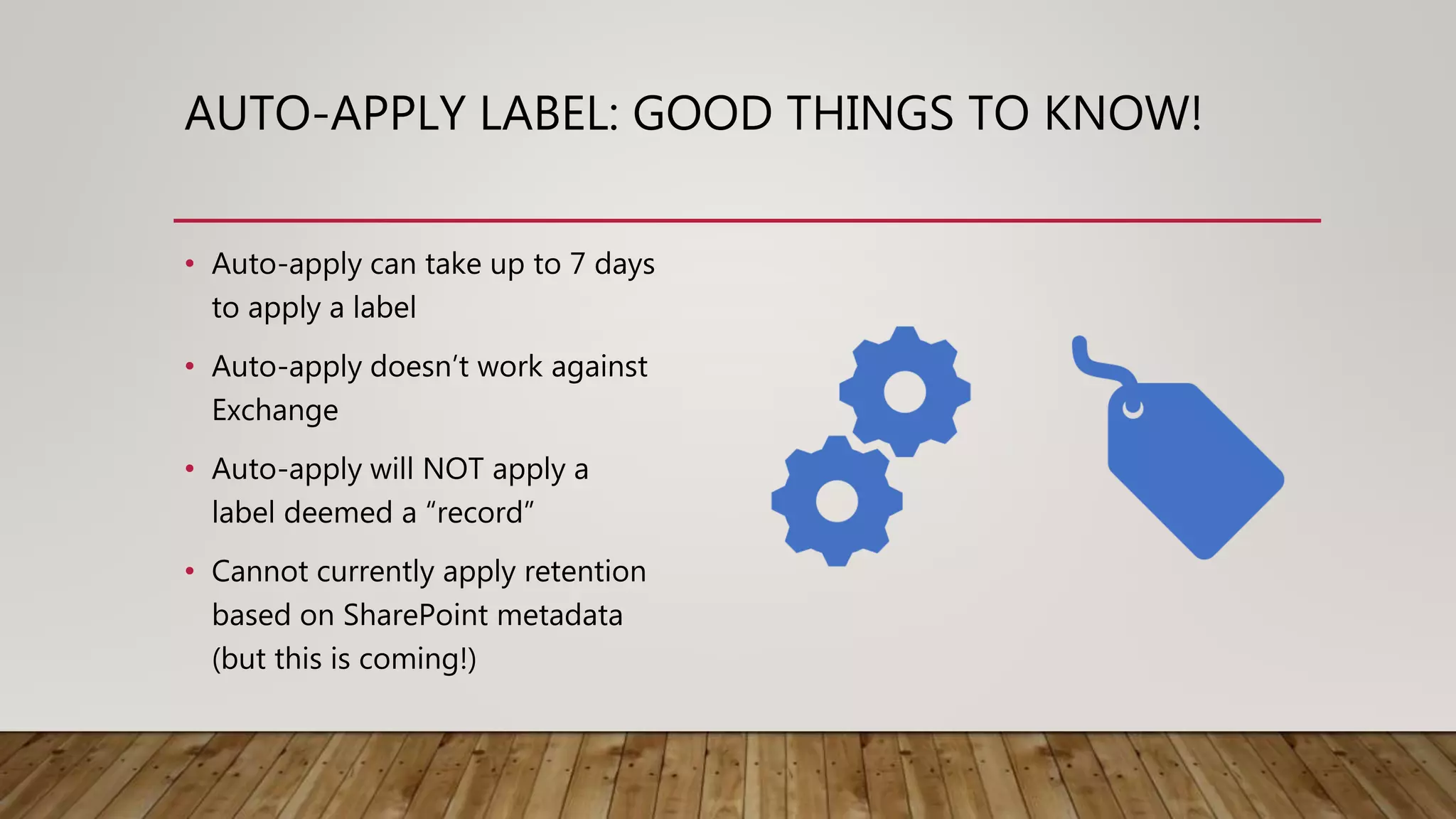
AUTO-APPLY LABEL: GOOD THINGS TO KNOW!
• Auto-apply can take up to 7 days
to apply a label
• Auto-apply doesn’t work against
Exchange
• Auto-apply will NOT apply a
label deemed a “record”
• Cannot currently apply retention
based on SharePoint metadata
(but this is coming!)
DEMO
AUTO-APPLY
LABELS
“Ottawa SPUG” label
“Customer #” label
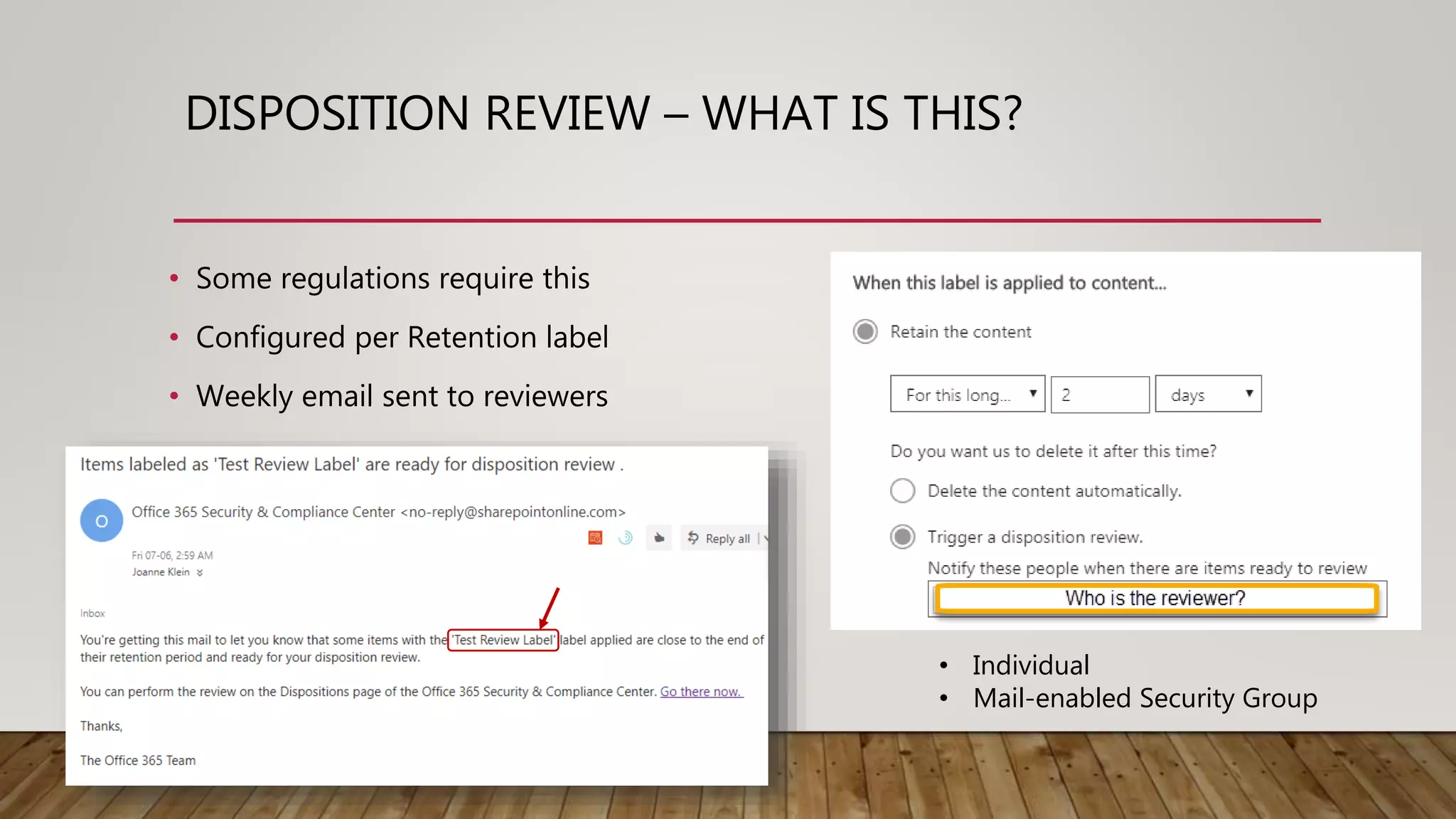
DISPOSITION REVIEW – WHAT IS THIS?
• Some regulations require this
• Configured per Retention label
• Weekly email sent to reviewers
• Individual
• Mail-enabled Security Group
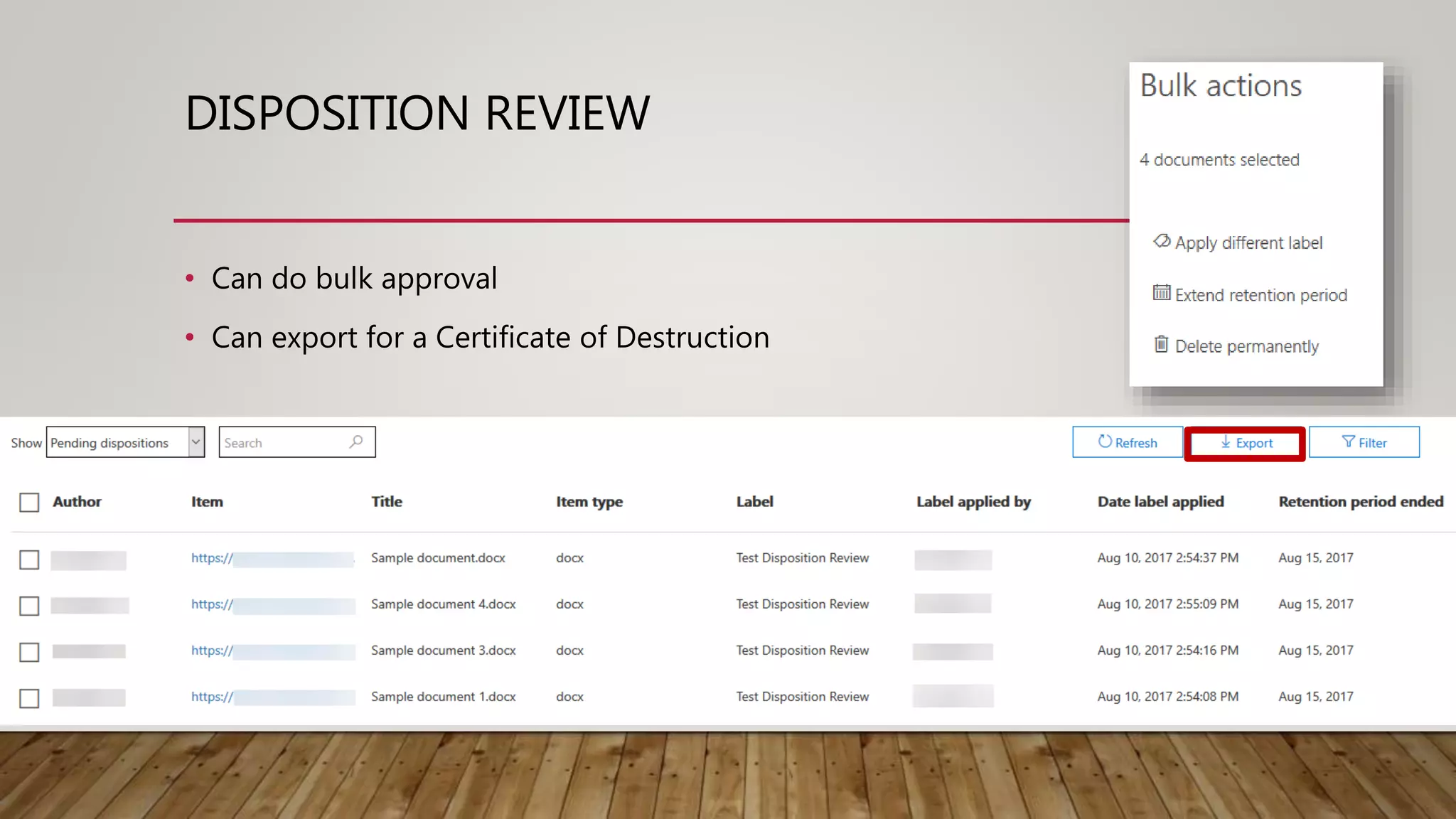
DISPOSITION REVIEW
• Can do bulk approval
• Can export for a Certificate of Destruction
DISPOSITION
REVIEW:
GOOD
THINGS TO
KNOW…
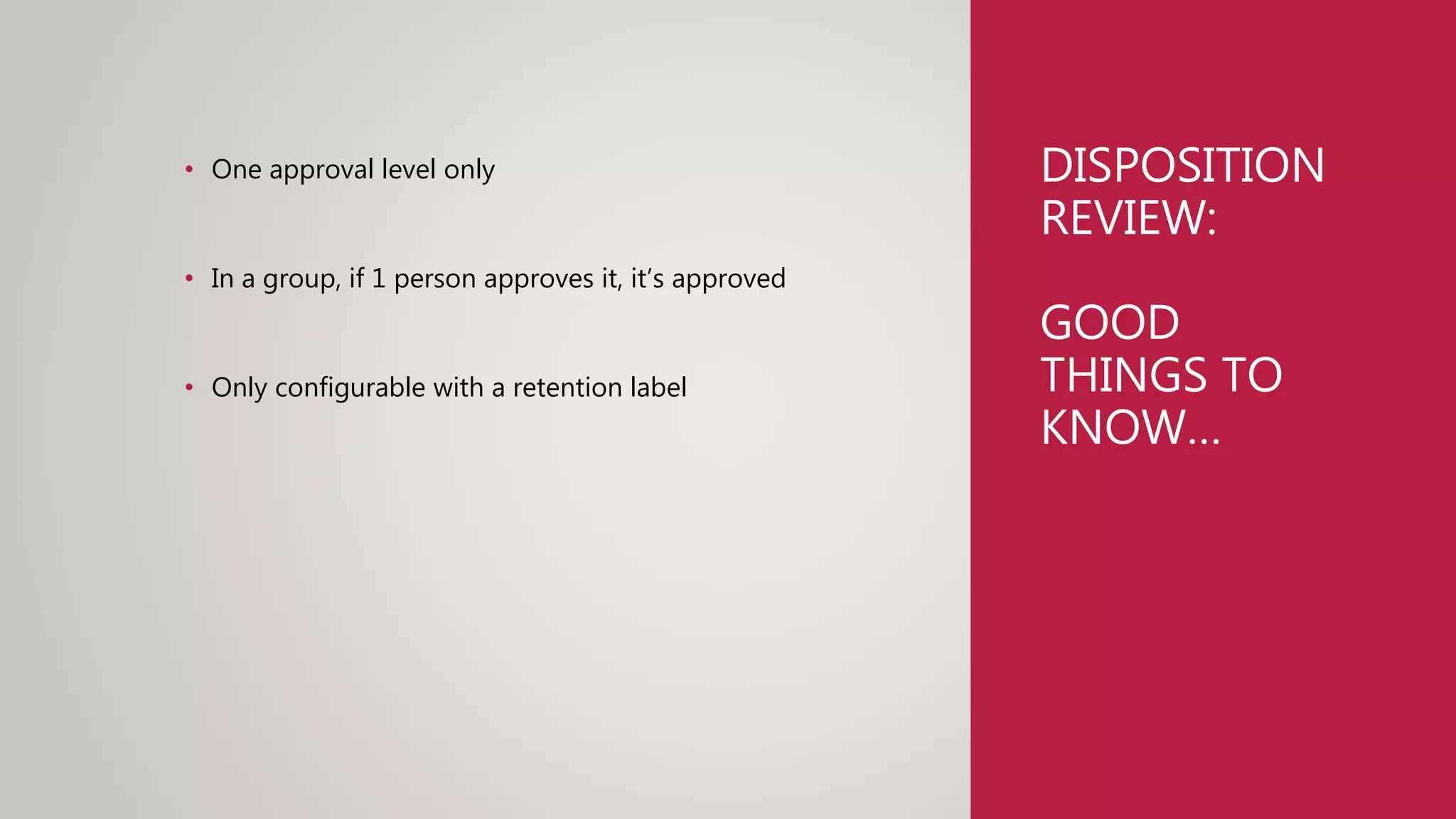
• One approval level only
• In a group, if 1 person approves it, it’s approved
• Only configurable with a retention label
CATCH-ALL POLICIES
• Default Retention Policies
• “Container” model
• Works in the background
• Works alongside Retention labels
• Map Retention Policies to:
• Org-wide
• Select group of locations
• PowerShell: Site Templates
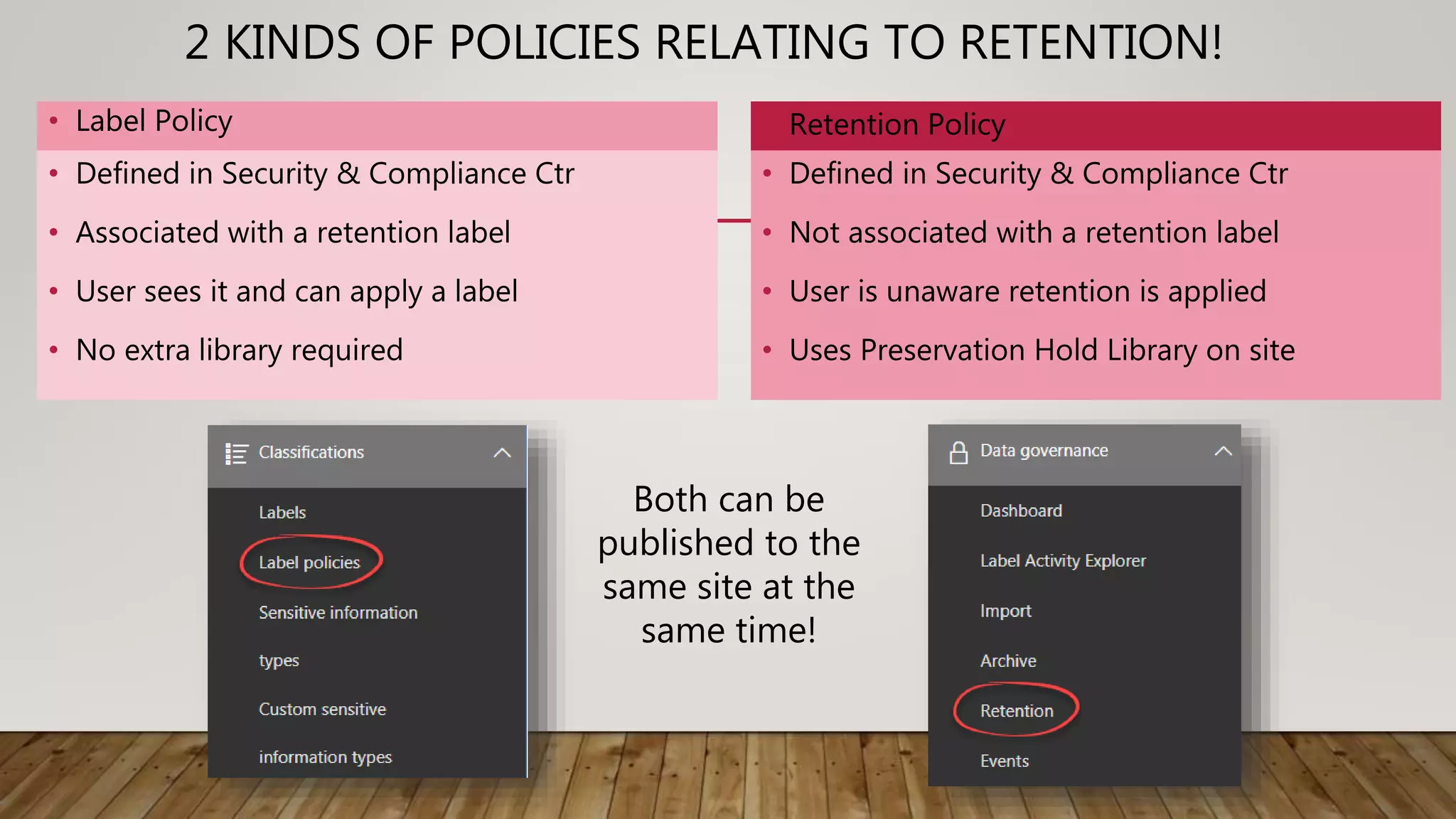
2 KINDS OF POLICIES RELATING TO RETENTION!
• Label Policy
• Defined in Security & Compliance Ctr
• Associated with a retention label
• User sees it and can apply a label
• No extra library required
• Retention Policy
• Defined in Security & Compliance Ctr
• Not associated with a retention label
• User is unaware retention is applied
• Uses Preservation Hold Library on site
Both can be
published to the
same site at the
same time!
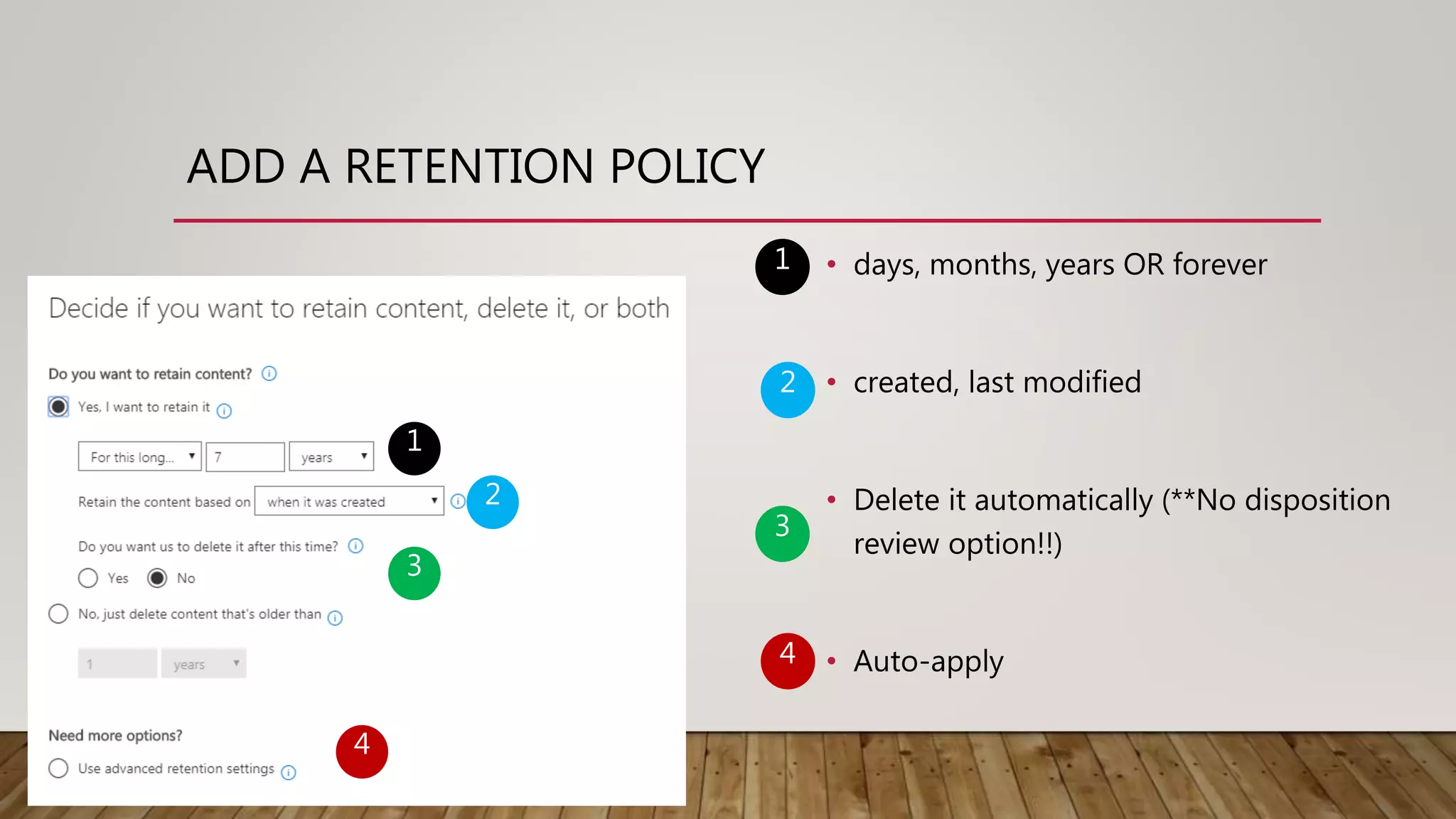
ADD A RETENTION POLICY
1
2
3
4
• days, months, years OR forever
• created, last modified
• Delete it automatically (**No disposition
review option!!)
• Auto-apply
1
2
3
4
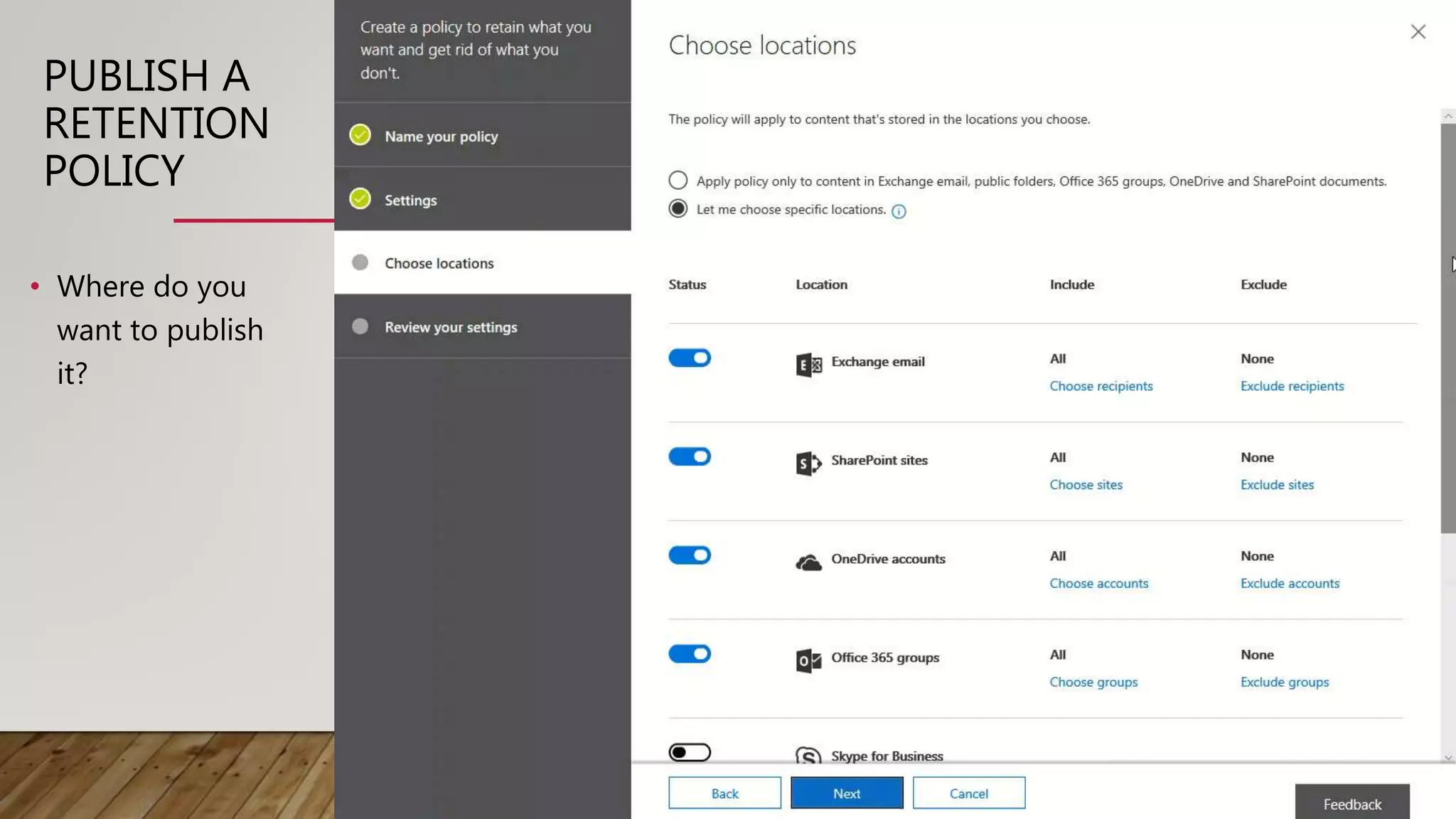
PUBLISH A
RETENTION
POLICY
• Where do you
want to publish
it?
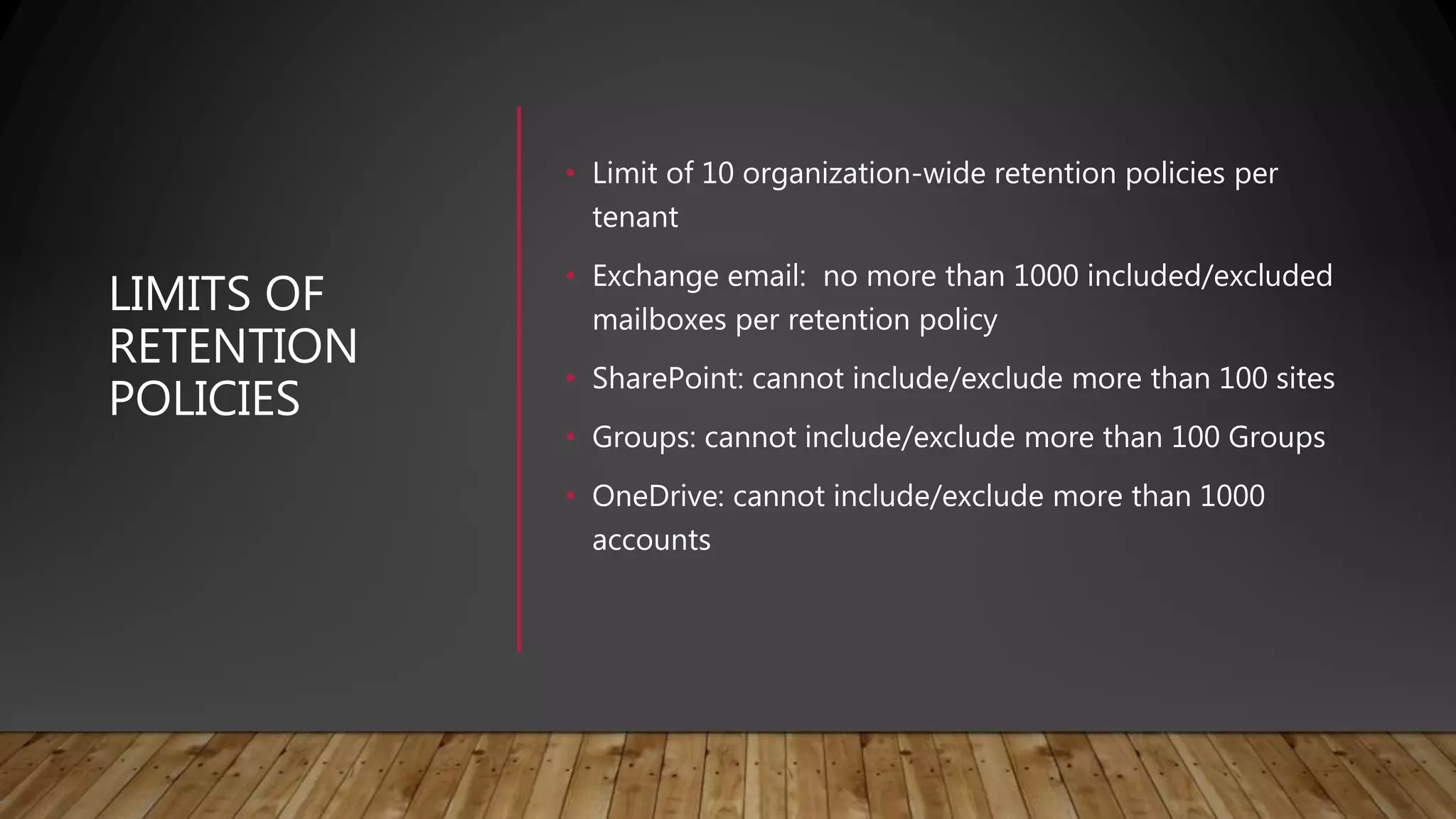
LIMITS OF
RETENTION
POLICIES
• Limit of 10 organization-wide retention policies per
tenant
• Exchange email: no more than 1000 included/excluded
mailboxes per retention policy
• SharePoint: cannot include/exclude more than 100 sites
• Groups: cannot include/exclude more than 100 Groups
• OneDrive: cannot include/exclude more than 1000
accounts
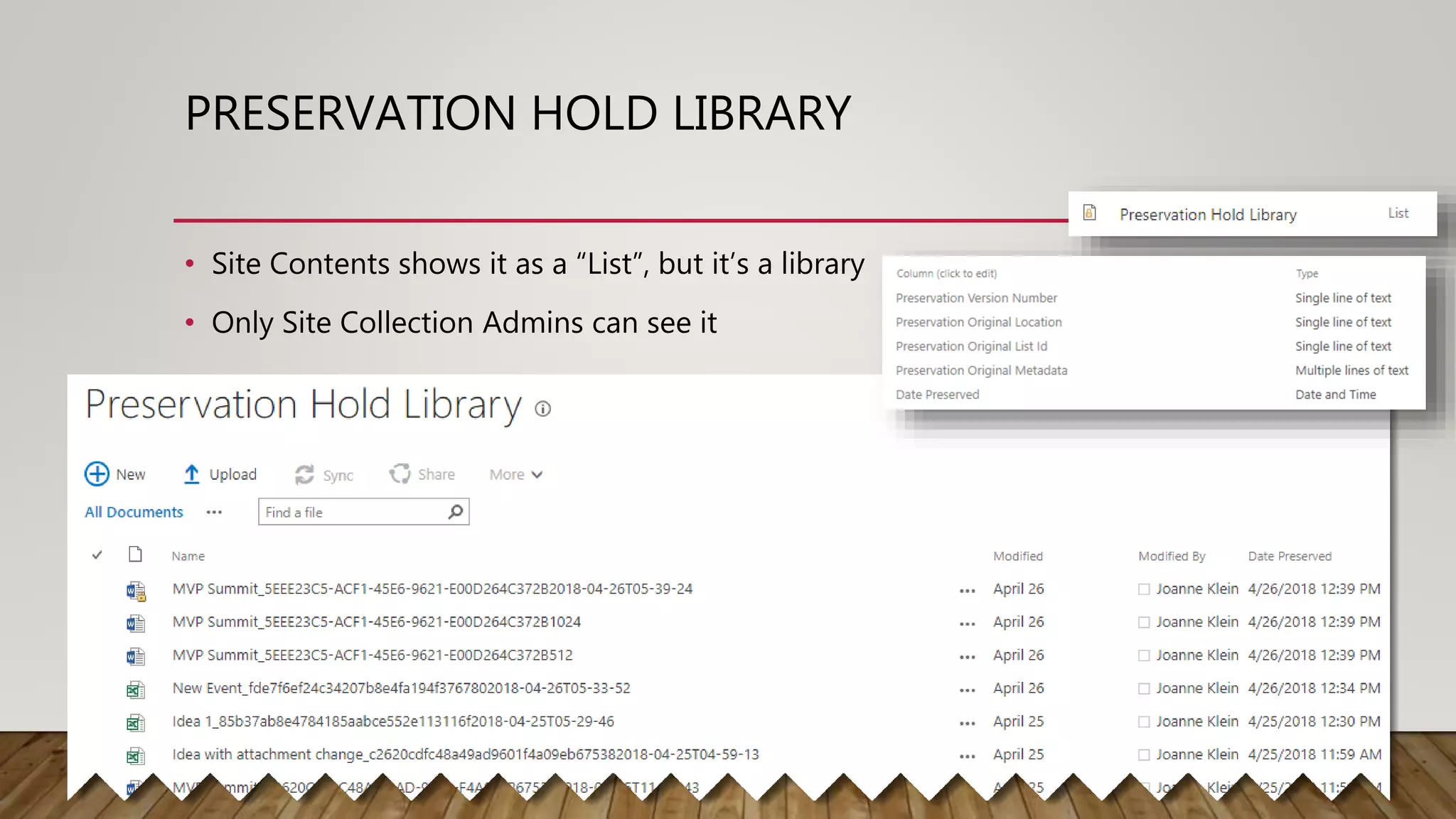
PRESERVATION HOLD LIBRARY
• Site Contents shows it as a “List”, but it’s a library
• Only Site Collection Admins can see it
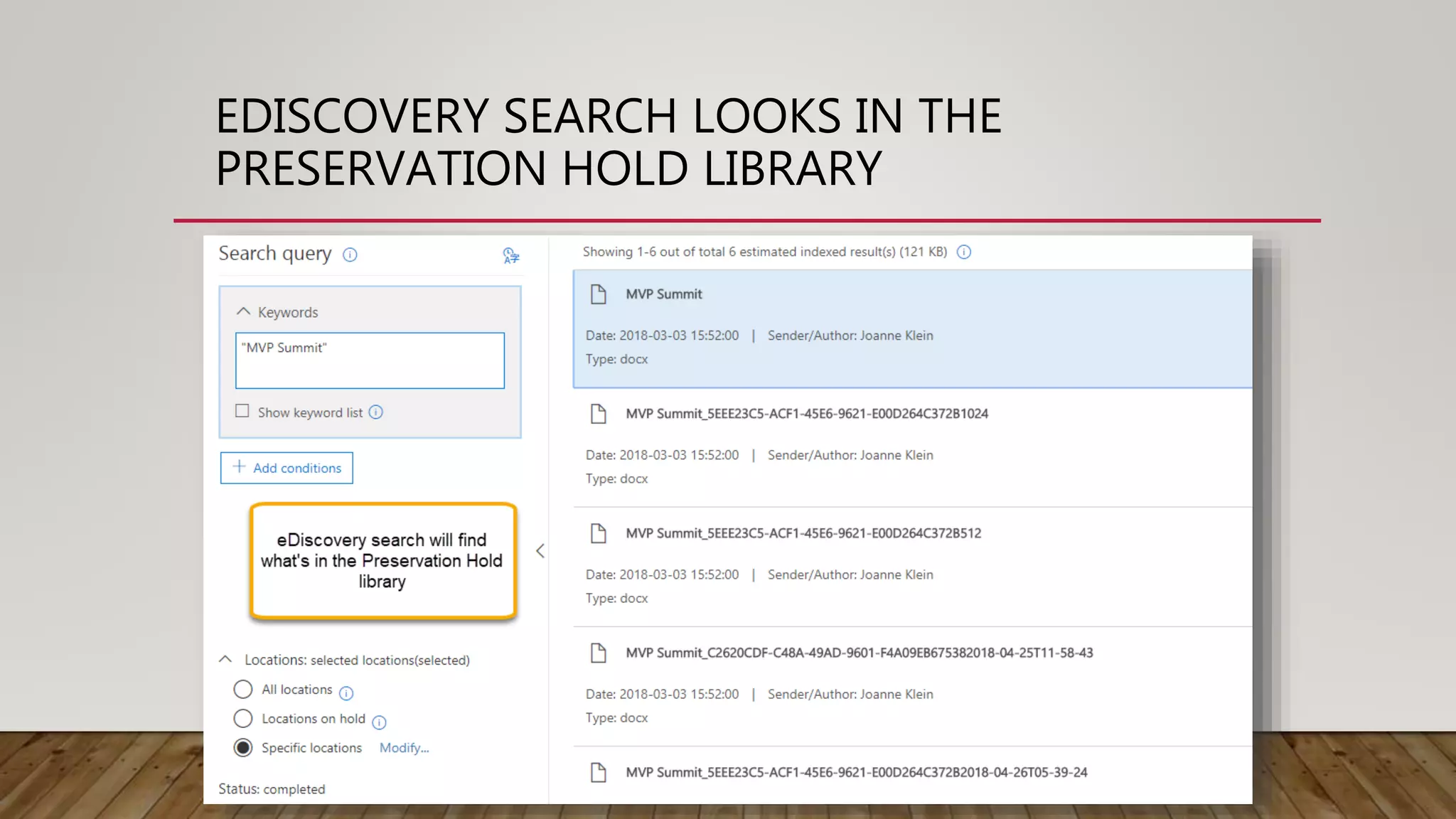
EDISCOVERY SEARCH LOOKS IN THE
PRESERVATION HOLD LIBRARY
DEMO
RETENTION
POLICIES
“Top Secret Project” Retention Policy
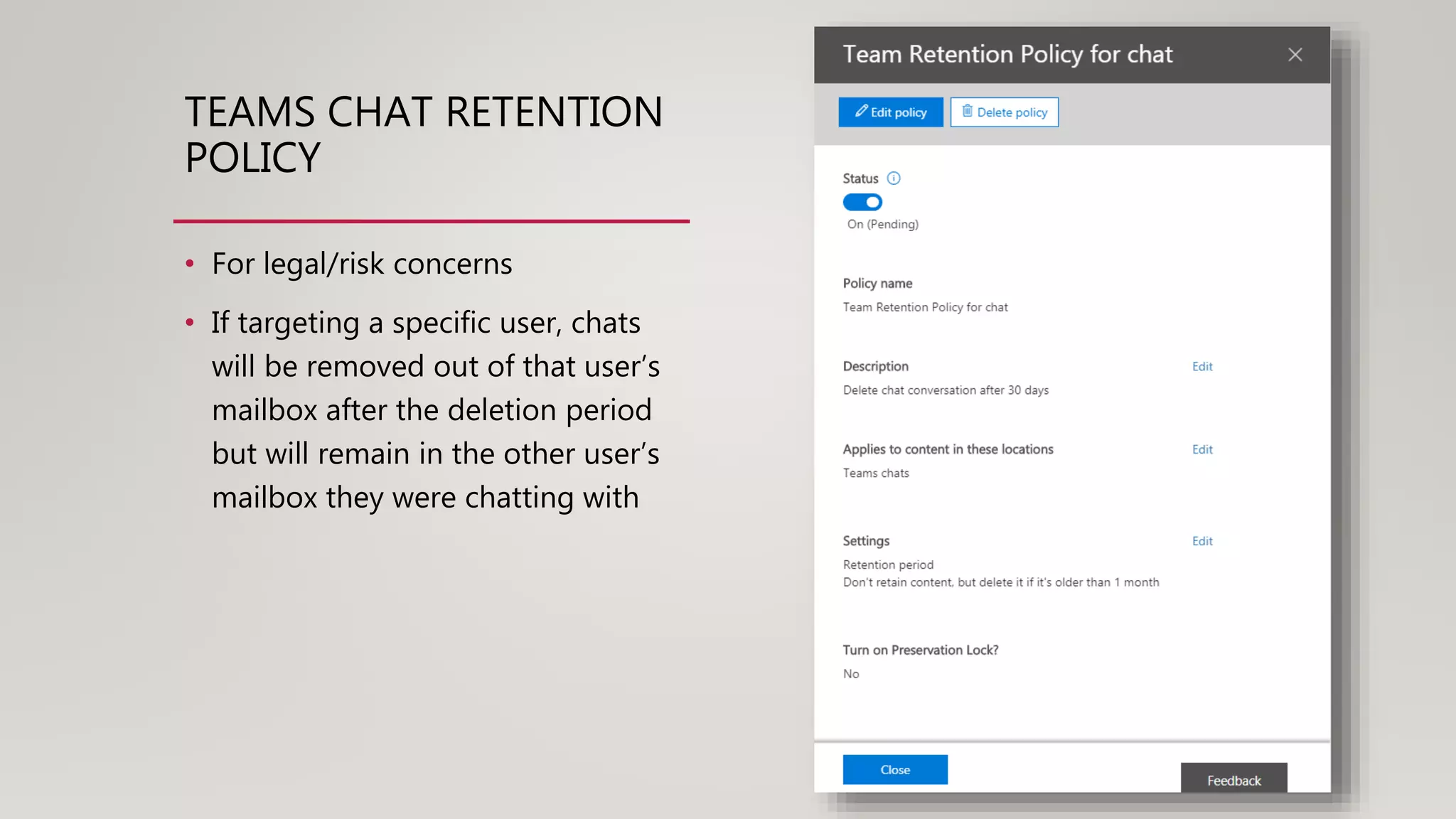
TEAMS CHAT RETENTION
POLICY
• For legal/risk concerns
• If targeting a specific user, chats
will be removed out of that user’s
mailbox after the deletion period
but will remain in the other user’s
mailbox they were chatting with
ROT IN SHAREPOINT
Redundant Trivial Obsolete
How can we avoid the shared network drive
“ROT” in SharePoint?
Can we?
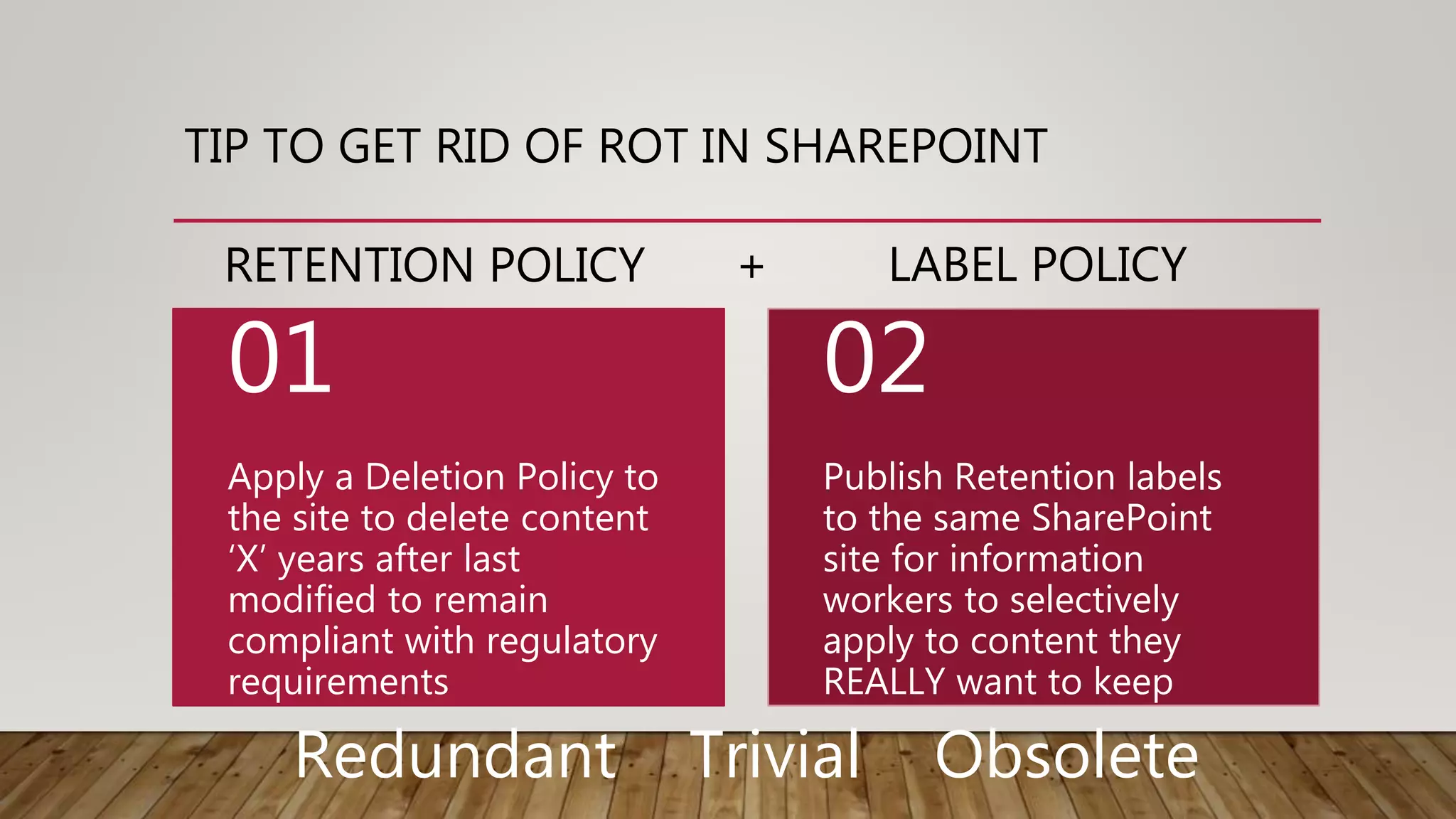
TIP TO GET RID OF ROT IN SHAREPOINT
Apply a Deletion Policy to
the site to delete content
‘X’ years after last
modified to remain
compliant with regulatory
requirements
01
Publish Retention labels
to the same SharePoint
site for information
workers to selectively
apply to content they
REALLY want to keep
02
Redundant Trivial Obsolete
RETENTION POLICY + LABEL POLICY
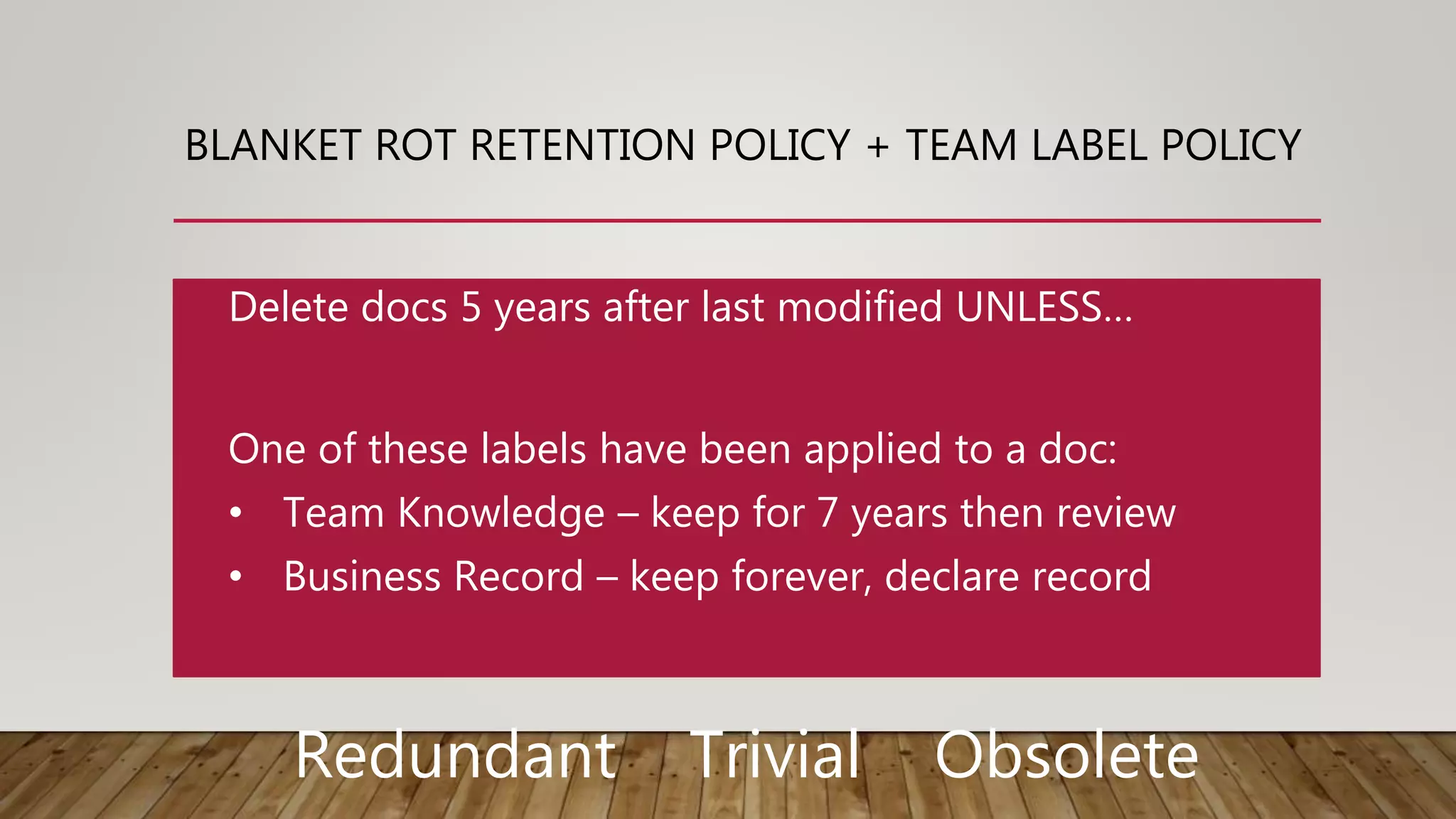
BLANKET ROT RETENTION POLICY + TEAM LABEL POLICY
One of these labels have been applied to a doc:
• Team Knowledge – keep for 7 years then review
• Business Record – keep forever, declare record
Delete docs 5 years after last modified UNLESS…
Redundant Trivial Obsolete
DEMO
ROT
PREVENTION
“Obsolete” Retention Policy
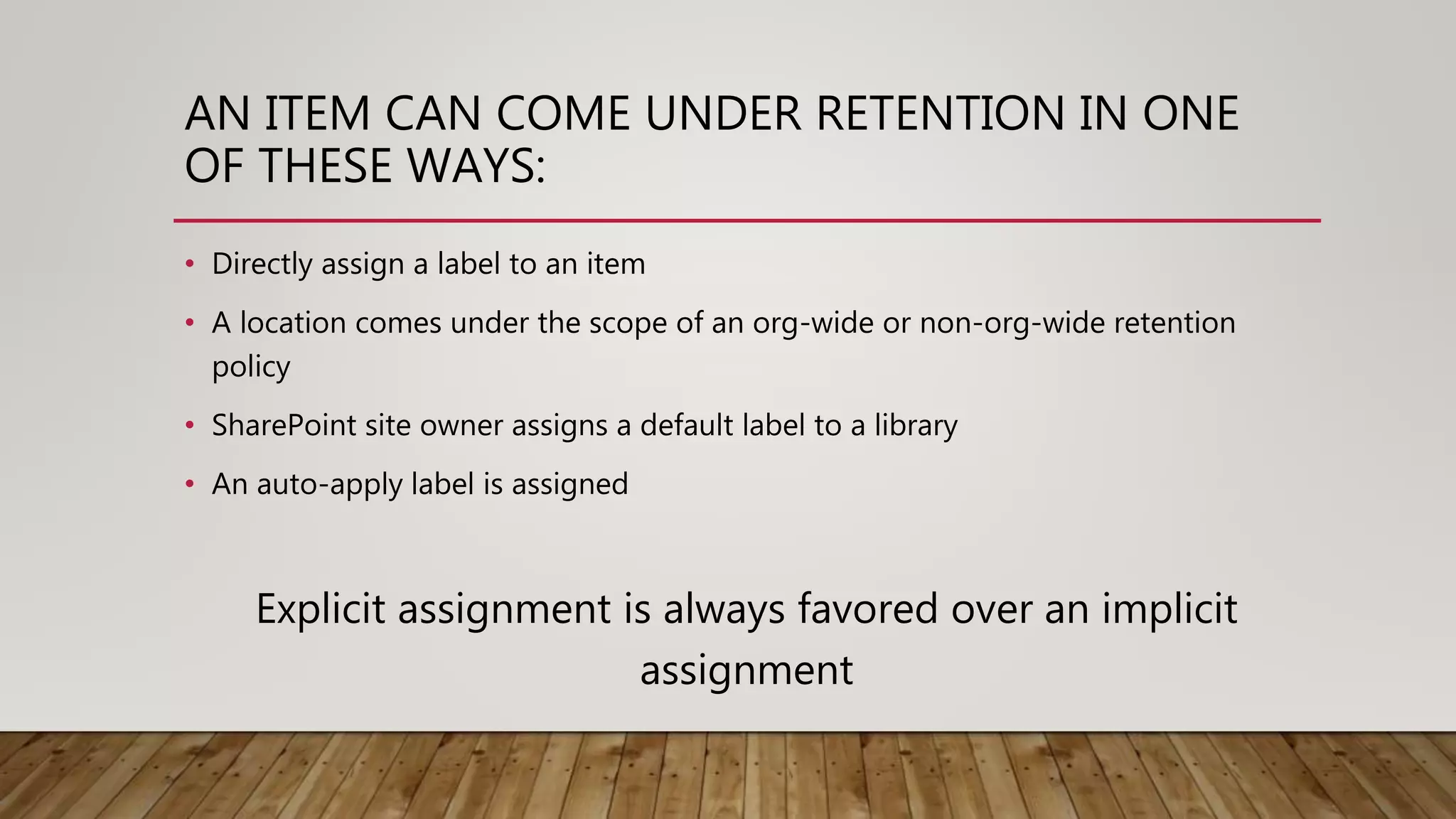
AN ITEM CAN COME UNDER RETENTION IN ONE
OF THESE WAYS:
• Directly assign a label to an item
• A location comes under the scope of an org-wide or non-org-wide retention
policy
• SharePoint site owner assigns a default label to a library
• An auto-apply label is assigned
Explicit assignment is always favored over an implicit
assignment
PRINCIPLES OF
RETENTION
• 2 retention options at the same
time?
• Document with a label
• Retention Policy on the site
Which retention option would apply?
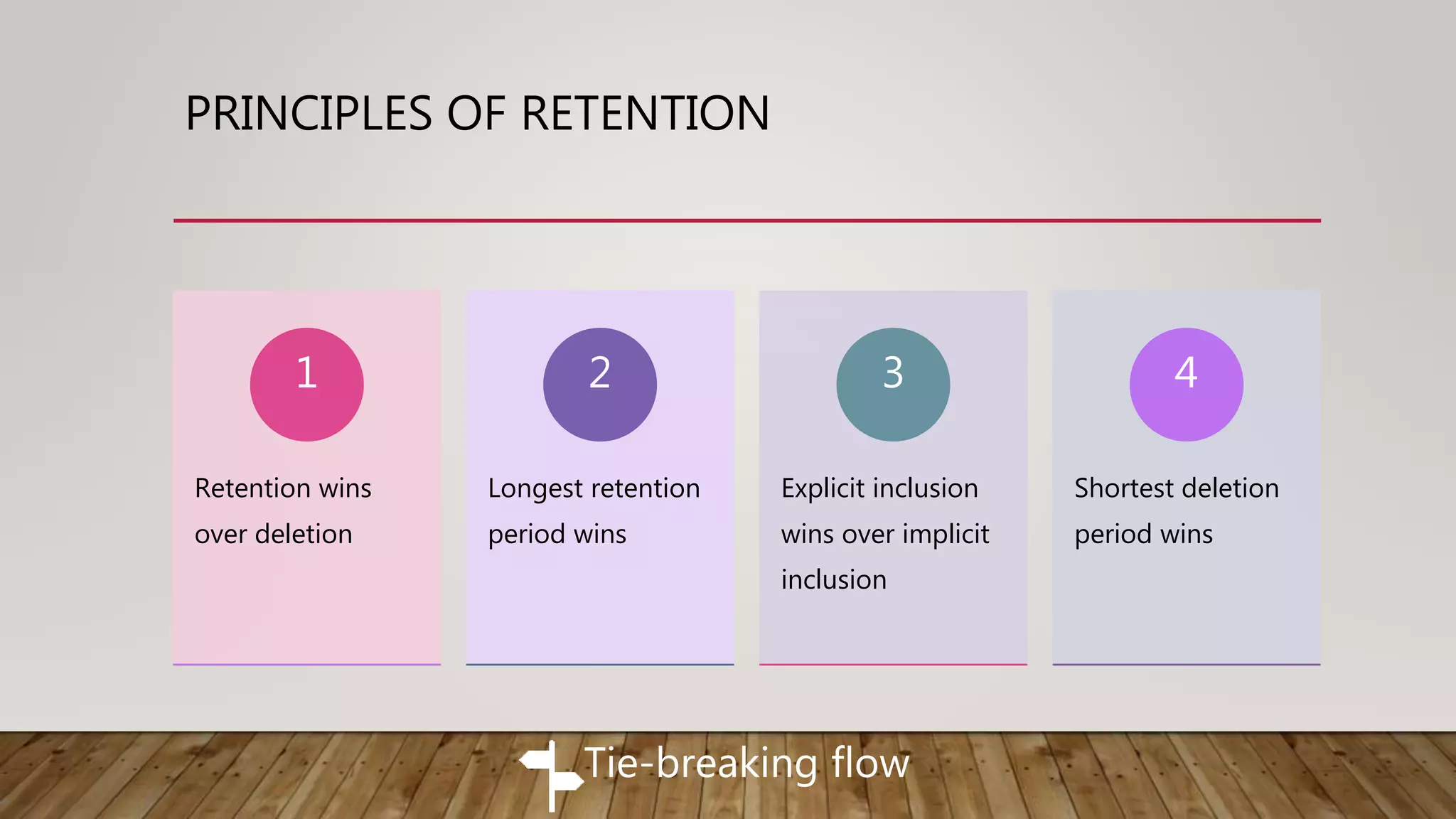
PRINCIPLES OF RETENTION
Retention wins
over deletion
1
Longest retention
period wins
2
Explicit inclusion
wins over implicit
inclusion
3
Shortest deletion
period wins
4
Tie-breaking flow
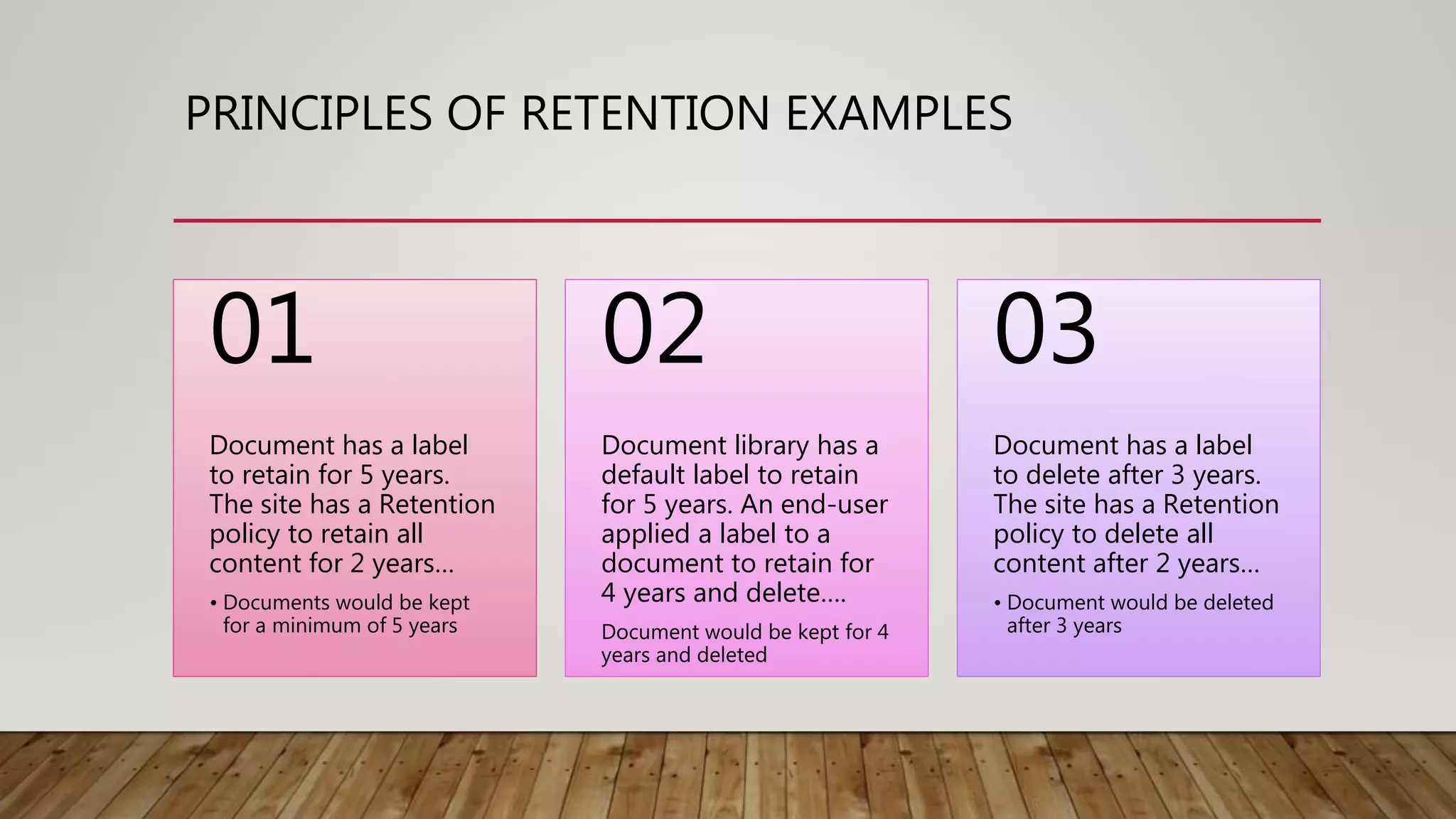
PRINCIPLES OF RETENTION EXAMPLES
Document has a label
to retain for 5 years.
The site has a Retention
policy to retain all
content for 2 years…
• Documents would be kept
for a minimum of 5 years
01
Document library has a
default label to retain
for 5 years. An end-user
applied a label to a
document to retain for
4 years and delete….
Document would be kept for 4
years and deleted
02
Document has a label
to delete after 3 years.
The site has a Retention
policy to delete all
content after 2 years…
• Document would be deleted
after 3 years
03
TRAINING/ADOPTION… THE COMMON THREAD
ACROSS CRAWL-WALK-RUN
• The impact of retention on the
collaboration experience
• Make training part of each stage
• Get end-user feedback and adjust!
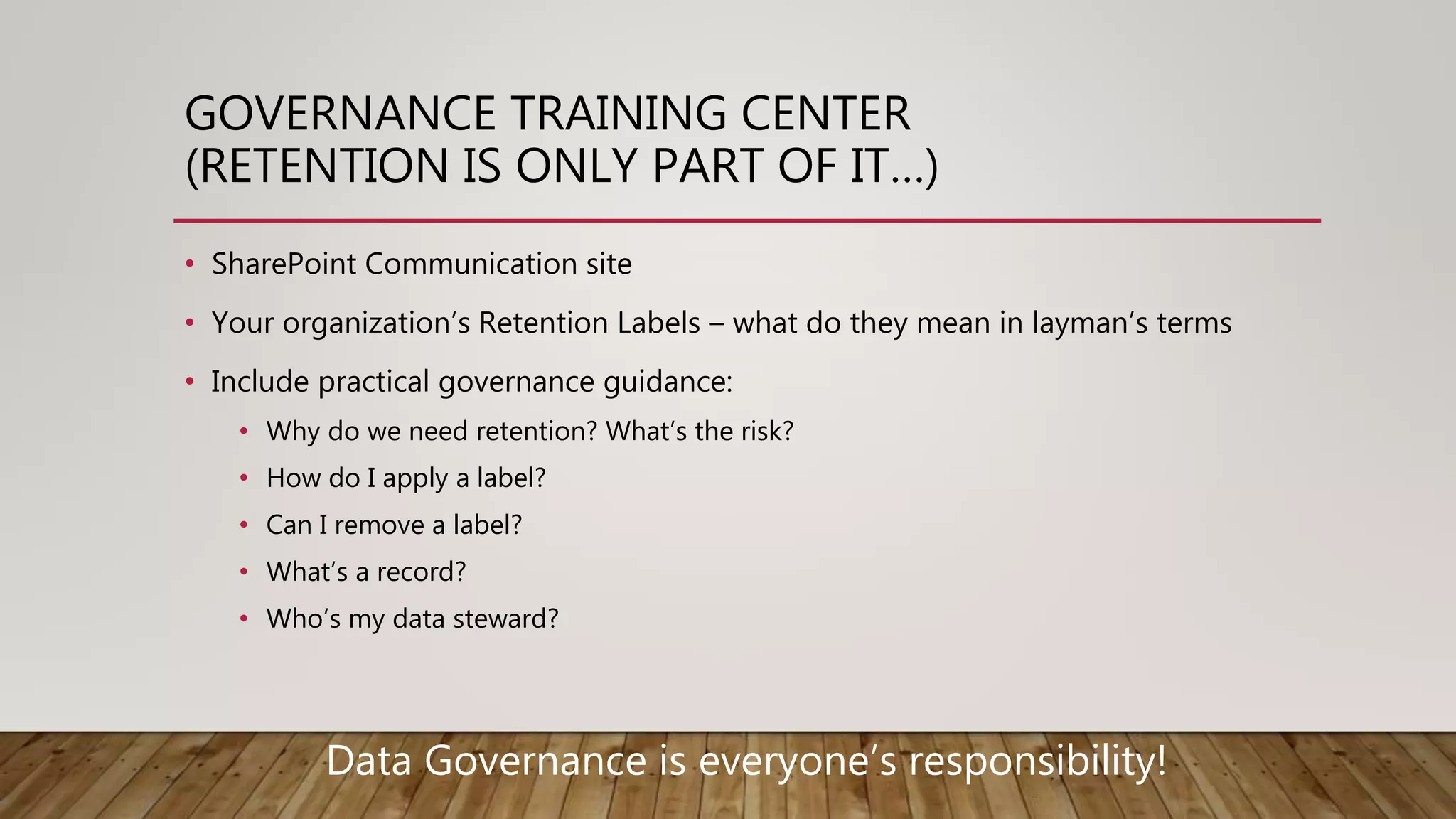
GOVERNANCE TRAINING CENTER
(RETENTION IS ONLY PART OF IT…)
• SharePoint Communication site
• Your organization’s Retention Labels – what do they mean in layman’s terms
• Include practical governance guidance:
• Why do we need retention? What’s the risk?
• How do I apply a label?
• Can I remove a label?
• What’s a record?
• Who’s my data steward?
Data Governance is everyone’s responsibility!
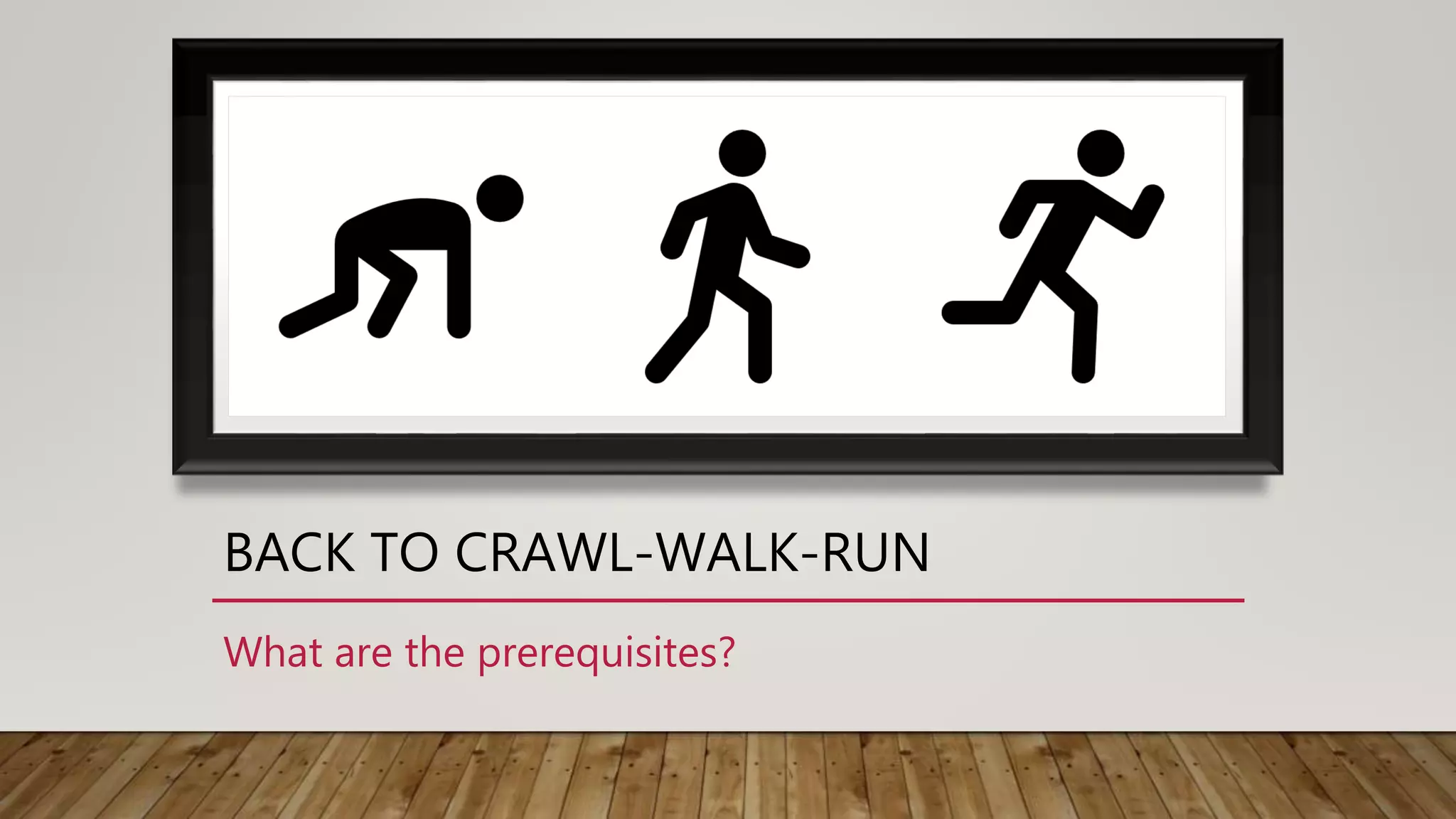
BACK TO CRAWL-WALK-RUN
What are the prerequisites?
PREREQUISITES
• Have Retention Labels defined
• Have Assigned roles in the Security & Compliance Center
• Have Governance Processes in place
• Have Governance Training Center in place
• Roll out org-wide information-worker data governance training
• Have Data Stewards trained across organization
CRAWL STAGE
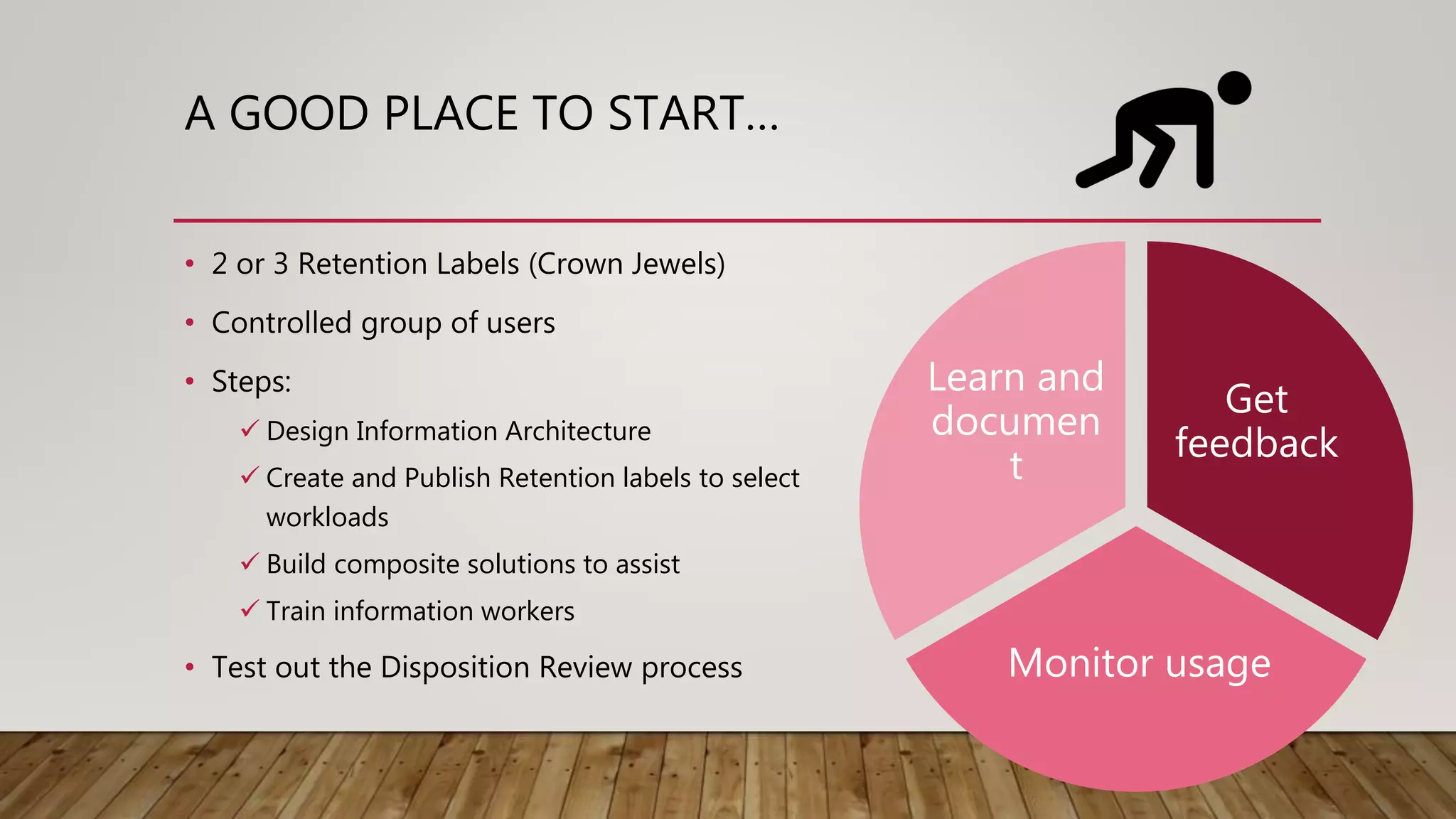
A GOOD PLACE TO START…
• 2 or 3 Retention Labels (Crown Jewels)
• Controlled group of users
• Steps:
 Design Information Architecture
 Create and Publish Retention labels to select
workloads
 Build composite solutions to assist
 Train information workers
• Test out the Disposition Review process
Get
feedback
Monitor usage
Learn and
documen
t
WALK STAGE
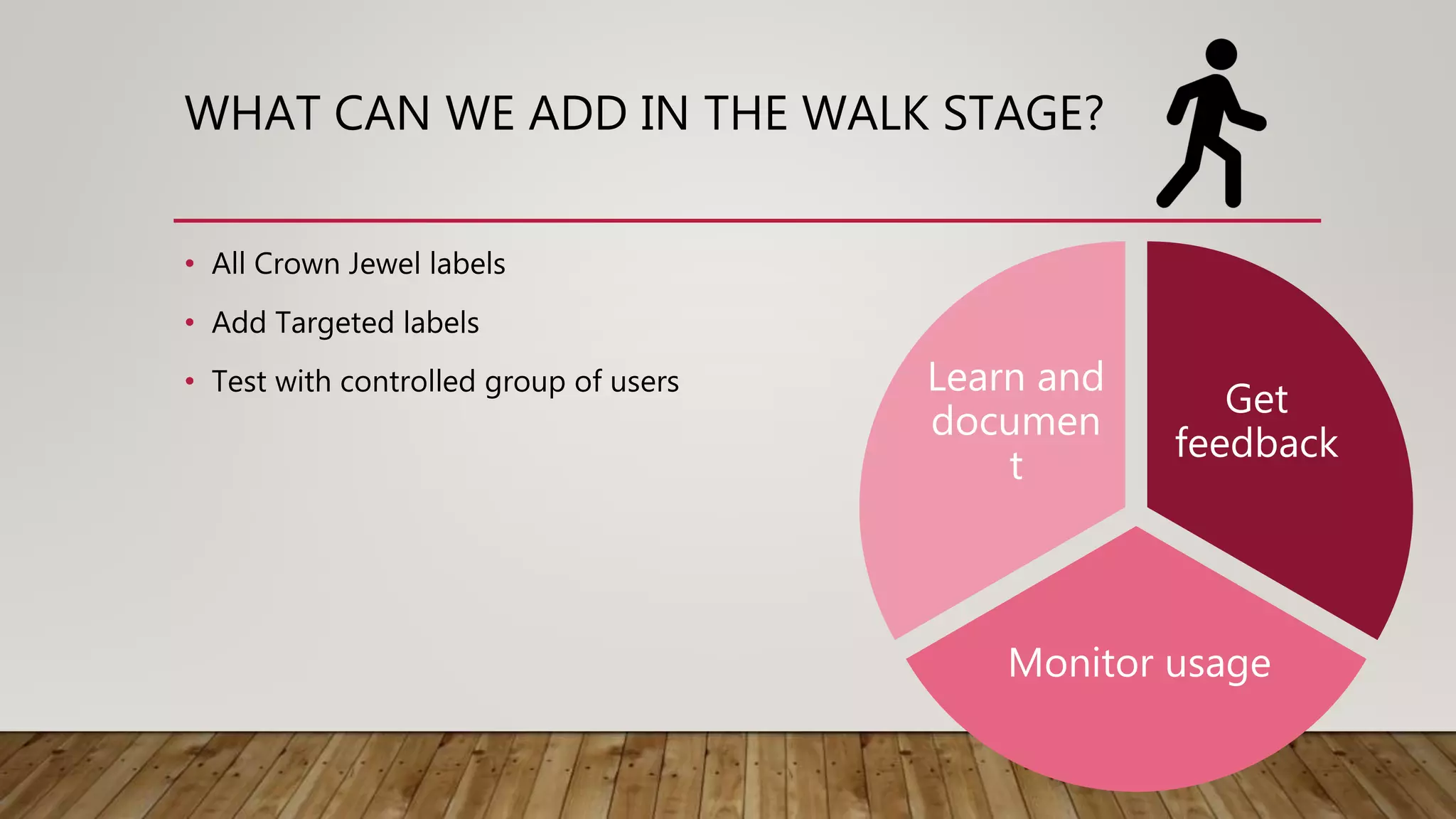
WHAT CAN WE ADD IN THE WALK STAGE?
• All Crown Jewel labels
• Add Targeted labels
• Test with controlled group of users
Get
feedback
Monitor usage
Learn and
documen
t
RUN STAGE
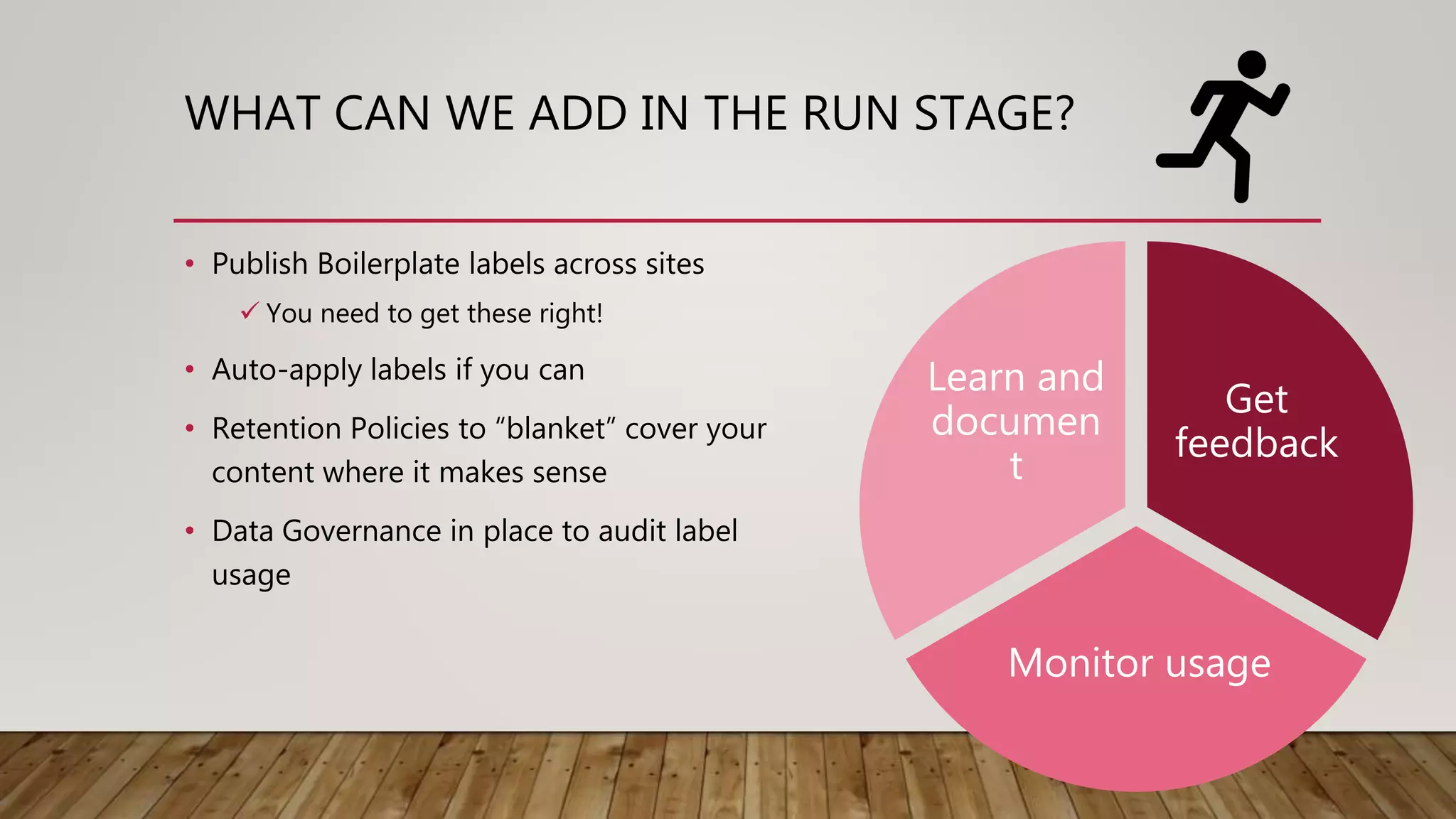
WHAT CAN WE ADD IN THE RUN STAGE?
• Publish Boilerplate labels across sites
 You need to get these right!
• Auto-apply labels if you can
• Retention Policies to “blanket” cover your
content where it makes sense
• Data Governance in place to audit label
usage
Get
feedback
Monitor usage
Learn and
documen
t
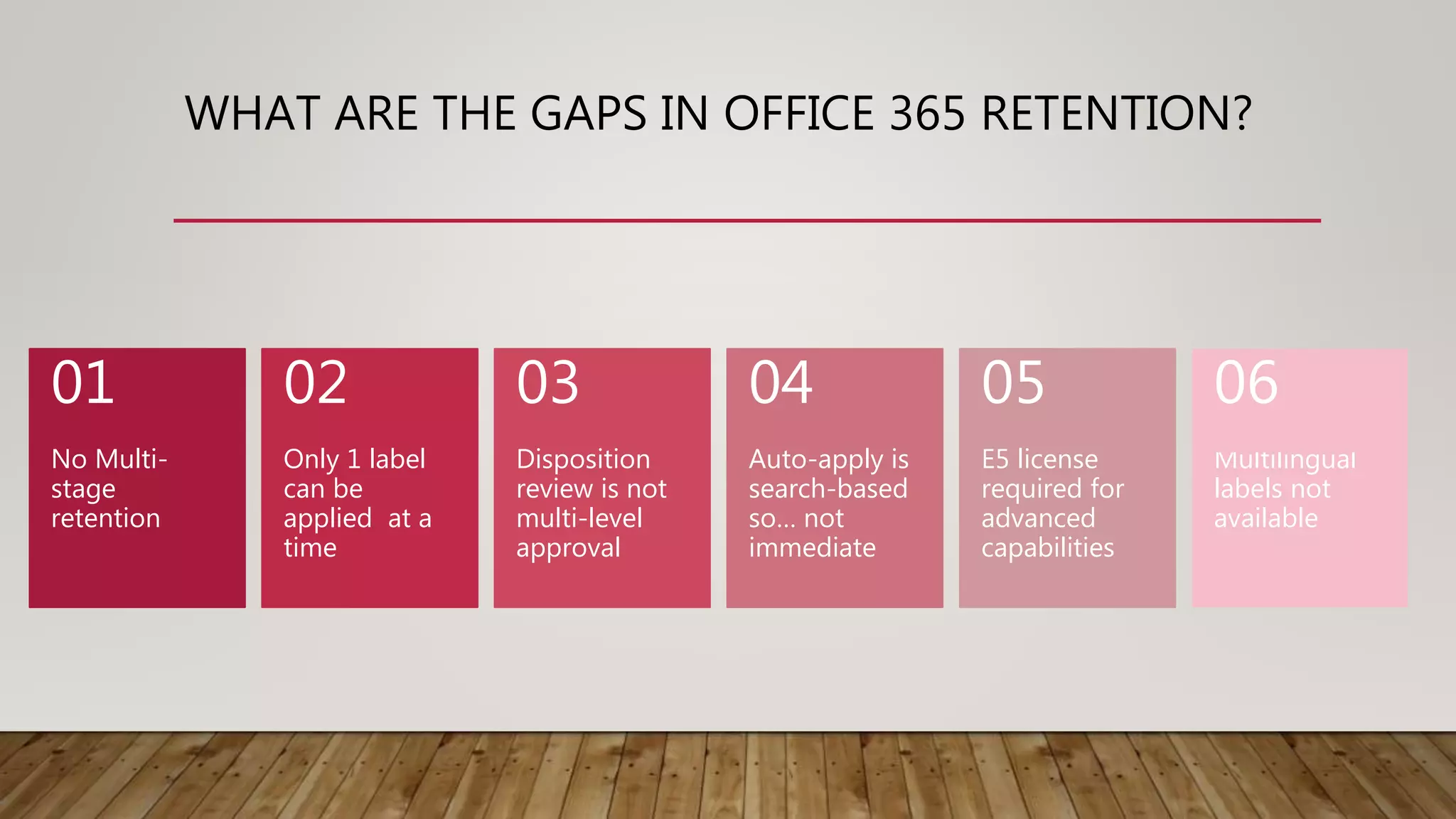
WHAT ARE THE GAPS IN OFFICE 365 RETENTION?
No Multi-
stage
retention
01
Only 1 label
can be
applied at a
time
02
Disposition
review is not
multi-level
approval
03
Auto-apply is
search-based
so… not
immediate
04
E5 license
required for
advanced
capabilities
05
Multilingual
labels not
available
06
CAN OFFICE 365 MEET ALL OF YOUR
RETENTION NEEDS?
This Photo by Unknown Author is licensed under CC BY-SA
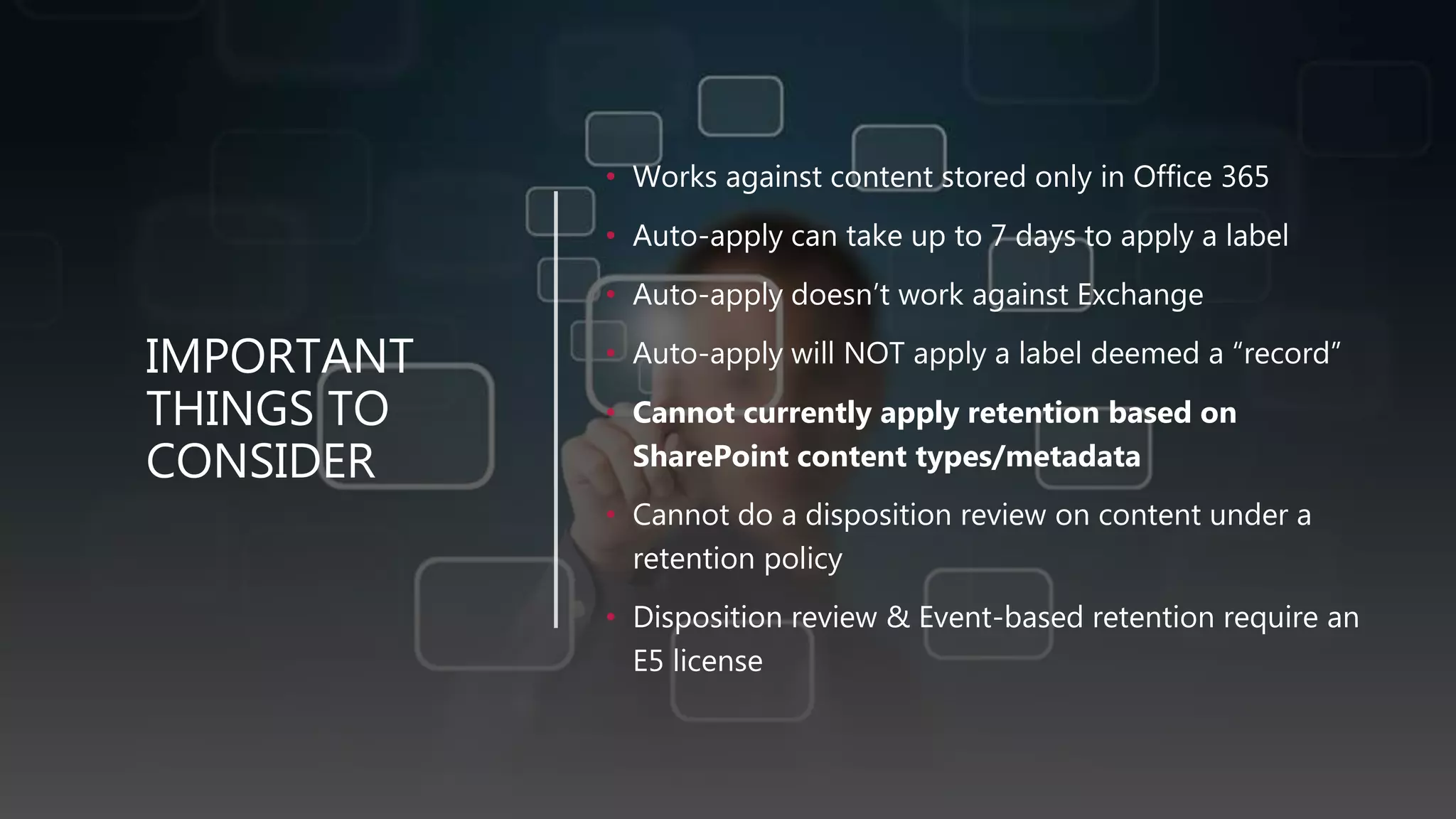
IMPORTANT
THINGS TO
CONSIDER
• Works against content stored only in Office 365
• Auto-apply can take up to 7 days to apply a label
• Auto-apply doesn’t work against Exchange
• Auto-apply will NOT apply a label deemed a “record”
• Cannot currently apply retention based on
SharePoint content types/metadata
• Cannot do a disposition review on content under a
retention policy
• Disposition review & Event-based retention require an
E5 license
PROS OF USING OFFICE 365 RETENTION CONTROLS
• Keep Office 365 content IN Office 365
• Allows you to protect and retain content from the moment of
creation
• End-users do not have to go to multiple locations for content
• eDiscovery, search can find it
• Tools like Delve, MyAnalytics, Search are more valuable when
data stays inside Office 365
• Apply consistent protection across ALL workloads
• Define retention control in one place, apply everywhere
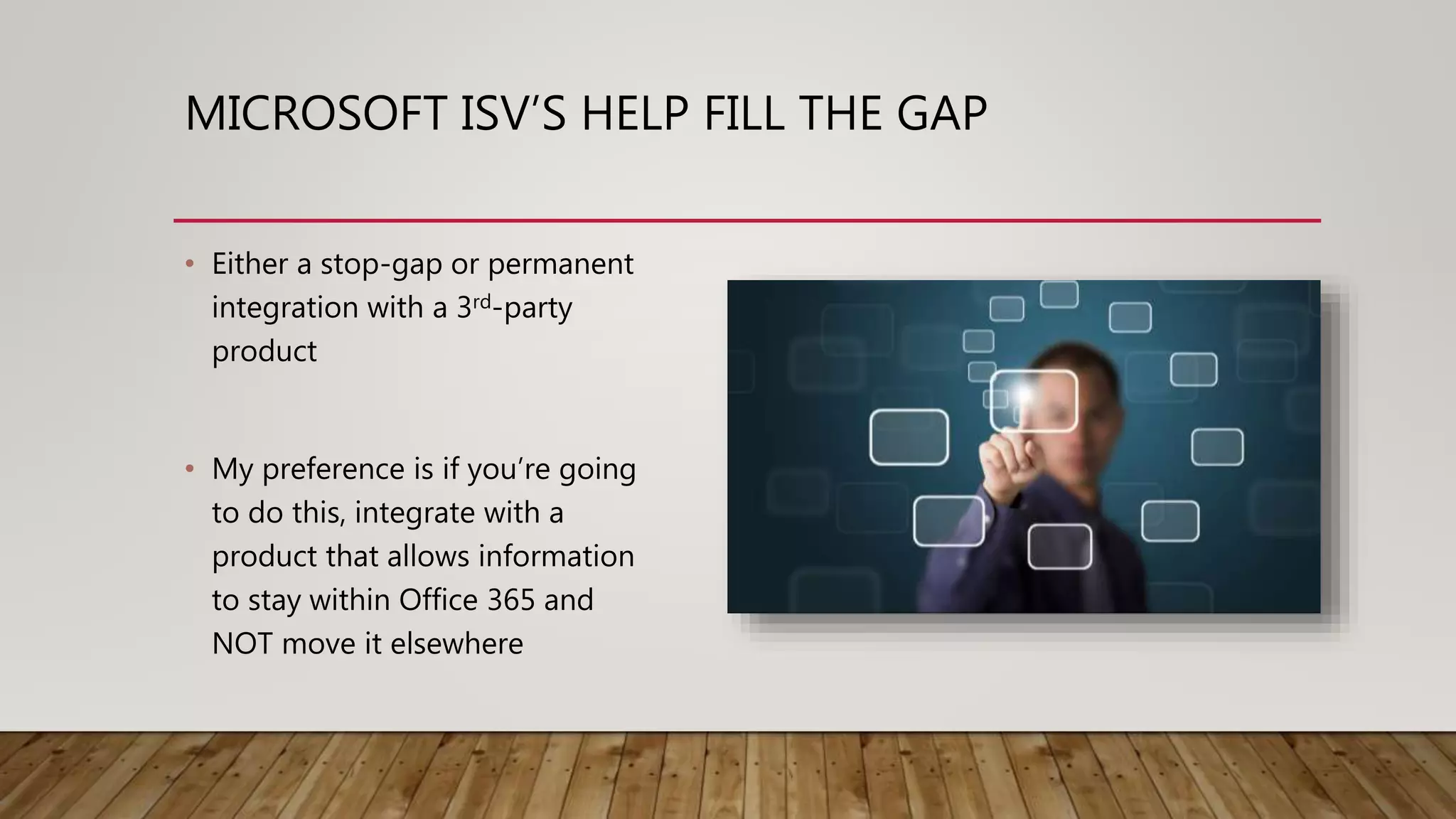
MICROSOFT ISV’S HELP FILL THE GAP
• Either a stop-gap or permanent
integration with a 3rd-party
product
• My preference is if you’re going
to do this, integrate with a
product that allows information
to stay within Office 365 and
NOT move it elsewhere
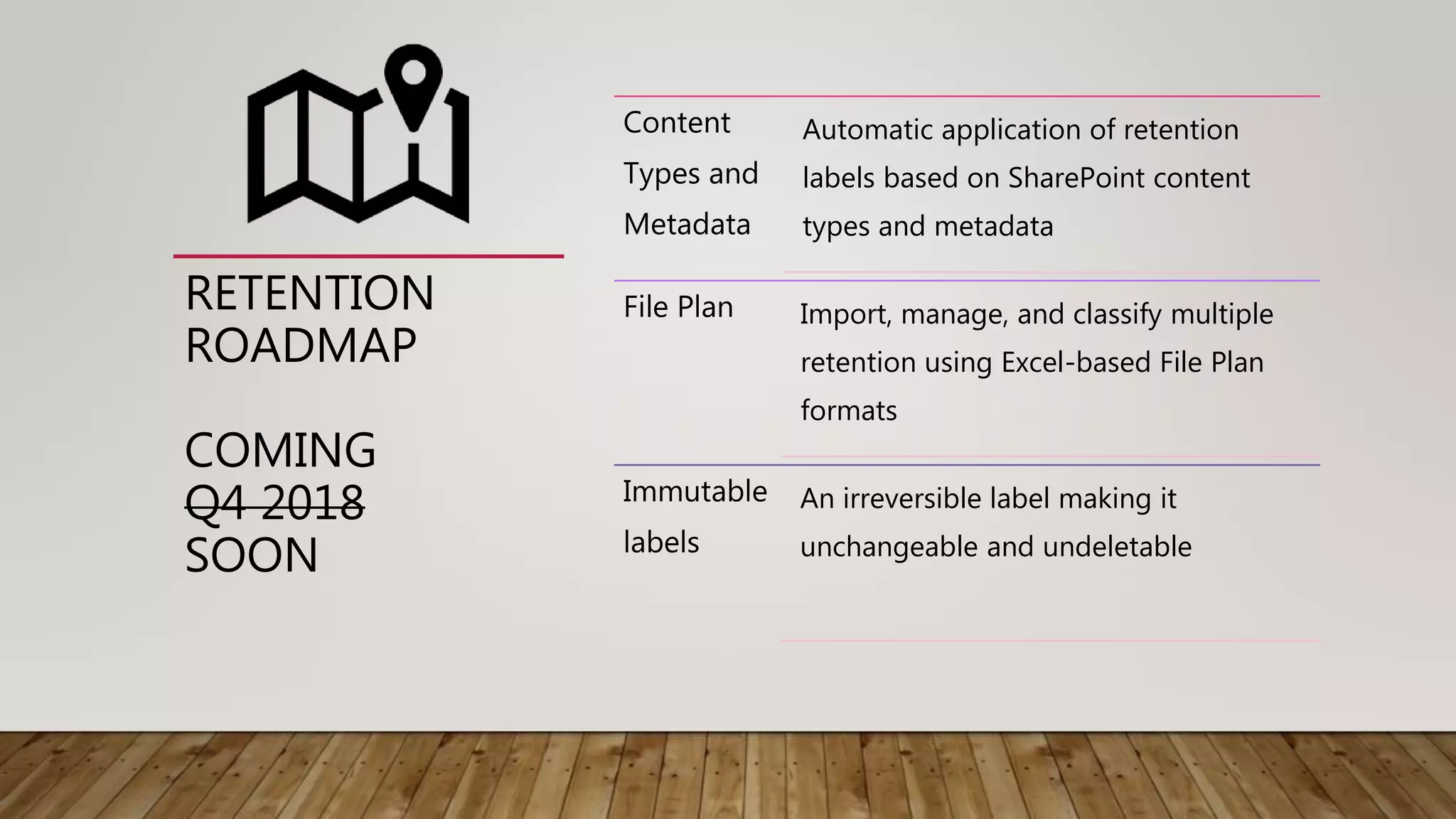
RETENTION
ROADMAP
COMING
Q4 2018
SOON
Content
Types and
Metadata
Automatic application of retention
labels based on SharePoint content
types and metadata
File Plan Import, manage, and classify multiple
retention using Excel-based File Plan
formats
Immutable
labels
An irreversible label making it
unchangeable and undeletable
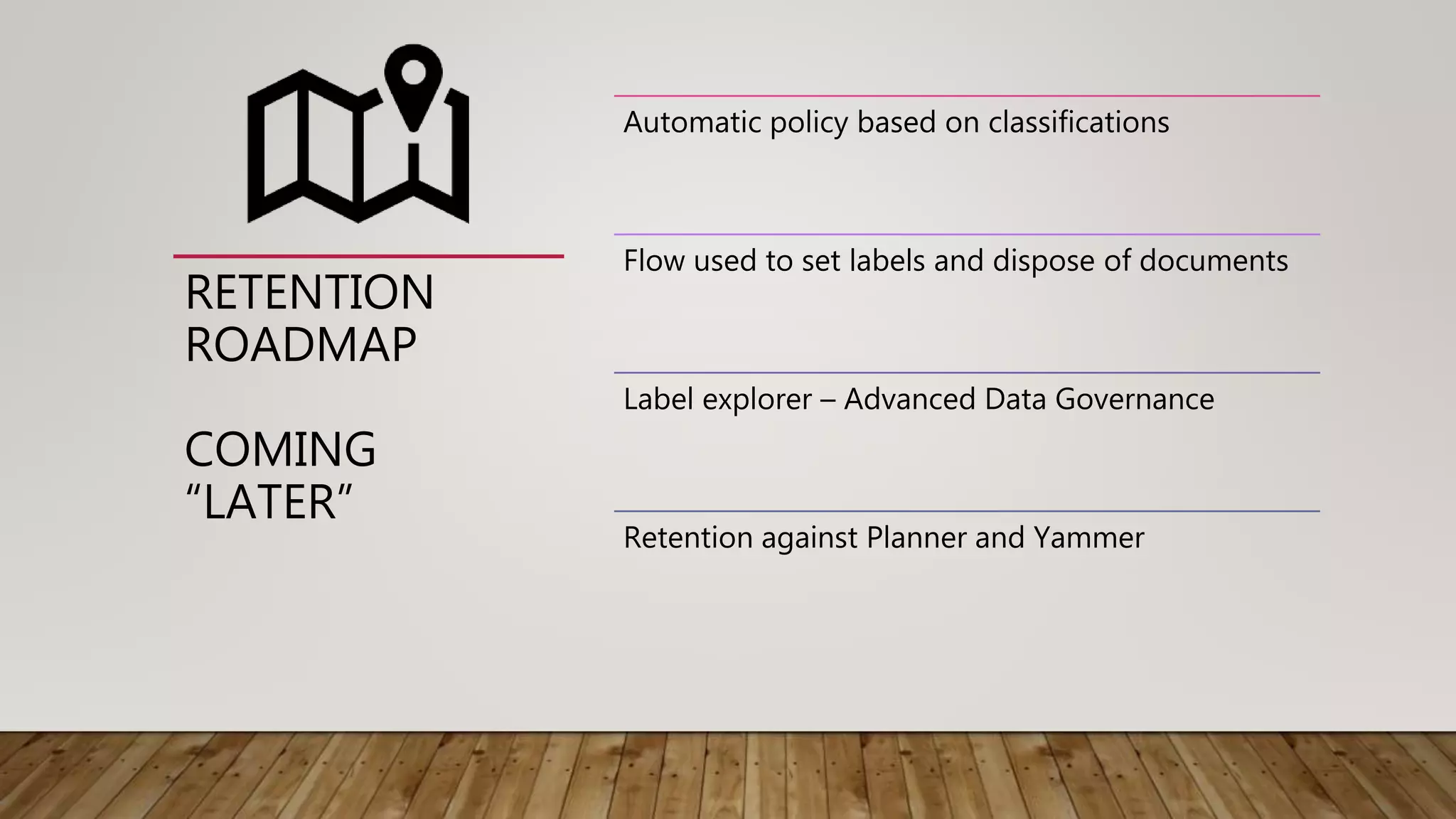
RETENTION
ROADMAP
COMING
“LATER”
Automatic policy based on classifications
Flow used to set labels and dispose of documents
Label explorer – Advanced Data Governance
Retention against Planner and Yammer
Thank you!
Questions?
@JoanneCKlein
joannecklein@nexnovus.com
joannecklein.com
SharePoint & Office 365 consultant | Speaker | Trainer | Mentor | Saskatchewan SharePoint & Office 365 UG

Taking a Crawl-Walk-Run Approach to Office 365 Retention - Ottawa SPUG (no demos)

  • 1.
    CRAWL, WALK, RUN ASOUND APPROACH FOR IMPLEMENTING OFFICE 365 RETENTION A PRESENTATION BY JOANNE C KLEINOTTAWA SHAREPOINT UG 2019
  • 2.
    Hi! I’m Joanne! @JoanneCKlein joannecklein@nexnovus.com joannecklein.com SharePoint& Office 365 consultant | Speaker | Trainer | Mentor | Saskatchewan SharePoint & Office 365 UG
  • 3.
    AGENDA • What isCrawl-Walk-Run? • What is Advanced Data Governance? • Staffing up for Retention • Retention Labels and Retention Policies • The Crawl-Walk-Run stages • What are the Gaps? • What’s on the Roadmap?
  • 4.
  • 5.
  • 6.
    WHAT IS CRAWL-WALK-RUN? “It’sa measured, gradual approach to adopting something new to generate a high-degree of success, allowing for incremental improvements along the way.”
  • 7.
    THE CRAWL-WALK-RUN ADVANTAGE Allowsyou to start without having it all figured out Allows for incremental improvements Eases information workers into the world of retention Some retention is better than none
  • 8.
  • 9.
    OFFICE 365 ADVANCEDDATA GOVERNANCE Microsoft started rolling out Advanced Data Governance in April 2017 with its focus on a single administrative interface and approach designed to apply retention across ALL workloads.
  • 10.
    DATA GOVERNANCE ISACROSS ALL WORKLOADS Exchange SharePoint OneDrive for Business Teams Yammer Sway Skype for Business Yammer Planner Anything inside Office 365 should be subject to the governance policy set by the organization …
  • 11.
    LEAVE THE DATAIN PLACE! • Leave data in its native repository instead of moving it elsewhere • Integrate technologies across all Office 365 applications eDiscovery can be done in-place Hardware/softwa re costs reduced ‘Chain of custody’ easier to prove Less opportunity for security breach
  • 12.
    OFFICE 365 ADVANCEDDATA GOVERNANCE A “POLICY-DRIVEN” FRAMEWORK • Import from other repositories into Office 365 so it can be managed consistently • Enforce retention policies across all Office 365 workloads • Delete data no longer needed thru policies across all Office 365 workloads • Classify information while you work and automatically recognize the sensitivity of some information Import Retain Delete Classif y Where does Advanced Data Governance fit into Microsoft’s Information
  • 13.
  • 14.
    STAFFING UP FORRETENTION • Compliance Officer • Records Manager • Retention Administrator • Disposition Reviewers • Data Stewards • Training/Adoption expert
  • 15.
    SECURITY & COMPLIANCEPERMISSIONS • Reviewer – see documents assigned to them in eDiscovery • Records Management – manage and dispose record content • eDiscovery Manager – perform eDiscovery searches and place holds on content • Compliance Administrator – create and manage retention policies, records management, retention settings, manage settings for device management, etc.
  • 16.
    RETENTION READINESS FOROFFICE 365 • File Plan • Regulatory Requirements • Information Management Team Office 365 Retention training • How will the File Plan translate into Office 365 capabilities? • Know how to use the tools and monitor its usage
  • 17.
    WHAT IS ARETENTION LABEL? Site Document library Folder Document  Defined in Security & Compliance Center  Retention Labels are published to a site making it available to all lists and libraries on the site  Document Libraries & Folders can have a DEFAULT retention label  End user can set a Retention Label at the document level  Labels can make a document a ‘Record’ “Retain for 2 years, then delete” “Retain for 7 years” “Declare the document a record, retain forever” “Delete if older than 3 years”
  • 18.
    ADDING A RETENTIONLABEL 1 2 3 4 For days, months, years OR forever Delete automatically or disposition review When it was created, last modified, labeled OR an event Make it a “Record” 1 2 3 4 You have one chance to get these settings
  • 19.
    RETENTION LABELS: GOODTHINGS TO KNOW! • Same permissions required as updating metadata (Contribute) • Moving a document from 1 folder to another will not change the label • Moving/copying a document into a library with a default label will not set the label but ‘New’ and ‘Upload’ will • End user can remove a label (unless it’s a record) • You cannot make a label required • You cannot default an entire site to a label • SharePoint Search managed property is ComplianceTag
  • 20.
    SEARCH FOR WHERE ALABEL WAS APPLIED ACROSS ALL WORKLOADS
  • 21.
  • 22.
    LABELING A DOCUMENTAS A RECORD The item can’t be deleted. The item can’t be edited. The label can’t be changed. The label can’t be removed.
  • 23.
    DEFINING YOUR RETENTIONLABELS Start with your organization’s File Plan Decide on Retention Labels to fill out Retention strategy Rationalize them down to a manageable number Validate each label against 3 rules Categorize your labels into ‘Types’  Serves a distinct purpose  Has a name easily understood by information workers (validate them!)  Has a place(s) where they should be stored
  • 24.
    TYPES OF RETENTION LABELS THECROWN JEWEL LABELS Incorporation Documents Patents Board Meeting minutes Contracts Budgets Policies
  • 25.
    TYPES OF RETENTION LABELS BOILERPLATELABELS Business Record Work in Progress Team Knowledge
  • 26.
  • 27.
    SharePoint Exchange OneDrive Label Policy A Location(s)to publish the labels Budget Policy Budget Contract Policy Patent Invoice Label Policy B Location(s) to publish the labels Policy Patent Invoice 1 Office 365 Groups Labels Locations Include/exclude 1:n, All Include/exclude 1:n, All Include/exclude 1:n, All Include/exclude 1:n, All 2
  • 28.
    PUBLISHING A RETENTIONLABEL TO A LABEL POLICY STEP 1: select the labels you want to publish
  • 29.
    PUBLISHING A RETENTION LABEL •STEP 2: where do you want to publish it?
  • 30.
    DEMO RETENTION LABELS “Business Record” label “TeamKnowledge” label “Contract” label
  • 31.
    TYPES OF RETENTION LABELS AUTO-APPLYLABELS Credit Card Customer # Personal Information Custom Value
  • 32.
    AUTO-APPLY LABELS • SensitiveInformation types • Keyword query
  • 33.
    AUTO-APPLY LABEL: GOODTHINGS TO KNOW! • Auto-apply can take up to 7 days to apply a label • Auto-apply doesn’t work against Exchange • Auto-apply will NOT apply a label deemed a “record” • Cannot currently apply retention based on SharePoint metadata (but this is coming!)
  • 34.
  • 35.
    DISPOSITION REVIEW –WHAT IS THIS? • Some regulations require this • Configured per Retention label • Weekly email sent to reviewers • Individual • Mail-enabled Security Group
  • 36.
    DISPOSITION REVIEW • Cando bulk approval • Can export for a Certificate of Destruction
  • 37.
    DISPOSITION REVIEW: GOOD THINGS TO KNOW… • Oneapproval level only • In a group, if 1 person approves it, it’s approved • Only configurable with a retention label
  • 38.
    CATCH-ALL POLICIES • DefaultRetention Policies • “Container” model • Works in the background • Works alongside Retention labels • Map Retention Policies to: • Org-wide • Select group of locations • PowerShell: Site Templates
  • 39.
    2 KINDS OFPOLICIES RELATING TO RETENTION! • Label Policy • Defined in Security & Compliance Ctr • Associated with a retention label • User sees it and can apply a label • No extra library required • Retention Policy • Defined in Security & Compliance Ctr • Not associated with a retention label • User is unaware retention is applied • Uses Preservation Hold Library on site Both can be published to the same site at the same time!
  • 40.
    ADD A RETENTIONPOLICY 1 2 3 4 • days, months, years OR forever • created, last modified • Delete it automatically (**No disposition review option!!) • Auto-apply 1 2 3 4
  • 41.
    PUBLISH A RETENTION POLICY • Wheredo you want to publish it?
  • 42.
    LIMITS OF RETENTION POLICIES • Limitof 10 organization-wide retention policies per tenant • Exchange email: no more than 1000 included/excluded mailboxes per retention policy • SharePoint: cannot include/exclude more than 100 sites • Groups: cannot include/exclude more than 100 Groups • OneDrive: cannot include/exclude more than 1000 accounts
  • 43.
    PRESERVATION HOLD LIBRARY •Site Contents shows it as a “List”, but it’s a library • Only Site Collection Admins can see it
  • 44.
    EDISCOVERY SEARCH LOOKSIN THE PRESERVATION HOLD LIBRARY
  • 45.
  • 46.
    TEAMS CHAT RETENTION POLICY •For legal/risk concerns • If targeting a specific user, chats will be removed out of that user’s mailbox after the deletion period but will remain in the other user’s mailbox they were chatting with
  • 47.
    ROT IN SHAREPOINT RedundantTrivial Obsolete How can we avoid the shared network drive “ROT” in SharePoint? Can we?
  • 48.
    TIP TO GETRID OF ROT IN SHAREPOINT Apply a Deletion Policy to the site to delete content ‘X’ years after last modified to remain compliant with regulatory requirements 01 Publish Retention labels to the same SharePoint site for information workers to selectively apply to content they REALLY want to keep 02 Redundant Trivial Obsolete RETENTION POLICY + LABEL POLICY
  • 49.
    BLANKET ROT RETENTIONPOLICY + TEAM LABEL POLICY One of these labels have been applied to a doc: • Team Knowledge – keep for 7 years then review • Business Record – keep forever, declare record Delete docs 5 years after last modified UNLESS… Redundant Trivial Obsolete
  • 50.
  • 51.
    AN ITEM CANCOME UNDER RETENTION IN ONE OF THESE WAYS: • Directly assign a label to an item • A location comes under the scope of an org-wide or non-org-wide retention policy • SharePoint site owner assigns a default label to a library • An auto-apply label is assigned Explicit assignment is always favored over an implicit assignment
  • 52.
    PRINCIPLES OF RETENTION • 2retention options at the same time? • Document with a label • Retention Policy on the site Which retention option would apply?
  • 53.
    PRINCIPLES OF RETENTION Retentionwins over deletion 1 Longest retention period wins 2 Explicit inclusion wins over implicit inclusion 3 Shortest deletion period wins 4 Tie-breaking flow
  • 54.
    PRINCIPLES OF RETENTIONEXAMPLES Document has a label to retain for 5 years. The site has a Retention policy to retain all content for 2 years… • Documents would be kept for a minimum of 5 years 01 Document library has a default label to retain for 5 years. An end-user applied a label to a document to retain for 4 years and delete…. Document would be kept for 4 years and deleted 02 Document has a label to delete after 3 years. The site has a Retention policy to delete all content after 2 years… • Document would be deleted after 3 years 03
  • 55.
    TRAINING/ADOPTION… THE COMMONTHREAD ACROSS CRAWL-WALK-RUN • The impact of retention on the collaboration experience • Make training part of each stage • Get end-user feedback and adjust!
  • 56.
    GOVERNANCE TRAINING CENTER (RETENTIONIS ONLY PART OF IT…) • SharePoint Communication site • Your organization’s Retention Labels – what do they mean in layman’s terms • Include practical governance guidance: • Why do we need retention? What’s the risk? • How do I apply a label? • Can I remove a label? • What’s a record? • Who’s my data steward? Data Governance is everyone’s responsibility!
  • 57.
    BACK TO CRAWL-WALK-RUN Whatare the prerequisites?
  • 58.
    PREREQUISITES • Have RetentionLabels defined • Have Assigned roles in the Security & Compliance Center • Have Governance Processes in place • Have Governance Training Center in place • Roll out org-wide information-worker data governance training • Have Data Stewards trained across organization
  • 59.
  • 60.
    A GOOD PLACETO START… • 2 or 3 Retention Labels (Crown Jewels) • Controlled group of users • Steps:  Design Information Architecture  Create and Publish Retention labels to select workloads  Build composite solutions to assist  Train information workers • Test out the Disposition Review process Get feedback Monitor usage Learn and documen t
  • 61.
  • 62.
    WHAT CAN WEADD IN THE WALK STAGE? • All Crown Jewel labels • Add Targeted labels • Test with controlled group of users Get feedback Monitor usage Learn and documen t
  • 63.
  • 64.
    WHAT CAN WEADD IN THE RUN STAGE? • Publish Boilerplate labels across sites  You need to get these right! • Auto-apply labels if you can • Retention Policies to “blanket” cover your content where it makes sense • Data Governance in place to audit label usage Get feedback Monitor usage Learn and documen t
  • 65.
    WHAT ARE THEGAPS IN OFFICE 365 RETENTION? No Multi- stage retention 01 Only 1 label can be applied at a time 02 Disposition review is not multi-level approval 03 Auto-apply is search-based so… not immediate 04 E5 license required for advanced capabilities 05 Multilingual labels not available 06
  • 66.
    CAN OFFICE 365MEET ALL OF YOUR RETENTION NEEDS? This Photo by Unknown Author is licensed under CC BY-SA
  • 67.
    IMPORTANT THINGS TO CONSIDER • Worksagainst content stored only in Office 365 • Auto-apply can take up to 7 days to apply a label • Auto-apply doesn’t work against Exchange • Auto-apply will NOT apply a label deemed a “record” • Cannot currently apply retention based on SharePoint content types/metadata • Cannot do a disposition review on content under a retention policy • Disposition review & Event-based retention require an E5 license
  • 68.
    PROS OF USINGOFFICE 365 RETENTION CONTROLS • Keep Office 365 content IN Office 365 • Allows you to protect and retain content from the moment of creation • End-users do not have to go to multiple locations for content • eDiscovery, search can find it • Tools like Delve, MyAnalytics, Search are more valuable when data stays inside Office 365 • Apply consistent protection across ALL workloads • Define retention control in one place, apply everywhere
  • 69.
    MICROSOFT ISV’S HELPFILL THE GAP • Either a stop-gap or permanent integration with a 3rd-party product • My preference is if you’re going to do this, integrate with a product that allows information to stay within Office 365 and NOT move it elsewhere
  • 70.
    RETENTION ROADMAP COMING Q4 2018 SOON Content Types and Metadata Automaticapplication of retention labels based on SharePoint content types and metadata File Plan Import, manage, and classify multiple retention using Excel-based File Plan formats Immutable labels An irreversible label making it unchangeable and undeletable
  • 71.
    RETENTION ROADMAP COMING “LATER” Automatic policy basedon classifications Flow used to set labels and dispose of documents Label explorer – Advanced Data Governance Retention against Planner and Yammer
  • 72.
    Thank you! Questions? @JoanneCKlein joannecklein@nexnovus.com joannecklein.com SharePoint &Office 365 consultant | Speaker | Trainer | Mentor | Saskatchewan SharePoint & Office 365 UG