How To Use Selenium,
Successfully
by Dave Haeffner, @TourDeDave
http://www.wpclipart.com/geography/features/chasm.png.html
http://en.wikipedia.org/wiki/Optimal_solutions_for_Rubik's_Cube
1. Preparation
• Define a Test Strategy
• Pick a Programming Language
• Choose a Text Editor
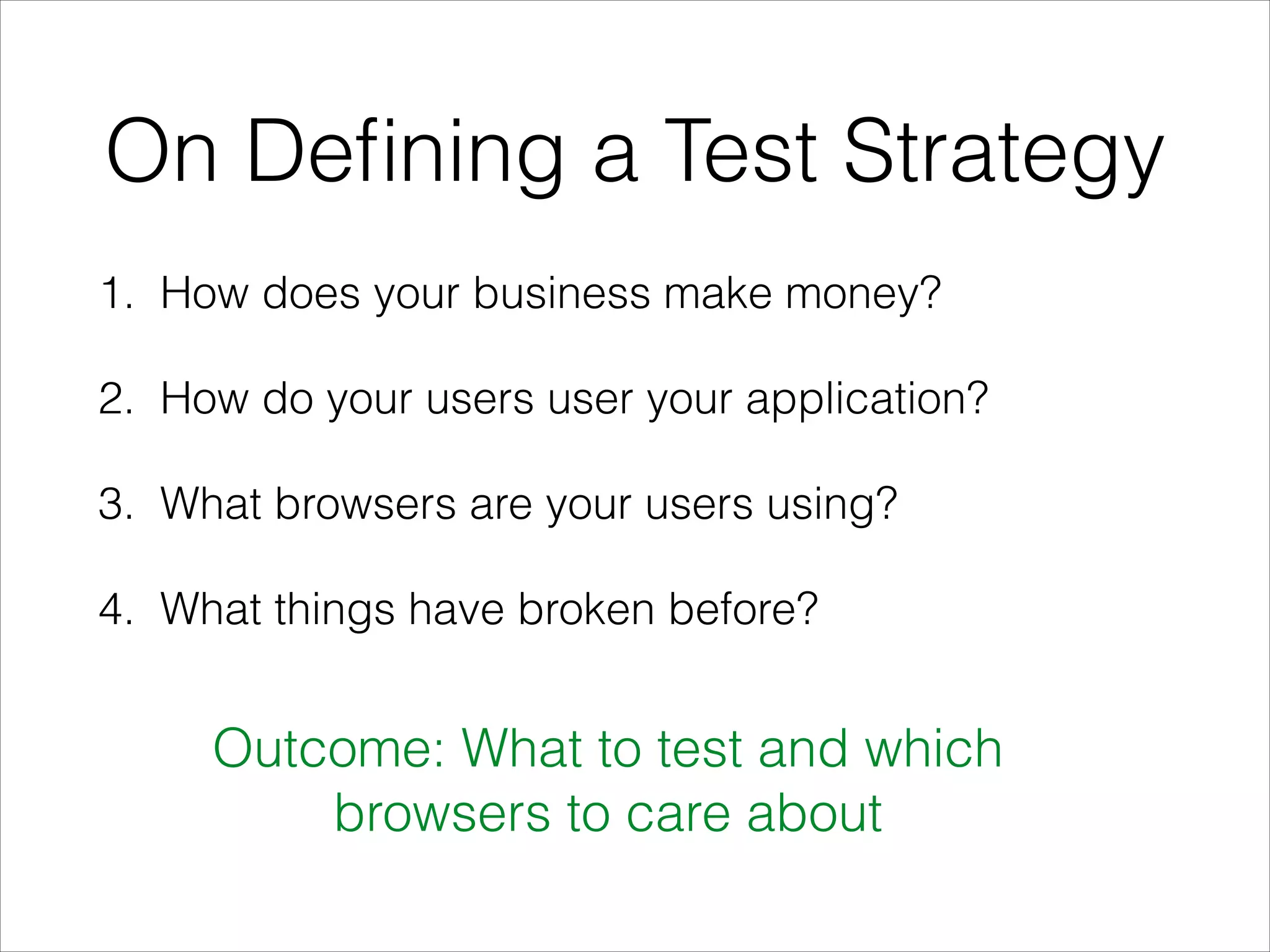
On Defining a Test Strategy
1. How does your business make money?
2. How do your users user your application?
3. What browsers are your users using?
4. What things have broken before?
Outcome: What to test and which
browsers to care about
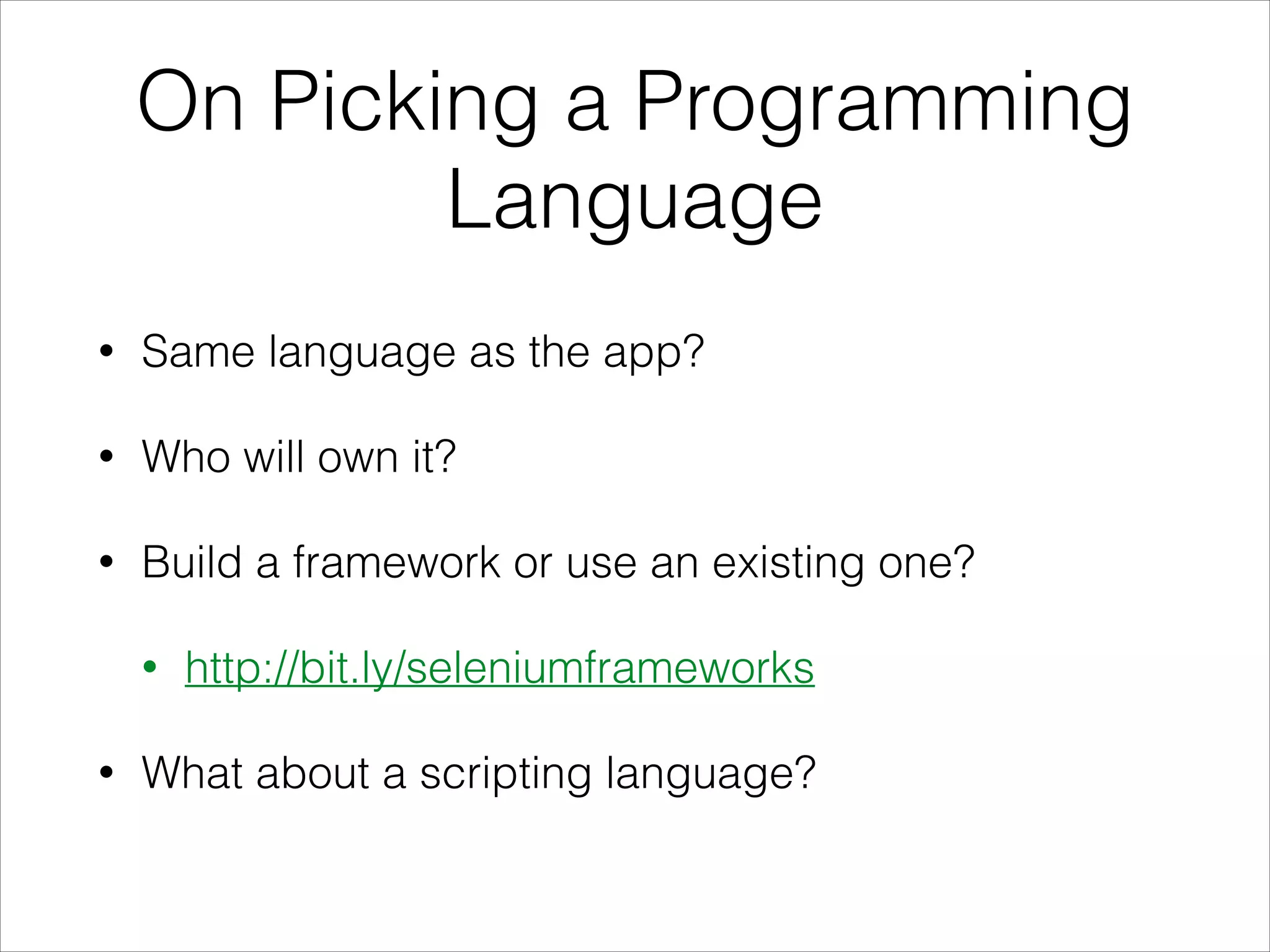
On Picking a Programming
Language
• Same language as the app?
• Who will own it?
• Build a framework or use an existing one?
• http://bit.ly/seleniumframeworks
• What about a scripting language?
On Choosing a Text Editor
• Emacs
• IntelliJ
• Vim
• Sublime Text
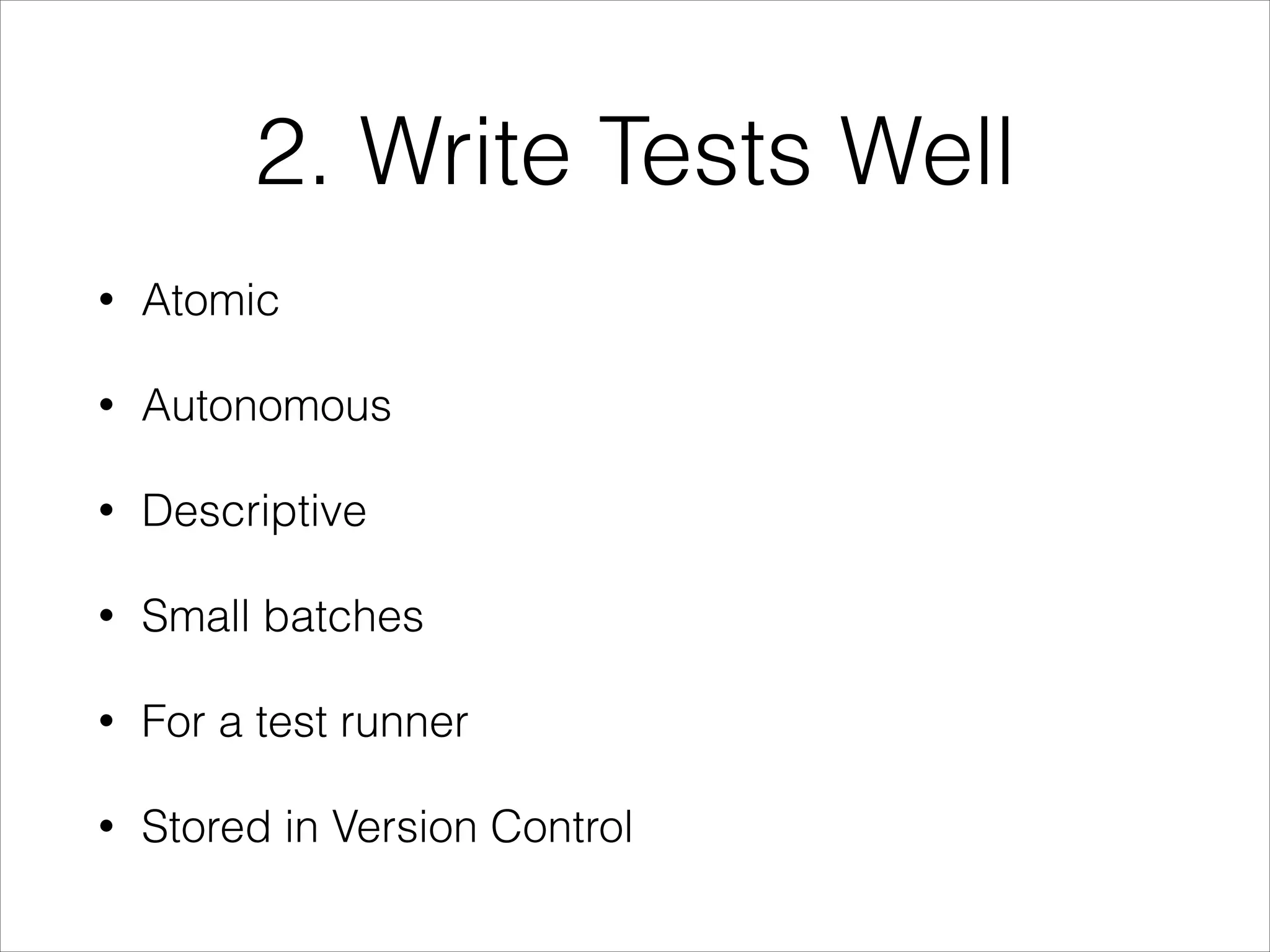
2. Write Tests Well
• Atomic
• Autonomous
• Descriptive
• Small batches
• For a test runner
• Stored in Version Control
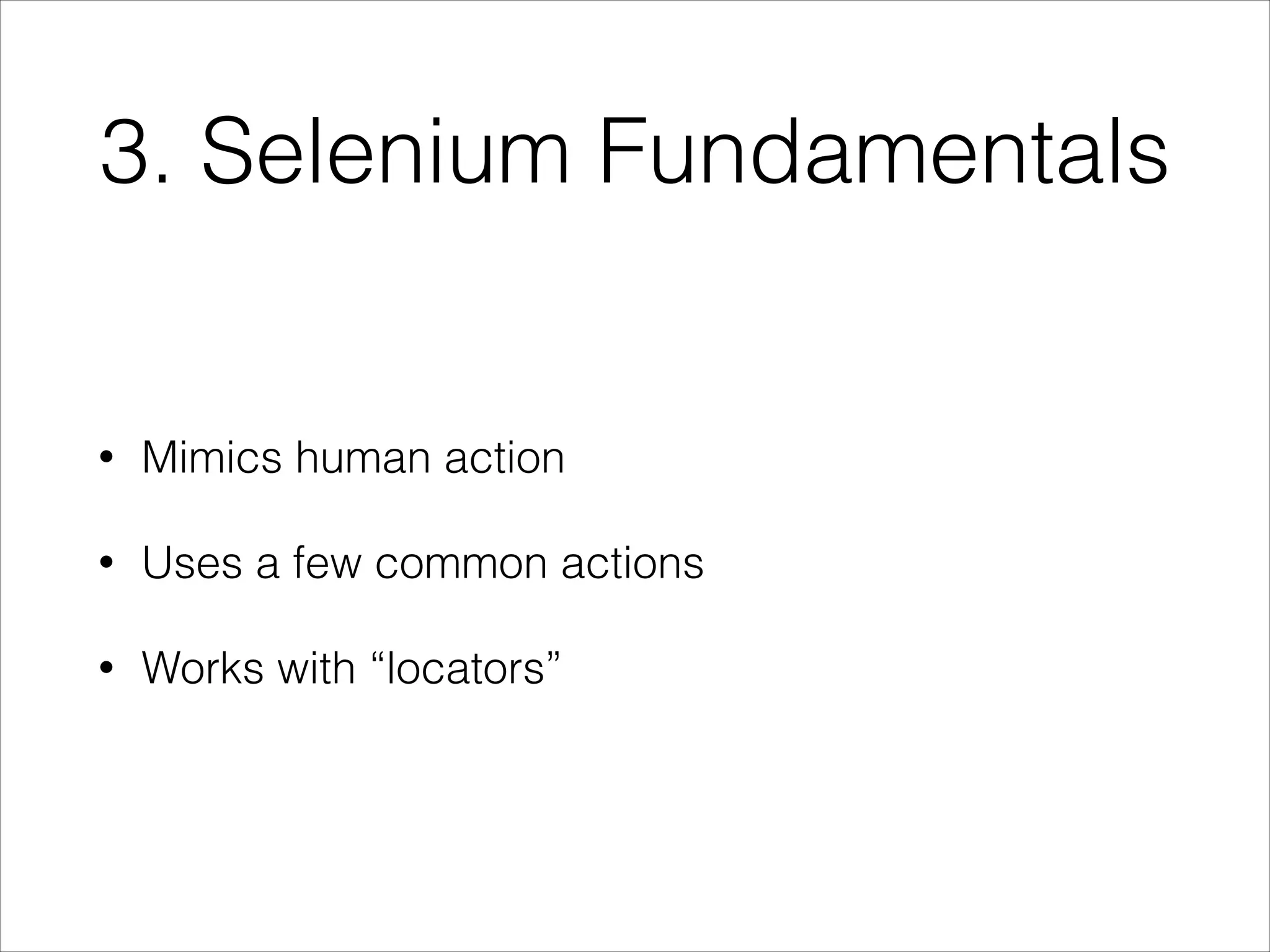
3. Selenium Fundamentals
• Mimics human action
• Uses a few common actions
• Works with “locators”
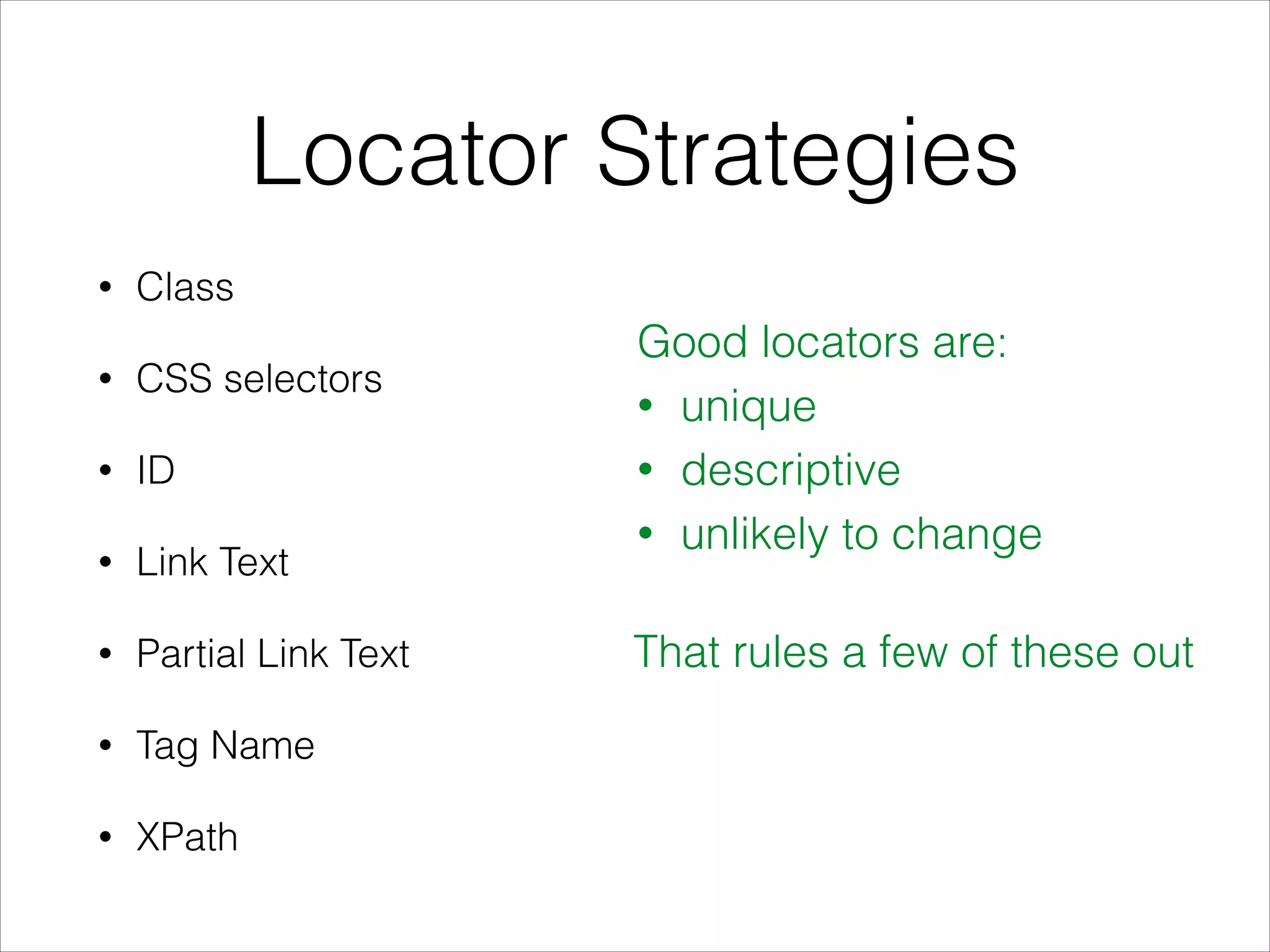
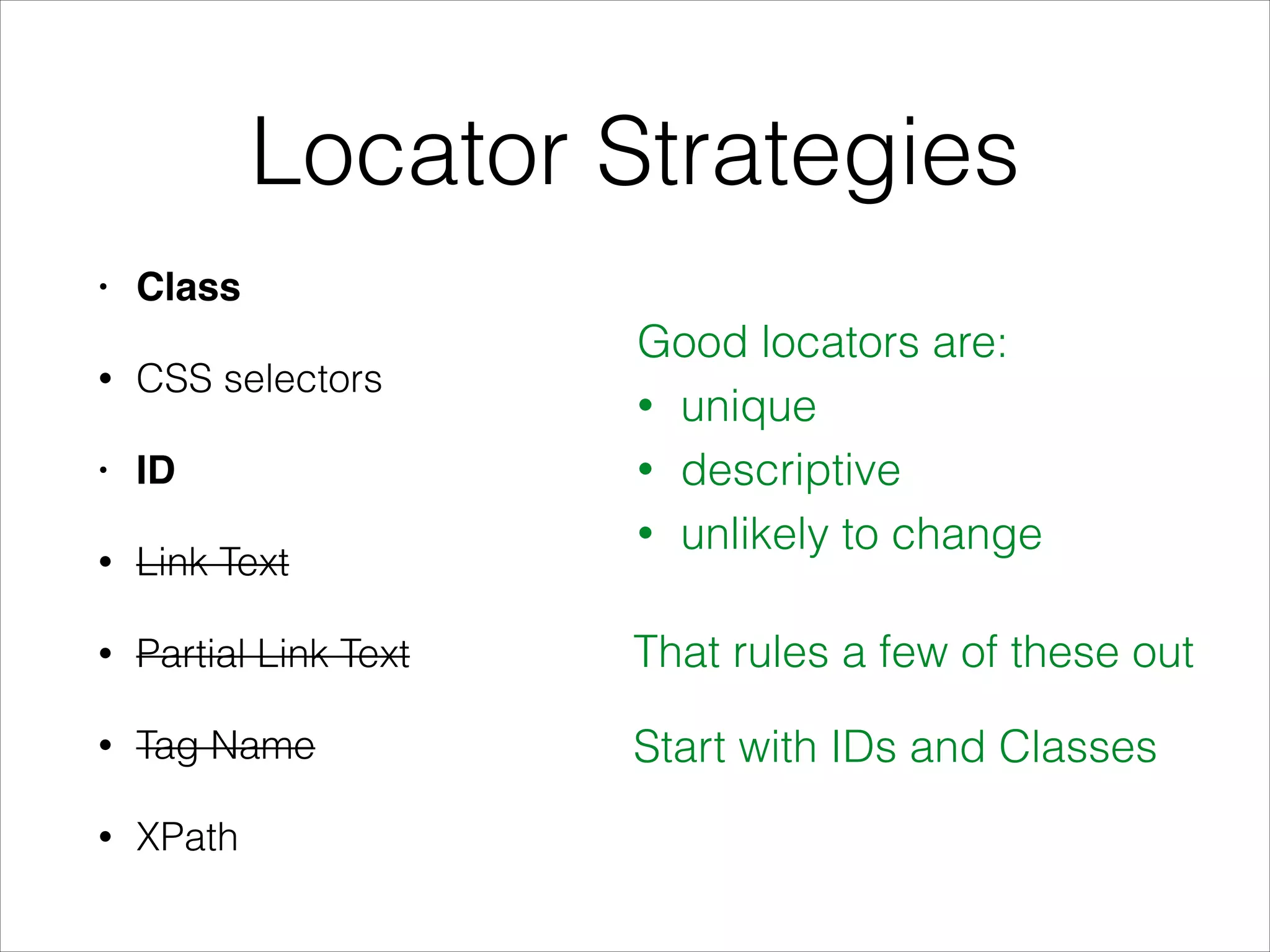
Locator Strategies
• Class
• CSS selectors
• ID
• Link Text
• Partial Link Text
• Tag Name
• XPath
Good locators are:
• unique
• descriptive
• unlikely to change
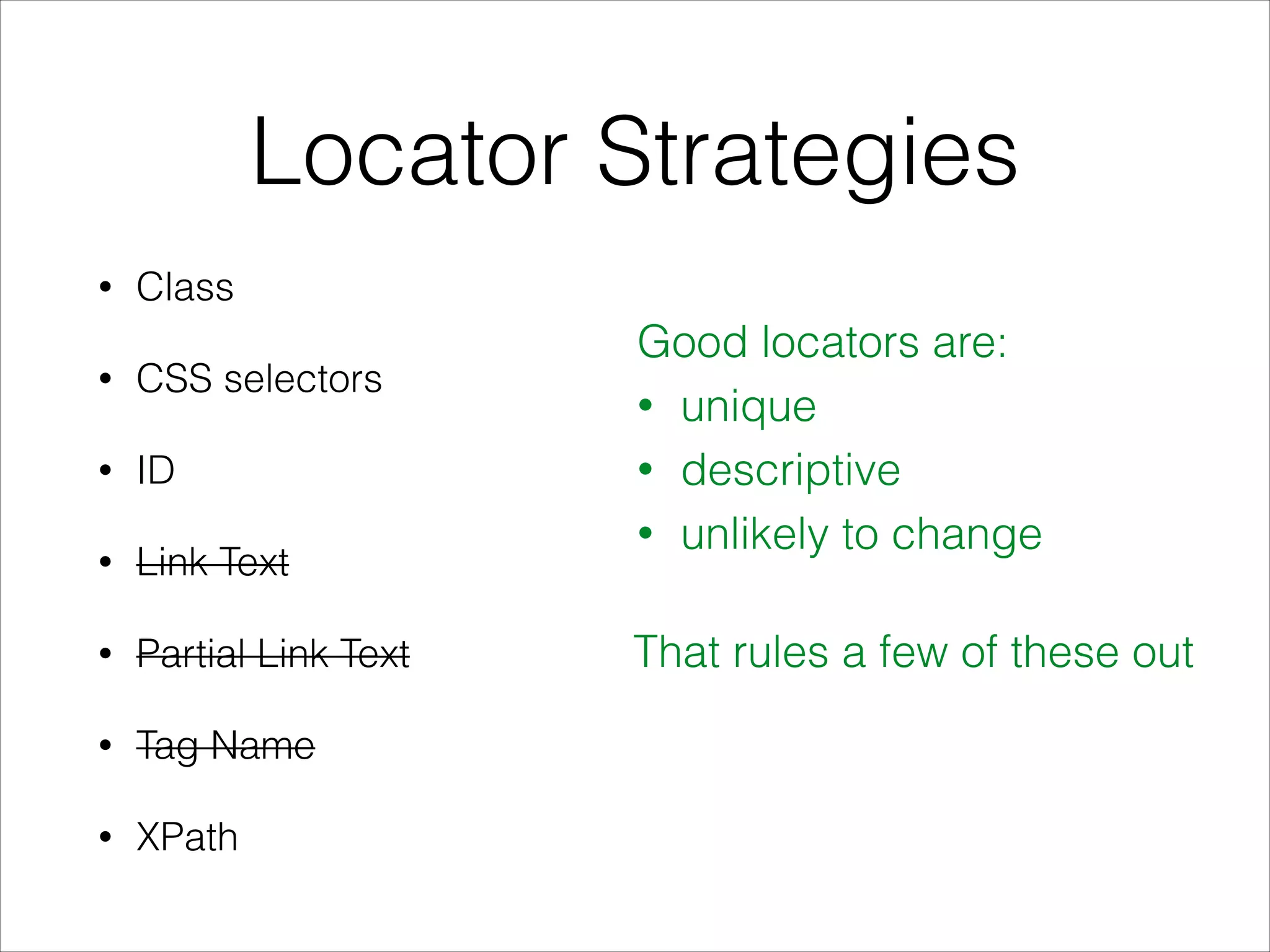
That rules a few of these out
Locator Strategies
• Class
• CSS selectors
• ID
• Link Text
• Partial Link Text
• Tag Name
• XPath
Good locators are:
• unique
• descriptive
• unlikely to change
That rules a few of these out
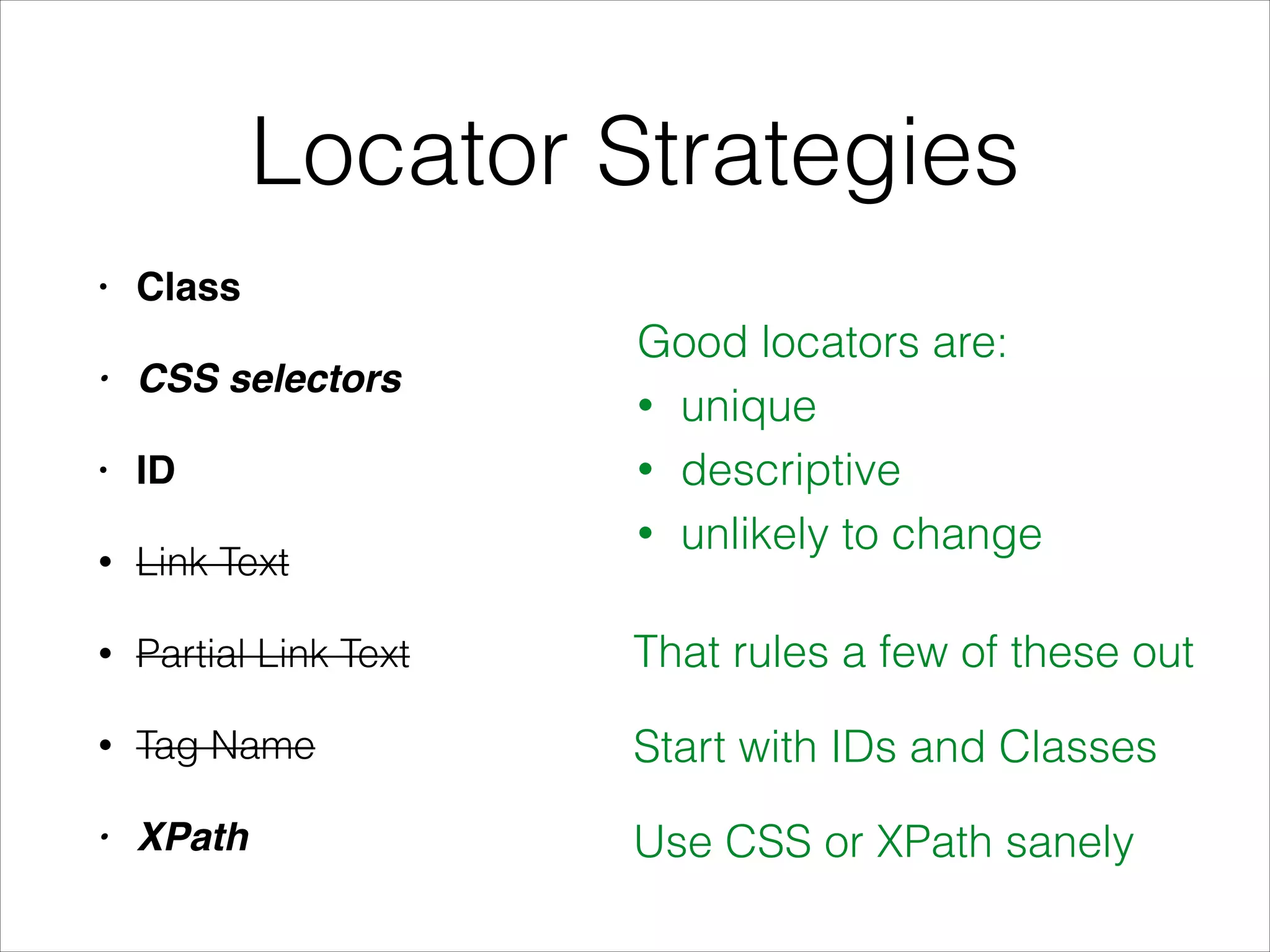
Locator Strategies
• Class!
• CSS selectors
• ID!
• Link Text
• Partial Link Text
• Tag Name
• XPath
Good locators are:
• unique
• descriptive
• unlikely to change
That rules a few of these out
Start with IDs and Classes
Locator Strategies
• Class!
• CSS selectors!
• ID!
• Link Text
• Partial Link Text
• Tag Name
• XPath
Good locators are:
• unique
• descriptive
• unlikely to change
That rules a few of these out
Start with IDs and Classes
Use CSS or XPath sanely
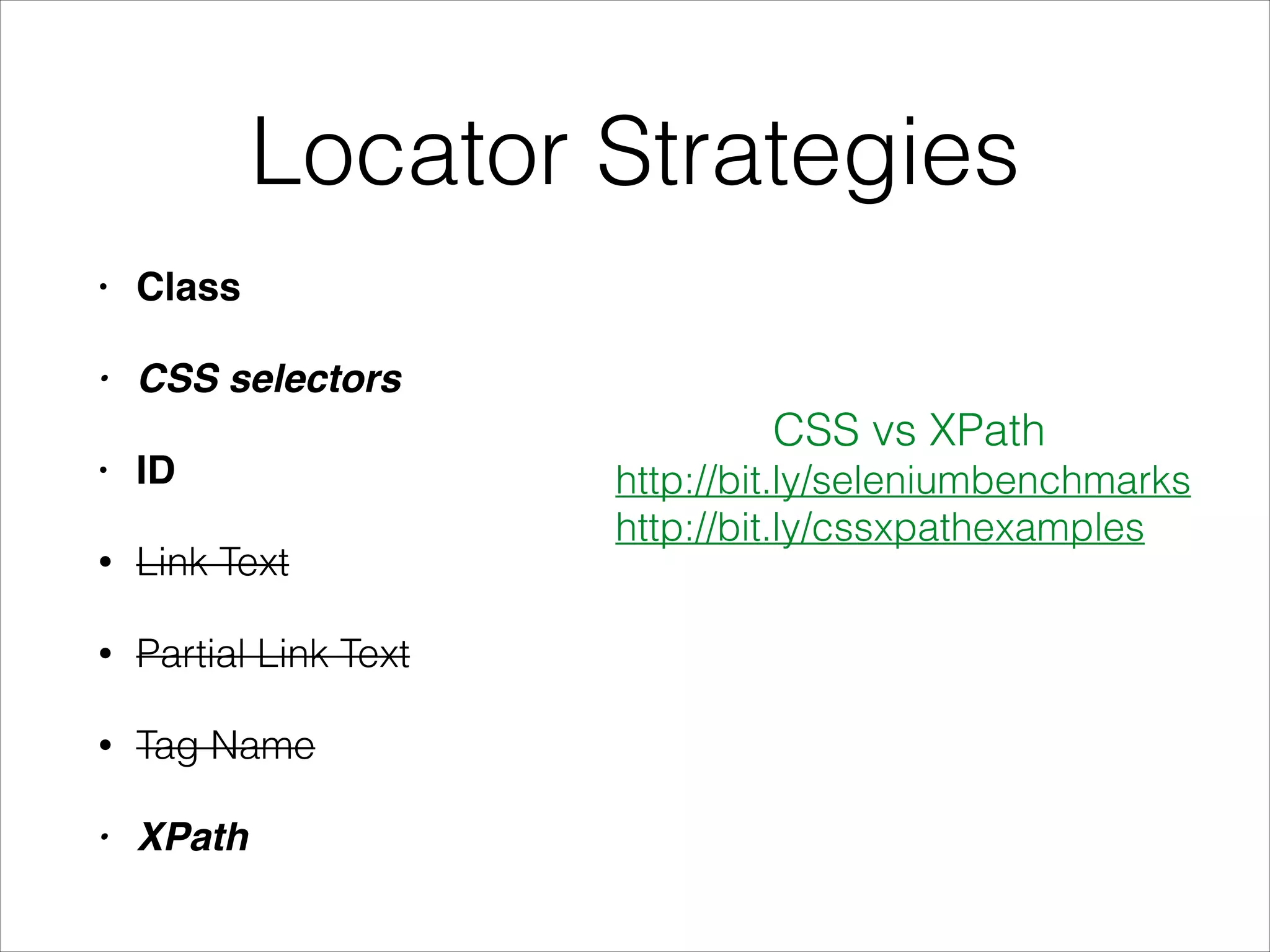
Locator Strategies
• Class!
• CSS selectors!
• ID!
• Link Text
• Partial Link Text
• Tag Name
• XPath
CSS vs XPath
http://bit.ly/seleniumbenchmarks
http://bit.ly/cssxpathexamples
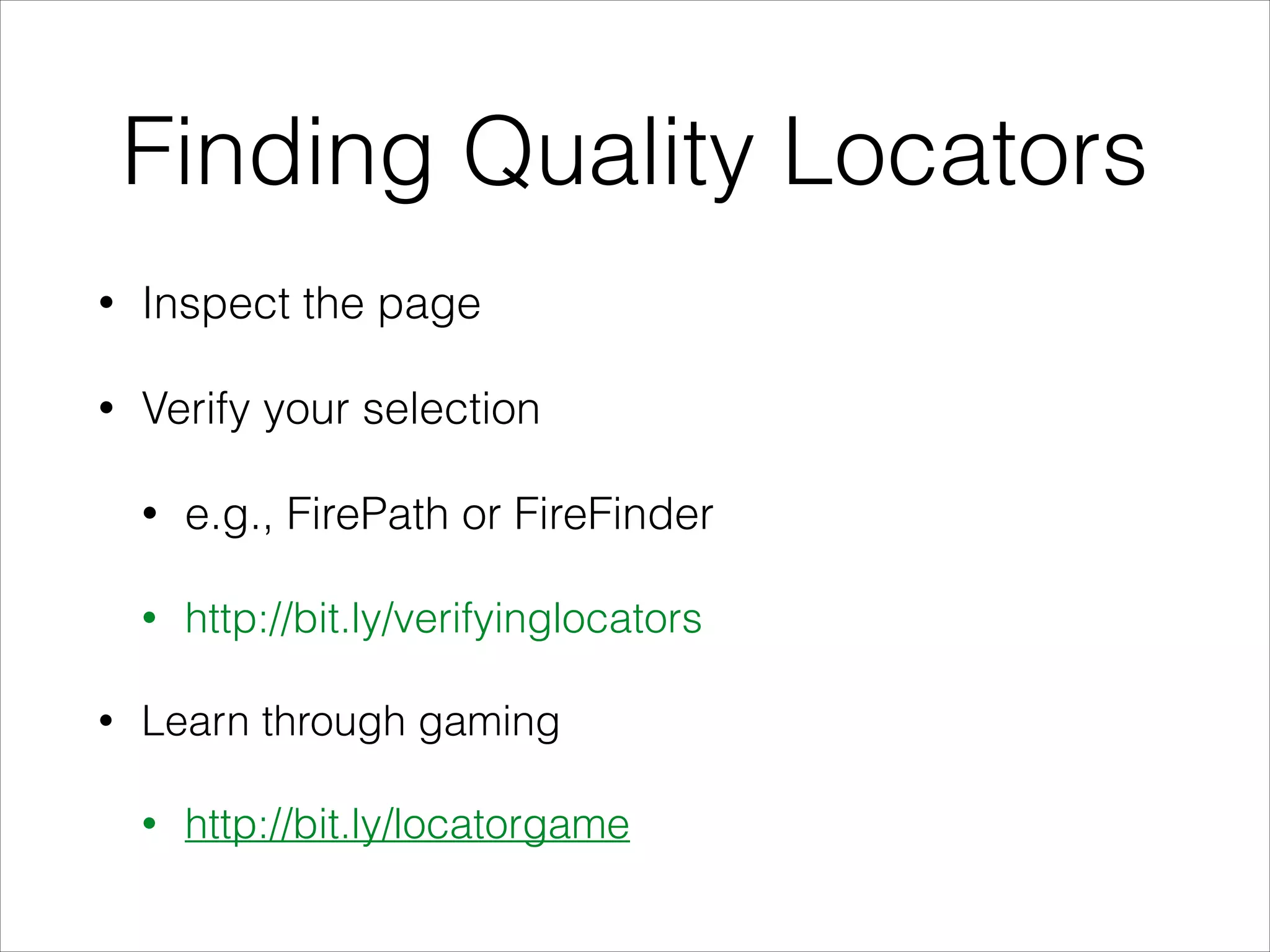
Finding Quality Locators
• Inspect the page
• Verify your selection
• e.g., FirePath or FireFinder
• http://bit.ly/verifyinglocators
• Learn through gaming
• http://bit.ly/locatorgame
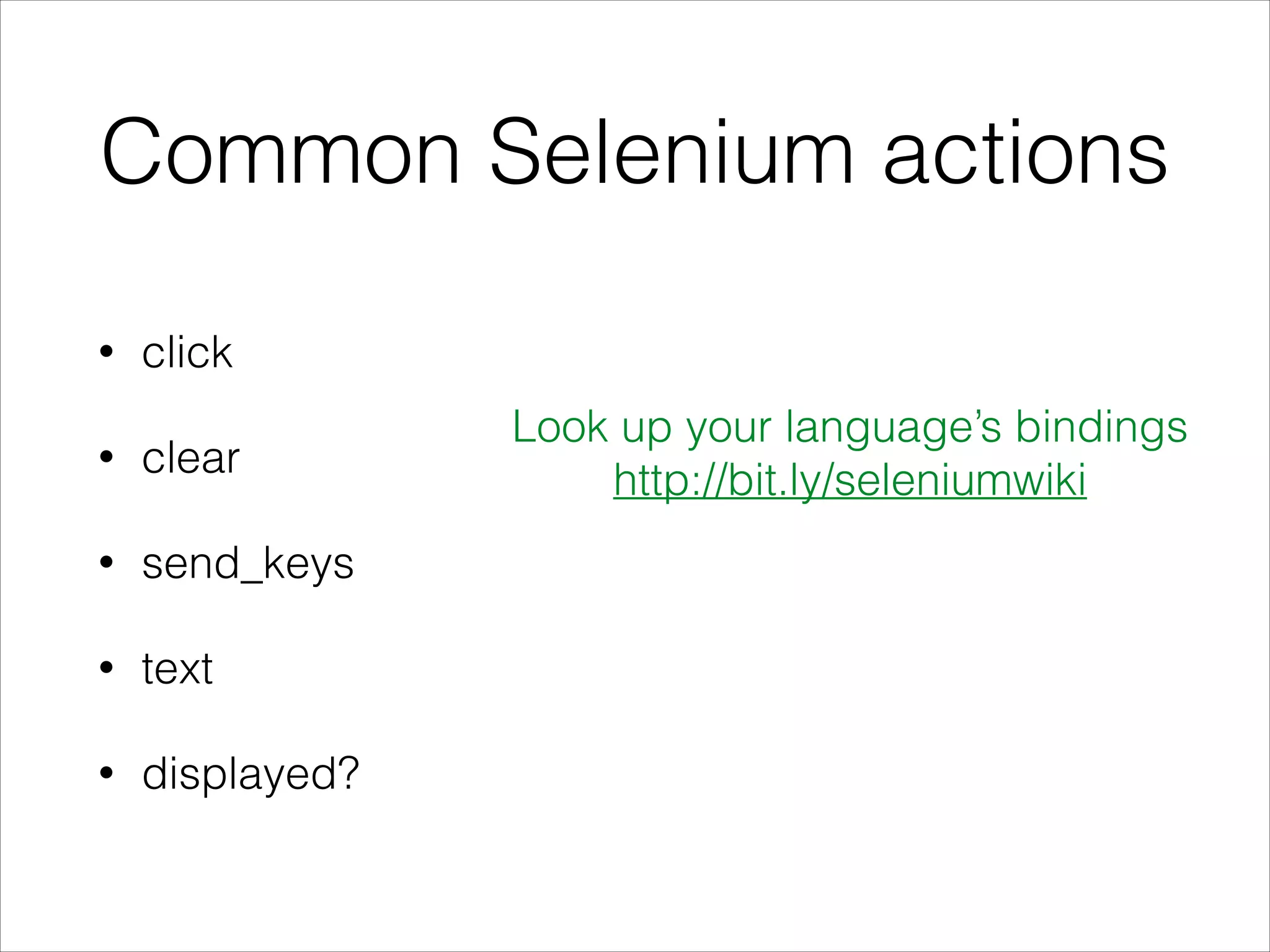
Common Selenium actions
• click
• clear
• send_keys
• text
• displayed?
Look up your language’s bindings
http://bit.ly/seleniumwiki
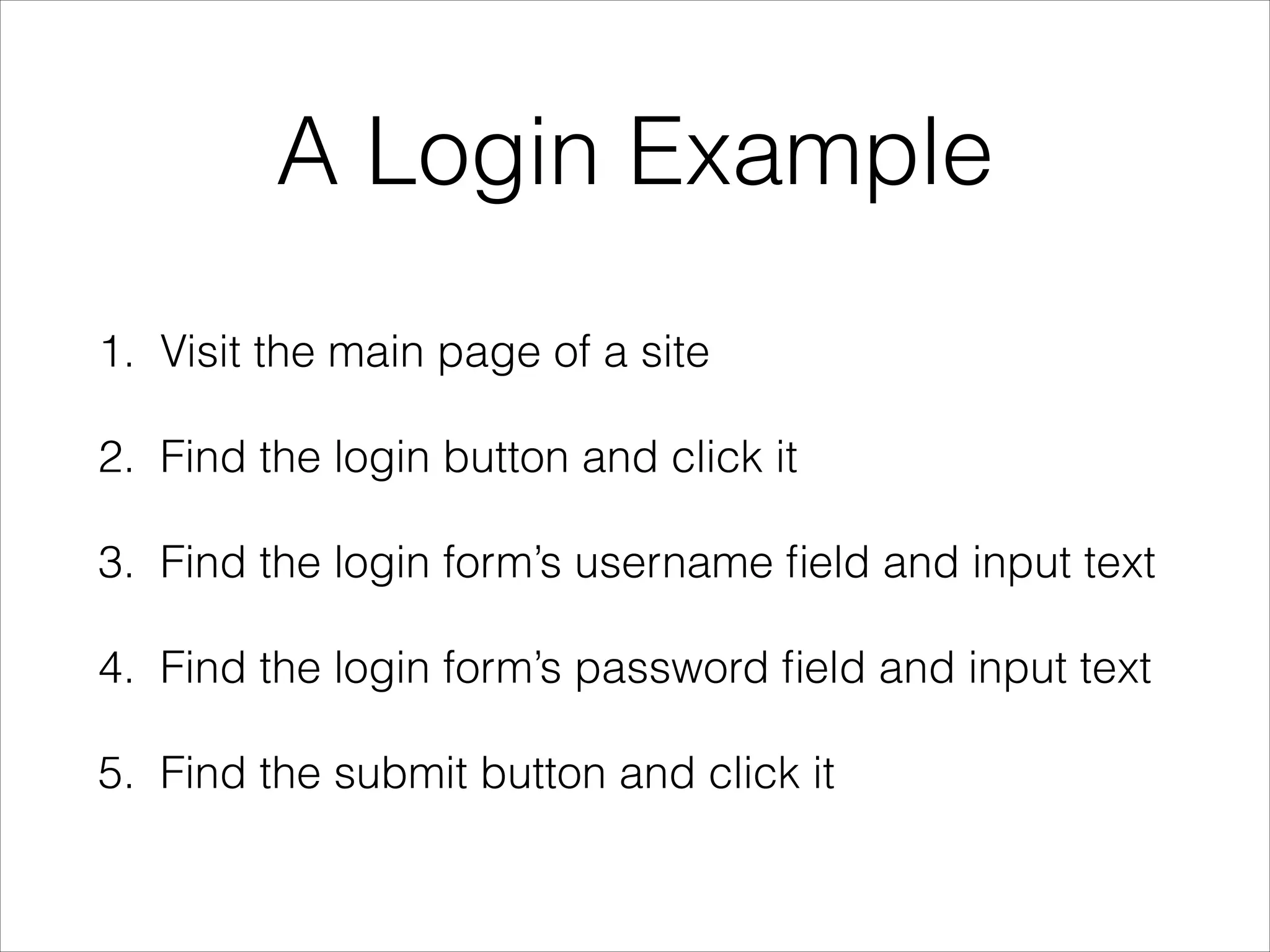
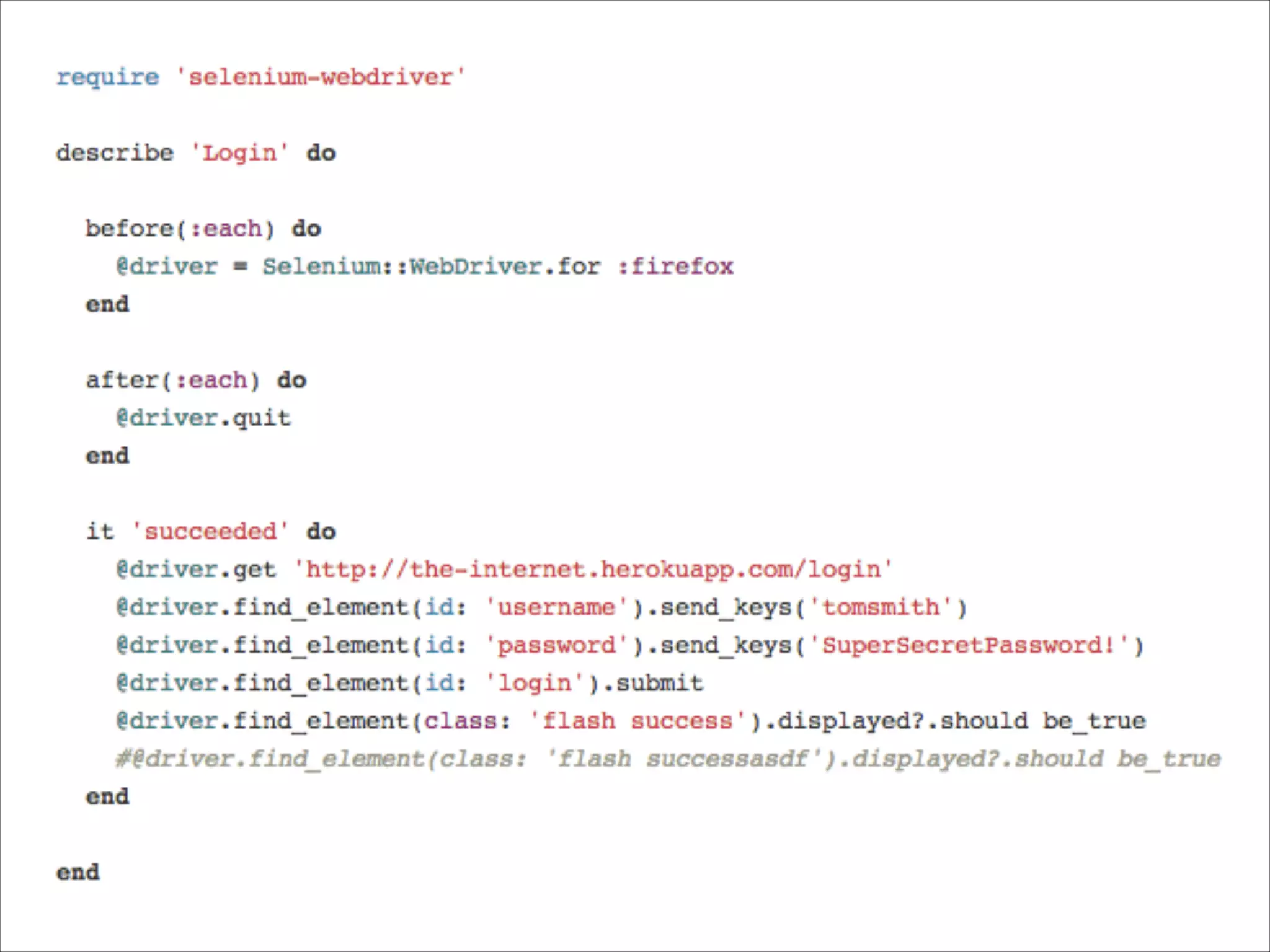
A Login Example
1. Visit the main page of a site
2. Find the login button and click it
3. Find the login form’s username field and input text
4. Find the login form’s password field and input text
5. Find the submit button and click it
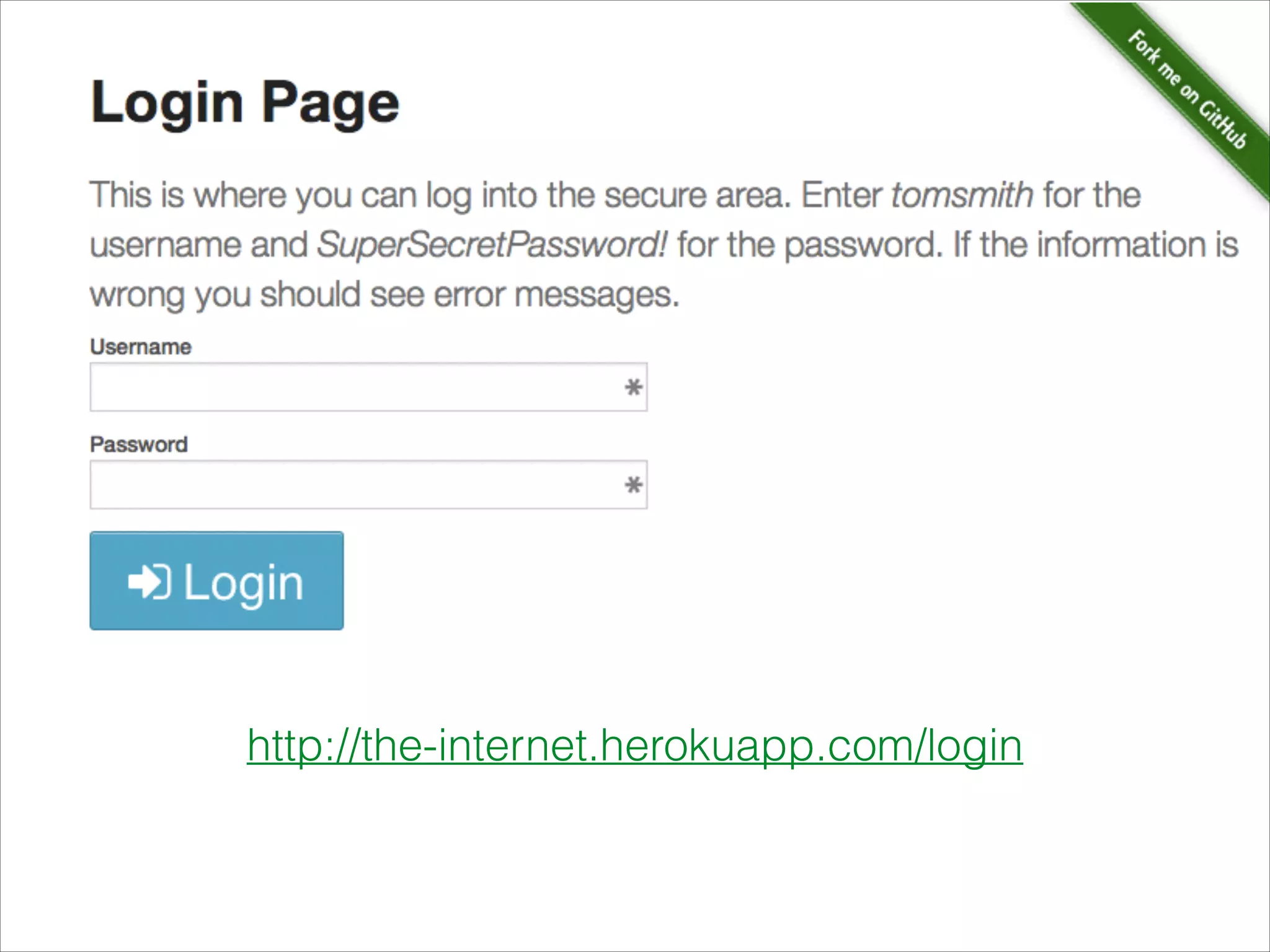
http://the-internet.herokuapp.com/login
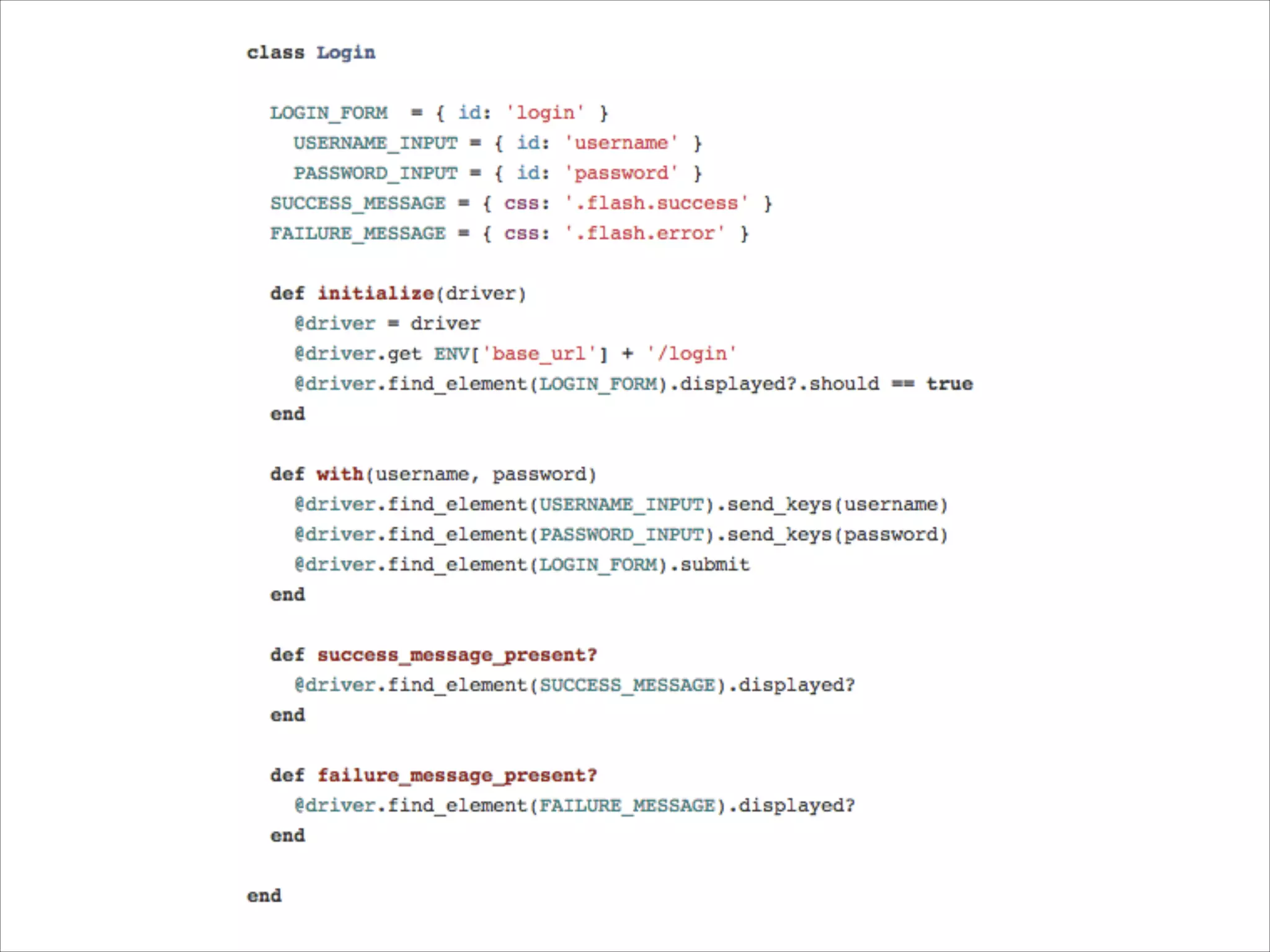
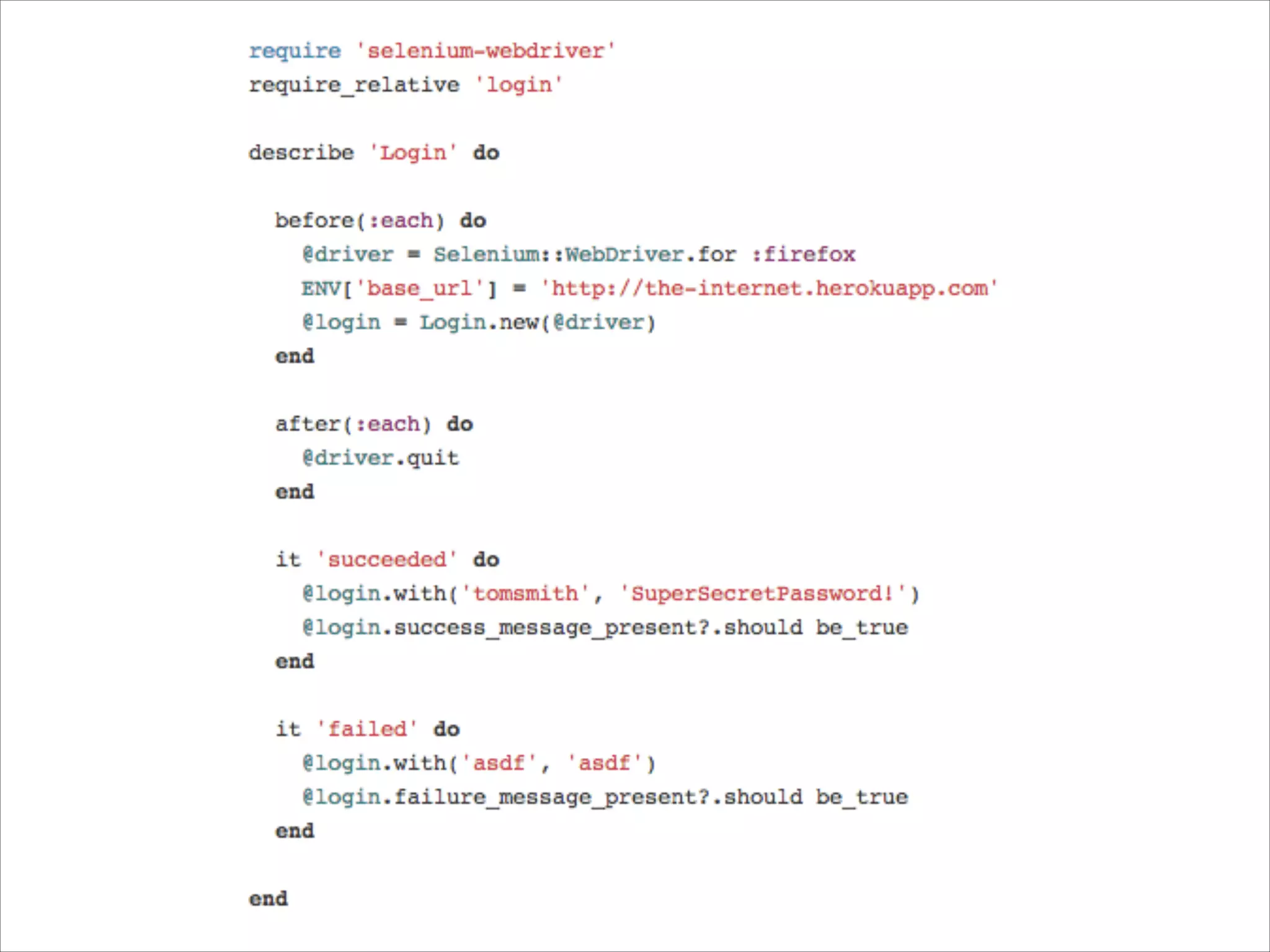
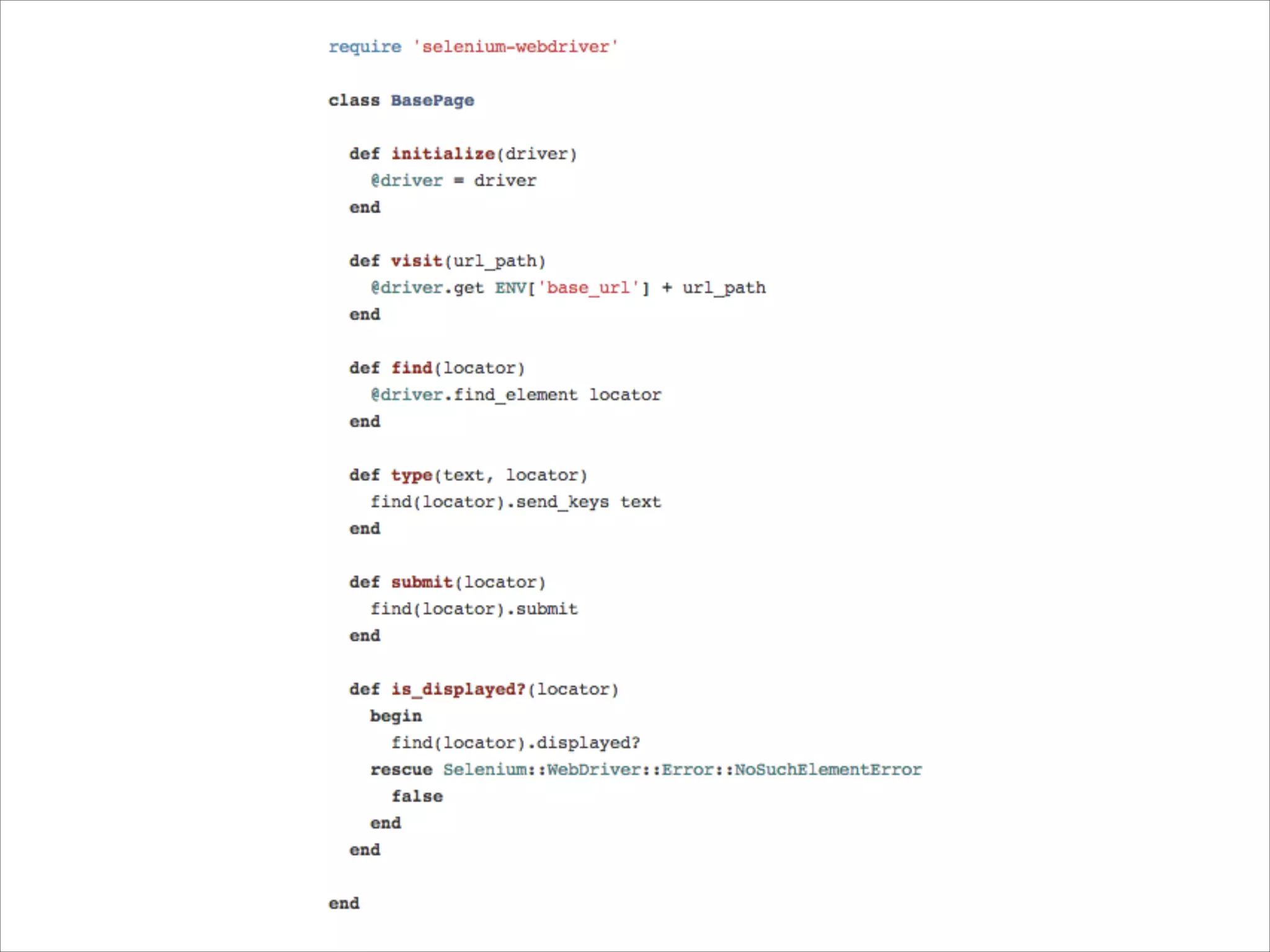
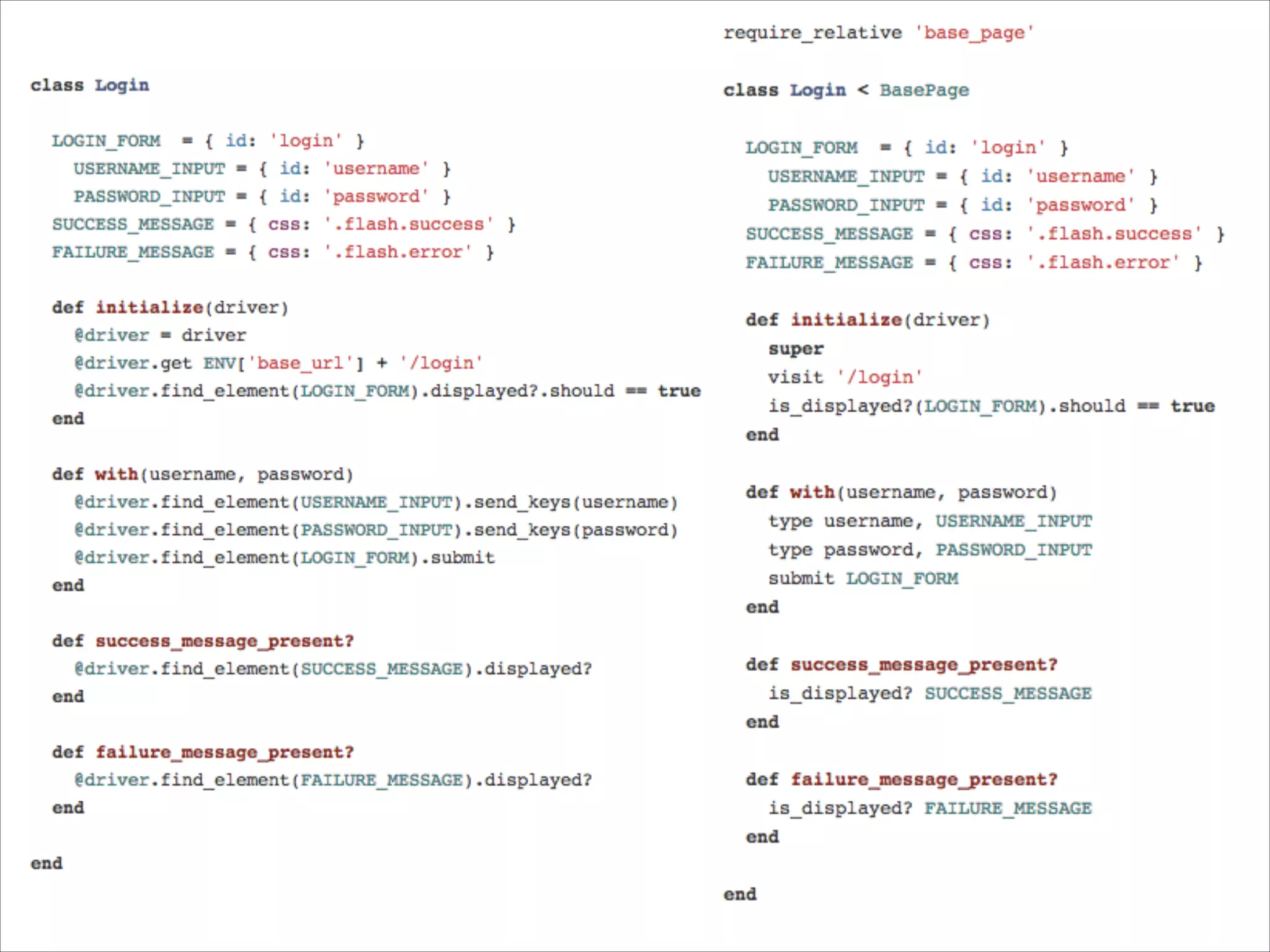
4. Write Re-usable/
Maintainable Test Code
• Page Object Pattern
• Facade layer (a.k.a. Base Page Object)
5. Make Your Tests
Resilient
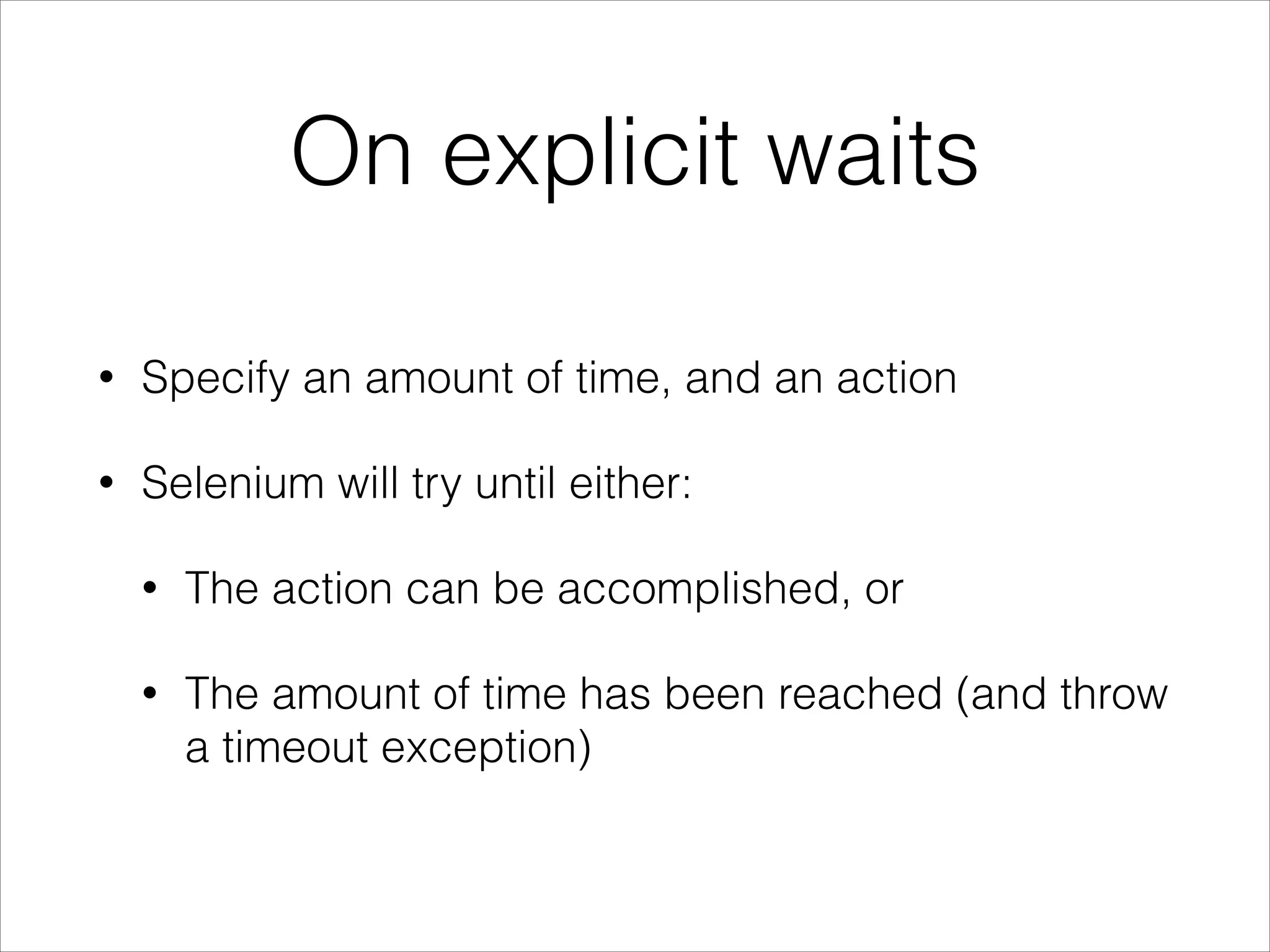
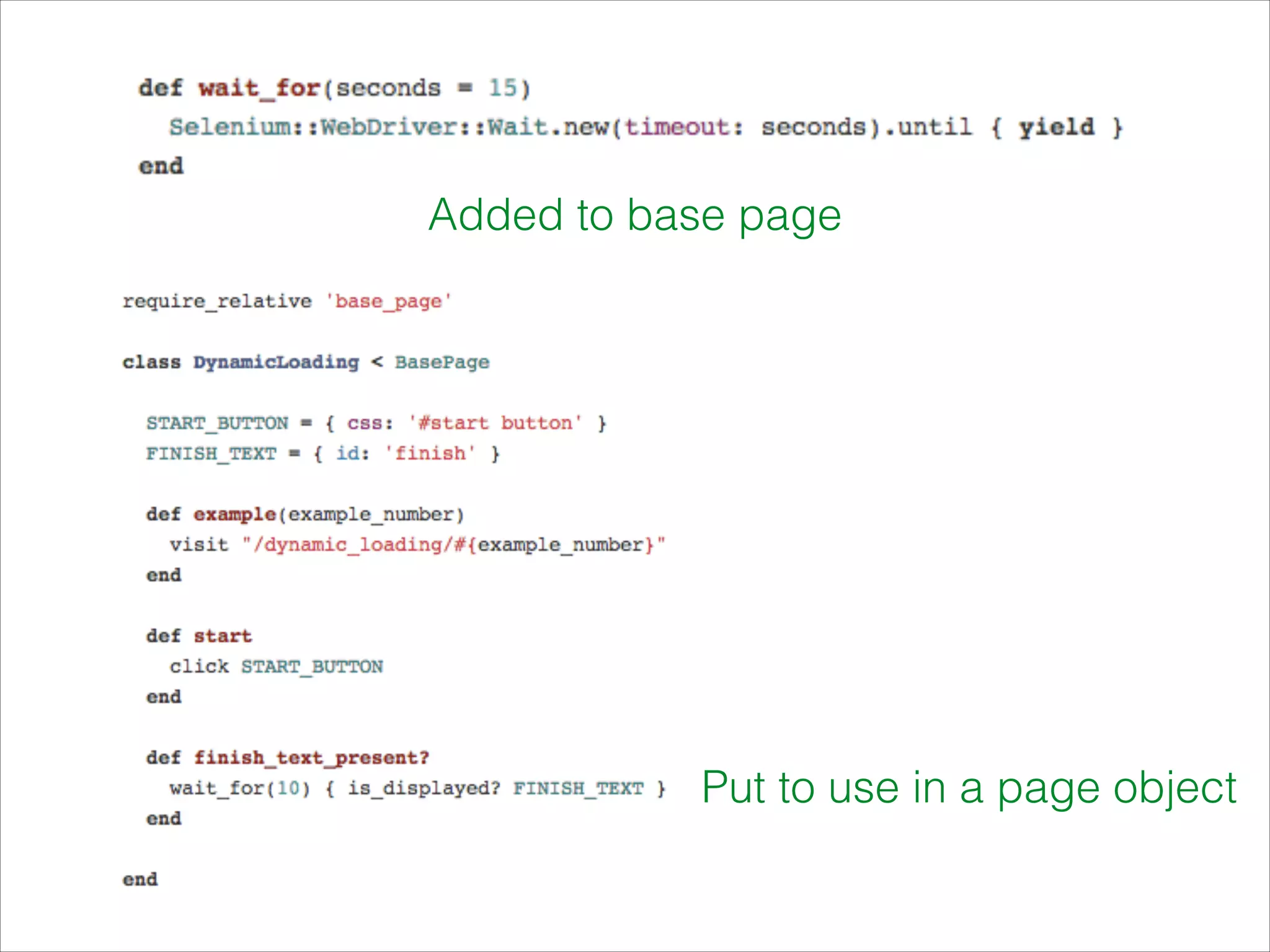
On explicit waits
• Specify an amount of time, and an action
• Selenium will try until either:
• The action can be accomplished, or
• The amount of time has been reached (and throw
a timeout exception)
Added to base page
Put to use in a page object
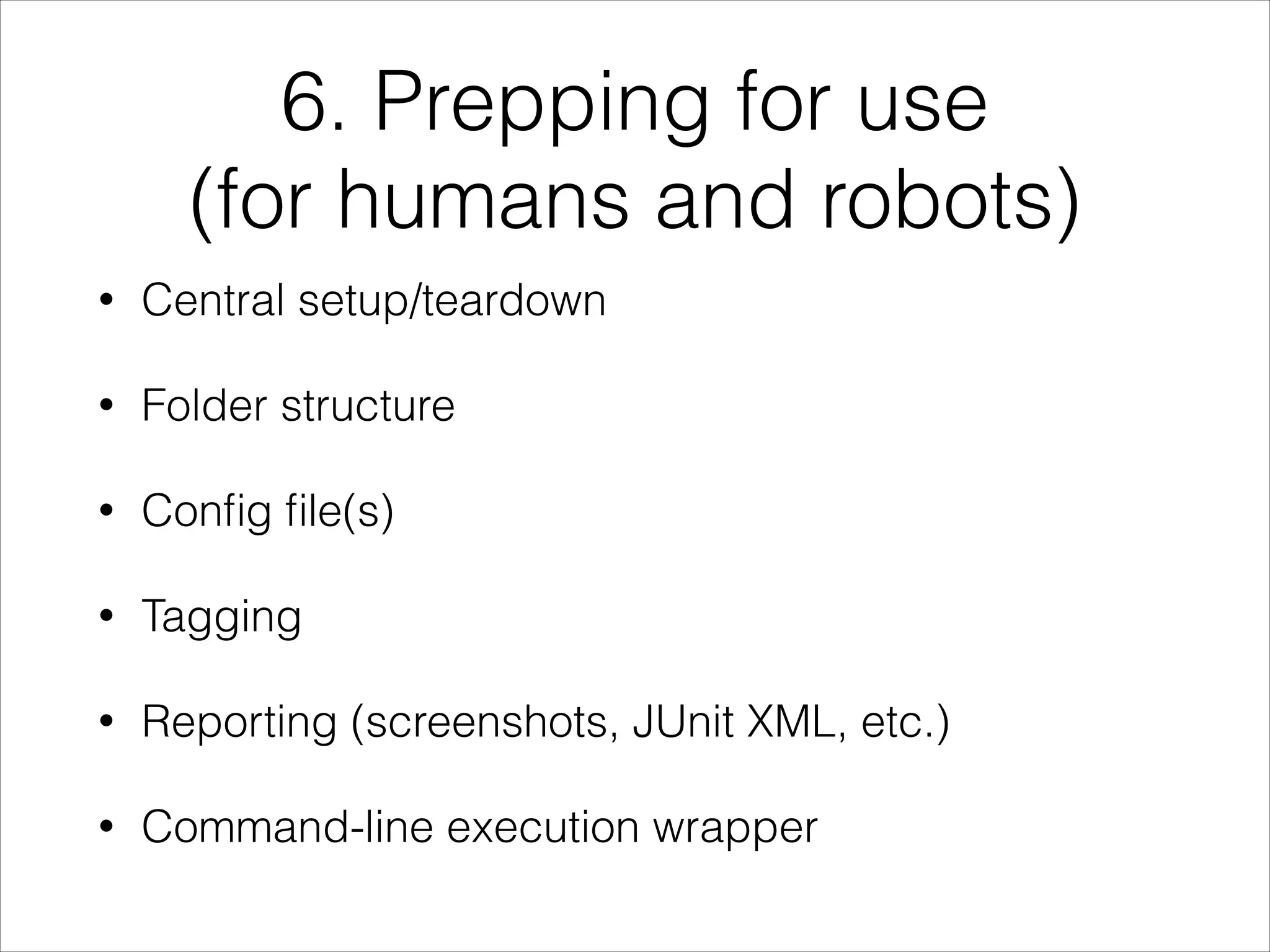
6. Prepping for use
(for humans and robots)
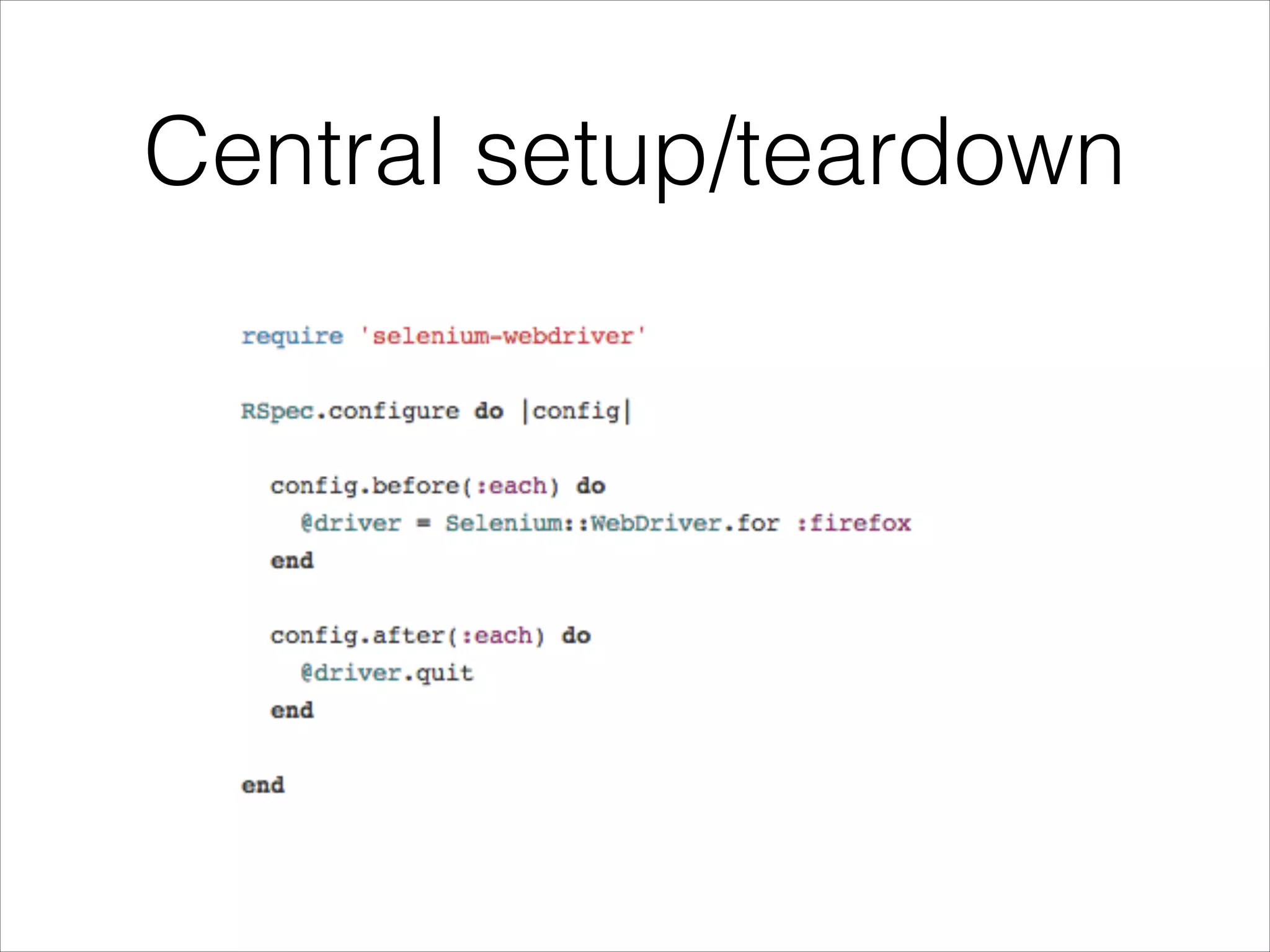
• Central setup/teardown
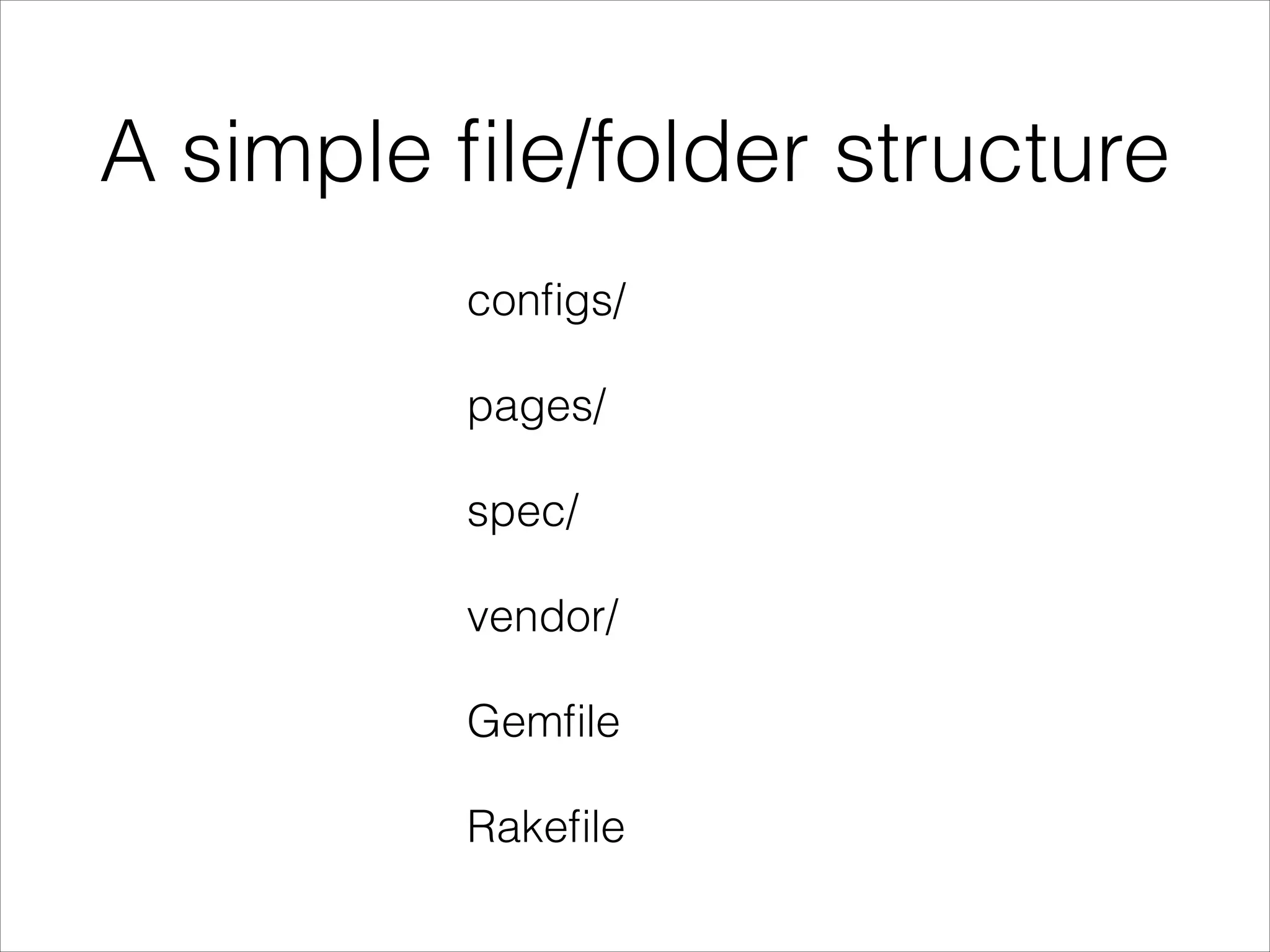
• Folder structure
• Config file(s)
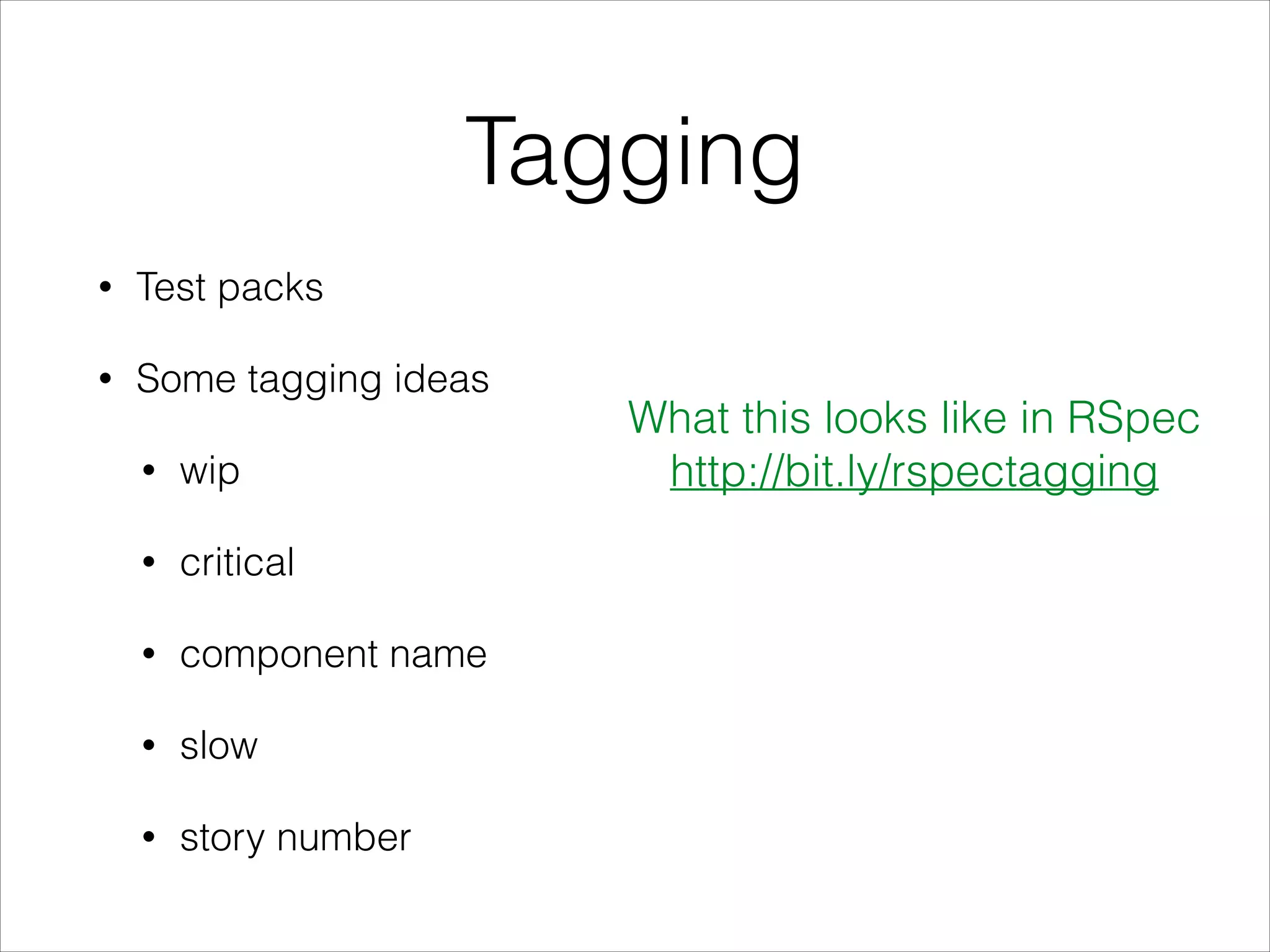
• Tagging
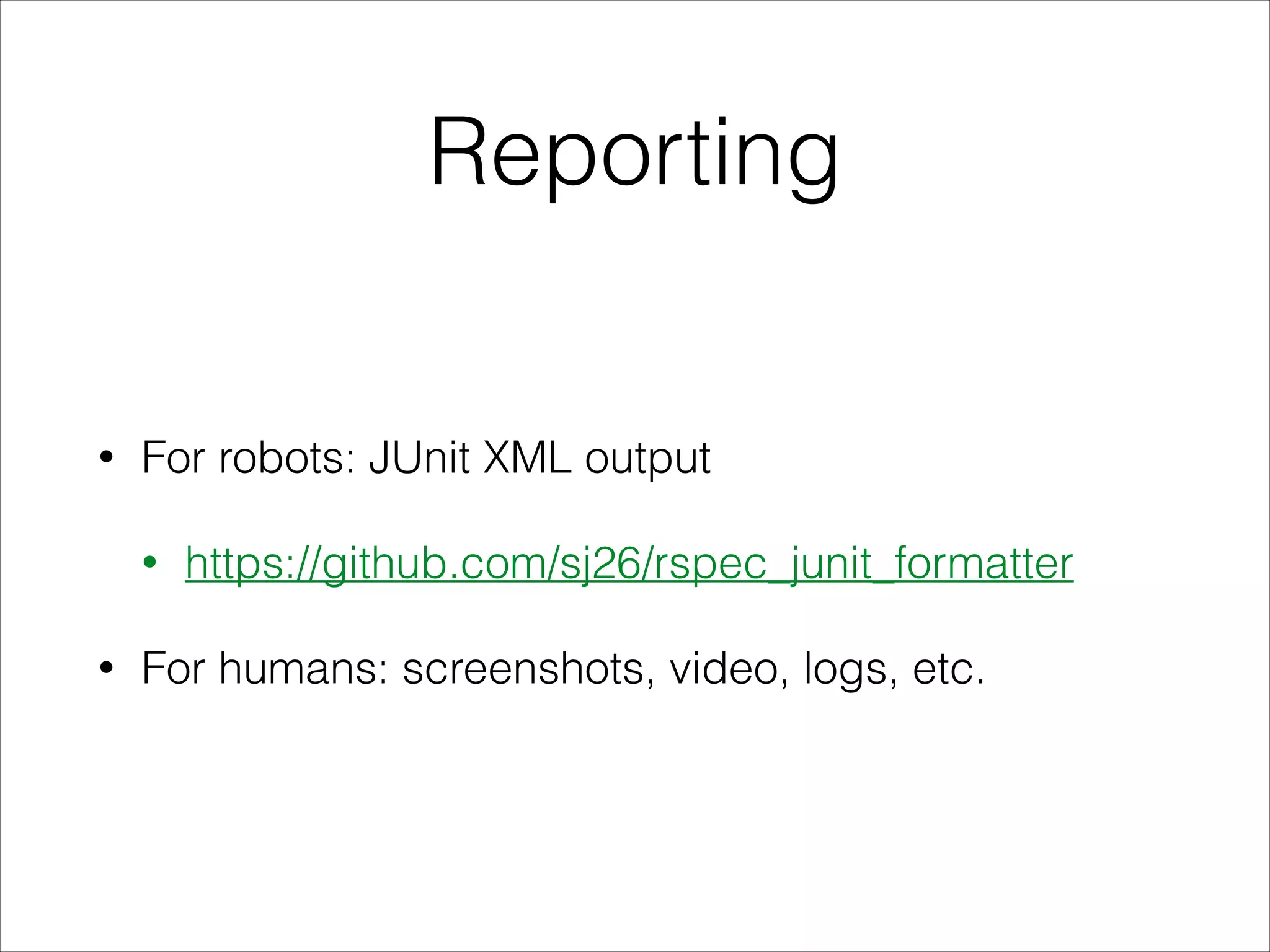
• Reporting (screenshots, JUnit XML, etc.)
• Command-line execution wrapper
Central setup/teardown
A simple file/folder structure
configs/
pages/
spec/
vendor/
Gemfile
Rakefile
Tagging
• Test packs
• Some tagging ideas
• wip
• critical
• component name
• slow
• story number
What this looks like in RSpec
http://bit.ly/rspectagging
Reporting
• For robots: JUnit XML output
• https://github.com/sj26/rspec_junit_formatter
• For humans: screenshots, video, logs, etc.
7. Scale It
• Cloud execution
• Parallelization
• Continuous Integration
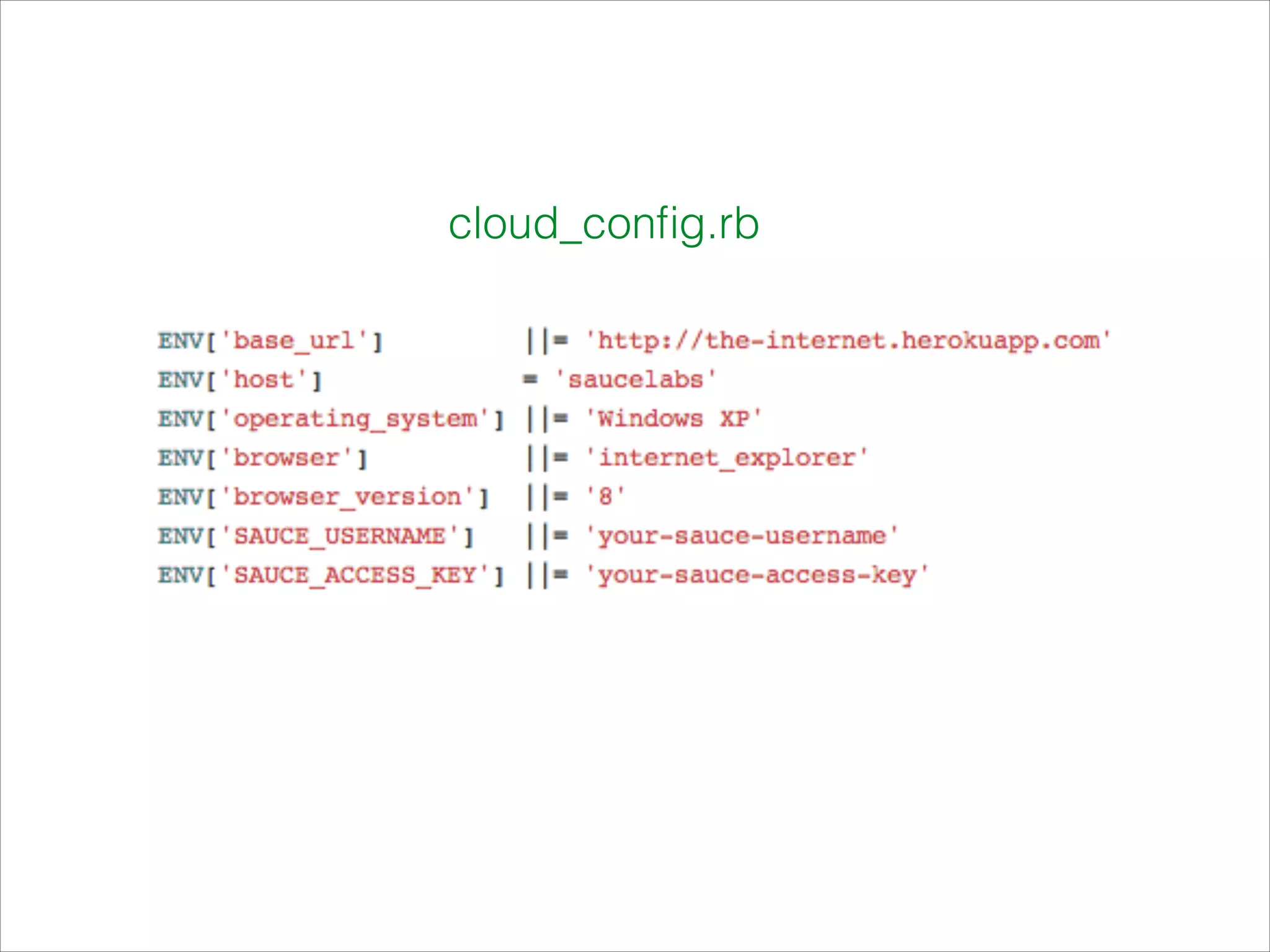
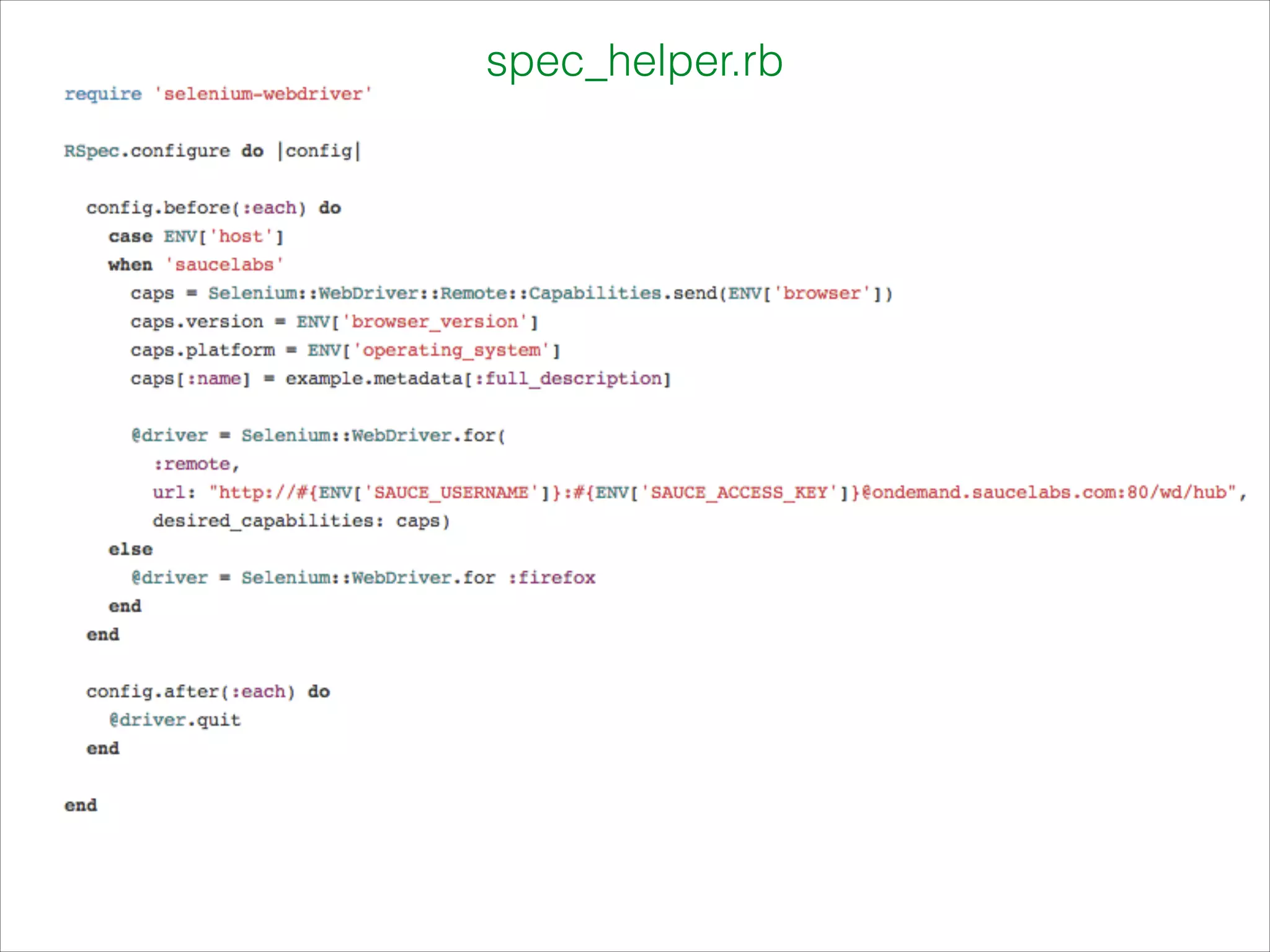
Cloud execution
http://saucelabs.com
cloud_config.rb
spec_helper.rb
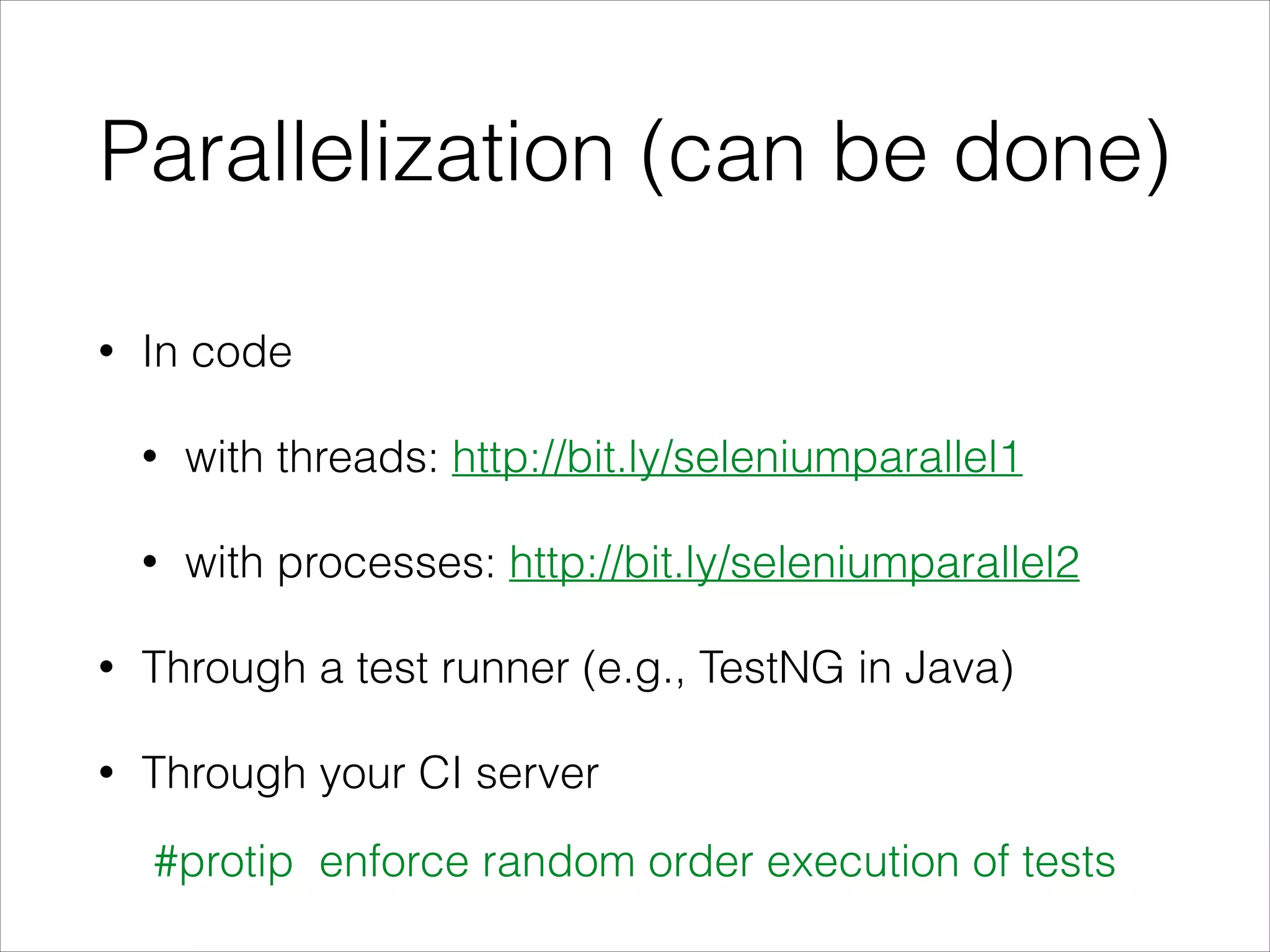
Parallelization (can be done)
• In code
• with threads: http://bit.ly/seleniumparallel1
• with processes: http://bit.ly/seleniumparallel2
• Through a test runner (e.g., TestNG in Java)
• Through your CI server
#protip enforce random order execution of tests
Continuous Integration
• Feedback loops
• Code promotion
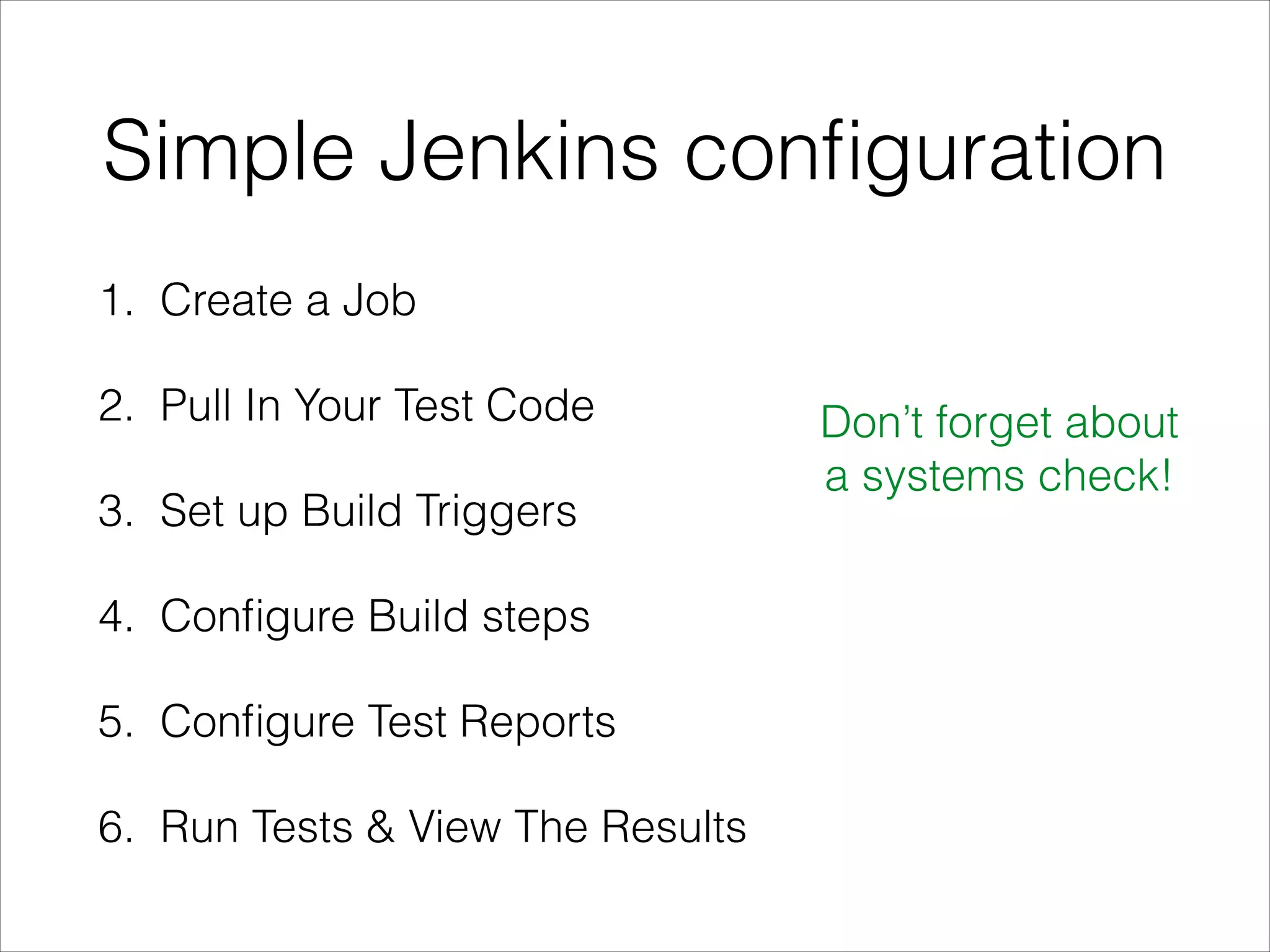
Simple Jenkins configuration
1. Create a Job
2. Pull In Your Test Code
3. Set up Build Triggers
4. Configure Build steps
5. Configure Test Reports
6. Run Tests & View The Results
Don’t forget about
a systems check!
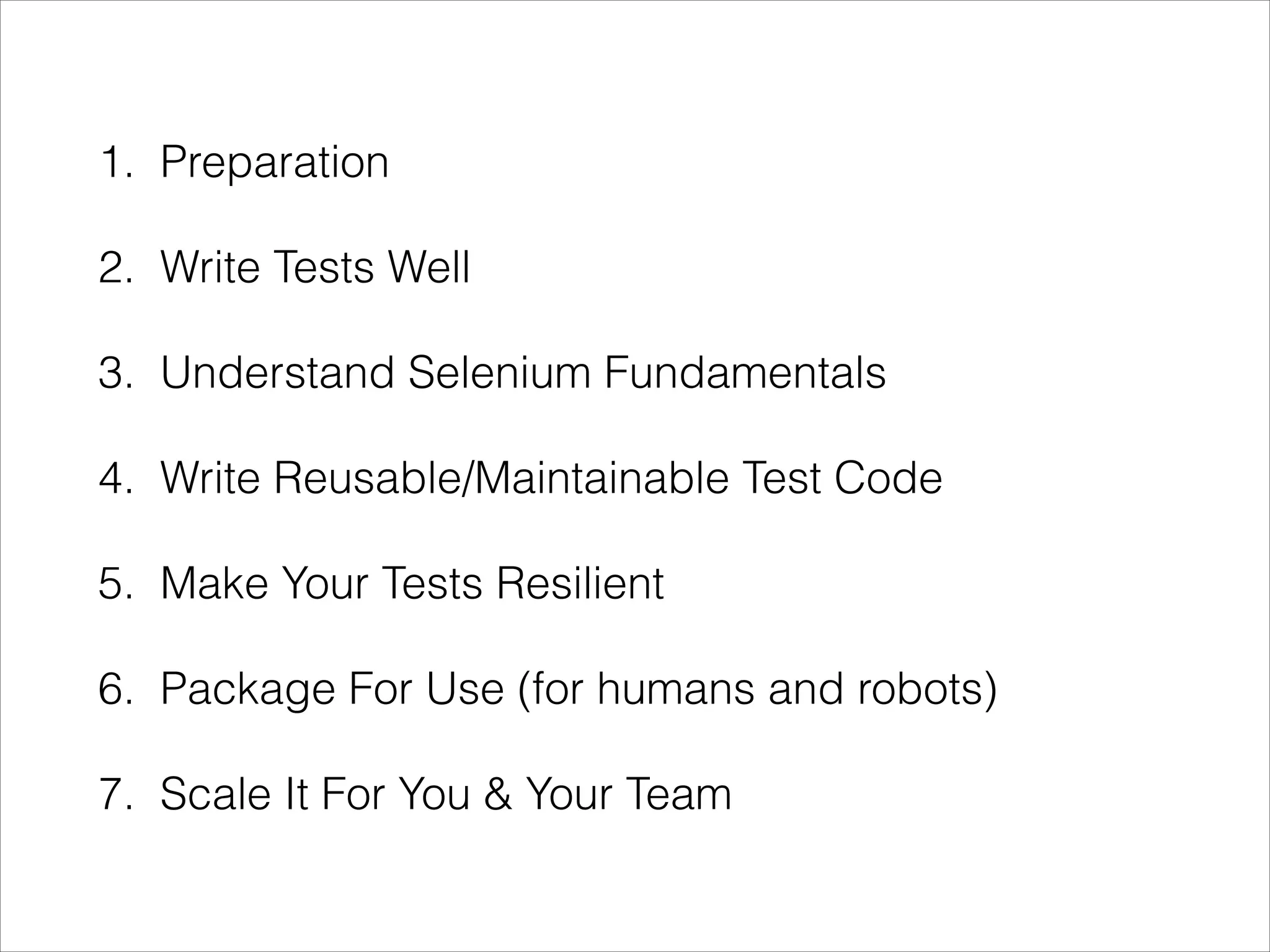
1. Preparation
2. Write Tests Well
3. Understand Selenium Fundamentals
4. Write Reusable/Maintainable Test Code
5. Make Your Tests Resilient
6. Package For Use (for humans and robots)
7. Scale It For You & Your Team
–Dave Haeffner, @TourDeDave
“You may think your puzzle is unique. But really, everyone is
trying to solve the same puzzle. Yours is just configured
differently — and it’s solvable”
http://seleniumguidebook.com
d
http://elementalselenium.com

How to Use Selenium, Successfully

  • 1.
    How To UseSelenium, Successfully by Dave Haeffner, @TourDeDave
  • 2.
  • 3.
  • 4.
    1. Preparation • Definea Test Strategy • Pick a Programming Language • Choose a Text Editor
  • 5.
    On Defining aTest Strategy 1. How does your business make money? 2. How do your users user your application? 3. What browsers are your users using? 4. What things have broken before? Outcome: What to test and which browsers to care about
  • 6.
    On Picking aProgramming Language • Same language as the app? • Who will own it? • Build a framework or use an existing one? • http://bit.ly/seleniumframeworks • What about a scripting language?
  • 7.
    On Choosing aText Editor • Emacs • IntelliJ • Vim • Sublime Text
  • 8.
    2. Write TestsWell • Atomic • Autonomous • Descriptive • Small batches • For a test runner • Stored in Version Control
  • 9.
    3. Selenium Fundamentals •Mimics human action • Uses a few common actions • Works with “locators”
  • 10.
    Locator Strategies • Class •CSS selectors • ID • Link Text • Partial Link Text • Tag Name • XPath Good locators are: • unique • descriptive • unlikely to change That rules a few of these out
  • 11.
    Locator Strategies • Class •CSS selectors • ID • Link Text • Partial Link Text • Tag Name • XPath Good locators are: • unique • descriptive • unlikely to change That rules a few of these out
  • 12.
    Locator Strategies • Class! •CSS selectors • ID! • Link Text • Partial Link Text • Tag Name • XPath Good locators are: • unique • descriptive • unlikely to change That rules a few of these out Start with IDs and Classes
  • 13.
    Locator Strategies • Class! •CSS selectors! • ID! • Link Text • Partial Link Text • Tag Name • XPath Good locators are: • unique • descriptive • unlikely to change That rules a few of these out Start with IDs and Classes Use CSS or XPath sanely
  • 14.
    Locator Strategies • Class! •CSS selectors! • ID! • Link Text • Partial Link Text • Tag Name • XPath CSS vs XPath http://bit.ly/seleniumbenchmarks http://bit.ly/cssxpathexamples
  • 15.
    Finding Quality Locators •Inspect the page • Verify your selection • e.g., FirePath or FireFinder • http://bit.ly/verifyinglocators • Learn through gaming • http://bit.ly/locatorgame
  • 16.
    Common Selenium actions •click • clear • send_keys • text • displayed? Look up your language’s bindings http://bit.ly/seleniumwiki
  • 17.
    A Login Example 1.Visit the main page of a site 2. Find the login button and click it 3. Find the login form’s username field and input text 4. Find the login form’s password field and input text 5. Find the submit button and click it
  • 18.
  • 20.
    4. Write Re-usable/ MaintainableTest Code • Page Object Pattern • Facade layer (a.k.a. Base Page Object)
  • 25.
    5. Make YourTests Resilient
  • 26.
    On explicit waits •Specify an amount of time, and an action • Selenium will try until either: • The action can be accomplished, or • The amount of time has been reached (and throw a timeout exception)
  • 27.
    Added to basepage Put to use in a page object
  • 28.
    6. Prepping foruse (for humans and robots) • Central setup/teardown • Folder structure • Config file(s) • Tagging • Reporting (screenshots, JUnit XML, etc.) • Command-line execution wrapper
  • 29.
  • 30.
    A simple file/folderstructure configs/ pages/ spec/ vendor/ Gemfile Rakefile
  • 31.
    Tagging • Test packs •Some tagging ideas • wip • critical • component name • slow • story number What this looks like in RSpec http://bit.ly/rspectagging
  • 32.
    Reporting • For robots:JUnit XML output • https://github.com/sj26/rspec_junit_formatter • For humans: screenshots, video, logs, etc.
  • 33.
    7. Scale It •Cloud execution • Parallelization • Continuous Integration
  • 34.
  • 35.
  • 36.
  • 37.
    Parallelization (can bedone) • In code • with threads: http://bit.ly/seleniumparallel1 • with processes: http://bit.ly/seleniumparallel2 • Through a test runner (e.g., TestNG in Java) • Through your CI server #protip enforce random order execution of tests
  • 38.
    Continuous Integration • Feedbackloops • Code promotion
  • 39.
    Simple Jenkins configuration 1.Create a Job 2. Pull In Your Test Code 3. Set up Build Triggers 4. Configure Build steps 5. Configure Test Reports 6. Run Tests & View The Results Don’t forget about a systems check!
  • 40.
    1. Preparation 2. WriteTests Well 3. Understand Selenium Fundamentals 4. Write Reusable/Maintainable Test Code 5. Make Your Tests Resilient 6. Package For Use (for humans and robots) 7. Scale It For You & Your Team
  • 41.
    –Dave Haeffner, @TourDeDave “Youmay think your puzzle is unique. But really, everyone is trying to solve the same puzzle. Yours is just configured differently — and it’s solvable”
  • 42.
  • 43.