Implementing EHR
    A best practices guide to implementing EHR


A Lecture to U LV School of Public Health
              For Tip Ghosh
                   4/6/2006
                 By James Muir
EHRs are Big Projects
“A group can’t just go out and buy
an EHR – the acquisition of an EHR
is not the same as buying software
from the local computer store and
implementing it out of the box.
Adopting EHR functionality involves
many steps and much planning.”
     – Margret K. Amatayakul
Before Starting Your Project
• You MUST have buy-in from all key
  stakeholders
  – Executive Management
  – Physicians & Care-givers
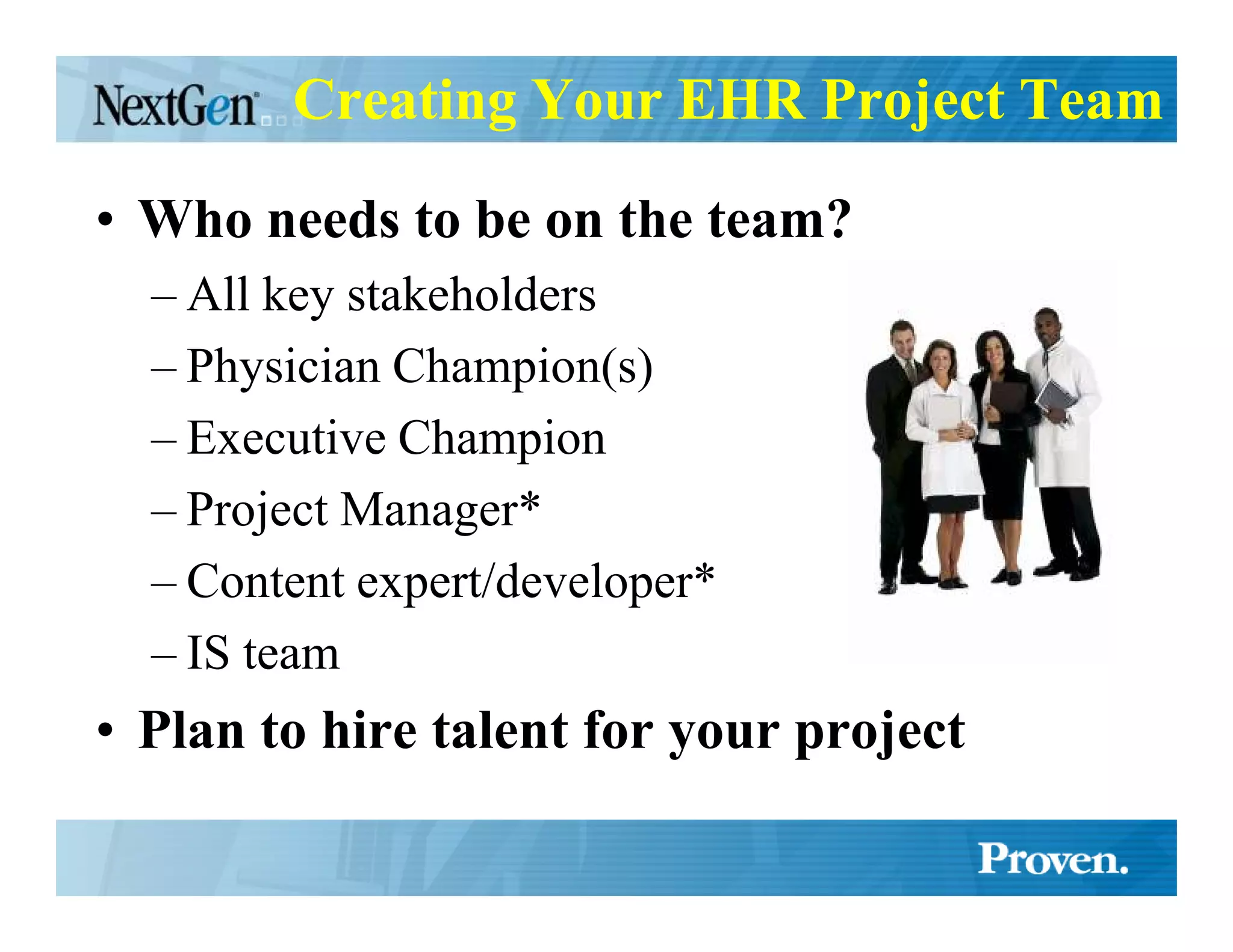
Creating Your EHR Project Team

• Who needs to be on the team?
  – All key stakeholders
  – Physician Champion(s)
  – Executive Champion
  – Project Manager*
  – Content expert/developer*
  – IS team
• Plan to hire talent for your project
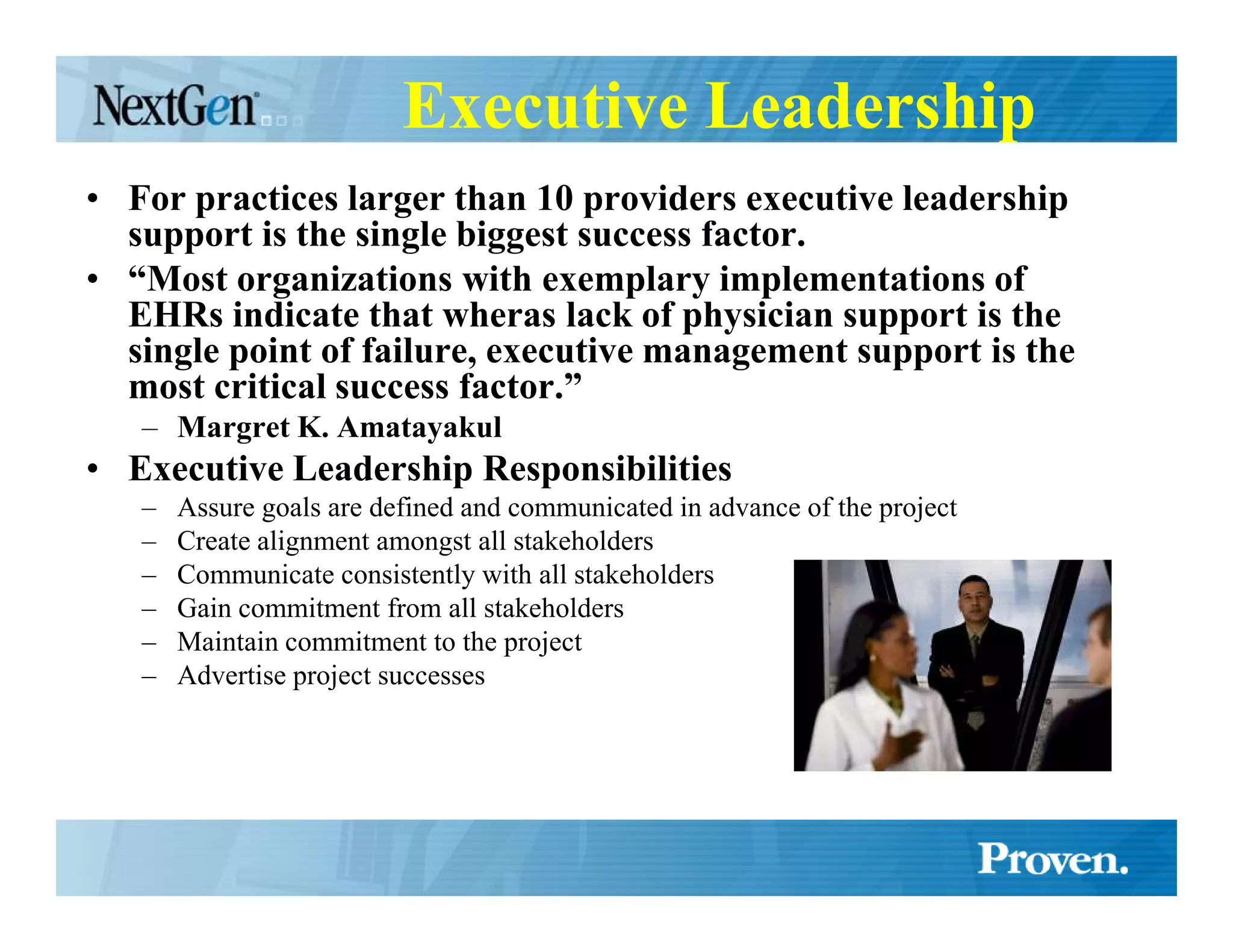
Executive Leadership
• For practices larger than 10 providers executive leadership
  support is the single biggest success factor.
• “Most organizations with exemplary implementations of
  EHRs indicate that wheras lack of physician support is the
  single point of failure, executive management support is the
  most critical success factor.”
   – Margret K. Amatayakul
• Executive Leadership Responsibilities
   –   Assure goals are defined and communicated in advance of the project
   –   Create alignment amongst all stakeholders
   –   Communicate consistently with all stakeholders
   –   Gain commitment from all stakeholders
   –   Maintain commitment to the project
   –   Advertise project successes
Goals
• Why they are critical
  – Focus – project is potentially overwhelming
     • What to do first
     • Scope creep
  – Metrics for measuring success
     • Did we succeed?
     • How much success did we receive?
• Balancing goals from different parties
• Budgeting goals
• Used for assessing solutions
  – Ideally goals should be defined before assessing EHR solutions
How to define your EHR goals
•   Collect issues & goals from all parties
     – Both personal and professional
     – Issues are move-away motivation
     – Goals are move-toward motivation
•   Group issues together
•   Measure the impact of each issue or the upside of each goal
     – Some thing can be measured easily some are less so
          • Hard measurements (time, money, counts)
          • Soft measurements (quality, satisfaction, risk)
•   Do Workflow & Process Analysis
•   SWOT Analysis
     – Strengths, Weaknesses, Opportunities, Threats
•   Be Practical & Realistic
•   Prioritize
     – Focus on what will have the greatest impact on the organization
•   Determine the scope
     – How much can you do?
     – Chunking
•   Target dates
•   Communicate your goals to everyone
     – Create a goals (scope) document
Workflow Analysis
• Define existing workflow & processes
    “Workflow analysis is becoming one of the most critical
    steps in integrating information systems and moving toward
    the EHR. … E&M coding support through the EHR should
    yield significant benefits in cash flow, time savings,
    collection fees and revenue optimization. These benefits are
    achieved, however, only if steps are taken to ensure that the
    work flows and processes to support them are in place.”
  – Margret K. Amatayakul
• Involve all stakeholders in workflow development
• Re-engineer new workflows with EHR in mind
  – SIDEBAR - Why tasking and workflow in EHRs is critical
• Reassess goals based on Workflow analysis
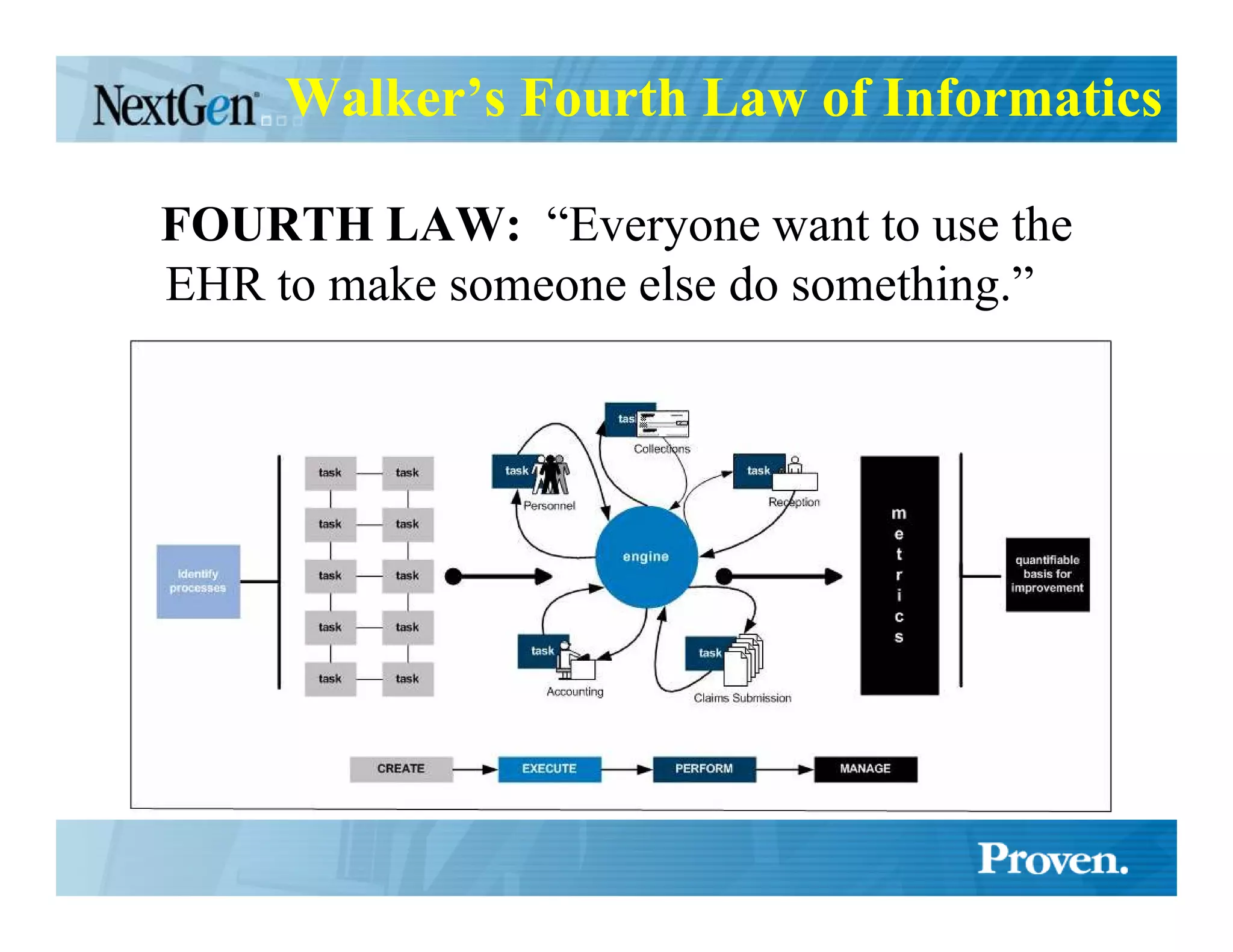
Walker’s Fourth Law of Informatics

FOURTH LAW: “Everyone want to use the
EHR to make someone else do something.”
Evaluating & Selecting a Vendor

• Create a scorecard based on your goals
• Focus –
  – features are interesting, and you will get to
    them, but first things first
Organizational
   Issues
Pre-Kickoff Meeting(s)
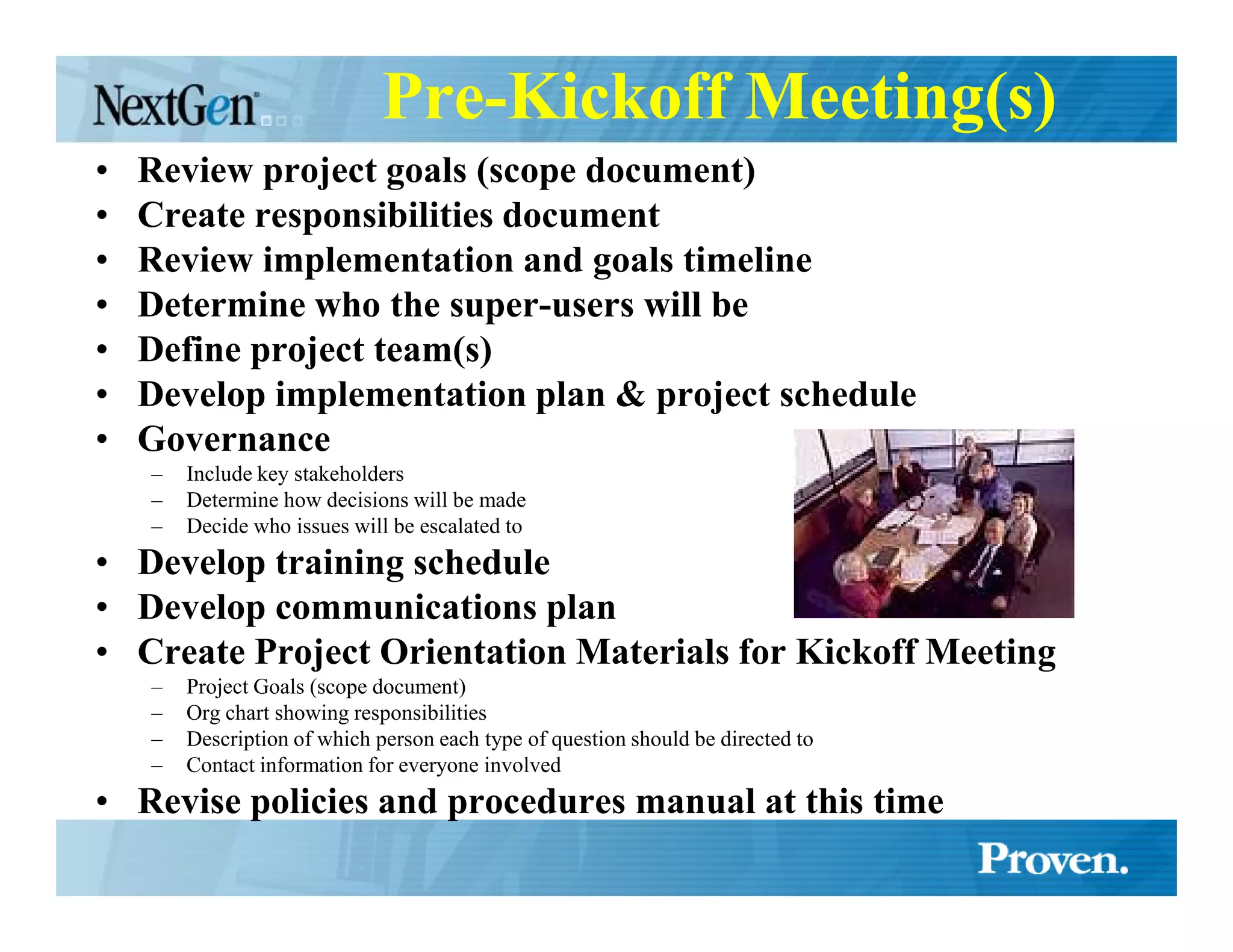
•   Review project goals (scope document)
•   Create responsibilities document
•   Review implementation and goals timeline
•   Determine who the super-users will be
•   Define project team(s)
•   Develop implementation plan & project schedule
•   Governance
    –   Include key stakeholders
    –   Determine how decisions will be made
    –   Decide who issues will be escalated to
• Develop training schedule
• Develop communications plan
• Create Project Orientation Materials for Kickoff Meeting
    –   Project Goals (scope document)
    –   Org chart showing responsibilities
    –   Description of which person each type of question should be directed to
    –   Contact information for everyone involved
• Revise policies and procedures manual at this time
Kickoff Meeting

• Present the goals (scope document) to all
  practice personnel
• Present the responsibilities document to
  all practice personnel
• Demonstrate the EHR to all practice
  personnel
• Identify any additional issues that are
  uncovered by practice personnel
EHR Team Meetings

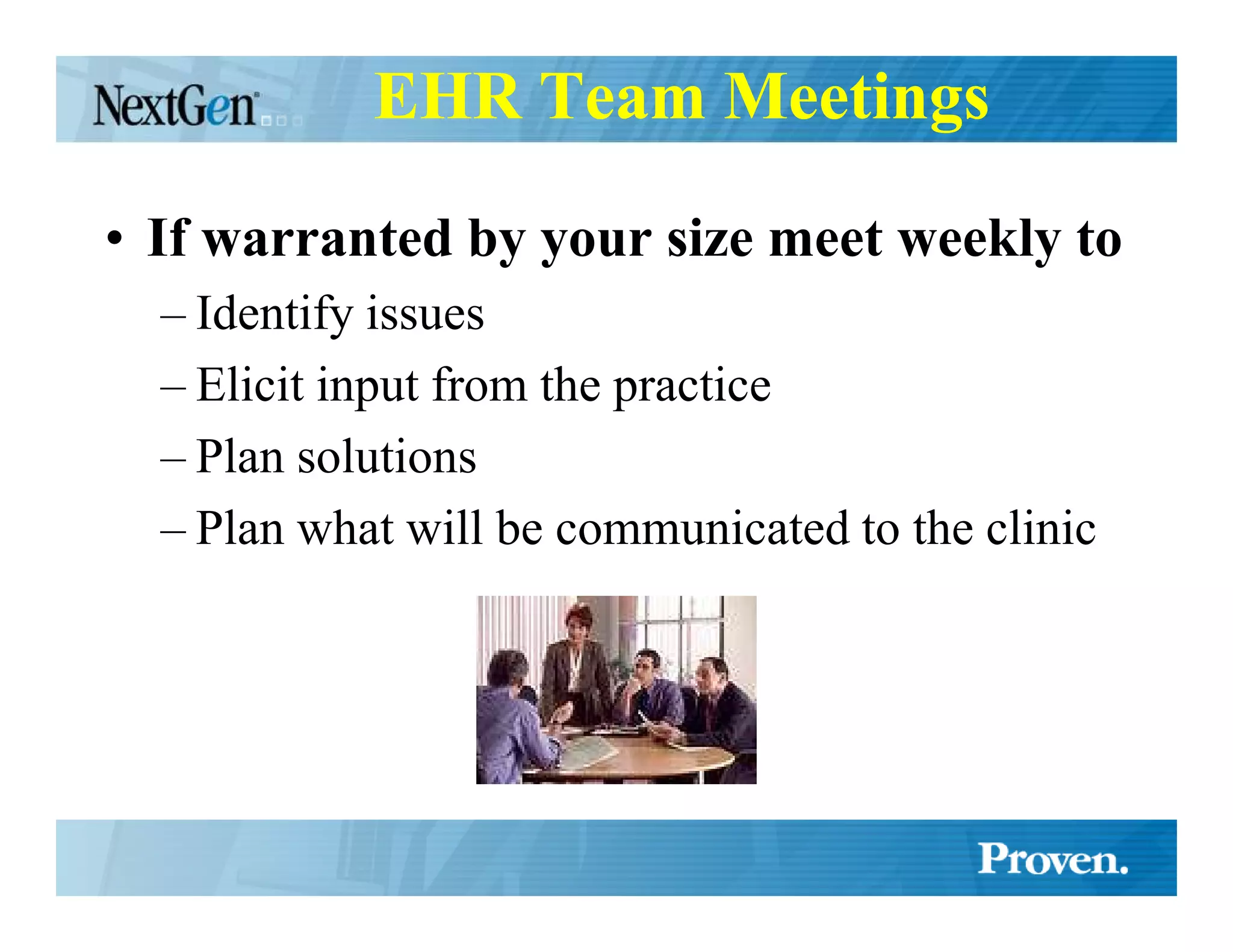
• If warranted by your size meet weekly to
  – Identify issues
  – Elicit input from the practice
  – Plan solutions
  – Plan what will be communicated to the clinic
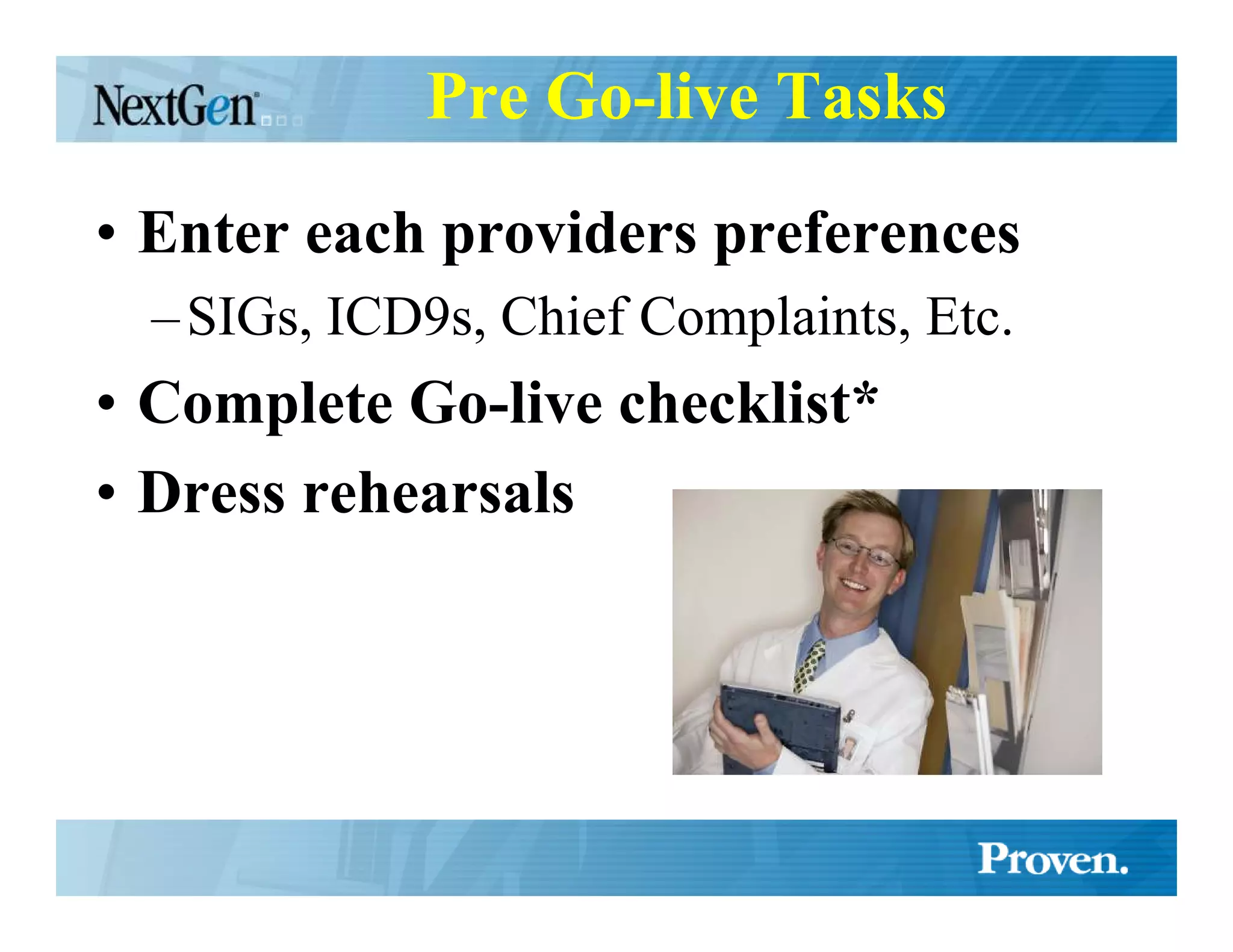
Pre Go-live Tasks
• Enter each providers preferences
  – SIGs, ICD9s, Chief Complaints, Etc.
• Complete Go-live checklist*
• Dress rehearsals
Pre Go-live meeting

• For the target site, pod, provider, etc.
• Reduces anxiety before go-live
• Review progress and successes so far
• Collect and address concerns to the
  implementation
• Will prevent postponement
Implementation
    Issues
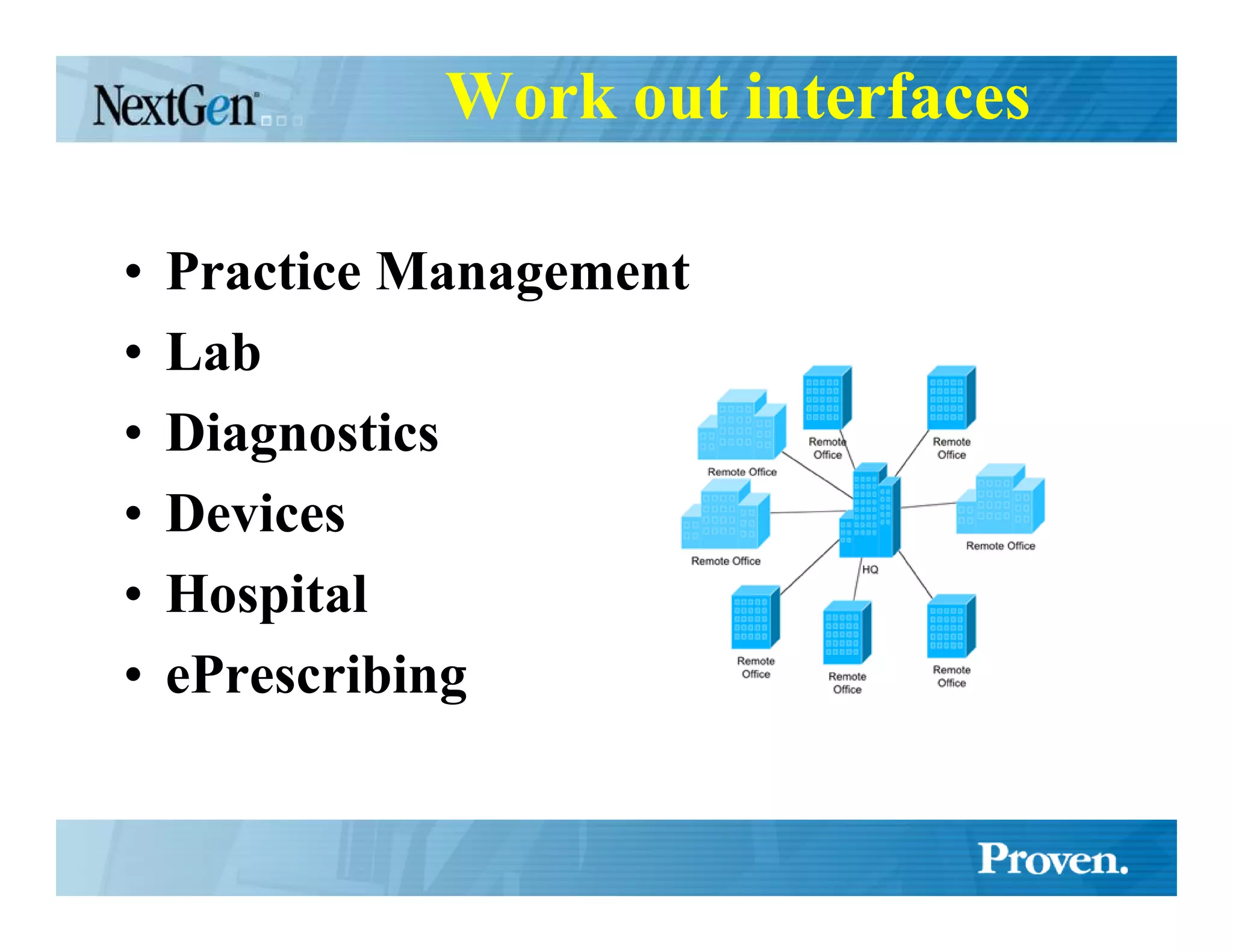
Work out interfaces

•   Practice Management
•   Lab
•   Diagnostics
•   Devices
•   Hospital
•   ePrescribing
Testing of Interfaces
• Some interfaces must be implemented at go-live
  – Practice Management
• Desirable (but not required) at go-live
  – Lab
       • Backloading Lab Data
  –   Diagnostics
  –   Devices
  –   Hospital
  –   ePrescribing
Testing of the Knowledge-base

• Enter 30-40 charts before presenting it
  to the doctor
  – Learn how the EHR works
     • (so you can describe it to the doctor)
  – Learn how the doctor does things
  – Learn what is missing that the doctor likes
    to include
  – Learn what is going to slow the doctor down
Clinical Content
• Create a Clinical Advisory Team
• Decide how clinical content will be added /
  modified
• Dedicate a content expert/developer
• Incorporate the feedback loop
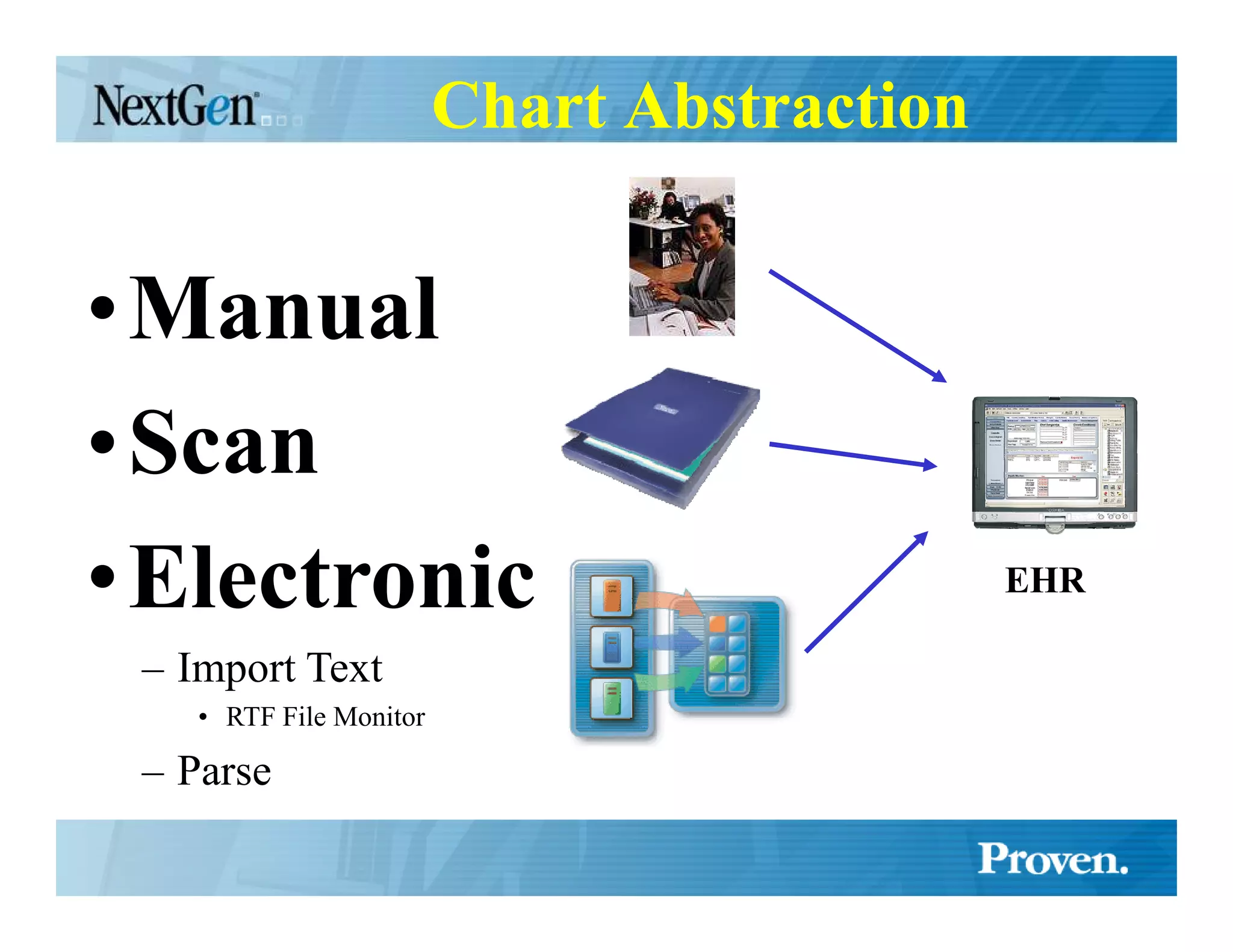
Chart Abstraction


•Manual
•Scan
•Electronic                                  EHR

 – Import Text
    • RTF File Monitor

 – Parse
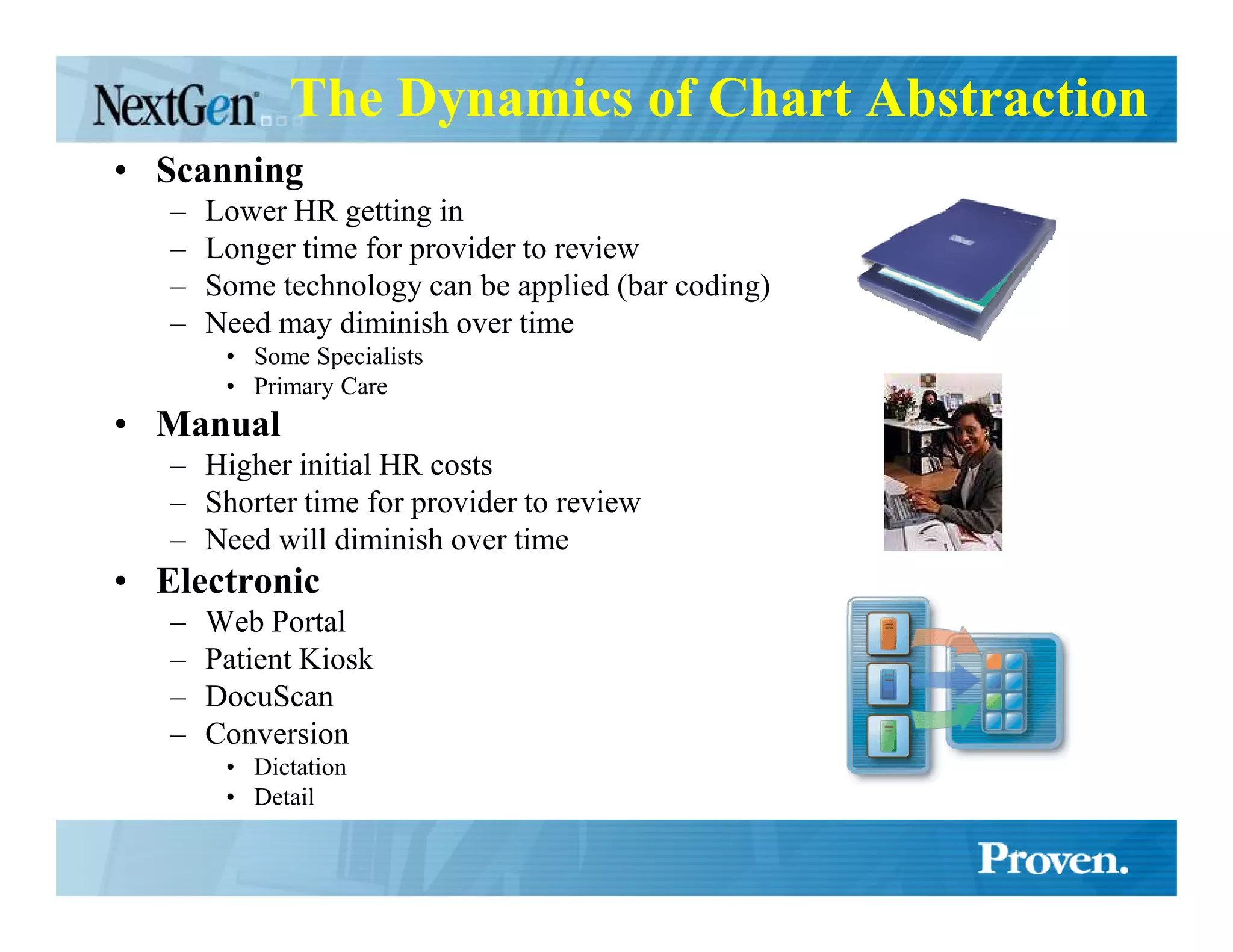
The Dynamics of Chart Abstraction
• Scanning
   –   Lower HR getting in
   –   Longer time for provider to review
   –   Some technology can be applied (bar coding)
   –   Need may diminish over time
        • Some Specialists
        • Primary Care
• Manual
   – Higher initial HR costs
   – Shorter time for provider to review
   – Need will diminish over time
• Electronic
   –   Web Portal
   –   Patient Kiosk
   –   DocuScan
   –   Conversion
        • Dictation
        • Detail
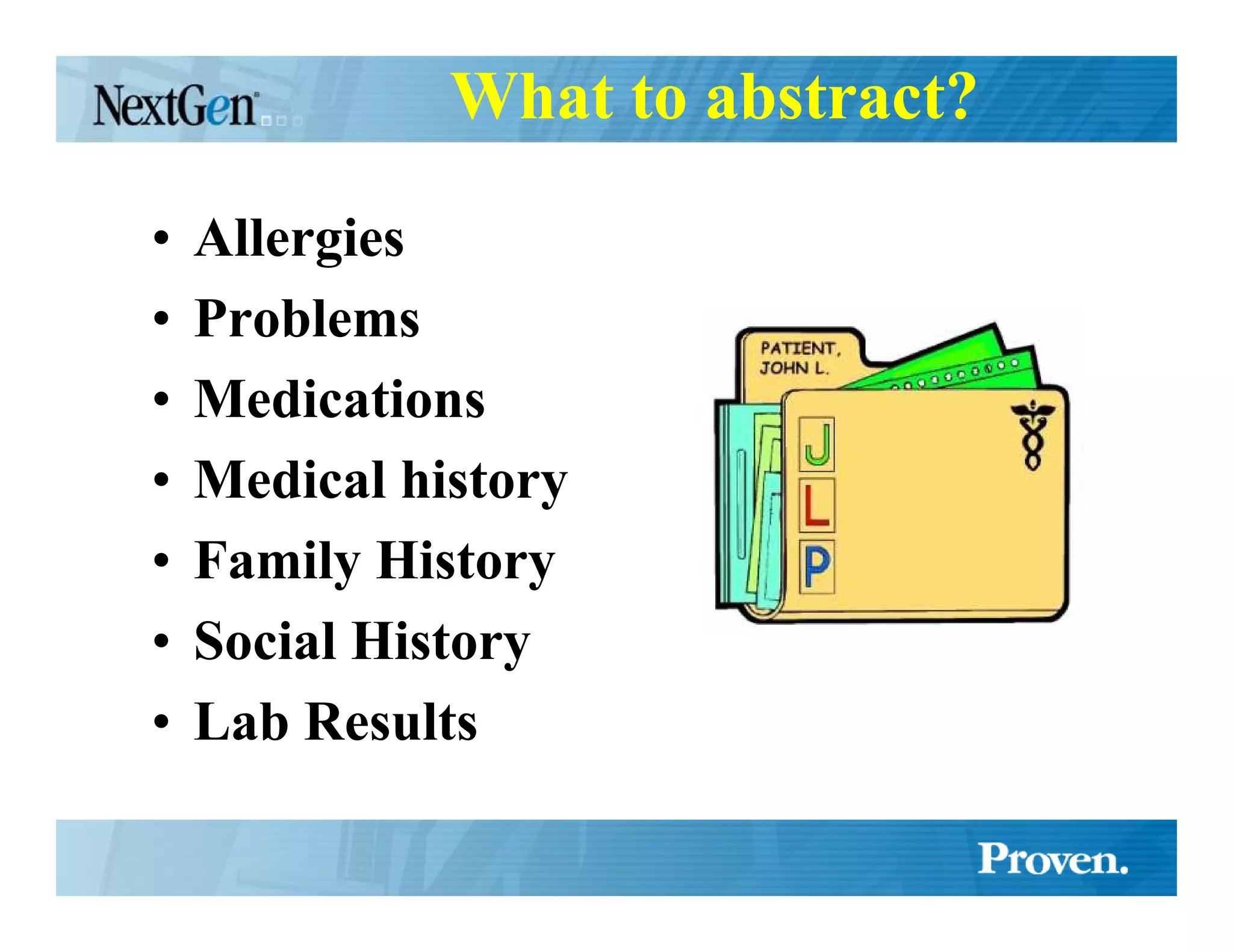
What to abstract?

•   Allergies
•   Problems
•   Medications
•   Medical history
•   Family History
•   Social History
•   Lab Results
Implementation
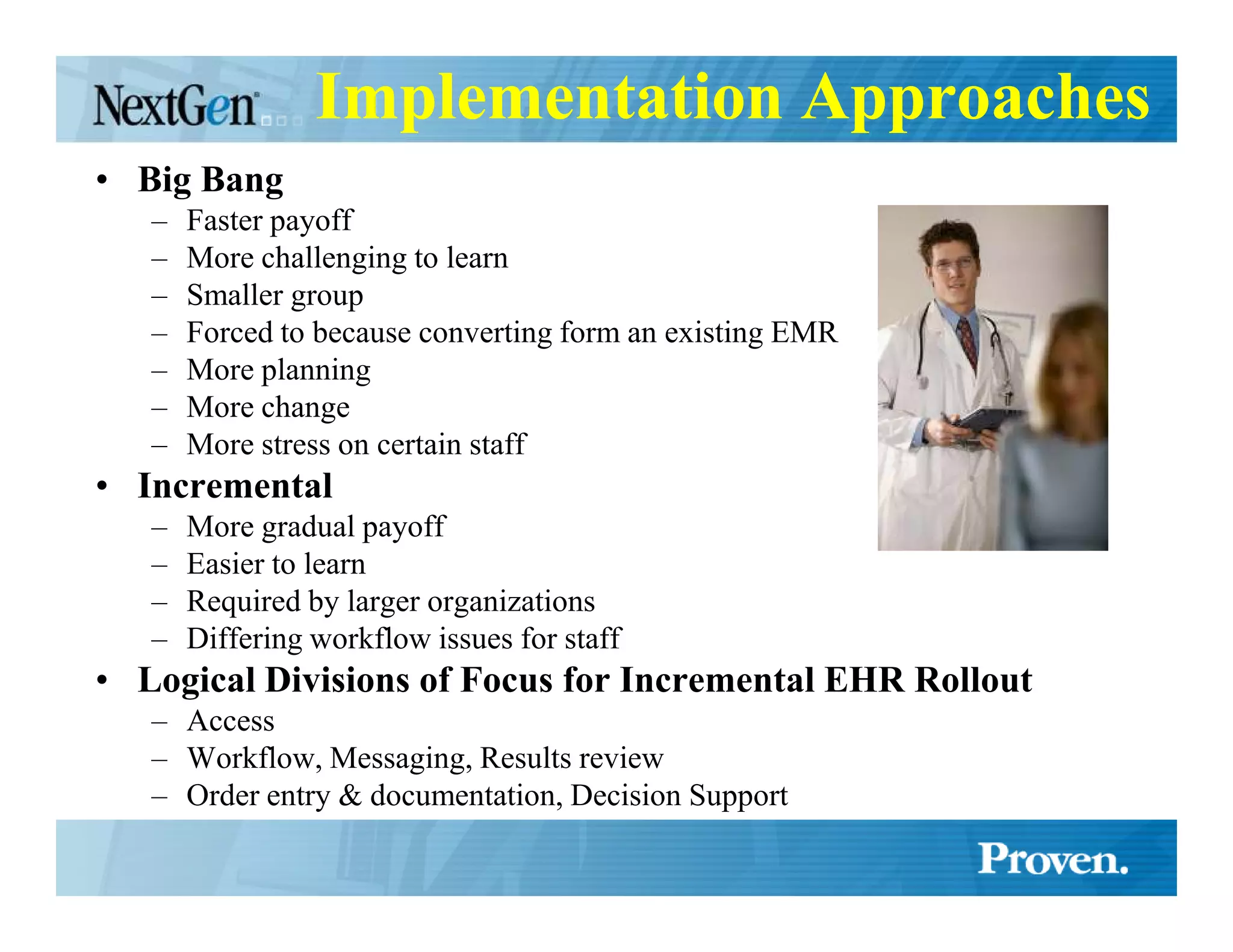
Implementation Approaches
• Big Bang
   –   Faster payoff
   –   More challenging to learn
   –   Smaller group
   –   Forced to because converting form an existing EMR
   –   More planning
   –   More change
   –   More stress on certain staff
• Incremental
   –   More gradual payoff
   –   Easier to learn
   –   Required by larger organizations
   –   Differing workflow issues for staff
• Logical Divisions of Focus for Incremental EHR Rollout
   – Access
   – Workflow, Messaging, Results review
   – Order entry & documentation, Decision Support
Training
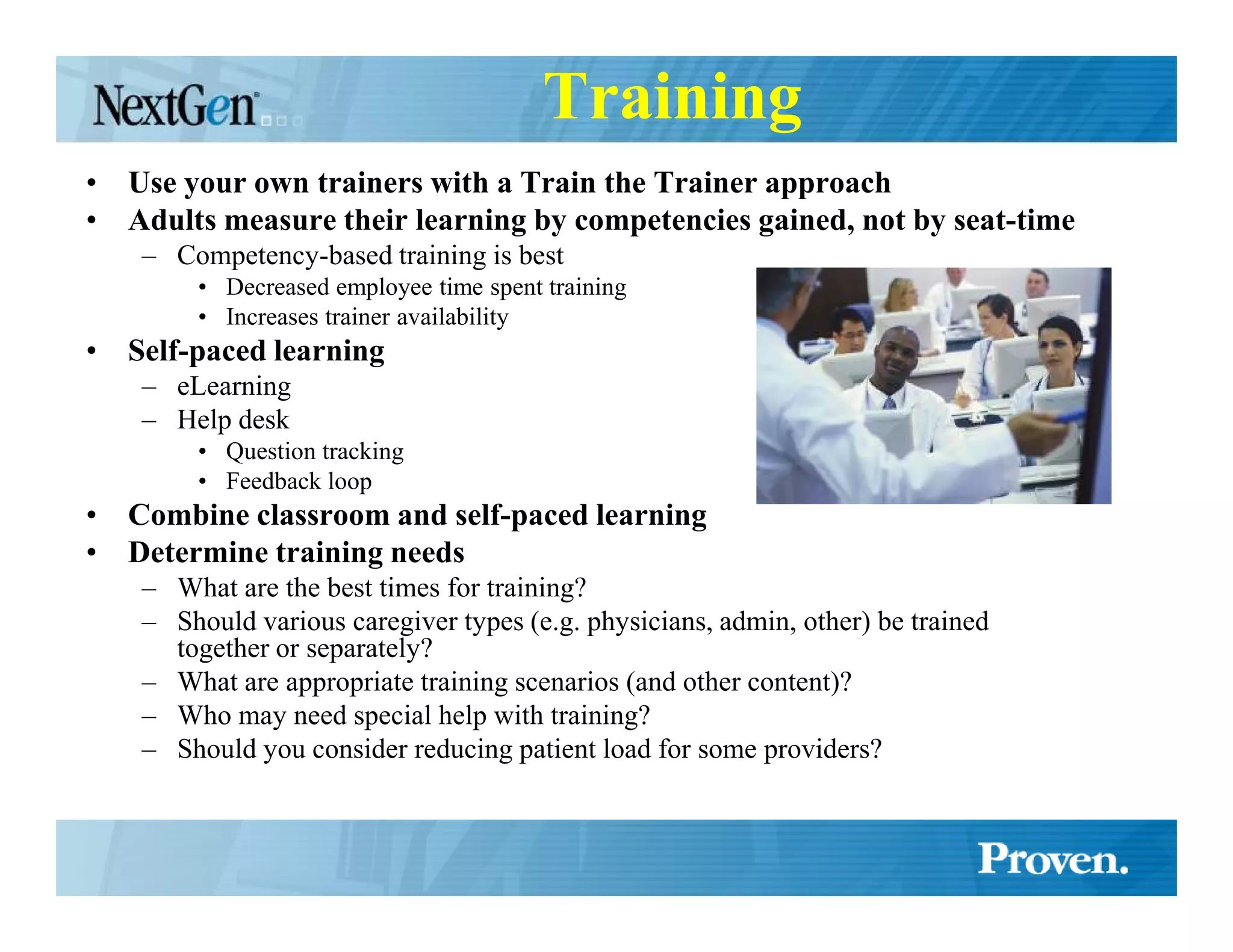
• Use your own trainers with a Train the Trainer approach
• Adults measure their learning by competencies gained, not by seat-time
    – Competency-based training is best
        • Decreased employee time spent training
        • Increases trainer availability
• Self-paced learning
    – eLearning
    – Help desk
        • Question tracking
        • Feedback loop
• Combine classroom and self-paced learning
• Determine training needs
    – What are the best times for training?
    – Should various caregiver types (e.g. physicians, admin, other) be trained
      together or separately?
    – What are appropriate training scenarios (and other content)?
    – Who may need special help with training?
    – Should you consider reducing patient load for some providers?
Training (continued)
• Timing
    – To be effective training needs to be JIT (just in time)
         • Week or two before go-live
• Justification
    – Try and include “why” things are done instead of just “how”
• Content
    – Create modular training content
    – Scaled repetition
    – Physician Training Example
         •
         Phase I – 6 scaled repetition encounters
         •
         Phase II – Practice more comprehensive test notes
         •
         Phase III – Document their own notes (the 30-40 used for testing the KB)
         •
         Phase IV – Document their own notes (that have not been tested)
•  Go-Live Shadowing (see separate slide)
• Follow-up training
    –   Communications
    –   Shadowing
    –   Classroom
    –   Self-paced
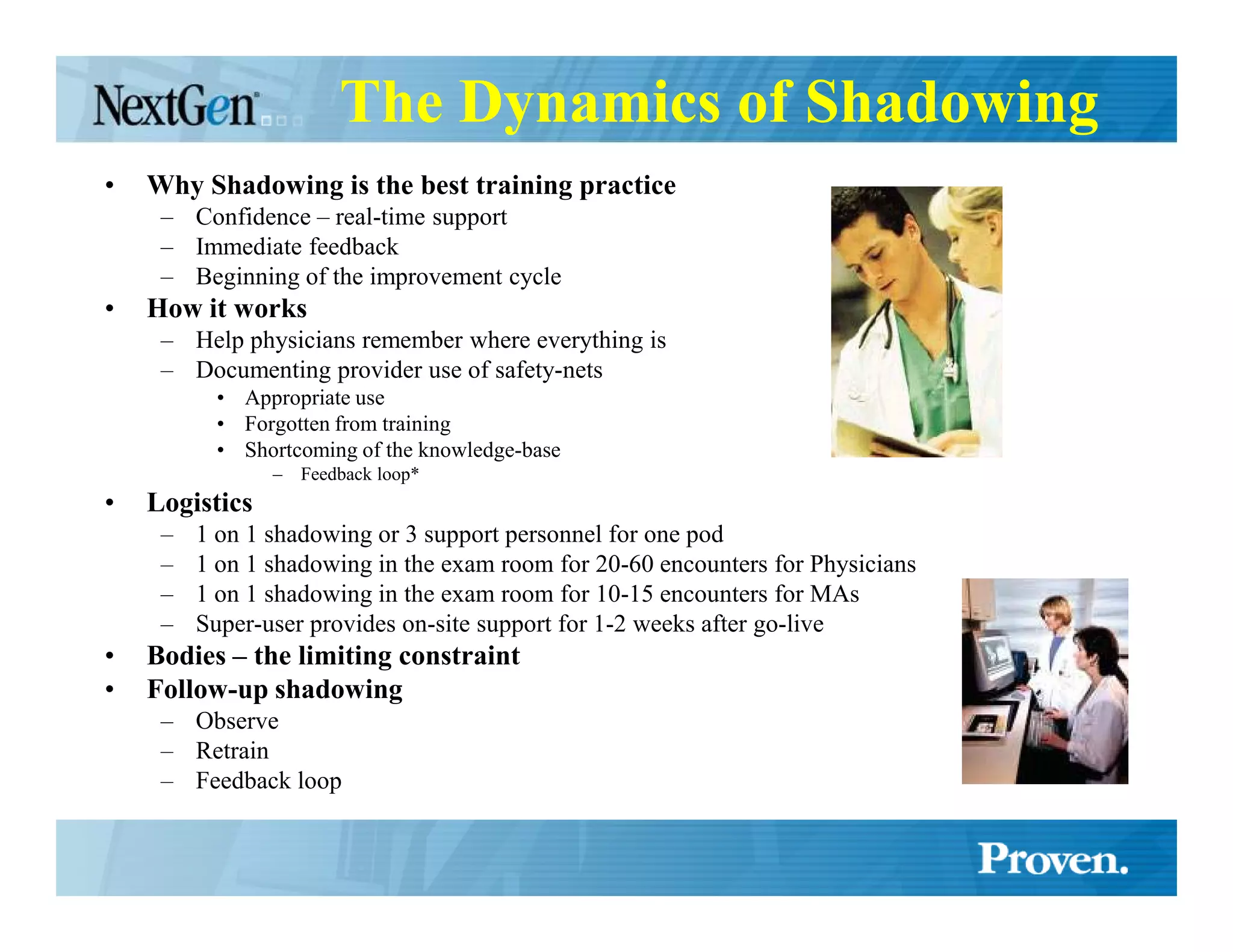
The Dynamics of Shadowing
•   Why Shadowing is the best training practice
     – Confidence – real-time support
     – Immediate feedback
     – Beginning of the improvement cycle
•   How it works
     – Help physicians remember where everything is
     – Documenting provider use of safety-nets
           • Appropriate use
           • Forgotten from training
           • Shortcoming of the knowledge-base
                –   Feedback loop*
•   Logistics
     –   1 on 1 shadowing or 3 support personnel for one pod
     –   1 on 1 shadowing in the exam room for 20-60 encounters for Physicians
     –   1 on 1 shadowing in the exam room for 10-15 encounters for MAs
     –   Super-user provides on-site support for 1-2 weeks after go-live
•   Bodies – the limiting constraint
•   Follow-up shadowing
     – Observe
     – Retrain
     – Feedback loop
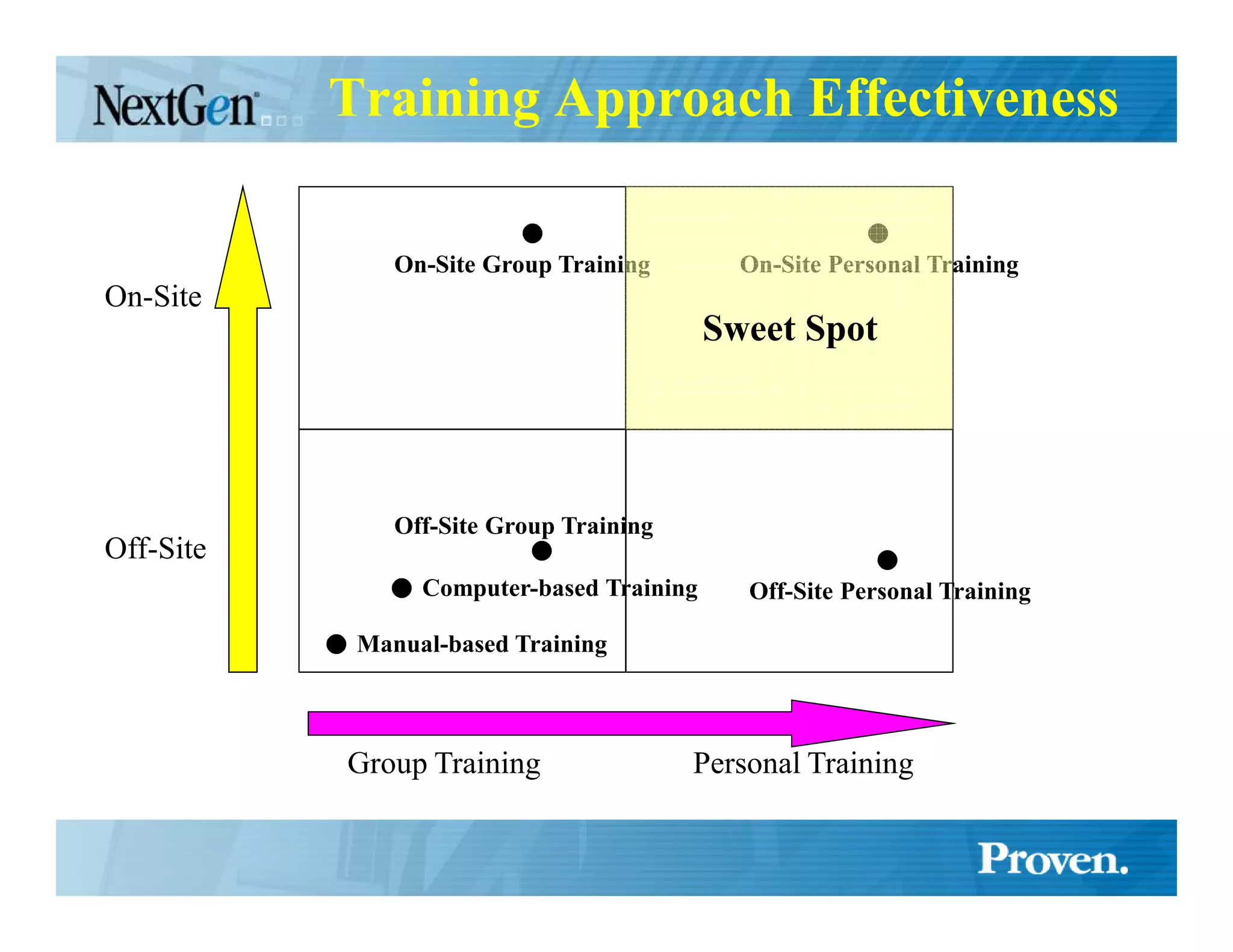
Training Approach Effectiveness

               On-Site Group Training        On-Site Personal Training
On-Site
                                           Sweet Spot


               Off-Site Group Training
Off-Site
                 Computer-based Training     Off-Site Personal Training

            Manual-based Training


           Group Training                Personal Training
Go-live – What to expect
• From the first patient the physician knows the
  system
• The physician does little or no typing
• Will gain efficiency after 20-60 patients
• After 4-12 weeks (900 encounters) point &
  click method of documentation becomes very
  fast
Strategies for Retiring the Chart

• Give the provider the chart for
  two visits
 –Sticker method
 –Marker method
 –Note method
Post Go-live Support
• Shadowing
• Make EHR a standing agenda item at meetings
• Have regularly scheduled post EHR training
  –   Start about 3 months after go-live
  –   For Providers
  –   For Clinical support
  –   Have attendees prepare questions and suggest changes
• Keep communicating milestones and successes to
  everyone
Is it possible to go-live without
       seeing less patients?
• Yes, if that is your goal
  – Time takes precedence over EHR
  – Multiple Strategies
    • Scaling
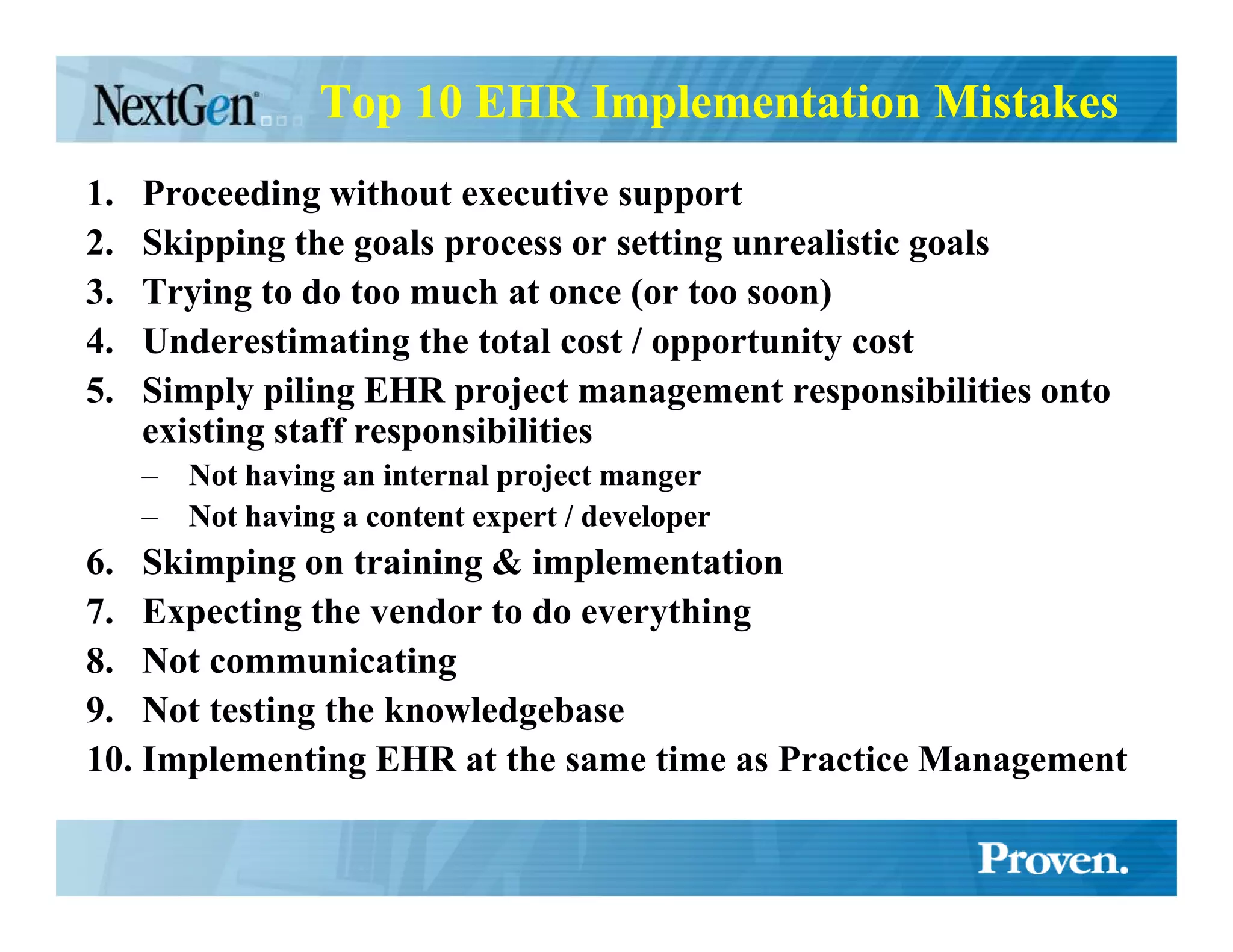
Top 10 EHR Implementation Mistakes
1.   Proceeding without executive support
2.   Skipping the goals process or setting unrealistic goals
3.   Trying to do too much at once (or too soon)
4.   Underestimating the total cost / opportunity cost
5.   Simply piling EHR project management responsibilities onto
     existing staff responsibilities
     –   ot having an internal project manger
     –   ot having a content expert / developer
6. Skimping on training & implementation
7. Expecting the vendor to do everything
8. ot communicating
9. ot testing the knowledgebase
10. Implementing EHR at the same time as Practice Management
Top EHR Implementation
     Best Practices

   You just heard many of them
Tips
•   Use Incremental training process
•   Shadow providers, observer, create feedback loop
•   Test the vendors knowledge base by entering 30-40 actual charts (for each provider) before you present it to the
    doctor.
•   Define preference lists for providers before go-live
     –    Medications
     –    SIGs
     –    ICD9s
     –    Chief Complaints
     –    Etc.
•   Let patients know you are transitioning to computerized patient records
     –    Letters
     –    Posters
     –    Brochures
     –    News Media
     –    Face to face
•   Publish your practical EHR tips in a document or on your internal web site and send them out every two weeks or so
•   Attend your vendors user group meetings
•   Complete all training and self-paced learning
•   Keep go-live groups modular [reword]
•   Don’t schedule go-live during peak season
•   Get computer training before training for those not as computer literate [reword]
•   Have as many super-users as possible
•   Celebrate small victories
•   Create three EMR environments – Demo, Test & Production
•   Be 100% committed
•   Provide your project manager all the resources they need to succeed
•   Don’t under-resource your technology
•   The IT staff cannot do everything. IT is just one of the skill sets required for successful implementation

Successful EHR Implementation - Strategy & Tips

  • 1.
    Implementing EHR A best practices guide to implementing EHR A Lecture to U LV School of Public Health For Tip Ghosh 4/6/2006 By James Muir
  • 2.
    EHRs are BigProjects “A group can’t just go out and buy an EHR – the acquisition of an EHR is not the same as buying software from the local computer store and implementing it out of the box. Adopting EHR functionality involves many steps and much planning.” – Margret K. Amatayakul
  • 3.
    Before Starting YourProject • You MUST have buy-in from all key stakeholders – Executive Management – Physicians & Care-givers
  • 4.
    Creating Your EHRProject Team • Who needs to be on the team? – All key stakeholders – Physician Champion(s) – Executive Champion – Project Manager* – Content expert/developer* – IS team • Plan to hire talent for your project
  • 5.
    Executive Leadership • Forpractices larger than 10 providers executive leadership support is the single biggest success factor. • “Most organizations with exemplary implementations of EHRs indicate that wheras lack of physician support is the single point of failure, executive management support is the most critical success factor.” – Margret K. Amatayakul • Executive Leadership Responsibilities – Assure goals are defined and communicated in advance of the project – Create alignment amongst all stakeholders – Communicate consistently with all stakeholders – Gain commitment from all stakeholders – Maintain commitment to the project – Advertise project successes
  • 6.
    Goals • Why theyare critical – Focus – project is potentially overwhelming • What to do first • Scope creep – Metrics for measuring success • Did we succeed? • How much success did we receive? • Balancing goals from different parties • Budgeting goals • Used for assessing solutions – Ideally goals should be defined before assessing EHR solutions
  • 7.
    How to defineyour EHR goals • Collect issues & goals from all parties – Both personal and professional – Issues are move-away motivation – Goals are move-toward motivation • Group issues together • Measure the impact of each issue or the upside of each goal – Some thing can be measured easily some are less so • Hard measurements (time, money, counts) • Soft measurements (quality, satisfaction, risk) • Do Workflow & Process Analysis • SWOT Analysis – Strengths, Weaknesses, Opportunities, Threats • Be Practical & Realistic • Prioritize – Focus on what will have the greatest impact on the organization • Determine the scope – How much can you do? – Chunking • Target dates • Communicate your goals to everyone – Create a goals (scope) document
  • 8.
    Workflow Analysis • Defineexisting workflow & processes “Workflow analysis is becoming one of the most critical steps in integrating information systems and moving toward the EHR. … E&M coding support through the EHR should yield significant benefits in cash flow, time savings, collection fees and revenue optimization. These benefits are achieved, however, only if steps are taken to ensure that the work flows and processes to support them are in place.” – Margret K. Amatayakul • Involve all stakeholders in workflow development • Re-engineer new workflows with EHR in mind – SIDEBAR - Why tasking and workflow in EHRs is critical • Reassess goals based on Workflow analysis
  • 9.
    Walker’s Fourth Lawof Informatics FOURTH LAW: “Everyone want to use the EHR to make someone else do something.”
  • 10.
    Evaluating & Selectinga Vendor • Create a scorecard based on your goals • Focus – – features are interesting, and you will get to them, but first things first
  • 11.
  • 12.
    Pre-Kickoff Meeting(s) • Review project goals (scope document) • Create responsibilities document • Review implementation and goals timeline • Determine who the super-users will be • Define project team(s) • Develop implementation plan & project schedule • Governance – Include key stakeholders – Determine how decisions will be made – Decide who issues will be escalated to • Develop training schedule • Develop communications plan • Create Project Orientation Materials for Kickoff Meeting – Project Goals (scope document) – Org chart showing responsibilities – Description of which person each type of question should be directed to – Contact information for everyone involved • Revise policies and procedures manual at this time
  • 13.
    Kickoff Meeting • Presentthe goals (scope document) to all practice personnel • Present the responsibilities document to all practice personnel • Demonstrate the EHR to all practice personnel • Identify any additional issues that are uncovered by practice personnel
  • 14.
    EHR Team Meetings •If warranted by your size meet weekly to – Identify issues – Elicit input from the practice – Plan solutions – Plan what will be communicated to the clinic
  • 15.
    Pre Go-live Tasks •Enter each providers preferences – SIGs, ICD9s, Chief Complaints, Etc. • Complete Go-live checklist* • Dress rehearsals
  • 16.
    Pre Go-live meeting •For the target site, pod, provider, etc. • Reduces anxiety before go-live • Review progress and successes so far • Collect and address concerns to the implementation • Will prevent postponement
  • 17.
  • 18.
    Work out interfaces • Practice Management • Lab • Diagnostics • Devices • Hospital • ePrescribing
  • 19.
    Testing of Interfaces •Some interfaces must be implemented at go-live – Practice Management • Desirable (but not required) at go-live – Lab • Backloading Lab Data – Diagnostics – Devices – Hospital – ePrescribing
  • 20.
    Testing of theKnowledge-base • Enter 30-40 charts before presenting it to the doctor – Learn how the EHR works • (so you can describe it to the doctor) – Learn how the doctor does things – Learn what is missing that the doctor likes to include – Learn what is going to slow the doctor down
  • 21.
    Clinical Content • Createa Clinical Advisory Team • Decide how clinical content will be added / modified • Dedicate a content expert/developer • Incorporate the feedback loop
  • 22.
    Chart Abstraction •Manual •Scan •Electronic EHR – Import Text • RTF File Monitor – Parse
  • 23.
    The Dynamics ofChart Abstraction • Scanning – Lower HR getting in – Longer time for provider to review – Some technology can be applied (bar coding) – Need may diminish over time • Some Specialists • Primary Care • Manual – Higher initial HR costs – Shorter time for provider to review – Need will diminish over time • Electronic – Web Portal – Patient Kiosk – DocuScan – Conversion • Dictation • Detail
  • 24.
    What to abstract? • Allergies • Problems • Medications • Medical history • Family History • Social History • Lab Results
  • 25.
  • 26.
    Implementation Approaches • BigBang – Faster payoff – More challenging to learn – Smaller group – Forced to because converting form an existing EMR – More planning – More change – More stress on certain staff • Incremental – More gradual payoff – Easier to learn – Required by larger organizations – Differing workflow issues for staff • Logical Divisions of Focus for Incremental EHR Rollout – Access – Workflow, Messaging, Results review – Order entry & documentation, Decision Support
  • 27.
    Training • Use yourown trainers with a Train the Trainer approach • Adults measure their learning by competencies gained, not by seat-time – Competency-based training is best • Decreased employee time spent training • Increases trainer availability • Self-paced learning – eLearning – Help desk • Question tracking • Feedback loop • Combine classroom and self-paced learning • Determine training needs – What are the best times for training? – Should various caregiver types (e.g. physicians, admin, other) be trained together or separately? – What are appropriate training scenarios (and other content)? – Who may need special help with training? – Should you consider reducing patient load for some providers?
  • 28.
    Training (continued) • Timing – To be effective training needs to be JIT (just in time) • Week or two before go-live • Justification – Try and include “why” things are done instead of just “how” • Content – Create modular training content – Scaled repetition – Physician Training Example • Phase I – 6 scaled repetition encounters • Phase II – Practice more comprehensive test notes • Phase III – Document their own notes (the 30-40 used for testing the KB) • Phase IV – Document their own notes (that have not been tested) • Go-Live Shadowing (see separate slide) • Follow-up training – Communications – Shadowing – Classroom – Self-paced
  • 29.
    The Dynamics ofShadowing • Why Shadowing is the best training practice – Confidence – real-time support – Immediate feedback – Beginning of the improvement cycle • How it works – Help physicians remember where everything is – Documenting provider use of safety-nets • Appropriate use • Forgotten from training • Shortcoming of the knowledge-base – Feedback loop* • Logistics – 1 on 1 shadowing or 3 support personnel for one pod – 1 on 1 shadowing in the exam room for 20-60 encounters for Physicians – 1 on 1 shadowing in the exam room for 10-15 encounters for MAs – Super-user provides on-site support for 1-2 weeks after go-live • Bodies – the limiting constraint • Follow-up shadowing – Observe – Retrain – Feedback loop
  • 30.
    Training Approach Effectiveness On-Site Group Training On-Site Personal Training On-Site Sweet Spot Off-Site Group Training Off-Site Computer-based Training Off-Site Personal Training Manual-based Training Group Training Personal Training
  • 31.
    Go-live – Whatto expect • From the first patient the physician knows the system • The physician does little or no typing • Will gain efficiency after 20-60 patients • After 4-12 weeks (900 encounters) point & click method of documentation becomes very fast
  • 32.
    Strategies for Retiringthe Chart • Give the provider the chart for two visits –Sticker method –Marker method –Note method
  • 33.
    Post Go-live Support •Shadowing • Make EHR a standing agenda item at meetings • Have regularly scheduled post EHR training – Start about 3 months after go-live – For Providers – For Clinical support – Have attendees prepare questions and suggest changes • Keep communicating milestones and successes to everyone
  • 34.
    Is it possibleto go-live without seeing less patients? • Yes, if that is your goal – Time takes precedence over EHR – Multiple Strategies • Scaling
  • 35.
    Top 10 EHRImplementation Mistakes 1. Proceeding without executive support 2. Skipping the goals process or setting unrealistic goals 3. Trying to do too much at once (or too soon) 4. Underestimating the total cost / opportunity cost 5. Simply piling EHR project management responsibilities onto existing staff responsibilities – ot having an internal project manger – ot having a content expert / developer 6. Skimping on training & implementation 7. Expecting the vendor to do everything 8. ot communicating 9. ot testing the knowledgebase 10. Implementing EHR at the same time as Practice Management
  • 36.
    Top EHR Implementation Best Practices You just heard many of them
  • 37.
    Tips • Use Incremental training process • Shadow providers, observer, create feedback loop • Test the vendors knowledge base by entering 30-40 actual charts (for each provider) before you present it to the doctor. • Define preference lists for providers before go-live – Medications – SIGs – ICD9s – Chief Complaints – Etc. • Let patients know you are transitioning to computerized patient records – Letters – Posters – Brochures – News Media – Face to face • Publish your practical EHR tips in a document or on your internal web site and send them out every two weeks or so • Attend your vendors user group meetings • Complete all training and self-paced learning • Keep go-live groups modular [reword] • Don’t schedule go-live during peak season • Get computer training before training for those not as computer literate [reword] • Have as many super-users as possible • Celebrate small victories • Create three EMR environments – Demo, Test & Production • Be 100% committed • Provide your project manager all the resources they need to succeed • Don’t under-resource your technology • The IT staff cannot do everything. IT is just one of the skill sets required for successful implementation