STORED PROCEDURE
STORED PROCEDURE
RAJISHMA T.
19/04/89
• A Stored procedure is a procedure that is stored in
a database.
• It has a name,parameter list and sql statements.
• The first part of the SQL statement that creates a
stored procedure is the words "CREATE
PROCEDURE".
• CREATE PROCEDURE p1 () SELECT * FROM t; /
• The second part is the procedure name. The name
of this new procedure will be p1
• My sql statements are legal in the body of a stored
procedure.
• We cant put database manipulation statements that
manipulate a routine such as create
procedure,create function,drop function,drop
procedure,alter procedure etc etc.
• Statements like use database are also illegal.
• Call the procedure
 To call a procedure we use the call
keyword and then the procedure name
and paranthesis.
Eg:call p1();
ADVANTAGES:
• Stored procedure increases performance of
application.
• Stored procedure reduced the traffic between
application and database server.
• Stored procedure is reusable and transparent
to any application which wants to use it.
• Stored procedure is secured.
CHARACTERESTIC CLAUSES
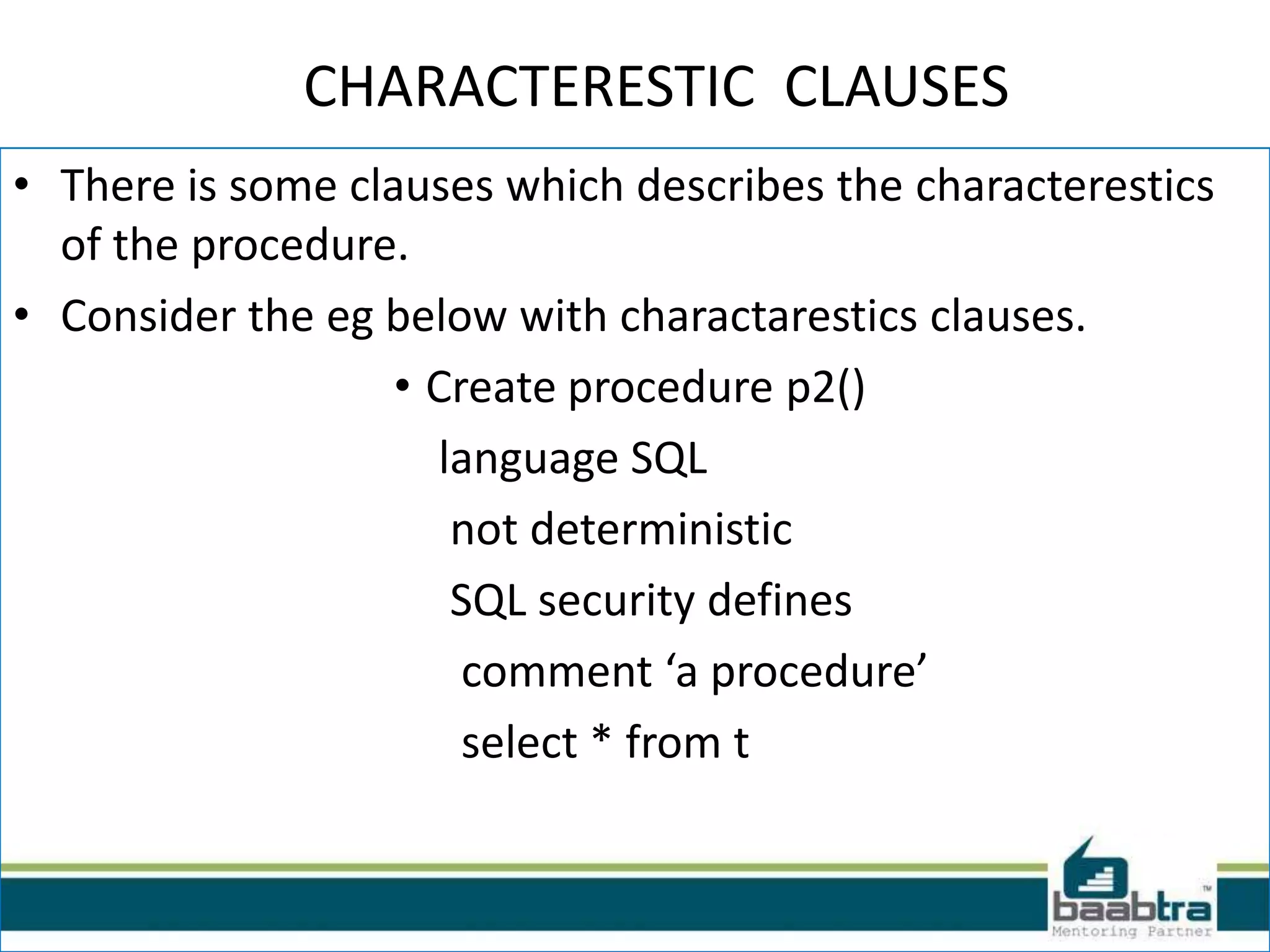
• There is some clauses which describes the characterestics
of the procedure.
• Consider the eg below with charactarestics clauses.
• Create procedure p2()
language SQL
not deterministic
SQL security defines
comment ‘a procedure’
select * from t
VARIABLES
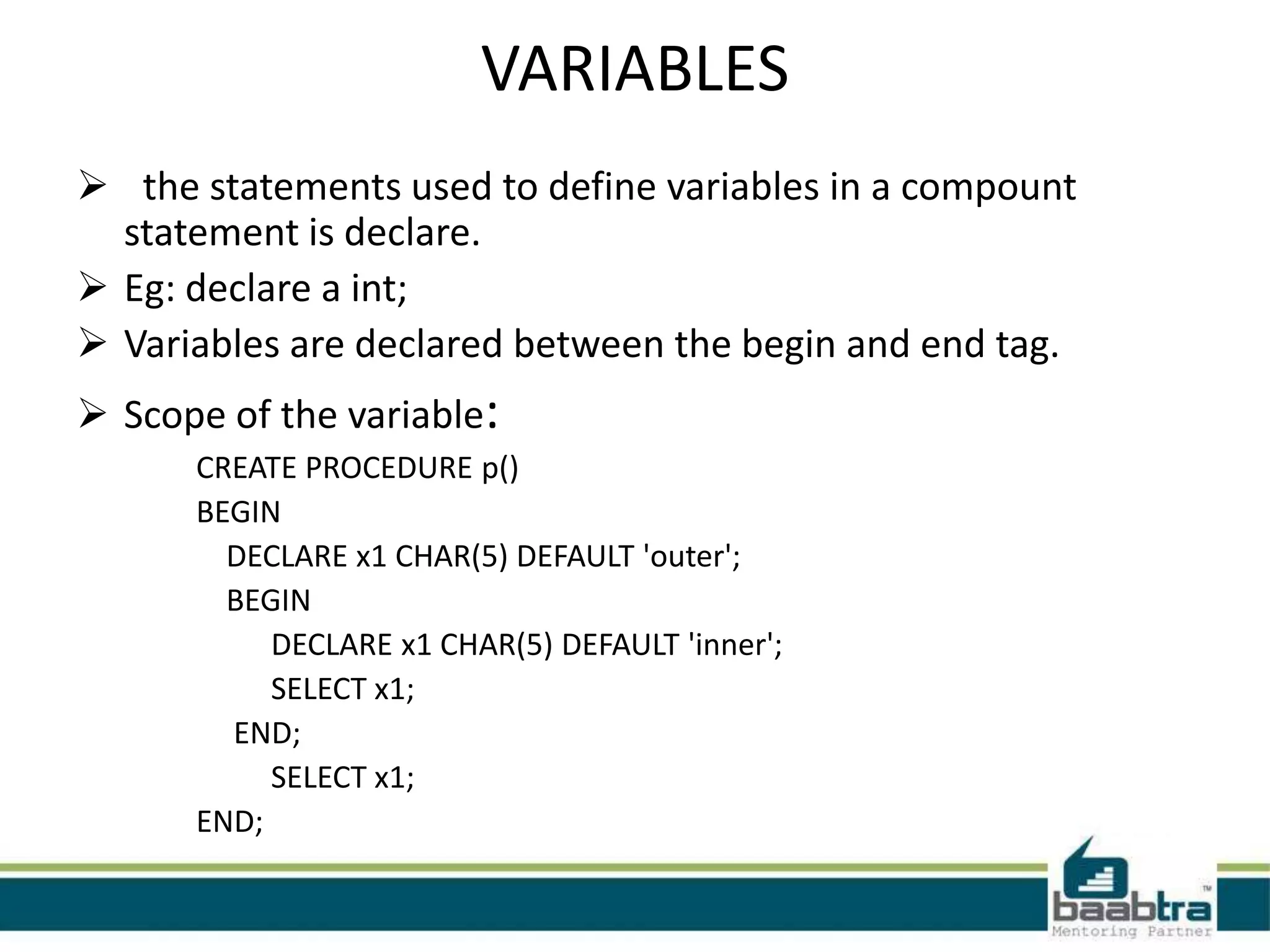
 the statements used to define variables in a compount
statement is declare.
 Eg: declare a int;
 Variables are declared between the begin and end tag.
 Scope of the variable:
CREATE PROCEDURE p()
BEGIN
DECLARE x1 CHAR(5) DEFAULT 'outer';
BEGIN
DECLARE x1 CHAR(5) DEFAULT 'inner';
SELECT x1;
END;
SELECT x1;
END;
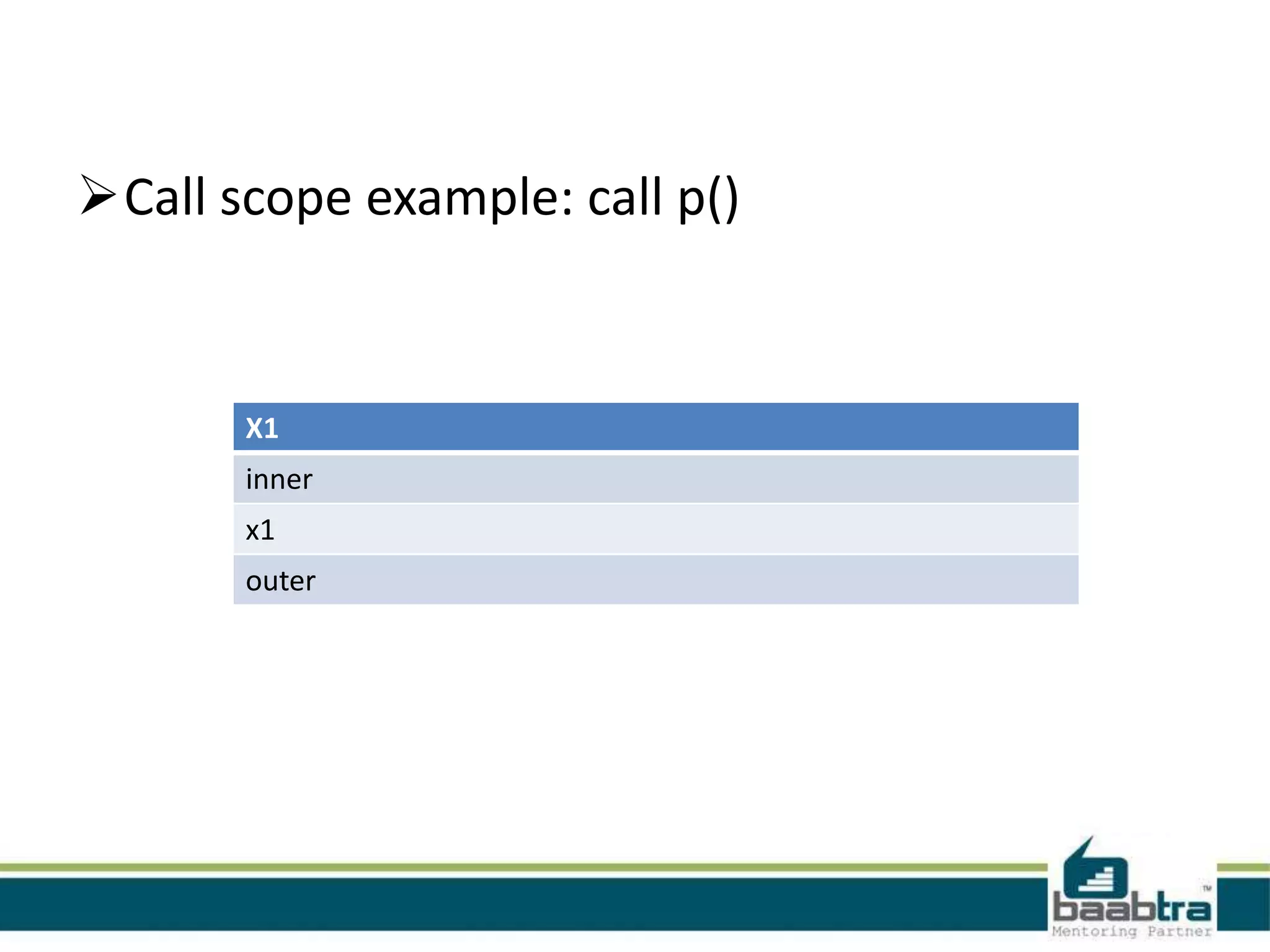
Call scope example: call p()
X1
inner
x1
outer
PARAMETERS
• 1. CREATE PROCEDURE p() ...
• 2. CREATE PROCEDURE p([IN] name data-type)
...
• 3. CREATE PROCEDURE p(OUT name data-
type) ...
• 4. CREATE PROCEDURE p(INOUT name data-
type)
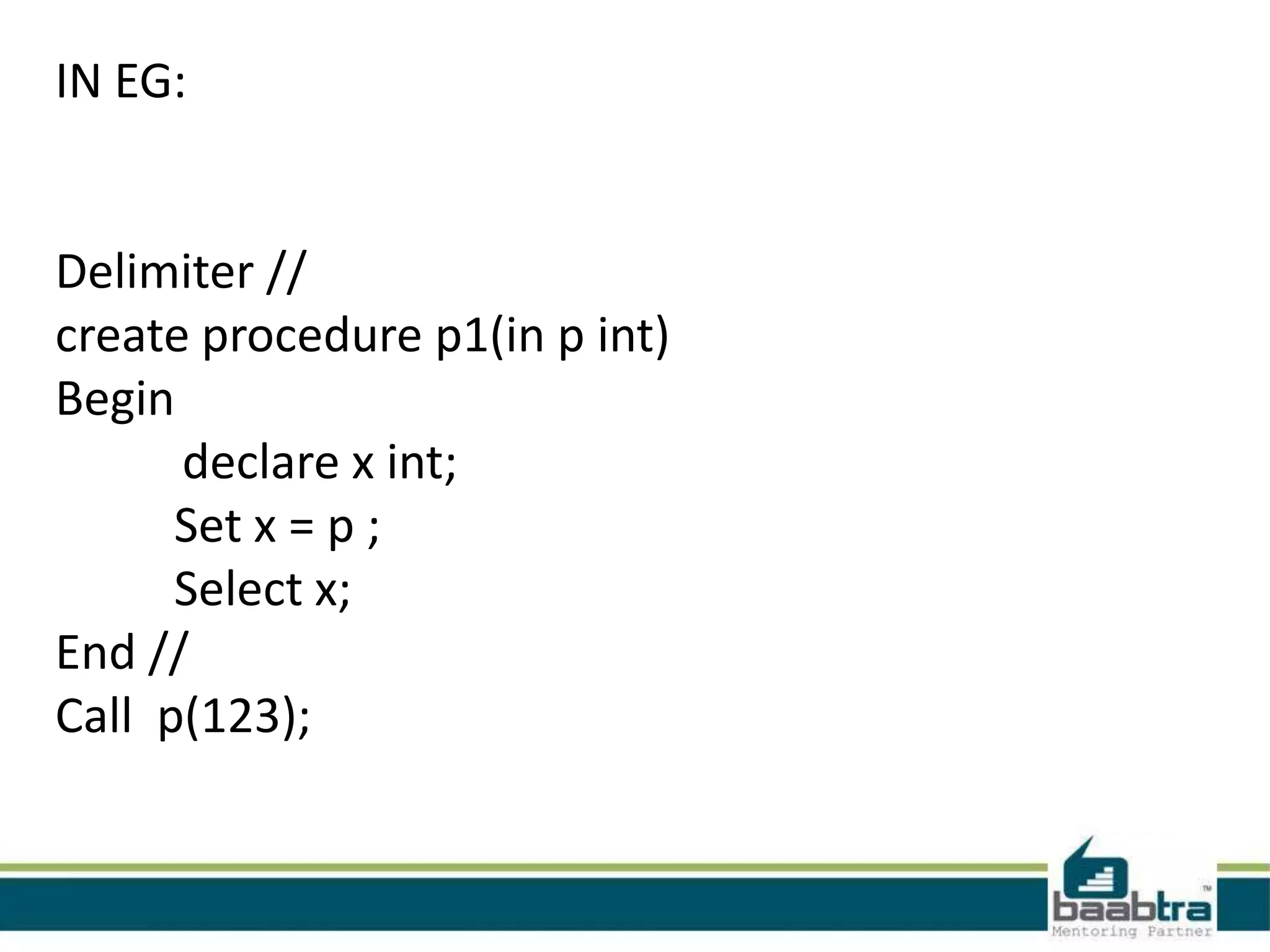
IN EG:
Delimiter //
create procedure p1(in p int)
Begin
declare x int;
Set x = p ;
Select x;
End //
Call p(123);
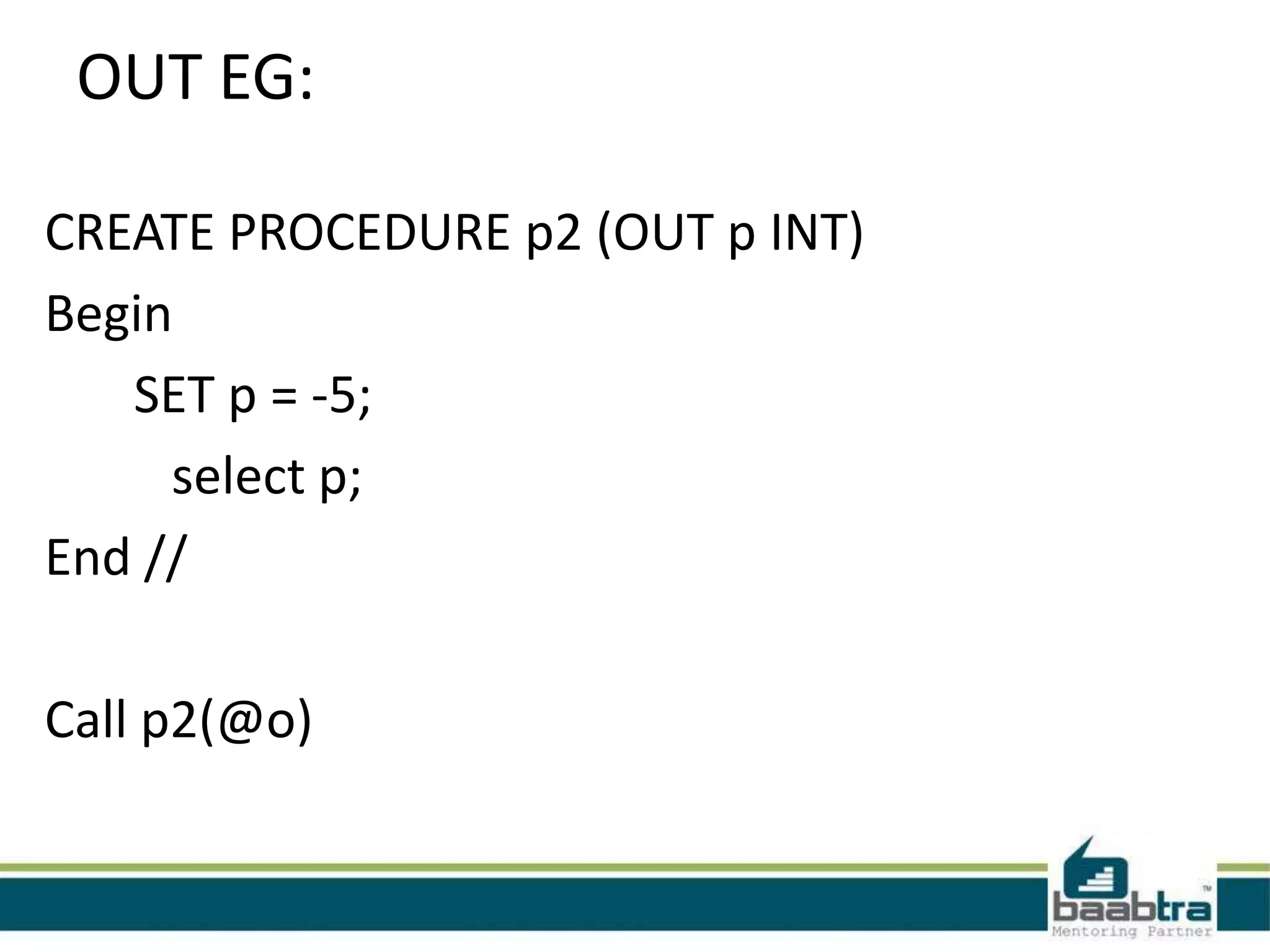
OUT EG:
CREATE PROCEDURE p2 (OUT p INT)
Begin
SET p = -5;
select p;
End //
Call p2(@o)
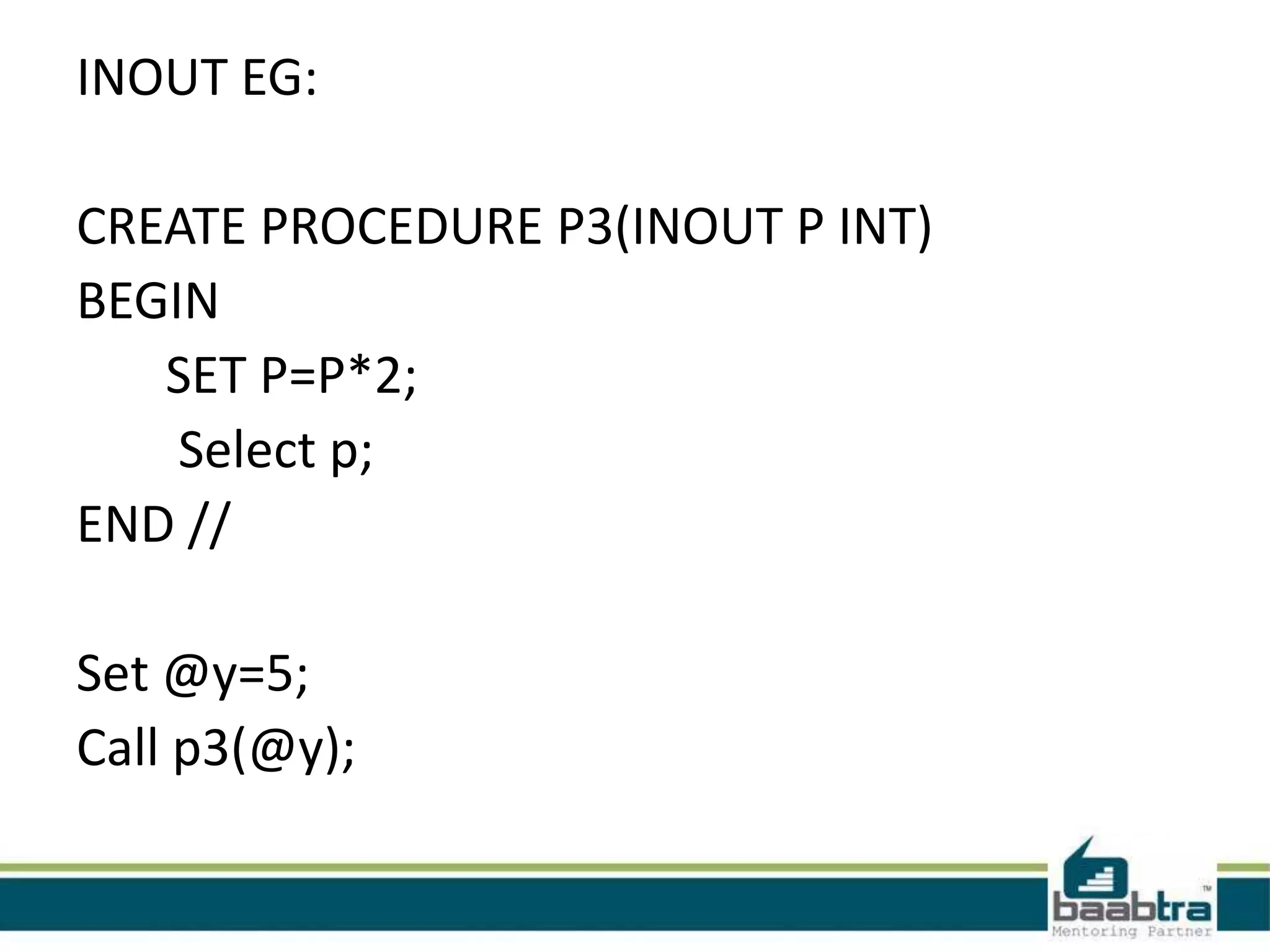
INOUT EG:
CREATE PROCEDURE P3(INOUT P INT)
BEGIN
SET P=P*2;
Select p;
END //
Set @y=5;
Call p3(@y);
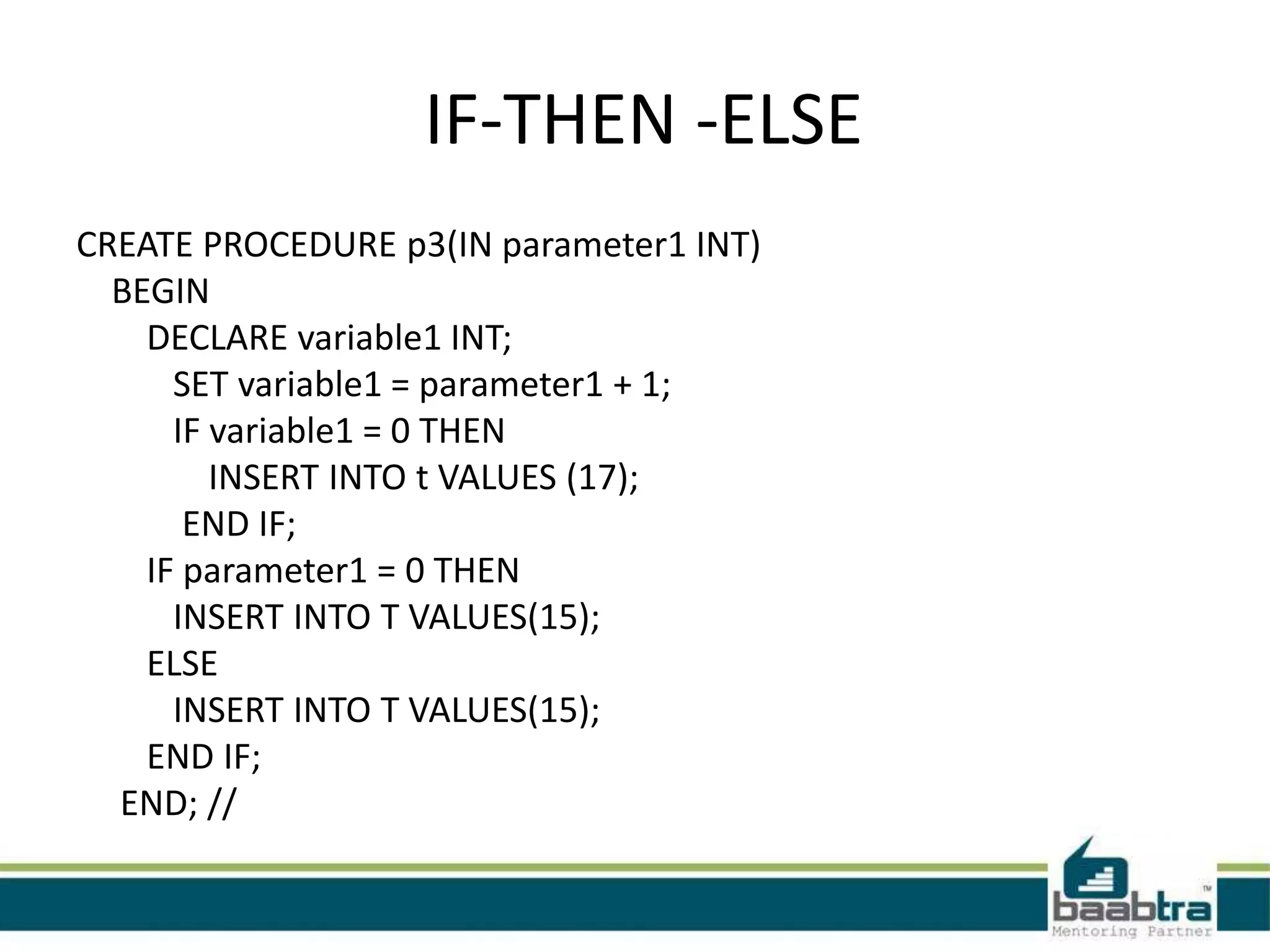
IF-THEN -ELSE
CREATE PROCEDURE p3(IN parameter1 INT)
BEGIN
DECLARE variable1 INT;
SET variable1 = parameter1 + 1;
IF variable1 = 0 THEN
INSERT INTO t VALUES (17);
END IF;
IF parameter1 = 0 THEN
INSERT INTO T VALUES(15);
ELSE
INSERT INTO T VALUES(15);
END IF;
END; //
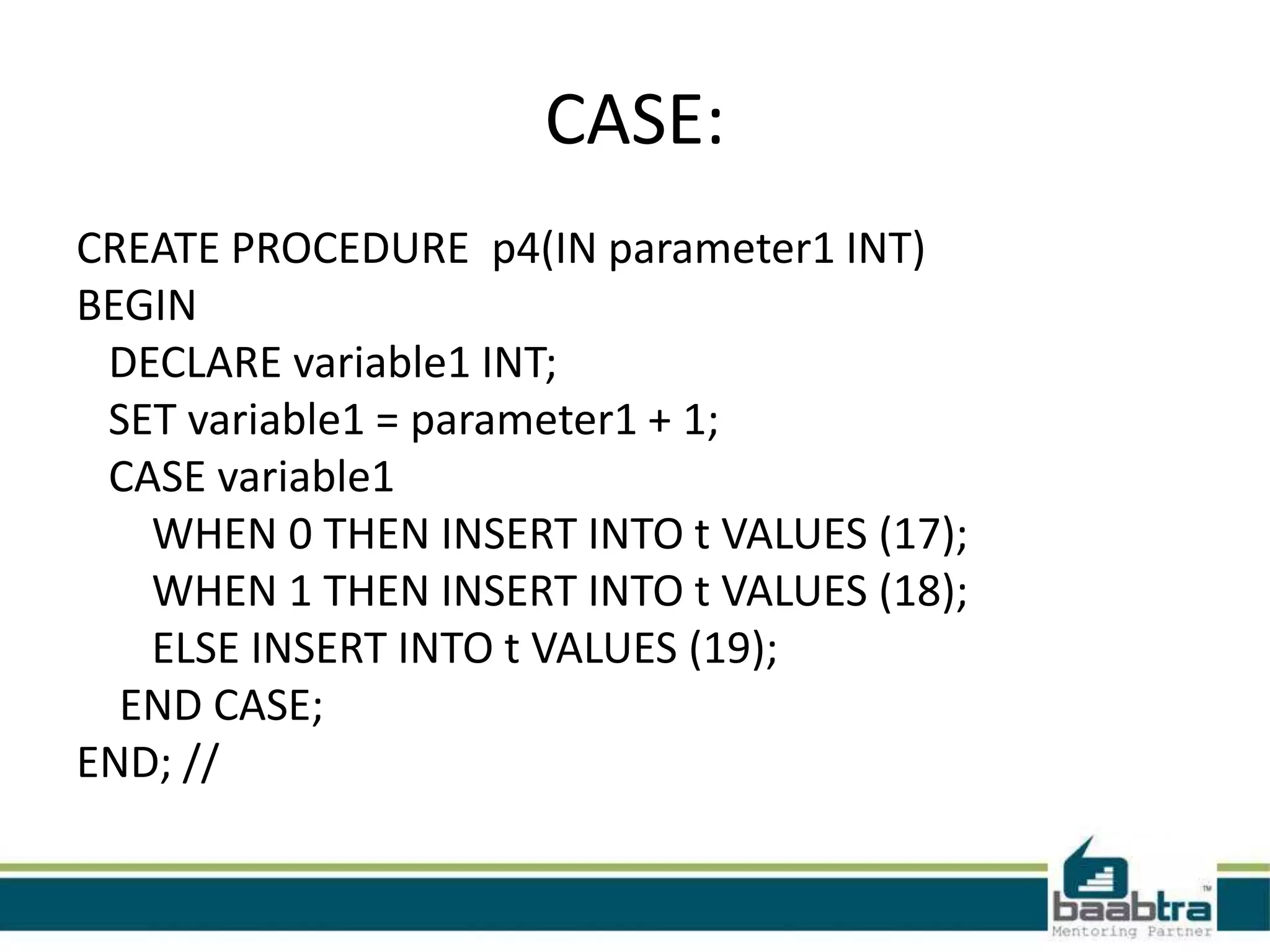
CASE:
CREATE PROCEDURE p4(IN parameter1 INT)
BEGIN
DECLARE variable1 INT;
SET variable1 = parameter1 + 1;
CASE variable1
WHEN 0 THEN INSERT INTO t VALUES (17);
WHEN 1 THEN INSERT INTO t VALUES (18);
ELSE INSERT INTO t VALUES (19);
END CASE;
END; //
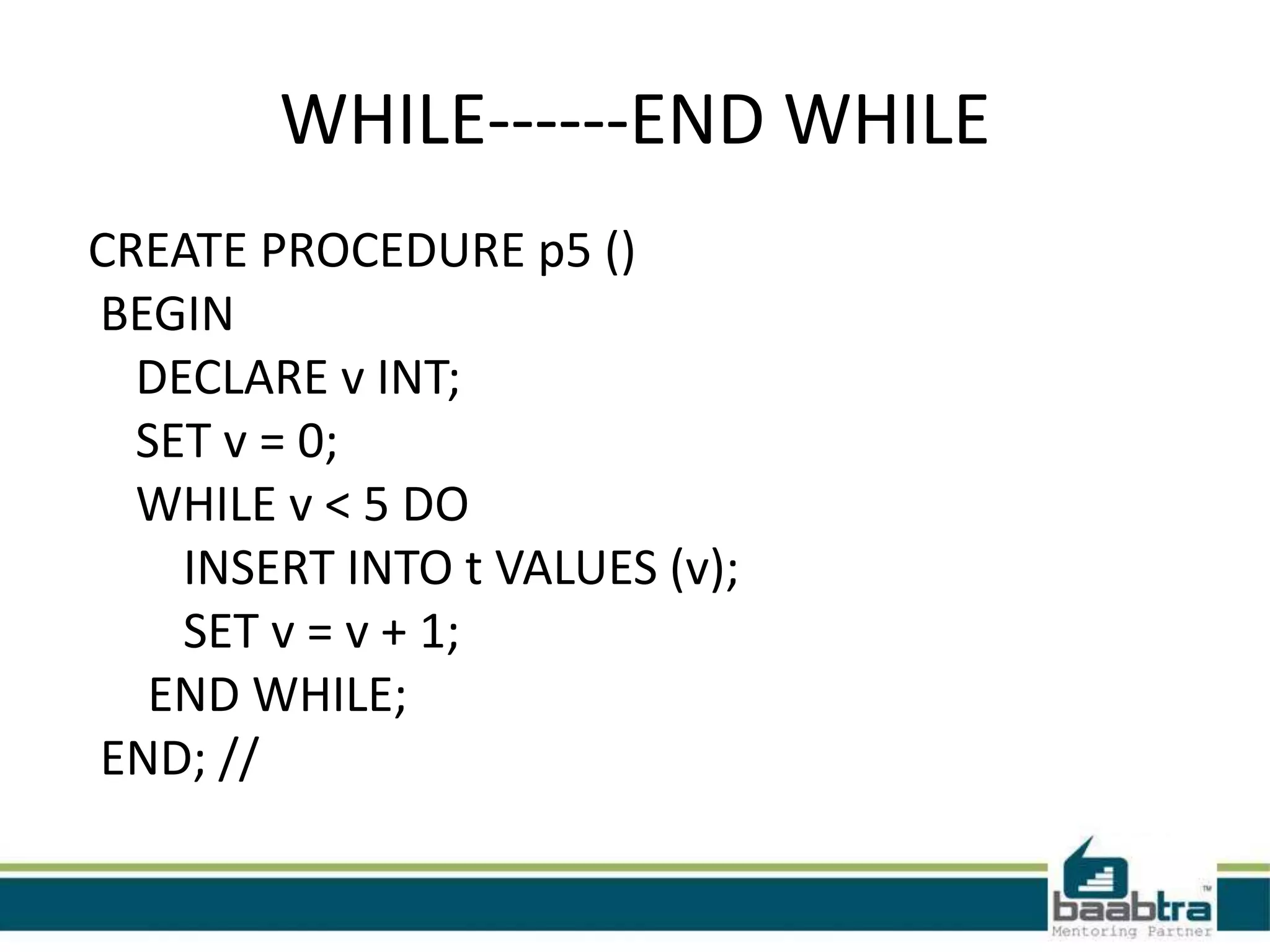
WHILE------END WHILE
CREATE PROCEDURE p5 ()
BEGIN
DECLARE v INT;
SET v = 0;
WHILE v < 5 DO
INSERT INTO t VALUES (v);
SET v = v + 1;
END WHILE;
END; //
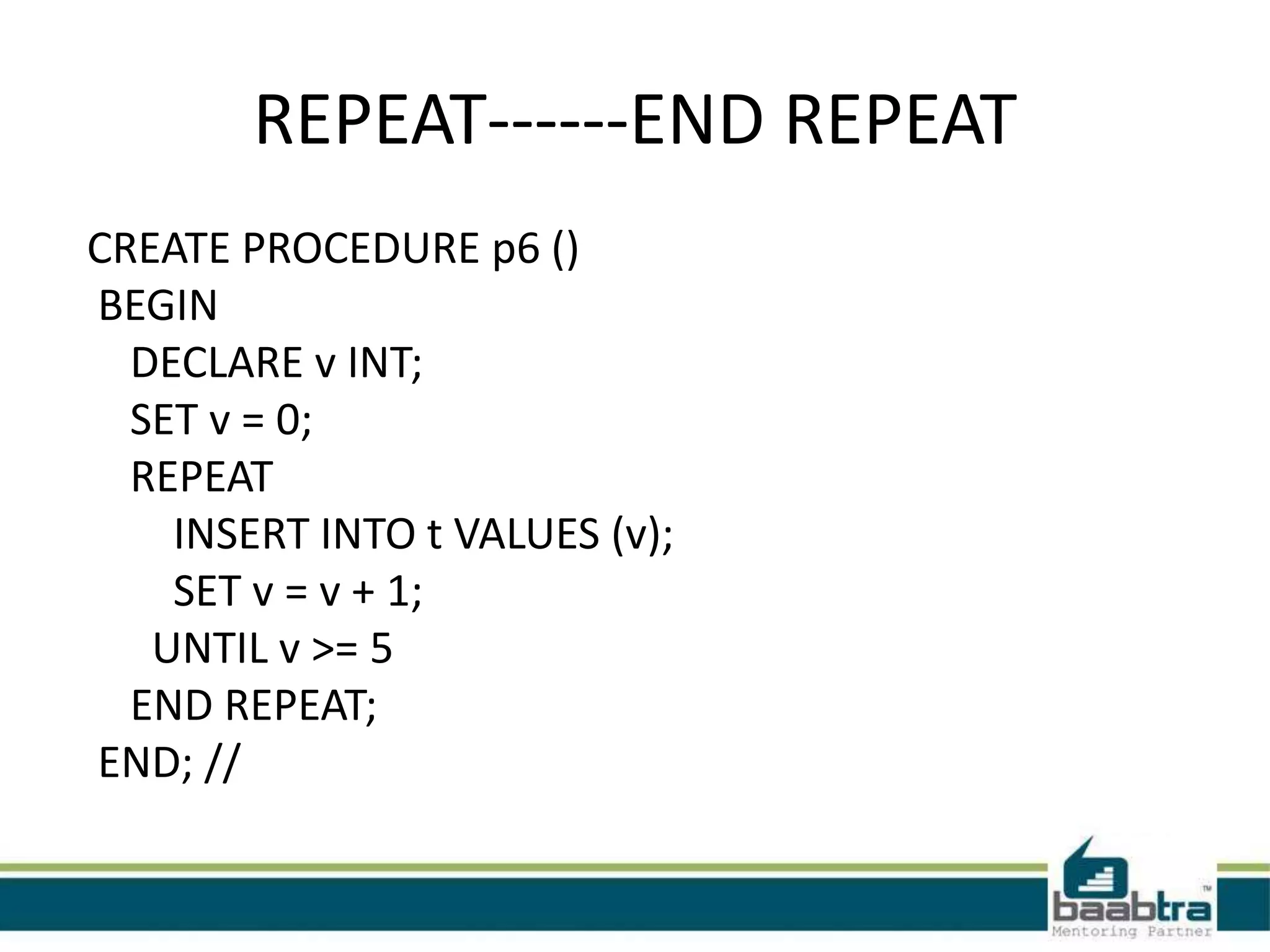
REPEAT------END REPEAT
CREATE PROCEDURE p6 ()
BEGIN
DECLARE v INT;
SET v = 0;
REPEAT
INSERT INTO t VALUES (v);
SET v = v + 1;
UNTIL v >= 5
END REPEAT;
END; //
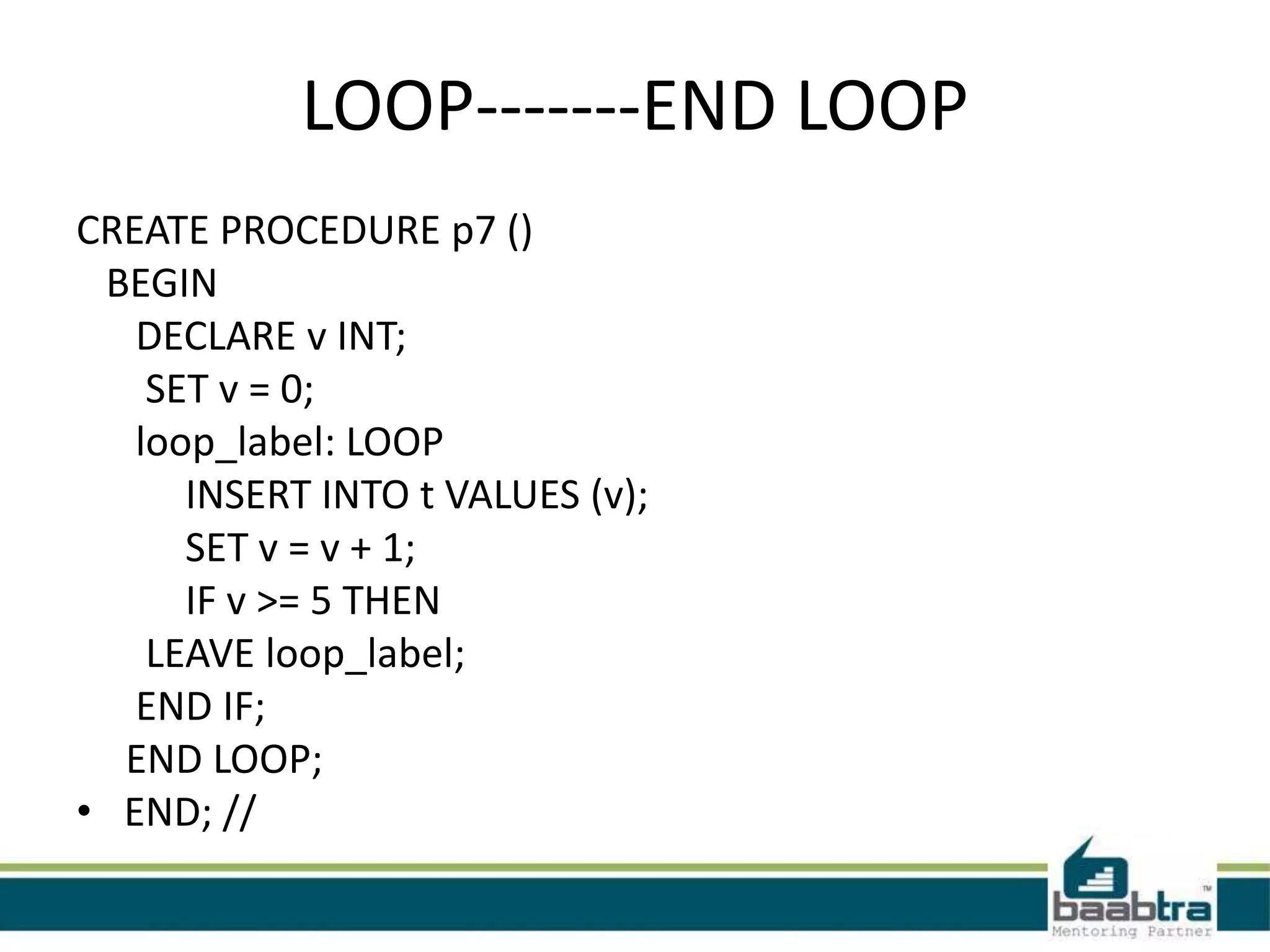
LOOP-------END LOOP
CREATE PROCEDURE p7 ()
BEGIN
DECLARE v INT;
SET v = 0;
loop_label: LOOP
INSERT INTO t VALUES (v);
SET v = v + 1;
IF v >= 5 THEN
LEAVE loop_label;
END IF;
END LOOP;
• END; //
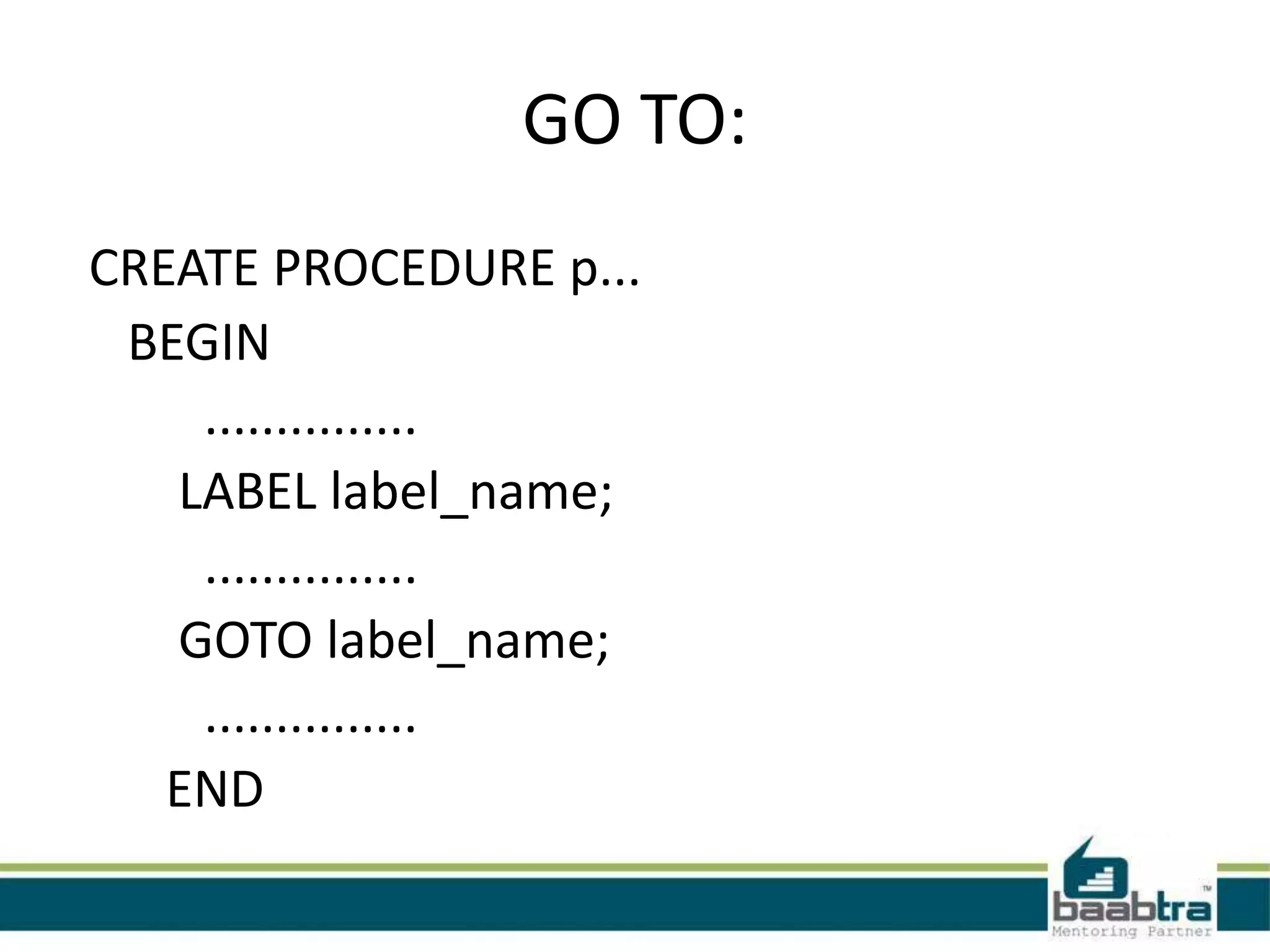
GO TO:
CREATE PROCEDURE p...
BEGIN
...............
LABEL label_name;
...............
GOTO label_name;
...............
END
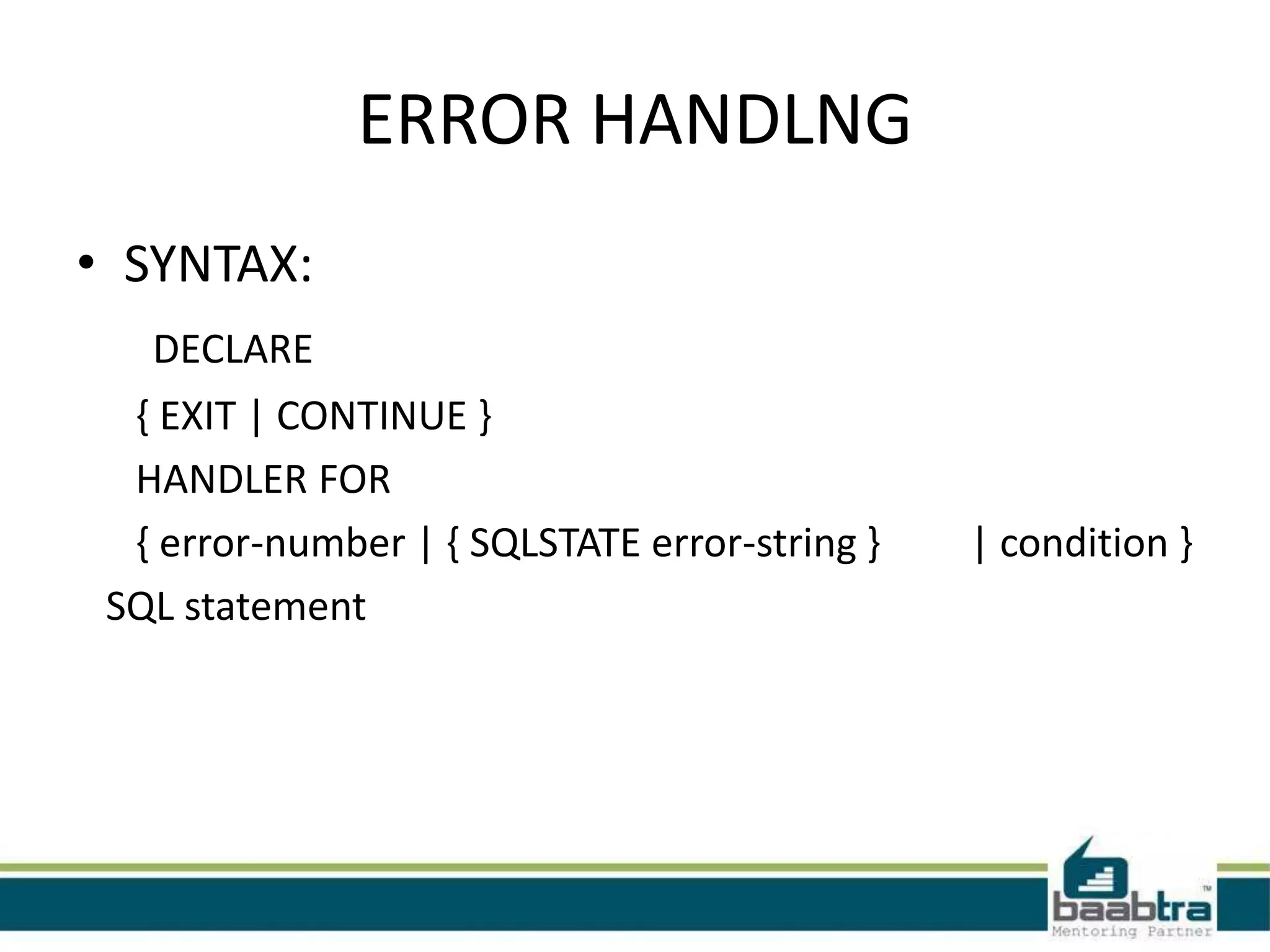
ERROR HANDLNG
• SYNTAX:
DECLARE
{ EXIT | CONTINUE }
HANDLER FOR
{ error-number | { SQLSTATE error-string } | condition }
SQL statement
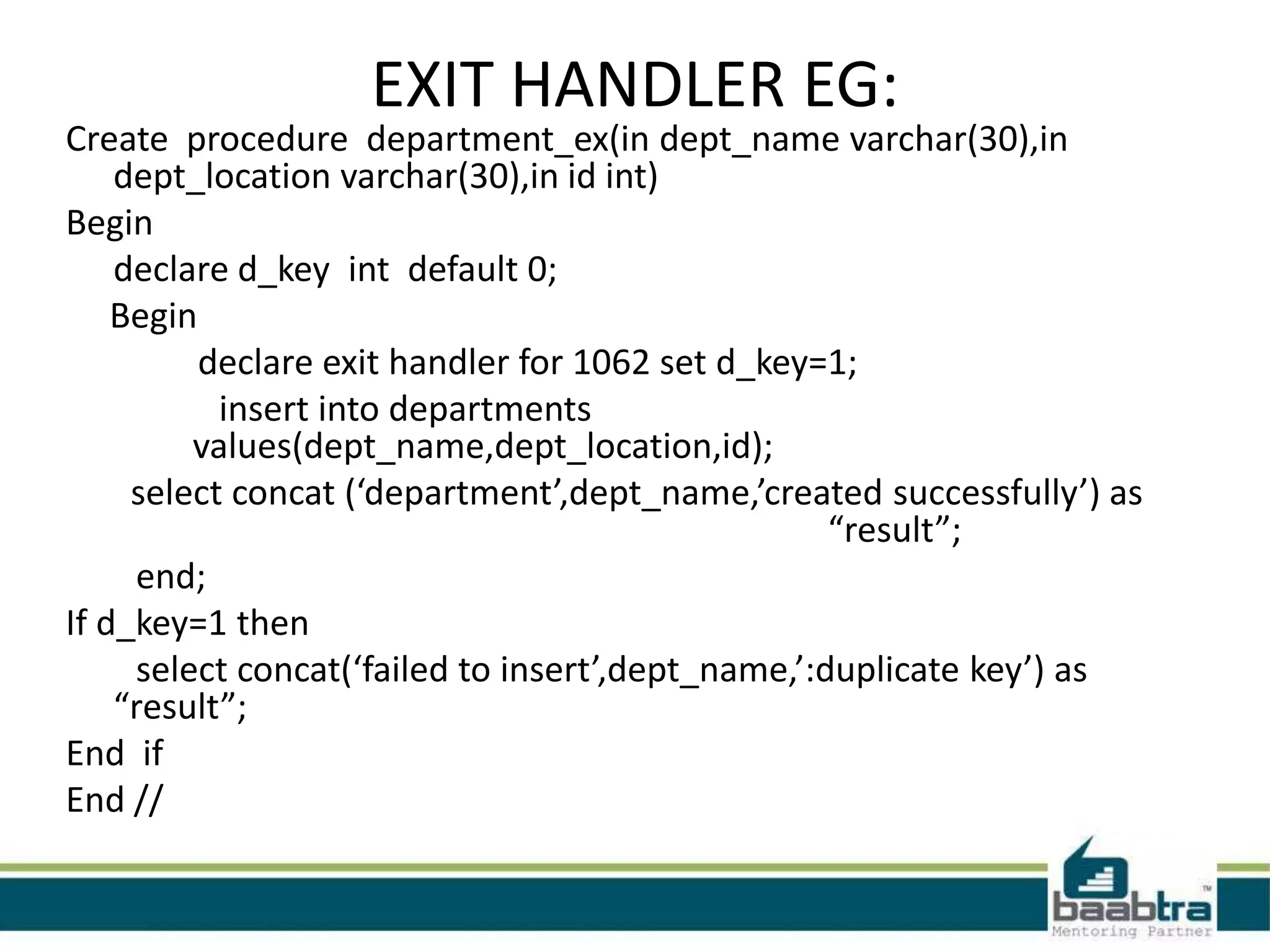
EXIT HANDLER EG:
Create procedure department_ex(in dept_name varchar(30),in
dept_location varchar(30),in id int)
Begin
declare d_key int default 0;
Begin
declare exit handler for 1062 set d_key=1;
insert into departments
values(dept_name,dept_location,id);
select concat (‘department’,dept_name,’created successfully’) as
“result”;
end;
If d_key=1 then
select concat(‘failed to insert’,dept_name,’:duplicate key’) as
“result”;
End if
End //
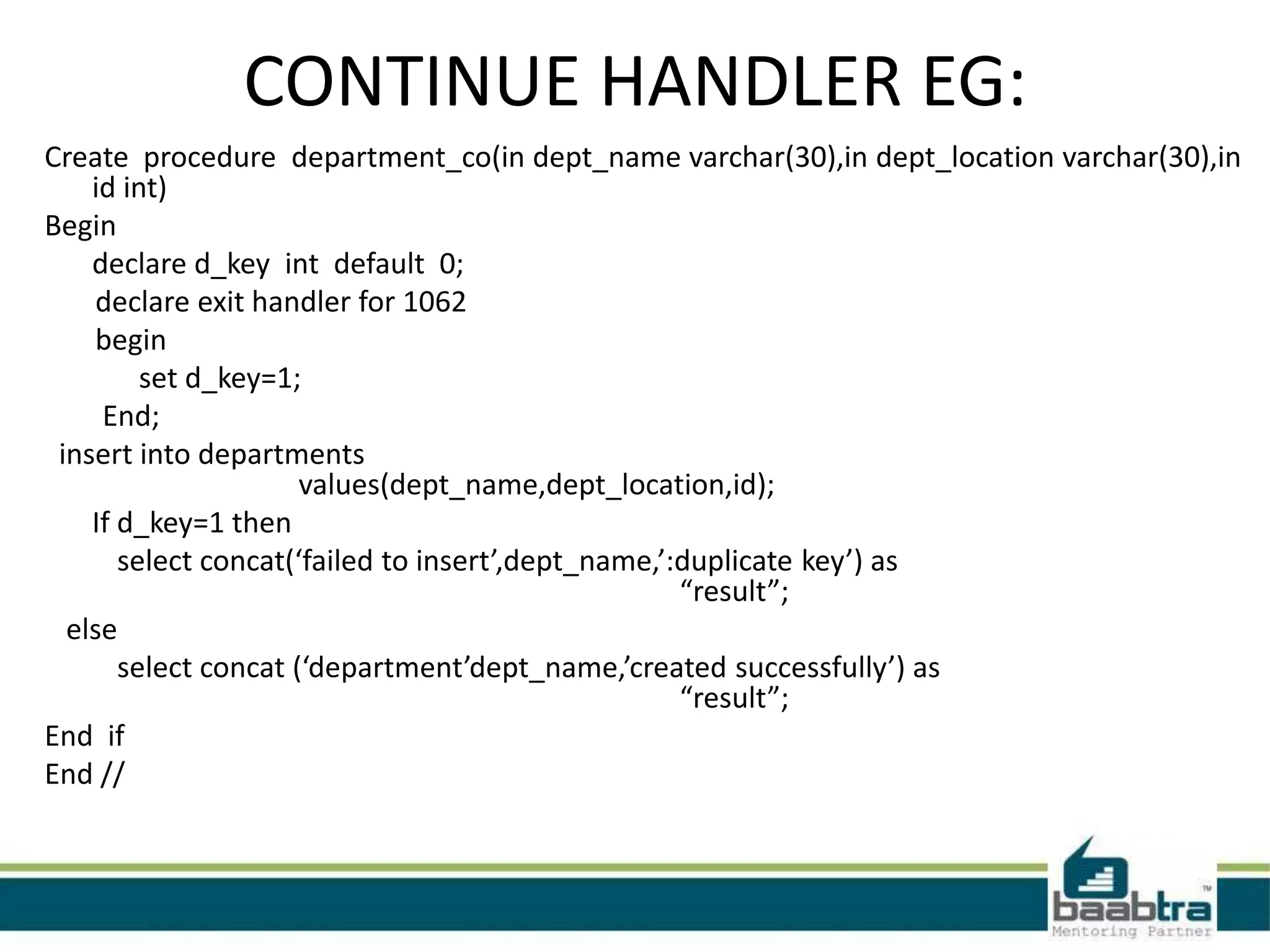
CONTINUE HANDLER EG:
Create procedure department_co(in dept_name varchar(30),in dept_location varchar(30),in
id int)
Begin
declare d_key int default 0;
declare exit handler for 1062
begin
set d_key=1;
End;
insert into departments
values(dept_name,dept_location,id);
If d_key=1 then
select concat(‘failed to insert’,dept_name,’:duplicate key’) as
“result”;
else
select concat (‘department’dept_name,’created successfully’) as
“result”;
End if
End //
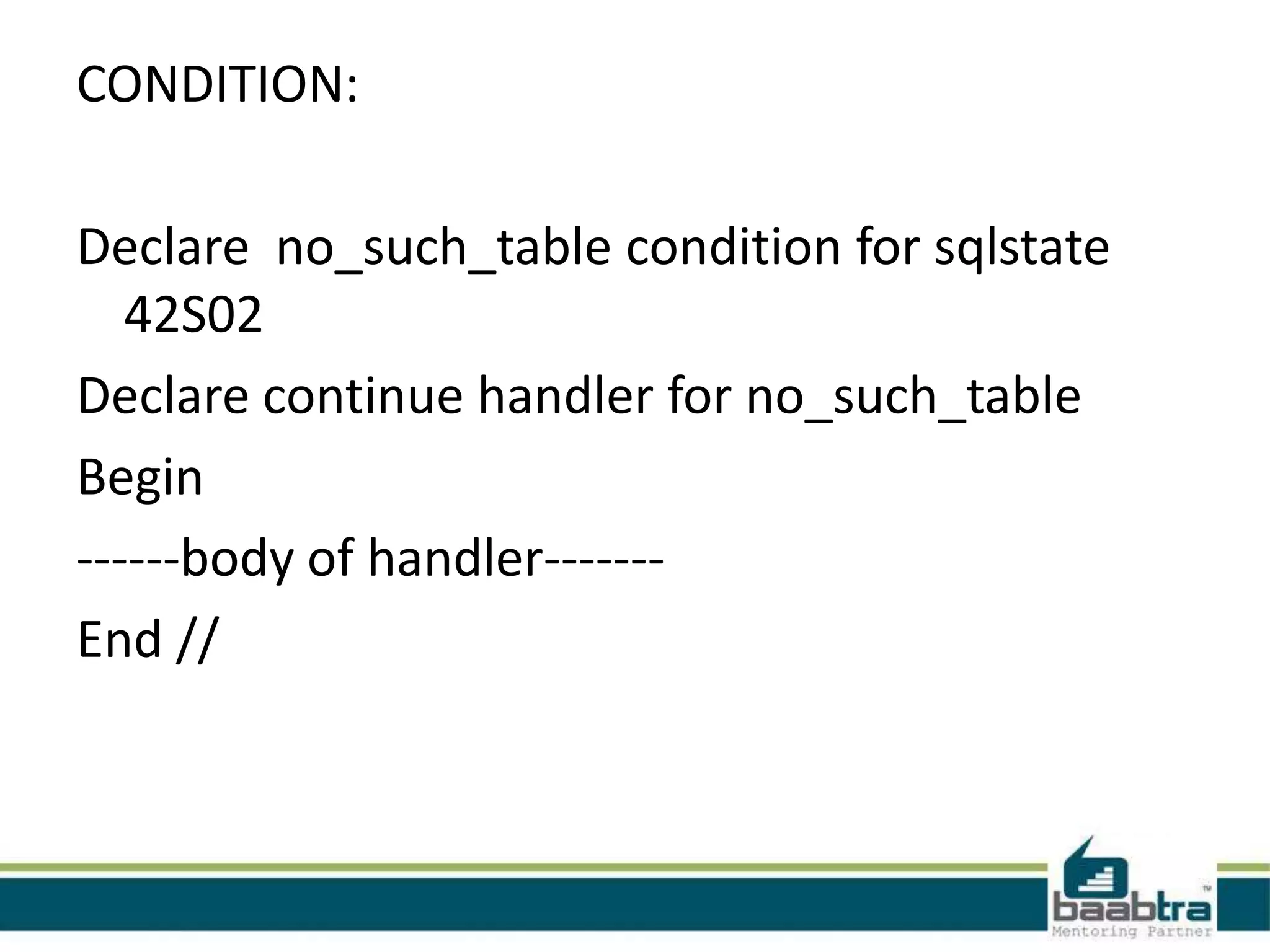
CONDITION:
Declare no_such_table condition for sqlstate
42S02
Declare continue handler for no_such_table
Begin
------body of handler-------
End //
CURSORS:
• In sql procedure a cursor make it possible to define a result
set (a set of data rows) and perform complex logic on a row by
row basis.
• To use cursors in SQL procedures, need to do the following:
1:Declare a cursor that defines a result.
2:Open the cursor to establish the result set.
3:Fetch the data into local variables as needed
from the cursor, one row at a time.
4:Close the cursor when done
To work with cursors you must use the following
SQL statements:
• DECLARE cursor-name CURSOR FOR SELECT ...;
• OPEN cursor-name;
• FETCH cursor-name INTO variable [, variable];
• CLOSE cursor-name;
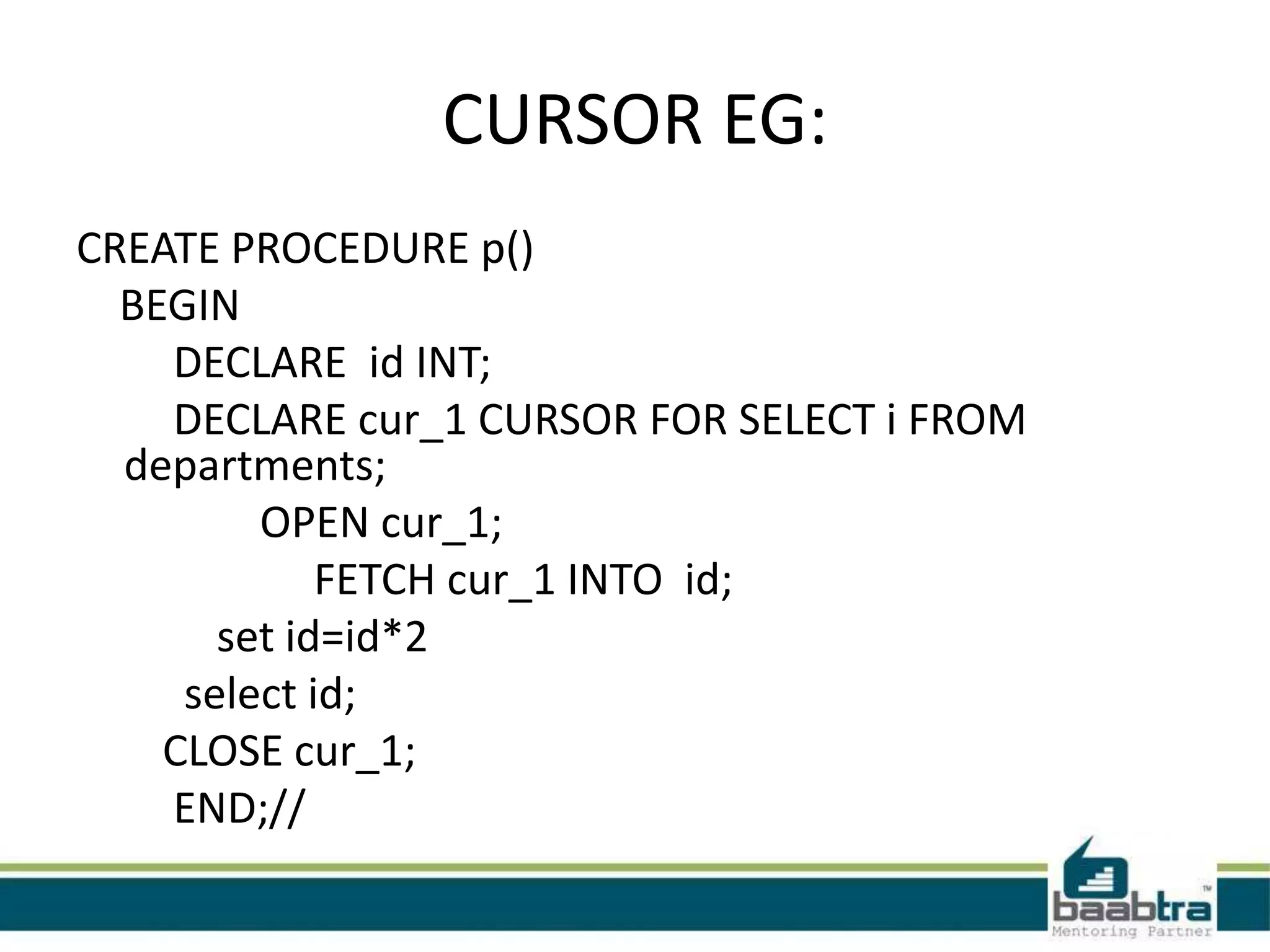
CURSOR EG:
CREATE PROCEDURE p()
BEGIN
DECLARE id INT;
DECLARE cur_1 CURSOR FOR SELECT i FROM
departments;
OPEN cur_1;
FETCH cur_1 INTO id;
set id=id*2
select id;
CLOSE cur_1;
END;//
Thank you

Stored procedure

  • 1.
  • 2.
  • 3.
    • A Storedprocedure is a procedure that is stored in a database. • It has a name,parameter list and sql statements. • The first part of the SQL statement that creates a stored procedure is the words "CREATE PROCEDURE". • CREATE PROCEDURE p1 () SELECT * FROM t; / • The second part is the procedure name. The name of this new procedure will be p1 • My sql statements are legal in the body of a stored procedure.
  • 4.
    • We cantput database manipulation statements that manipulate a routine such as create procedure,create function,drop function,drop procedure,alter procedure etc etc. • Statements like use database are also illegal. • Call the procedure  To call a procedure we use the call keyword and then the procedure name and paranthesis. Eg:call p1();
  • 5.
    ADVANTAGES: • Stored procedureincreases performance of application. • Stored procedure reduced the traffic between application and database server. • Stored procedure is reusable and transparent to any application which wants to use it. • Stored procedure is secured.
  • 6.
    CHARACTERESTIC CLAUSES • Thereis some clauses which describes the characterestics of the procedure. • Consider the eg below with charactarestics clauses. • Create procedure p2() language SQL not deterministic SQL security defines comment ‘a procedure’ select * from t
  • 7.
    VARIABLES  the statementsused to define variables in a compount statement is declare.  Eg: declare a int;  Variables are declared between the begin and end tag.  Scope of the variable: CREATE PROCEDURE p() BEGIN DECLARE x1 CHAR(5) DEFAULT 'outer'; BEGIN DECLARE x1 CHAR(5) DEFAULT 'inner'; SELECT x1; END; SELECT x1; END;
  • 8.
    Call scope example:call p() X1 inner x1 outer
  • 9.
    PARAMETERS • 1. CREATEPROCEDURE p() ... • 2. CREATE PROCEDURE p([IN] name data-type) ... • 3. CREATE PROCEDURE p(OUT name data- type) ... • 4. CREATE PROCEDURE p(INOUT name data- type)
  • 10.
    IN EG: Delimiter // createprocedure p1(in p int) Begin declare x int; Set x = p ; Select x; End // Call p(123);
  • 11.
    OUT EG: CREATE PROCEDUREp2 (OUT p INT) Begin SET p = -5; select p; End // Call p2(@o)
  • 12.
    INOUT EG: CREATE PROCEDUREP3(INOUT P INT) BEGIN SET P=P*2; Select p; END // Set @y=5; Call p3(@y);
  • 13.
    IF-THEN -ELSE CREATE PROCEDUREp3(IN parameter1 INT) BEGIN DECLARE variable1 INT; SET variable1 = parameter1 + 1; IF variable1 = 0 THEN INSERT INTO t VALUES (17); END IF; IF parameter1 = 0 THEN INSERT INTO T VALUES(15); ELSE INSERT INTO T VALUES(15); END IF; END; //
  • 14.
    CASE: CREATE PROCEDURE p4(INparameter1 INT) BEGIN DECLARE variable1 INT; SET variable1 = parameter1 + 1; CASE variable1 WHEN 0 THEN INSERT INTO t VALUES (17); WHEN 1 THEN INSERT INTO t VALUES (18); ELSE INSERT INTO t VALUES (19); END CASE; END; //
  • 15.
    WHILE------END WHILE CREATE PROCEDUREp5 () BEGIN DECLARE v INT; SET v = 0; WHILE v < 5 DO INSERT INTO t VALUES (v); SET v = v + 1; END WHILE; END; //
  • 16.
    REPEAT------END REPEAT CREATE PROCEDUREp6 () BEGIN DECLARE v INT; SET v = 0; REPEAT INSERT INTO t VALUES (v); SET v = v + 1; UNTIL v >= 5 END REPEAT; END; //
  • 17.
    LOOP-------END LOOP CREATE PROCEDUREp7 () BEGIN DECLARE v INT; SET v = 0; loop_label: LOOP INSERT INTO t VALUES (v); SET v = v + 1; IF v >= 5 THEN LEAVE loop_label; END IF; END LOOP; • END; //
  • 18.
    GO TO: CREATE PROCEDUREp... BEGIN ............... LABEL label_name; ............... GOTO label_name; ............... END
  • 19.
    ERROR HANDLNG • SYNTAX: DECLARE {EXIT | CONTINUE } HANDLER FOR { error-number | { SQLSTATE error-string } | condition } SQL statement
  • 20.
    EXIT HANDLER EG: Createprocedure department_ex(in dept_name varchar(30),in dept_location varchar(30),in id int) Begin declare d_key int default 0; Begin declare exit handler for 1062 set d_key=1; insert into departments values(dept_name,dept_location,id); select concat (‘department’,dept_name,’created successfully’) as “result”; end; If d_key=1 then select concat(‘failed to insert’,dept_name,’:duplicate key’) as “result”; End if End //
  • 21.
    CONTINUE HANDLER EG: Createprocedure department_co(in dept_name varchar(30),in dept_location varchar(30),in id int) Begin declare d_key int default 0; declare exit handler for 1062 begin set d_key=1; End; insert into departments values(dept_name,dept_location,id); If d_key=1 then select concat(‘failed to insert’,dept_name,’:duplicate key’) as “result”; else select concat (‘department’dept_name,’created successfully’) as “result”; End if End //
  • 22.
    CONDITION: Declare no_such_table conditionfor sqlstate 42S02 Declare continue handler for no_such_table Begin ------body of handler------- End //
  • 23.
    CURSORS: • In sqlprocedure a cursor make it possible to define a result set (a set of data rows) and perform complex logic on a row by row basis. • To use cursors in SQL procedures, need to do the following: 1:Declare a cursor that defines a result. 2:Open the cursor to establish the result set. 3:Fetch the data into local variables as needed from the cursor, one row at a time. 4:Close the cursor when done
  • 24.
    To work withcursors you must use the following SQL statements: • DECLARE cursor-name CURSOR FOR SELECT ...; • OPEN cursor-name; • FETCH cursor-name INTO variable [, variable]; • CLOSE cursor-name;
  • 25.
    CURSOR EG: CREATE PROCEDUREp() BEGIN DECLARE id INT; DECLARE cur_1 CURSOR FOR SELECT i FROM departments; OPEN cur_1; FETCH cur_1 INTO id; set id=id*2 select id; CLOSE cur_1; END;//
  • 26.