Download as PDF, PPTX


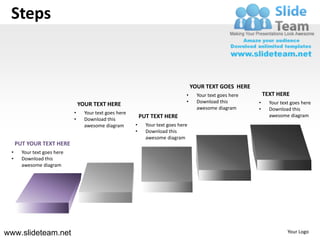
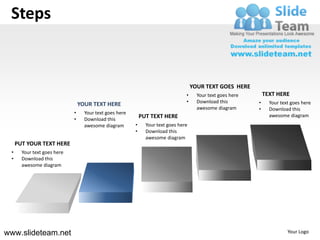

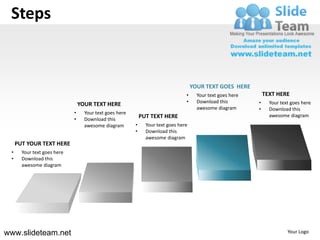
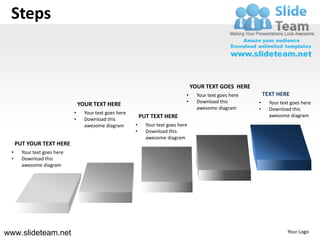
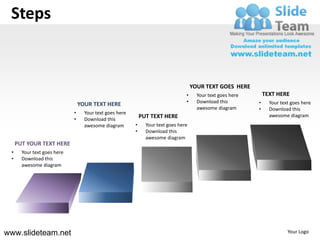

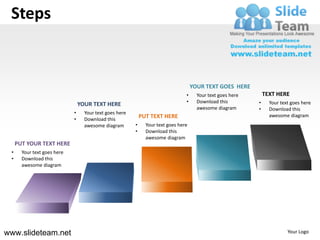
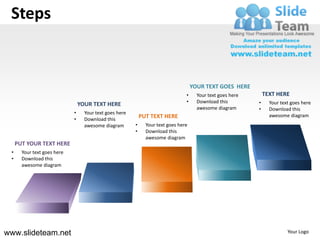
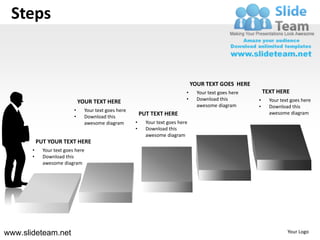
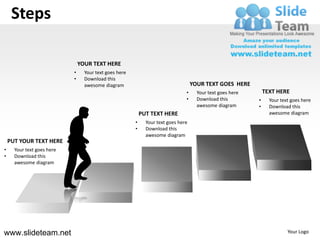

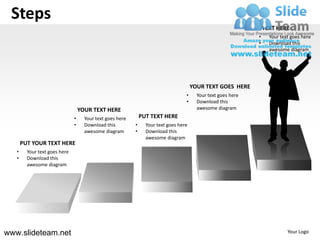




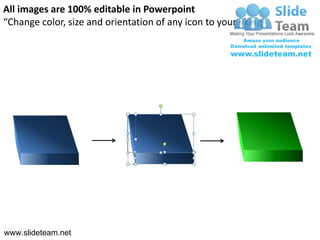
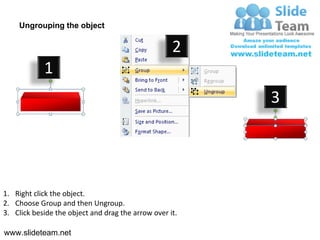
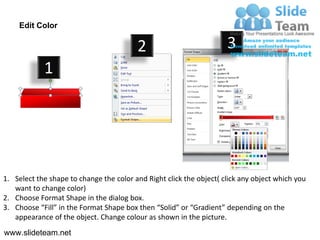

The document describes steps for editing diagrams in PowerPoint. It includes instructions on ungrouping objects, changing colors, and resizing and moving elements. Specifically, it notes how to: 1. Right click an object and select "Ungroup" to edit individual elements. 2. Right click a shape, select "Format Shape", and change the "Fill" color under solid or gradient options. 3. Click and drag selection arrows to resize or reposition diagram elements as needed. The steps provide guidance for editing stock diagram templates to customize them for specific presentations and audiences.


