STEGANOGRAPHY IN
ANDROID TO HIDE
APPLICATIONS
Manasi Tilak
Steganography
Art of covered or hidden writing.
Steganos – covered, graphie – writing.
Traditionally used to hide secret messages behind plain, ordinary text.
Message sent in a way such that only the intended knows it’s existence.
Steganography in Computers
Used to supplement encryption.
Works by:
Replacing memory bits among one another
Rendering data in hidden mode
Steganography in Android- Challenges
Memory constraints
Battery constraints
Traditional methods not feasible
Layer constraints
Usability issues
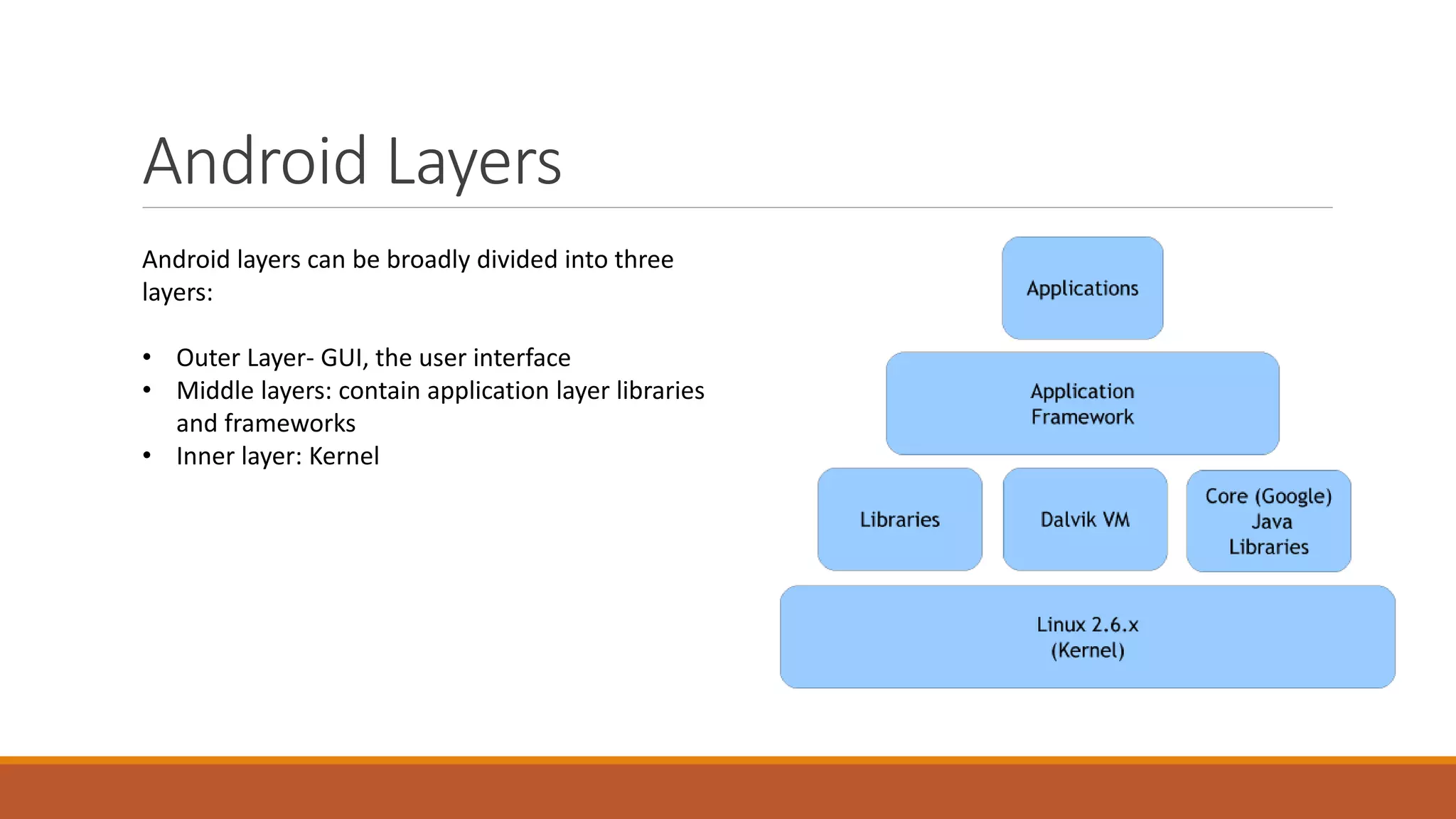
Android Layers
Android layers can be broadly divided into three
layers:
• Outer Layer- GUI, the user interface
• Middle layers: contain application layer libraries
and frameworks
• Inner layer: Kernel
Attempt
This project attempts to hide app in all three layers, while successfully hiding it in two. So that,
It is not visible in the GUI
Not visible in application manager
Not visible on USB rendering
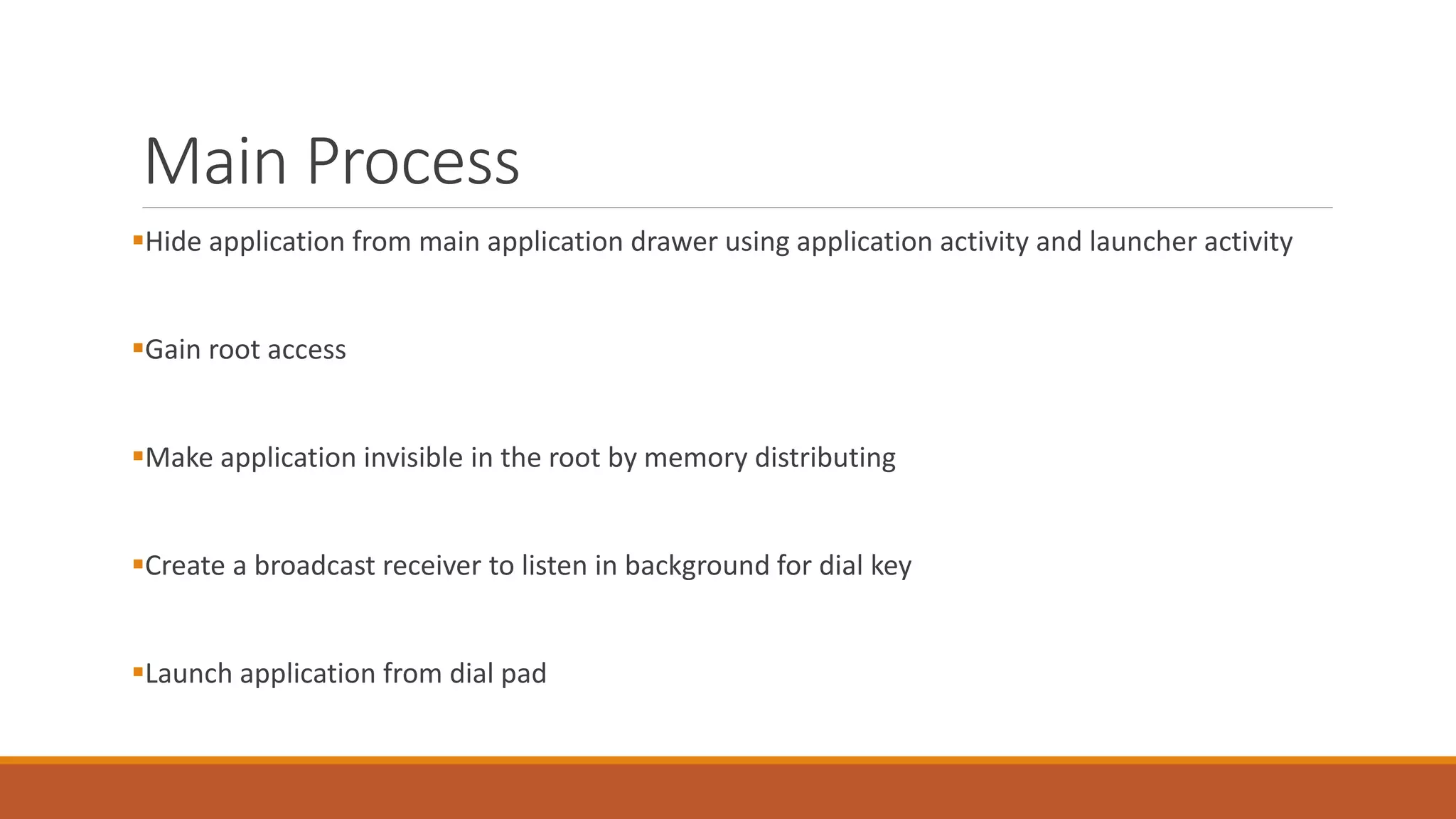
Main Process
Hide application from main application drawer using application activity and launcher activity
Gain root access
Make application invisible in the root by memory distributing
Create a broadcast receiver to listen in background for dial key
Launch application from dial pad
Applications in Everyday life
Can be used to effectively and accurately hide:
Passwords
Log books
Passbooks
Banking information
Social networking sites
Personal Data

Steganography in android to hide applications

  • 1.
    STEGANOGRAPHY IN ANDROID TOHIDE APPLICATIONS Manasi Tilak
  • 2.
    Steganography Art of coveredor hidden writing. Steganos – covered, graphie – writing. Traditionally used to hide secret messages behind plain, ordinary text. Message sent in a way such that only the intended knows it’s existence.
  • 3.
    Steganography in Computers Usedto supplement encryption. Works by: Replacing memory bits among one another Rendering data in hidden mode
  • 4.
    Steganography in Android-Challenges Memory constraints Battery constraints Traditional methods not feasible Layer constraints Usability issues
  • 5.
    Android Layers Android layerscan be broadly divided into three layers: • Outer Layer- GUI, the user interface • Middle layers: contain application layer libraries and frameworks • Inner layer: Kernel
  • 6.
    Attempt This project attemptsto hide app in all three layers, while successfully hiding it in two. So that, It is not visible in the GUI Not visible in application manager Not visible on USB rendering
  • 7.
    Main Process Hide applicationfrom main application drawer using application activity and launcher activity Gain root access Make application invisible in the root by memory distributing Create a broadcast receiver to listen in background for dial key Launch application from dial pad
  • 8.
    Applications in Everydaylife Can be used to effectively and accurately hide: Passwords Log books Passbooks Banking information Social networking sites Personal Data