Download as PDF, PPTX

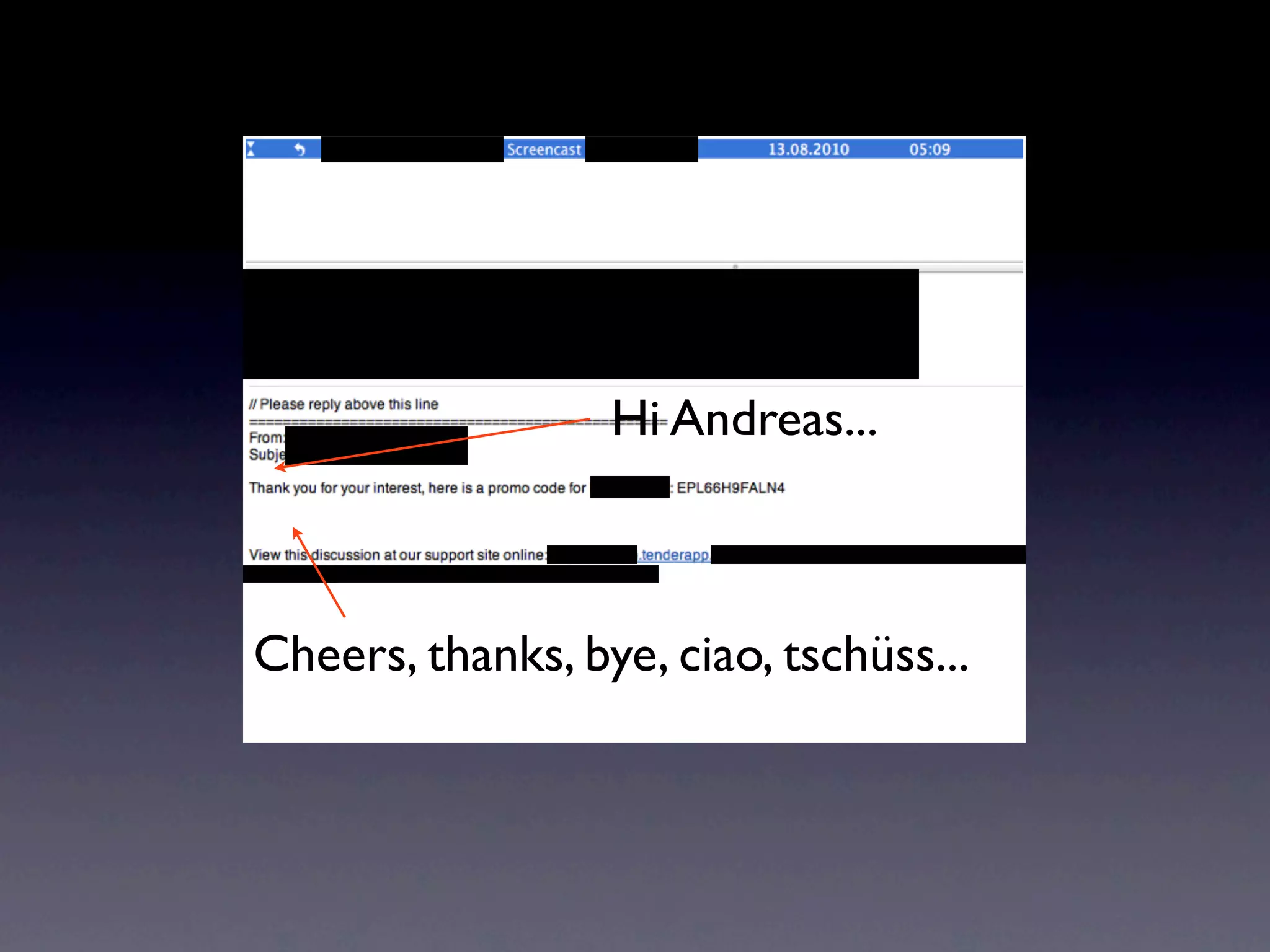
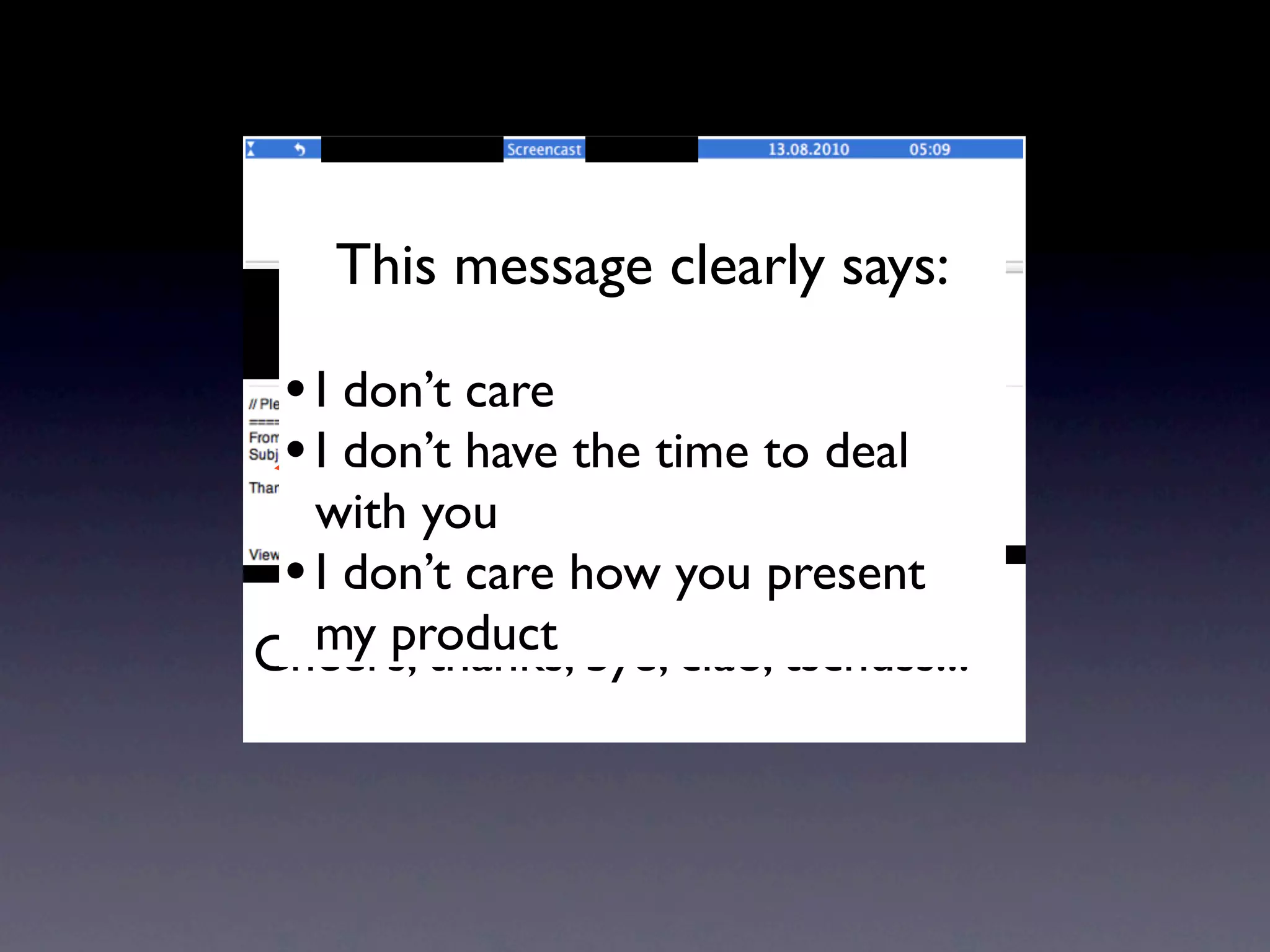
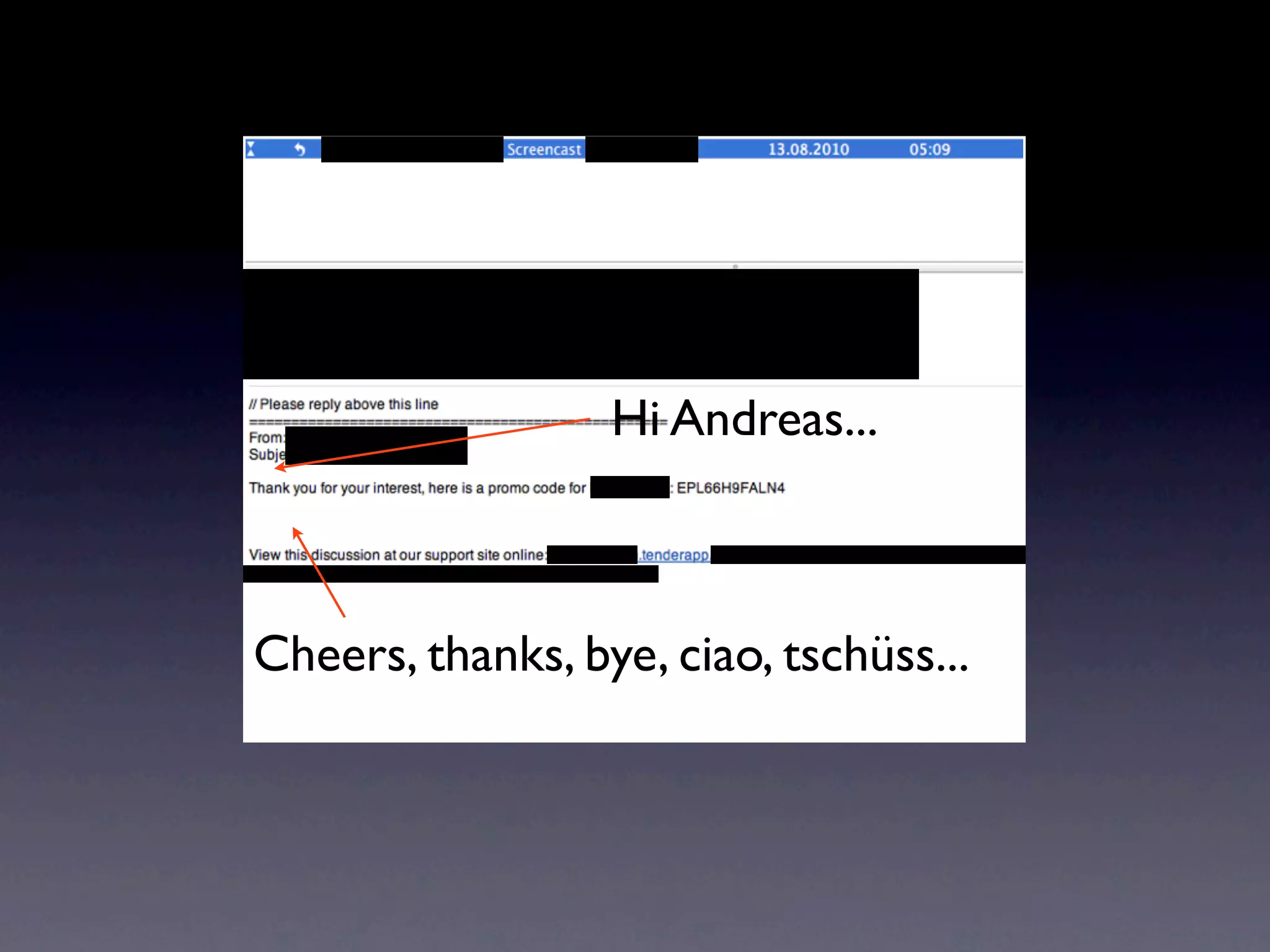
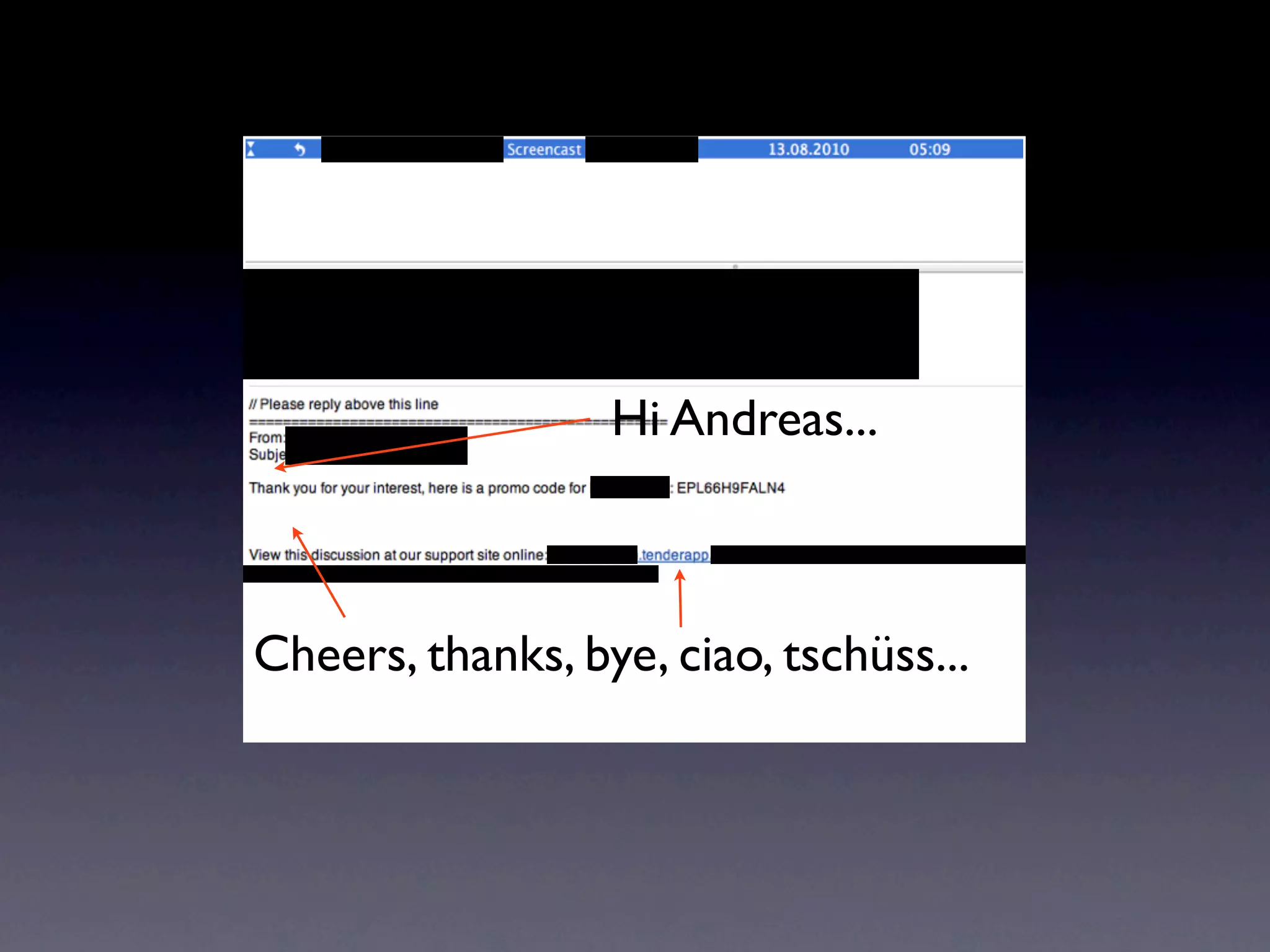
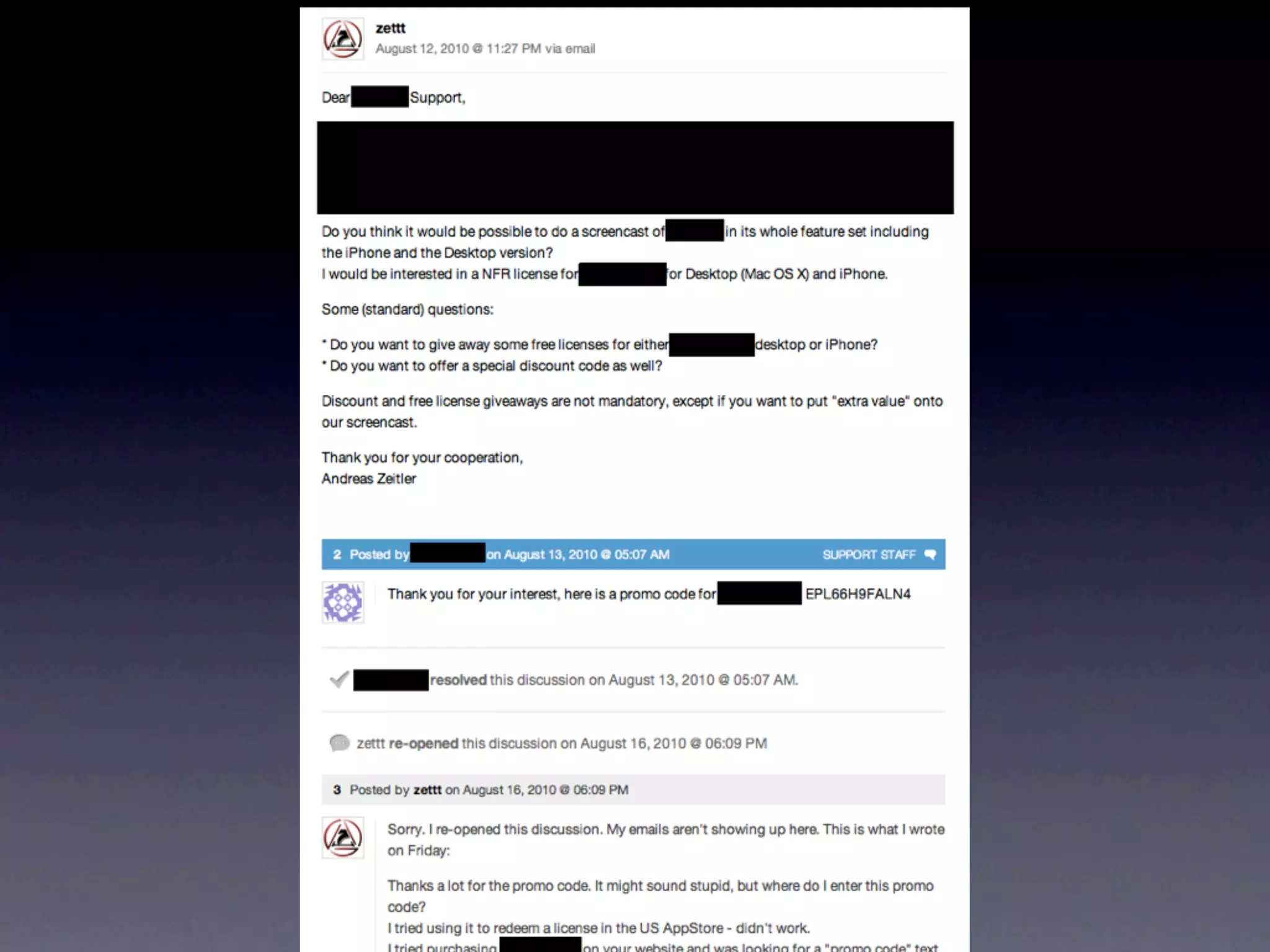




![Andreas,
[386390.279461] Task in /ps34711 killed as a result of limit of /ps34711
[386390.303417] php5.cgi cpuset=ps34711 mems_allowed=0
[386390.303453] Task in /ps34711 killed as a result of limit of /ps34711
[386390.357101] Memory cgroup out of memory: kill process
apache2-ps34711(6203:#34711) score 227694 or a child
[386391.125965] Memory cgroup out of memory: kill process
apache2-ps34711(6203:#34711) score 227694 or a child
[386394.160813] php5.cgi cpuset=ps34711 mems_allowed=0
[386394.247377] Task in /ps34711 killed as a result of limit of /ps34711
[386394.636484] Memory cgroup out of memory: kill process
apache2-ps34711(6203:#34711) score 199764 or a child
[386497.221512] php5.cgi cpuset=ps34711 mems_allowed=0
[386497.221582] Task in /ps34711 killed as a result of limit of /ps34711
[386497.277468] Memory cgroup out of memory: kill process
apache2-ps34711(6203:#34711) score 206293 or a child
[386497.768186] php5.cgi cpuset=ps34711 mems_allowed=0
[386497.865295] Task in /ps34711 killed as a result of limit of /ps34711
[386498.255450] Memory cgroup out of memory: kill process
apache2-ps34711(6203:#34711) score 206293 or a child
When there isn't any available memory on the machine, the server is
unable to spawn new processes which in turn causes a 500 error. It can
also kill off existing processes such as http and ftp. I recommend
following the steps in this wiki:
http://wiki.dreamhost.com/PS_Optimization
You can also raise your memory levels from within the panel by clicking
"Private Servers" > "Manage Resources".
It's always a good idea to keep an eye on the graph on that page as it
will give you some insight into the current state of your server. Aside
from the optimization wiki, I'd also recommend removing any extraneous
plugins if you're running Wordpress installs, especially any SEO plugins.
If you haven't already, you should also download and enable either
wp-cache or wp-super-cache (again assuming you're running Wordpress
installs). As far as your server not always needing the same amount of
memory, you can adjust your usage at any time as you see fit. That can be
quite a chore! Luckily, one of our customers recently wrote a pretty
awesome program which can automatically handle memory usage for you! You
may want to check it out, but please be aware that even if it works, it
is custom software and is not provided by DreamHost:
http://memcron.com/
I'd also highly suggest enabling FastCGI for these domains if you haven't
already done so, it typically uses far less memory than the standard PHP
install! If you run into any troubles with the above information (which I
recommend checking out as it can help you to reduce usage regardless of
the number of visitors you receive), please let us know. Also, since you
are running a WP site, the following will be helpful as well:
1) Keeping your WordPress install as up-to-date as possible. You can do
that by checking whether or not you need to upgrade here:
http://yourdomain.com/wp-admin/update-core.php
2) Keeping your WordPress plugins up-to-date. You can check to see if any
plugins need to be updated here:
http://yourdomain.com/wp-admin/plugins.php](https://image.slidesharecdn.com/softwaresupport-120104103148-phpapp01/75/Software-Support-Done-Right-23-2048.jpg)
![[386497.221582] Task in /ps34711 killed as a result of limit of /ps34711
[386497.277468] Memory cgroup out of memory: kill process
apache2-ps34711(6203:#34711) score 206293 or a child
[386497.768186] php5.cgi cpuset=ps34711 mems_allowed=0
[386497.865295] Task in /ps34711 killed as a result of limit of /ps34711
[386498.255450] Memory cgroup out of memory: kill process
apache2-ps34711(6203:#34711) score 206293 or a child
When there isn't any available memory on the machine, the server is
unable to spawn new processes which in turn causes a 500 error. It can
also kill off existing processes such as http and ftp. I recommend
following the steps in this wiki:
http://wiki.dreamhost.com/PS_Optimization
You can also raise your memory levels from within the panel by clicking
"Private Servers" > "Manage Resources".
It's always a good idea to keep an eye on the graph on that page as it
will give you some insight into the current state of your server. Aside
from the optimization wiki, I'd also recommend removing any extraneous
plugins if you're running Wordpress installs, especially any SEO plugins.
If you haven't already, you should also download and enable either
wp-cache or wp-super-cache (again assuming you're running Wordpress
installs). As far as your server not always needing the same amount of
memory, you can adjust your usage at any time as you see fit. That can be
quite a chore! Luckily, one of our customers recently wrote a pretty
awesome program which can automatically handle memory usage for you! You
may want to check it out, but please be aware that even if it works, it
is custom software and is not provided by DreamHost:
http://memcron.com/
I'd also highly suggest enabling FastCGI for these domains if you haven't
already done so, it typically uses far less memory than the standard PHP
install! If you run into any troubles with the above information (which I
recommend checking out as it can help you to reduce usage regardless of
the number of visitors you receive), please let us know. Also, since you
are running a WP site, the following will be helpful as well:
1) Keeping your WordPress install as up-to-date as possible. You can do
that by checking whether or not you need to upgrade here:
http://yourdomain.com/wp-admin/update-core.php
2) Keeping your WordPress plugins up-to-date. You can check to see if any
plugins need to be updated here:
http://yourdomain.com/wp-admin/plugins.php
3) Removing any plugins that you do not use, even if they are set to
"Inactive". You can remove them from the same link as #2.
4) Installing caching and anti-spam plugins. You can find information on
good ones for both of those here:
http://wiki.dreamhost.com/Fine_Tuning_Your_WordPress_Install#Spam
http://wiki.dreamhost.com/Fine_Tuning_Your_WordPress_Install#Caching
5) Optimize and improve performance!
http://wiki.dreamhost.com/WordPress_Optimization
http://wiki.dreamhost.com/Wordpress_performance](https://image.slidesharecdn.com/softwaresupport-120104103148-phpapp01/75/Software-Support-Done-Right-24-2048.jpg)
![[386497.221582] Task in /ps34711 killed as a result of limit of /ps34711
[386497.277468] Memory cgroup out of memory: kill process
apache2-ps34711(6203:#34711) score 206293 or a child
[386497.768186] php5.cgi cpuset=ps34711 mems_allowed=0
[386497.865295] Task in /ps34711 killed as a result of limit of /ps34711
[386498.255450] Memory cgroup out of memory: kill process
apache2-ps34711(6203:#34711) score 206293 or a child
When there isn't any available memory on the machine, the server is
unable to spawn new processes which in turn causes a 500 error. It can
also kill off existing processes such as http and ftp. I recommend
following the steps in this wiki:
http://wiki.dreamhost.com/PS_Optimization
You can also raise your memory levels from within the panel by clicking
"Private Servers" > "Manage Resources".
It's always a good idea to keep an eye on the graph on that page as it
will give you some insight into the current state of your server. Aside
from the optimization wiki, I'd also recommend removing any extraneous
plugins if you're running Wordpress installs, especially any SEO plugins.
If you haven't already, you should also download and enable either
wp-cache or wp-super-cache (again assuming you're running Wordpress
installs). As far as your server not always needing the same amount of
memory, you can adjust your usage at any time as you see fit. That can be
quite a chore! Luckily, one of our customers recently wrote a pretty
awesome program which can automatically handle memory usage for you! You
may want to check it out, but please be aware that even if it works, it
is custom software and is not provided by DreamHost:
http://memcron.com/
I'd also highly suggest enabling FastCGI for these domains if you haven't
already done so, it typically uses far less memory than the standard PHP
install! If you run into any troubles with the above information (which I
recommend checking out as it can help you to reduce usage regardless of
the number of visitors you receive), please let us know. Also, since you
are running a WP site, the following will be helpful as well:
1) Keeping your WordPress install as up-to-date as possible. You can do
that by checking whether or not you need to upgrade here:
http://yourdomain.com/wp-admin/update-core.php
2) Keeping your WordPress plugins up-to-date. You can check to see if any
plugins need to be updated here:
http://yourdomain.com/wp-admin/plugins.php
3) Removing any plugins that you do not use, even if they are set to
"Inactive". You can remove them from the same link as #2.
4) Installing caching and anti-spam plugins. You can find information on
good ones for both of those here:
http://wiki.dreamhost.com/Fine_Tuning_Your_WordPress_Install#Spam
http://wiki.dreamhost.com/Fine_Tuning_Your_WordPress_Install#Caching
5) Optimize and improve performance!
http://wiki.dreamhost.com/WordPress_Optimization
http://wiki.dreamhost.com/Wordpress_performance](https://image.slidesharecdn.com/softwaresupport-120104103148-phpapp01/75/Software-Support-Done-Right-25-2048.jpg)
![[386497.221582] Task in /ps34711 killed as a result of limit of /ps34711
[386497.277468] Memory cgroup out of memory: kill process
apache2-ps34711(6203:#34711) score 206293 or a child
[386497.768186] php5.cgi cpuset=ps34711 mems_allowed=0
[386497.865295] Task in /ps34711 killed as a result of limit of /ps34711
[386498.255450] Memory cgroup out of memory: kill process
apache2-ps34711(6203:#34711) score 206293 or a child
When there isn't any available memory on the machine, the server is
unable to spawn new processes which in turn causes a 500 error. It can
also kill off existing processes such as http and ftp. I recommend
following the steps in this wiki:
http://wiki.dreamhost.com/PS_Optimization
You can also raise your memory levels from within the panel by clicking
"Private Servers" > "Manage Resources".
It's always a good idea to keep an eye on the graph on that page as it
will give you some insight into the current state of your server. Aside
from the optimization wiki, I'd also recommend removing any extraneous
plugins if you're running Wordpress installs, especially any SEO plugins.
If you haven't already, you should also download and enable either
wp-cache or wp-super-cache (again assuming you're running Wordpress
installs). As far as your server not always needing the same amount of
memory, you can adjust your usage at any time as you see fit. That can be
quite a chore! Luckily, one of our customers recently wrote a pretty
awesome program which can automatically handle memory usage for you! You
may want to check it out, but please be aware that even if it works, it
is custom software and is not provided by DreamHost:
http://memcron.com/
I'd also highly suggest enabling FastCGI for these domains if you haven't
already done so, it typically uses far less memory than the standard PHP
install! If you run into any troubles with the above information (which I
recommend checking out as it can help you to reduce usage regardless of
the number of visitors you receive), please let us know. Also, since you
are running a WP site, the following will be helpful as well:
1) Keeping your WordPress install as up-to-date as possible. You can do
that by checking whether or not you need to upgrade here:
http://yourdomain.com/wp-admin/update-core.php
2) Keeping your WordPress plugins up-to-date. You can check to see if any
plugins need to be updated here:
http://yourdomain.com/wp-admin/plugins.php
3) Removing any plugins that you do not use, even if they are set to
"Inactive". You can remove them from the same link as #2.
4) Installing caching and anti-spam plugins. You can find information on
good ones for both of those here:
http://wiki.dreamhost.com/Fine_Tuning_Your_WordPress_Install#Spam
http://wiki.dreamhost.com/Fine_Tuning_Your_WordPress_Install#Caching
5) Optimize and improve performance!
http://wiki.dreamhost.com/WordPress_Optimization
http://wiki.dreamhost.com/Wordpress_performance](https://image.slidesharecdn.com/softwaresupport-120104103148-phpapp01/75/Software-Support-Done-Right-26-2048.jpg)
![[386497.221582] Task in /ps34711 killed as a result of limit of /ps34711
[386497.277468] Memory cgroup out of memory: kill process
apache2-ps34711(6203:#34711) score 206293 or a child
[386497.768186] php5.cgi cpuset=ps34711 mems_allowed=0
[386497.865295] Task in /ps34711 killed as a result of limit of /ps34711
[386498.255450] Memory cgroup out of memory: kill process
apache2-ps34711(6203:#34711) score 206293 or a child
When there isn't any available memory on the machine, the server is
unable to spawn new processes which in turn causes a 500 error. It can
also kill off existing processes such as http and ftp. I recommend
following the steps in this wiki:
http://wiki.dreamhost.com/PS_Optimization
You can also raise your memory levels from within the panel by clicking
"Private Servers" > "Manage Resources".
It's always a good idea to keep an eye on the graph on that page as it
will give you some insight into the current state of your server. Aside
from the optimization wiki, I'd also recommend removing any extraneous
plugins if you're running Wordpress installs, especially any SEO plugins.
If you haven't already, you should also download and enable either
wp-cache or wp-super-cache (again assuming you're running Wordpress
installs). As far as your server not always needing the same amount of
memory, you can adjust your usage at any time as you see fit. That can be
quite a chore! Luckily, one of our customers recently wrote a pretty
awesome program which can automatically handle memory usage for you! You
may want to check it out, but please be aware that even if it works, it
is custom software and is not provided by DreamHost:
http://memcron.com/
I'd also highly suggest enabling FastCGI for these domains if you haven't
already done so, it typically uses far less memory than the standard PHP
install! If you run into any troubles with the above information (which I
recommend checking out as it can help you to reduce usage regardless of
the number of visitors you receive), please let us know. Also, since you
are running a WP site, the following will be helpful as well:
1) Keeping your WordPress install as up-to-date as possible. You can do
that by checking whether or not you need to upgrade here:
http://yourdomain.com/wp-admin/update-core.php
2) Keeping your WordPress plugins up-to-date. You can check to see if any
plugins need to be updated here:
http://yourdomain.com/wp-admin/plugins.php
3) Removing any plugins that you do not use, even if they are set to
"Inactive". You can remove them from the same link as #2.
4) Installing caching and anti-spam plugins. You can find information on
good ones for both of those here:
http://wiki.dreamhost.com/Fine_Tuning_Your_WordPress_Install#Spam
http://wiki.dreamhost.com/Fine_Tuning_Your_WordPress_Install#Caching
5) Optimize and improve performance!
http://wiki.dreamhost.com/WordPress_Optimization
http://wiki.dreamhost.com/Wordpress_performance](https://image.slidesharecdn.com/softwaresupport-120104103148-phpapp01/75/Software-Support-Done-Right-27-2048.jpg)
![From: DreamHost Customer Support Team <support@dreamhost.com>
Subject: Re: [andzei 39277830] Internal Server Error
Date: 19. Oktober 2010 17:14:26 GMT+01:00
To: azeitler@zettt.de
------------------------------------------------------------------------
- After reading this response, please consider visiting
- the URL below to comment on its quality. Thanks!
-
- http://www.dreamhost.com/survey.cgi?n=39277830&m=566296
------------------------------------------------------------------------
Andreas,
Odds are the process that updates the graph is getting killed. I think
that we're looking into a solution that corrects this.
Thanks!
Scott
--
DreamHost Support Team + support@dreamhost.com
Earn over $97 for each referral: http://www.dreamhost.com/rewards.html
To continue this support case, just reply to this email.
Open a new case at: https://panel.dreamhost.com/?tab=support](https://image.slidesharecdn.com/softwaresupport-120104103148-phpapp01/75/Software-Support-Done-Right-28-2048.jpg)










The DreamHost support representative provided a detailed response to the customer's question about their website being down. They explained that the server was running out of memory and killing processes. They recommended optimizing the server and website to reduce memory usage by following DreamHost wiki guides, updating WordPress, removing unused plugins, installing caching plugins, and enabling FastCGI. The representative aimed to troubleshoot the issue and provide resources to help prevent it from occurring again.


![[FrontInBH 2012] Por uma web mais rápida: técnicas de otimizações de sites - ...](https://cdn.slidesharecdn.com/ss_thumbnails/otimizacoesclientside-frontinbh2012-sergio-120713204920-phpapp02-thumbnail.jpg?width=640&height=640&fit=bounds)


![Vibe Coding vs. Spec-Driven Development [Free Meetup]](https://cdn.slidesharecdn.com/ss_thumbnails/vibecodingvsspecdrivendevelopment-251209105622-43f455e7-thumbnail.jpg?width=640&height=640&fit=bounds)


