Ontologies
2
Overview
• Background: Semantic Web
• What is an ontology
• Why are ontologies useful?
• OWL overview
• Ontology Design
• Protege
3
Semantic Web
• Web is increasingly important for scientists
– Locating papers
– Accessing online databases
• General search engines (e.g., Google) and
domain-search engines can help
• What are some limitations of search
engines?
4
Semantic Web Vision
• “The Semantic Web is an extension of the
current Web in which information is given
well-defined meaning, enabling computers
and people to work in better cooperation”
• “The web will reach its full potential when it
becomes an environment where data can
be shared and processed by automated
tools as well as by people.”
– Tim Berners-Lee and Eric Miller
5
Semantic Web in Science
• Researchers at one level of analysis may
need to explore results from a different
level
• Researchers may need to search results
from another field
– May not know right keywords to search for
• Information integration from multiple sites
• Non-textual information
• Making web data “machine-readable”
6
Semantic Web
• Improve communications between people
using different technologies
• Extend interoperability of databases
• Tools for interacting with multimedia
collections
• Mechanisms to support “agent-based”
computing
– People and machines working interactively
7
Example: National Cancer Institute
• Turn vocabulary of cancer research terms
into machine readable ontology
– Expanded Thesaurus that delineates
relationships between vocabulary items
• Build a knowledge base not restricted to
particular keywords
• Situate knowledge base in a distributed
way among documents and resources on
the web
8
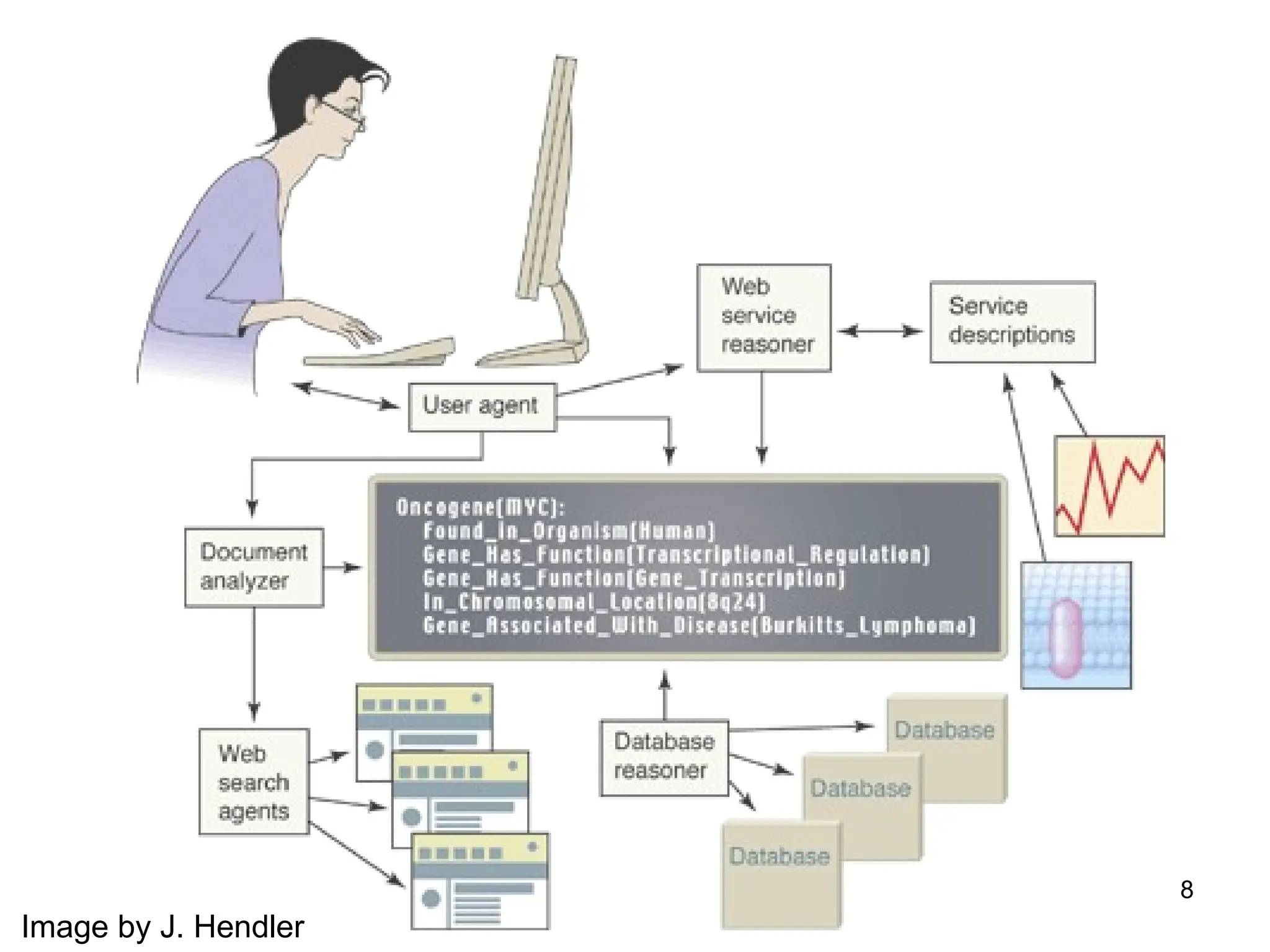
Image by J. Hendler
9
So, how do we do this?
• Ontologies
• Languages (e.g., RDF, OWL) to express
ontologies
• Software tools for developing and
reasoning about ontologies
• Agents and search technologies
10
What is an ontology?
• Terms used to describe and represent an
area of knowledge
• Used by people, databases, and
applications to describe an area of
knowledge
• Computer-useable definitions of basic
concepts in a domain and relationships
among them
11
Ontology Examples
• Taxonomies on the Web
– Yahoo! categories
• Catalogs for on-line shopping
– Amazon.com product catalog
• Domain-specific standard terminology
– SNOMED Clinical Terms – terminology for
clinical medicine
– UNSPSC - terminology for products and services
Slide by N. Noy and S. Tu
12
More details
• Range from simple taxonomies to complex
metadata schemes
• Descriptions for:
– Classes (general things) in domain of interest
– Relationships that can exist among things
– Properties (or attributes) those things may
have
13
Why are ontologies useful?
• Enable semantics of documents to be
used by applications and agents
• Standardize metadata terms within a
community
• Enable reuse of domain knowledge
• Make domain assumptions explicit
14
Why are ontologies useful?
• Associations between concepts
• Information extraction
• Information integration
• Automatic reasoning
15
Reasoning Example
• Parent is a more general relationship than
mother
• Mary is the mother of Bob
• Conclusion: Mary is a parent of Bob
• Reasoning allows us to answer query
“Who are Bob’s parents?”
16
Why Develop an Ontology?
• To share common understanding of the
structure of information
– among people
– among software agents
• To enable reuse of domain knowledge
– to avoid “re-inventing the wheel”
– to introduce standards to allow
interoperability
Slide by N. Noy and S. Tu
17
More Reasons
• To make domain assumptions explicit
– easier to change domain assumptions
(consider a genetics knowledge base)
– easier to understand and update legacy data
• To separate domain knowledge from the
operational knowledge
– re-use domain and operational knowledge
separately (e.g., configuration based on
constraints)
Slide by N. Noy and S. Tu
18
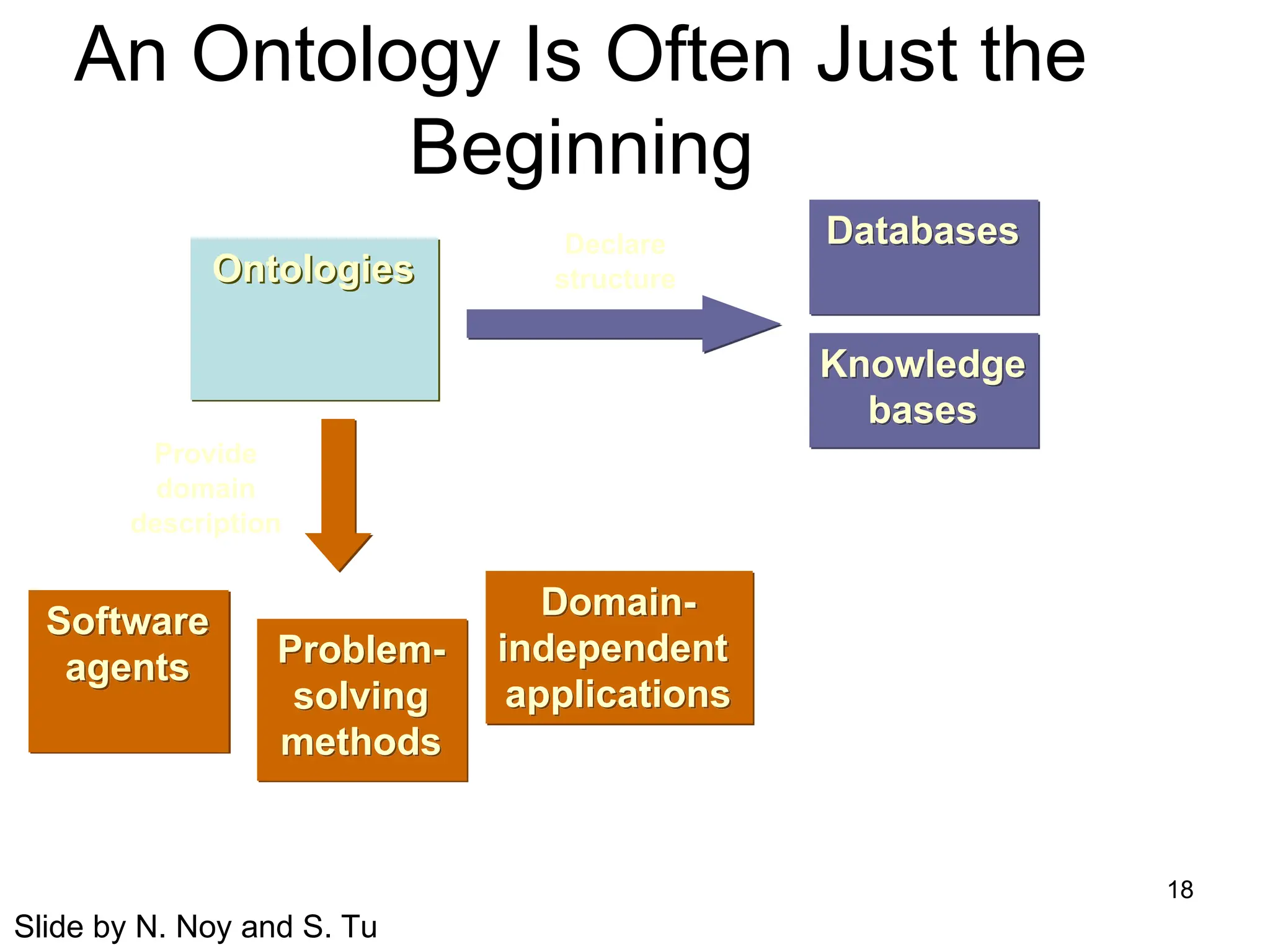
An Ontology Is Often Just the
Beginning
Ontologies
Software
agents Problem-
solving
methods
Domain-
independent
applications
Databases
Declare
structure
Knowledge
bases
Provide
domain
description
Slide by N. Noy and S. Tu
19
Background
• XML-Syntax for structured documents, but no
semantic constraints
• XML Schema- language for restricting structure
of XML documents
• RDF – data model for objects “resources” and
relations between them
• RDF Schema – vocabulary for describing
properties and classes of RDF resources
• What is missing: more complex relationships
– Domain/range, many-to-one vs many-to-many, etc.
20
DAML+OIL
• DAML – DARPA Markup Language
• OIL – Ontology Inference Layer
• Extension to XML and RDF to express
precise constraints on classes and
properties
21
OWL: Web ontology language
• Derived from DAML+OIL
• Adds capabilities compared to RDF:
– Relations between classes (e.g., disjointness)
– Cardinality (e.g. exactly one)
– Equality
– Rich typing of properties
– Characteristics of properties
– Enumerated classes
22
OWL Components
• Individuals
– Objects in a domain
– Objects with different names might be the same
• Properties
– Binary relations on individuals
– e.g. hasSibling
– Can have inverses e.g., hasOwner and OwnedBy
– Can be transitive
– Can be symmetric
23
OWL Components (continued)
• Classes
– Sets that contain individuals
– Described using formal descriptions that state
requirements for membership
– May be organized into superclass-subclass
hierarchy (taxonomy)
• Cat is a subclass of animal
– Superclass-subclass relationships may be
computed by a reasoner
24
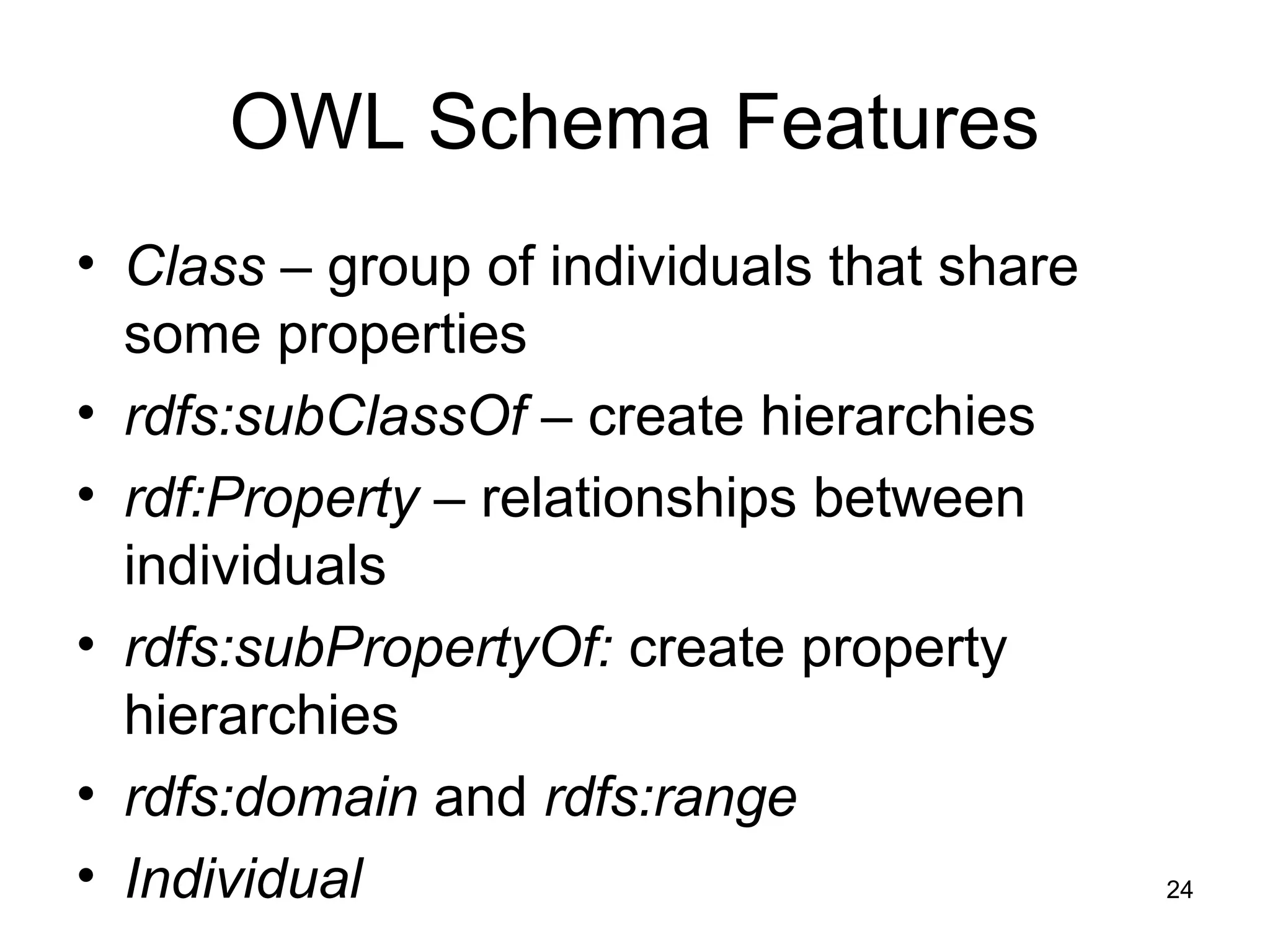
OWL Schema Features
• Class – group of individuals that share
some properties
• rdfs:subClassOf – create hierarchies
• rdf:Property – relationships between
individuals
• rdfs:subPropertyOf: create property
hierarchies
• rdfs:domain and rdfs:range
• Individual
25
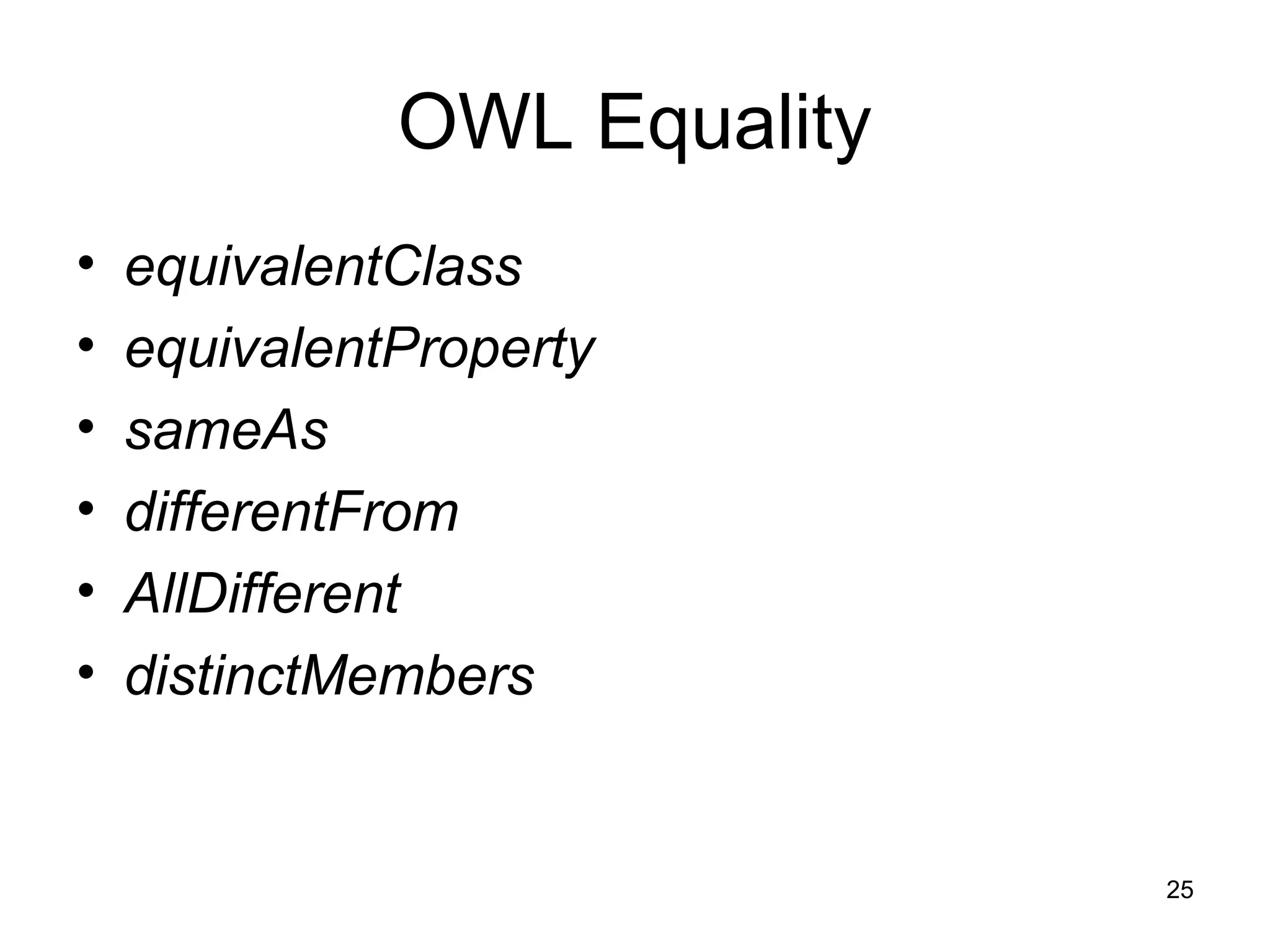
OWL Equality
• equivalentClass
• equivalentProperty
• sameAs
• differentFrom
• AllDifferent
• distinctMembers
26
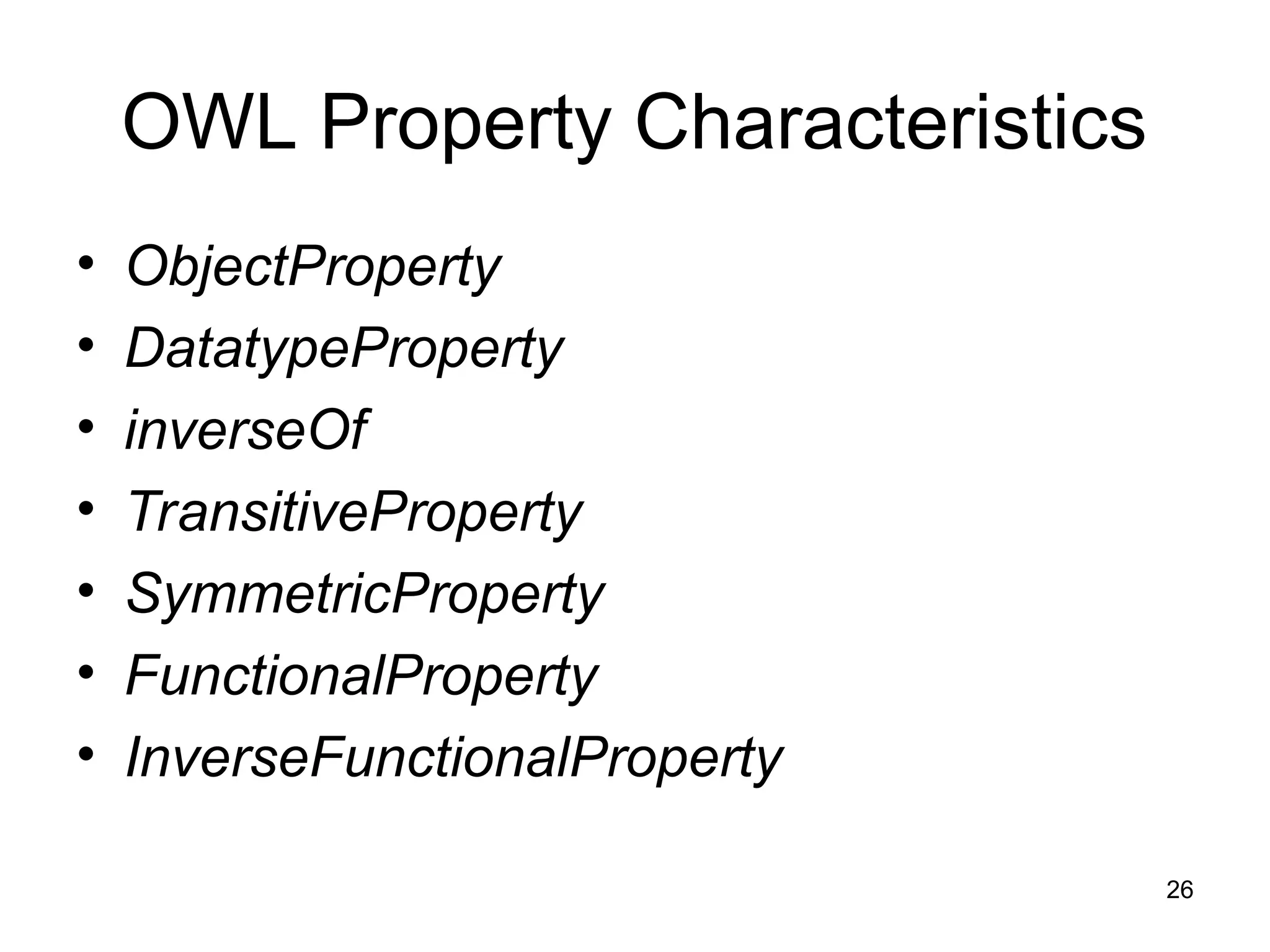
OWL Property Characteristics
• ObjectProperty
• DatatypeProperty
• inverseOf
• TransitiveProperty
• SymmetricProperty
• FunctionalProperty
• InverseFunctionalProperty
27
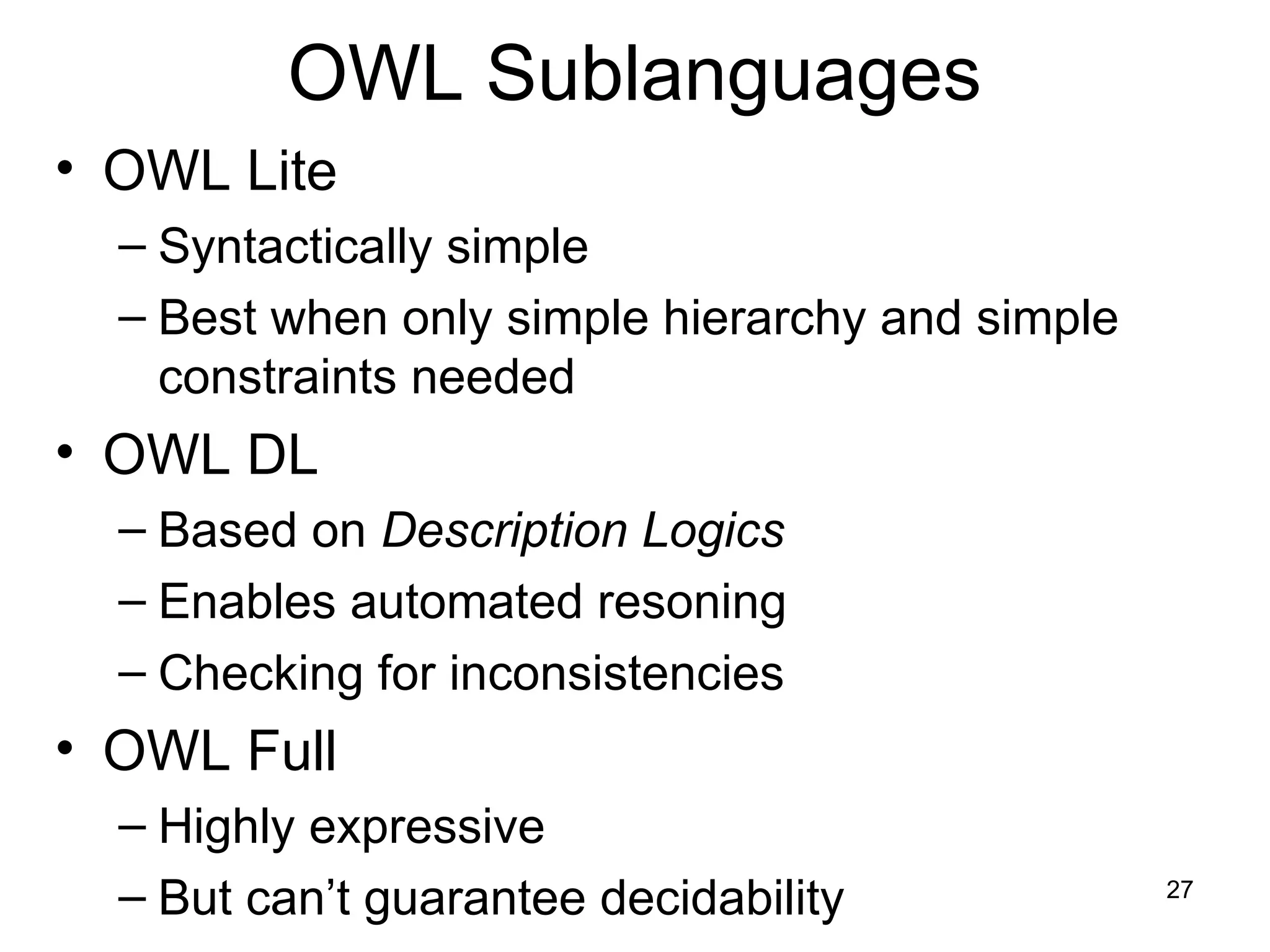
OWL Sublanguages
• OWL Lite
– Syntactically simple
– Best when only simple hierarchy and simple
constraints needed
• OWL DL
– Based on Description Logics
– Enables automated resoning
– Checking for inconsistencies
• OWL Full
– Highly expressive
– But can’t guarantee decidability
28
OWL Lite
• Primarily classification hierarchy and
simple constraints
• Supports cardinality constraints, but only 0
or 1
• Supports simple intersections of classes
and restrictions, but not arbitrary
combinations
29
OWL-DL
• Named for correspondence to Description
Logic
• Maximum expressiveness while retaining
– computational completeness (all conclusions
guaranteed to be computed)
– decidability (all computations will finish in finite
time)
• Includes all OWL language constructs, but
restrictions on use
– e.g., class cannot be an instance of another
class
• Most of our discussion focused on OWL DL
30
OWL-Full
• Maximum expressiveness and syntactic
freedom of RDF with no computational
guarantees
• Class can be collection of individuals or
individual in its own right
• Reasoning software cannot support every
feature of OWL Full
31
OWL-DL and OWL-Full Extensions
• oneOf (enumerated classes)
• hasValue (property values)
• disjointWith
• unionOf,complementOf, intersectionOf
• minCardinality, maxCardinality, Cardinality
32
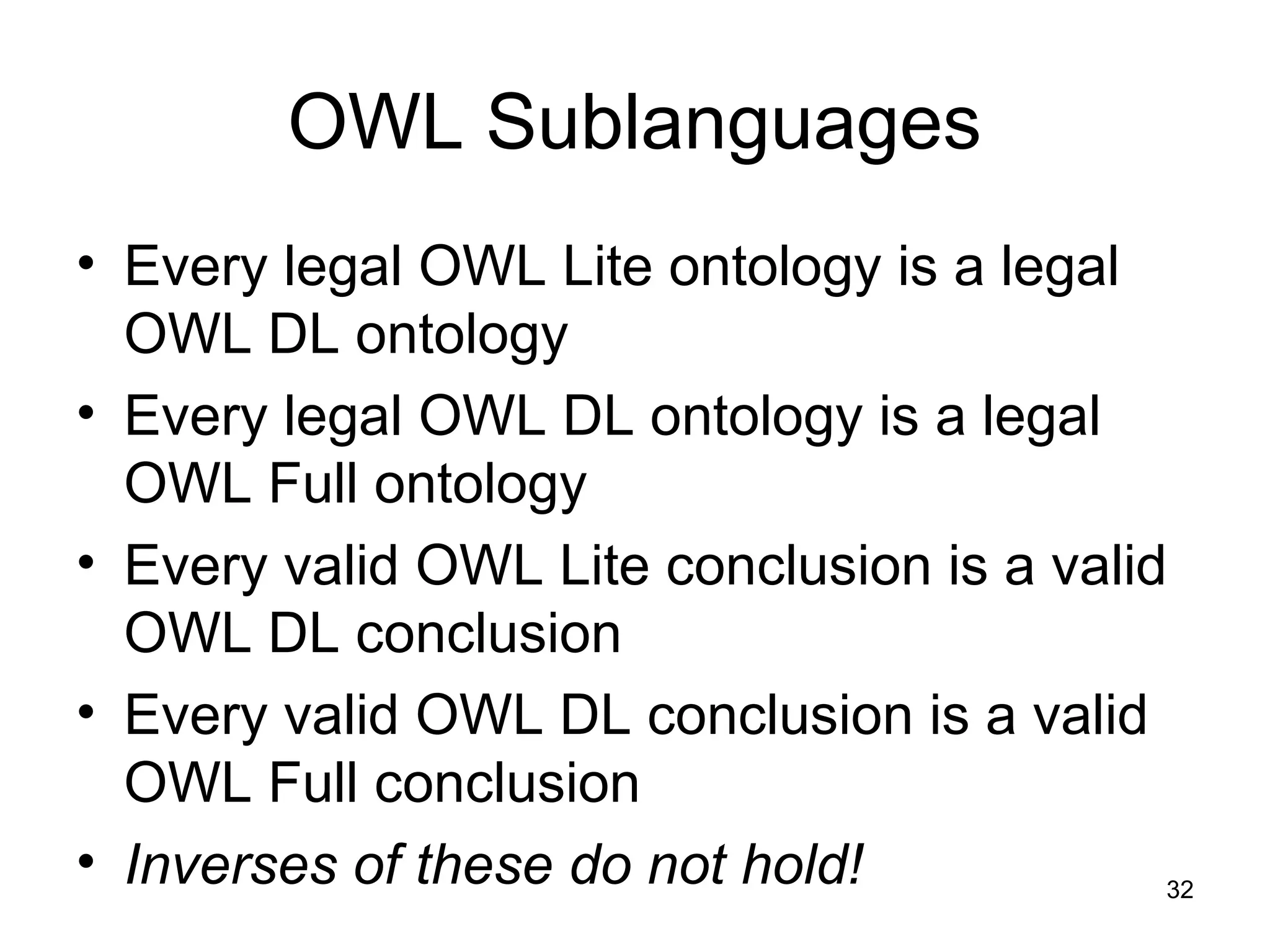
OWL Sublanguages
• Every legal OWL Lite ontology is a legal
OWL DL ontology
• Every legal OWL DL ontology is a legal
OWL Full ontology
• Every valid OWL Lite conclusion is a valid
OWL DL conclusion
• Every valid OWL DL conclusion is a valid
OWL Full conclusion
• Inverses of these do not hold!
33
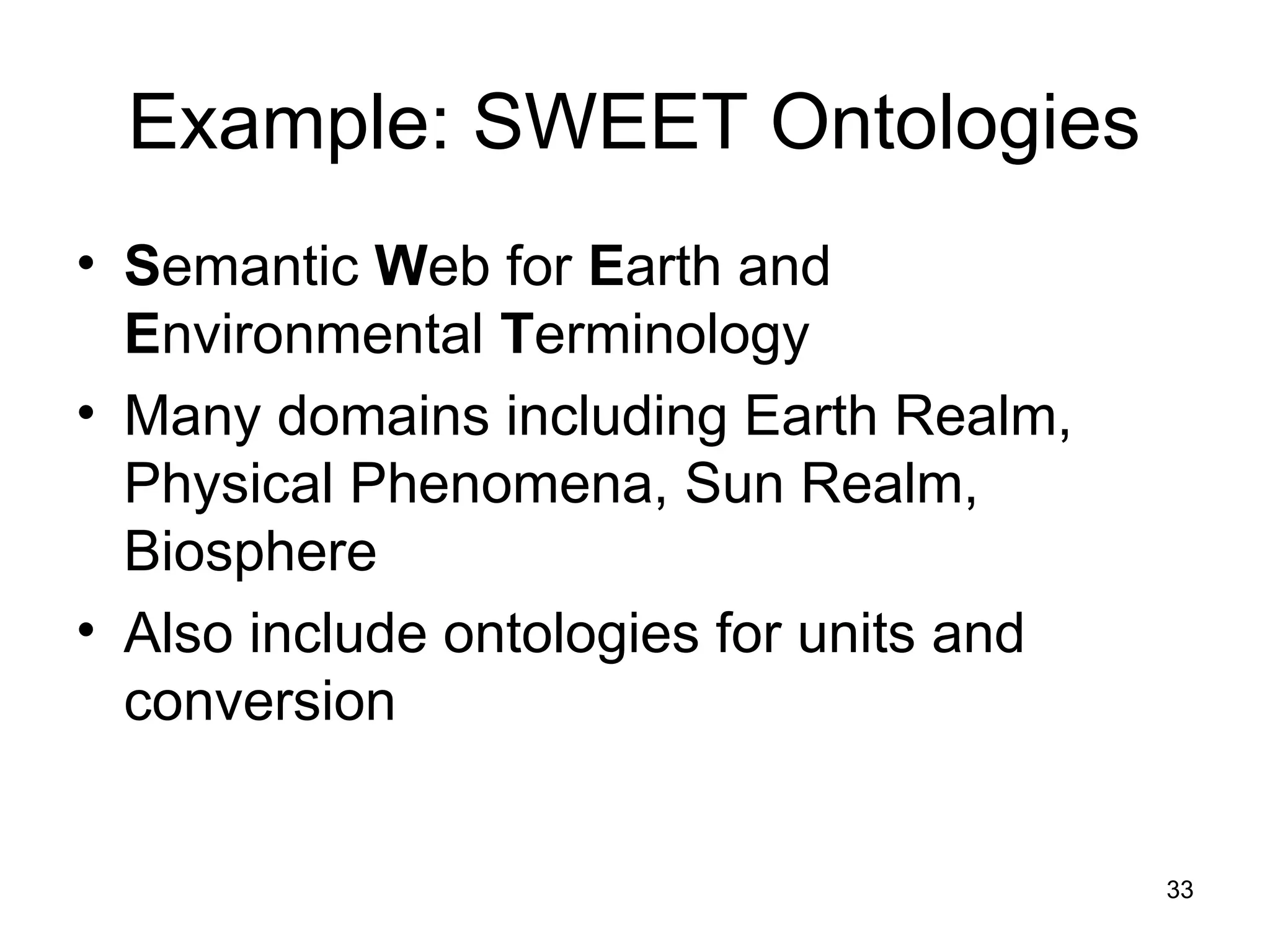
Example: SWEET Ontologies
• Semantic Web for Earth and
Environmental Terminology
• Many domains including Earth Realm,
Physical Phenomena, Sun Realm,
Biosphere
• Also include ontologies for units and
conversion
34
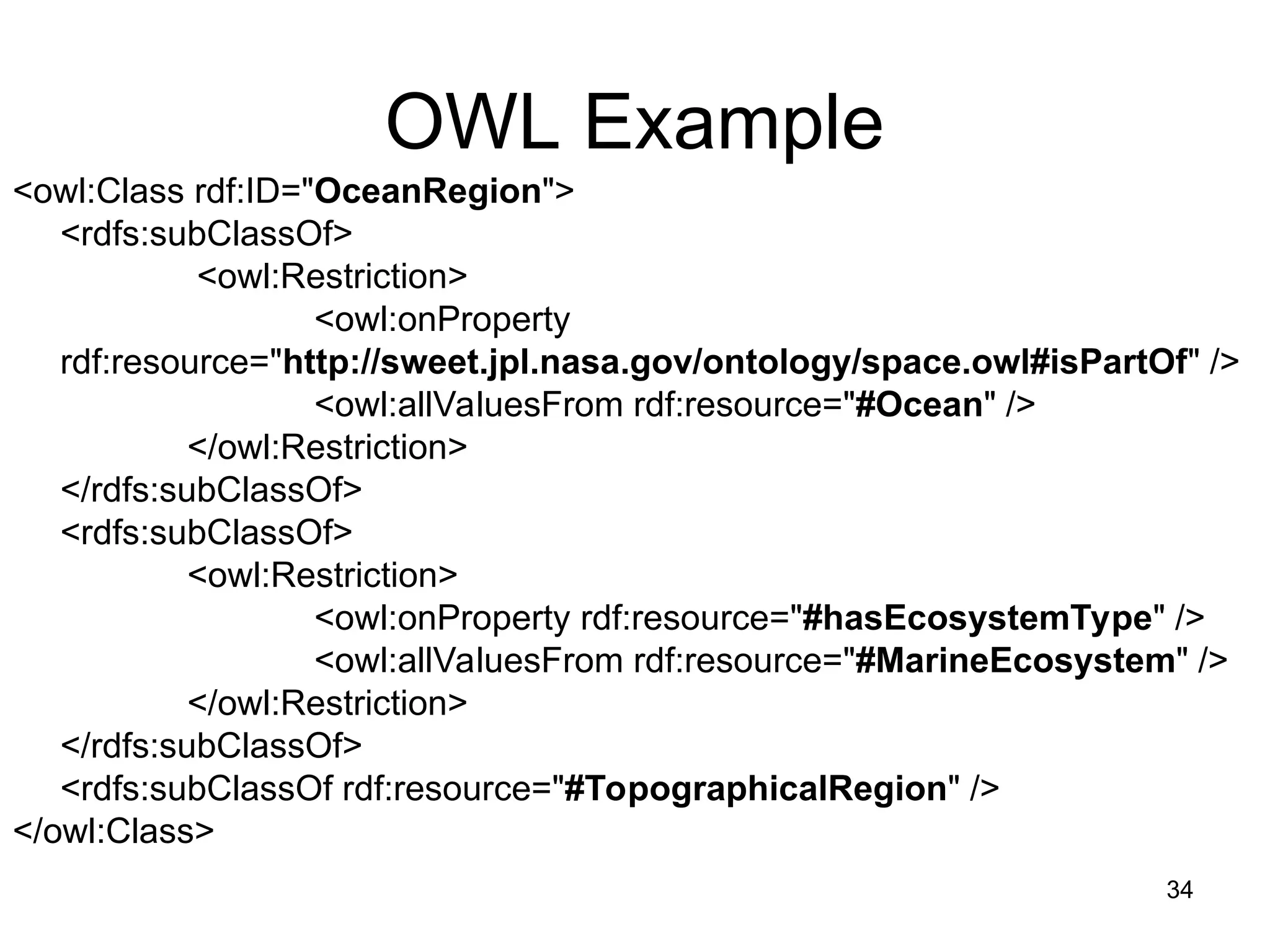
OWL Example
<owl:Class rdf:ID="OceanRegion">
<rdfs:subClassOf>
<owl:Restriction>
<owl:onProperty
rdf:resource="http://sweet.jpl.nasa.gov/ontology/space.owl#isPartOf" />
<owl:allValuesFrom rdf:resource="#Ocean" />
</owl:Restriction>
</rdfs:subClassOf>
<rdfs:subClassOf>
<owl:Restriction>
<owl:onProperty rdf:resource="#hasEcosystemType" />
<owl:allValuesFrom rdf:resource="#MarineEcosystem" />
</owl:Restriction>
</rdfs:subClassOf>
<rdfs:subClassOf rdf:resource="#TopographicalRegion" />
</owl:Class>
35
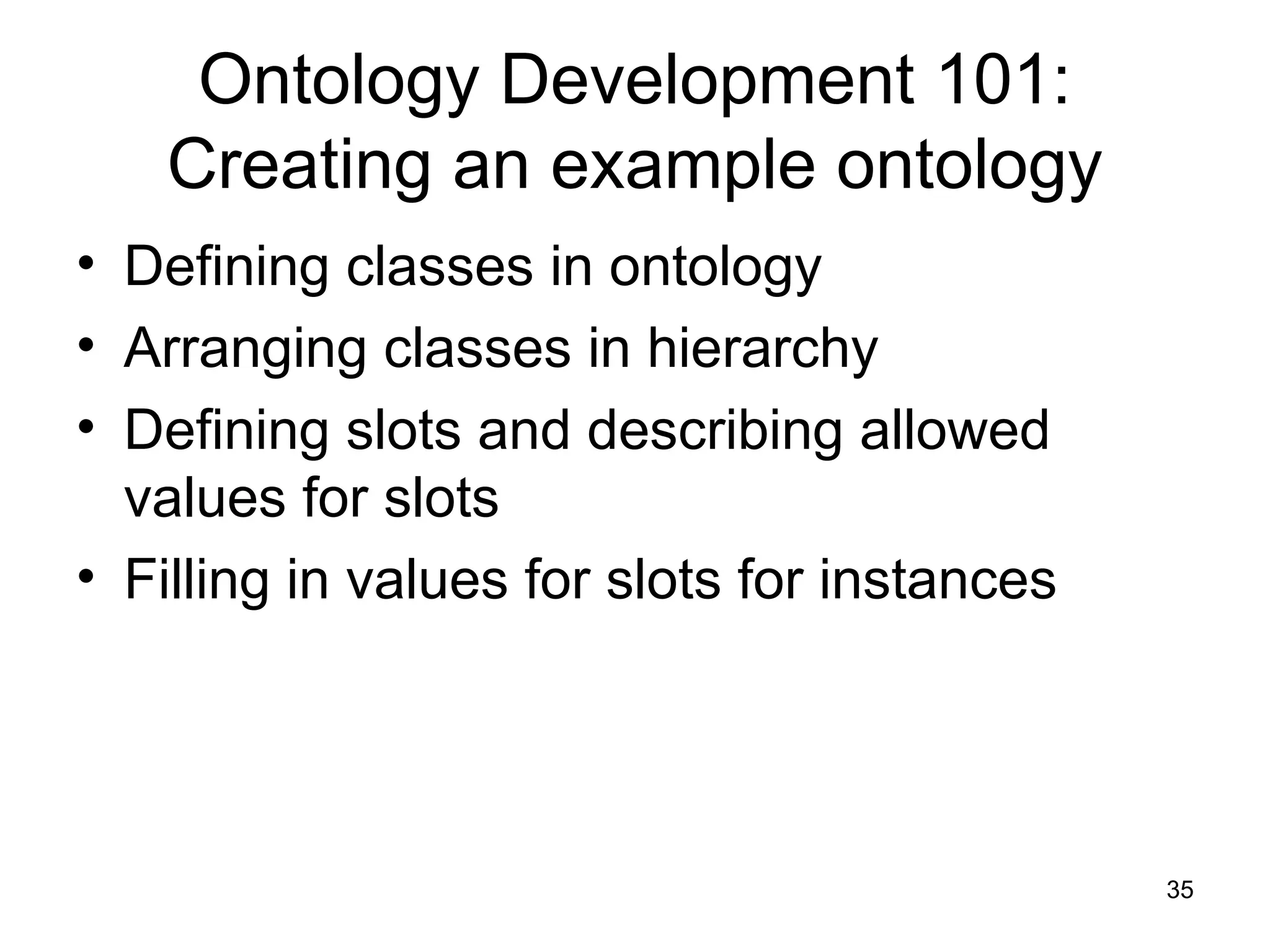
Ontology Development 101:
Creating an example ontology
• Defining classes in ontology
• Arranging classes in hierarchy
• Defining slots and describing allowed
values for slots
• Filling in values for slots for instances
36
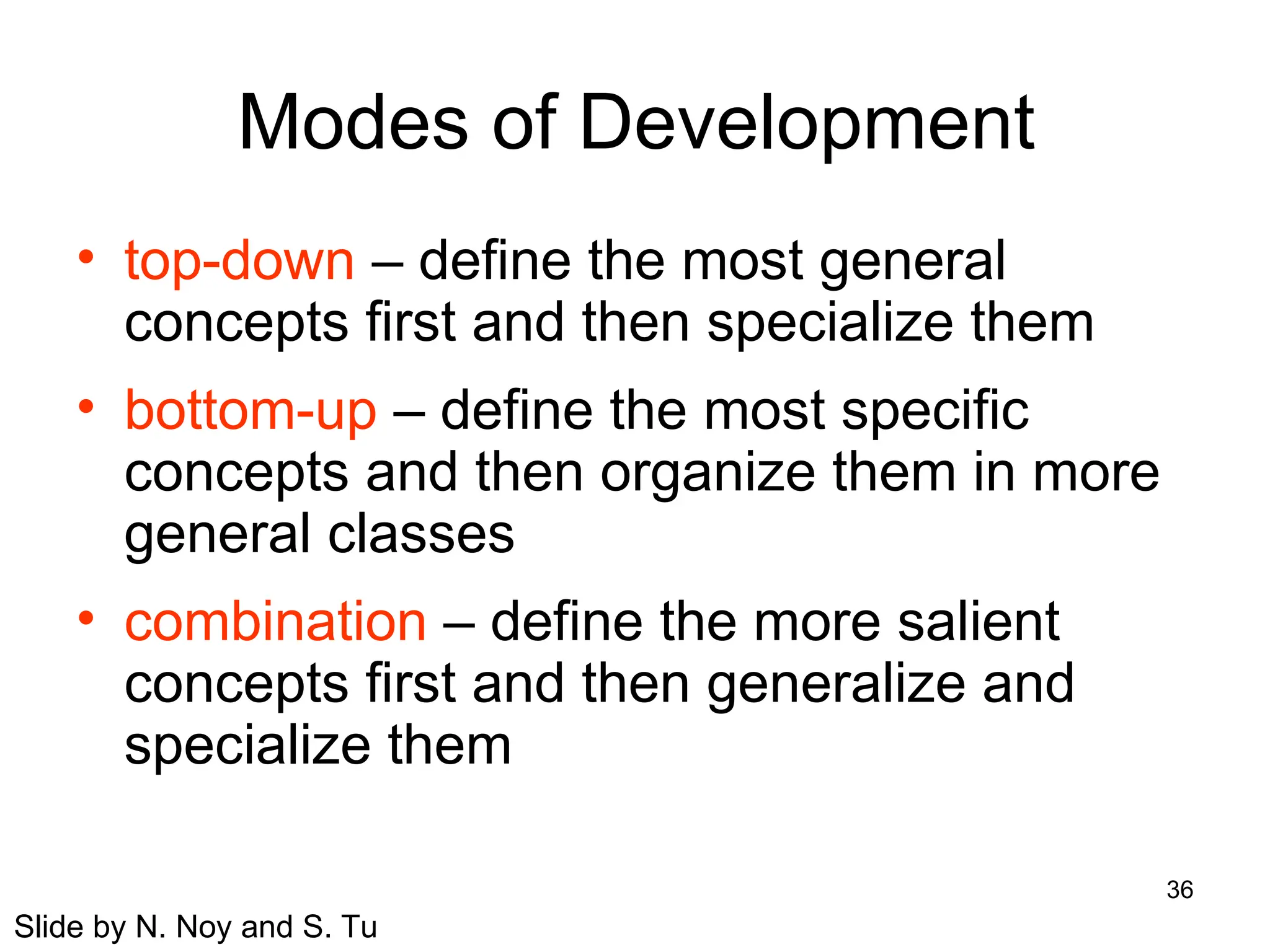
Modes of Development
• top-down – define the most general
concepts first and then specialize them
• bottom-up – define the most specific
concepts and then organize them in more
general classes
• combination – define the more salient
concepts first and then generalize and
specialize them
Slide by N. Noy and S. Tu
37
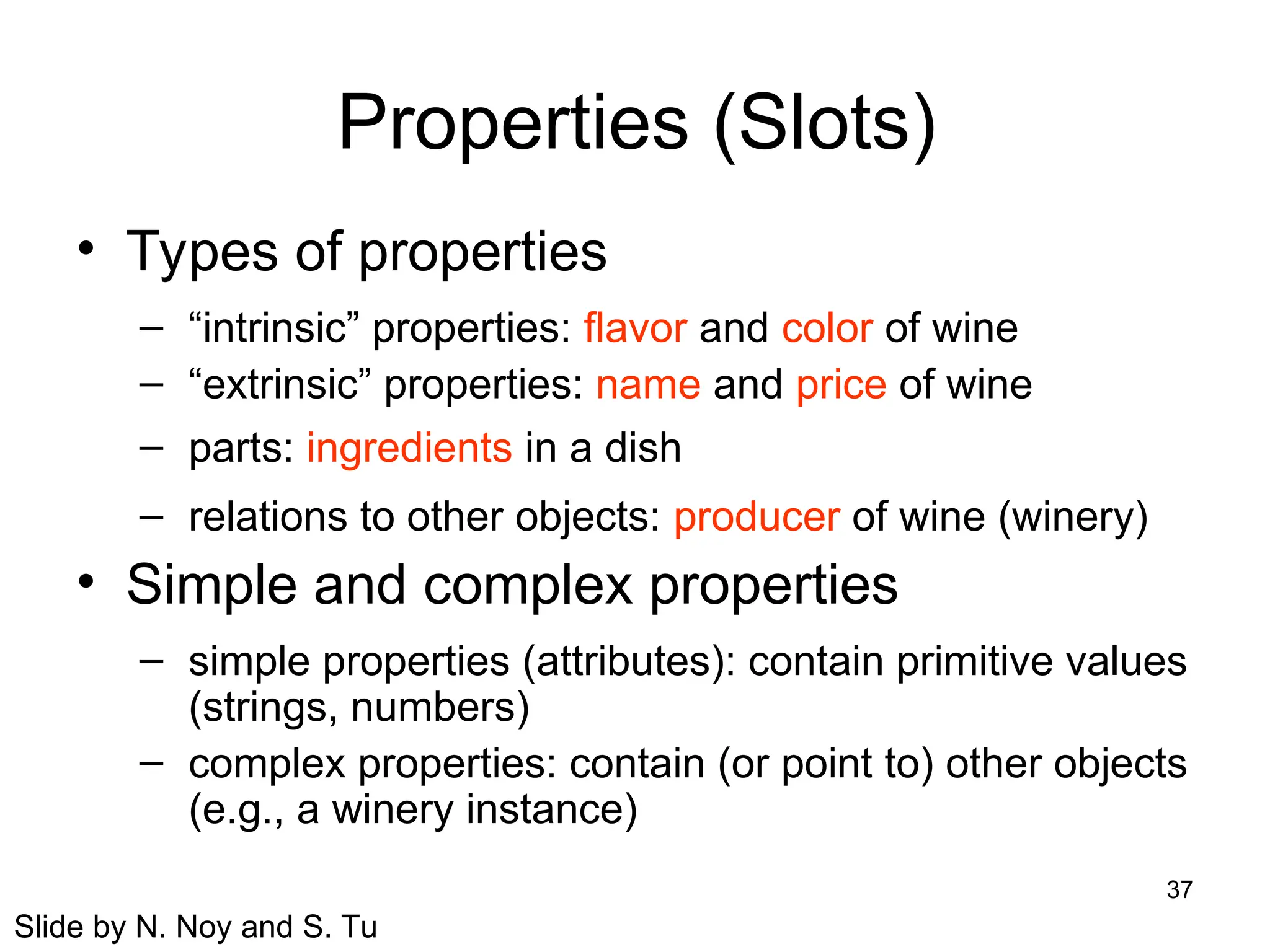
Properties (Slots)
• Types of properties
– “intrinsic” properties: flavor and color of wine
– “extrinsic” properties: name and price of wine
– parts: ingredients in a dish
– relations to other objects: producer of wine (winery)
• Simple and complex properties
– simple properties (attributes): contain primitive values
(strings, numbers)
– complex properties: contain (or point to) other objects
(e.g., a winery instance)
Slide by N. Noy and S. Tu
38
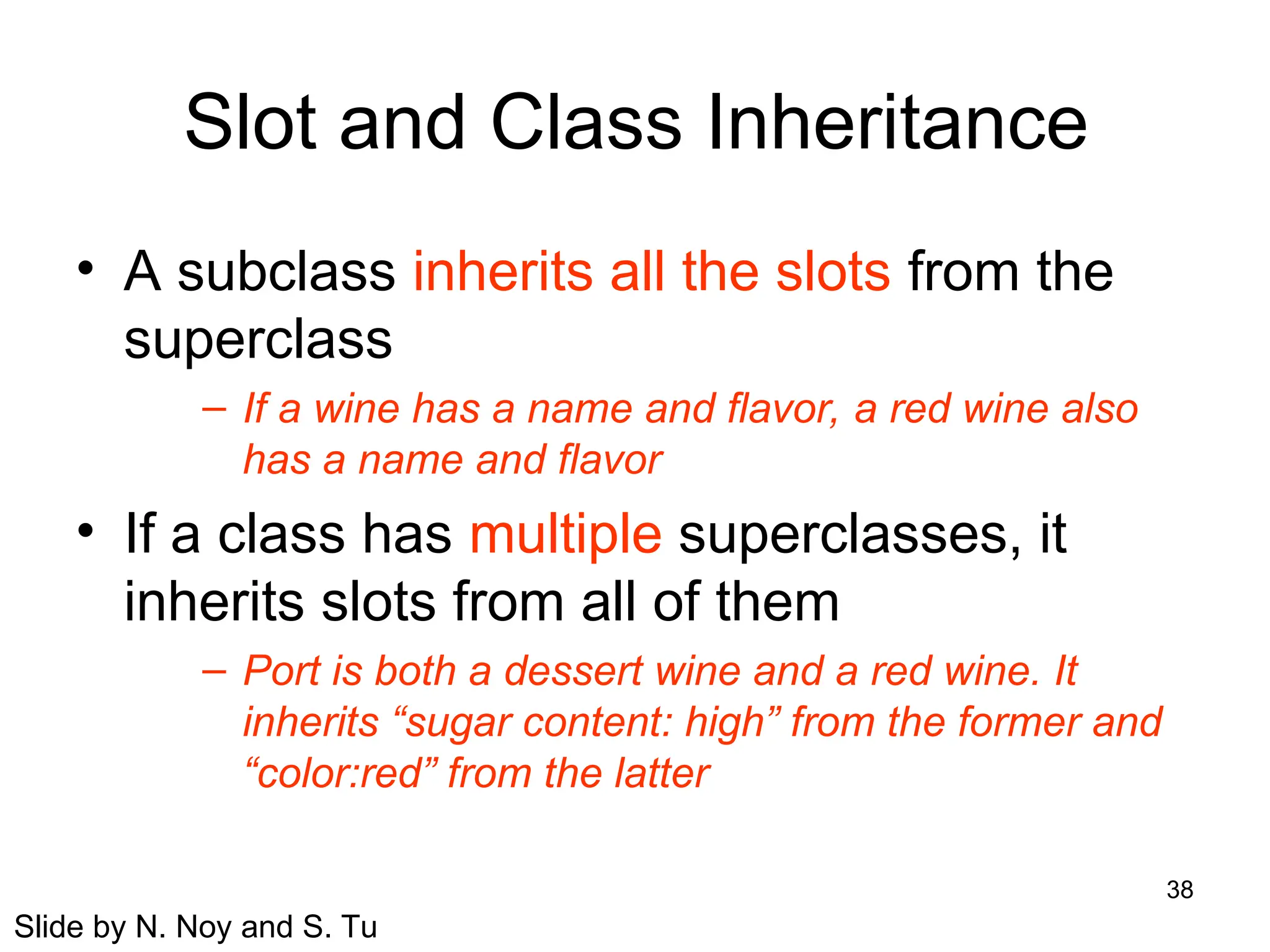
Slot and Class Inheritance
• A subclass inherits all the slots from the
superclass
– If a wine has a name and flavor, a red wine also
has a name and flavor
• If a class has multiple superclasses, it
inherits slots from all of them
– Port is both a dessert wine and a red wine. It
inherits “sugar content: high” from the former and
“color:red” from the latter
Slide by N. Noy and S. Tu
39
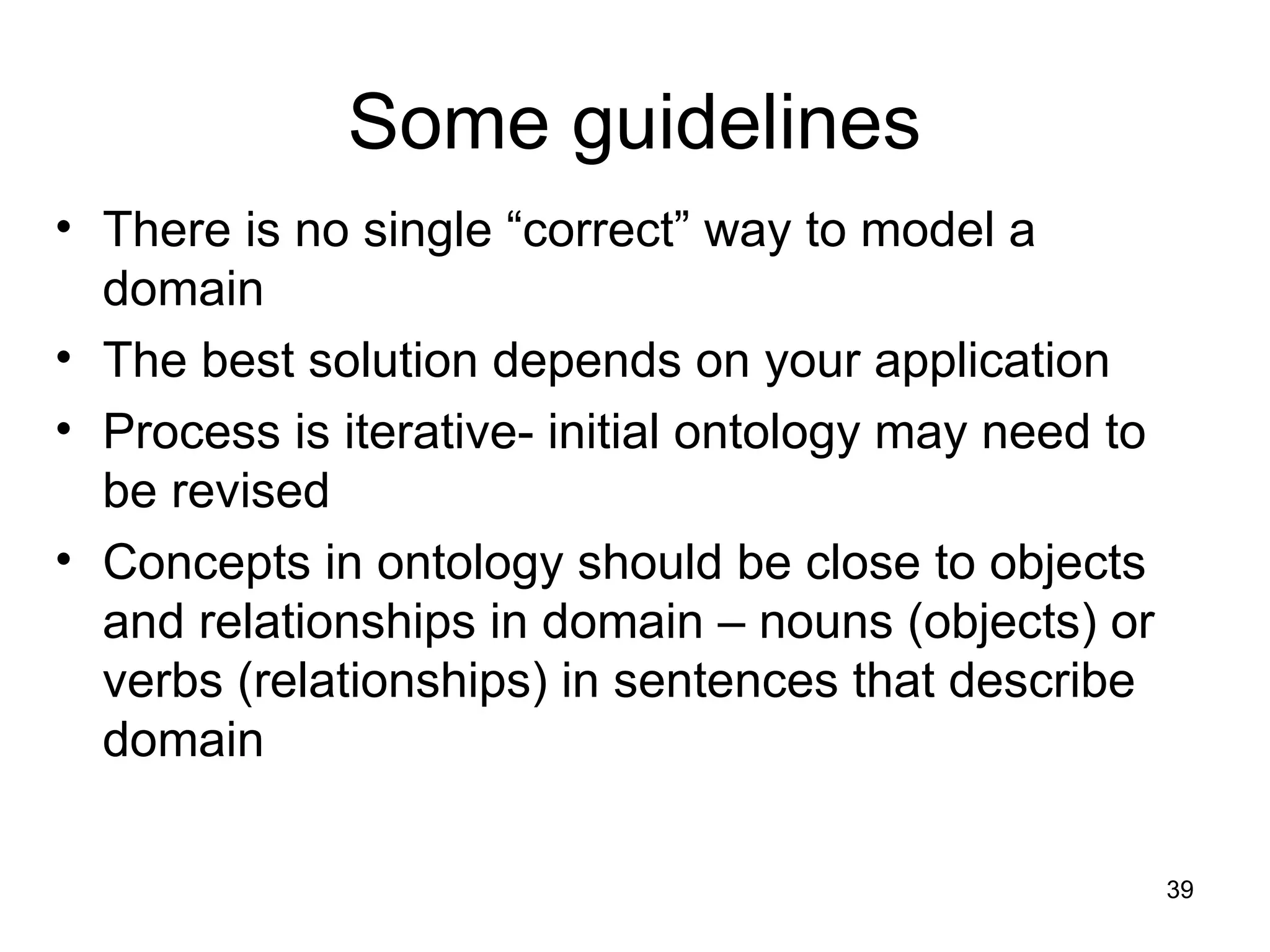
Some guidelines
• There is no single “correct” way to model a
domain
• The best solution depends on your application
• Process is iterative- initial ontology may need to
be revised
• Concepts in ontology should be close to objects
and relationships in domain – nouns (objects) or
verbs (relationships) in sentences that describe
domain
40
Limiting the Scope
• An ontology should not contain all the
possible information about the domain
– No need to specialize or generalize more
than the application requires
– No need to include all possible properties of a
class
• Only the most salient properties
• Only the properties that the applications require
Slide by N. Noy and S. Tu
41
Exercise
• Design an ontology for carbonated
beverages
– Don’t need formal syntax – high level
description is fine
– Try to include individuals, classes, and
properties
42
Some comments
• We’ve seen:
– OWL overview
– Principles of ontology design
– But difficult to read and understand OWL files!
• Solution: specialized tools to design and
edit ontologies
43
Protégé
• Free, open source ontology editor and
knowledge-based framework
• Protégé-frames:
– Constructing and storing frame-based
ontologies (represent info as objects)
– Entering instance data
• Protégé-OWL:
– Load and save OWL and RDF ontologies
– Edit and visualize classes, properties
– Execute reasoners
44
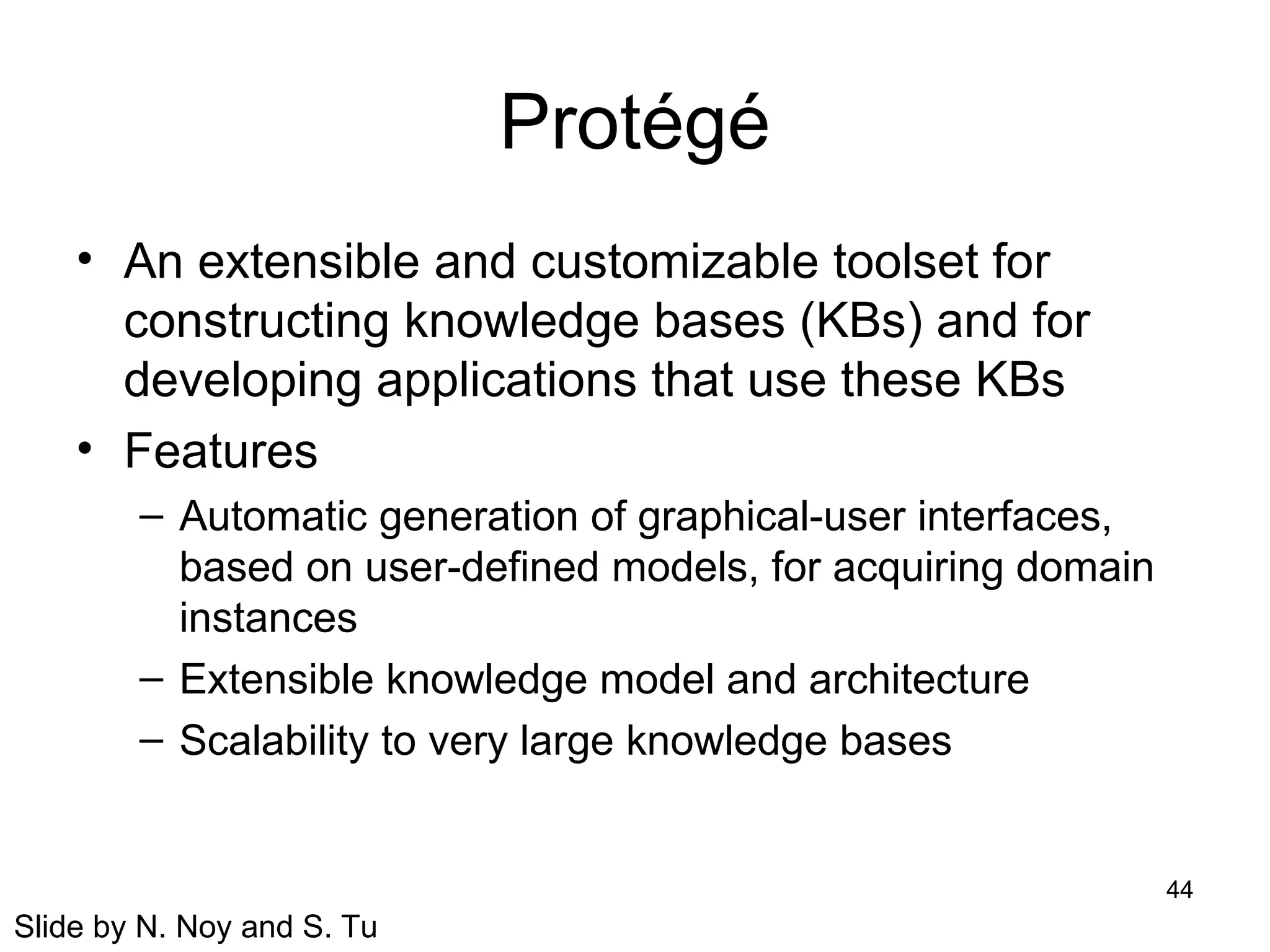
Protégé
• An extensible and customizable toolset for
constructing knowledge bases (KBs) and for
developing applications that use these KBs
• Features
– Automatic generation of graphical-user interfaces,
based on user-defined models, for acquiring domain
instances
– Extensible knowledge model and architecture
– Scalability to very large knowledge bases
Slide by N. Noy and S. Tu
45
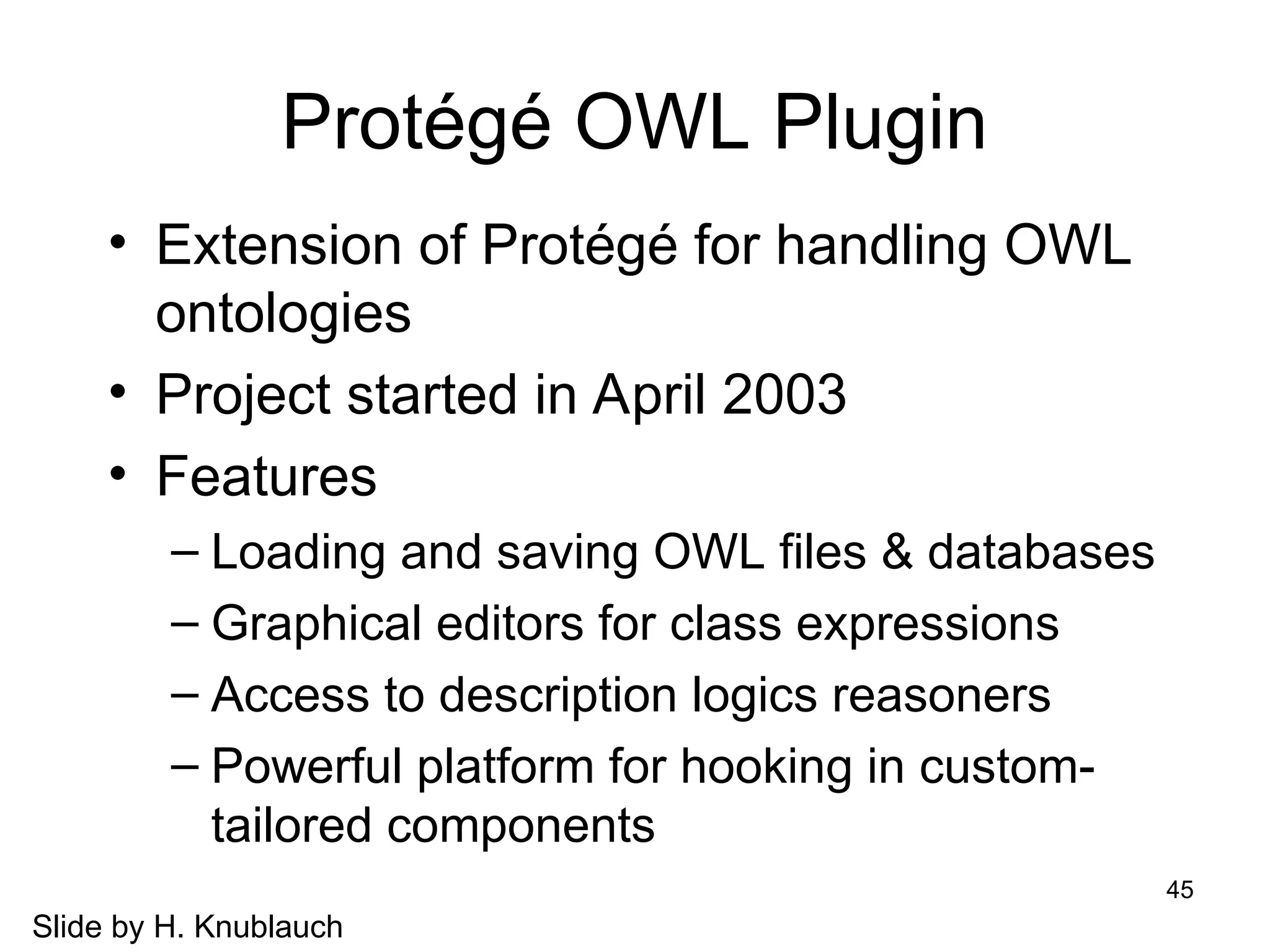
Protégé OWL Plugin
• Extension of Protégé for handling OWL
ontologies
• Project started in April 2003
• Features
– Loading and saving OWL files & databases
– Graphical editors for class expressions
– Access to description logics reasoners
– Powerful platform for hooking in custom-
tailored components
Slide by H. Knublauch
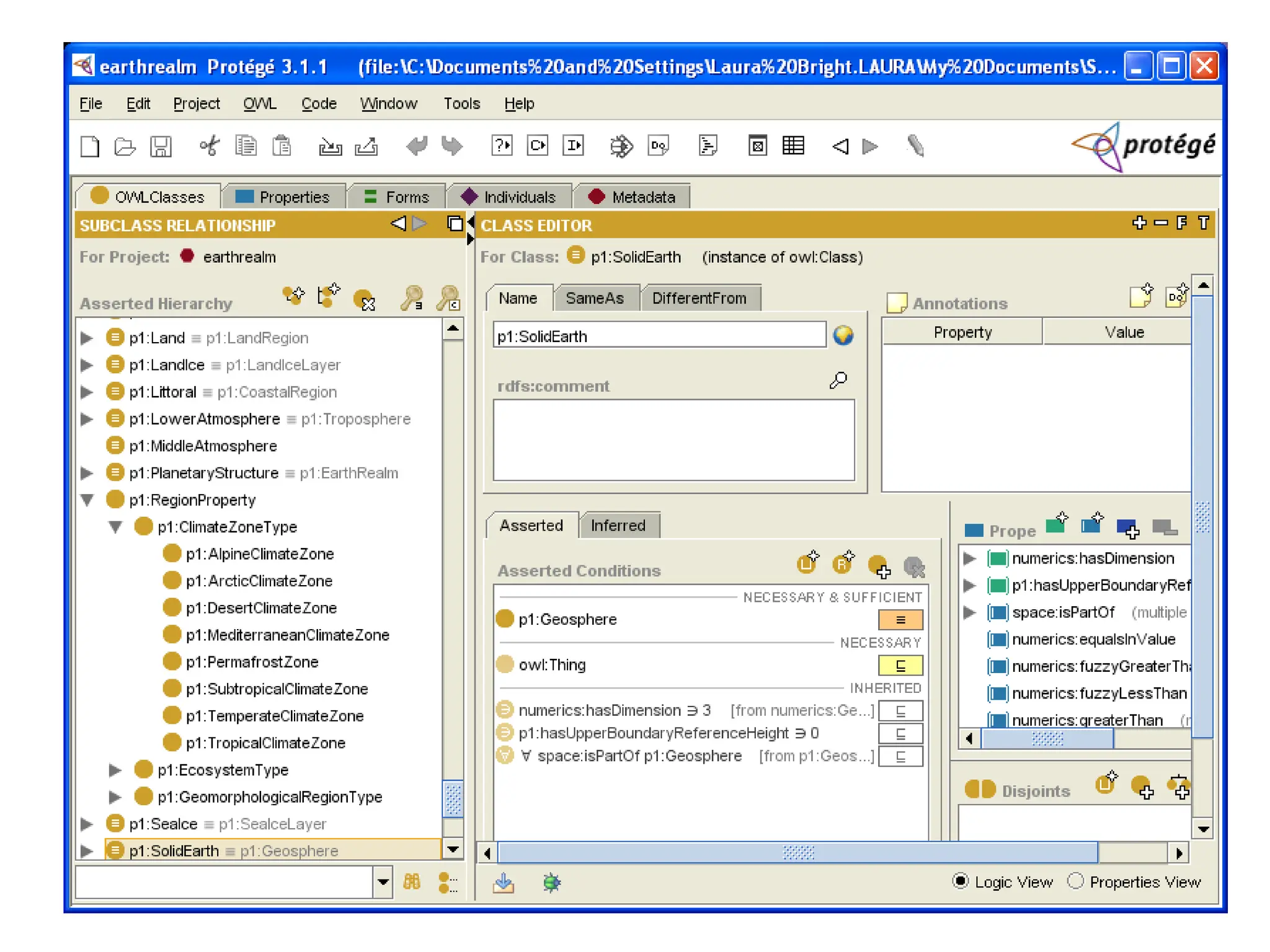
46
47
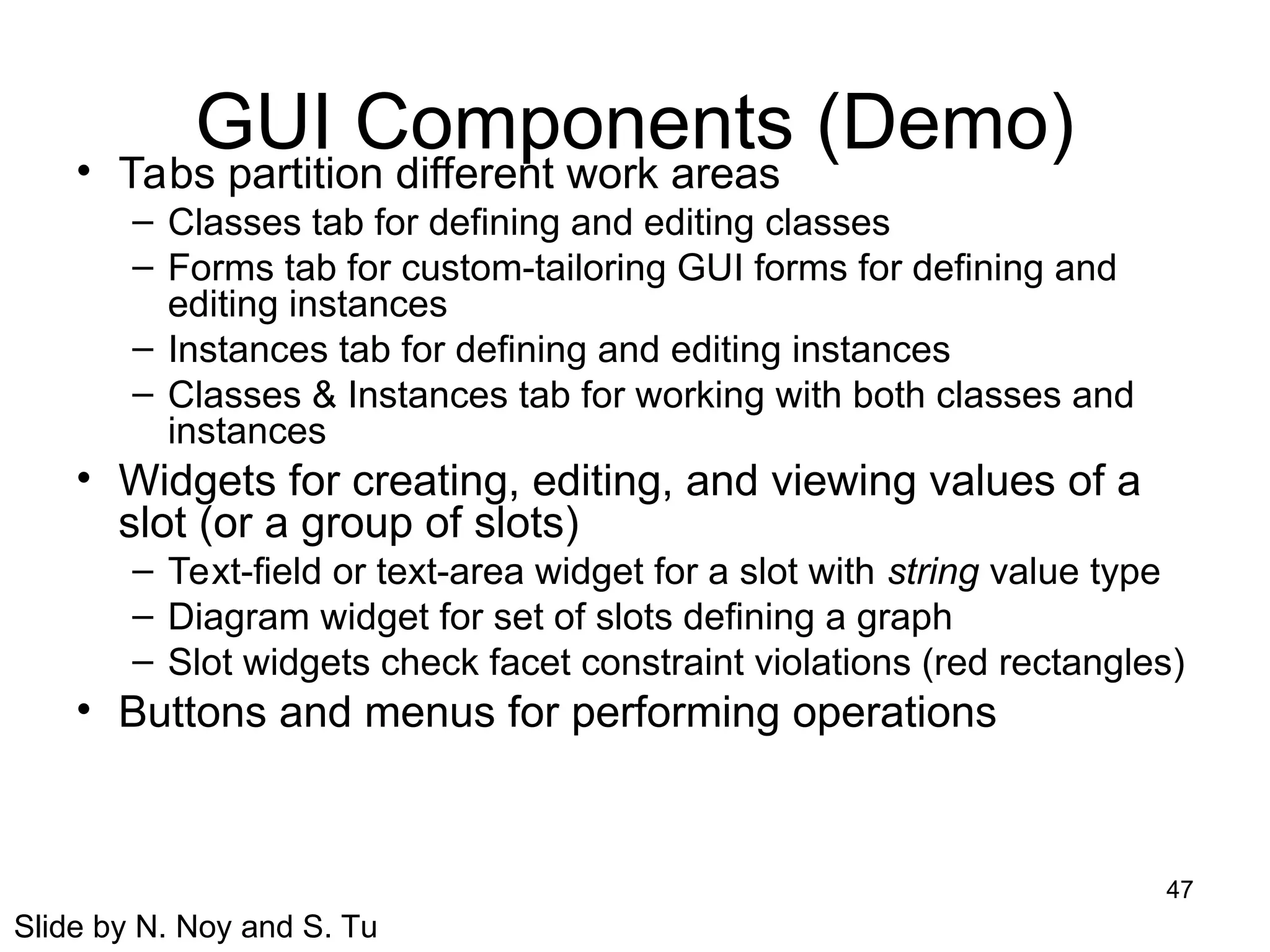
GUI Components (Demo)
• Tabs partition different work areas
– Classes tab for defining and editing classes
– Forms tab for custom-tailoring GUI forms for defining and
editing instances
– Instances tab for defining and editing instances
– Classes & Instances tab for working with both classes and
instances
• Widgets for creating, editing, and viewing values of a
slot (or a group of slots)
– Text-field or text-area widget for a slot with string value type
– Diagram widget for set of slots defining a graph
– Slot widgets check facet constraint violations (red rectangles)
• Buttons and menus for performing operations
Slide by N. Noy and S. Tu
48
Some examples
49
Current status
• Many scientists unaware of semantic web
effort
• Scientists are “customers” and “users”
rather than helping to evolve technology
• Need more interdisciplinary programs
• Need to share content and tools
Social Networks and the Semantic Web PDF

  • 1.
  • 2.
    2 Overview • Background: SemanticWeb • What is an ontology • Why are ontologies useful? • OWL overview • Ontology Design • Protege
  • 3.
    3 Semantic Web • Webis increasingly important for scientists – Locating papers – Accessing online databases • General search engines (e.g., Google) and domain-search engines can help • What are some limitations of search engines?
  • 4.
    4 Semantic Web Vision •“The Semantic Web is an extension of the current Web in which information is given well-defined meaning, enabling computers and people to work in better cooperation” • “The web will reach its full potential when it becomes an environment where data can be shared and processed by automated tools as well as by people.” – Tim Berners-Lee and Eric Miller
  • 5.
    5 Semantic Web inScience • Researchers at one level of analysis may need to explore results from a different level • Researchers may need to search results from another field – May not know right keywords to search for • Information integration from multiple sites • Non-textual information • Making web data “machine-readable”
  • 6.
    6 Semantic Web • Improvecommunications between people using different technologies • Extend interoperability of databases • Tools for interacting with multimedia collections • Mechanisms to support “agent-based” computing – People and machines working interactively
  • 7.
    7 Example: National CancerInstitute • Turn vocabulary of cancer research terms into machine readable ontology – Expanded Thesaurus that delineates relationships between vocabulary items • Build a knowledge base not restricted to particular keywords • Situate knowledge base in a distributed way among documents and resources on the web
  • 8.
  • 9.
    9 So, how dowe do this? • Ontologies • Languages (e.g., RDF, OWL) to express ontologies • Software tools for developing and reasoning about ontologies • Agents and search technologies
  • 10.
    10 What is anontology? • Terms used to describe and represent an area of knowledge • Used by people, databases, and applications to describe an area of knowledge • Computer-useable definitions of basic concepts in a domain and relationships among them
  • 11.
    11 Ontology Examples • Taxonomieson the Web – Yahoo! categories • Catalogs for on-line shopping – Amazon.com product catalog • Domain-specific standard terminology – SNOMED Clinical Terms – terminology for clinical medicine – UNSPSC - terminology for products and services Slide by N. Noy and S. Tu
  • 12.
    12 More details • Rangefrom simple taxonomies to complex metadata schemes • Descriptions for: – Classes (general things) in domain of interest – Relationships that can exist among things – Properties (or attributes) those things may have
  • 13.
    13 Why are ontologiesuseful? • Enable semantics of documents to be used by applications and agents • Standardize metadata terms within a community • Enable reuse of domain knowledge • Make domain assumptions explicit
  • 14.
    14 Why are ontologiesuseful? • Associations between concepts • Information extraction • Information integration • Automatic reasoning
  • 15.
    15 Reasoning Example • Parentis a more general relationship than mother • Mary is the mother of Bob • Conclusion: Mary is a parent of Bob • Reasoning allows us to answer query “Who are Bob’s parents?”
  • 16.
    16 Why Develop anOntology? • To share common understanding of the structure of information – among people – among software agents • To enable reuse of domain knowledge – to avoid “re-inventing the wheel” – to introduce standards to allow interoperability Slide by N. Noy and S. Tu
  • 17.
    17 More Reasons • Tomake domain assumptions explicit – easier to change domain assumptions (consider a genetics knowledge base) – easier to understand and update legacy data • To separate domain knowledge from the operational knowledge – re-use domain and operational knowledge separately (e.g., configuration based on constraints) Slide by N. Noy and S. Tu
  • 18.
    18 An Ontology IsOften Just the Beginning Ontologies Software agents Problem- solving methods Domain- independent applications Databases Declare structure Knowledge bases Provide domain description Slide by N. Noy and S. Tu
  • 19.
    19 Background • XML-Syntax forstructured documents, but no semantic constraints • XML Schema- language for restricting structure of XML documents • RDF – data model for objects “resources” and relations between them • RDF Schema – vocabulary for describing properties and classes of RDF resources • What is missing: more complex relationships – Domain/range, many-to-one vs many-to-many, etc.
  • 20.
    20 DAML+OIL • DAML –DARPA Markup Language • OIL – Ontology Inference Layer • Extension to XML and RDF to express precise constraints on classes and properties
  • 21.
    21 OWL: Web ontologylanguage • Derived from DAML+OIL • Adds capabilities compared to RDF: – Relations between classes (e.g., disjointness) – Cardinality (e.g. exactly one) – Equality – Rich typing of properties – Characteristics of properties – Enumerated classes
  • 22.
    22 OWL Components • Individuals –Objects in a domain – Objects with different names might be the same • Properties – Binary relations on individuals – e.g. hasSibling – Can have inverses e.g., hasOwner and OwnedBy – Can be transitive – Can be symmetric
  • 23.
    23 OWL Components (continued) •Classes – Sets that contain individuals – Described using formal descriptions that state requirements for membership – May be organized into superclass-subclass hierarchy (taxonomy) • Cat is a subclass of animal – Superclass-subclass relationships may be computed by a reasoner
  • 24.
    24 OWL Schema Features •Class – group of individuals that share some properties • rdfs:subClassOf – create hierarchies • rdf:Property – relationships between individuals • rdfs:subPropertyOf: create property hierarchies • rdfs:domain and rdfs:range • Individual
  • 25.
    25 OWL Equality • equivalentClass •equivalentProperty • sameAs • differentFrom • AllDifferent • distinctMembers
  • 26.
    26 OWL Property Characteristics •ObjectProperty • DatatypeProperty • inverseOf • TransitiveProperty • SymmetricProperty • FunctionalProperty • InverseFunctionalProperty
  • 27.
    27 OWL Sublanguages • OWLLite – Syntactically simple – Best when only simple hierarchy and simple constraints needed • OWL DL – Based on Description Logics – Enables automated resoning – Checking for inconsistencies • OWL Full – Highly expressive – But can’t guarantee decidability
  • 28.
    28 OWL Lite • Primarilyclassification hierarchy and simple constraints • Supports cardinality constraints, but only 0 or 1 • Supports simple intersections of classes and restrictions, but not arbitrary combinations
  • 29.
    29 OWL-DL • Named forcorrespondence to Description Logic • Maximum expressiveness while retaining – computational completeness (all conclusions guaranteed to be computed) – decidability (all computations will finish in finite time) • Includes all OWL language constructs, but restrictions on use – e.g., class cannot be an instance of another class • Most of our discussion focused on OWL DL
  • 30.
    30 OWL-Full • Maximum expressivenessand syntactic freedom of RDF with no computational guarantees • Class can be collection of individuals or individual in its own right • Reasoning software cannot support every feature of OWL Full
  • 31.
    31 OWL-DL and OWL-FullExtensions • oneOf (enumerated classes) • hasValue (property values) • disjointWith • unionOf,complementOf, intersectionOf • minCardinality, maxCardinality, Cardinality
  • 32.
    32 OWL Sublanguages • Everylegal OWL Lite ontology is a legal OWL DL ontology • Every legal OWL DL ontology is a legal OWL Full ontology • Every valid OWL Lite conclusion is a valid OWL DL conclusion • Every valid OWL DL conclusion is a valid OWL Full conclusion • Inverses of these do not hold!
  • 33.
    33 Example: SWEET Ontologies •Semantic Web for Earth and Environmental Terminology • Many domains including Earth Realm, Physical Phenomena, Sun Realm, Biosphere • Also include ontologies for units and conversion
  • 34.
    34 OWL Example <owl:Class rdf:ID="OceanRegion"> <rdfs:subClassOf> <owl:Restriction> <owl:onProperty rdf:resource="http://sweet.jpl.nasa.gov/ontology/space.owl#isPartOf"/> <owl:allValuesFrom rdf:resource="#Ocean" /> </owl:Restriction> </rdfs:subClassOf> <rdfs:subClassOf> <owl:Restriction> <owl:onProperty rdf:resource="#hasEcosystemType" /> <owl:allValuesFrom rdf:resource="#MarineEcosystem" /> </owl:Restriction> </rdfs:subClassOf> <rdfs:subClassOf rdf:resource="#TopographicalRegion" /> </owl:Class>
  • 35.
    35 Ontology Development 101: Creatingan example ontology • Defining classes in ontology • Arranging classes in hierarchy • Defining slots and describing allowed values for slots • Filling in values for slots for instances
  • 36.
    36 Modes of Development •top-down – define the most general concepts first and then specialize them • bottom-up – define the most specific concepts and then organize them in more general classes • combination – define the more salient concepts first and then generalize and specialize them Slide by N. Noy and S. Tu
  • 37.
    37 Properties (Slots) • Typesof properties – “intrinsic” properties: flavor and color of wine – “extrinsic” properties: name and price of wine – parts: ingredients in a dish – relations to other objects: producer of wine (winery) • Simple and complex properties – simple properties (attributes): contain primitive values (strings, numbers) – complex properties: contain (or point to) other objects (e.g., a winery instance) Slide by N. Noy and S. Tu
  • 38.
    38 Slot and ClassInheritance • A subclass inherits all the slots from the superclass – If a wine has a name and flavor, a red wine also has a name and flavor • If a class has multiple superclasses, it inherits slots from all of them – Port is both a dessert wine and a red wine. It inherits “sugar content: high” from the former and “color:red” from the latter Slide by N. Noy and S. Tu
  • 39.
    39 Some guidelines • Thereis no single “correct” way to model a domain • The best solution depends on your application • Process is iterative- initial ontology may need to be revised • Concepts in ontology should be close to objects and relationships in domain – nouns (objects) or verbs (relationships) in sentences that describe domain
  • 40.
    40 Limiting the Scope •An ontology should not contain all the possible information about the domain – No need to specialize or generalize more than the application requires – No need to include all possible properties of a class • Only the most salient properties • Only the properties that the applications require Slide by N. Noy and S. Tu
  • 41.
    41 Exercise • Design anontology for carbonated beverages – Don’t need formal syntax – high level description is fine – Try to include individuals, classes, and properties
  • 42.
    42 Some comments • We’veseen: – OWL overview – Principles of ontology design – But difficult to read and understand OWL files! • Solution: specialized tools to design and edit ontologies
  • 43.
    43 Protégé • Free, opensource ontology editor and knowledge-based framework • Protégé-frames: – Constructing and storing frame-based ontologies (represent info as objects) – Entering instance data • Protégé-OWL: – Load and save OWL and RDF ontologies – Edit and visualize classes, properties – Execute reasoners
  • 44.
    44 Protégé • An extensibleand customizable toolset for constructing knowledge bases (KBs) and for developing applications that use these KBs • Features – Automatic generation of graphical-user interfaces, based on user-defined models, for acquiring domain instances – Extensible knowledge model and architecture – Scalability to very large knowledge bases Slide by N. Noy and S. Tu
  • 45.
    45 Protégé OWL Plugin •Extension of Protégé for handling OWL ontologies • Project started in April 2003 • Features – Loading and saving OWL files & databases – Graphical editors for class expressions – Access to description logics reasoners – Powerful platform for hooking in custom- tailored components Slide by H. Knublauch
  • 46.
  • 47.
    47 GUI Components (Demo) •Tabs partition different work areas – Classes tab for defining and editing classes – Forms tab for custom-tailoring GUI forms for defining and editing instances – Instances tab for defining and editing instances – Classes & Instances tab for working with both classes and instances • Widgets for creating, editing, and viewing values of a slot (or a group of slots) – Text-field or text-area widget for a slot with string value type – Diagram widget for set of slots defining a graph – Slot widgets check facet constraint violations (red rectangles) • Buttons and menus for performing operations Slide by N. Noy and S. Tu
  • 48.
  • 49.
    49 Current status • Manyscientists unaware of semantic web effort • Scientists are “customers” and “users” rather than helping to evolve technology • Need more interdisciplinary programs • Need to share content and tools