S.M.A.R.T
Staff are Mobile And Ready to Teach
Anne Nortcliffe & Andrew Middleton
Introduction
• Who we are, what we have
done
• Anne Nortcliffe
• Andrew Middleton
• In this workshop...
• Where are you?
• Readiness survey
• Idea generation
• Killer apps
Anne Nortcliffe
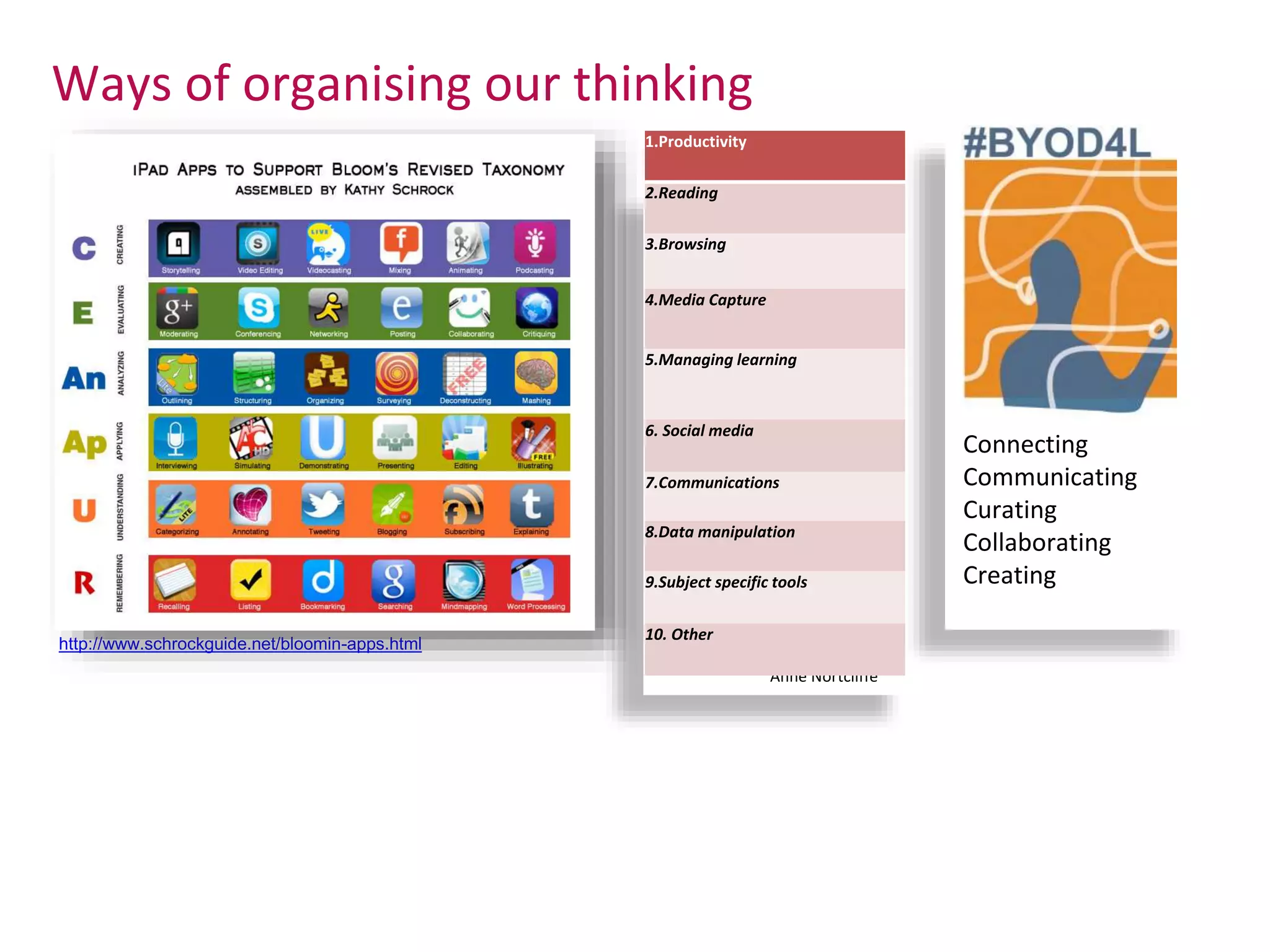
Ways of organising our thinking
http://www.schrockguide.net/bloomin-apps.html
1.Productivity
2.Reading
3.Browsing
4.Media Capture
5.Managing learning
6. Social media
7.Communications
8.Data manipulation
9.Subject specific tools
10. Other
Connecting
Communicating
Curating
Collaborating
Creating
Who's here?
• How could you use your
smart device for teaching
or learning (or perhaps you
are already?)
• Opportunities and
Challenges
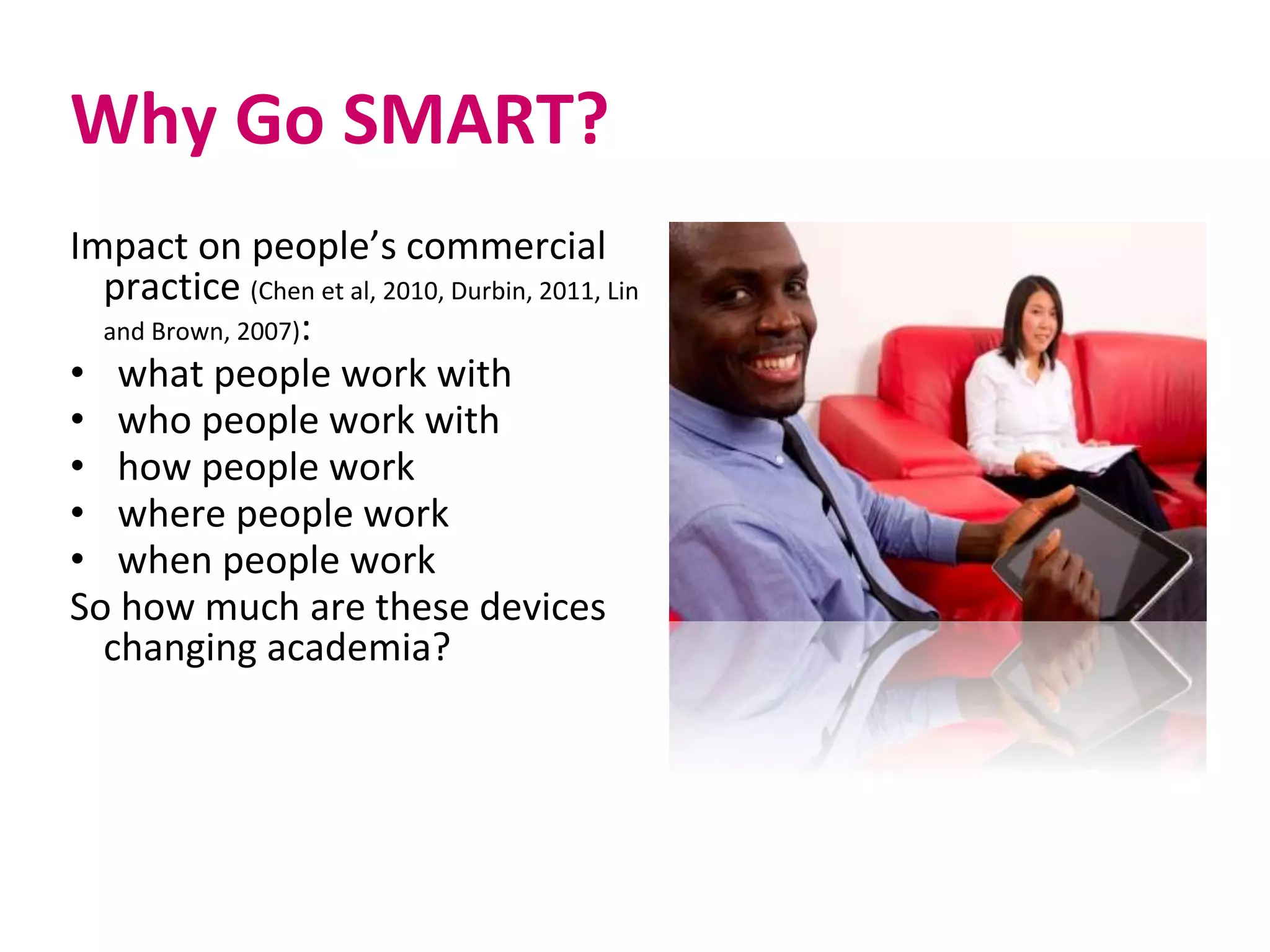
Why Go SMART?
Impact on people’s commercial
practice (Chen et al, 2010, Durbin, 2011, Lin
and Brown, 2007):
• what people work with
• who people work with
• how people work
• where people work
• when people work
So how much are these devices
changing academia?
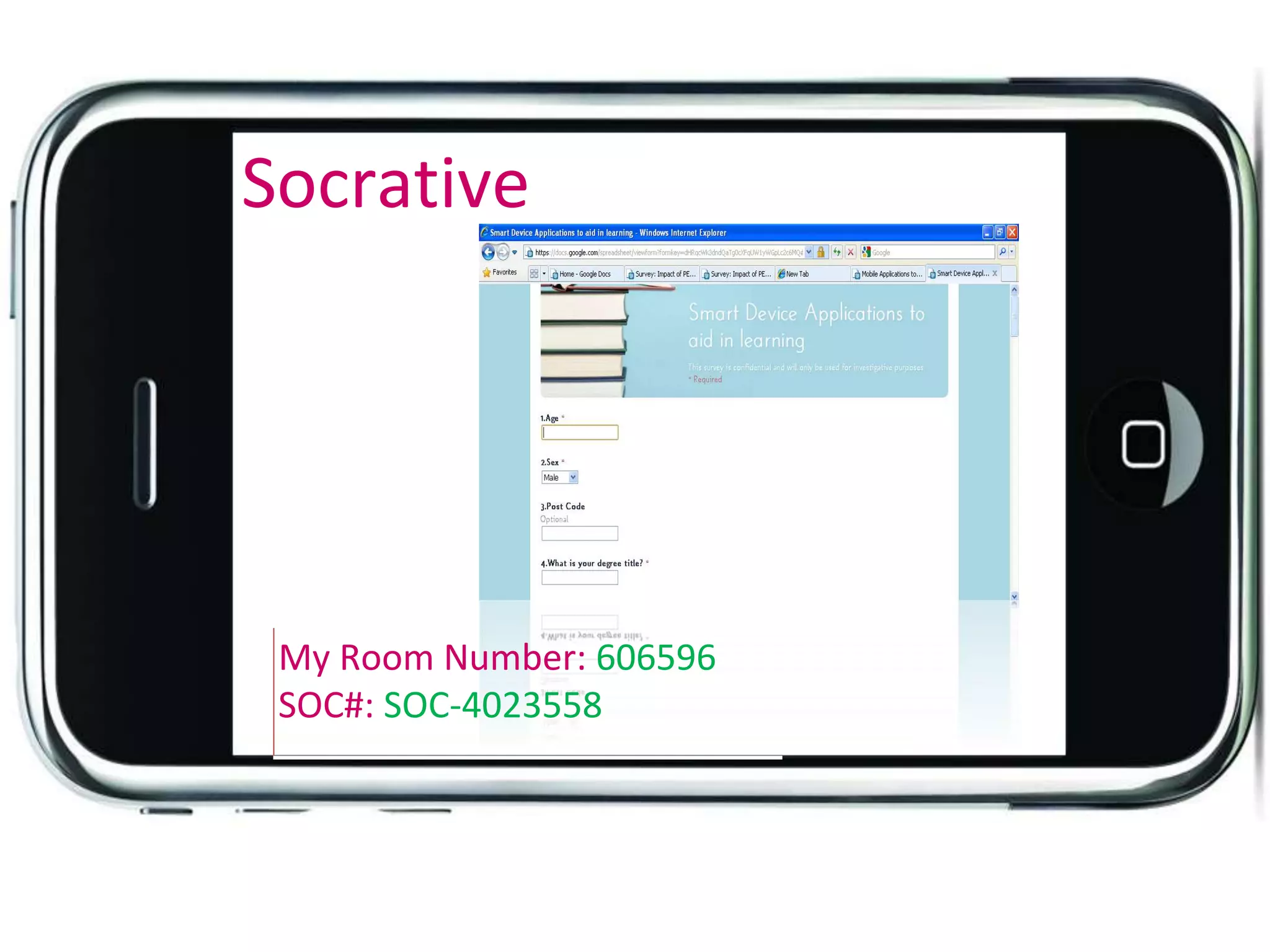
Socrative
My Room Number: 606596
SOC#: SOC-4023558
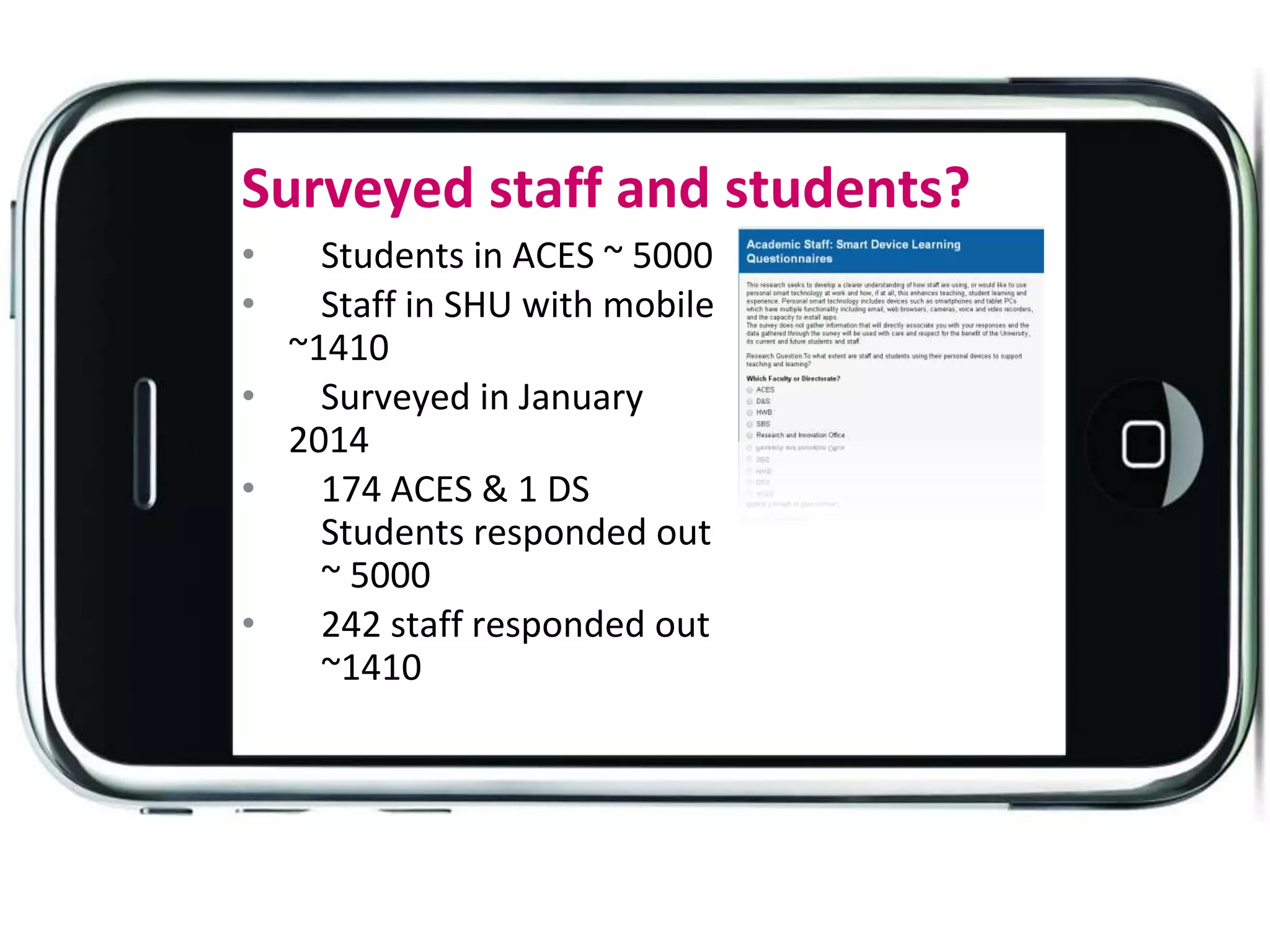
Surveyed staff and students?
• Students in ACES ~ 5000
• Staff in SHU with mobile
~1410
• Surveyed in January
2014
• 174 ACES & 1 DS
Students responded out
~ 5000
• 242 staff responded out
~1410
Student
Staff
Confidence in
using the
device? [Not
confident 1 -
5 very
confident]
12 staff specify
training.
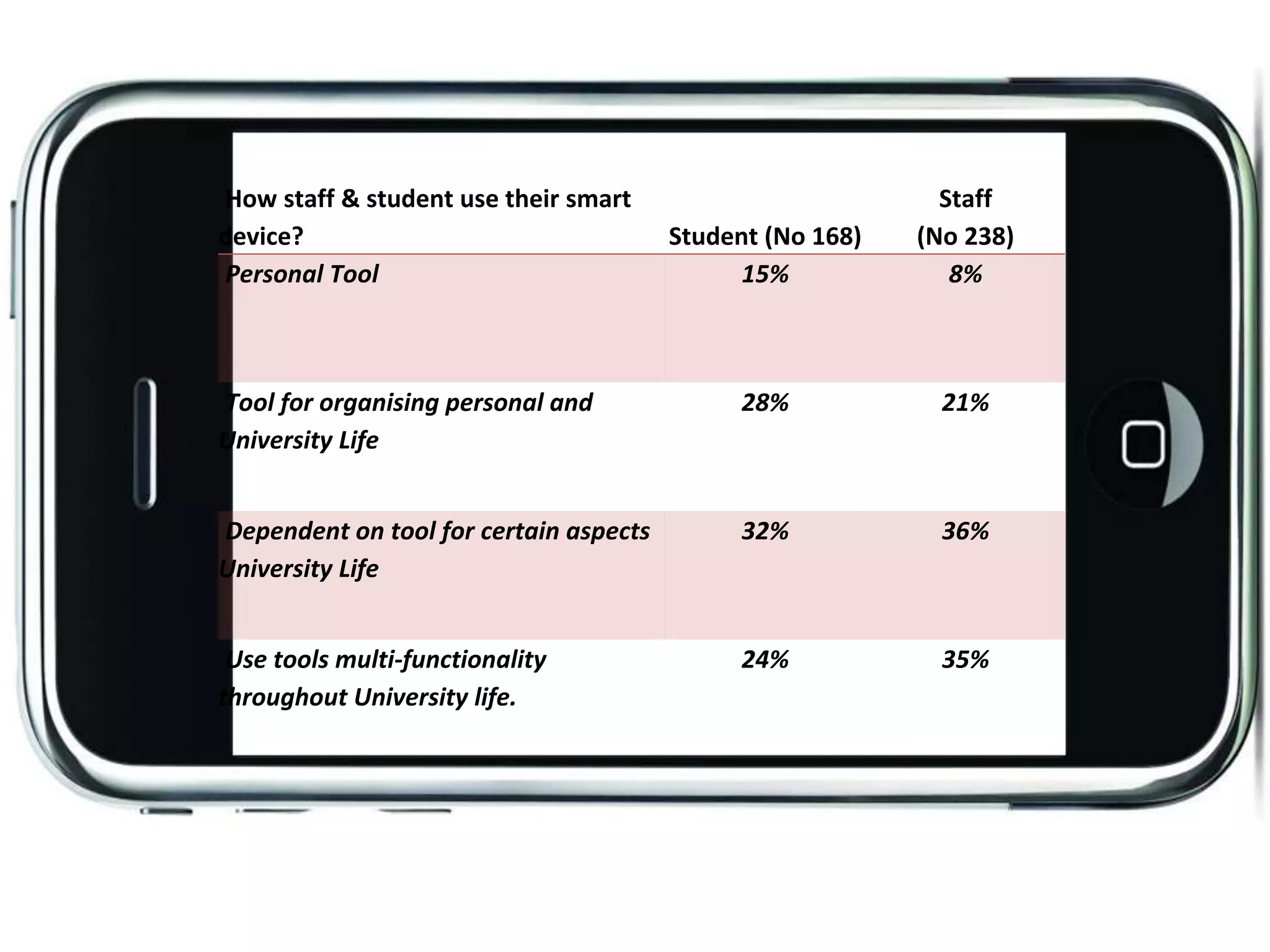
How staff & student use their smart
device? Student (No 168)
Staff
(No 238)
Personal Tool 15% 8%
Tool for organising personal and
University Life
28% 21%
Dependent on tool for certain aspects
University Life
32% 36%
Use tools multi-functionality
throughout University life.
24% 35%
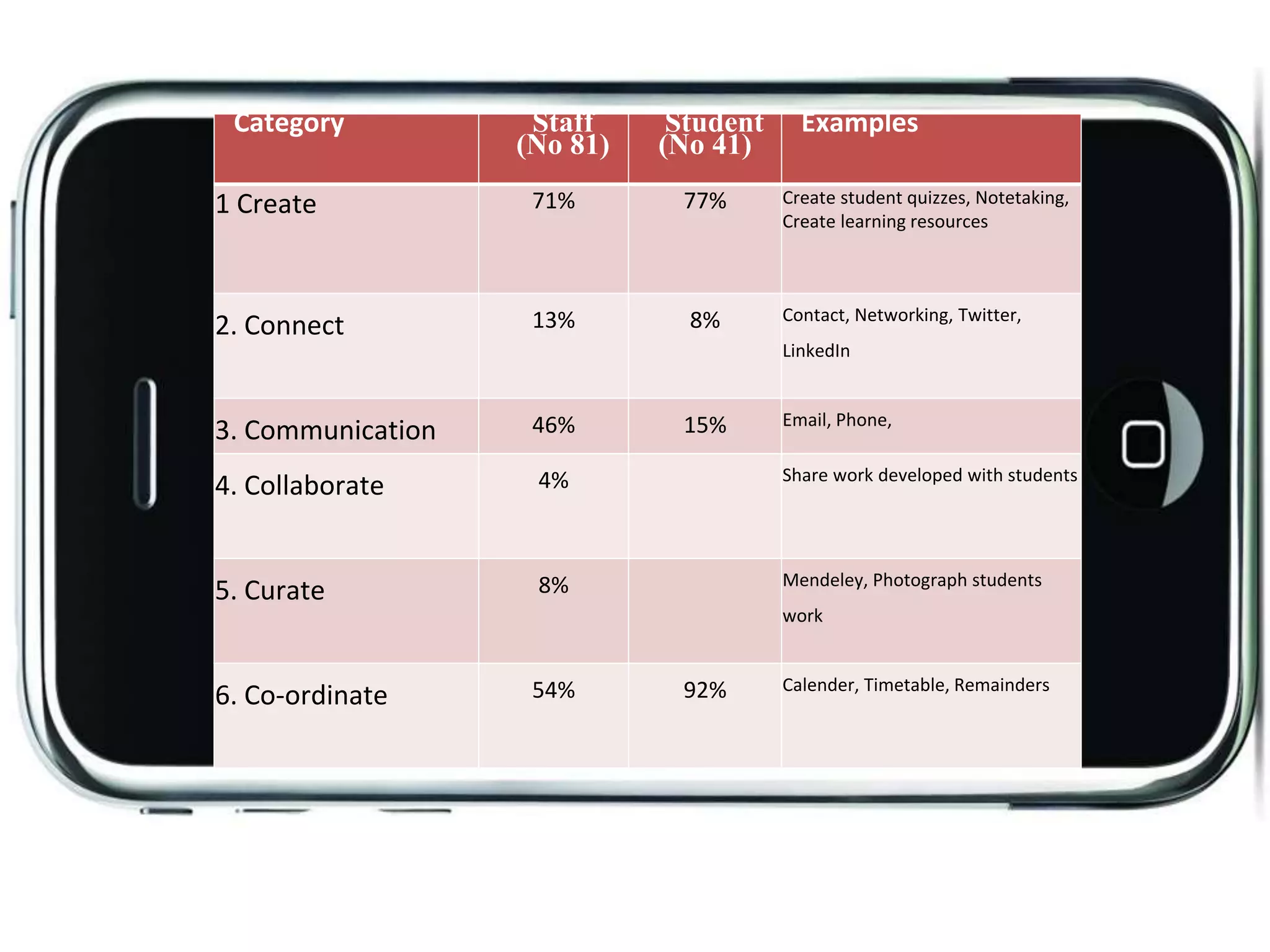
Category Staff
(No 81)
Student
(No 41)
Examples
1 Create 71% 77% Create student quizzes, Notetaking,
Create learning resources
2. Connect 13% 8% Contact, Networking, Twitter,
LinkedIn
3. Communication 46% 15% Email, Phone,
4. Collaborate 4% Share work developed with students
5. Curate 8% Mendeley, Photograph students
work
6. Co-ordinate 54% 92% Calender, Timetable, Remainders
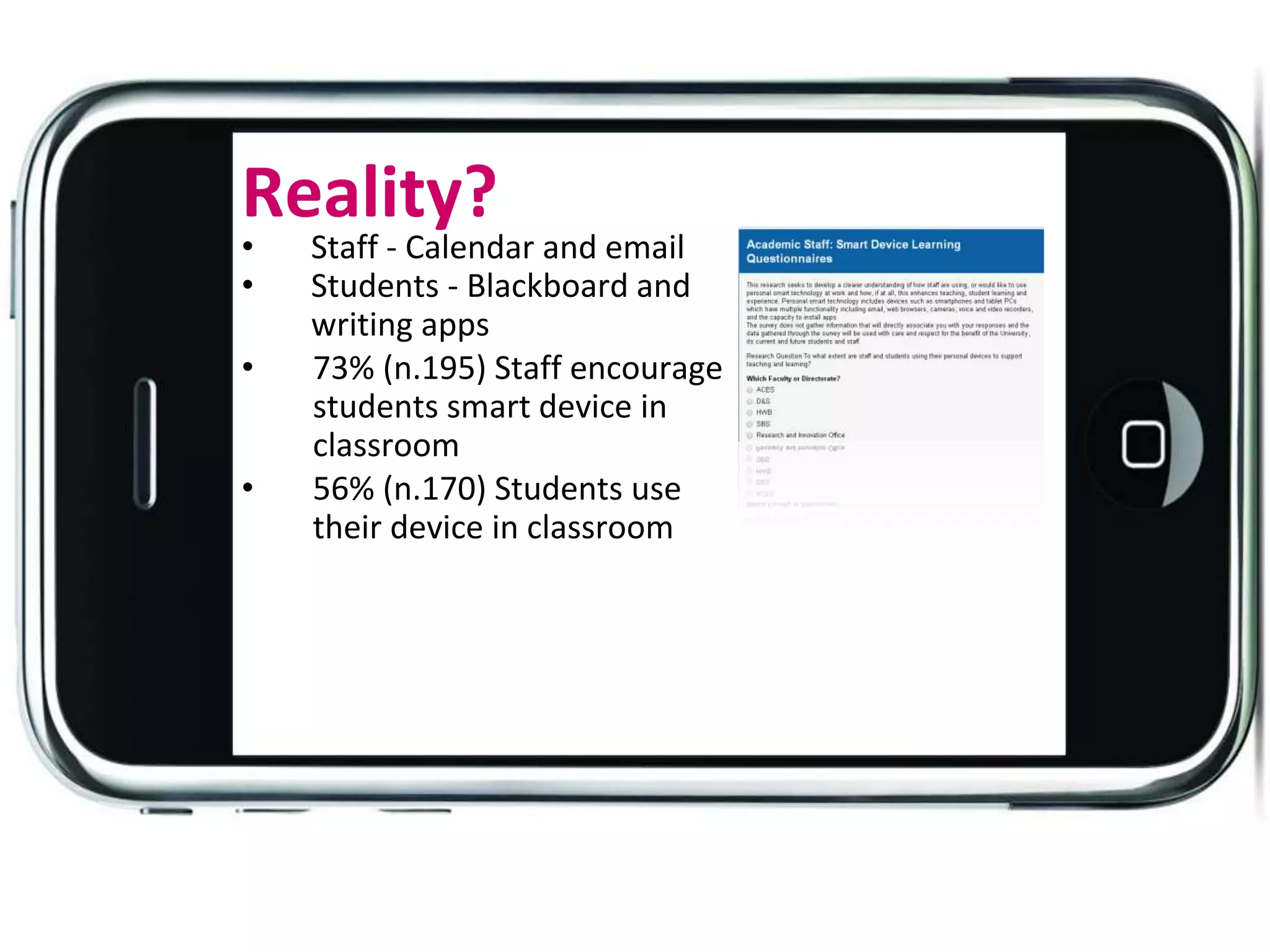
Reality?
• Staff - Calendar and email
• Students - Blackboard and
writing apps
• 73% (n.195) Staff encourage
students smart device in
classroom
• 56% (n.170) Students use
their device in classroom
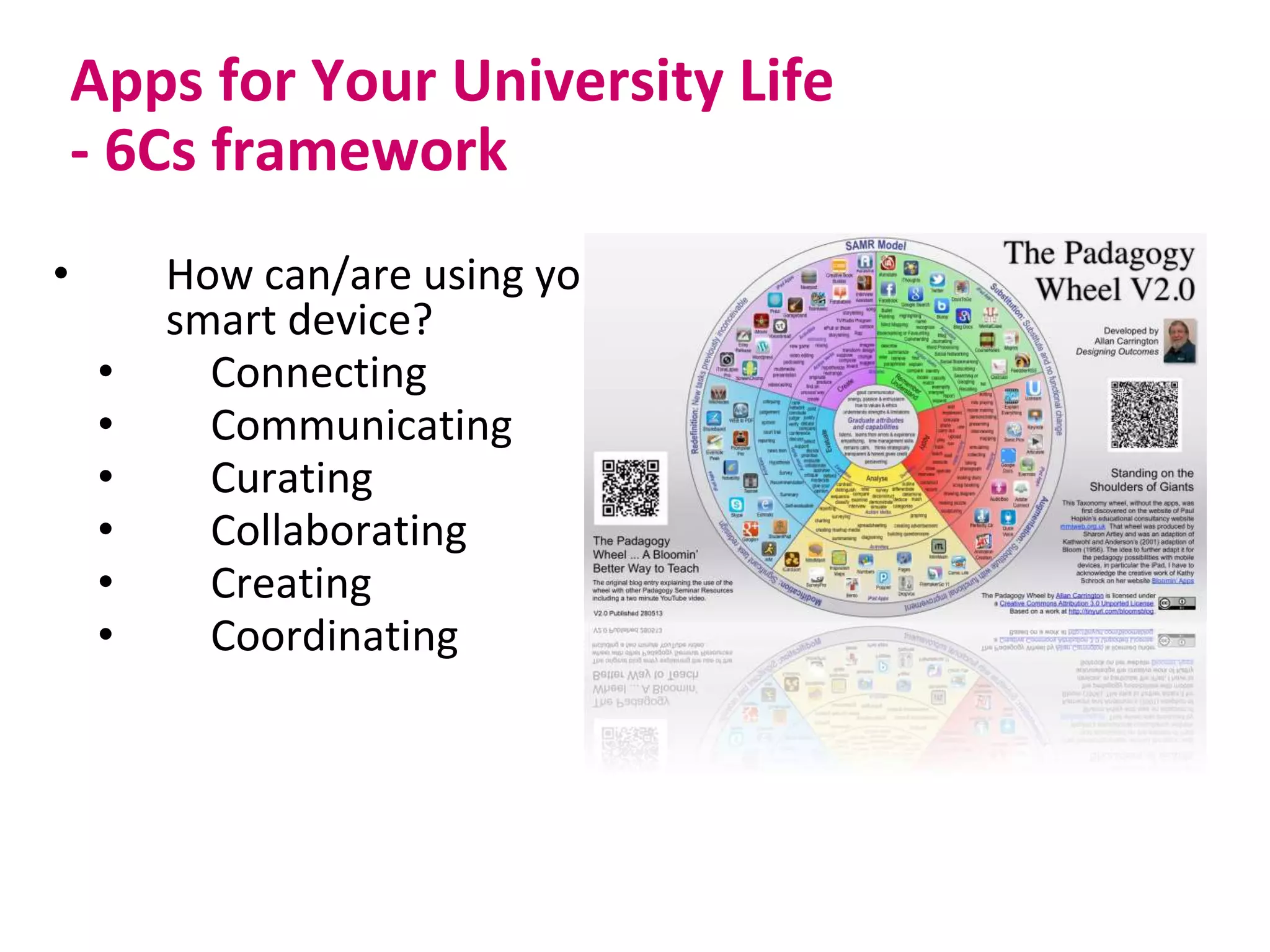
Apps for Your University Life
- 6Cs framework
• How can/are using your
smart device?
• Connecting
• Communicating
• Curating
• Collaborating
• Creating
• Coordinating
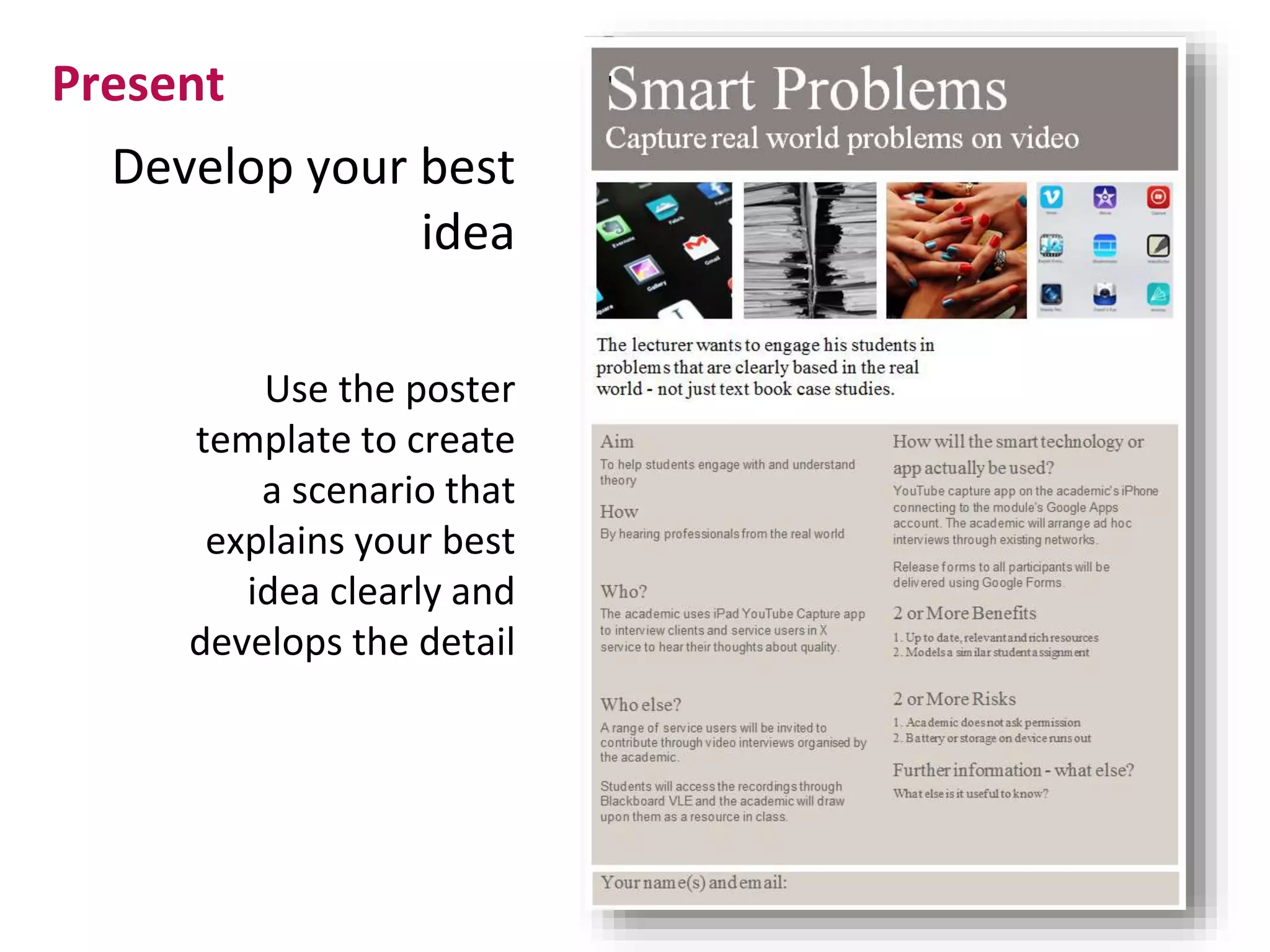
Develop your best
idea
Present
Use the poster
template to create
a scenario that
explains your best
idea clearly and
develops the detail
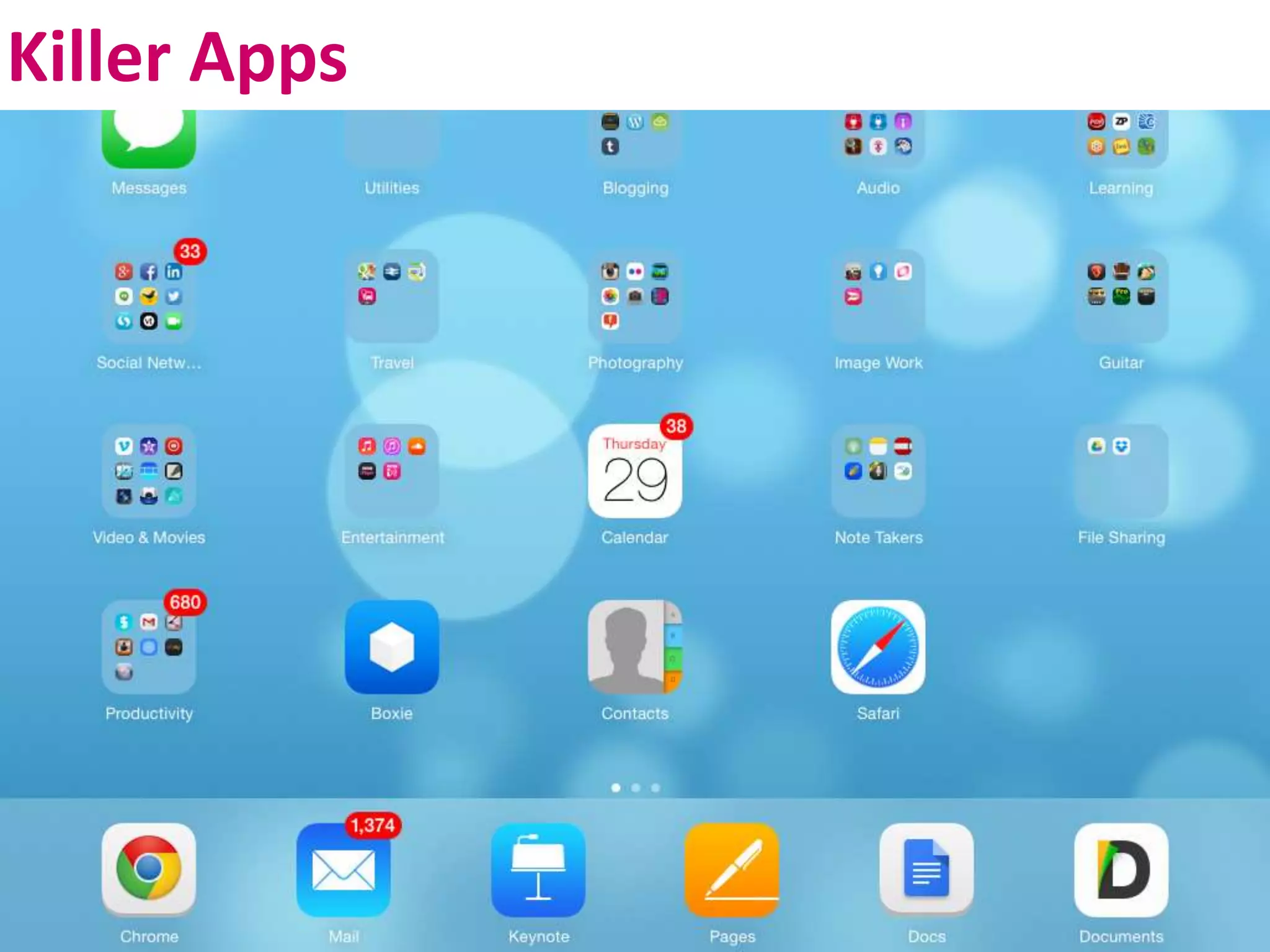
Killer Apps
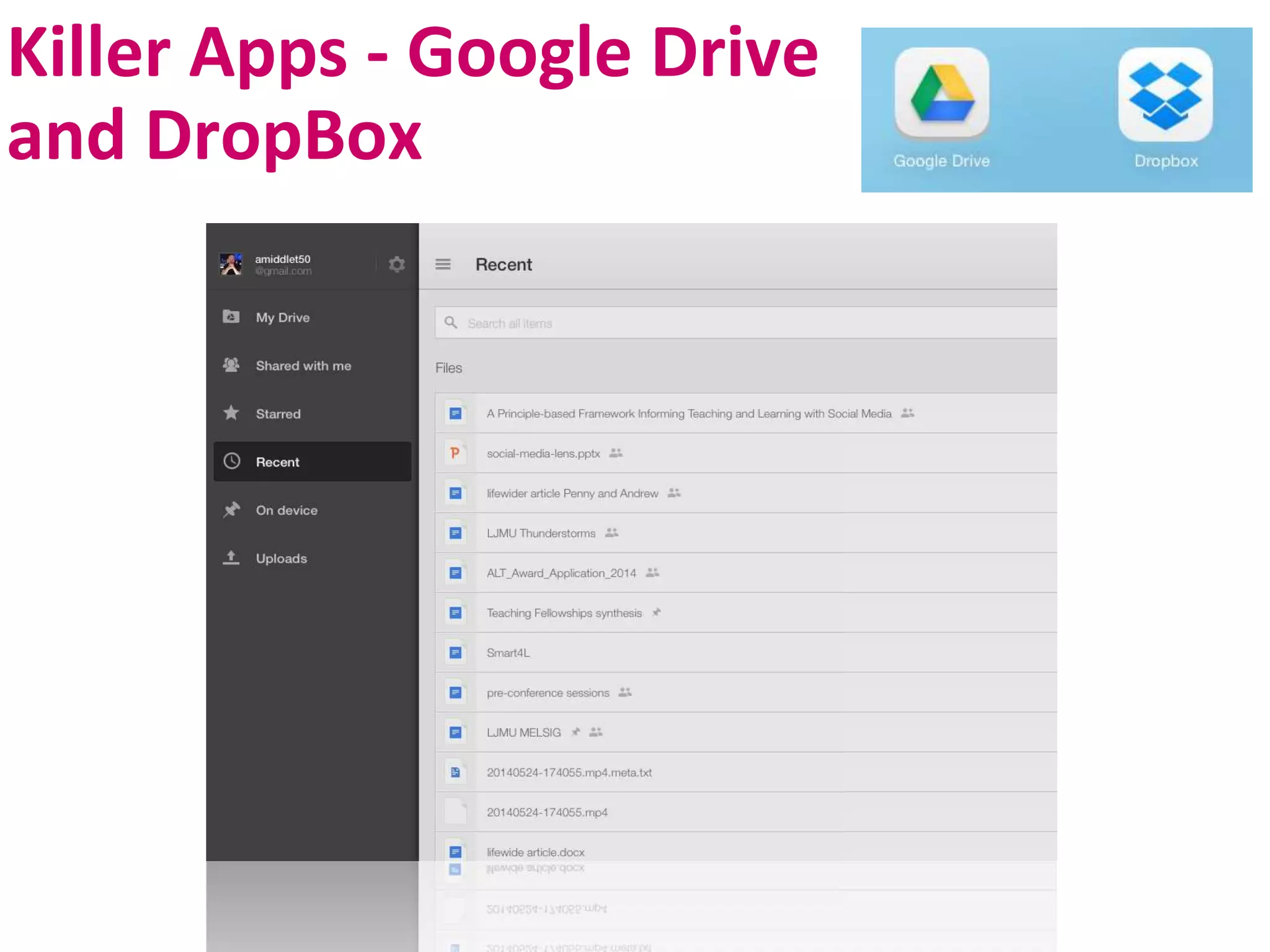
Killer Apps - Google Drive
and DropBox
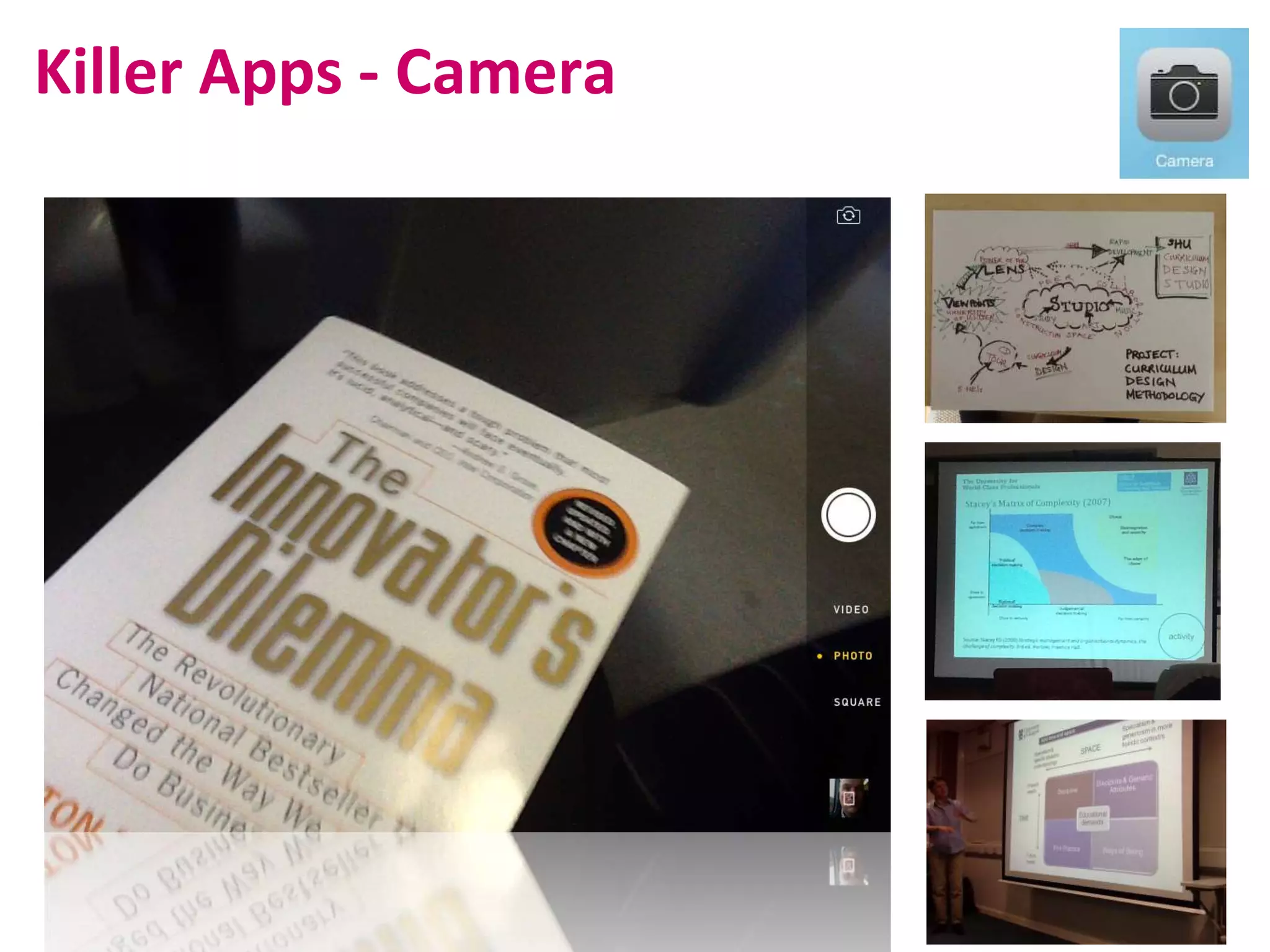
Killer Apps - Camera
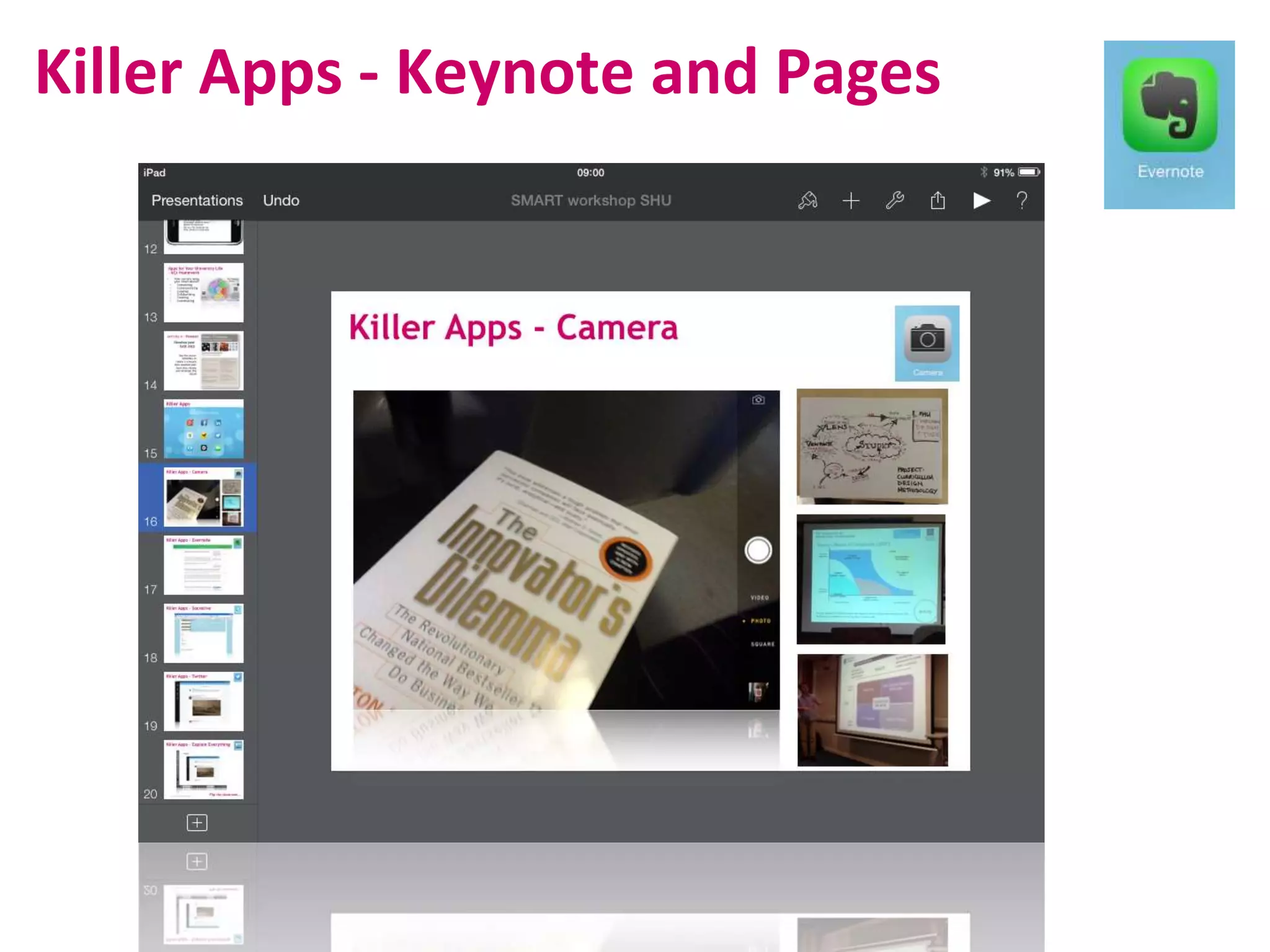
Killer Apps - Keynote and Pages
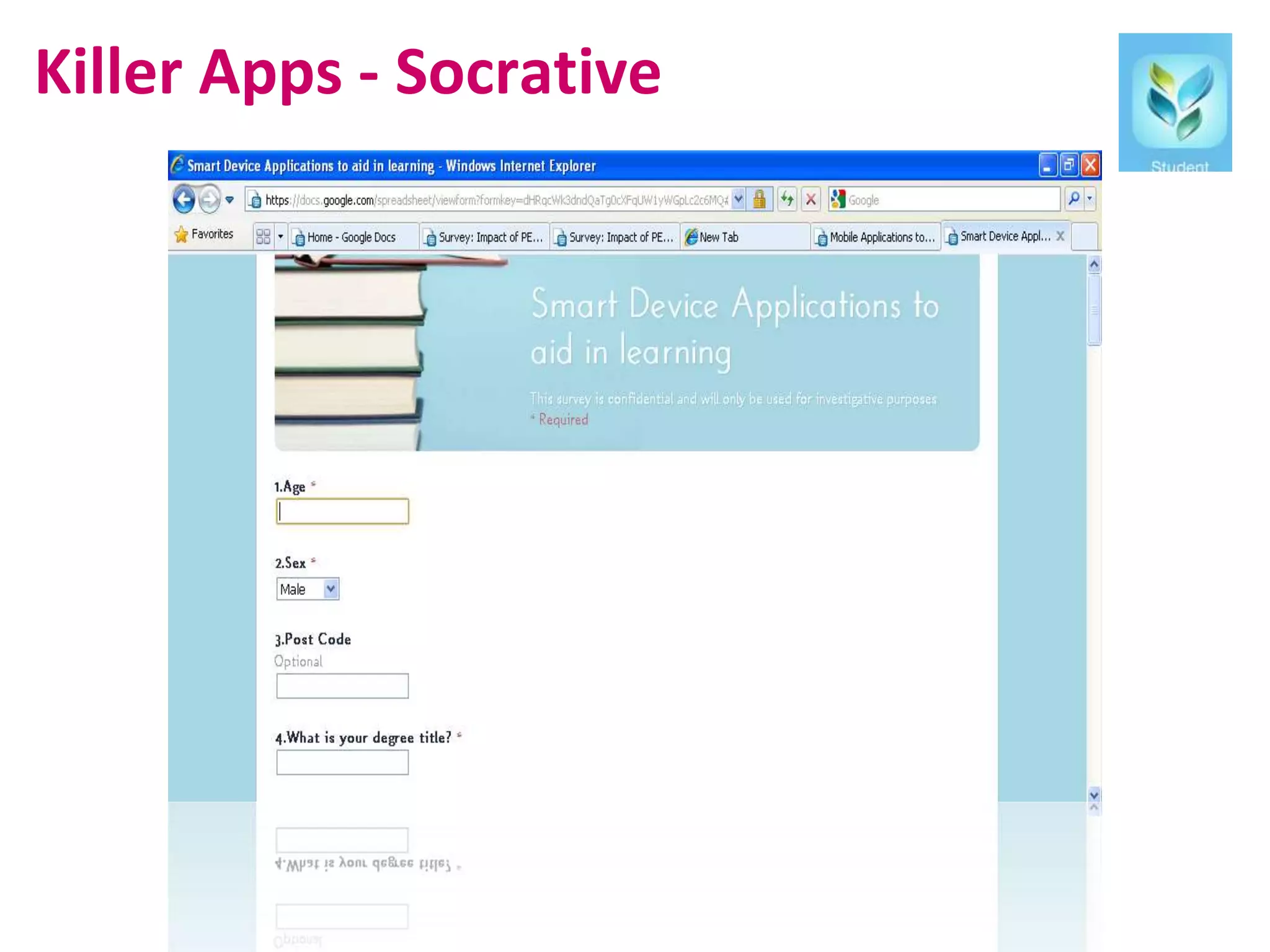
Killer Apps - Socrative
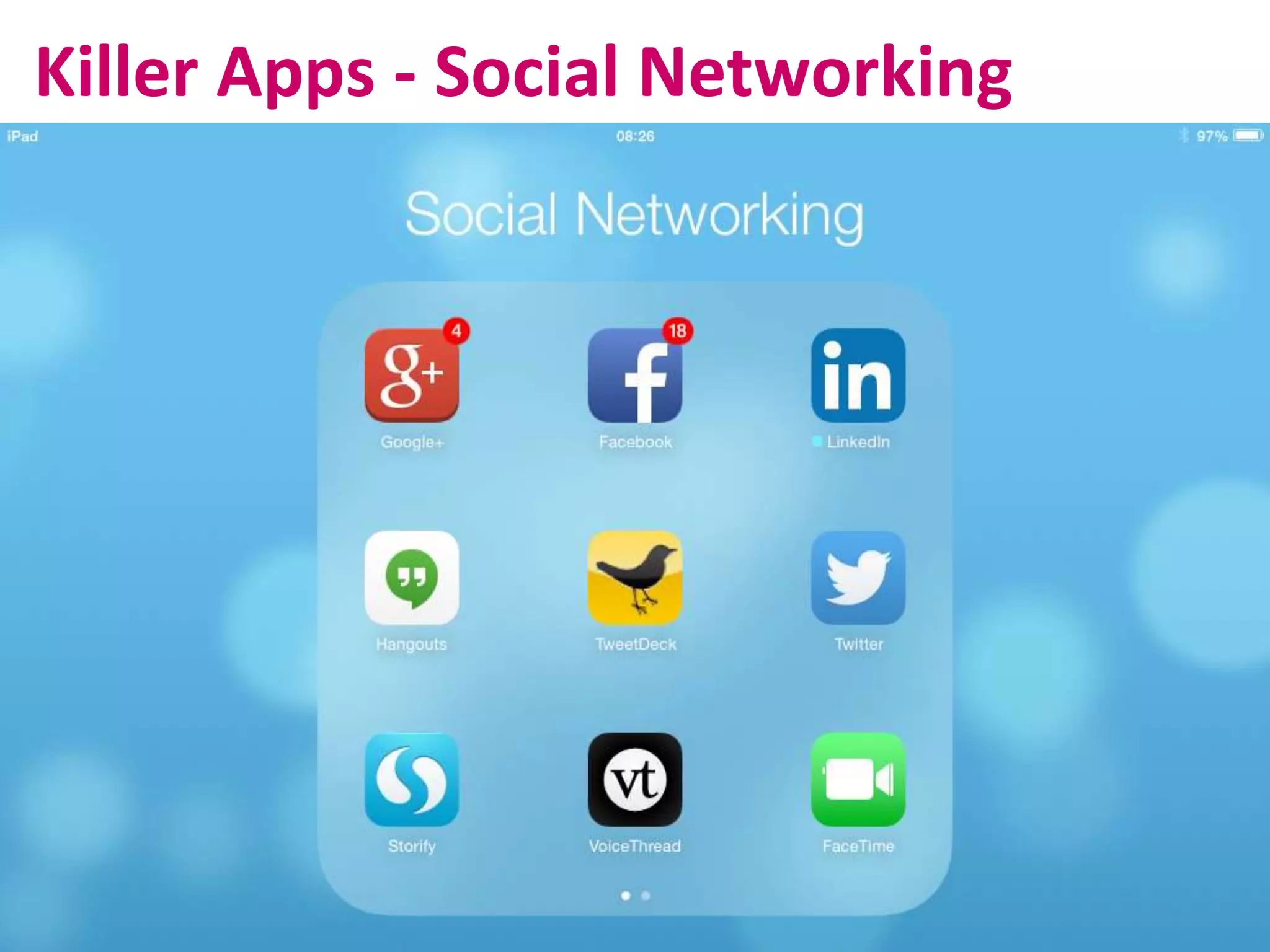
Killer Apps - Social Networking
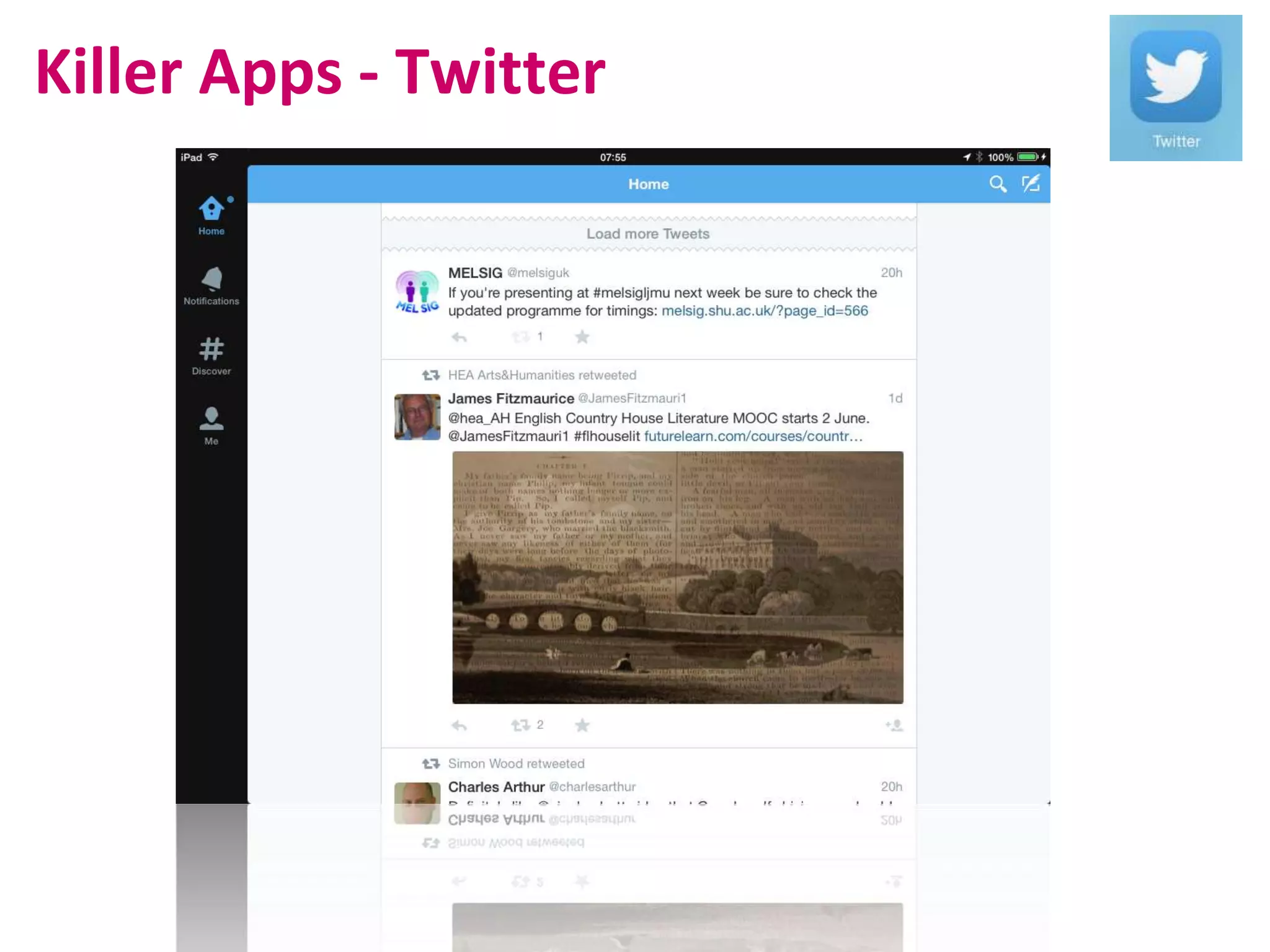
Killer Apps - Twitter
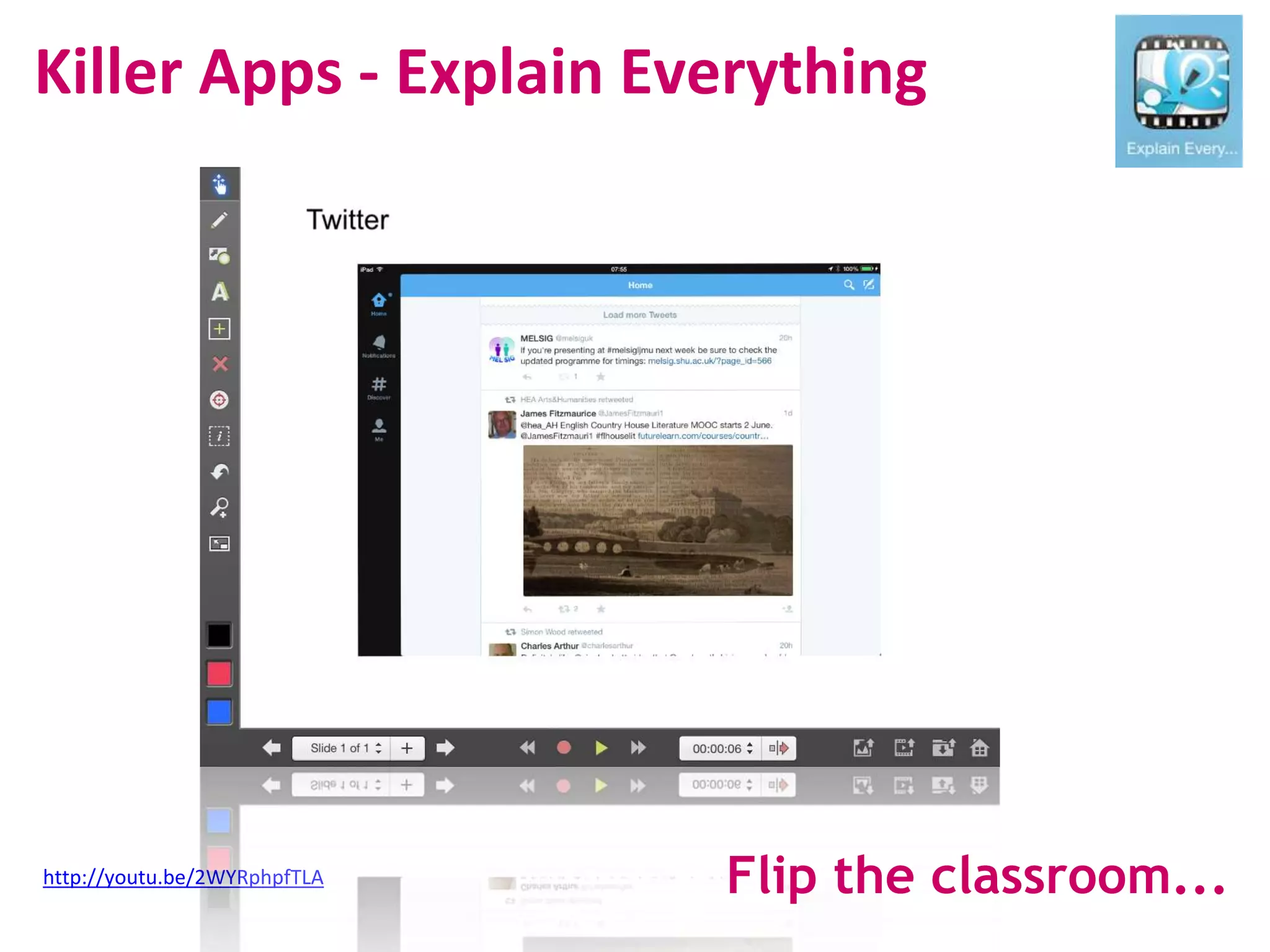
Killer Apps - Explain Everything
http://youtu.be/2WYRphpfTLA Flip the classroom...
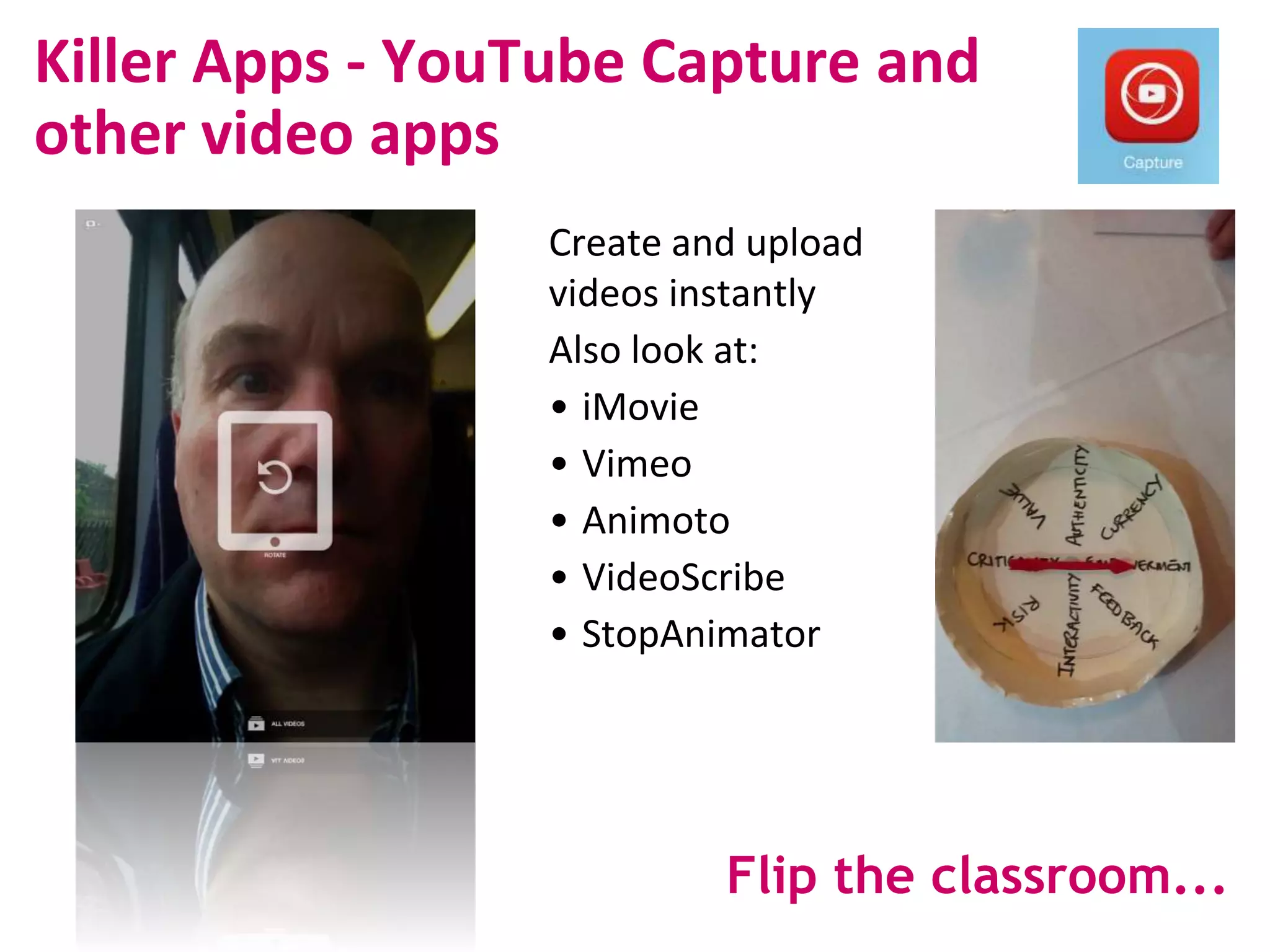
Killer Apps - YouTube Capture and
other video apps
Create and upload
videos instantly
Also look at:
• iMovie
• Vimeo
• Animoto
• VideoScribe
• StopAnimator
Flip the classroom...
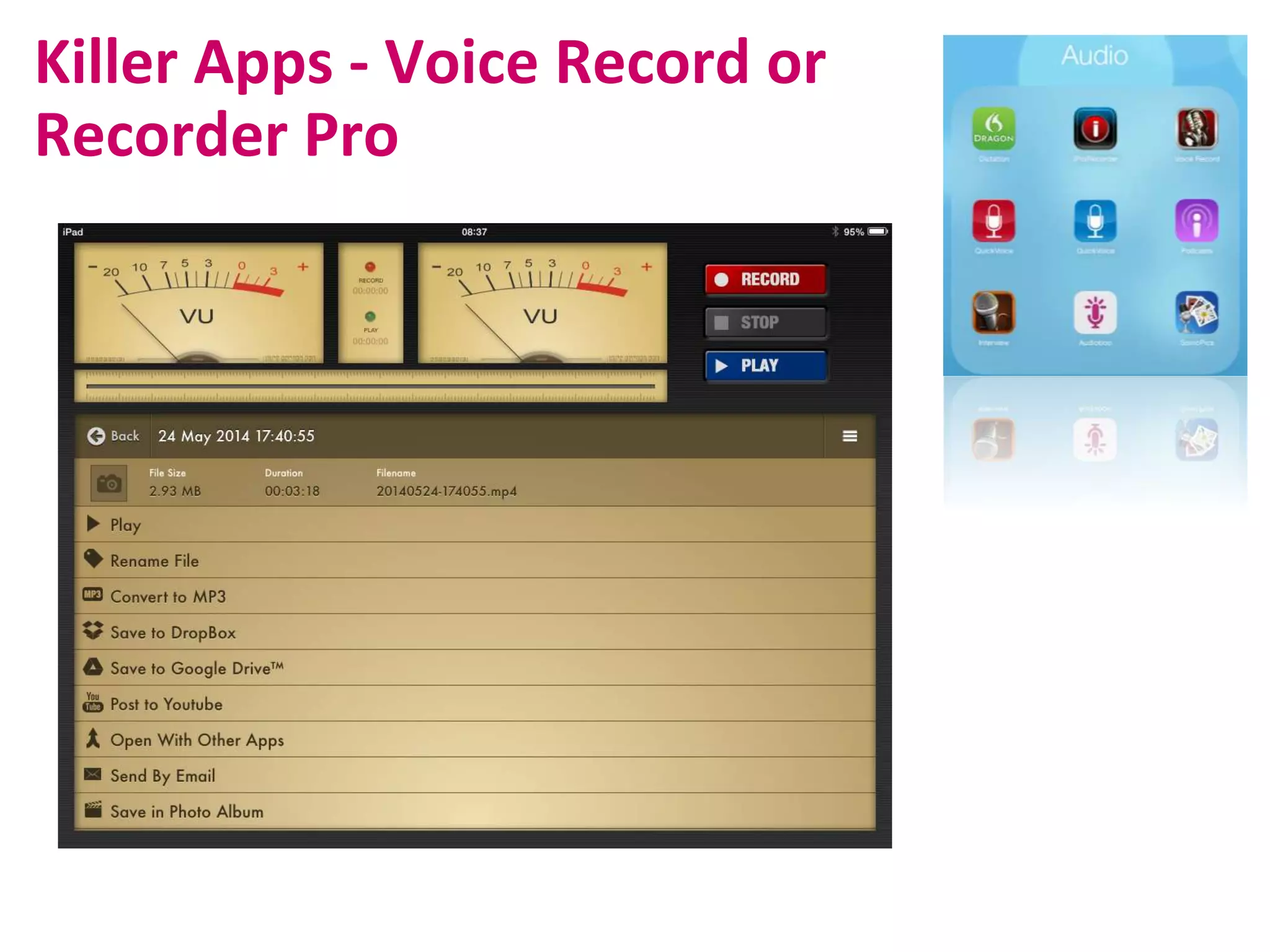
Killer Apps - Voice Record or
Recorder Pro
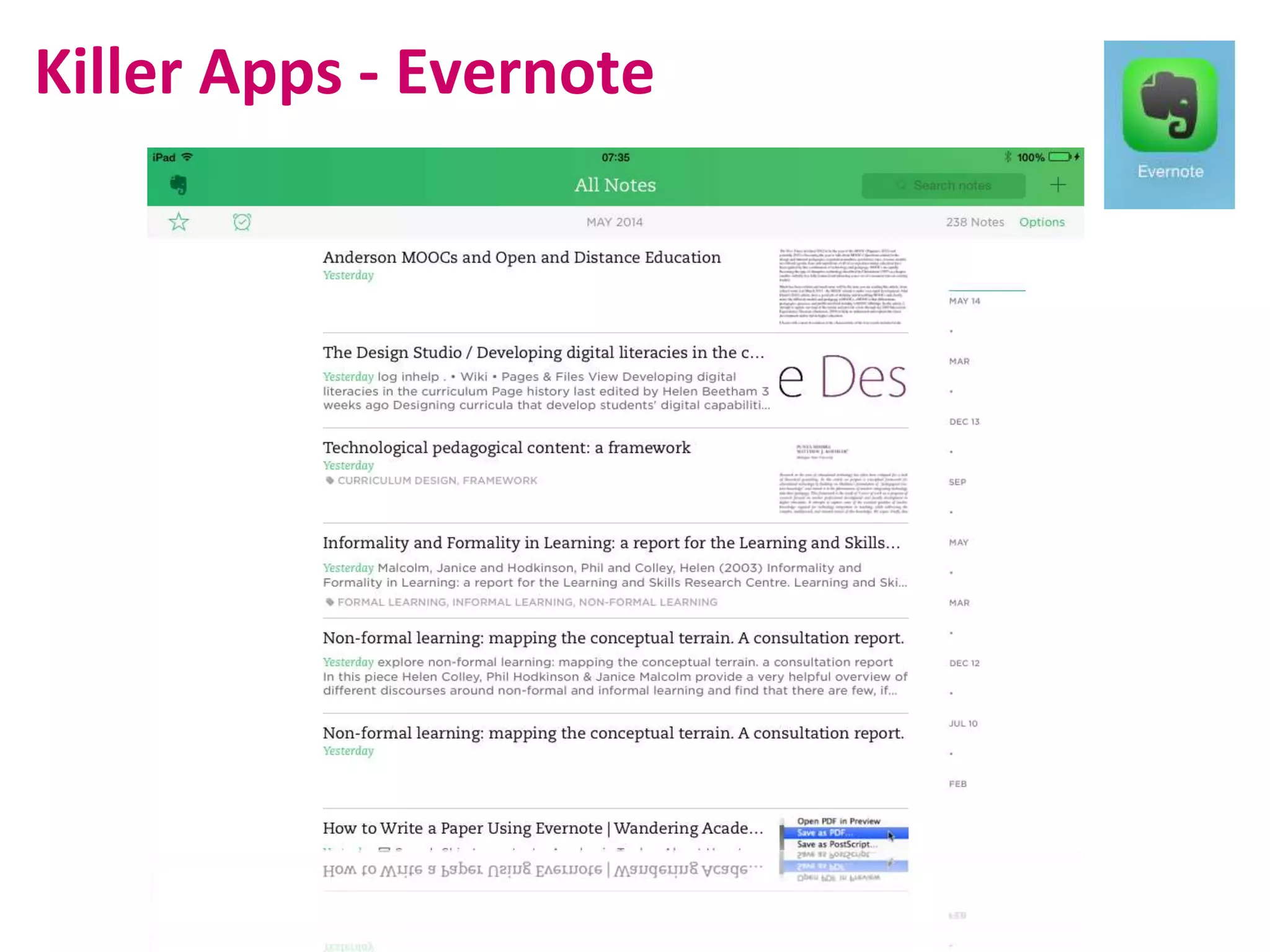
Killer Apps - Evernote
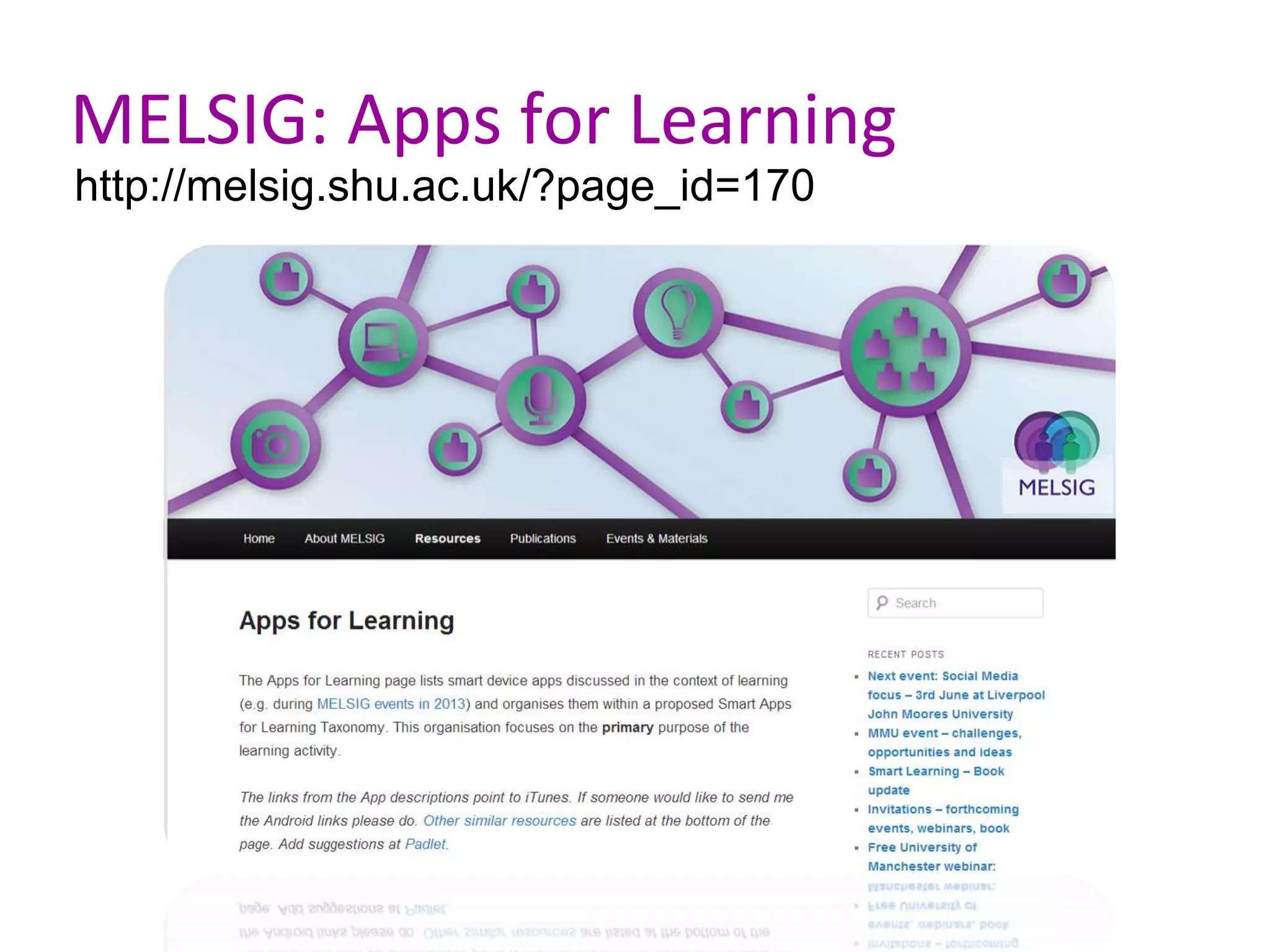
MELSIG: Apps for Learning
http://melsig.shu.ac.uk/?page_id=170
Conclusions
SHU
14 July
?
?
Smart
Learning
Book

SMART: Staff are Mobile And Ready to Teach

  • 1.
    S.M.A.R.T Staff are MobileAnd Ready to Teach Anne Nortcliffe & Andrew Middleton
  • 2.
    Introduction • Who weare, what we have done • Anne Nortcliffe • Andrew Middleton • In this workshop... • Where are you? • Readiness survey • Idea generation • Killer apps
  • 4.
    Anne Nortcliffe Ways oforganising our thinking http://www.schrockguide.net/bloomin-apps.html 1.Productivity 2.Reading 3.Browsing 4.Media Capture 5.Managing learning 6. Social media 7.Communications 8.Data manipulation 9.Subject specific tools 10. Other Connecting Communicating Curating Collaborating Creating
  • 5.
    Who's here? • Howcould you use your smart device for teaching or learning (or perhaps you are already?) • Opportunities and Challenges
  • 6.
    Why Go SMART? Impacton people’s commercial practice (Chen et al, 2010, Durbin, 2011, Lin and Brown, 2007): • what people work with • who people work with • how people work • where people work • when people work So how much are these devices changing academia?
  • 7.
    Socrative My Room Number:606596 SOC#: SOC-4023558
  • 8.
    Surveyed staff andstudents? • Students in ACES ~ 5000 • Staff in SHU with mobile ~1410 • Surveyed in January 2014 • 174 ACES & 1 DS Students responded out ~ 5000 • 242 staff responded out ~1410
  • 9.
    Student Staff Confidence in using the device?[Not confident 1 - 5 very confident] 12 staff specify training.
  • 10.
    How staff &student use their smart device? Student (No 168) Staff (No 238) Personal Tool 15% 8% Tool for organising personal and University Life 28% 21% Dependent on tool for certain aspects University Life 32% 36% Use tools multi-functionality throughout University life. 24% 35%
  • 11.
    Category Staff (No 81) Student (No41) Examples 1 Create 71% 77% Create student quizzes, Notetaking, Create learning resources 2. Connect 13% 8% Contact, Networking, Twitter, LinkedIn 3. Communication 46% 15% Email, Phone, 4. Collaborate 4% Share work developed with students 5. Curate 8% Mendeley, Photograph students work 6. Co-ordinate 54% 92% Calender, Timetable, Remainders
  • 12.
    Reality? • Staff -Calendar and email • Students - Blackboard and writing apps • 73% (n.195) Staff encourage students smart device in classroom • 56% (n.170) Students use their device in classroom
  • 13.
    Apps for YourUniversity Life - 6Cs framework • How can/are using your smart device? • Connecting • Communicating • Curating • Collaborating • Creating • Coordinating
  • 14.
    Develop your best idea Present Usethe poster template to create a scenario that explains your best idea clearly and develops the detail
  • 15.
  • 16.
    Killer Apps -Google Drive and DropBox
  • 17.
  • 18.
    Killer Apps -Keynote and Pages
  • 19.
    Killer Apps -Socrative
  • 20.
    Killer Apps -Social Networking
  • 21.
  • 22.
    Killer Apps -Explain Everything http://youtu.be/2WYRphpfTLA Flip the classroom...
  • 23.
    Killer Apps -YouTube Capture and other video apps Create and upload videos instantly Also look at: • iMovie • Vimeo • Animoto • VideoScribe • StopAnimator Flip the classroom...
  • 24.
    Killer Apps -Voice Record or Recorder Pro
  • 25.
    Killer Apps -Evernote
  • 26.
    MELSIG: Apps forLearning http://melsig.shu.ac.uk/?page_id=170
  • 27.