Kyle Lacy
Director, Global Content & Research
@kyleplacy, www.kylelacy.com
What’s Next?
@kyleplacy
Click the center icon >>>>>
and browse for the image you want
to insert.
IF IMAGE INSERTS IN FRONT OF
FOOTER,
Right click on the image and
Select Arrange/Send to Back
What’s Next?
@kyleplacy
What’s Now?
@kyleplacy
Data Equals
Relevance
one.
@kyleplacy
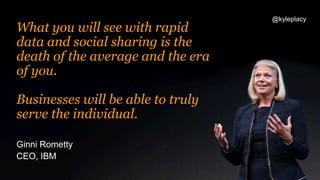
Ginni Rometty
CEO, IBM
What you will see with rapid
data and social sharing is the
death of the average and the era
of you.
Businesses will be able to truly
serve the individual.
@kyleplacy
1. Empathy
2. Perspective Taking
Two types of marketing & creative:
@kyleplacy
Empathy
Understanding someone’s
emotional state or feelings
@kyleplacy
They were really
good at empathy.
@kyleplacy
@kyleplacy
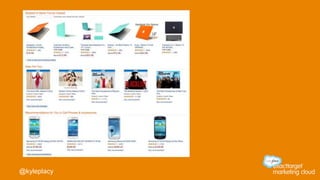
Perspective Taking
Cognitive & analytical – it’s
understanding someone’s
interests and behavior.
@kyleplacy
@kyleplacy
Moments
Matter
two.
@kyleplacy
@kyleplacy
Connected
Consumer
three.
@kyleplacy
@kyleplacy
I switched.
@kyleplacy
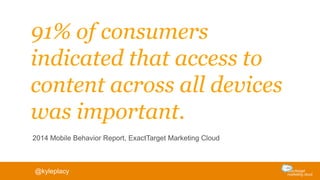
91% of consumers
indicated that access to
content across all devices
was important.
2014 Mobile Behavior Report, ExactTarget Marketing Cloud
@kyleplacy
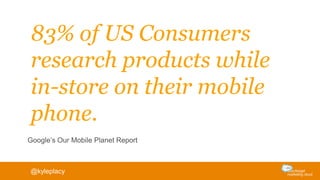
83% of US Consumers
research products while
in-store on their mobile
phone.
Google’s Our Mobile Planet Report
@kyleplacy
Email is
Mobile
@kyleplacy #ETFOM
We sent over 1 billion digital
messages on Cyber Monday.
@kyleplacy
Many of our retail clients
experienced mobile open
rates exceeding 80%.
@kyleplacy
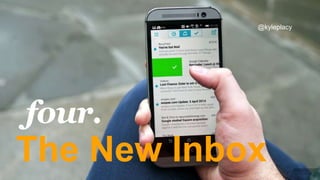
The New Inbox
four.
@kyleplacy
Consumers are changing the
future of the inbox into…
a shopping engine
Brought to you by ReturnPath
Consumers are using
[mo.b]
to track their packages
and track their spending
Consumers are using Slice
to find out when prices fall
and products get recalled
Brought to you by ReturnPath
Consumers are changing the
future of the inbox into…
a clutter-free environment
Brought to you by ReturnPath
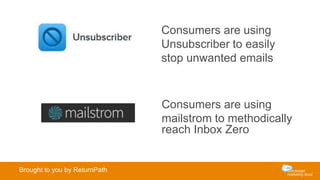
Consumers are using
Unsubscriber to easily
stop unwanted emails
Consumers are using
mailstrom to methodically
reach Inbox Zero
Brought to you by ReturnPath
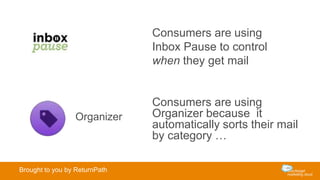
Consumers are using
Inbox Pause to control
when they get mail
Organizer
Consumers are using
Organizer because it
automatically sorts their mail
by category …
Brought to you by ReturnPath
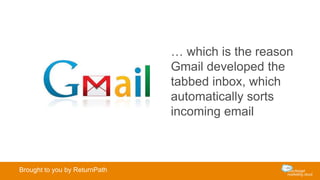
… which is the reason
Gmail developed the
tabbed inbox, which
automatically sorts
incoming email
Brought to you by ReturnPath
Location
five.
@kyleplacy #ETFOM
@kyleplacy #ETFOM
Brand
Personalization
six.
@kyleplacy
1. Predictive Intelligence
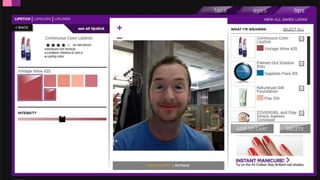
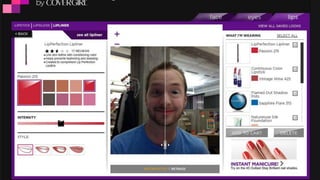
2. EGONomics
Two types of brand personalisation:
@kyleplacy
1. Predictive
Intelligence
@kyleplacy
41% of consumers buy more
from retailers who send
personalised emails based on
past buying behaviours.
Return Path
@kyleplacy
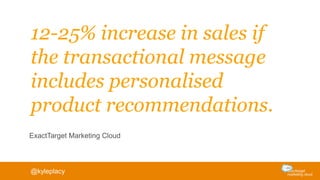
12-25% increase in sales if
the transactional message
includes personalised
product recommendations.
ExactTarget Marketing Cloud
@kyleplacy
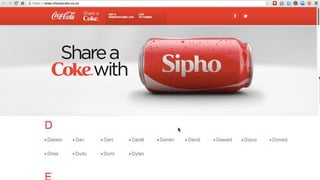
2. EGONomics
@kyleplacy
To offset a depersonalized
society, consumers crave
recognition of their
individuality.
Faith Popcorn
@kyleplacy
or a recognition of their
social identity.
@kyleplacy
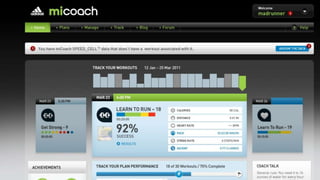
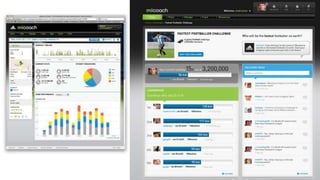
Connected
Products
seven.
@kyleplacy
Data equals
Relevance
Data beats
Opinions
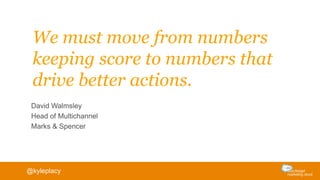
We must move from numbers
keeping score to numbers that
drive better actions.
David Walmsley
Head of Multichannel
Marks & Spencer
@kyleplacy
exacttarget.com.au

Seven Technology Trends Changing Consumer Behavior

Editor's Notes

  • #27 Rethinking Place.
  • #28 We are transforming The Inbox into a shopping engine
  • #29 mo.barranges your emails into a searchable catalog of purchases, analyzes your spending, tracks shipments, and protects your privacy by providing a @motleyb.com email to use instead of your personal address.Slicesorts your purchases, tracks shipments, organizes your receipts, tells you when prices drop for products you buy, and alerts you to product recalls
  • #30 We want clearer and un-cluttered inboxes
  • #31 Unsubscriber allows users on any platform to mark which emails they don’t want, then Unsubscriber manages every part of the unsubscribe process.Mailstrom learns to sort your mailbox in groups of similar messages, helping you quickly triage your email based on your unique approach to cleaning out the inbox
  • #32 Inbox Pause protects your productivity by keepingemail from distracting you at critical times. Users can suspend all incoming messages and schedule them for delivery when it’s more convenient.Organizer automatically categorizes email in to inbox folders and gives you a daily summary of who sent what
  • #33 … These behavioral changes are why GMAIL created Tabs
  • #34 Rethinking Place.
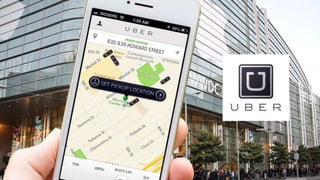
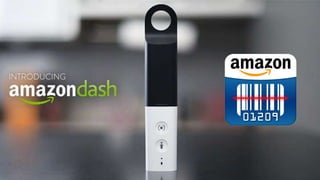
  • #39 Last mile project – how do you innovate around the delivery point.