Testing the Mobile Web
     with Selenium 2

       Jason Huggins
      Co-creator, The Selenium Project
      Co-founder, CTO, Sauce Labs Inc
               twitter: @hugs
        email: hugs@saucelabs.com
Selenium 2:
 Why and What
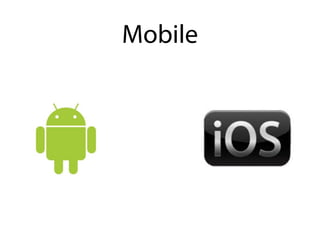
Mobile
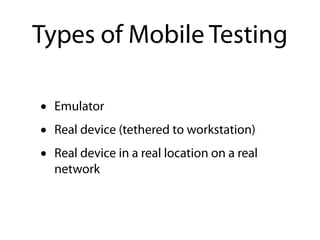
Types of Mobile Testing

•   Emulator
•   Real device (tethered to workstation)
•   Real device in a real location on a real
    network
Native vs Web
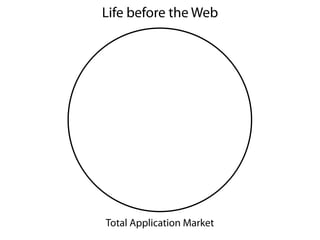
Life before the Web


Total Application Market
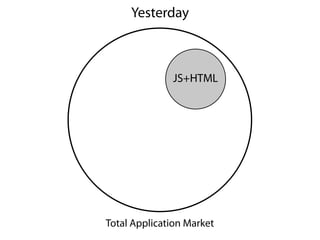
Yesterday


              JS+HTML


Total Application Market
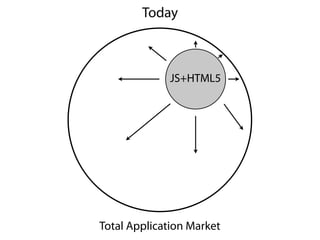
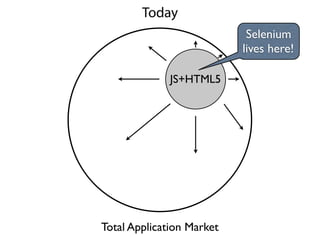
Today


              JS+HTML5


Total Application Market
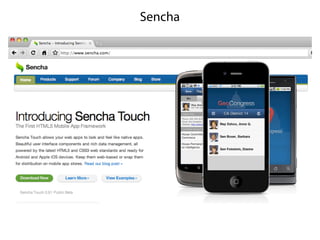
Data?
Sencha
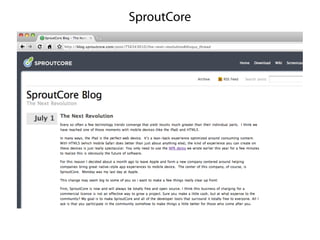
SproutCore
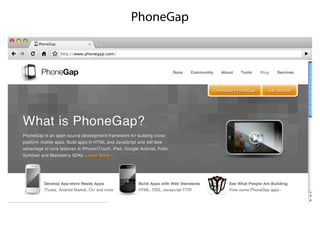
PhoneGap
Today
                            Selenium
                           lives here!

              JS+HTML5


Total Application Market
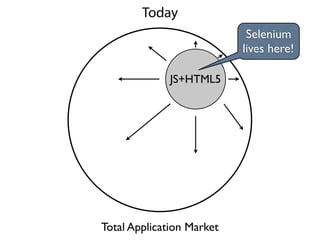
Today
                            Selenium
                           lives here!

              JS+HTML5


Total Application Market
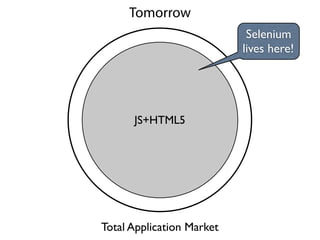
Tomorrow
                            Selenium
                           lives here!


      JS+HTML5


Total Application Market
Mobile - How?
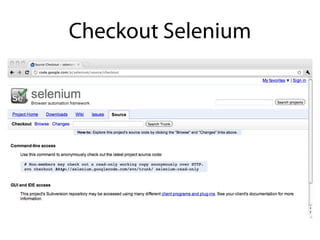
Checkout Selenium
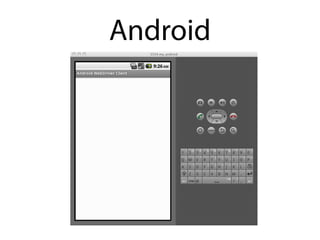
Android
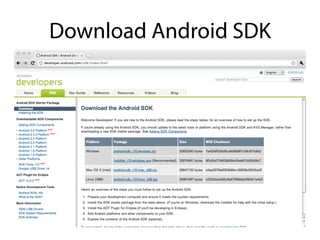
Download Android SDK
Unpack

~/android_sdk
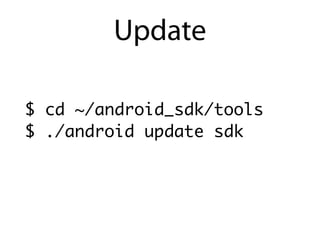
Update

$ cd ~/android_sdk/tools
$ ./android update sdk
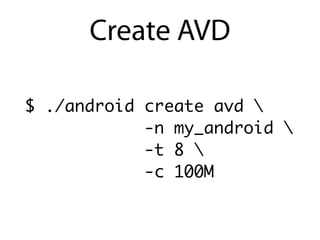
Create AVD

$ ./android create avd 
            -n my_android 
            -t 8 
            -c 100M
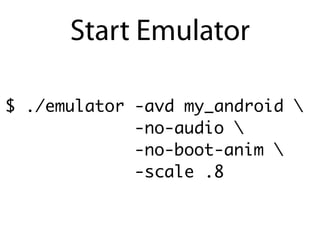
Start Emulator

$ ./emulator -avd my_android 
             -no-audio 
             -no-boot-anim 
             -scale .8
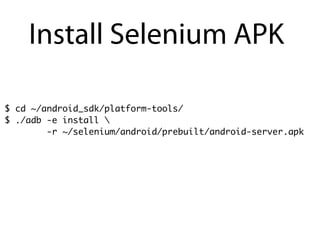
Install Selenium APK

$ cd ~/android_sdk/platform-tools/
$ ./adb -e install 
        -r ~/selenium/android/prebuilt/android-server.apk
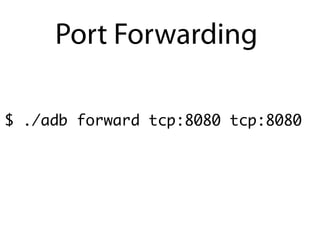
Port Forwarding

$ ./adb forward tcp:8080 tcp:8080
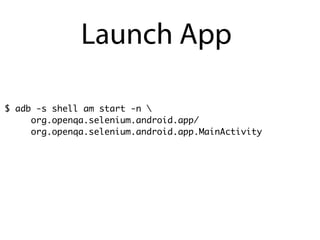
Launch App

$ adb -s shell am start -n 
     org.openqa.selenium.android.app/
     org.openqa.selenium.android.app.MainActivity
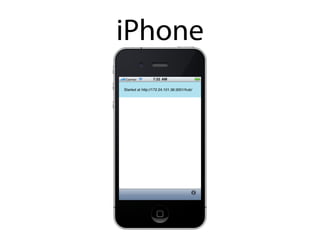
iPhone
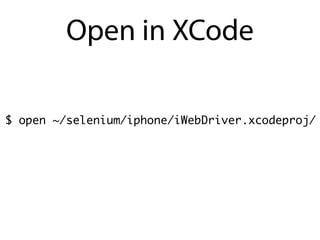
Open in XCode

$ open ~/selenium/iphone/iWebDriver.xcodeproj/
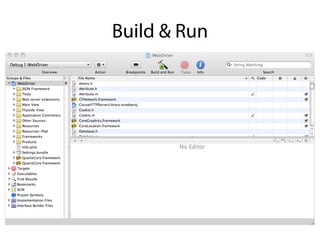
Build & Run
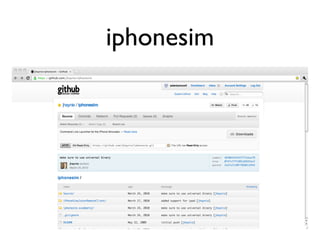
iphonesim
Demo!
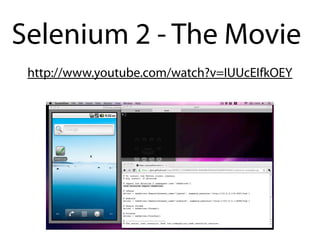
Selenium 2 - The Movie
 http://www.youtube.com/watch?v=IUUcEIfkOEY
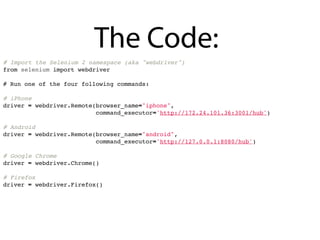
The Code:
# Import the Selenium 2 namespace (aka "webdriver")
from selenium import webdriver

# Run one of the four following commands:

# iPhone
driver = webdriver.Remote(browser_name="iphone",
                          command_executor='http://172.24.101.36:3001/hub')

# Android
driver = webdriver.Remote(browser_name="android",
                          command_executor='http://127.0.0.1:8080/hub')

# Google Chrome
driver = webdriver.Chrome()

# Firefox
driver = webdriver.Firefox()
The Code:
# The actual test scenario: Test the codepad.org code execution service.

# Go to codepad.org
driver.get('http://codepad.org')

# Select the Python language option
python_link = driver.find_elements_by_xpath("//input[@name='lang' and @value='Python']")
[0]
python_link.click()

# Enter some text!
text_area = driver.find_element_by_id('textarea')
text_area.send_keys("print 'Hello,' + ' World!'")

# Submit the form!
submit_button = driver.find_element_by_name('submit')
submit_button.click()

# Make this an actual test. Isn't Python beautiful?
assert "Hello, World!" in driver.get_page_source()

# Close the browser!
driver.quit()
Links
For More Information:
✓http://seleniumhq.org
✓http://code.google.com/p/selenium
✓http://saucelabs.com/docs/selenium2
✓http://twitter.com/hugs
Demo Screencast:
✓http://www.youtube.com/watch?v=IUUcEIfkOEY
Code:
✓http://gist.github.com/830011
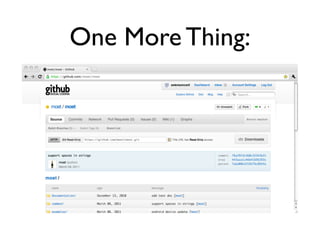
One More Thing:
Thanks!
 Jason Huggins
Co-creator, The Selenium Project
Co-founder, CTO, Sauce Labs Inc
         twitter: @hugs
  email: hugs@saucelabs.com

selenium-2-mobile-web-testing