SCREEN SHOTS OF
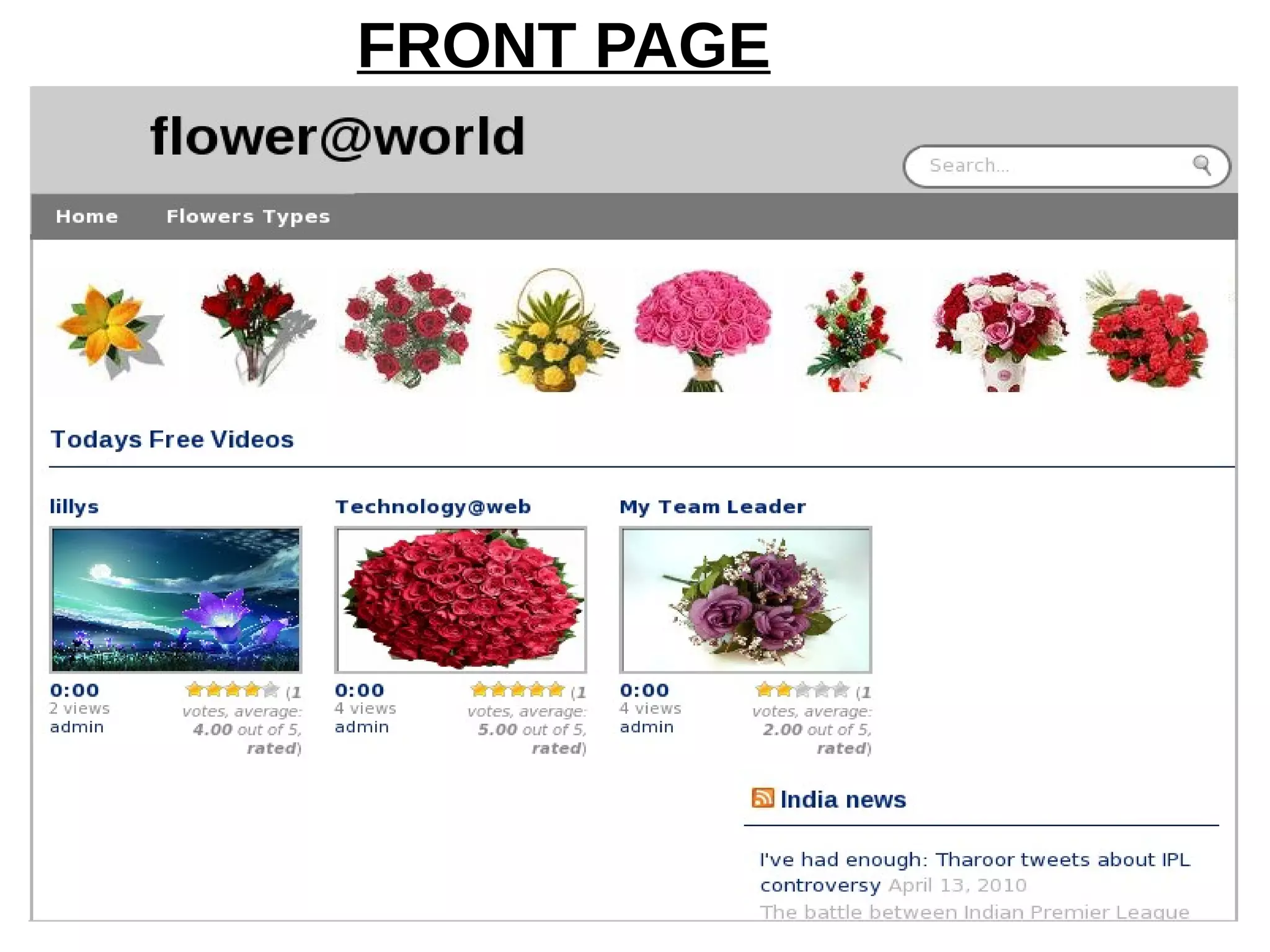
flower@world
By
Dinesh
FRONT PAGE
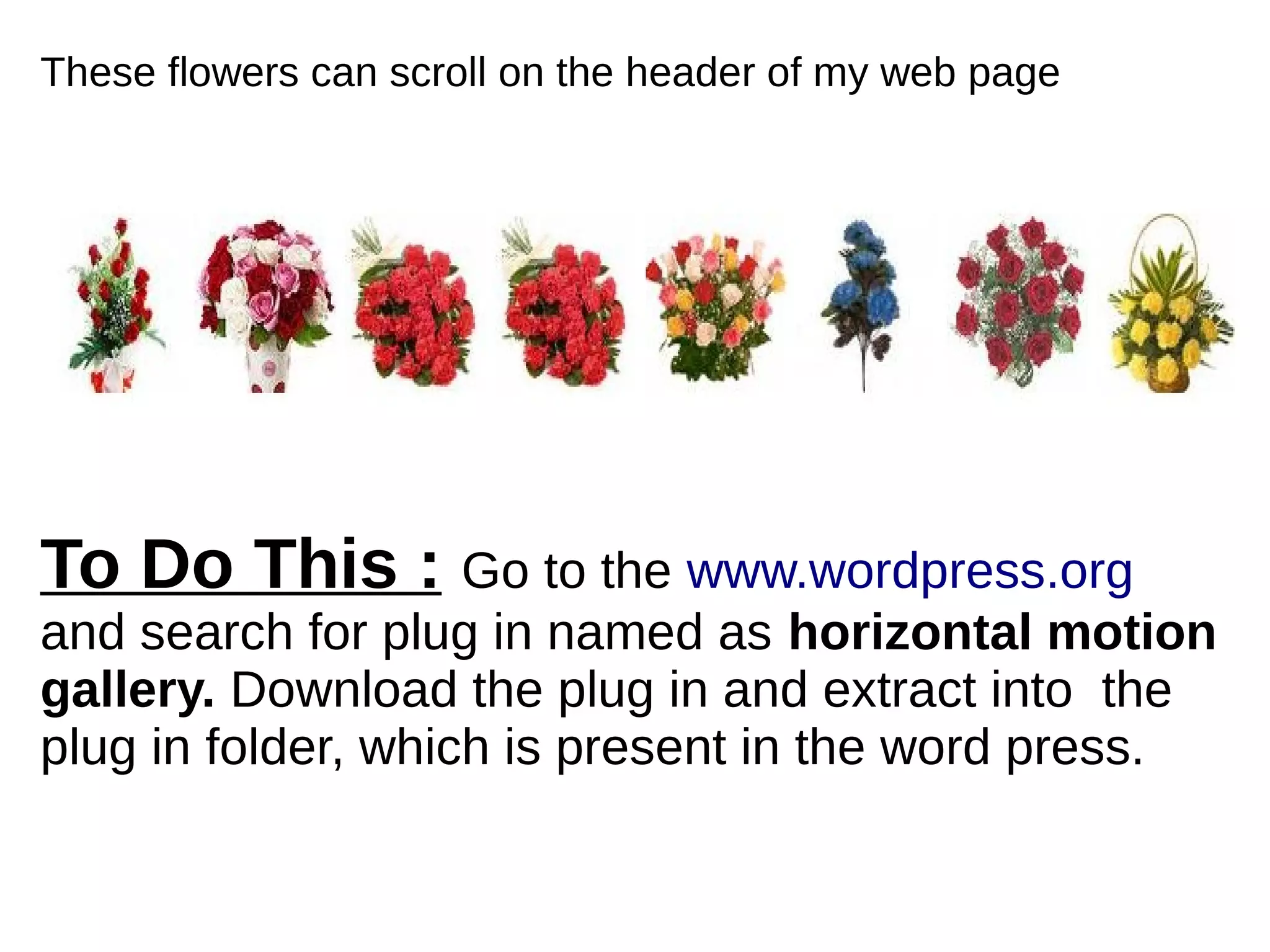
These flowers can scroll on the header of my web page
To Do This : Go to the www.wordpress.org
and search for plug in named as horizontal motion
gallery. Download the plug in and extract into the
plug in folder, which is present in the word press.
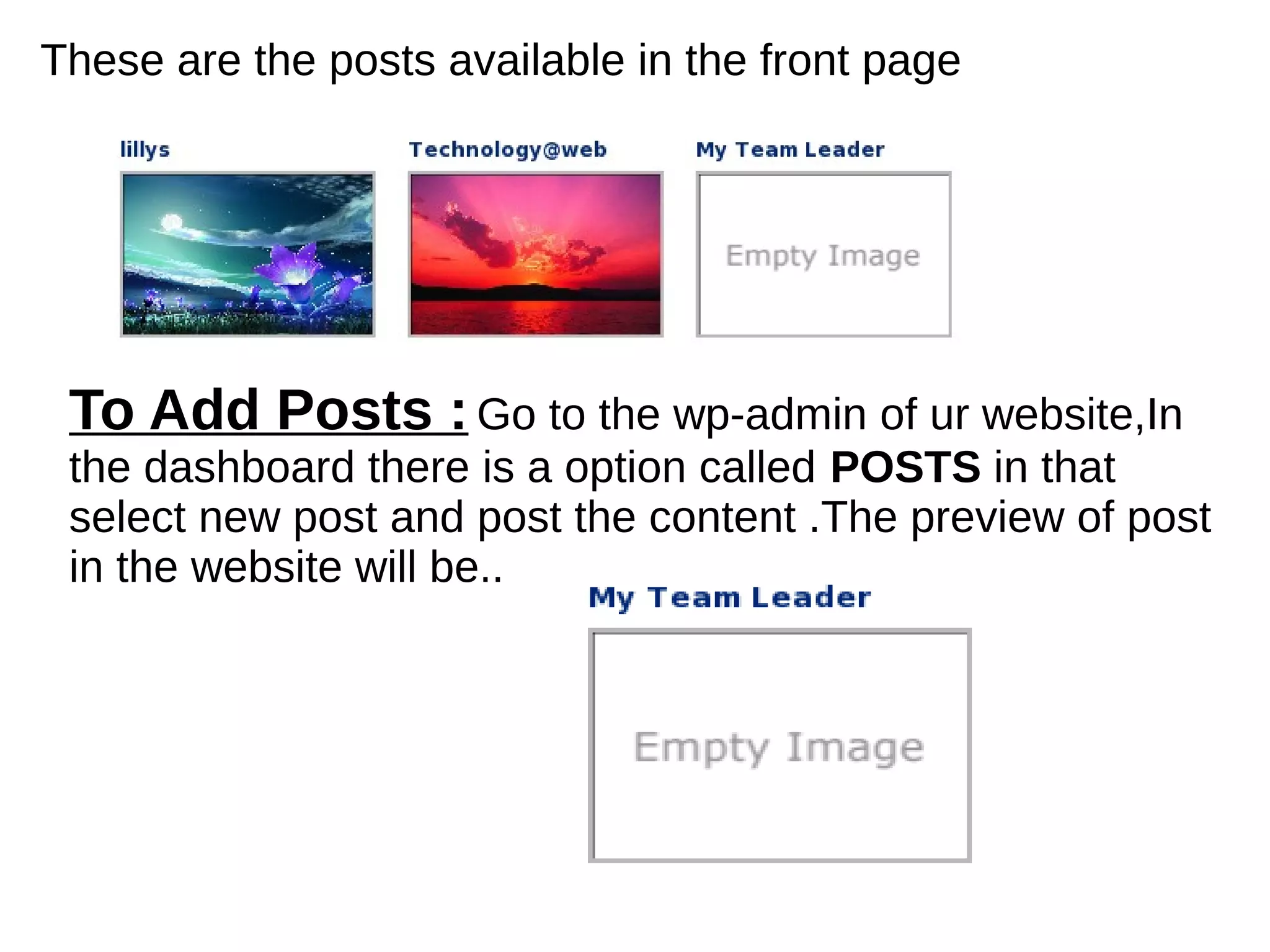
These are the posts available in the front page
To Add Posts :Go to the wp-admin of ur website,In
the dashboard there is a option called POSTS in that
select new post and post the content .The preview of post
in the website will be..
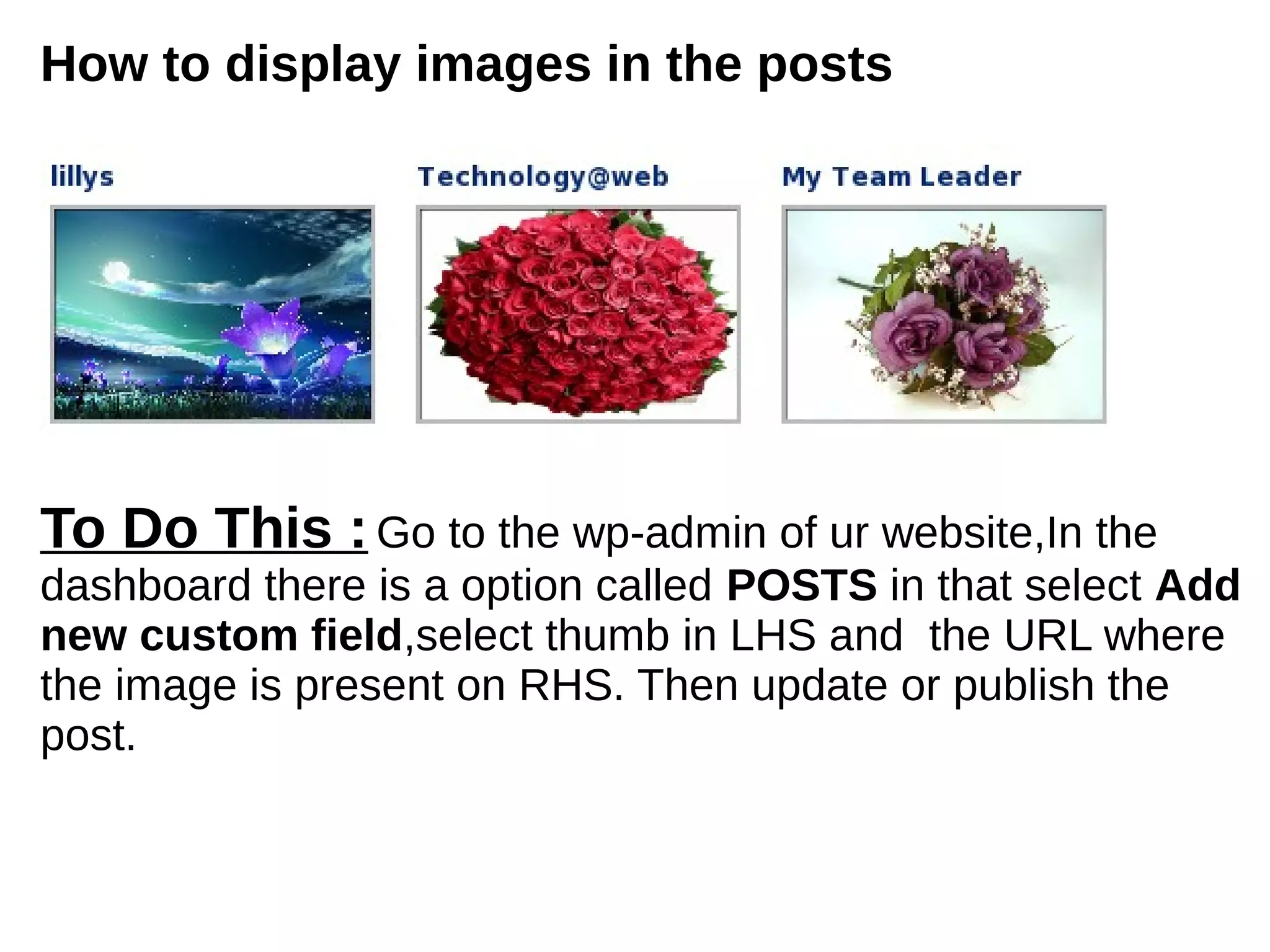
How to display images in the posts
To Do This :Go to the wp-admin of ur website,In the
dashboard there is a option called POSTS in that select Add
new custom field,select thumb in LHS and the URL where
the image is present on RHS. Then update or publish the
post.
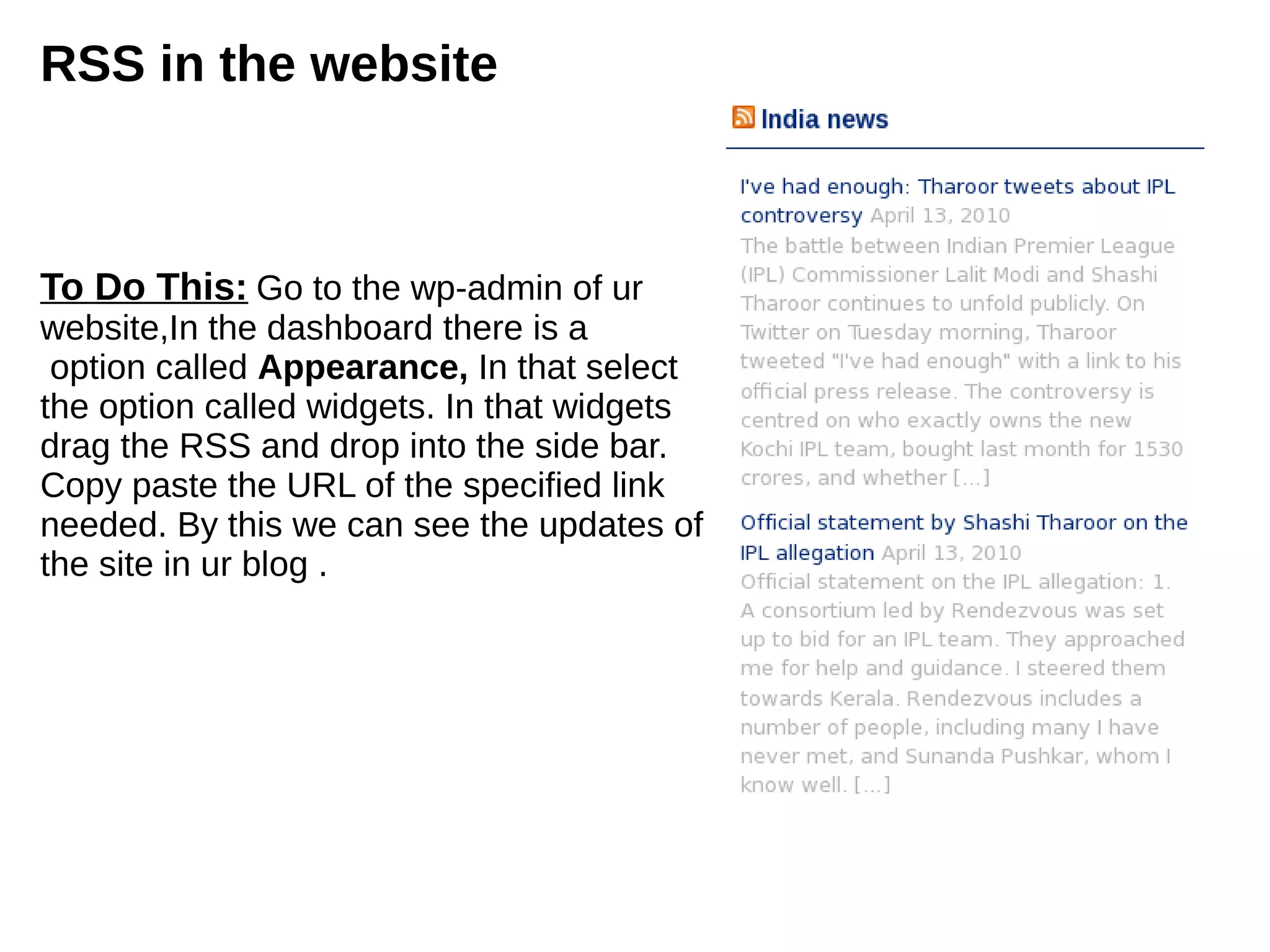
RSS in the website
To Do This: Go to the wp-admin of ur
website,In the dashboard there is a
option called Appearance, In that select
the option called widgets. In that widgets
drag the RSS and drop into the side bar.
Copy paste the URL of the specified link
needed. By this we can see the updates of
the site in ur blog .
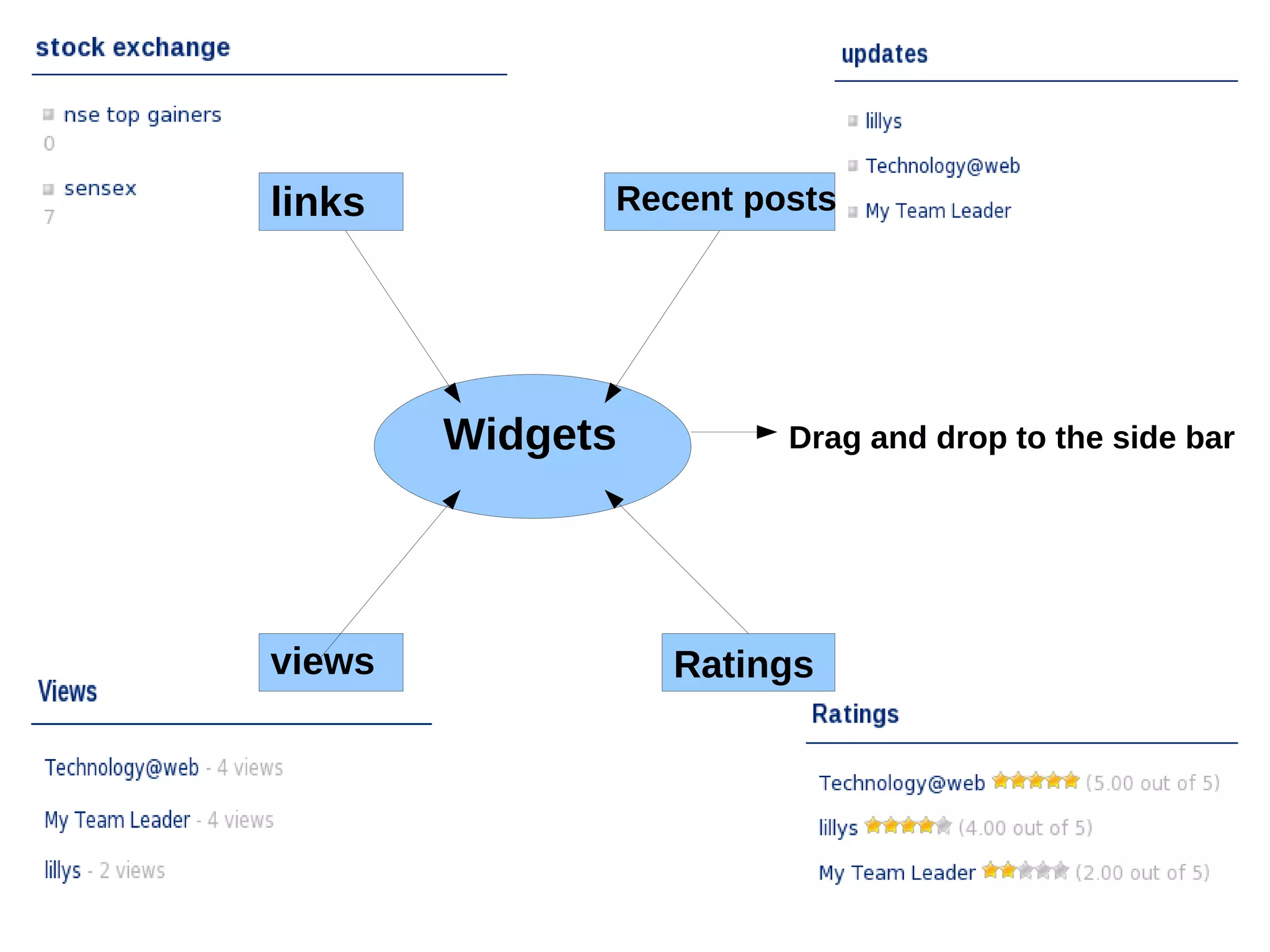
links Recent posts
views Ratings
Widgets Drag and drop to the side bar
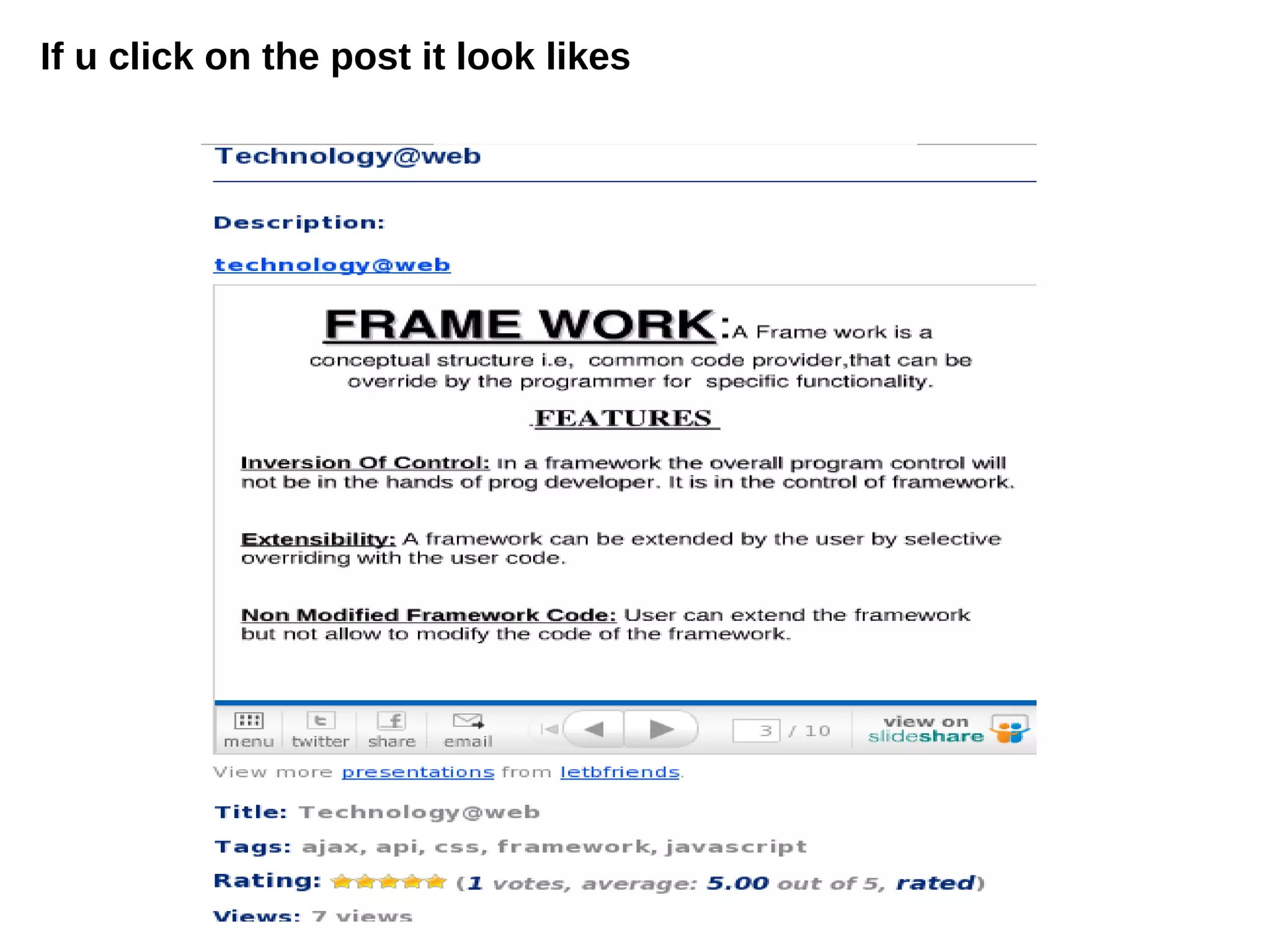
If u click on the post it look likes
Thank Q
Thank Q

Screen shots

  • 1.
  • 2.
  • 3.
    These flowers canscroll on the header of my web page To Do This : Go to the www.wordpress.org and search for plug in named as horizontal motion gallery. Download the plug in and extract into the plug in folder, which is present in the word press.
  • 4.
    These are theposts available in the front page To Add Posts :Go to the wp-admin of ur website,In the dashboard there is a option called POSTS in that select new post and post the content .The preview of post in the website will be..
  • 5.
    How to displayimages in the posts To Do This :Go to the wp-admin of ur website,In the dashboard there is a option called POSTS in that select Add new custom field,select thumb in LHS and the URL where the image is present on RHS. Then update or publish the post.
  • 6.
    RSS in thewebsite To Do This: Go to the wp-admin of ur website,In the dashboard there is a option called Appearance, In that select the option called widgets. In that widgets drag the RSS and drop into the side bar. Copy paste the URL of the specified link needed. By this we can see the updates of the site in ur blog .
  • 7.
    links Recent posts viewsRatings Widgets Drag and drop to the side bar
  • 8.
    If u clickon the post it look likes
  • 9.
  • 10.