Download as PDF, PPTX


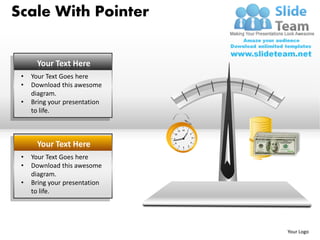

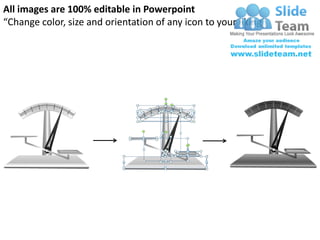
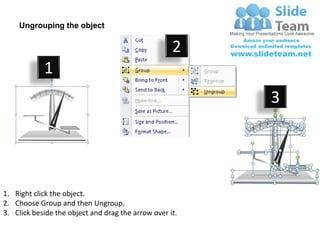
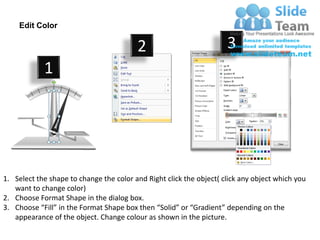

The document contains instructions for editing diagrams in PowerPoint. It explains how to ungroup objects to edit individual elements, and how to change the color of shapes by selecting the shape, right clicking, choosing format shape, and selecting a new fill color. The purpose is to show how images in the templates can be customized by editing colors, sizes, and orientations of icons to suit presentations.


