Sane CSS A modern approach to CSS
Lee Cheneler
What We’ll Tackle
• CSS Specificity
• Quick look at how CSS specificity works
• ITCSS
• A sane architecture for our CSS
• BEM
• CSS naming convention
• Top tips
• These will make your life a lot easier
CSS Specificity (╯°□°)╯︵ ┻━┻
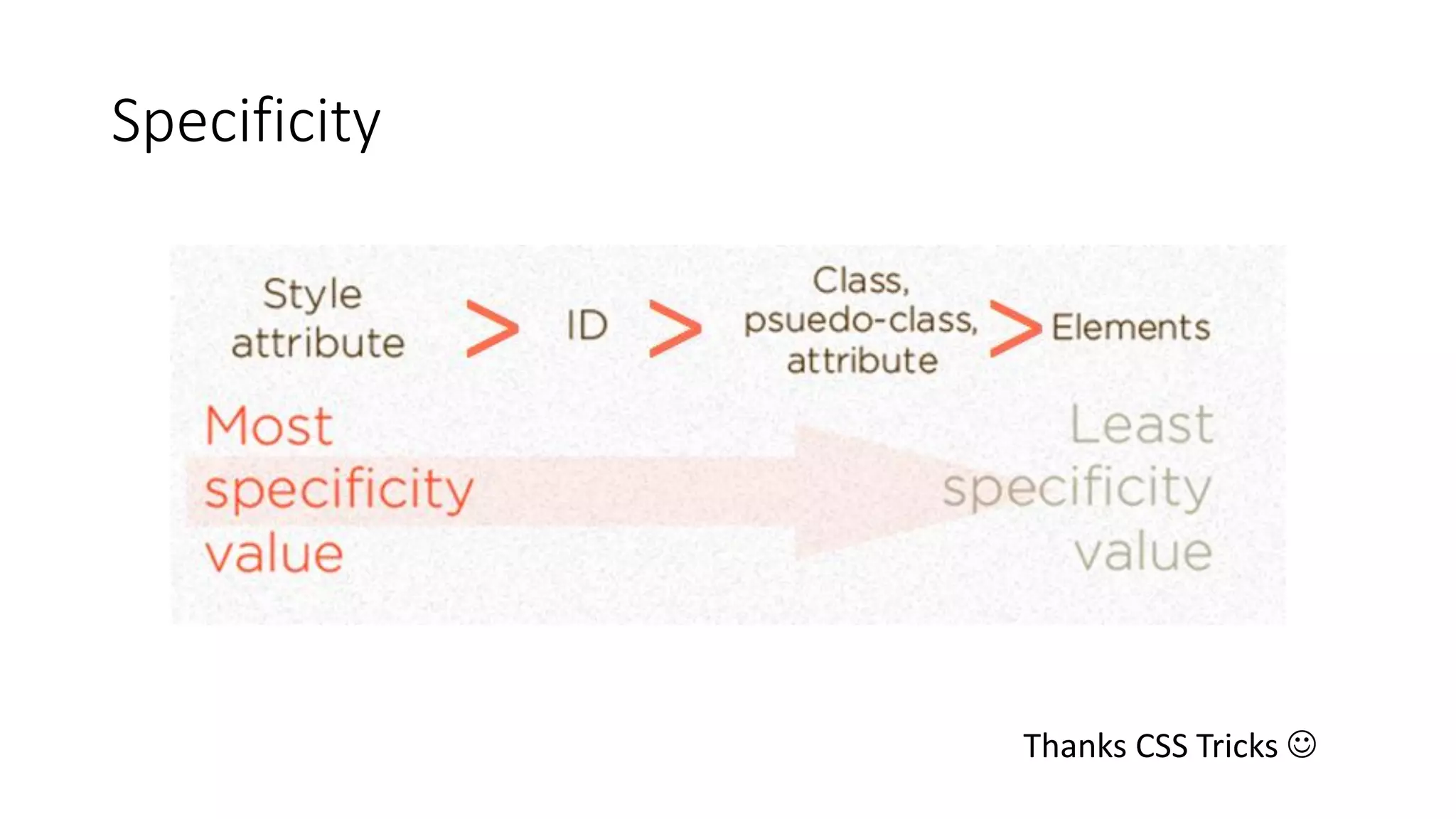
A quick look at how CSS specificity works
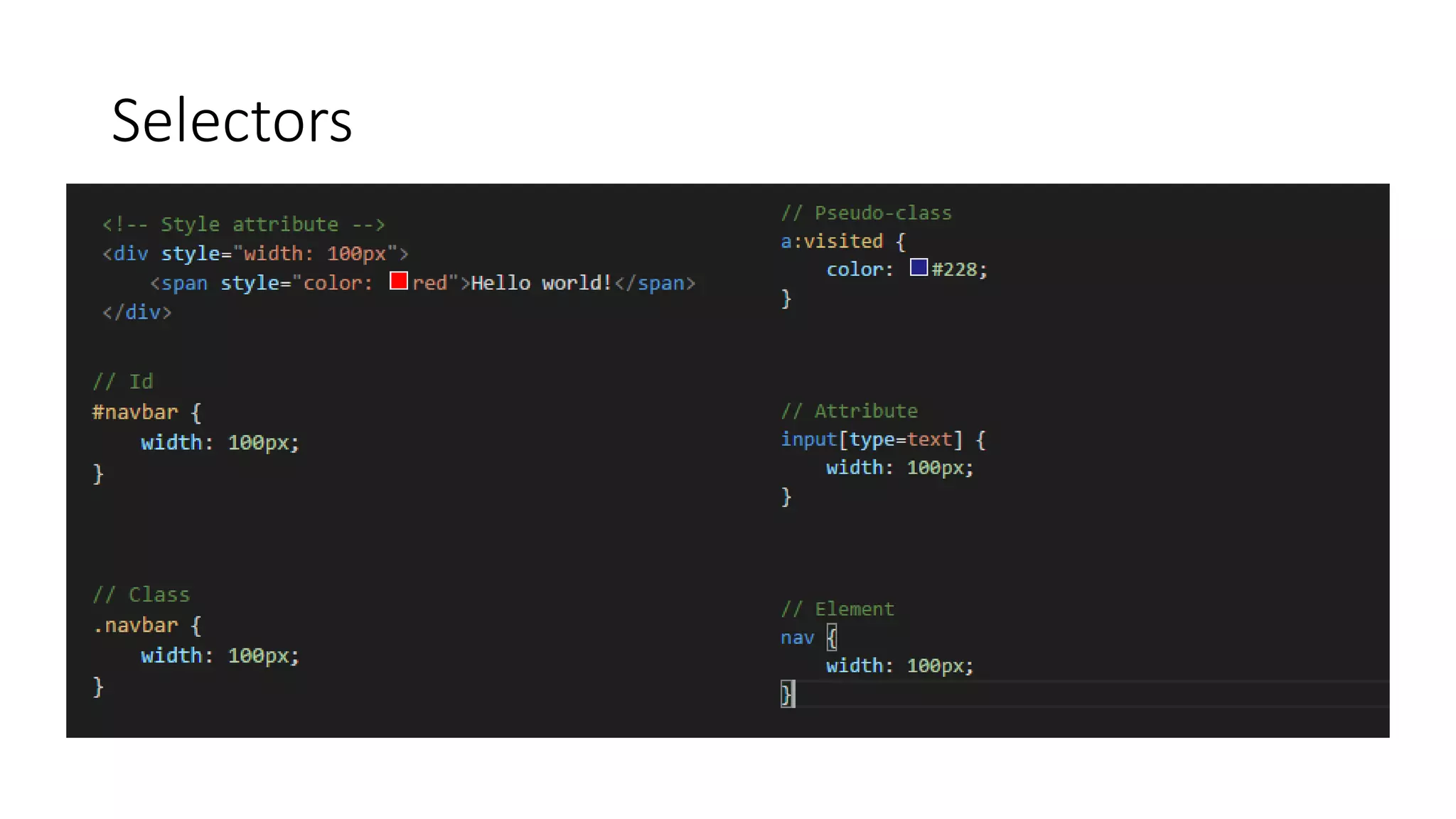
Selectors
Specificity
Thanks CSS Tricks 
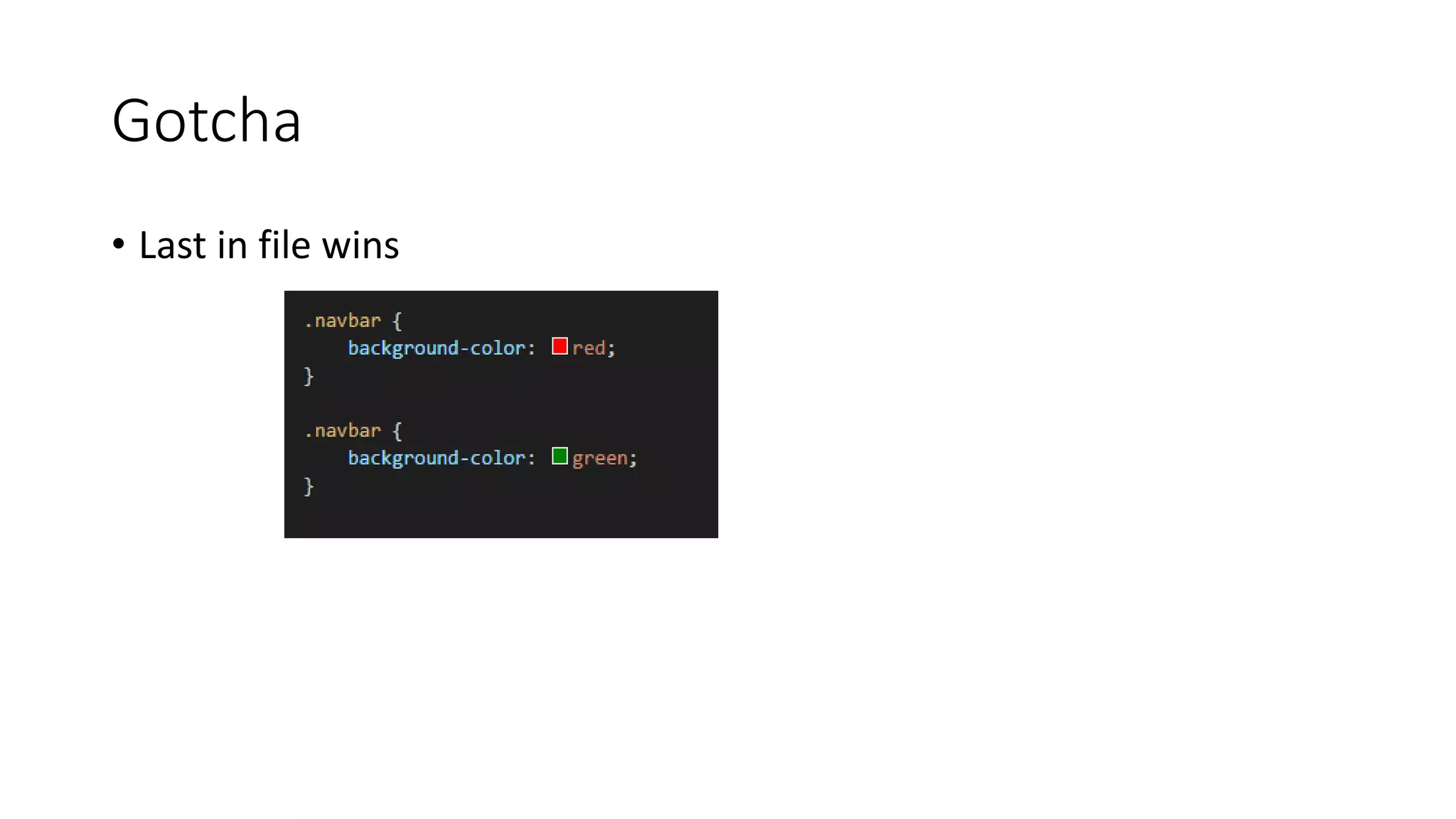
Gotcha
• Last in file wins
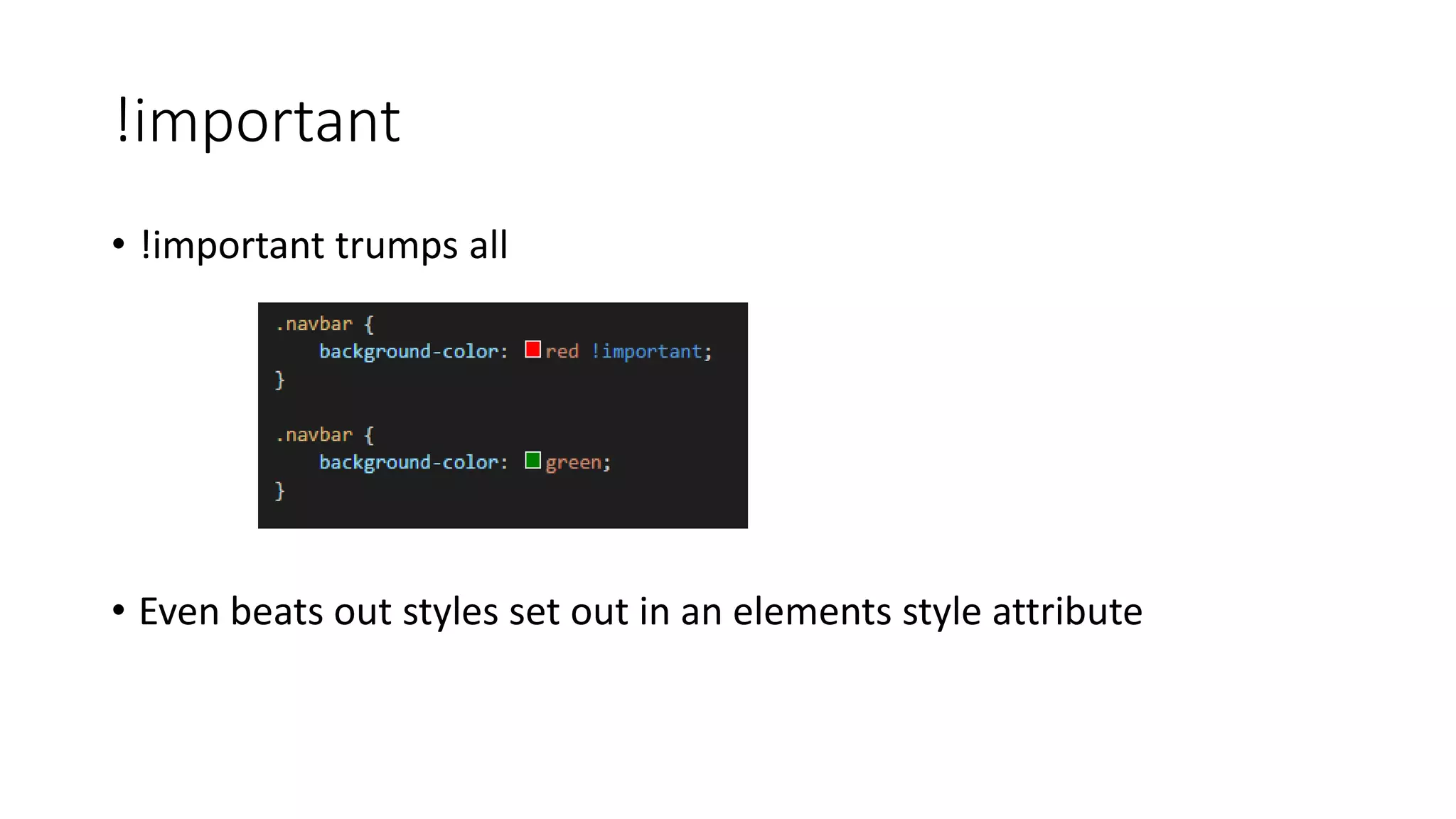
!important
• !important trumps all
• Even beats out styles set out in an elements style attribute
ITCSS
A sane architecture for our CSS
Who, What?
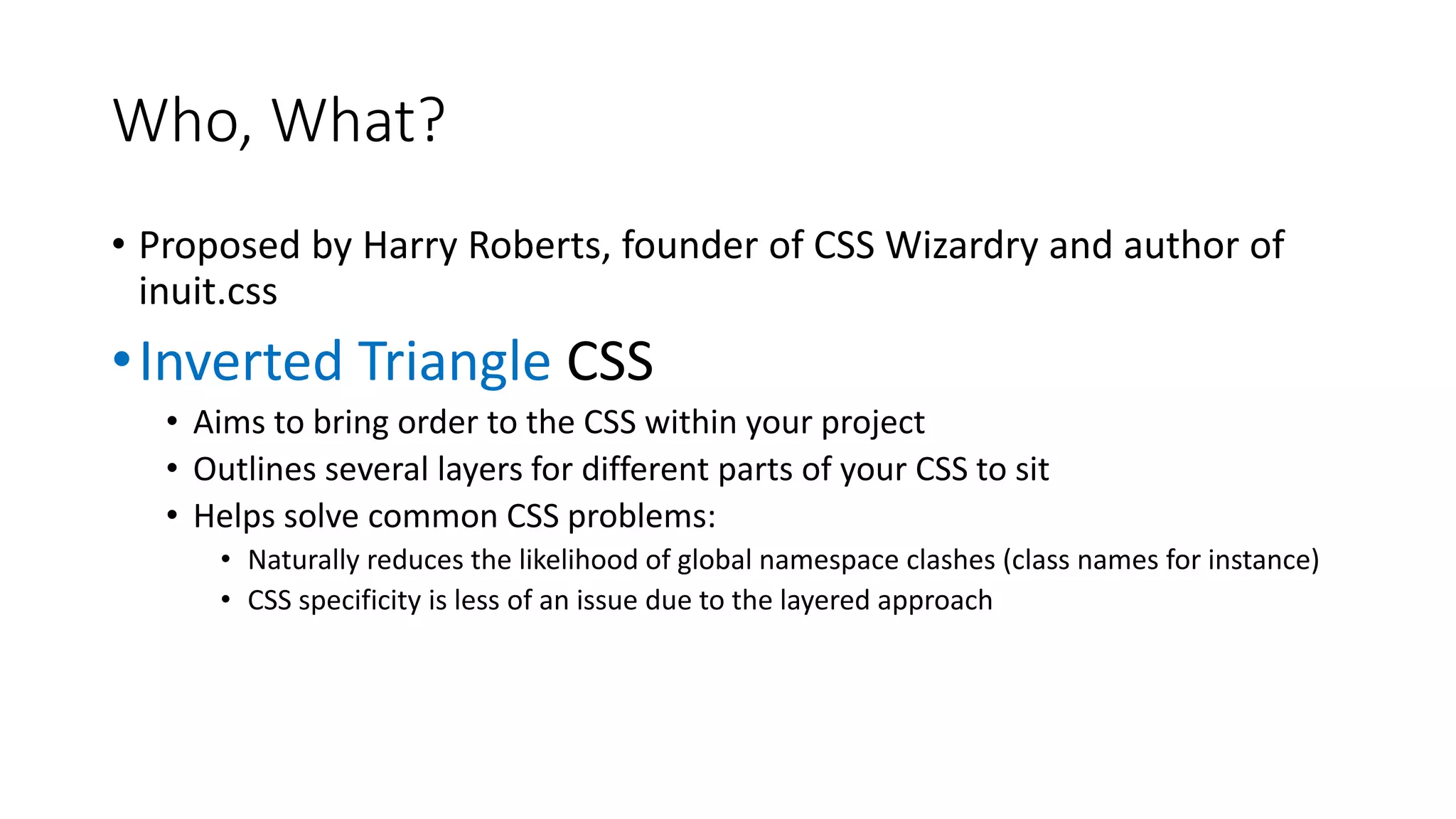
• Proposed by Harry Roberts, founder of CSS Wizardry and author of
inuit.css
•Inverted Triangle CSS
• Aims to bring order to the CSS within your project
• Outlines several layers for different parts of your CSS to sit
• Helps solve common CSS problems:
• Naturally reduces the likelihood of global namespace clashes (class names for instance)
• CSS specificity is less of an issue due to the layered approach
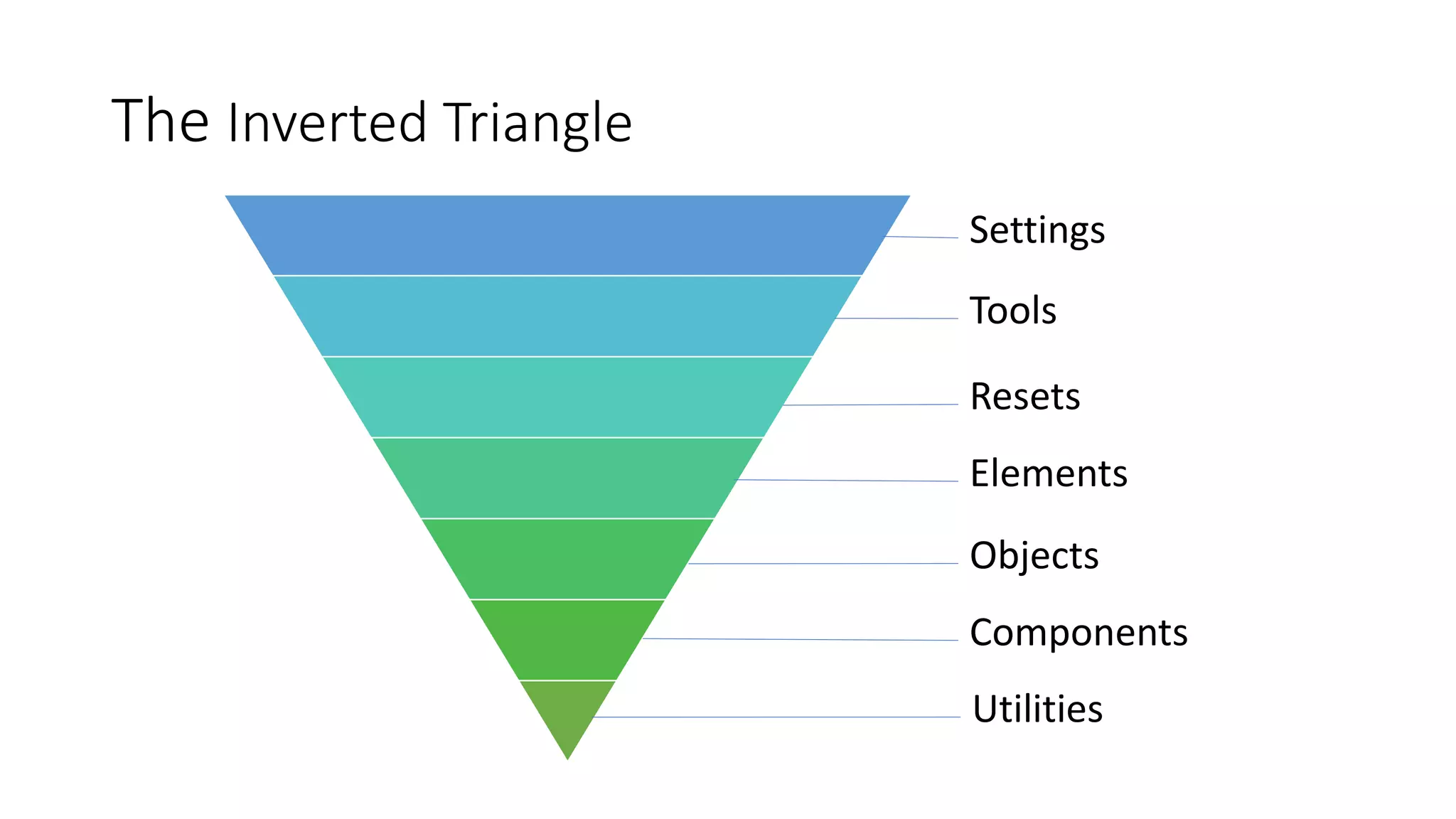
The Inverted Triangle
Settings
Tools
Resets
Elements
Objects
Components
Utilities
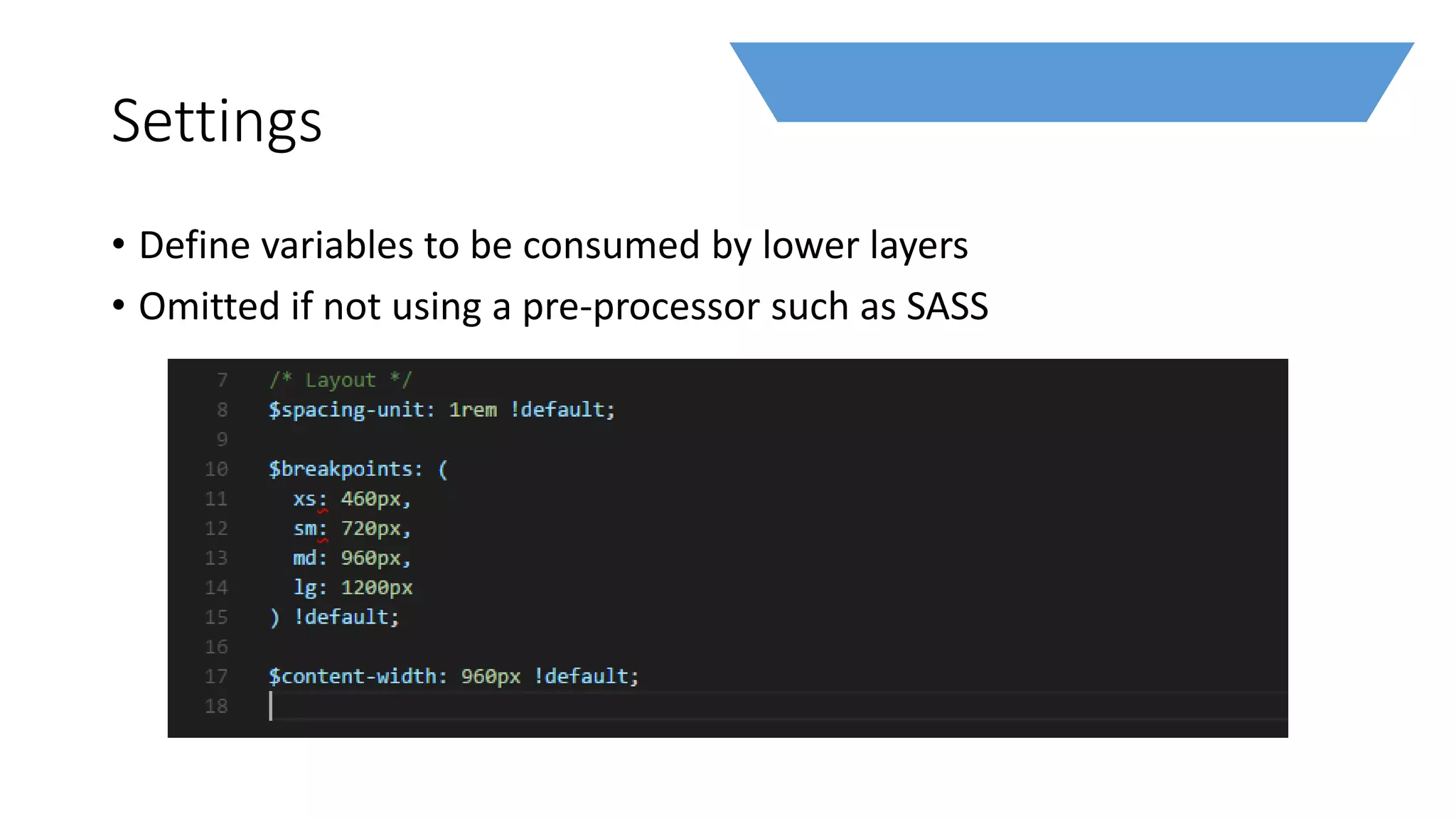
Settings
• Define variables to be consumed by lower layers
• Omitted if not using a pre-processor such as SASS
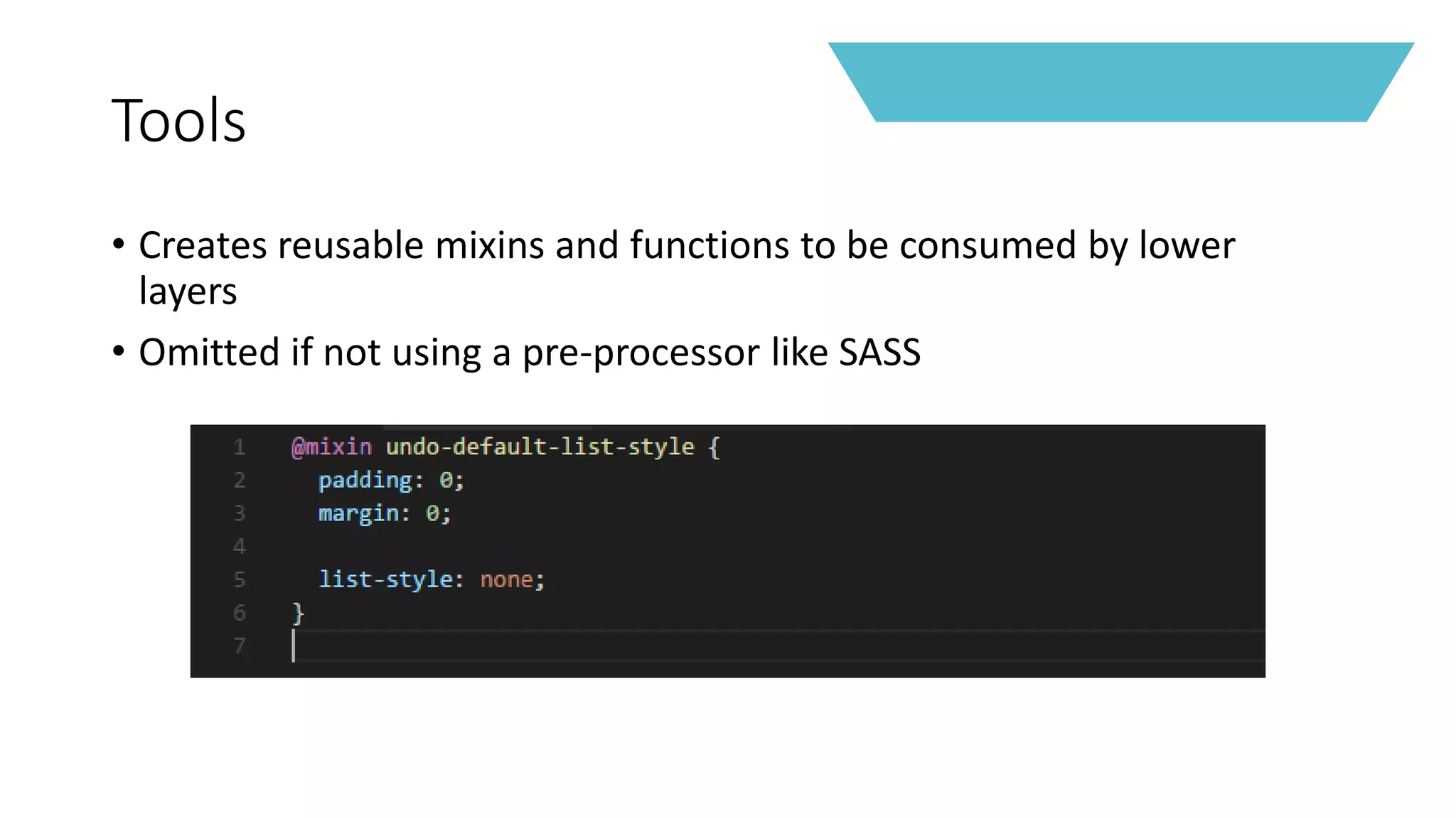
Tools
• Creates reusable mixins and functions to be consumed by lower
layers
• Omitted if not using a pre-processor like SASS
NO CSS IS GENERATED BY THE PREVIOUS LAYERS
… EVER
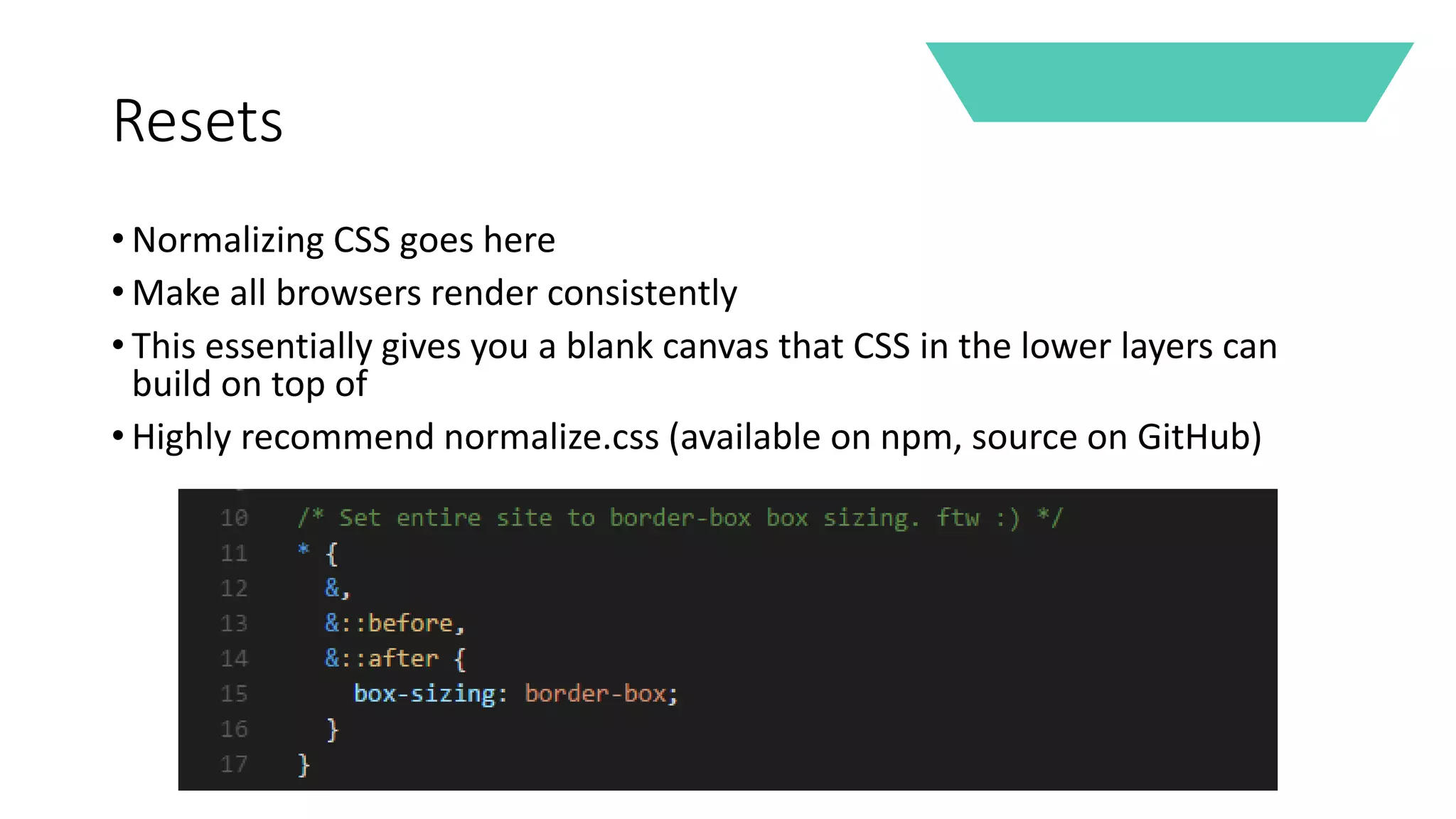
Resets
• Normalizing CSS goes here
• Make all browsers render consistently
• This essentially gives you a blank canvas that CSS in the lower layers can
build on top of
• Highly recommend normalize.css (available on npm, source on GitHub)
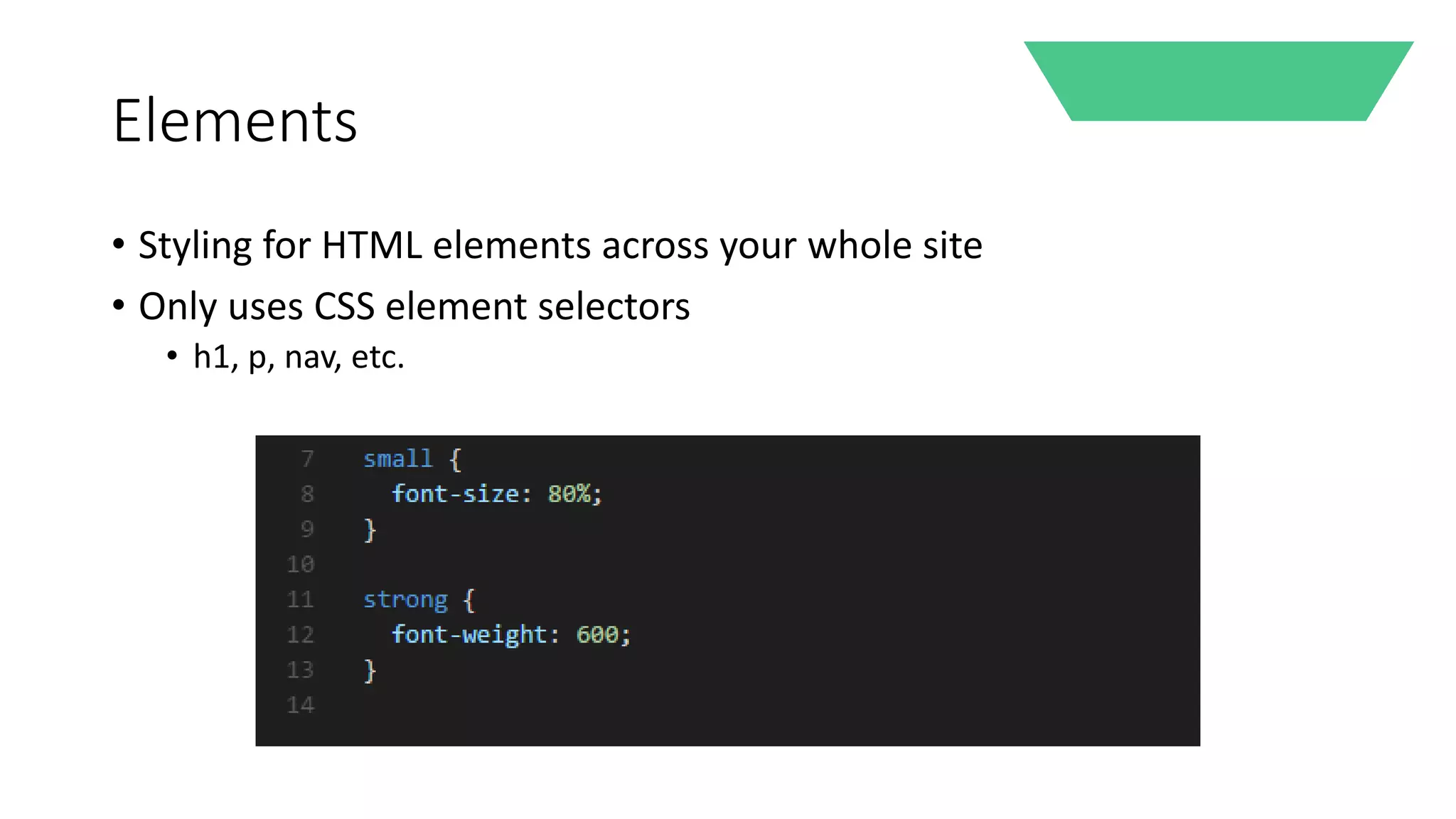
Elements
• Styling for HTML elements across your whole site
• Only uses CSS element selectors
• h1, p, nav, etc.
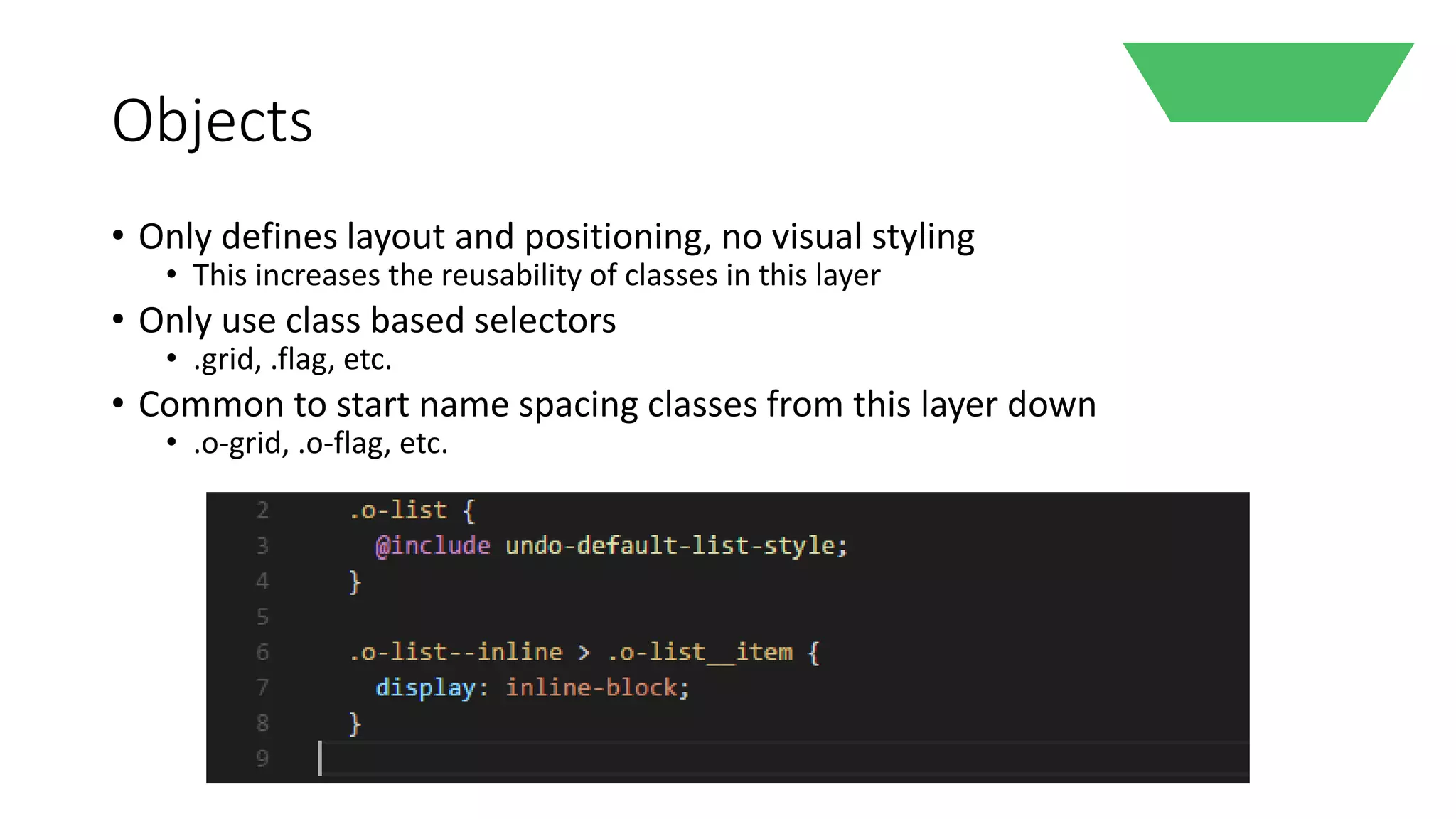
Objects
• Only defines layout and positioning, no visual styling
• This increases the reusability of classes in this layer
• Only use class based selectors
• .grid, .flag, etc.
• Common to start name spacing classes from this layer down
• .o-grid, .o-flag, etc.
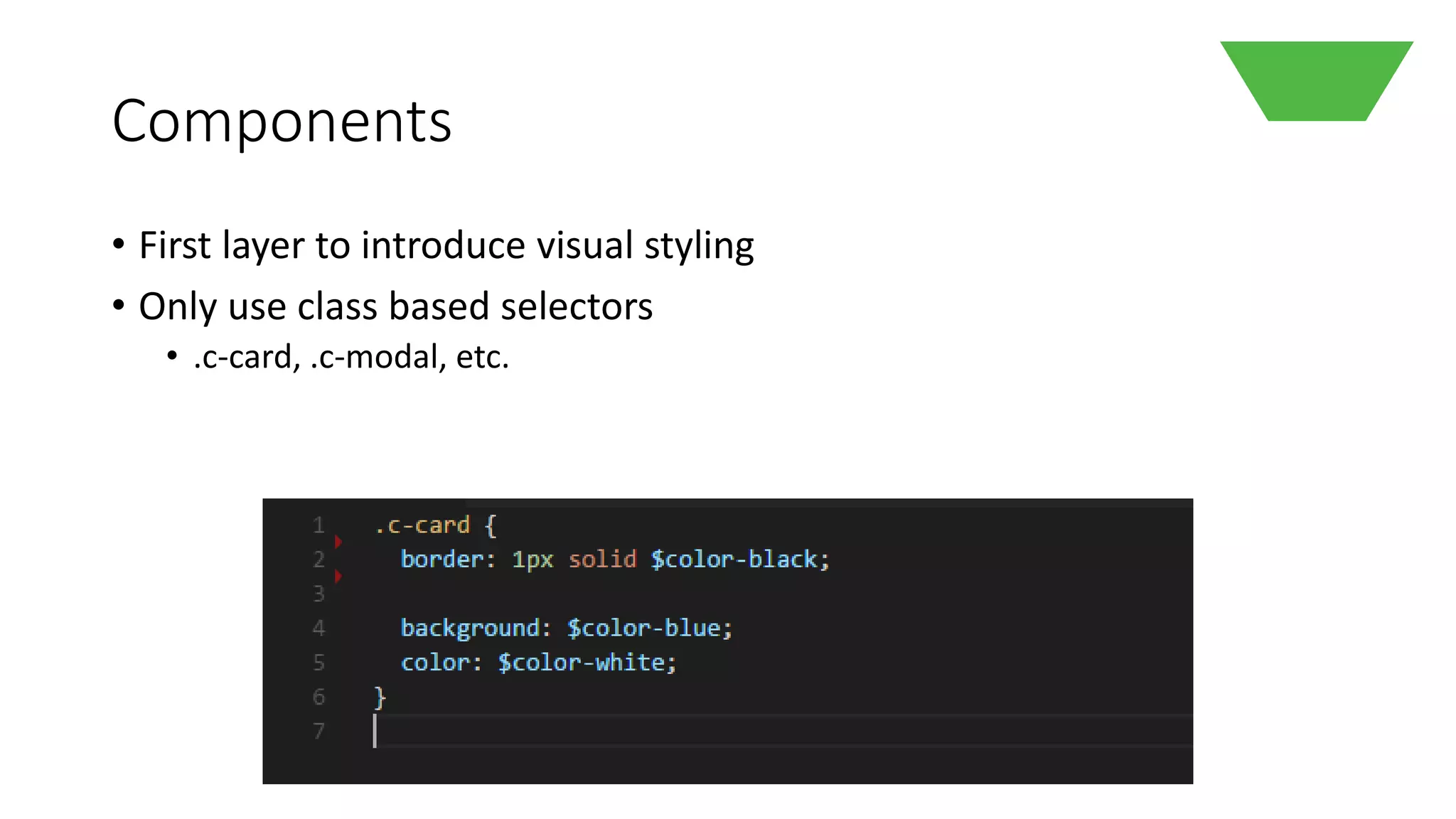
Components
• First layer to introduce visual styling
• Only use class based selectors
• .c-card, .c-modal, etc.
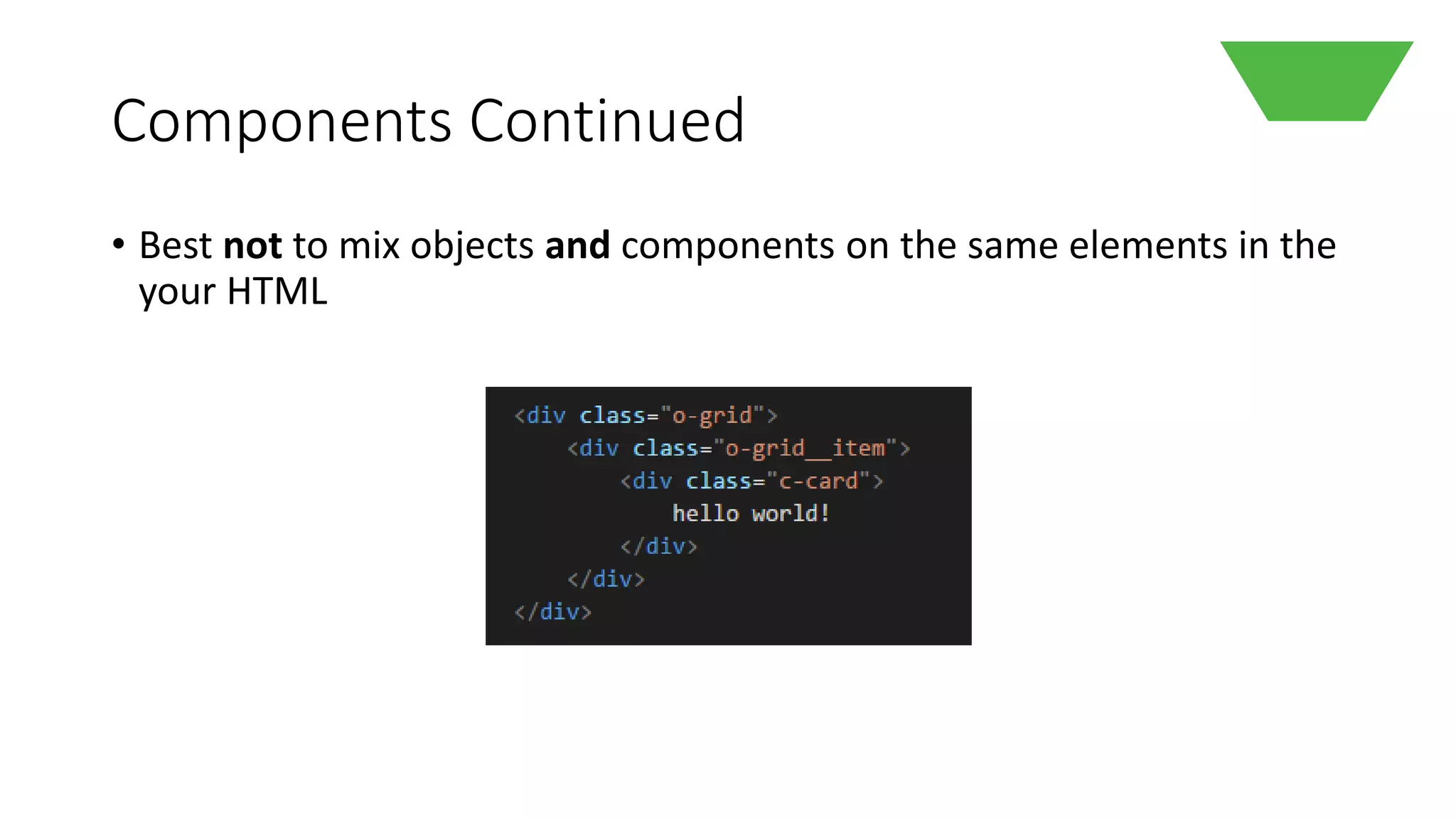
Components Continued
• Best not to mix objects and components on the same elements in the
your HTML
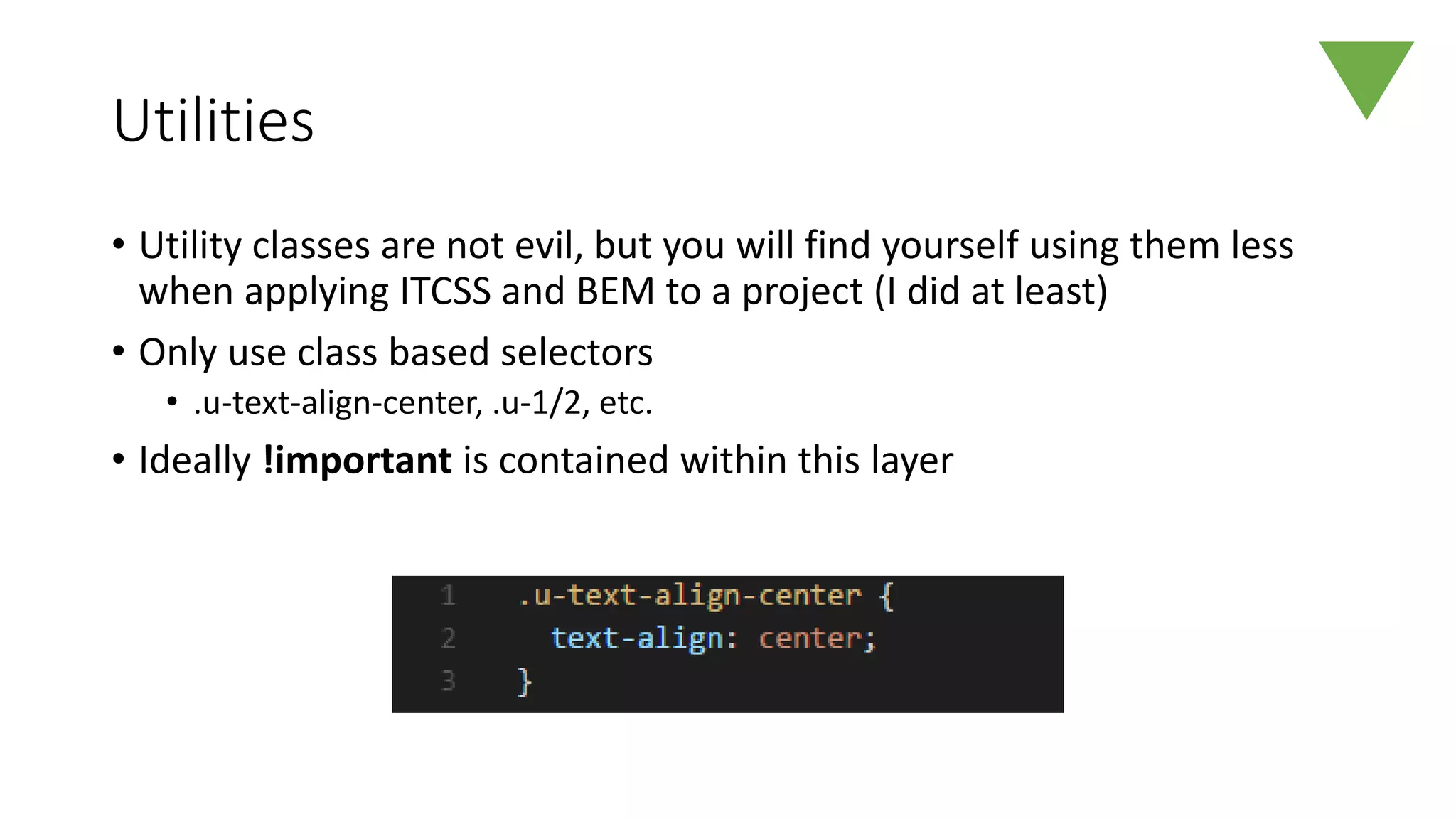
Utilities
• Utility classes are not evil, but you will find yourself using them less
when applying ITCSS and BEM to a project (I did at least)
• Only use class based selectors
• .u-text-align-center, .u-1/2, etc.
• Ideally !important is contained within this layer
Compilation
• Order is important whether using ITCSS or not
• Remember CSS specificity from earlier?
• In ITCSS everything in a layer is available to all layers beneath it
globally
• Crucial for reusable mixins and variables without declaring imports
everywhere…
• Generally speaking, compile your CSS into a file top down following
the triangle
• Natural ordering to reduce specificity issues
• The lower your layer the more specific the CSS is
BEM
A descriptive CSS naming convention
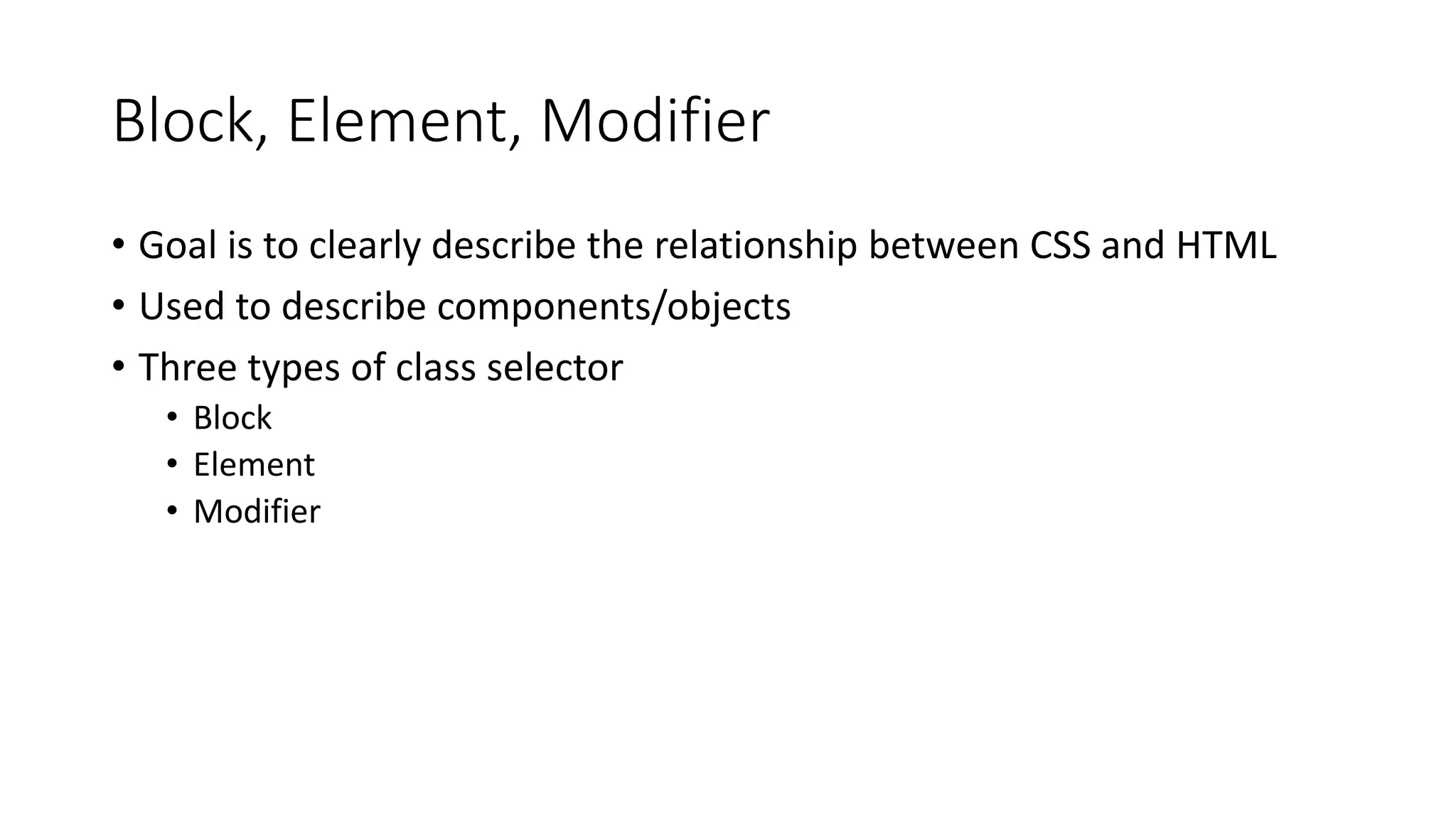
Block, Element, Modifier
• Goal is to clearly describe the relationship between CSS and HTML
• Used to describe components/objects
• Three types of class selector
• Block
• Element
• Modifier
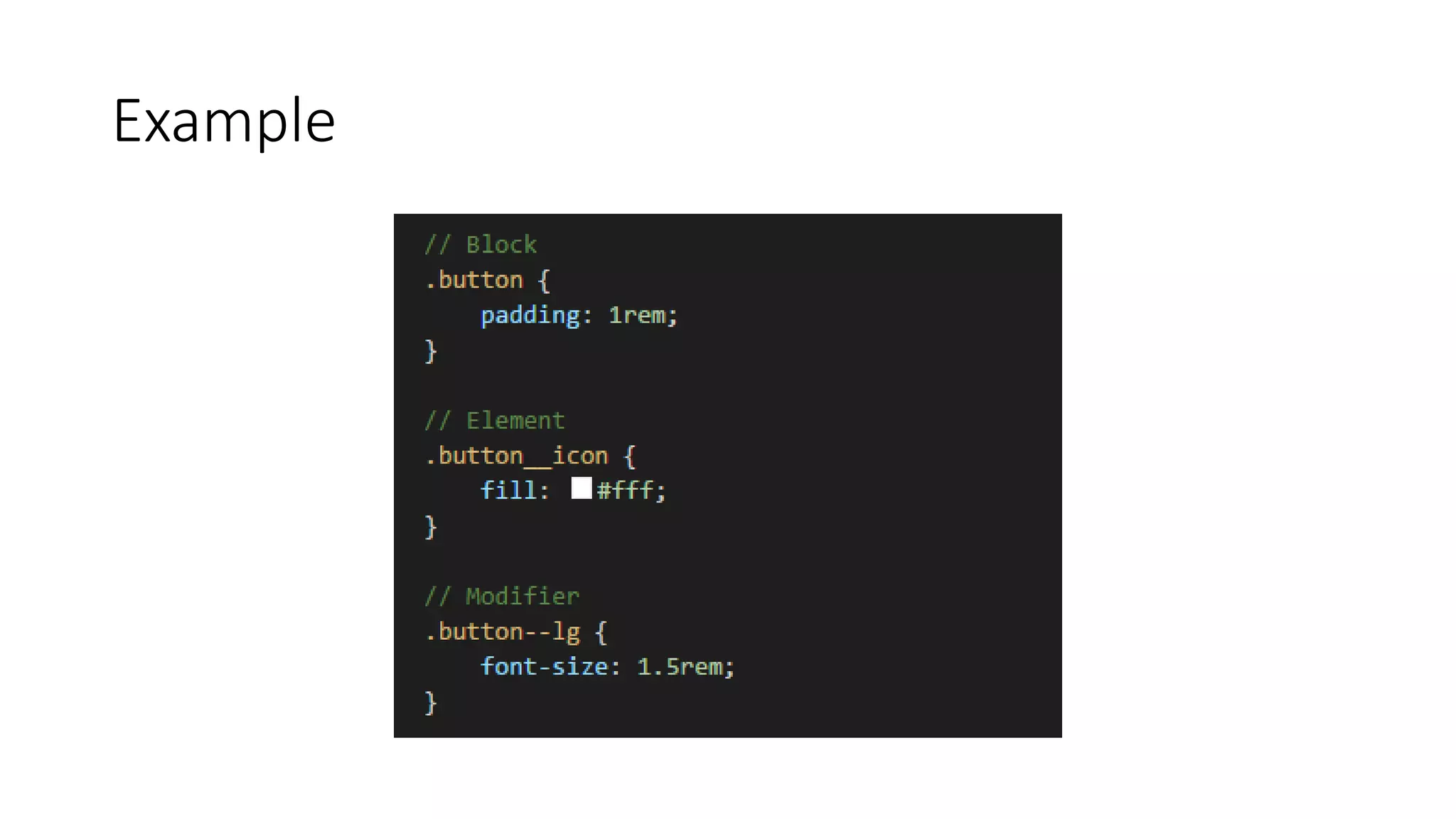
Example
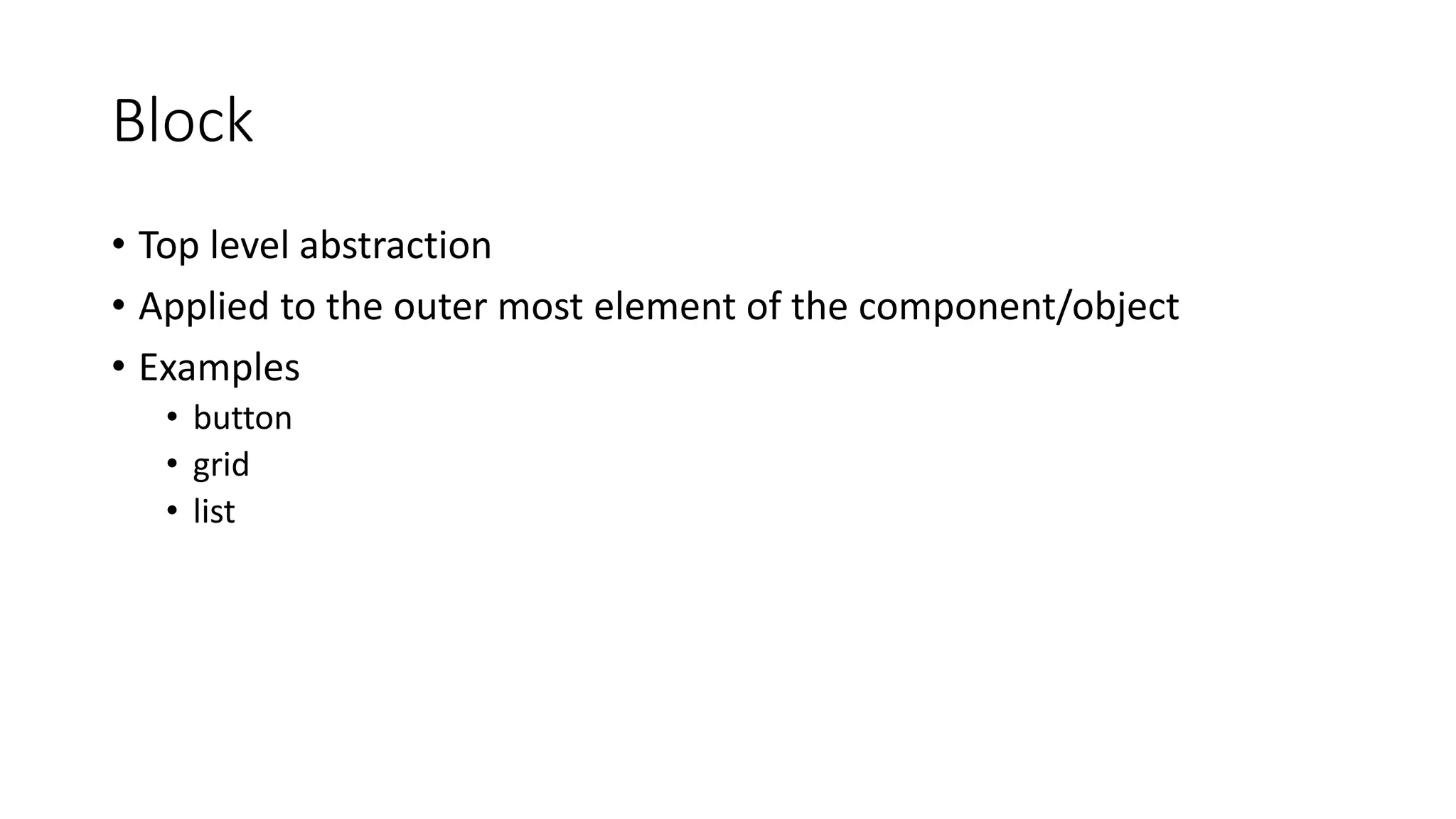
Block
• Top level abstraction
• Applied to the outer most element of the component/object
• Examples
• button
• grid
• list
Element
• Children of Blocks
• Applied to HTML elements within block elements
• No bleeding
• Examples
• grid__item
• list__item
• button__icon
Modifiers
• Modifiers applied to block elements
• Used to apply themes or styles to the entire component
• Examples
• button—lg
• grid—trench
• button--primary
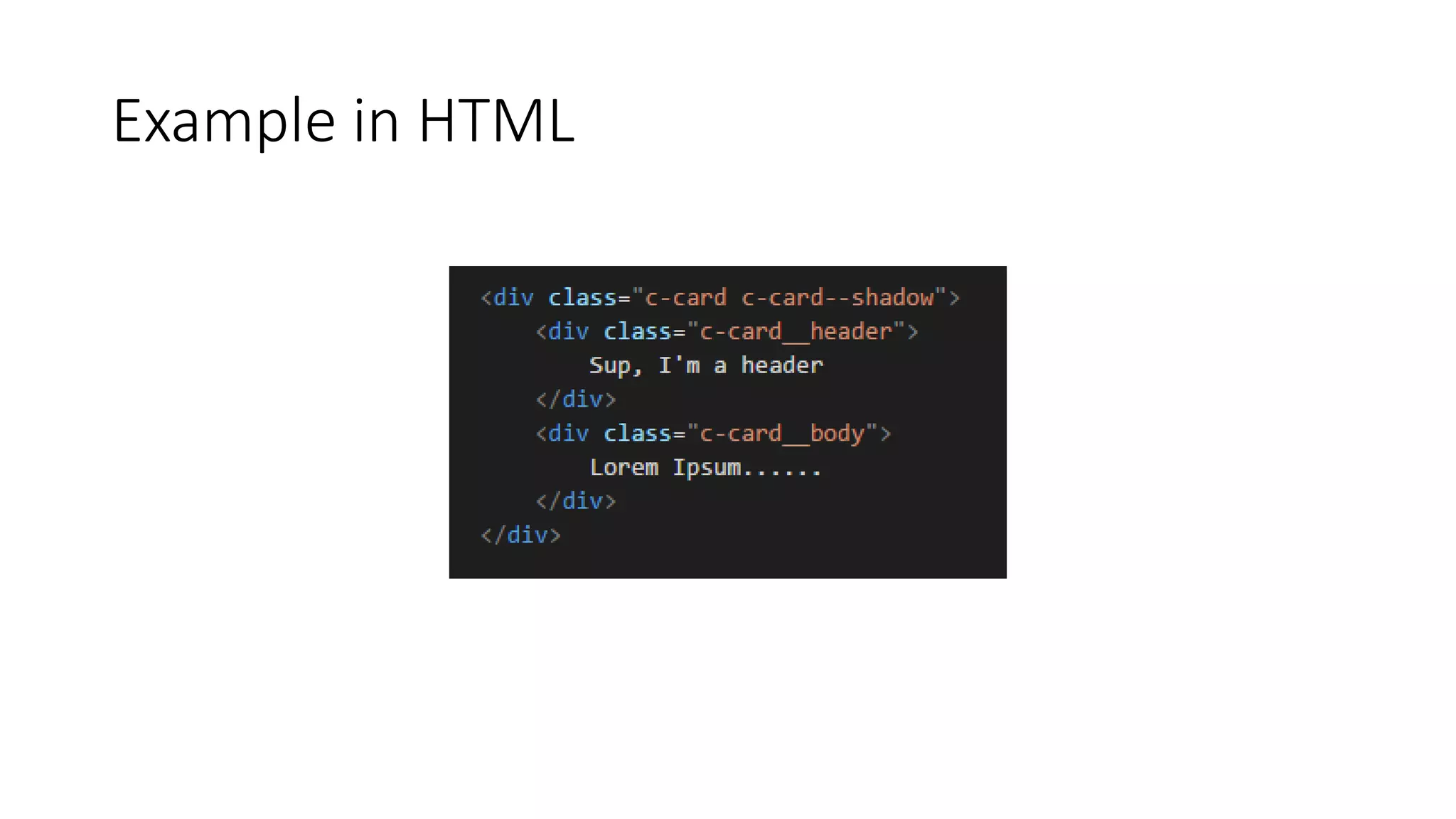
Example in HTML
Top Tips
These will make your life a lot easier
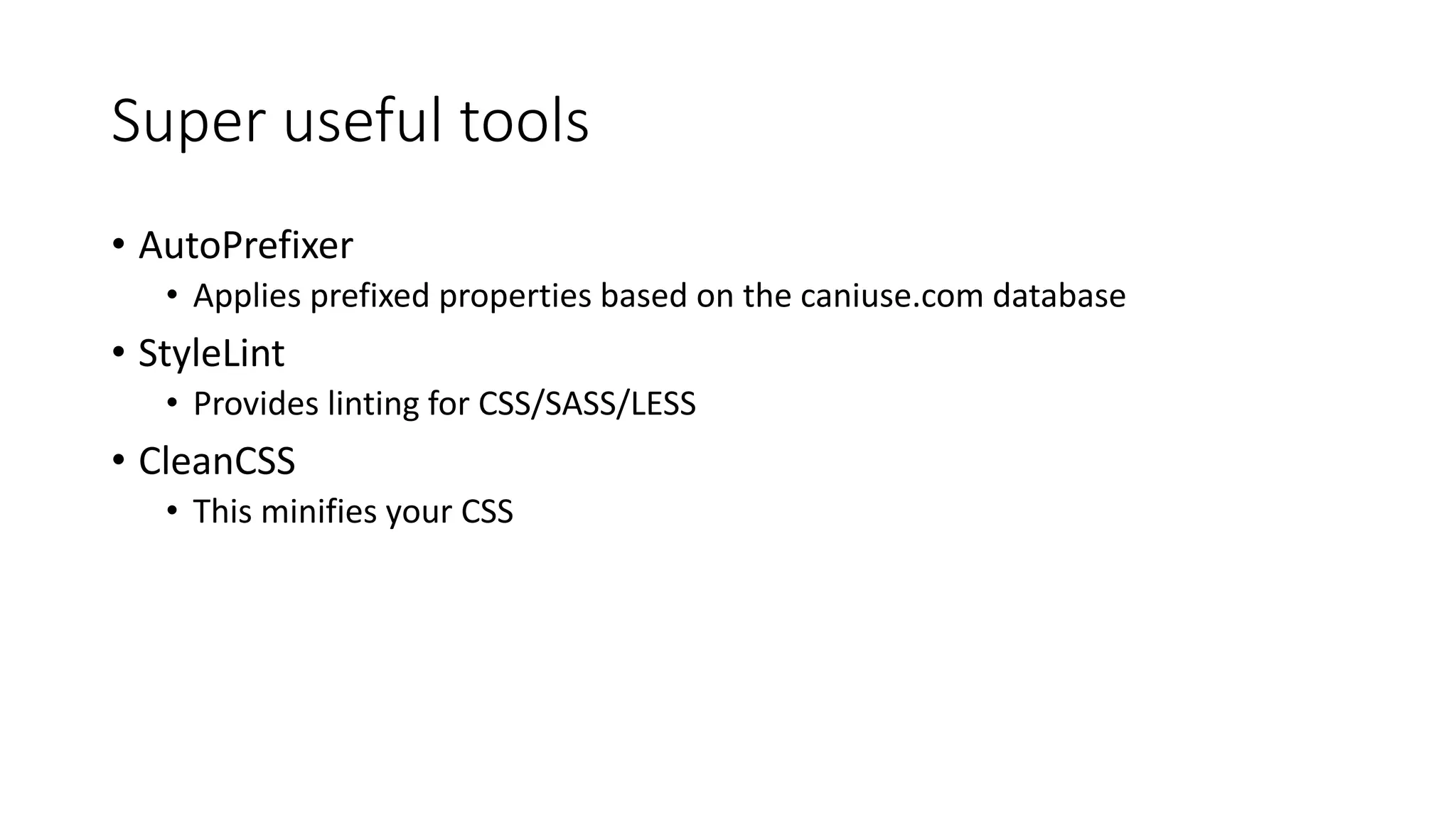
Super useful tools
• AutoPrefixer
• Applies prefixed properties based on the caniuse.com database
• StyleLint
• Provides linting for CSS/SASS/LESS
• CleanCSS
• This minifies your CSS
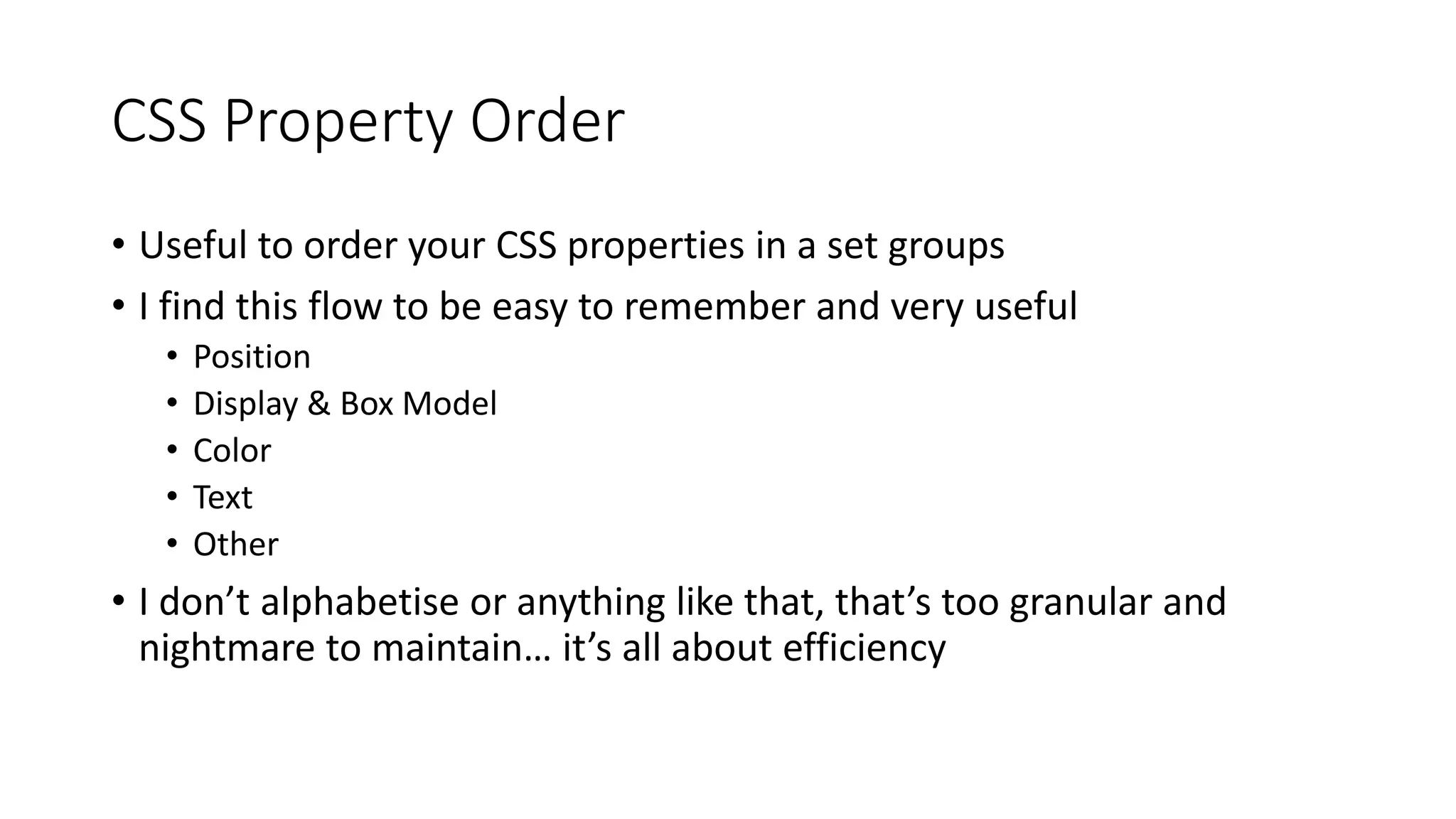
CSS Property Order
• Useful to order your CSS properties in a set groups
• I find this flow to be easy to remember and very useful
• Position
• Display & Box Model
• Color
• Text
• Other
• I don’t alphabetise or anything like that, that’s too granular and
nightmare to maintain… it’s all about efficiency
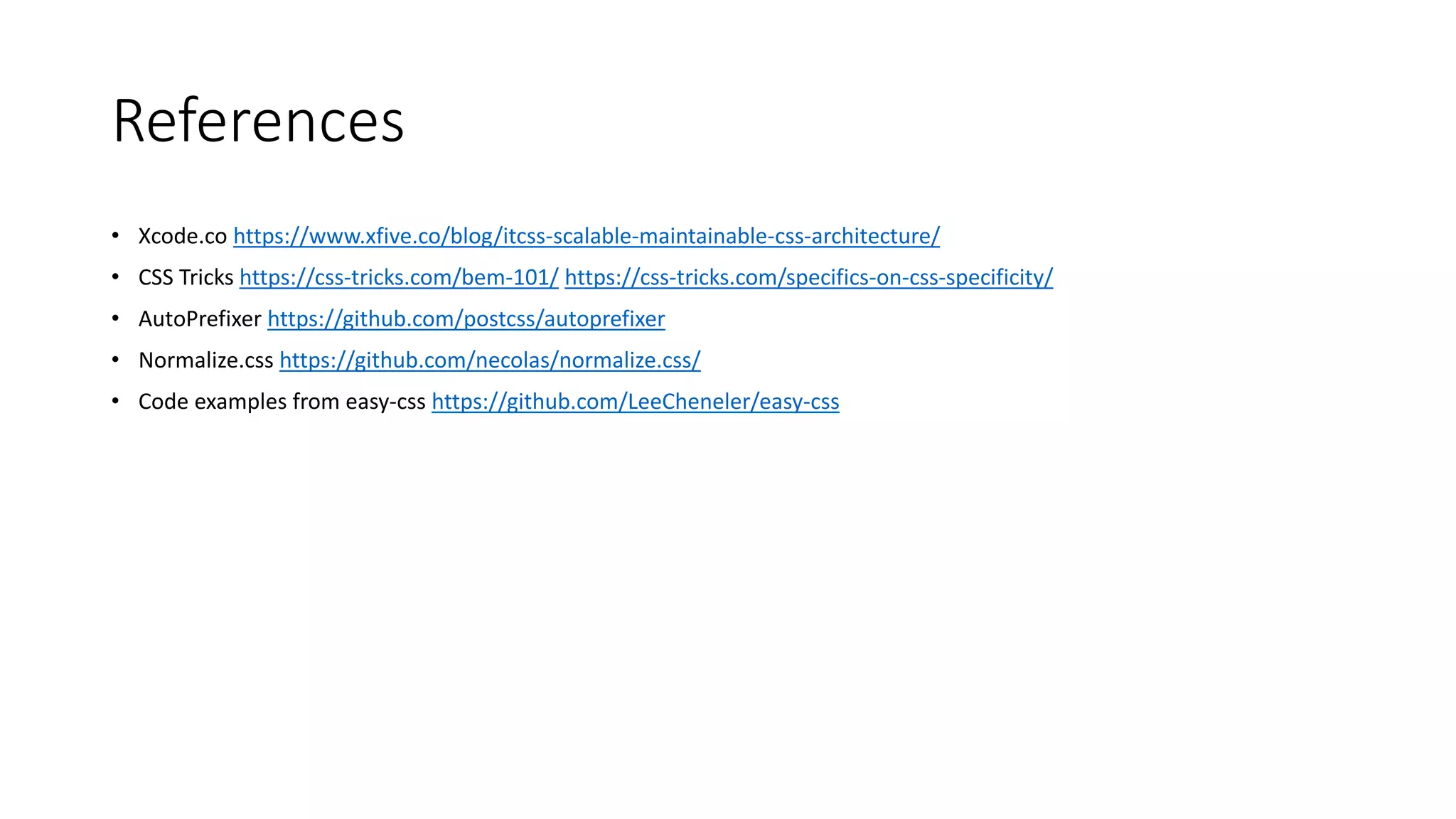
References
• Xcode.co https://www.xfive.co/blog/itcss-scalable-maintainable-css-architecture/
• CSS Tricks https://css-tricks.com/bem-101/ https://css-tricks.com/specifics-on-css-specificity/
• AutoPrefixer https://github.com/postcss/autoprefixer
• Normalize.css https://github.com/necolas/normalize.css/
• Code examples from easy-css https://github.com/LeeCheneler/easy-css

Sane CSS - A modern approach to CSS

  • 1.
    Sane CSS Amodern approach to CSS Lee Cheneler
  • 2.
    What We’ll Tackle •CSS Specificity • Quick look at how CSS specificity works • ITCSS • A sane architecture for our CSS • BEM • CSS naming convention • Top tips • These will make your life a lot easier
  • 3.
    CSS Specificity (╯°□°)╯︵┻━┻ A quick look at how CSS specificity works
  • 4.
  • 5.
  • 6.
  • 7.
    !important • !important trumpsall • Even beats out styles set out in an elements style attribute
  • 8.
  • 9.
    Who, What? • Proposedby Harry Roberts, founder of CSS Wizardry and author of inuit.css •Inverted Triangle CSS • Aims to bring order to the CSS within your project • Outlines several layers for different parts of your CSS to sit • Helps solve common CSS problems: • Naturally reduces the likelihood of global namespace clashes (class names for instance) • CSS specificity is less of an issue due to the layered approach
  • 10.
  • 11.
    Settings • Define variablesto be consumed by lower layers • Omitted if not using a pre-processor such as SASS
  • 12.
    Tools • Creates reusablemixins and functions to be consumed by lower layers • Omitted if not using a pre-processor like SASS
  • 13.
    NO CSS ISGENERATED BY THE PREVIOUS LAYERS … EVER
  • 14.
    Resets • Normalizing CSSgoes here • Make all browsers render consistently • This essentially gives you a blank canvas that CSS in the lower layers can build on top of • Highly recommend normalize.css (available on npm, source on GitHub)
  • 15.
    Elements • Styling forHTML elements across your whole site • Only uses CSS element selectors • h1, p, nav, etc.
  • 16.
    Objects • Only defineslayout and positioning, no visual styling • This increases the reusability of classes in this layer • Only use class based selectors • .grid, .flag, etc. • Common to start name spacing classes from this layer down • .o-grid, .o-flag, etc.
  • 17.
    Components • First layerto introduce visual styling • Only use class based selectors • .c-card, .c-modal, etc.
  • 18.
    Components Continued • Bestnot to mix objects and components on the same elements in the your HTML
  • 19.
    Utilities • Utility classesare not evil, but you will find yourself using them less when applying ITCSS and BEM to a project (I did at least) • Only use class based selectors • .u-text-align-center, .u-1/2, etc. • Ideally !important is contained within this layer
  • 20.
    Compilation • Order isimportant whether using ITCSS or not • Remember CSS specificity from earlier? • In ITCSS everything in a layer is available to all layers beneath it globally • Crucial for reusable mixins and variables without declaring imports everywhere… • Generally speaking, compile your CSS into a file top down following the triangle • Natural ordering to reduce specificity issues • The lower your layer the more specific the CSS is
  • 21.
    BEM A descriptive CSSnaming convention
  • 22.
    Block, Element, Modifier •Goal is to clearly describe the relationship between CSS and HTML • Used to describe components/objects • Three types of class selector • Block • Element • Modifier
  • 23.
  • 24.
    Block • Top levelabstraction • Applied to the outer most element of the component/object • Examples • button • grid • list
  • 25.
    Element • Children ofBlocks • Applied to HTML elements within block elements • No bleeding • Examples • grid__item • list__item • button__icon
  • 26.
    Modifiers • Modifiers appliedto block elements • Used to apply themes or styles to the entire component • Examples • button—lg • grid—trench • button--primary
  • 27.
  • 28.
    Top Tips These willmake your life a lot easier
  • 29.
    Super useful tools •AutoPrefixer • Applies prefixed properties based on the caniuse.com database • StyleLint • Provides linting for CSS/SASS/LESS • CleanCSS • This minifies your CSS
  • 30.
    CSS Property Order •Useful to order your CSS properties in a set groups • I find this flow to be easy to remember and very useful • Position • Display & Box Model • Color • Text • Other • I don’t alphabetise or anything like that, that’s too granular and nightmare to maintain… it’s all about efficiency
  • 31.
    References • Xcode.co https://www.xfive.co/blog/itcss-scalable-maintainable-css-architecture/ •CSS Tricks https://css-tricks.com/bem-101/ https://css-tricks.com/specifics-on-css-specificity/ • AutoPrefixer https://github.com/postcss/autoprefixer • Normalize.css https://github.com/necolas/normalize.css/ • Code examples from easy-css https://github.com/LeeCheneler/easy-css