Principles and Architecture of Sahi
   - Web Automation Simplified
           Narayan Raman
Primary Problem


Verify web application functionality

                  NOT

Build a browser automation tool or library
Browser or No Browser?
• At the protocol level – Parse extract and verify
  – Problem: No Javascript, no AJAX
• At the browser
  – Advantage:
     • Closer to the real world
     • Handles Javascript/AJAX etc.


                 BROWSER WINS
Browsers
• IE, Firefox, Chrome, Safari, Opera
• Multitude of Versions, often releasing rapidly
• No standards around browser automation
  APIs
  – No financial motivation for browser vendors to
    add these APIs and maintain them, especially on
    older versions
What the Tool needs to do
• Access elements on the browser using some
  API
• Simulate events such that they match the real
  user
Possibilities?
• Write wrappers around every browser, past
  and present
• Use something else
Constraints
• Developer time and expertise
  – Knowledge required of various browsers and their
    architectures
  – Need too many experts on too many languages
  – Need to be able to support and reproduce issues
    across multiple browser/OS combinations
• Lack of standards around browser automation
  APIs
Something Else? Javascript
• Running Javascript is one of the core features
  of every browser.
• Javascript can both identify elements (via the
  DOM) and simulate events.
• Small impediments:
  – Events generated on different browsers are
    different
  – The DOM may be different across browsers
Using Javascript
• Normalized/Simplified APIs to access DOM
• Normalized APIs for event simulation which
  are tailored for different browsers

                Let us call it Sahi APIs


• Is that it?
Execution?
• How does the web page have access to these
  APIs?
  – Script src tag may be?

  <script src=“sahiapis.js”></script>


  Let us assume that
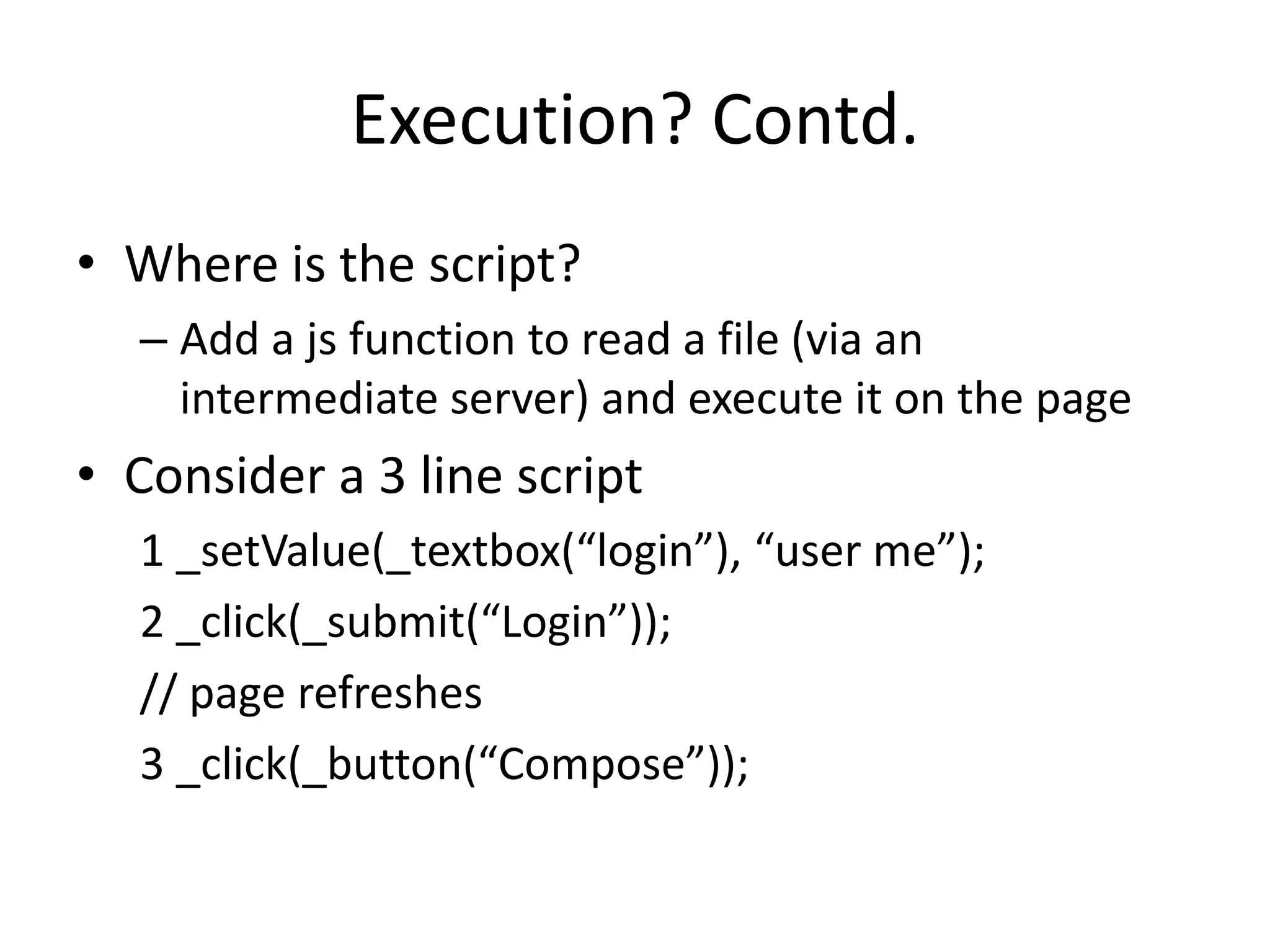
Execution? Contd.
• Where is the script?
  – Add a js function to read a file (via an
    intermediate server) and execute it on the page
• Consider a 3 line script
  1 _setValue(_textbox(“login”), “user me”);
  2 _click(_submit(“Login”));
  // page refreshes
  3 _click(_button(“Compose”));
Execution? Contd.
• Page refresh flushes js memory/state
• Who remembers that the script is on line 3?
  – Need a memory space which does not change
    with each page load
  – May be in an Iframe or new window?
Problems
• Frame busting code
• Javascript Security:
  – Loosely put, page from one domain cannot talk to
    another
Solution
• Proxy injection
  – All browsers understand proxies and will continue
    to do so
  – Proxies let you inject code into web pages which
    the browser thinks is from the same domain
  – Can even work across domains, using the same
    techniques that are used for valid cross domain
    communication
Design Considerations
• Aimed at Developers or Testers?
  – Testers
     • Should be simple to learn and use
     • Should resort to as little code as possible
     • Helpers like recorders, object spy etc. are necessary
• Should the Sahi language be scriptable?
  – Sahi should read easily like DSL
  – But also be scriptable for added power
Language choice for Sahi
• Javascript is the language of the Web
• Users anyway need to know Javascript for success
  with web projects.
• The backend of web apps may vary from J2EE to
  RoR to PHP, but the front end is always HTML and
  JS. JS is the ideal choice.


• Sahi Script seamlessly interacts with browser
  javascript and also follows the Javascript syntax
Advantage of Javascript Events
• Does not need browser window to be in focus

• Can play back multiple browser tests
  simultaneously on browsers which allow
  cookie seclusion (Eg. Firefox/chrome profiles)
Sahi Script – Why not pure JS?
• Needs of a Web Testing DSL
  – Should wait for readiness of web page state
  – Should recover from errors automatically
  – For simplicity, this waiting and recovery should be
    internally handled by the DSL rather than by the
    user
  – More code = more maintenance
DEMO
Sahi APIs and Parsing
• Parsing done to:
  – Keep js code namespaces separate
  Eg. _sahi._click – All APIs belong to _sahi object.


• Allows for automatic logging, wait handling
  and error recovery
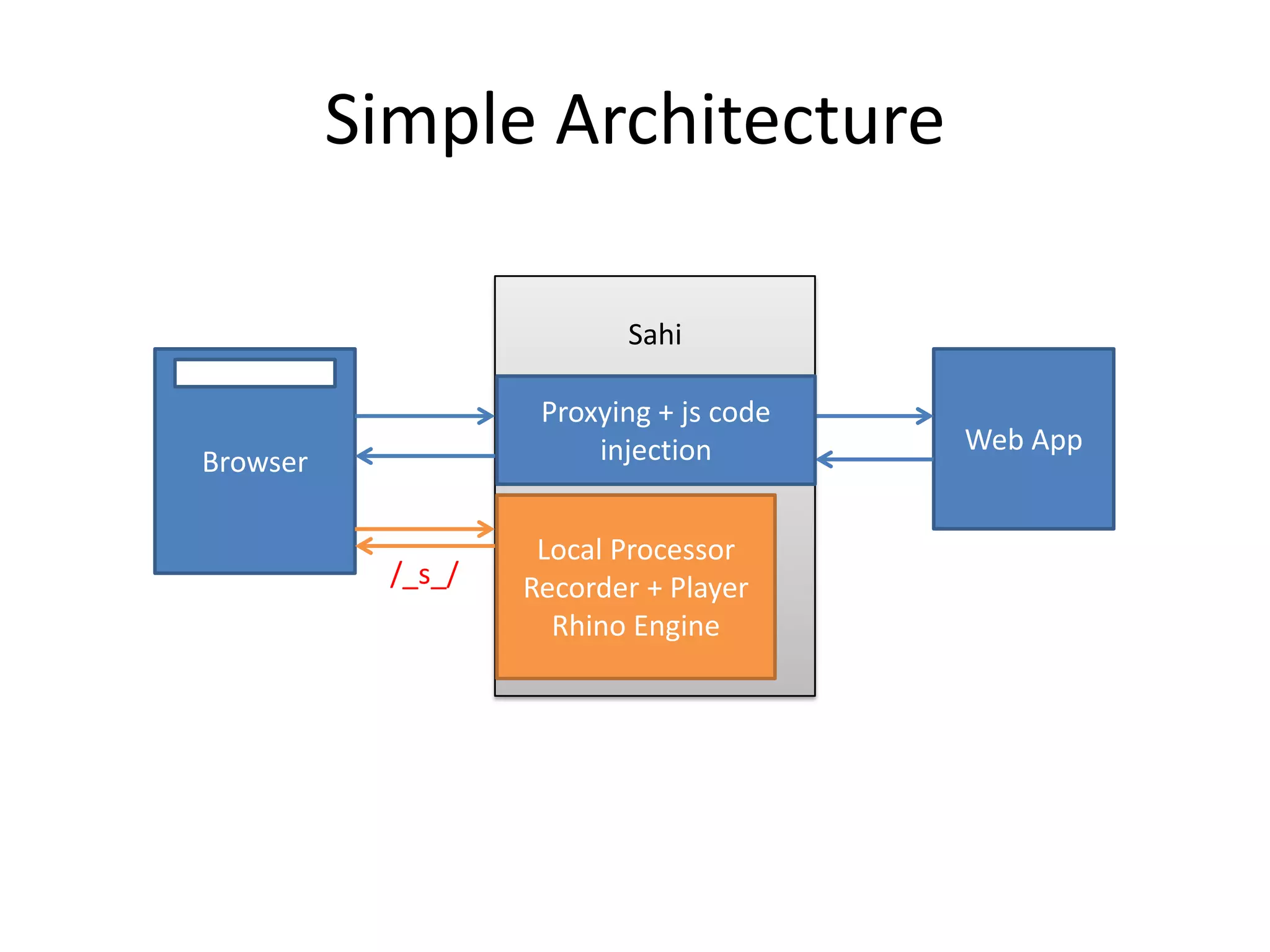
Simple Architecture

                           Sahi

                     Proxying + js code
                         injection        Web App
Browser

                     Local Processor
            /_s_/   Recorder + Player
                      Rhino Engine
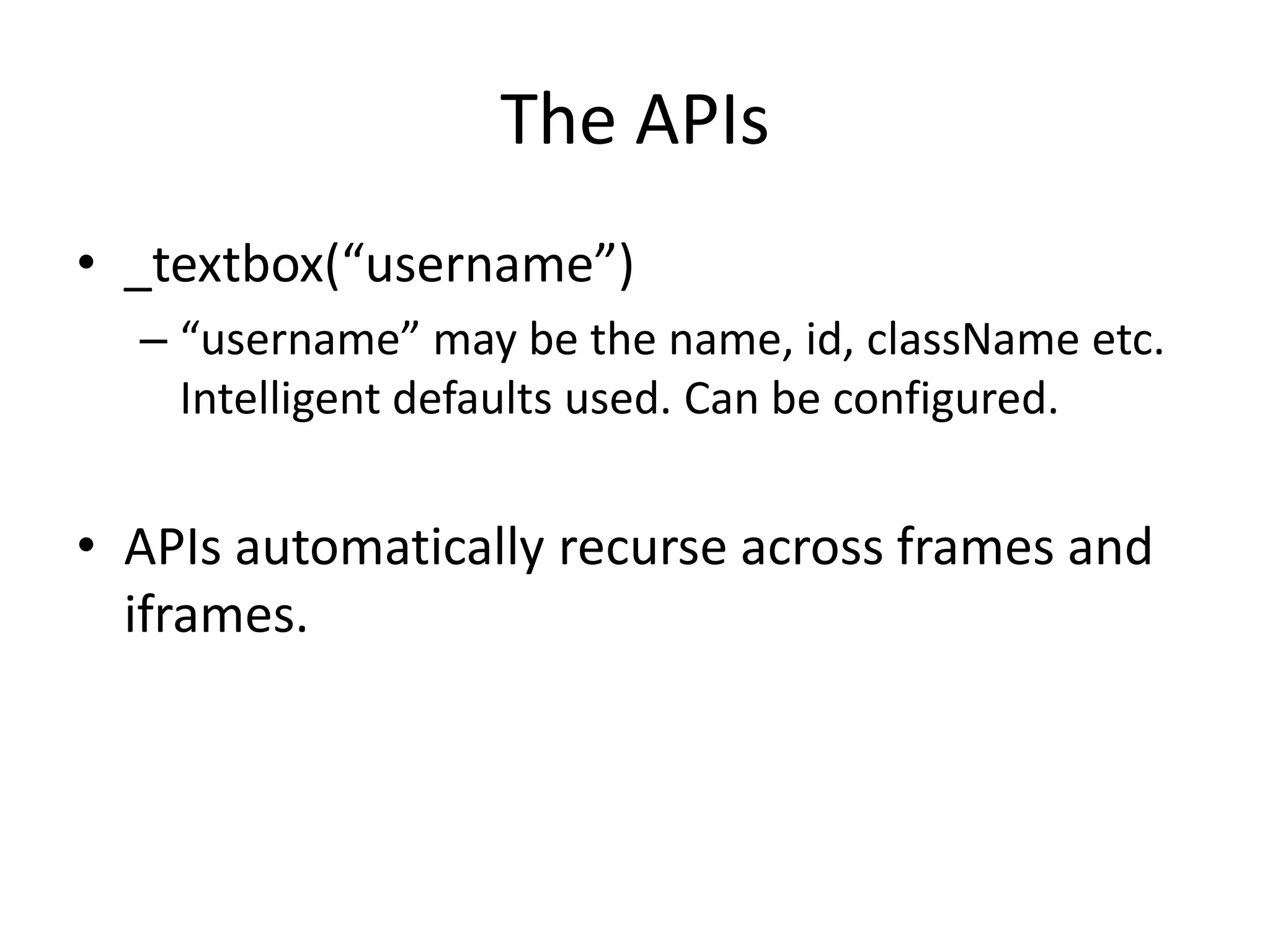
The APIs
• _textbox(“username”)
  – “username” may be the name, id, className etc.
    Intelligent defaults used. Can be configured.


• APIs automatically recurse across frames and
  iframes.
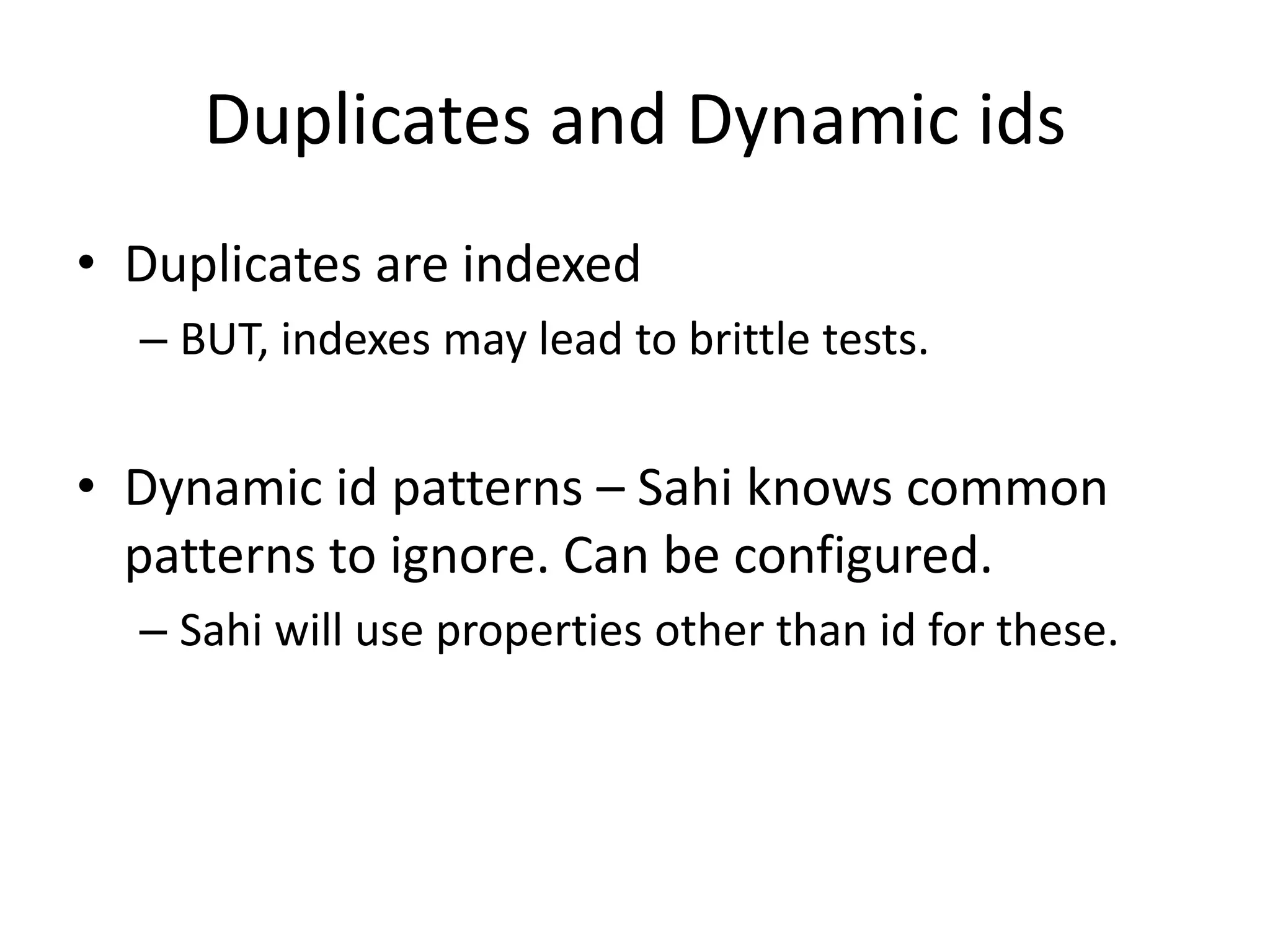
Duplicates and Dynamic ids
• Duplicates are indexed
  – BUT, indexes may lead to brittle tests.


• Dynamic id patterns – Sahi knows common
  patterns to ignore. Can be configured.
  – Sahi will use properties other than id for these.
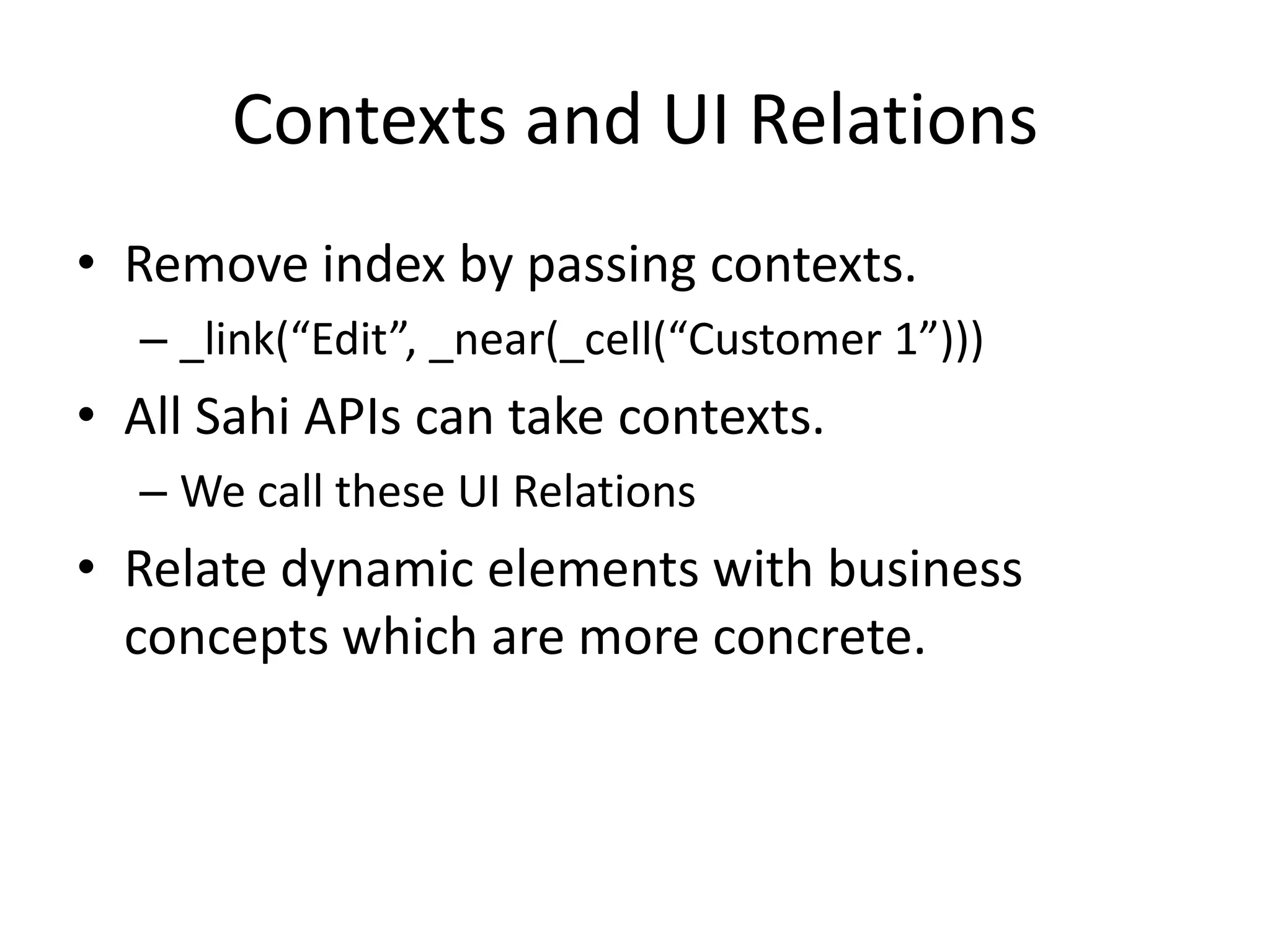
Contexts and UI Relations
• Remove index by passing contexts.
  – _link(“Edit”, _near(_cell(“Customer 1”)))
• All Sahi APIs can take contexts.
  – We call these UI Relations
• Relate dynamic elements with business
  concepts which are more concrete.
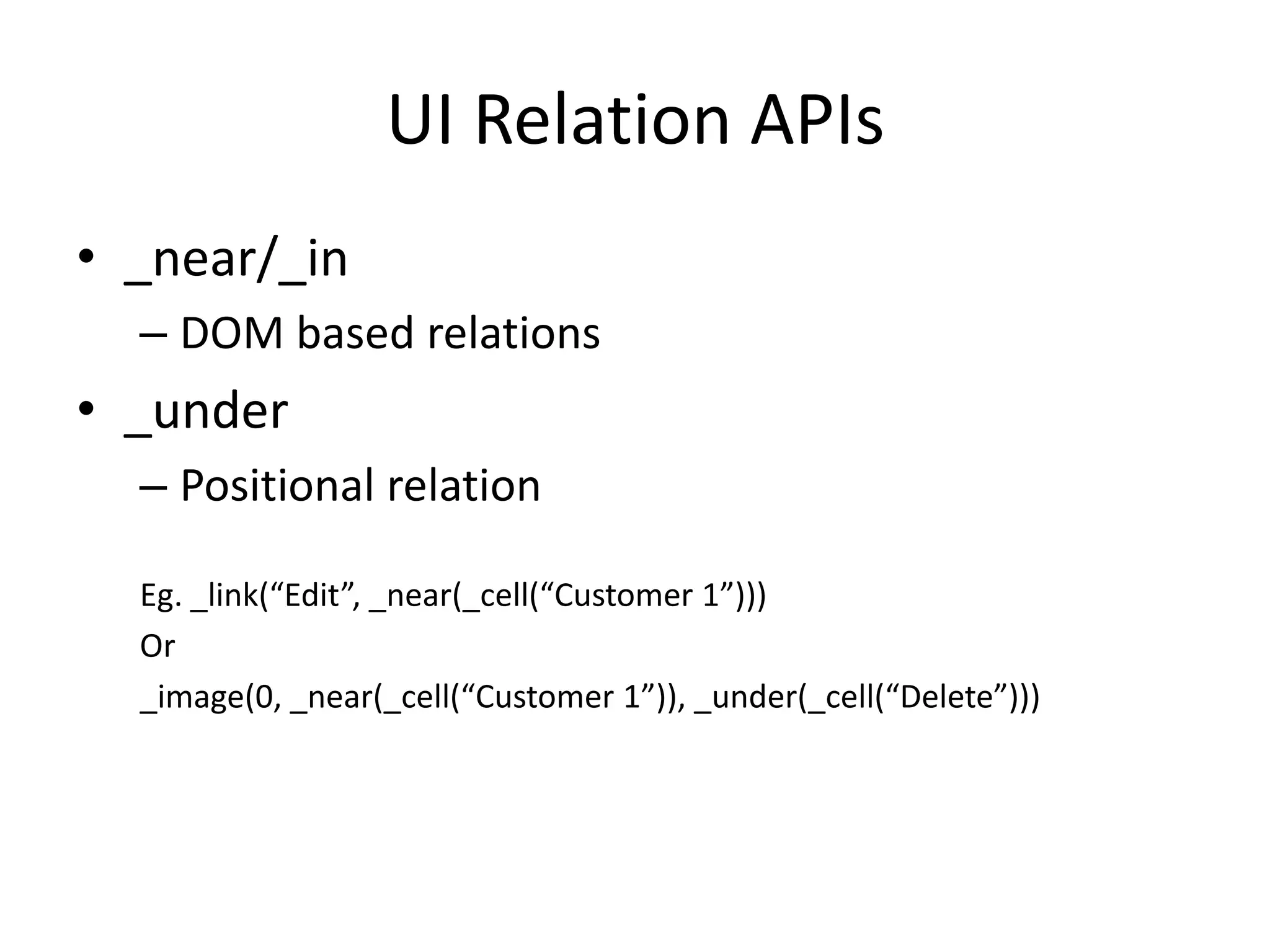
UI Relation APIs
• _near/_in
  – DOM based relations
• _under
  – Positional relation

  Eg. _link(“Edit”, _near(_cell(“Customer 1”)))
  Or
  _image(0, _near(_cell(“Customer 1”)), _under(_cell(“Delete”)))
frames/iframes across domains
• Sahi can handle pages which load multiple
  domains inside iframes.
  – Eg. Facebook login inside your web app.
• Javascript alone cannot go across
  frames/iframes
• But JS + Proxy combination removes the need
  for it
File Uploads
• Bypass the browser
• Append file content to request from inside the
  proxy
• Needs some small documented hack to
  handle browser validation of file fields.
More Goodness
• Works on any browser which supports a proxy
  and javascript.
  – Android, iOS browsers too
• Can modify http headers to simulate other
  mobile browsers
• Can force IE9 to work as IE7 or IE8 by adding
  relevant meta tags
Sahi
• Sahi
  – Open Source


• Sahi Pro
  – Commercial product

  Details: http://sahi.co.in/
Thank You

   V Narayan Raman
    http://sahi.co.in
Twitter: @narayanraman
         @_sahi

 Tyto Software Pvt. Ltd.

Sahi Principles and Architecture

  • 1.
    Principles and Architectureof Sahi - Web Automation Simplified Narayan Raman
  • 2.
    Primary Problem Verify webapplication functionality NOT Build a browser automation tool or library
  • 3.
    Browser or NoBrowser? • At the protocol level – Parse extract and verify – Problem: No Javascript, no AJAX • At the browser – Advantage: • Closer to the real world • Handles Javascript/AJAX etc. BROWSER WINS
  • 4.
    Browsers • IE, Firefox,Chrome, Safari, Opera • Multitude of Versions, often releasing rapidly • No standards around browser automation APIs – No financial motivation for browser vendors to add these APIs and maintain them, especially on older versions
  • 5.
    What the Toolneeds to do • Access elements on the browser using some API • Simulate events such that they match the real user
  • 6.
    Possibilities? • Write wrappersaround every browser, past and present • Use something else
  • 7.
    Constraints • Developer timeand expertise – Knowledge required of various browsers and their architectures – Need too many experts on too many languages – Need to be able to support and reproduce issues across multiple browser/OS combinations • Lack of standards around browser automation APIs
  • 8.
    Something Else? Javascript •Running Javascript is one of the core features of every browser. • Javascript can both identify elements (via the DOM) and simulate events. • Small impediments: – Events generated on different browsers are different – The DOM may be different across browsers
  • 9.
    Using Javascript • Normalized/SimplifiedAPIs to access DOM • Normalized APIs for event simulation which are tailored for different browsers Let us call it Sahi APIs • Is that it?
  • 10.
    Execution? • How doesthe web page have access to these APIs? – Script src tag may be? <script src=“sahiapis.js”></script> Let us assume that
  • 11.
    Execution? Contd. • Whereis the script? – Add a js function to read a file (via an intermediate server) and execute it on the page • Consider a 3 line script 1 _setValue(_textbox(“login”), “user me”); 2 _click(_submit(“Login”)); // page refreshes 3 _click(_button(“Compose”));
  • 12.
    Execution? Contd. • Pagerefresh flushes js memory/state • Who remembers that the script is on line 3? – Need a memory space which does not change with each page load – May be in an Iframe or new window?
  • 13.
    Problems • Frame bustingcode • Javascript Security: – Loosely put, page from one domain cannot talk to another
  • 14.
    Solution • Proxy injection – All browsers understand proxies and will continue to do so – Proxies let you inject code into web pages which the browser thinks is from the same domain – Can even work across domains, using the same techniques that are used for valid cross domain communication
  • 15.
    Design Considerations • Aimedat Developers or Testers? – Testers • Should be simple to learn and use • Should resort to as little code as possible • Helpers like recorders, object spy etc. are necessary • Should the Sahi language be scriptable? – Sahi should read easily like DSL – But also be scriptable for added power
  • 16.
    Language choice forSahi • Javascript is the language of the Web • Users anyway need to know Javascript for success with web projects. • The backend of web apps may vary from J2EE to RoR to PHP, but the front end is always HTML and JS. JS is the ideal choice. • Sahi Script seamlessly interacts with browser javascript and also follows the Javascript syntax
  • 17.
    Advantage of JavascriptEvents • Does not need browser window to be in focus • Can play back multiple browser tests simultaneously on browsers which allow cookie seclusion (Eg. Firefox/chrome profiles)
  • 18.
    Sahi Script –Why not pure JS? • Needs of a Web Testing DSL – Should wait for readiness of web page state – Should recover from errors automatically – For simplicity, this waiting and recovery should be internally handled by the DSL rather than by the user – More code = more maintenance
  • 19.
  • 20.
    Sahi APIs andParsing • Parsing done to: – Keep js code namespaces separate Eg. _sahi._click – All APIs belong to _sahi object. • Allows for automatic logging, wait handling and error recovery
  • 21.
    Simple Architecture Sahi Proxying + js code injection Web App Browser Local Processor /_s_/ Recorder + Player Rhino Engine
  • 22.
    The APIs • _textbox(“username”) – “username” may be the name, id, className etc. Intelligent defaults used. Can be configured. • APIs automatically recurse across frames and iframes.
  • 23.
    Duplicates and Dynamicids • Duplicates are indexed – BUT, indexes may lead to brittle tests. • Dynamic id patterns – Sahi knows common patterns to ignore. Can be configured. – Sahi will use properties other than id for these.
  • 24.
    Contexts and UIRelations • Remove index by passing contexts. – _link(“Edit”, _near(_cell(“Customer 1”))) • All Sahi APIs can take contexts. – We call these UI Relations • Relate dynamic elements with business concepts which are more concrete.
  • 25.
    UI Relation APIs •_near/_in – DOM based relations • _under – Positional relation Eg. _link(“Edit”, _near(_cell(“Customer 1”))) Or _image(0, _near(_cell(“Customer 1”)), _under(_cell(“Delete”)))
  • 26.
    frames/iframes across domains •Sahi can handle pages which load multiple domains inside iframes. – Eg. Facebook login inside your web app. • Javascript alone cannot go across frames/iframes • But JS + Proxy combination removes the need for it
  • 27.
    File Uploads • Bypassthe browser • Append file content to request from inside the proxy • Needs some small documented hack to handle browser validation of file fields.
  • 28.
    More Goodness • Workson any browser which supports a proxy and javascript. – Android, iOS browsers too • Can modify http headers to simulate other mobile browsers • Can force IE9 to work as IE7 or IE8 by adding relevant meta tags
  • 29.
    Sahi • Sahi – Open Source • Sahi Pro – Commercial product Details: http://sahi.co.in/
  • 30.
    Thank You V Narayan Raman http://sahi.co.in Twitter: @narayanraman @_sahi Tyto Software Pvt. Ltd.