Rock, Paper, Scissors: An Apex Map Learning Journey
Slide Deck from Presentations to WITDevs (April 2021) and Cleveland Developer Group (6/28/2023) on using Rock, Paper, Scissors to learn the Map construct in Salesforce Apex development.
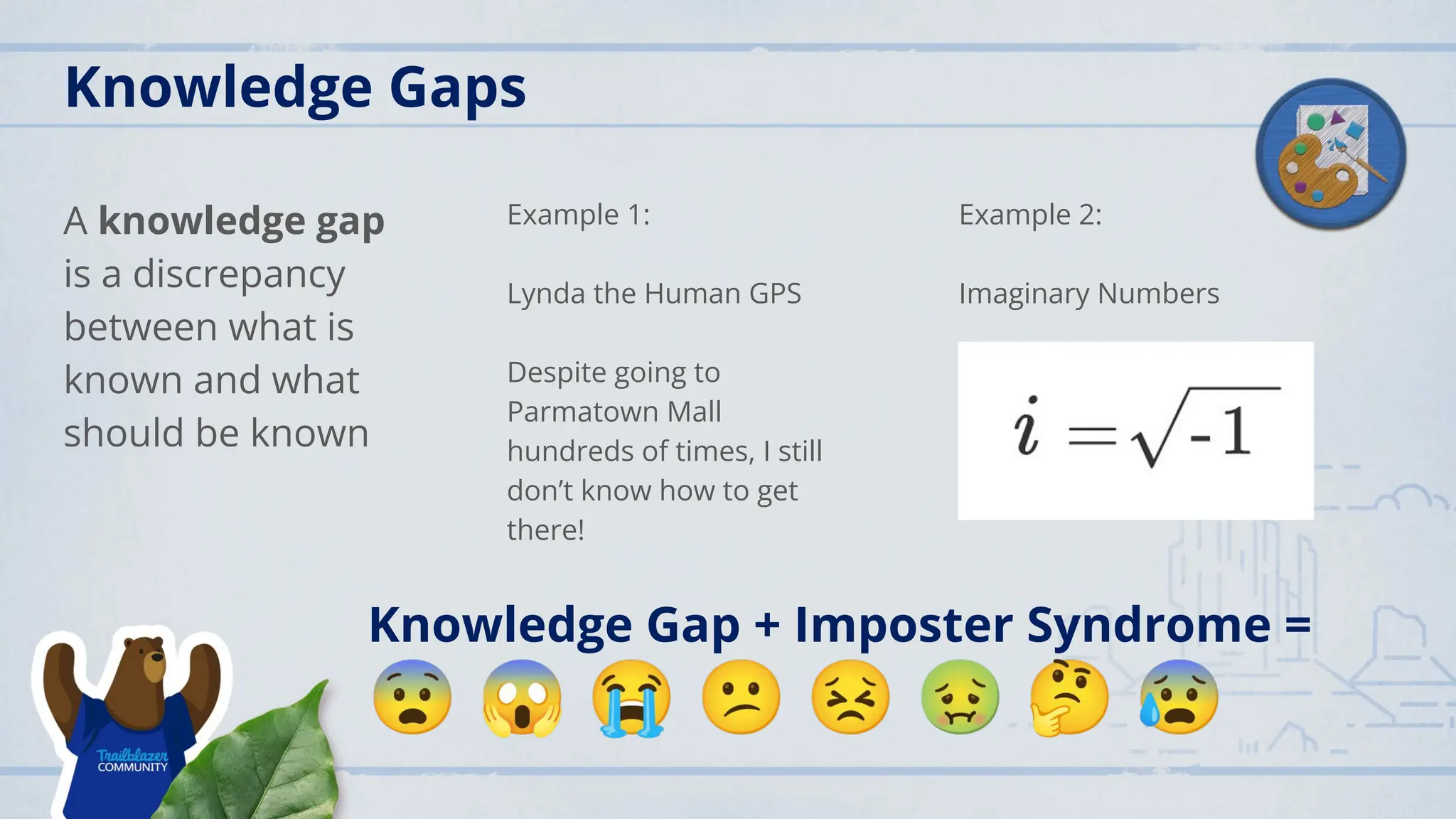
Knowledge Gaps
A knowledgegap
is a discrepancy
between what is
known and what
should be known
Example 1:
Lynda the Human GPS
Despite going to
Parmatown Mall
hundreds of times, I still
don’t know how to get
there!
Example 2:
Imaginary Numbers
Knowledge Gap + Imposter Syndrome =
😨 😱 😭 😕 😣 🤢 🤔 😰
4.
My Apex KnowledgeGap
Confession:
If I have to review
code, I try to get
away with ignoring or
skipping over any
code that uses Map.
What I Know:
● Key - Value Pair
● Key is unique
● Often see/used
with triggers
● Common is id
with query
results
What I Want to
Know:
● How to create
● How to get the
data
● Can I actually
use one
successfully?
5.
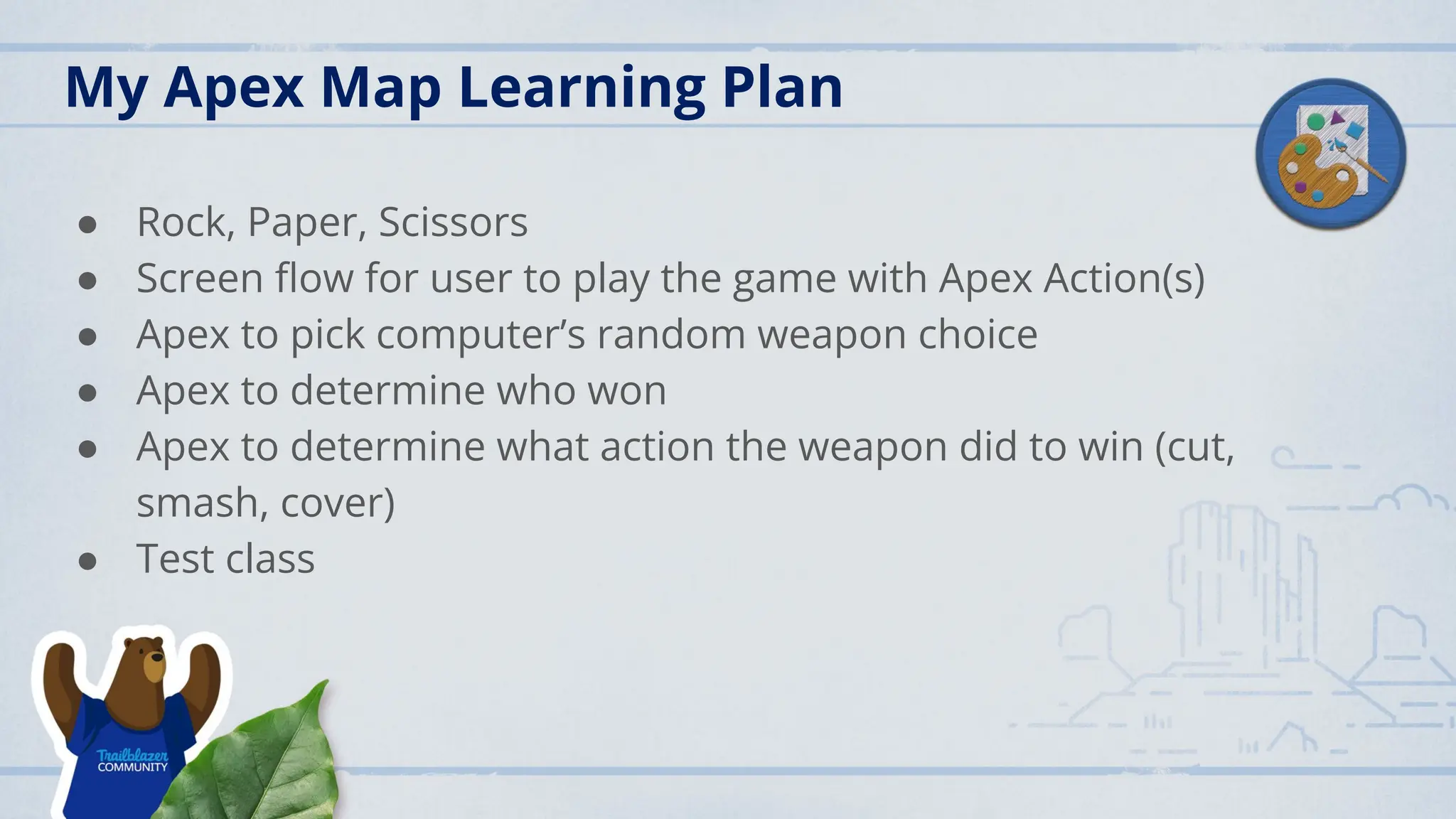
My Apex MapLearning Plan
● Rock, Paper, Scissors
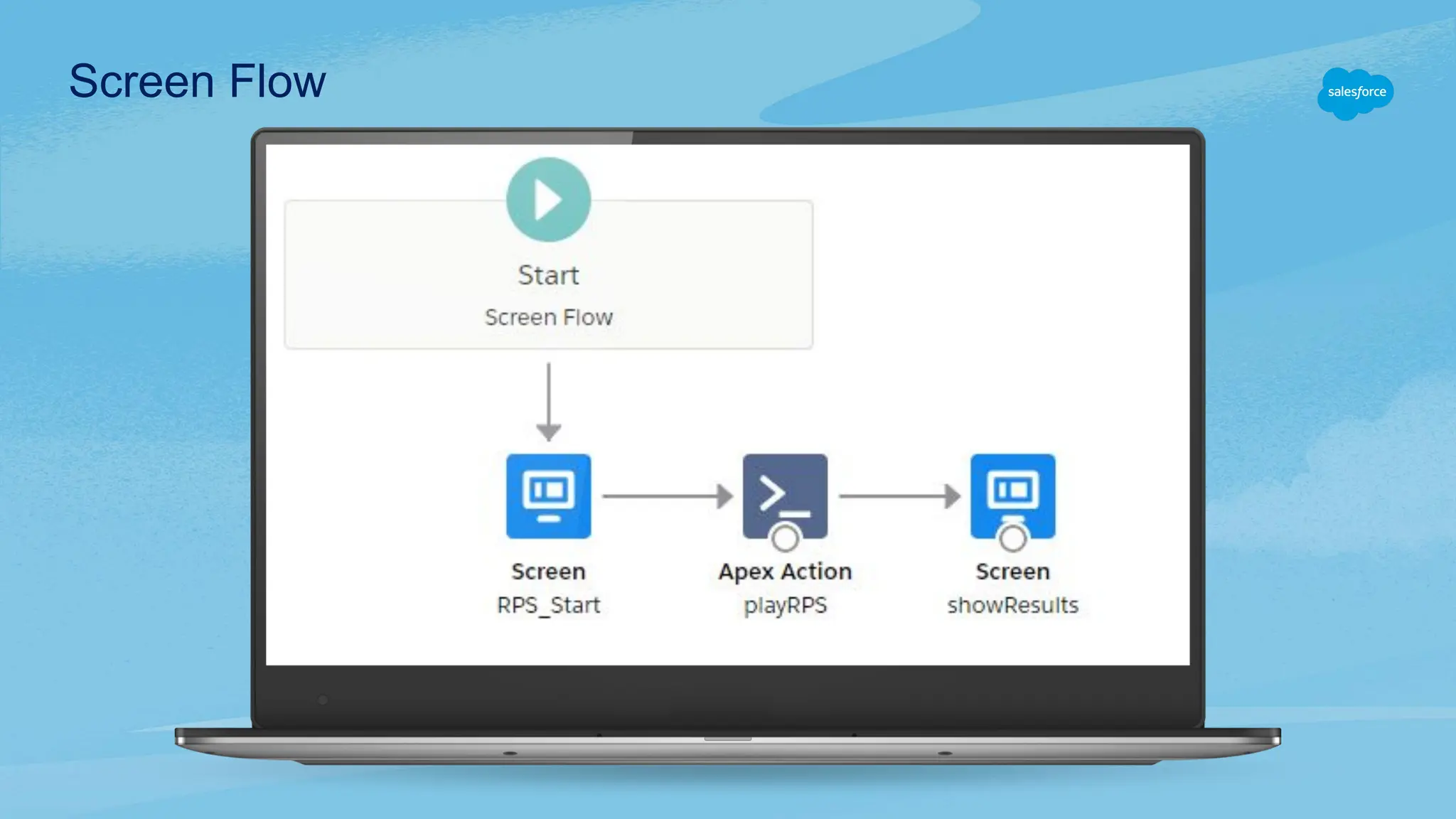
● Screen flow for user to play the game with Apex Action(s)
● Apex to pick computer’s random weapon choice
● Apex to determine who won
● Apex to determine what action the weapon did to win (cut,
smash, cover)
● Test class
6.
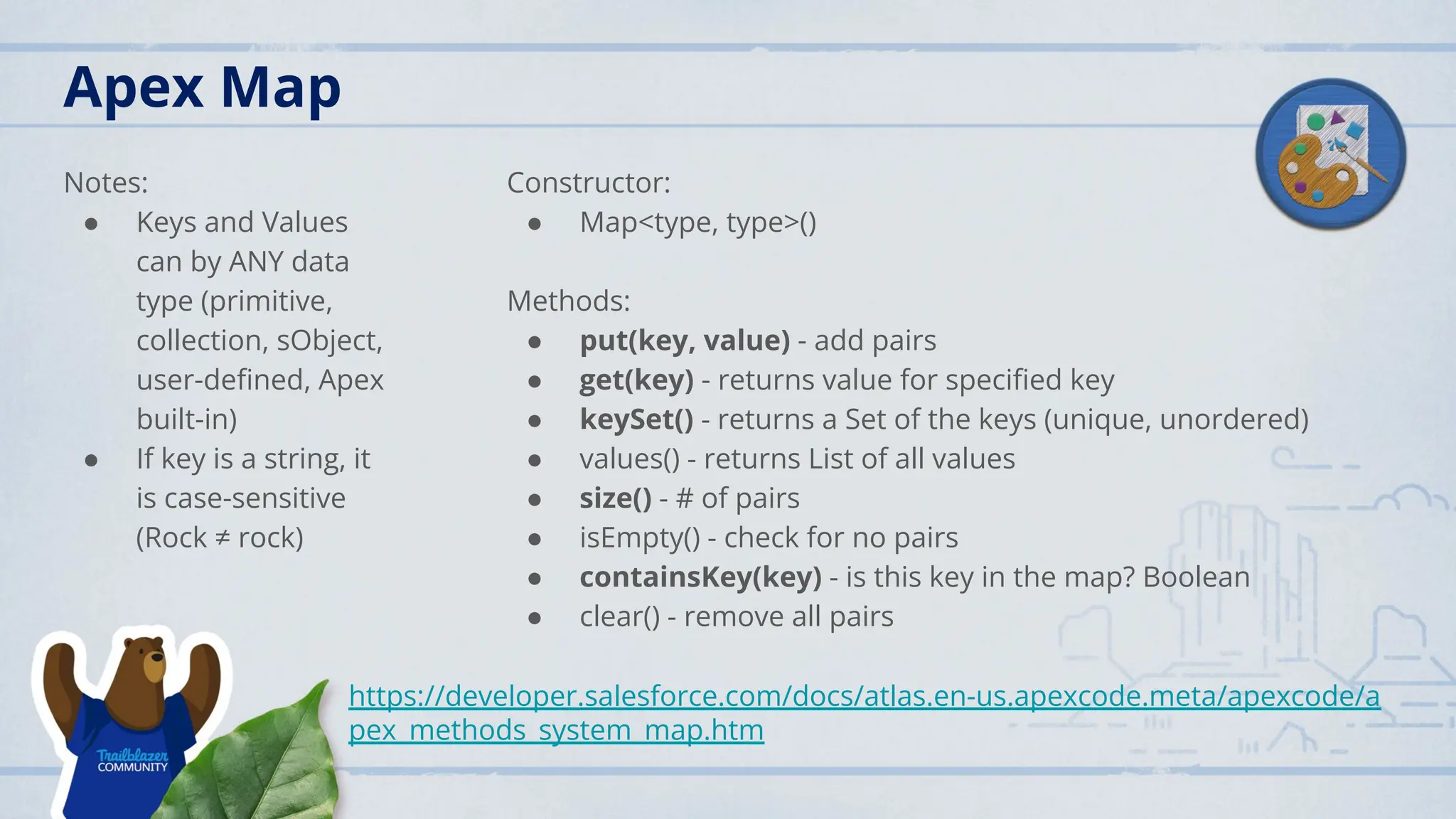
Apex Map
Notes:
● Keysand Values
can by ANY data
type (primitive,
collection, sObject,
user-defined, Apex
built-in)
● If key is a string, it
is case-sensitive
(Rock ≠ rock)
Constructor:
● Map<type, type>()
Methods:
● put(key, value) - add pairs
● get(key) - returns value for specified key
● keySet() - returns a Set of the keys (unique, unordered)
● values() - returns List of all values
● size() - # of pairs
● isEmpty() - check for no pairs
● containsKey(key) - is this key in the map? Boolean
● clear() - remove all pairs
https://developer.salesforce.com/docs/atlas.en-us.apexcode.meta/apexcode/a
pex_methods_system_map.htm
7.
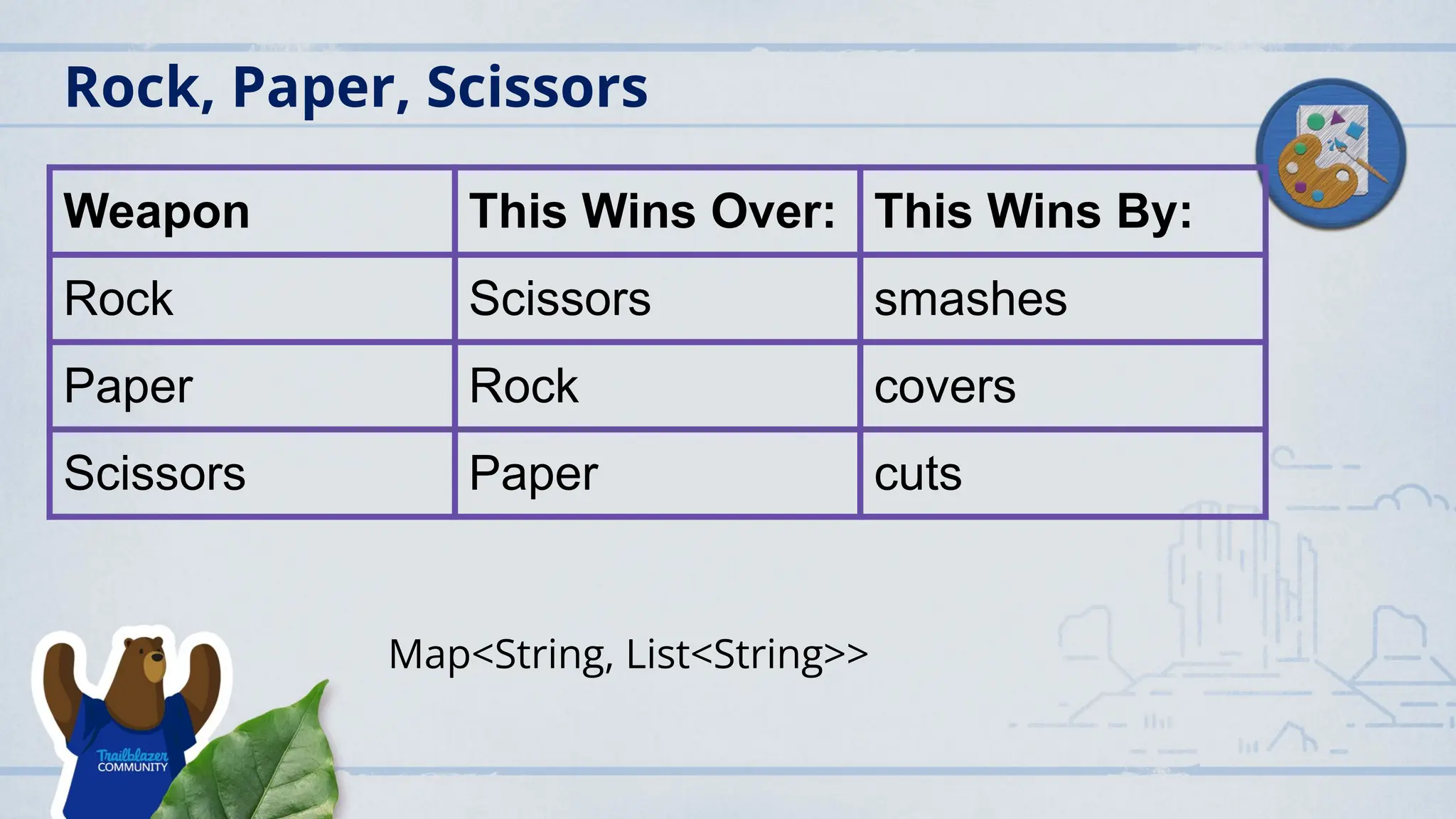
Rock, Paper, Scissors
WeaponThis Wins Over: This Wins By:
Rock Scissors smashes
Paper Rock covers
Scissors Paper cuts
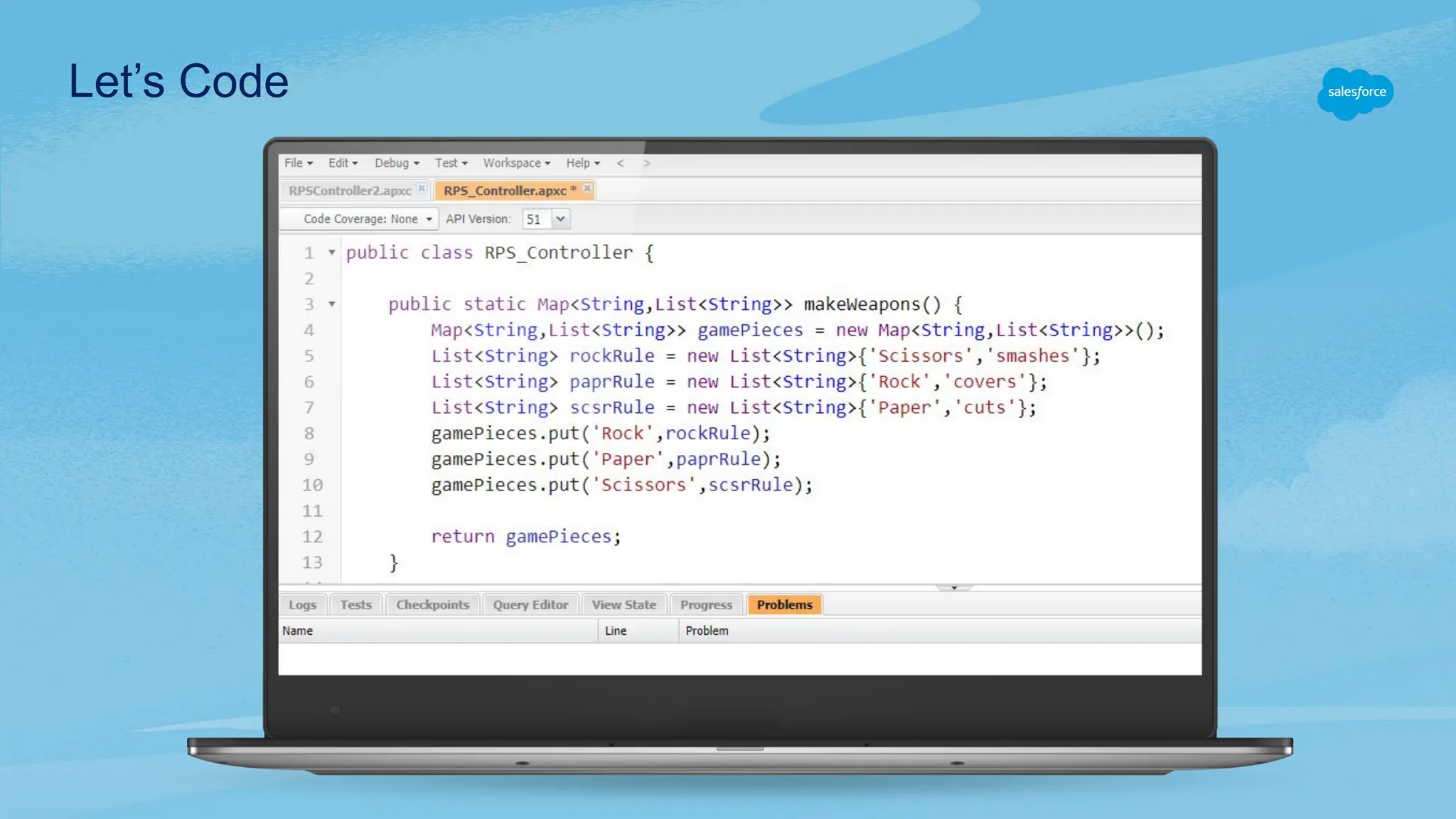
Map<String, List<String>>
8.
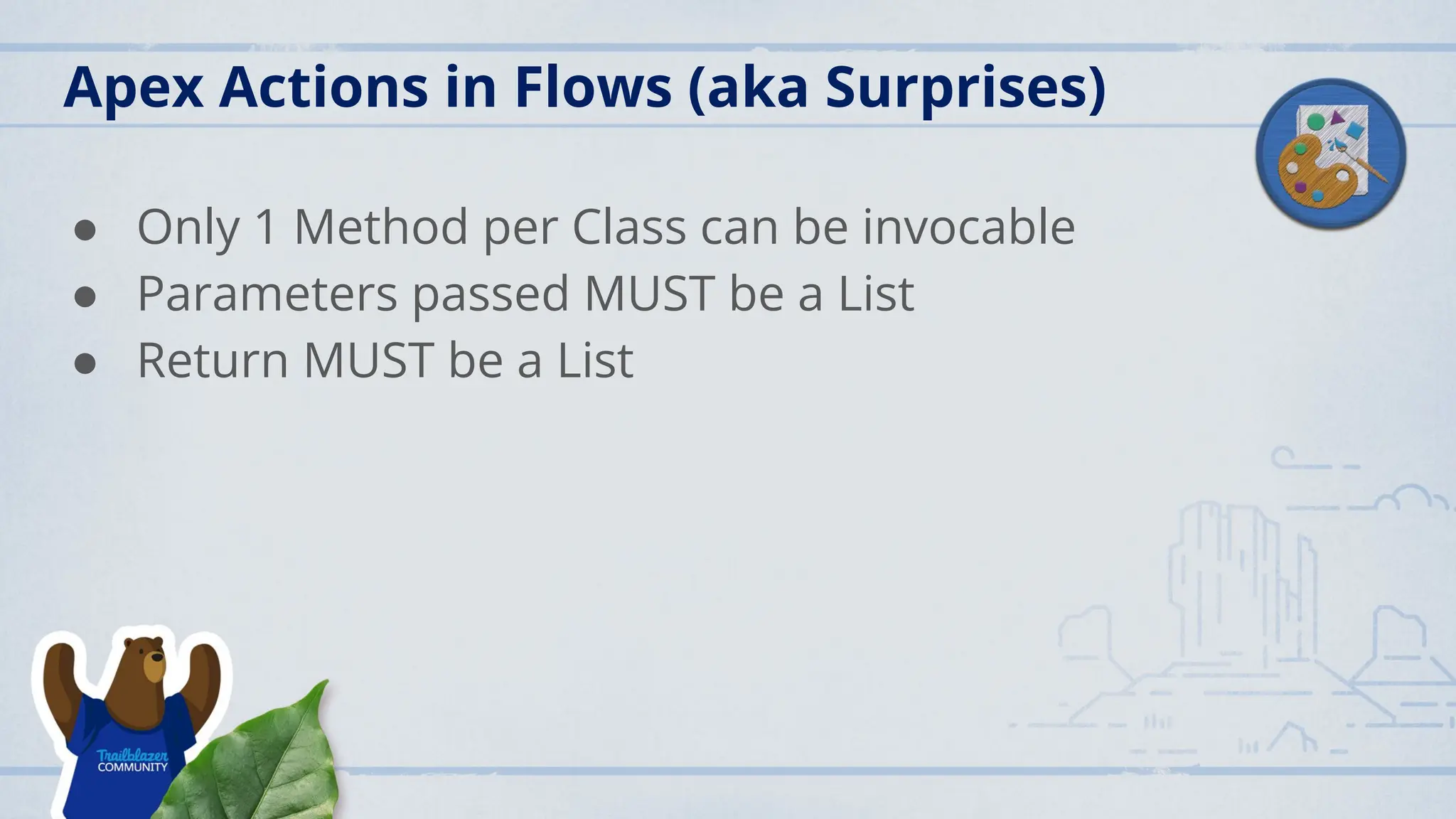
Apex Actions inFlows (aka Surprises)
● Only 1 Method per Class can be invocable
● Parameters passed MUST be a List
● Return MUST be a List
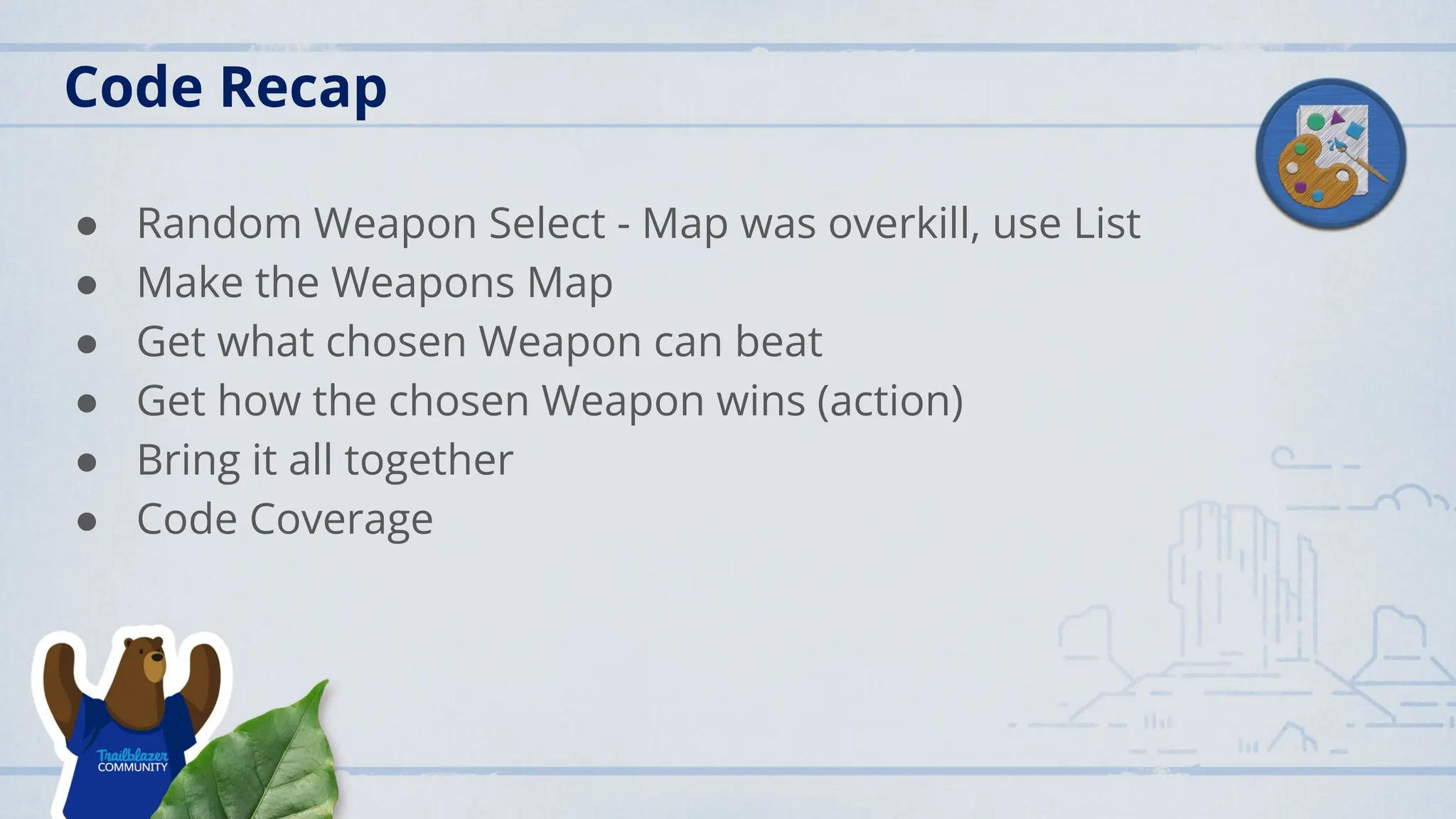
Code Recap
● RandomWeapon Select - Map was overkill, use List
● Make the Weapons Map
● Get what chosen Weapon can beat
● Get how the chosen Weapon wins (action)
● Bring it all together
● Code Coverage
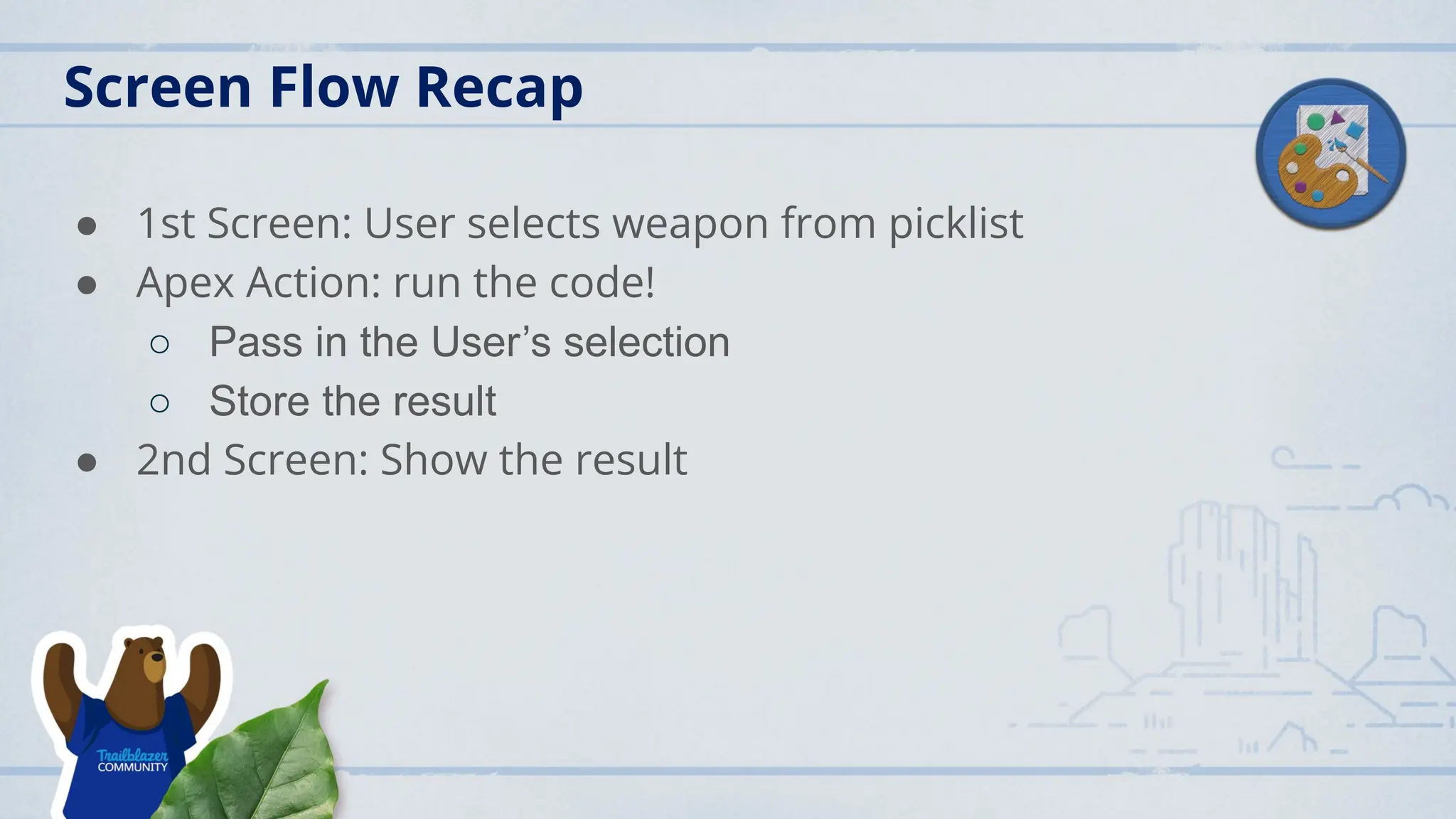
Screen Flow Recap
●1st Screen: User selects weapon from picklist
● Apex Action: run the code!
○ Pass in the User’s selection
○ Store the result
● 2nd Screen: Show the result
13.
Lifelong Learning
● Errorhandling (what if user chose Spatula or Lizard as the
weapon?) (use containsKey(key))
● Use keySet() instead of List to randomly pick computer
weapon choice
● Add images to Flow (visual appeal)
● Improve code coverage
● Documentation
● LC or LWC instead for UI
14.
What about Rock,Paper, Scissors, Lizard, Spock
● How to handle 2 possible weapons that can win over
selection (Map<String,List<String>>)
● How to get the action that wins (Map<List<String>,String>)
● Modify the Flow for additional choices


![Vibe Coding vs. Spec-Driven Development [Free Meetup]](https://cdn.slidesharecdn.com/ss_thumbnails/vibecodingvsspecdrivendevelopment-251209105622-43f455e7-thumbnail.jpg?width=640&height=640&fit=bounds)


