Day 01 –Full-Stack Foundations & Front-End
Essentials
3.
Subunit 1.1: Understandingthe Modern Full Stack
● What is full-stack development?
● Components of Full-Stack Development
● Who Uses Full-Stack Development?
● Benefits of Full-Stack Development
● Role of REST APIs in full-stack applications
● What Does a REST API Do?
● Why REST APIs Are Essential
4.
● The practiceof working on both the front-end (client side) and back-end
(server side) of a web application.
● A full-stack developer is someone who has the skills to develop a complete web
application — from designing user interfaces to managing databases and
deploying the app to servers.
Full-stack development
5.
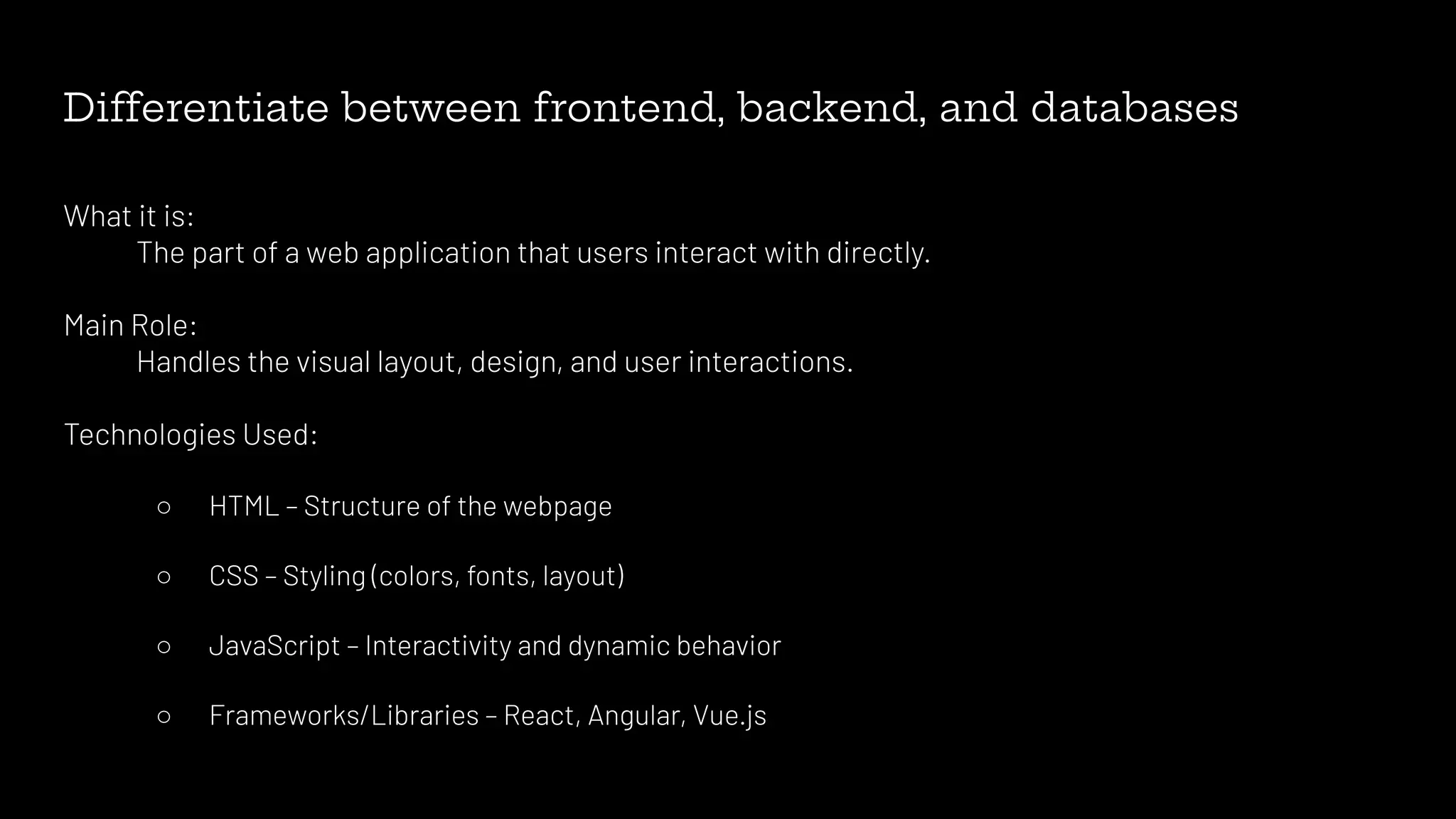
Differentiate between frontend,backend, and databases
What it is:
The part of a web application that users interact with directly.
Main Role:
Handles the visual layout, design, and user interactions.
Technologies Used:
○ HTML – Structure of the webpage
○ CSS – Styling (colors, fonts, layout)
○ JavaScript – Interactivity and dynamic behavior
○ Frameworks/Libraries – React, Angular, Vue.js
6.
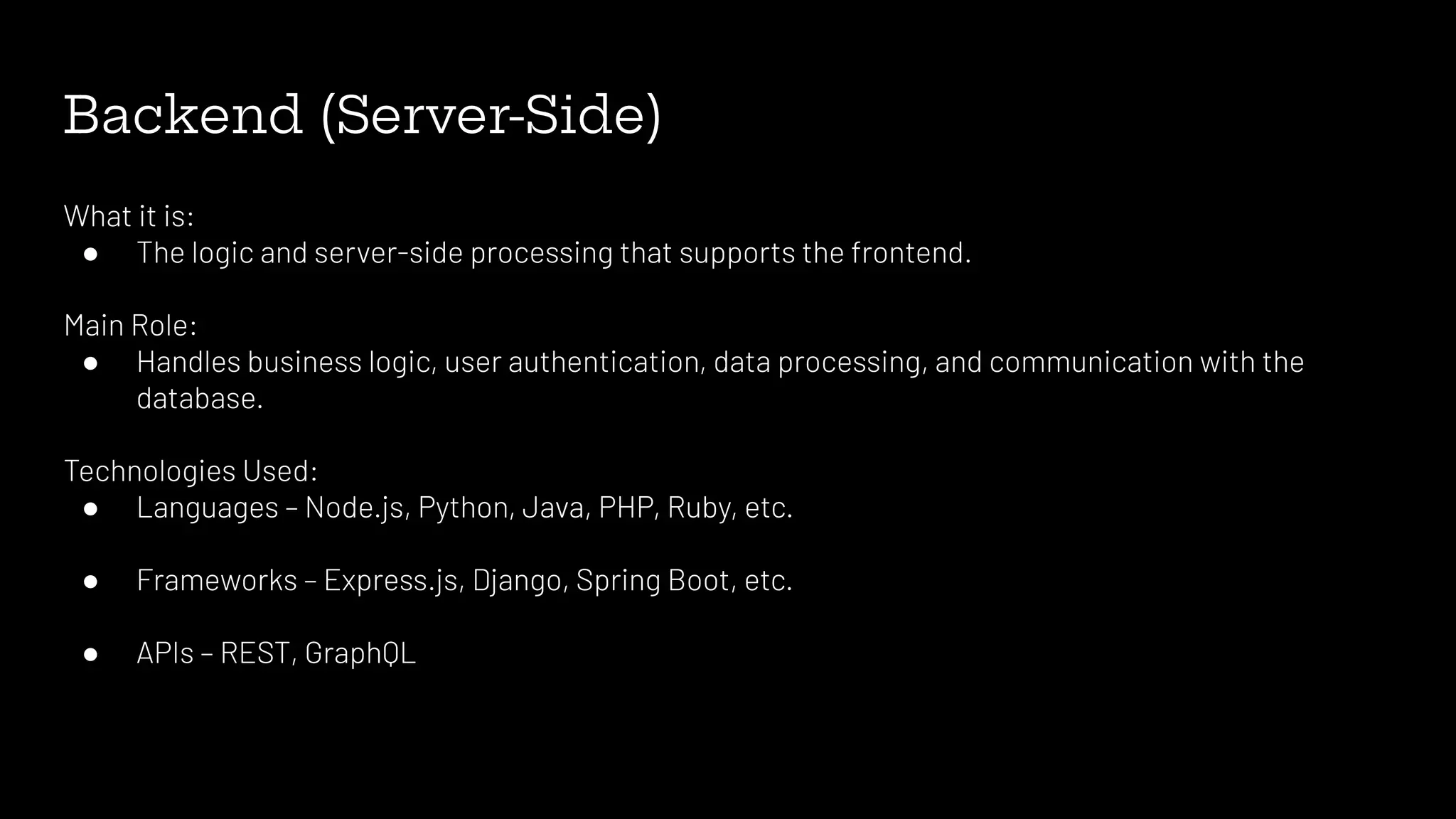
Backend (Server-Side)
What itis:
● The logic and server-side processing that supports the frontend.
Main Role:
● Handles business logic, user authentication, data processing, and communication with the
database.
Technologies Used:
● Languages – Node.js, Python, Java, PHP, Ruby, etc.
● Frameworks – Express.js, Django, Spring Boot, etc.
● APIs – REST, GraphQL
7.
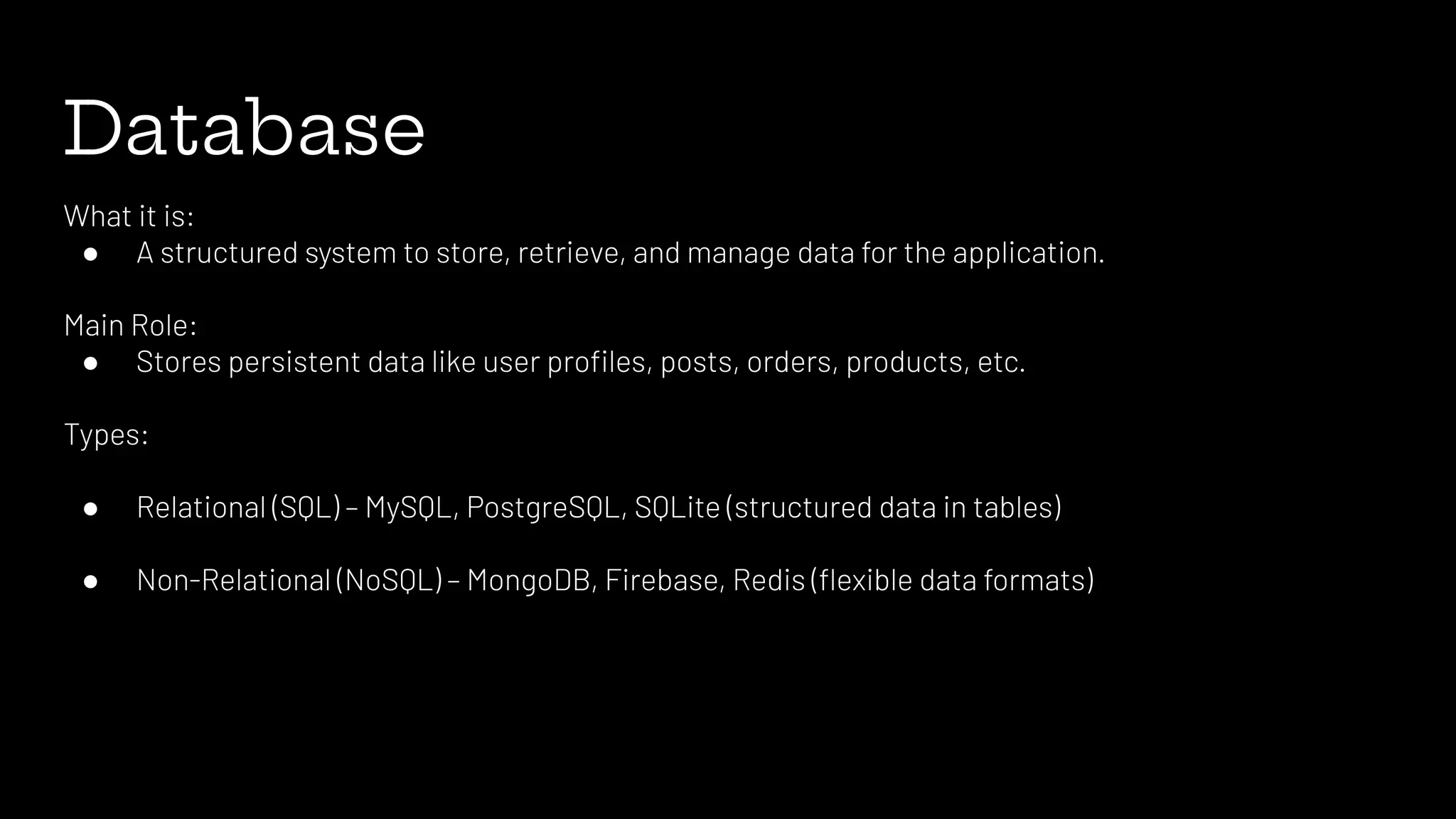
Database
What it is:
●A structured system to store, retrieve, and manage data for the application.
Main Role:
● Stores persistent data like user profiles, posts, orders, products, etc.
Types:
● Relational (SQL) – MySQL, PostgreSQL, SQLite (structured data in tables)
● Non-Relational (NoSQL) – MongoDB, Firebase, Redis (flexible data formats)
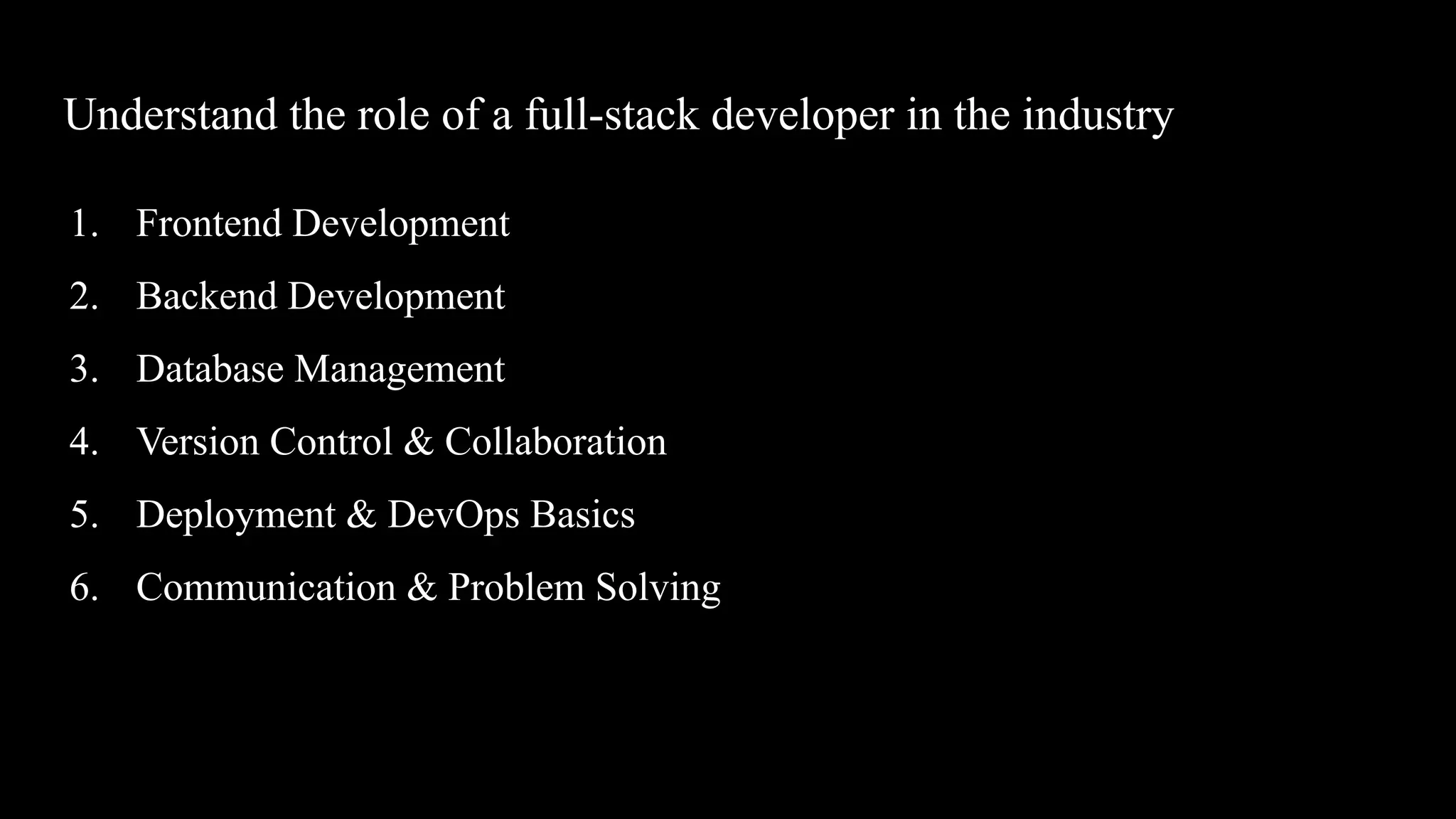
Understand the roleof a full-stack developer in the industry
1. Frontend Development
2. Backend Development
3. Database Management
4. Version Control & Collaboration
5. Deployment & DevOps Basics
6. Communication & Problem Solving
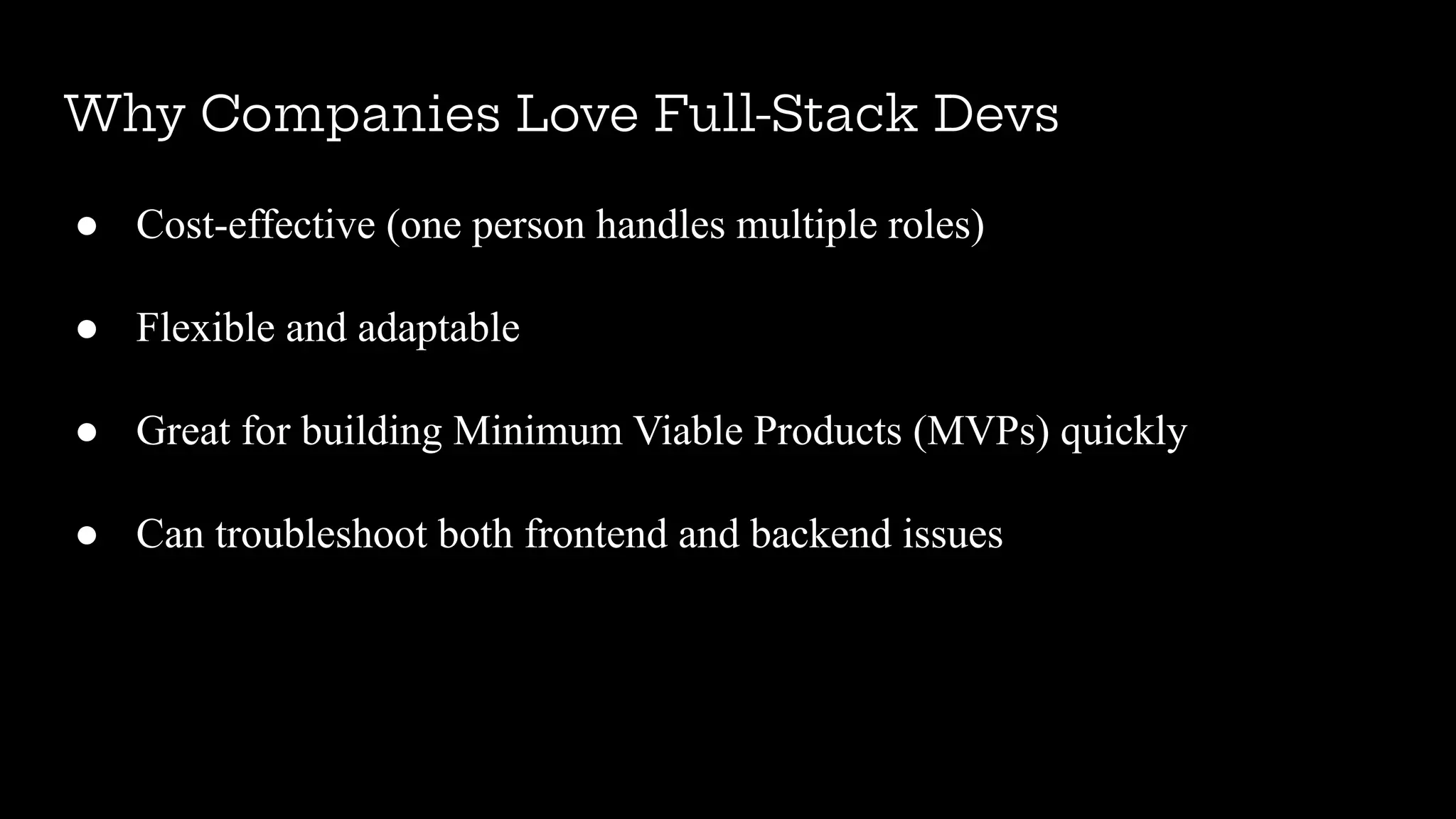
Why Companies LoveFull-Stack Devs
● Cost-effective (one person handles multiple roles)
● Flexible and adaptable
● Great for building Minimum Viable Products (MVPs) quickly
● Can troubleshoot both frontend and backend issues
12.
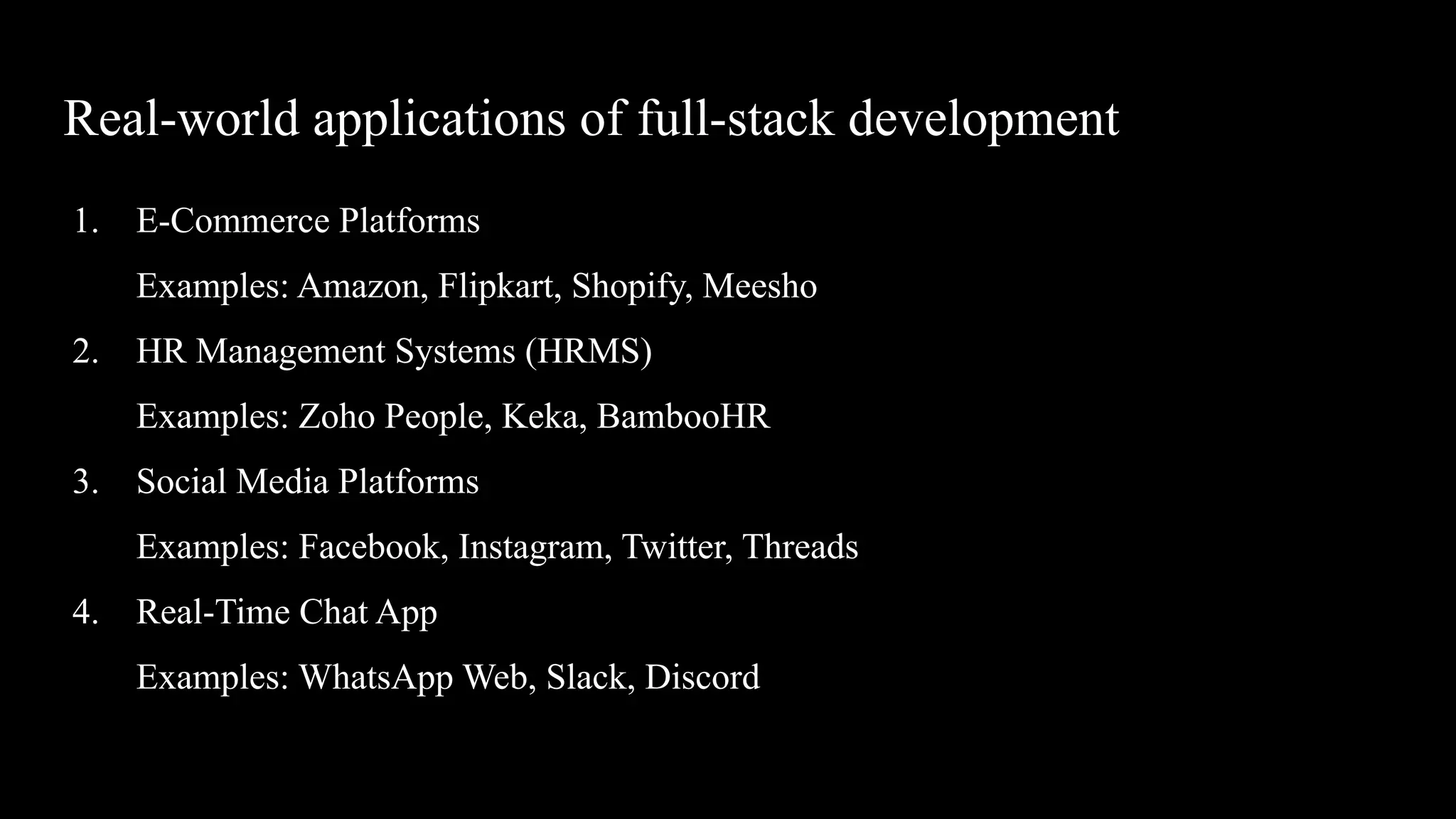
Real-world applications offull-stack development
1. E-Commerce Platforms
Examples: Amazon, Flipkart, Shopify, Meesho
2. HR Management Systems (HRMS)
Examples: Zoho People, Keka, BambooHR
3. Social Media Platforms
Examples: Facebook, Instagram, Twitter, Threads
4. Real-Time Chat App
Examples: WhatsApp Web, Slack, Discord
13.
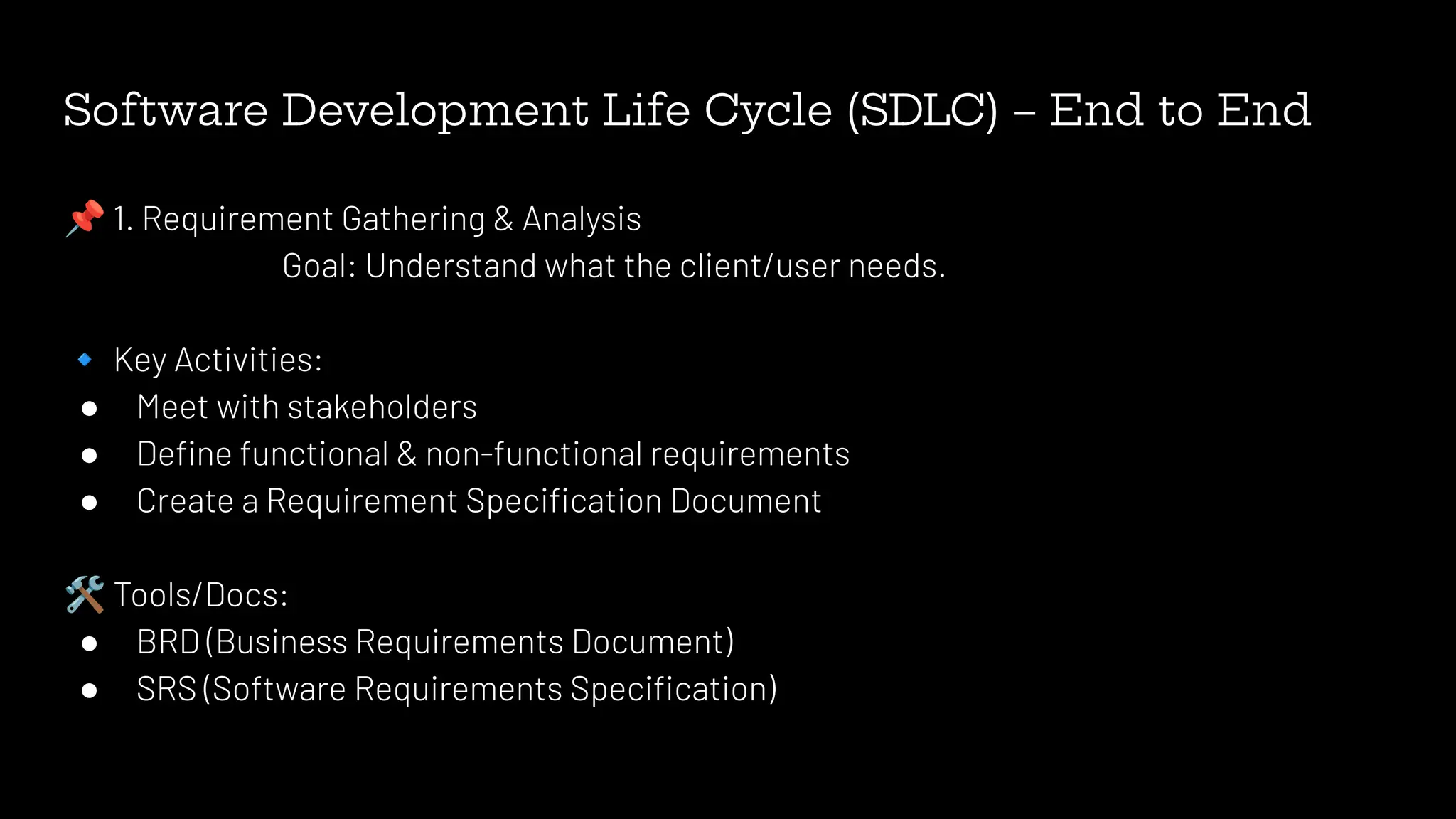
Software Development LifeCycle (SDLC) – End to End
📌 1. Requirement Gathering & Analysis
Goal: Understand what the client/user needs.
🔹 Key Activities:
● Meet with stakeholders
● Define functional & non-functional requirements
● Create a Requirement Specification Document
🛠 Tools/Docs:
● BRD (Business Requirements Document)
● SRS (Software Requirements Specification)
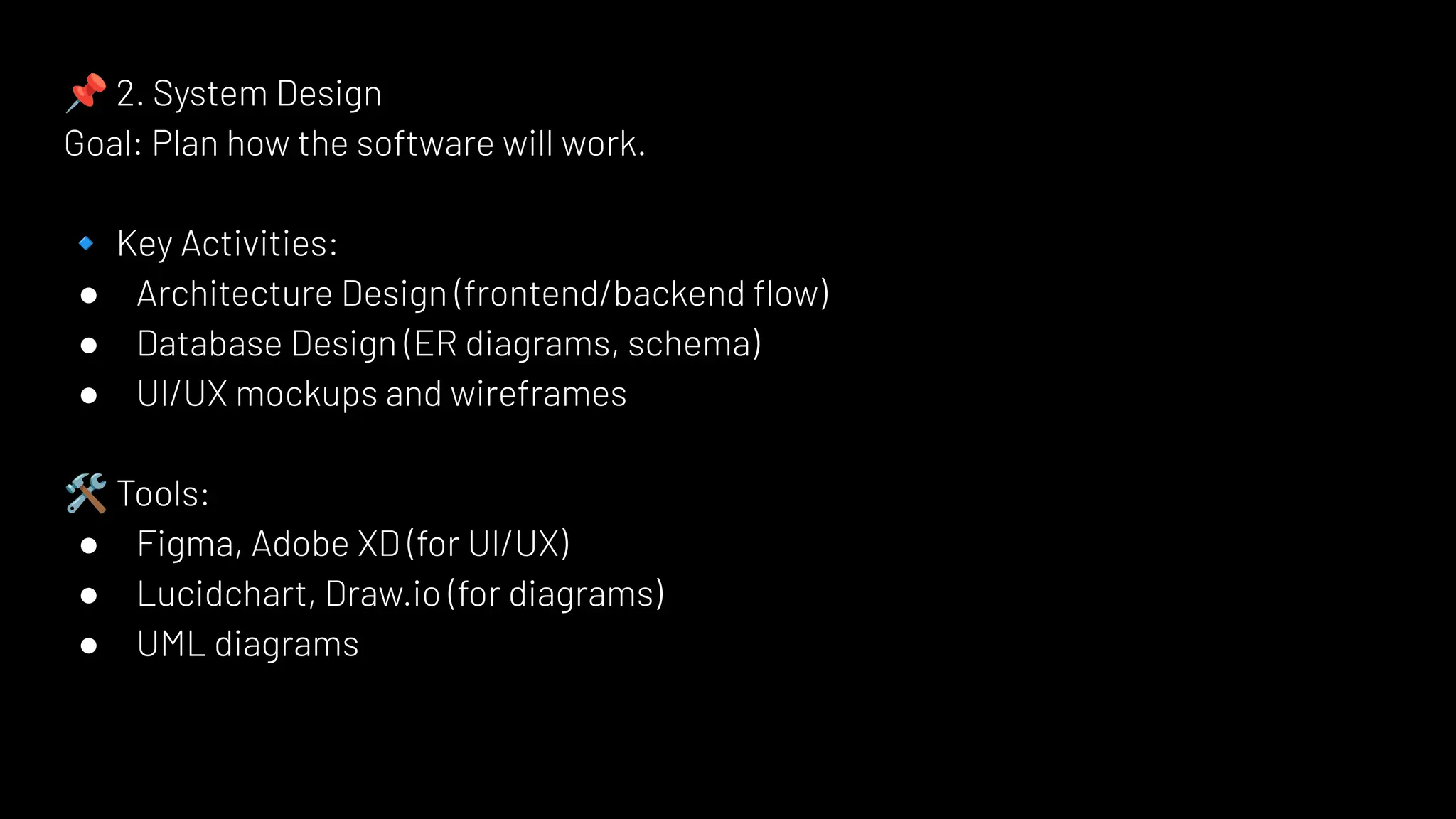
14.
📌 2. SystemDesign
Goal: Plan how the software will work.
🔹 Key Activities:
● Architecture Design (frontend/backend flow)
● Database Design (ER diagrams, schema)
● UI/UX mockups and wireframes
🛠 Tools:
● Figma, Adobe XD (for UI/UX)
● Lucidchart, Draw.io (for diagrams)
● UML diagrams
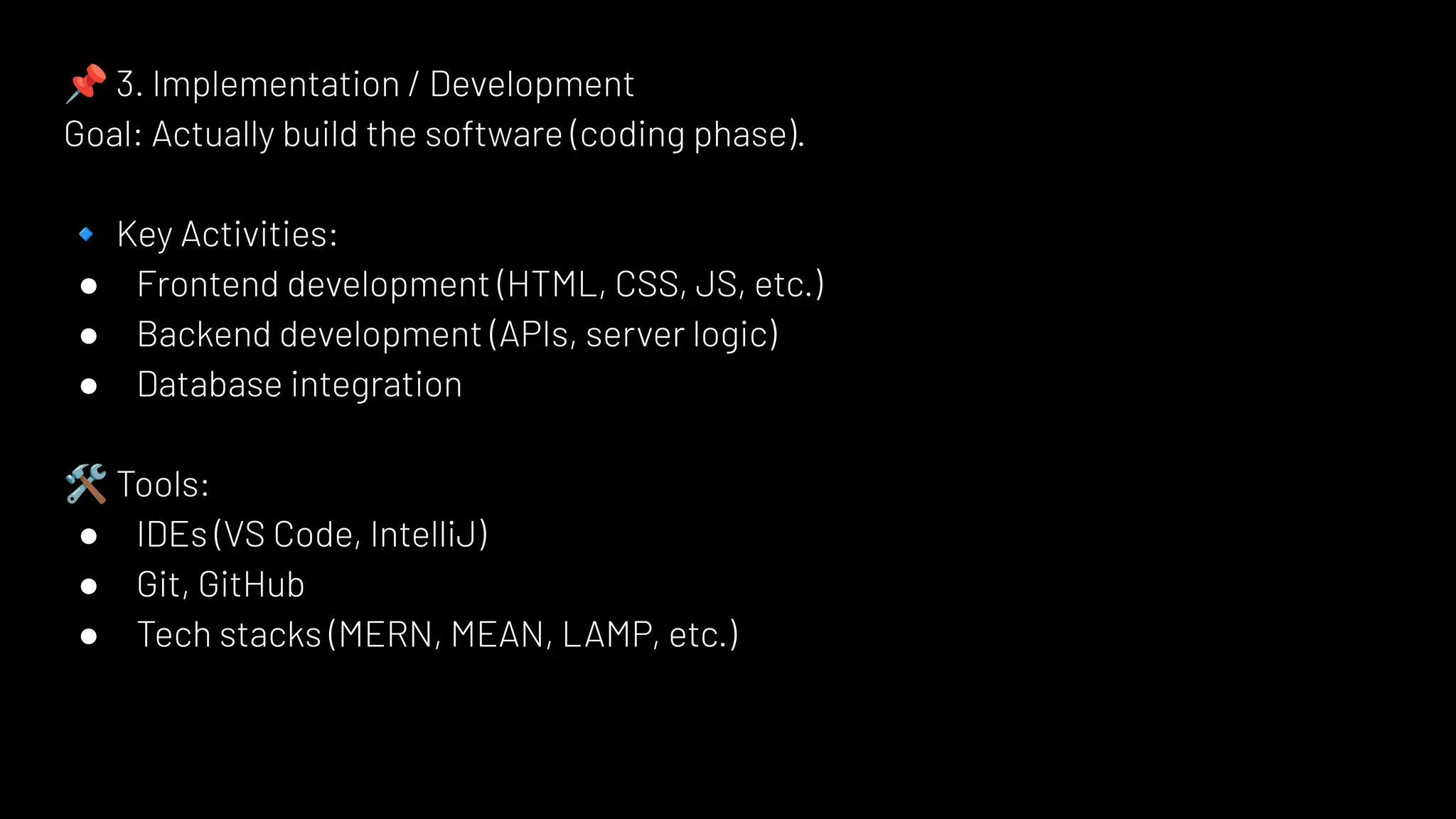
15.
📌 3. Implementation/ Development
Goal: Actually build the software (coding phase).
🔹 Key Activities:
● Frontend development (HTML, CSS, JS, etc.)
● Backend development (APIs, server logic)
● Database integration
🛠 Tools:
● IDEs (VS Code, IntelliJ)
● Git, GitHub
● Tech stacks (MERN, MEAN, LAMP, etc.)
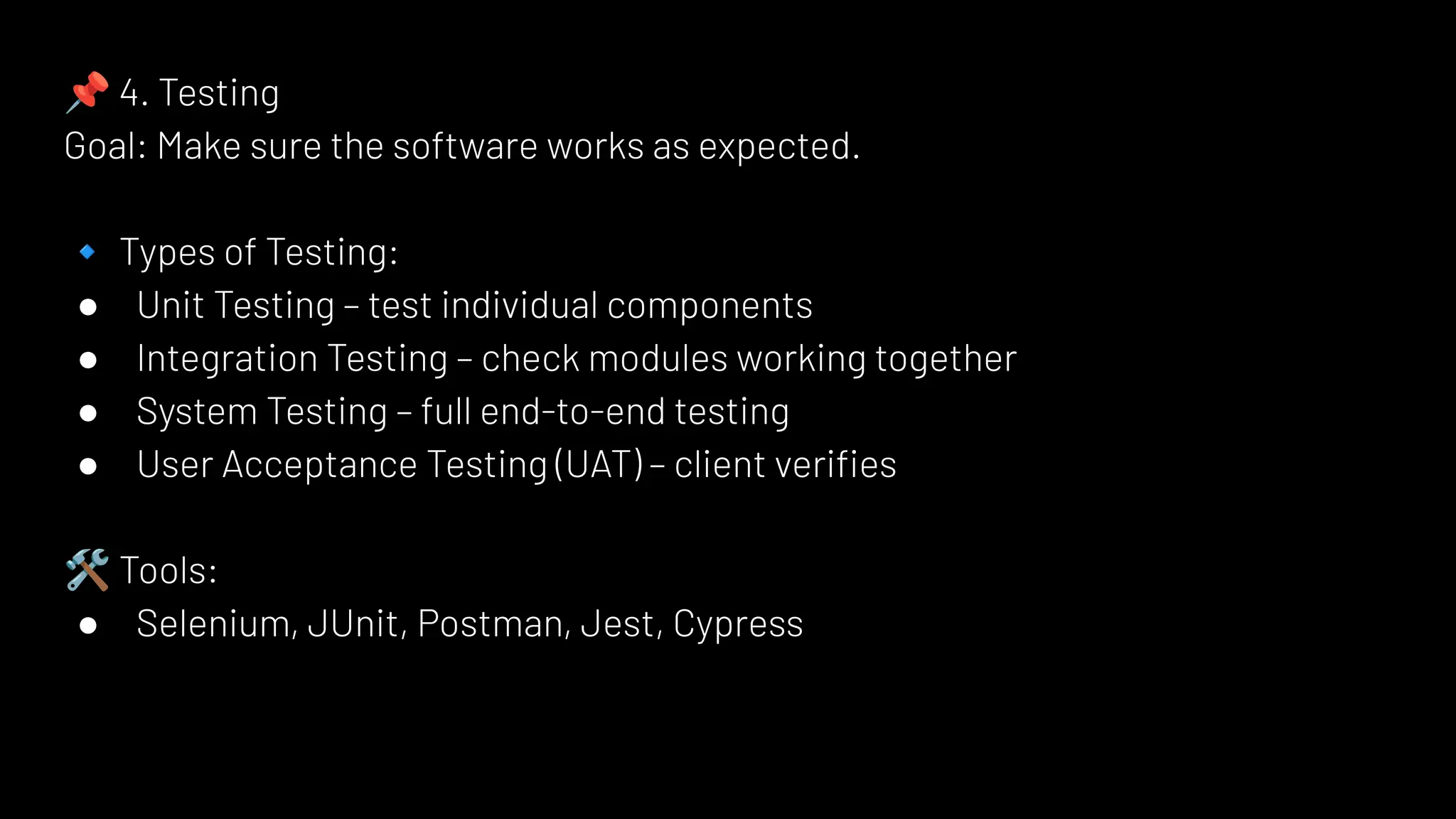
16.
📌 4. Testing
Goal:Make sure the software works as expected.
🔹 Types of Testing:
● Unit Testing – test individual components
● Integration Testing – check modules working together
● System Testing – full end-to-end testing
● User Acceptance Testing (UAT) – client verifies
🛠 Tools:
● Selenium, JUnit, Postman, Jest, Cypress
17.
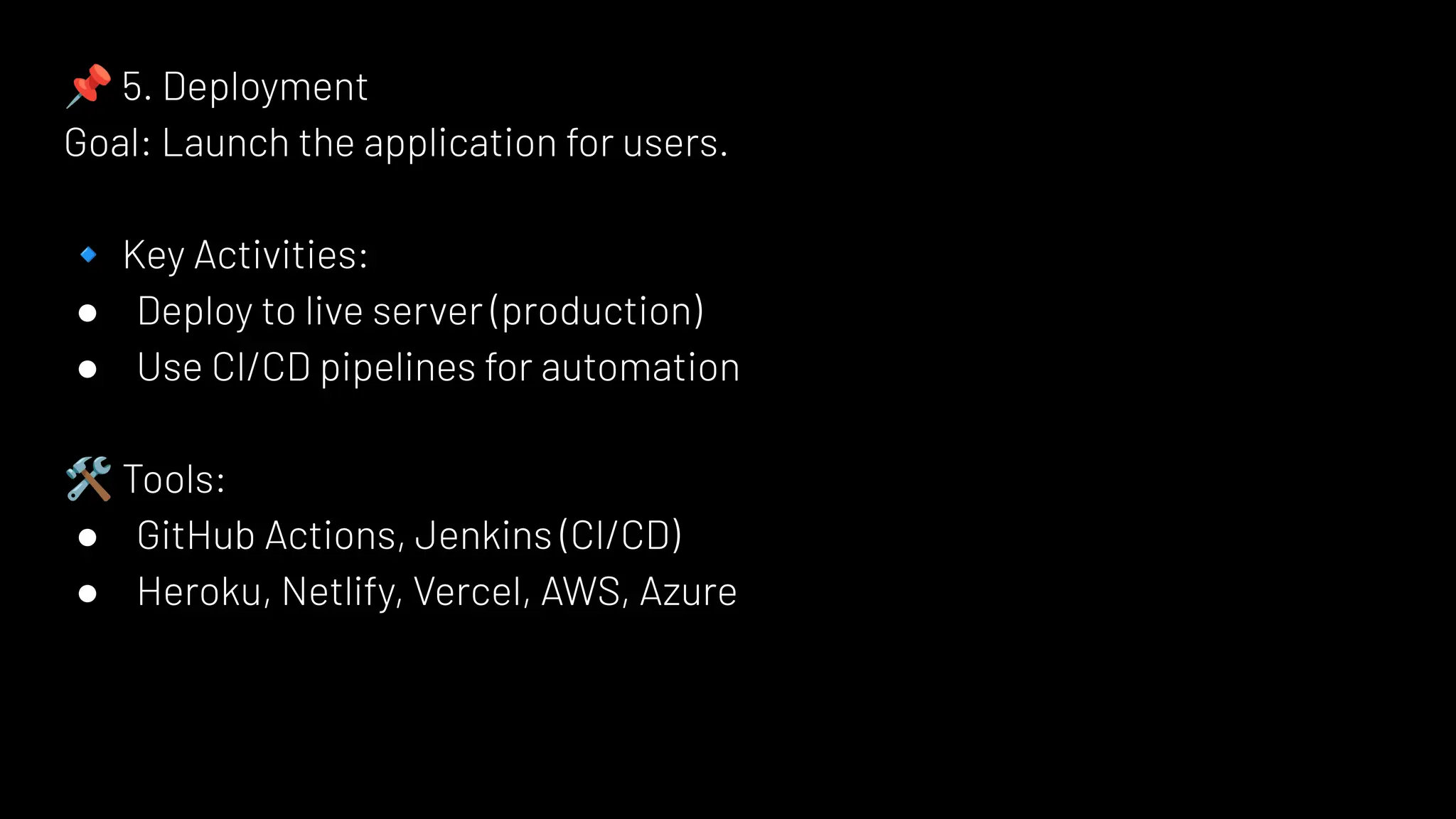
📌 5. Deployment
Goal:Launch the application for users.
🔹 Key Activities:
● Deploy to live server (production)
● Use CI/CD pipelines for automation
🛠 Tools:
● GitHub Actions, Jenkins (CI/CD)
● Heroku, Netlify, Vercel, AWS, Azure
18.
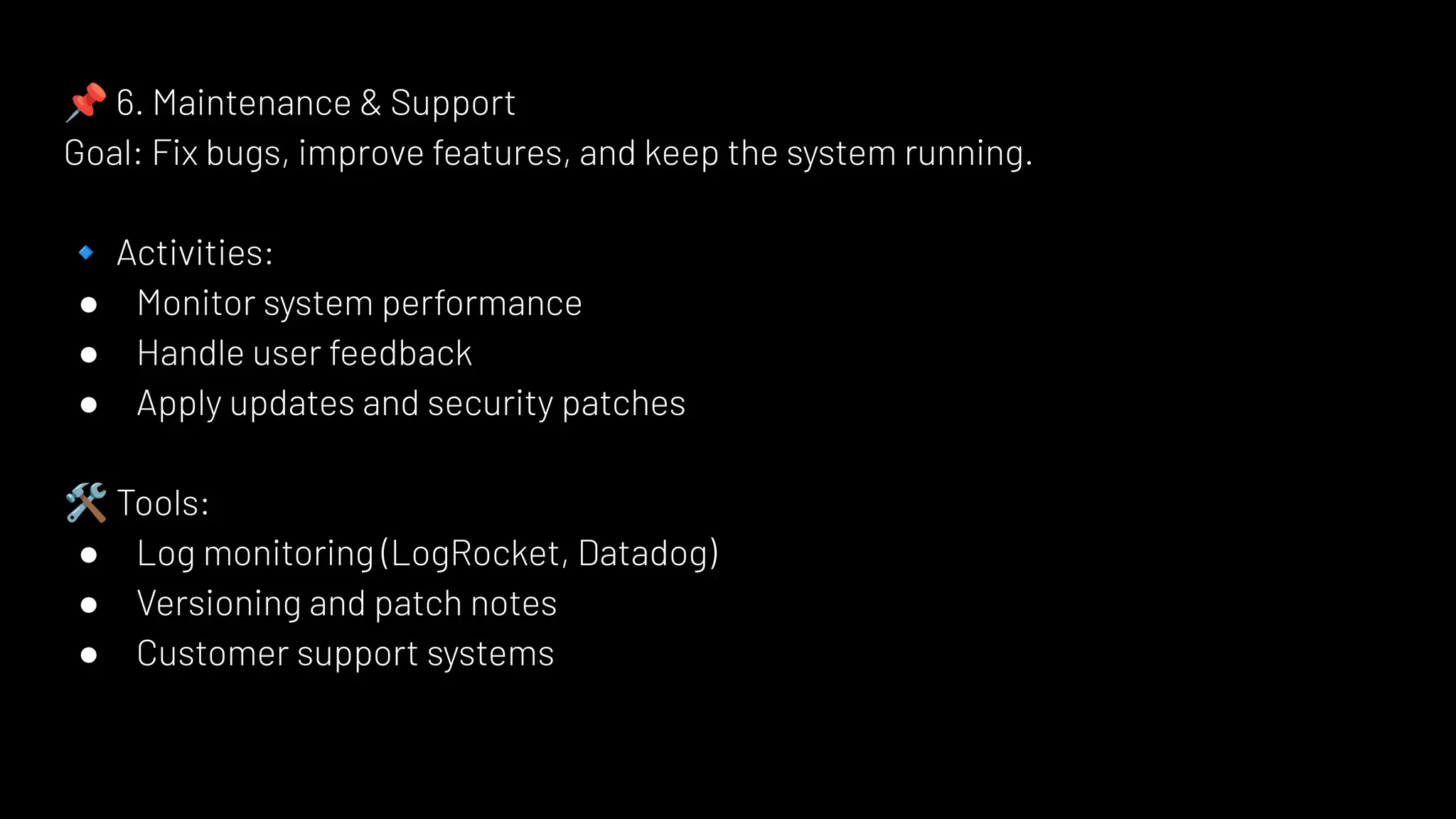
📌 6. Maintenance& Support
Goal: Fix bugs, improve features, and keep the system running.
🔹 Activities:
● Monitor system performance
● Handle user feedback
● Apply updates and security patches
🛠 Tools:
● Log monitoring (LogRocket, Datadog)
● Versioning and patch notes
● Customer support systems
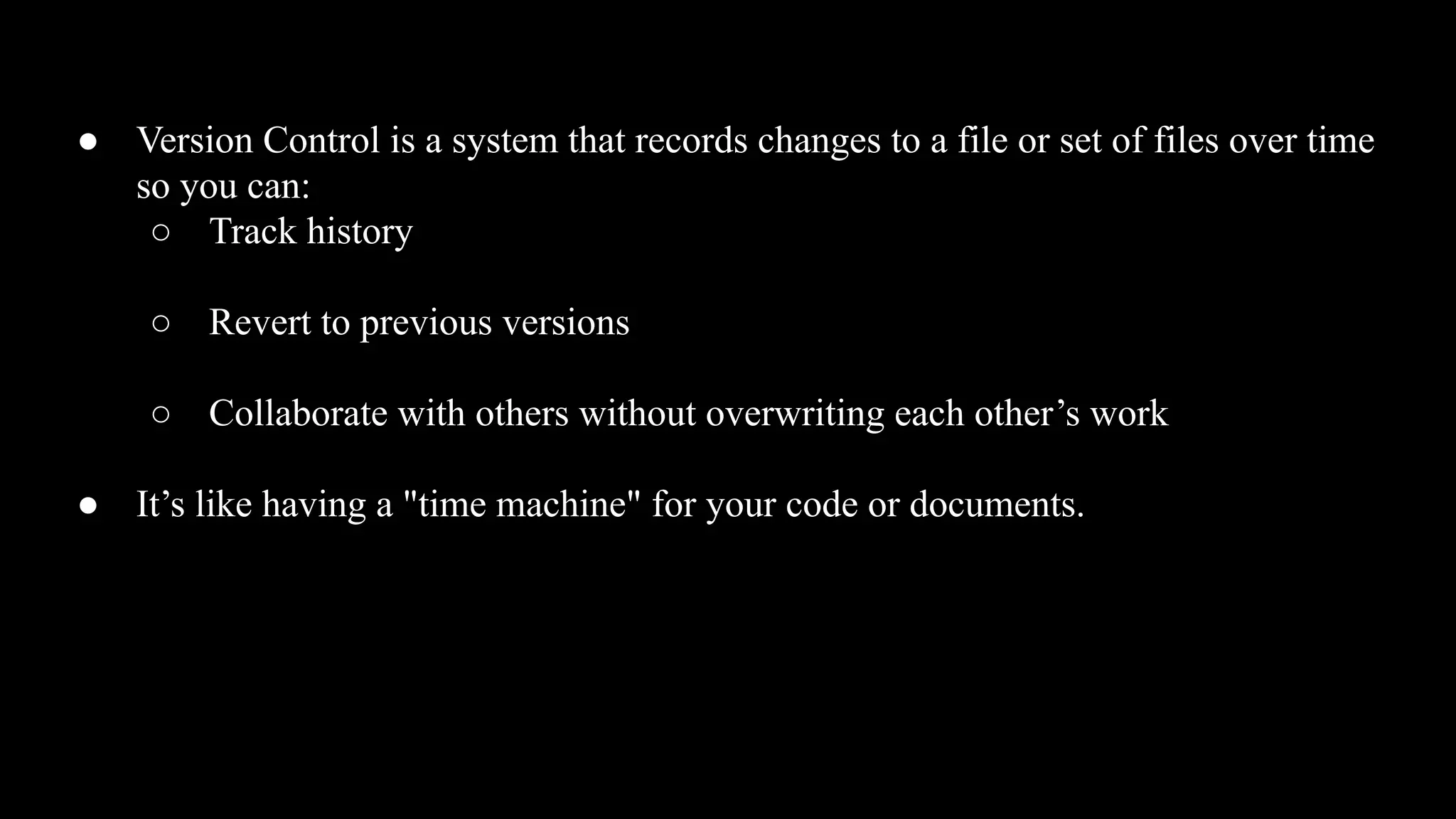
● Version Controlis a system that records changes to a file or set of files over time
so you can:
○ Track history
○ Revert to previous versions
○ Collaborate with others without overwriting each other’s work
● It’s like having a "time machine" for your code or documents.
21.
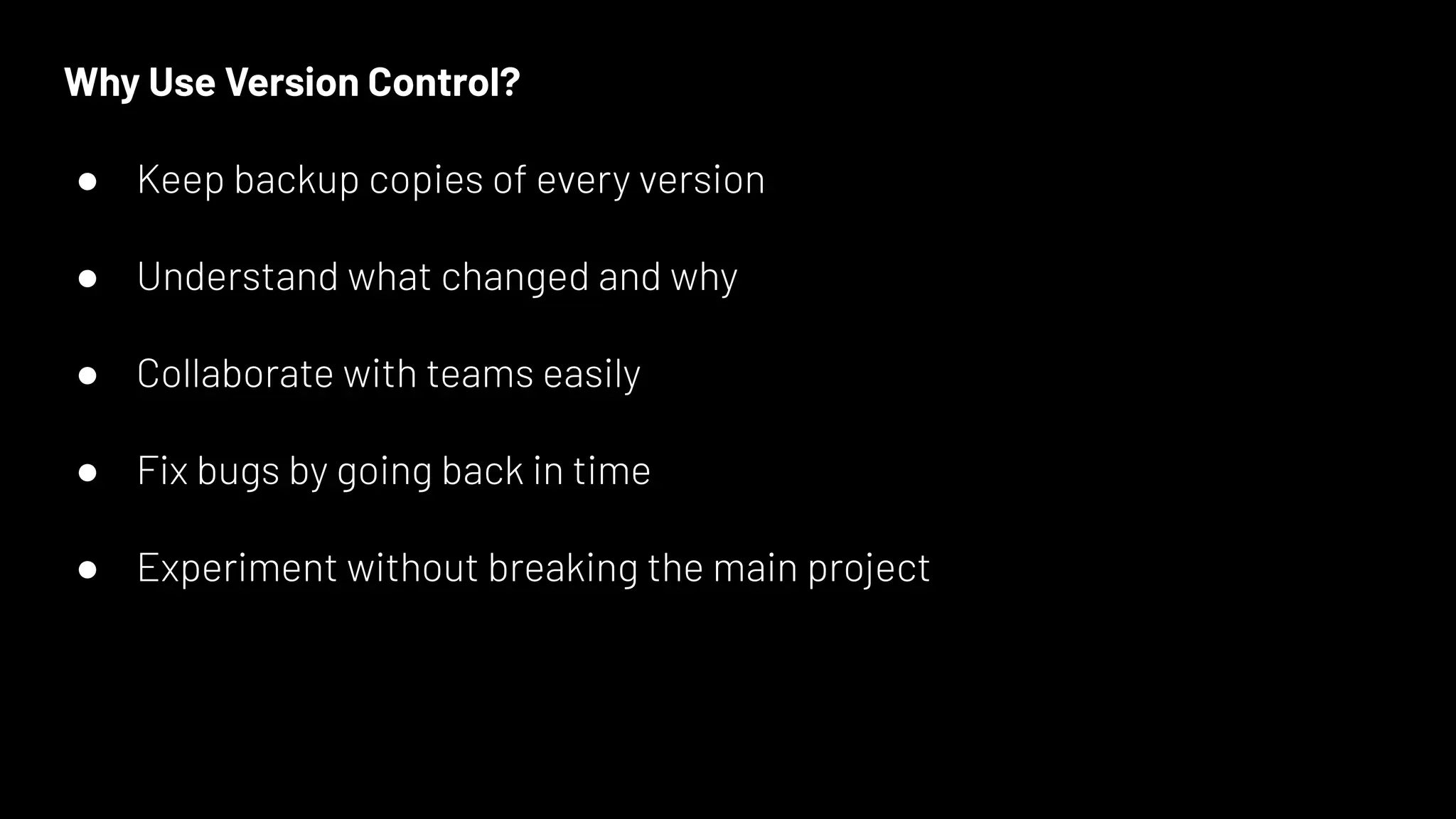
Why Use VersionControl?
● Keep backup copies of every version
● Understand what changed and why
● Collaborate with teams easily
● Fix bugs by going back in time
● Experiment without breaking the main project
22.
🔧 Popular VersionControl Tool: Git
● Git is the most widely used distributed version control system.
● It allows multiple people to work on the same project simultaneously without
conflict.
23.
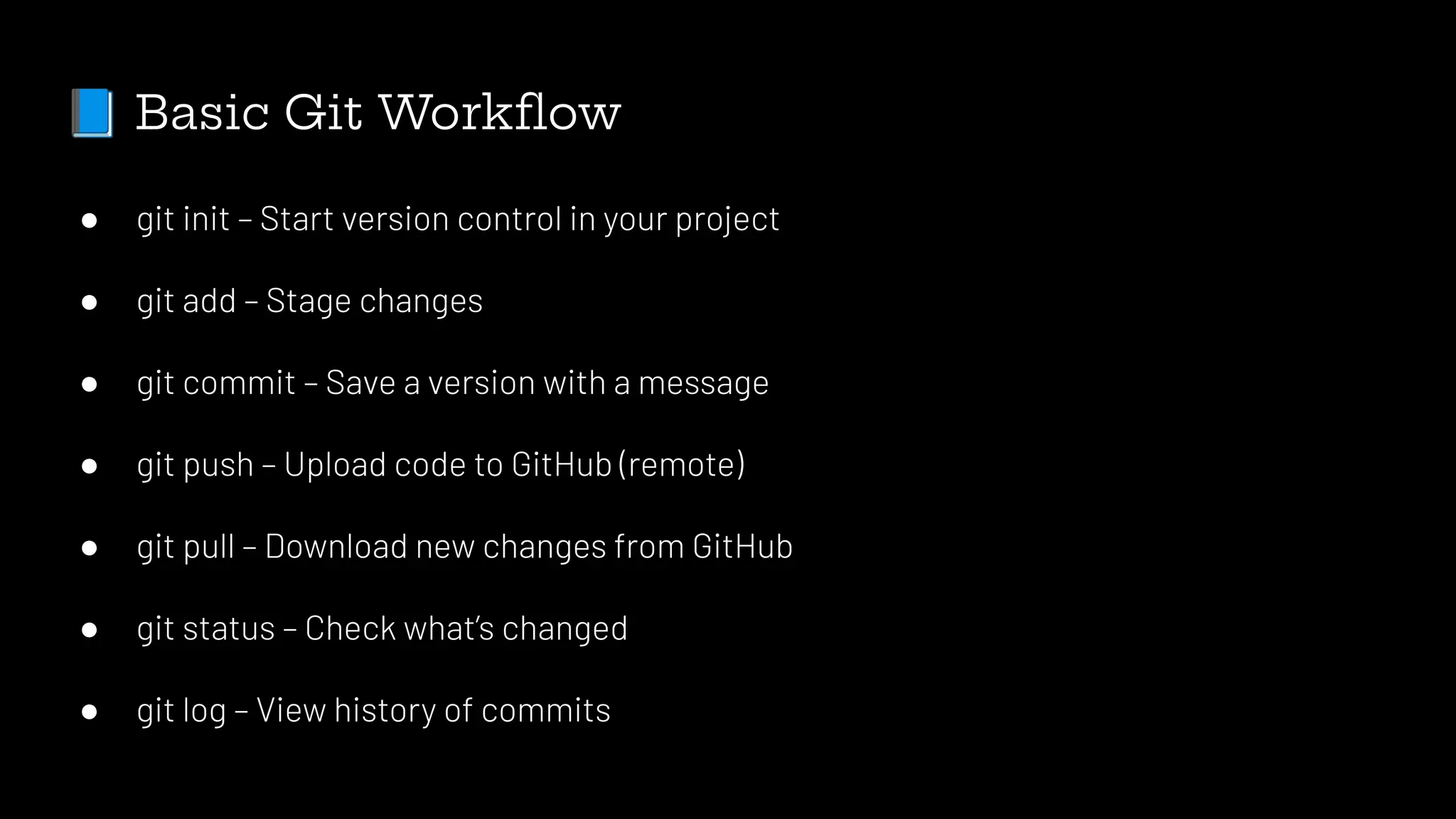
📘 Basic GitWorkflow
● git init – Start version control in your project
● git add – Stage changes
● git commit – Save a version with a message
● git push – Upload code to GitHub (remote)
● git pull – Download new changes from GitHub
● git status – Check what’s changed
● git log – View history of commits
24.
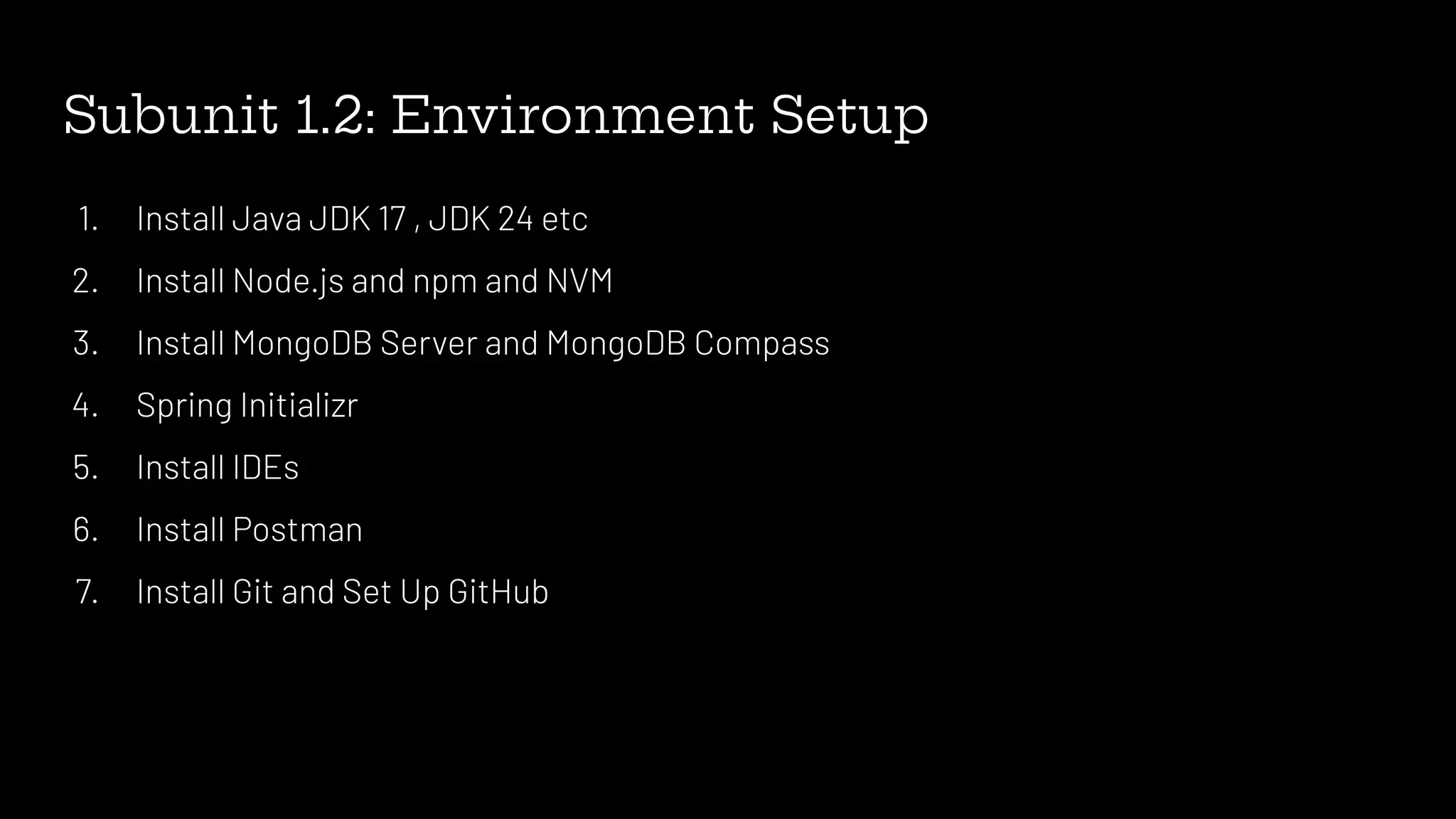
Subunit 1.2: EnvironmentSetup
1. Install Java JDK 17 , JDK 24 etc
2. Install Node.js and npm and NVM
3. Install MongoDB Server and MongoDB Compass
4. Spring Initializr
5. Install IDEs
6. Install Postman
7. Install Git and Set Up GitHub
Subunit 2.1: HTMLFundamentals
1. Introduction to HTML
a. What is HTML? (HyperText Markup Language)
b. Role of HTML in web development
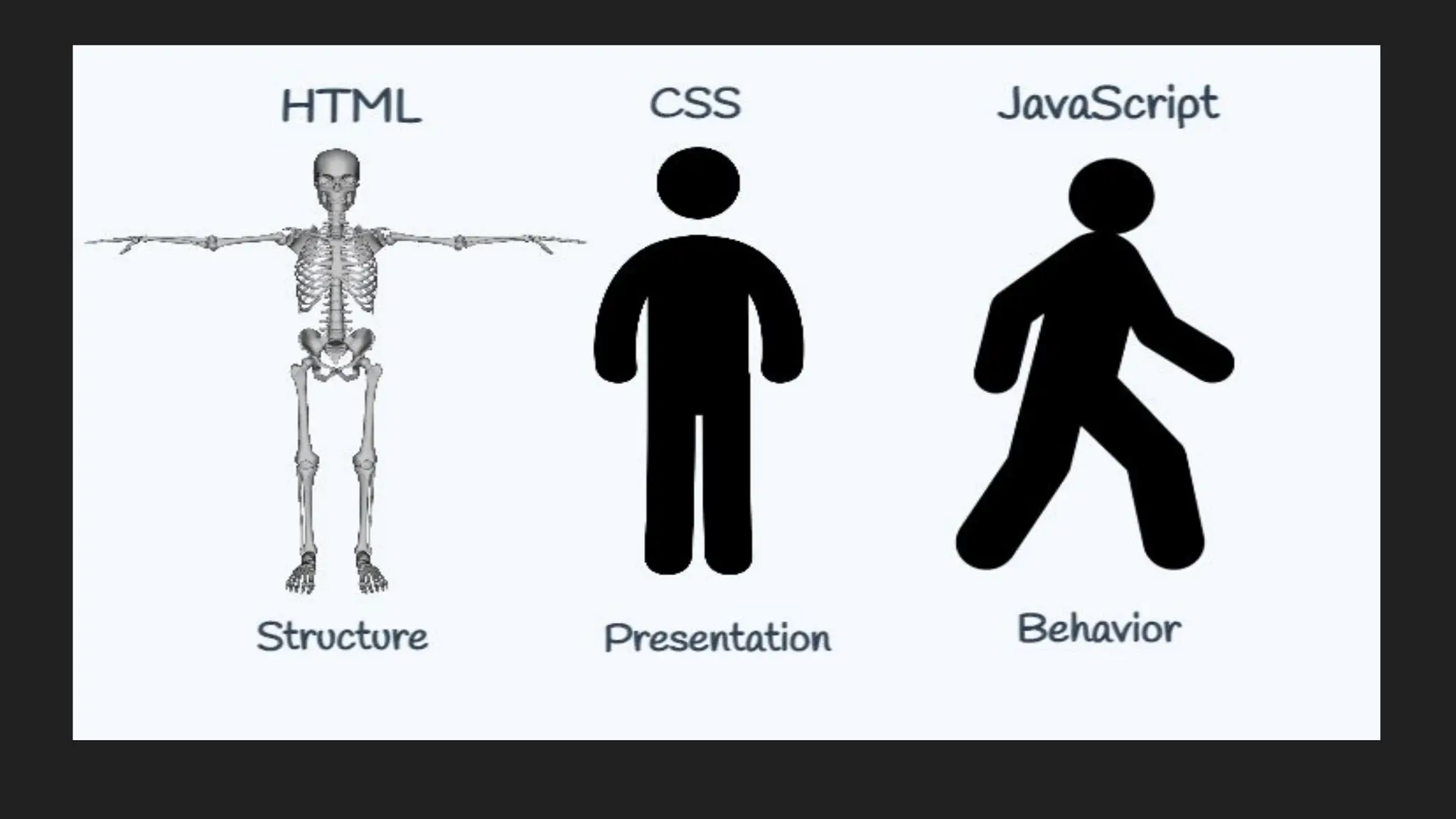
c. Difference between HTML, CSS, and JavaScript
2. HTML Document Structure
3. Headings and Paragraphs
4. Line Breaks and Horizontal Rules
5. Text Formatting Tags
6. Lists in HTML
7. Hyperlinks and Images
8. Tables
9. Forms and Input Elements
Introduction to HTML
Definition:
●HTML stands for HyperText Markup Language.
● Structure and display content on the web through a system of tags.
● HTML elements tell the browser how to display the content and blueprint.
30.
Key Features ofHTML5:
● Semantic Elements: New elements like <header>, <footer>, <article>, <section>,
and <nav> provide meaning to the structure of the webpage, making it more
readable for both developers and search engines.
● Multimedia Support: HTML5 supports native multimedia through the <audio> and
<video> elements, eliminating the need for third-party plugins like Flash.
● Canvas Element: The <canvas> element allows for dynamic, scriptable rendering
of 2D shapes and images, enabling the creation of complex graphics, games, and
visual data representations directly in the browser.
31.
● Improved FormElements: HTML5 introduces new form input types like email,
url, date, and range, making it easier to validate data and enhance user
interaction.
● Local Storage: HTML5 provides localStorage and sessionStorage, which
allow developers to store data on the client-side, enhancing performance and
offline capabilities.
32.
● Geolocation API:This feature enables web applications to access the user’s
geographical location, allowing developers to create location-based services.
● Responsive Design Support: HTML5 integrates well with CSS3 media
queries, enabling developers to create responsive, mobile-friendly web
applications.
33.
Benefits of HTML5:
●Cross-platform Compatibility: Works well across desktops, tablets, and
smartphones.
● Faster Load Times: Native multimedia elements reduce the need for external
plugins.
● Cleaner Code: The use of semantic elements results in more organized and
maintainable code.
34.
How browser readhtml code
Definition:
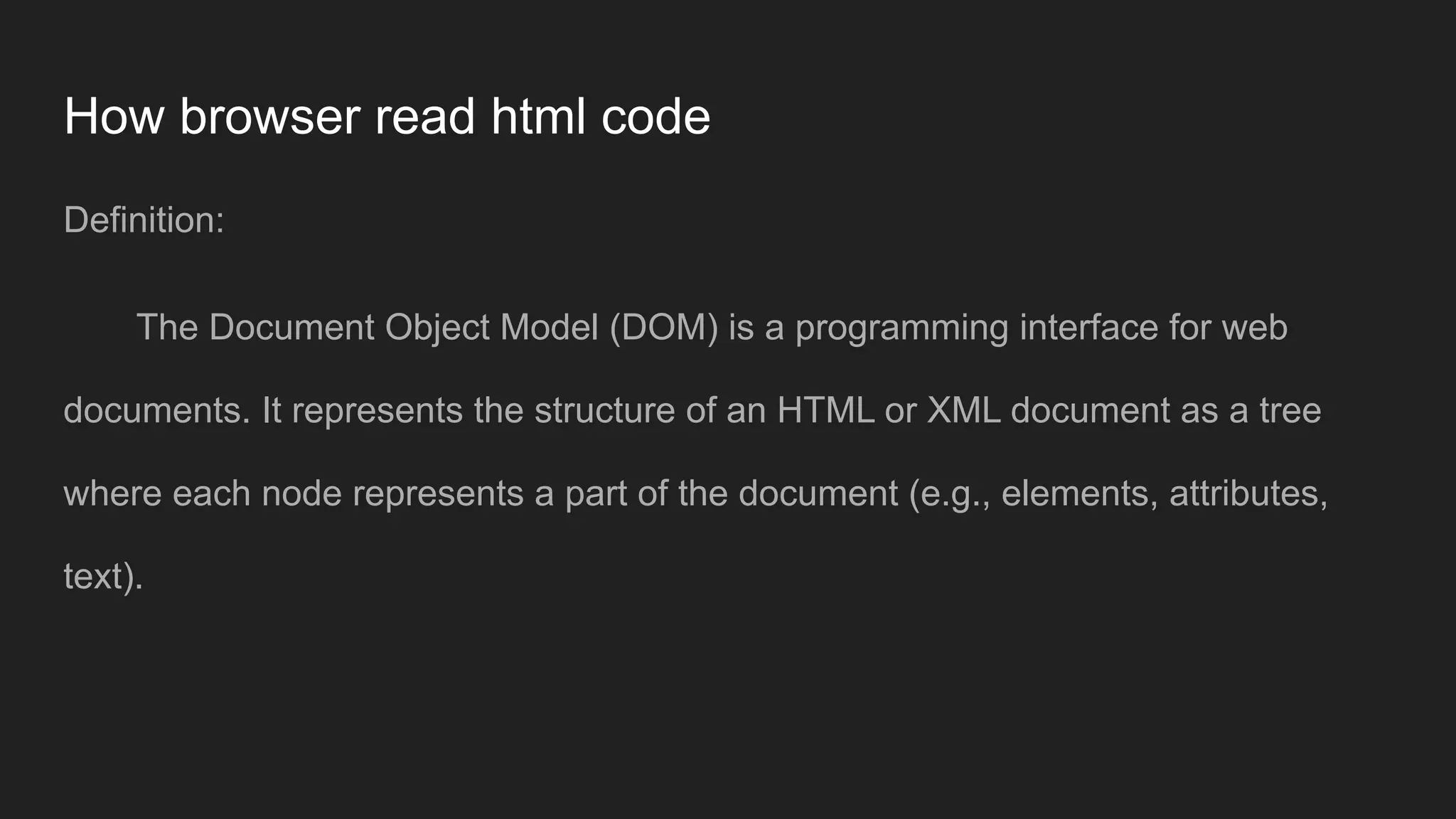
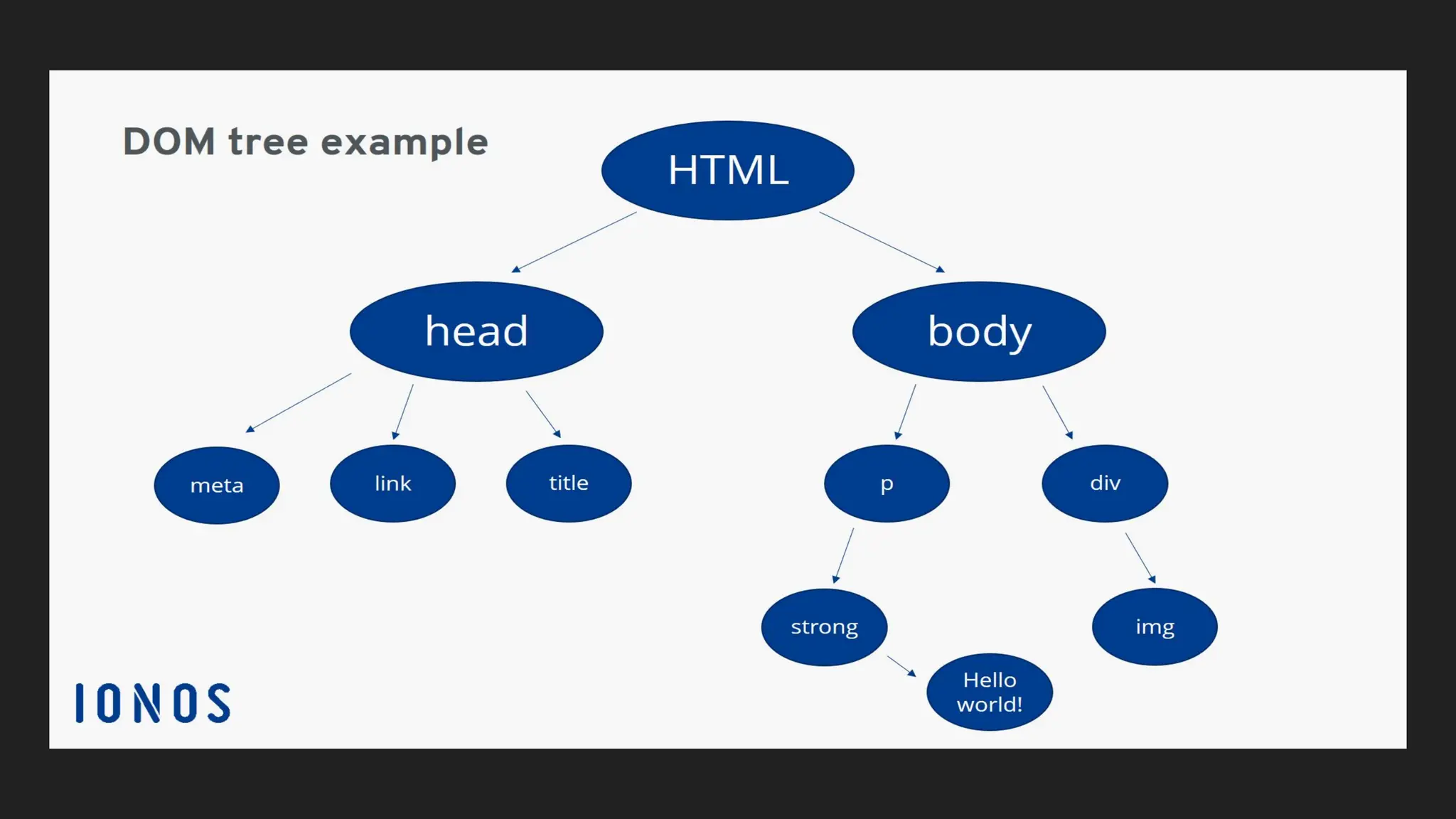
The Document Object Model (DOM) is a programming interface for web
documents. It represents the structure of an HTML or XML document as a tree
where each node represents a part of the document (e.g., elements, attributes,
text).
36.
Purpose:
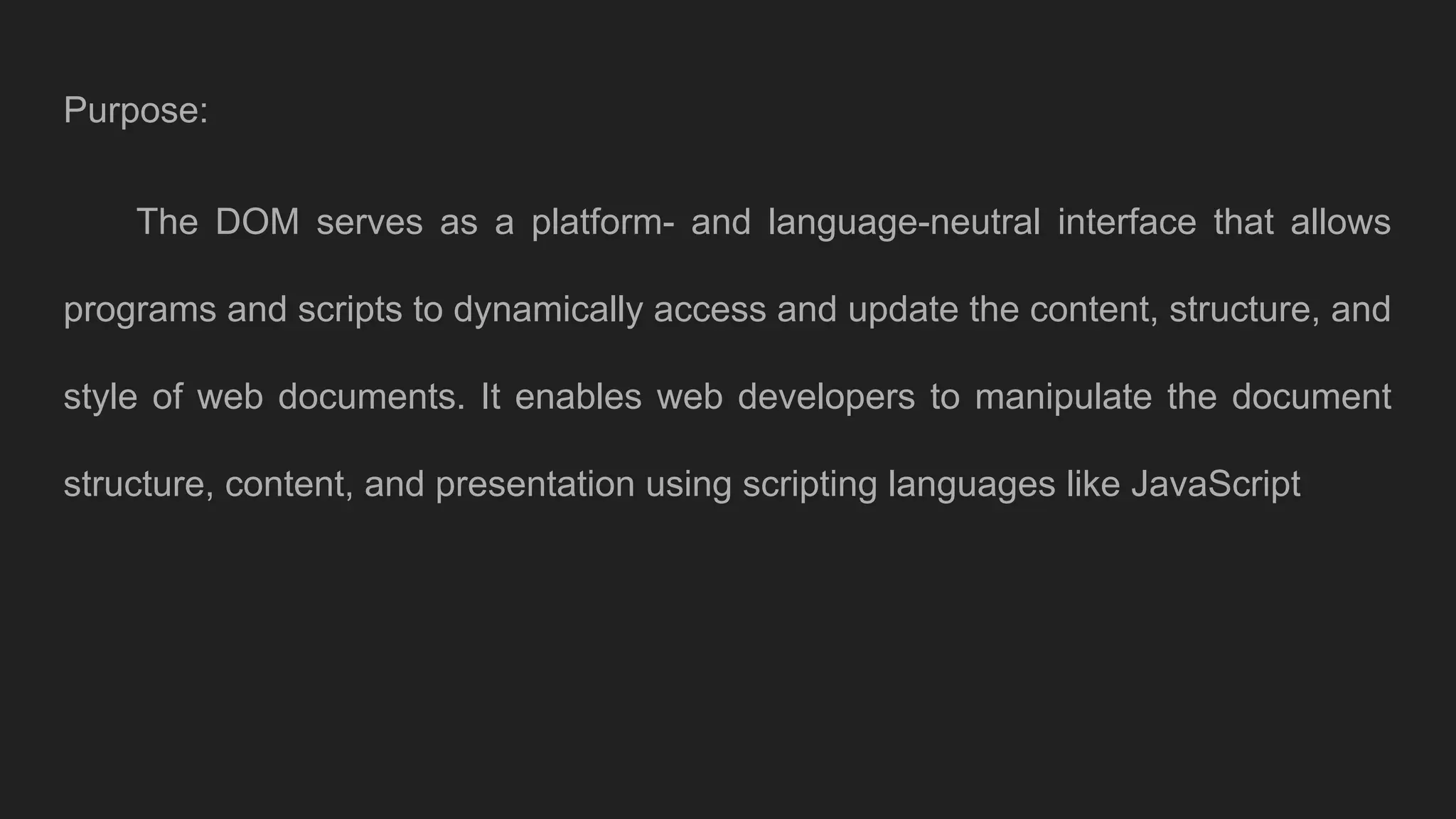
The DOM servesas a platform- and language-neutral interface that allows
programs and scripts to dynamically access and update the content, structure, and
style of web documents. It enables web developers to manipulate the document
structure, content, and presentation using scripting languages like JavaScript
HTML Elements andAttributes
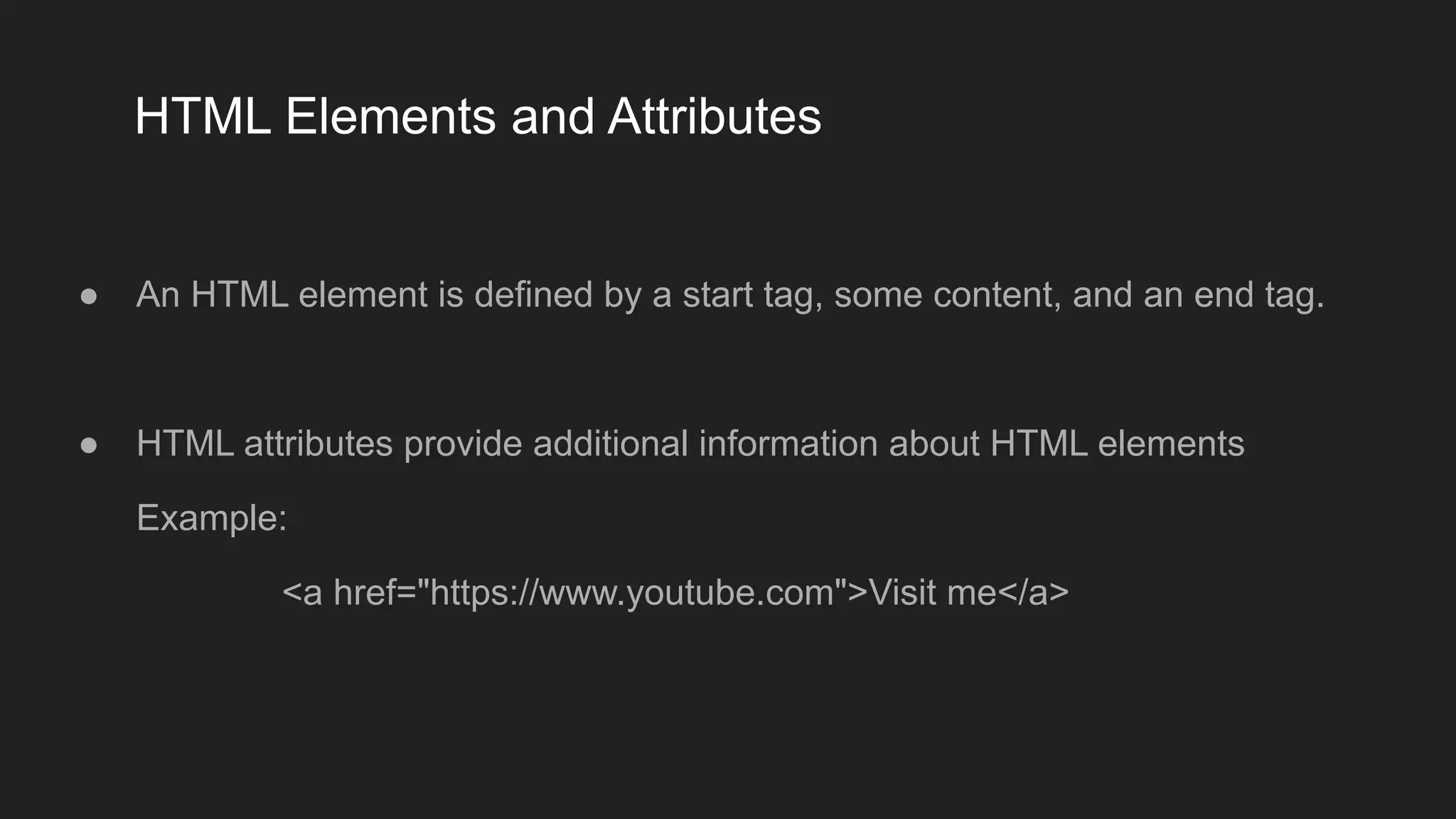
● An HTML element is defined by a start tag, some content, and an end tag.
● HTML attributes provide additional information about HTML elements
Example:
<a href="https://www.youtube.com">Visit me</a>
39.
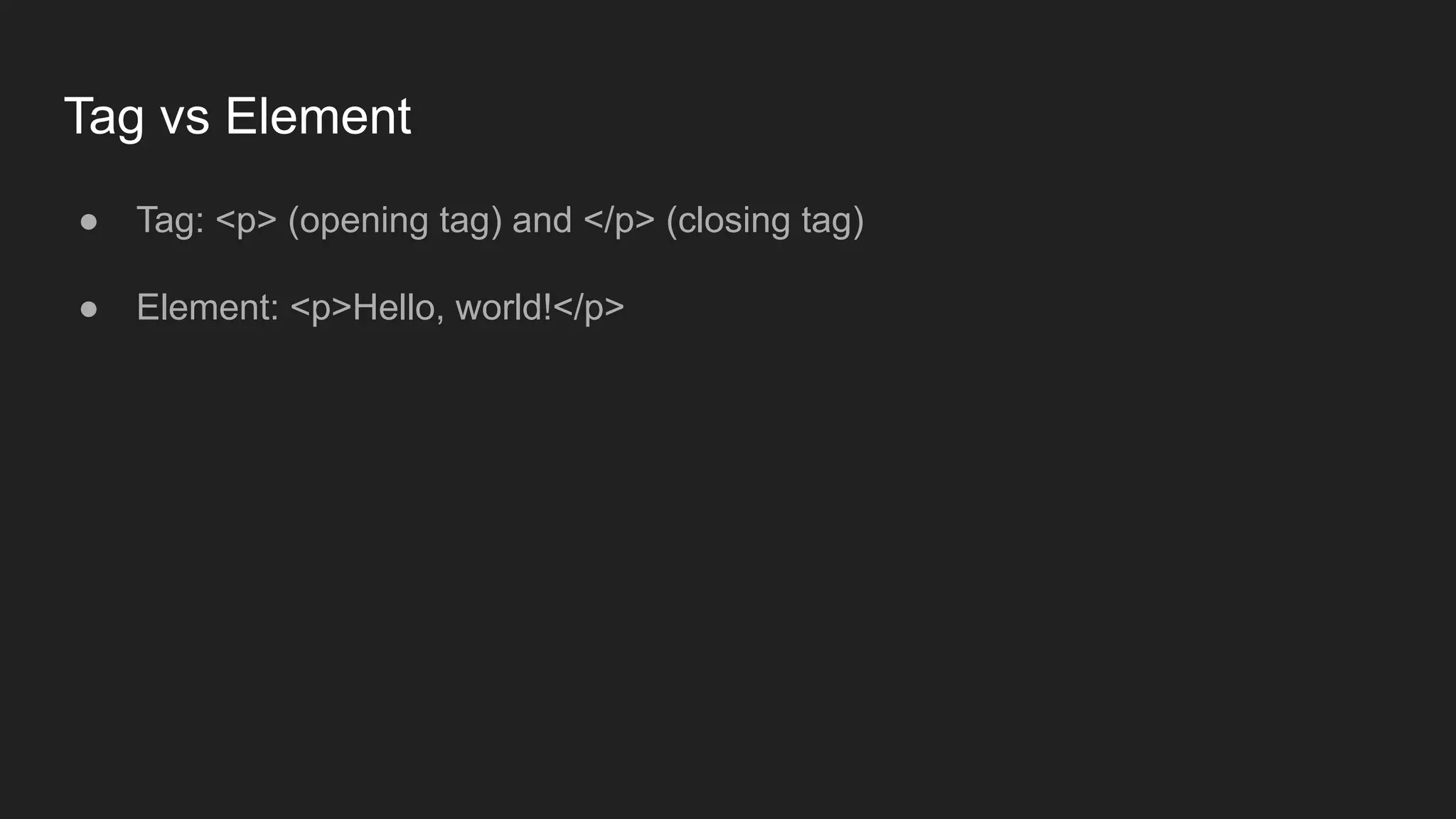
Tag vs Element
●Tag: <p> (opening tag) and </p> (closing tag)
● Element: <p>Hello, world!</p>
40.
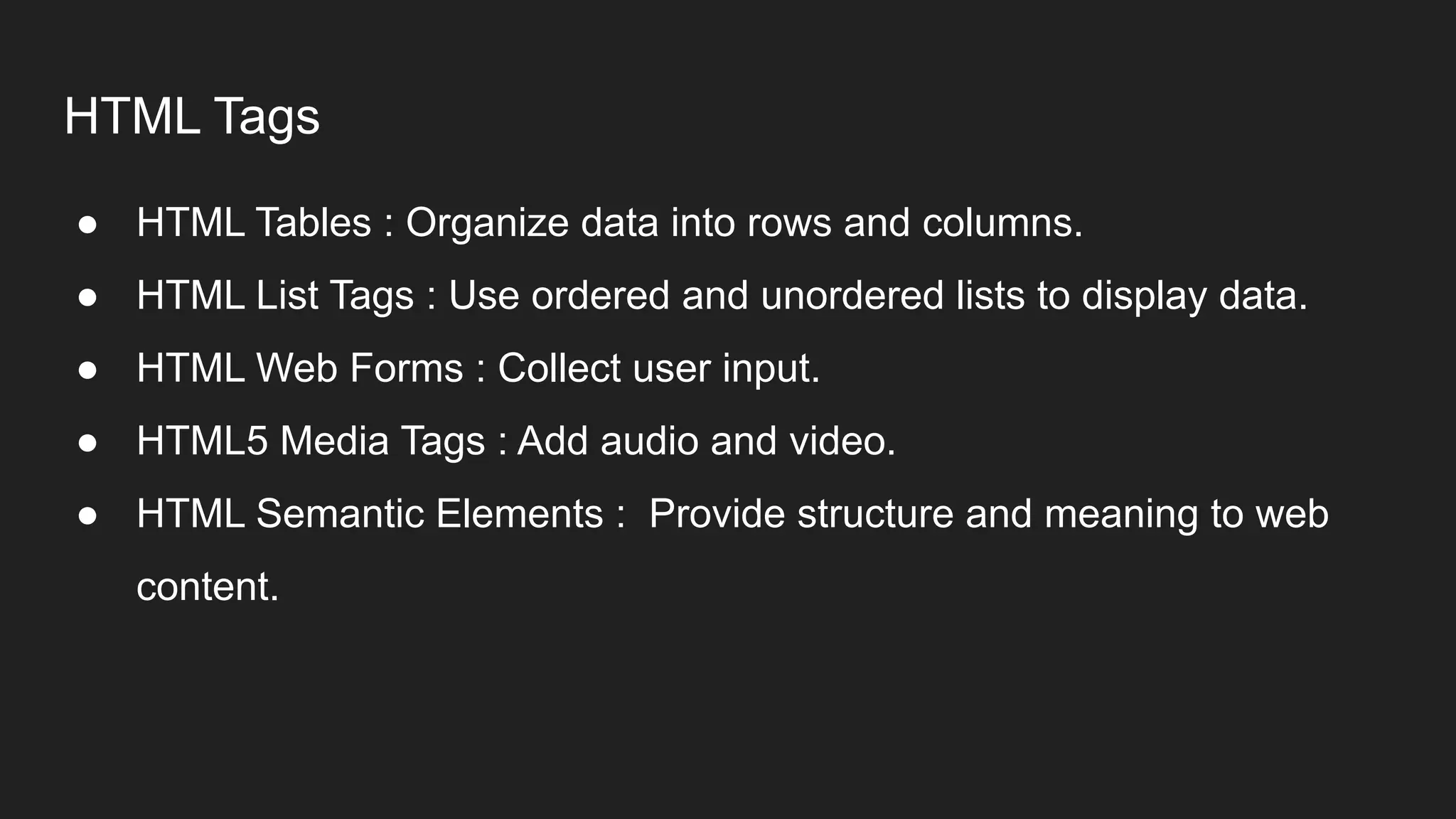
HTML Tags
● HTMLTables : Organize data into rows and columns.
● HTML List Tags : Use ordered and unordered lists to display data.
● HTML Web Forms : Collect user input.
● HTML5 Media Tags : Add audio and video.
● HTML Semantic Elements : Provide structure and meaning to web
content.
41.
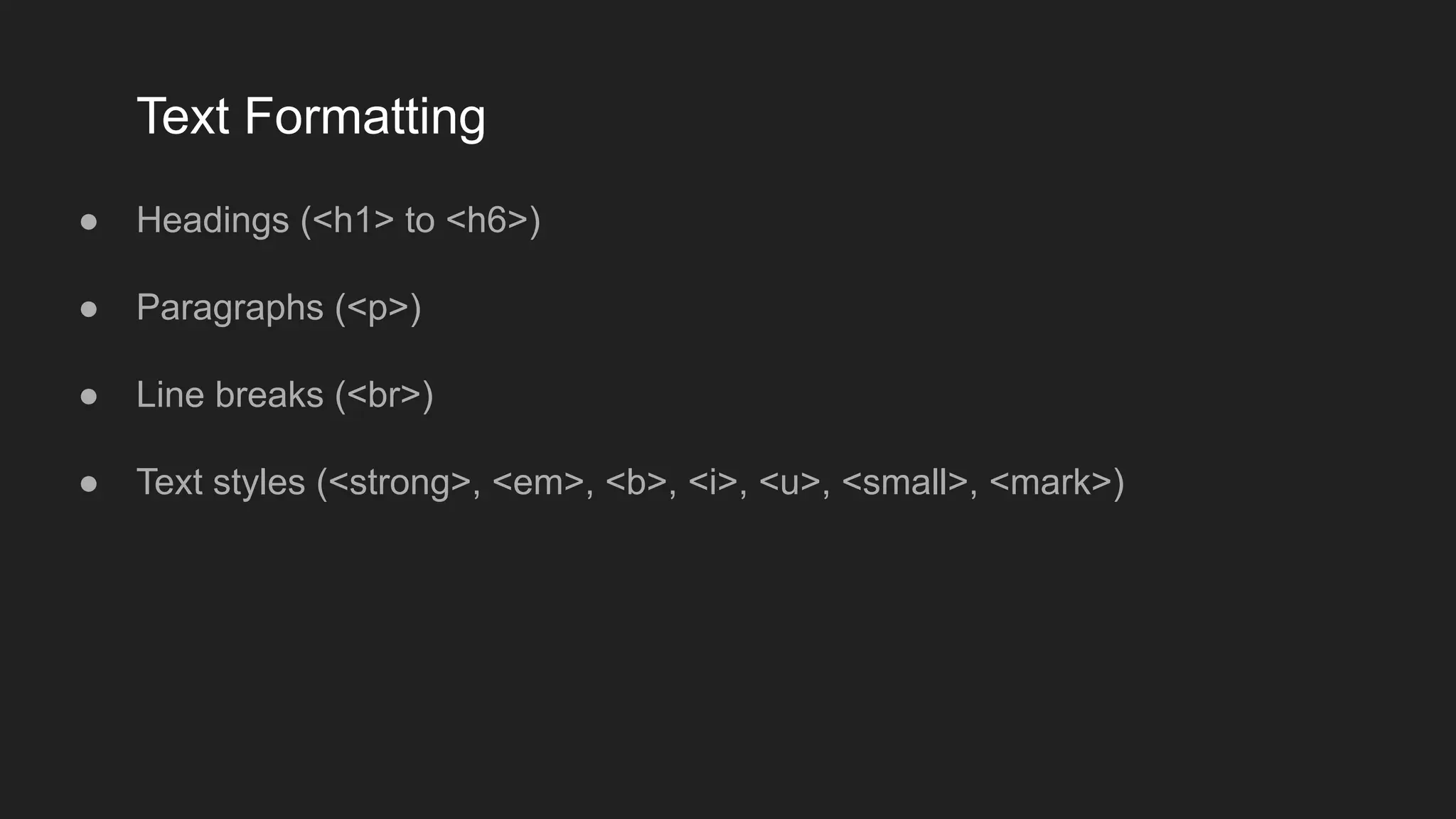
Text Formatting
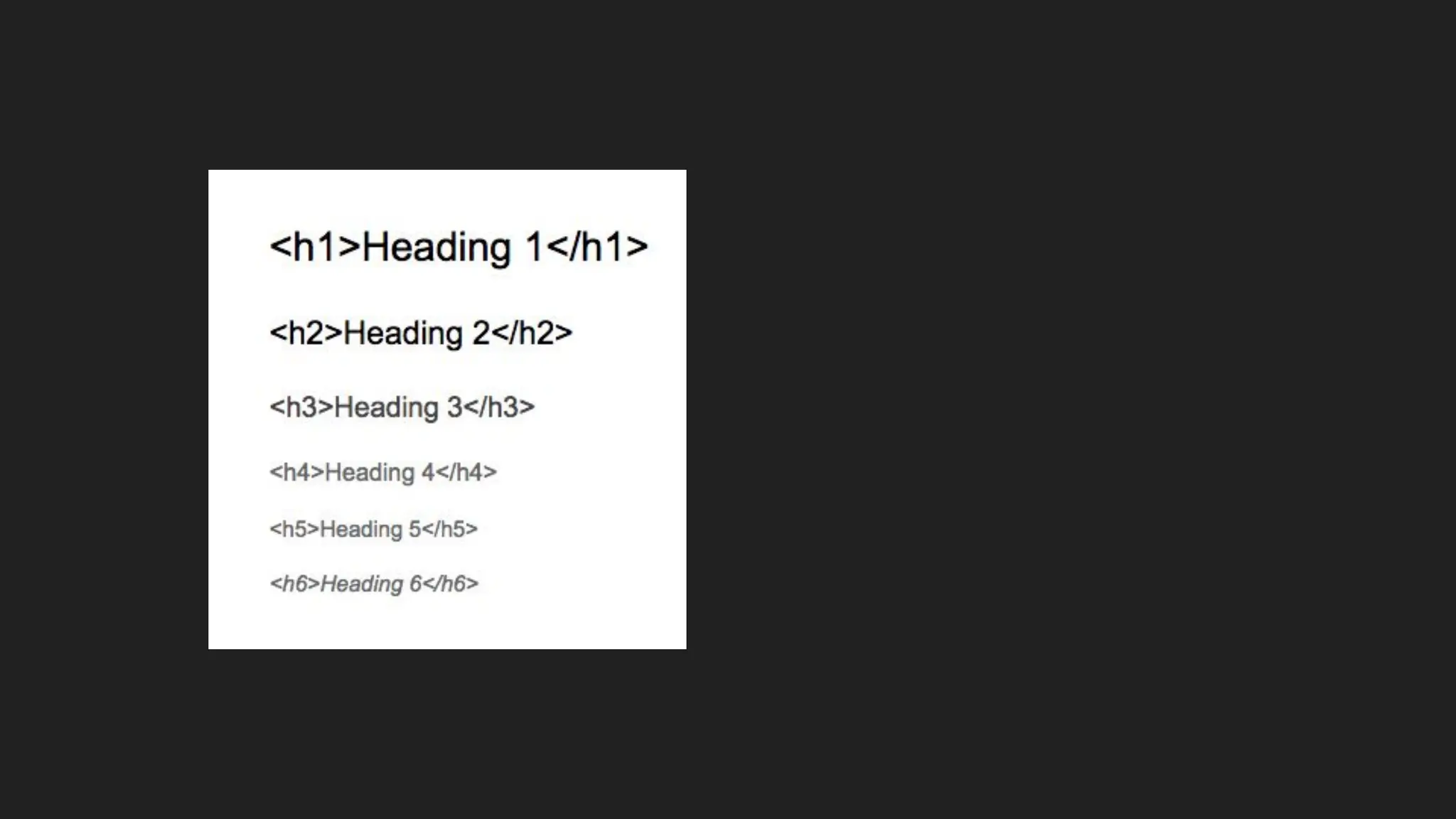
● Headings(<h1> to <h6>)
● Paragraphs (<p>)
● Line breaks (<br>)
● Text styles (<strong>, <em>, <b>, <i>, <u>, <small>, <mark>)
Forms
● Form elements(<form>, <input>, <textarea>, <button>, <select>, < option>)
● Form attributes (action, method)
● Input types (text, password, email, number, submit, radio, checkbox, date, file,
etc.)
● Form validation attributes (min, max, maxlength, minlength)
47.
Semantic HTML
● Semanticelements (<header>, <nav>, <main>, <article>, <section>, <aside>,
<footer>)
● Benefits of semantic HTML for accessibility and SEO
48.
HTML Responsive
● Responsiveweb design is about creating web pages that look good on all
devices!
● A responsive web design will automatically adjust for different screen sizes
and viewports.
<meta name="viewport" content="width=device-width, initial-scale=1.0">
Introduction to CSS3
Whatis CSS?
● Cascading Style Sheets, is a language used to style and layout web pages. It
controls the visual appearance of HTML elements, allowing you to define
colors, fonts, spacing, layouts, and overall presentation of content.
● CSS separates the structure (HTML) from the design, making it easier to
maintain and update a website's look without altering the core content.
51.
Key Features ofCSS
● Styling Text: Control font size, font family, line height, text color, and spacing.
● Layout Control: Manage the placement and size of elements on the page
using techniques like Flexbox and Grid.
● Responsive Design: Adapt the layout to different screen sizes using media
queries.
52.
● Animations andTransitions: Create dynamic effects to improve user
experience, such as hover effects, fading elements, and smooth transitions.
● Theming: Apply consistent styling across different pages and components for
a cohesive look and feel.
● Accessibility Enhancements: Improve accessibility through proper use of
styles for better visual structure.
53.
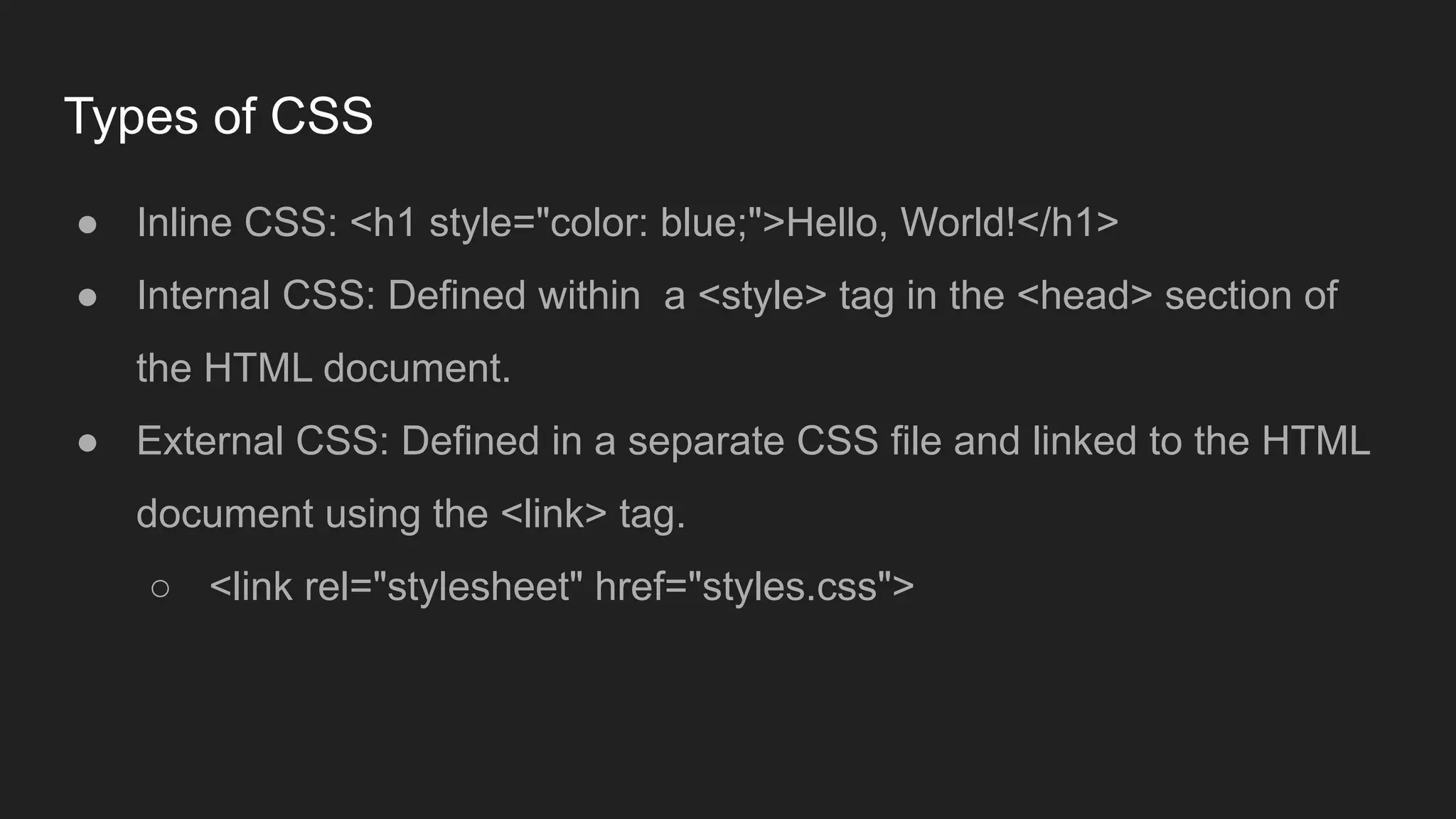
Types of CSS
●Inline CSS: <h1 style="color: blue;">Hello, World!</h1>
● Internal CSS: Defined within a <style> tag in the <head> section of
the HTML document.
● External CSS: Defined in a separate CSS file and linked to the HTML
document using the <link> tag.
○ <link rel="stylesheet" href="styles.css">
54.
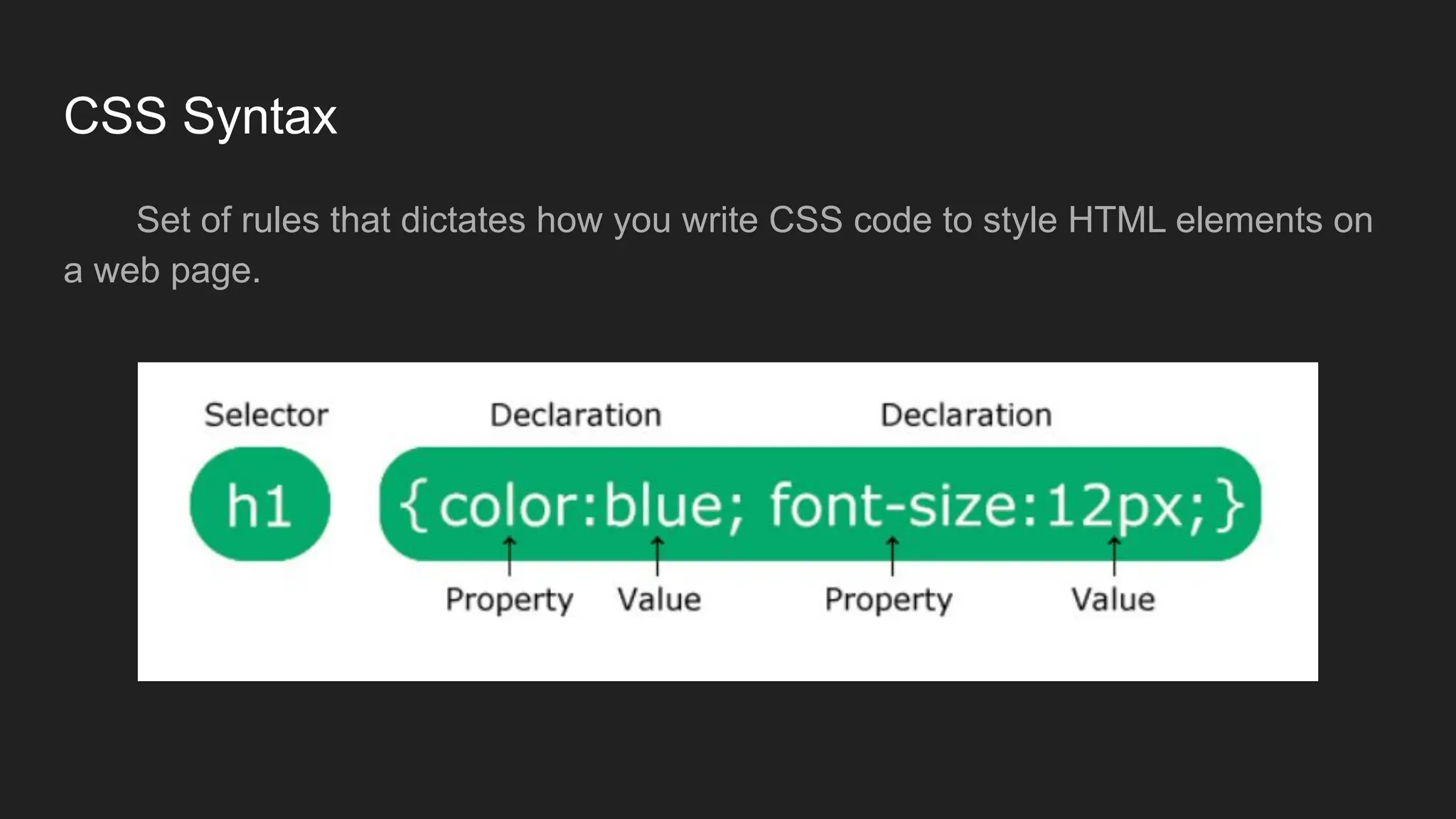
CSS Syntax
Set ofrules that dictates how you write CSS code to style HTML elements on
a web page.
55.
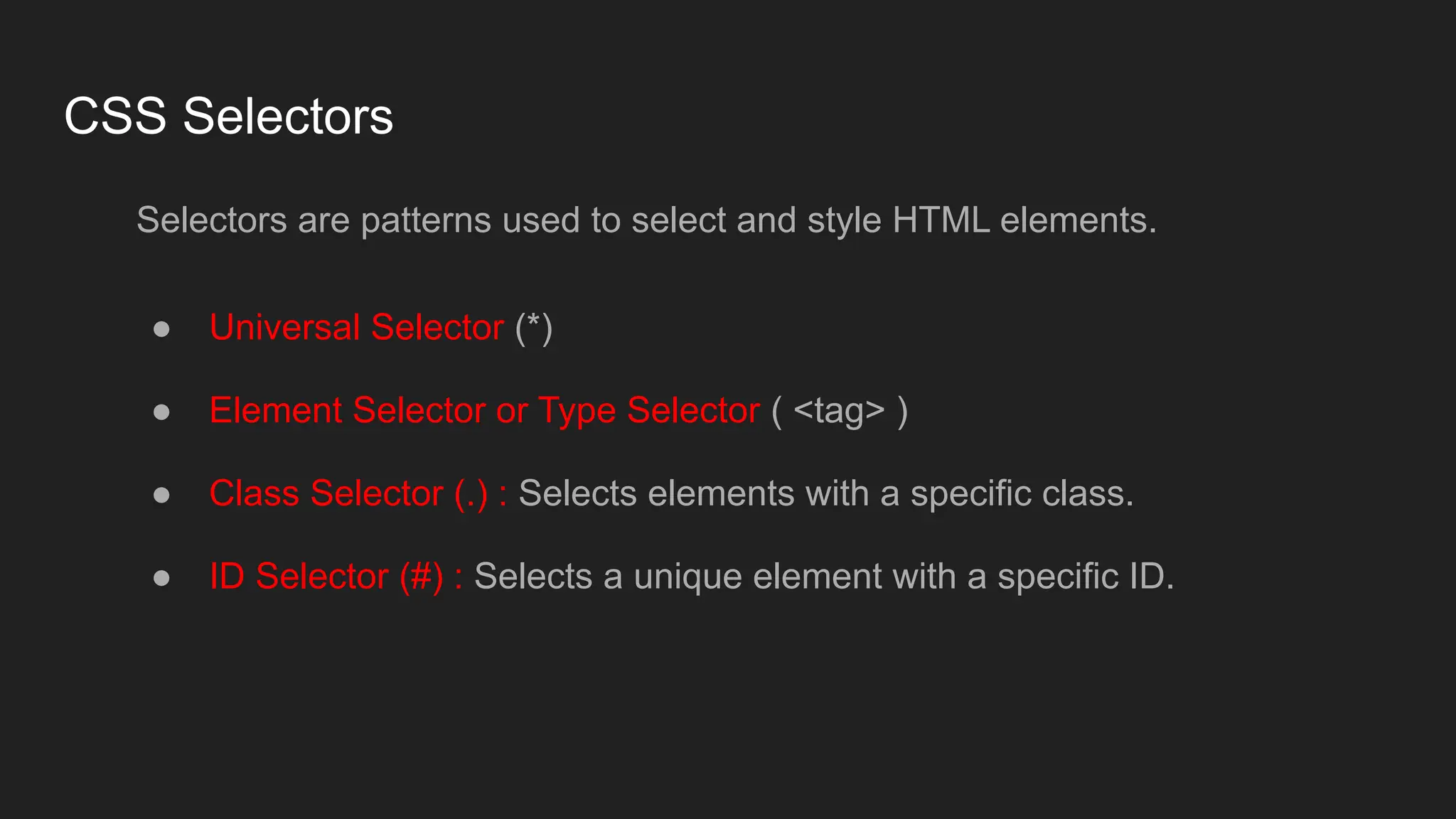
CSS Selectors
Selectors arepatterns used to select and style HTML elements.
● Universal Selector (*)
● Element Selector or Type Selector ( <tag> )
● Class Selector (.) : Selects elements with a specific class.
● ID Selector (#) : Selects a unique element with a specific ID.
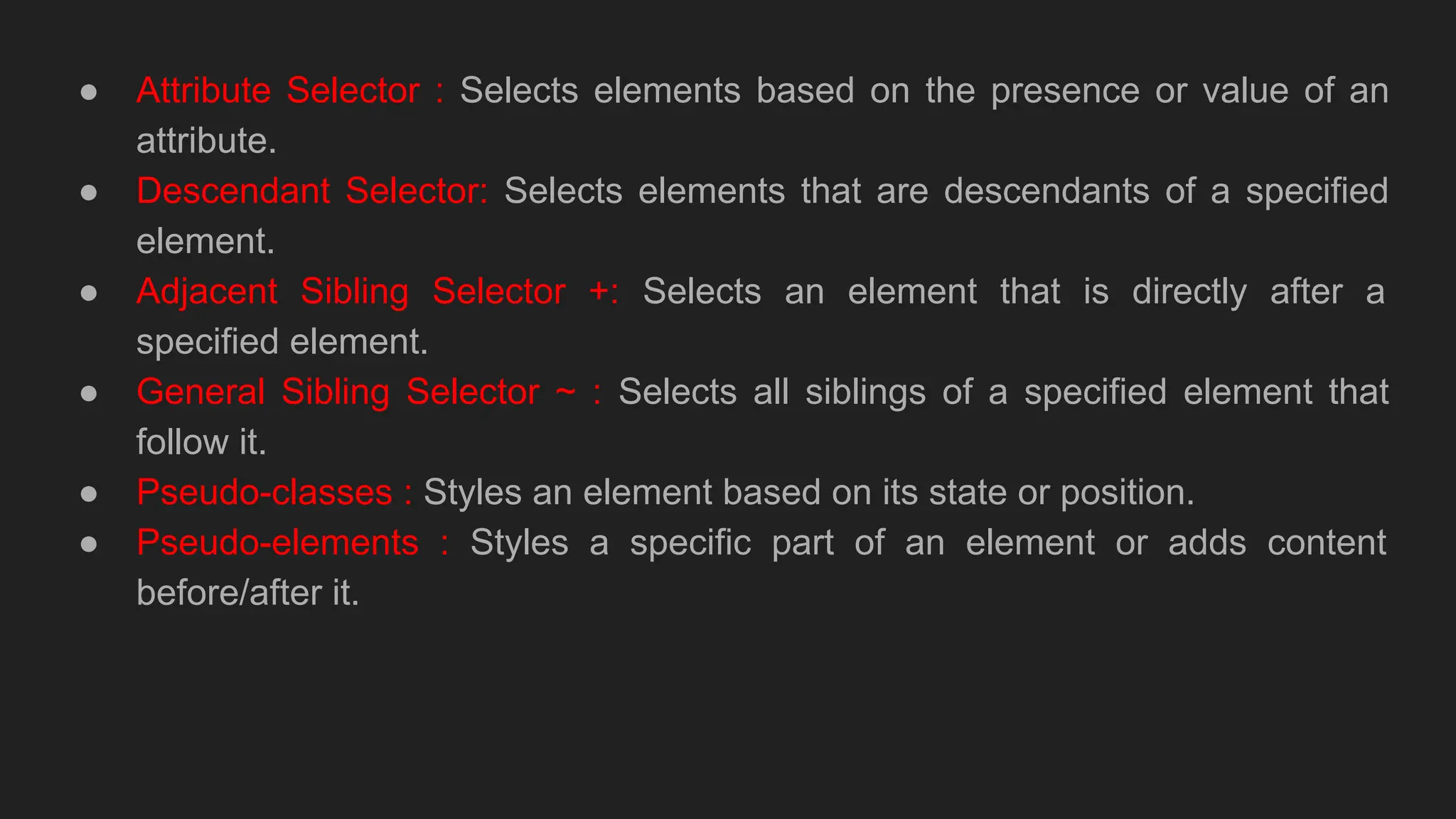
56.
● Attribute Selector: Selects elements based on the presence or value of an
attribute.
● Descendant Selector: Selects elements that are descendants of a specified
element.
● Adjacent Sibling Selector +: Selects an element that is directly after a
specified element.
● General Sibling Selector ~ : Selects all siblings of a specified element that
follow it.
● Pseudo-classes : Styles an element based on its state or position.
● Pseudo-elements : Styles a specific part of an element or adds content
before/after it.
57.
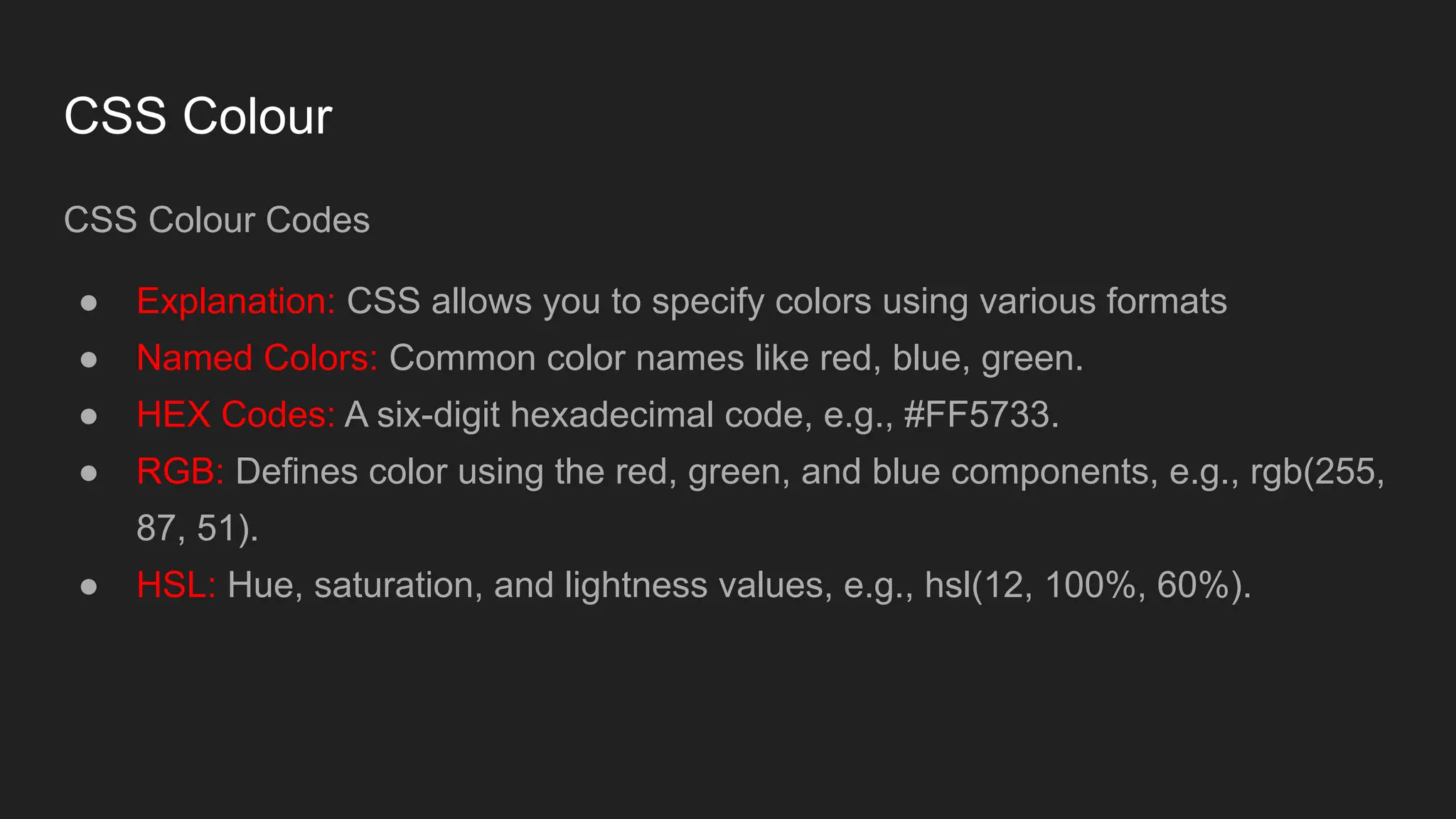
CSS Colour
CSS ColourCodes
● Explanation: CSS allows you to specify colors using various formats
● Named Colors: Common color names like red, blue, green.
● HEX Codes: A six-digit hexadecimal code, e.g., #FF5733.
● RGB: Defines color using the red, green, and blue components, e.g., rgb(255,
87, 51).
● HSL: Hue, saturation, and lightness values, e.g., hsl(12, 100%, 60%).
58.
Text Properties
● text-align:Aligns text horizontally
● text-transform: Changes text case
● letter-spacing: Adjusts space between characters
● line-height: Sets space between lines
59.
Font Stylings
Explanation: Fontstyling properties control how text appears
● font-family: Specifies the font type (e.g., Arial, Times New Roman).
● font-size: Sets the size of the font (e.g., 16px, 1em, 100%).
● font-weight: Defines the thickness of the font (e.g., normal, bold, 100).
● font-style: Sets the style of the font (e.g., normal, italic, oblique).
60.
Background Properties
Explanation: Backgroundproperties define the background of elements
● background-color: Sets the background color.
● background-image: Applies an image as the background.
● background-size: Defines the size of the background image (e.g., cover,
contain, or specific dimensions).
● background-position: Determines the position of the background image.
61.
CSS Borders
CSS borderproperties allow you to specify the style, width, and color of an
element's border.
● border-style: property specifies what kind of border to display.
● Border-width: property specifies the width of the four borders.
● border-color: property is used to set the color of the four borders.
● border-radius: property is used to add rounded borders to an element:
62.
CSS Margins
Margins areused to create space around elements, outside of any defined
borders.
● Margin - Individual Sides: CSS has properties for specifying the margin for
each side of an element:
1. margin-top
2. margin-right
3. margin-bottom
4. margin-left
63.
CSS Padding
Padding isused to create space around an element's content, inside of any
defined borders.
● Padding - Individual Sides: CSS has properties for specifying the padding for
each side of an element:
1. padding-top
2. padding-right
3. padding-bottom
4. padding-left
64.
CSS Height, Widthand Max-width
The CSS height and width properties are used to set the height and width of an
element.
The CSS max-width property is used to set the maximum width of an element.
65.
Display Properties
Explanation: Thedisplay property defines how an element is rendered on the page
● block: Element takes up the full width and starts on a new line.
● inline: Element takes only the width it needs and does not start on a new line.
● inline-block: Element takes only the width it needs but can have width and
height set.
● none: The element will not be displayed.
66.
CSS Position Properties
Explanation:Positioning properties control how an element is placed on the page.
● static: Default positioning, elements are positioned according to the normal
flow.
● relative: Positioned relative to its normal position.
● absolute: Positioned relative to the nearest positioned ancestor (not static).
● fixed: Positioned relative to the viewport, stays in place when scrolling.
● sticky: A hybrid of relative and fixed, based on scroll position.
67.
Box Model
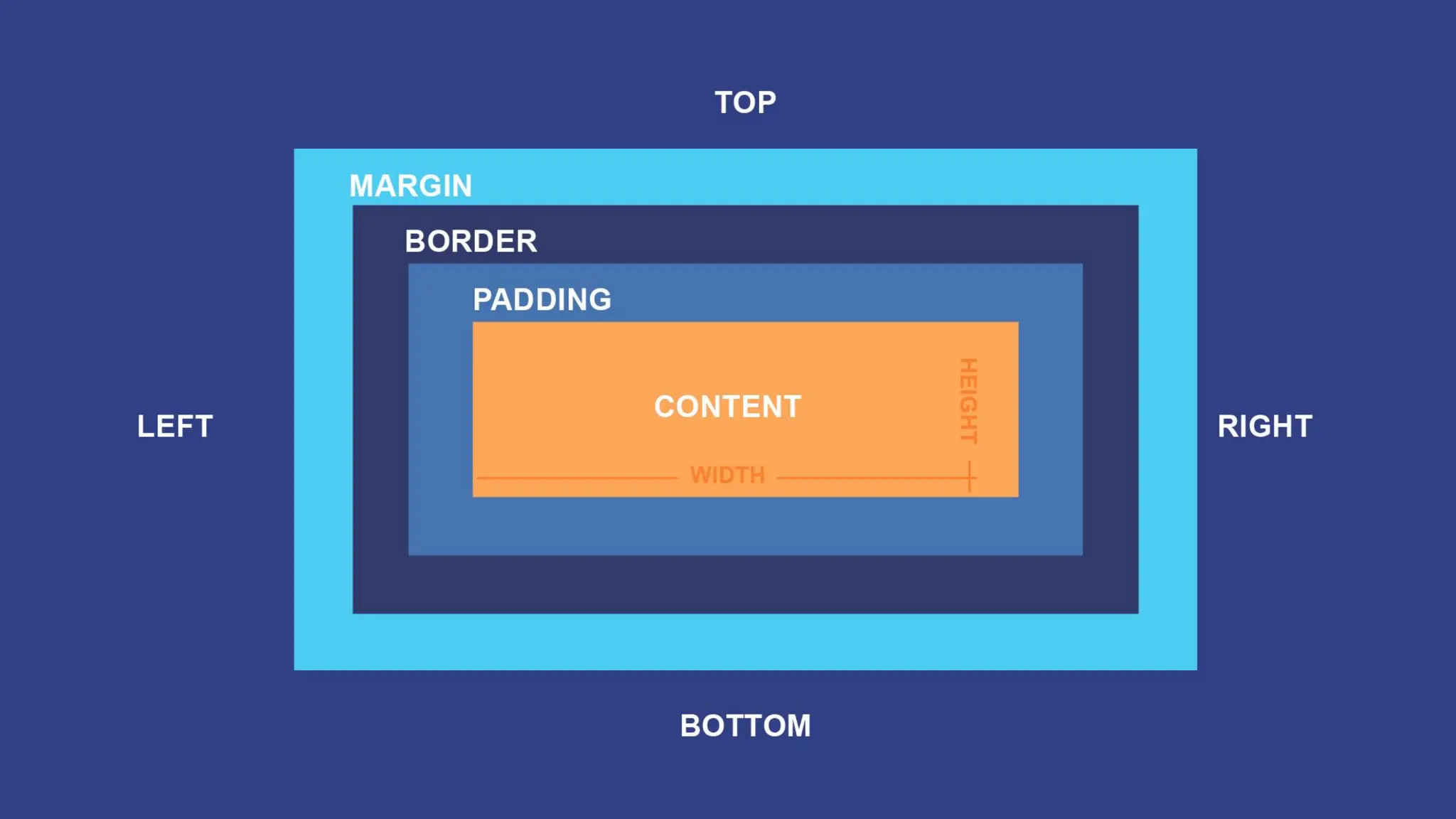
CSS BoxModel is a fundamental concept in web design that describes how elements on a
webpage are structured and how their dimensions are calculated.
Content: The area that holds the actual content, like text or images, with size controlled by
width and height.
Padding: The transparent space between the content and the border, adjustable with the
padding property.
Border: The line surrounding the padding and content, customizable in style, width, and color
via the border property.
Margin: The outer space that separates the element from others, also transparent and adjusted
with the margin property.
69.
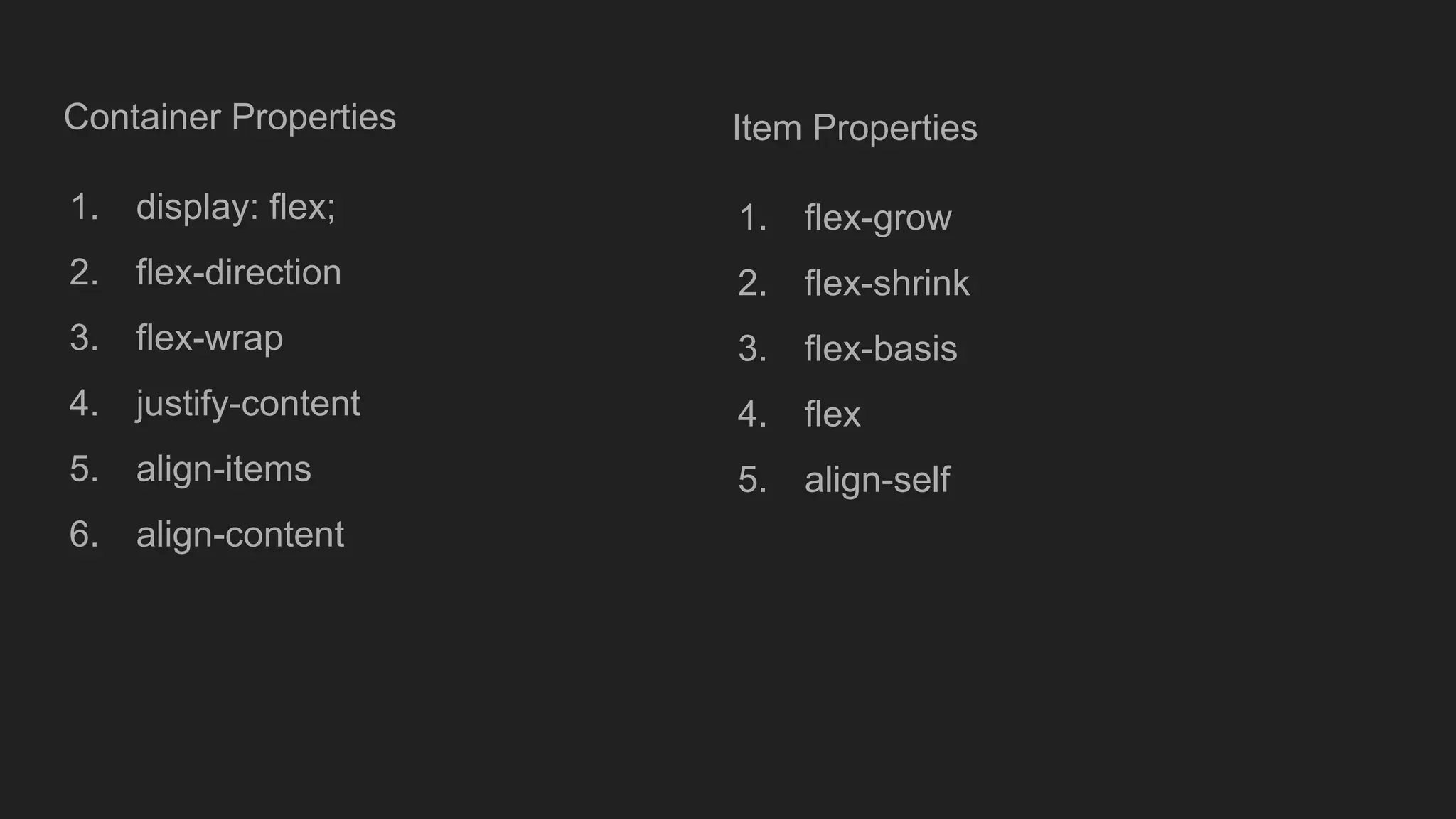
Flexbox in CSS
FlexibleBox Layout, is a CSS layout model designed to provide a more efficient
way to arrange and distribute space among items in a container, even when their
size is unknown or dynamic.
It allows for responsive design and simplifies the alignment of elements within a
container.
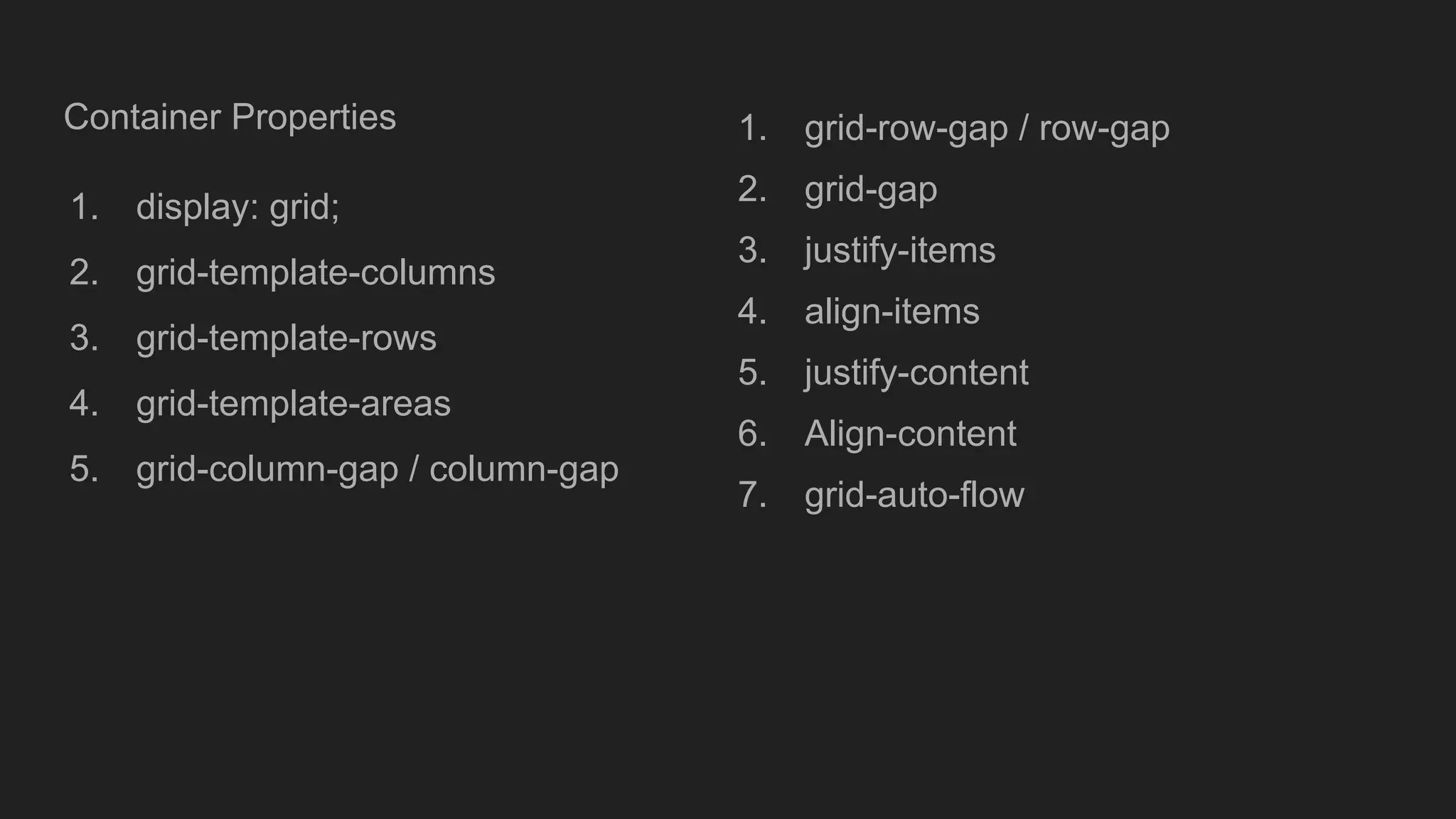
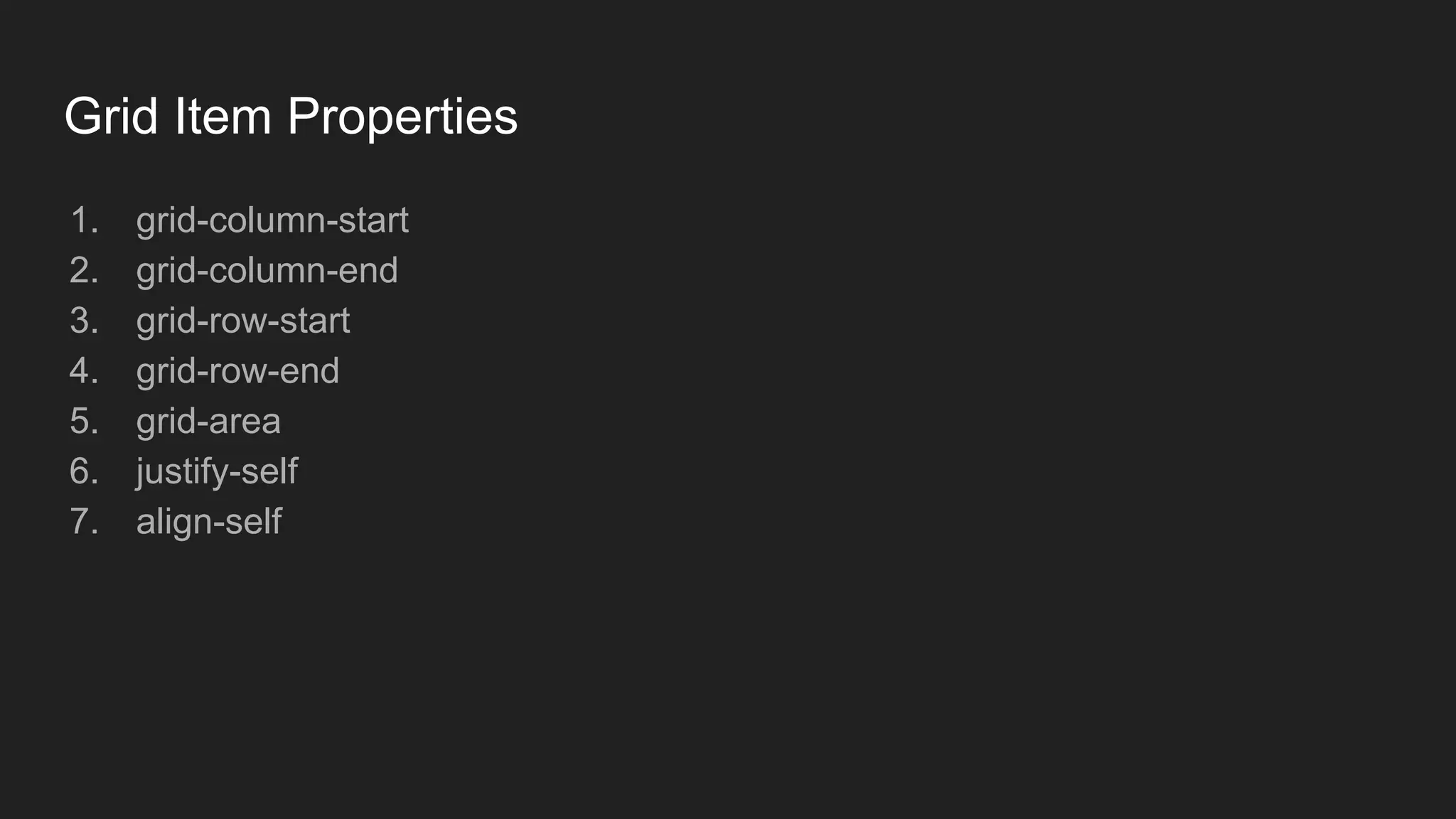
CSS Grid Layout
CSSGrid Layout is a two-dimensional layout system for the web that allows
developers to create complex web designs using rows and columns. It provides a
flexible way to arrange elements on a webpage, making it easier to build
responsive layouts.
JavaScript Introduction
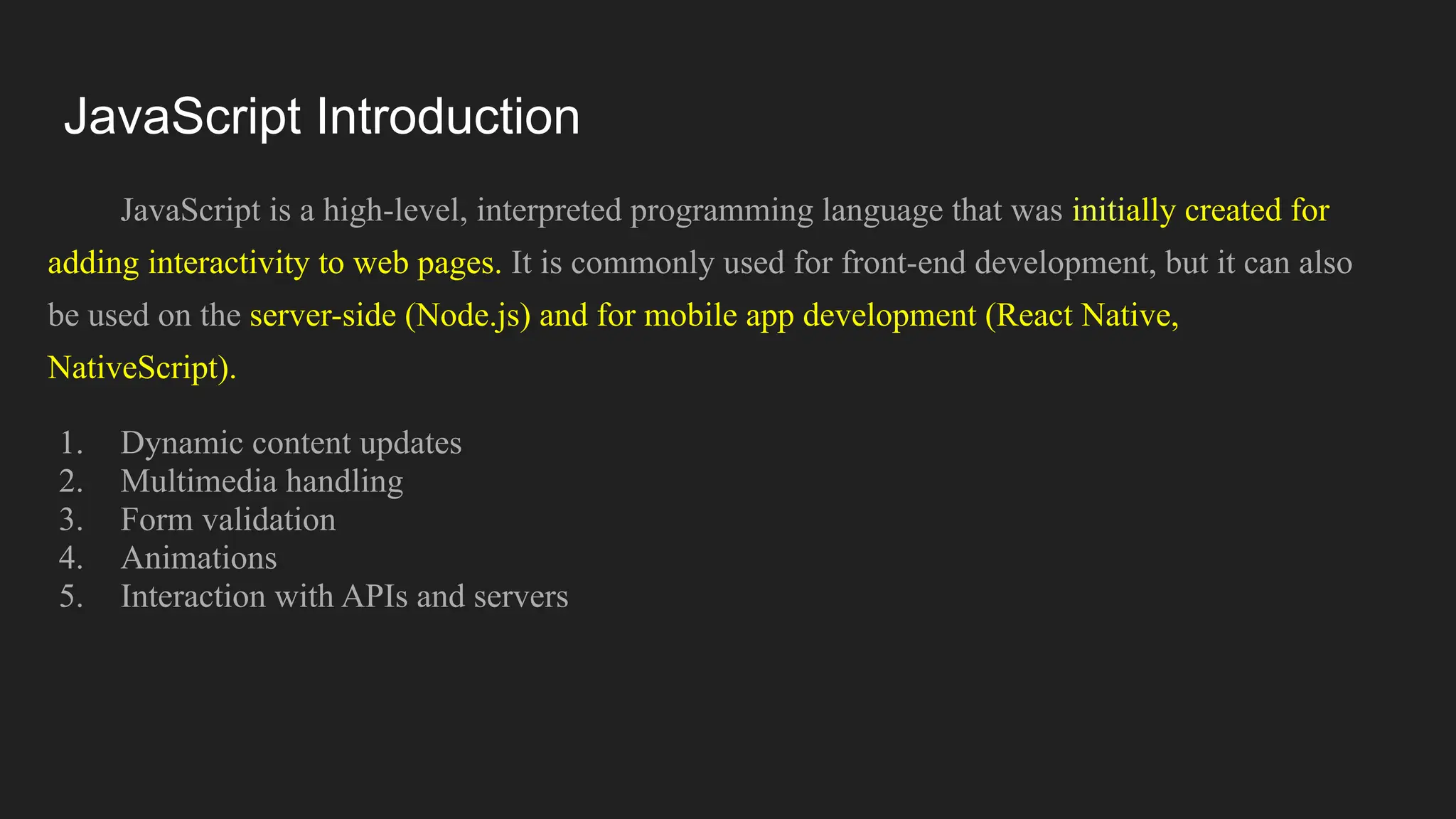
JavaScript isa high-level, interpreted programming language that was initially created for
adding interactivity to web pages. It is commonly used for front-end development, but it can also
be used on the server-side (Node.js) and for mobile app development (React Native,
NativeScript).
1. Dynamic content updates
2. Multimedia handling
3. Form validation
4. Animations
5. Interaction with APIs and servers
75.
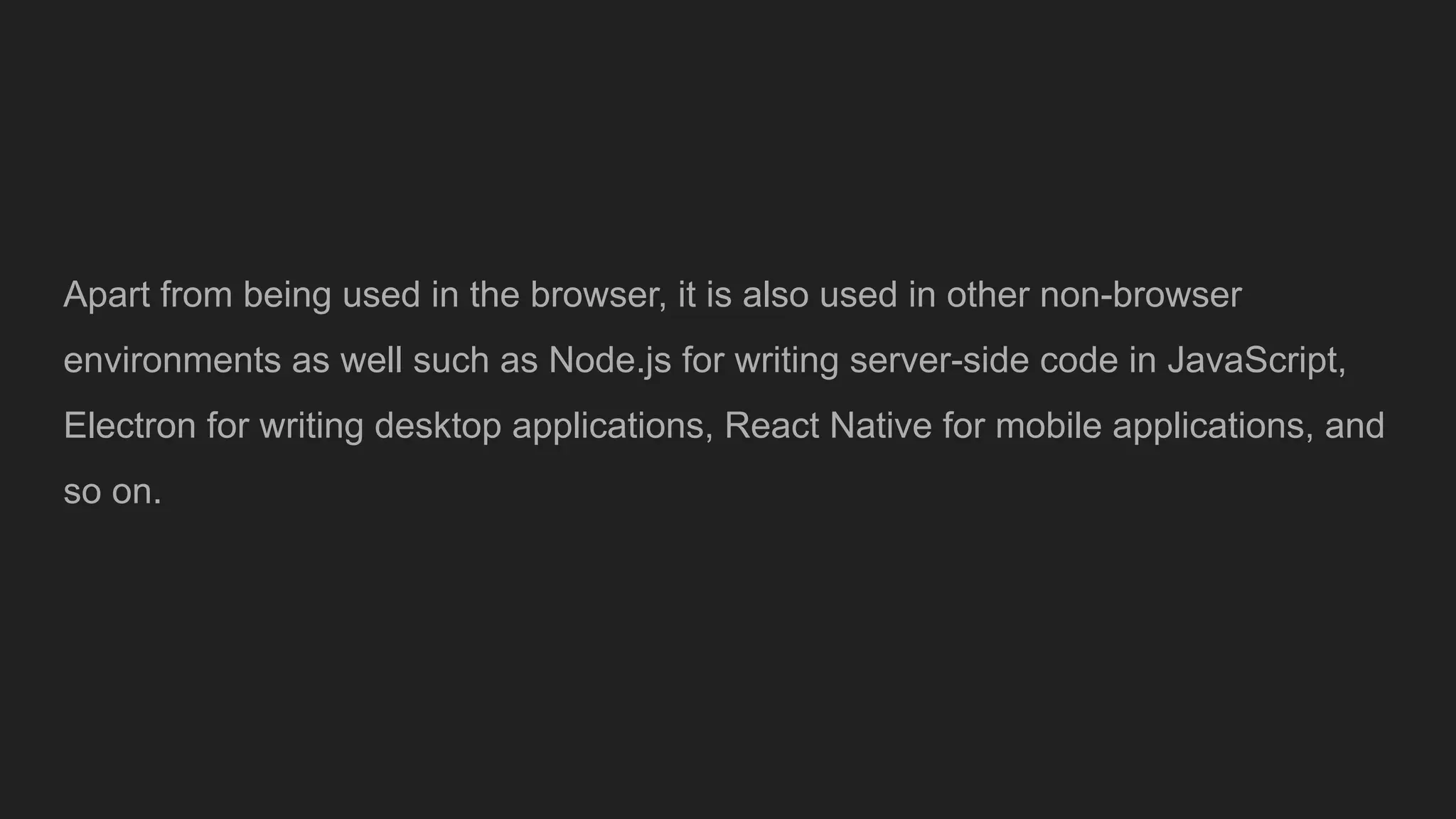
Apart from beingused in the browser, it is also used in other non-browser
environments as well such as Node.js for writing server-side code in JavaScript,
Electron for writing desktop applications, React Native for mobile applications, and
so on.
76.
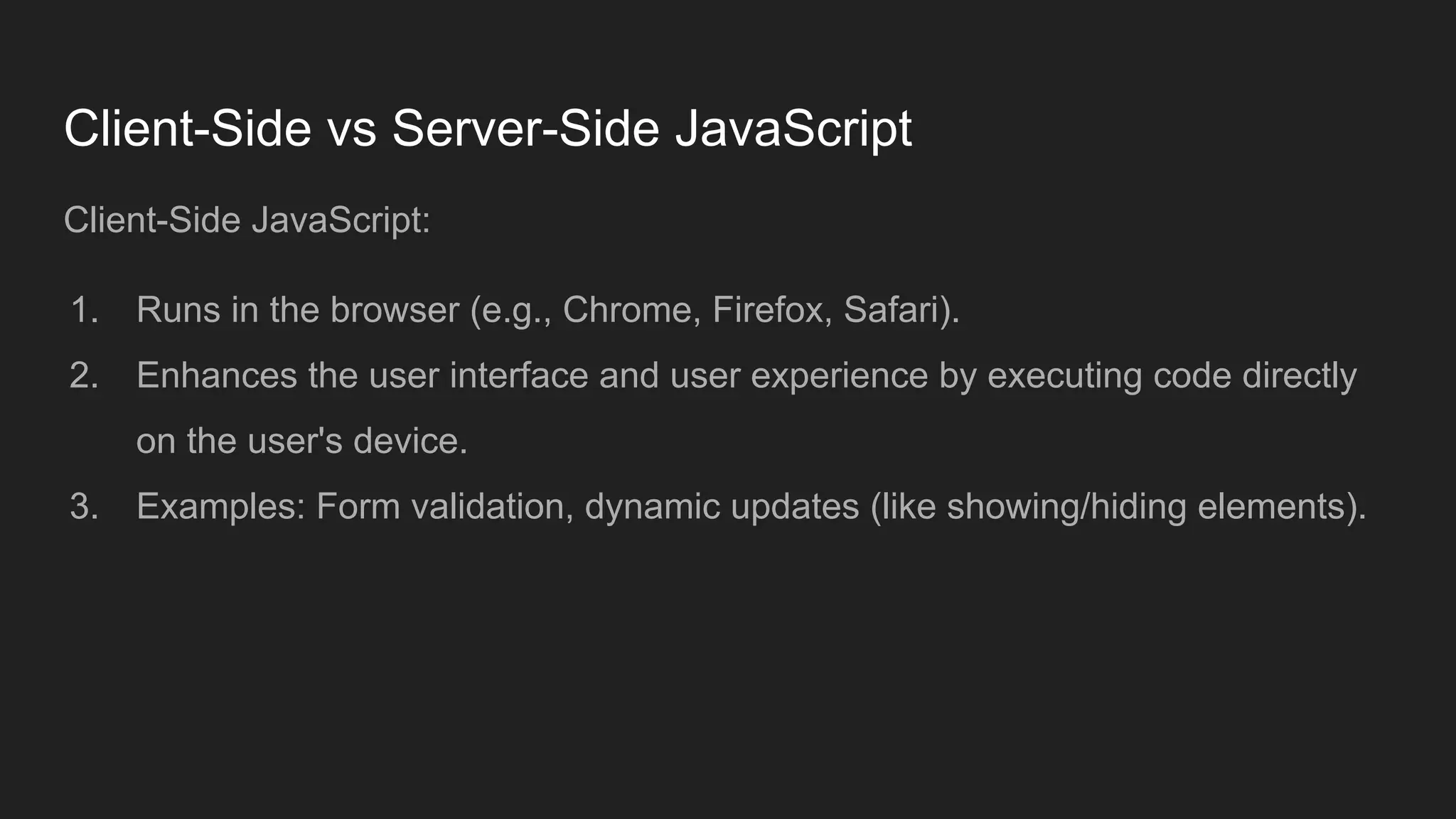
Client-Side vs Server-SideJavaScript
Client-Side JavaScript:
1. Runs in the browser (e.g., Chrome, Firefox, Safari).
2. Enhances the user interface and user experience by executing code directly
on the user's device.
3. Examples: Form validation, dynamic updates (like showing/hiding elements).
77.
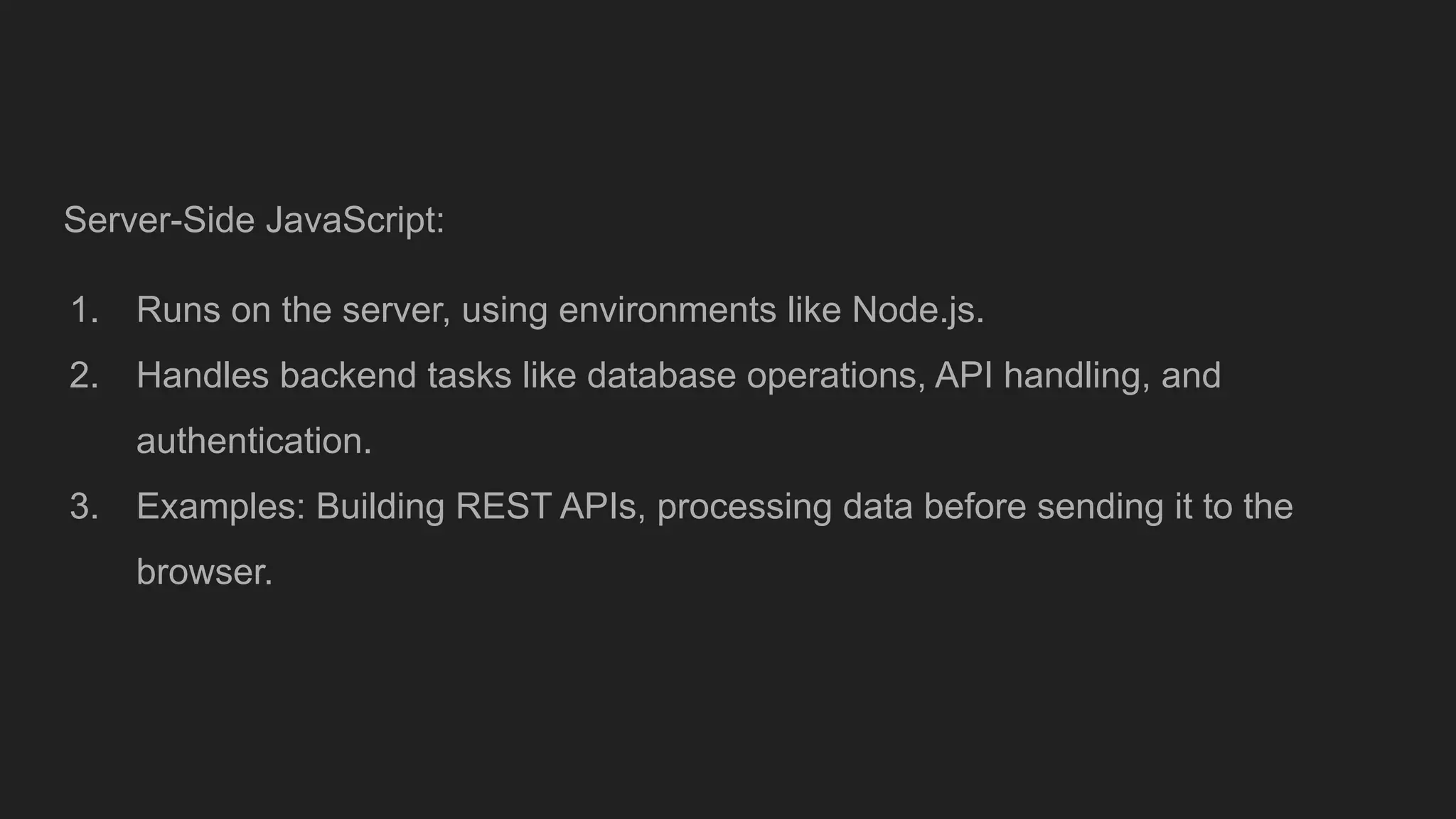
Server-Side JavaScript:
1. Runson the server, using environments like Node.js.
2. Handles backend tasks like database operations, API handling, and
authentication.
3. Examples: Building REST APIs, processing data before sending it to the
browser.
78.
Origins and EarlyDevelopment
1995: Birth of JavaScript
● Creation: JavaScript was created by Brendan Eich while working at Netscape
Communications Corporation. Originally called Mocha, it was later renamed
LiveScript and then JavaScript.
● Release: The first version of JavaScript was included in Netscape Navigator
2.0, released in September 1995.
79.
1996: JavaScript Standardization
●Microsoft JScript: Microsoft created its own version of JavaScript, called
JScript, to be included in Internet Explorer 3.0.
● ECMA Standardization: To ensure cross-browser compatibility, JavaScript
was submitted to the European Computer Manufacturers Association (ECMA)
for standardization. This led to the creation of ECMAScript.
80.
How to runJavascript
● In your web browser: This is the most common way to run JavaScript.
JavaScript code is embedded within HTML files using <script> tags. When
you load an HTML page in your browser, the JavaScript code is executed as
well. This allows JavaScript to add interactivity and dynamic behavior to web
pages.
● Node.js: This is a runtime environment that allows you to run JavaScript code
outside of a web browser. It's particularly useful for creating server-side
applications and command-line tools using JavaScript.
81.
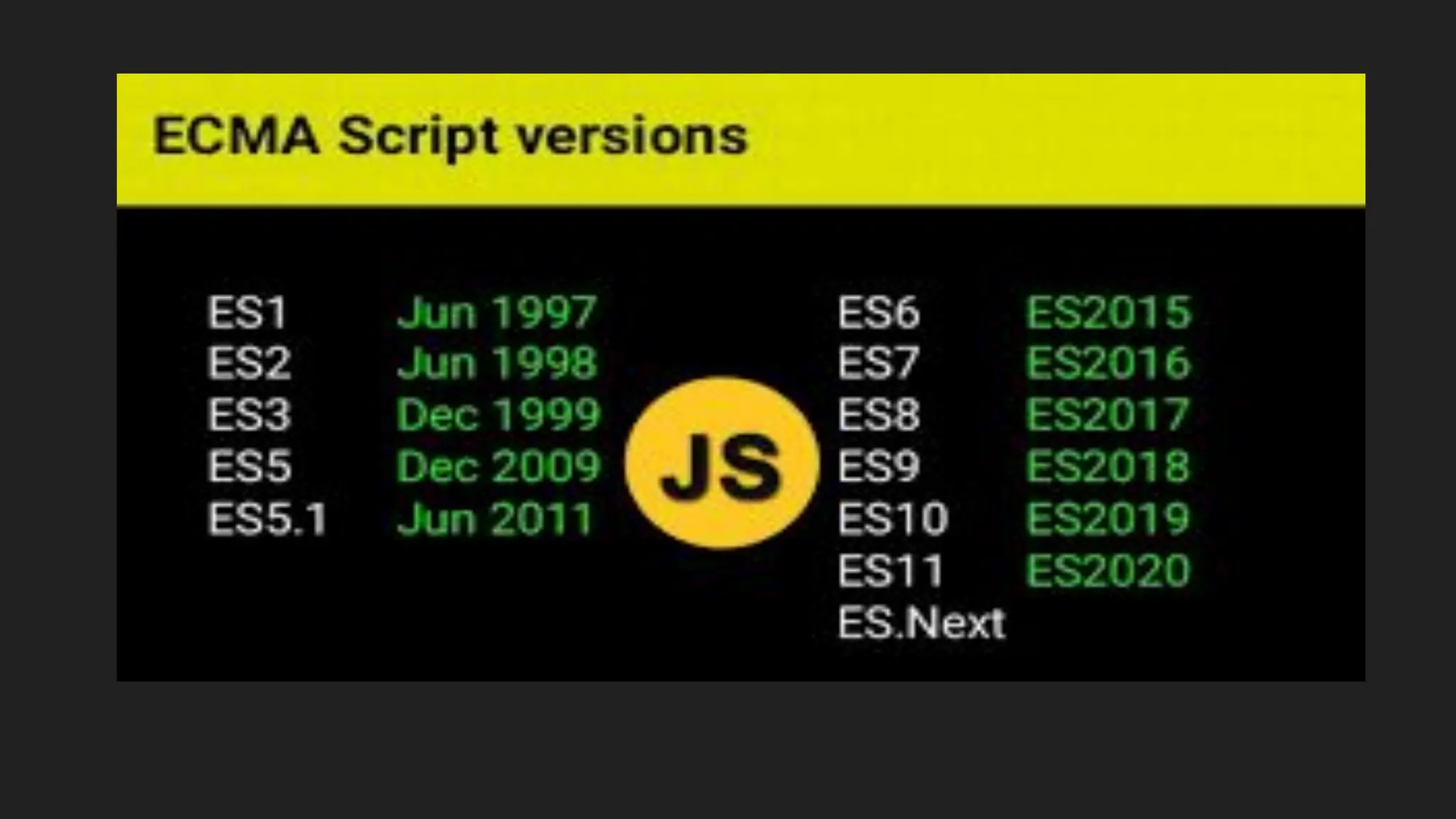
Javascript Versions :ECMAScript
ECMAScript (ES) is a standardized scripting language specification. This means
it's a set of documented rules that define the core features and syntax for a
scripting language.
Standardization , Foundation and Evolution
Example: universal recipe book for scripting languages
JavaScript Output
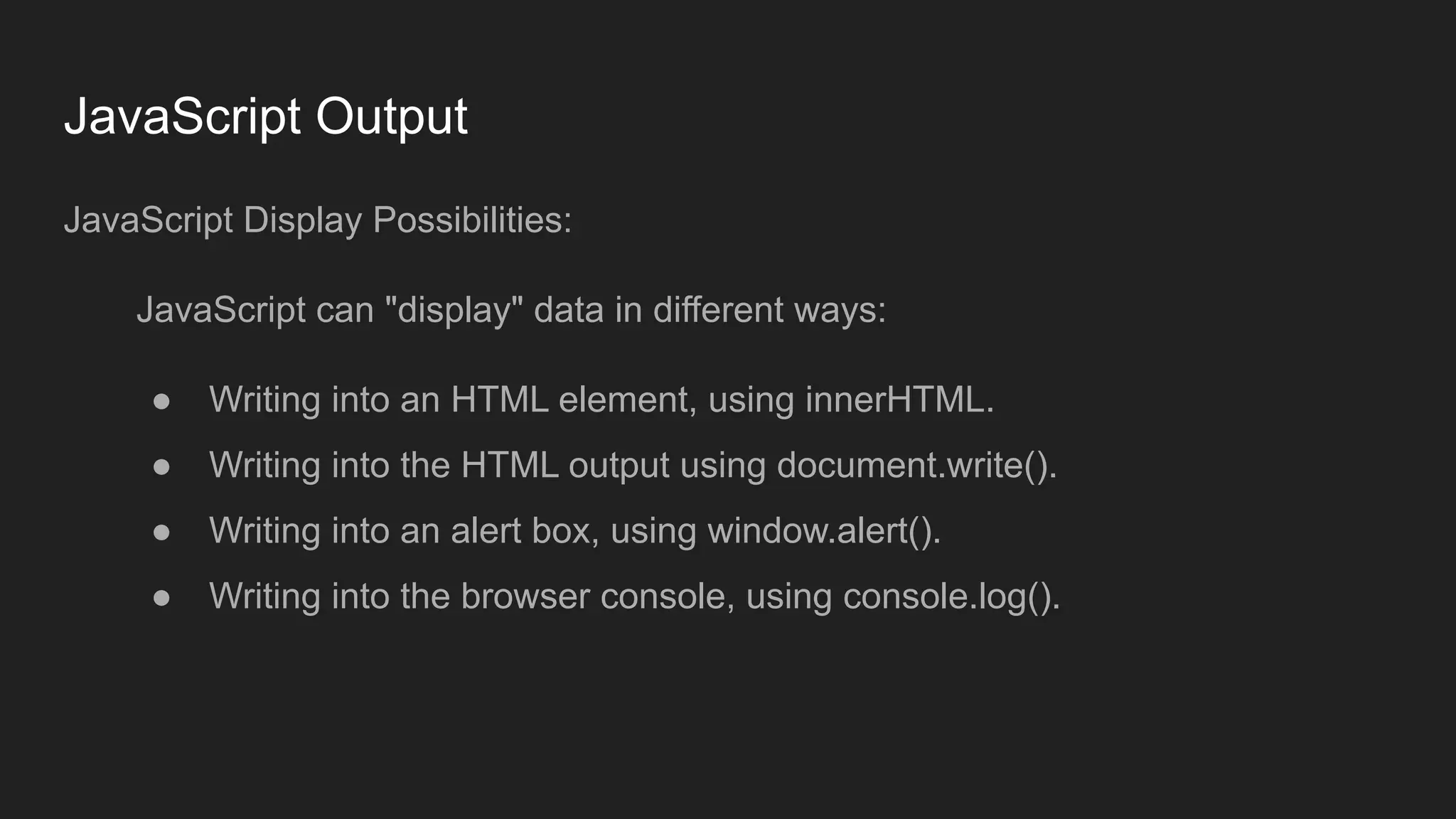
JavaScript DisplayPossibilities:
JavaScript can "display" data in different ways:
● Writing into an HTML element, using innerHTML.
● Writing into the HTML output using document.write().
● Writing into an alert box, using window.alert().
● Writing into the browser console, using console.log().
85.
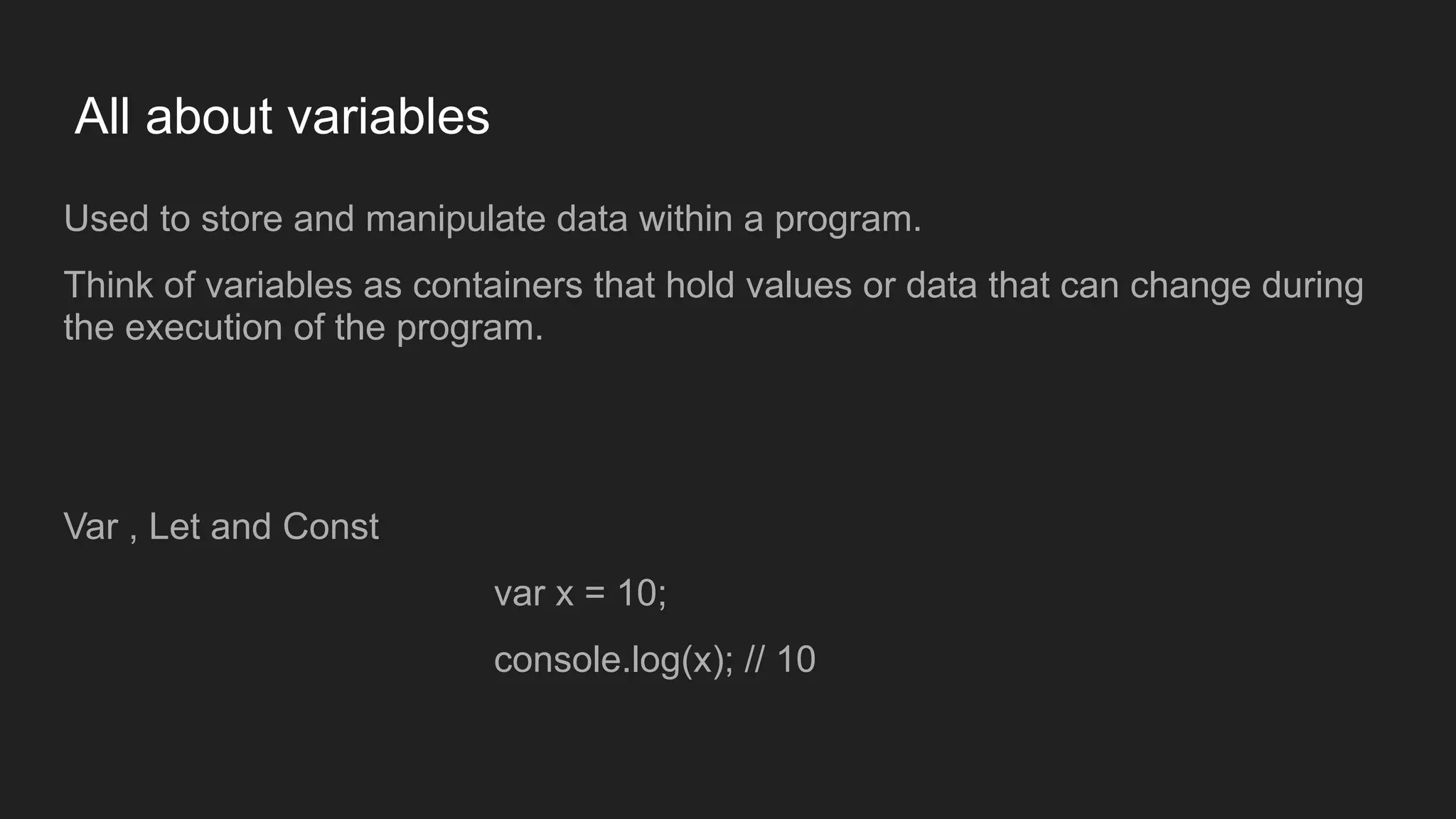
All about variables
Usedto store and manipulate data within a program.
Think of variables as containers that hold values or data that can change during
the execution of the program.
Var , Let and Const
var x = 10;
console.log(x); // 10
86.
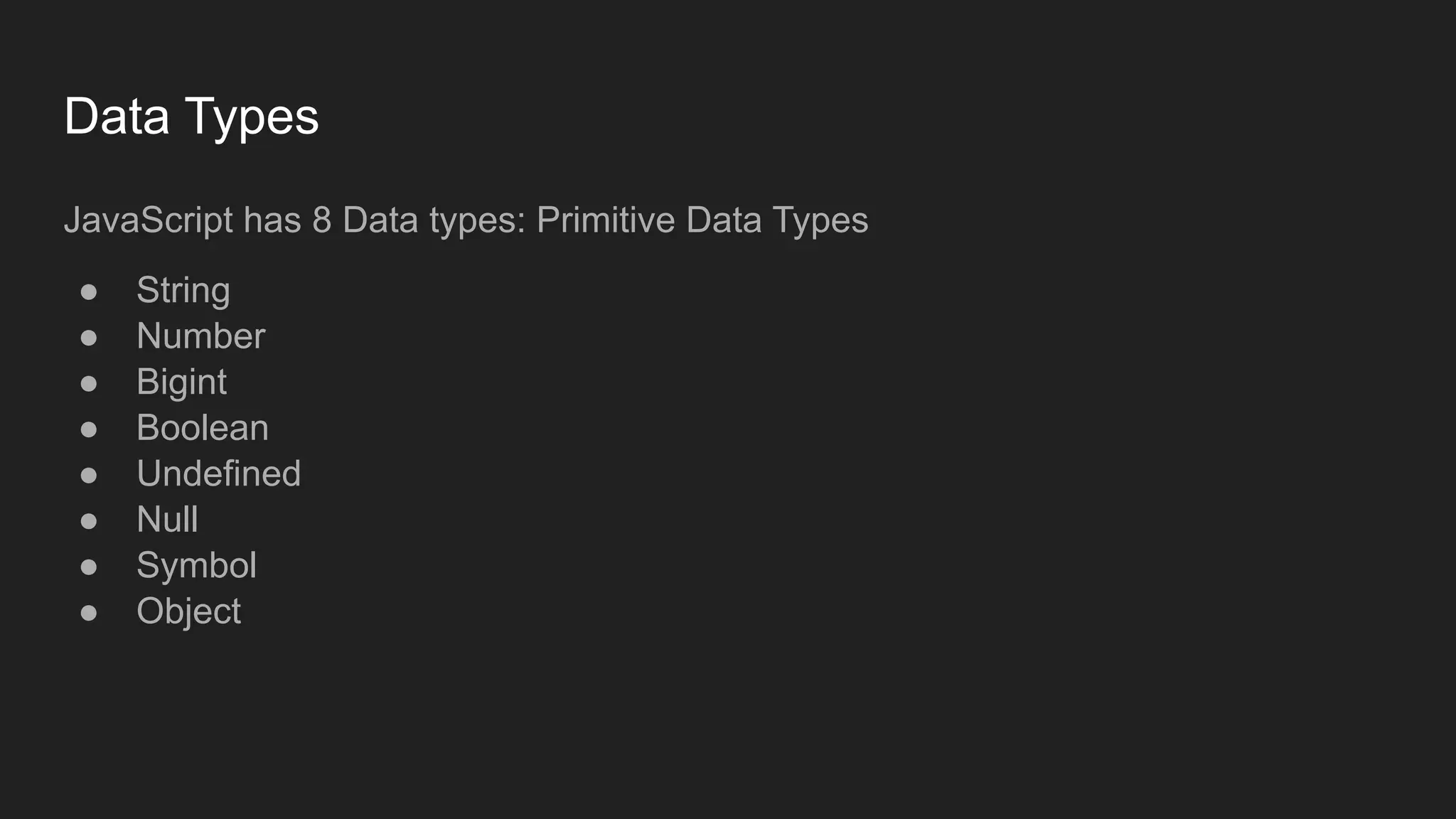
Data Types
JavaScript has8 Data types: Primitive Data Types
● String
● Number
● Bigint
● Boolean
● Undefined
● Null
● Symbol
● Object
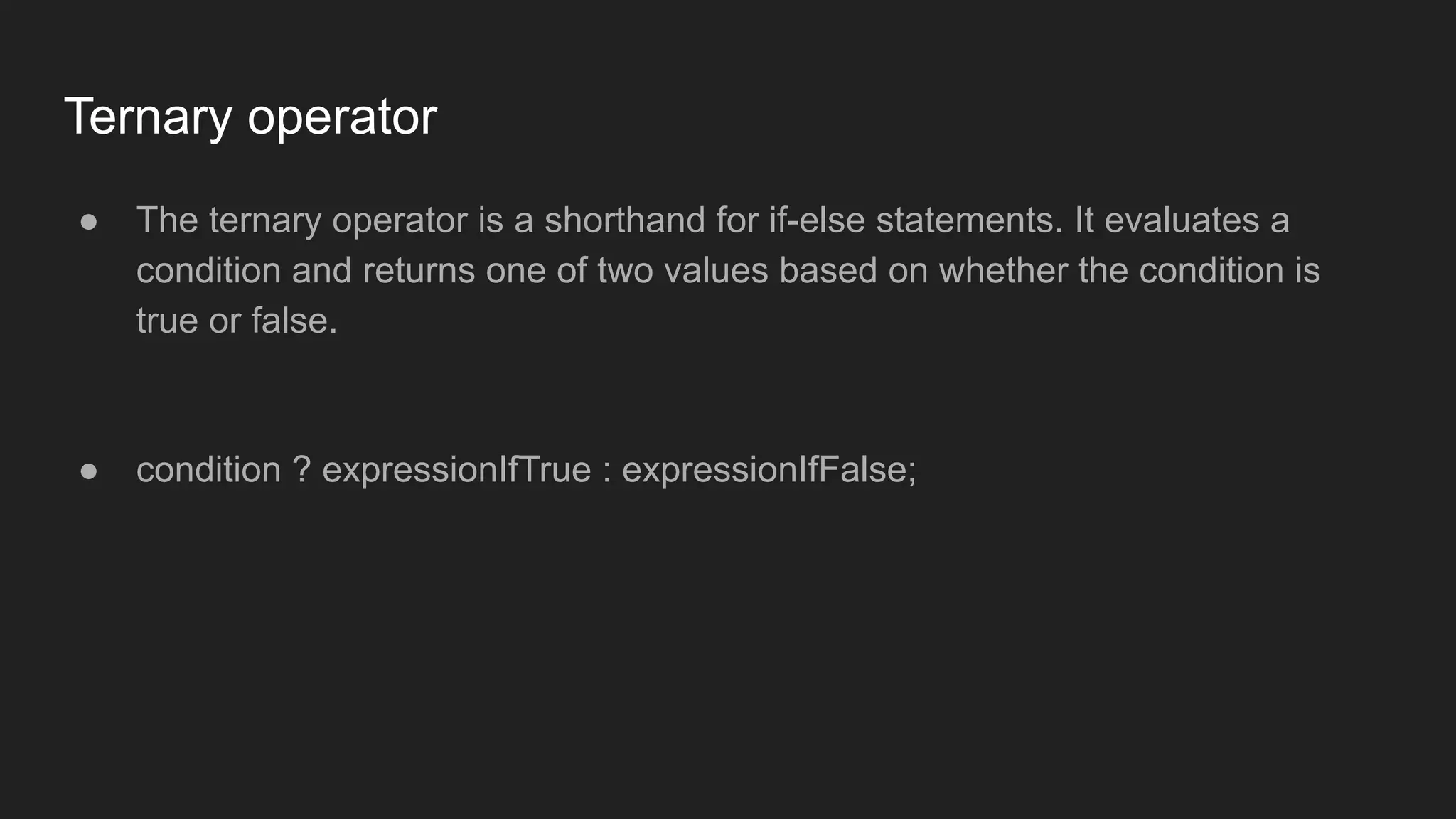
Ternary operator
● Theternary operator is a shorthand for if-else statements. It evaluates a
condition and returns one of two values based on whether the condition is
true or false.
● condition ? expressionIfTrue : expressionIfFalse;
89.
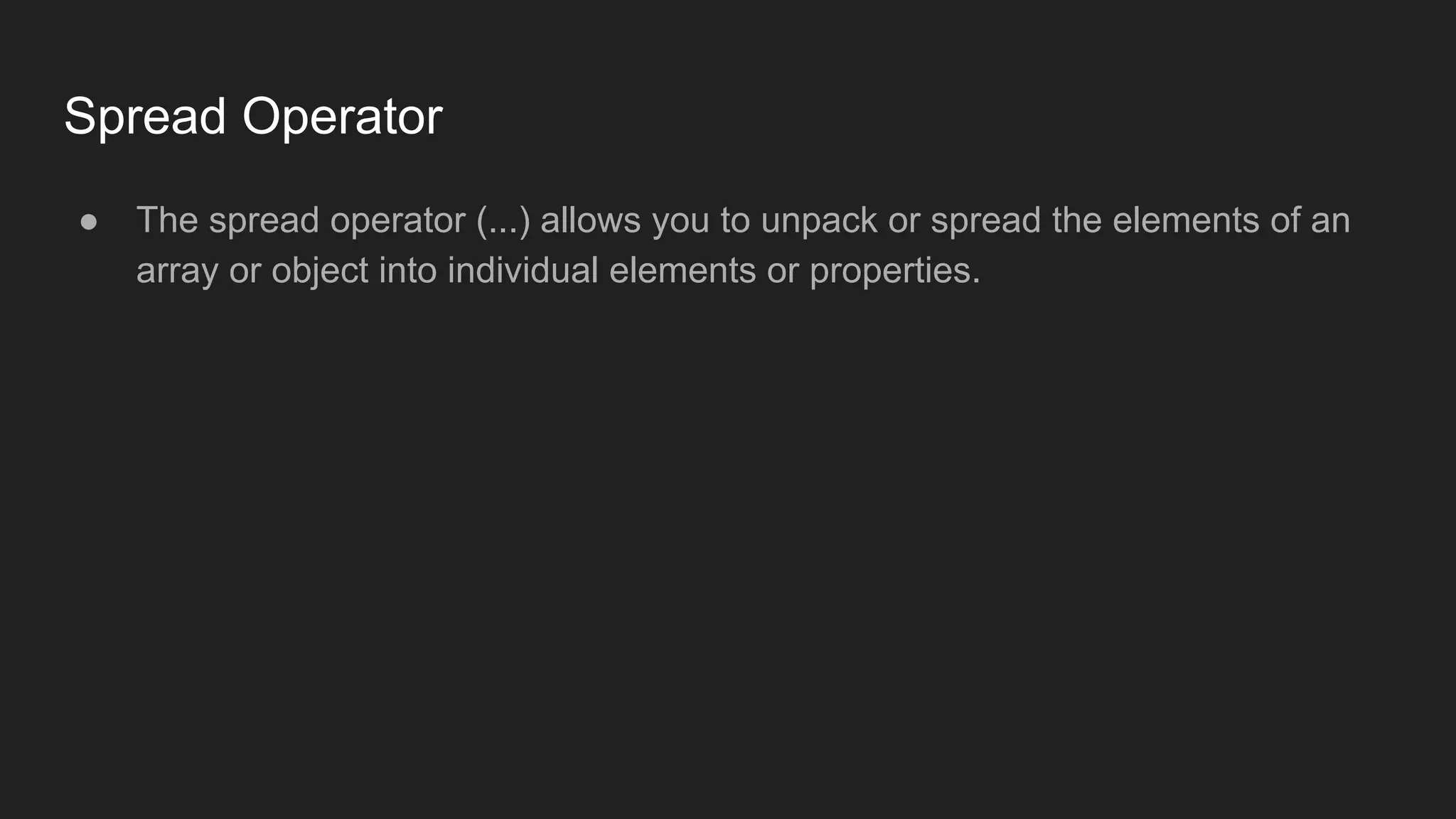
Spread Operator
● Thespread operator (...) allows you to unpack or spread the elements of an
array or object into individual elements or properties.
90.
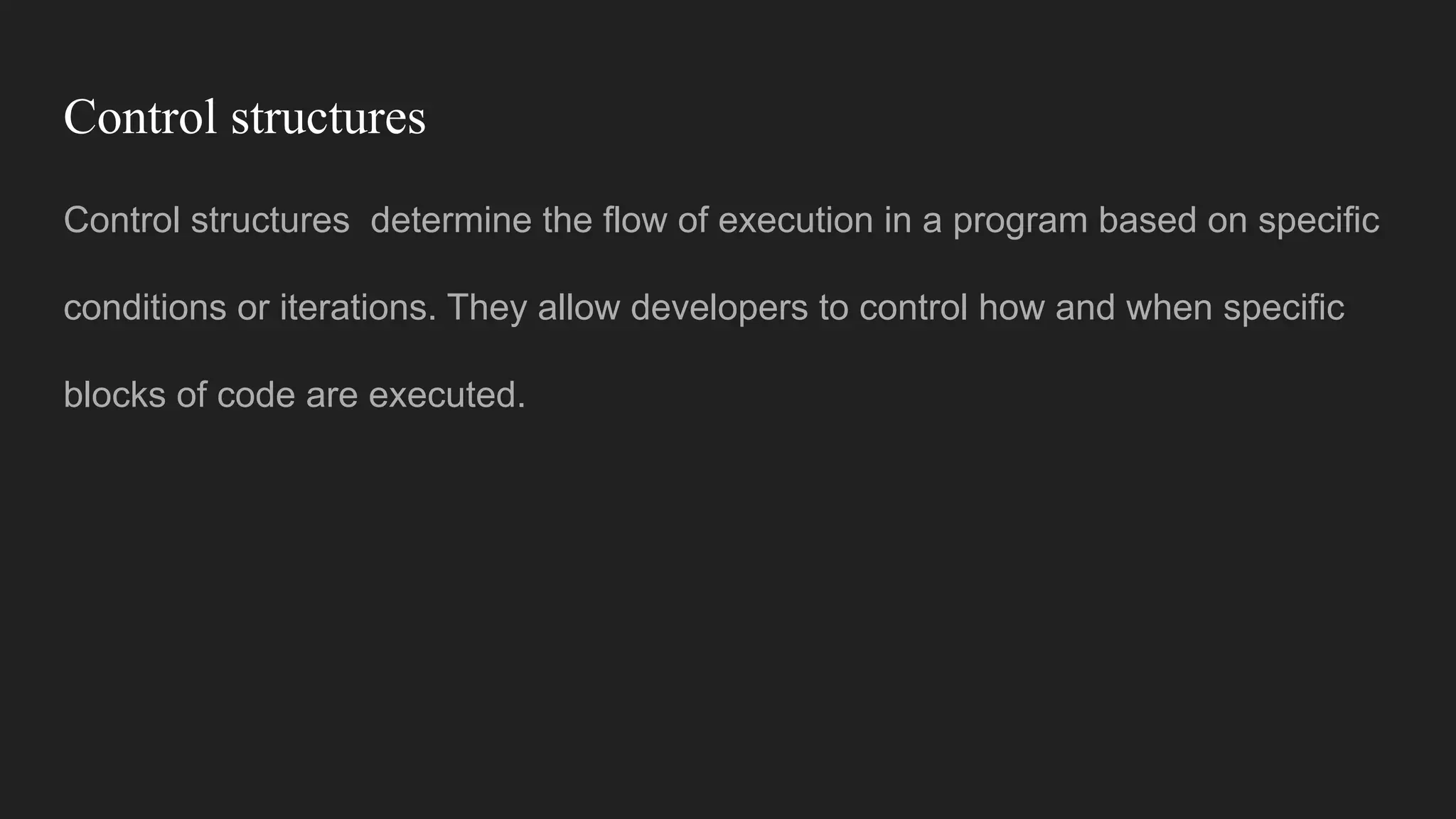
Control structures
Control structuresdetermine the flow of execution in a program based on specific
conditions or iterations. They allow developers to control how and when specific
blocks of code are executed.
91.
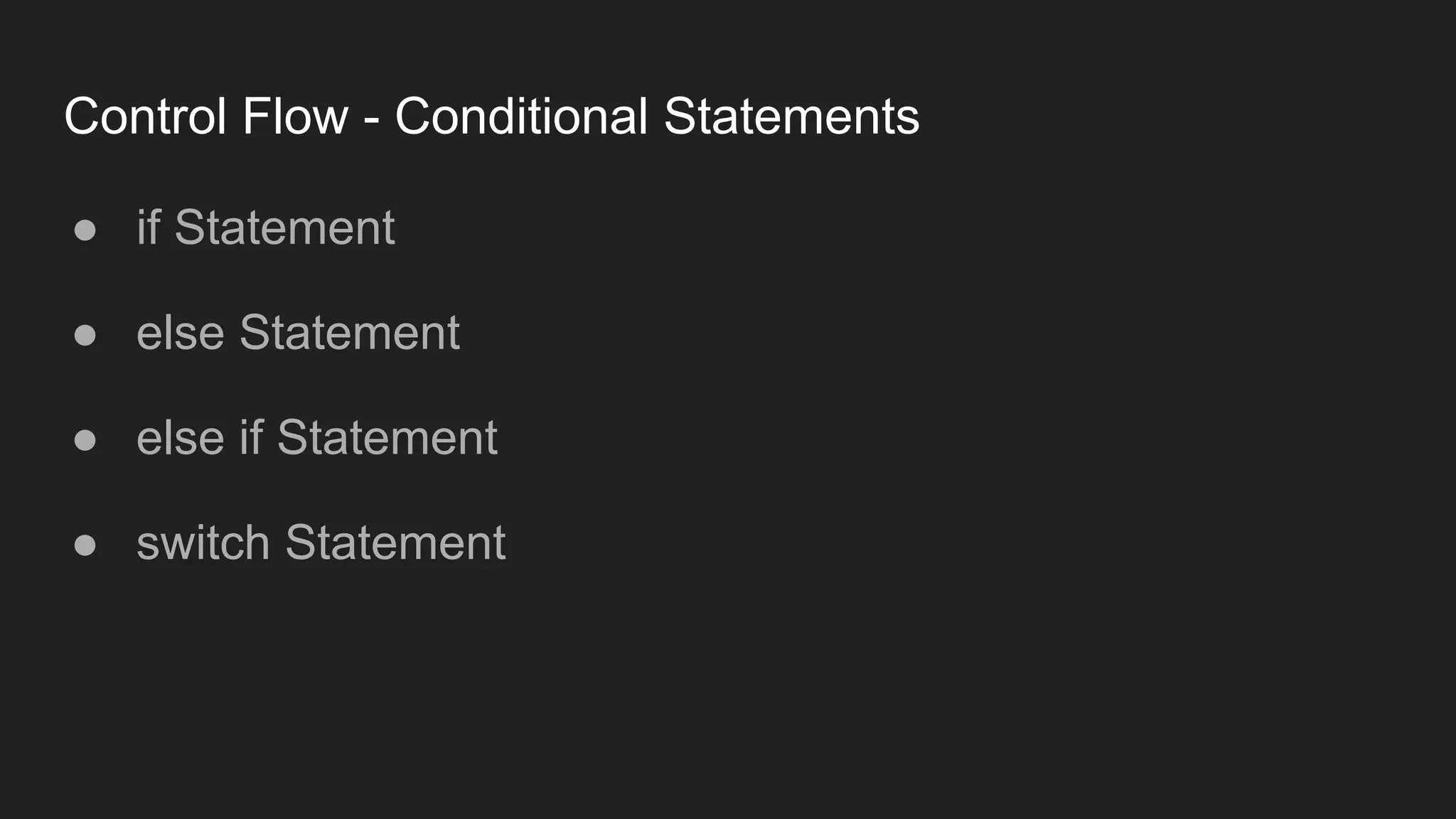
Control Flow -Conditional Statements
● if Statement
● else Statement
● else if Statement
● switch Statement
Functions in JavaScript
Functionsare reusable blocks of code designed to perform a specific task. They
make programs modular, efficient, and easy to maintain.
96.
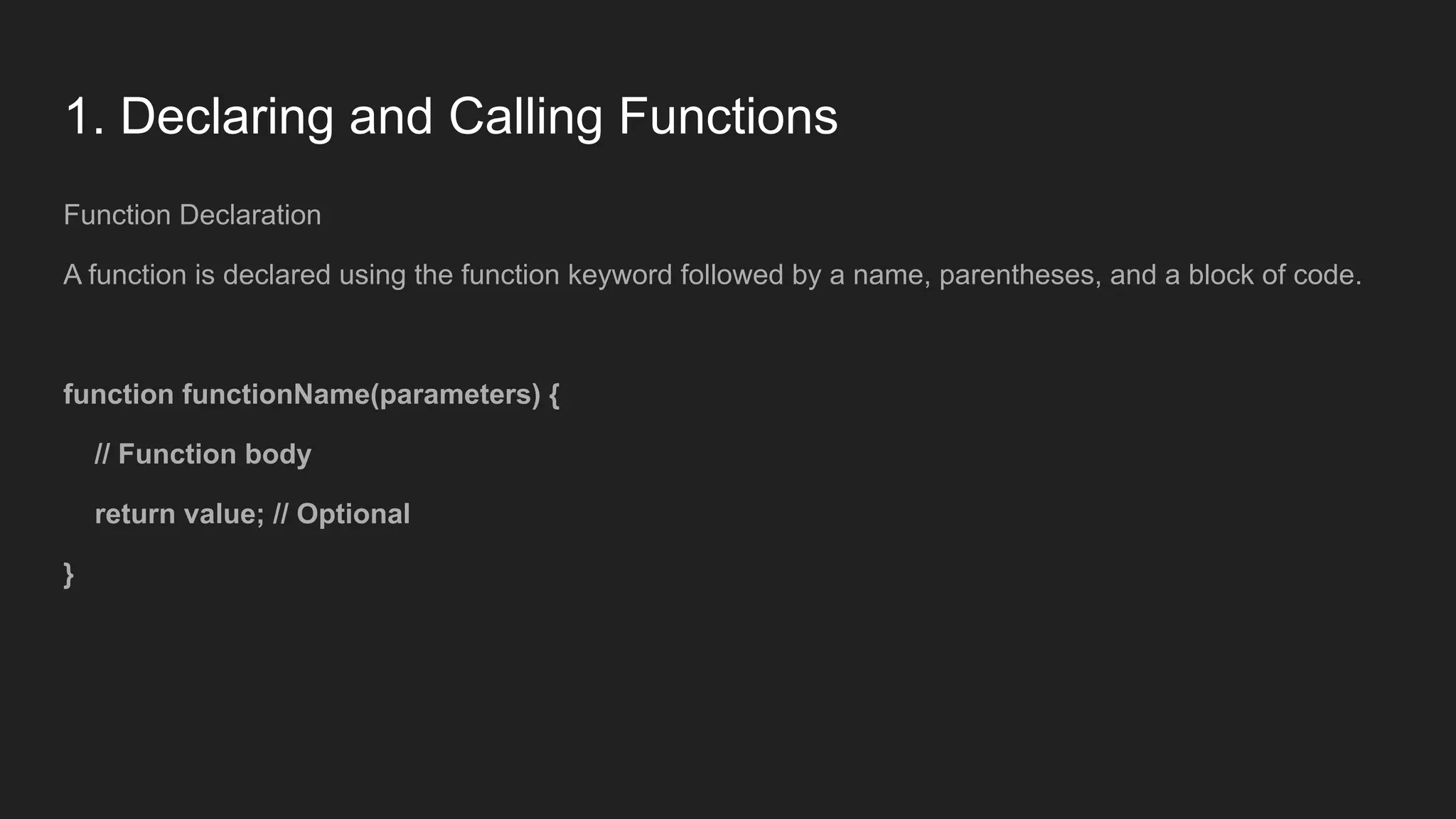
1. Declaring andCalling Functions
Function Declaration
A function is declared using the function keyword followed by a name, parentheses, and a block of code.
function functionName(parameters) {
// Function body
return value; // Optional
}
97.
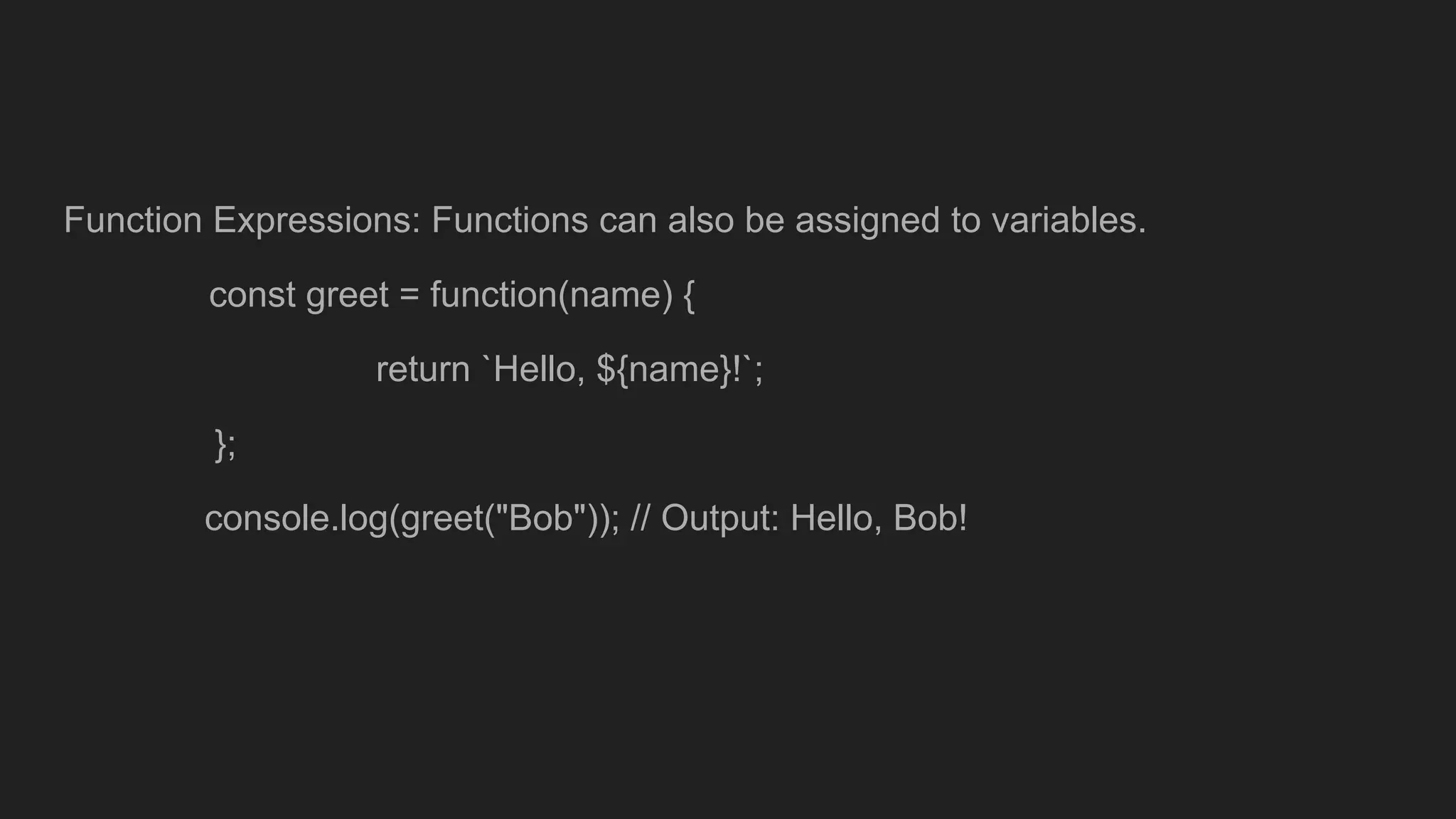
Function Expressions: Functionscan also be assigned to variables.
const greet = function(name) {
return `Hello, ${name}!`;
};
console.log(greet("Bob")); // Output: Hello, Bob!
98.
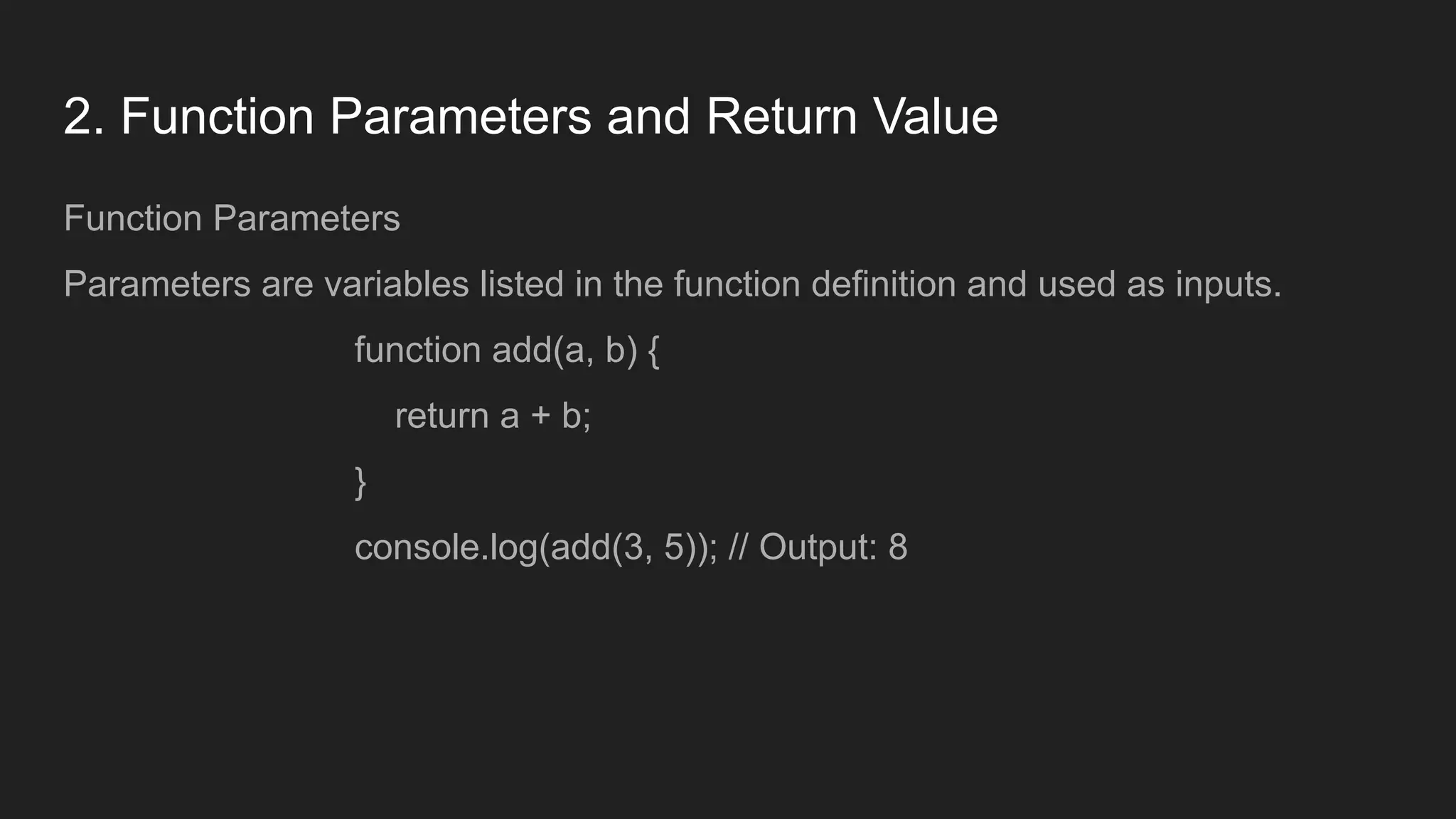
2. Function Parametersand Return Value
Function Parameters
Parameters are variables listed in the function definition and used as inputs.
function add(a, b) {
return a + b;
}
console.log(add(3, 5)); // Output: 8
99.
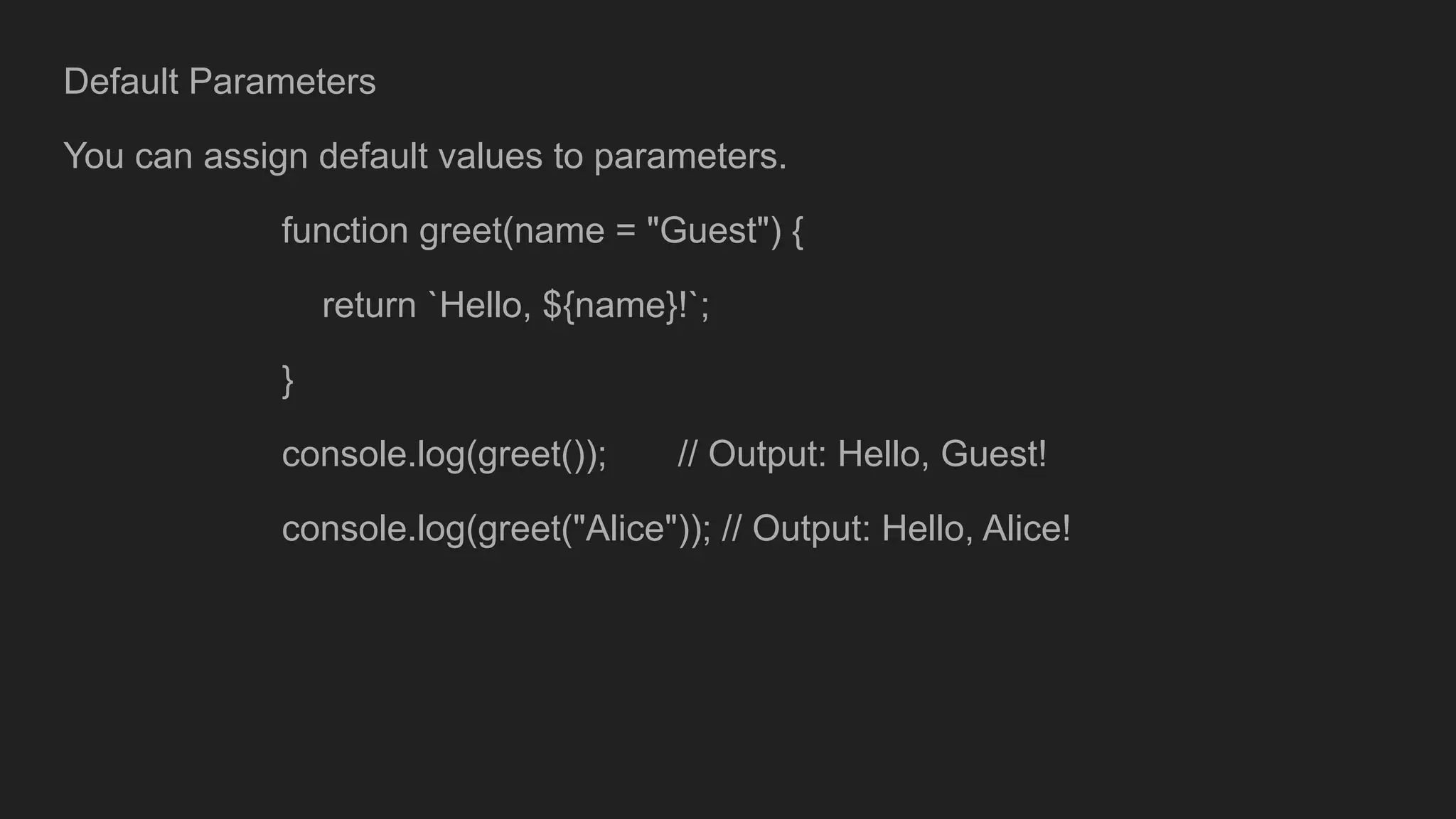
Default Parameters
You canassign default values to parameters.
function greet(name = "Guest") {
return `Hello, ${name}!`;
}
console.log(greet()); // Output: Hello, Guest!
console.log(greet("Alice")); // Output: Hello, Alice!
100.
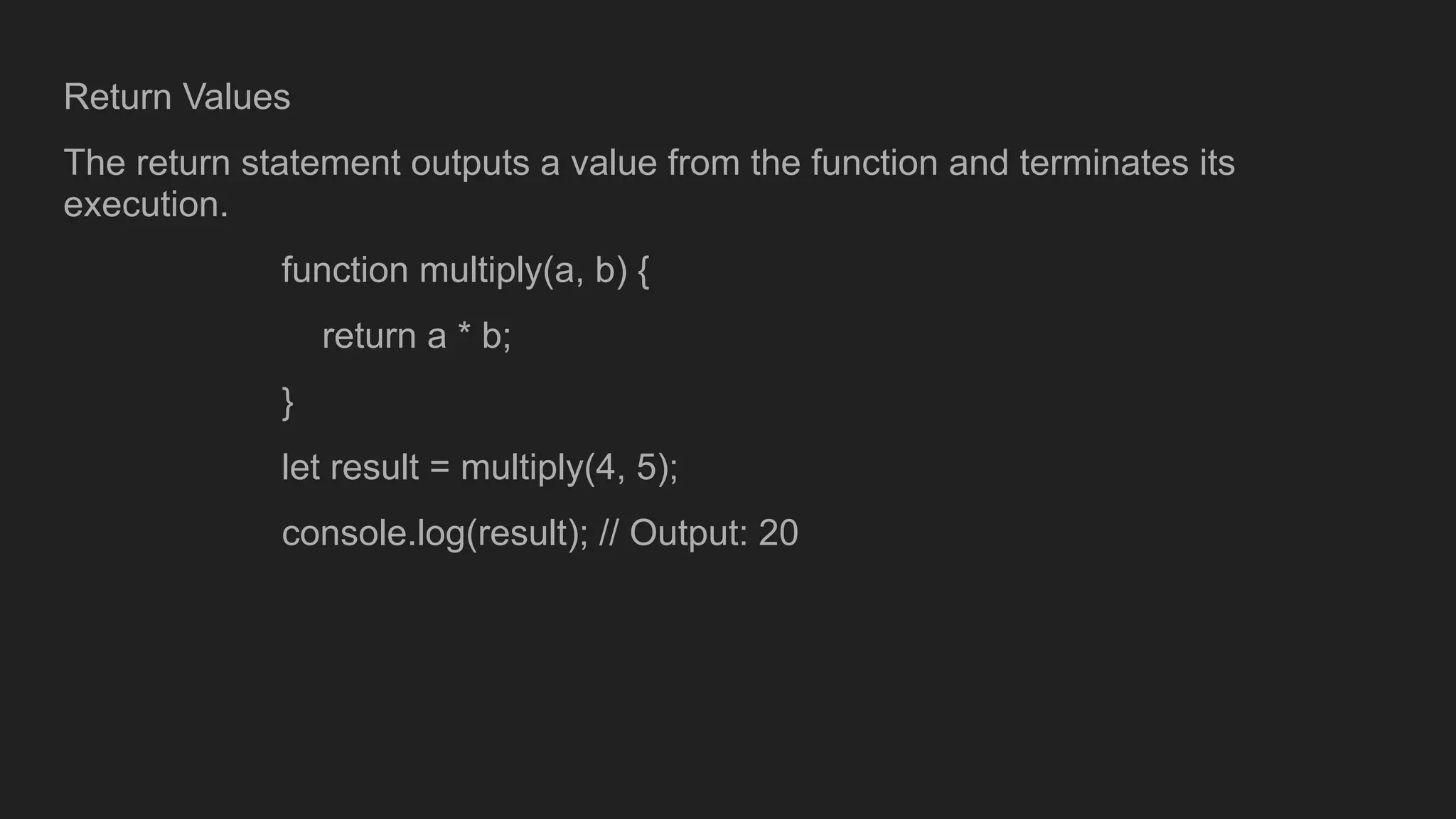
Return Values
The returnstatement outputs a value from the function and terminates its
execution.
function multiply(a, b) {
return a * b;
}
let result = multiply(4, 5);
console.log(result); // Output: 20