

Raspberry Pi –
Unlocking New Ideas
forYour Library
Brian Pichman | Evolve Project
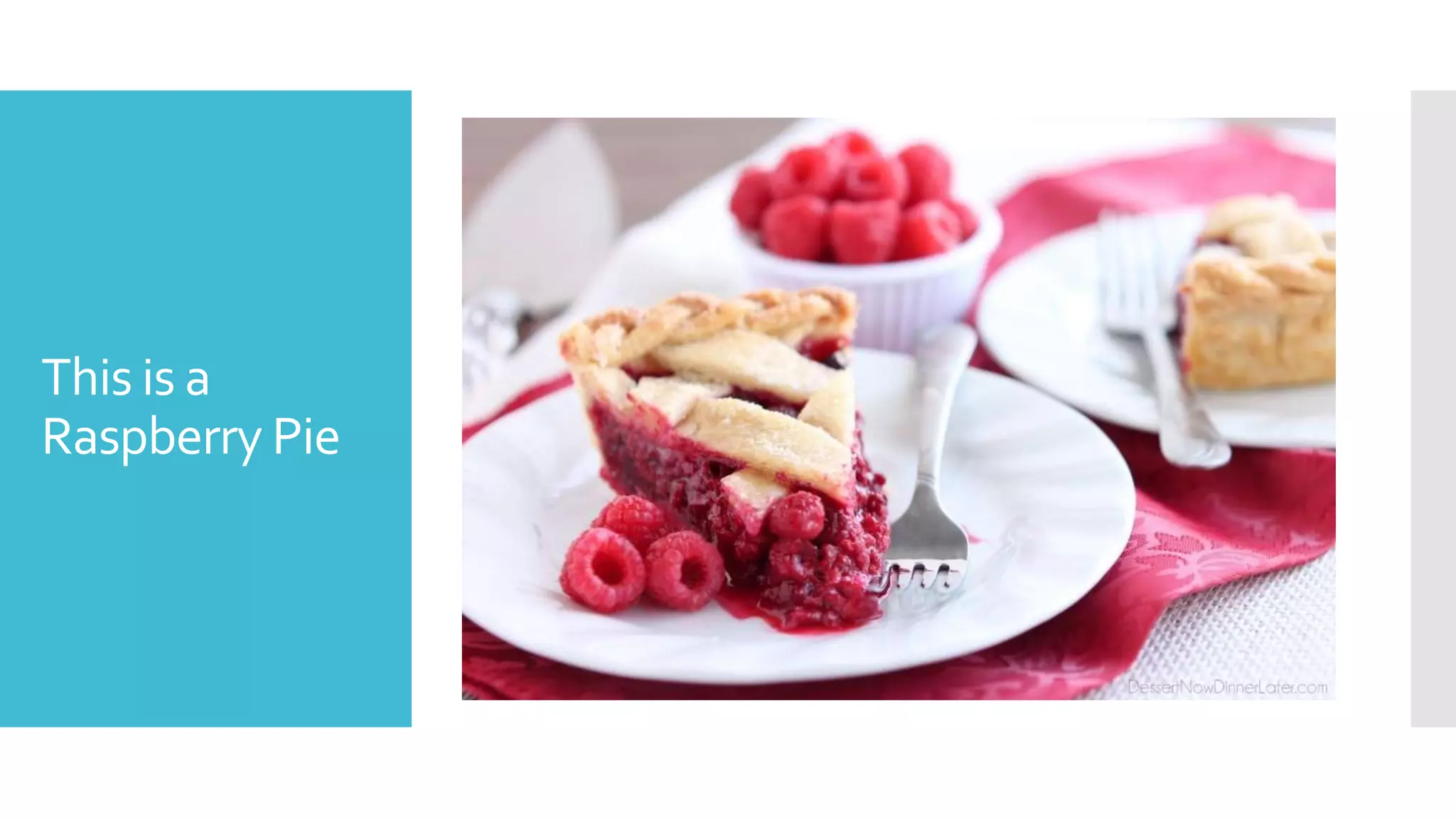
This is a
Raspberry Pie
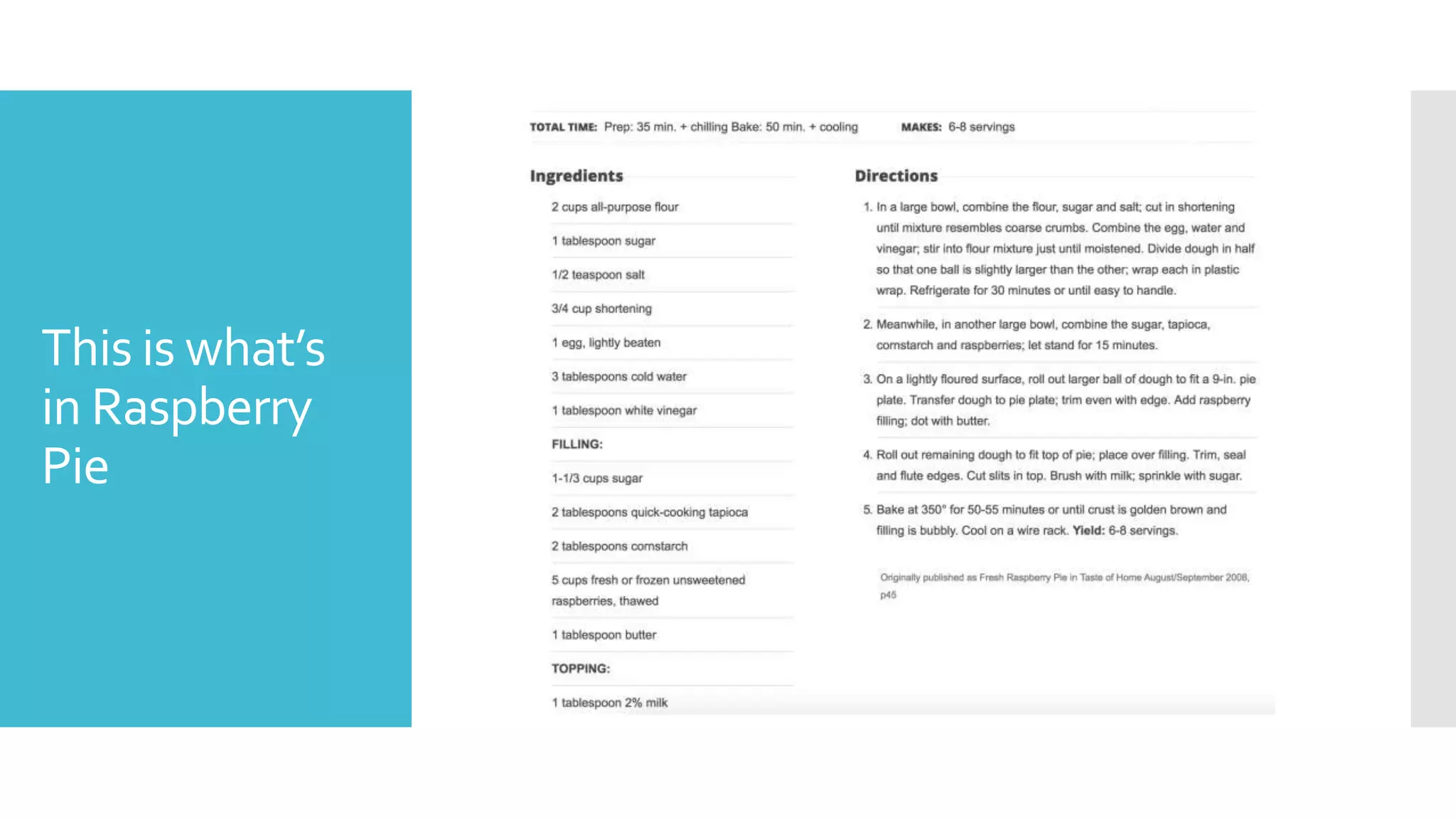
This is what’s
in Raspberry
Pie
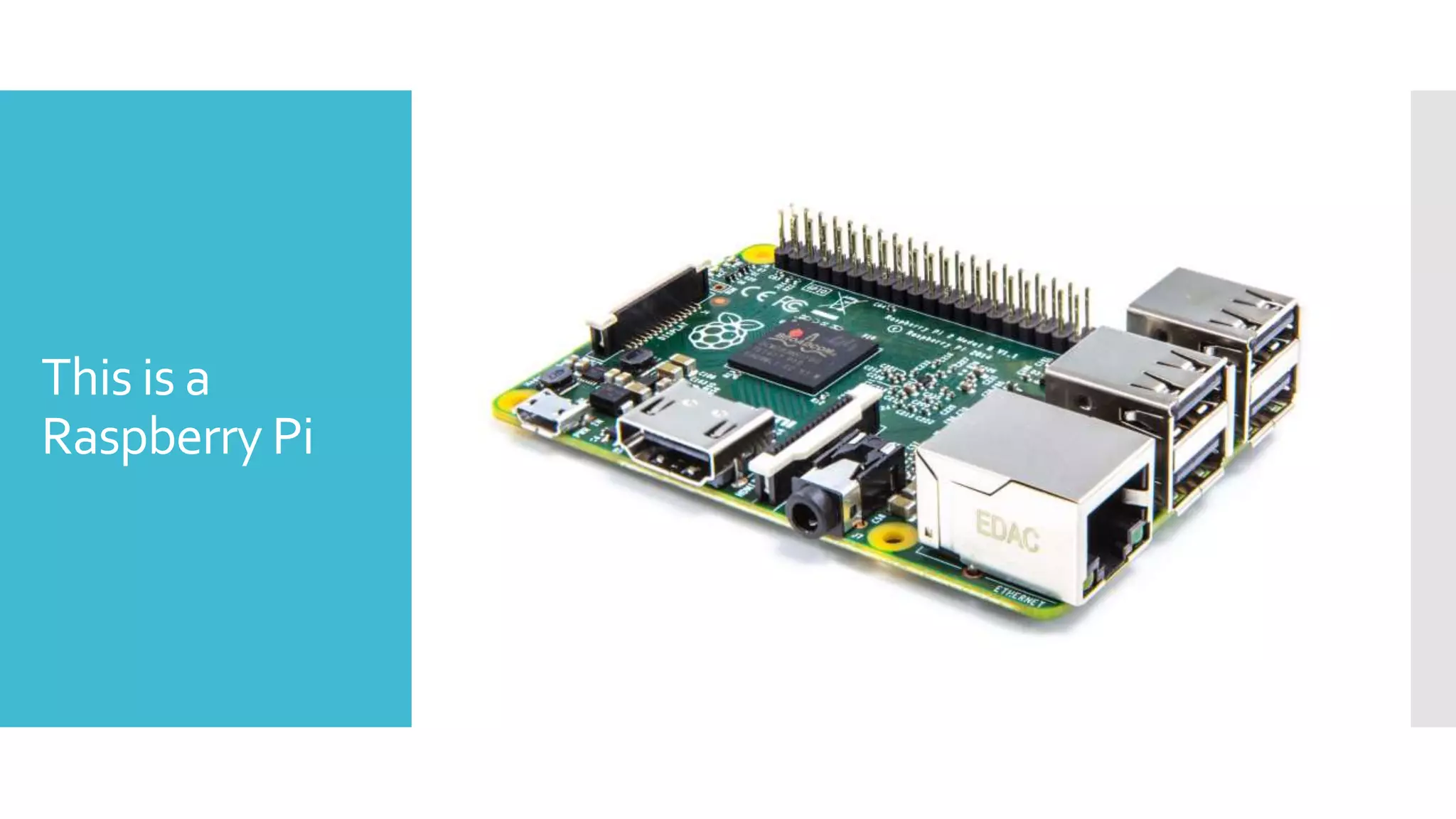
This is a
Raspberry Pi
This is what’s
in Raspberry
Pi
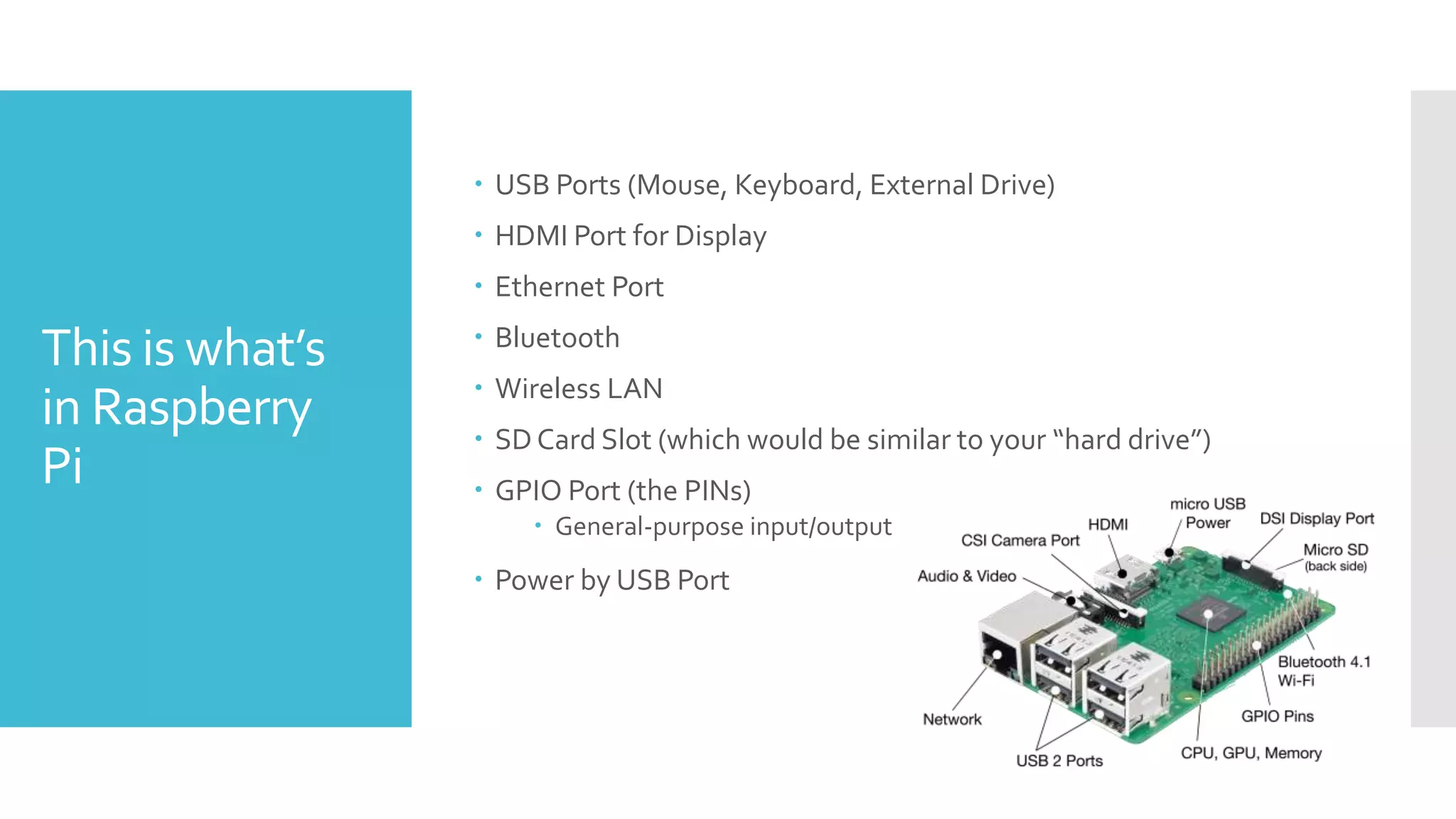
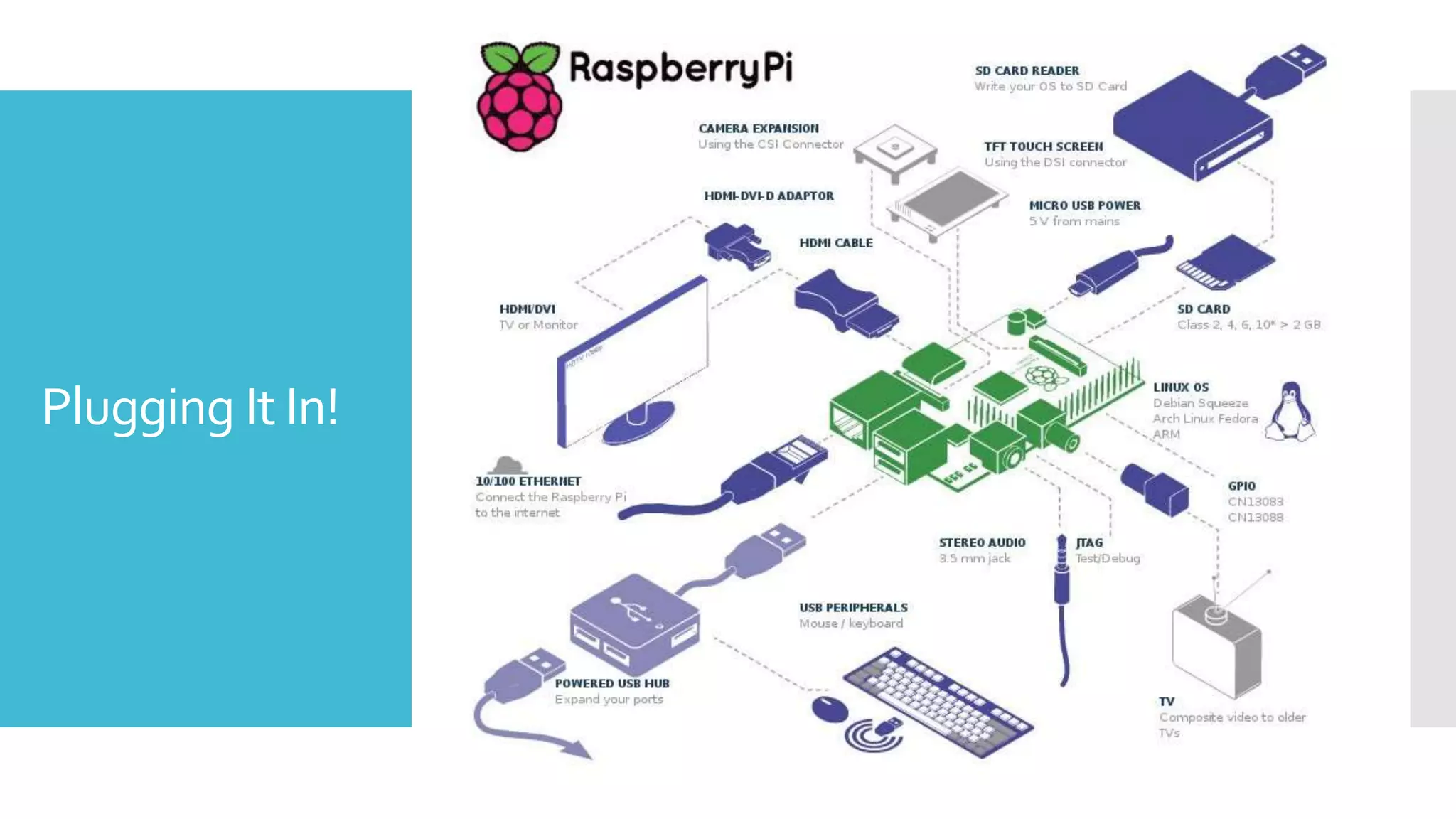
 USB Ports (Mouse, Keyboard, External Drive)
 HDMI Port for Display
 Ethernet Port
 Bluetooth
 Wireless LAN
 SD Card Slot (which would be similar to your “hard drive”)
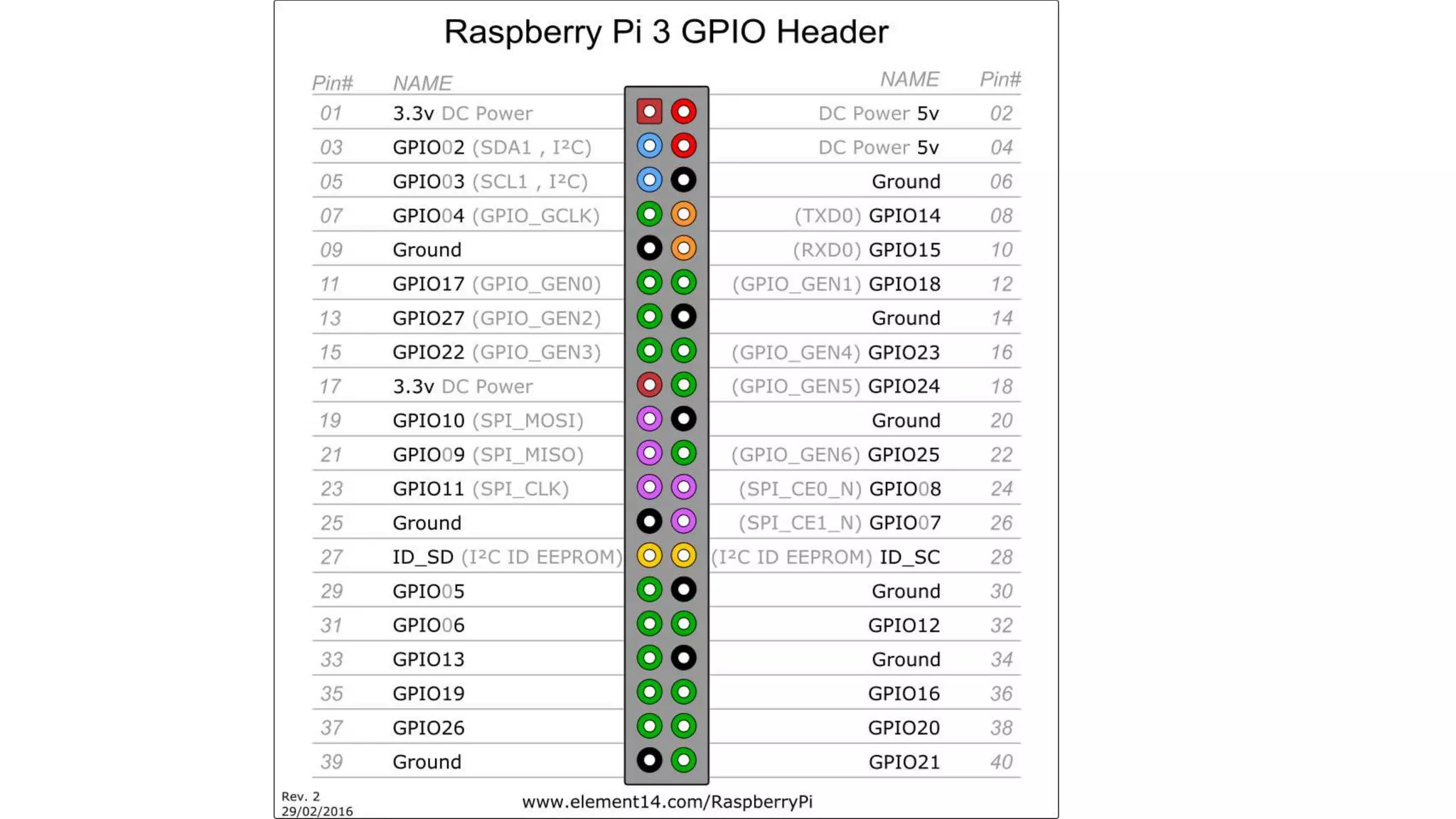
 GPIO Port (the PINs)
 General-purpose input/output
 Power by USB Port
What is it?
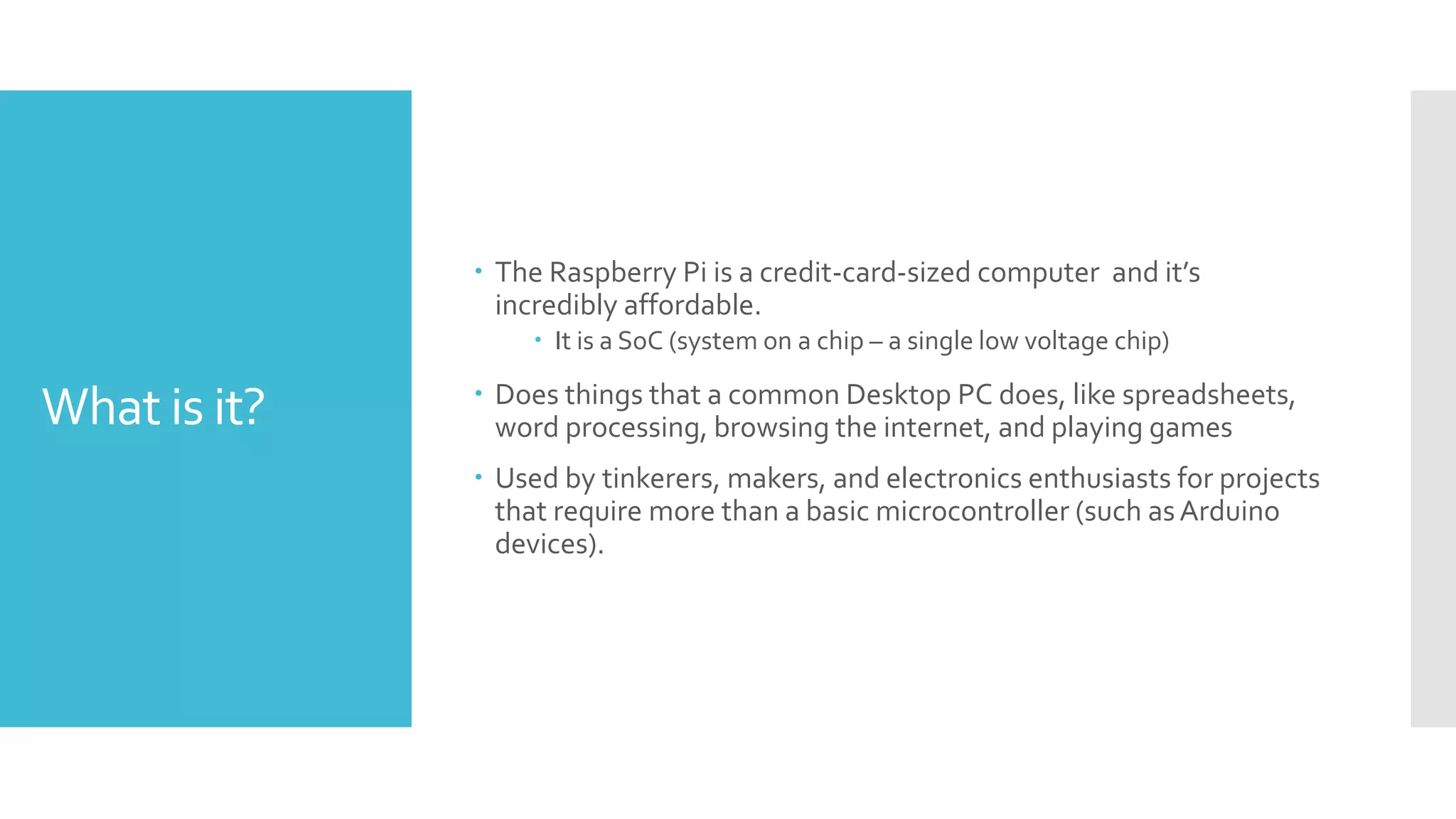
 The Raspberry Pi is a credit-card-sized computer and it’s
incredibly affordable.
 It is a SoC (system on a chip – a single low voltage chip)
 Does things that a common Desktop PC does, like spreadsheets,
word processing, browsing the internet, and playing games
 Used by tinkerers, makers, and electronics enthusiasts for projects
that require more than a basic microcontroller (such asArduino
devices).
History
 The Raspberry Pi Foundation is a charity founded in 2009 by Eben
Upton to promote the study of basic computer science in schools.
 Originally designed to run Python (a programming language and
framework) (that’s where ”Pi” comes from).
 Was to help spur the use of more CS students and learning the
tools of the 21st Century
 Kids today didn’t experience the struggles of early computing; when
there was some level of coding and scripting required to actually run
the OS.
 By understanding how computers work, you can solve more
problems using computers with a basic foundation.
 Over 11 Million Raspberry Pi’s has been sold since November 2016!
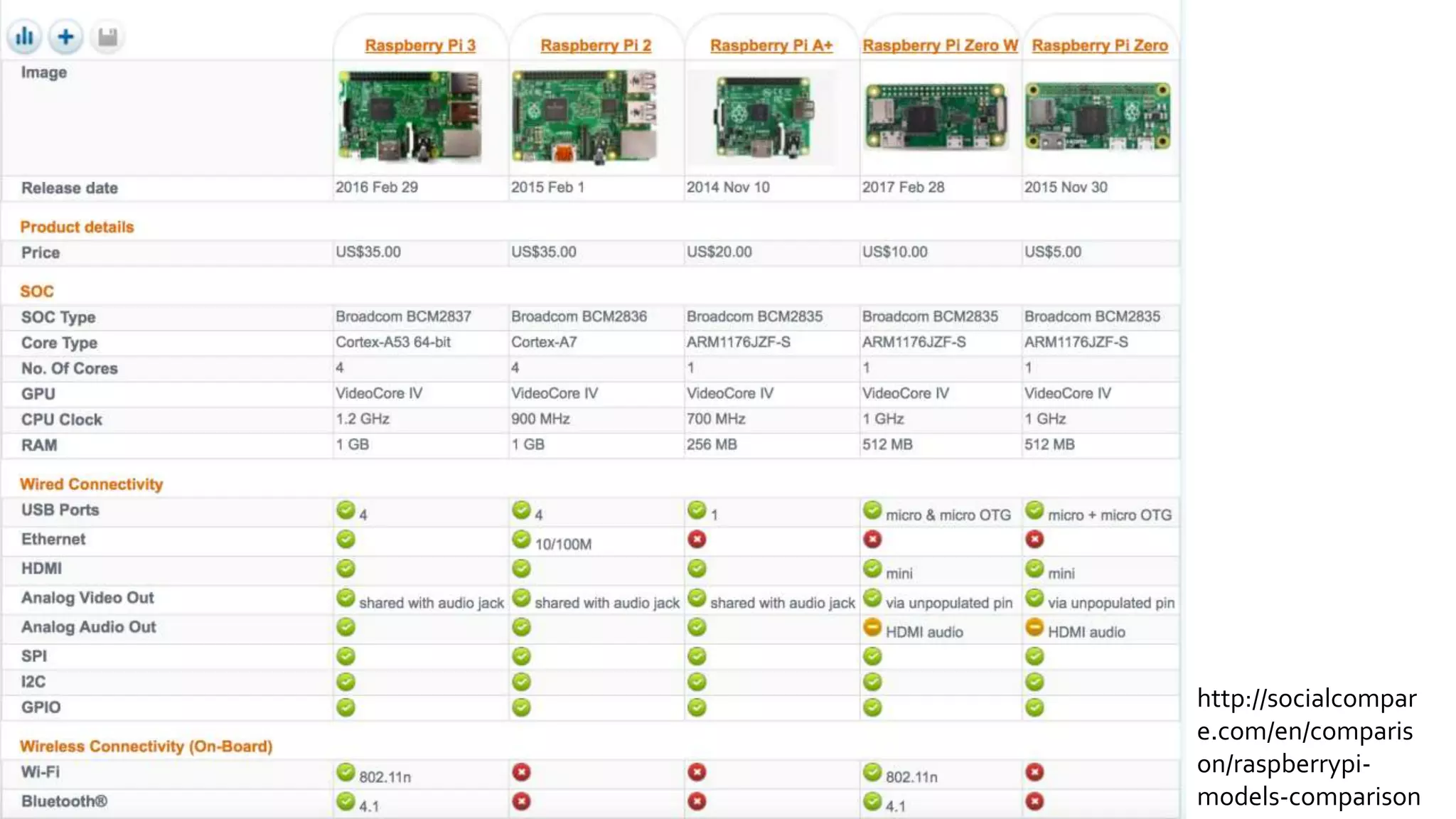
http://socialcompar
e.com/en/comparis
on/raspberrypi-
models-comparison
Plugging It In!
What can the
pins do?
 Expand your programming ability
 Light up LEDs
 Interact with Buttons
 Add extra devices (motors, gears, sounds, etc)
Camera
Module
WhatCan the
Camera Do?
 Time-LapseVideos
 Act as aWeb Camera
 MiniVideo Camera
 Still Photography
 Home Security
 Monitoring of Nature
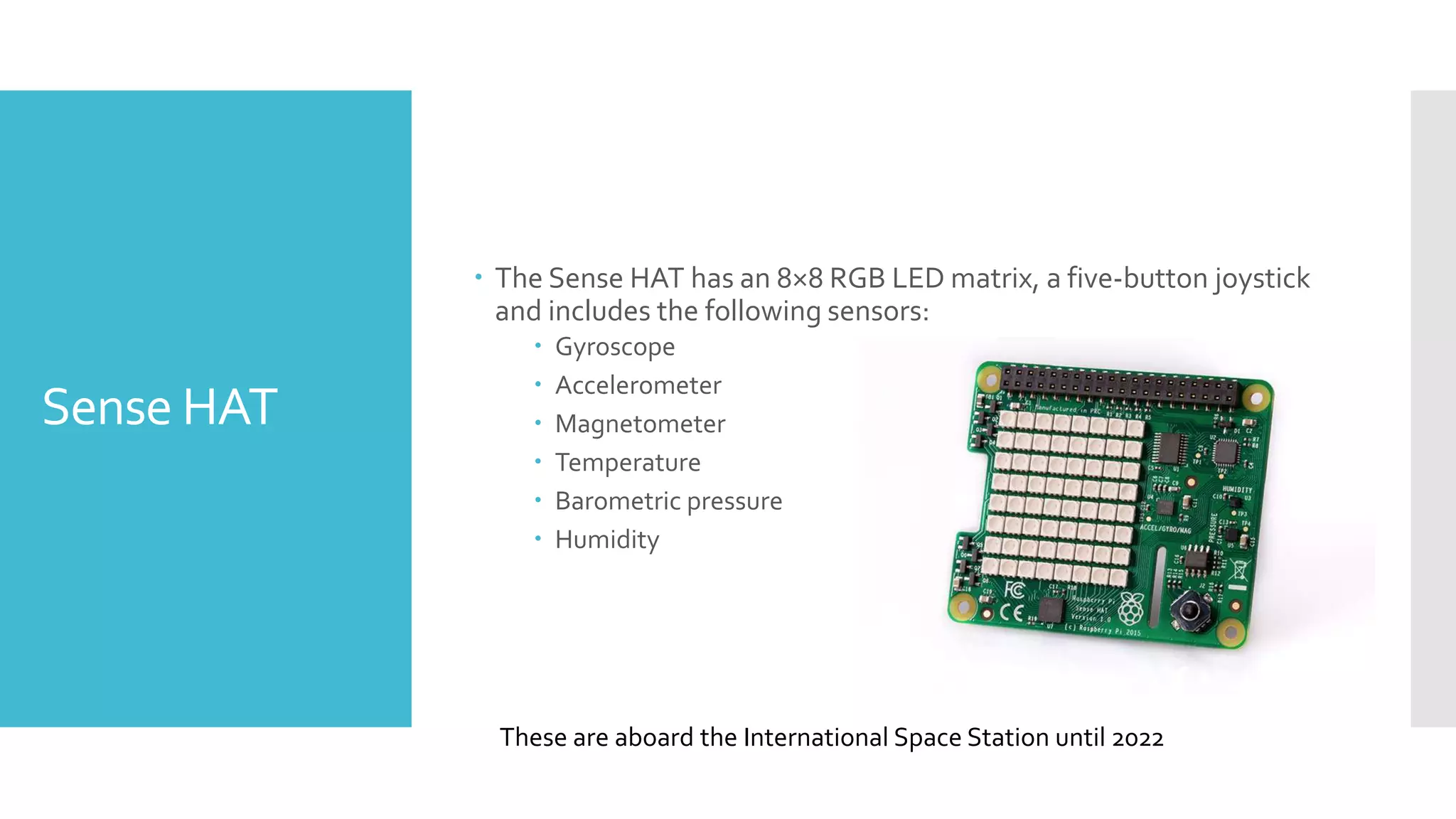
Sense HAT
 The Sense HAT has an 8×8 RGB LED matrix, a five-button joystick
and includes the following sensors:
 Gyroscope
 Accelerometer
 Magnetometer
 Temperature
 Barometric pressure
 Humidity
These are aboard the International Space Station until 2022
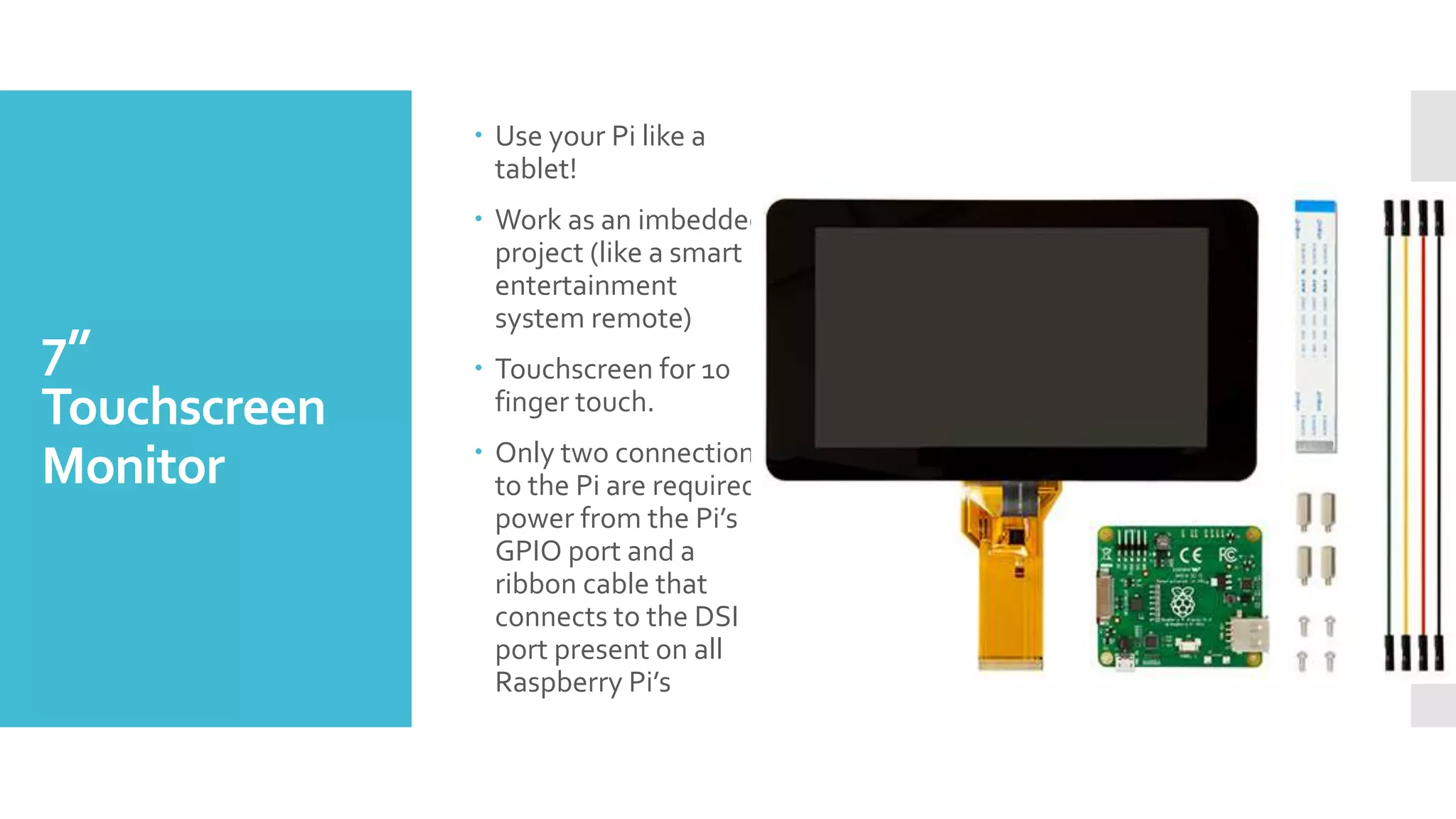
7”
Touchscreen
Monitor
 Use your Pi like a
tablet!
 Work as an imbedded
project (like a smart
entertainment
system remote)
 Touchscreen for 10
finger touch.
 Only two connections
to the Pi are required;
power from the Pi’s
GPIO port and a
ribbon cable that
connects to the DSI
port present on all
Raspberry Pi’s
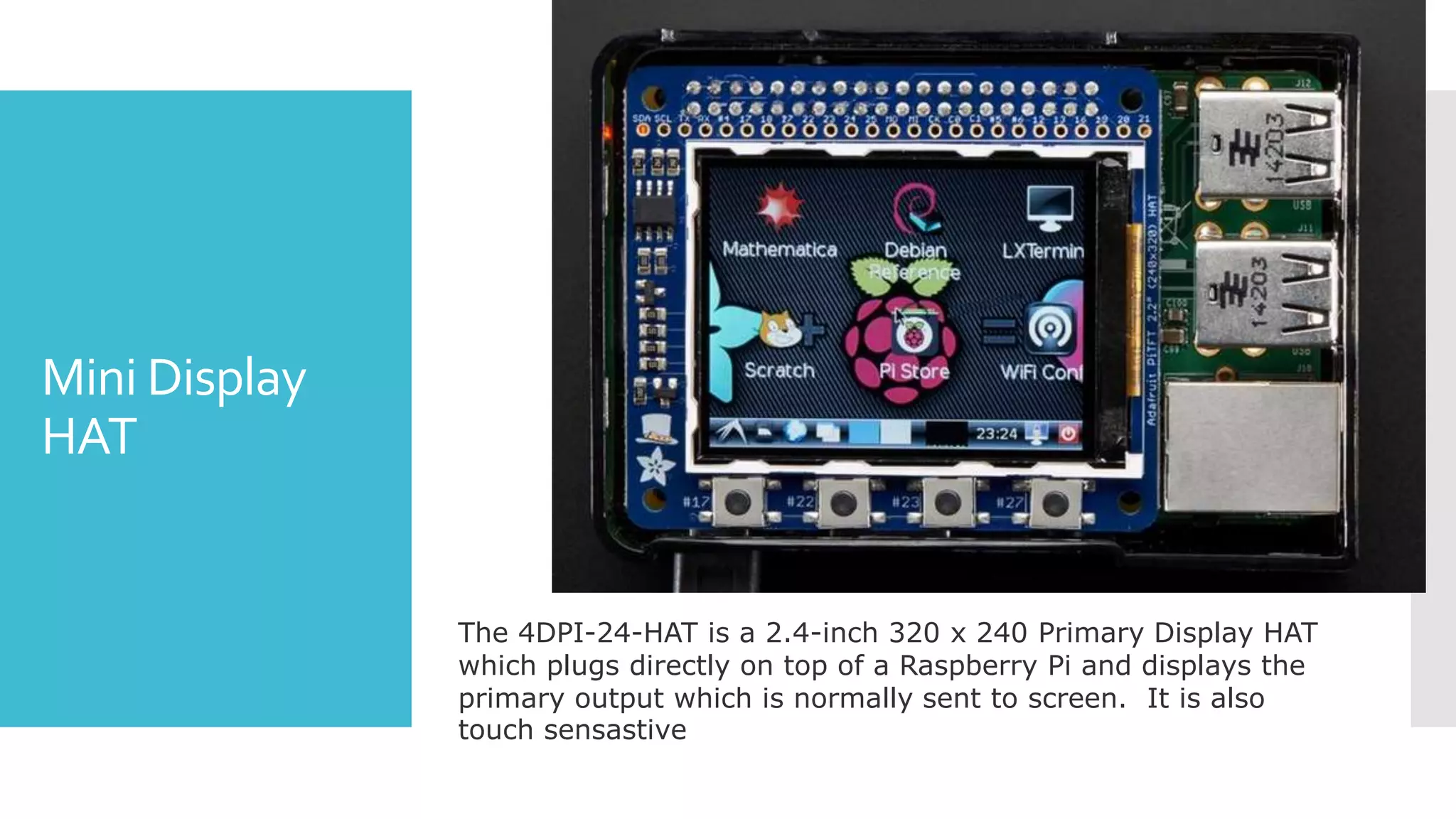
Mini Display
HAT
The 4DPI-24-HAT is a 2.4-inch 320 x 240 Primary Display HAT
which plugs directly on top of a Raspberry Pi and displays the
primary output which is normally sent to screen. It is also
touch sensastive
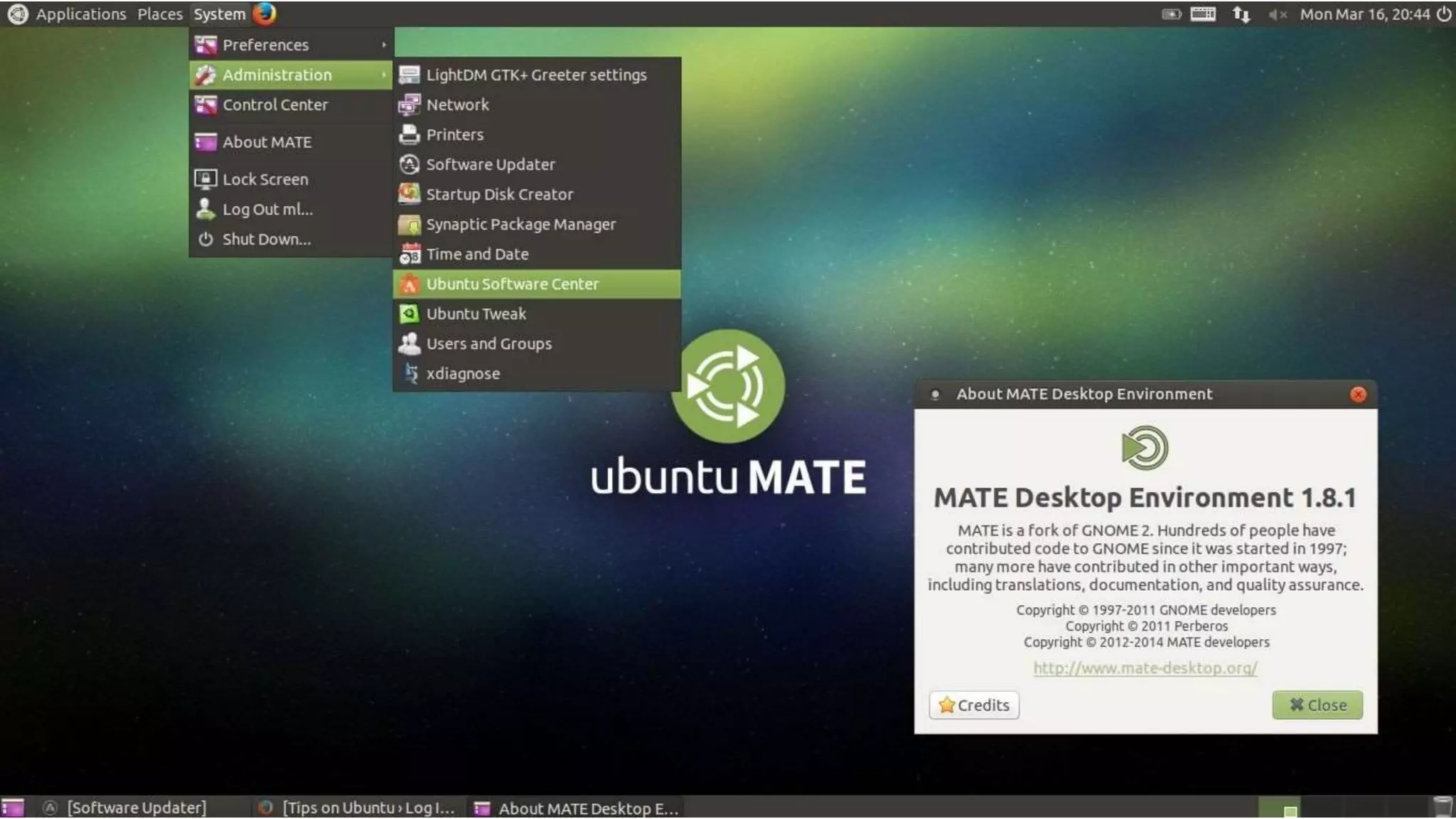
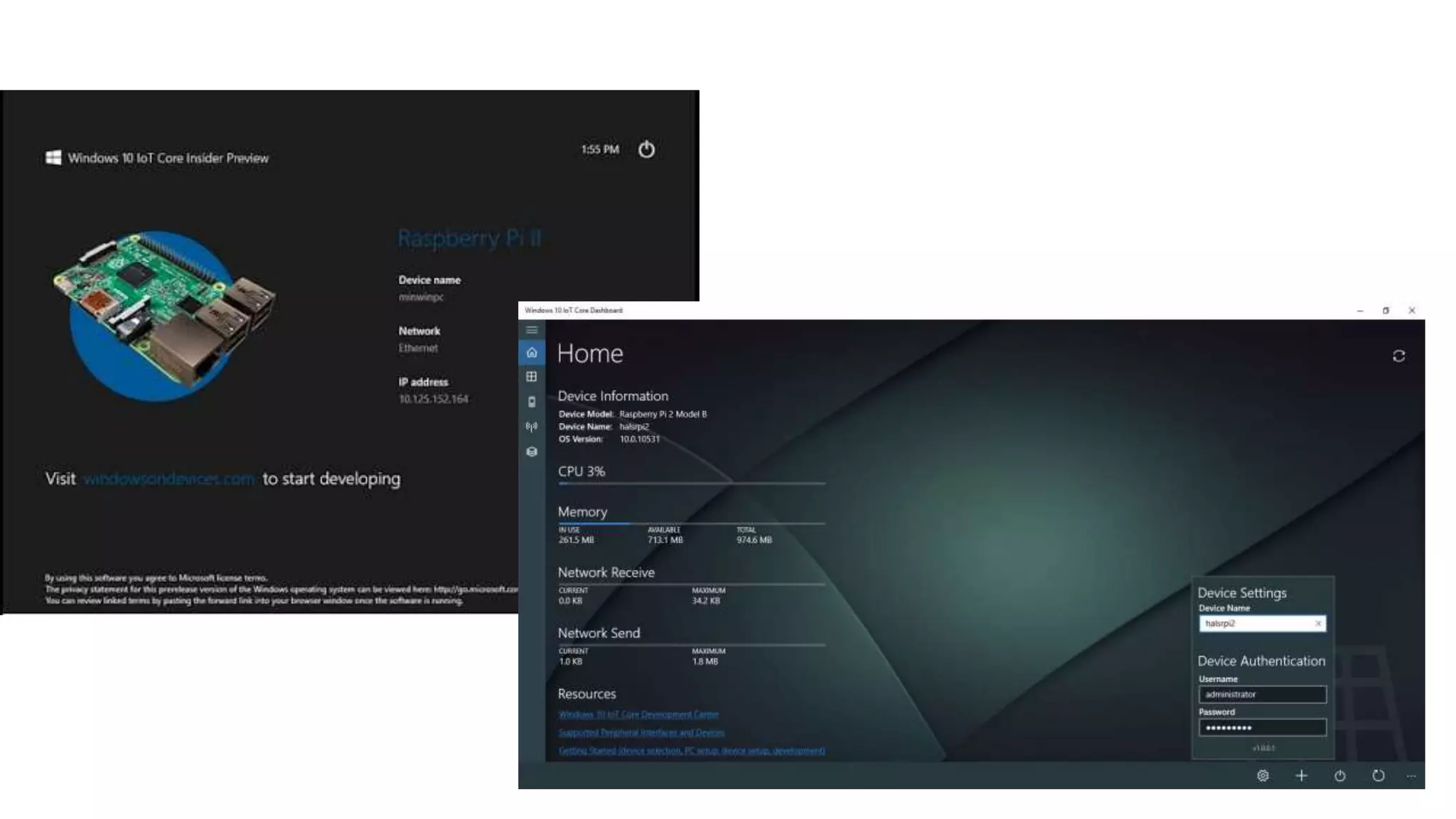
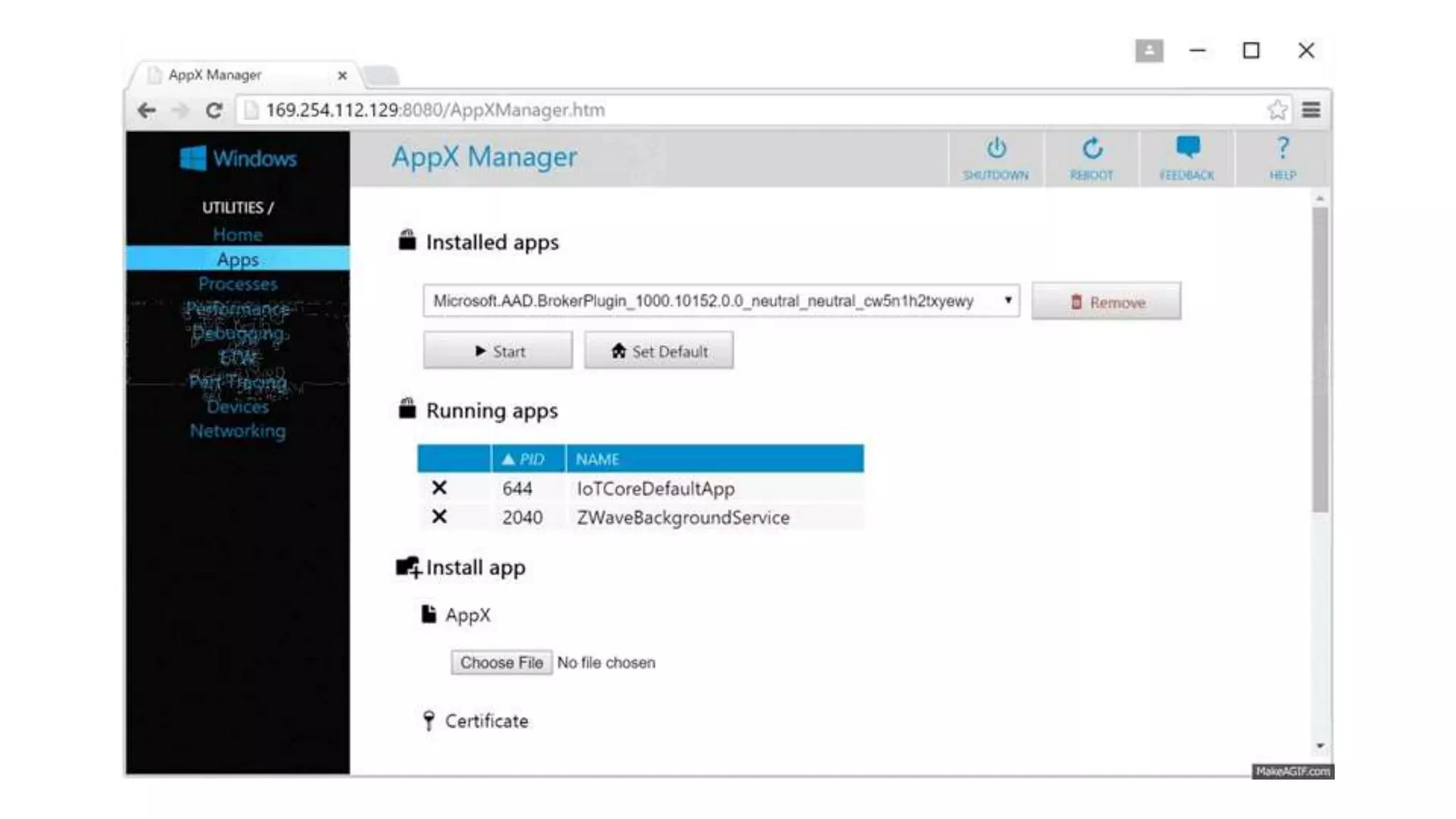
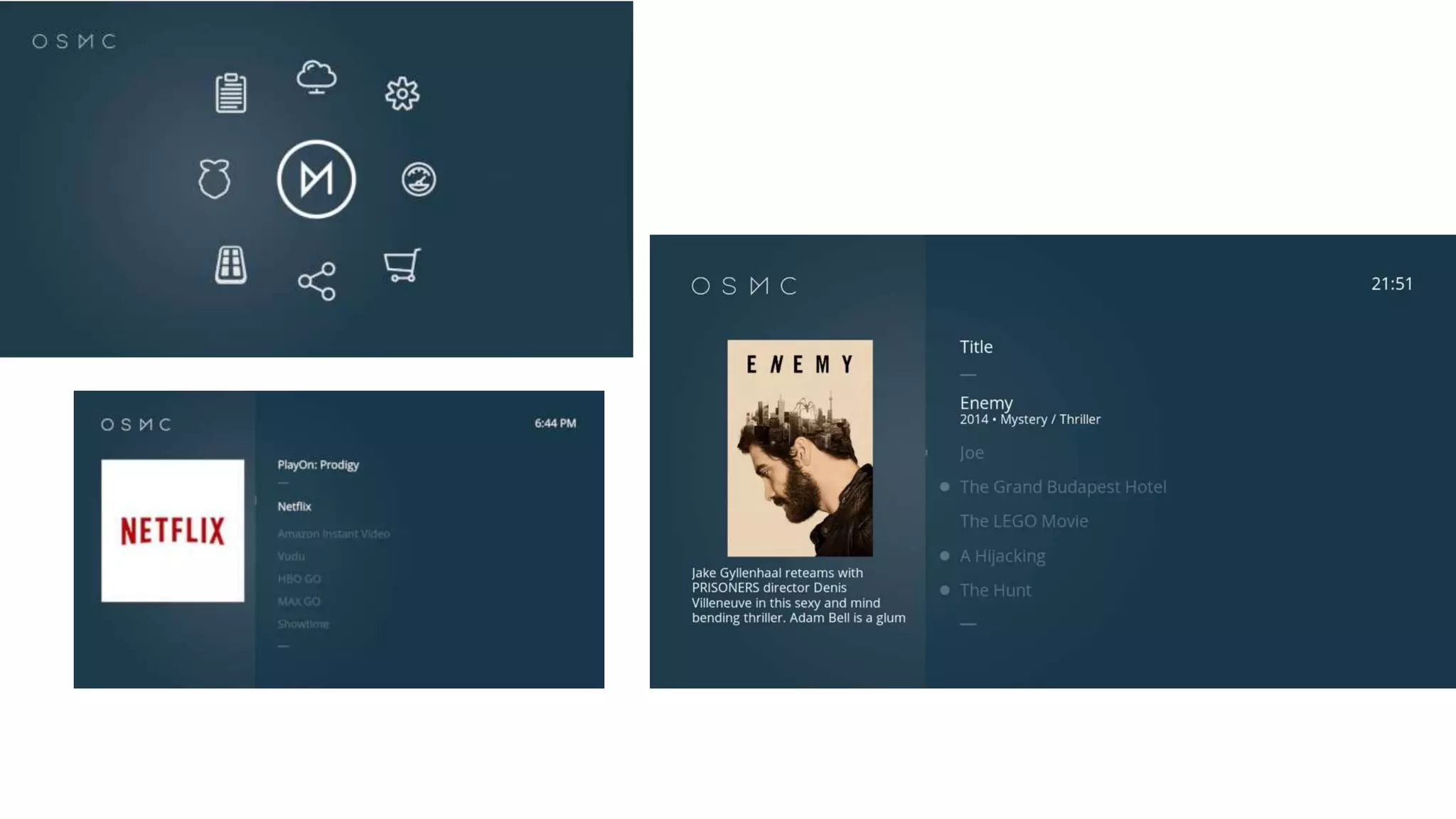
Operating
Systems!
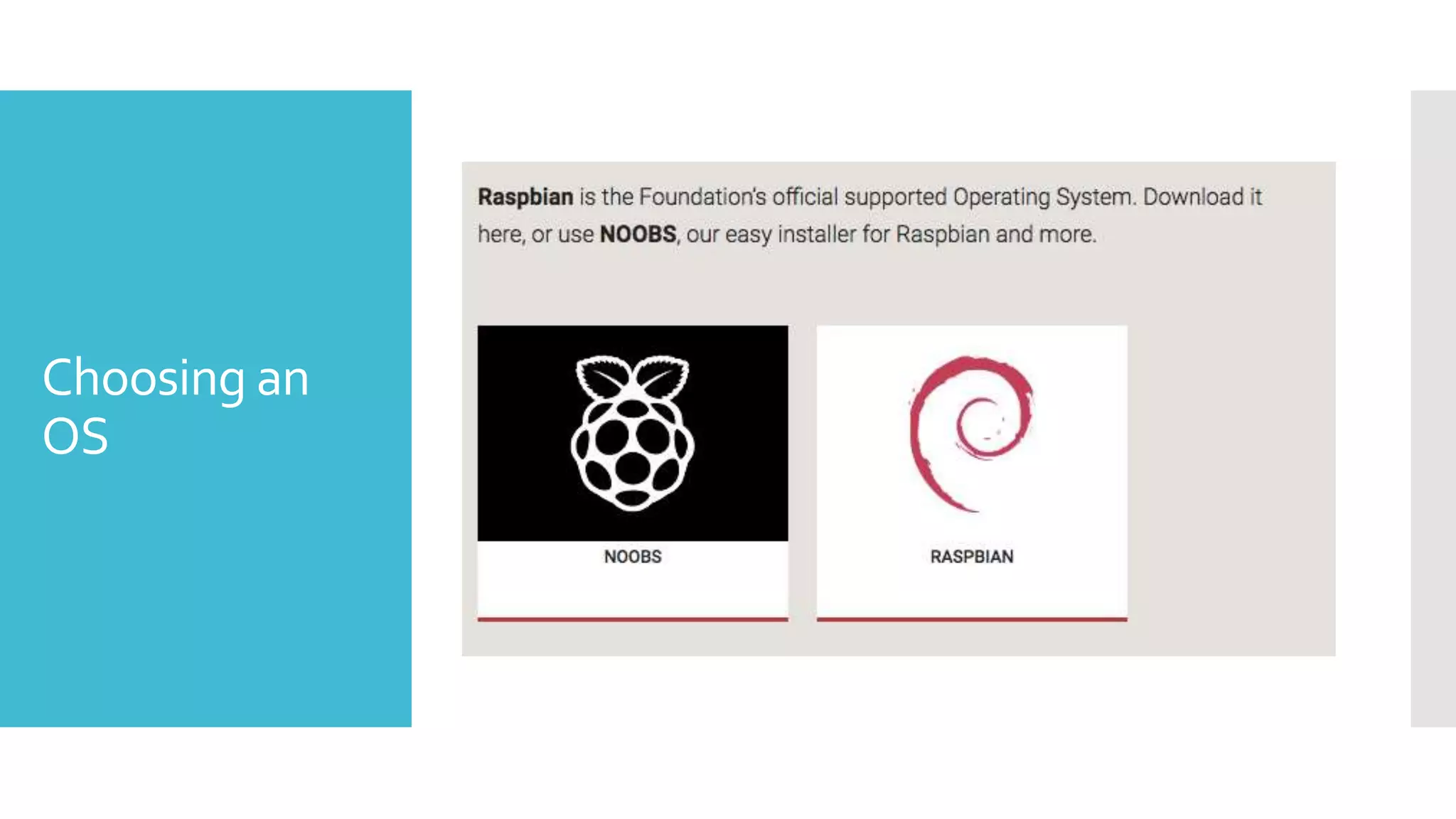
Choosing an
OS
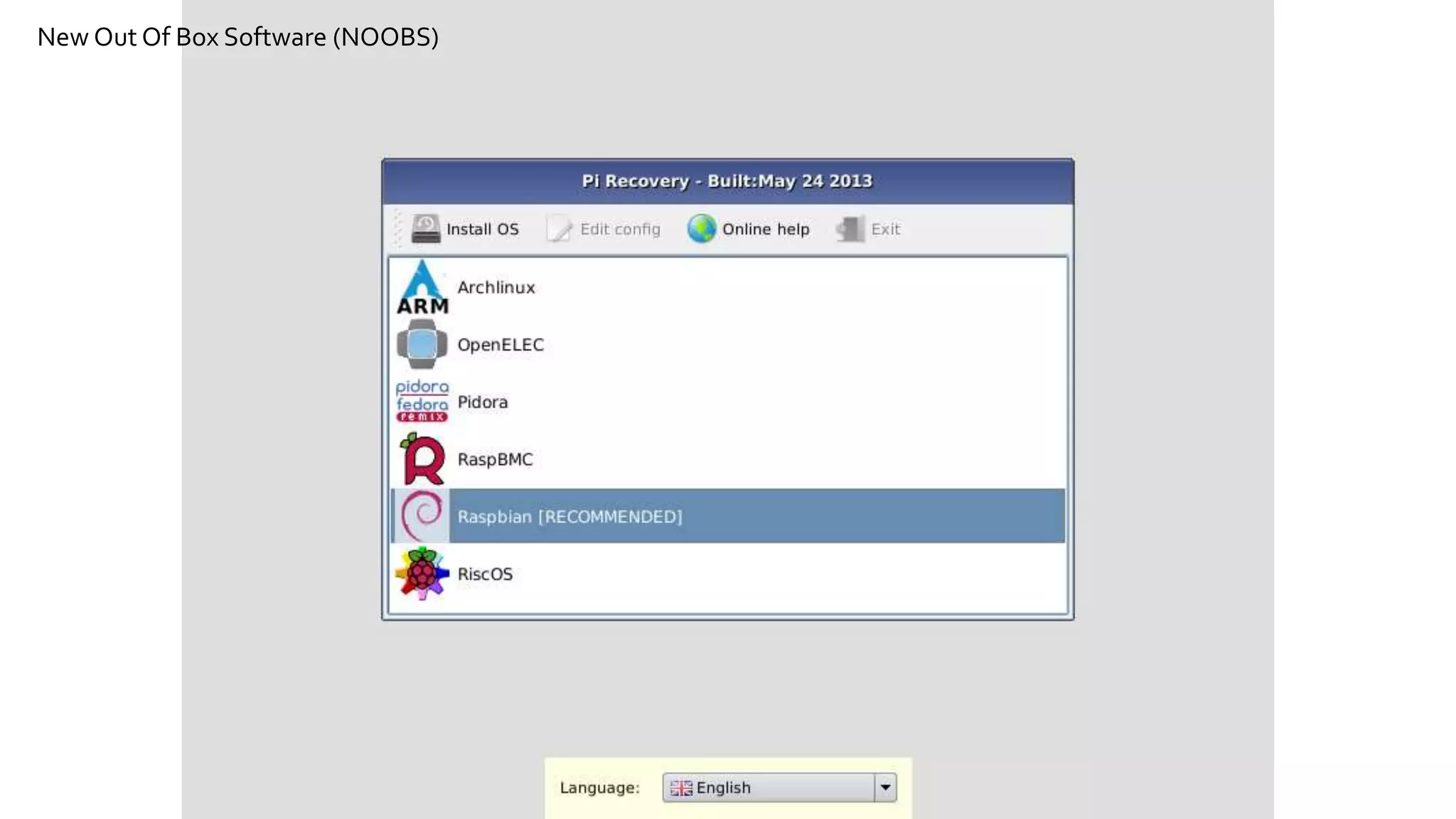
New Out Of Box Software (NOOBS)
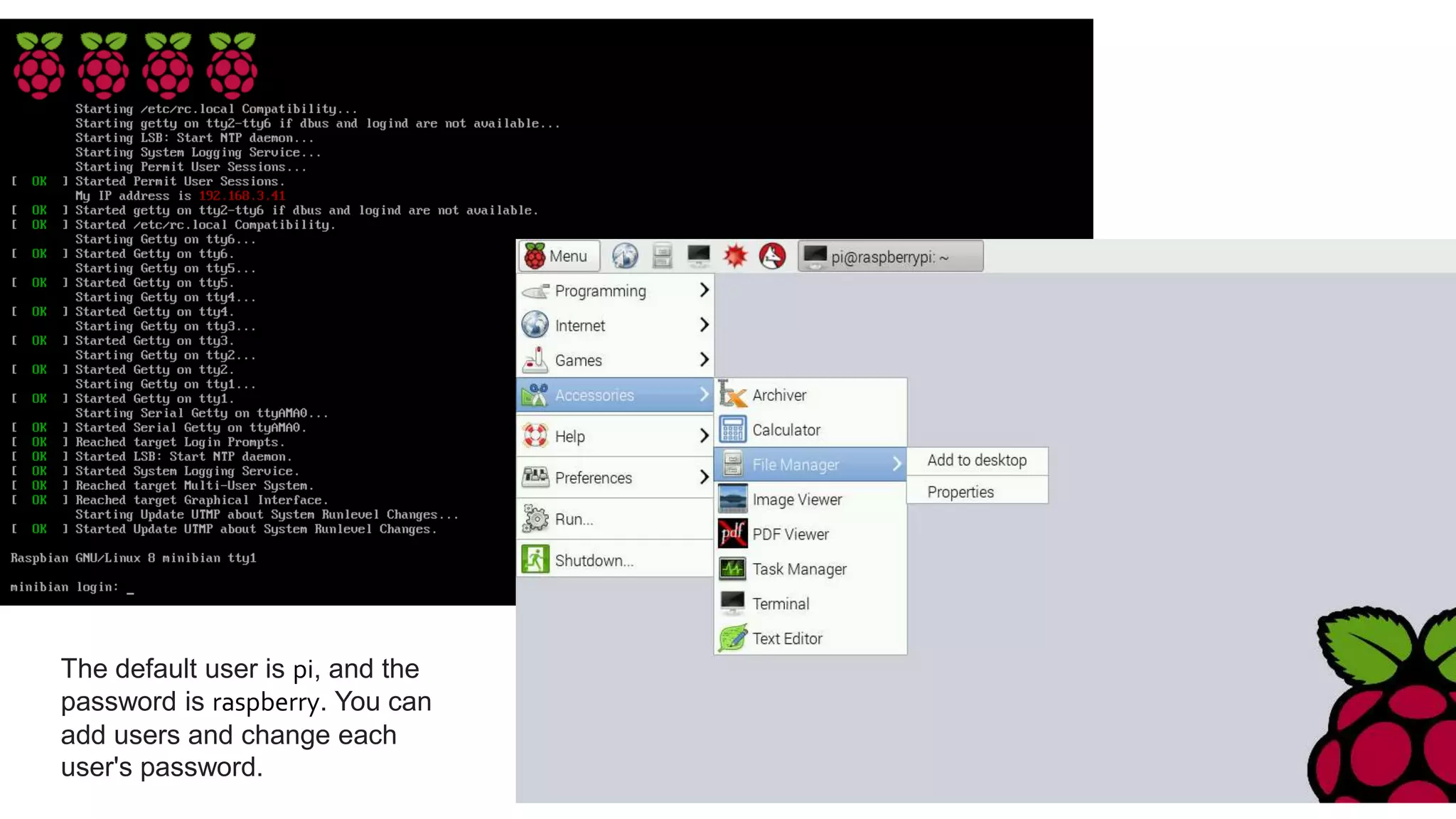
The default user is pi, and the
password is raspberry. You can
add users and change each
user's password.
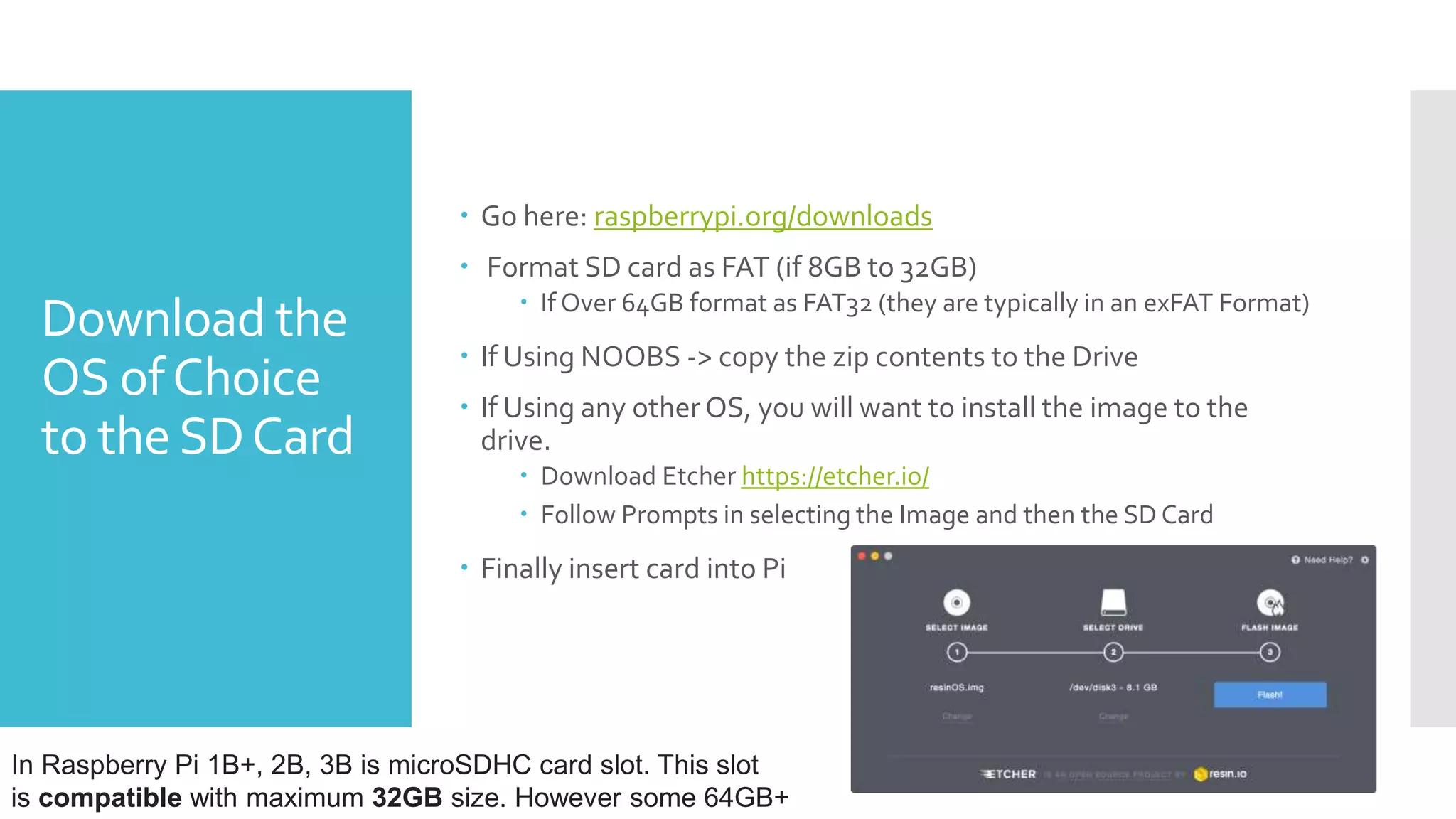
Download the
OS ofChoice
to theSDCard
 Go here: raspberrypi.org/downloads
 Format SD card as FAT (if 8GB to 32GB)
 If Over 64GB format as FAT32 (they are typically in an exFAT Format)
 If Using NOOBS -> copy the zip contents to the Drive
 If Using any other OS, you will want to install the image to the
drive.
 Download Etcher https://etcher.io/
 Follow Prompts in selecting the Image and then the SD Card
 Finally insert card into Pi
In Raspberry Pi 1B+, 2B, 3B is microSDHC card slot. This slot
is compatible with maximum 32GB size. However some 64GB+
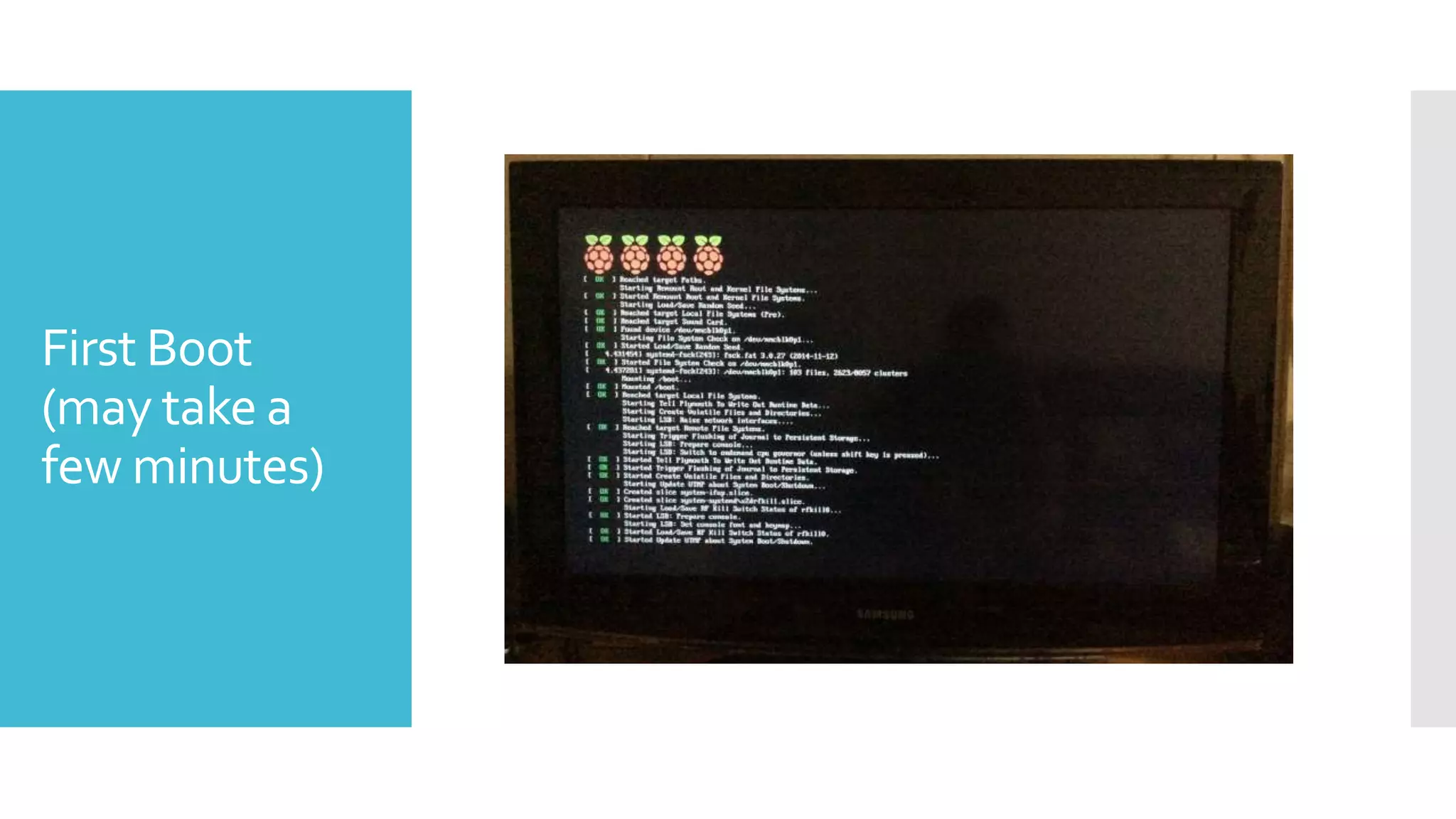
First Boot
(may take a
few minutes)
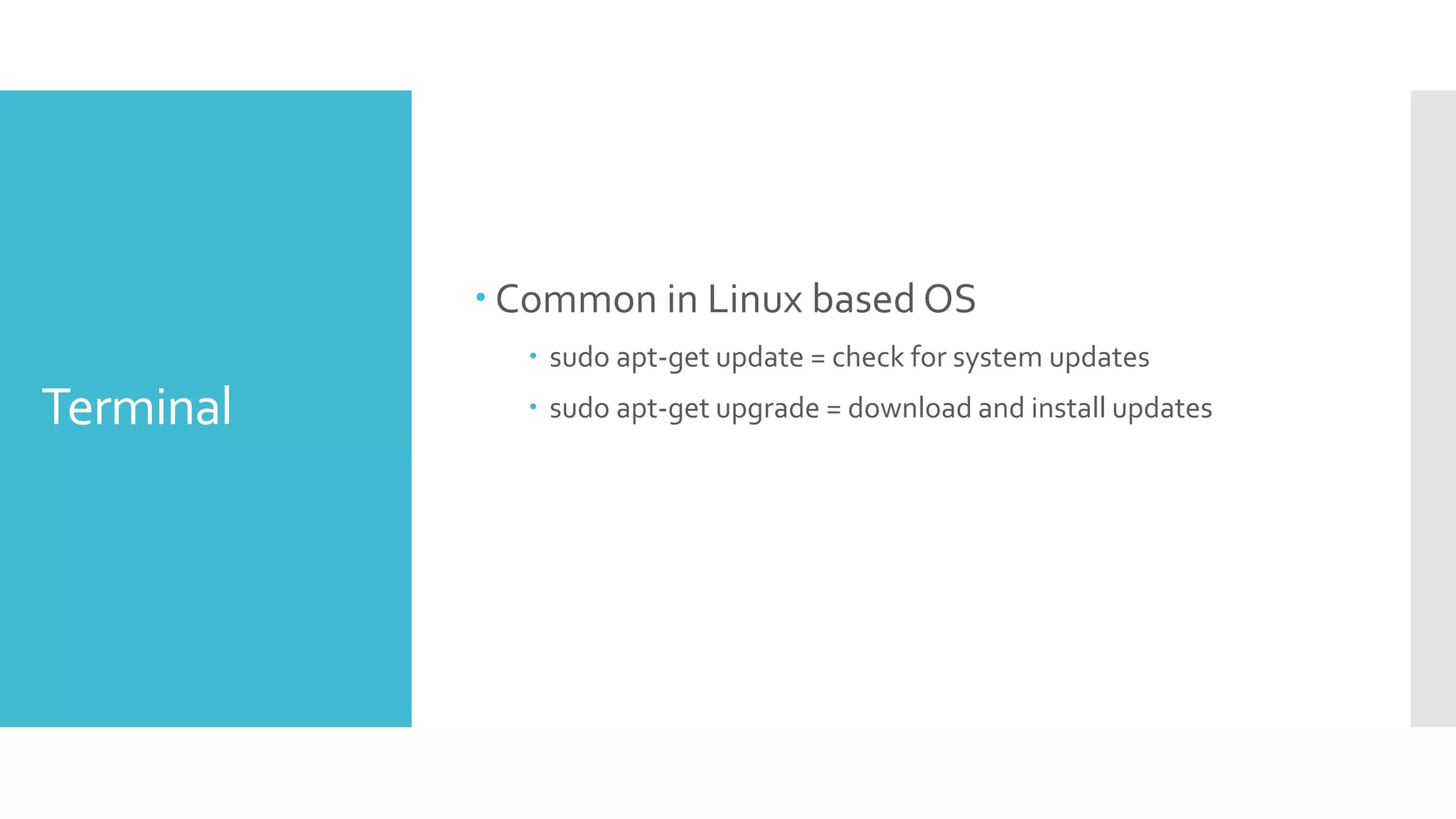
Terminal
 Common in Linux based OS
 sudo apt-get update = check for system updates
 sudo apt-get upgrade = download and install updates
Applications
What you are
used to
 Web Browser: Epiphany
 Like Firefox
 Office Applications: Libreoffice
 Like Microsoft
 Media Player:VLC
 Would be similar to Quicktime / Media Player
 sudo apt-get install vlc
Cool
Applications
within
Raspbian
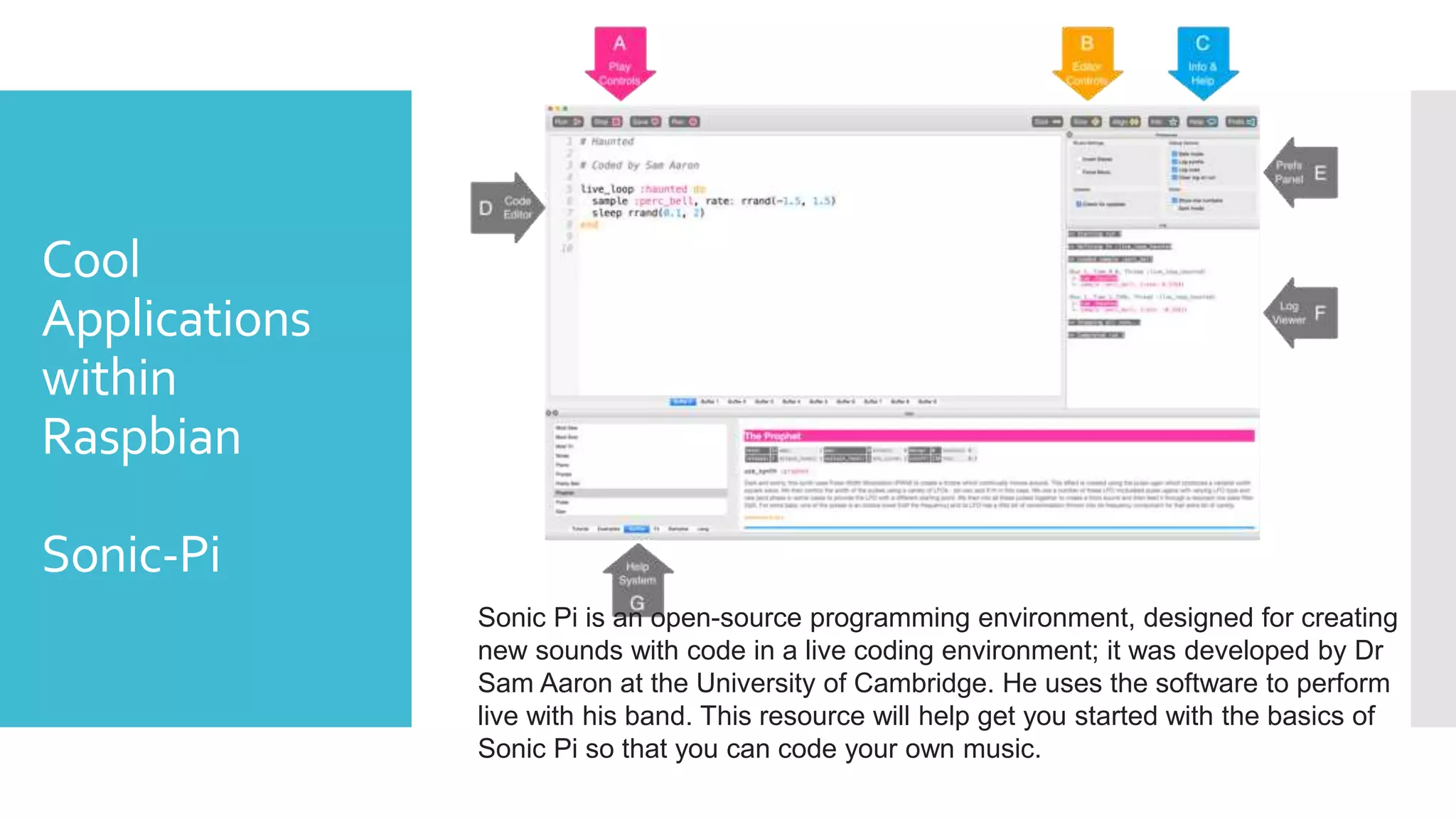
Sonic-Pi
Sonic Pi is an open-source programming environment, designed for creating
new sounds with code in a live coding environment; it was developed by Dr
Sam Aaron at the University of Cambridge. He uses the software to perform
live with his band. This resource will help get you started with the basics of
Sonic Pi so that you can code your own music.
Cool
Applications
within
Raspbian
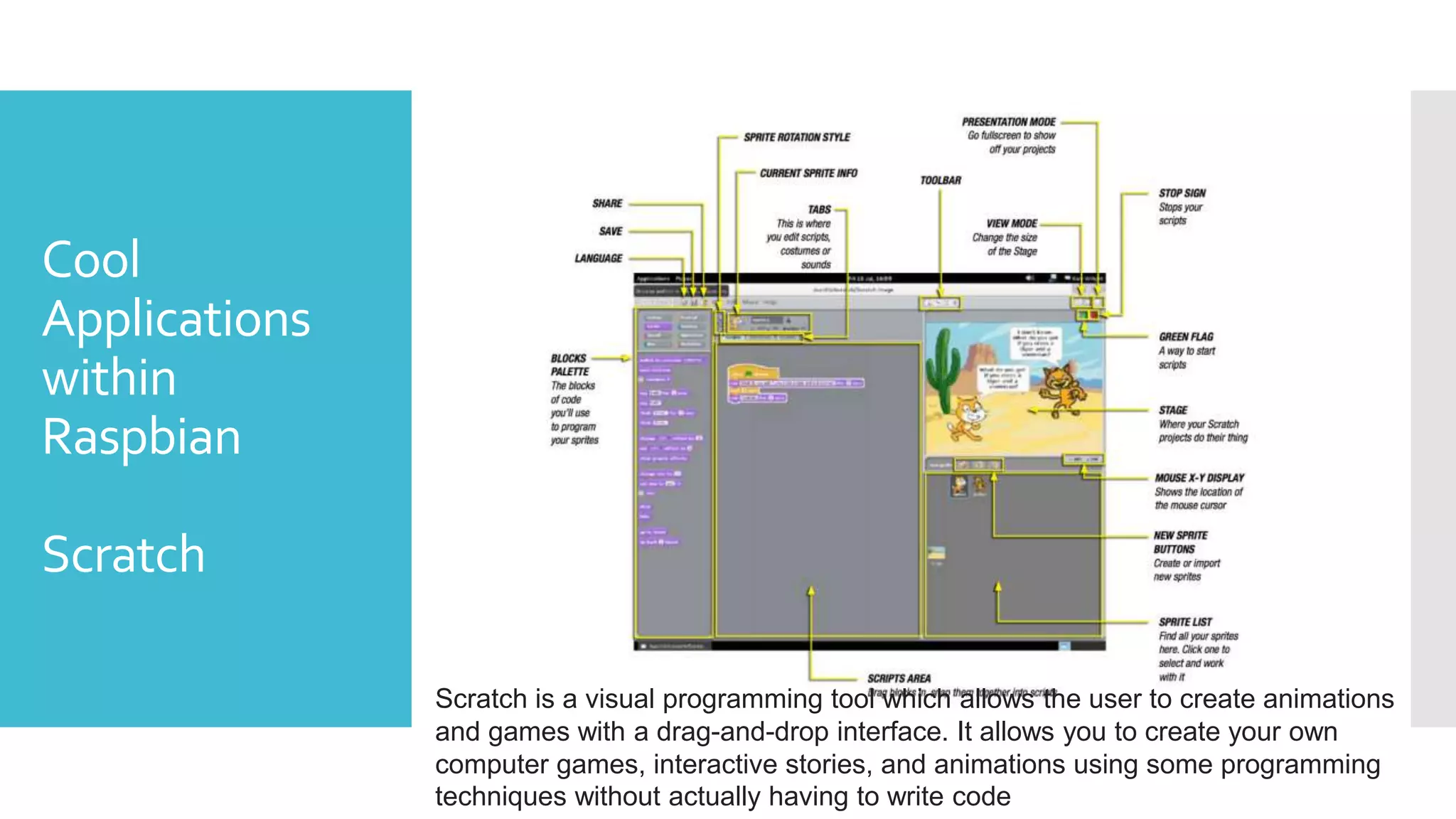
Scratch
Scratch is a visual programming tool which allows the user to create animations
and games with a drag-and-drop interface. It allows you to create your own
computer games, interactive stories, and animations using some programming
techniques without actually having to write code
Cool
Applications
within
Raspbian
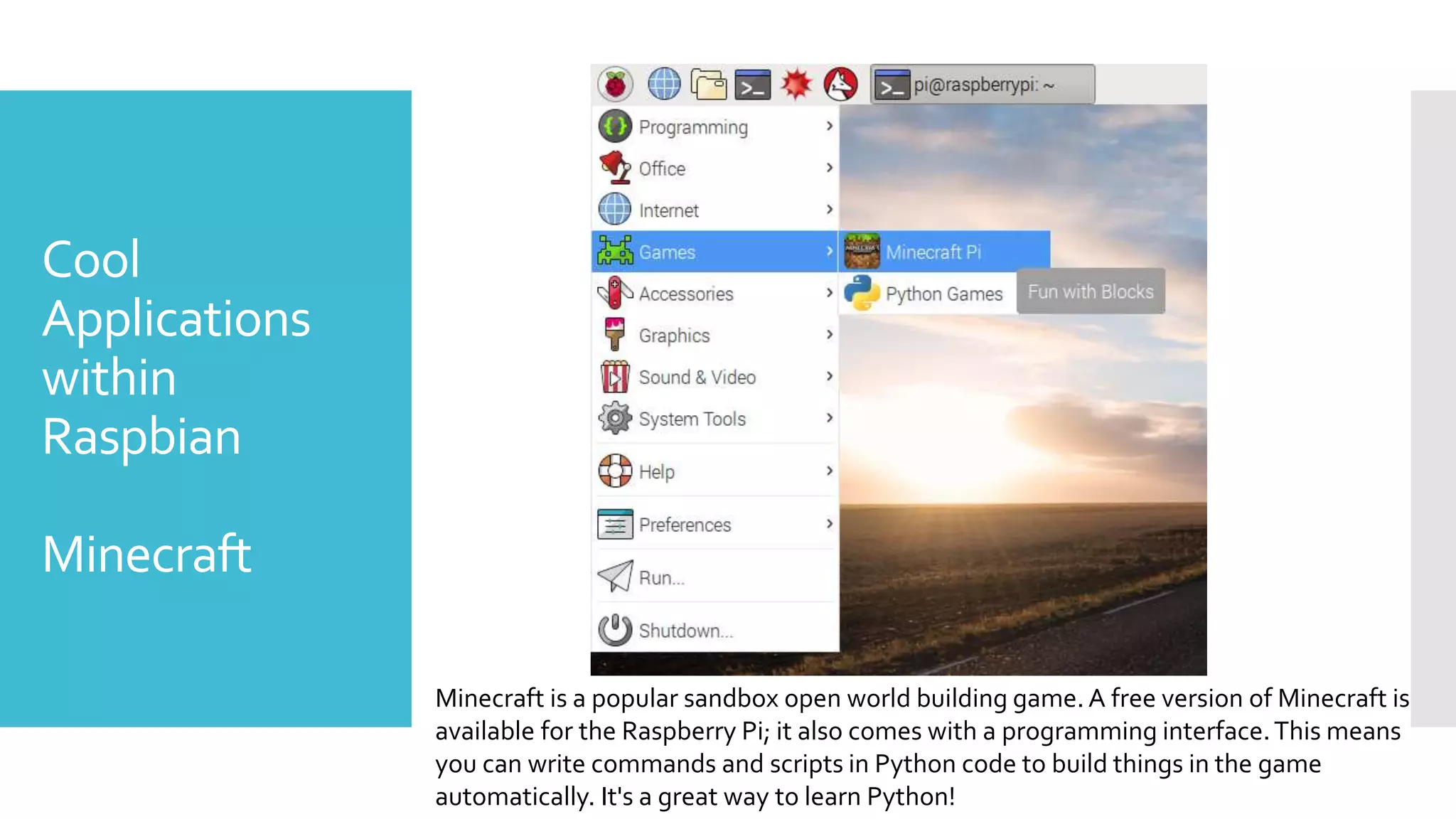
Minecraft
Minecraft is a popular sandbox open world building game. A free version of Minecraft is
available for the Raspberry Pi; it also comes with a programming interface.This means
you can write commands and scripts in Python code to build things in the game
automatically. It's a great way to learn Python!
Cool
Applications
within
Raspbian
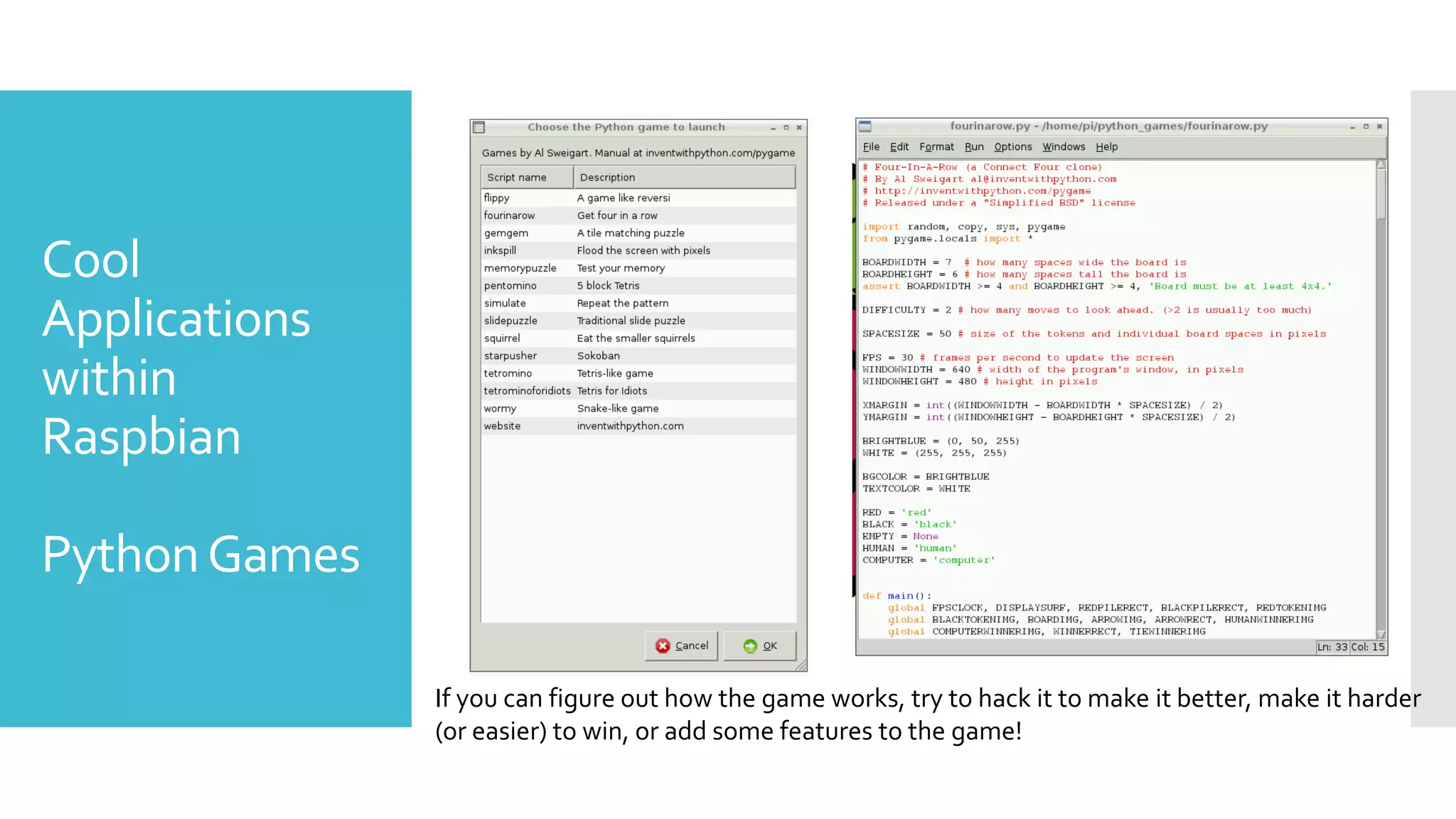
PythonGames
If you can figure out how the game works, try to hack it to make it better, make it harder
(or easier) to win, or add some features to the game!
Cool
Applications
within
Raspbian
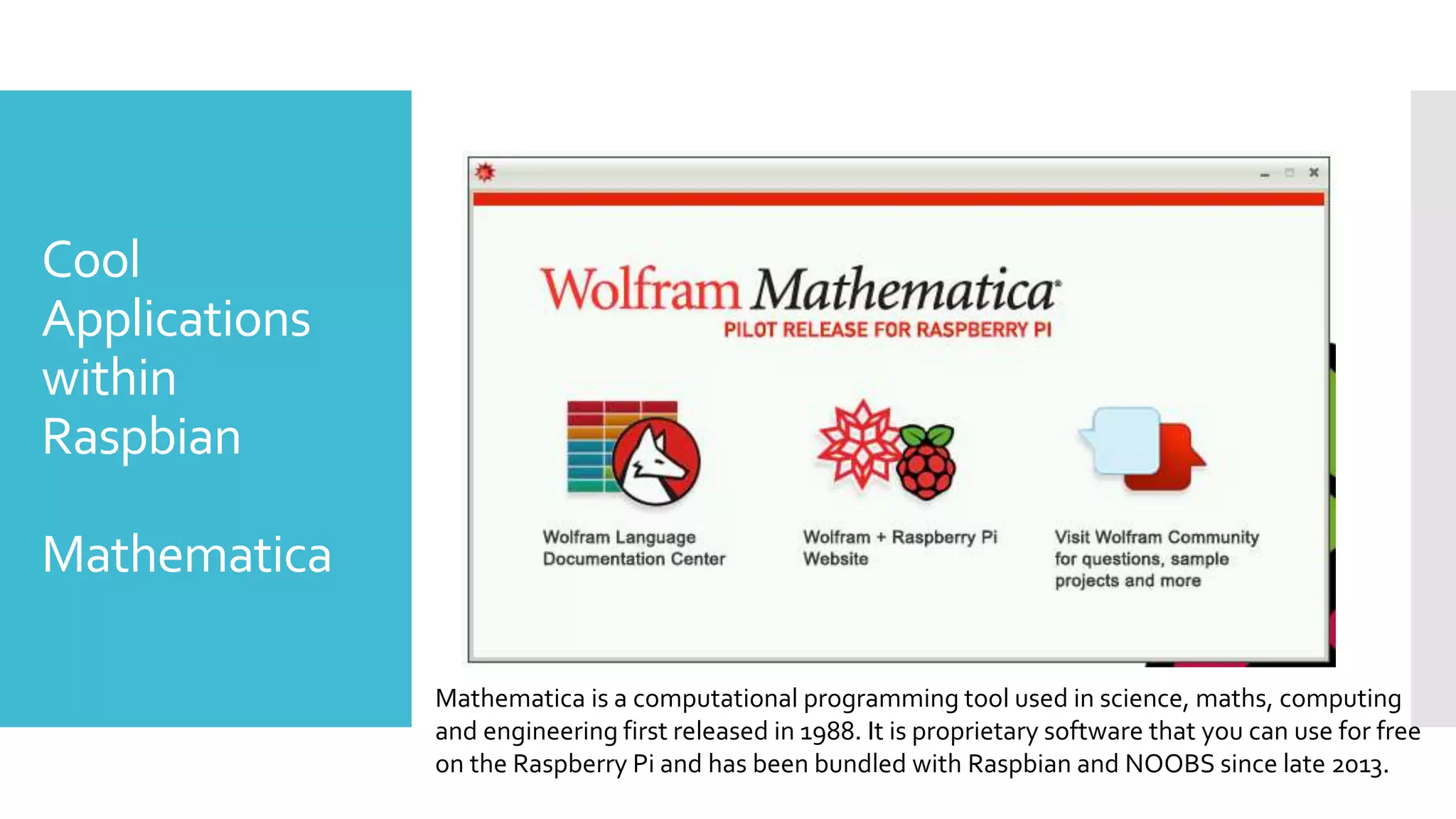
Mathematica
Mathematica is a computational programming tool used in science, maths, computing
and engineering first released in 1988. It is proprietary software that you can use for free
on the Raspberry Pi and has been bundled with Raspbian and NOOBS since late 2013.
What can you
do with Pi
The Basics:
 You can control the boxes remotely – usingVNC or tools like
Weaved or Dataplicity
 Your box can serve as a web server or a FTP Site
 Media Centers, Smart Controllers, the list goes on.And that’s just
out of the box.
 Librarians have used these to build Desktop PC’s for computer
labs at low costs.
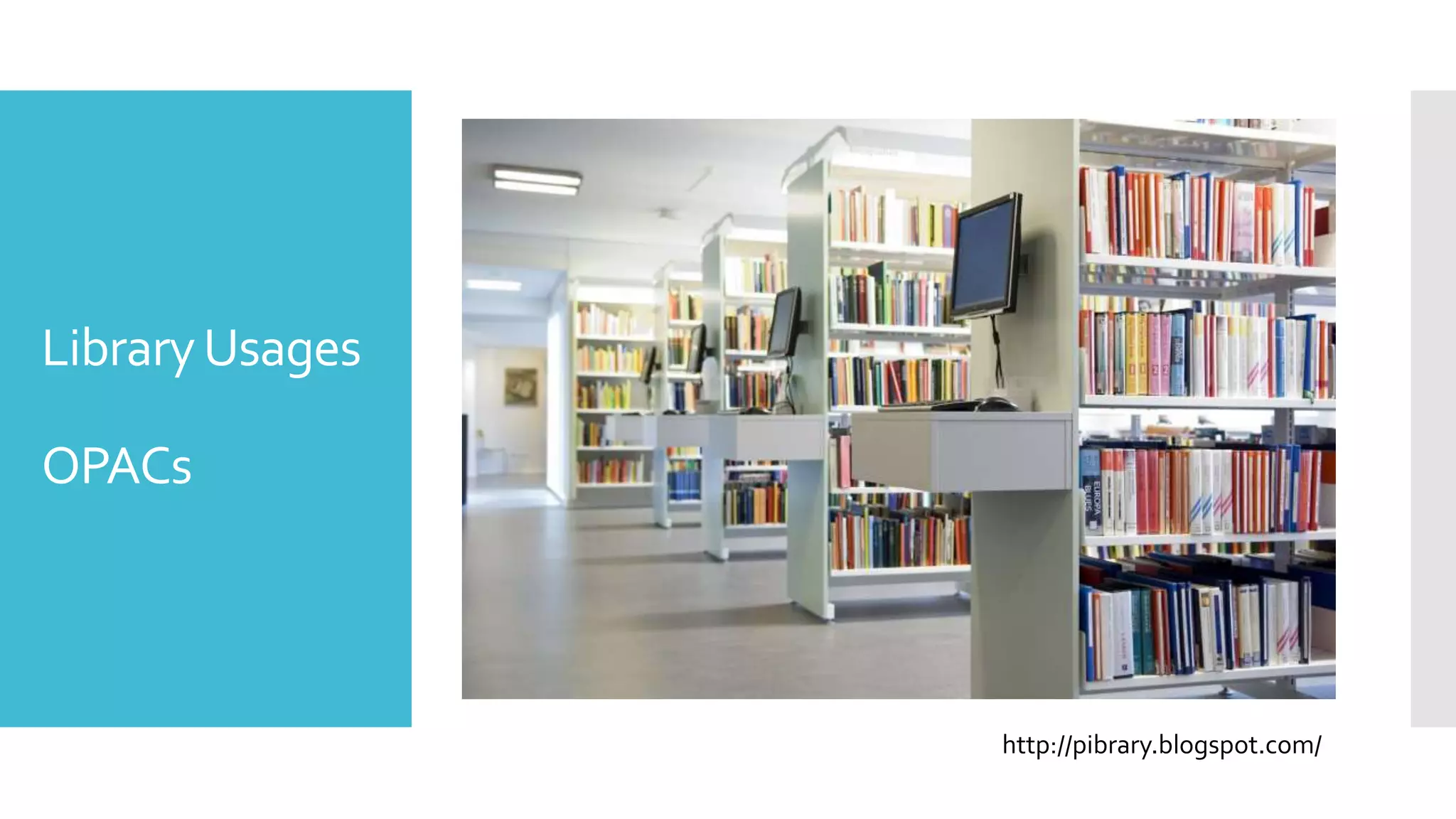
LibraryUsages
OPACs
http://pibrary.blogspot.com/
OPACs
 Monitor ($100)
 Raspberry Pi ($35)
 Some cabling, wiring, and powering on ($10)
 Mouse and Keyboard ($25)
 Compared to 300-600 for a desktop.
 Set up the LinuxOS to be in Kiosk Mode
 Which will load a browser window at boot.
 Set it to your Card Catalog
 You can configure time out settings, browser refreshers, etc. to keep
the browser window clean and clear after inactivity.
Library
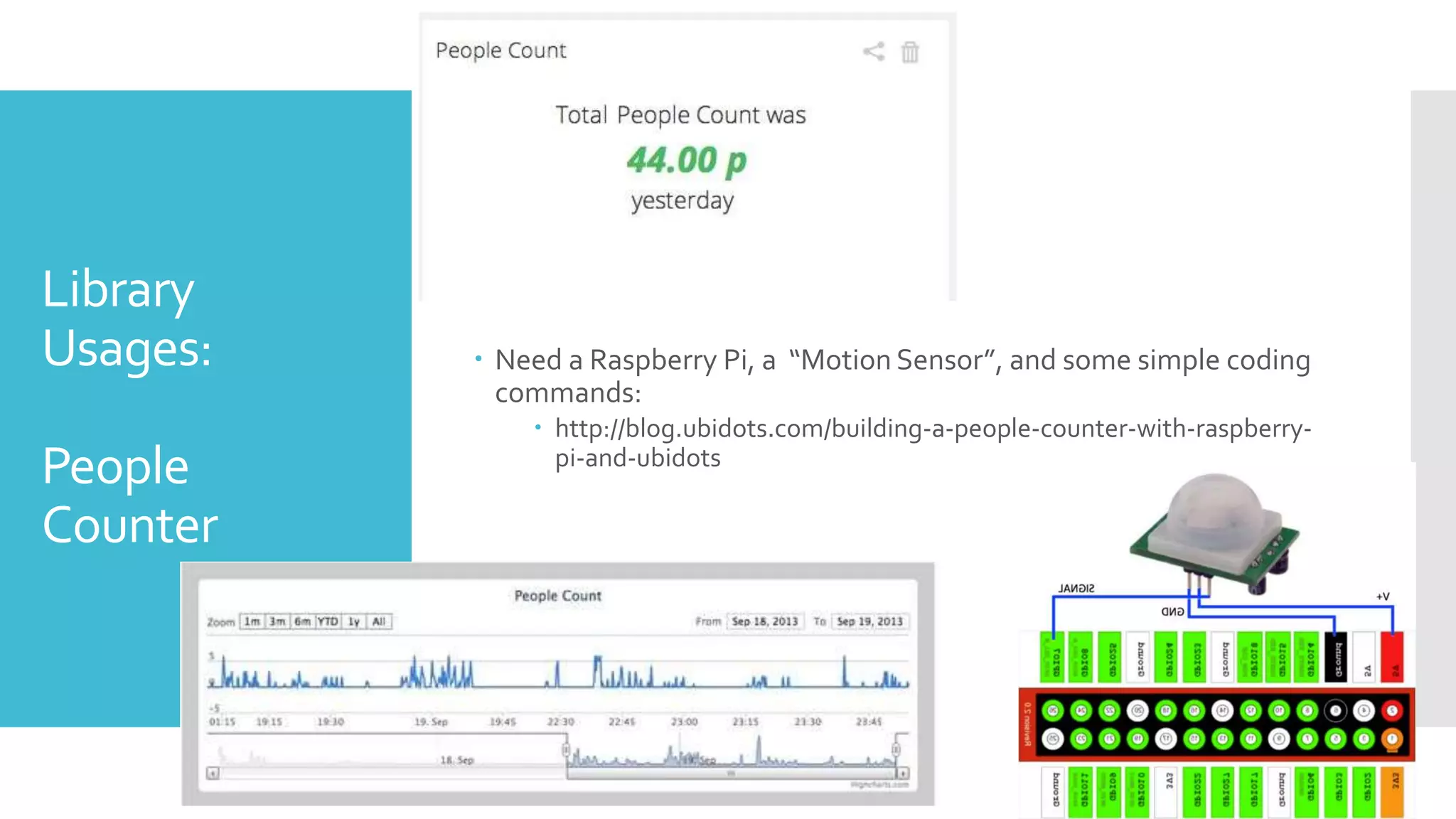
Usages:
People
Counter
 Need a Raspberry Pi, a “Motion Sensor”, and some simple coding
commands:
 http://blog.ubidots.com/building-a-people-counter-with-raspberry-
pi-and-ubidots
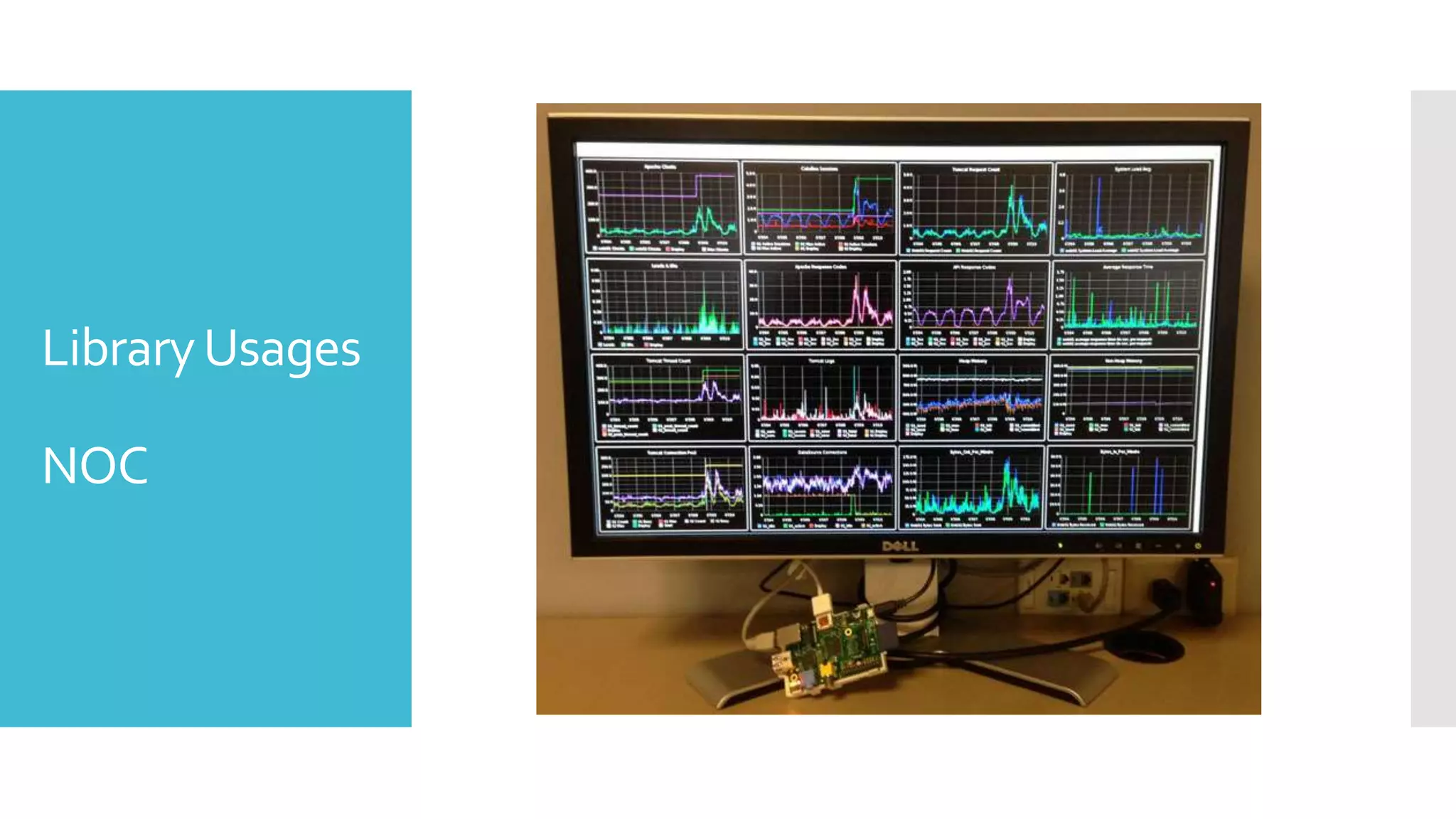
LibraryUsages
NOC
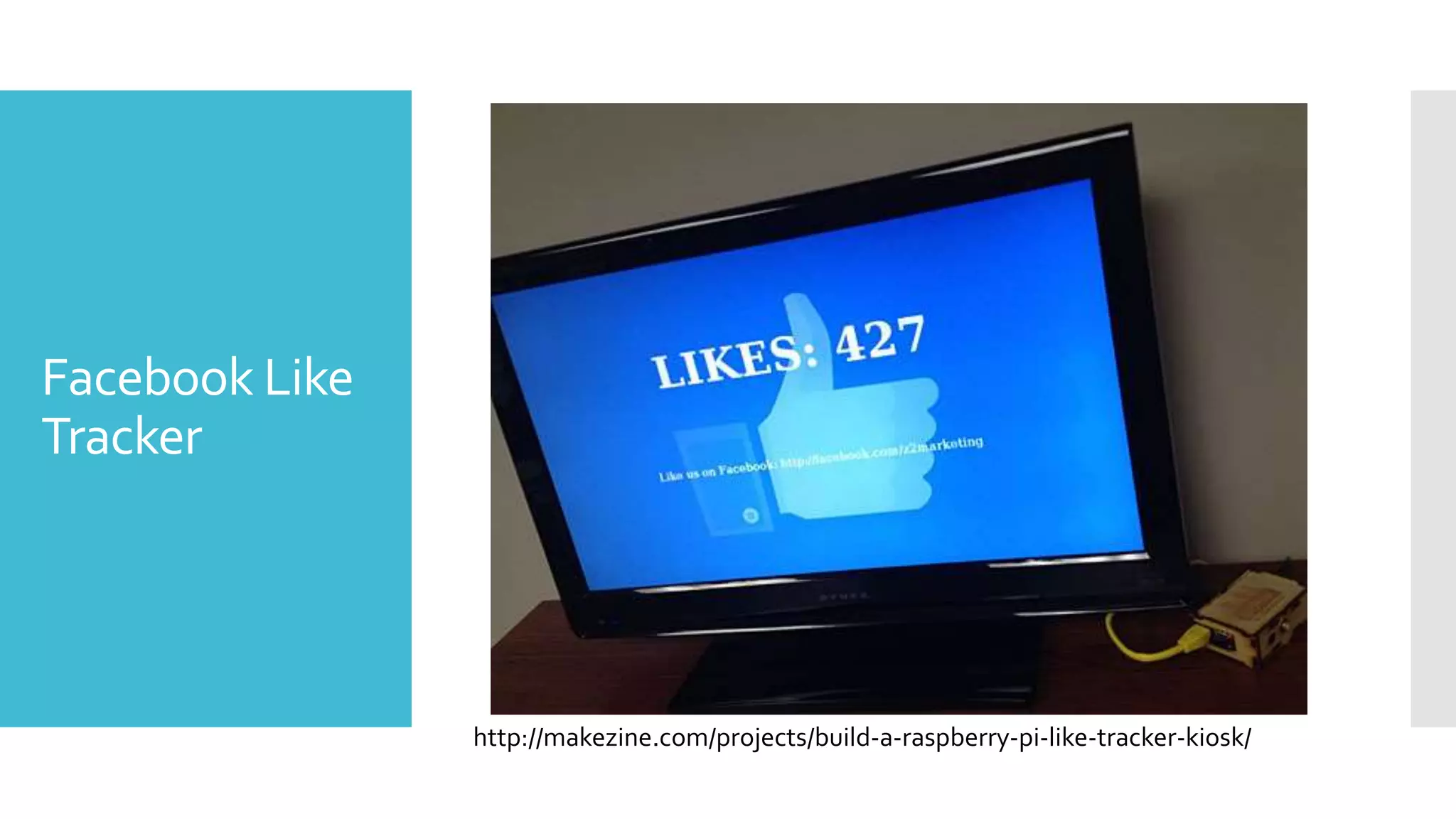
Facebook Like
Tracker
http://makezine.com/projects/build-a-raspberry-pi-like-tracker-kiosk/
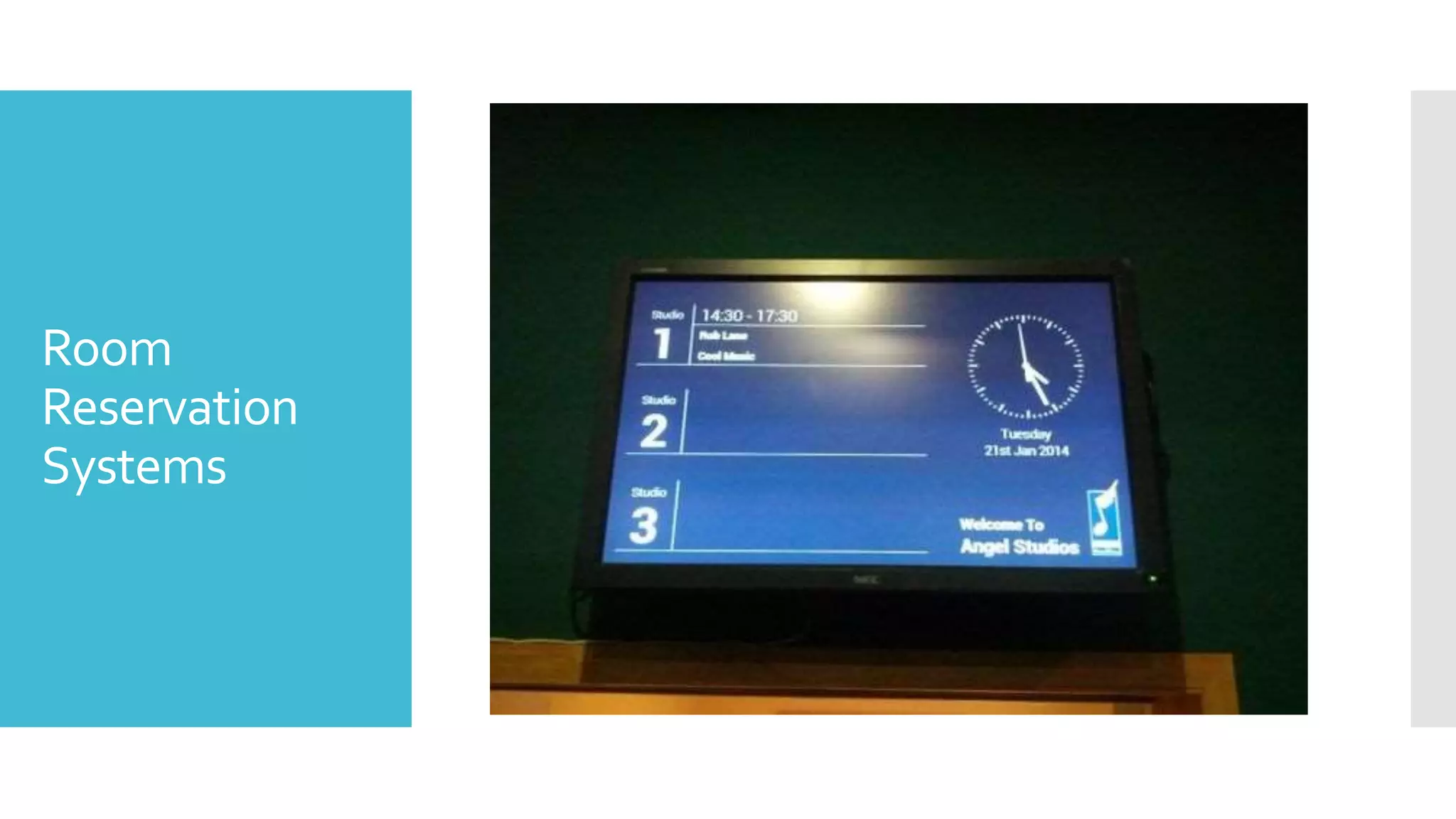
Room
Reservation
Systems
LibraryUsages
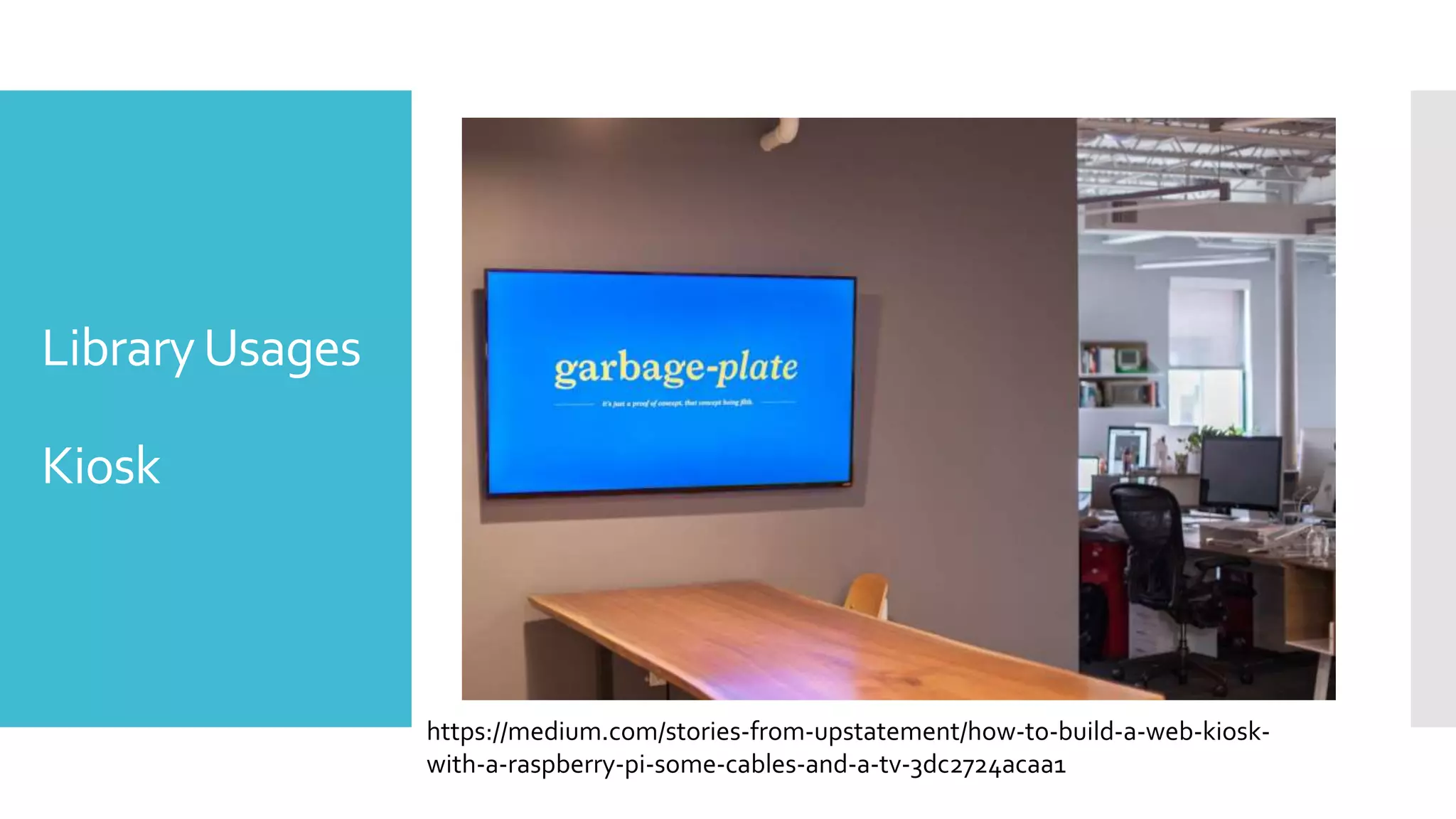
Kiosk
https://medium.com/stories-from-upstatement/how-to-build-a-web-kiosk-
with-a-raspberry-pi-some-cables-and-a-tv-3dc2724acaa1
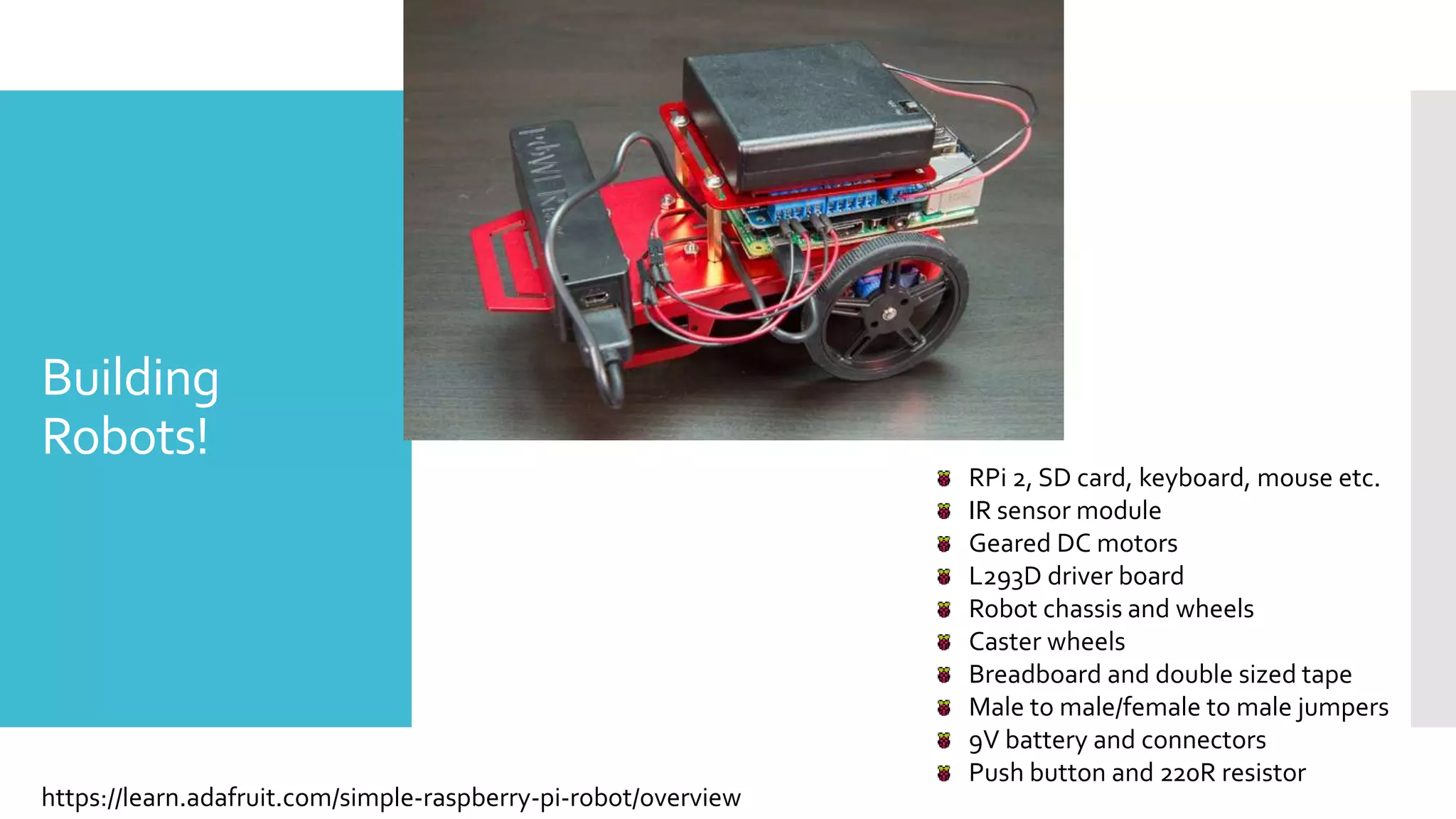
Building
Robots!
https://learn.adafruit.com/simple-raspberry-pi-robot/overview
RPi 2, SD card, keyboard, mouse etc.
IR sensor module
Geared DC motors
L293D driver board
Robot chassis and wheels
Caster wheels
Breadboard and double sized tape
Male to male/female to male jumpers
9V battery and connectors
Push button and 220R resistor
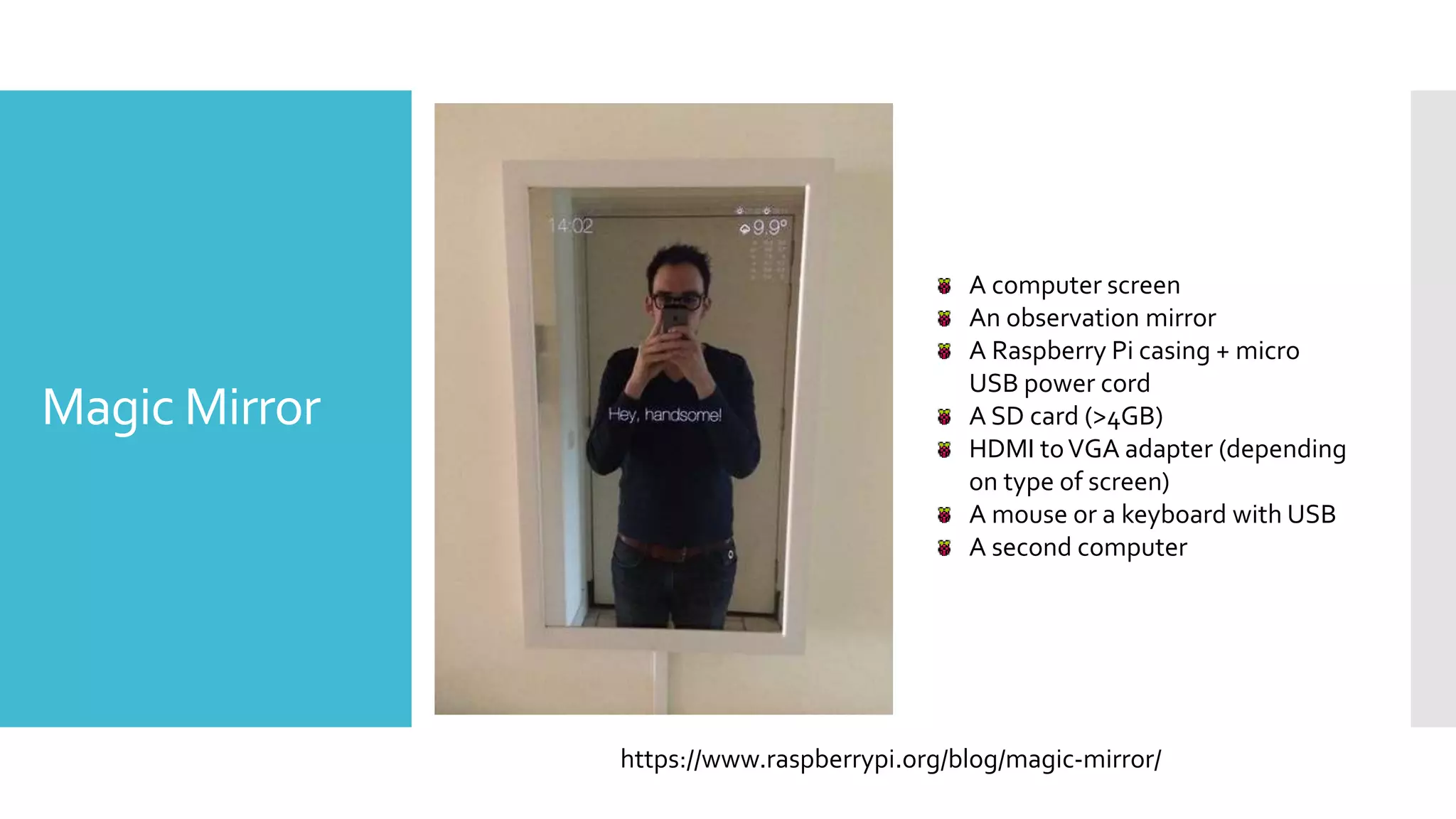
Magic Mirror
https://www.raspberrypi.org/blog/magic-mirror/
A computer screen
An observation mirror
A Raspberry Pi casing + micro
USB power cord
A SD card (>4GB)
HDMI toVGA adapter (depending
on type of screen)
A mouse or a keyboard with USB
A second computer
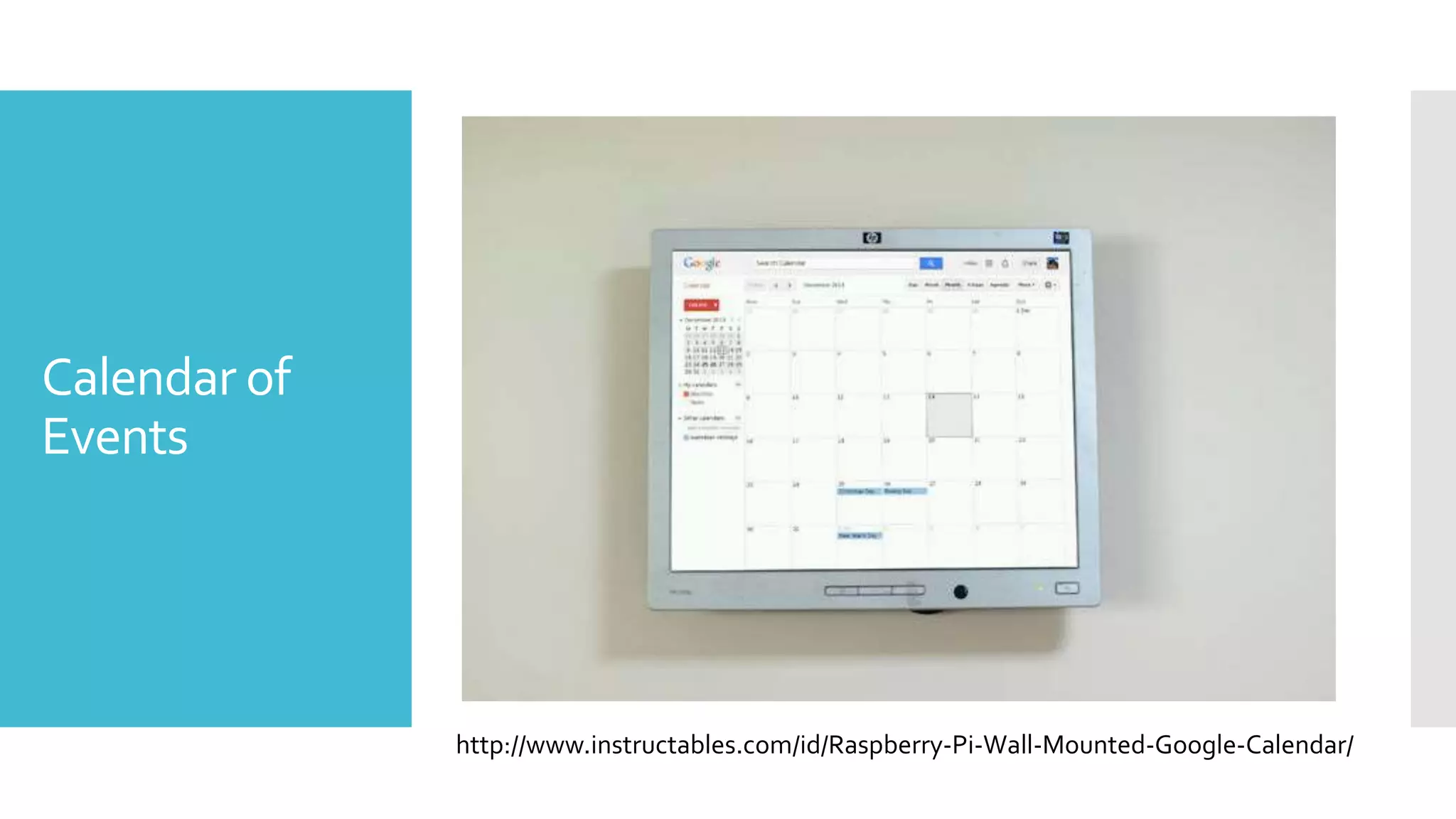
Calendar of
Events
http://www.instructables.com/id/Raspberry-Pi-Wall-Mounted-Google-Calendar/
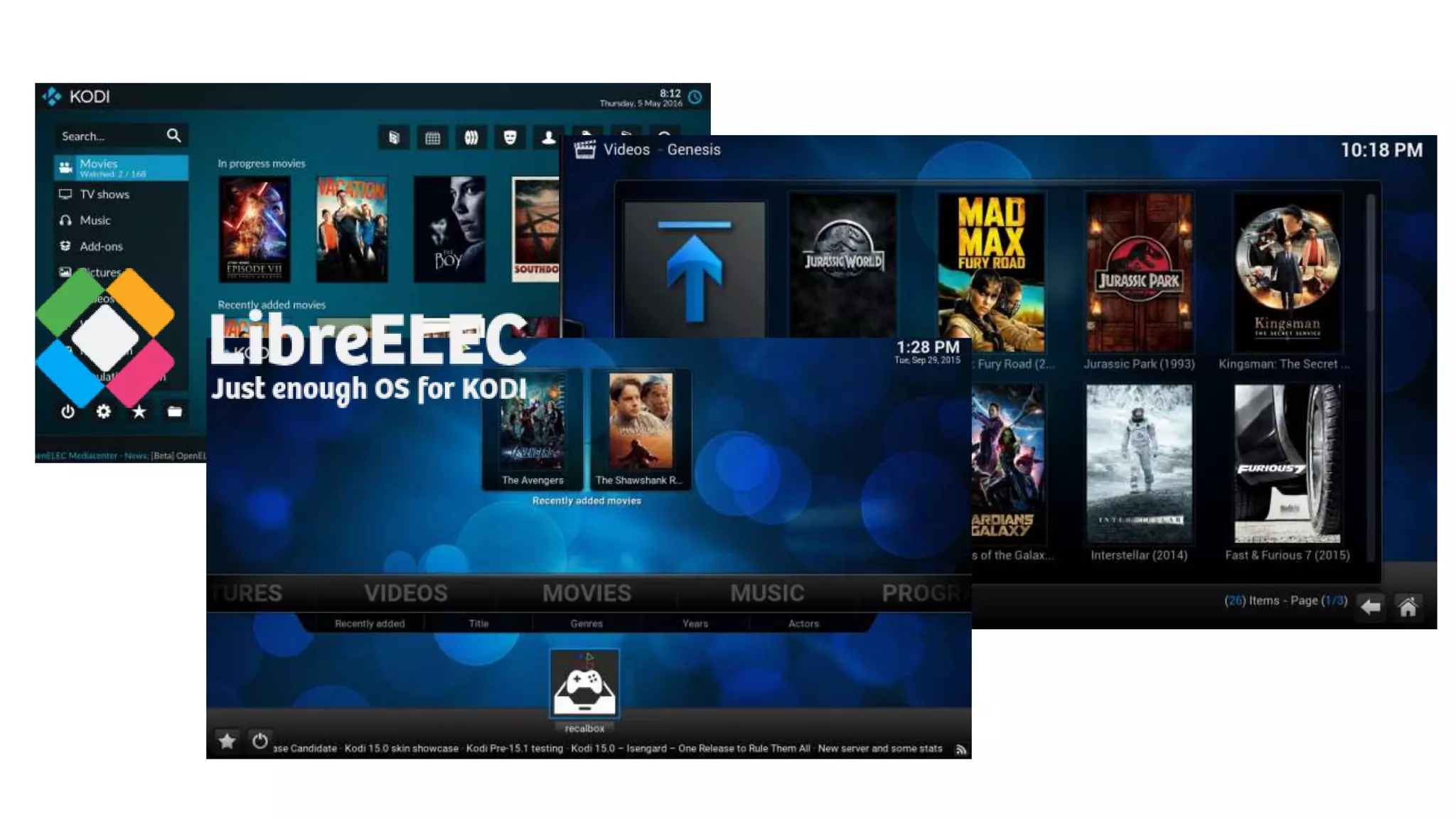
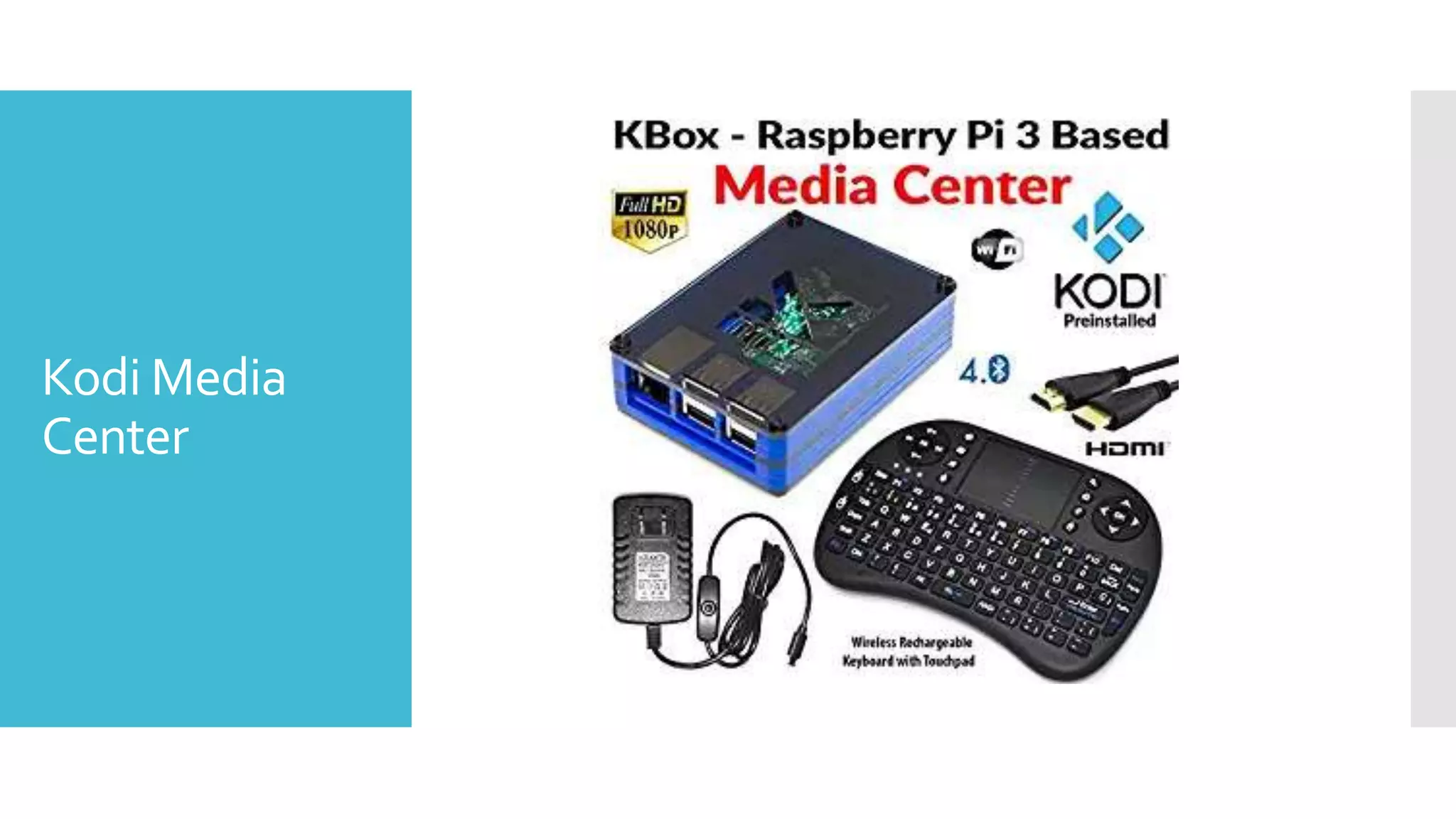
Kodi Media
Center
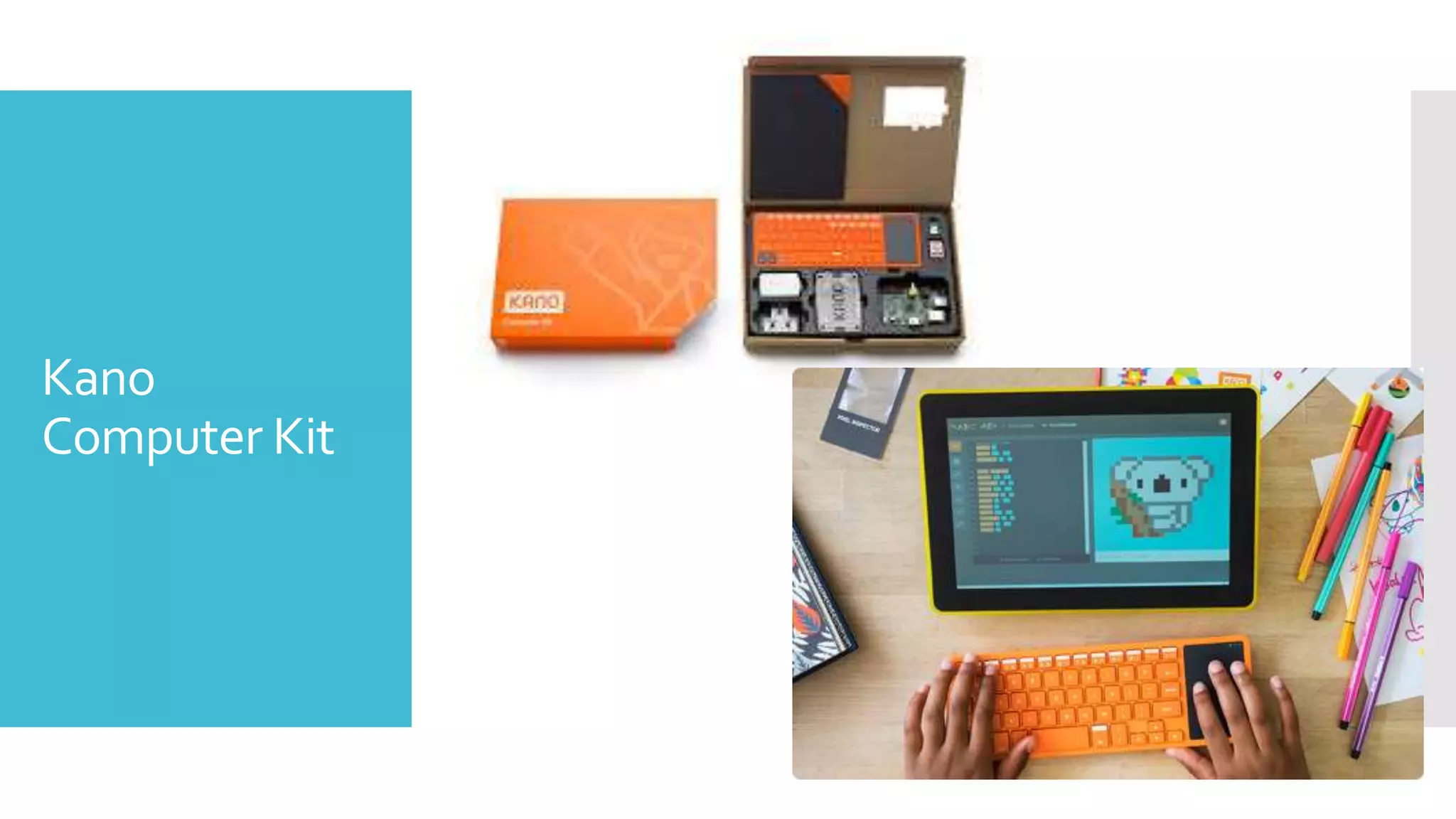
Kano
Computer Kit
YouTold Me
Programming?
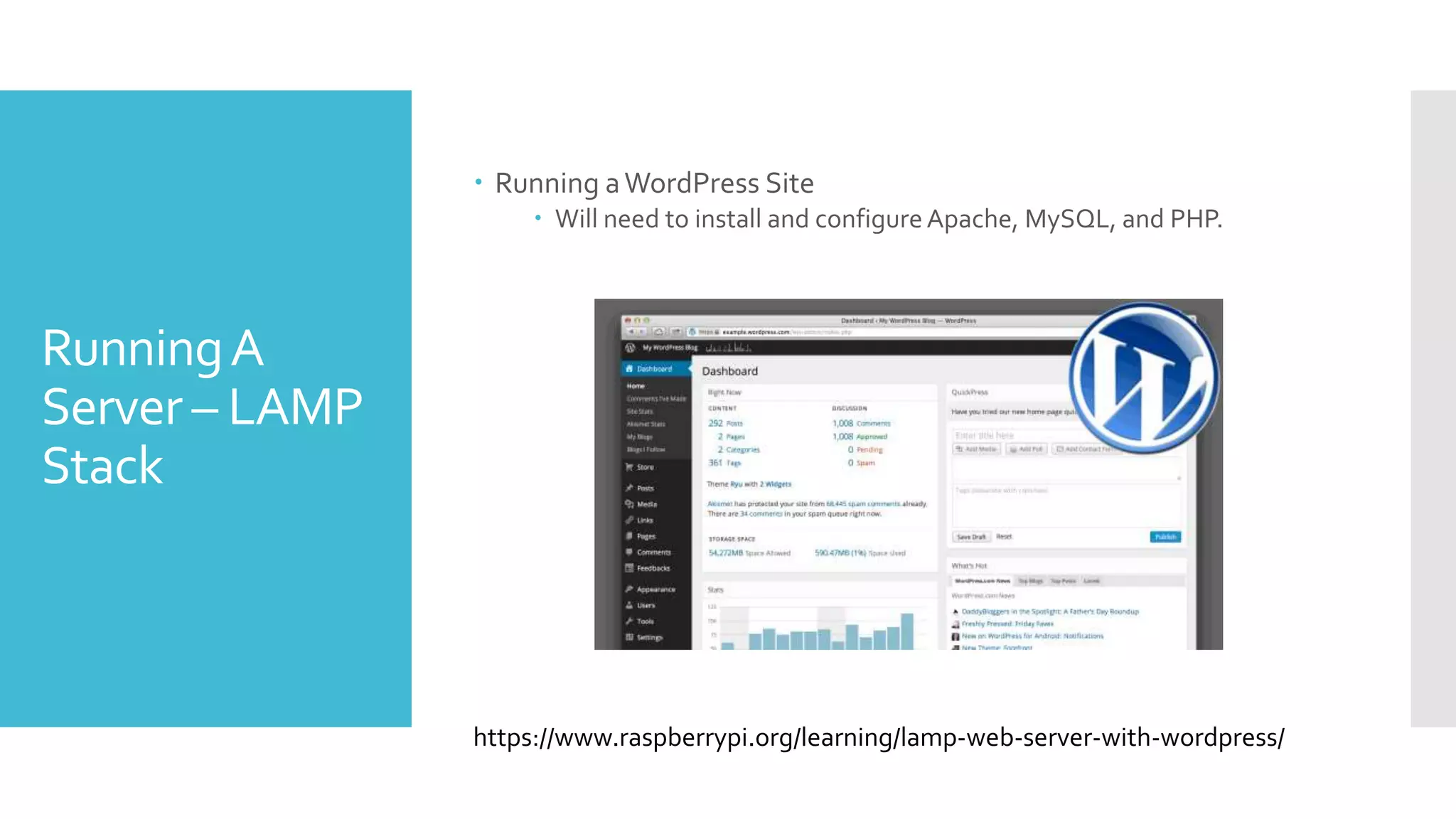
RunningA
Server – LAMP
Stack
 Running aWordPress Site
 Will need to install and configureApache, MySQL, and PHP.
https://www.raspberrypi.org/learning/lamp-web-server-with-wordpress/
Using the
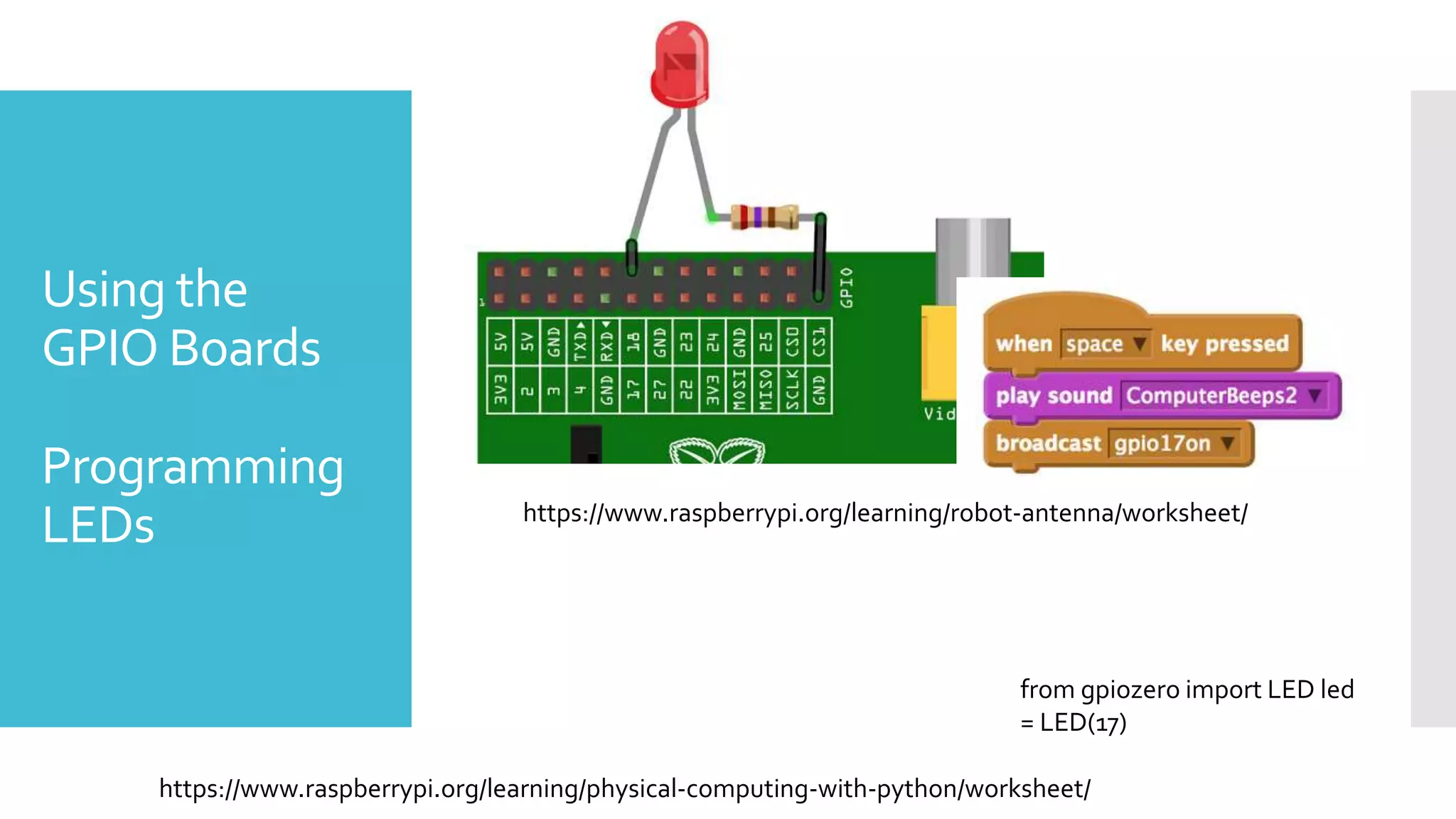
GPIO Boards
Programming
LEDs https://www.raspberrypi.org/learning/robot-antenna/worksheet/
from gpiozero import LED led
= LED(17)
https://www.raspberrypi.org/learning/physical-computing-with-python/worksheet/
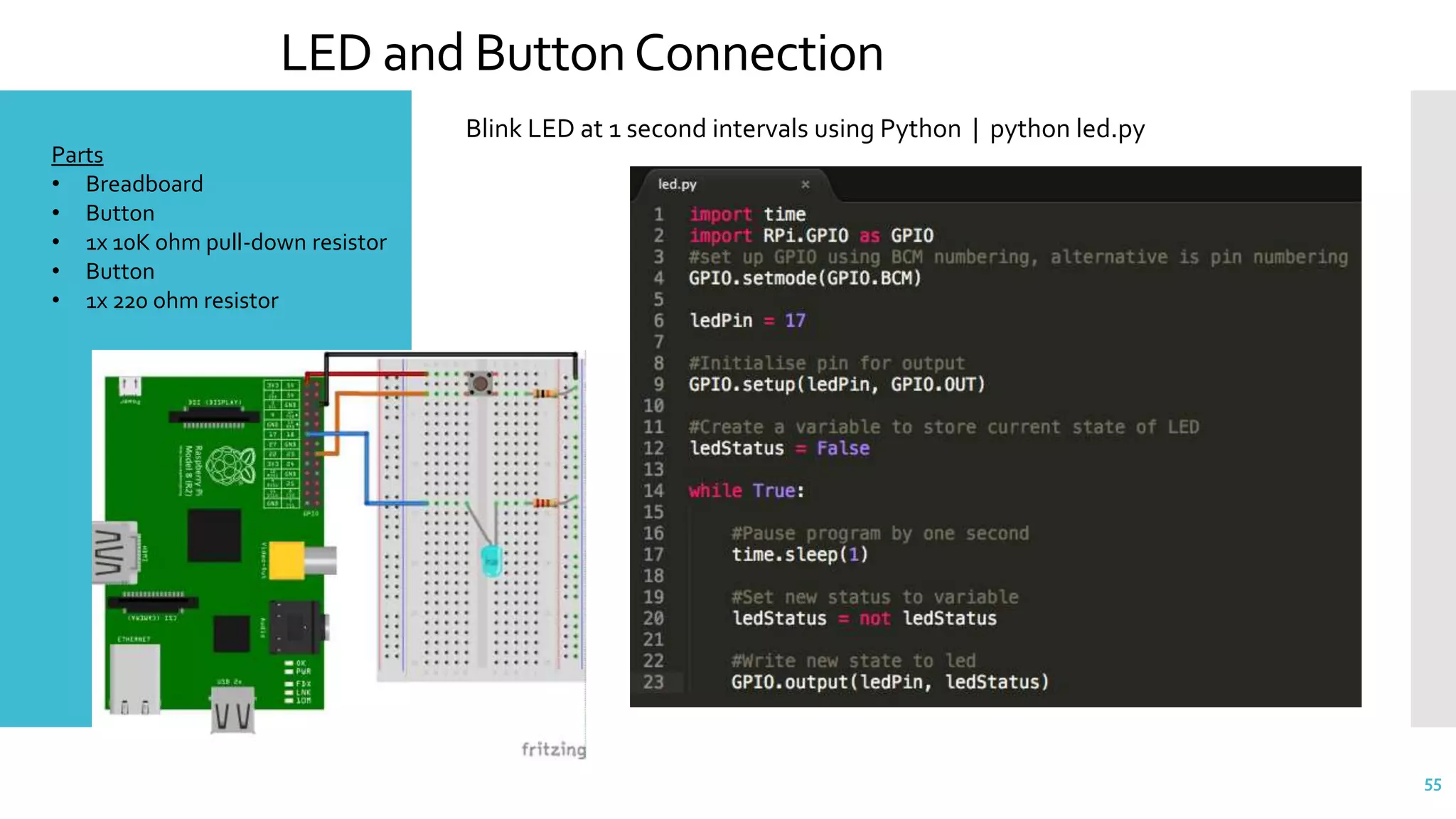
LED and ButtonConnection
55
Parts
• Breadboard
• Button
• 1x 10K ohm pull-down resistor
• Button
• 1x 220 ohm resistor
Blink LED at 1 second intervals using Python | python led.py
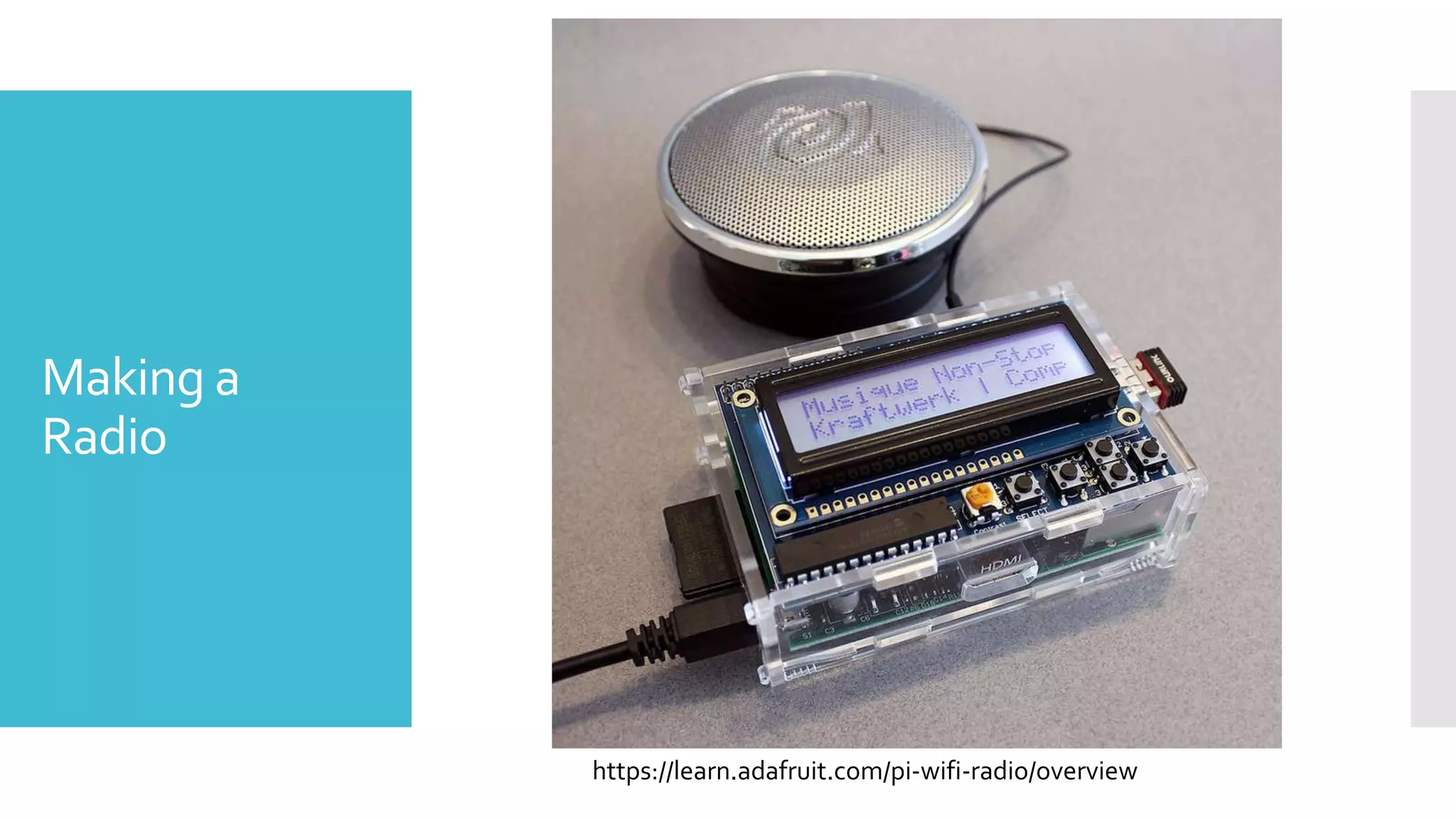
Making a
Radio
https://learn.adafruit.com/pi-wifi-radio/overview
Twitter!
 Have a bot to respond and interact with tweets.
 Have buttons that users can hit that interact with the Pi and then
tweet something out.
 Have people take a photo with the camera and then tweet it out.
 Have the Raspberry Pi light up when specific items are tweeted or
display the recent tweet(s).
https://www.raspberrypi.org/learning/getting-started-with-the-twitter-api/
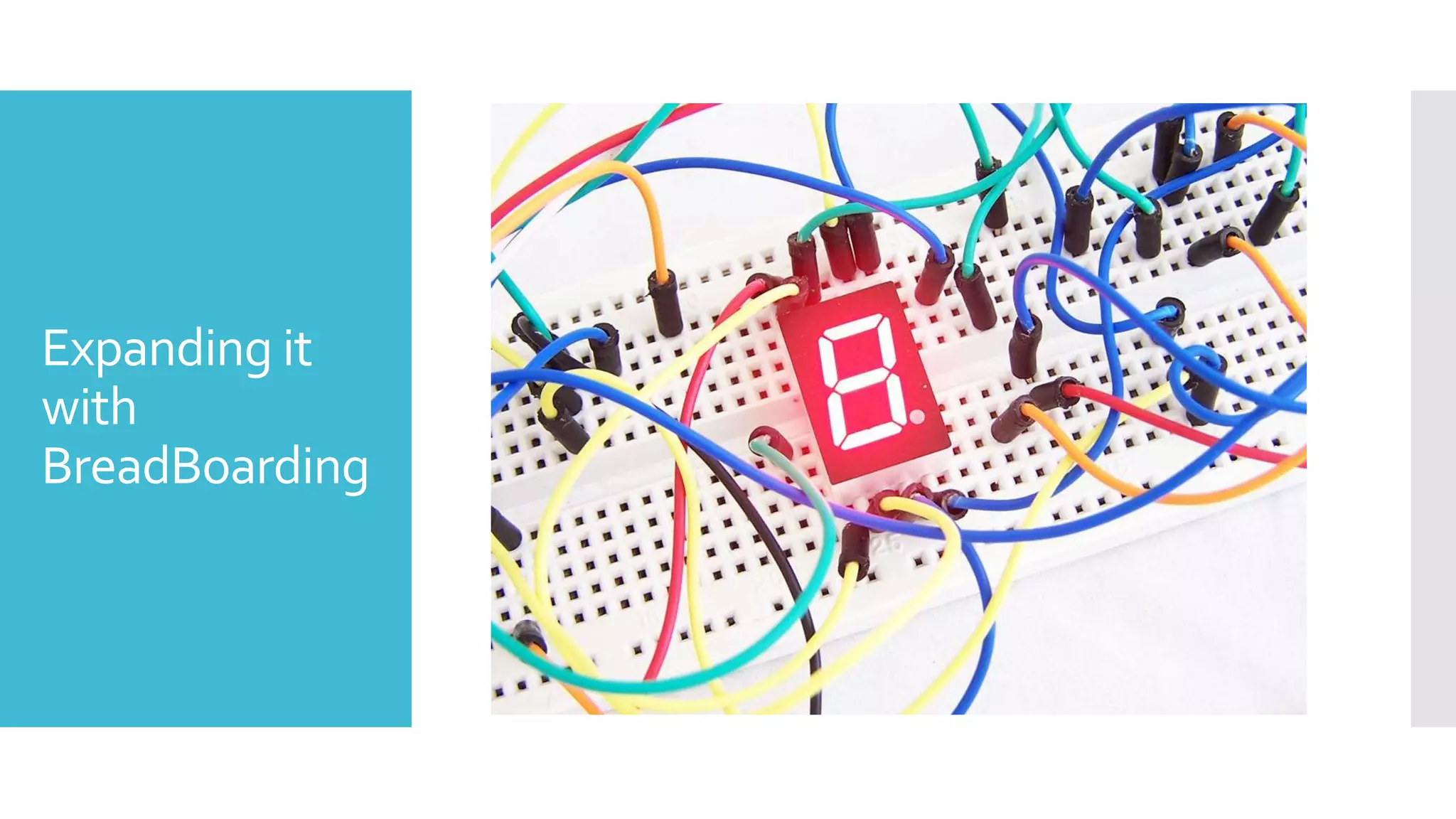
Expanding it
with
BreadBoarding
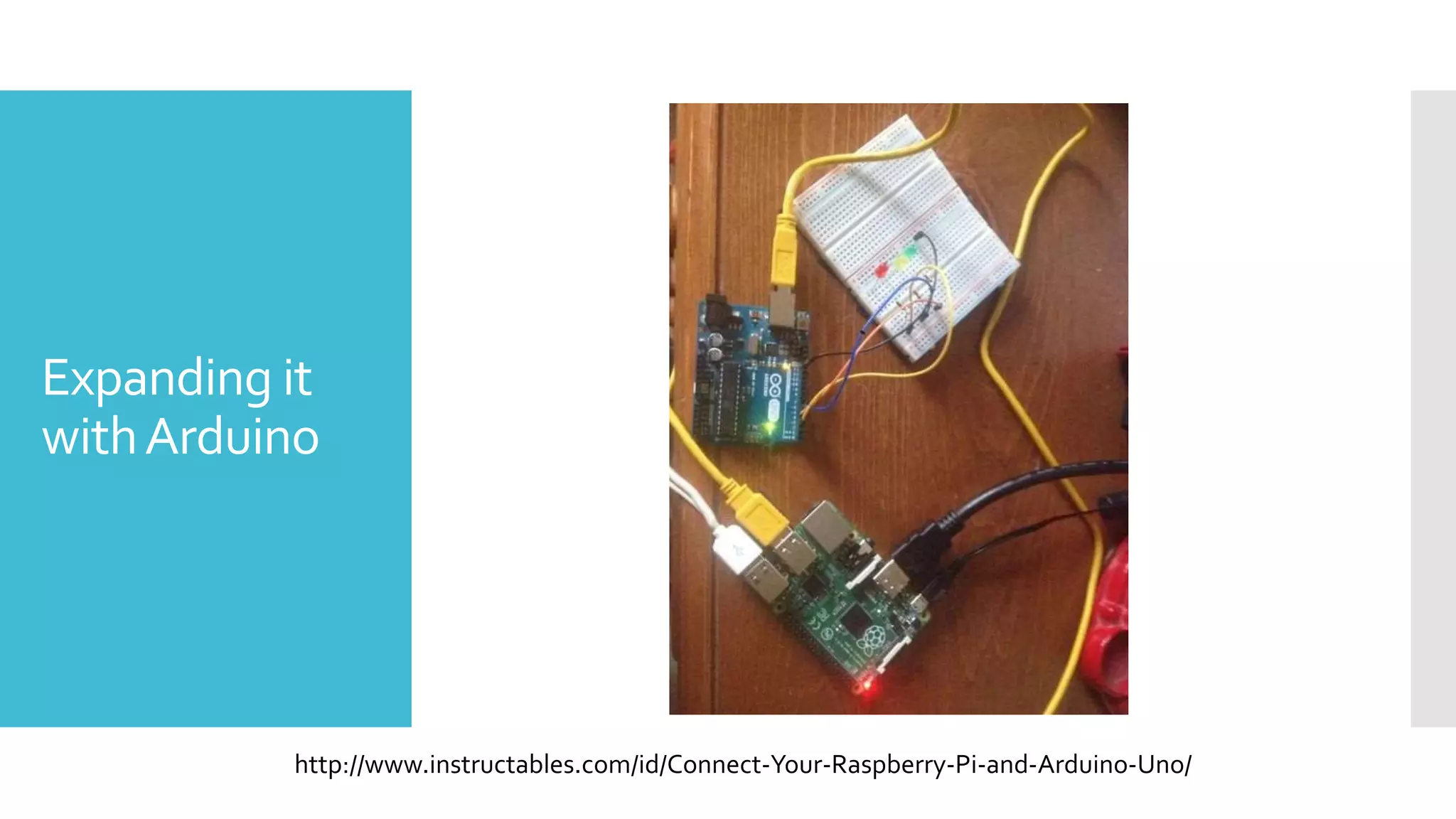
Expanding it
withArduino
http://www.instructables.com/id/Connect-Your-Raspberry-Pi-and-Arduino-Uno/
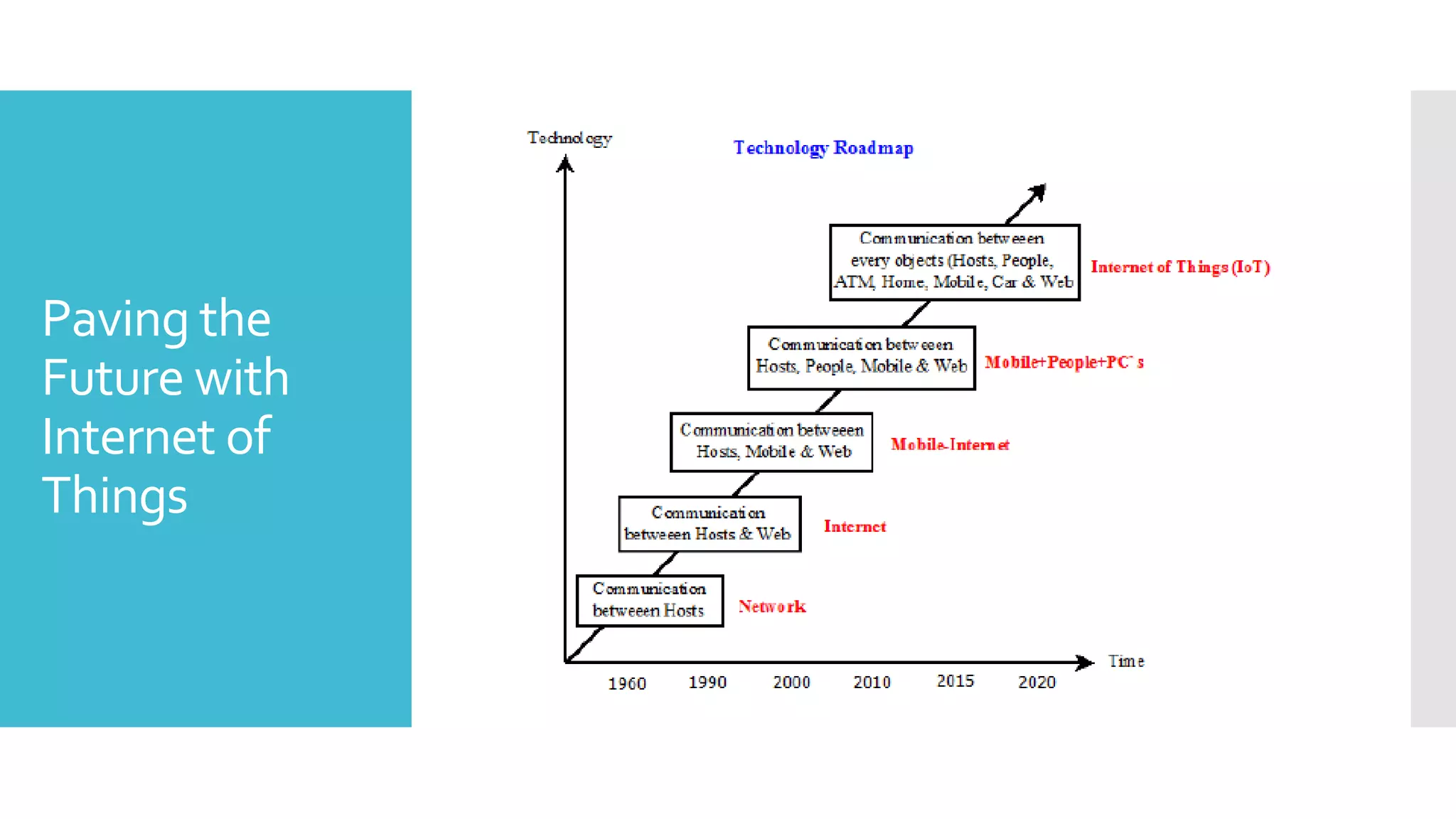
Paving the
Future with
Internet of
Things
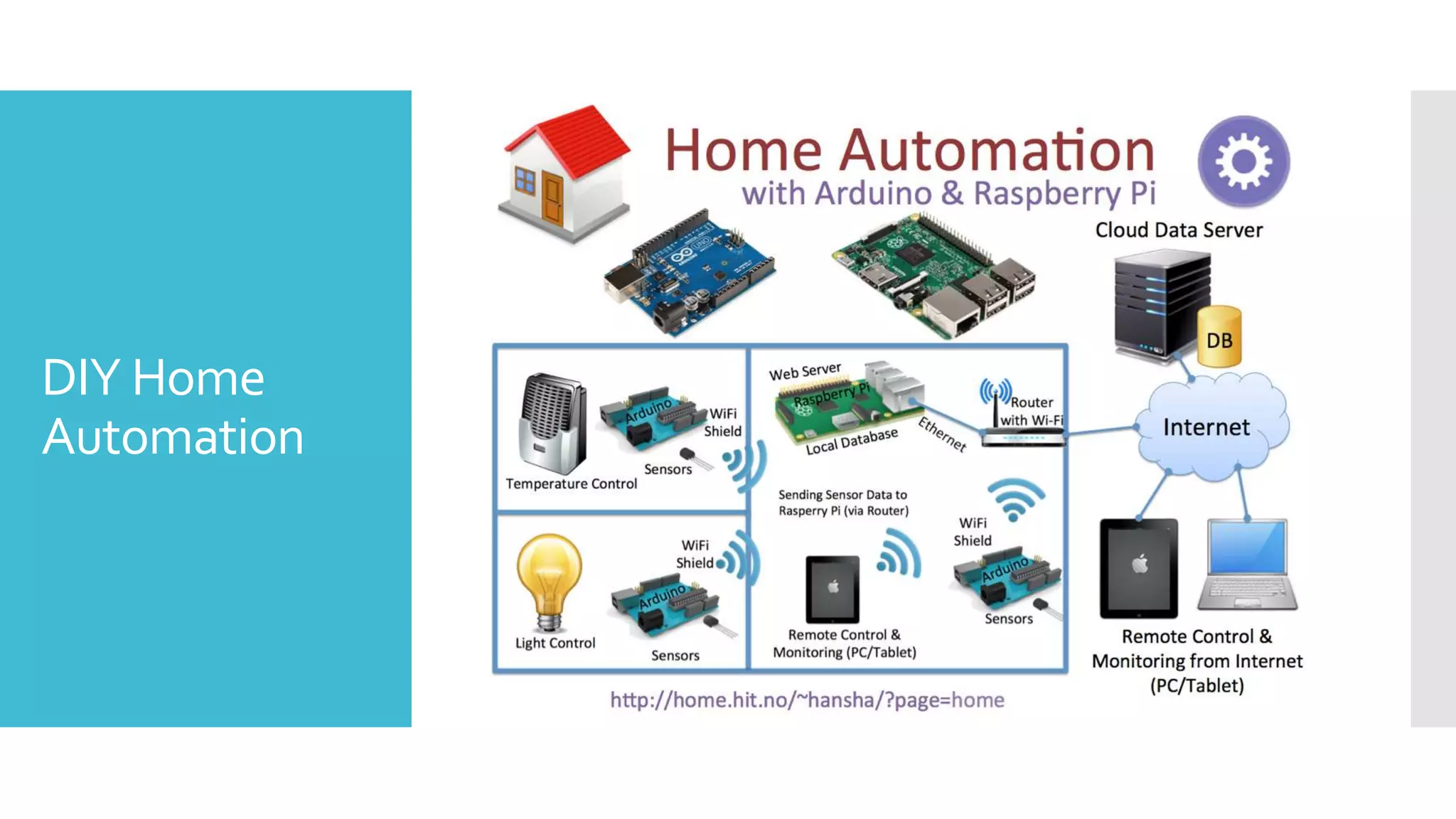
DIY Home
Automation
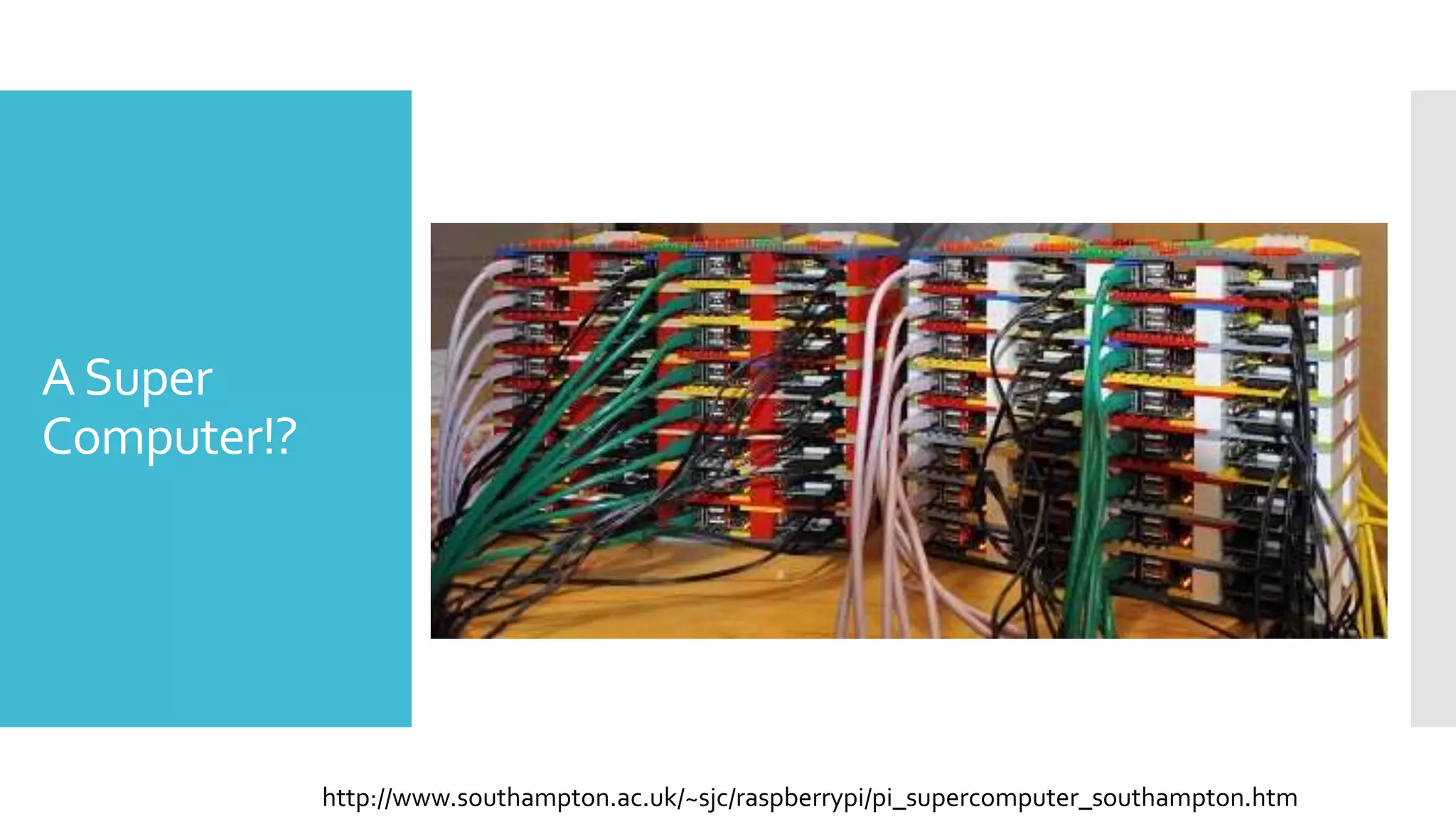
ASuper
Computer!?
http://www.southampton.ac.uk/~sjc/raspberrypi/pi_supercomputer_southampton.htm
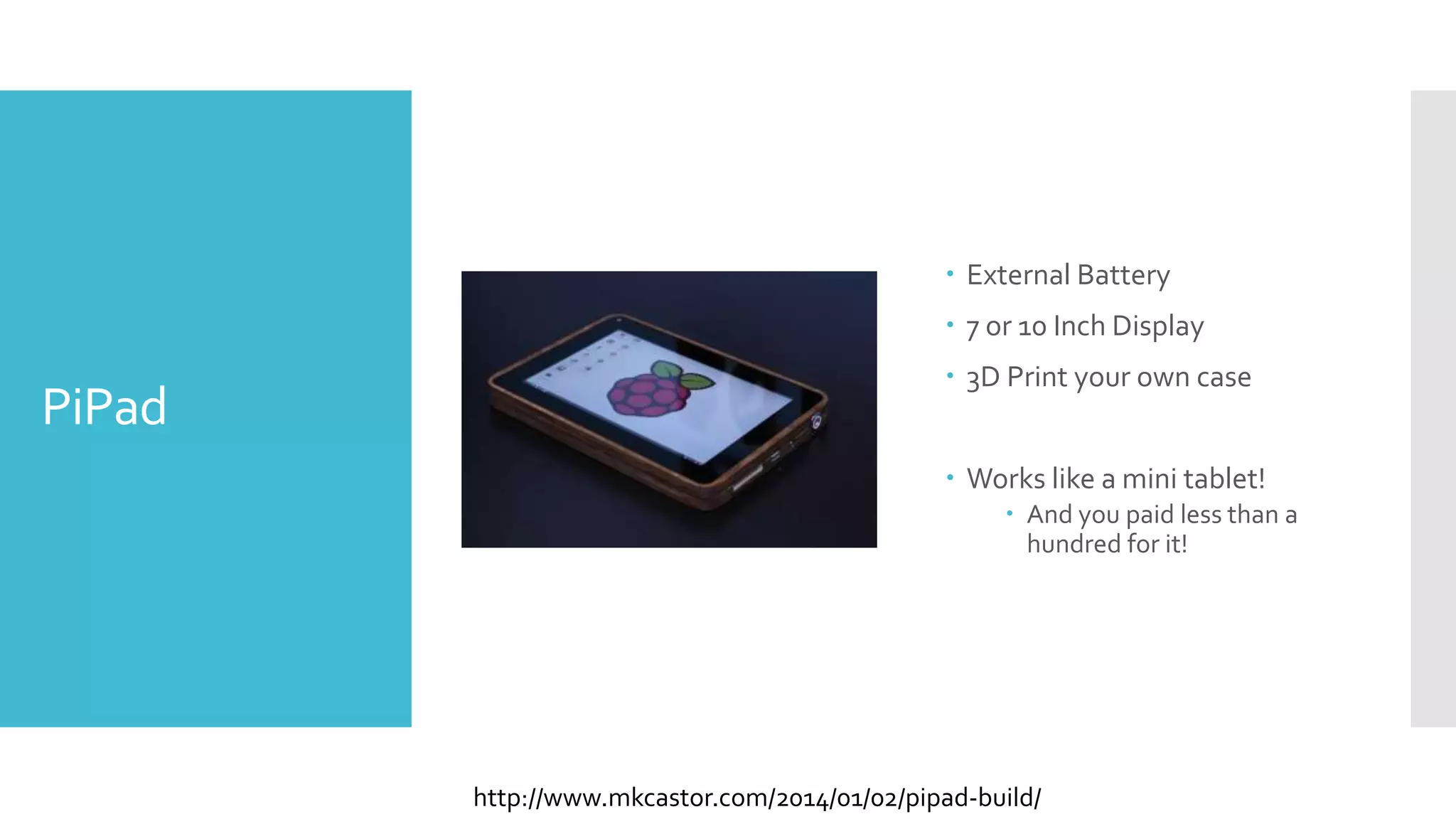
PiPad
 External Battery
 7 or 10 Inch Display
 3D Print your own case
 Works like a mini tablet!
 And you paid less than a
hundred for it!
http://www.mkcastor.com/2014/01/02/pipad-build/
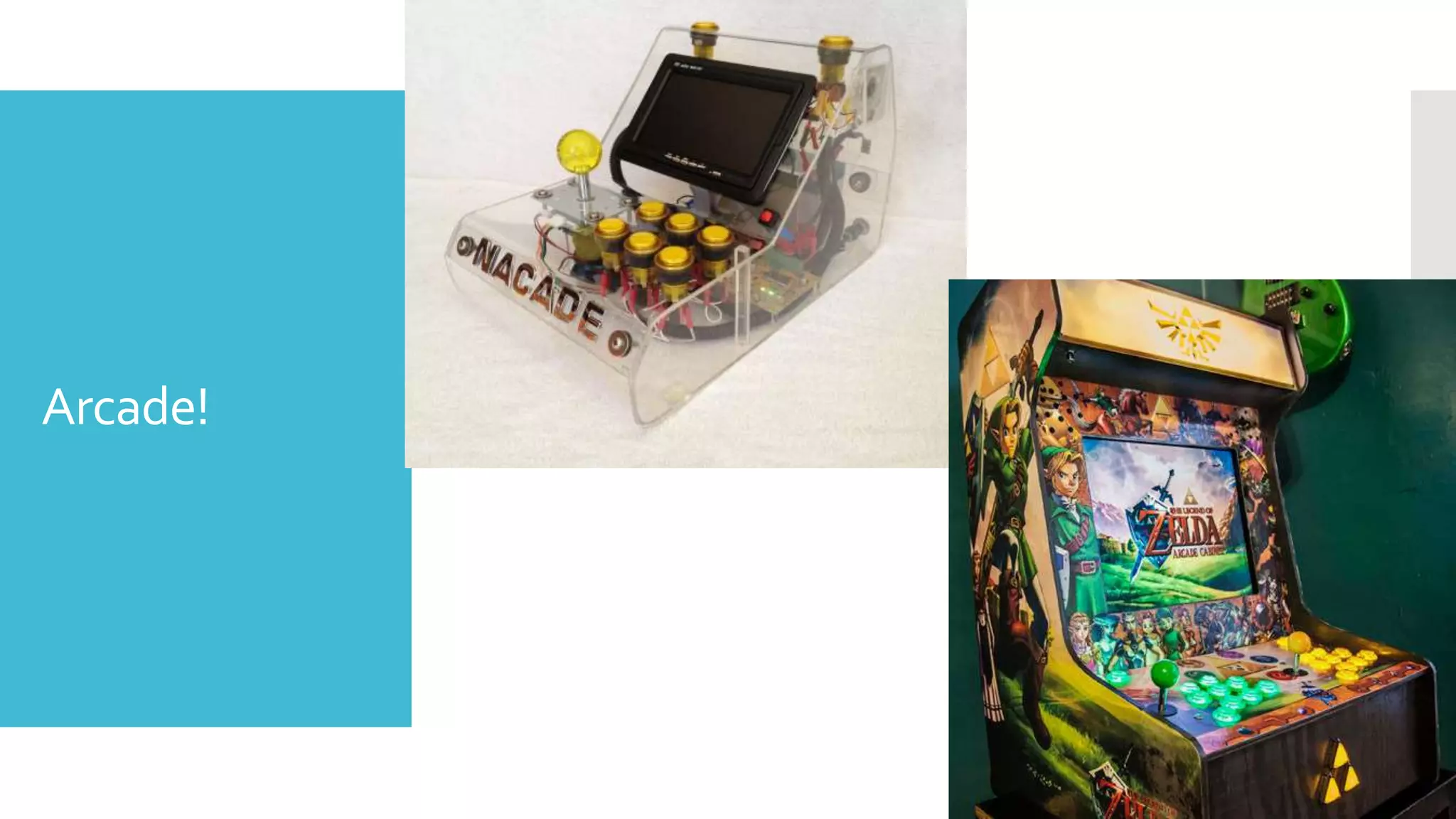
Arcade!
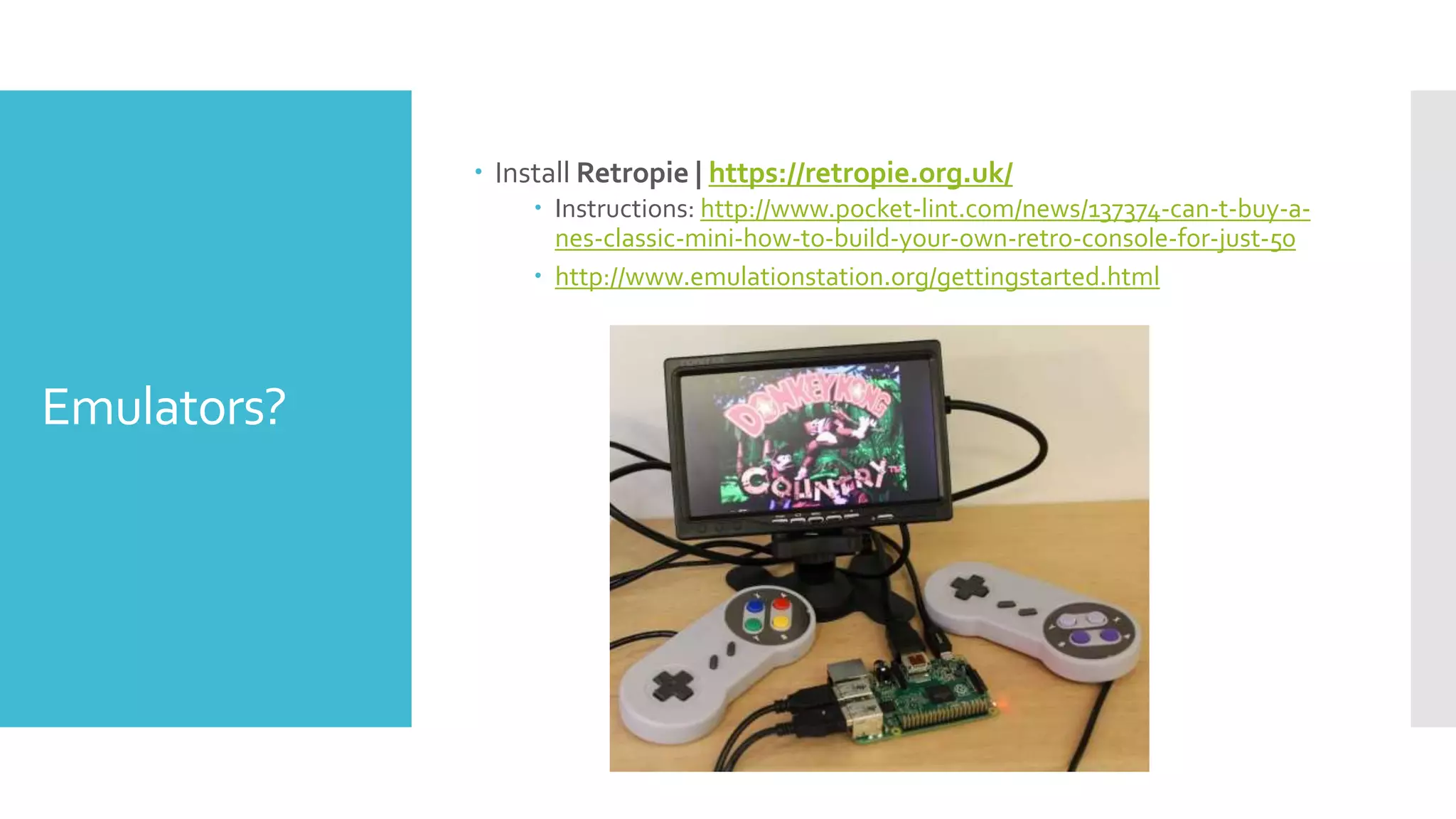
Emulators?
 Install Retropie | https://retropie.org.uk/
 Instructions: http://www.pocket-lint.com/news/137374-can-t-buy-a-
nes-classic-mini-how-to-build-your-own-retro-console-for-just-50
 http://www.emulationstation.org/gettingstarted.html
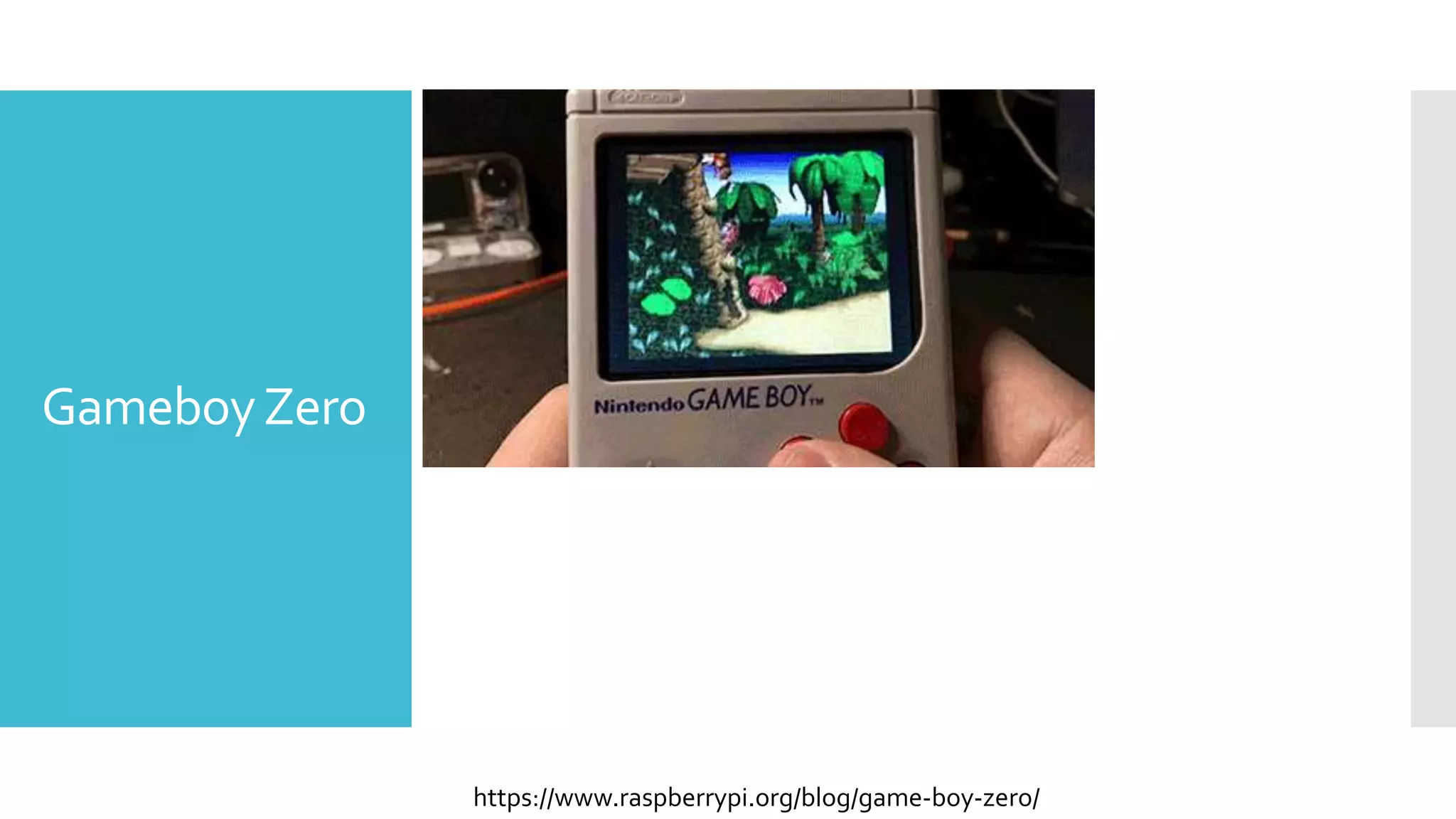
GameboyZero
https://www.raspberrypi.org/blog/game-boy-zero/
Recap
 Overall – Raspberry Pi is a low cost way to get into computers,
programming, robotics, automation, engineering, and so much
more.
 The modules/arduinos/boards/ that can connect with Pi are
equally affordable
 There is a huge community base surrounding Raspberry Pi and
everyone is helpful and collaborative to not only expanding your
skills but expanding the capabilities of what you can do with low
cost hardware.
Links and
Resources
 https://www.raspberrypi.org/resources/ great learning guides on
how to do specific projects
 https://www.raspberrypi.org/documentation/ general walk
through on getting started for the first time
 Or if you like videos: https://www.raspberrypi.org/help/videos/
 Project Ideas
 http://www.instructables.com/id/Raspberry-Pi-Projects/
 Buy Cool Stuff:
 https://www.adafruit.com/category/105
Contact
Information
 Brian Pichman
 BPichman@evolveproject.org
 Twitter: BPichman

Raspberry Pi - Unlocking New Ideas for Your Library