North East Wisconsin Linux User Group


            Ubuntu Quickly
              Presented
               Tim Bolz
Quickly
What is quickly? It is an amazing little
 program which makes programming easy
 and fun.
Why use quickly? One it's quick, two it's
 easy and three it uses Python.
Installing Quickly
Sudo apt-get install quickly
It's command line but it's that easy
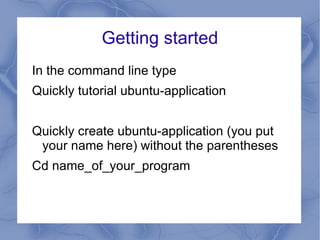
Getting started
In the command line type
Quickly tutorial ubuntu-application


Quickly create ubuntu-application (you put
 your name here) without the parentheses
Cd name_of_your_program
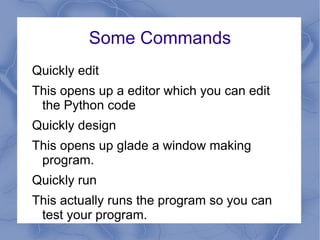
Some Commands
Quickly edit
This opens up a editor which you can edit
 the Python code
Quickly design
This opens up glade a window making
 program.
Quickly run
This actually runs the program so you can
 test your program.
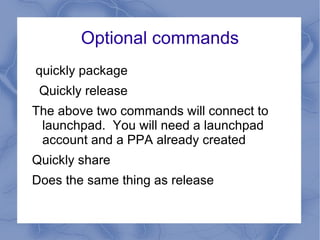
Optional commands
quickly package
 Quickly release
The above two commands will connect to
 launchpad. You will need a launchpad
 account and a PPA already created
Quickly share
Does the same thing as release
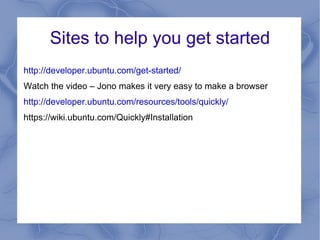
Sites to help you get started
http://developer.ubuntu.com/get-started/
Watch the video – Jono makes it very easy to make a browser
http://developer.ubuntu.com/resources/tools/quickly/
https://wiki.ubuntu.com/Quickly#Installation
Let's write a quickly program
What should we write?
What we should know is a minimal amount of
 Python programming.
Clear definition of what the program is to do.

Quickly programming

  • 1.
    North East WisconsinLinux User Group Ubuntu Quickly Presented Tim Bolz
  • 2.
    Quickly What is quickly?It is an amazing little program which makes programming easy and fun. Why use quickly? One it's quick, two it's easy and three it uses Python.
  • 3.
    Installing Quickly Sudo apt-getinstall quickly It's command line but it's that easy
  • 4.
    Getting started In thecommand line type Quickly tutorial ubuntu-application Quickly create ubuntu-application (you put your name here) without the parentheses Cd name_of_your_program
  • 5.
    Some Commands Quickly edit Thisopens up a editor which you can edit the Python code Quickly design This opens up glade a window making program. Quickly run This actually runs the program so you can test your program.
  • 6.
    Optional commands quickly package Quickly release The above two commands will connect to launchpad. You will need a launchpad account and a PPA already created Quickly share Does the same thing as release
  • 7.
    Sites to helpyou get started http://developer.ubuntu.com/get-started/ Watch the video – Jono makes it very easy to make a browser http://developer.ubuntu.com/resources/tools/quickly/ https://wiki.ubuntu.com/Quickly#Installation
  • 8.
    Let's write aquickly program What should we write? What we should know is a minimal amount of Python programming. Clear definition of what the program is to do.