Download to read offline
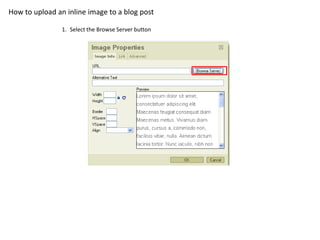
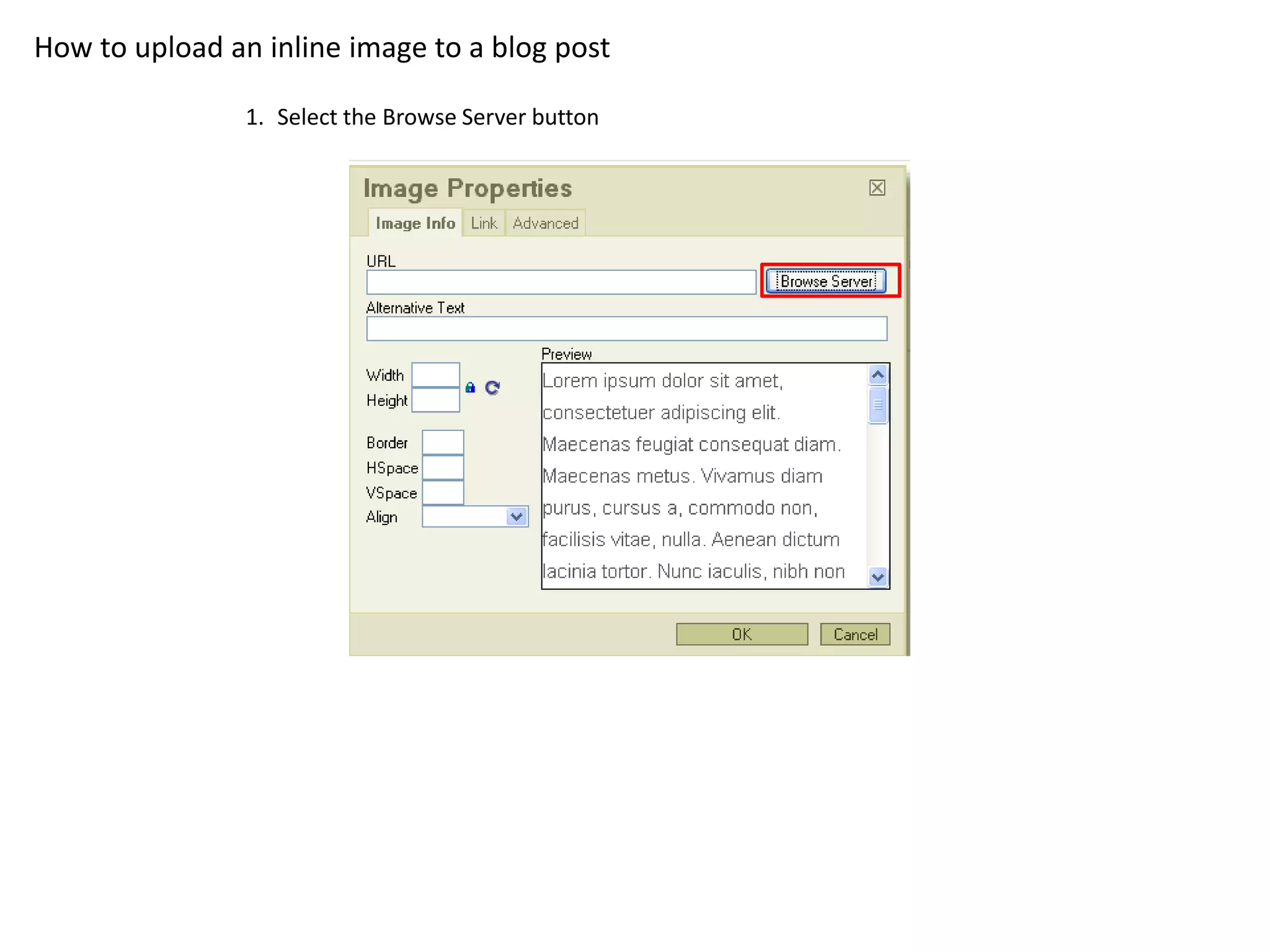
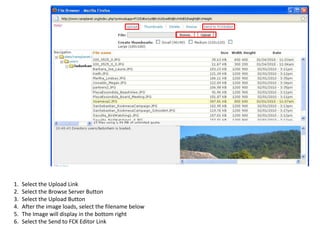
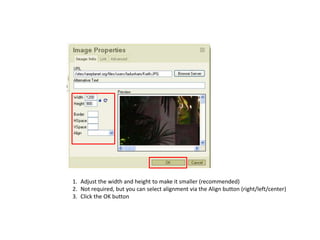
To upload an inline image to a blog post, select the Browse Server button to choose an image file from your computer, then select the Upload button to upload it to the server. Once uploaded, select the image filename below to insert it into the post, where you can adjust its size and alignment before clicking OK to save it.
![Hi!]command](https://cdn.slidesharecdn.com/ss_thumbnails/hicommand-100611045336-phpapp01-thumbnail.jpg?width=640&height=640&fit=bounds)


