History
Installing& Running Python
Names & Assignment
Sequences types: Lists, Tuples, and Strings
Mutability
Overview
3.
Invented inthe Netherlands, early 90s by
Guido van Rossum
Named after Monty Python
Open sourced from the beginning
Considered a scripting language, but is much
more
Scalable, object oriented and functional from
the beginning
Used by Google from the beginning
Increasingly popular
Brief History of Python
4.
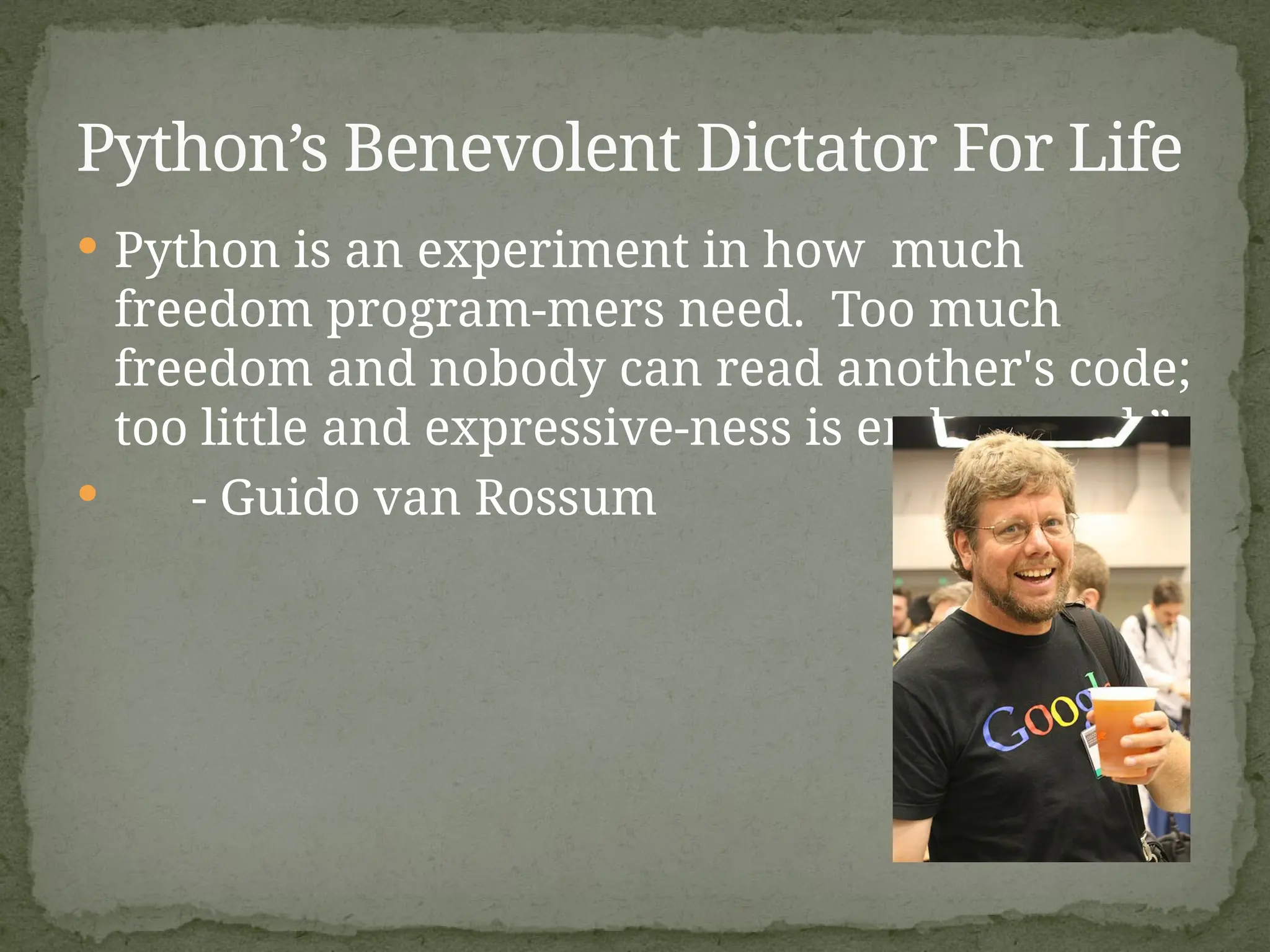
Python isan experiment in how much
freedom program-mers need. Too much
freedom and nobody can read another's code;
too little and expressive-ness is endangered.”
- Guido van Rossum
Python’s Benevolent Dictator For Life
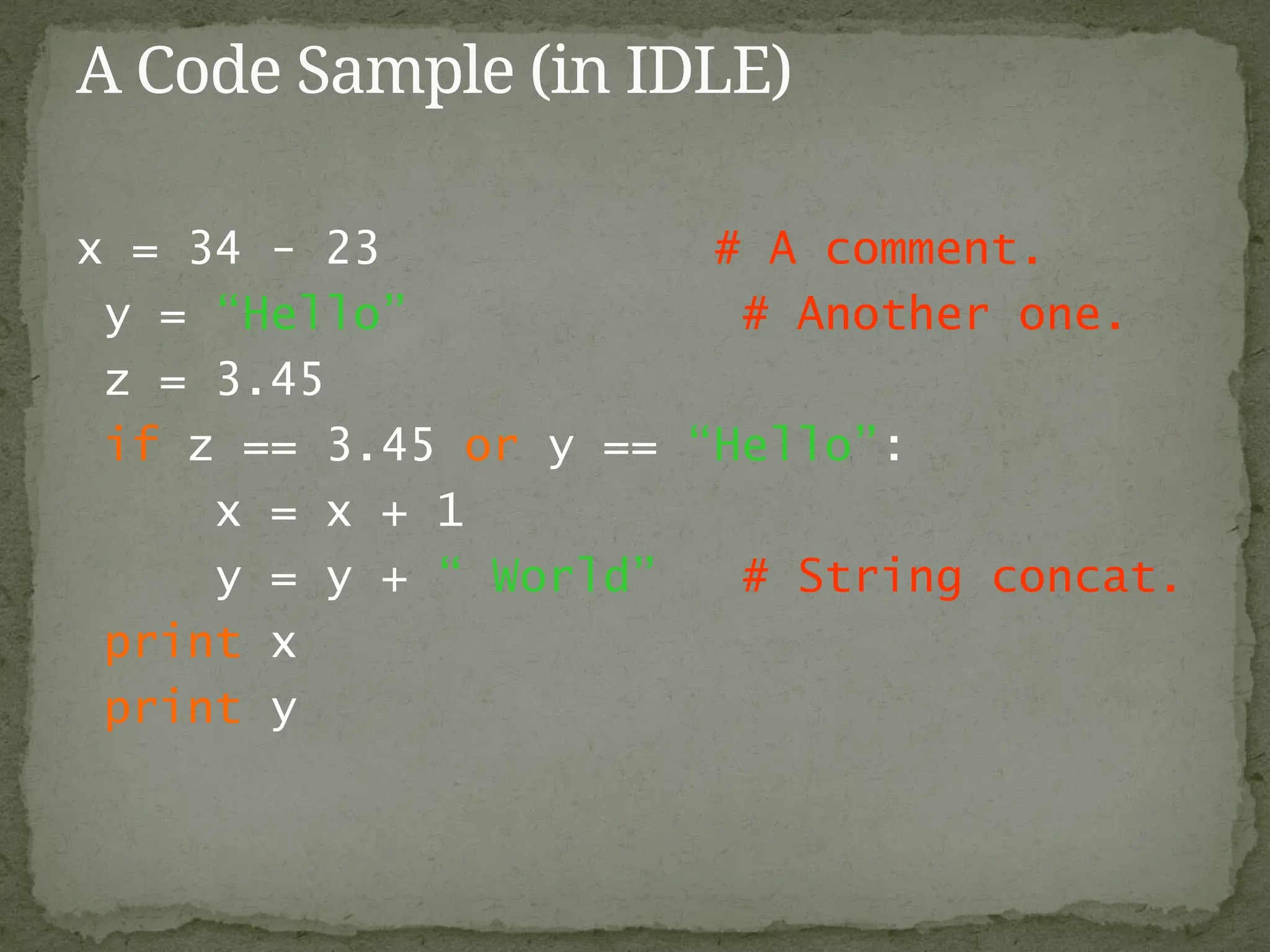
x = 34- 23 # A comment.
y = “Hello” # Another one.
z = 3.45
if z == 3.45 or y == “Hello”:
x = x + 1
y = y + “ World” # String concat.
print x
print y
A Code Sample (in IDLE)
9.
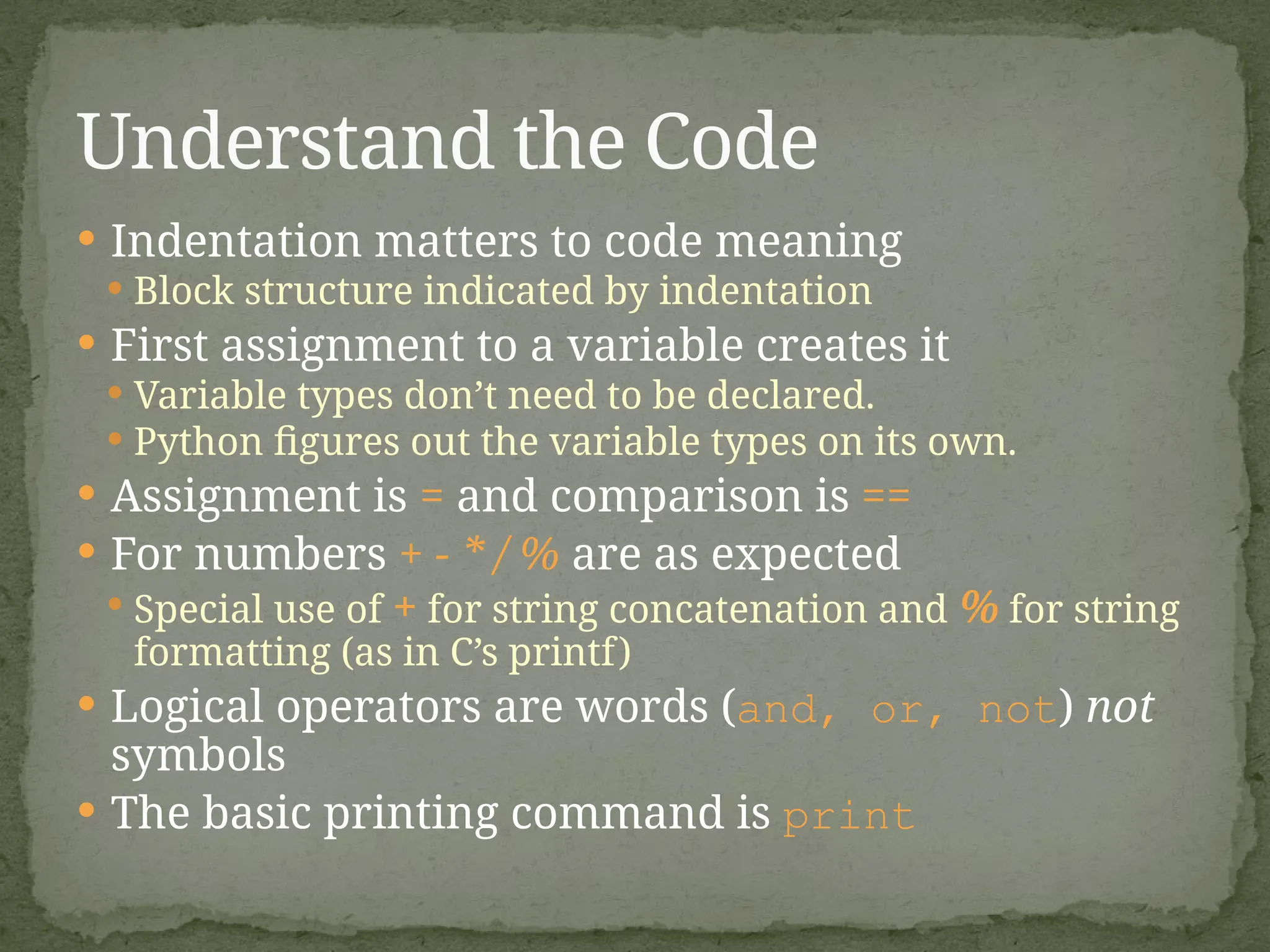
Indentation mattersto code meaning
Block structure indicated by indentation
First assignment to a variable creates it
Variable types don’t need to be declared.
Python figures out the variable types on its own.
Assignment is = and comparison is ==
For numbers + - * / % are as expected
Special use of + for string concatenation and % for string
formatting (as in C’s printf)
Logical operators are words (and, or, not) not
symbols
The basic printing command is print
Understand the Code
10.
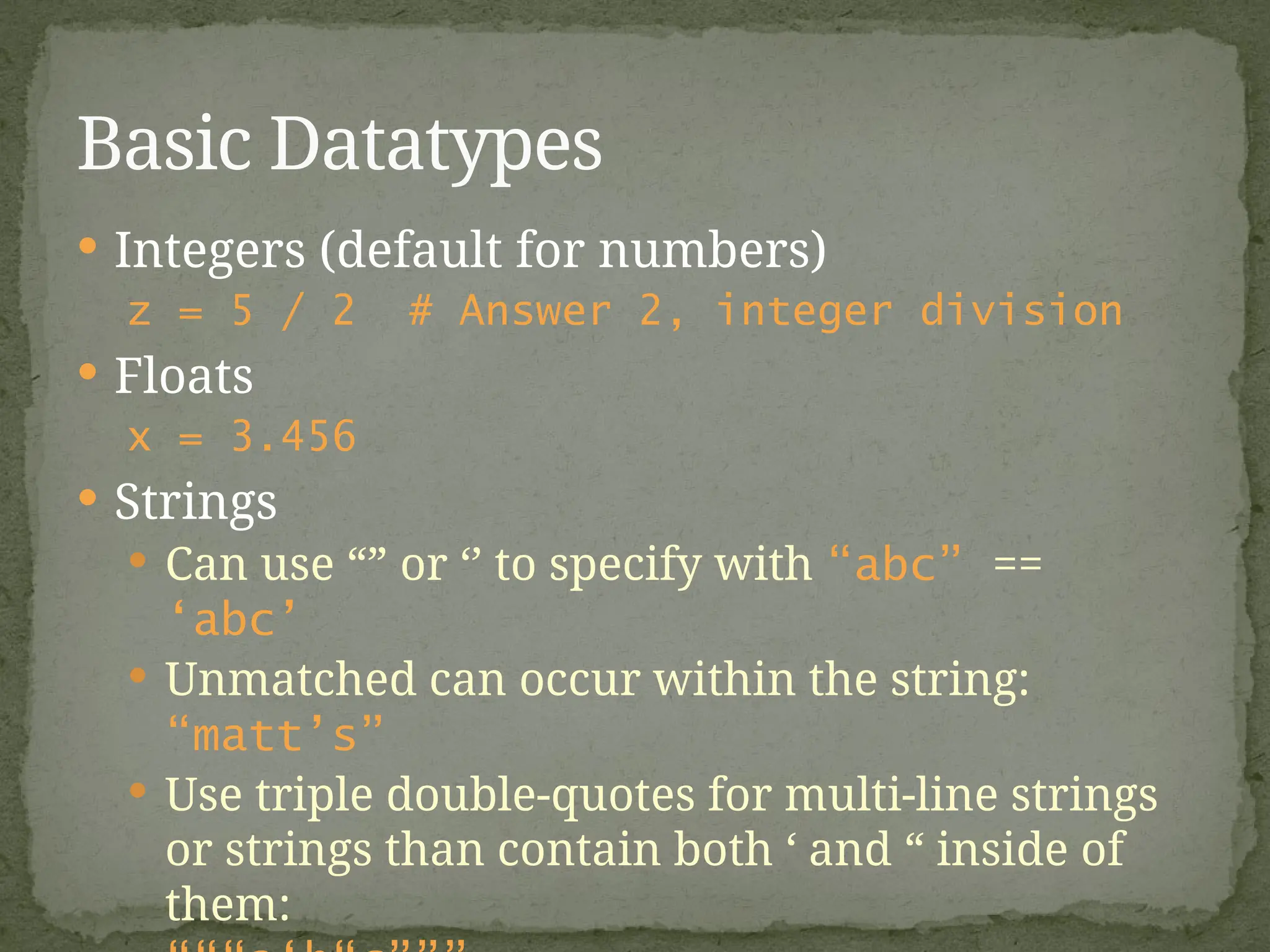
Integers (defaultfor numbers)
z = 5 / 2 # Answer 2, integer division
Floats
x = 3.456
Strings
Can use “” or ‘’ to specify with “abc” ==
‘abc’
Unmatched can occur within the string:
“matt’s”
Use triple double-quotes for multi-line strings
or strings than contain both ‘ and “ inside of
them:
Basic Datatypes
11.
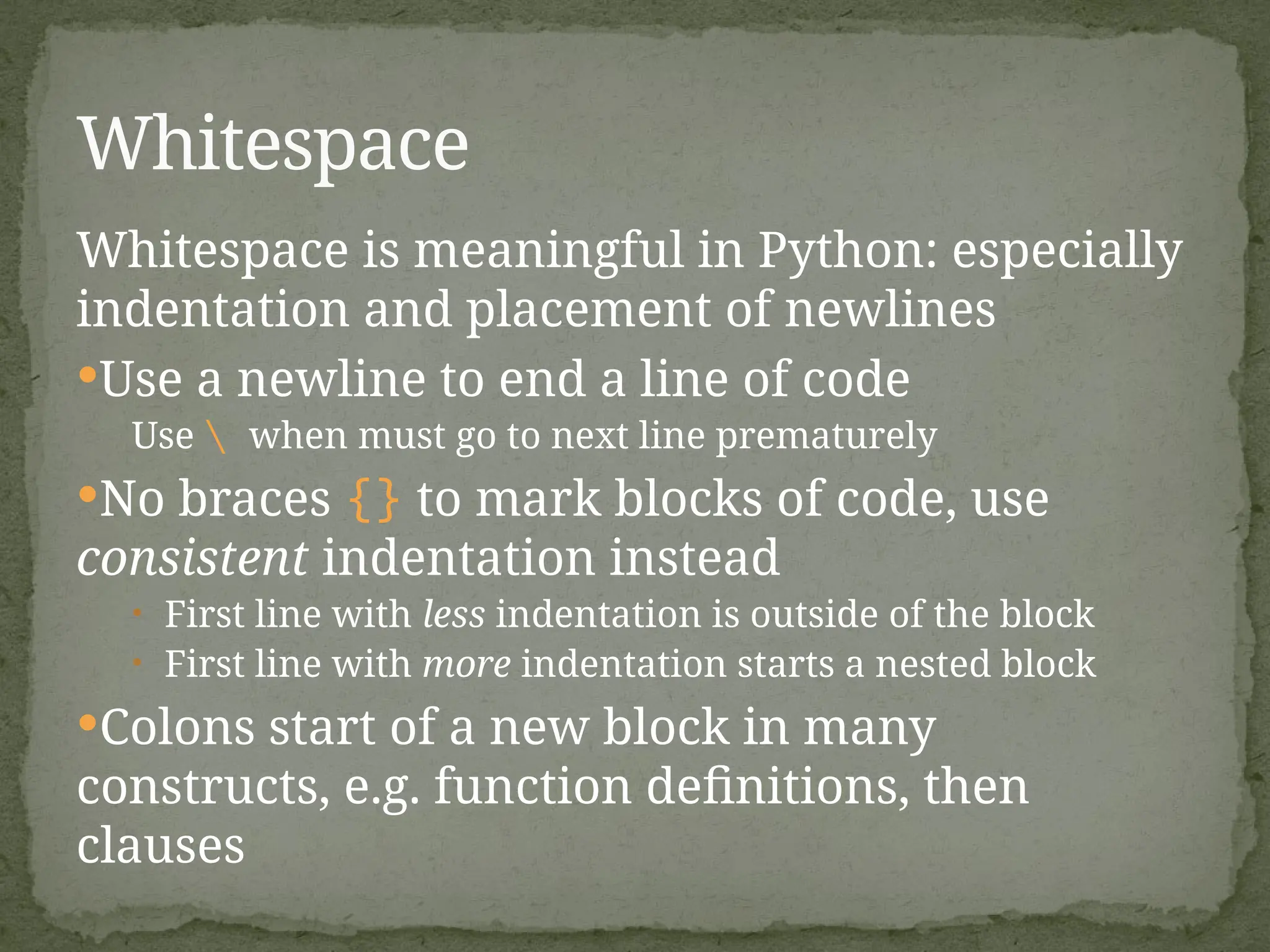
Whitespace is meaningfulin Python: especially
indentation and placement of newlines
Use a newline to end a line of code
Use when must go to next line prematurely
No braces {} to mark blocks of code, use
consistent indentation instead
• First line with less indentation is outside of the block
• First line with more indentation starts a nested block
Colons start of a new block in many
constructs, e.g. function definitions, then
clauses
Whitespace
12.
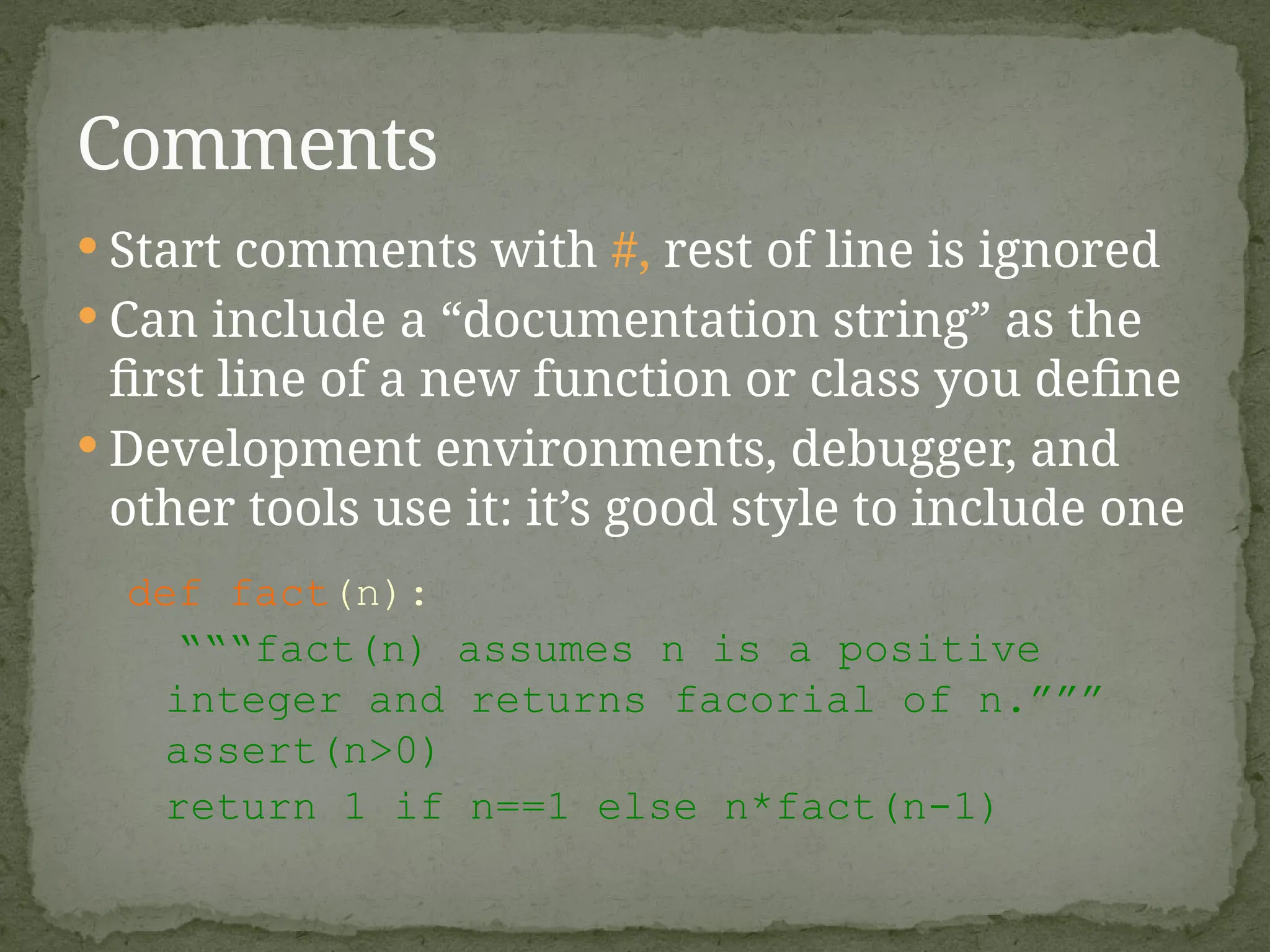
Start commentswith #, rest of line is ignored
Can include a “documentation string” as the
first line of a new function or class you define
Development environments, debugger, and
other tools use it: it’s good style to include one
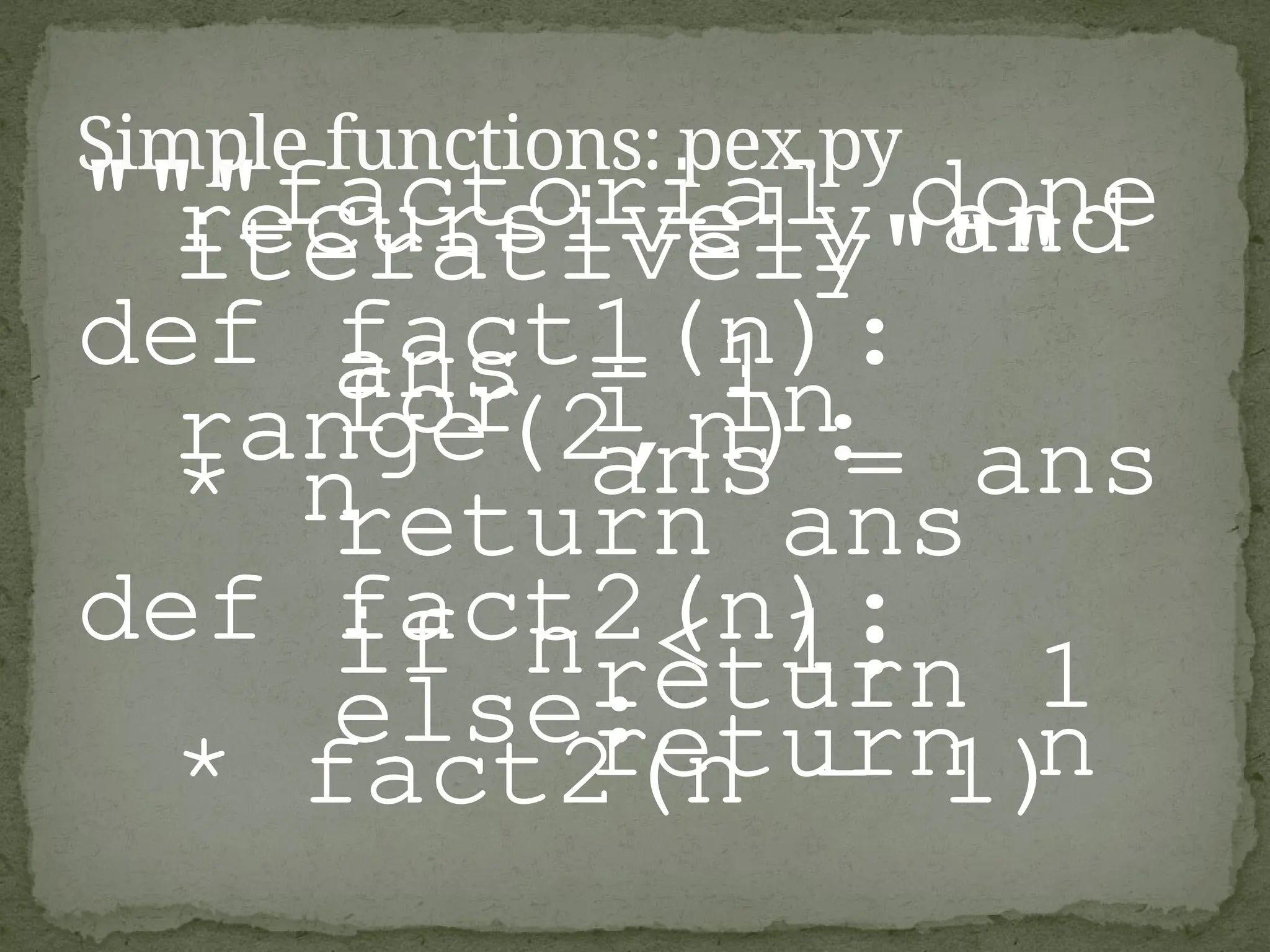
def fact(n):
“““fact(n) assumes n is a positive
integer and returns facorial of n.”””
assert(n>0)
return 1 if n==1 else n*fact(n-1)
Comments
13.
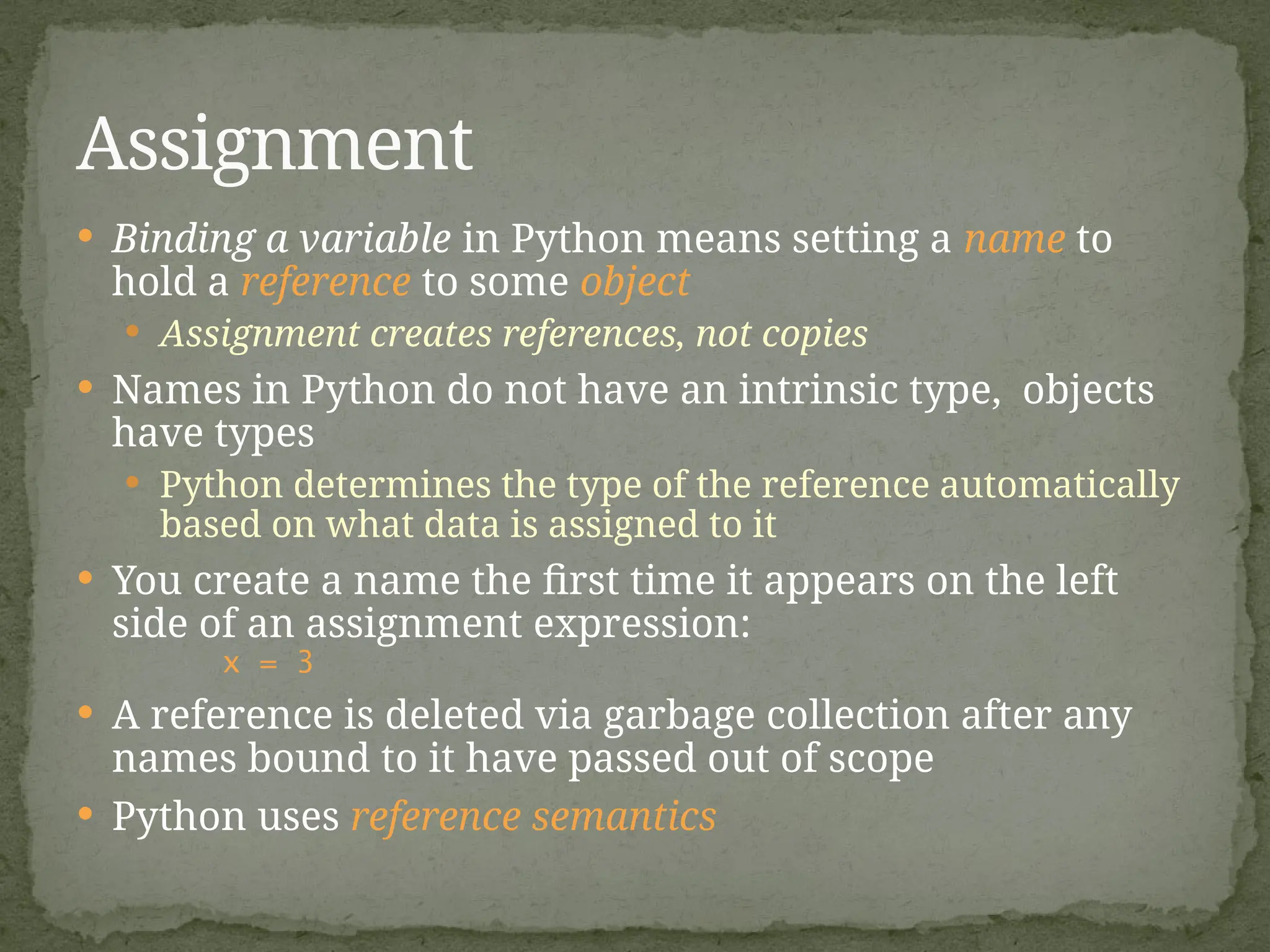
Binding avariable in Python means setting a name to
hold a reference to some object
Assignment creates references, not copies
Names in Python do not have an intrinsic type, objects
have types
Python determines the type of the reference automatically
based on what data is assigned to it
You create a name the first time it appears on the left
side of an assignment expression:
x = 3
A reference is deleted via garbage collection after any
names bound to it have passed out of scope
Python uses reference semantics
Assignment
14.
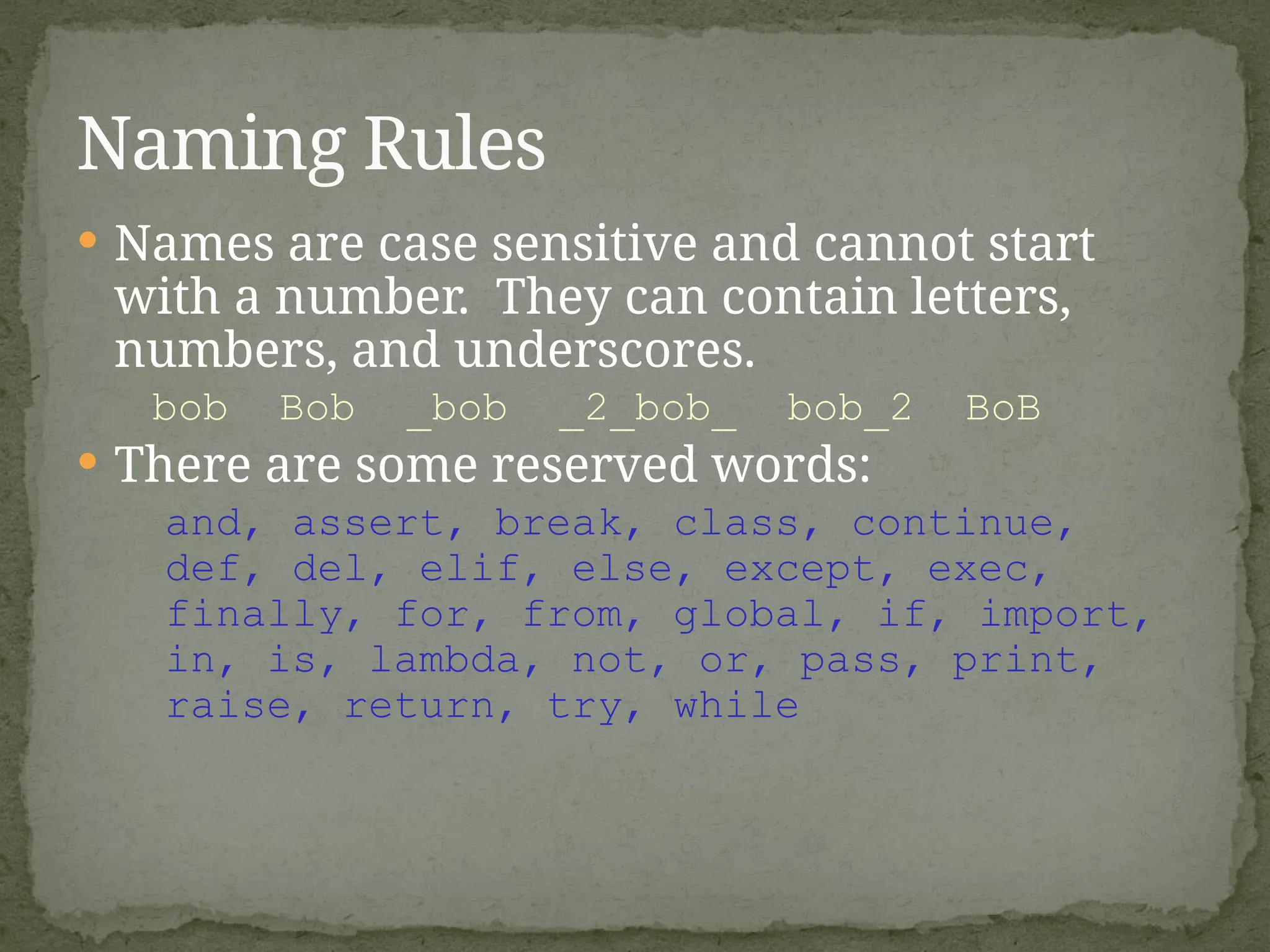
Names arecase sensitive and cannot start
with a number. They can contain letters,
numbers, and underscores.
bob Bob _bob _2_bob_ bob_2 BoB
There are some reserved words:
and, assert, break, class, continue,
def, del, elif, else, except, exec,
finally, for, from, global, if, import,
in, is, lambda, not, or, pass, print,
raise, return, try, while
Naming Rules
15.
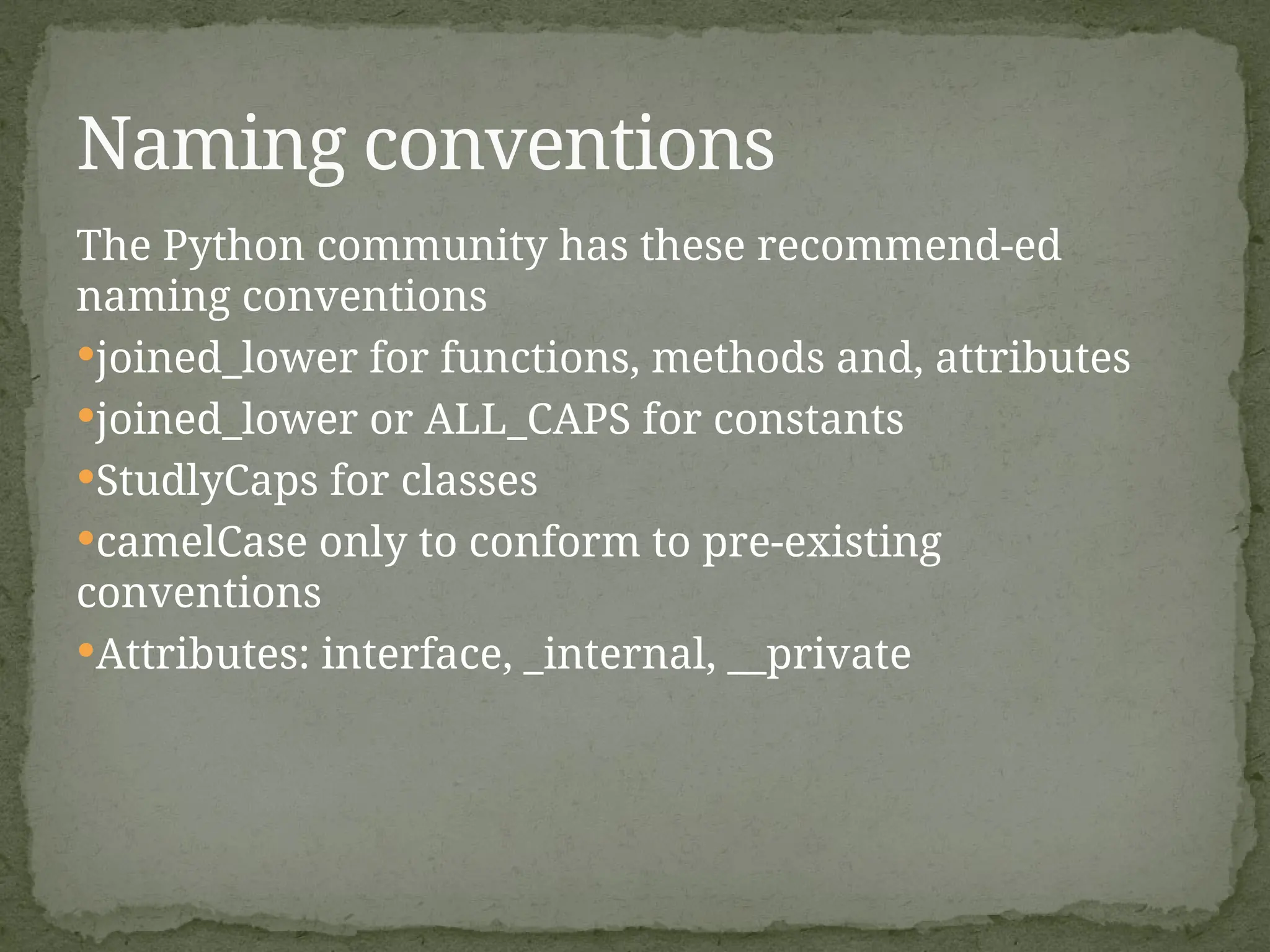
The Python communityhas these recommend-ed
naming conventions
joined_lower for functions, methods and, attributes
joined_lower or ALL_CAPS for constants
StudlyCaps for classes
camelCase only to conform to pre-existing
conventions
Attributes: interface, _internal, __private
Naming conventions
16.
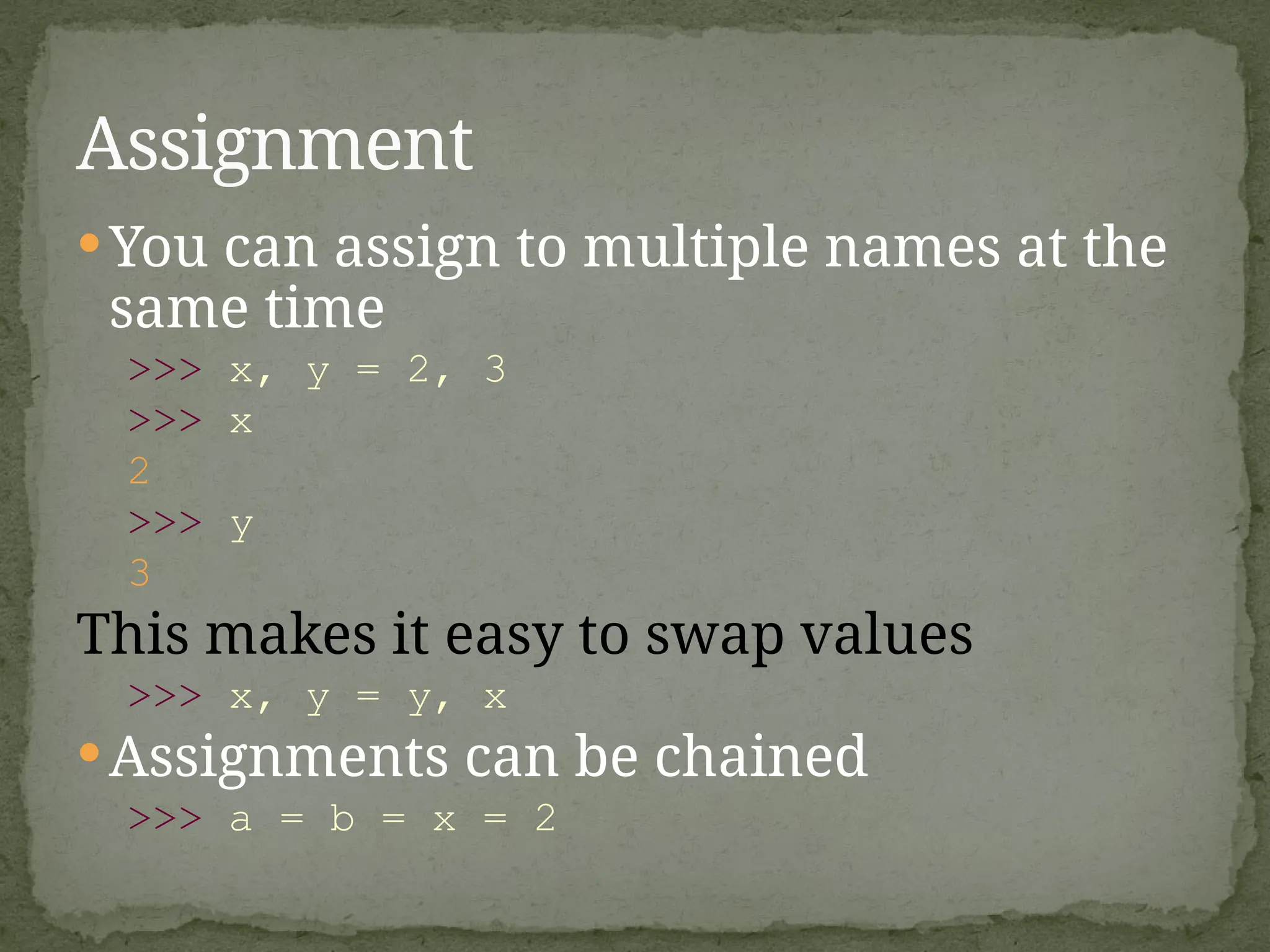
You can assignto multiple names at the
same time
>>> x, y = 2, 3
>>> x
2
>>> y
3
This makes it easy to swap values
>>> x, y = y, x
Assignments can be chained
>>> a = b = x = 2
Assignment
1. Tuple: (‘Ajit’,24, [MBBS])
· A simple immutable ordered sequence of
items
· Items can be of mixed types, including
collection types
2. Strings: “Soumya Sree”
Immutable
Conceptually very much like a tuple
3. List: [1, 2, ‘Ajit’, (‘up’, ‘down’)]
· Mutable ordered sequence of items of
mixed types
Sequence Types
19.
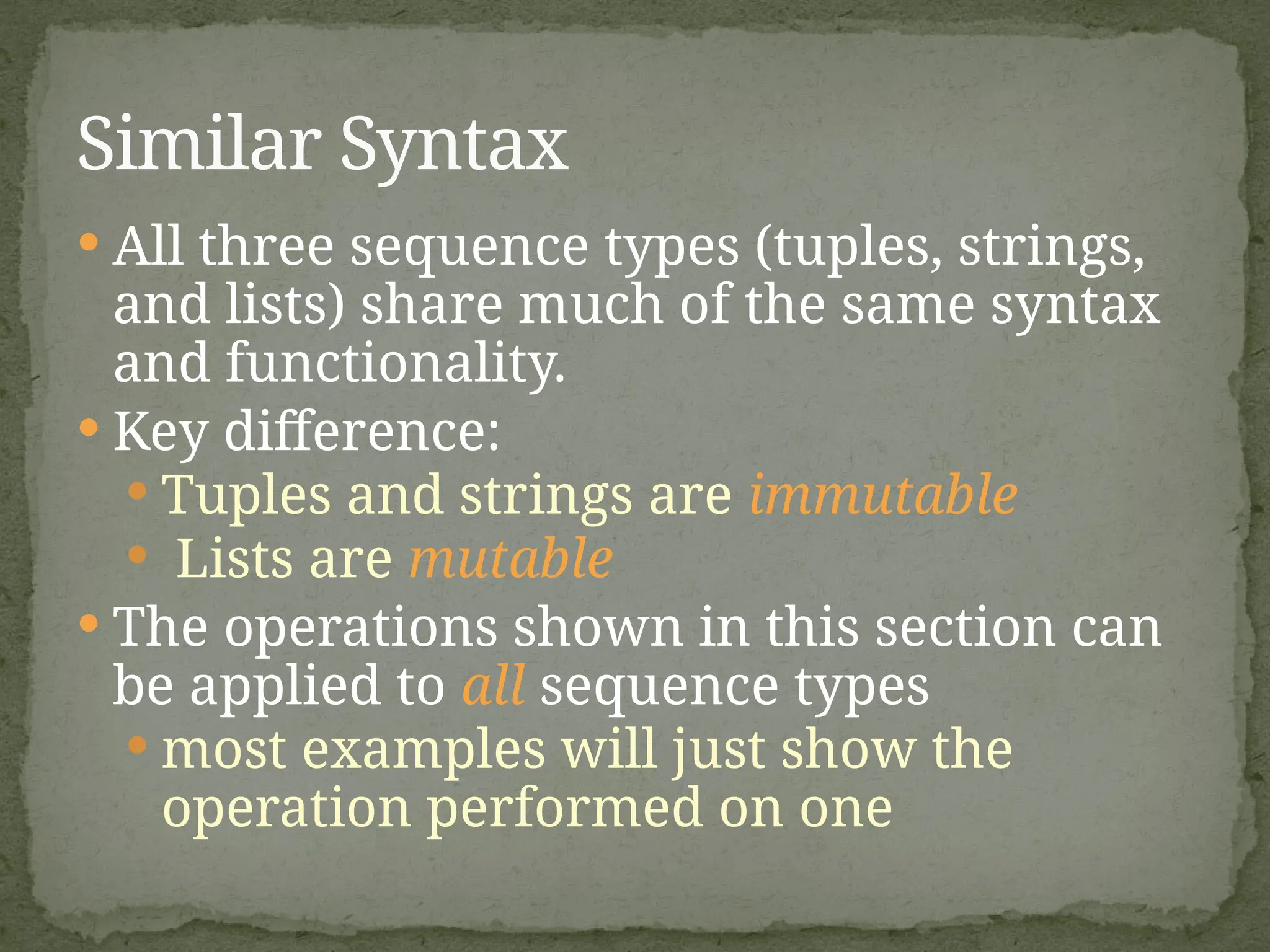
All threesequence types (tuples, strings,
and lists) share much of the same syntax
and functionality.
Key difference:
Tuples and strings are immutable
Lists are mutable
The operations shown in this section can
be applied to all sequence types
most examples will just show the
operation performed on one
Similar Syntax
20.
Define tuplesusing parentheses and commas
>>> tu = (23, ‘abc’, 4.56, (2,3), ‘def’)
Define lists are using square brackets and
commas
>>> li = [“abc”, 34, 4.34, 23]
Define strings using quotes (“, ‘, or “““).
>>> st = “Hello World”
>>> st = ‘Hello World’
>>> st = “““This is a multi-line
string that uses triple quotes.”””
Sequence Types 1
21.
Access individualmembers of a tuple, list, or string
using square bracket “array” notation
Note that all are 0 based…
>>> tu = (23, ‘abc’, 4.56, (2,3), ‘def’)
>>> tu[1] # Second item in the tuple.
‘abc’
>>> li = [“abc”, 34, 4.34, 23]
>>> li[1] # Second item in the list.
34
>>> st = “Hello World”
>>> st[1] # Second character in string.
‘e’
Sequence Types 2
22.
>>> t =(23, ‘abc’, 4.56, (2,3), ‘def’)
Positive index: count from the left, starting
with 0
>>> t[1]
‘abc’
Negative index: count from right, starting with
–1
>>> t[-3]
4.56
Positive and negative indices
23.
>>> t =(23, ‘abc’, 4.56, (2,3), ‘def’)
Return a copy of the container with a subset of
the original members. Start copying at the first
index, and stop copying before second.
>>> t[1:4]
(‘abc’, 4.56, (2,3))
Negative indices count from end
>>> t[1:-1]
(‘abc’, 4.56, (2,3))
Slicing: return copy of a subset
24.
>>> t =(23, ‘abc’, 4.56, (2,3), ‘def’)
Omit first index to make copy starting from beginning
of the container
>>> t[:2]
(23, ‘abc’)
Omit second index to make copy starting at first index
and going to end
>>> t[2:]
(4.56, (2,3), ‘def’)
Slicing: return copy of a
=subset
25.
[ :] makes a copy of an entire sequence
>>> t[:]
(23, ‘abc’, 4.56, (2,3), ‘def’)
Note the difference between these two lines for
mutable sequences
>>> l2 = l1 # Both refer to 1 ref,
# changing one affects both
>>> l2 = l1[:] # Independent copies, two
refs
Copying the Whole Sequence
26.
Boolean testwhether a value is inside a container:
>>> t = [1, 2, 4, 5]
>>> 3 in t
False
>>> 4 in t
True
>>> 4 not in t
False
For strings, tests for substrings
>>> a = 'abcde'
>>> 'c' in a
True
>>> 'cd' in a
True
>>> 'ac' in a
False
Be careful: the in keyword is also used in the syntax of
for loops and list comprehensions
The ‘in’ Operator
27.
The + operatorproduces a new tuple, list, or
string whose value is the concatenation of its
arguments.
>>> (1, 2, 3) + (4, 5, 6)
(1, 2, 3, 4, 5, 6)
>>> [1, 2, 3] + [4, 5, 6]
[1, 2, 3, 4, 5, 6]
>>> “Hello” + “ ” + “World”
‘Hello World’
The + Operator
28.
The *operator produces a new tuple, list, or
string that “repeats” the original content.
>>> (1, 2, 3) * 3
(1, 2, 3, 1, 2, 3, 1, 2, 3)
>>> [1, 2, 3] * 3
[1, 2, 3, 1, 2, 3, 1, 2, 3]
>>> “Hello” * 3
‘HelloHelloHello’
The * Operator
29.
Lists aremutable
>>> li = [‘abc’, 23, 4.34, 23]
>>> li[1] = 45
>>> li
[‘abc’, 45, 4.34, 23]
We can change lists in place.
Name li still points to the same memory
reference when we’re done.
Mutability:
Tuples vs. Lists
30.
>>> t =(23, ‘abc’, 4.56, (2,3), ‘def’)
>>> t[2] = 3.14
Traceback (most recent call last):
File "<pyshell#75>", line 1, in -toplevel-
tu[2] = 3.14
TypeError: object doesn't support item assignment
You can’t change a tuple.
You can make a fresh tuple and assign its
reference to a previously used name.
>>> t = (23, ‘abc’, 3.14, (2,3), ‘def’)
The immutability of tuples means they’re faster
than lists
Tuples are immutable
31.
>>> li =[1, 11, 3, 4, 5]
>>> li.append(‘a’) # Note the method
syntax
>>> li
[1, 11, 3, 4, 5, ‘a’]
>>> li.insert(2, ‘i’)
>>>li
[1, 11, ‘i’, 3, 4, 5, ‘a’]
Operations on Lists Only
32.
+ createsa fresh list with a new memory ref
extend operates on list li in place.
>>> li.extend([9, 8, 7])
>>> li
[1, 2, ‘i’, 3, 4, 5, ‘a’, 9, 8, 7]
Potentially confusing:
extend takes a list as an argument.
append takes a singleton as an argument.
>>> li.append([10, 11, 12])
>>> li
[1, 2, ‘i’, 3, 4, 5, ‘a’, 9, 8, 7, [10, 11,
12]]
The extend method vs +
33.
Lists have manymethods, including index,
count, remove, reverse, sort
>>> li = [‘a’, ‘b’, ‘c’, ‘b’]
>>> li.index(‘b’) # index of 1st
occurrence
1
>>> li.count(‘b’) # number of occurrences
2
>>> li.remove(‘b’) # remove 1st
occurrence
>>> li
[‘a’, ‘c’, ‘b’]
Operations on Lists Only
34.
>>> li =[5, 2, 6, 8]
>>> li.reverse() # reverse the list *in place*
>>> li
[8, 6, 2, 5]
>>> li.sort() # sort the list *in place*
>>> li
[2, 5, 6, 8]
>>> li.sort(some_function)
# sort in place using user-defined comparison
Operations on Lists Only
35.
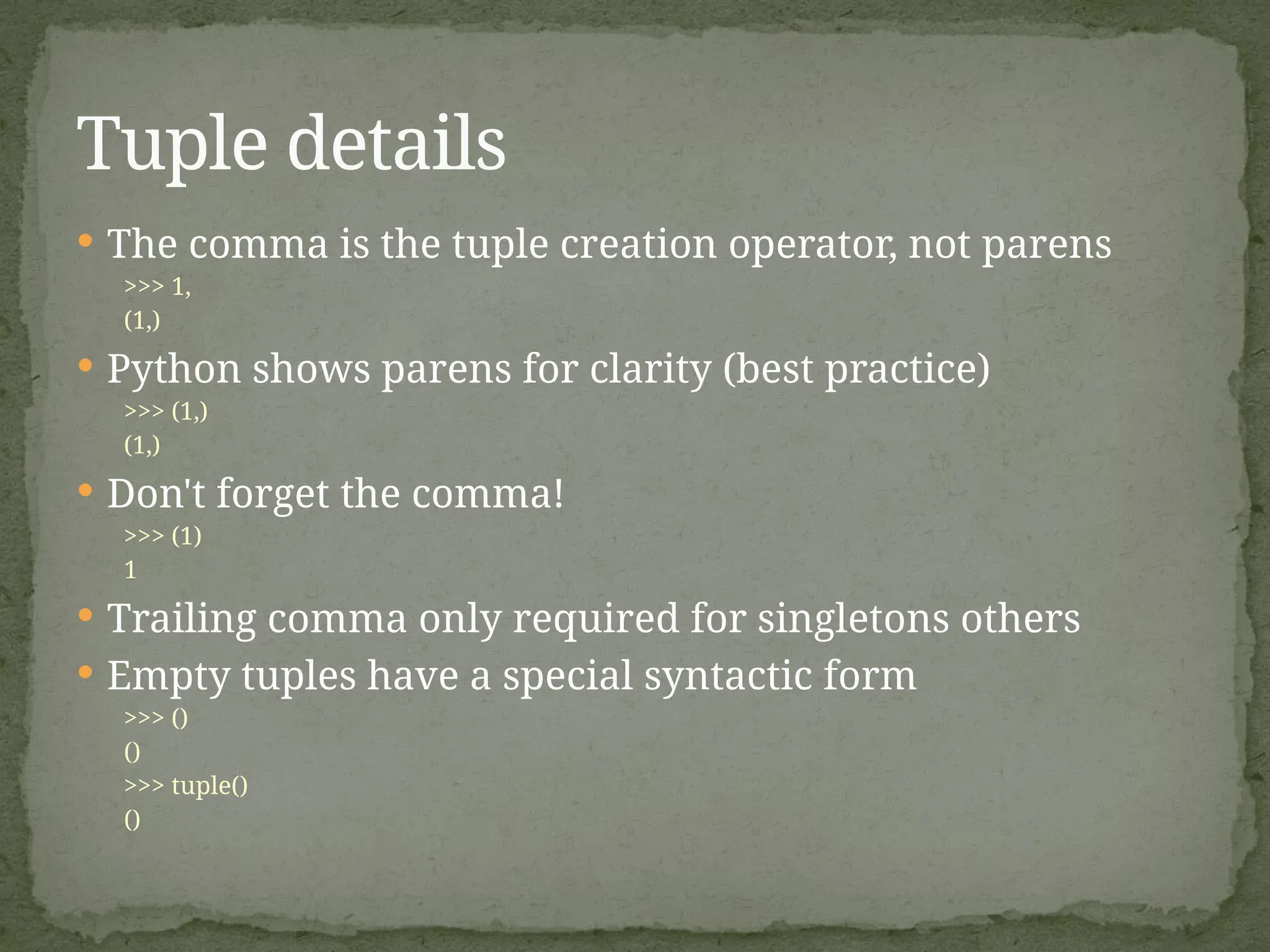
The commais the tuple creation operator, not parens
>>> 1,
(1,)
Python shows parens for clarity (best practice)
>>> (1,)
(1,)
Don't forget the comma!
>>> (1)
1
Trailing comma only required for singletons others
Empty tuples have a special syntactic form
>>> ()
()
>>> tuple()
()
Tuple details
36.
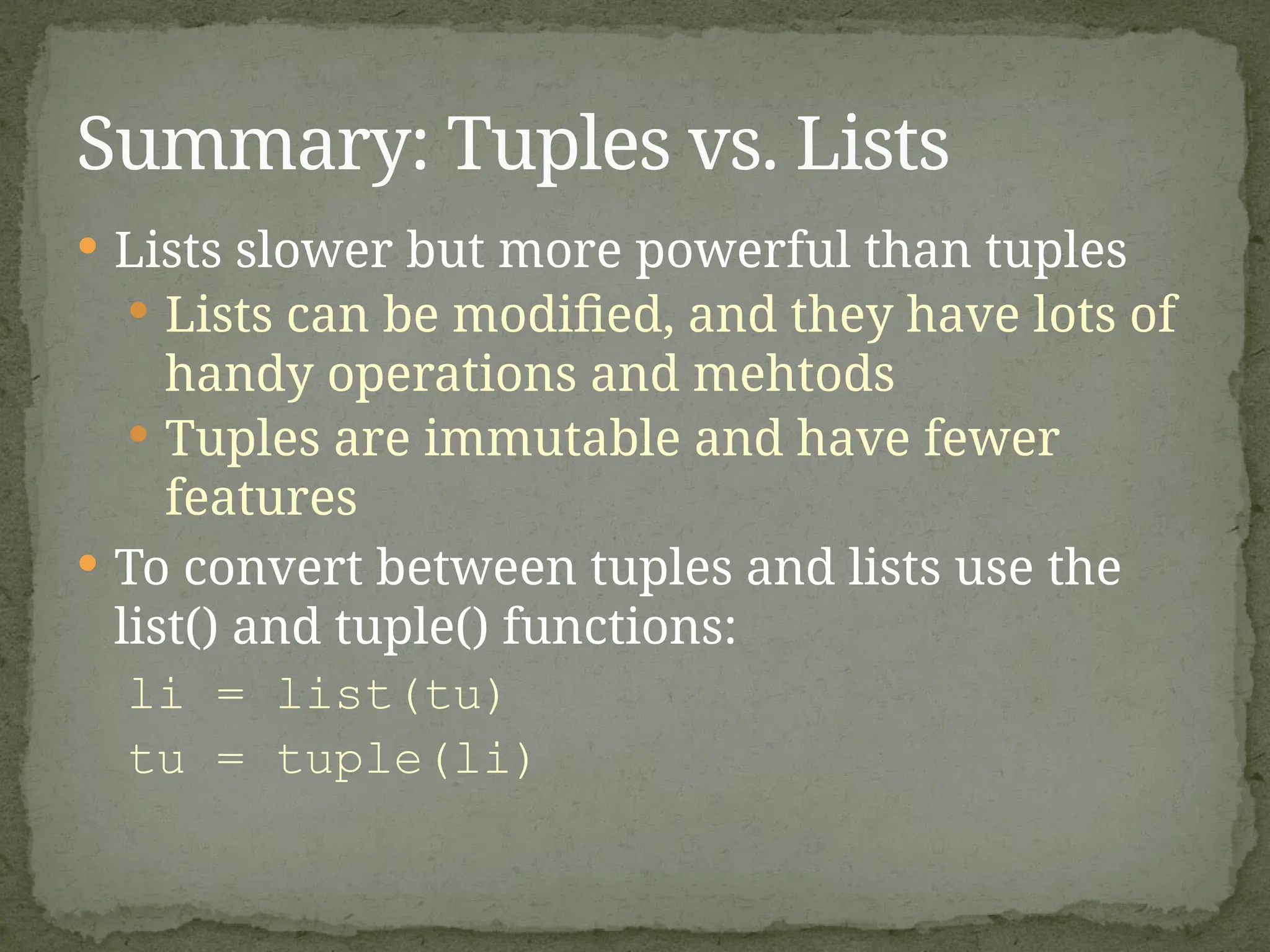
Lists slowerbut more powerful than tuples
Lists can be modified, and they have lots of
handy operations and mehtods
Tuples are immutable and have fewer
features
To convert between tuples and lists use the
list() and tuple() functions:
li = list(tu)
tu = tuple(li)
Summary: Tuples vs. Lists
![1. Tuple: (‘Ajit’, 24, [MBBS])
· A simple immutable ordered sequence of
items
· Items can be of mixed types, including
collection types
2. Strings: “Soumya Sree”
Immutable
Conceptually very much like a tuple
3. List: [1, 2, ‘Ajit’, (‘up’, ‘down’)]
· Mutable ordered sequence of items of
mixed types
Sequence Types](https://image.slidesharecdn.com/python1-250901052218-0717e869/75/Python1-basics-for-students-of-engineering-bsc-18-2048.jpg)
![ Define tuples using parentheses and commas
>>> tu = (23, ‘abc’, 4.56, (2,3), ‘def’)
Define lists are using square brackets and
commas
>>> li = [“abc”, 34, 4.34, 23]
Define strings using quotes (“, ‘, or “““).
>>> st = “Hello World”
>>> st = ‘Hello World’
>>> st = “““This is a multi-line
string that uses triple quotes.”””
Sequence Types 1](https://image.slidesharecdn.com/python1-250901052218-0717e869/75/Python1-basics-for-students-of-engineering-bsc-20-2048.jpg)
![ Access individual members of a tuple, list, or string
using square bracket “array” notation
Note that all are 0 based…
>>> tu = (23, ‘abc’, 4.56, (2,3), ‘def’)
>>> tu[1] # Second item in the tuple.
‘abc’
>>> li = [“abc”, 34, 4.34, 23]
>>> li[1] # Second item in the list.
34
>>> st = “Hello World”
>>> st[1] # Second character in string.
‘e’
Sequence Types 2](https://image.slidesharecdn.com/python1-250901052218-0717e869/75/Python1-basics-for-students-of-engineering-bsc-21-2048.jpg)
![>>> t = (23, ‘abc’, 4.56, (2,3), ‘def’)
Positive index: count from the left, starting
with 0
>>> t[1]
‘abc’
Negative index: count from right, starting with
–1
>>> t[-3]
4.56
Positive and negative indices](https://image.slidesharecdn.com/python1-250901052218-0717e869/75/Python1-basics-for-students-of-engineering-bsc-22-2048.jpg)
![>>> t = (23, ‘abc’, 4.56, (2,3), ‘def’)
Return a copy of the container with a subset of
the original members. Start copying at the first
index, and stop copying before second.
>>> t[1:4]
(‘abc’, 4.56, (2,3))
Negative indices count from end
>>> t[1:-1]
(‘abc’, 4.56, (2,3))
Slicing: return copy of a subset](https://image.slidesharecdn.com/python1-250901052218-0717e869/75/Python1-basics-for-students-of-engineering-bsc-23-2048.jpg)
![>>> t = (23, ‘abc’, 4.56, (2,3), ‘def’)
Omit first index to make copy starting from beginning
of the container
>>> t[:2]
(23, ‘abc’)
Omit second index to make copy starting at first index
and going to end
>>> t[2:]
(4.56, (2,3), ‘def’)
Slicing: return copy of a
=subset](https://image.slidesharecdn.com/python1-250901052218-0717e869/75/Python1-basics-for-students-of-engineering-bsc-24-2048.jpg)
![ [ : ] makes a copy of an entire sequence
>>> t[:]
(23, ‘abc’, 4.56, (2,3), ‘def’)
Note the difference between these two lines for
mutable sequences
>>> l2 = l1 # Both refer to 1 ref,
# changing one affects both
>>> l2 = l1[:] # Independent copies, two
refs
Copying the Whole Sequence](https://image.slidesharecdn.com/python1-250901052218-0717e869/75/Python1-basics-for-students-of-engineering-bsc-25-2048.jpg)
![ Boolean test whether a value is inside a container:
>>> t = [1, 2, 4, 5]
>>> 3 in t
False
>>> 4 in t
True
>>> 4 not in t
False
For strings, tests for substrings
>>> a = 'abcde'
>>> 'c' in a
True
>>> 'cd' in a
True
>>> 'ac' in a
False
Be careful: the in keyword is also used in the syntax of
for loops and list comprehensions
The ‘in’ Operator](https://image.slidesharecdn.com/python1-250901052218-0717e869/75/Python1-basics-for-students-of-engineering-bsc-26-2048.jpg)
![The + operator produces a new tuple, list, or
string whose value is the concatenation of its
arguments.
>>> (1, 2, 3) + (4, 5, 6)
(1, 2, 3, 4, 5, 6)
>>> [1, 2, 3] + [4, 5, 6]
[1, 2, 3, 4, 5, 6]
>>> “Hello” + “ ” + “World”
‘Hello World’
The + Operator](https://image.slidesharecdn.com/python1-250901052218-0717e869/75/Python1-basics-for-students-of-engineering-bsc-27-2048.jpg)
![ The * operator produces a new tuple, list, or
string that “repeats” the original content.
>>> (1, 2, 3) * 3
(1, 2, 3, 1, 2, 3, 1, 2, 3)
>>> [1, 2, 3] * 3
[1, 2, 3, 1, 2, 3, 1, 2, 3]
>>> “Hello” * 3
‘HelloHelloHello’
The * Operator](https://image.slidesharecdn.com/python1-250901052218-0717e869/75/Python1-basics-for-students-of-engineering-bsc-28-2048.jpg)
![ Lists are mutable
>>> li = [‘abc’, 23, 4.34, 23]
>>> li[1] = 45
>>> li
[‘abc’, 45, 4.34, 23]
We can change lists in place.
Name li still points to the same memory
reference when we’re done.
Mutability:
Tuples vs. Lists](https://image.slidesharecdn.com/python1-250901052218-0717e869/75/Python1-basics-for-students-of-engineering-bsc-29-2048.jpg)
![>>> t = (23, ‘abc’, 4.56, (2,3), ‘def’)
>>> t[2] = 3.14
Traceback (most recent call last):
File "<pyshell#75>", line 1, in -toplevel-
tu[2] = 3.14
TypeError: object doesn't support item assignment
You can’t change a tuple.
You can make a fresh tuple and assign its
reference to a previously used name.
>>> t = (23, ‘abc’, 3.14, (2,3), ‘def’)
The immutability of tuples means they’re faster
than lists
Tuples are immutable](https://image.slidesharecdn.com/python1-250901052218-0717e869/75/Python1-basics-for-students-of-engineering-bsc-30-2048.jpg)
![>>> li = [1, 11, 3, 4, 5]
>>> li.append(‘a’) # Note the method
syntax
>>> li
[1, 11, 3, 4, 5, ‘a’]
>>> li.insert(2, ‘i’)
>>>li
[1, 11, ‘i’, 3, 4, 5, ‘a’]
Operations on Lists Only](https://image.slidesharecdn.com/python1-250901052218-0717e869/75/Python1-basics-for-students-of-engineering-bsc-31-2048.jpg)
![ + creates a fresh list with a new memory ref
extend operates on list li in place.
>>> li.extend([9, 8, 7])
>>> li
[1, 2, ‘i’, 3, 4, 5, ‘a’, 9, 8, 7]
Potentially confusing:
extend takes a list as an argument.
append takes a singleton as an argument.
>>> li.append([10, 11, 12])
>>> li
[1, 2, ‘i’, 3, 4, 5, ‘a’, 9, 8, 7, [10, 11,
12]]
The extend method vs +](https://image.slidesharecdn.com/python1-250901052218-0717e869/75/Python1-basics-for-students-of-engineering-bsc-32-2048.jpg)
![Lists have many methods, including index,
count, remove, reverse, sort
>>> li = [‘a’, ‘b’, ‘c’, ‘b’]
>>> li.index(‘b’) # index of 1st
occurrence
1
>>> li.count(‘b’) # number of occurrences
2
>>> li.remove(‘b’) # remove 1st
occurrence
>>> li
[‘a’, ‘c’, ‘b’]
Operations on Lists Only](https://image.slidesharecdn.com/python1-250901052218-0717e869/75/Python1-basics-for-students-of-engineering-bsc-33-2048.jpg)
![>>> li = [5, 2, 6, 8]
>>> li.reverse() # reverse the list *in place*
>>> li
[8, 6, 2, 5]
>>> li.sort() # sort the list *in place*
>>> li
[2, 5, 6, 8]
>>> li.sort(some_function)
# sort in place using user-defined comparison
Operations on Lists Only](https://image.slidesharecdn.com/python1-250901052218-0717e869/75/Python1-basics-for-students-of-engineering-bsc-34-2048.jpg)