Here are the answers to the exercises:
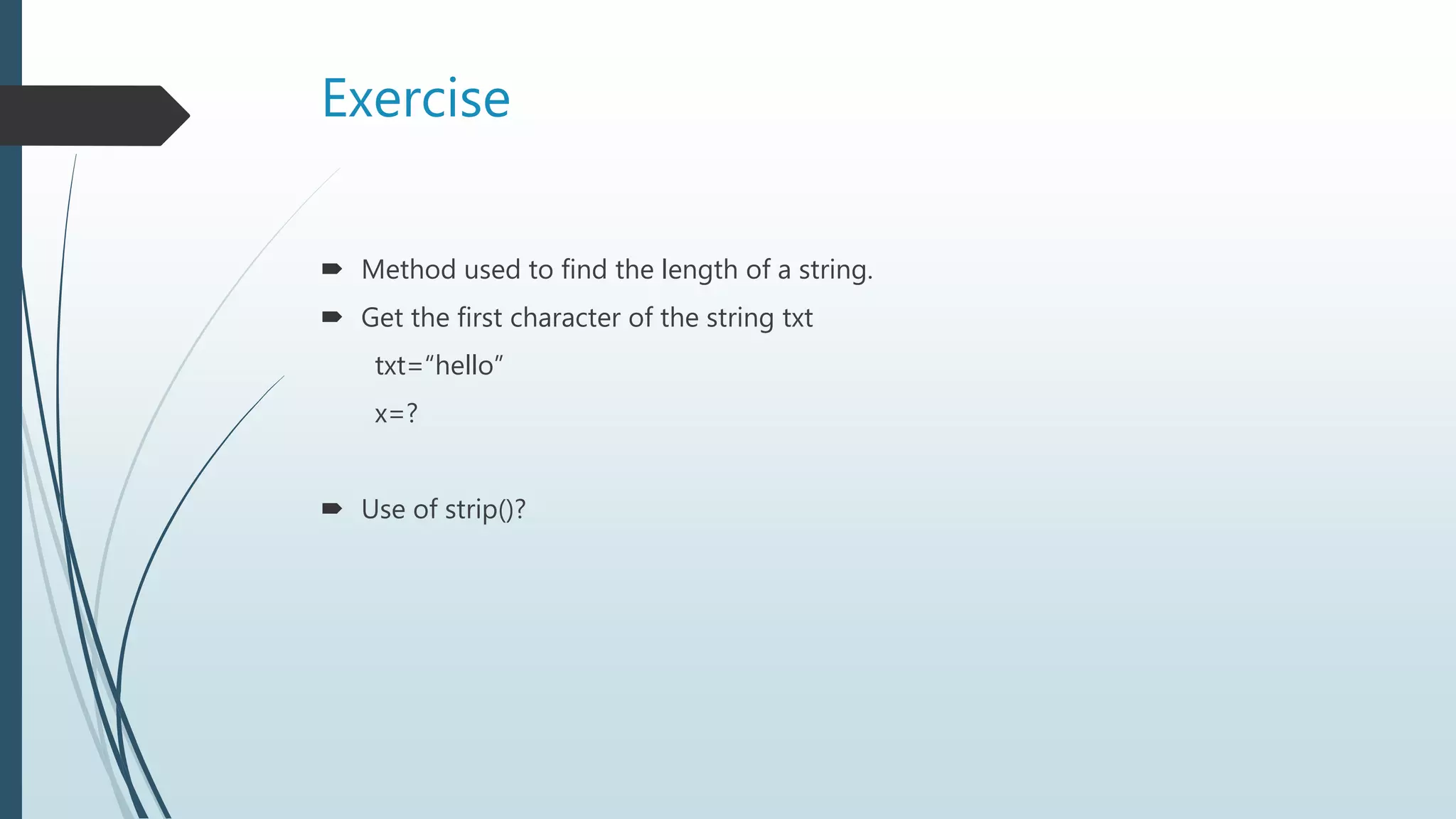
1. The len() method is used to find the length of a string.
2. To get the first character of the string txt, it would be:
txt="hello"
x=txt[0]
3. The strip() method removes any whitespace from the beginning or the end of a string.
Basics of Python, its creation in 1991, use cases in web/software dev, math, and system scripting, platform compatibility, simple syntax, interpreter system.
Python syntax designed for readability with indentation. Installation notes for Python.
Printing 'Hello, World!', importance of indentation, correct syntax, comments, and docstrings for documentation.
Creating variables, naming rules, dynamic typing in Python. Variable examples and their outputs.
Using 'print' statement to display variables, combining text with variables, exercises on variable output.
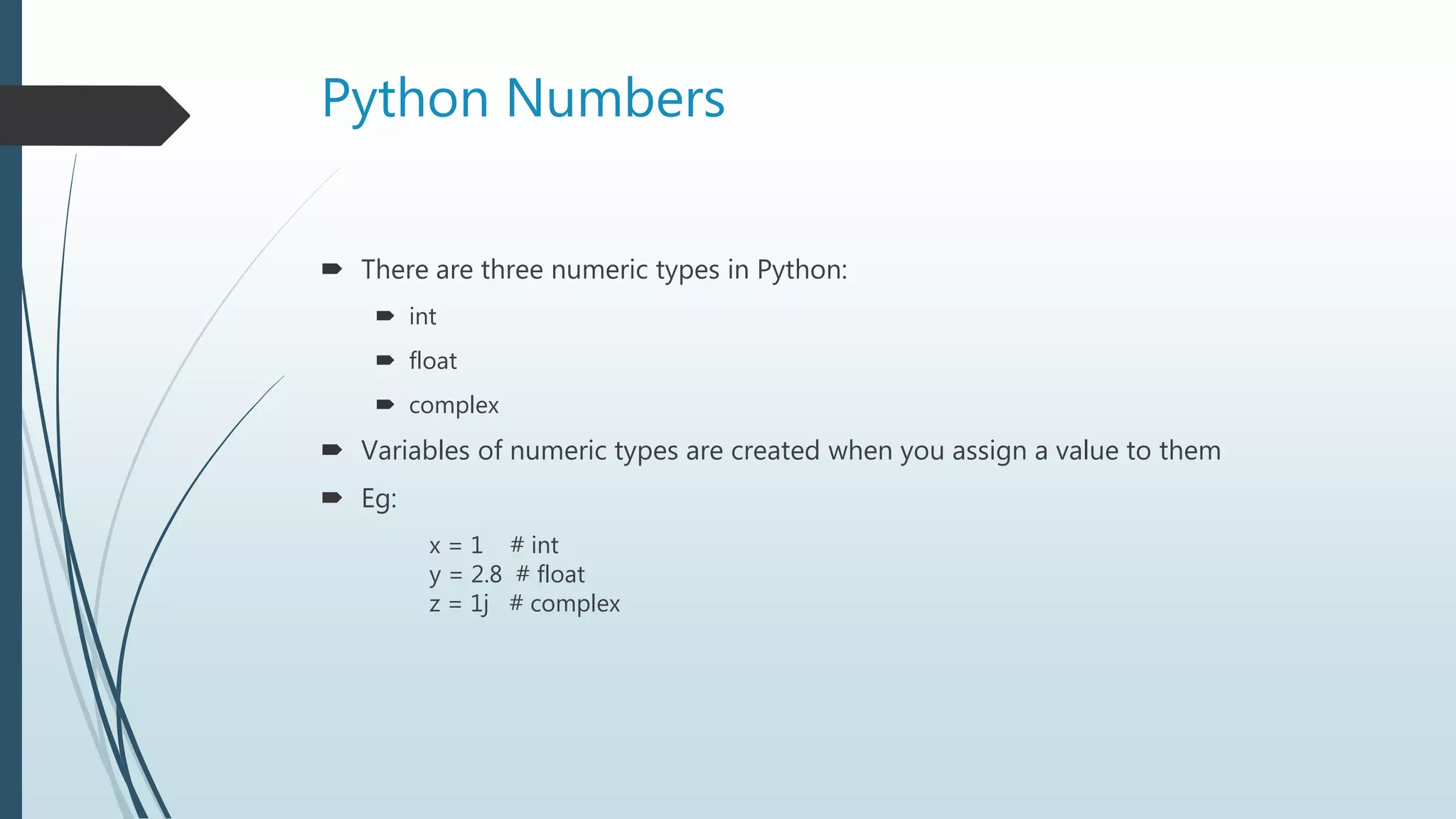
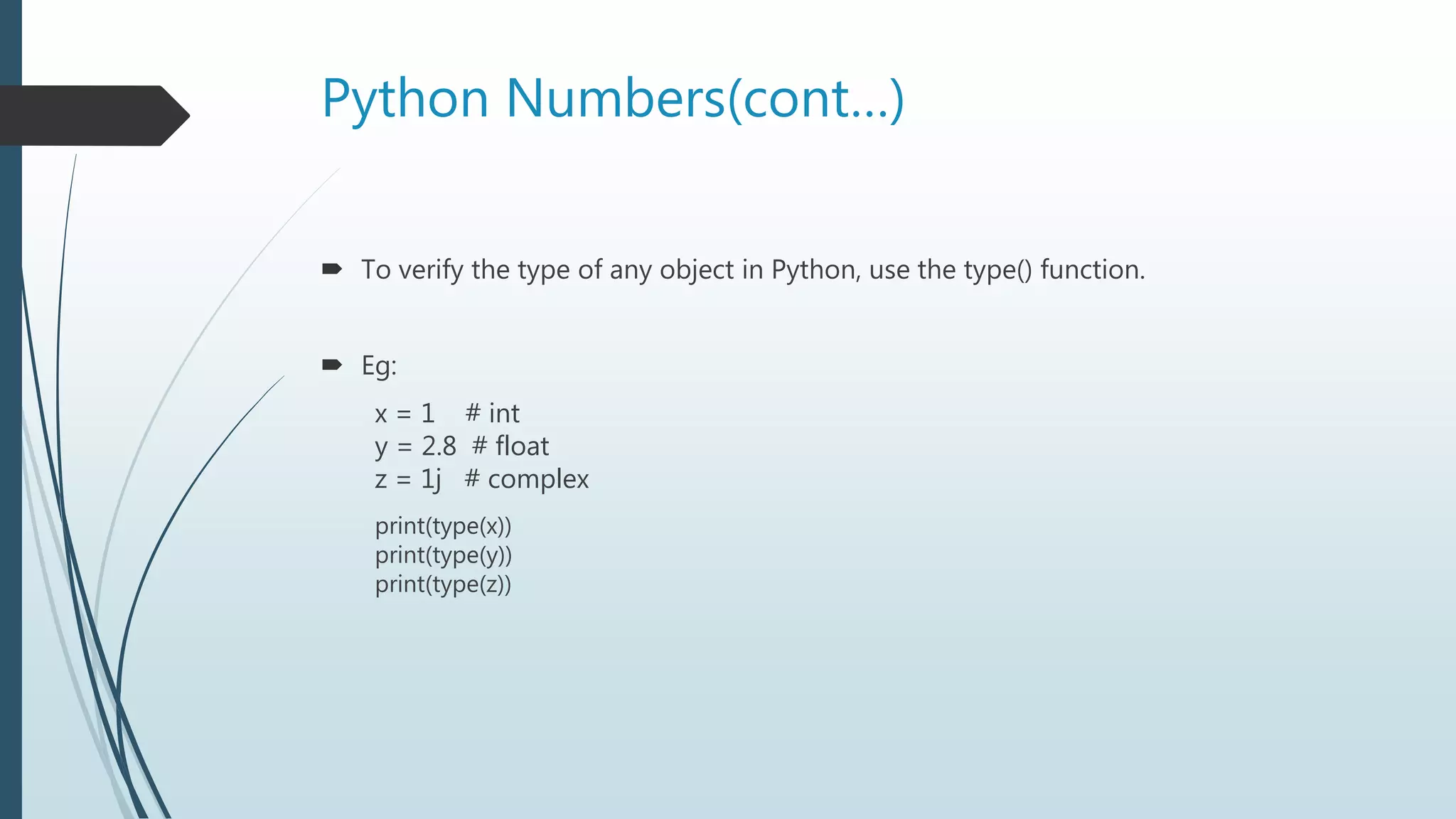
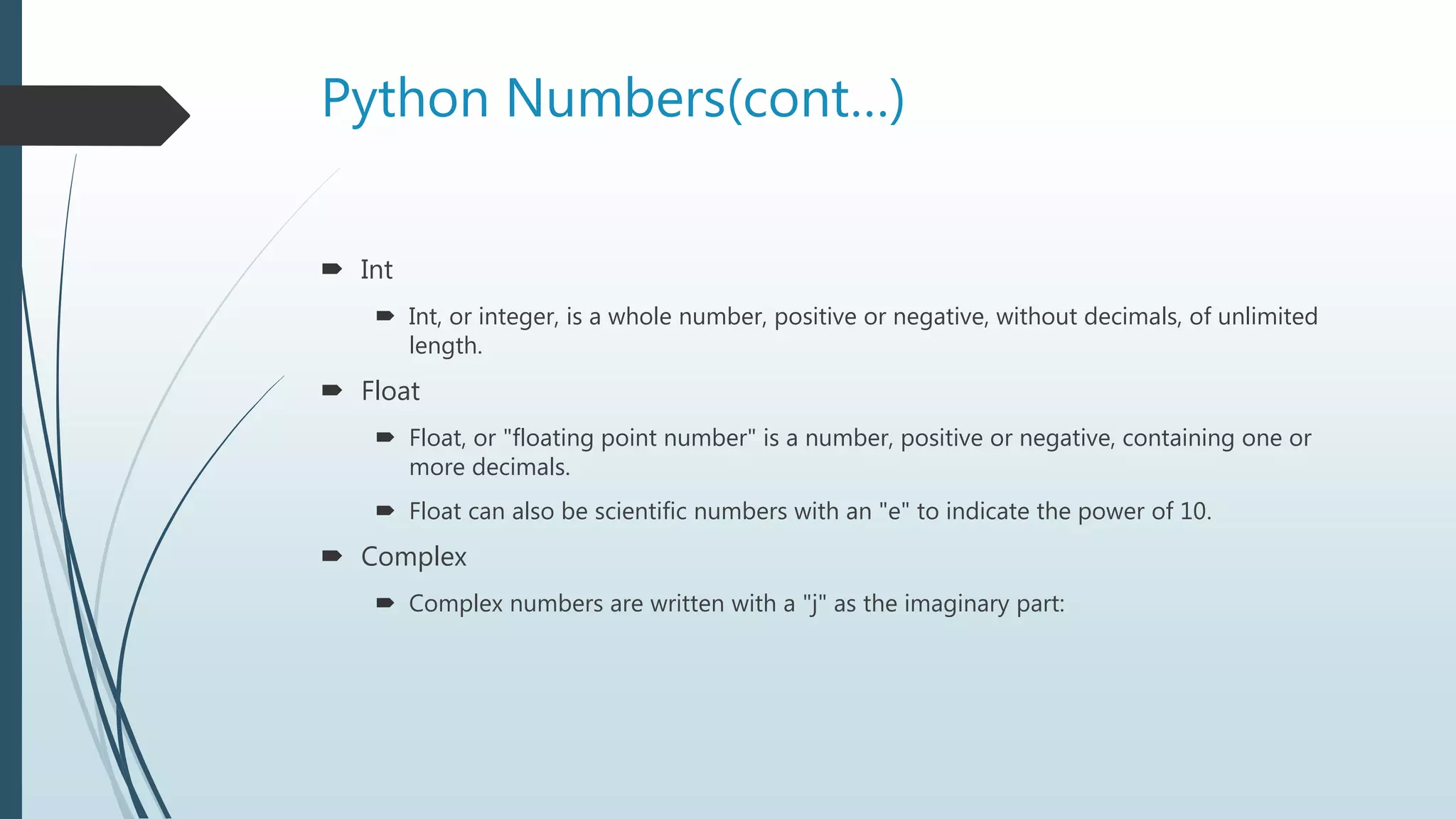
Overview of numeric types in Python: int, float, complex. Examples of each type and checking variable types.
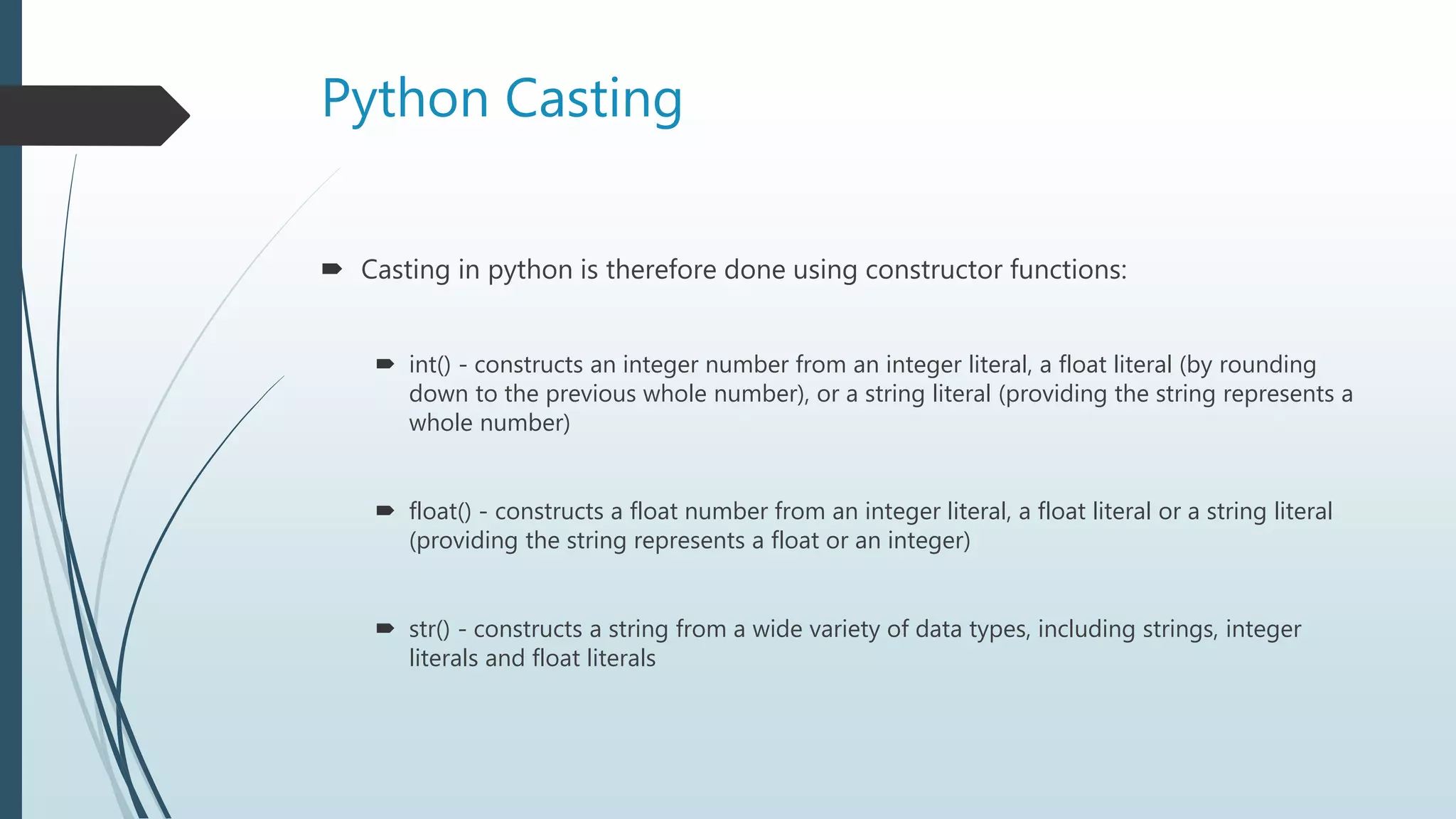
Casting methods: converting between int, float, and string using int(), float(), str() functions.
String literals, methods for accessing and manipulating strings: length, lower/upper case, replace, split.
Exercises related to string methods: finding length, accessing characters, and using strip().
What is Python?
Python is a popular programming language.
It was created in 1991 by Guido van Rossum.
It is used for:
web development (server-side),
software development,
mathematics,
system scripting.
Python can connect to database systems.
3.
Python (cont...)
Pythonworks on different platforms
Windows, Mac, Linux, Raspberry Pi, etc.
Python has a simple syntax
Python runs on an interpreter system
meaning that, code can be executed as soon as it is written.
Python can be treated in
a procedural way,
an object-orientated way,
a functional way.
4.
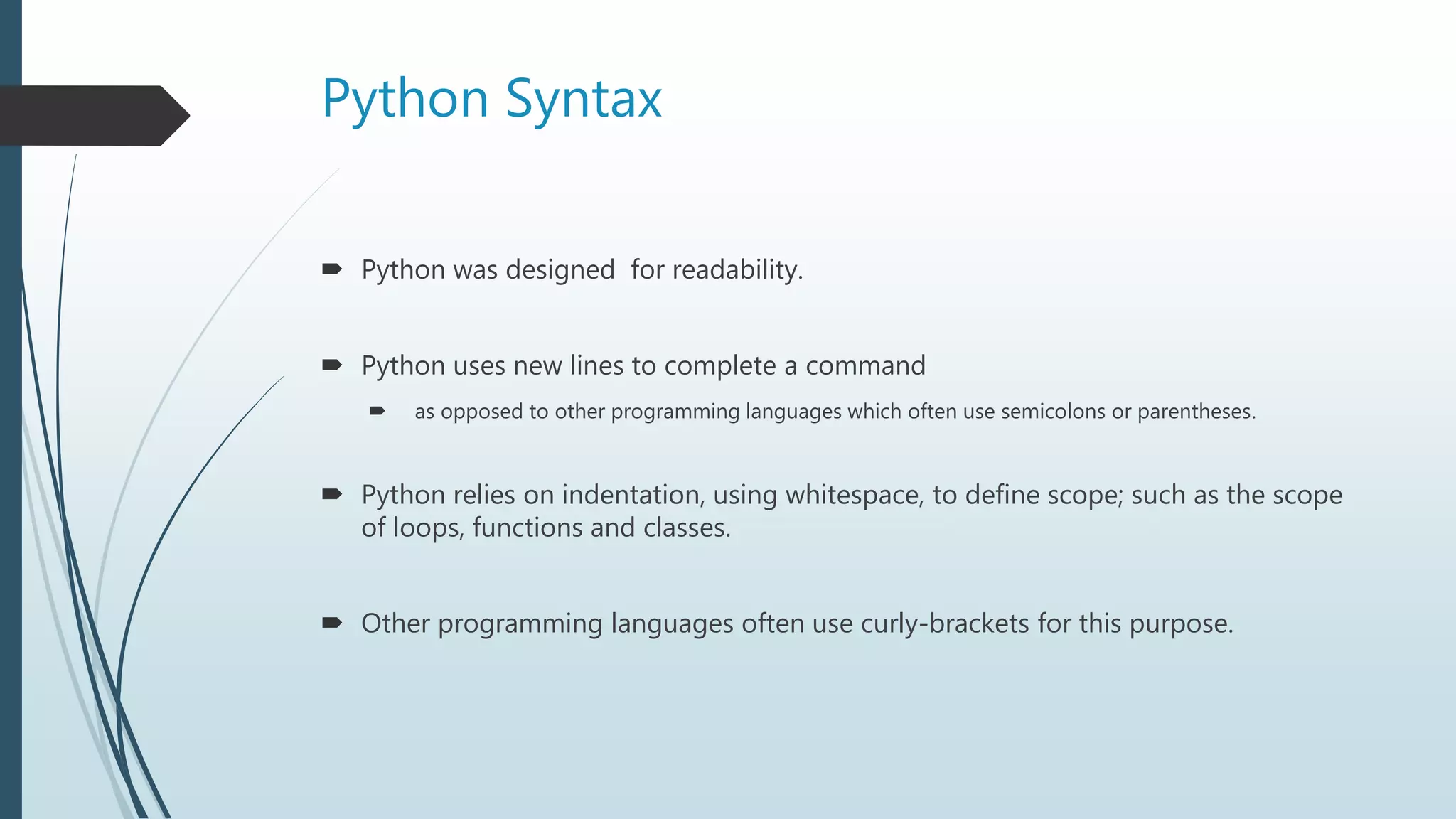
Python Syntax
Pythonwas designed for readability.
Python uses new lines to complete a command
as opposed to other programming languages which often use semicolons or parentheses.
Python relies on indentation, using whitespace, to define scope; such as the scope
of loops, functions and classes.
Other programming languages often use curly-brackets for this purpose.
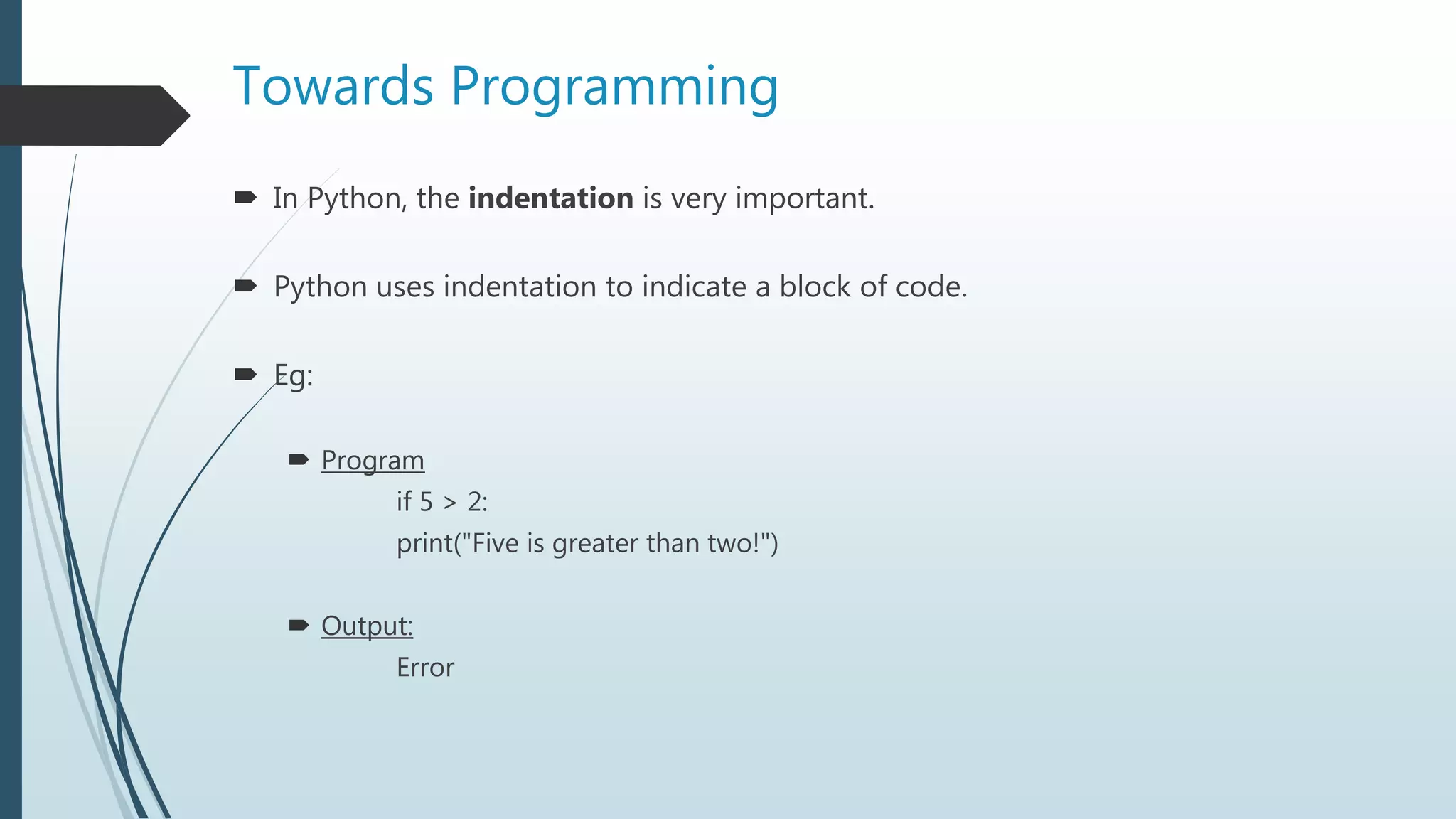
Towards Programming
InPython, the indentation is very important.
Python uses indentation to indicate a block of code.
Eg:
Program
if 5 > 2:
print("Five is greater than two!")
Output:
Error
8.
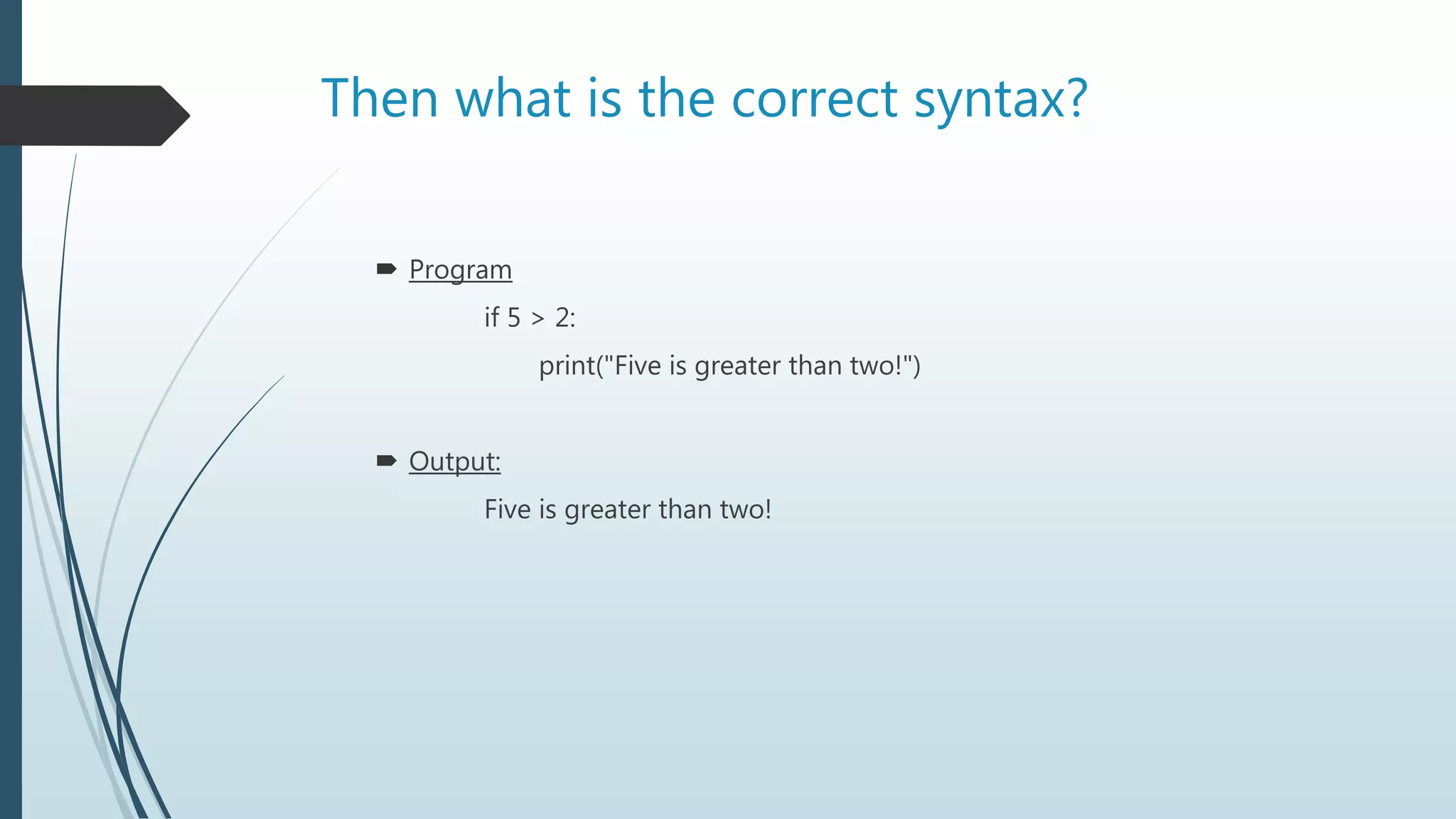
Then what isthe correct syntax?
Program
if 5 > 2:
print("Five is greater than two!")
Output:
Five is greater than two!
9.
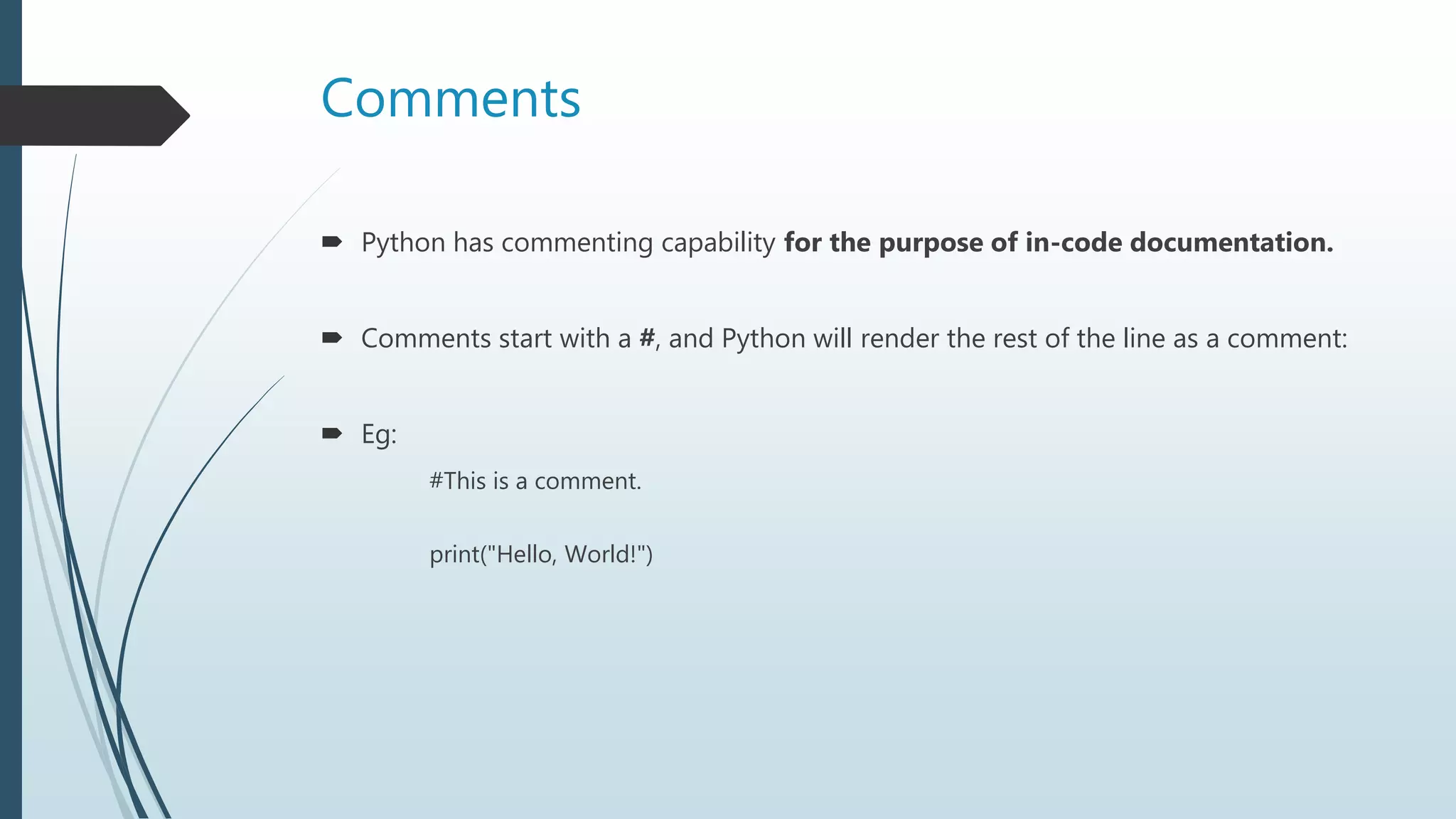
Comments
Python hascommenting capability for the purpose of in-code documentation.
Comments start with a #, and Python will render the rest of the line as a comment:
Eg:
#This is a comment.
print("Hello, World!")
10.
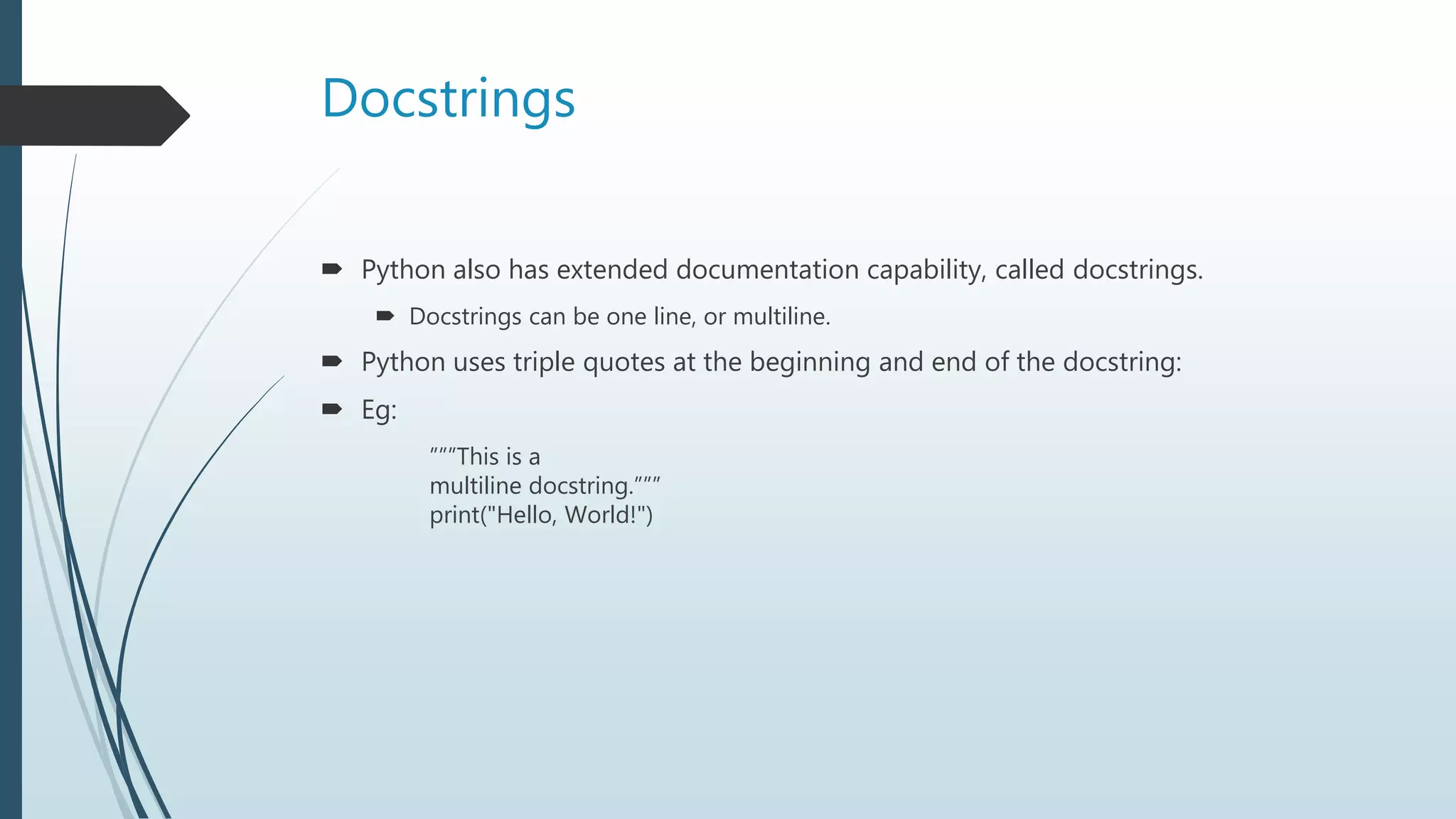
Docstrings
Python alsohas extended documentation capability, called docstrings.
Docstrings can be one line, or multiline.
Python uses triple quotes at the beginning and end of the docstring:
Eg:
”””This is a
multiline docstring.”””
print("Hello, World!")
11.
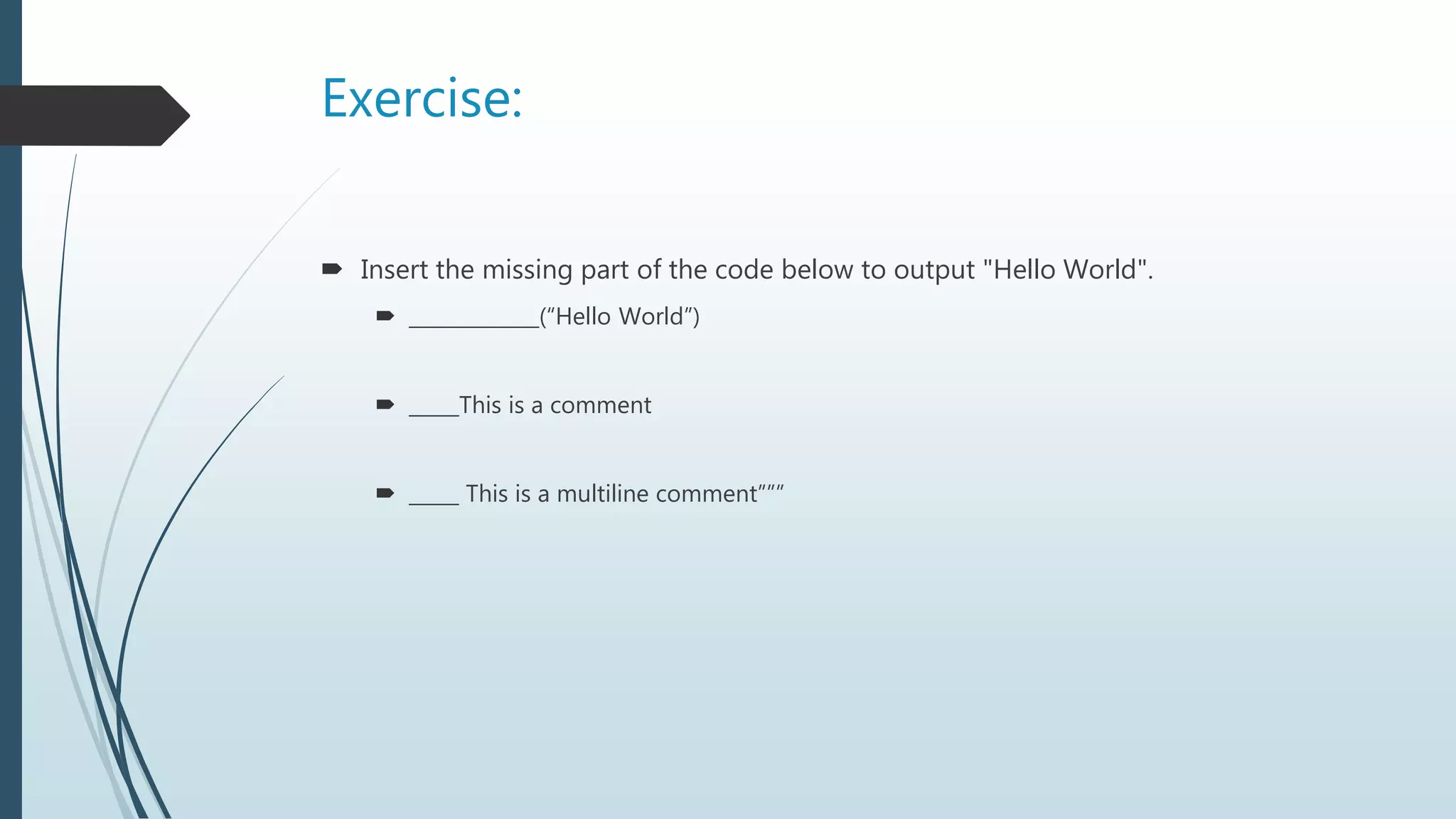
Exercise:
Insert themissing part of the code below to output "Hello World".
_____________(“Hello World”)
_____This is a comment
_____ This is a multiline comment”””
12.
Python Variables
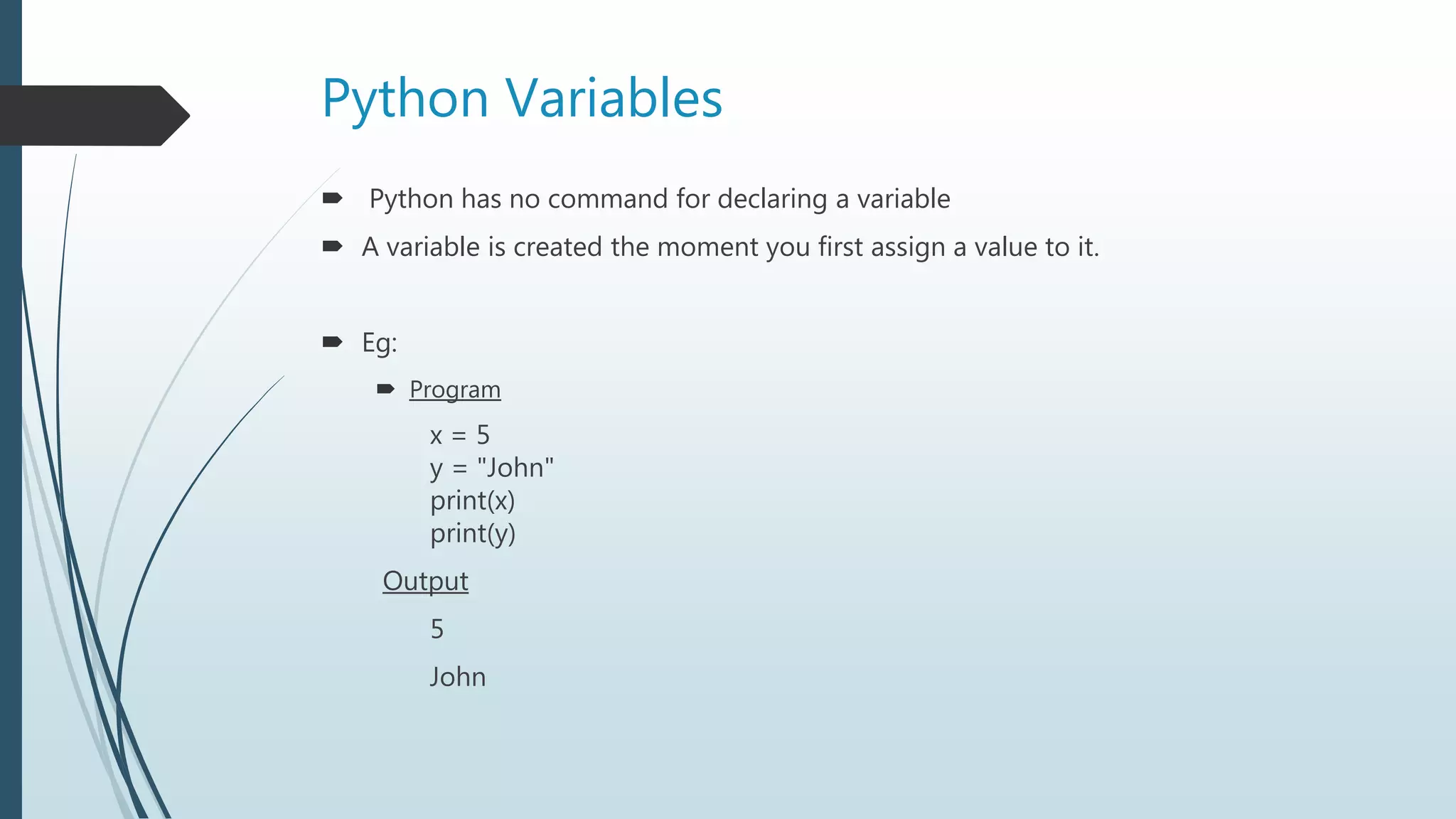
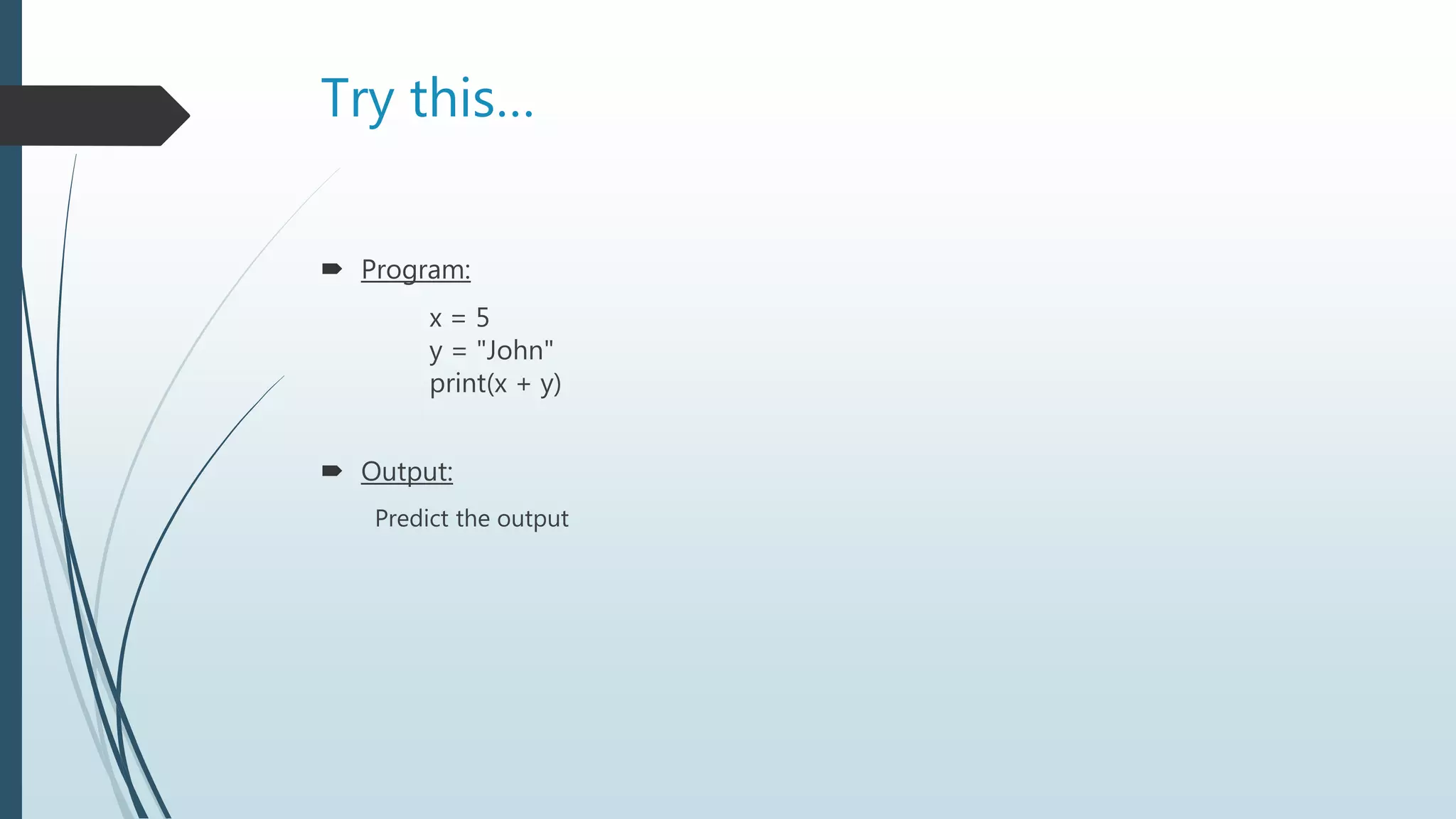
Pythonhas no command for declaring a variable
A variable is created the moment you first assign a value to it.
Eg:
Program
x = 5
y = "John"
print(x)
print(y)
Output
5
John
13.
Python Variables(cont…)
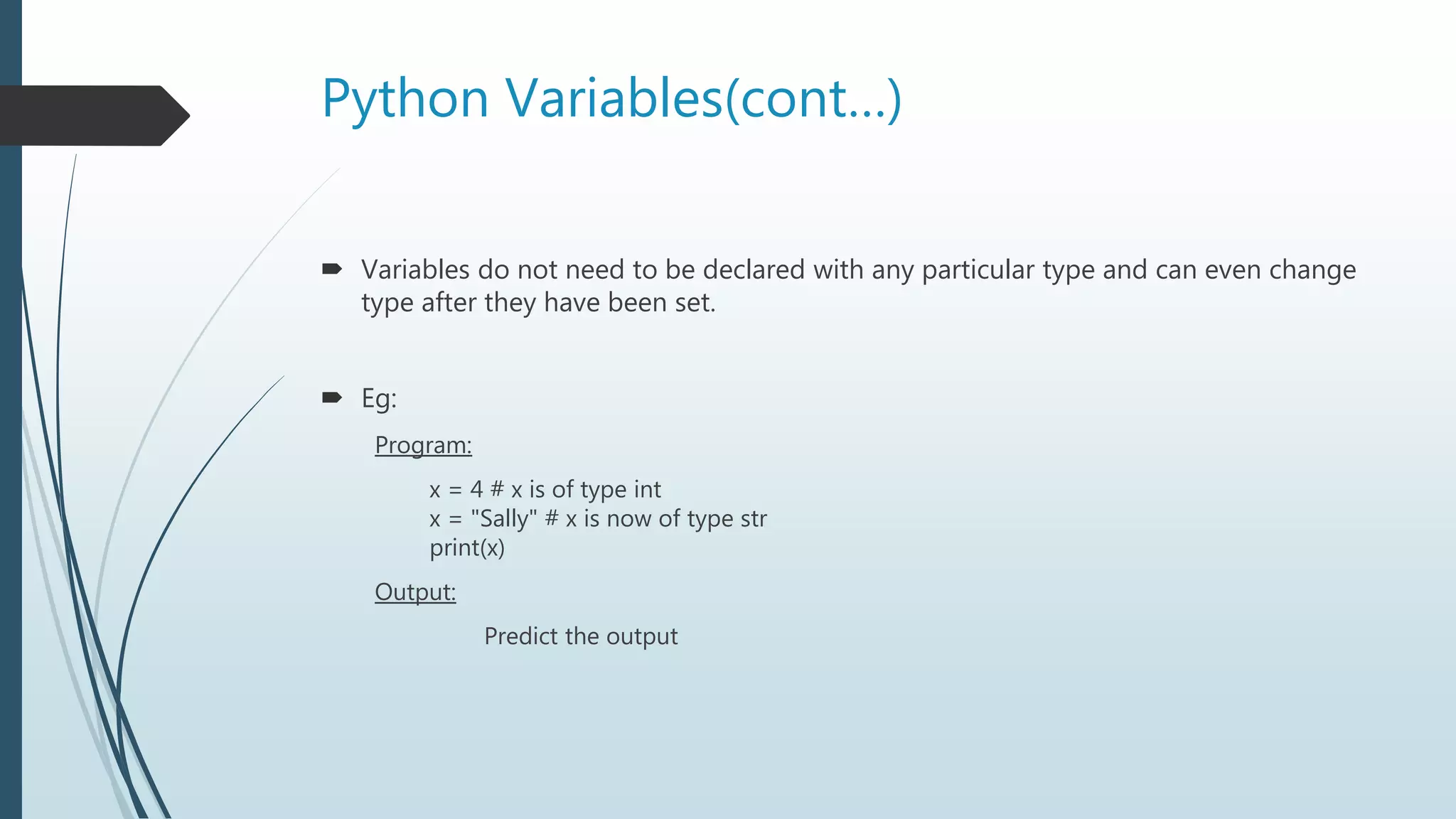
Variablesdo not need to be declared with any particular type and can even change
type after they have been set.
Eg:
Program:
x = 4 # x is of type int
x = "Sally" # x is now of type str
print(x)
Output:
Predict the output
14.
Variable names
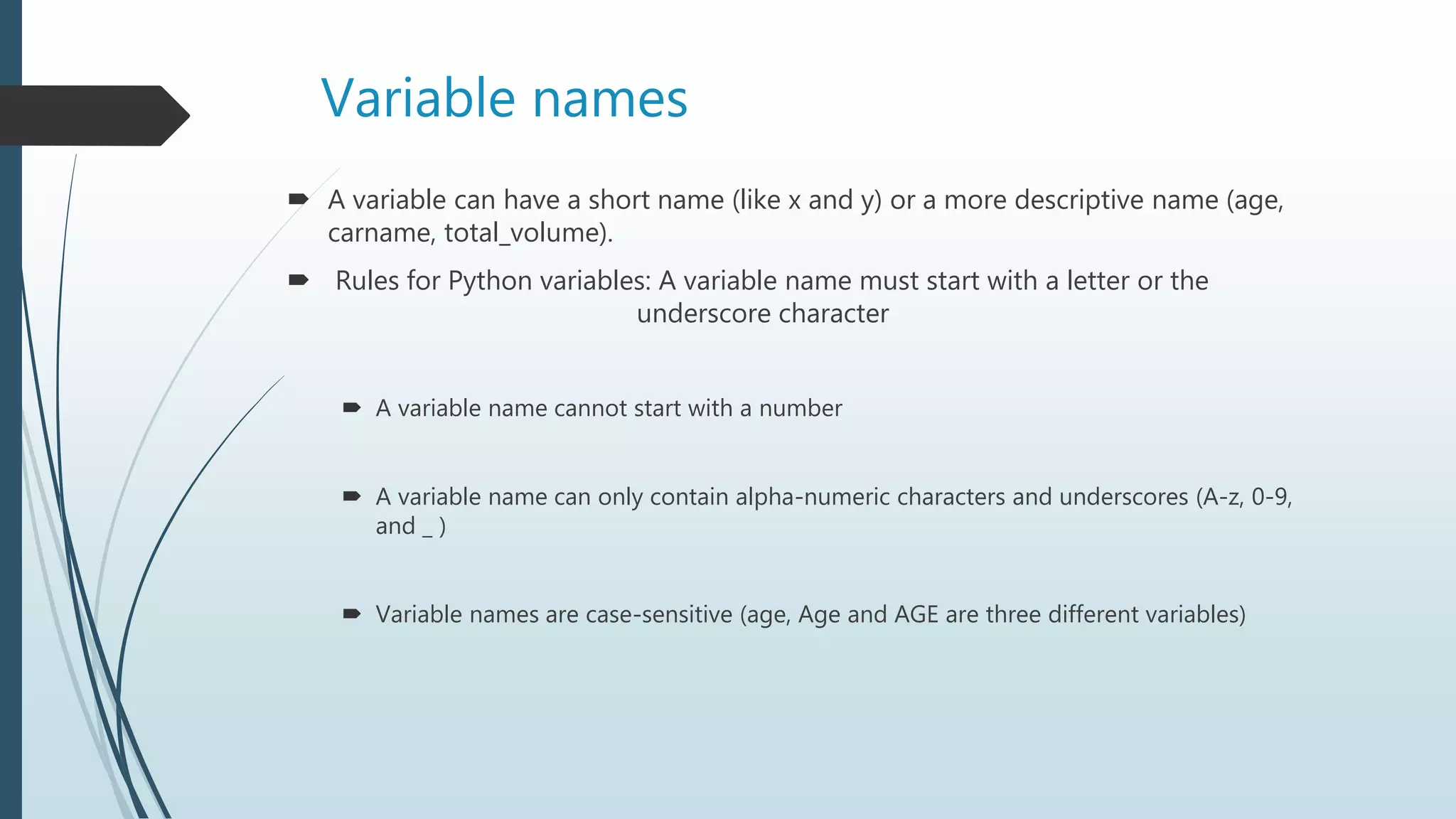
Avariable can have a short name (like x and y) or a more descriptive name (age,
carname, total_volume).
Rules for Python variables: A variable name must start with a letter or the
underscore character
A variable name cannot start with a number
A variable name can only contain alpha-numeric characters and underscores (A-z, 0-9,
and _ )
Variable names are case-sensitive (age, Age and AGE are three different variables)
15.
Output variables
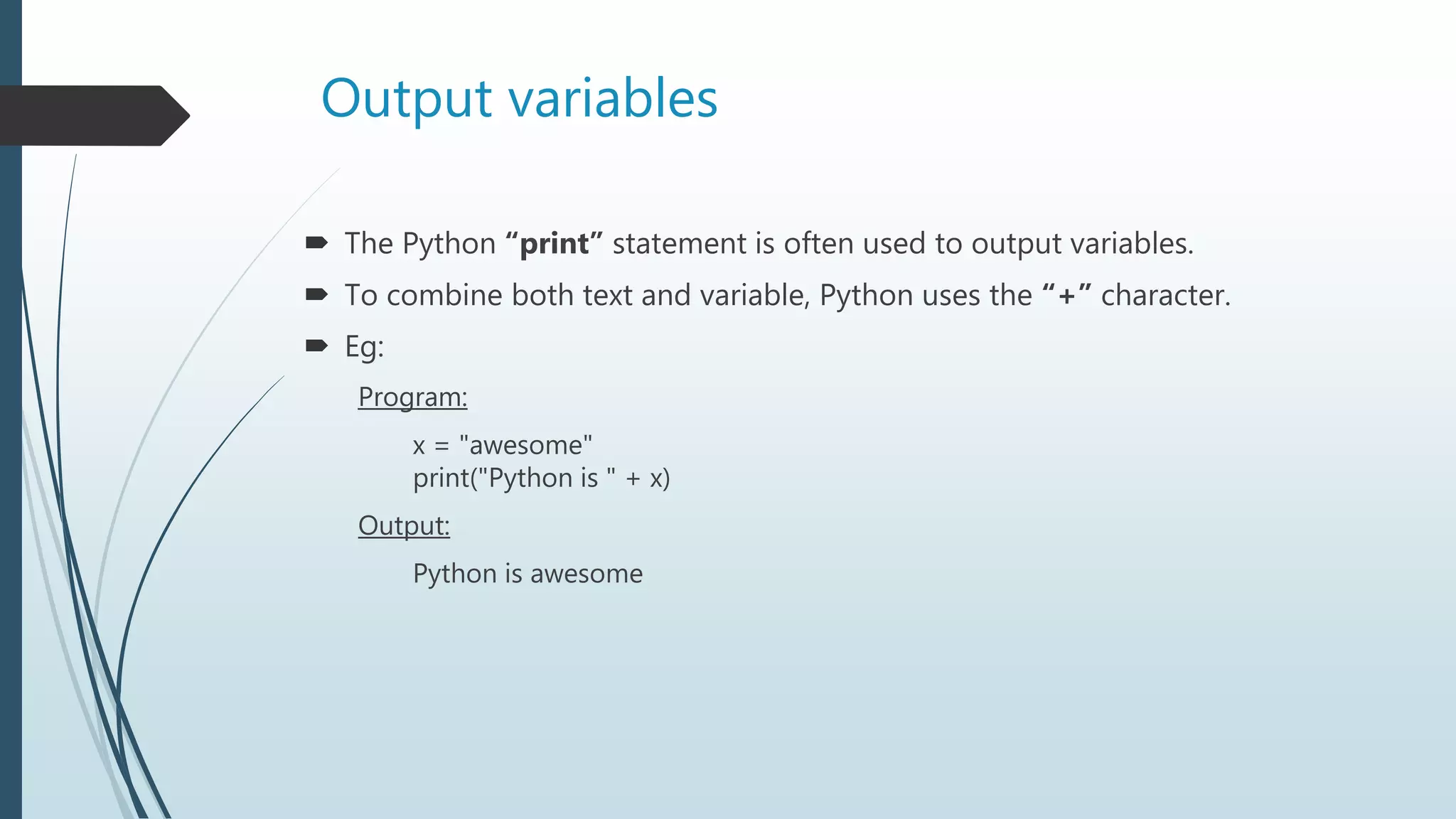
ThePython “print” statement is often used to output variables.
To combine both text and variable, Python uses the “+” character.
Eg:
Program:
x = "awesome"
print("Python is " + x)
Output:
Python is awesome
16.
Output Variables(cont…)
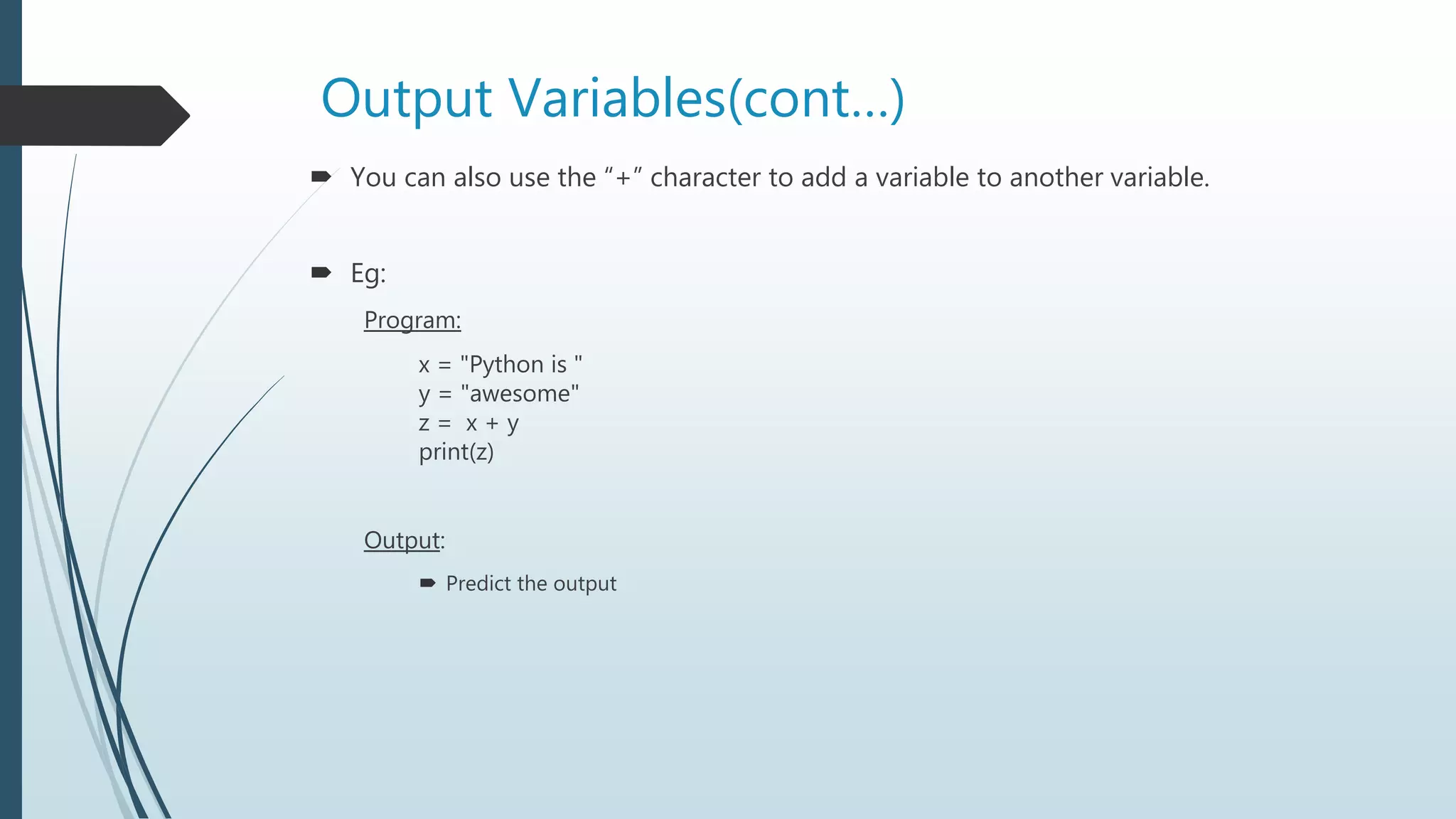
Youcan also use the “+” character to add a variable to another variable.
Eg:
Program:
x = "Python is "
y = "awesome"
z = x + y
print(z)
Output:
Predict the output
17.
Output Variables(cont…)
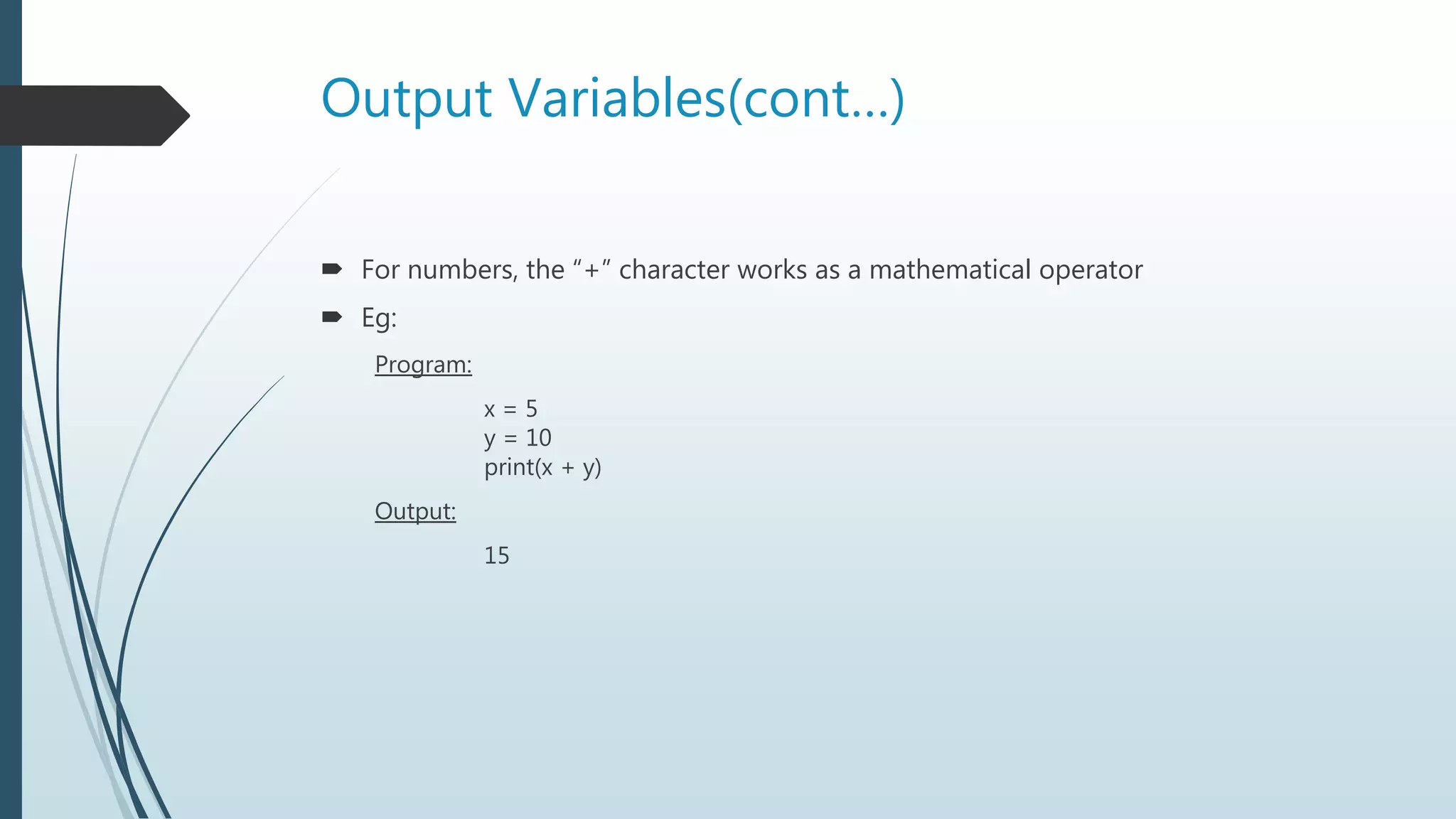
Fornumbers, the “+” character works as a mathematical operator
Eg:
Program:
x = 5
y = 10
print(x + y)
Output:
15
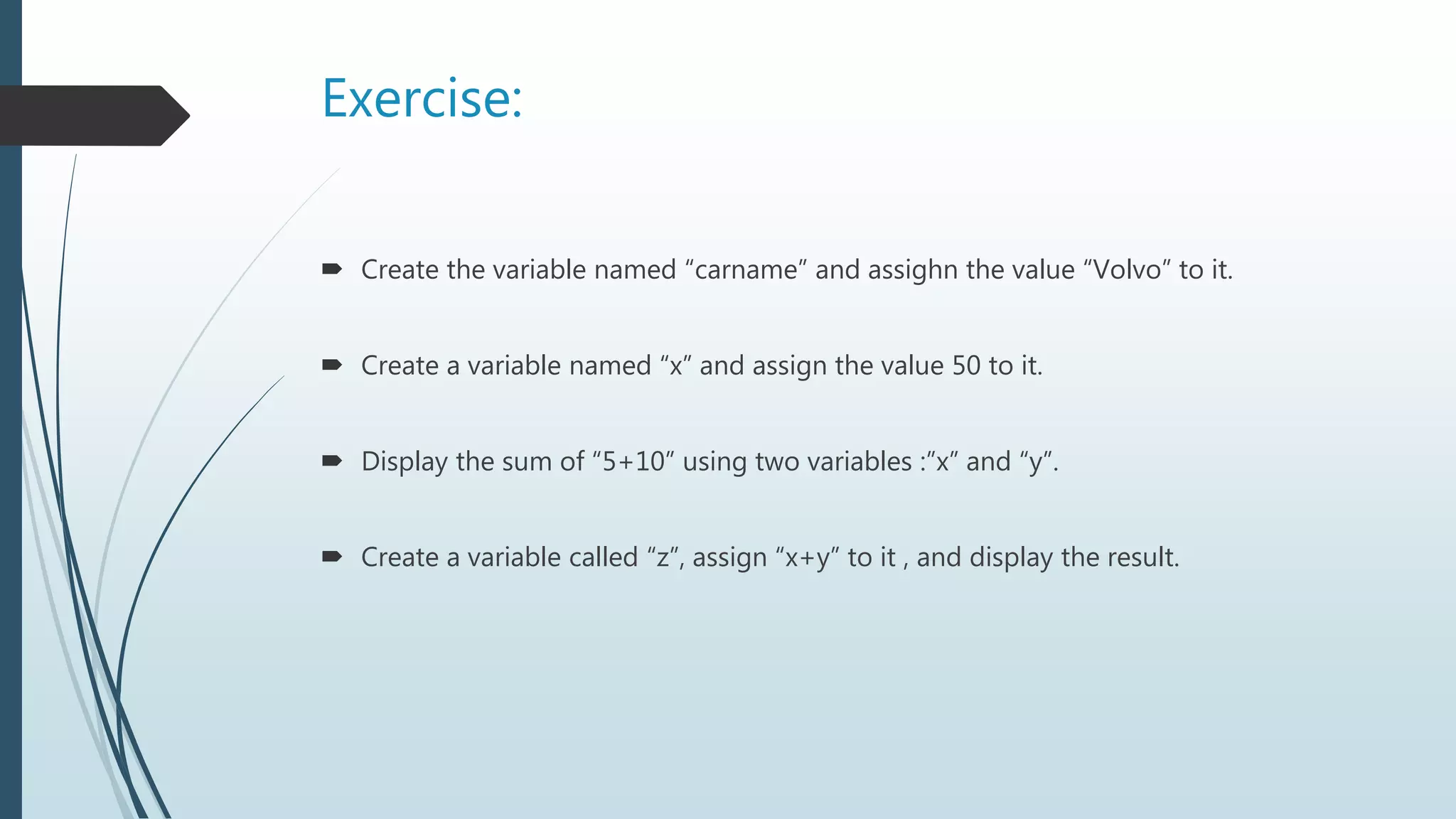
Exercise:
Create thevariable named “carname” and assighn the value “Volvo” to it.
Create a variable named “x” and assign the value 50 to it.
Display the sum of “5+10” using two variables :”x” and “y”.
Create a variable called “z”, assign “x+y” to it , and display the result.
20.
Python Numbers
Thereare three numeric types in Python:
int
float
complex
Variables of numeric types are created when you assign a value to them
Eg:
x = 1 # int
y = 2.8 # float
z = 1j # complex
21.
Python Numbers(cont…)
Toverify the type of any object in Python, use the type() function.
Eg:
x = 1 # int
y = 2.8 # float
z = 1j # complex
print(type(x))
print(type(y))
print(type(z))
22.
Python Numbers(cont…)
Int
Int, or integer, is a whole number, positive or negative, without decimals, of unlimited
length.
Float
Float, or "floating point number" is a number, positive or negative, containing one or
more decimals.
Float can also be scientific numbers with an "e" to indicate the power of 10.
Complex
Complex numbers are written with a "j" as the imaginary part:
23.
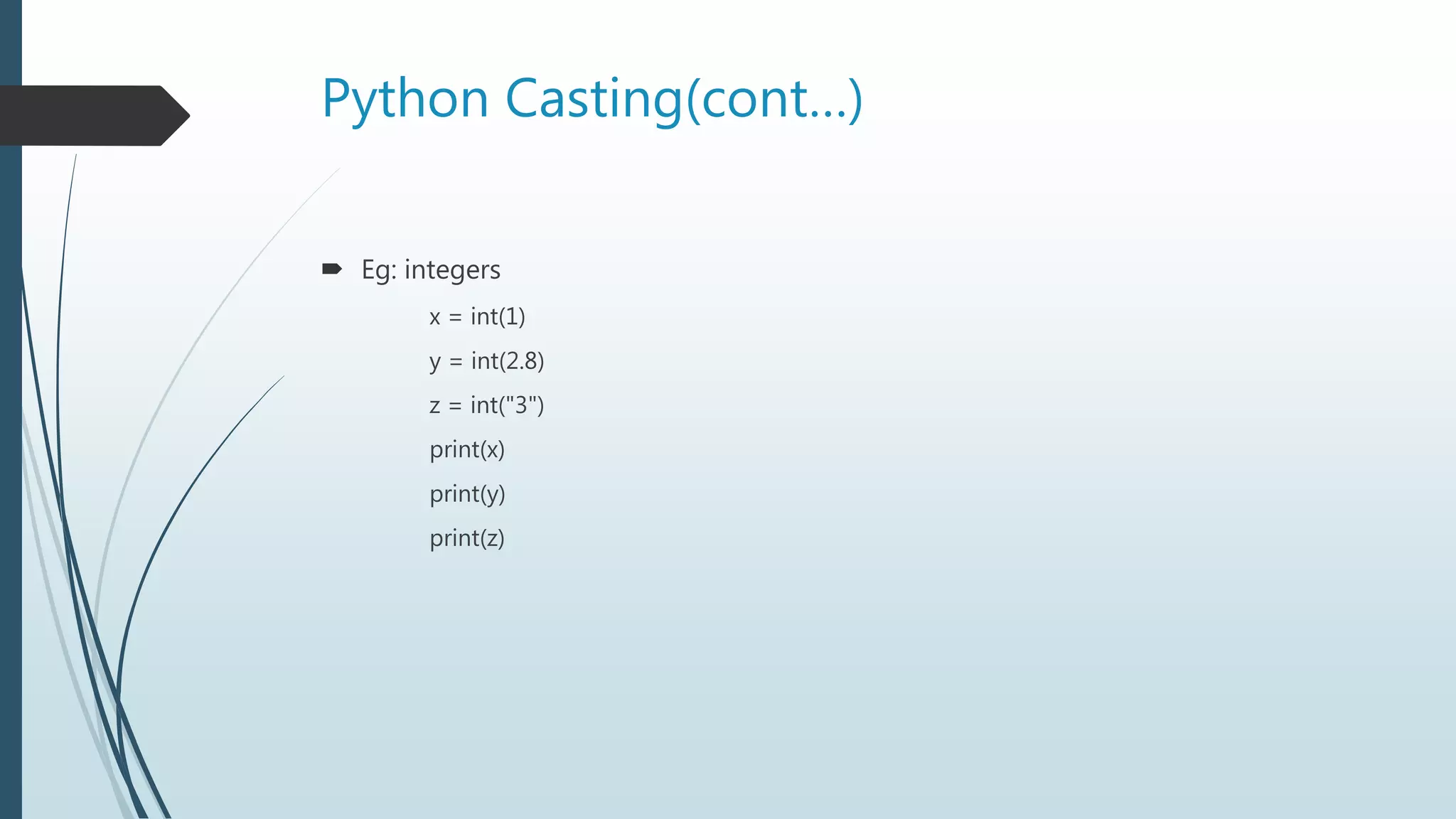
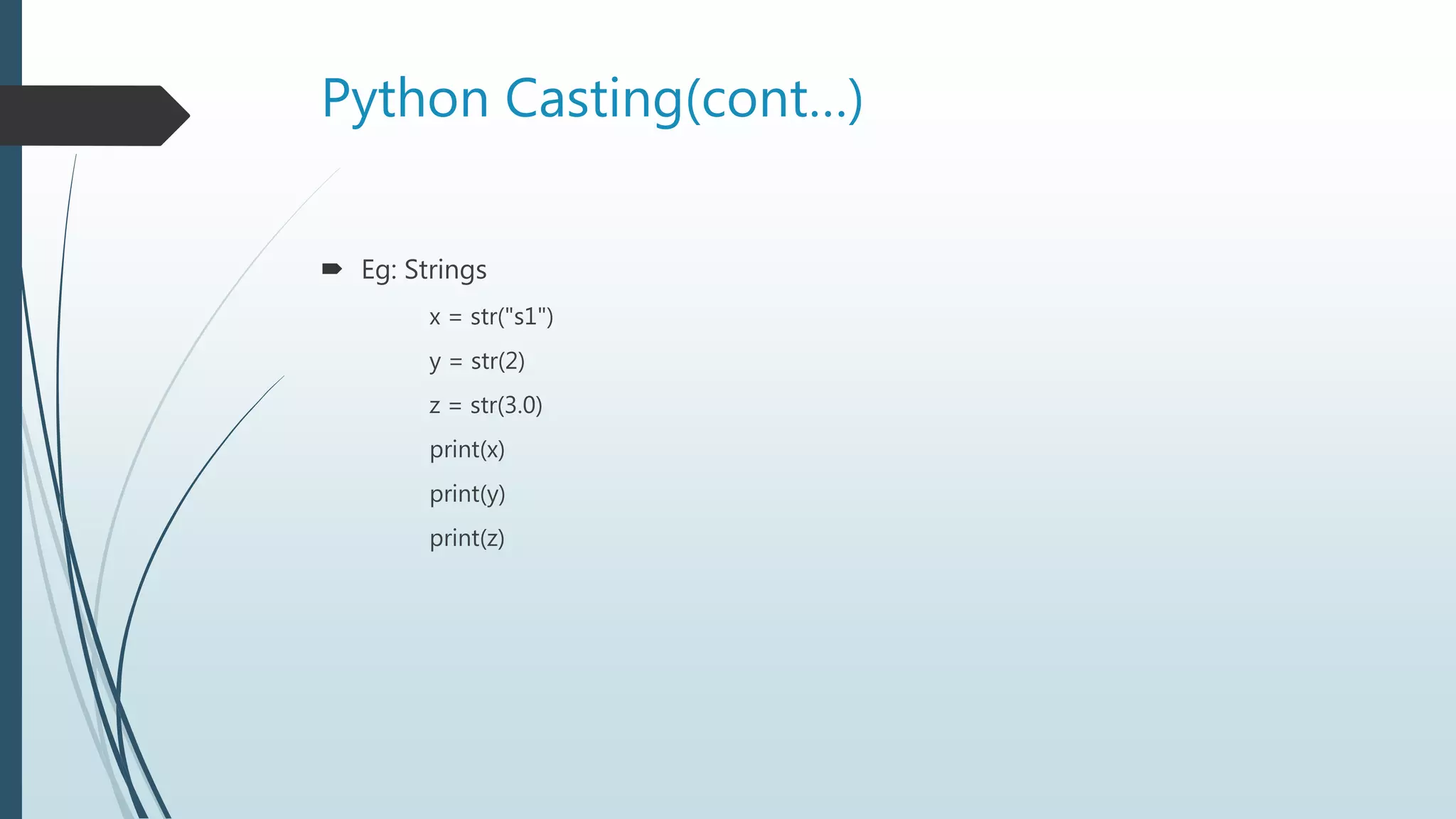
Python Casting
Castingin python is therefore done using constructor functions:
int() - constructs an integer number from an integer literal, a float literal (by rounding
down to the previous whole number), or a string literal (providing the string represents a
whole number)
float() - constructs a float number from an integer literal, a float literal or a string literal
(providing the string represents a float or an integer)
str() - constructs a string from a wide variety of data types, including strings, integer
literals and float literals
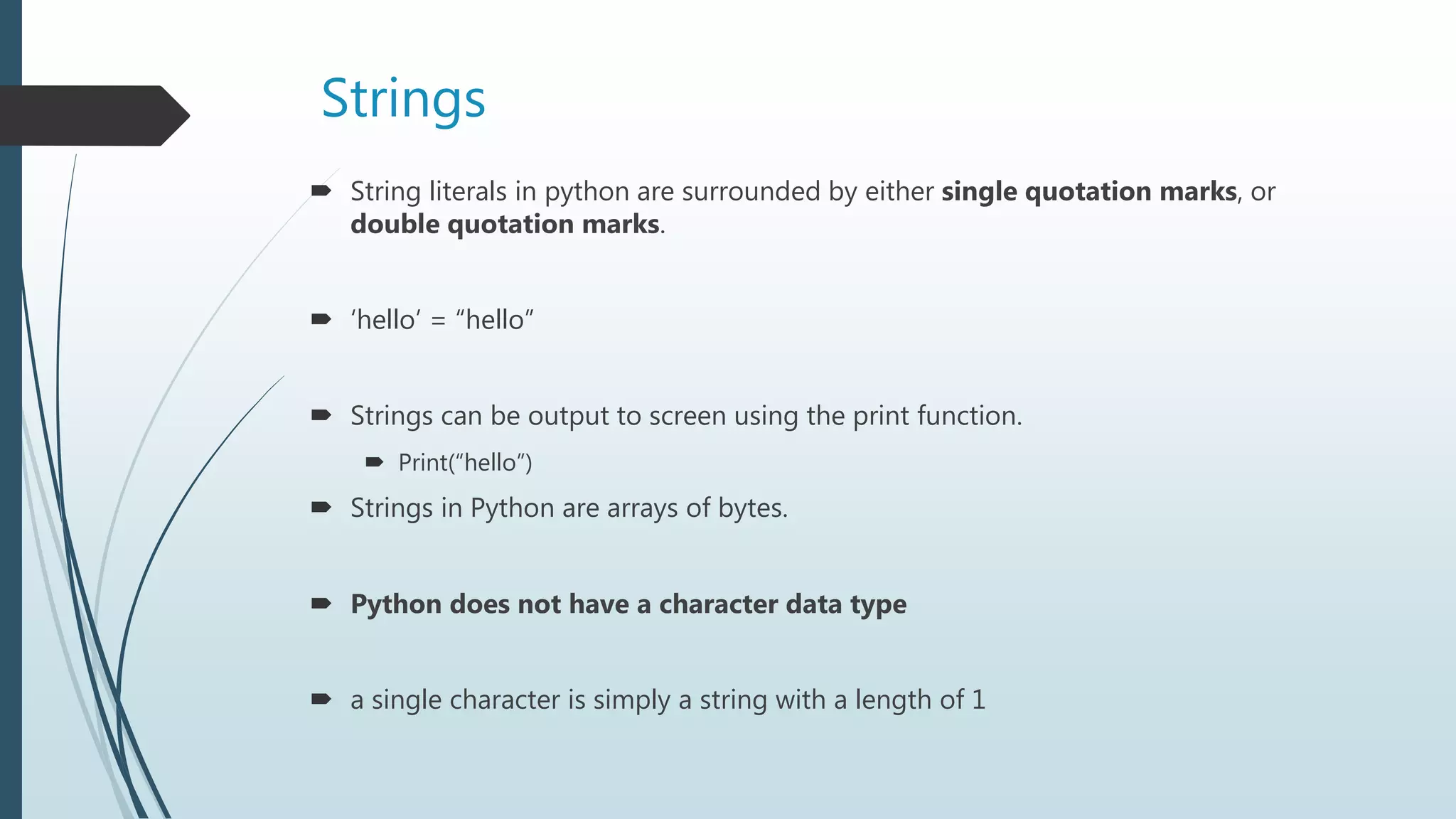
Strings
String literalsin python are surrounded by either single quotation marks, or
double quotation marks.
‘hello’ = “hello”
Strings can be output to screen using the print function.
Print(“hello”)
Strings in Python are arrays of bytes.
Python does not have a character data type
a single character is simply a string with a length of 1
27.
Strings(Cont…)
Square bracketscan be used to access elements of the string.
Eg1:
a = "Hello, World!“
print(a[1])
Substring. Get the characters from position 2 to position 5 (not included):
Eg2:
b = "Hello, World!"
print(b[2:5])
28.
Strings (Cont…)
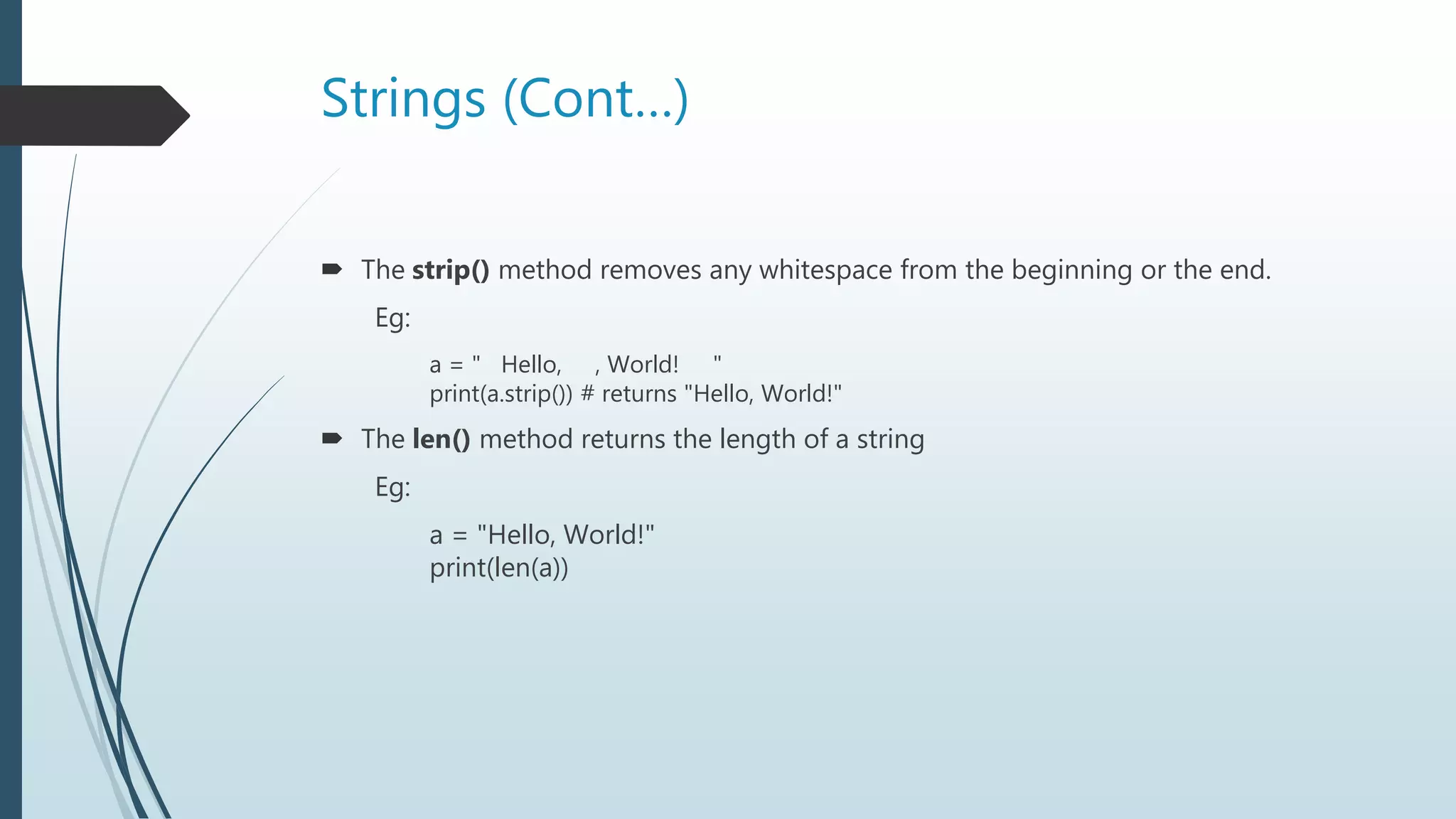
Thestrip() method removes any whitespace from the beginning or the end.
Eg:
a = " Hello, , World! "
print(a.strip()) # returns "Hello, World!"
The len() method returns the length of a string
Eg:
a = "Hello, World!"
print(len(a))
29.
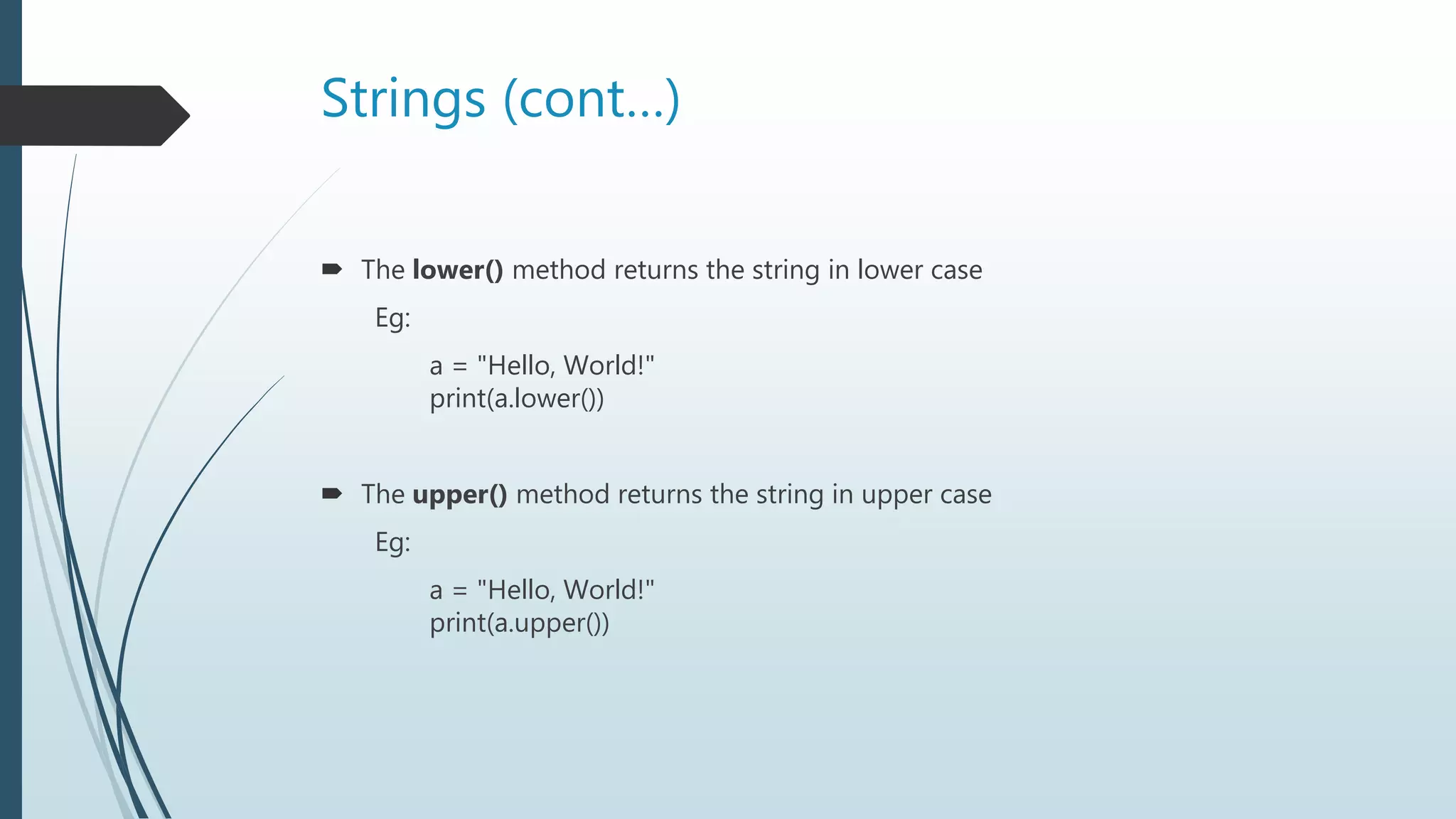
Strings (cont…)
Thelower() method returns the string in lower case
Eg:
a = "Hello, World!"
print(a.lower())
The upper() method returns the string in upper case
Eg:
a = "Hello, World!"
print(a.upper())
30.
Strings(Cont…)
The replace()method replaces a string with another string
Eg:
a = "Hello, World!"
print(a.replace("H", "J"))
The split() method splits the string into substrings if it finds instances of the
separator
Eg:
a = "Hello, World!"
print(a.split(",")) # returns ['Hello', ' World!']
31.
Exercise
Method usedto find the length of a string.
Get the first character of the string txt
txt=“hello”
x=?
Use of strip()?
![Strings(Cont…)
Square brackets can be used to access elements of the string.
Eg1:
a = "Hello, World!“
print(a[1])
Substring. Get the characters from position 2 to position 5 (not included):
Eg2:
b = "Hello, World!"
print(b[2:5])](https://image.slidesharecdn.com/python-190318163438/75/Python-Basics-27-2048.jpg)
![Strings(Cont…)
The replace() method replaces a string with another string
Eg:
a = "Hello, World!"
print(a.replace("H", "J"))
The split() method splits the string into substrings if it finds instances of the
separator
Eg:
a = "Hello, World!"
print(a.split(",")) # returns ['Hello', ' World!']](https://image.slidesharecdn.com/python-190318163438/75/Python-Basics-30-2048.jpg)