Puppeteer
Headless Chrome Node API
Volkan Özdamar - QA Analyst @SONY
Schedule
● What is NodeJS ?
● What is Puppeteer ?
● FAQ
● Installation
● Dive into ...
NodeJS or node is a runtime environment for executing JavaScript Codes.
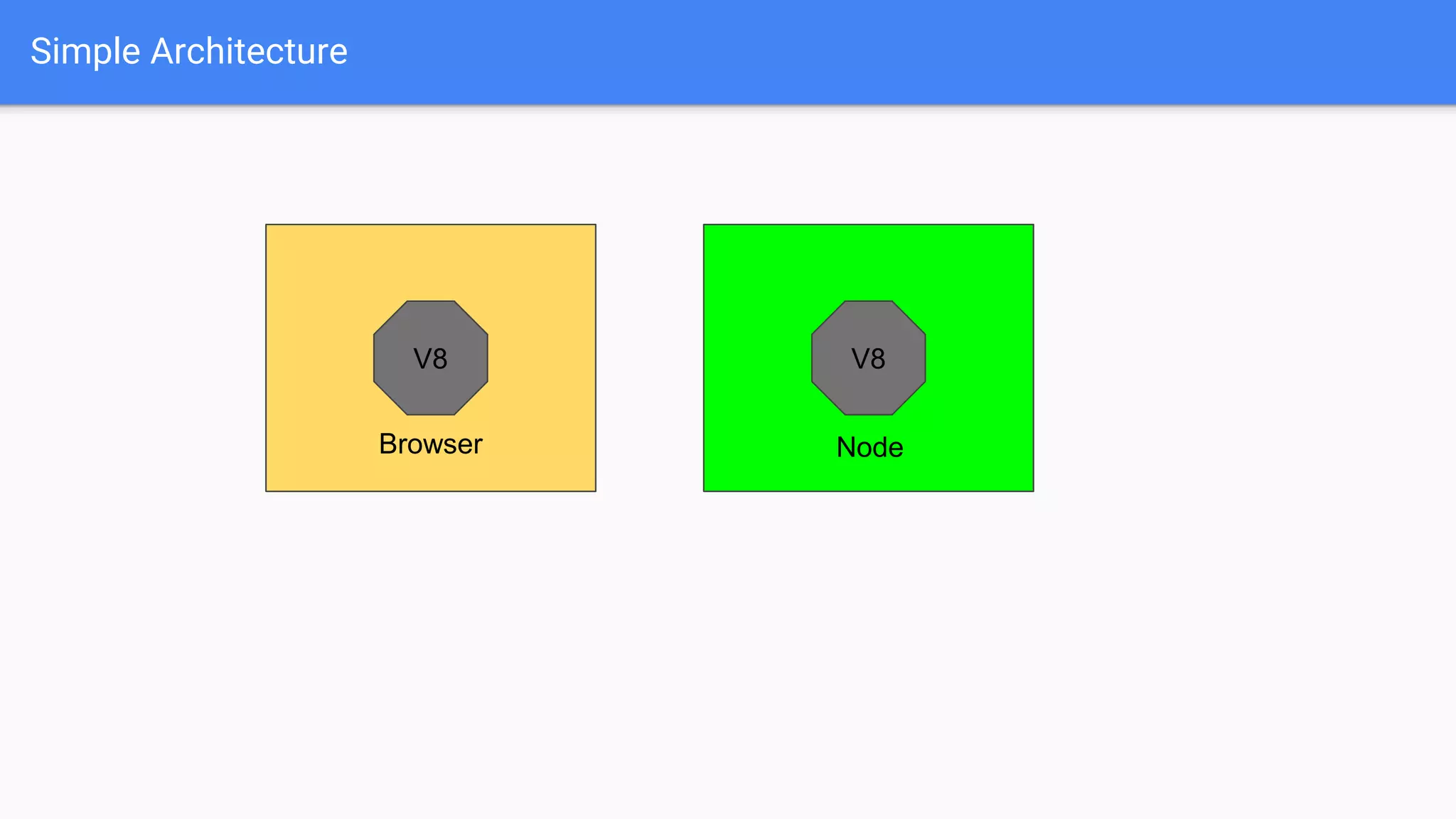
Browser
V8 V8
Node
Simple Architecture
What is Puppeteer ?
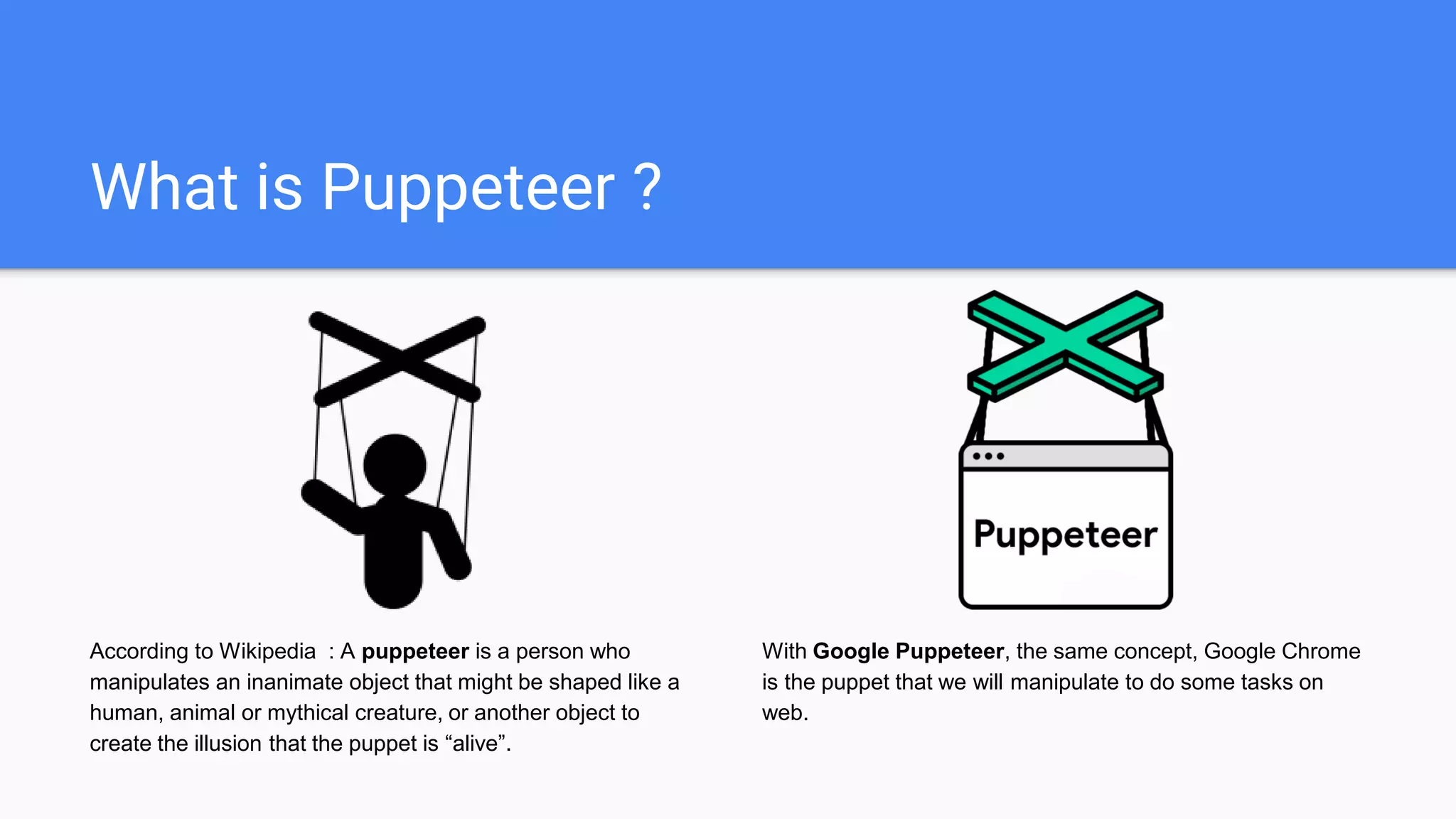
According to Wikipedia : A puppeteer is a person who
manipulates an inanimate object that might be shaped like a
human, animal or mythical creature, or another object to
create the illusion that the puppet is “alive”.
With Google Puppeteer, the same concept, Google Chrome
is the puppet that we will manipulate to do some tasks on
web.
Puppeteer is a Node library which provides a high-level API to control headless
Chrome or Chromium over the DevTools Protocol. It can also be configured to
use full (non-headless) Chrome or Chromium.
What Puppeteer can do ?
Most things that you can do manually in the
browser can be done using Puppeteer! Here
are a few examples to get you started:
● Generate screenshots and PDFs of pages.
● Crawl a SPA (Single-Page Application) and
generate pre-rendered content (i.e. "SSR"
(Server-Side Rendering)).
● Automate form submission, UI testing,
keyboard input, etc.
● Create an up-to-date, automated testing
environment. Run your tests directly in the
latest version of Chrome using the latest
JavaScript and browser features.
● Capture a timeline trace of your site to
help diagnose performance issues.
● Test Chrome Extensions.
Frequently Asked Questions
Q: Who maintains Puppeteer?
The Chrome DevTools team maintains the library, but we'd
love your help and expertise on the project! See Contributing.
Q: Is Puppeteer replacing Selenium/WebDriver?
No. Both projects are valuable for very different reasons:
● Selenium/WebDriver focuses on cross-browser
automation; its value proposition is a single standard
API that works across all major browsers.
● Puppeteer focuses on Chromium; its value proposition
is richer functionality and higher reliability.
Q: What are Puppeteer’s goals and principles?
The goals of the project are:
● Provide a slim, canonical library that highlights the
capabilities of the DevTools Protocol.
● Provide a reference implementation for similar testing
libraries. Eventually, these other frameworks could
adopt Puppeteer as their foundational layer.
● Grow the adoption of headless/automated browser
testing.
● Help dogfood new DevTools Protocol features...and
catch bugs!
● Learn more about the pain points of automated
browser testing and help fill those gaps.
Frequently Asked Questions
Q: What features does Puppeteer not support?
You may find that Puppeteer does not behave as expected
when controlling pages that incorporate audio and video. (For
example, video playback/screenshots is likely to fail.) There
are two reasons for this:
● Puppeteer is bundled with Chromium--not Chrome--
and so by default, it inherits all of Chromium's media-
related limitations. This means that Puppeteer does
not support licensed formats such as AAC or H.264.
(However, it is possible to force Puppeteer to use a
separately-installed version
Chrome instead of Chromium via the executablePath
option to puppeteer.launch. You should only use this
configuration if you need an official release of Chrome
that supports these media formats.)
● Since Puppeteer (in all configurations) controls a
desktop version of Chromium/Chrome, features that
are only supported by the mobile version of Chrome
are not supported. This means that Puppeteer does
not support HTTP Live Streaming (HLS).
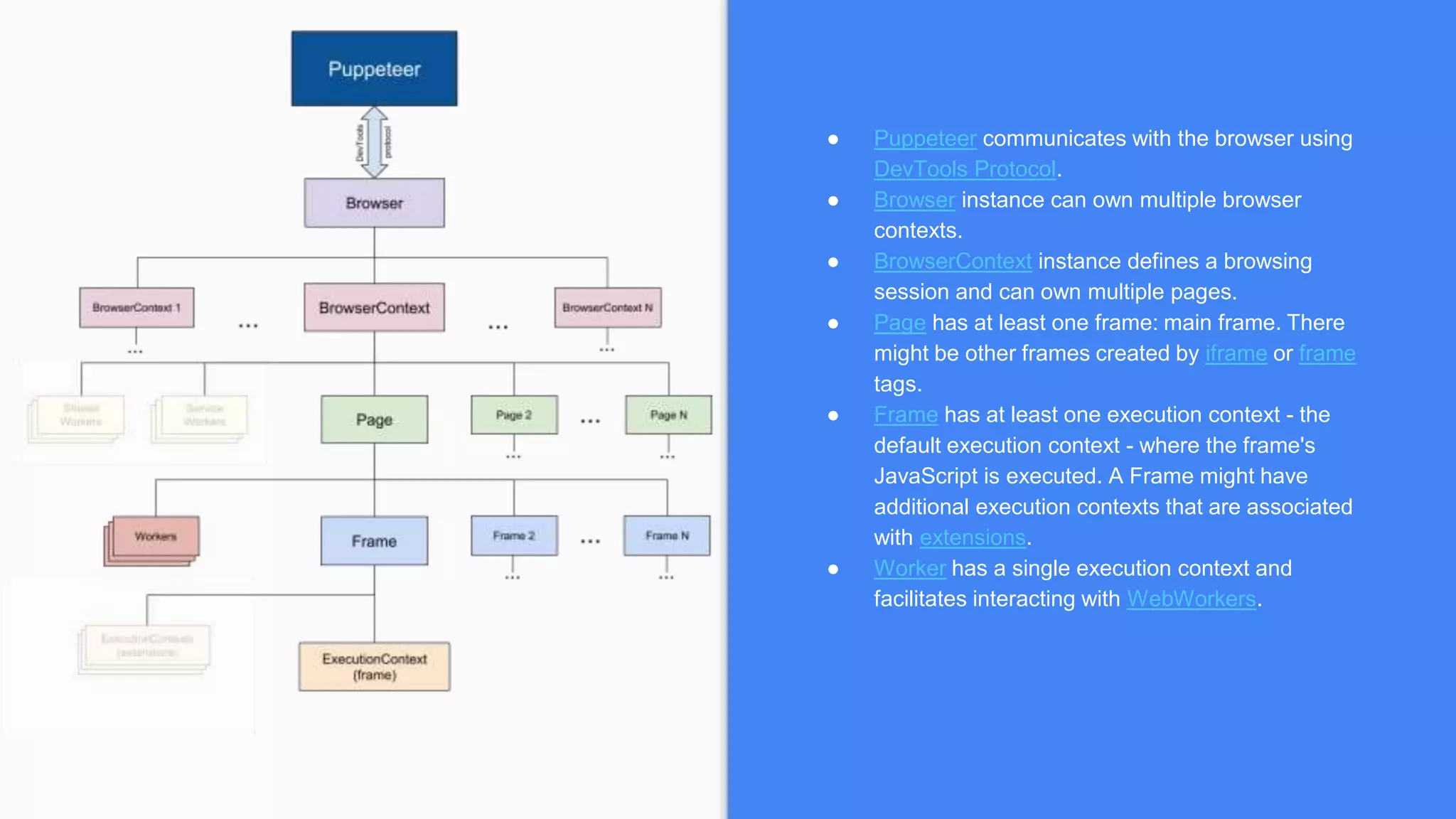
● Puppeteer communicates with the browser using
DevTools Protocol.
● Browser instance can own multiple browser
contexts.
● BrowserContext instance defines a browsing
session and can own multiple pages.
● Page has at least one frame: main frame. There
might be other frames created by iframe or frame
tags.
● Frame has at least one execution context - the
default execution context - where the frame's
JavaScript is executed. A Frame might have
additional execution contexts that are associated
with extensions.
● Worker has a single execution context and
facilitates interacting with WebWorkers.
GoogleChrome/puppeteerhttps://pptr.dev
Installation
When you install Puppeteer, it downloads
a recent version of Chromium (~170MB
Mac, ~282MB Linux, ~280MB Win) that is
guaranteed to work with the API. To skip
the download, see Environment variables.
puppeteer-core
Since version 1.7.0 we publish the
puppeteer-core package, a version of
Puppeteer that doesn't download
Chromium by default.
puppeteer
npm i puppeteer
# or "yarn add puppeteer"
puppeteer-core
npm i puppeteer-core
# or "yarn add puppeteer-core"
for more : puppeteer vs. puppeteer-core
Breaking News ...
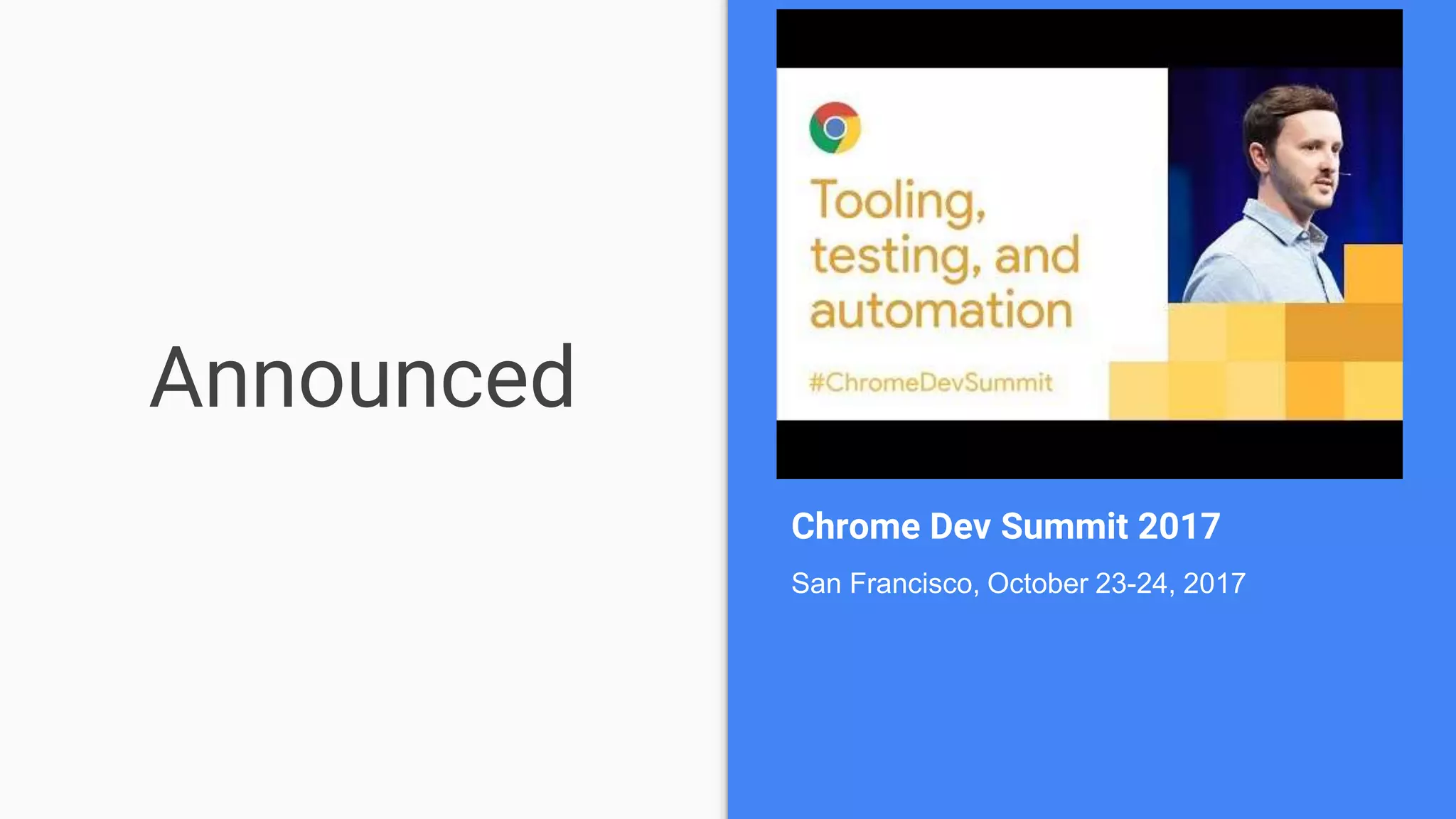
Announced
Chrome Dev Summit 2017
San Francisco, October 23-24, 2017
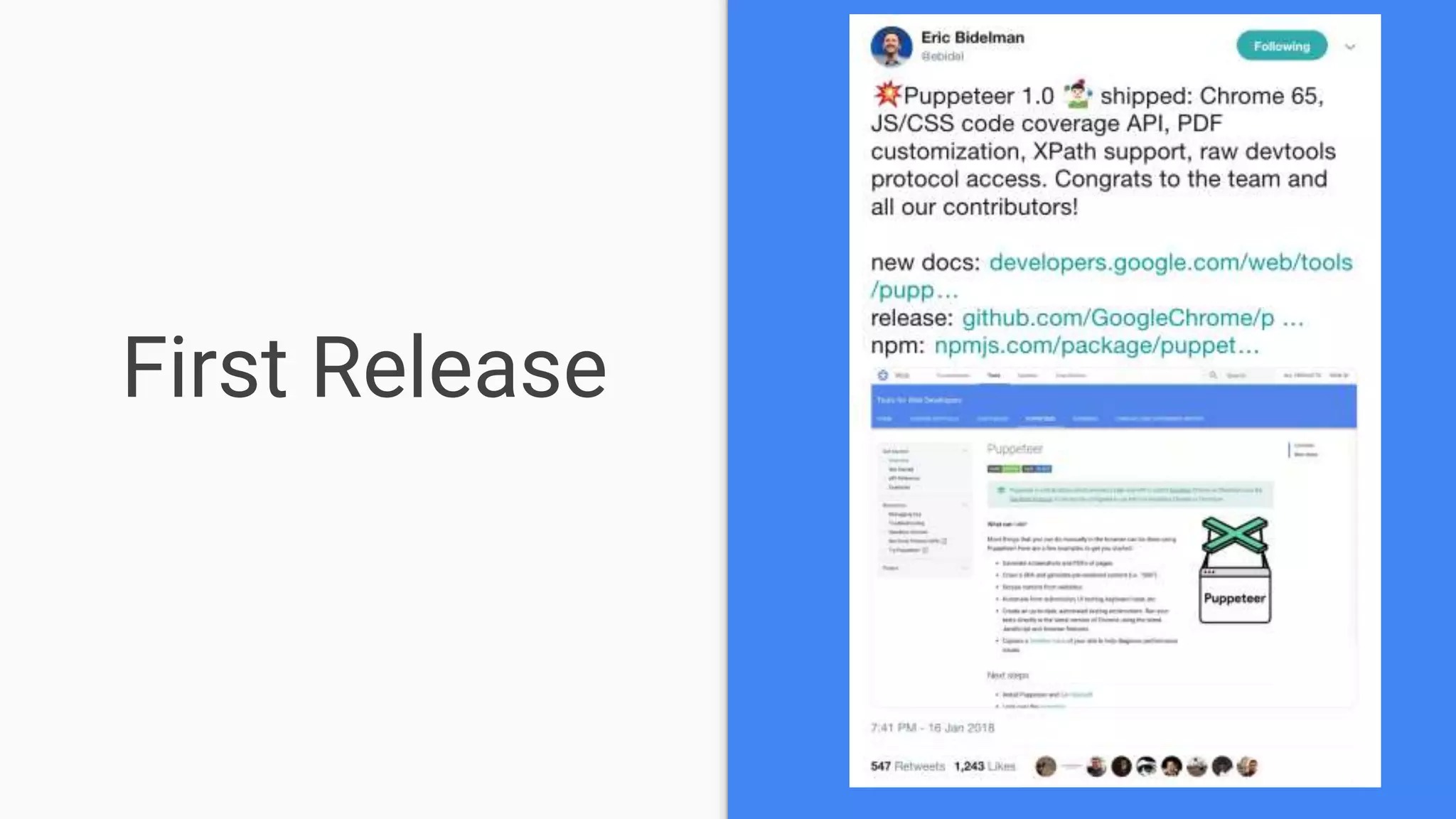
First Release
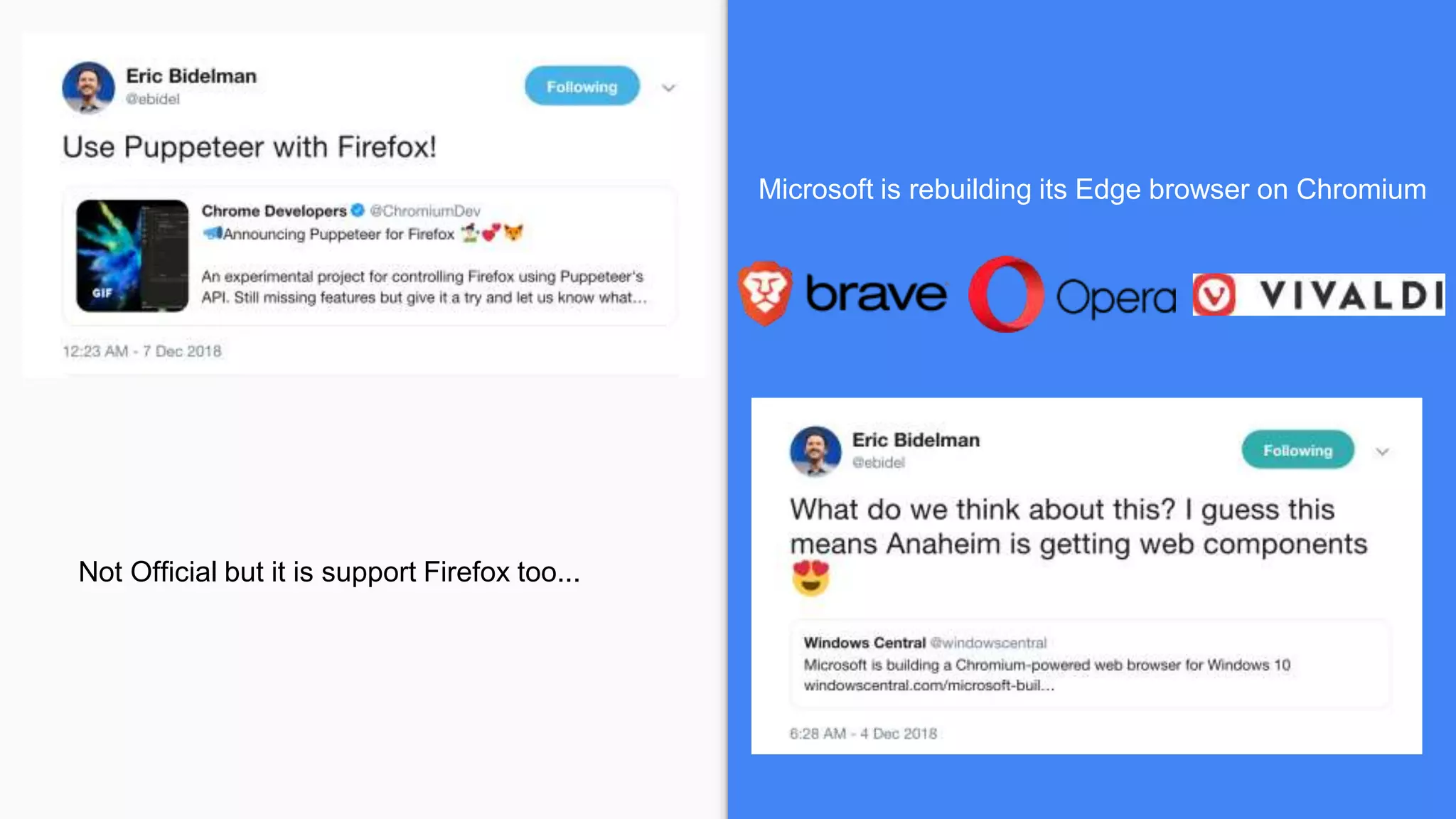
Microsoft is rebuilding its Edge browser on Chromium
Not Official but it is support Firefox too...
It’s is spreading out
Dive into ...
Simple Example
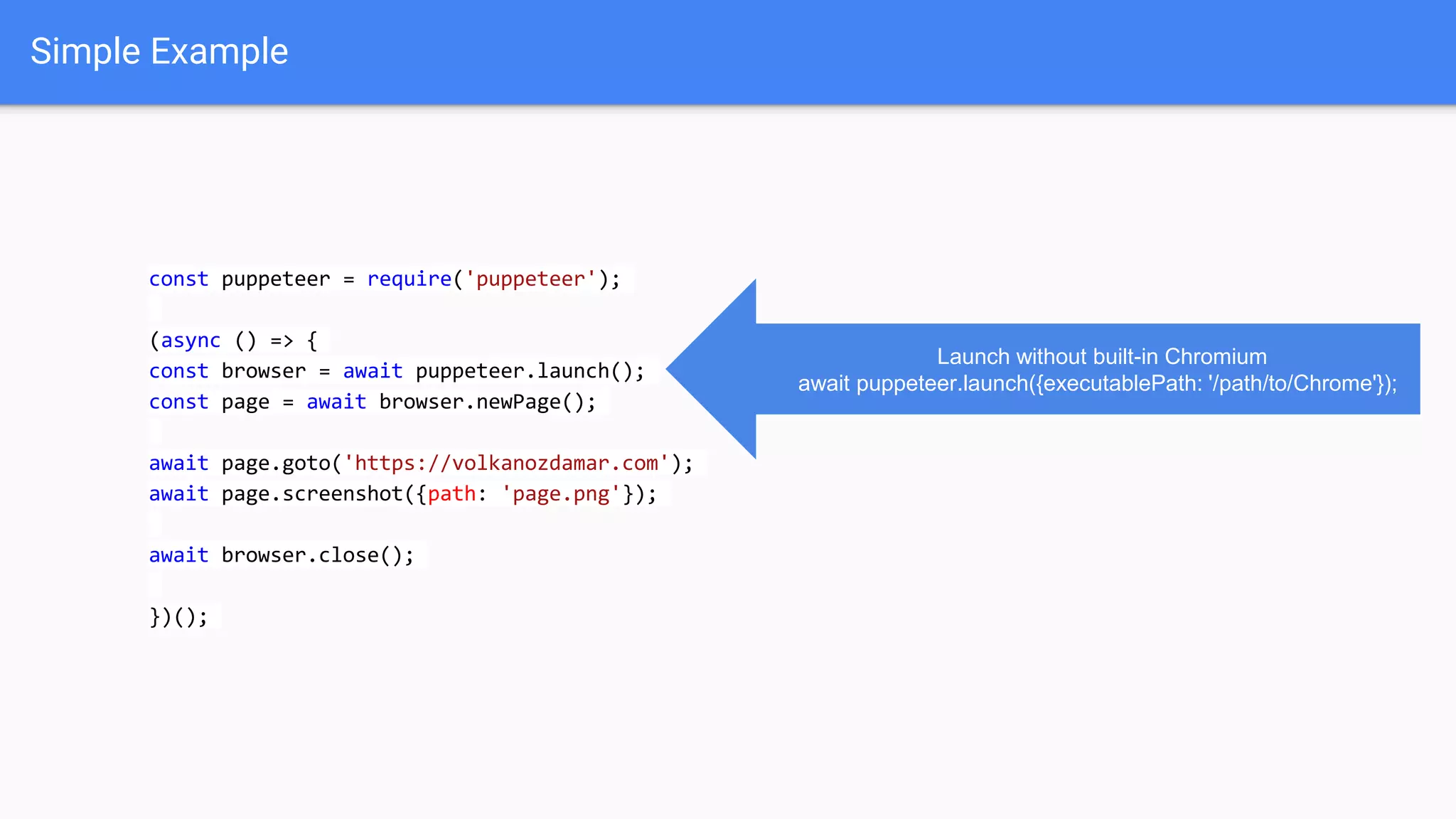
const puppeteer = require('puppeteer');
(async () => {
const browser = await puppeteer.launch();
const page = await browser.newPage();
await page.goto('https://volkanozdamar.com');
await page.screenshot({path: 'page.png'});
await browser.close();
})();
Launch without built-in Chromium
await puppeteer.launch({executablePath: '/path/to/Chrome'});
Simple Example
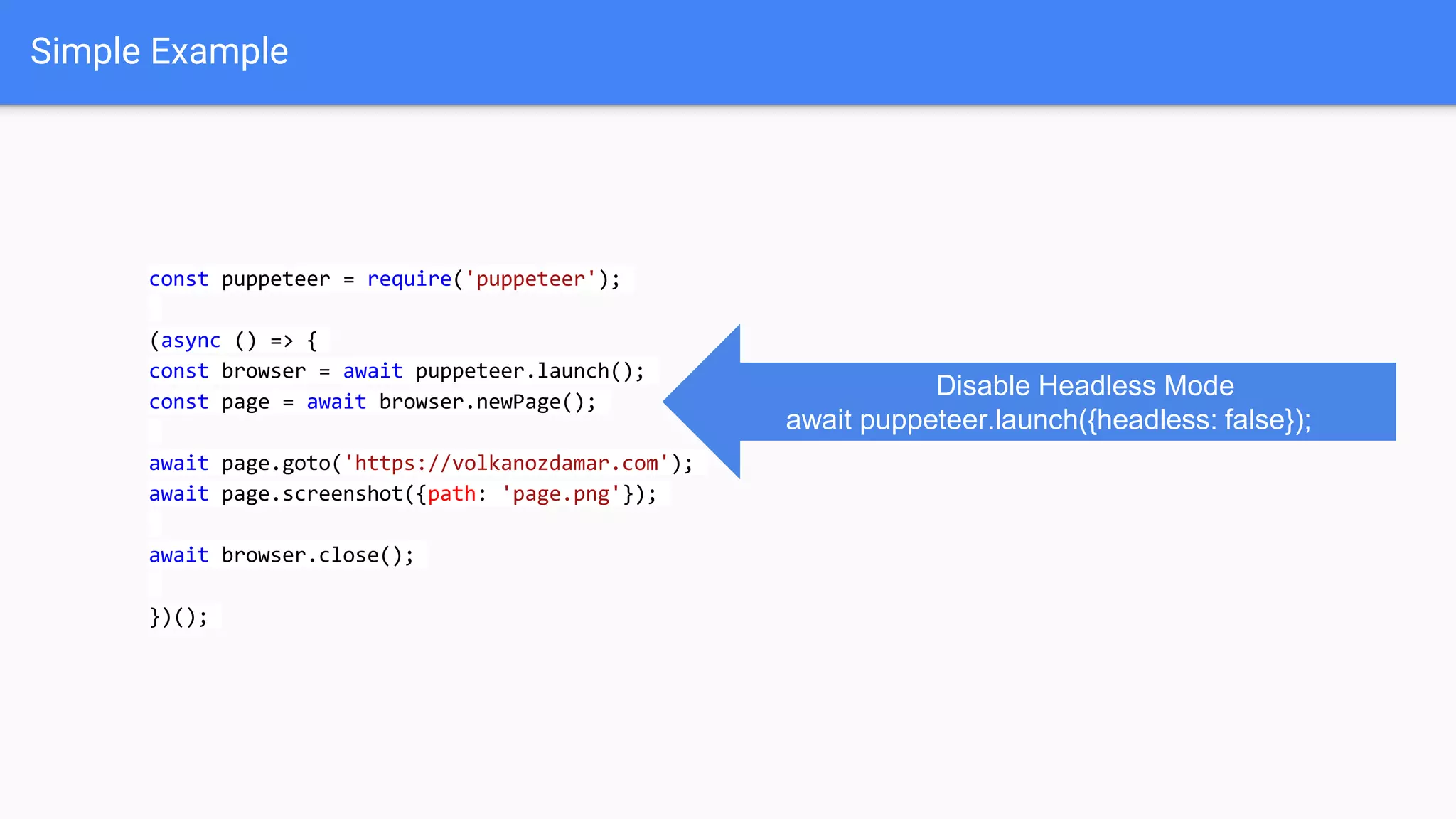
const puppeteer = require('puppeteer');
(async () => {
const browser = await puppeteer.launch();
const page = await browser.newPage();
await page.goto('https://volkanozdamar.com');
await page.screenshot({path: 'page.png'});
await browser.close();
})();
Disable Headless Mode
await puppeteer.launch({headless: false});
Generating PDF
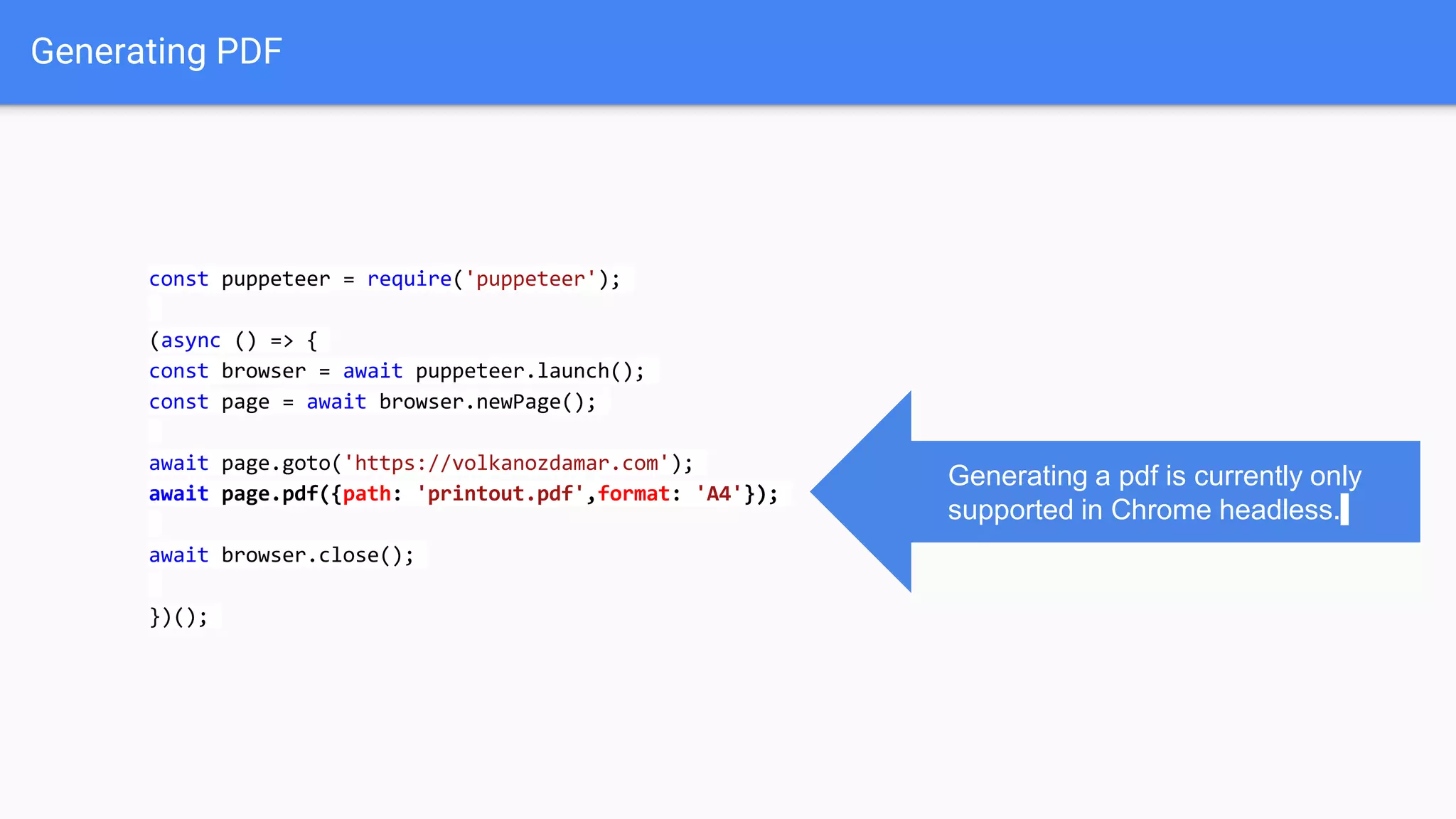
const puppeteer = require('puppeteer');
(async () => {
const browser = await puppeteer.launch();
const page = await browser.newPage();
await page.goto('https://volkanozdamar.com');
await page.pdf({path: 'printout.pdf',format: 'A4'});
await browser.close();
})();
Generating a pdf is currently only
supported in Chrome headless.
Setting Viewport
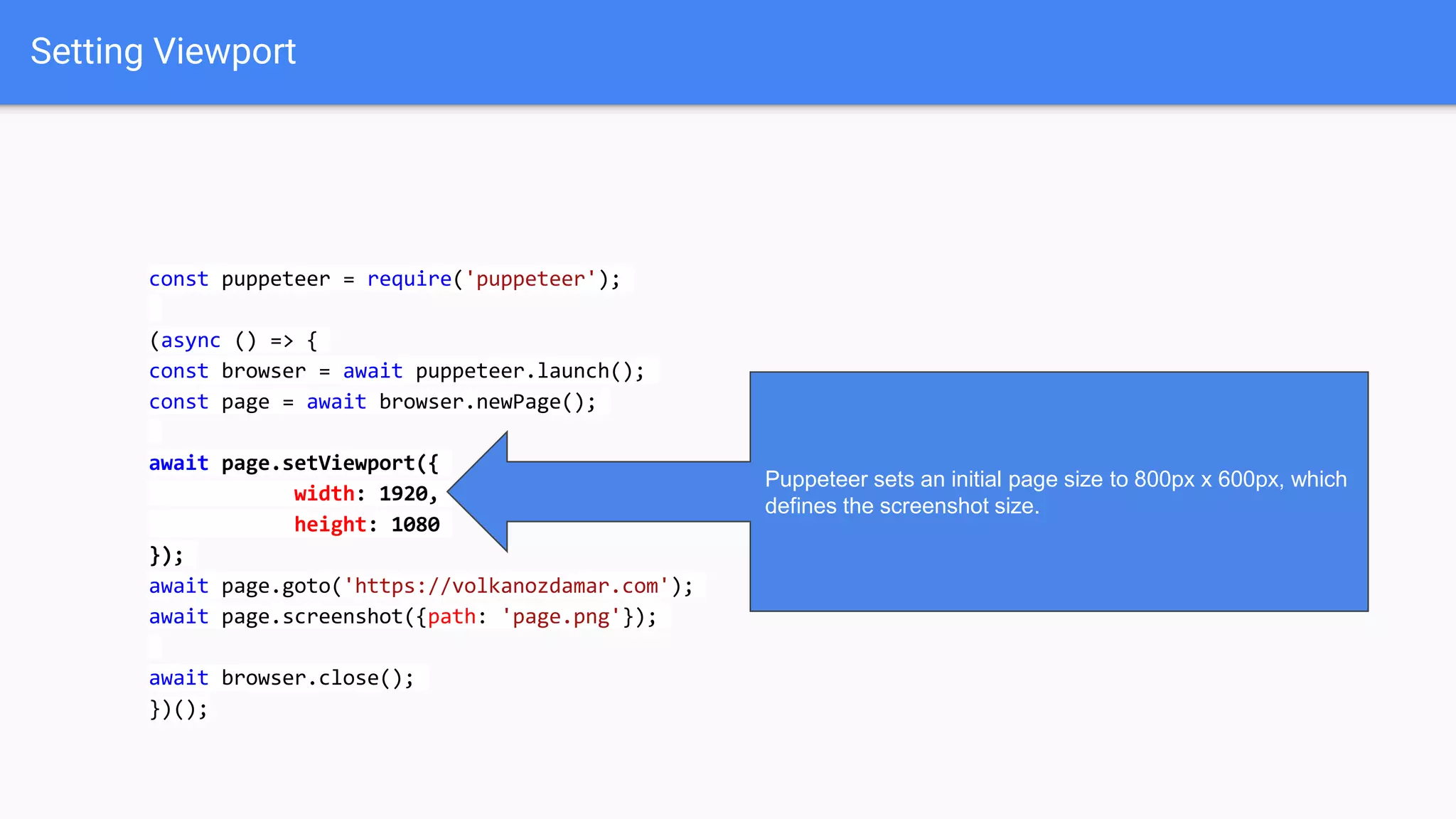
const puppeteer = require('puppeteer');
(async () => {
const browser = await puppeteer.launch();
const page = await browser.newPage();
await page.setViewport({
width: 1920,
height: 1080
});
await page.goto('https://volkanozdamar.com');
await page.screenshot({path: 'page.png'});
await browser.close();
})();
Puppeteer sets an initial page size to 800px x 600px, which
defines the screenshot size.
Emulate Mobile Devices
const puppeteer = require('puppeteer');
const devices = require('puppeteer/DeviceDescriptors');
const pixeltwo = devices['Pixel 2'];
puppeteer.launch().then(async browser => {
const page = await browser.newPage();
await page.emulate(pixeltwo);
await page.goto('https://www.sonymobile.com/gb');
await page.screenshot({path: 'mainpage.png',fullPage:false});
await browser.close();
});
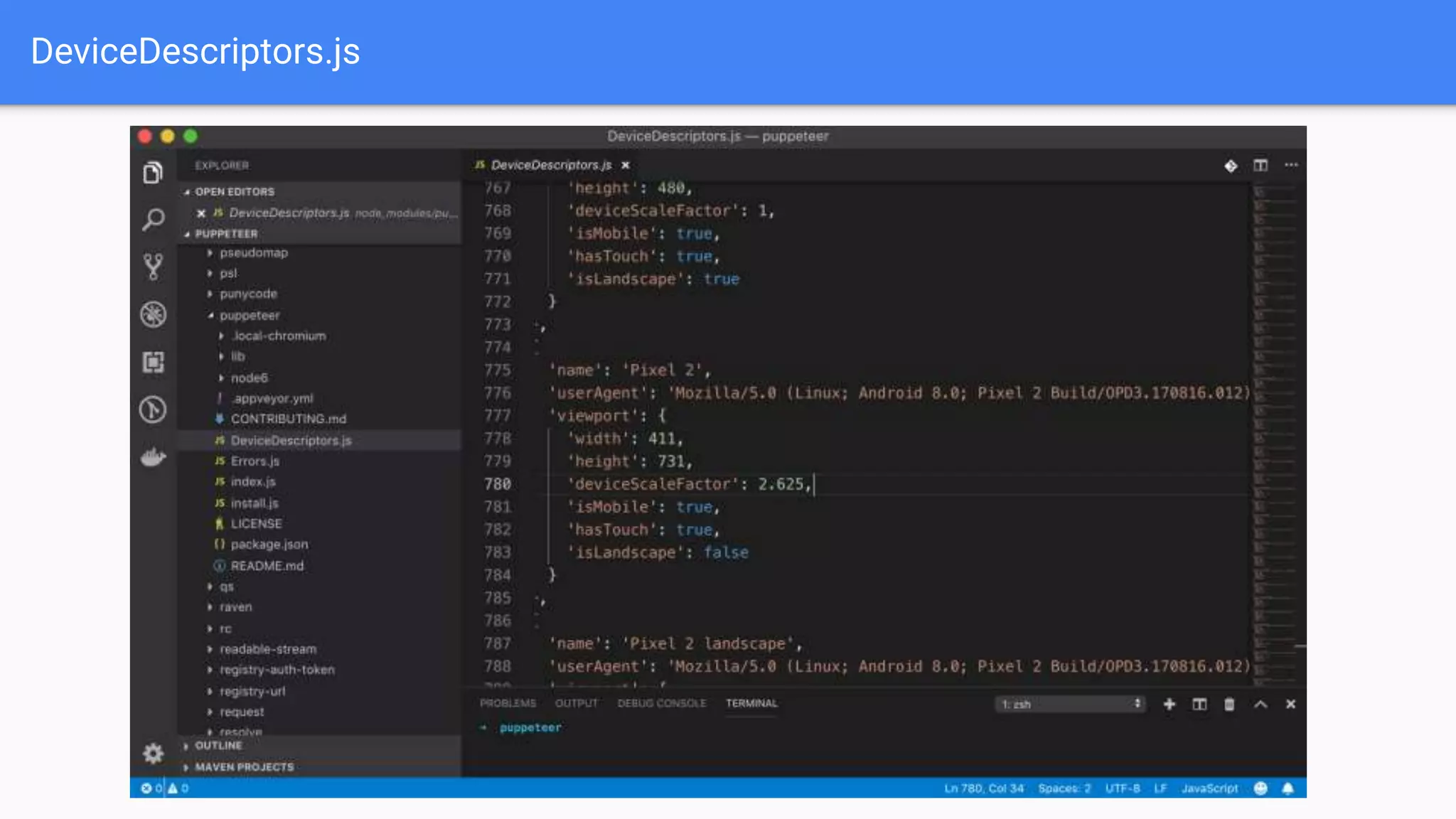
Puppeteer has predefined device sizes inside.You
can find those devices in“DeviceDescriptors.js”.
Also you can create your own devices.
DeviceDescriptors.js
Interacting with Page Elements
const puppeteer = require('puppeteer');
(async () => {
const browser = await puppeteer.launch();
const page = await browser.newPage();
await page.goto('https://google.com');
await page.type('#lst-ib','Puppeteer');
await page.click('input[name="btnK"]');
await browser.close();
})();
Web Scraping
const puppeteer = require('puppeteer');
(async () => {
const browser = await puppeteer.launch({headless: false});
const page = await browser.newPage();
await page.goto('https://sonymobile.com/gb');
await page.click('#menu-primary-menu > li:nth-child(2) > a');
await page.waitForSelector('.btn-alt-special');
await page.$('.btn-alt-special');
await page.click('.btn-alt-special');
await page.click('#phones-display_size-lt_5');
const titles = await page.evaluate(
() =>
Array.from(page.$$('div.product-name-wrap a strong'))
.map(partner=>partner.innerText.trim()
)
);
console.log(titles);
await browser.close();
})();
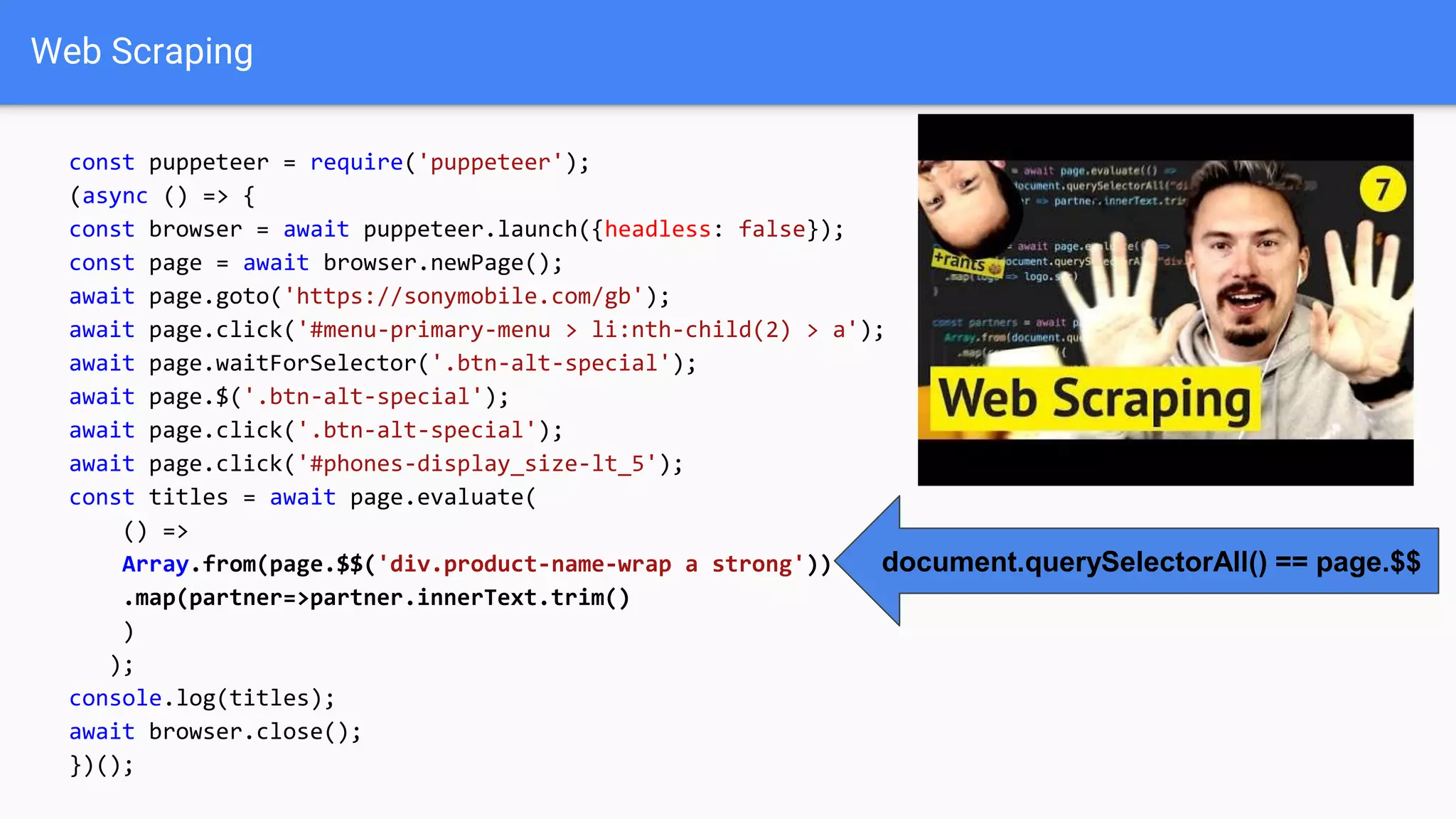
document.querySelectorAll() == page.$$
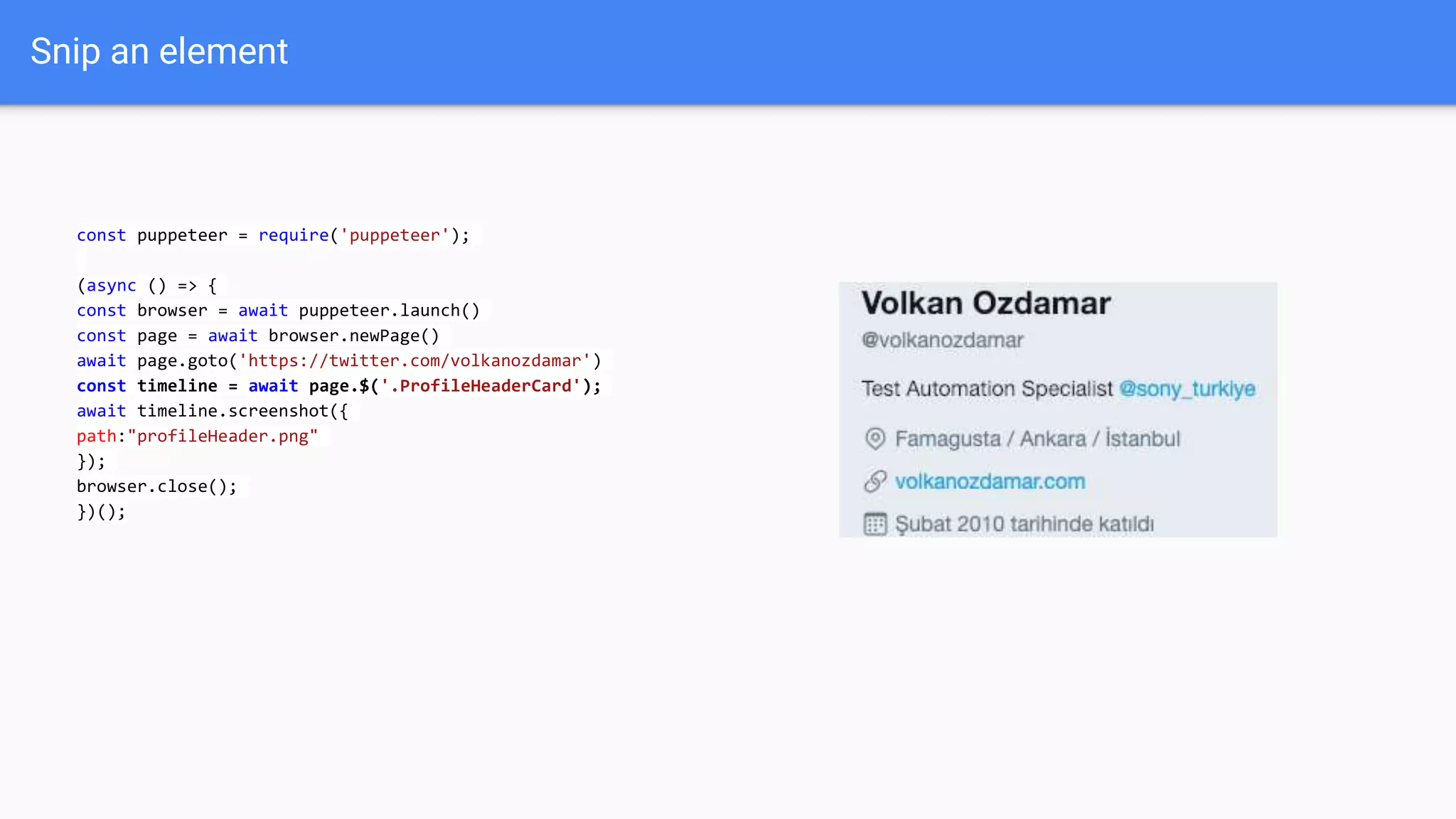
Snip an element
const puppeteer = require('puppeteer');
(async () => {
const browser = await puppeteer.launch()
const page = await browser.newPage()
await page.goto('https://twitter.com/volkanozdamar')
const timeline = await page.$('.ProfileHeaderCard');
await timeline.screenshot({
path:"profileHeader.png"
});
browser.close();
})();
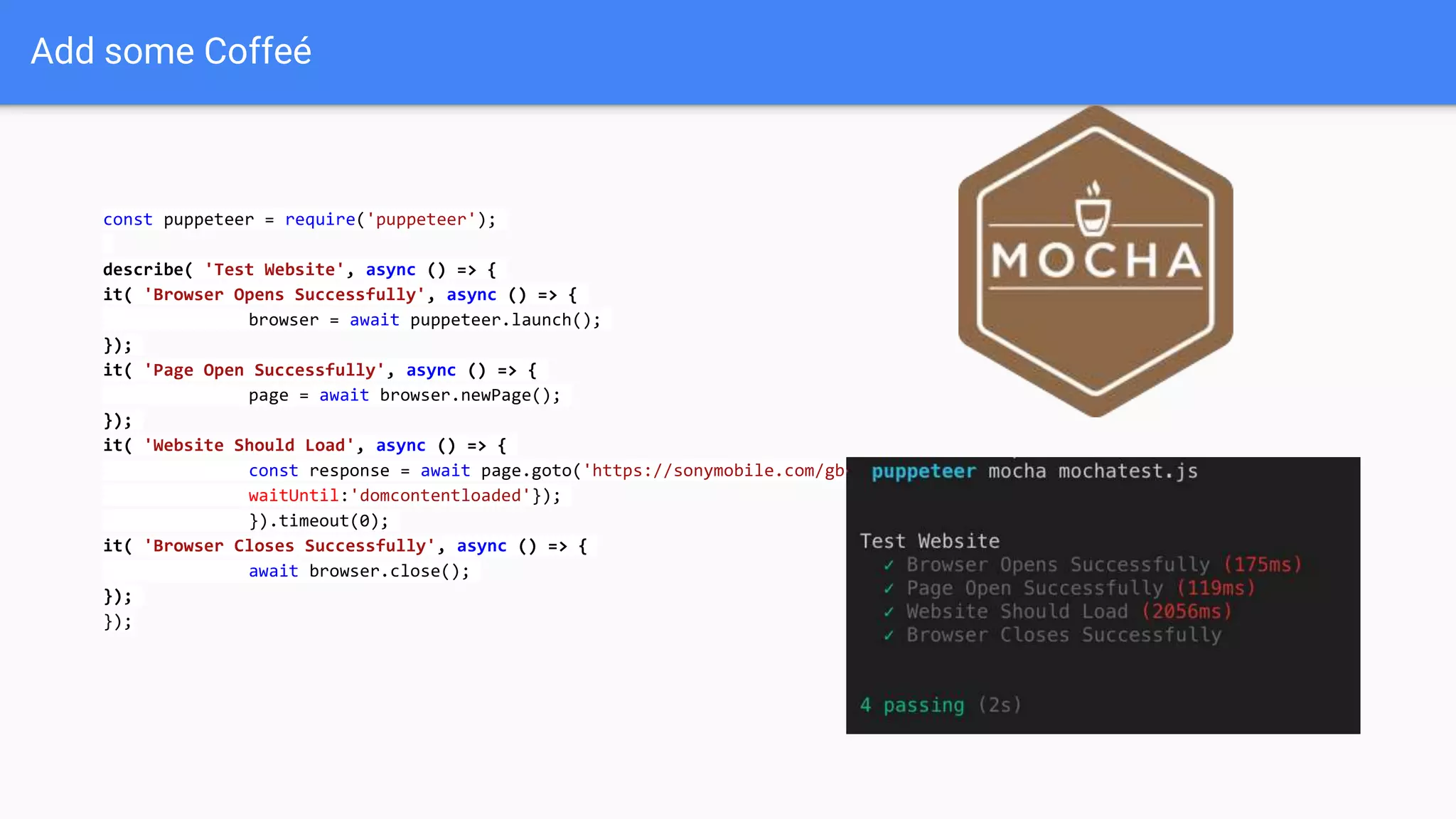
Add some Coffeé
const puppeteer = require('puppeteer');
describe( 'Test Website', async () => {
it( 'Browser Opens Successfully', async () => {
browser = await puppeteer.launch();
});
it( 'Page Open Successfully', async () => {
page = await browser.newPage();
});
it( 'Website Should Load', async () => {
const response = await page.goto('https://sonymobile.com/gb', {
waitUntil:'domcontentloaded'});
}).timeout(0);
it( 'Browser Closes Successfully', async () => {
await browser.close();
});
});
Tracing
const puppeteer = require('puppeteer');
(async () => {
const browser = await puppeteer.launch();
const page = await browser.newPage();
await page.tracing.start({path: 'trace.json'});
await page.goto('https://www.sonymobile.com/gb');
await page.tracing.stop();
await browser.close();
})();
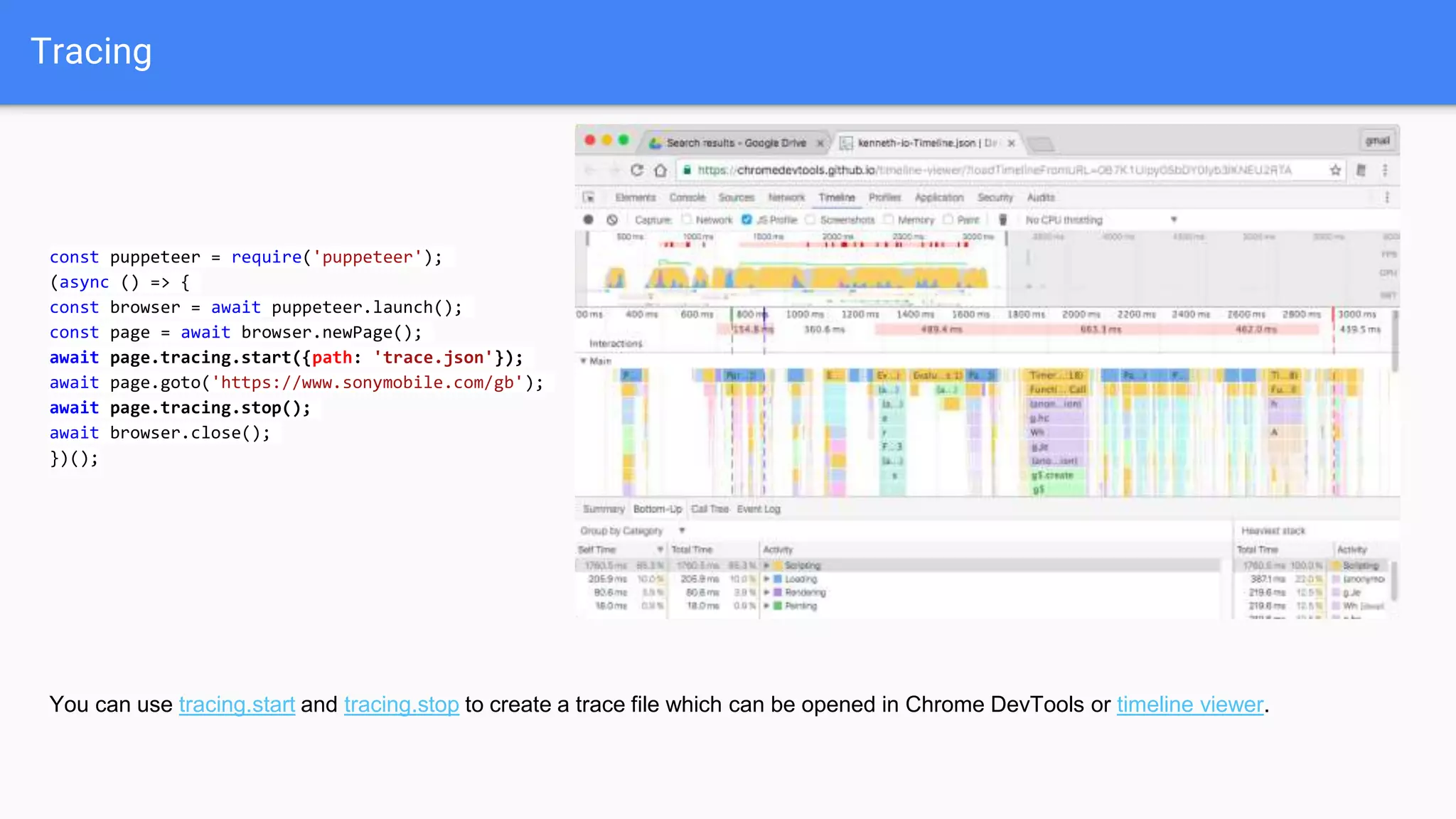
You can use tracing.start and tracing.stop to create a trace file which can be opened in Chrome DevTools or timeline viewer.
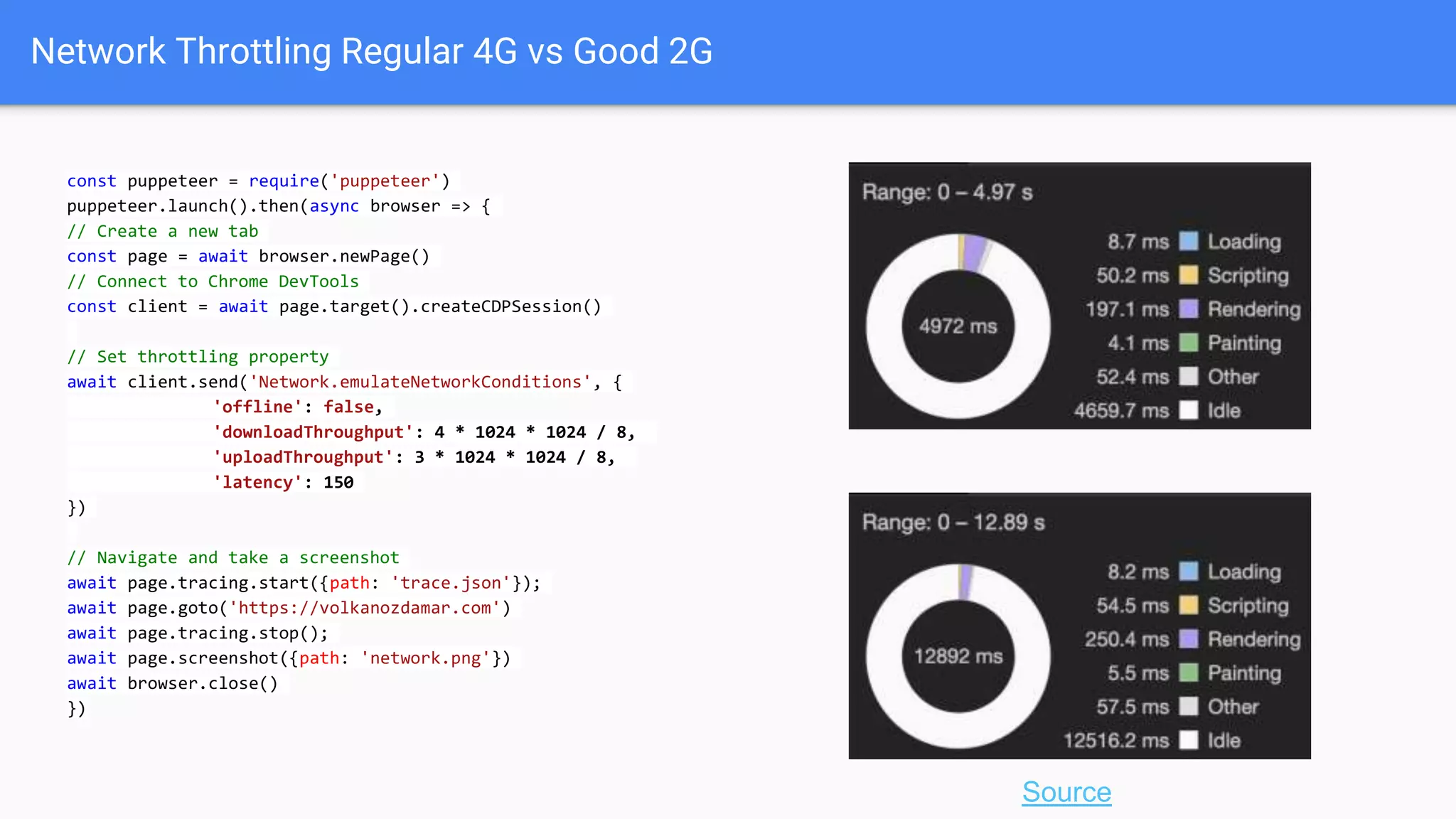
Network Throttling Regular 4G vs Good 2G
const puppeteer = require('puppeteer')
puppeteer.launch().then(async browser => {
// Create a new tab
const page = await browser.newPage()
// Connect to Chrome DevTools
const client = await page.target().createCDPSession()
// Set throttling property
await client.send('Network.emulateNetworkConditions', {
'offline': false,
'downloadThroughput': 450 * 1024 / 8,
'uploadThroughput': 150 * 1024 / 8,
'latency': 150
})
// Navigate and take a screenshot
await page.tracing.start({path: 'trace.json'});
await page.goto('https://volkanozdamar.com')
await page.tracing.stop();
await page.screenshot({path: 'network.png'})
await browser.close()
})
const puppeteer = require('puppeteer')
puppeteer.launch().then(async browser => {
// Create a new tab
const page = await browser.newPage()
// Connect to Chrome DevTools
const client = await page.target().createCDPSession()
// Set throttling property
await client.send('Network.emulateNetworkConditions', {
'offline': false,
'downloadThroughput': 4 * 1024 * 1024 / 8,
'uploadThroughput': 3 * 1024 * 1024 / 8,
'latency': 150
})
// Navigate and take a screenshot
await page.tracing.start({path: 'trace.json'});
await page.goto('https://volkanozdamar.com')
await page.tracing.stop();
await page.screenshot({path: 'network.png'})
await browser.close()
})
Source
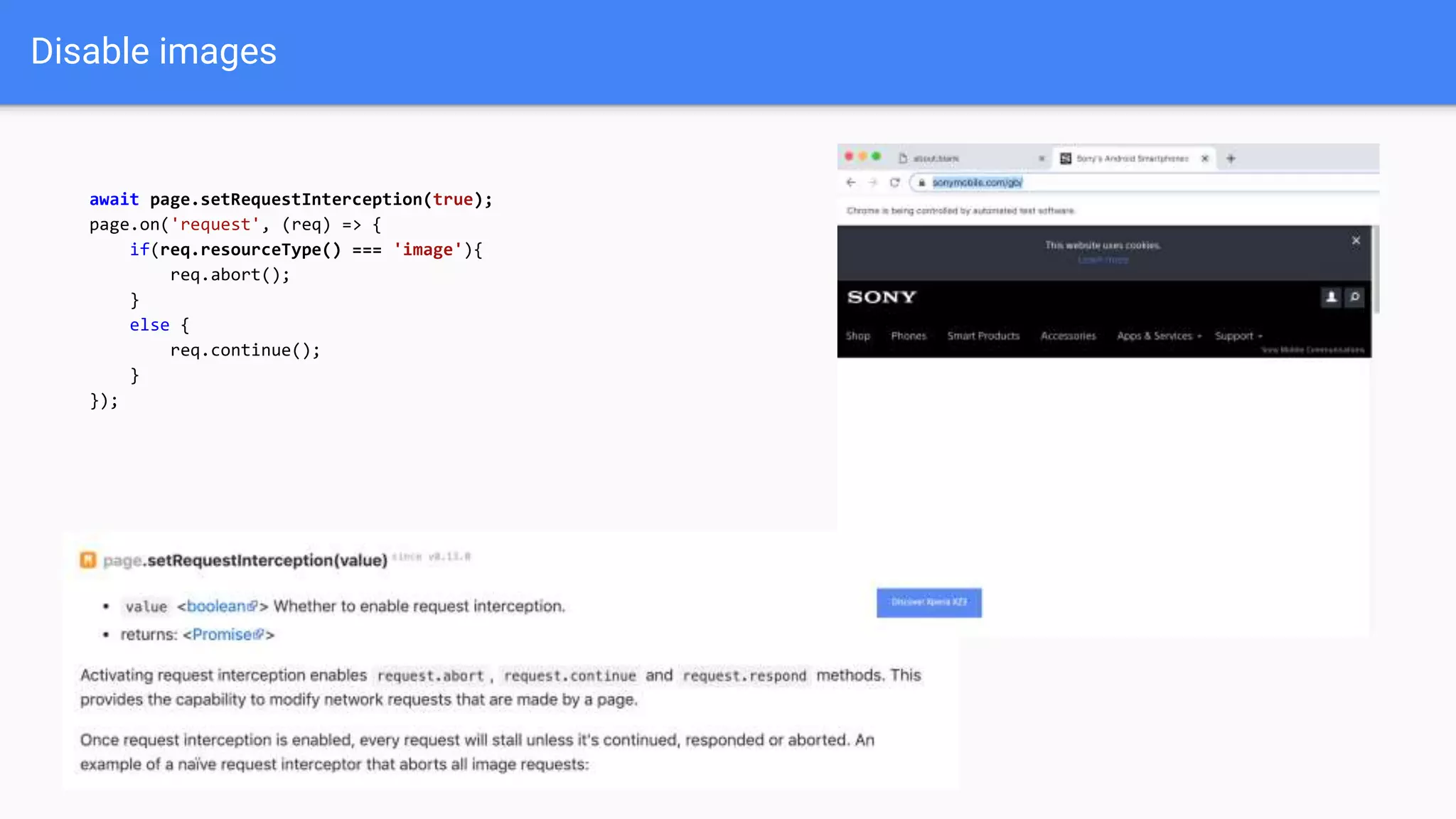
Disable images
await page.setRequestInterception(true);
page.on('request', (req) => {
if(req.resourceType() === 'image'){
req.abort();
}
else {
req.continue();
}
});
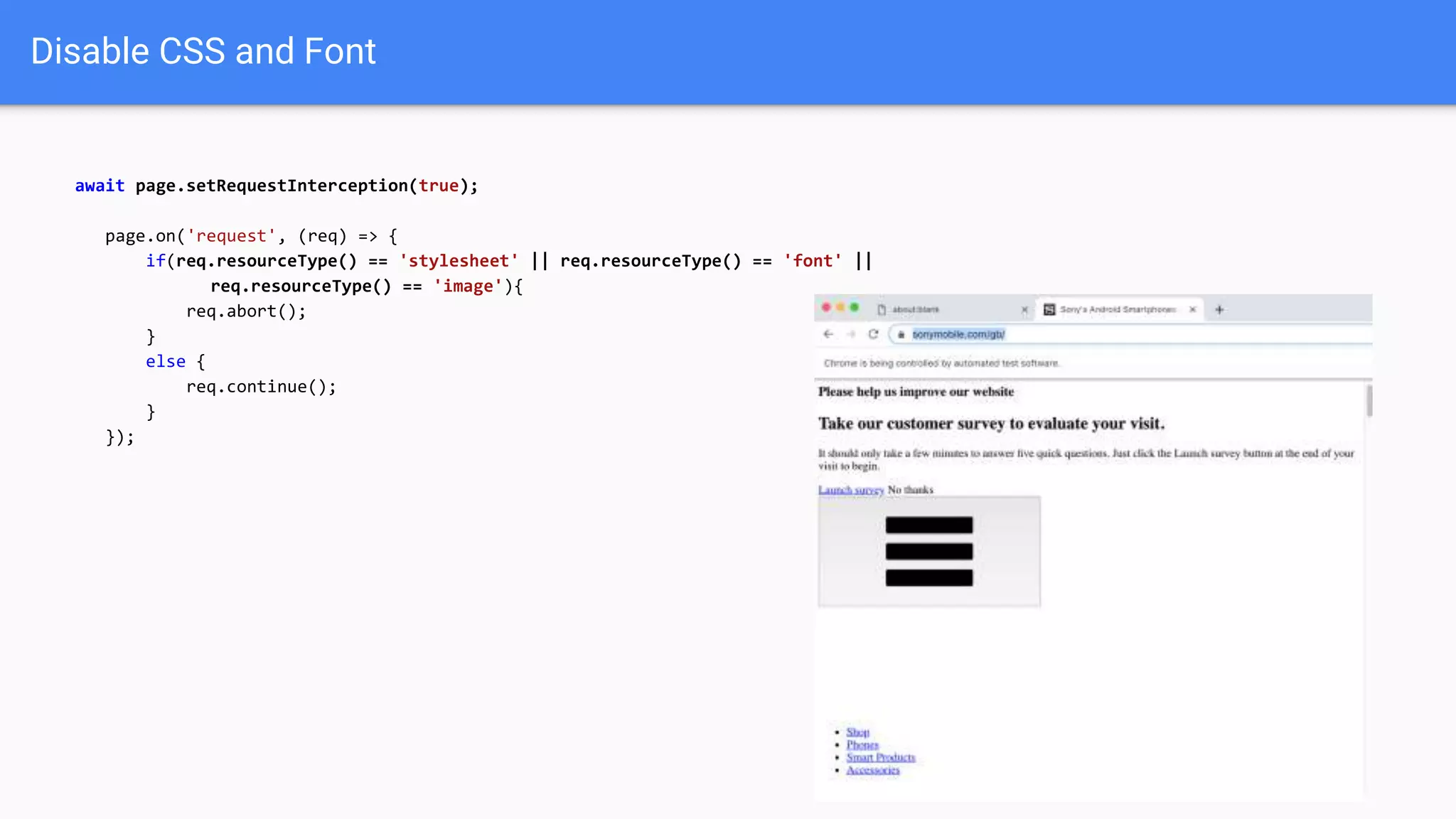
Disable CSS and Font
await page.setRequestInterception(true);
page.on('request', (req) => {
if(req.resourceType() == 'stylesheet' || req.resourceType() == 'font' ||
req.resourceType() == 'image'){
req.abort();
}
else {
req.continue();
}
});
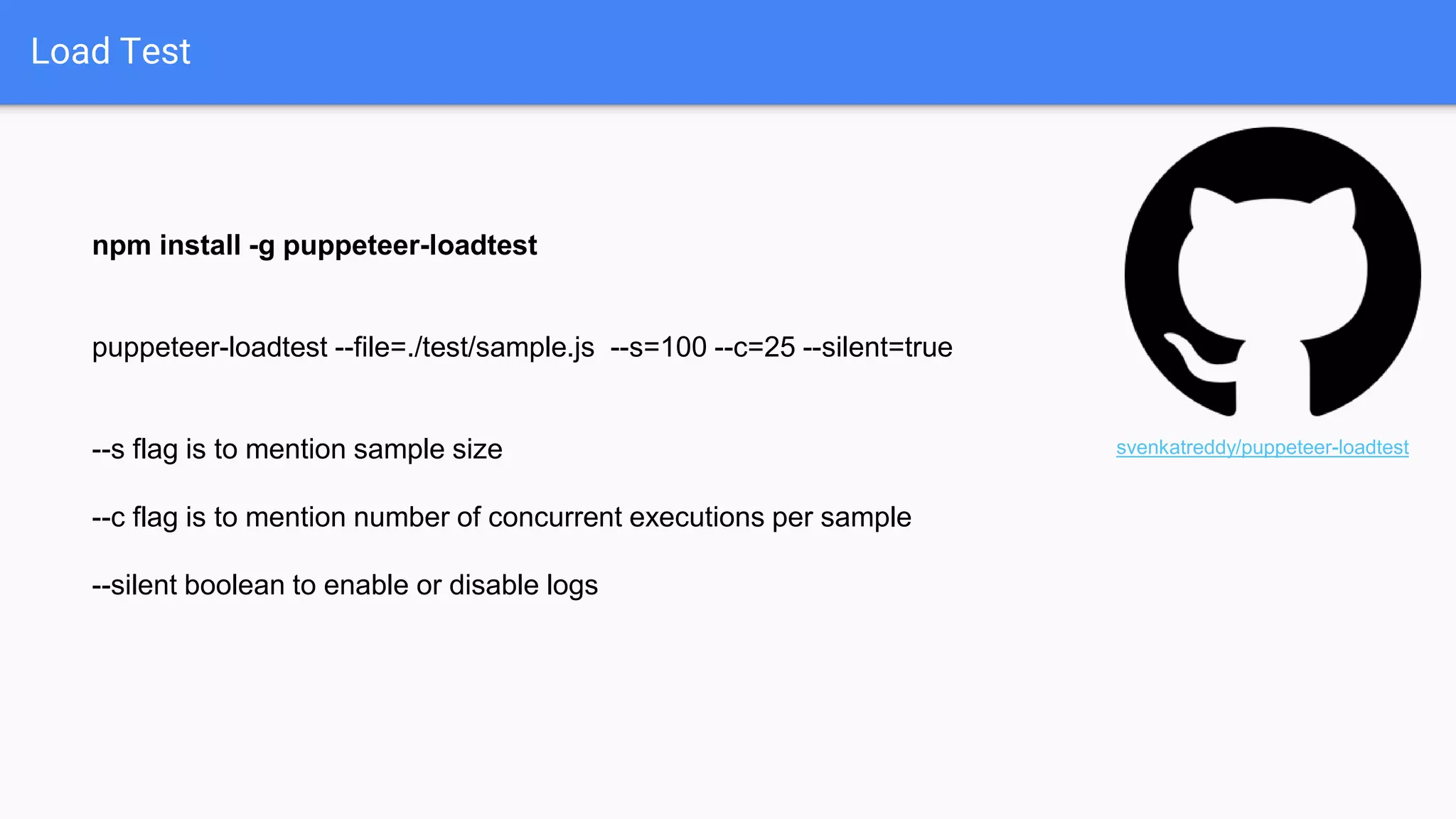
Load Test
npm install -g puppeteer-loadtest
puppeteer-loadtest --file=./test/sample.js --s=100 --c=25 --silent=true
--s flag is to mention sample size
--c flag is to mention number of concurrent executions per sample
--silent boolean to enable or disable logs
svenkatreddy/puppeteer-loadtest
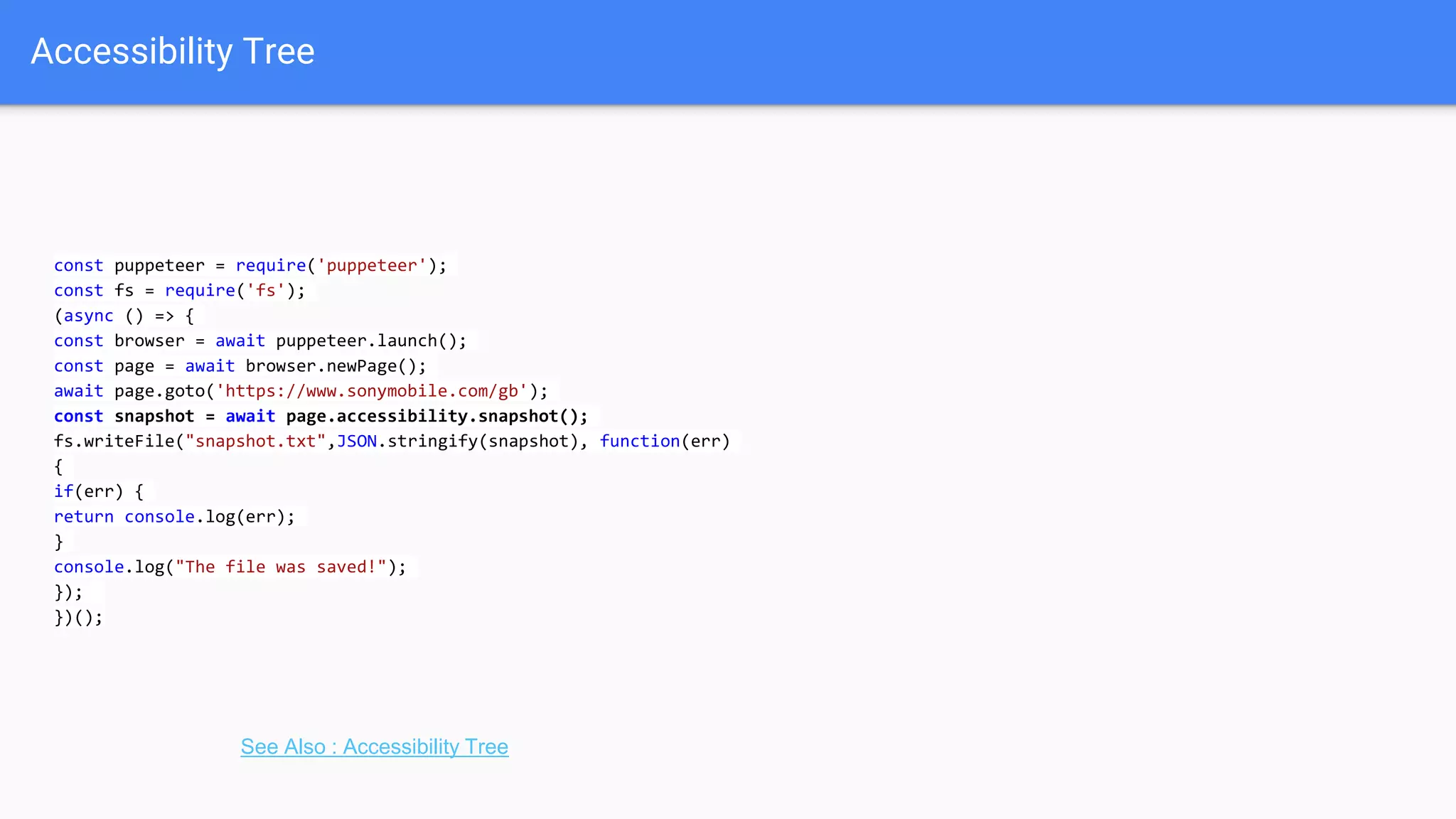
Accessibility Tree
const puppeteer = require('puppeteer');
const fs = require('fs');
(async () => {
const browser = await puppeteer.launch();
const page = await browser.newPage();
await page.goto('https://www.sonymobile.com/gb');
const snapshot = await page.accessibility.snapshot();
fs.writeFile("snapshot.txt",JSON.stringify(snapshot), function(err)
{
if(err) {
return console.log(err);
}
console.log("The file was saved!");
});
})();
See Also : Accessibility Tree
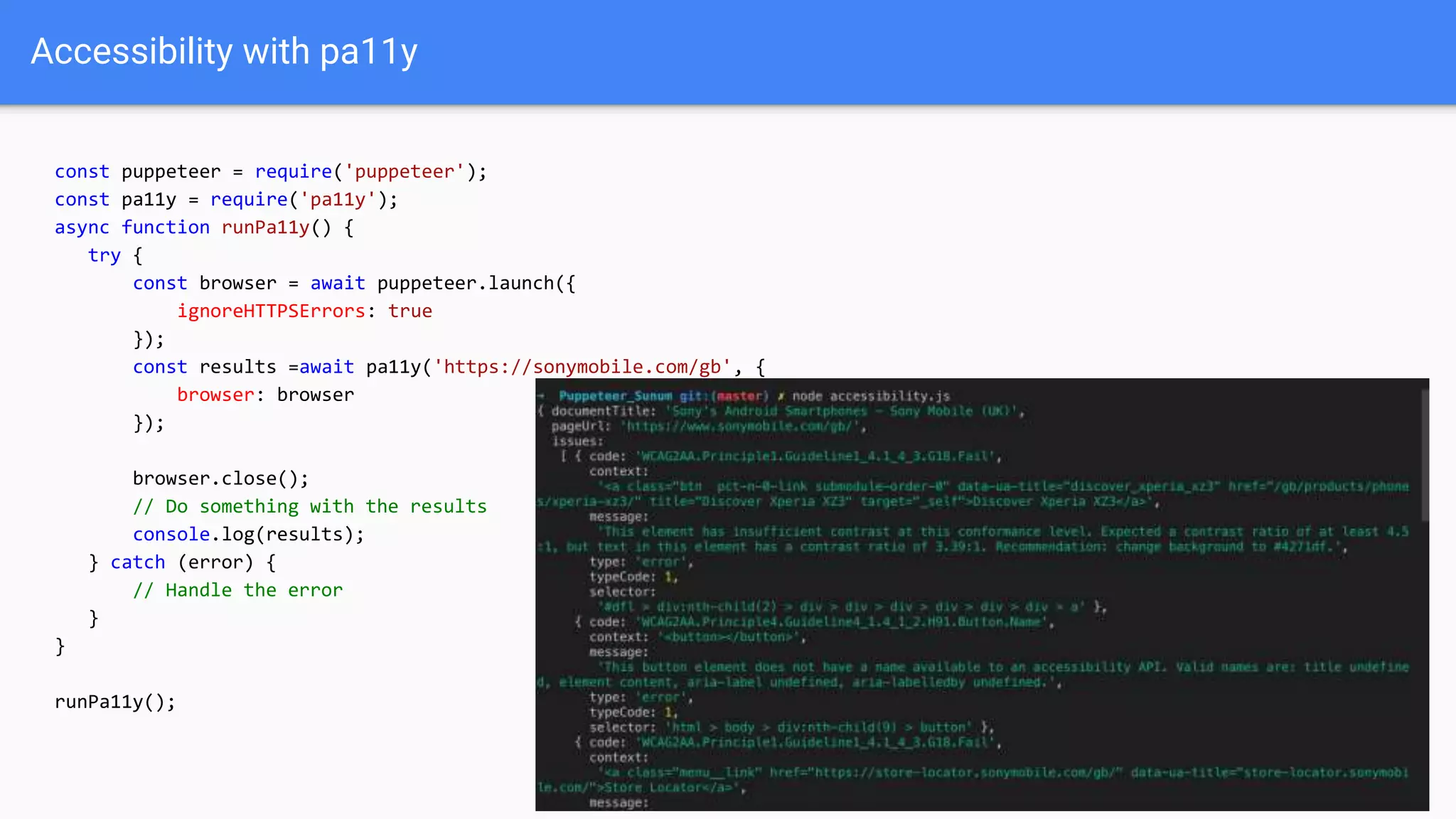
Accessibility with pa11y
const puppeteer = require('puppeteer');
const pa11y = require('pa11y');
async function runPa11y() {
try {
const browser = await puppeteer.launch({
ignoreHTTPSErrors: true
});
const results =await pa11y('https://sonymobile.com/gb', {
browser: browser
});
browser.close();
// Do something with the results
console.log(results);
} catch (error) {
// Handle the error
}
}
runPa11y();
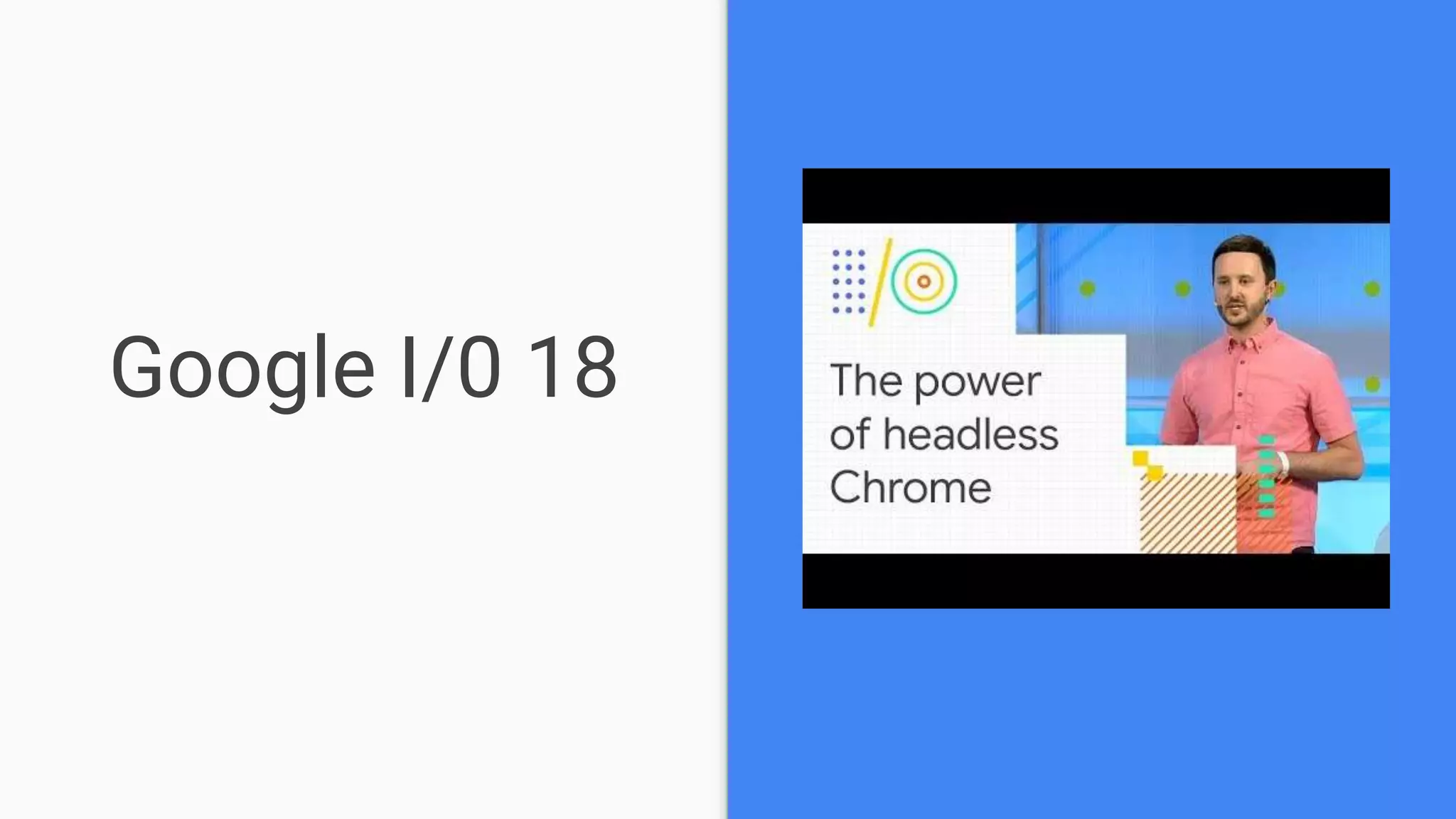
Google I/0 18
Thanks!
Contact me:
@volkanozdamar
volkan@volkanozdamar.com
https://github.com/volkanozdamar/slides.git

Puppeteer - Headless Chrome Node API

  • 1.
    Puppeteer Headless Chrome NodeAPI Volkan Özdamar - QA Analyst @SONY
  • 2.
    Schedule ● What isNodeJS ? ● What is Puppeteer ? ● FAQ ● Installation ● Dive into ...
  • 3.
    NodeJS or nodeis a runtime environment for executing JavaScript Codes.
  • 4.
  • 5.
    What is Puppeteer? According to Wikipedia : A puppeteer is a person who manipulates an inanimate object that might be shaped like a human, animal or mythical creature, or another object to create the illusion that the puppet is “alive”. With Google Puppeteer, the same concept, Google Chrome is the puppet that we will manipulate to do some tasks on web.
  • 6.
    Puppeteer is aNode library which provides a high-level API to control headless Chrome or Chromium over the DevTools Protocol. It can also be configured to use full (non-headless) Chrome or Chromium.
  • 7.
    What Puppeteer cando ? Most things that you can do manually in the browser can be done using Puppeteer! Here are a few examples to get you started: ● Generate screenshots and PDFs of pages. ● Crawl a SPA (Single-Page Application) and generate pre-rendered content (i.e. "SSR" (Server-Side Rendering)). ● Automate form submission, UI testing, keyboard input, etc. ● Create an up-to-date, automated testing environment. Run your tests directly in the latest version of Chrome using the latest JavaScript and browser features. ● Capture a timeline trace of your site to help diagnose performance issues. ● Test Chrome Extensions.
  • 8.
    Frequently Asked Questions Q:Who maintains Puppeteer? The Chrome DevTools team maintains the library, but we'd love your help and expertise on the project! See Contributing. Q: Is Puppeteer replacing Selenium/WebDriver? No. Both projects are valuable for very different reasons: ● Selenium/WebDriver focuses on cross-browser automation; its value proposition is a single standard API that works across all major browsers. ● Puppeteer focuses on Chromium; its value proposition is richer functionality and higher reliability. Q: What are Puppeteer’s goals and principles? The goals of the project are: ● Provide a slim, canonical library that highlights the capabilities of the DevTools Protocol. ● Provide a reference implementation for similar testing libraries. Eventually, these other frameworks could adopt Puppeteer as their foundational layer. ● Grow the adoption of headless/automated browser testing. ● Help dogfood new DevTools Protocol features...and catch bugs! ● Learn more about the pain points of automated browser testing and help fill those gaps.
  • 9.
    Frequently Asked Questions Q:What features does Puppeteer not support? You may find that Puppeteer does not behave as expected when controlling pages that incorporate audio and video. (For example, video playback/screenshots is likely to fail.) There are two reasons for this: ● Puppeteer is bundled with Chromium--not Chrome-- and so by default, it inherits all of Chromium's media- related limitations. This means that Puppeteer does not support licensed formats such as AAC or H.264. (However, it is possible to force Puppeteer to use a separately-installed version Chrome instead of Chromium via the executablePath option to puppeteer.launch. You should only use this configuration if you need an official release of Chrome that supports these media formats.) ● Since Puppeteer (in all configurations) controls a desktop version of Chromium/Chrome, features that are only supported by the mobile version of Chrome are not supported. This means that Puppeteer does not support HTTP Live Streaming (HLS).
  • 10.
    ● Puppeteer communicateswith the browser using DevTools Protocol. ● Browser instance can own multiple browser contexts. ● BrowserContext instance defines a browsing session and can own multiple pages. ● Page has at least one frame: main frame. There might be other frames created by iframe or frame tags. ● Frame has at least one execution context - the default execution context - where the frame's JavaScript is executed. A Frame might have additional execution contexts that are associated with extensions. ● Worker has a single execution context and facilitates interacting with WebWorkers.
  • 11.
  • 12.
    Installation When you installPuppeteer, it downloads a recent version of Chromium (~170MB Mac, ~282MB Linux, ~280MB Win) that is guaranteed to work with the API. To skip the download, see Environment variables. puppeteer-core Since version 1.7.0 we publish the puppeteer-core package, a version of Puppeteer that doesn't download Chromium by default. puppeteer npm i puppeteer # or "yarn add puppeteer" puppeteer-core npm i puppeteer-core # or "yarn add puppeteer-core" for more : puppeteer vs. puppeteer-core
  • 13.
  • 14.
    Announced Chrome Dev Summit2017 San Francisco, October 23-24, 2017
  • 15.
  • 16.
    Microsoft is rebuildingits Edge browser on Chromium Not Official but it is support Firefox too...
  • 17.
  • 18.
  • 19.
    Simple Example const puppeteer= require('puppeteer'); (async () => { const browser = await puppeteer.launch(); const page = await browser.newPage(); await page.goto('https://volkanozdamar.com'); await page.screenshot({path: 'page.png'}); await browser.close(); })(); Launch without built-in Chromium await puppeteer.launch({executablePath: '/path/to/Chrome'});
  • 20.
    Simple Example const puppeteer= require('puppeteer'); (async () => { const browser = await puppeteer.launch(); const page = await browser.newPage(); await page.goto('https://volkanozdamar.com'); await page.screenshot({path: 'page.png'}); await browser.close(); })(); Disable Headless Mode await puppeteer.launch({headless: false});
  • 21.
    Generating PDF const puppeteer= require('puppeteer'); (async () => { const browser = await puppeteer.launch(); const page = await browser.newPage(); await page.goto('https://volkanozdamar.com'); await page.pdf({path: 'printout.pdf',format: 'A4'}); await browser.close(); })(); Generating a pdf is currently only supported in Chrome headless.
  • 22.
    Setting Viewport const puppeteer= require('puppeteer'); (async () => { const browser = await puppeteer.launch(); const page = await browser.newPage(); await page.setViewport({ width: 1920, height: 1080 }); await page.goto('https://volkanozdamar.com'); await page.screenshot({path: 'page.png'}); await browser.close(); })(); Puppeteer sets an initial page size to 800px x 600px, which defines the screenshot size.
  • 23.
    Emulate Mobile Devices constpuppeteer = require('puppeteer'); const devices = require('puppeteer/DeviceDescriptors'); const pixeltwo = devices['Pixel 2']; puppeteer.launch().then(async browser => { const page = await browser.newPage(); await page.emulate(pixeltwo); await page.goto('https://www.sonymobile.com/gb'); await page.screenshot({path: 'mainpage.png',fullPage:false}); await browser.close(); }); Puppeteer has predefined device sizes inside.You can find those devices in“DeviceDescriptors.js”. Also you can create your own devices.
  • 24.
  • 25.
    Interacting with PageElements const puppeteer = require('puppeteer'); (async () => { const browser = await puppeteer.launch(); const page = await browser.newPage(); await page.goto('https://google.com'); await page.type('#lst-ib','Puppeteer'); await page.click('input[name="btnK"]'); await browser.close(); })();
  • 26.
    Web Scraping const puppeteer= require('puppeteer'); (async () => { const browser = await puppeteer.launch({headless: false}); const page = await browser.newPage(); await page.goto('https://sonymobile.com/gb'); await page.click('#menu-primary-menu > li:nth-child(2) > a'); await page.waitForSelector('.btn-alt-special'); await page.$('.btn-alt-special'); await page.click('.btn-alt-special'); await page.click('#phones-display_size-lt_5'); const titles = await page.evaluate( () => Array.from(page.$$('div.product-name-wrap a strong')) .map(partner=>partner.innerText.trim() ) ); console.log(titles); await browser.close(); })(); document.querySelectorAll() == page.$$
  • 27.
    Snip an element constpuppeteer = require('puppeteer'); (async () => { const browser = await puppeteer.launch() const page = await browser.newPage() await page.goto('https://twitter.com/volkanozdamar') const timeline = await page.$('.ProfileHeaderCard'); await timeline.screenshot({ path:"profileHeader.png" }); browser.close(); })();
  • 28.
    Add some Coffeé constpuppeteer = require('puppeteer'); describe( 'Test Website', async () => { it( 'Browser Opens Successfully', async () => { browser = await puppeteer.launch(); }); it( 'Page Open Successfully', async () => { page = await browser.newPage(); }); it( 'Website Should Load', async () => { const response = await page.goto('https://sonymobile.com/gb', { waitUntil:'domcontentloaded'}); }).timeout(0); it( 'Browser Closes Successfully', async () => { await browser.close(); }); });
  • 29.
    Tracing const puppeteer =require('puppeteer'); (async () => { const browser = await puppeteer.launch(); const page = await browser.newPage(); await page.tracing.start({path: 'trace.json'}); await page.goto('https://www.sonymobile.com/gb'); await page.tracing.stop(); await browser.close(); })(); You can use tracing.start and tracing.stop to create a trace file which can be opened in Chrome DevTools or timeline viewer.
  • 30.
    Network Throttling Regular4G vs Good 2G const puppeteer = require('puppeteer') puppeteer.launch().then(async browser => { // Create a new tab const page = await browser.newPage() // Connect to Chrome DevTools const client = await page.target().createCDPSession() // Set throttling property await client.send('Network.emulateNetworkConditions', { 'offline': false, 'downloadThroughput': 450 * 1024 / 8, 'uploadThroughput': 150 * 1024 / 8, 'latency': 150 }) // Navigate and take a screenshot await page.tracing.start({path: 'trace.json'}); await page.goto('https://volkanozdamar.com') await page.tracing.stop(); await page.screenshot({path: 'network.png'}) await browser.close() }) const puppeteer = require('puppeteer') puppeteer.launch().then(async browser => { // Create a new tab const page = await browser.newPage() // Connect to Chrome DevTools const client = await page.target().createCDPSession() // Set throttling property await client.send('Network.emulateNetworkConditions', { 'offline': false, 'downloadThroughput': 4 * 1024 * 1024 / 8, 'uploadThroughput': 3 * 1024 * 1024 / 8, 'latency': 150 }) // Navigate and take a screenshot await page.tracing.start({path: 'trace.json'}); await page.goto('https://volkanozdamar.com') await page.tracing.stop(); await page.screenshot({path: 'network.png'}) await browser.close() }) Source
  • 31.
    Disable images await page.setRequestInterception(true); page.on('request',(req) => { if(req.resourceType() === 'image'){ req.abort(); } else { req.continue(); } });
  • 32.
    Disable CSS andFont await page.setRequestInterception(true); page.on('request', (req) => { if(req.resourceType() == 'stylesheet' || req.resourceType() == 'font' || req.resourceType() == 'image'){ req.abort(); } else { req.continue(); } });
  • 33.
    Load Test npm install-g puppeteer-loadtest puppeteer-loadtest --file=./test/sample.js --s=100 --c=25 --silent=true --s flag is to mention sample size --c flag is to mention number of concurrent executions per sample --silent boolean to enable or disable logs svenkatreddy/puppeteer-loadtest
  • 34.
    Accessibility Tree const puppeteer= require('puppeteer'); const fs = require('fs'); (async () => { const browser = await puppeteer.launch(); const page = await browser.newPage(); await page.goto('https://www.sonymobile.com/gb'); const snapshot = await page.accessibility.snapshot(); fs.writeFile("snapshot.txt",JSON.stringify(snapshot), function(err) { if(err) { return console.log(err); } console.log("The file was saved!"); }); })(); See Also : Accessibility Tree
  • 35.
    Accessibility with pa11y constpuppeteer = require('puppeteer'); const pa11y = require('pa11y'); async function runPa11y() { try { const browser = await puppeteer.launch({ ignoreHTTPSErrors: true }); const results =await pa11y('https://sonymobile.com/gb', { browser: browser }); browser.close(); // Do something with the results console.log(results); } catch (error) { // Handle the error } } runPa11y();
  • 36.
  • 37.

Editor's Notes

  • #35 //chrome://accessibility/