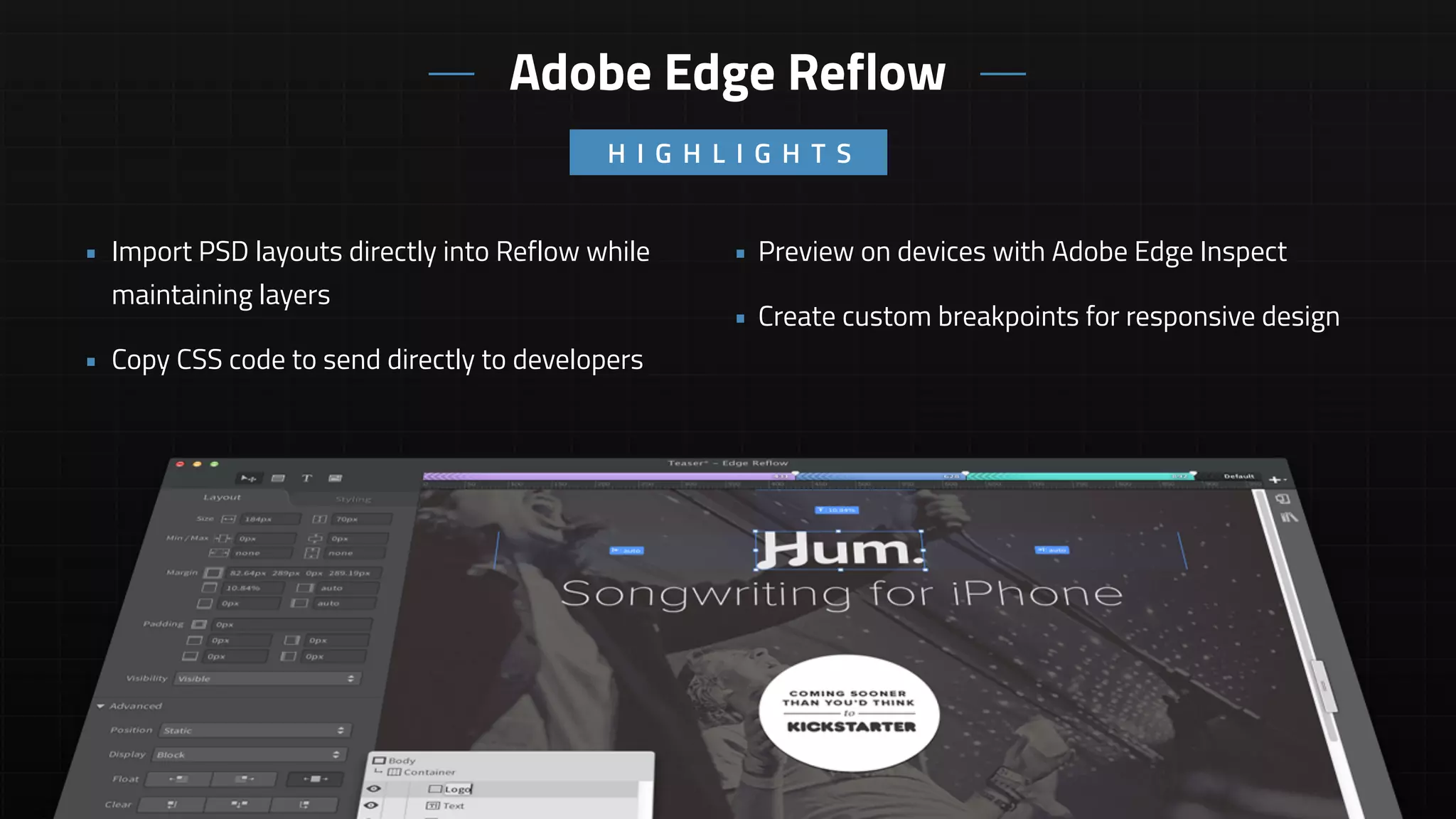
• Preview on devices with Adobe Edge Inspect
• Create custom breakpoints for responsive design
• Import PSD layouts directly into Reflow while
maintaining layers
• Copy CSS code to send directly to developers
Adobe Edge Reflow
H I G H L I G H T S
Adobe Edge Reflow
• Cloud based app that requires an annual
Creative Cloud Subscription
• No widgets or prebuilt components
• No copying and pasting of elements from one
project to another
• Copy and paste styling of all elements
• Import SVG and PNG files
• Create percentage based layouts without

writing any code
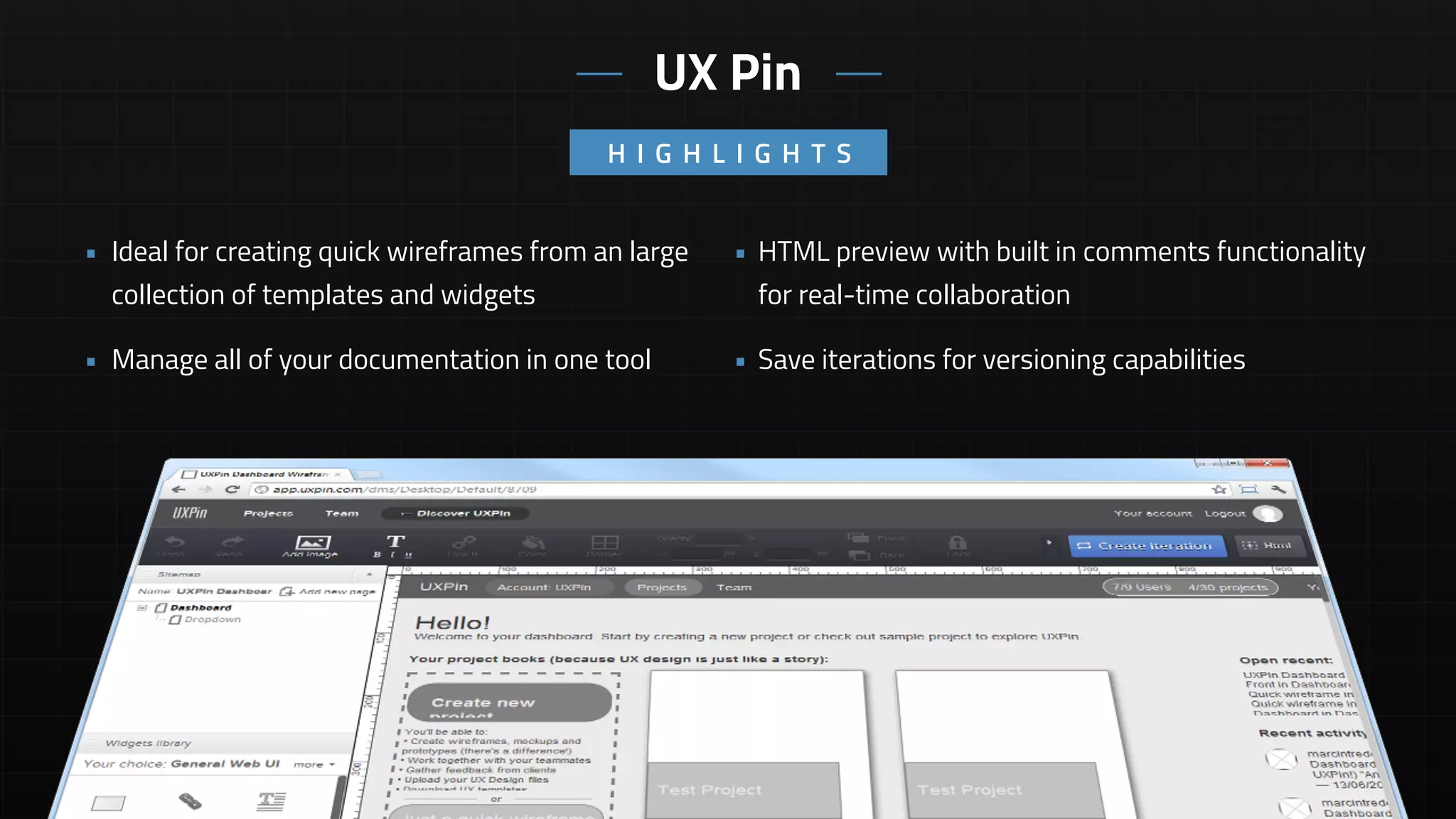
• HTML preview with built in comments functionality
for real-time collaboration
• Save iterations for versioning capabilities
• Ideal for creating quick wireframes from an large
collection of templates and widgets
• Manage all of your documentation in one tool
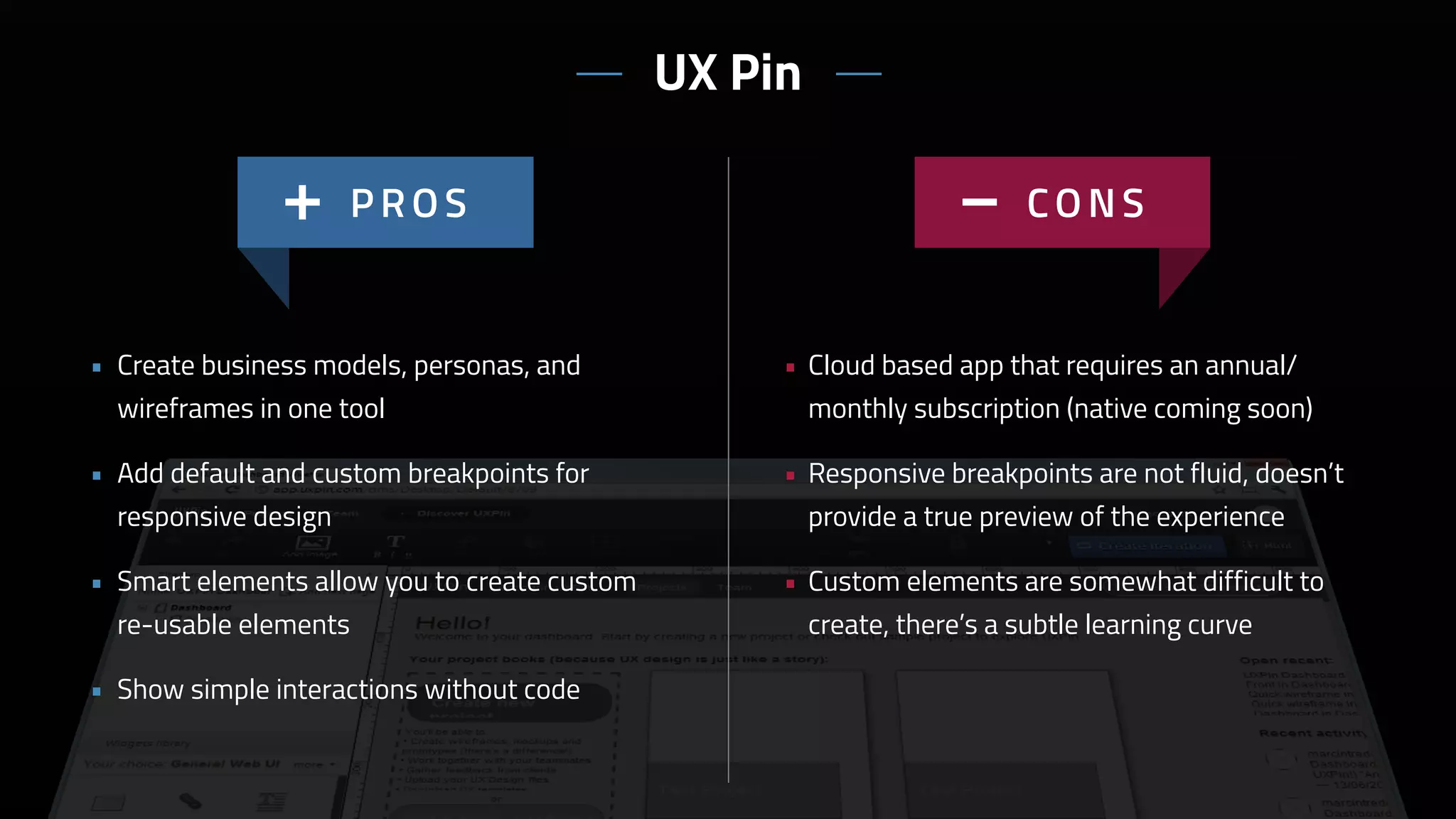
UX Pin
H I G H L I G H T S
• Cloud based app that requires an annual/
monthly subscription (native coming soon)
• Responsive breakpoints are not fluid, doesn’t
provide a true preview of the experience
• Custom elements are somewhat difficult to
create, there’s a subtle learning curve
• Create business models, personas, and
wireframes in one tool
• Add default and custom breakpoints for
responsive design
• Smart elements allow you to create custom
re-usable elements
• Show simple interactions without code
UX Pin
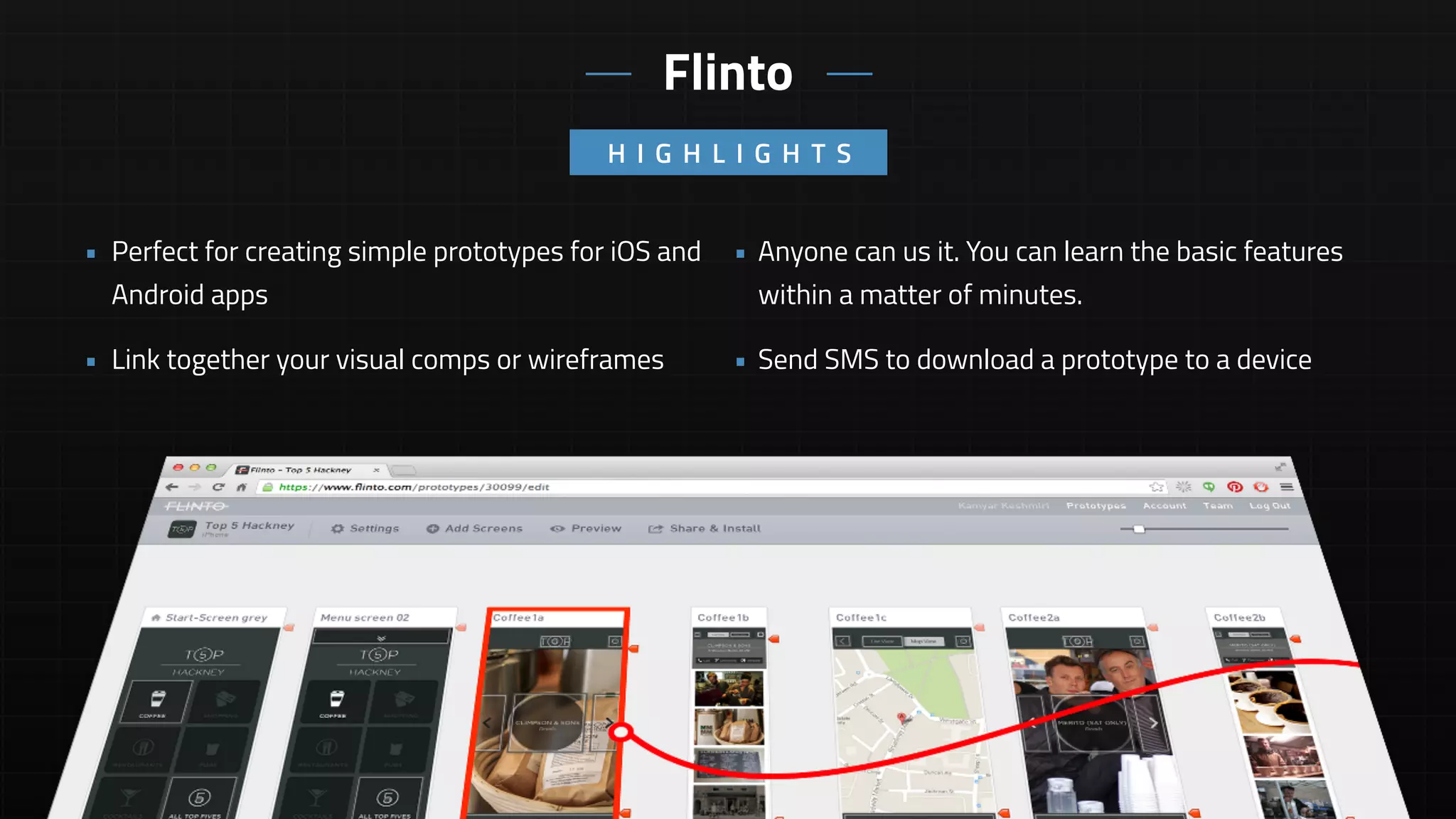
• Anyone can us it. You can learn the basic features
within a matter of minutes.
• Send SMS to download a prototype to a device
• Perfect for creating simple prototypes for iOS and
Android apps
• Link together your visual comps or wireframes
H I G H L I G H T S
Flinto
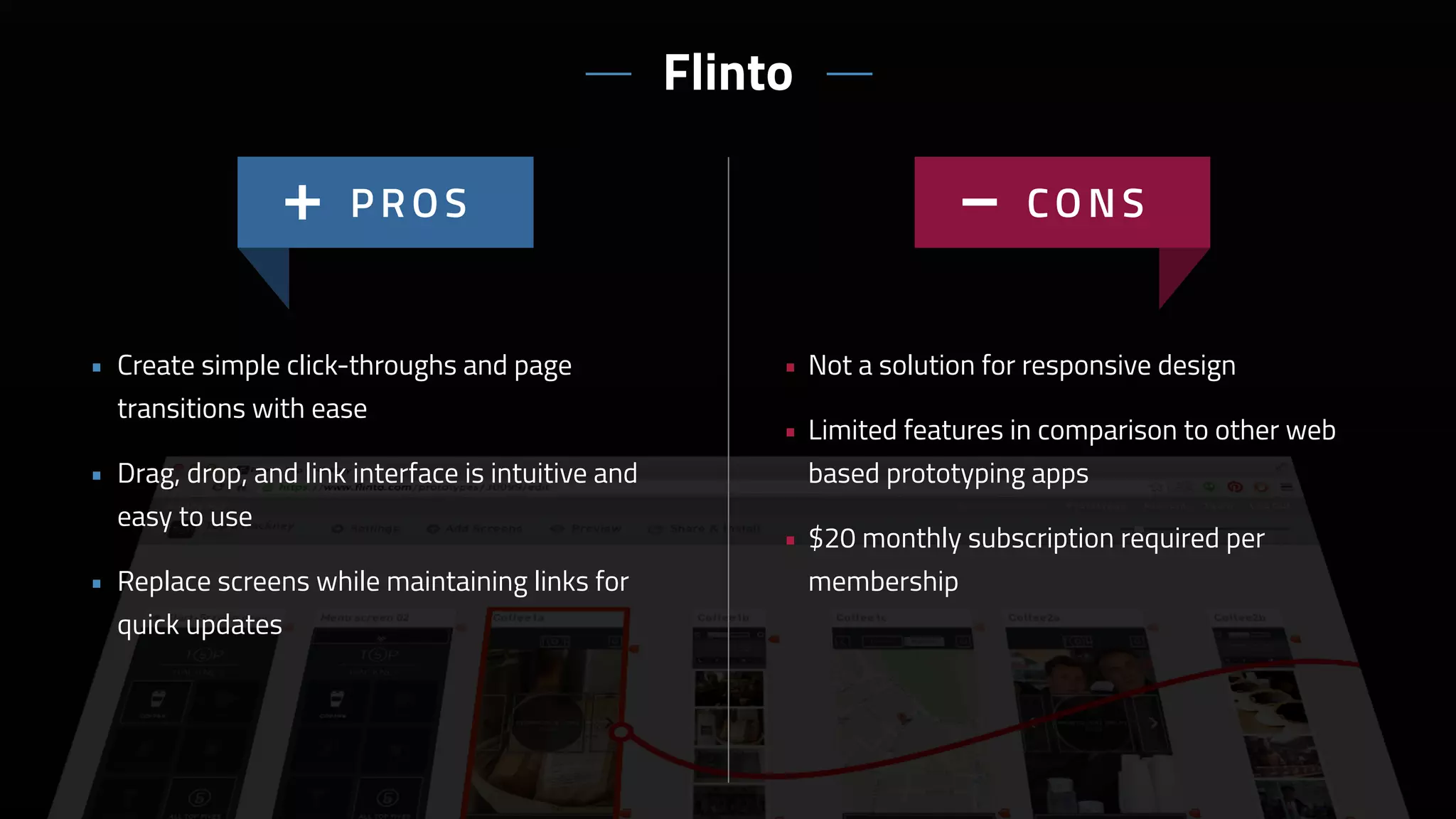
• Not a solution for responsive design
• Limited features in comparison to other web
based prototyping apps
• $20 monthly subscription required per
membership
• Create simple click-throughs and page
transitions with ease
• Drag, drop, and link interface is intuitive and
easy to use
• Replace screens while maintaining links for
quick updates
Flinto
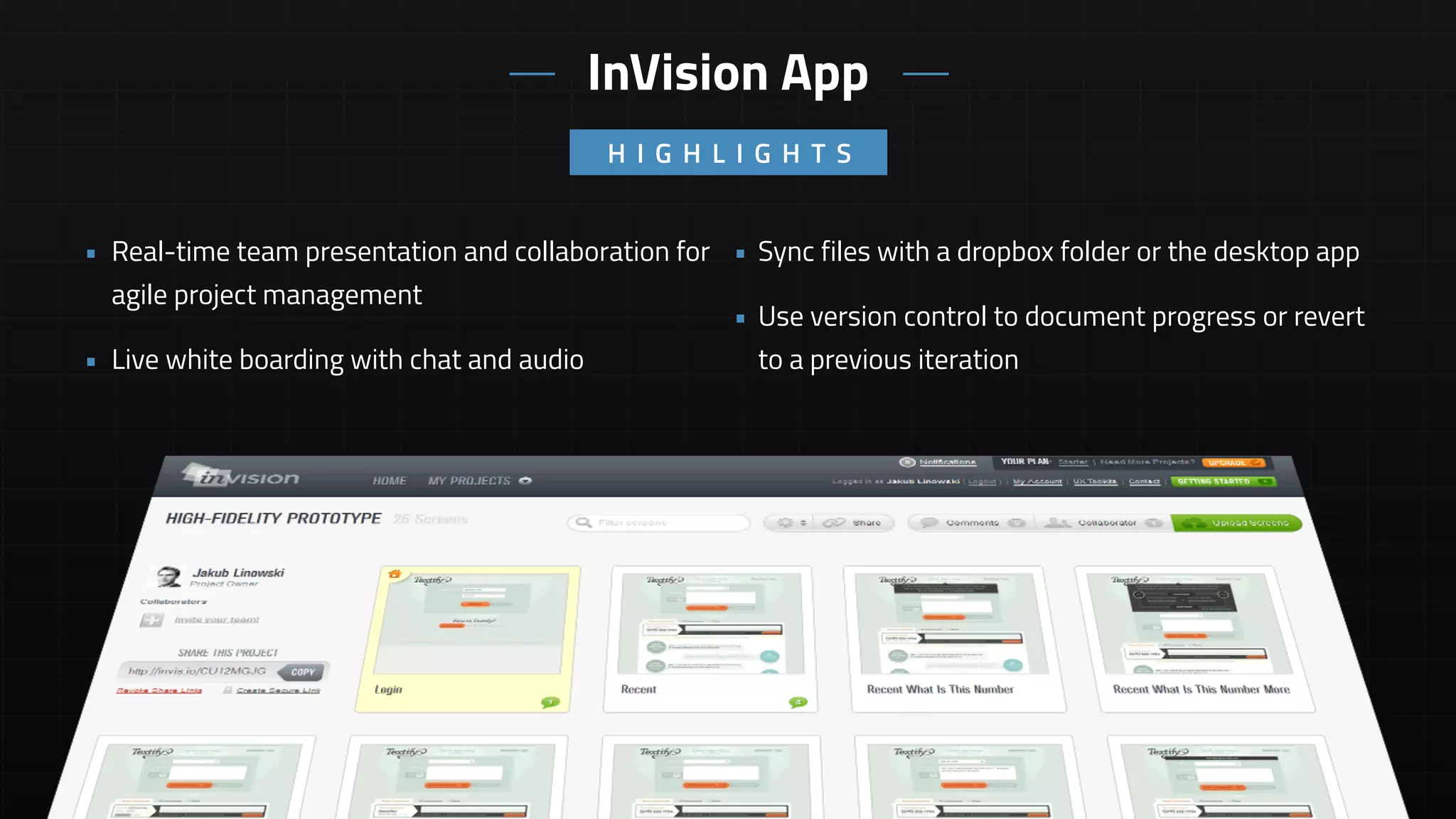
• Sync files with a dropbox folder or the desktop app
• Use version control to document progress or revert
to a previous iteration
• Real-time team presentation and collaboration for
agile project management
• Live white boarding with chat and audio
H I G H L I G H T S
InVision App
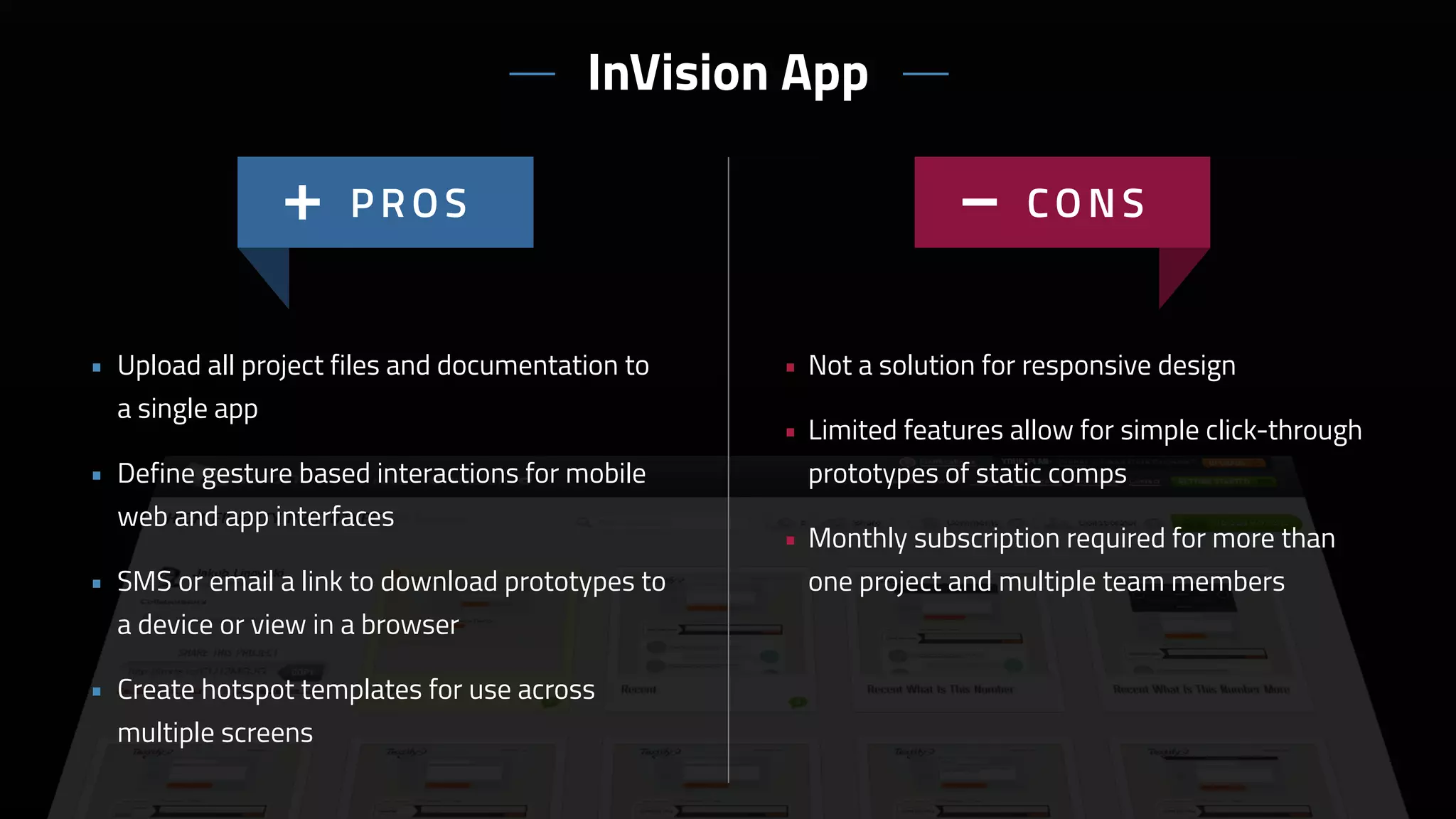
• Not a solution for responsive design
• Limited features allow for simple click-through
prototypes of static comps
• Monthly subscription required for more than
one project and multiple team members
• Upload all project files and documentation to
a single app
• Define gesture based interactions for mobile
web and app interfaces
• SMS or email a link to download prototypes to
a device or view in a browser
• Create hotspot templates for use across
multiple screens
InVision App
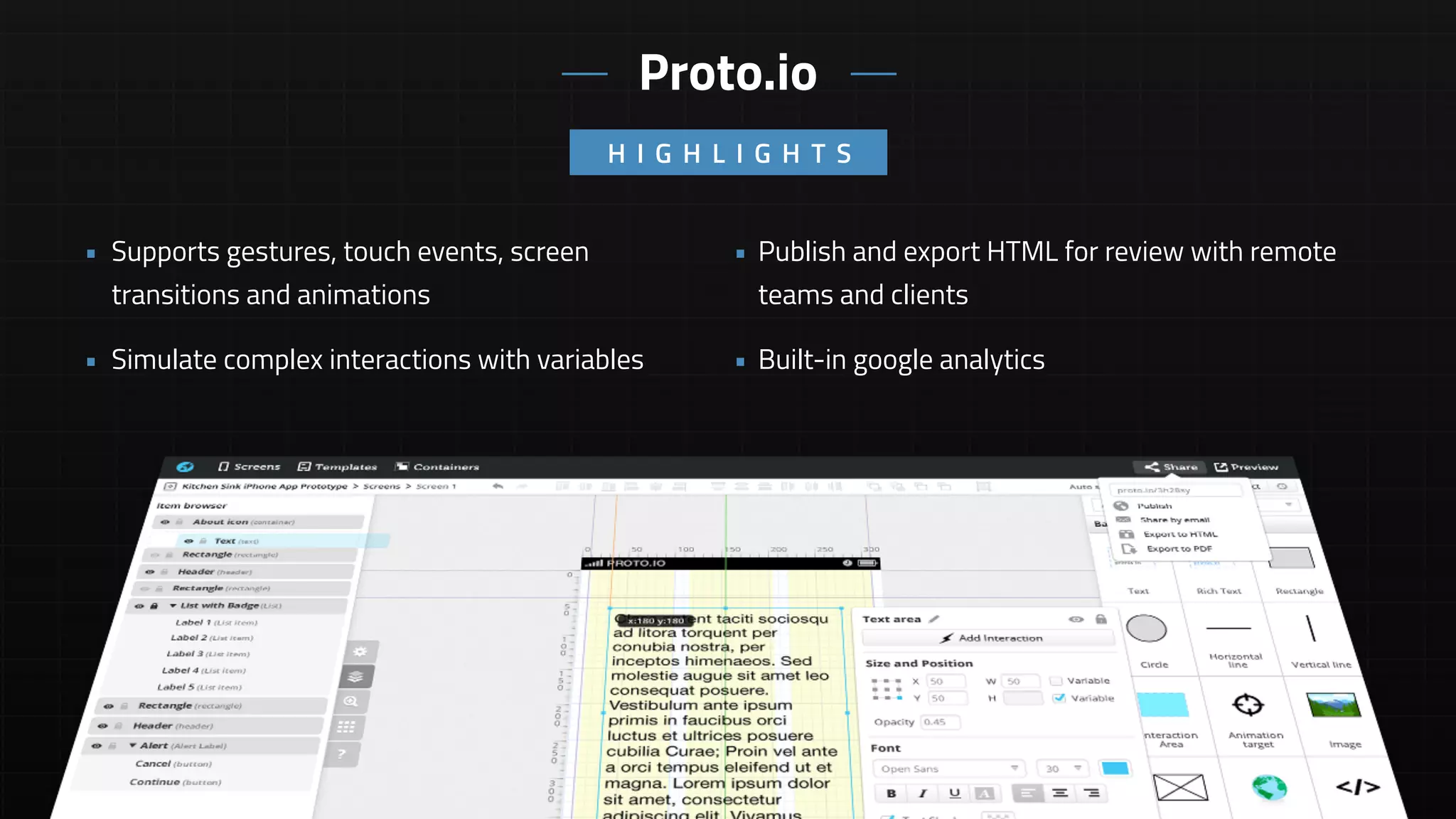
• Publish and export HTML for review with remote
teams and clients
• Built-in google analytics
• Supports gestures, touch events, screen
transitions and animations
• Simulate complex interactions with variables
H I G H L I G H T S
Proto.io
• Not a great solution for responsive design
with lack of breakpoint support
• No vector tools for asset creation
• Difficult to show scrolling content
• Web based app with monthly and annual
subscriptions
• Ideal for mobile app prototyping
• Drag and drop re-usable component library
• Timeline based animations and transitions
• Supports multiple states per element
• Pulls in web view data
• Exports to HTML and PDF
Proto.io
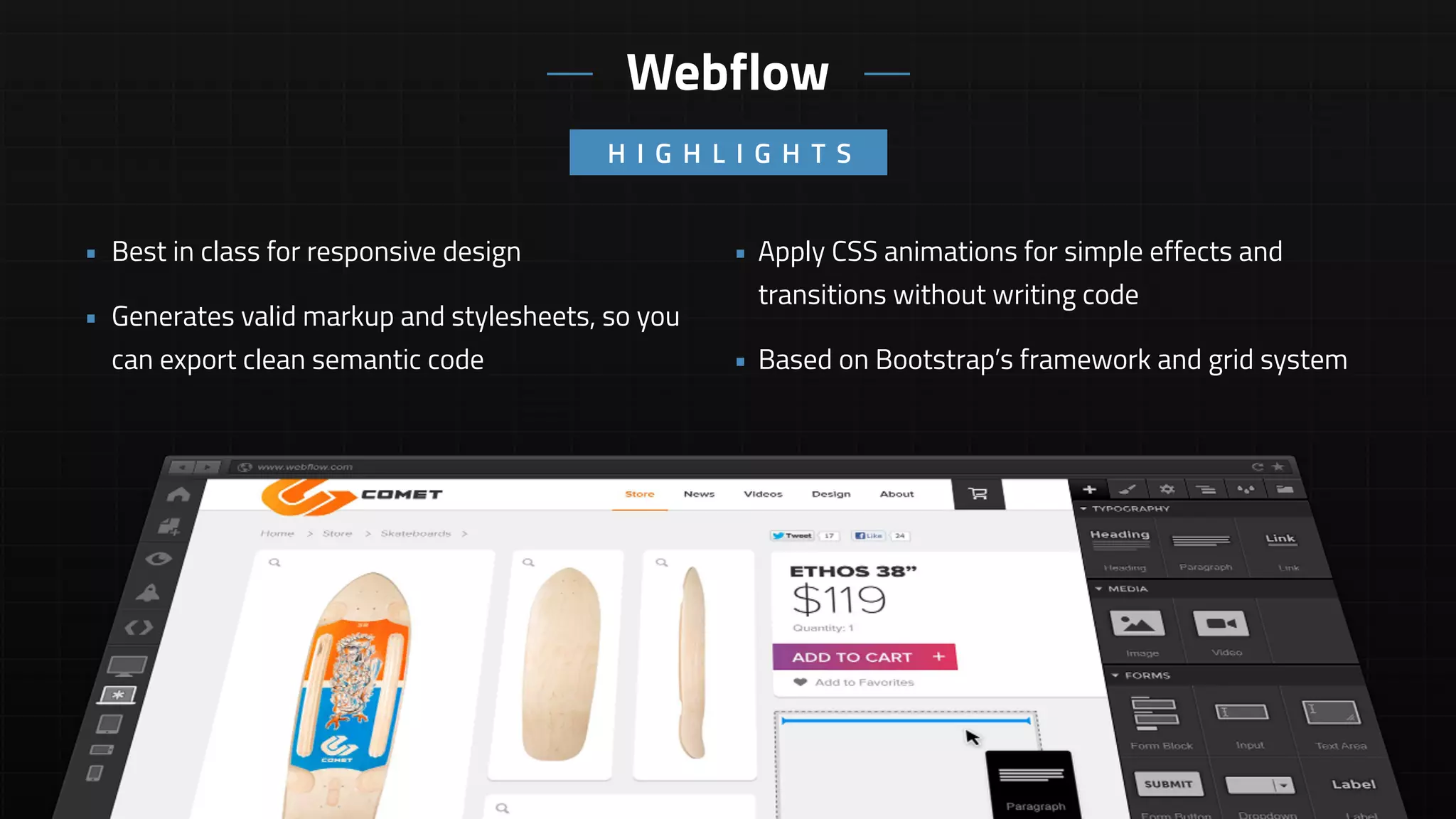
• Apply CSS animations for simple effects and
transitions without writing code
• Based on Bootstrap’s framework and grid system
• Best in class for responsive design
• Generates valid markup and stylesheets, so you
can export clean semantic code
H I G H L I G H T S
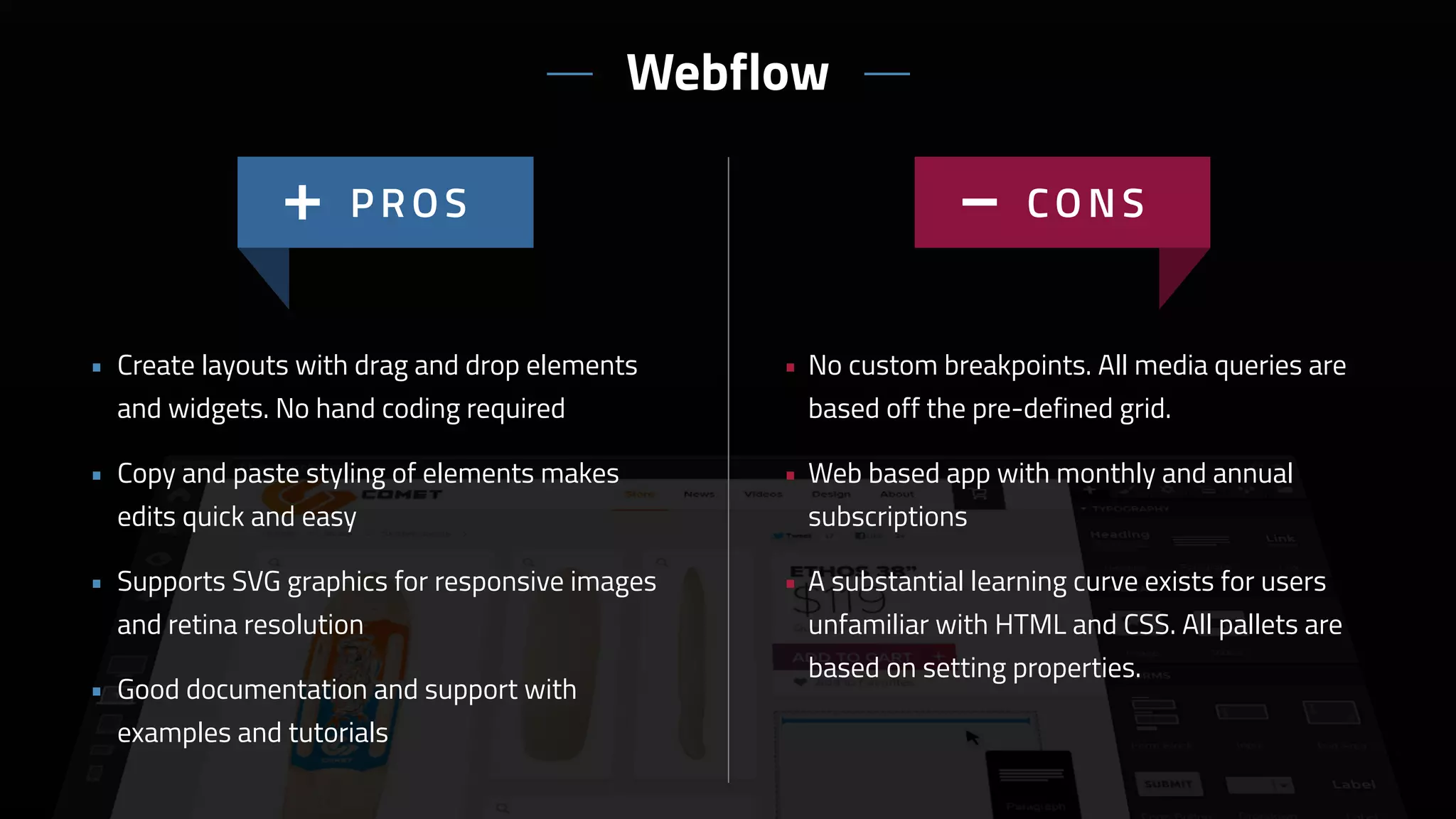
Webflow
• No custom breakpoints. All media queries are
based off the pre-defined grid.
• Web based app with monthly and annual
subscriptions
• A substantial learning curve exists for users
unfamiliar with HTML and CSS. All pallets are
based on setting properties.
• Create layouts with drag and drop elements
and widgets. No hand coding required
• Copy and paste styling of elements makes
edits quick and easy
• Supports SVG graphics for responsive images
and retina resolution
• Good documentation and support with
examples and tutorials
Webflow
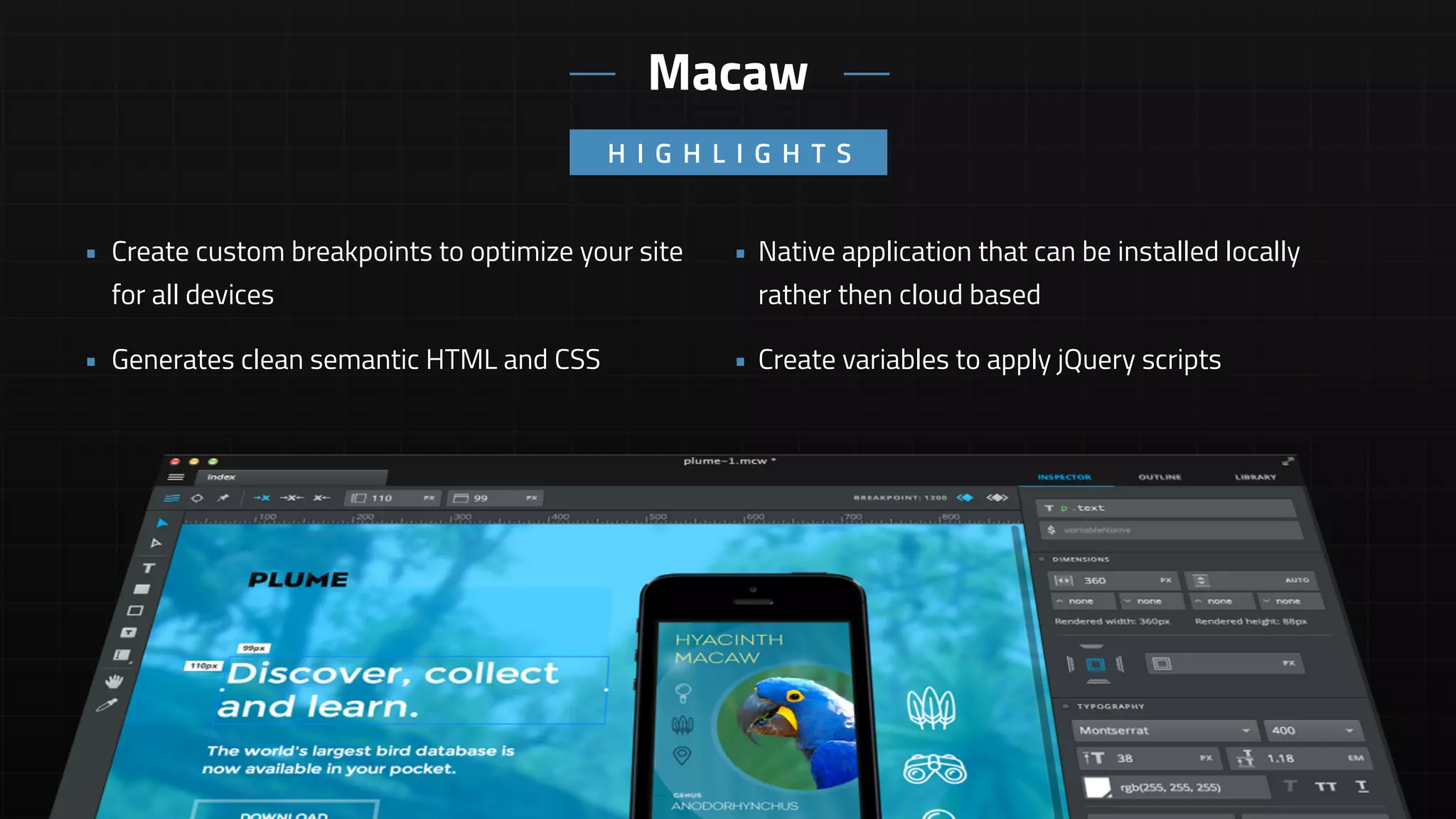
• Native application that can be installed locally
rather then cloud based
• Create variables to apply jQuery scripts
• Create custom breakpoints to optimize your site
for all devices
• Generates clean semantic HTML and CSS
H I G H L I G H T S
Macaw
• Limited documentation and examples
• No pre-set widgets or components
• A substantial learning curve exists for users
unfamiliar with HTML and CSS. All pallets are
based on setting properties.
• Relative positioning of elements is buggy
• Global Styles can be applied to multiple
elements and modified in one location
• Add components to your library for reuse on
any page within your site
• Nudge an pudge (align to grid) elements for
precise layouts
• Create layouts with drag and drop elements.
No hand coding required
Macaw
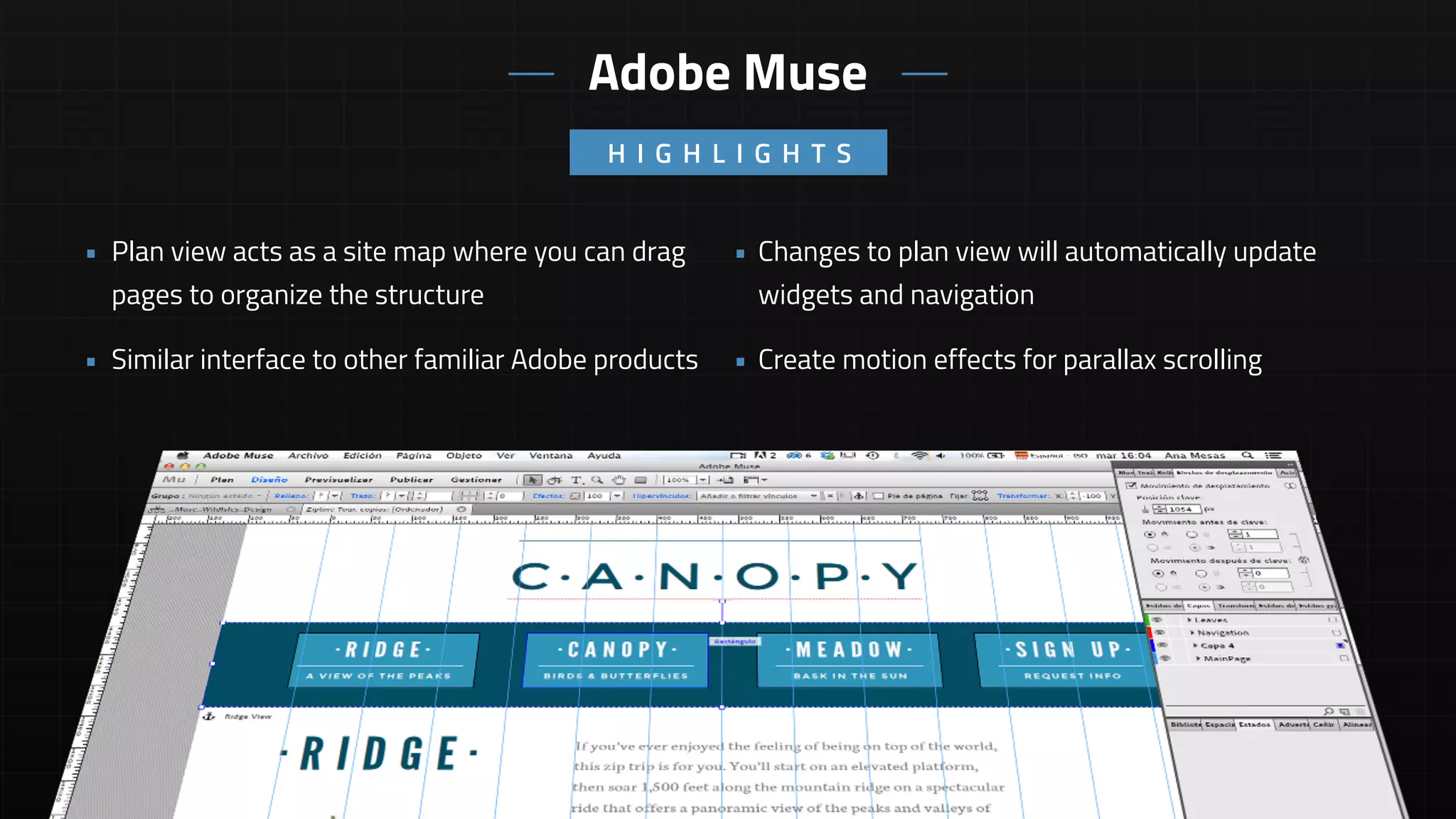
• Changes to plan view will automatically update
widgets and navigation
• Create motion effects for parallax scrolling
• Plan view acts as a site map where you can drag
pages to organize the structure
• Similar interface to other familiar Adobe products
H I G H L I G H T S
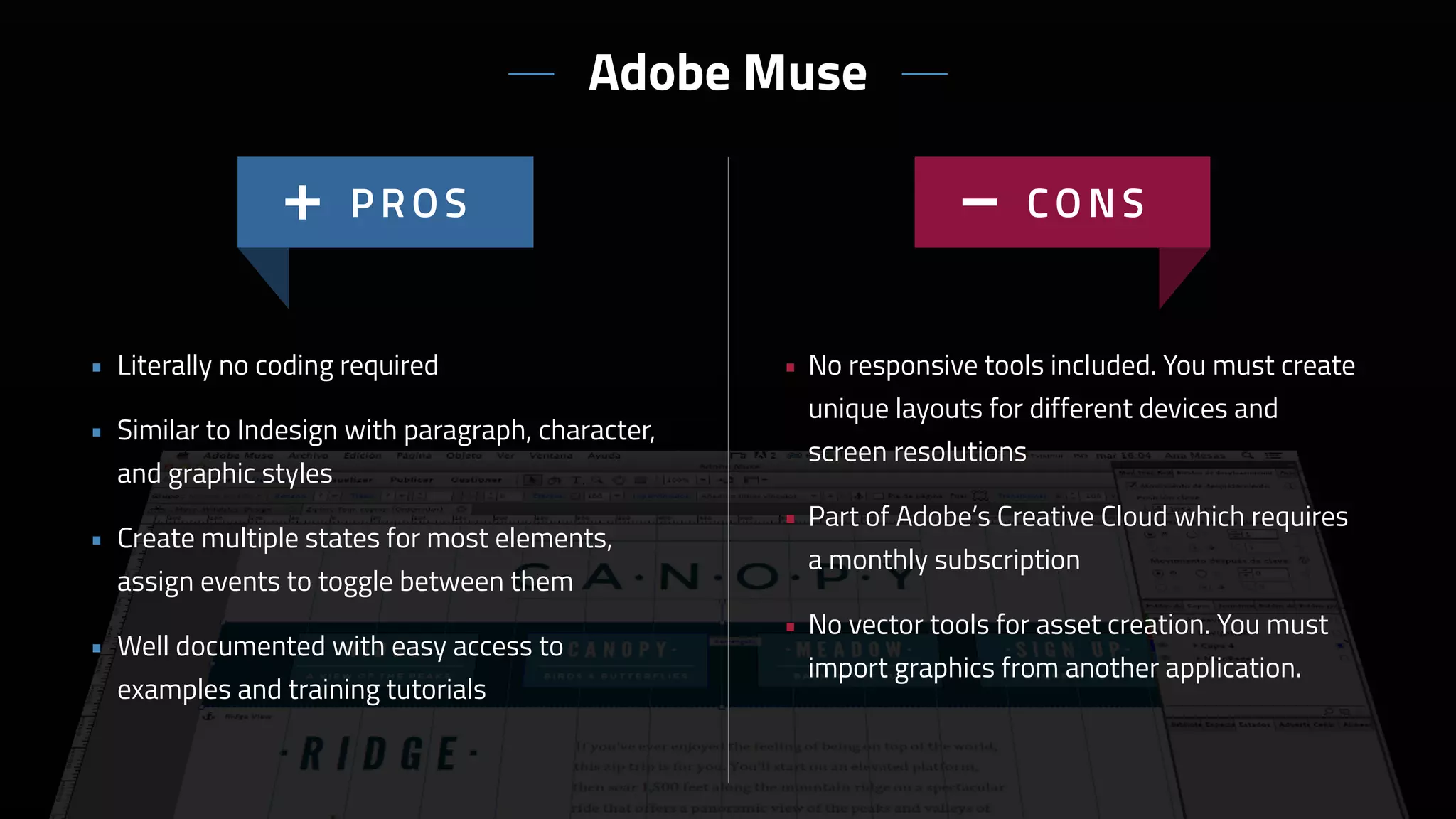
Adobe Muse
• No responsive tools included. You must create
unique layouts for different devices and
screen resolutions
• Part of Adobe’s Creative Cloud which requires
a monthly subscription
• No vector tools for asset creation. You must
import graphics from another application.
• Literally no coding required
• Similar to Indesign with paragraph, character,
and graphic styles
• Create multiple states for most elements,
assign events to toggle between them
• Well documented with easy access to
examples and training tutorials
Adobe Muse
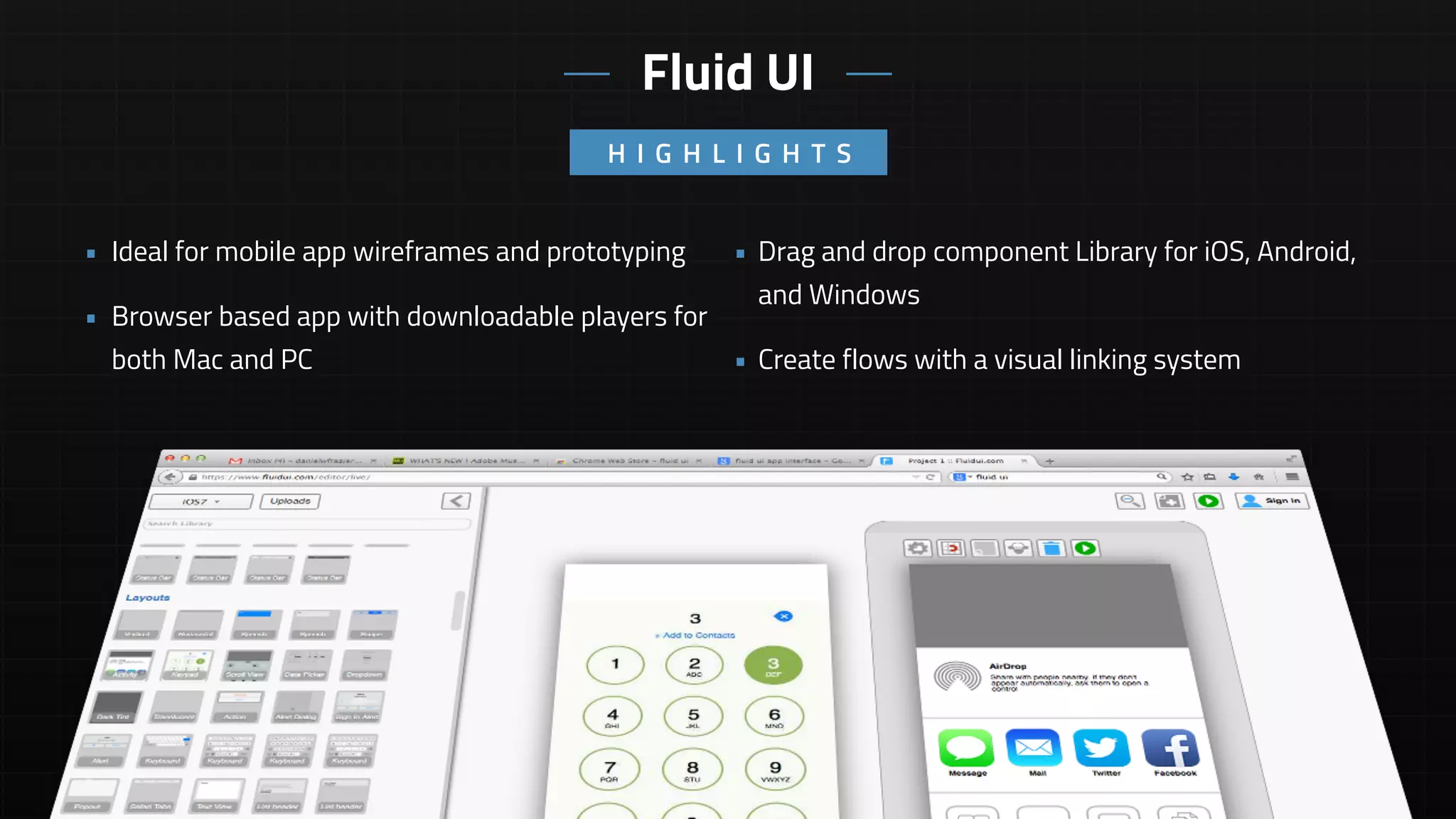
• Drag and drop component Library for iOS, Android,
and Windows
• Create flows with a visual linking system
• Ideal for mobile app wireframes and prototyping
• Browser based app with downloadable players for
both Mac and PC
H I G H L I G H T S
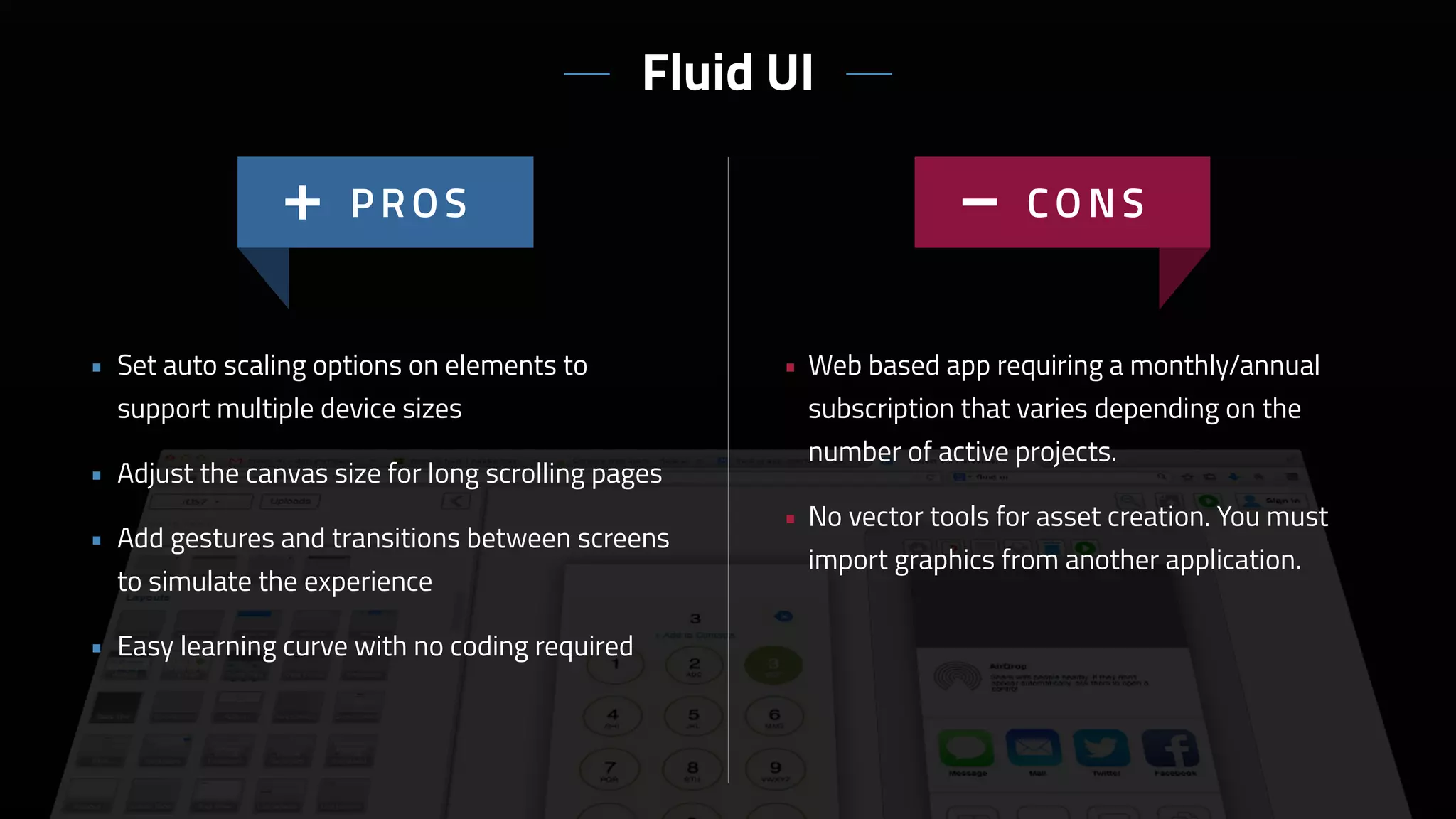
Fluid UI
• Web based app requiring a monthly/annual
subscription that varies depending on the
number of active projects.
• No vector tools for asset creation. You must
import graphics from another application.
• Set auto scaling options on elements to
support multiple device sizes
• Adjust the canvas size for long scrolling pages
• Add gestures and transitions between screens
to simulate the experience
• Easy learning curve with no coding required
Fluid UI
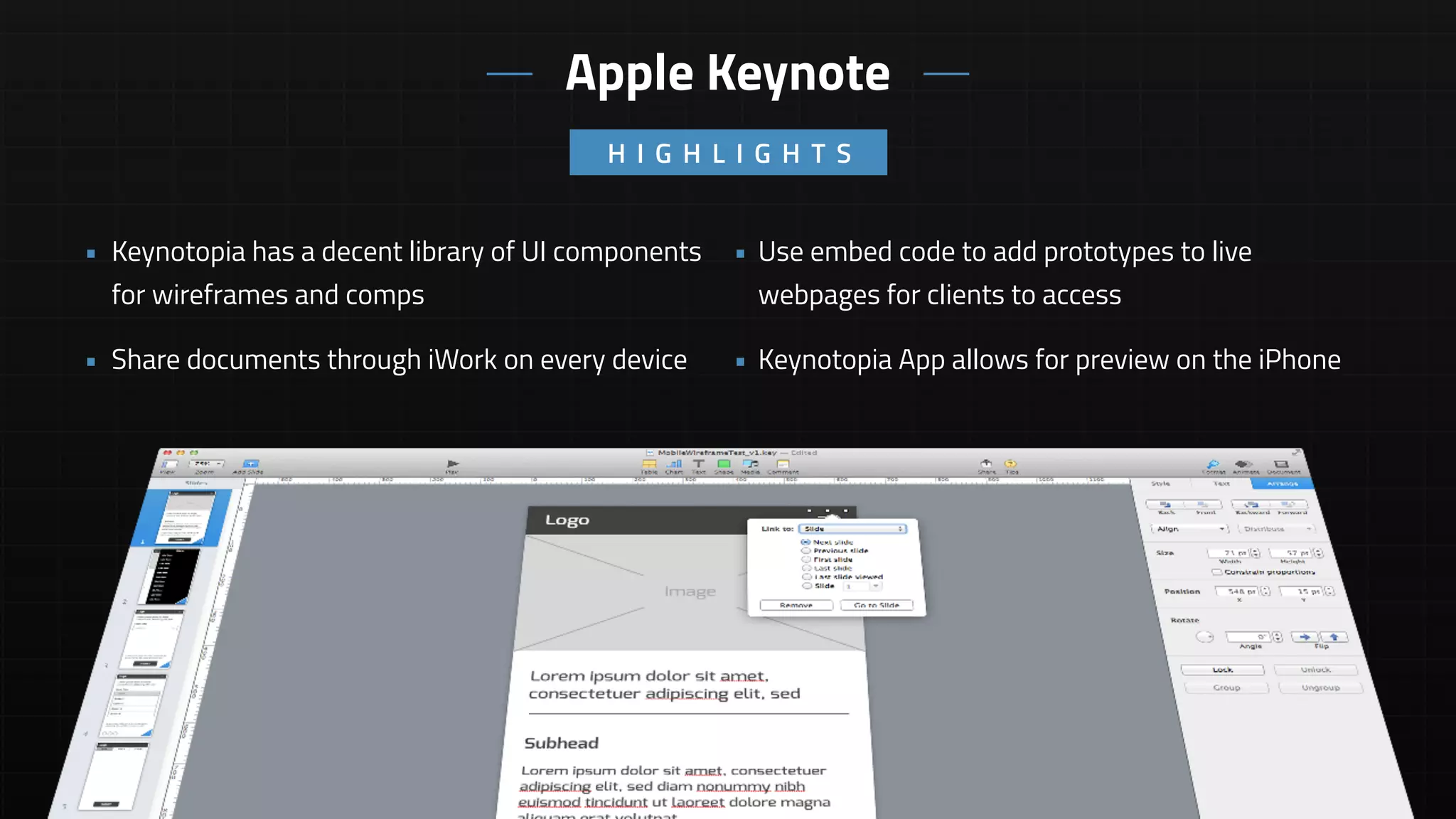
• Use embed code to add prototypes to live
webpages for clients to access
• Keynotopia App allows for preview on the iPhone
• Keynotopia has a decent library of UI components
for wireframes and comps
• Share documents through iWork on every device
H I G H L I G H T S
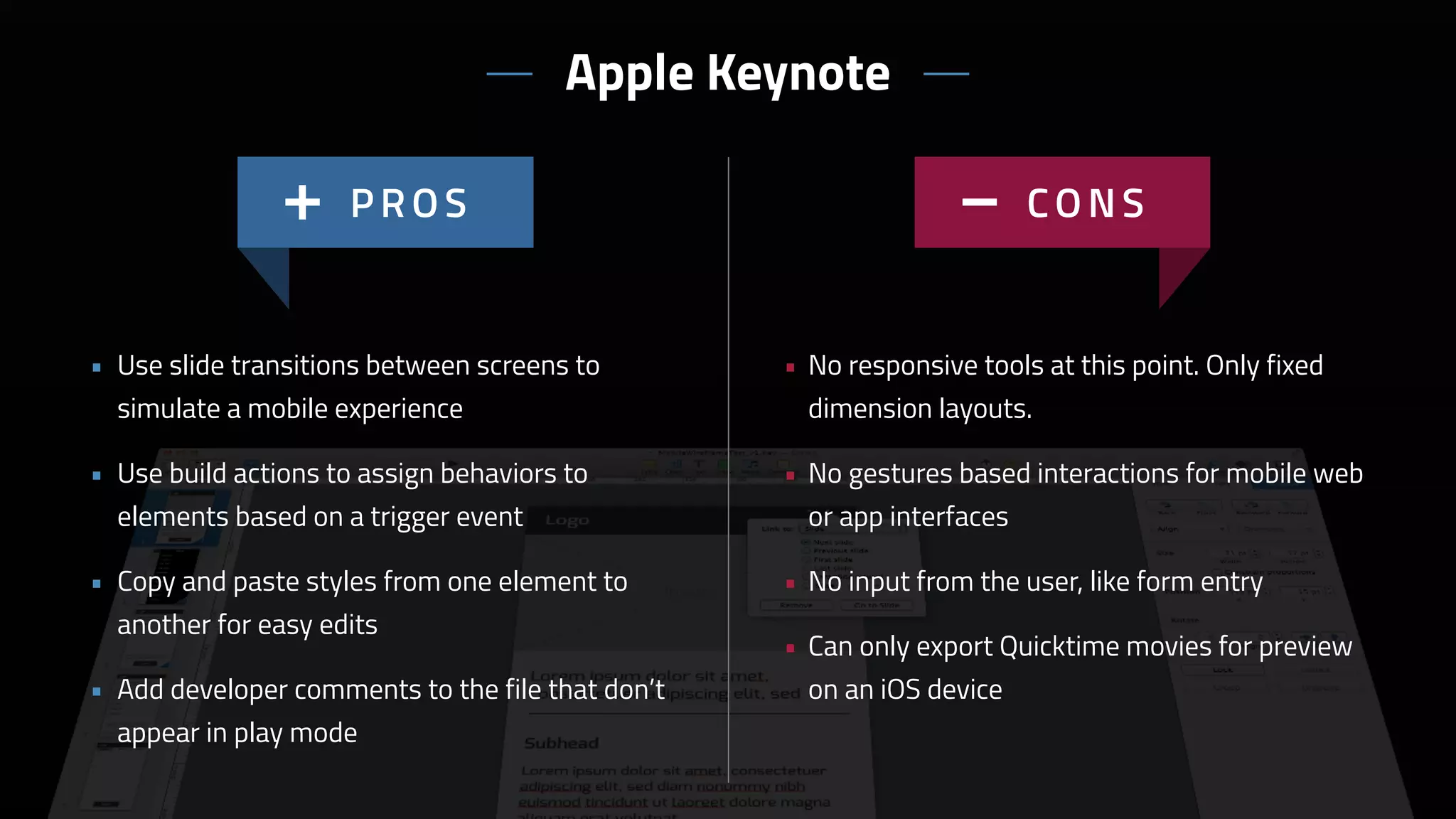
Apple Keynote
• No responsive tools at this point. Only fixed
dimension layouts.
• No gestures based interactions for mobile web
or app interfaces
• No input from the user, like form entry
• Can only export Quicktime movies for preview
on an iOS device
• Use slide transitions between screens to
simulate a mobile experience
• Use build actions to assign behaviors to
elements based on a trigger event
• Copy and paste styles from one element to
another for easy edits
• Add developer comments to the file that don’t
appear in play mode
Apple Keynote
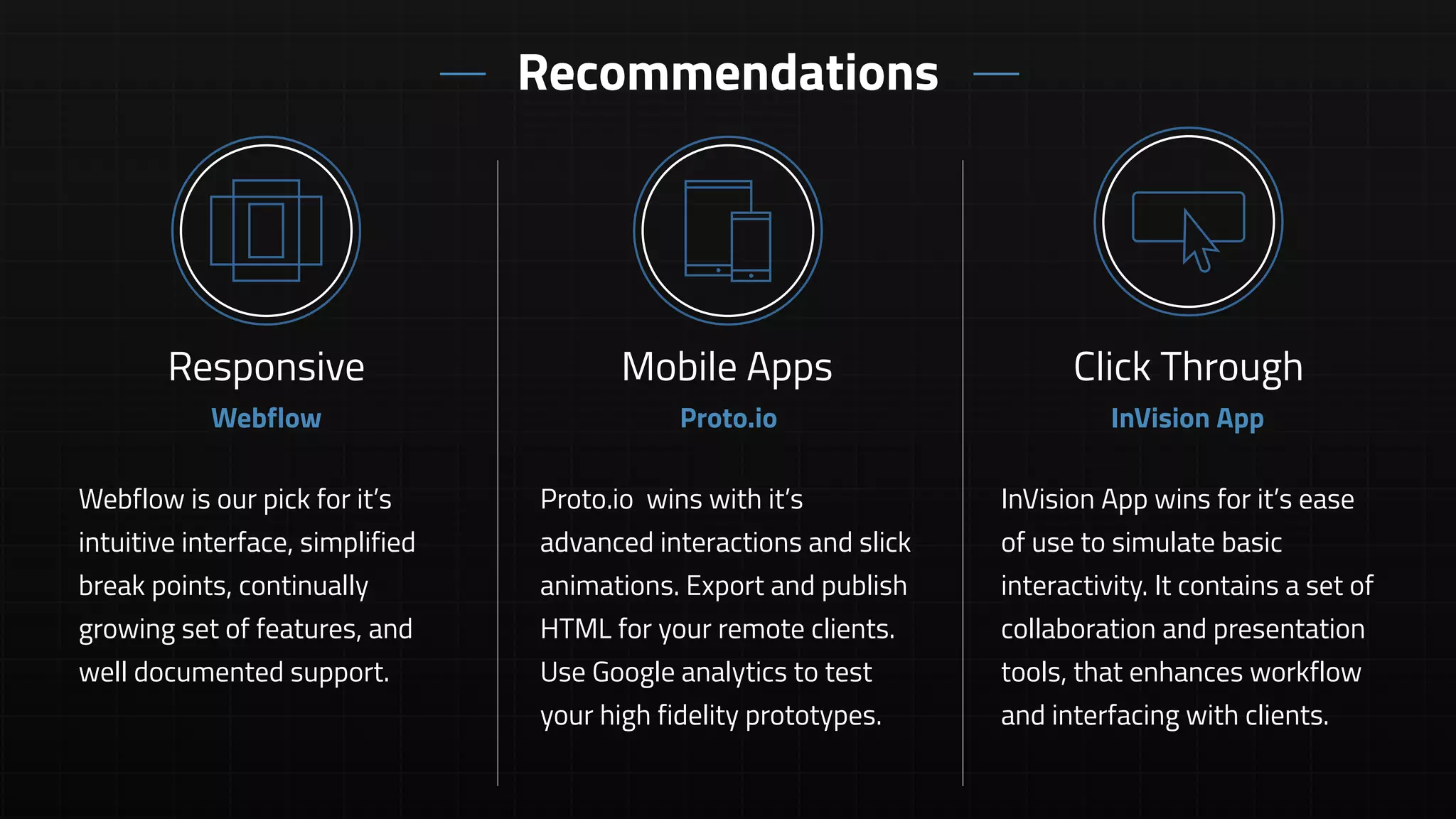
Recommendations
InVision App wins for it’s ease
of use to simulate basic
interactivity. It contains a set of
collaboration and presentation
tools, that enhances workflow
and interfacing with clients.
Click Through
InVision App
Webflow is our pick for it’s
intuitive interface, simplified
break points, continually
growing set of features, and
well documented support.
Responsive
Webflow
Mobile Apps
Proto.io wins with it’s
advanced interactions and slick
animations. Export and publish
HTML for your remote clients.
Use Google analytics to test
your high fidelity prototypes.
Proto.io
Q U E S T I O N S // X D @ T E A M O N E - U S A . C O M

PrototypingToolsDiscovery_1280x720_v3

  • 2.
    • Preview ondevices with Adobe Edge Inspect • Create custom breakpoints for responsive design • Import PSD layouts directly into Reflow while maintaining layers • Copy CSS code to send directly to developers Adobe Edge Reflow H I G H L I G H T S
  • 3.
    Adobe Edge Reflow •Cloud based app that requires an annual Creative Cloud Subscription • No widgets or prebuilt components • No copying and pasting of elements from one project to another • Copy and paste styling of all elements • Import SVG and PNG files • Create percentage based layouts without
 writing any code
  • 4.
    • HTML previewwith built in comments functionality for real-time collaboration • Save iterations for versioning capabilities • Ideal for creating quick wireframes from an large collection of templates and widgets • Manage all of your documentation in one tool UX Pin H I G H L I G H T S
  • 5.
    • Cloud basedapp that requires an annual/ monthly subscription (native coming soon) • Responsive breakpoints are not fluid, doesn’t provide a true preview of the experience • Custom elements are somewhat difficult to create, there’s a subtle learning curve • Create business models, personas, and wireframes in one tool • Add default and custom breakpoints for responsive design • Smart elements allow you to create custom re-usable elements • Show simple interactions without code UX Pin
  • 6.
    • Anyone canus it. You can learn the basic features within a matter of minutes. • Send SMS to download a prototype to a device • Perfect for creating simple prototypes for iOS and Android apps • Link together your visual comps or wireframes H I G H L I G H T S Flinto
  • 7.
    • Not asolution for responsive design • Limited features in comparison to other web based prototyping apps • $20 monthly subscription required per membership • Create simple click-throughs and page transitions with ease • Drag, drop, and link interface is intuitive and easy to use • Replace screens while maintaining links for quick updates Flinto
  • 8.
    • Sync fileswith a dropbox folder or the desktop app • Use version control to document progress or revert to a previous iteration • Real-time team presentation and collaboration for agile project management • Live white boarding with chat and audio H I G H L I G H T S InVision App
  • 9.
    • Not asolution for responsive design • Limited features allow for simple click-through prototypes of static comps • Monthly subscription required for more than one project and multiple team members • Upload all project files and documentation to a single app • Define gesture based interactions for mobile web and app interfaces • SMS or email a link to download prototypes to a device or view in a browser • Create hotspot templates for use across multiple screens InVision App
  • 10.
    • Publish andexport HTML for review with remote teams and clients • Built-in google analytics • Supports gestures, touch events, screen transitions and animations • Simulate complex interactions with variables H I G H L I G H T S Proto.io
  • 11.
    • Not agreat solution for responsive design with lack of breakpoint support • No vector tools for asset creation • Difficult to show scrolling content • Web based app with monthly and annual subscriptions • Ideal for mobile app prototyping • Drag and drop re-usable component library • Timeline based animations and transitions • Supports multiple states per element • Pulls in web view data • Exports to HTML and PDF Proto.io
  • 12.
    • Apply CSSanimations for simple effects and transitions without writing code • Based on Bootstrap’s framework and grid system • Best in class for responsive design • Generates valid markup and stylesheets, so you can export clean semantic code H I G H L I G H T S Webflow
  • 13.
    • No custombreakpoints. All media queries are based off the pre-defined grid. • Web based app with monthly and annual subscriptions • A substantial learning curve exists for users unfamiliar with HTML and CSS. All pallets are based on setting properties. • Create layouts with drag and drop elements and widgets. No hand coding required • Copy and paste styling of elements makes edits quick and easy • Supports SVG graphics for responsive images and retina resolution • Good documentation and support with examples and tutorials Webflow
  • 14.
    • Native applicationthat can be installed locally rather then cloud based • Create variables to apply jQuery scripts • Create custom breakpoints to optimize your site for all devices • Generates clean semantic HTML and CSS H I G H L I G H T S Macaw
  • 15.
    • Limited documentationand examples • No pre-set widgets or components • A substantial learning curve exists for users unfamiliar with HTML and CSS. All pallets are based on setting properties. • Relative positioning of elements is buggy • Global Styles can be applied to multiple elements and modified in one location • Add components to your library for reuse on any page within your site • Nudge an pudge (align to grid) elements for precise layouts • Create layouts with drag and drop elements. No hand coding required Macaw
  • 16.
    • Changes toplan view will automatically update widgets and navigation • Create motion effects for parallax scrolling • Plan view acts as a site map where you can drag pages to organize the structure • Similar interface to other familiar Adobe products H I G H L I G H T S Adobe Muse
  • 17.
    • No responsivetools included. You must create unique layouts for different devices and screen resolutions • Part of Adobe’s Creative Cloud which requires a monthly subscription • No vector tools for asset creation. You must import graphics from another application. • Literally no coding required • Similar to Indesign with paragraph, character, and graphic styles • Create multiple states for most elements, assign events to toggle between them • Well documented with easy access to examples and training tutorials Adobe Muse
  • 18.
    • Drag anddrop component Library for iOS, Android, and Windows • Create flows with a visual linking system • Ideal for mobile app wireframes and prototyping • Browser based app with downloadable players for both Mac and PC H I G H L I G H T S Fluid UI
  • 19.
    • Web basedapp requiring a monthly/annual subscription that varies depending on the number of active projects. • No vector tools for asset creation. You must import graphics from another application. • Set auto scaling options on elements to support multiple device sizes • Adjust the canvas size for long scrolling pages • Add gestures and transitions between screens to simulate the experience • Easy learning curve with no coding required Fluid UI
  • 20.
    • Use embedcode to add prototypes to live webpages for clients to access • Keynotopia App allows for preview on the iPhone • Keynotopia has a decent library of UI components for wireframes and comps • Share documents through iWork on every device H I G H L I G H T S Apple Keynote
  • 21.
    • No responsivetools at this point. Only fixed dimension layouts. • No gestures based interactions for mobile web or app interfaces • No input from the user, like form entry • Can only export Quicktime movies for preview on an iOS device • Use slide transitions between screens to simulate a mobile experience • Use build actions to assign behaviors to elements based on a trigger event • Copy and paste styles from one element to another for easy edits • Add developer comments to the file that don’t appear in play mode Apple Keynote
  • 22.
    Recommendations InVision App winsfor it’s ease of use to simulate basic interactivity. It contains a set of collaboration and presentation tools, that enhances workflow and interfacing with clients. Click Through InVision App Webflow is our pick for it’s intuitive interface, simplified break points, continually growing set of features, and well documented support. Responsive Webflow Mobile Apps Proto.io wins with it’s advanced interactions and slick animations. Export and publish HTML for your remote clients. Use Google analytics to test your high fidelity prototypes. Proto.io
  • 23.
    Q U ES T I O N S // X D @ T E A M O N E - U S A . C O M