Rapid Prototyping: A lecture on prototyping techniques for interface design
This is a lecture taught on August 26th 2025 by Mark Billinghurst on prototyping for user experiences. It covers the basics of prototyping in the Interaction Design cycle and gives examples of tools that can be used for rapid prototyping.
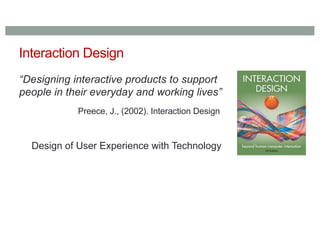
Interaction Design
“Designing interactiveproducts to support
people in their everyday and working lives”
Preece, J., (2002). Interaction Design
Design of User Experience with Technology
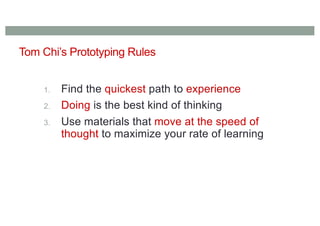
Tom Chi’s PrototypingRules
1. Find the quickest path to experience
2. Doing is the best kind of thinking
3. Use materials that move at the speed of
thought to maximize your rate of learning
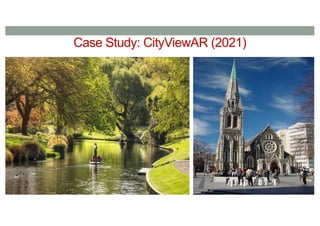
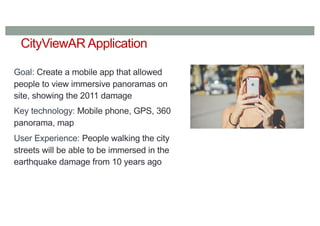
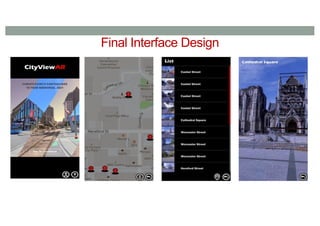
CityViewAR Application
Goal: Createa mobile app that allowed
people to view immersive panoramas on
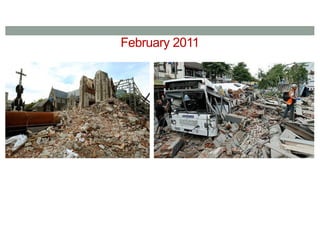
site, showing the 2011 damage
Key technology: Mobile phone, GPS, 360
panorama, map
User Experience: People walking the city
streets will be able to be immersed in the
earthquake damage from 10 years ago
20.
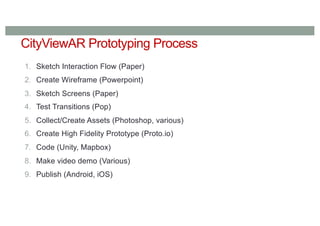
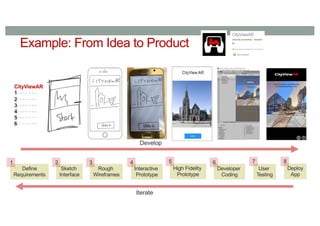
CityViewAR Prototyping Process
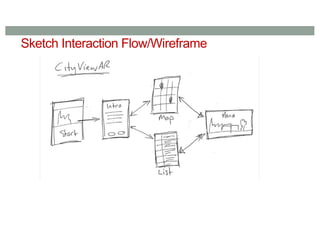
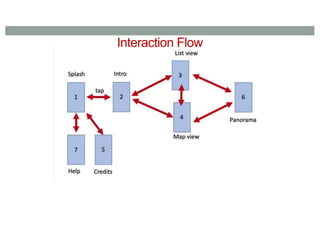
1.Sketch Interaction Flow (Paper)
2. Create Wireframe (Powerpoint)
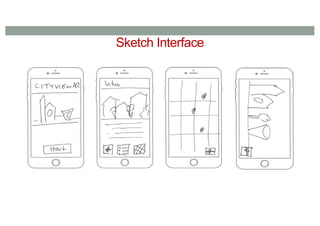
3. Sketch Screens (Paper)
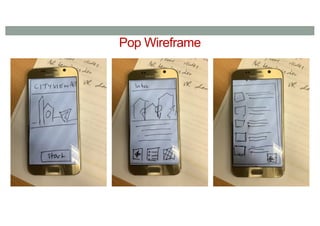
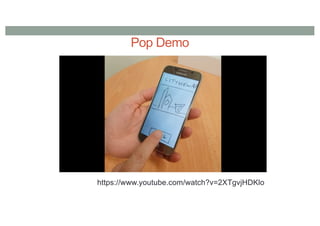
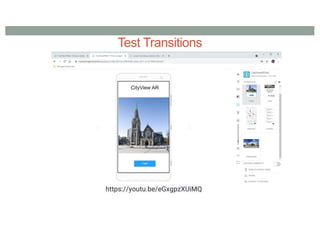
4. Test Transitions (Pop)
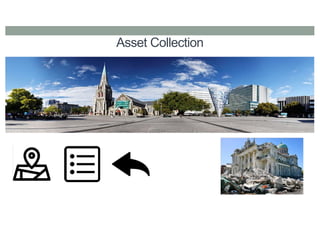
5. Collect/Create Assets (Photoshop, various)
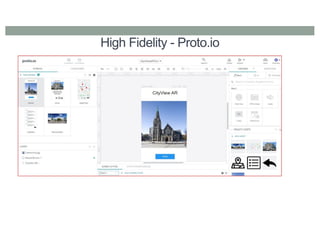
6. Create High Fidelity Prototype (Proto.io)
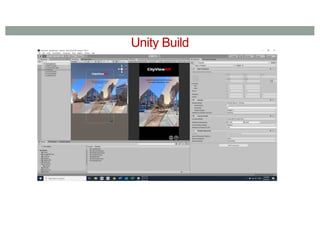
7. Code (Unity, Mapbox)
8. Make video demo (Various)
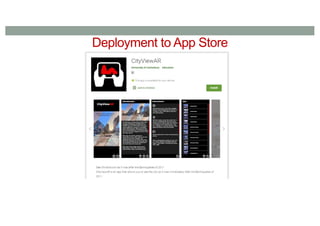
9. Publish (Android, iOS)
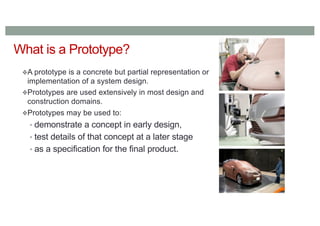
What is aPrototype?
A prototype is a concrete but partial representation or
implementation of a system design.
Prototypes are used extensively in most design and
construction domains.
Prototypes may be used to:
• demonstrate a concept in early design,
• test details of that concept at a later stage
• as a specification for the final product.
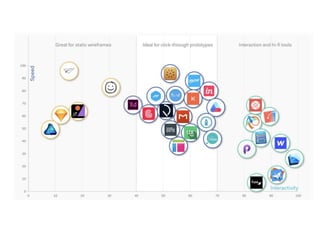
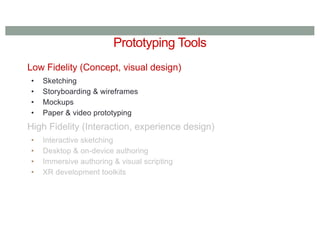
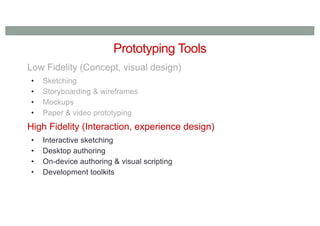
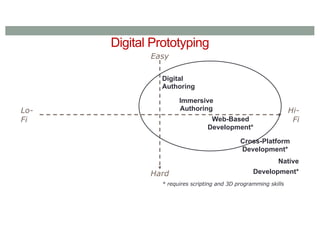
Prototyping Tools
•Good prototypingtools should:
• Allow easy, rapid modification of interface details or functionality
• For designers who are not programmers, allow direct manipulation
of prototype components
• For incremental and evolutionary prototypes, facilitate reuse of code
• Not constrain the designer to default styles for interface objects.
41.
Types of PrototypingInstantiations
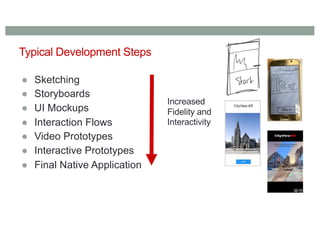
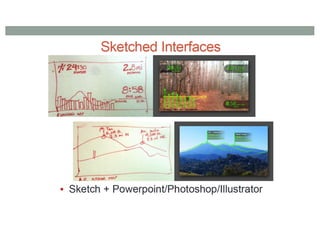
• Sketches and drawings
• Diagrams and maps
• Text
• Videos
• 2D images
• Digital assets/3D models
• Physical models
• Actions (body storming, Wizard of Oz)
• Software
43.
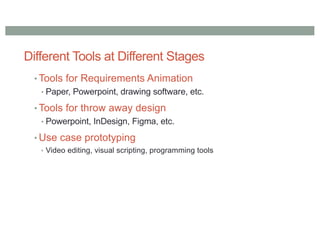
Different Tools atDifferent Stages
• Tools for Requirements Animation
• Paper, Powerpoint, drawing software, etc.
• Tools for throw away design
• Powerpoint, InDesign, Figma, etc.
• Use case prototyping
• Video editing, visual scripting, programming tools
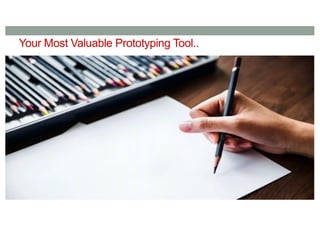
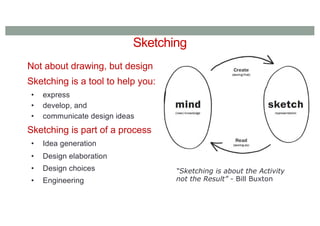
Not about drawing,but design
Sketching is a tool to help you:
• express
• develop, and
• communicate design ideas
Sketching is part of a process
• Idea generation
• Design elaboration
• Design choices
• Engineering
“Sketching is about the Activity
not the Result” - Bill Buxton
Sketching
54.
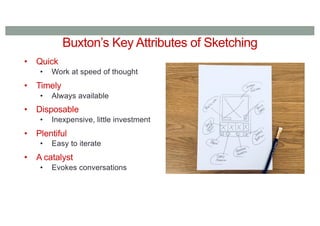
Buxton’s Key Attributesof Sketching
• Quick
• Work at speed of thought
• Timely
• Always available
• Disposable
• Inexpensive, little investment
• Plentiful
• Easy to iterate
• A catalyst
• Evokes conversations
59.
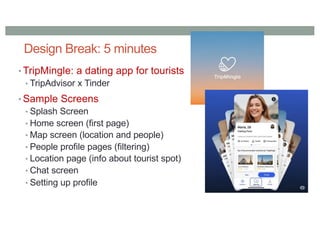
Design Break: 5minutes
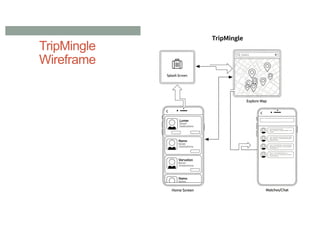
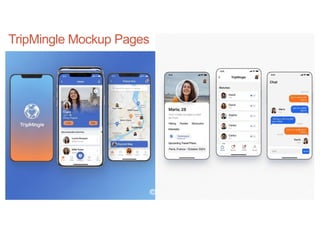
• TripMingle: a dating app for tourists
• TripAdvisor x Tinder
• Sample Screens
• Splash Screen
• Home screen (first page)
• Map screen (location and people)
• People profile pages (filtering)
• Location page (info about tourist spot)
• Chat screen
• Setting up profile
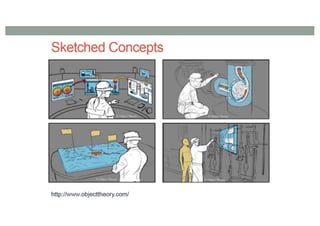
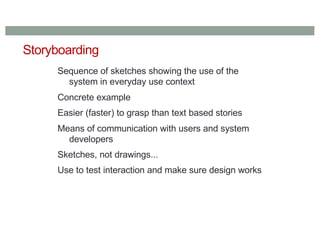
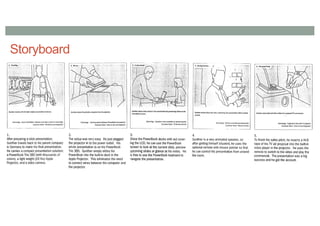
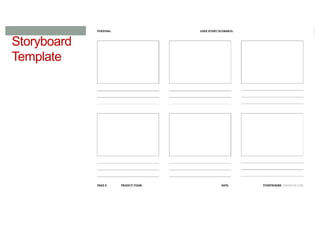
Storyboarding
Sequence of sketchesshowing the use of the
system in everyday use context
Concrete example
Easier (faster) to grasp than text based stories
Means of communication with users and system
developers
Sketches, not drawings...
Use to test interaction and make sure design works
62.
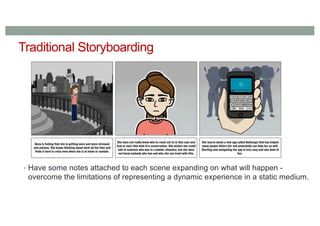
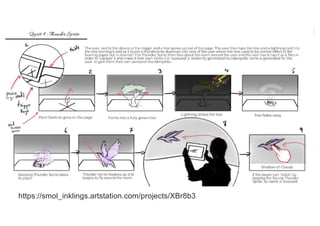
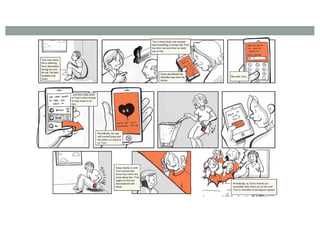
Traditional Storyboarding
• Havesome notes attached to each scene expanding on what will happen -
overcome the limitations of representing a dynamic experience in a static medium.
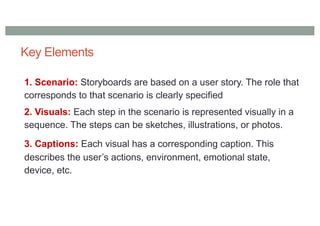
Key Elements
1. Scenario:Storyboards are based on a user story. The role that
corresponds to that scenario is clearly specified
2. Visuals: Each step in the scenario is represented visually in a
sequence. The steps can be sketches, illustrations, or photos.
3. Captions: Each visual has a corresponding caption. This
describes the user’s actions, environment, emotional state,
device, etc.
67.
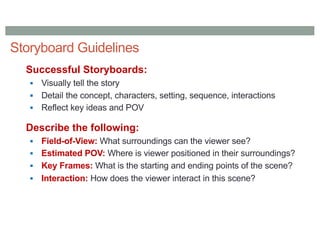
Storyboard Guidelines
Successful Storyboards:
§Visually tell the story
§ Detail the concept, characters, setting, sequence, interactions
§ Reflect key ideas and POV
Describe the following:
§ Field-of-View: What surroundings can the viewer see?
§ Estimated POV: Where is viewer positioned in their surroundings?
§ Key Frames: What is the starting and ending points of the scene?
§ Interaction: How does the viewer interact in this scene?
Wireframes
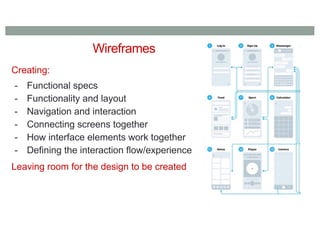
Creating:
- Functional specs
-Functionality and layout
- Navigation and interaction
- Connecting screens together
- How interface elements work together
- Defining the interaction flow/experience
Leaving room for the design to be created
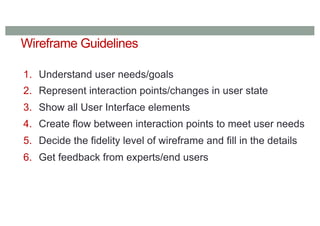
Wireframe Guidelines
1. Understanduser needs/goals
2. Represent interaction points/changes in user state
3. Show all User Interface elements
4. Create flow between interaction points to meet user needs
5. Decide the fidelity level of wireframe and fill in the details
6. Get feedback from experts/end users
79.
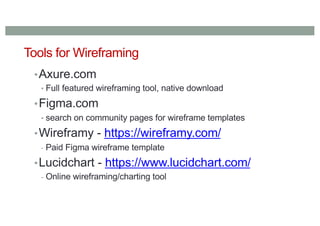
Tools for Wireframing
•Axure.com
•Full featured wireframing tool, native download
•Figma.com
• search on community pages for wireframe templates
•Wireframy - https://wireframy.com/
- Paid Figma wireframe template
•Lucidchart - https://www.lucidchart.com/
- Online wireframing/charting tool
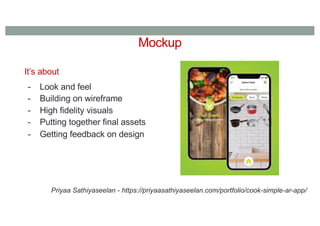
Mockup
It’s about
- Lookand feel
- Building on wireframe
- High fidelity visuals
- Putting together final assets
- Getting feedback on design
Priyaa Sathiyaseelan - https://priyaasathiyaseelan.com/portfolio/cook-simple-ar-app/
83.
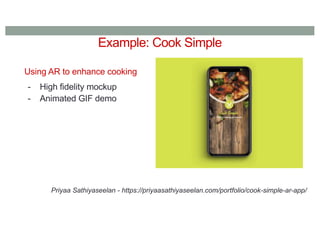
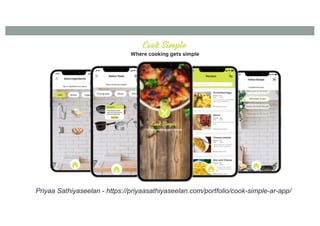
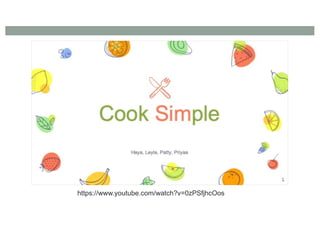
Example: Cook Simple
UsingAR to enhance cooking
- High fidelity mockup
- Animated GIF demo
Priyaa Sathiyaseelan - https://priyaasathiyaseelan.com/portfolio/cook-simple-ar-app/
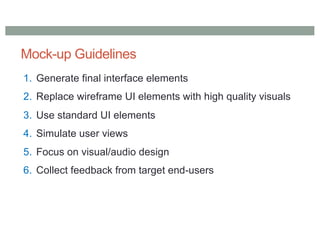
Mock-up Guidelines
1. Generatefinal interface elements
2. Replace wireframe UI elements with high quality visuals
3. Use standard UI elements
4. Simulate user views
5. Focus on visual/audio design
6. Collect feedback from target end-users
88.
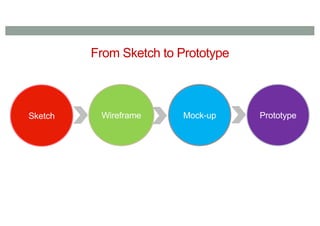
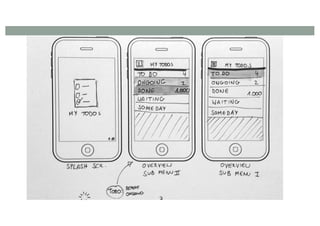
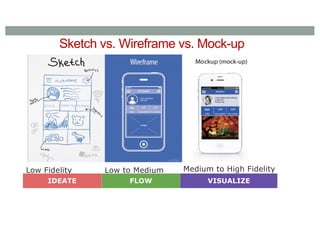
Sketch vs. Wireframevs. Mock-up
Low Fidelity Low to Medium
Fidelity
Medium to High Fidelity
IDEATE FLOW VISUALIZE
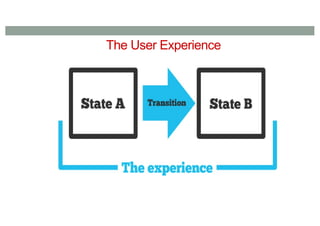
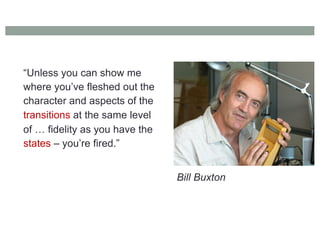
“Unless you canshow me
where you’ve fleshed out the
character and aspects of the
transitions at the same level
of … fidelity as you have the
states – you’re fired.”
Bill Buxton
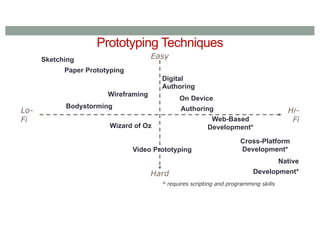
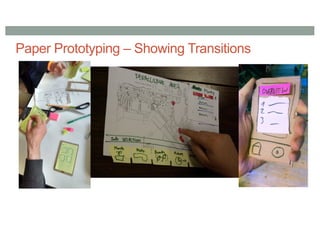
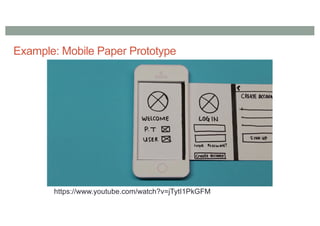
Paper Prototyping (LowFidelity)
Quick and simple means of sketching interfaces
Use office materials
Easier to criticize, quick to change
Creative process (develop in team)
Can also use for usability test (focus on interaction flow)
Used a lot to test out concepts before real design begins.
93.
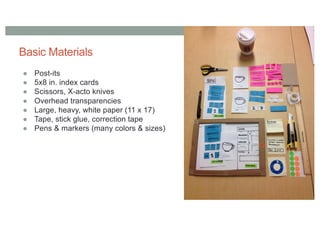
Basic Materials
● Post-its
●5x8 in. index cards
● Scissors, X-acto knives
● Overhead transparencies
● Large, heavy, white paper (11 x 17)
● Tape, stick glue, correction tape
● Pens & markers (many colors & sizes)
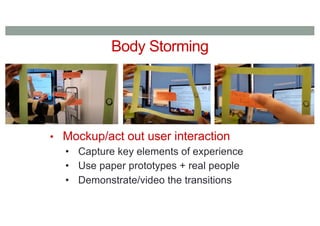
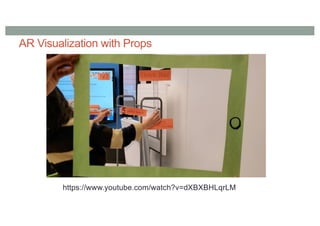
Body Storming
• Mockup/actout user interaction
• Capture key elements of experience
• Use paper prototypes + real people
• Demonstrate/video the transitions
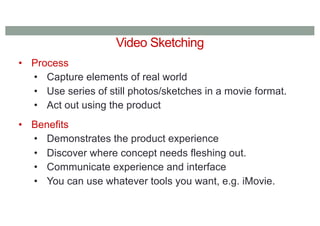
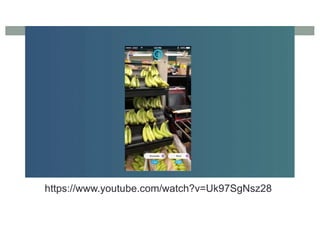
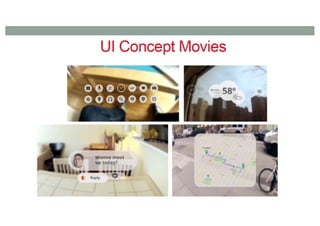
Video Sketching
• Process
•Capture elements of real world
• Use series of still photos/sketches in a movie format.
• Act out using the product
• Benefits
• Demonstrates the product experience
• Discover where concept needs fleshing out.
• Communicate experience and interface
• You can use whatever tools you want, e.g. iMovie.
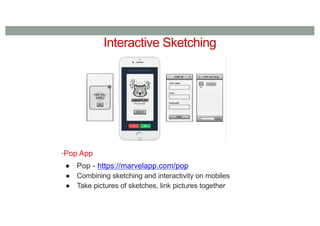
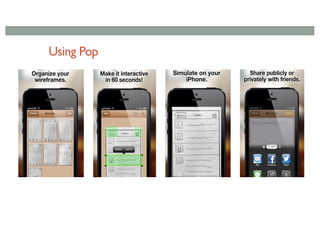
Interactive Sketching
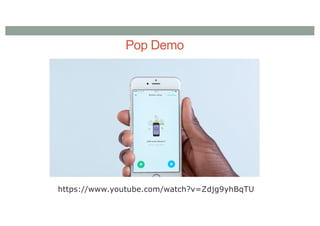
•Pop App
●Pop - https://marvelapp.com/pop
● Combining sketching and interactivity on mobiles
● Take pictures of sketches, link pictures together
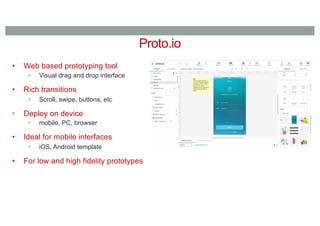
Proto.io
• Web basedprototyping tool
• Visual drag and drop interface
• Rich transitions
• Scroll, swipe, buttons, etc
• Deploy on device
• mobile, PC, browser
• Ideal for mobile interfaces
• iOS, Android template
• For low and high fidelity prototypes
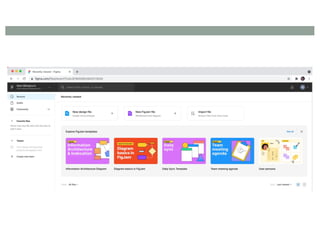
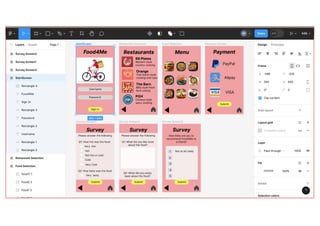
Figma - https://www.figma.com/
•Web based tool for interface design and prototyping
• Collaborative web application, visual editing
• Key Features
• vector graphics editor
• prototyping tools for mobile, tablet, desktop
• support for real-time collaboration
• advanced interactive behaviours
• mobile app for Android and iOS
114.
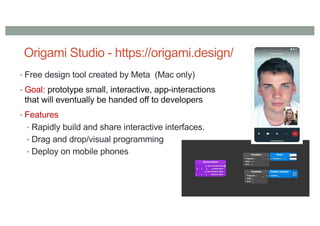
Origami Studio -https://origami.design/
• Free design tool created by Meta (Mac only)
• Goal: prototype small, interactive, app-interactions
that will eventually be handed off to developers
• Features
• Rapidly build and share interactive interfaces.
• Drag and drop/visual programming
• Deploy on mobile phones
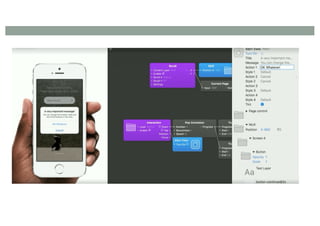
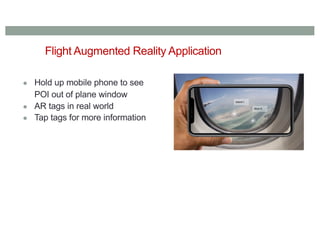
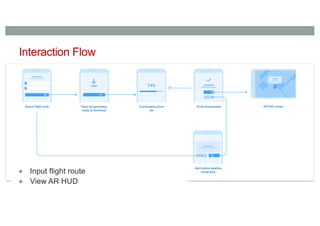
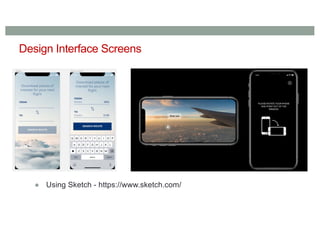
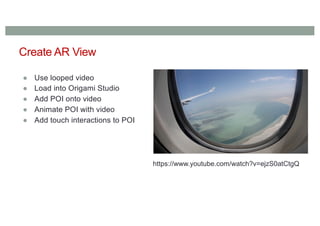
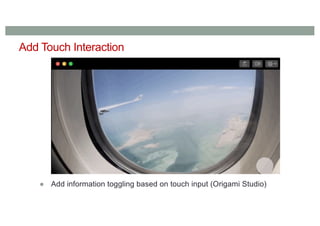
Create AR View
●Use looped video
● Load into Origami Studio
● Add POI onto video
● Animate POI with video
● Add touch interactions to POI
https://www.youtube.com/watch?v=ejzS0atCtgQ
122.
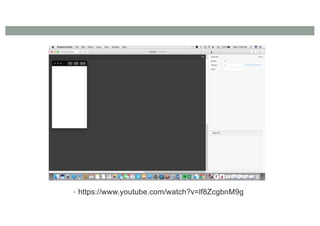
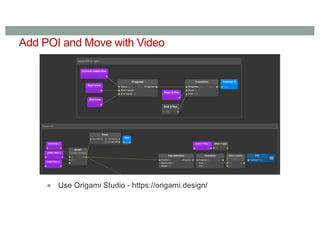
Add POI andMove with Video
● Use Origami Studio - https://origami.design/
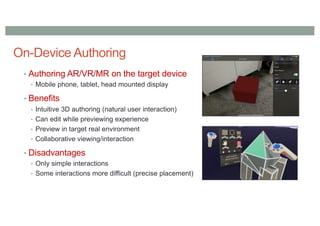
On-Device Authoring
• AuthoringAR/VR/MR on the target device
• Mobile phone, tablet, head mounted display
• Benefits
• Intuitive 3D authoring (natural user interaction)
• Can edit while previewing experience
• Preview in target real environment
• Collaborative viewing/interaction
• Disadvantages
• Only simple interactions
• Some interactions more difficult (precise placement)
130.
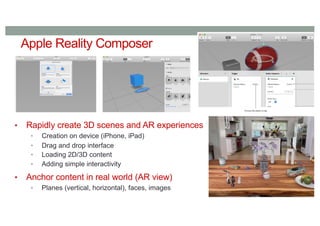
Apple Reality Composer
•Rapidly create 3D scenes and AR experiences
• Creation on device (iPhone, iPad)
• Drag and drop interface
• Loading 2D/3D content
• Adding simple interactivity
• Anchor content in real world (AR view)
• Planes (vertical, horizontal), faces, images
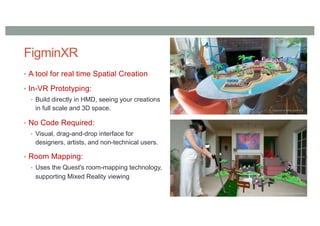
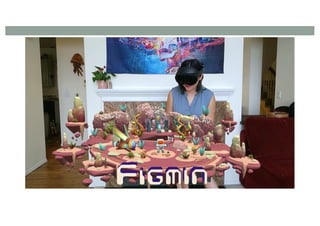
FigminXR
• A toolfor real time Spatial Creation
• In-VR Prototyping:
• Build directly in HMD, seeing your creations
in full scale and 3D space.
• No Code Required:
• Visual, drag-and-drop interface for
designers, artists, and non-technical users.
• Room Mapping:
• Uses the Quest's room-mapping technology,
supporting Mixed Reality viewing
134.
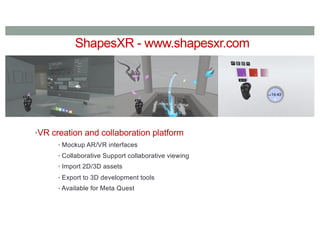
ShapesXR - www.shapesxr.com
•VRcreation and collaboration platform
• Mockup AR/VR interfaces
• Collaborative Support collaborative viewing
• Import 2D/3D assets
• Export to 3D development tools
• Available for Meta Quest
Conclusion
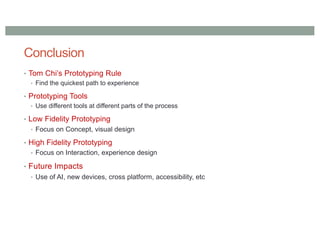
• Tom Chi’sPrototyping Rule
• Find the quickest path to experience
• Prototyping Tools
• Use different tools at different parts of the process
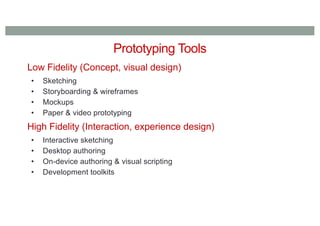
• Low Fidelity Prototyping
• Focus on Concept, visual design
• High Fidelity Prototyping
• Focus on Interaction, experience design
• Future Impacts
• Use of AI, new devices, cross platform, accessibility, etc