By: Somya Agrawal
PROJECT PLANNING
PROJECT
 Planned set of interrelated tasks
to be executed over a fixed
period and within certain cost
and other limitations.
PROJECT PLANNING
 “Project planning is the discipline for
stating how to complete a project
within a certain timeframe, usually
with defined stages, and with
designated resources.”
WHY?
 The key to a successful project is in planning
 Planning is the first thing you do when
undertaking a project
 The value of project planning
 saving money
 saving time
 saving many problems
 Remember: If you fail to plan, you plan to fail
STEPS IN PROJECT PLANNING
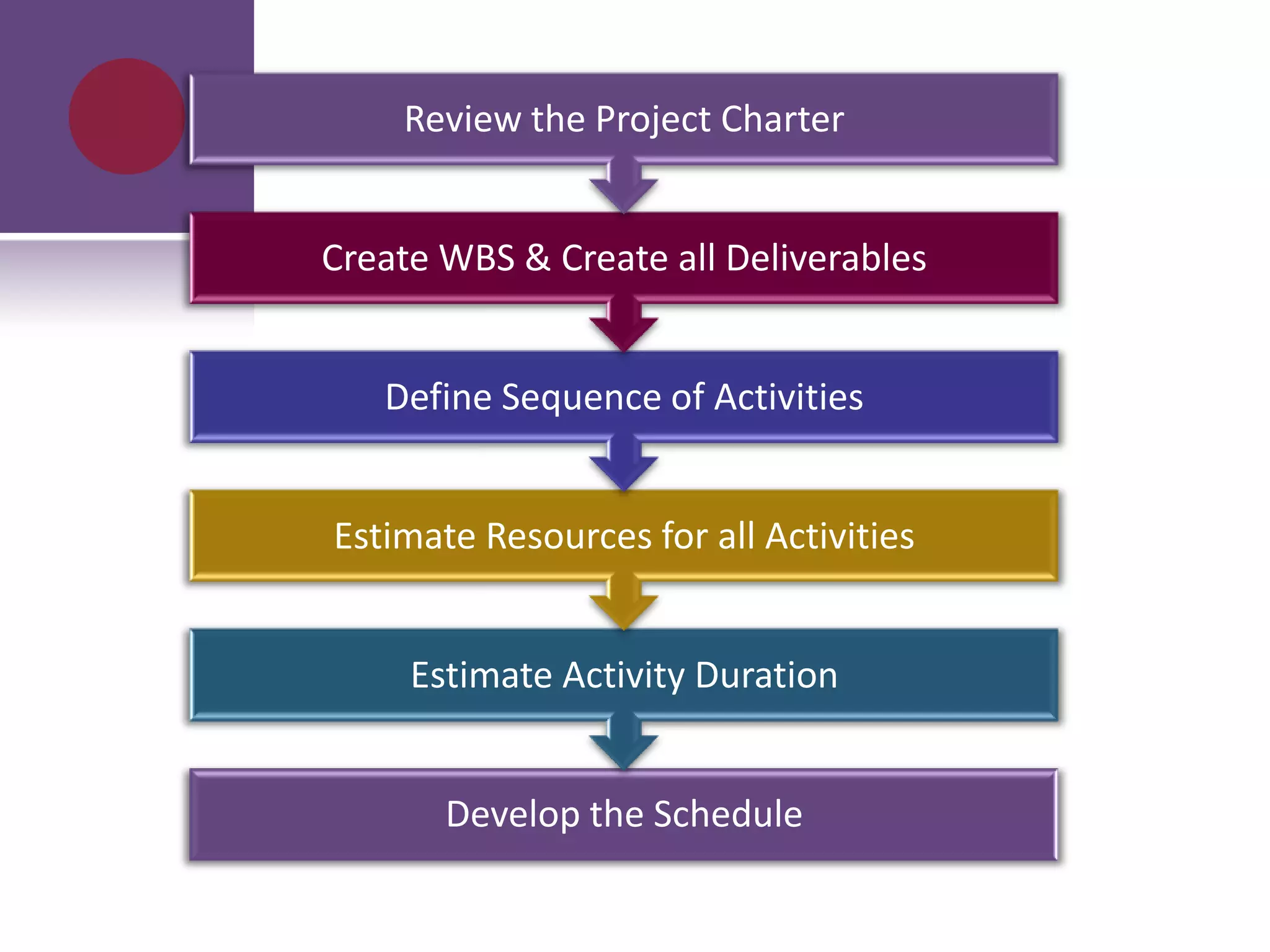
Develop the Schedule
Estimate Activity Duration
Estimate Resources for all Activities
Define Sequence of Activities
Create WBS & Create all Deliverables
Review the Project Charter
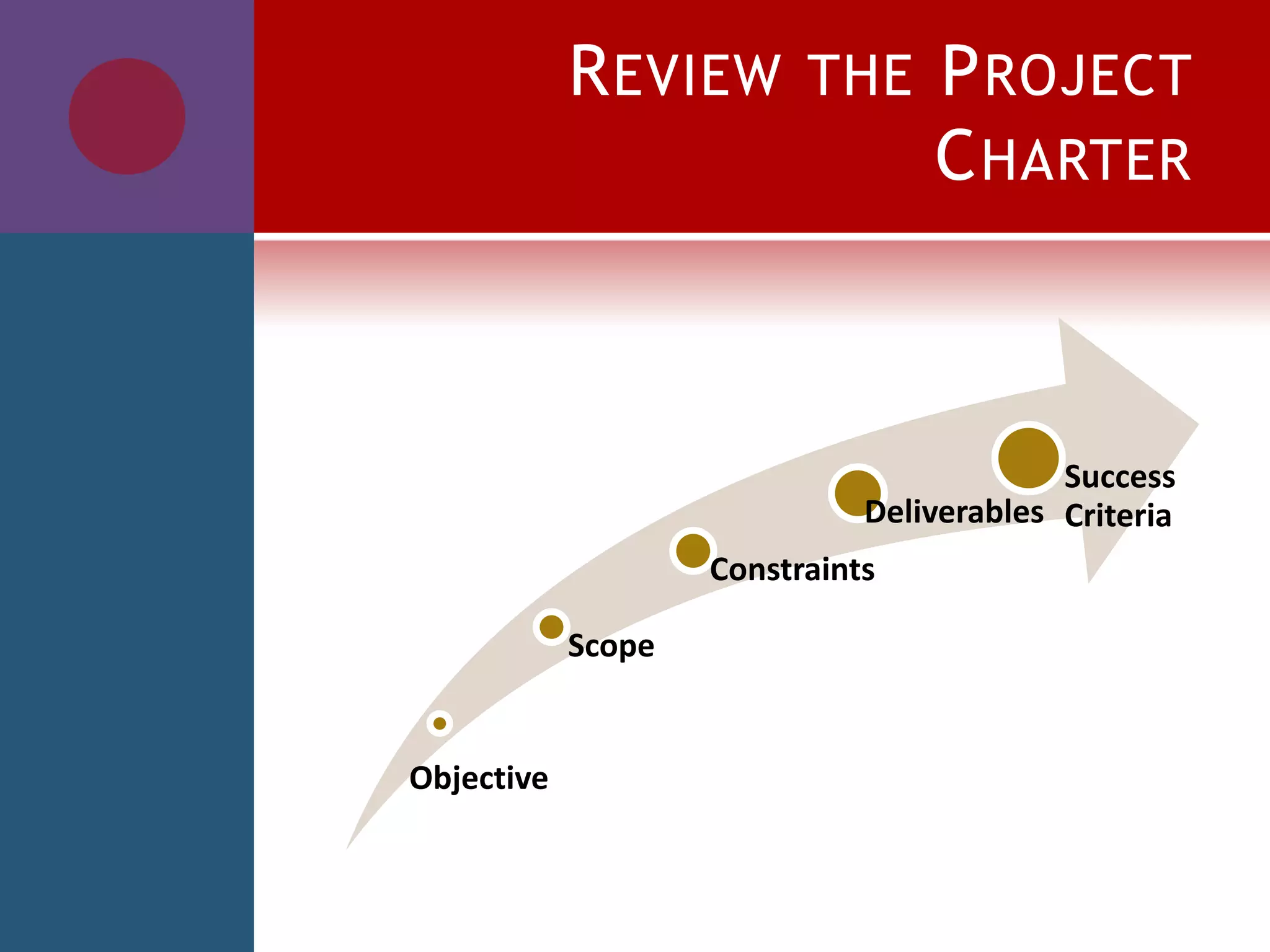
REVIEW THE PROJECT
CHARTER
Objective
Scope
Constraints
Deliverables
Success
Criteria
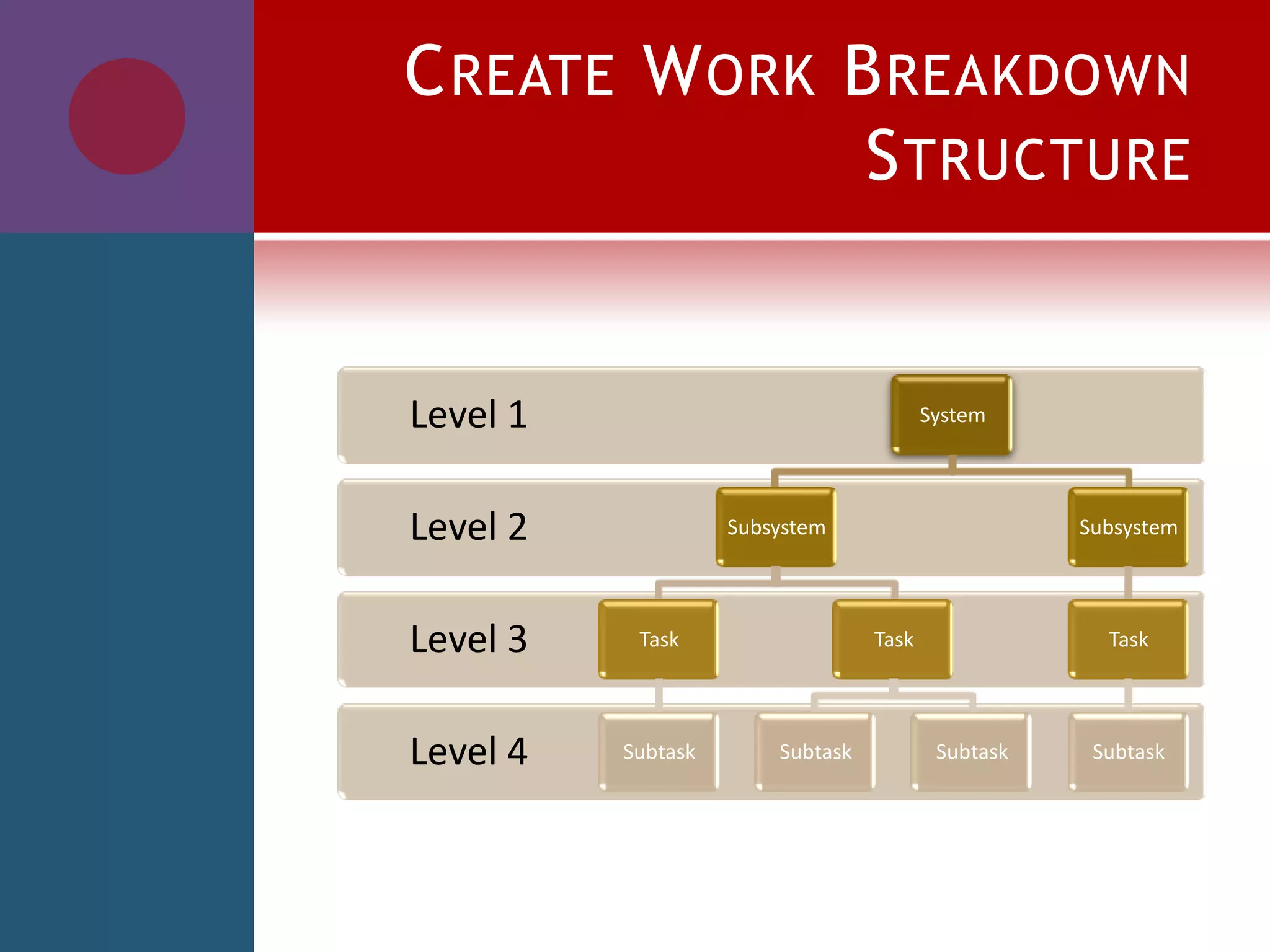
CREATE WORK BREAKDOWN
STRUCTURE
Level 4
Level 3
Level 2
Level 1 System
Subsystem
Task
Subtask
Task
Subtask Subtask
Subsystem
Task
Subtask
PROJECT DELIVERABLES
 Create a list of things that need to be
delivered to meet the defined goals
 Specify when and how each item must
be delivered
 Add deliverables to the project plan
with an estimated delivery date
SEQUENCE OF ACTIVITIES
 Do I have any time constraints?
 What is the relationship between
activities?
 Which activities can be done in
parallel?
A
S
K
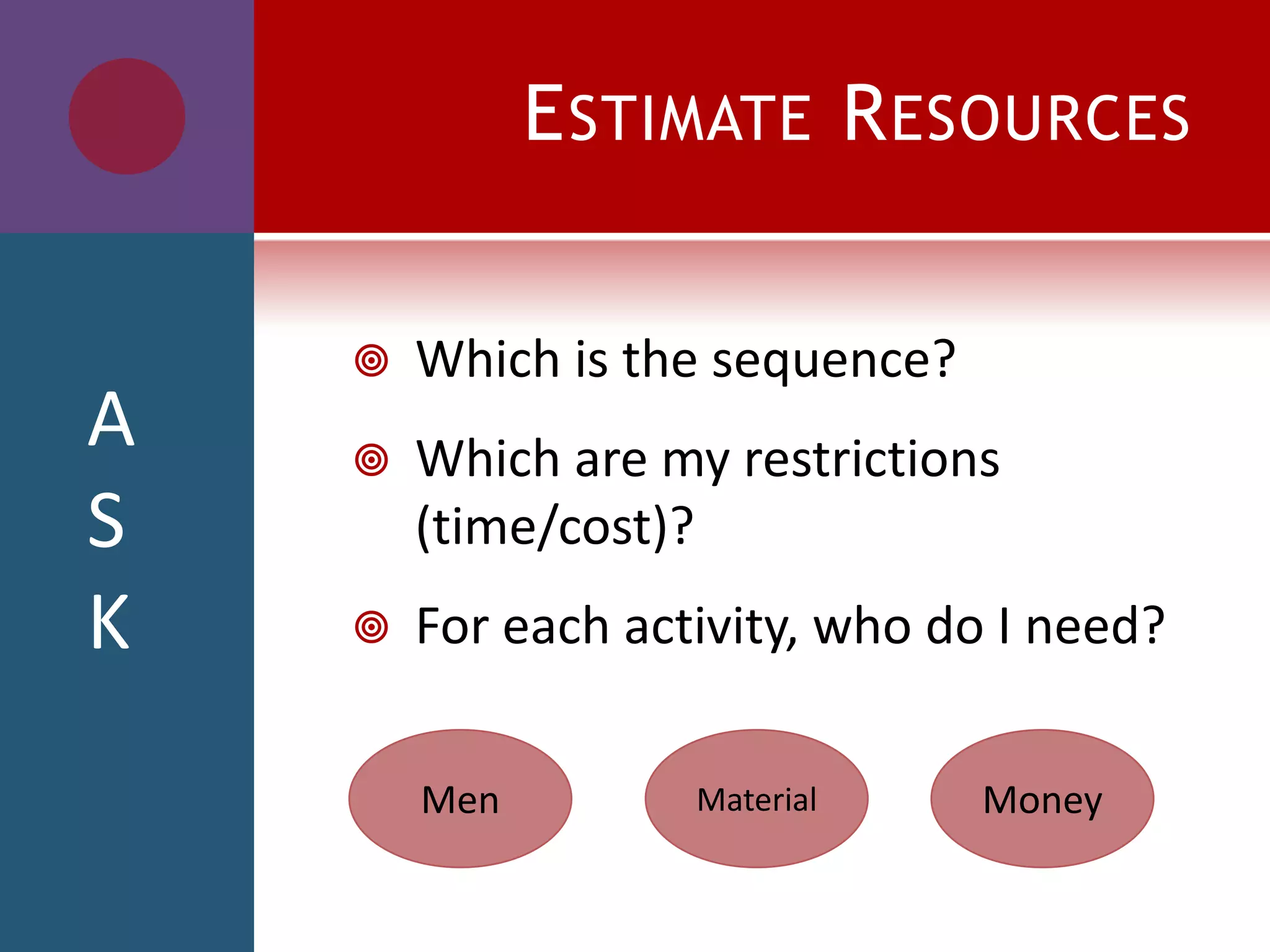
ESTIMATE RESOURCES
 Which is the sequence?
 Which are my restrictions
(time/cost)?
 For each activity, who do I need?
Men Material Money
A
S
K
ESTIMATE DURATION
 What is the level of skill of each
resource assigned?
 To finalize each activity, how much
time do we need?
A
S
K
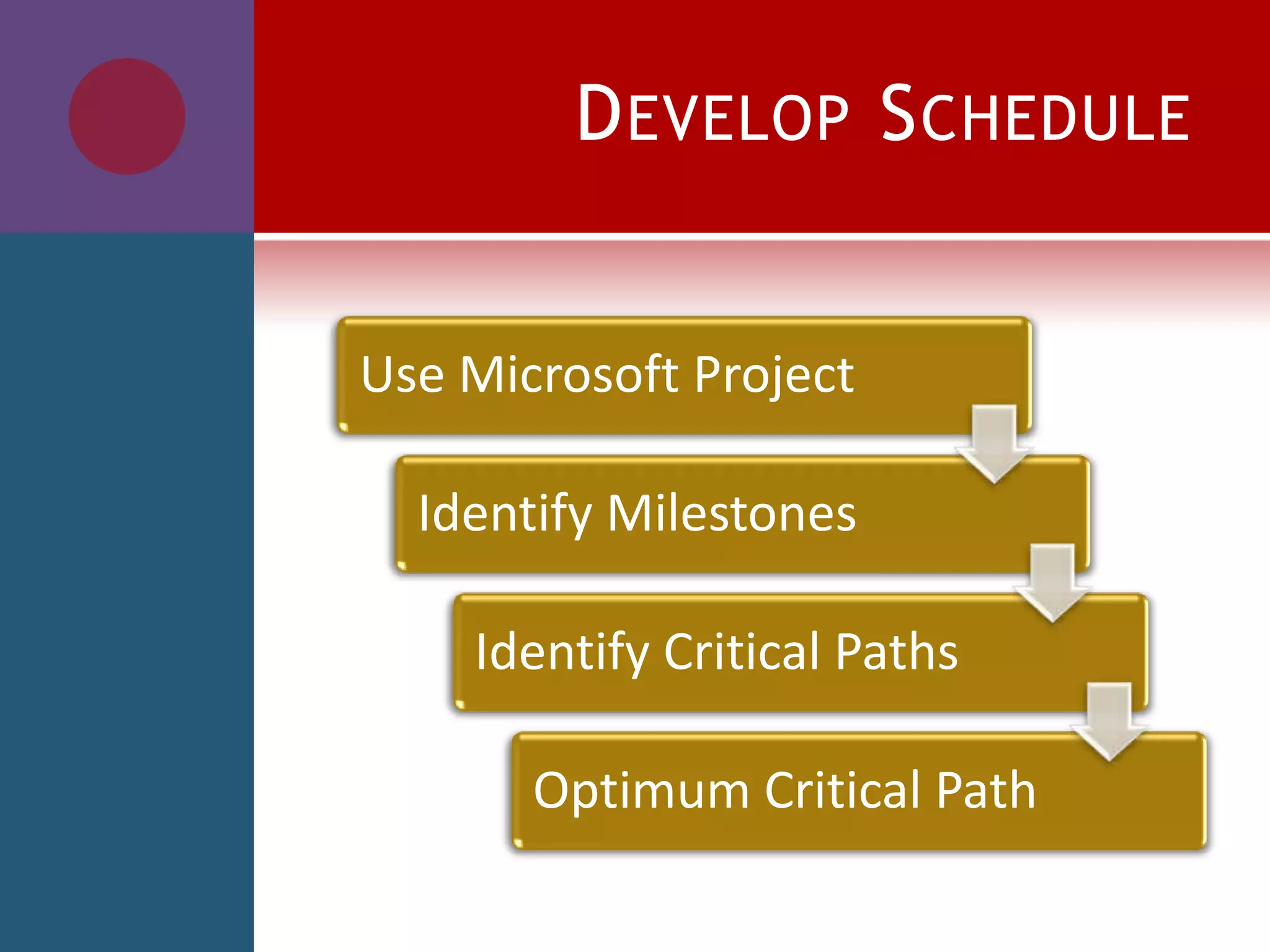
DEVELOP SCHEDULE
Use Microsoft Project
Identify Milestones
Identify Critical Paths
Optimum Critical Path
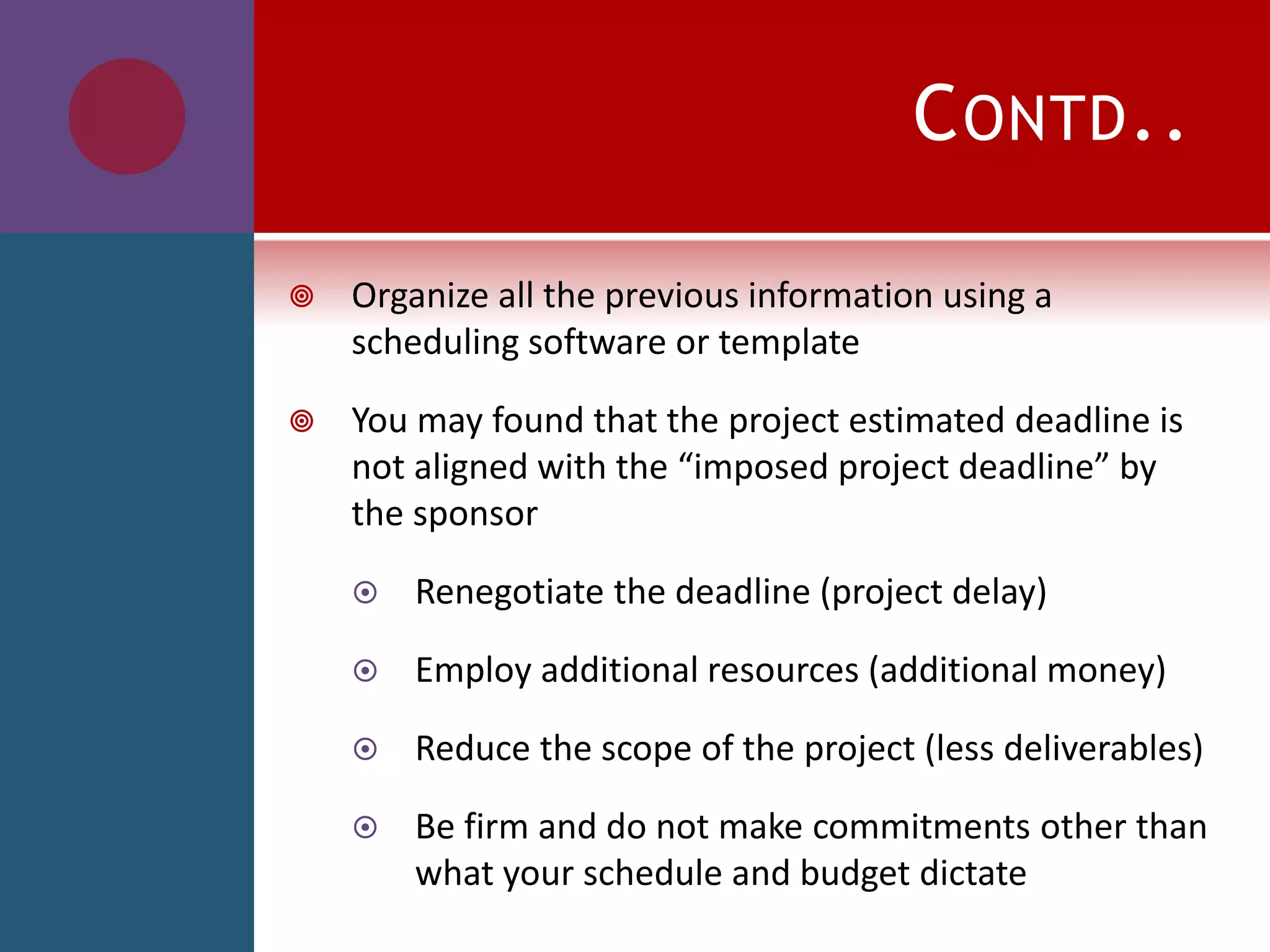
CONTD..
 Organize all the previous information using a
scheduling software or template
 You may found that the project estimated deadline is
not aligned with the “imposed project deadline” by
the sponsor
 Renegotiate the deadline (project delay)
 Employ additional resources (additional money)
 Reduce the scope of the project (less deliverables)
 Be firm and do not make commitments other than
what your schedule and budget dictate
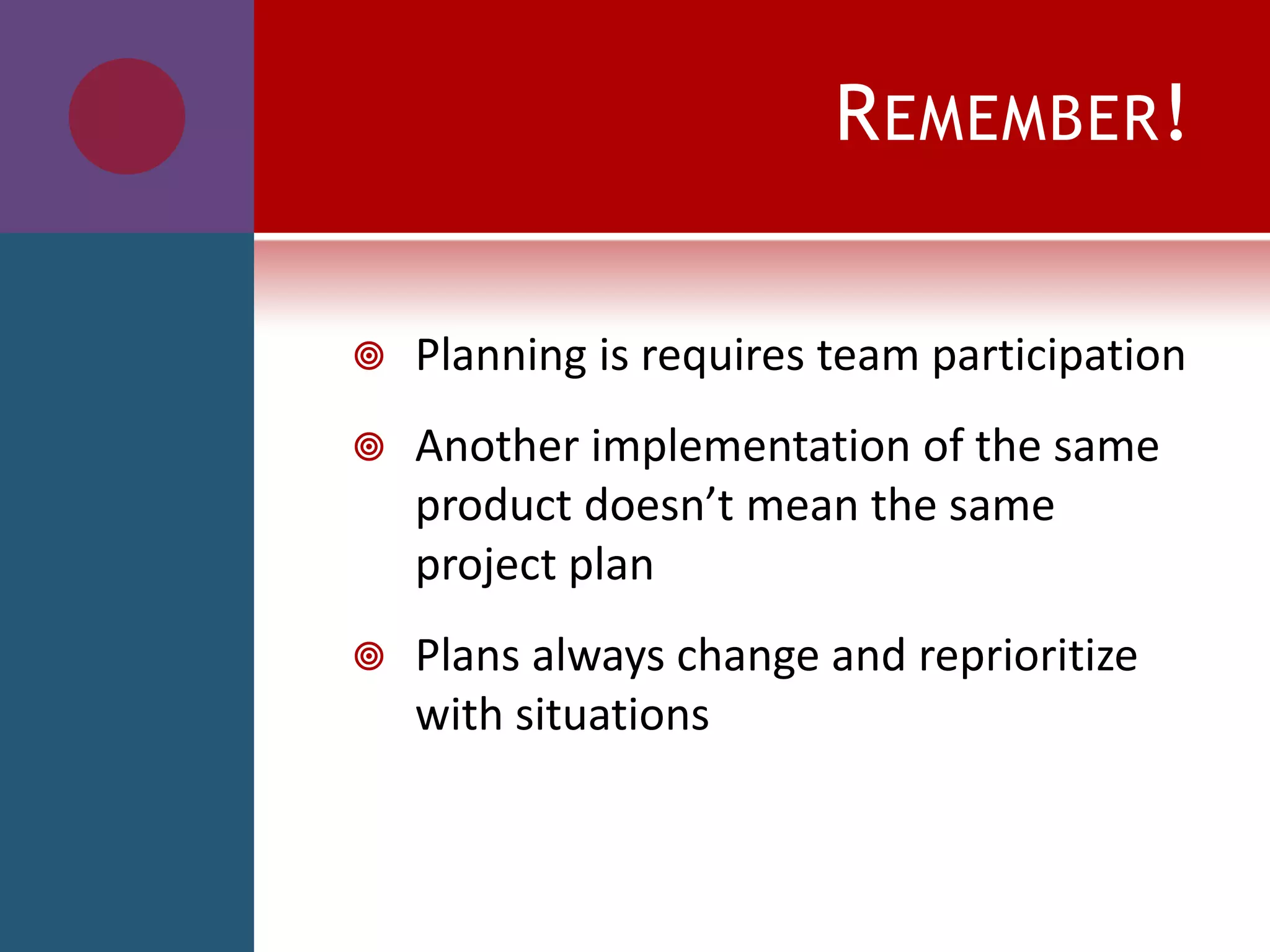
REMEMBER!
 Planning is requires team participation
 Another implementation of the same
product doesn’t mean the same
project plan
 Plans always change and reprioritize
with situations
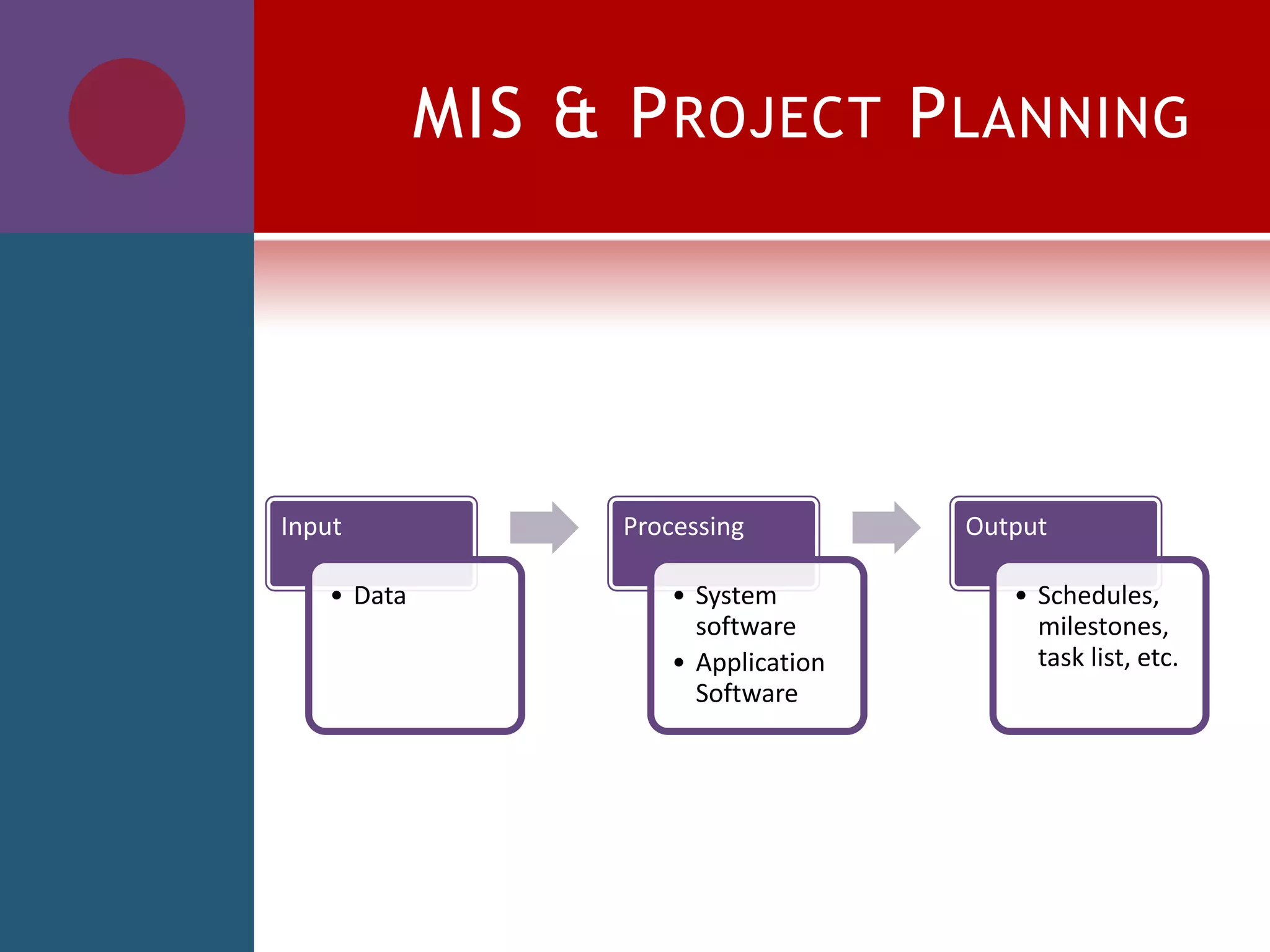
MIS & PROJECT PLANNING
Input
• Data
Processing
• System
software
• Application
Software
Output
• Schedules,
milestones,
task list, etc.
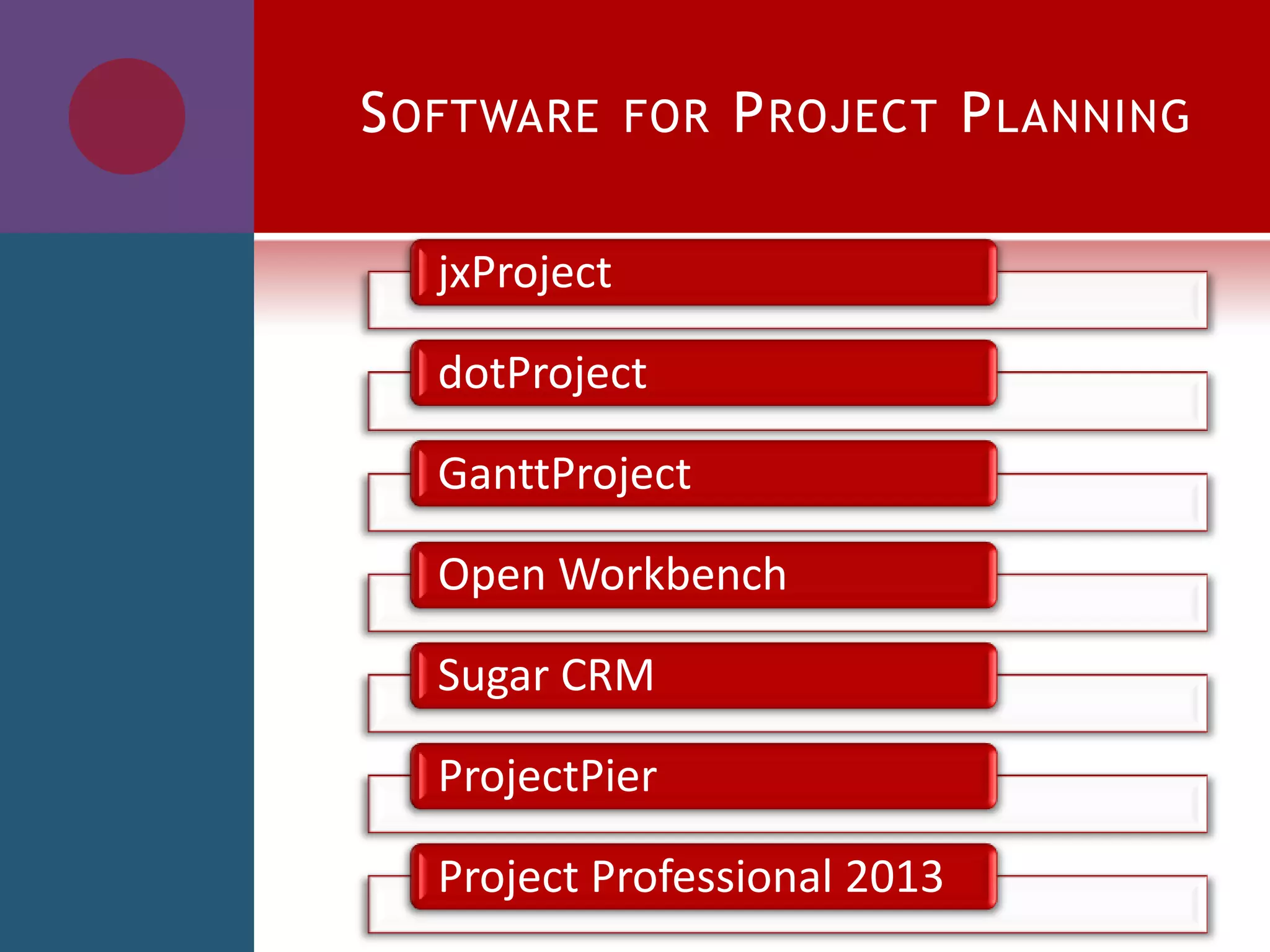
SOFTWARE FOR PROJECT PLANNING
jxProject
dotProject
GanttProject
Open Workbench
Sugar CRM
ProjectPier
Project Professional 2013
THANK YOU

project planning

  • 1.
  • 2.
    PROJECT  Planned setof interrelated tasks to be executed over a fixed period and within certain cost and other limitations.
  • 3.
    PROJECT PLANNING  “Projectplanning is the discipline for stating how to complete a project within a certain timeframe, usually with defined stages, and with designated resources.”
  • 4.
    WHY?  The keyto a successful project is in planning  Planning is the first thing you do when undertaking a project  The value of project planning  saving money  saving time  saving many problems  Remember: If you fail to plan, you plan to fail
  • 5.
  • 6.
    Develop the Schedule EstimateActivity Duration Estimate Resources for all Activities Define Sequence of Activities Create WBS & Create all Deliverables Review the Project Charter
  • 7.
  • 8.
    CREATE WORK BREAKDOWN STRUCTURE Level4 Level 3 Level 2 Level 1 System Subsystem Task Subtask Task Subtask Subtask Subsystem Task Subtask
  • 9.
    PROJECT DELIVERABLES  Createa list of things that need to be delivered to meet the defined goals  Specify when and how each item must be delivered  Add deliverables to the project plan with an estimated delivery date
  • 10.
    SEQUENCE OF ACTIVITIES Do I have any time constraints?  What is the relationship between activities?  Which activities can be done in parallel? A S K
  • 11.
    ESTIMATE RESOURCES  Whichis the sequence?  Which are my restrictions (time/cost)?  For each activity, who do I need? Men Material Money A S K
  • 12.
    ESTIMATE DURATION  Whatis the level of skill of each resource assigned?  To finalize each activity, how much time do we need? A S K
  • 13.
    DEVELOP SCHEDULE Use MicrosoftProject Identify Milestones Identify Critical Paths Optimum Critical Path
  • 14.
    CONTD..  Organize allthe previous information using a scheduling software or template  You may found that the project estimated deadline is not aligned with the “imposed project deadline” by the sponsor  Renegotiate the deadline (project delay)  Employ additional resources (additional money)  Reduce the scope of the project (less deliverables)  Be firm and do not make commitments other than what your schedule and budget dictate
  • 15.
    REMEMBER!  Planning isrequires team participation  Another implementation of the same product doesn’t mean the same project plan  Plans always change and reprioritize with situations
  • 16.
    MIS & PROJECTPLANNING Input • Data Processing • System software • Application Software Output • Schedules, milestones, task list, etc.
  • 17.
    SOFTWARE FOR PROJECTPLANNING jxProject dotProject GanttProject Open Workbench Sugar CRM ProjectPier Project Professional 2013
  • 18.