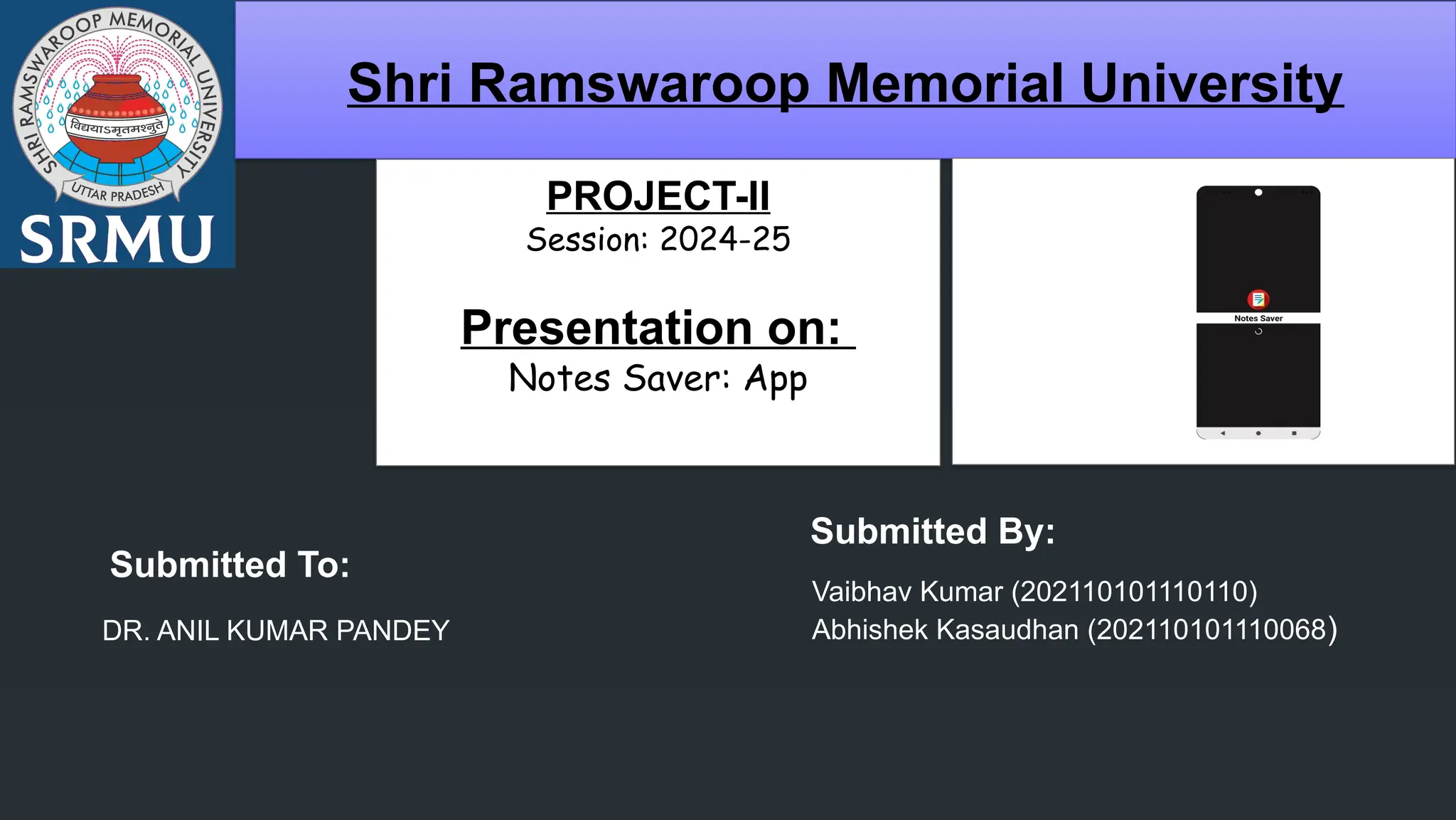
Shri Ramswaroop Memorial University
PROJECT-II
Session: 2024-25
Presentation on:
Notes Saver: App
Submitted To:
DR. ANIL KUMAR PANDEY
Submitted By:
Vaibhav Kumar (202110101110110)
Abhishek Kasaudhan (202110101110068)
Table of Content
 Introduction
 Project Goals
 Modules involved
 Technology stack & tools
 Conclusion and Future work
Introduction
 This notes saver app is a simple and efficient mobile application designed for users to
create, manage and organize their personal notes.
 It enable real-time data storage.
 Firebase serves as the backend, providing cloud-based database functionality, user
authentication, and data security.
We added function:
User authentication ( login/signup functionality and logout )
When a user account is created, a verification message will be sent to the same Gmail,
he/she cannot login until account has been verified.
Project Goals
OBJECTIVE:
 Create a simple, user-friendly interface.
 It enables users to create account by email and password and it enables various
screens for adding, editing, deleting , displaying notes and logout features as
well.
 Using a firebase for firebase database (cloud firestore) and user authentication.
Modules involved
• Splash screen
• Login screen
• Signup screen
• Add new note screen ( create ,edit ,save and delete note )
• Log out
Technology Stack & tools
Key technologies used:
• Xml: For designing UI layouts.
• Java: for app logic and functionality.
• Backend using - Firebase : for firebase database (cloud Firestore) and user
authentication.
Tools used:
Android studio: IDE for development.
 It offers a ranges of tools and features that are tailored to the
android platform, making it easier to build and test applications.
 It helps you debug and improve the performance of your code
including inline debugging & performance analysis tools.
Conclusion and Future work
 Summary:
 Recap of app features and technologies used.
 If I require that any more features, should be added then I can add them.
Future enhancement:
• Adding : Ask to meta AI or search functionality.
• Implementing a note tagging and sharing option.
PROJECT-II_by_vk.pptxfffffffffffffffffffffffffffff

PROJECT-II_by_vk.pptxfffffffffffffffffffffffffffff

  • 1.
    Shri Ramswaroop MemorialUniversity PROJECT-II Session: 2024-25 Presentation on: Notes Saver: App Submitted To: DR. ANIL KUMAR PANDEY Submitted By: Vaibhav Kumar (202110101110110) Abhishek Kasaudhan (202110101110068)
  • 2.
    Table of Content Introduction  Project Goals  Modules involved  Technology stack & tools  Conclusion and Future work
  • 3.
    Introduction  This notessaver app is a simple and efficient mobile application designed for users to create, manage and organize their personal notes.  It enable real-time data storage.  Firebase serves as the backend, providing cloud-based database functionality, user authentication, and data security. We added function: User authentication ( login/signup functionality and logout ) When a user account is created, a verification message will be sent to the same Gmail, he/she cannot login until account has been verified.
  • 4.
    Project Goals OBJECTIVE:  Createa simple, user-friendly interface.  It enables users to create account by email and password and it enables various screens for adding, editing, deleting , displaying notes and logout features as well.  Using a firebase for firebase database (cloud firestore) and user authentication.
  • 5.
    Modules involved • Splashscreen • Login screen • Signup screen • Add new note screen ( create ,edit ,save and delete note ) • Log out
  • 6.
    Technology Stack &tools Key technologies used: • Xml: For designing UI layouts. • Java: for app logic and functionality. • Backend using - Firebase : for firebase database (cloud Firestore) and user authentication. Tools used: Android studio: IDE for development.  It offers a ranges of tools and features that are tailored to the android platform, making it easier to build and test applications.  It helps you debug and improve the performance of your code including inline debugging & performance analysis tools.
  • 7.
    Conclusion and Futurework  Summary:  Recap of app features and technologies used.  If I require that any more features, should be added then I can add them. Future enhancement: • Adding : Ask to meta AI or search functionality. • Implementing a note tagging and sharing option.