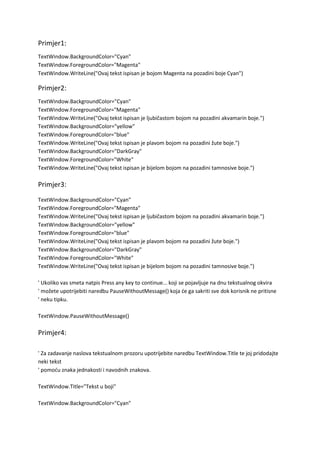
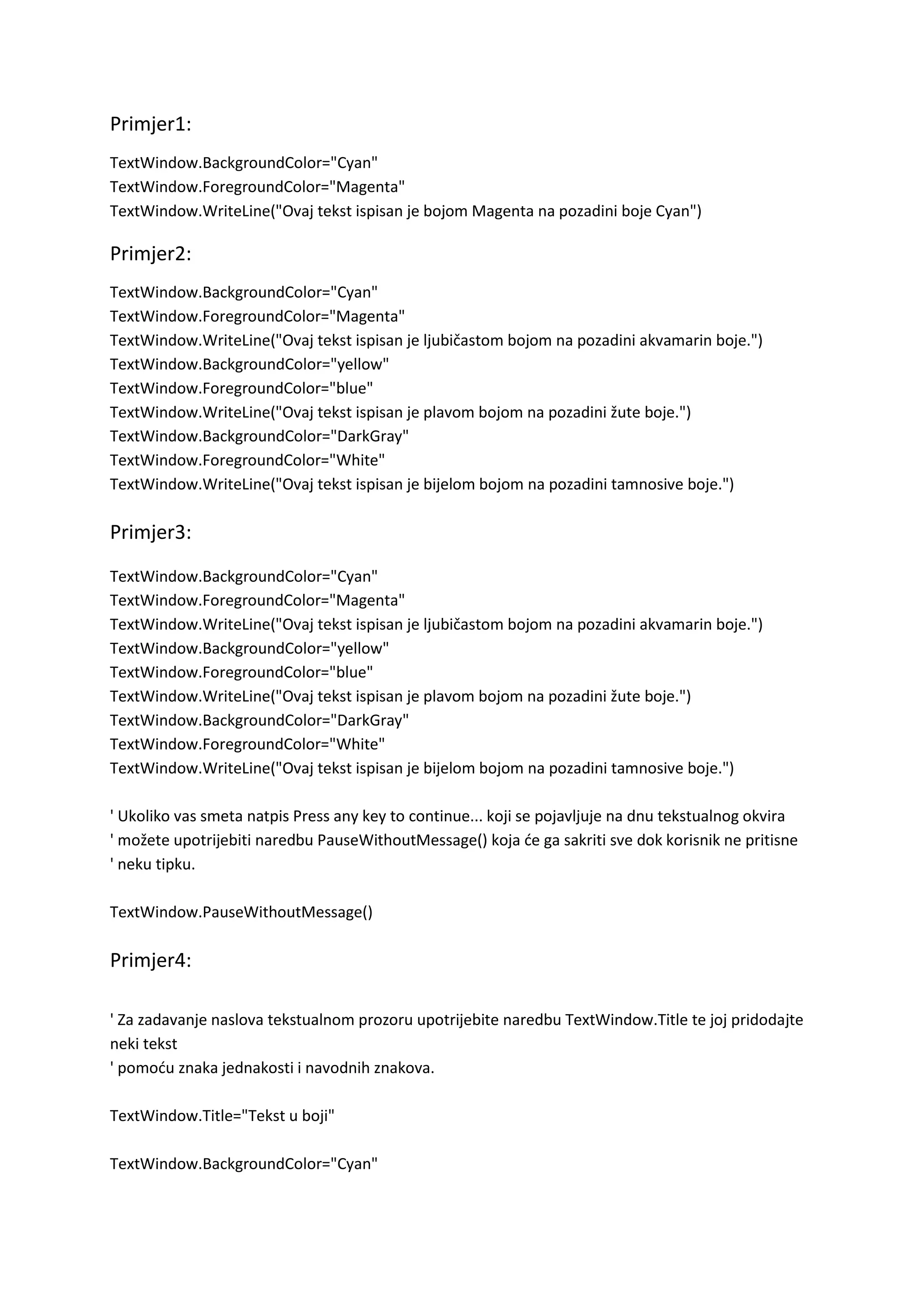
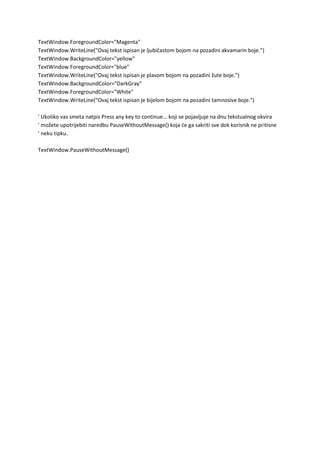
Primjer1:<br />TextWindow.BackgroundColor=\"
Cyan\"
TextWindow.ForegroundColor=\"
Magenta\"
TextWindow.WriteLine(\"
Ovaj tekst ispisan je bojom Magenta na pozadini boje Cyan\"
)<br />Primjer2:<br />TextWindow.BackgroundColor=\"
Cyan\"
<br />TextWindow.ForegroundColor=\"
Magenta\"
<br />TextWindow.WriteLine(\"
Ovaj tekst ispisan je ljubičastom bojom na pozadini akvamarin boje.\"
)<br />TextWindow.BackgroundColor=\"
yellow\"
<br />TextWindow.ForegroundColor=\"
blue\"
<br />TextWindow.WriteLine(\"
Ovaj tekst ispisan je plavom bojom na pozadini žute boje.\"
)<br />TextWindow.BackgroundColor=\"
DarkGray\"
<br />TextWindow.ForegroundColor=\"
White\"
<br />TextWindow.WriteLine(\"
Ovaj tekst ispisan je bijelom bojom na pozadini tamnosive boje.\"
)<br />Primjer3:<br />TextWindow.BackgroundColor=\"
Cyan\"
<br />TextWindow.ForegroundColor=\"
Magenta\"
<br />TextWindow.WriteLine(\"
Ovaj tekst ispisan je ljubičastom bojom na pozadini akvamarin boje.\"
)<br />TextWindow.BackgroundColor=\"
yellow\"
<br />TextWindow.ForegroundColor=\"
blue\"
<br />TextWindow.WriteLine(\"
Ovaj tekst ispisan je plavom bojom na pozadini žute boje.\"
)<br />TextWindow.BackgroundColor=\"
DarkGray\"
<br />TextWindow.ForegroundColor=\"
White\"
<br />TextWindow.WriteLine(\"
Ovaj tekst ispisan je bijelom bojom na pozadini tamnosive boje.\"
)<br />' Ukoliko vas smeta natpis Press any key to continue... koji se pojavljuje na dnu tekstualnog okvira <br />' možete upotrijebiti naredbu PauseWithoutMessage() koja će ga sakriti sve dok korisnik ne pritisne<br />' neku tipku. <br />TextWindow.PauseWithoutMessage()<br />Primjer4:<br />' Za zadavanje naslova tekstualnom prozoru upotrijebite naredbu TextWindow.Title te joj pridodajte neki tekst <br />' pomoću znaka jednakosti i navodnih znakova.<br />TextWindow.Title=\"
Tekst u boji\"
<br />TextWindow.BackgroundColor=\"
Cyan\"
<br />TextWindow.ForegroundColor=\"
Magenta\"
<br />TextWindow.WriteLine(\"
Ovaj tekst ispisan je ljubičastom bojom na pozadini akvamarin boje.\"
)<br />TextWindow.BackgroundColor=\"
yellow\"
<br />TextWindow.ForegroundColor=\"
blue\"
<br />TextWindow.WriteLine(\"
Ovaj tekst ispisan je plavom bojom na pozadini žute boje.\"
)<br />TextWindow.BackgroundColor=\"
DarkGray\"
<br />TextWindow.ForegroundColor=\"
White\"
<br />TextWindow.WriteLine(\"
Ovaj tekst ispisan je bijelom bojom na pozadini tamnosive boje.\"
)<br />' Ukoliko vas smeta natpis Press any key to continue... koji se pojavljuje na dnu tekstualnog okvira <br />' možete upotrijebiti naredbu PauseWithoutMessage() koja će ga sakriti sve dok korisnik ne pritisne<br />' neku tipku. <br />TextWindow.PauseWithoutMessage()<br />
Primjer 1 do primjera 4

Primjer 1 do primjera 4

  • 1.
    Primjer1:<br />TextWindow.BackgroundColor=\" Cyan\" TextWindow.ForegroundColor=\" Magenta\" TextWindow.WriteLine(\" Ovaj tekstispisan je bojom Magenta na pozadini boje Cyan\" )<br />Primjer2:<br />TextWindow.BackgroundColor=\" Cyan\" <br />TextWindow.ForegroundColor=\" Magenta\" <br />TextWindow.WriteLine(\" Ovaj tekst ispisan je ljubičastom bojom na pozadini akvamarin boje.\" )<br />TextWindow.BackgroundColor=\" yellow\" <br />TextWindow.ForegroundColor=\" blue\" <br />TextWindow.WriteLine(\" Ovaj tekst ispisan je plavom bojom na pozadini žute boje.\" )<br />TextWindow.BackgroundColor=\" DarkGray\" <br />TextWindow.ForegroundColor=\" White\" <br />TextWindow.WriteLine(\" Ovaj tekst ispisan je bijelom bojom na pozadini tamnosive boje.\" )<br />Primjer3:<br />TextWindow.BackgroundColor=\" Cyan\" <br />TextWindow.ForegroundColor=\" Magenta\" <br />TextWindow.WriteLine(\" Ovaj tekst ispisan je ljubičastom bojom na pozadini akvamarin boje.\" )<br />TextWindow.BackgroundColor=\" yellow\" <br />TextWindow.ForegroundColor=\" blue\" <br />TextWindow.WriteLine(\" Ovaj tekst ispisan je plavom bojom na pozadini žute boje.\" )<br />TextWindow.BackgroundColor=\" DarkGray\" <br />TextWindow.ForegroundColor=\" White\" <br />TextWindow.WriteLine(\" Ovaj tekst ispisan je bijelom bojom na pozadini tamnosive boje.\" )<br />' Ukoliko vas smeta natpis Press any key to continue... koji se pojavljuje na dnu tekstualnog okvira <br />' možete upotrijebiti naredbu PauseWithoutMessage() koja će ga sakriti sve dok korisnik ne pritisne<br />' neku tipku. <br />TextWindow.PauseWithoutMessage()<br />Primjer4:<br />' Za zadavanje naslova tekstualnom prozoru upotrijebite naredbu TextWindow.Title te joj pridodajte neki tekst <br />' pomoću znaka jednakosti i navodnih znakova.<br />TextWindow.Title=\" Tekst u boji\" <br />TextWindow.BackgroundColor=\" Cyan\" <br />TextWindow.ForegroundColor=\" Magenta\" <br />TextWindow.WriteLine(\" Ovaj tekst ispisan je ljubičastom bojom na pozadini akvamarin boje.\" )<br />TextWindow.BackgroundColor=\" yellow\" <br />TextWindow.ForegroundColor=\" blue\" <br />TextWindow.WriteLine(\" Ovaj tekst ispisan je plavom bojom na pozadini žute boje.\" )<br />TextWindow.BackgroundColor=\" DarkGray\" <br />TextWindow.ForegroundColor=\" White\" <br />TextWindow.WriteLine(\" Ovaj tekst ispisan je bijelom bojom na pozadini tamnosive boje.\" )<br />' Ukoliko vas smeta natpis Press any key to continue... koji se pojavljuje na dnu tekstualnog okvira <br />' možete upotrijebiti naredbu PauseWithoutMessage() koja će ga sakriti sve dok korisnik ne pritisne<br />' neku tipku. <br />TextWindow.PauseWithoutMessage()<br />