INTRODUCTION:
 Microsoft Visual Studio is an integrated
development environment (IDE) from Microsoft.
 Visual Studio uses Microsoft software
development platforms such as Windows API,
Windows Forms, Windows Presentation
Foundation, Windows Store and Microsoft
Silverlight.
 It can be used to develop console and graphical
user interface applications
 Visual Studio supports different programming
languages and allows the code editor and debugger
to support nearly any programming language.
 The source code of Visual Studio contain 50
million lines of code.
Features:
1) Code editor:
 Like any other IDE, it includes a code editor that
supports syntax highlighting and code completion.
 The Visual Studio code editor also supports setting
bookmarks in code for quick navigation
 Visual Studio features background compilation.
2) Debugger:
 Visual Studio includes a debugger that works both as a
source-level debugger and as a machine-level
debugger.
3) Designer:
 Visual Studio includes a host of visual designers to aid
in the development of applications. These tools
include:
Windows Forms Designer ,
WPF Designer,
Web designer/development..etc
Supported products
1) Microsoft Visual C++:
 Microsoft Visual C++ is Microsoft's implementation of
the C and C++ compiler
 For C, it follows the ISO C standard
 For C++, it follows the ANSI C++
2) Microsoft Visual C#:
 Microsoft Visual C#, Microsoft's implementation of
the C# language, targets the .NET Framework.
3) Microsoft Visual Basic:
 Microsoft Visual Basic is Microsoft's implementation
of the VB.NET language and associated tools and
language services.
 Like Visual C#, Visual Basic also supports the Visual
Studio Class designer, Forms designer, and Data
designer among others.
4) Microsoft Visual Web Designer:
 Microsoft Visual Web Developer is used to create
web sites, web applications and web services using
ASP.NET.
 Visual Web Developer can use the Visual Studio
Web Designer to graphically design web page
layouts.
Editions
Visual Studio Express
1) If you are looking to try out small applications or
medium-sized applications and do not want to spend a
single penny from your pocket, Visual Studio Express
is the right choice for you.
Visual Studio Professional
1) This edition of Visual studio is for individual
development with most of the important debugging
tools and all the things a developer commonly needs.
2)This edition is reasonable in price too.
Visual Studio Premium
1) Visual studio Premium edition is for people who make
high-quality usage of the IDE.
It adds tools for testing, code analysis, debugging,
profiling……
Visual Studio Ultimate
1) This is the ultimate edition of the product with all the
components that could exist within Visual Studio
2) This edition provides advanced debugging capabilities
with all architecture and modeling tools with it.
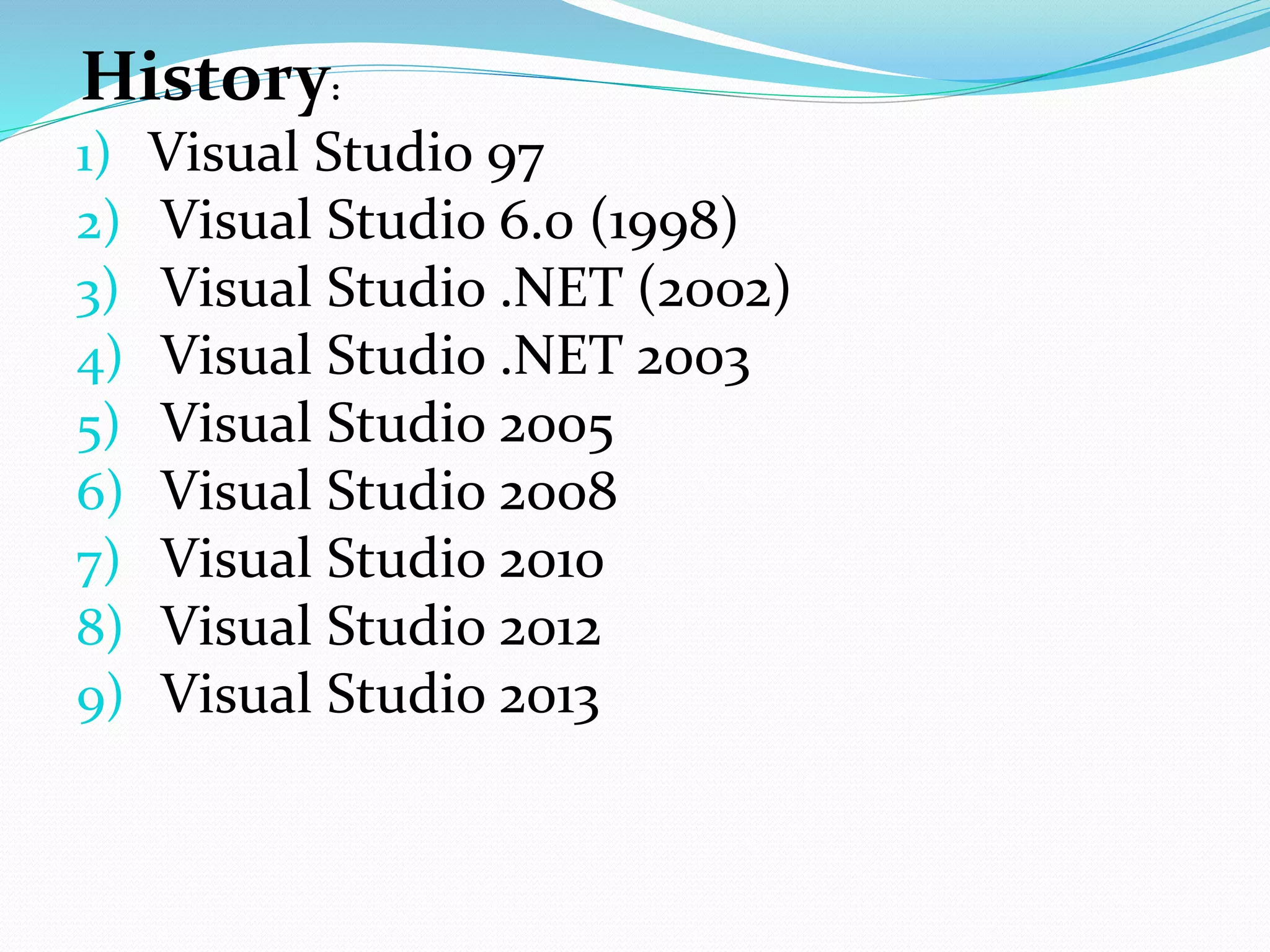
History:
1) Visual Studio 97
2) Visual Studio 6.0 (1998)
3) Visual Studio .NET (2002)
4) Visual Studio .NET 2003
5) Visual Studio 2005
6) Visual Studio 2008
7) Visual Studio 2010
8) Visual Studio 2012
9) Visual Studio 2013
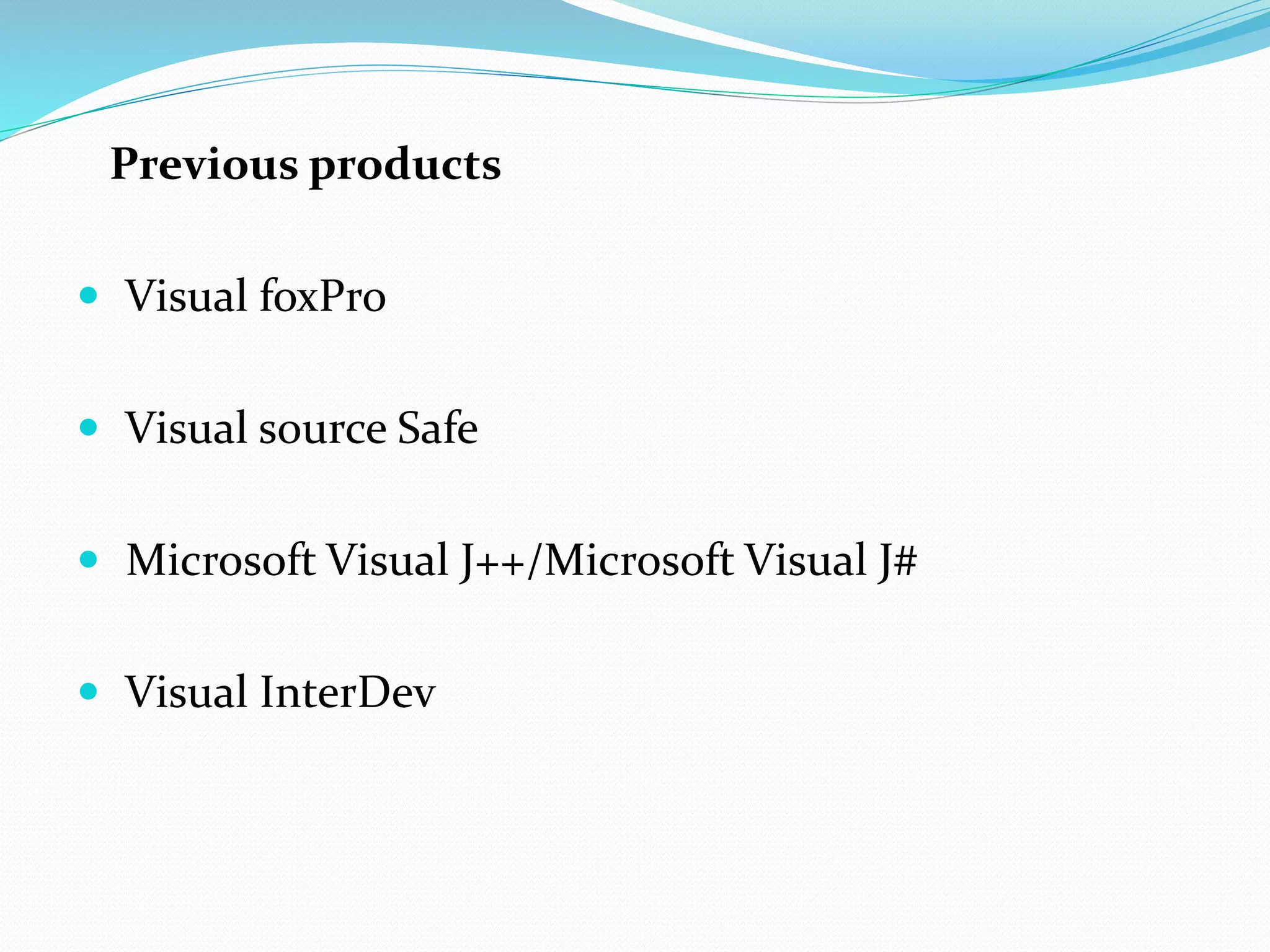
Previous products
 Visual foxPro
 Visual source Safe
 Microsoft Visual J++/Microsoft Visual J#
 Visual InterDev
THE END

Presentation on Visual Studio

  • 2.
  • 3.
     Microsoft VisualStudio is an integrated development environment (IDE) from Microsoft.  Visual Studio uses Microsoft software development platforms such as Windows API, Windows Forms, Windows Presentation Foundation, Windows Store and Microsoft Silverlight.  It can be used to develop console and graphical user interface applications
  • 4.
     Visual Studiosupports different programming languages and allows the code editor and debugger to support nearly any programming language.  The source code of Visual Studio contain 50 million lines of code.
  • 5.
    Features: 1) Code editor: Like any other IDE, it includes a code editor that supports syntax highlighting and code completion.  The Visual Studio code editor also supports setting bookmarks in code for quick navigation  Visual Studio features background compilation.
  • 6.
    2) Debugger:  VisualStudio includes a debugger that works both as a source-level debugger and as a machine-level debugger.
  • 7.
    3) Designer:  VisualStudio includes a host of visual designers to aid in the development of applications. These tools include: Windows Forms Designer , WPF Designer, Web designer/development..etc
  • 8.
  • 9.
    1) Microsoft VisualC++:  Microsoft Visual C++ is Microsoft's implementation of the C and C++ compiler  For C, it follows the ISO C standard  For C++, it follows the ANSI C++
  • 10.
    2) Microsoft VisualC#:  Microsoft Visual C#, Microsoft's implementation of the C# language, targets the .NET Framework.
  • 11.
    3) Microsoft VisualBasic:  Microsoft Visual Basic is Microsoft's implementation of the VB.NET language and associated tools and language services.  Like Visual C#, Visual Basic also supports the Visual Studio Class designer, Forms designer, and Data designer among others.
  • 12.
    4) Microsoft VisualWeb Designer:  Microsoft Visual Web Developer is used to create web sites, web applications and web services using ASP.NET.  Visual Web Developer can use the Visual Studio Web Designer to graphically design web page layouts.
  • 13.
  • 14.
    Visual Studio Express 1)If you are looking to try out small applications or medium-sized applications and do not want to spend a single penny from your pocket, Visual Studio Express is the right choice for you.
  • 15.
    Visual Studio Professional 1)This edition of Visual studio is for individual development with most of the important debugging tools and all the things a developer commonly needs. 2)This edition is reasonable in price too.
  • 16.
    Visual Studio Premium 1)Visual studio Premium edition is for people who make high-quality usage of the IDE. It adds tools for testing, code analysis, debugging, profiling……
  • 17.
    Visual Studio Ultimate 1)This is the ultimate edition of the product with all the components that could exist within Visual Studio 2) This edition provides advanced debugging capabilities with all architecture and modeling tools with it.
  • 18.
    History: 1) Visual Studio97 2) Visual Studio 6.0 (1998) 3) Visual Studio .NET (2002) 4) Visual Studio .NET 2003 5) Visual Studio 2005 6) Visual Studio 2008 7) Visual Studio 2010 8) Visual Studio 2012 9) Visual Studio 2013
  • 19.
    Previous products  VisualfoxPro  Visual source Safe  Microsoft Visual J++/Microsoft Visual J#  Visual InterDev
  • 20.