Programming for Problem
Solving
Topics: Unit 5
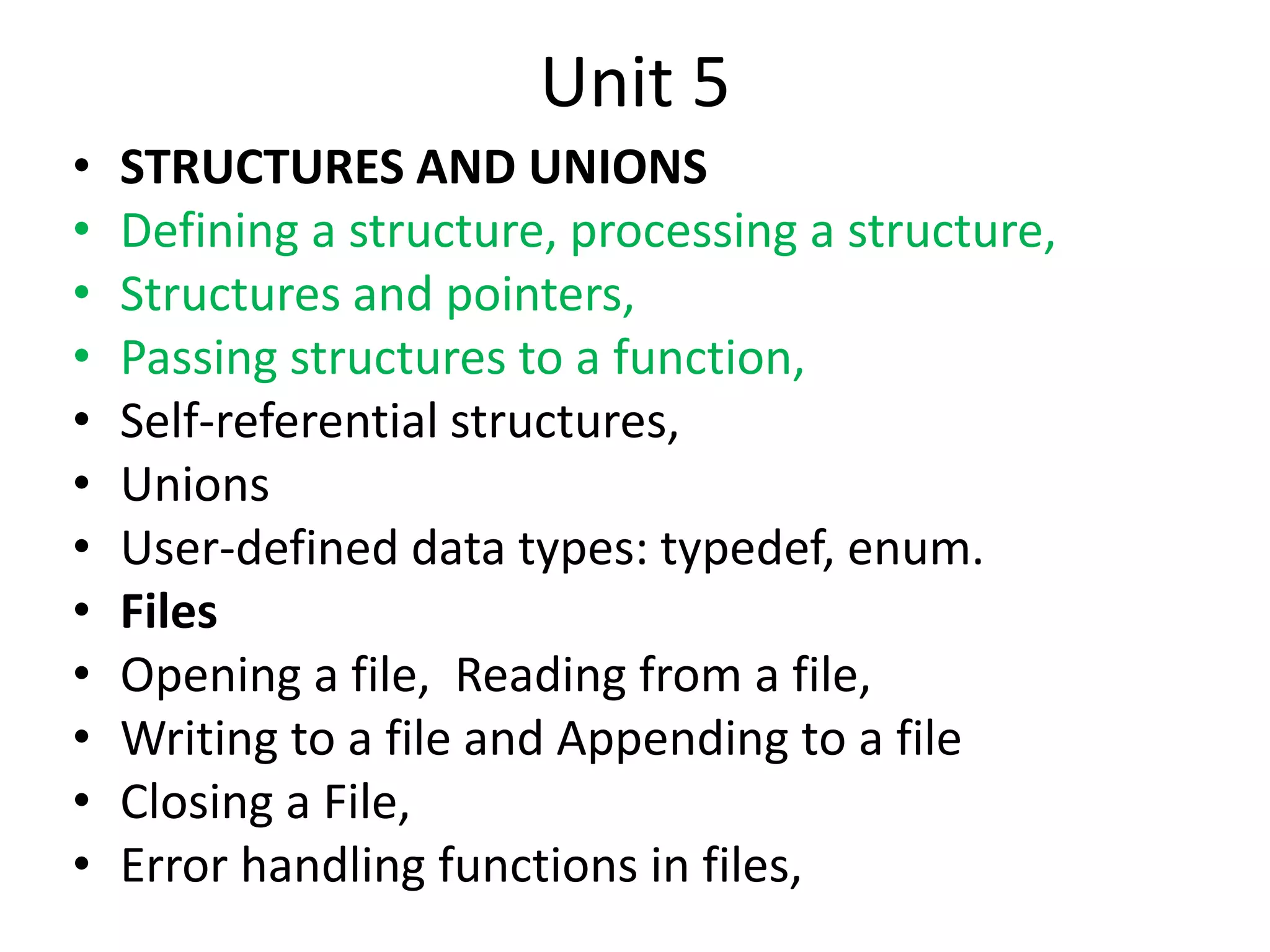
Unit 5
• STRUCTURES AND UNIONS
• Defining a structure, processing a structure,
• Structures and pointers,
• Passing structures to a function,
• Self-referential structures,
• Unions
• User-defined data types: typedef, enum.
• Files
• Opening a file, Reading from a file,
• Writing to a file and Appending to a file
• Closing a File,
• Error handling functions in files,
Passing Structure to a function
• Passing structure to a function by value
• Passing structure to a function by
address(reference)
Passing structure to a function by value
struct student { int id; char name[20]; float percentage; };
void func(struct student record);
main()
{
struct student record;
record.id=1;
strcpy(record.name, “Ritchie");
record.percentage = 86.5;
func(record);
}
void func(struct student record)
{
printf(" Id is: %d n", record.id); printf(" Name is: %s n", record.name);
printf(" Percentage is: %f n", record.percentage);
}
Passing structure to function in C by address
struct student { int id; char name[20]; float
percentage; };
void func(struct student *record);
int main()
{
struct student record; record.id=1;
strcpy(record.name, “Bjarne");
record.percentage = 86.5;
func(&record);
}
void func(struct student *record)
{
printf(" Id is: %d ", record->id); printf(" Name is: %s“,record->name);
printf(" Percentage is: %f n", record->percentage);
}
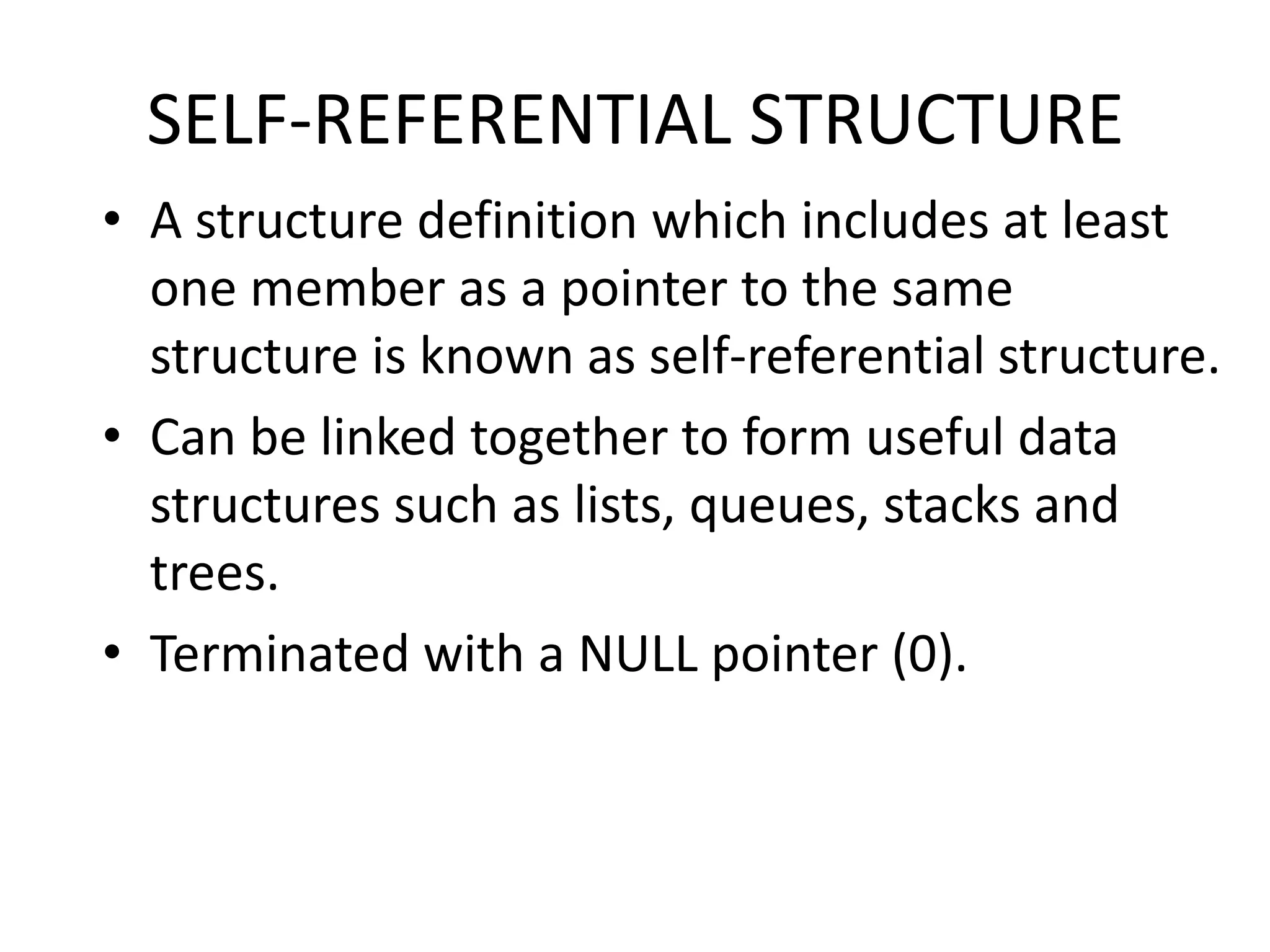
SELF-REFERENTIAL STRUCTURE
• A structure definition which includes at least
one member as a pointer to the same
structure is known as self-referential structure.
• Can be linked together to form useful data
structures such as lists, queues, stacks and
trees.
• Terminated with a NULL pointer (0).
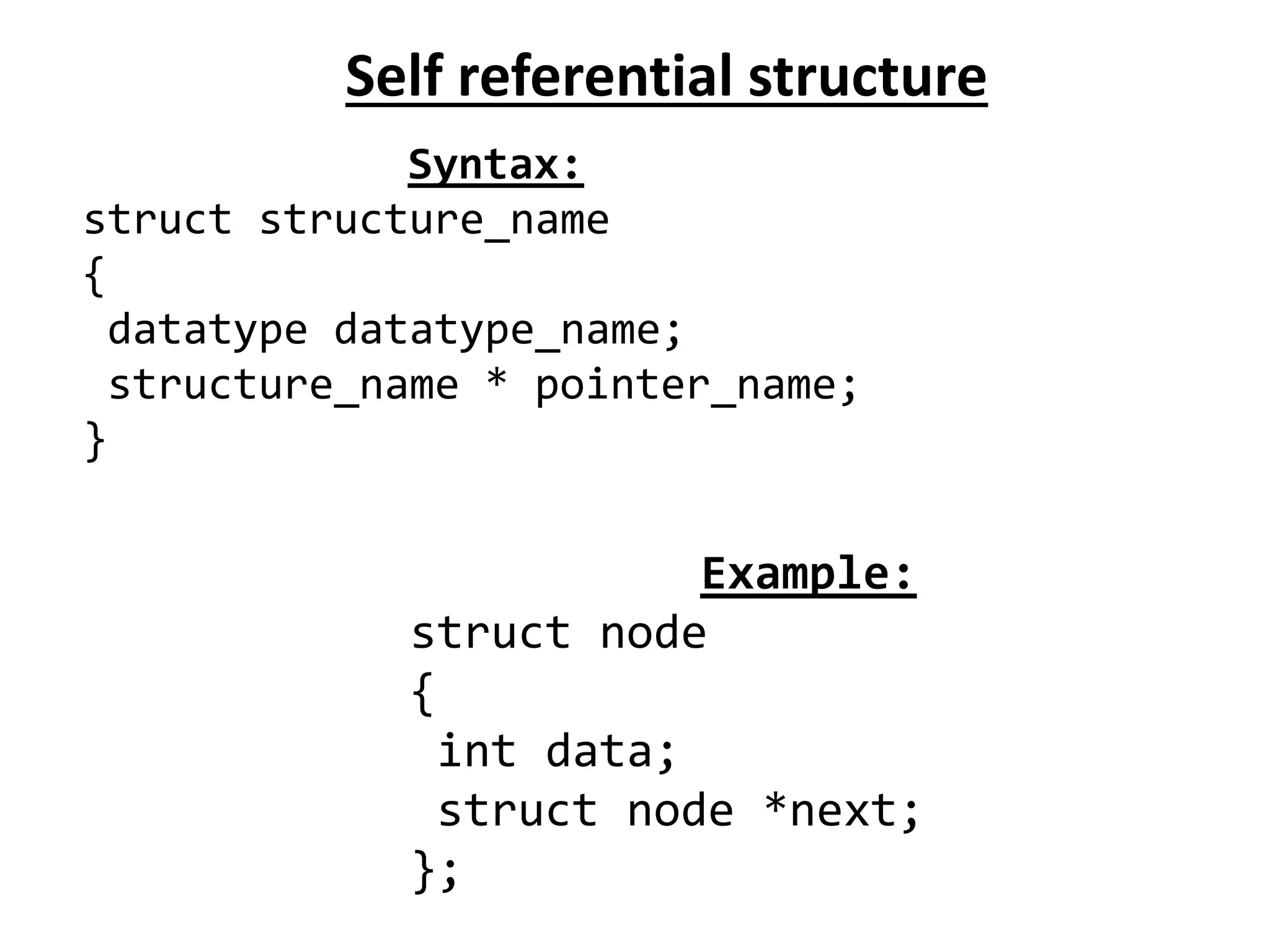
Self referential structure
Syntax:
struct structure_name
{
datatype datatype_name;
structure_name * pointer_name;
}
Example:
struct node
{
int data;
struct node *next;
};
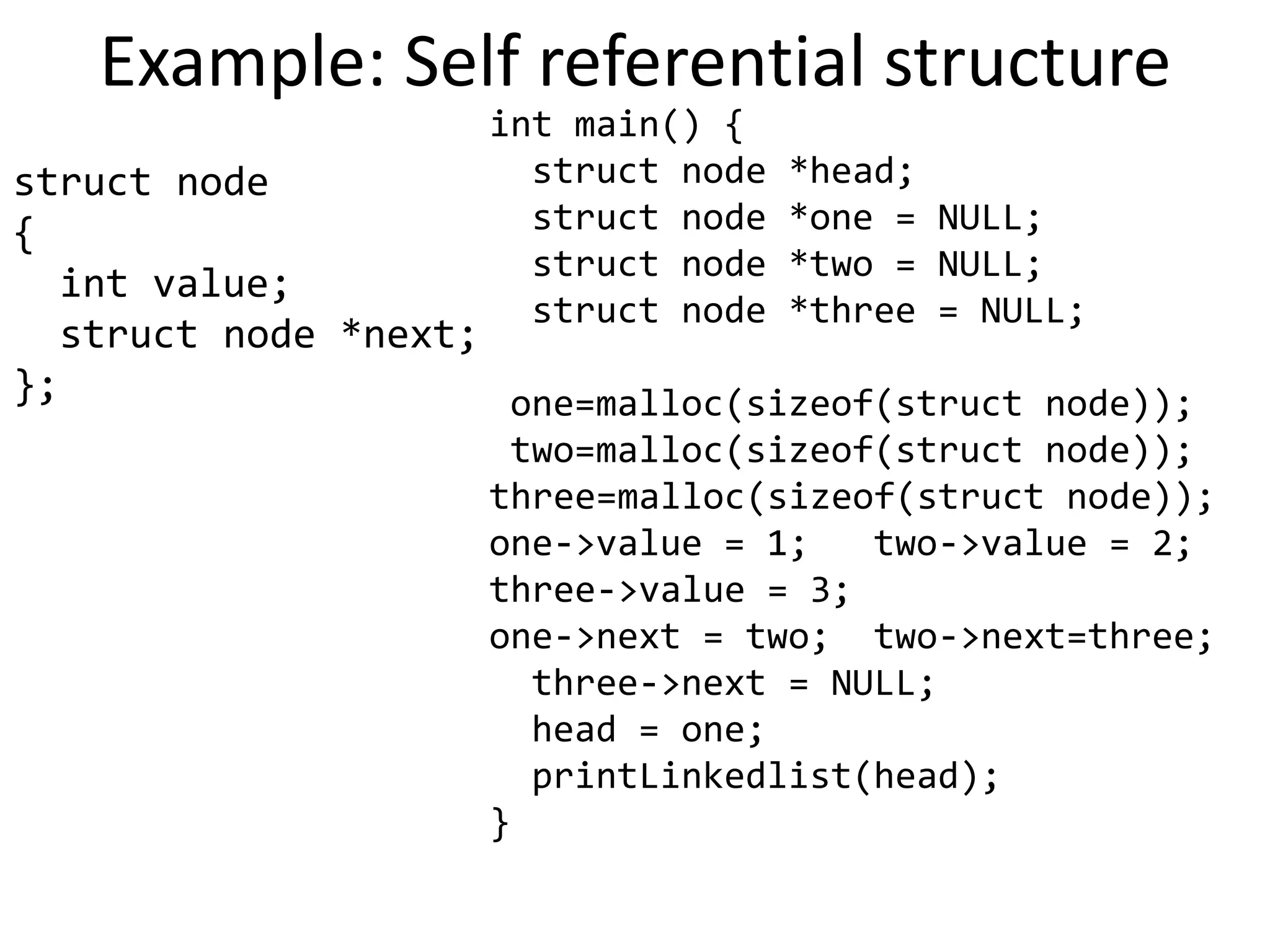
Example: Self referential structure
struct node
{
int value;
struct node *next;
};
int main() {
struct node *head;
struct node *one = NULL;
struct node *two = NULL;
struct node *three = NULL;
one=malloc(sizeof(struct node));
two=malloc(sizeof(struct node));
three=malloc(sizeof(struct node));
one->value = 1; two->value = 2;
three->value = 3;
one->next = two; two->next=three;
three->next = NULL;
head = one;
printLinkedlist(head);
}
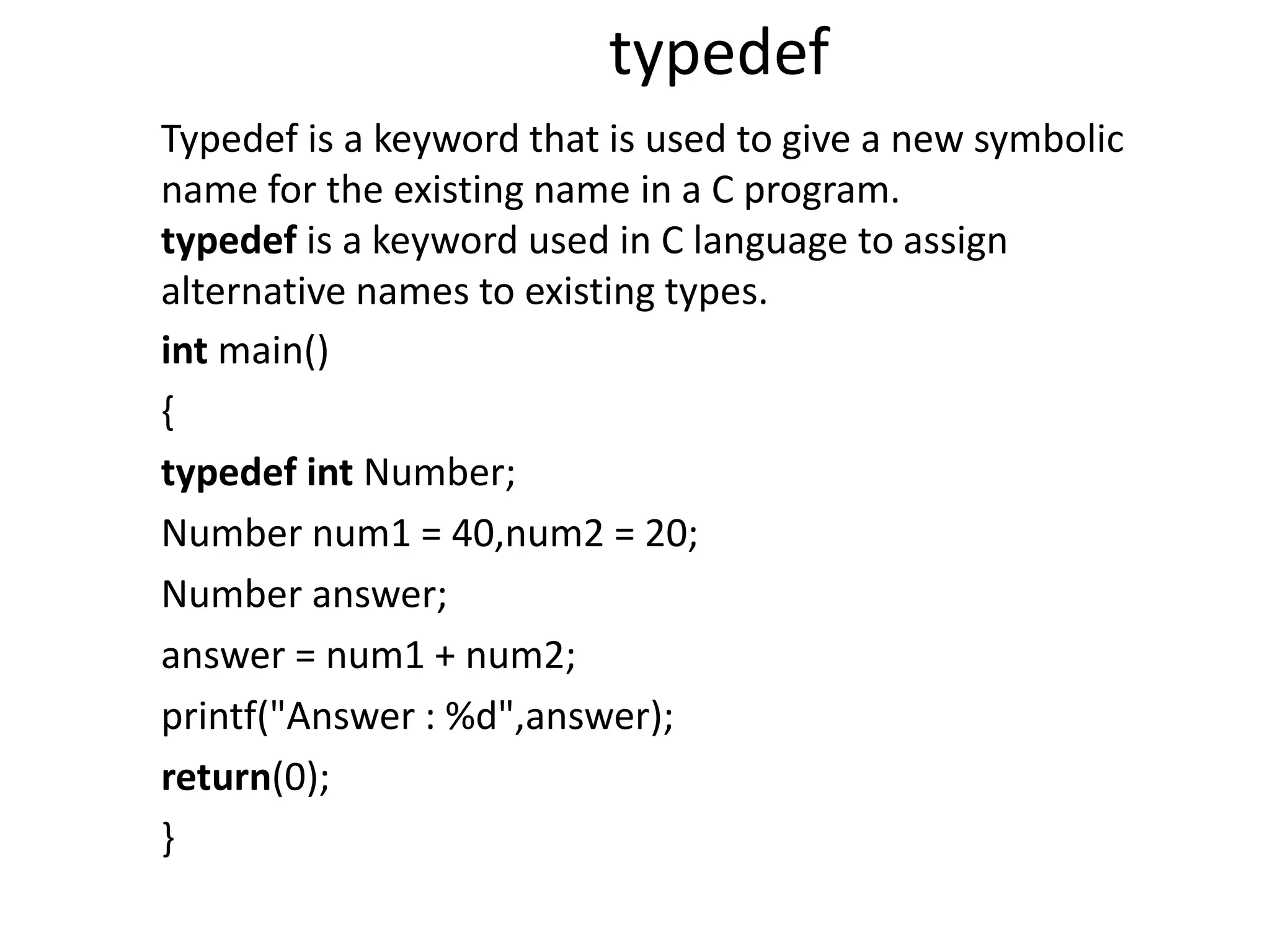
typedef
int main()
{
typedef int Number;
Number num1 = 40,num2 = 20;
Number answer;
answer = num1 + num2;
printf("Answer : %d",answer);
return(0);
}
Typedef is a keyword that is used to give a new symbolic
name for the existing name in a C program.
typedef is a keyword used in C language to assign
alternative names to existing types.
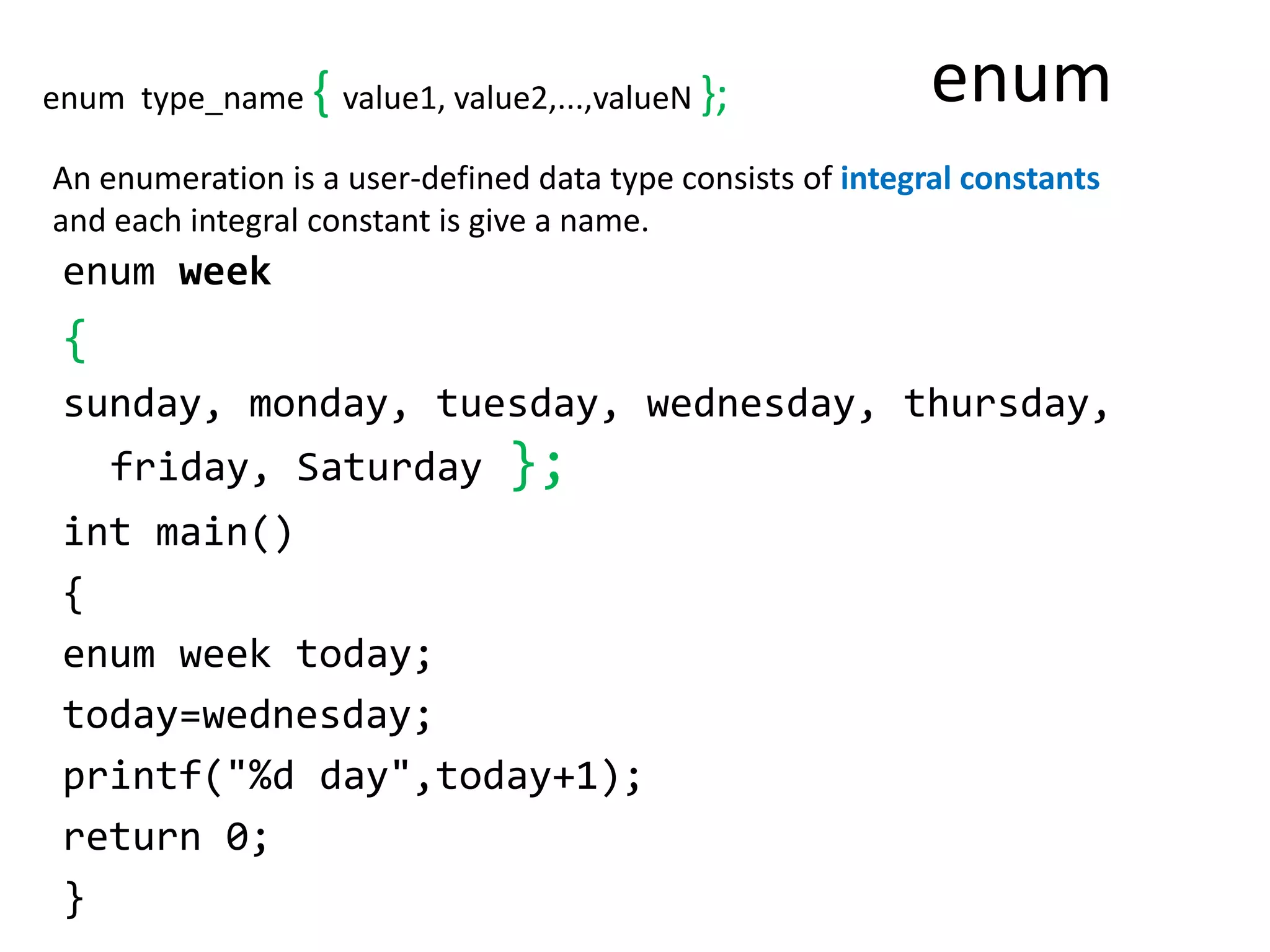
enum
enum week
{
sunday, monday, tuesday, wednesday, thursday,
friday, Saturday };
int main()
{
enum week today;
today=wednesday;
printf("%d day",today+1);
return 0;
}
An enumeration is a user-defined data type consists of integral constants
and each integral constant is give a name.
enum type_name { value1, value2,...,valueN };
File in C Language
• A file represents a sequence of bytes on the
disk where a group of related data is stored.
• In C language, we use a structure pointer of
file type to declare a file.
• FILE *fp;
13
Basic operations on a file
• Open
• Read
• Write
• Close
• Mainly we want to do read or write, but a file has to
be opened before read/write, and should be closed
after all read/write is over
14
Opening a File: fopen()
• FILE * is a datatype used to represent a pointer to a
file
• fopen takes two parameters, the name of the file
to open and the mode in which it is to be opened
• It returns the pointer to the file if the file is opened
successfully, or NULL to indicate that it is unable to
open the file
15
Modes for opening files
• The second argument of fopen is the mode in
which we open the file.
– "r" : opens a file for reading (can only read)
• Error if the file does not already exists
• "r+" : allows write also
– "w" : creates a file for writing (can only write)
• Will create the file if it does not exist
• Caution: writes over all previous contents if the flle
already exists
• "w+" : allows read also
– "a" : opens a file for appending (write at the
end of the file)
• "a+" : allows read also
16
Example: opening file.dat for write
FILE *fptr;
char filename[ ]= "file2.dat";
fptr = fopen (filename,"w");
if (fptr == NULL)
{
printf (“ERROR IN FILE CREATION”);
}
Input/Output operations on files
• C provides several different
functions for reading/writing
• getc() – read a character
• putc() – write a character
• fprintf() – write set of data values
• fscanf() – read set of data values
• getw() – read integer
• putw() – write integer
getc() and putc()
• handle one character at a time like getchar() and
putchar()
• syntax: putc(c,fp1);
– c : a character variable
– fp1 : pointer to file opened with mode w
• syntax: c = getc(fp2);
– c : a character variable
– fp2 : pointer to file opened with mode r
• file pointer moves by one character position after
every getc() and putc()
• getc() returns end-of-file marker EOF when file end
reached
FILE *fptr ;
int i, n, rollno, s1, s2; char name[30];
fptr = fopen("STUDENT.DAT", "w");
// accept n
for(i = 0 ; i < n ; i++)
{
//accept name,rollno,s1, s2 marks
fprintf(fptr,"%d %s %d %d n",rollno,name, s1, s2);
}
fclose(fptr);
fptr = fopen("STUDENT.DAT", "r");
printf("nRoll No. Name tt Sub1 t Sub2 t Totalnn");
for(i = 0; i < n; i++)
{
fscanf(fptr,"%d %s %d %d n", &rollno, name, &s1, &s2);
printf("%d t %s tt %d t %d t %d n",rollno,name,
s1, s2, s1 + s2);
}
fclose(fptr); }
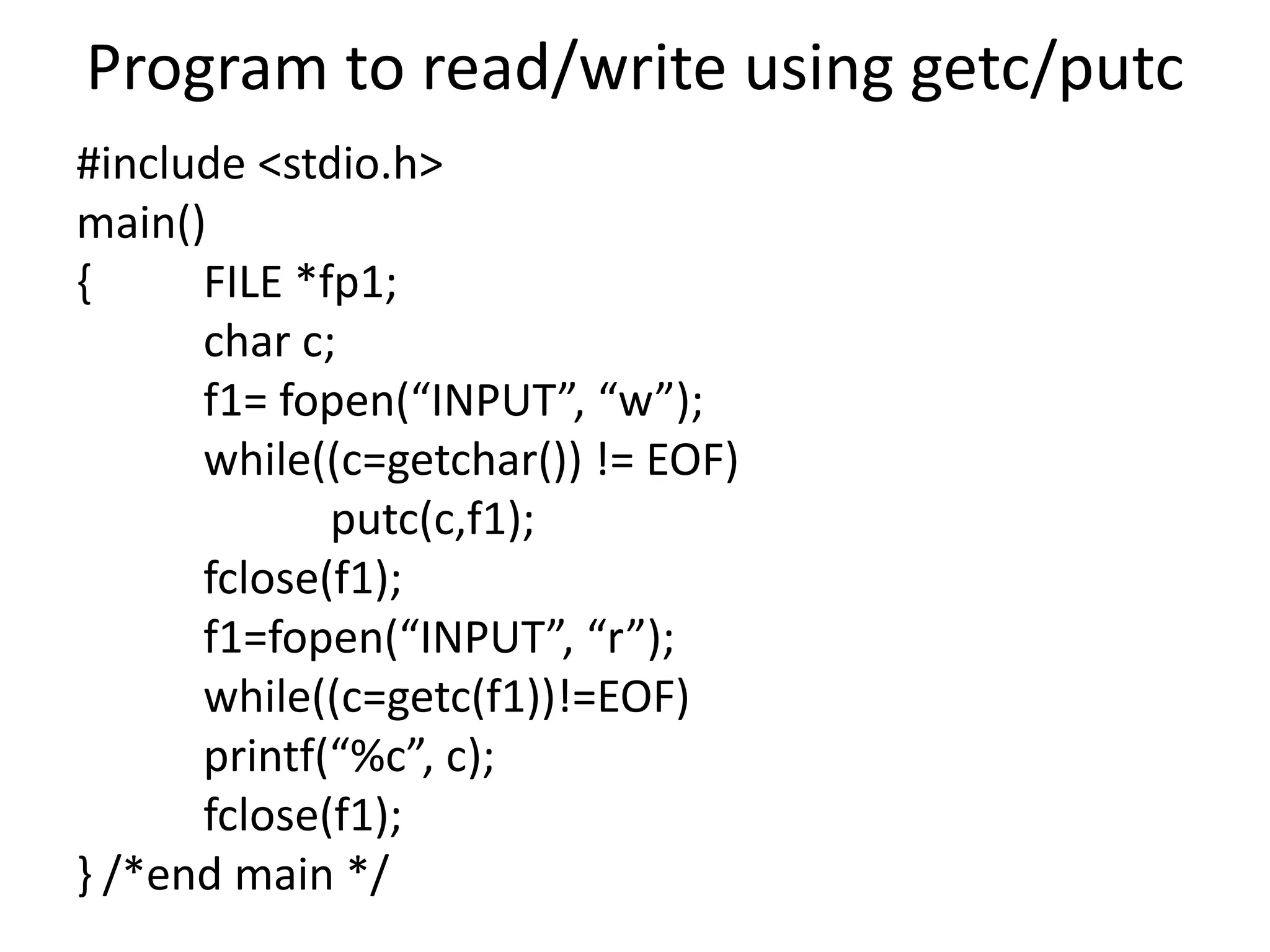
Program to read/write using getc/putc
#include <stdio.h>
main()
{ FILE *fp1;
char c;
f1= fopen(“INPUT”, “w”);
while((c=getchar()) != EOF)
putc(c,f1);
fclose(f1);
f1=fopen(“INPUT”, “r”);
while((c=getc(f1))!=EOF)
printf(“%c”, c);
fclose(f1);
} /*end main */
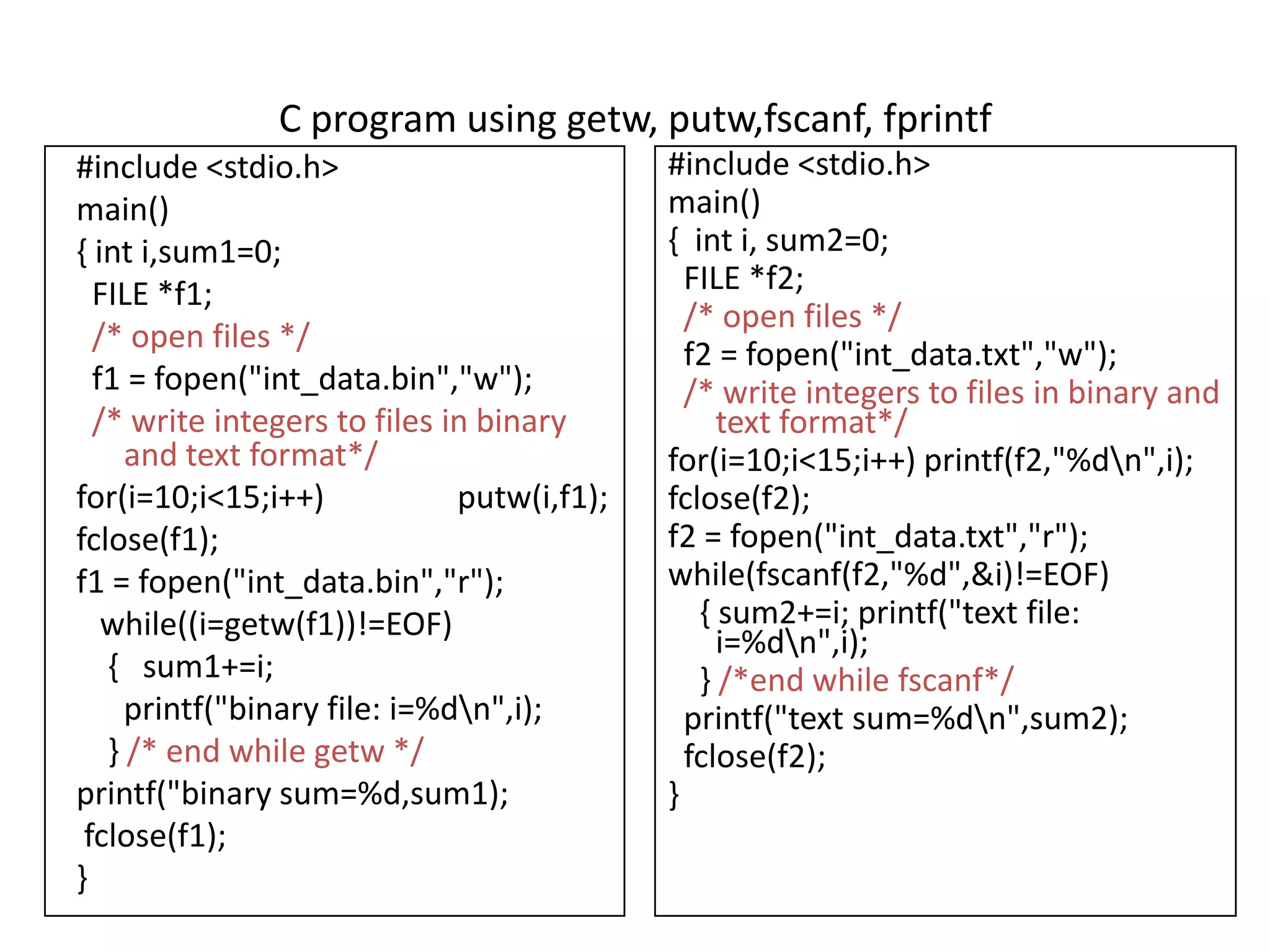
C program using getw, putw,fscanf, fprintf
#include <stdio.h>
main()
{ int i,sum1=0;
FILE *f1;
/* open files */
f1 = fopen("int_data.bin","w");
/* write integers to files in binary
and text format*/
for(i=10;i<15;i++) putw(i,f1);
fclose(f1);
f1 = fopen("int_data.bin","r");
while((i=getw(f1))!=EOF)
{ sum1+=i;
printf("binary file: i=%dn",i);
} /* end while getw */
printf("binary sum=%d,sum1);
fclose(f1);
}
#include <stdio.h>
main()
{ int i, sum2=0;
FILE *f2;
/* open files */
f2 = fopen("int_data.txt","w");
/* write integers to files in binary and
text format*/
for(i=10;i<15;i++) printf(f2,"%dn",i);
fclose(f2);
f2 = fopen("int_data.txt","r");
while(fscanf(f2,"%d",&i)!=EOF)
{ sum2+=i; printf("text file:
i=%dn",i);
} /*end while fscanf*/
printf("text sum=%dn",sum2);
fclose(f2);
}
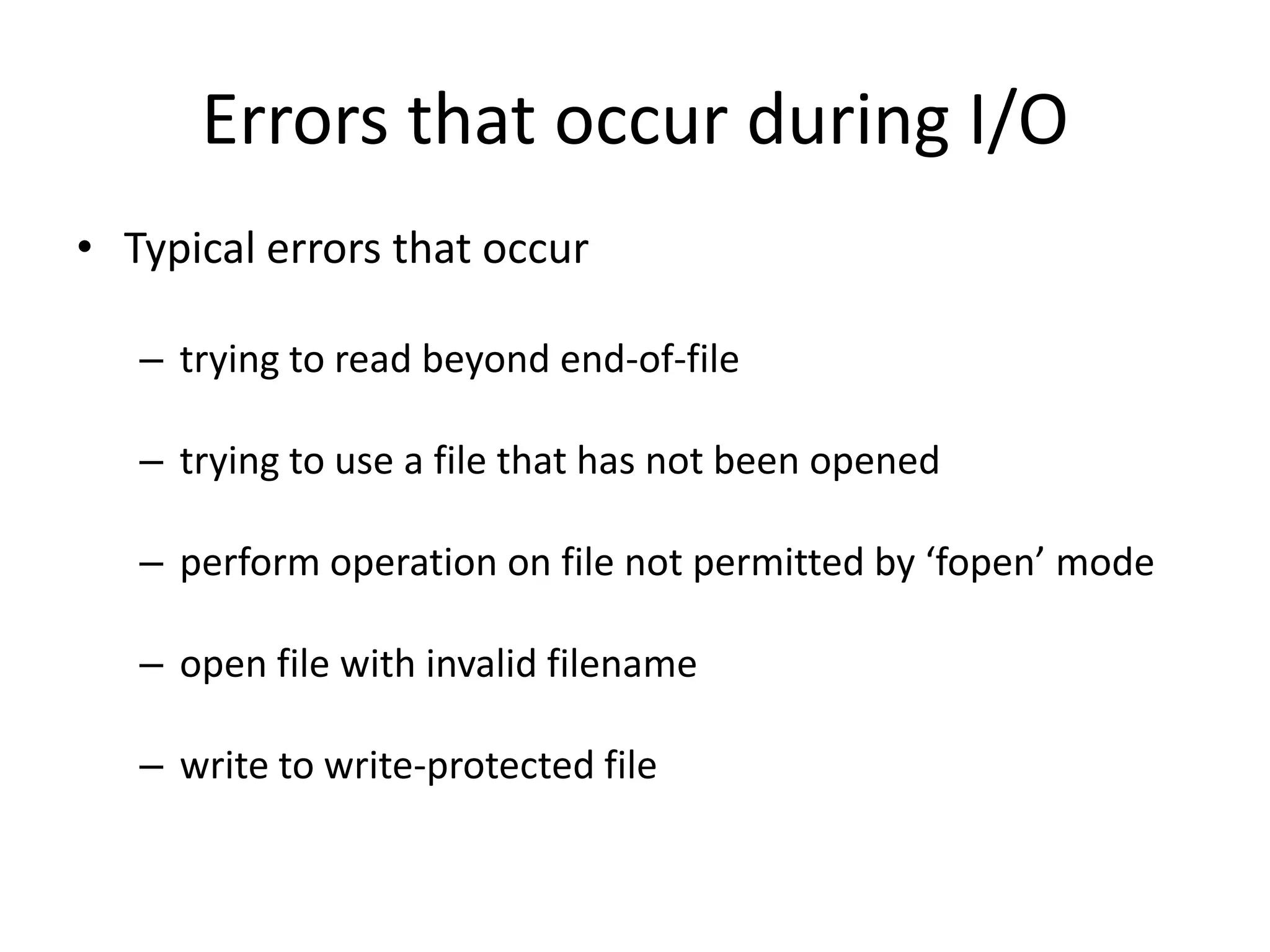
Errors that occur during I/O
• Typical errors that occur
– trying to read beyond end-of-file
– trying to use a file that has not been opened
– perform operation on file not permitted by ‘fopen’ mode
– open file with invalid filename
– write to write-protected file
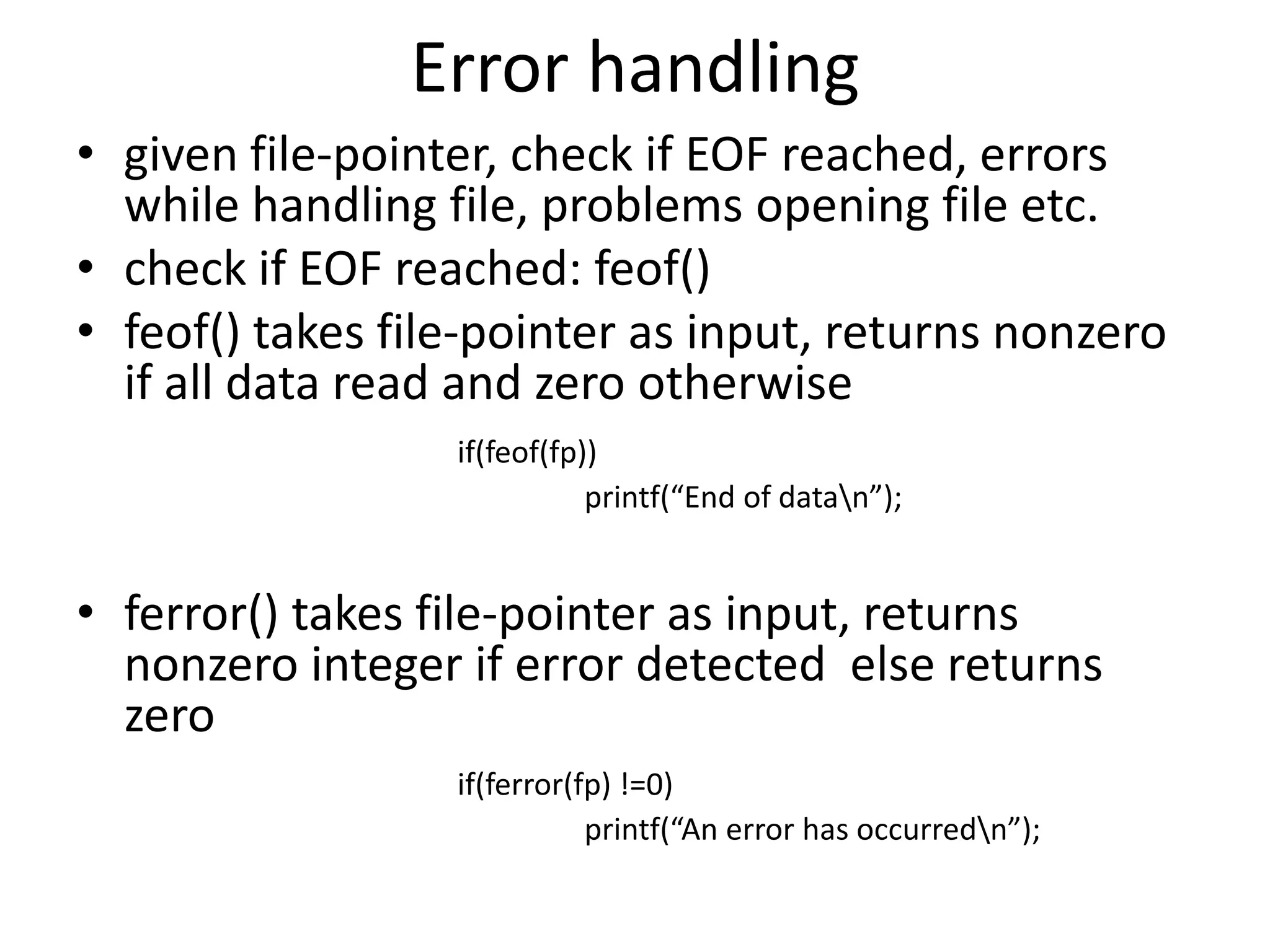
Error handling
• given file-pointer, check if EOF reached, errors
while handling file, problems opening file etc.
• check if EOF reached: feof()
• feof() takes file-pointer as input, returns nonzero
if all data read and zero otherwise
if(feof(fp))
printf(“End of datan”);
• ferror() takes file-pointer as input, returns
nonzero integer if error detected else returns
zero
if(ferror(fp) !=0)
printf(“An error has occurredn”);
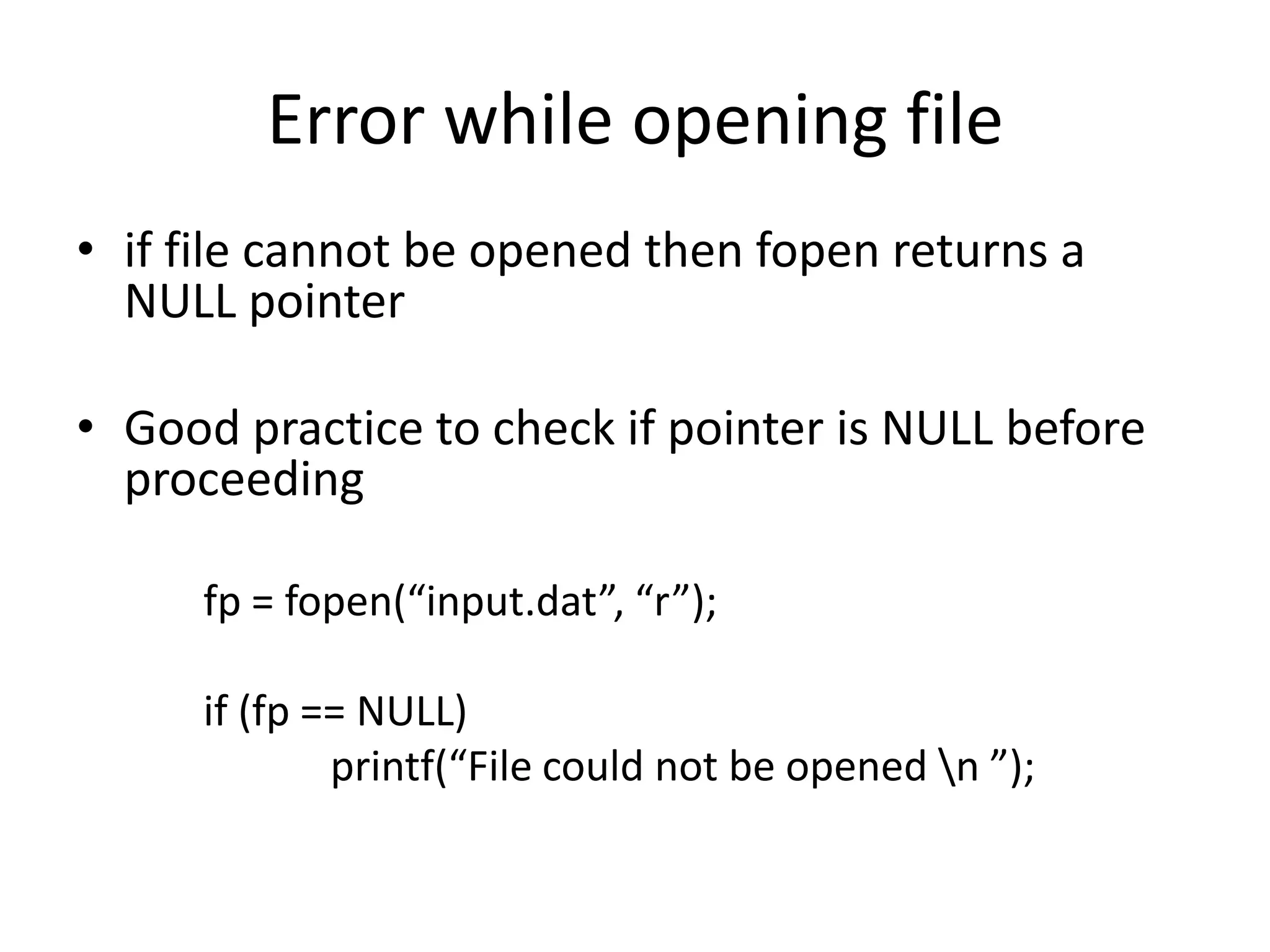
Error while opening file
• if file cannot be opened then fopen returns a
NULL pointer
• Good practice to check if pointer is NULL before
proceeding
fp = fopen(“input.dat”, “r”);
if (fp == NULL)
printf(“File could not be opened n ”);

PPS Notes Unit 5.pdf

  • 1.
  • 2.
    Unit 5 • STRUCTURESAND UNIONS • Defining a structure, processing a structure, • Structures and pointers, • Passing structures to a function, • Self-referential structures, • Unions • User-defined data types: typedef, enum. • Files • Opening a file, Reading from a file, • Writing to a file and Appending to a file • Closing a File, • Error handling functions in files,
  • 3.
    Passing Structure toa function • Passing structure to a function by value • Passing structure to a function by address(reference)
  • 4.
    Passing structure toa function by value struct student { int id; char name[20]; float percentage; }; void func(struct student record); main() { struct student record; record.id=1; strcpy(record.name, “Ritchie"); record.percentage = 86.5; func(record); } void func(struct student record) { printf(" Id is: %d n", record.id); printf(" Name is: %s n", record.name); printf(" Percentage is: %f n", record.percentage); }
  • 5.
    Passing structure tofunction in C by address struct student { int id; char name[20]; float percentage; }; void func(struct student *record); int main() { struct student record; record.id=1; strcpy(record.name, “Bjarne"); record.percentage = 86.5; func(&record); } void func(struct student *record) { printf(" Id is: %d ", record->id); printf(" Name is: %s“,record->name); printf(" Percentage is: %f n", record->percentage); }
  • 6.
    SELF-REFERENTIAL STRUCTURE • Astructure definition which includes at least one member as a pointer to the same structure is known as self-referential structure. • Can be linked together to form useful data structures such as lists, queues, stacks and trees. • Terminated with a NULL pointer (0).
  • 7.
    Self referential structure Syntax: structstructure_name { datatype datatype_name; structure_name * pointer_name; } Example: struct node { int data; struct node *next; };
  • 8.
    Example: Self referentialstructure struct node { int value; struct node *next; }; int main() { struct node *head; struct node *one = NULL; struct node *two = NULL; struct node *three = NULL; one=malloc(sizeof(struct node)); two=malloc(sizeof(struct node)); three=malloc(sizeof(struct node)); one->value = 1; two->value = 2; three->value = 3; one->next = two; two->next=three; three->next = NULL; head = one; printLinkedlist(head); }
  • 10.
    typedef int main() { typedef intNumber; Number num1 = 40,num2 = 20; Number answer; answer = num1 + num2; printf("Answer : %d",answer); return(0); } Typedef is a keyword that is used to give a new symbolic name for the existing name in a C program. typedef is a keyword used in C language to assign alternative names to existing types.
  • 11.
    enum enum week { sunday, monday,tuesday, wednesday, thursday, friday, Saturday }; int main() { enum week today; today=wednesday; printf("%d day",today+1); return 0; } An enumeration is a user-defined data type consists of integral constants and each integral constant is give a name. enum type_name { value1, value2,...,valueN };
  • 12.
    File in CLanguage • A file represents a sequence of bytes on the disk where a group of related data is stored. • In C language, we use a structure pointer of file type to declare a file. • FILE *fp;
  • 13.
    13 Basic operations ona file • Open • Read • Write • Close • Mainly we want to do read or write, but a file has to be opened before read/write, and should be closed after all read/write is over
  • 14.
    14 Opening a File:fopen() • FILE * is a datatype used to represent a pointer to a file • fopen takes two parameters, the name of the file to open and the mode in which it is to be opened • It returns the pointer to the file if the file is opened successfully, or NULL to indicate that it is unable to open the file
  • 15.
    15 Modes for openingfiles • The second argument of fopen is the mode in which we open the file. – "r" : opens a file for reading (can only read) • Error if the file does not already exists • "r+" : allows write also – "w" : creates a file for writing (can only write) • Will create the file if it does not exist • Caution: writes over all previous contents if the flle already exists • "w+" : allows read also – "a" : opens a file for appending (write at the end of the file) • "a+" : allows read also
  • 16.
    16 Example: opening file.datfor write FILE *fptr; char filename[ ]= "file2.dat"; fptr = fopen (filename,"w"); if (fptr == NULL) { printf (“ERROR IN FILE CREATION”); }
  • 17.
    Input/Output operations onfiles • C provides several different functions for reading/writing • getc() – read a character • putc() – write a character • fprintf() – write set of data values • fscanf() – read set of data values • getw() – read integer • putw() – write integer
  • 18.
    getc() and putc() •handle one character at a time like getchar() and putchar() • syntax: putc(c,fp1); – c : a character variable – fp1 : pointer to file opened with mode w • syntax: c = getc(fp2); – c : a character variable – fp2 : pointer to file opened with mode r • file pointer moves by one character position after every getc() and putc() • getc() returns end-of-file marker EOF when file end reached
  • 19.
    FILE *fptr ; inti, n, rollno, s1, s2; char name[30]; fptr = fopen("STUDENT.DAT", "w"); // accept n for(i = 0 ; i < n ; i++) { //accept name,rollno,s1, s2 marks fprintf(fptr,"%d %s %d %d n",rollno,name, s1, s2); } fclose(fptr); fptr = fopen("STUDENT.DAT", "r"); printf("nRoll No. Name tt Sub1 t Sub2 t Totalnn"); for(i = 0; i < n; i++) { fscanf(fptr,"%d %s %d %d n", &rollno, name, &s1, &s2); printf("%d t %s tt %d t %d t %d n",rollno,name, s1, s2, s1 + s2); } fclose(fptr); }
  • 20.
    Program to read/writeusing getc/putc #include <stdio.h> main() { FILE *fp1; char c; f1= fopen(“INPUT”, “w”); while((c=getchar()) != EOF) putc(c,f1); fclose(f1); f1=fopen(“INPUT”, “r”); while((c=getc(f1))!=EOF) printf(“%c”, c); fclose(f1); } /*end main */
  • 21.
    C program usinggetw, putw,fscanf, fprintf #include <stdio.h> main() { int i,sum1=0; FILE *f1; /* open files */ f1 = fopen("int_data.bin","w"); /* write integers to files in binary and text format*/ for(i=10;i<15;i++) putw(i,f1); fclose(f1); f1 = fopen("int_data.bin","r"); while((i=getw(f1))!=EOF) { sum1+=i; printf("binary file: i=%dn",i); } /* end while getw */ printf("binary sum=%d,sum1); fclose(f1); } #include <stdio.h> main() { int i, sum2=0; FILE *f2; /* open files */ f2 = fopen("int_data.txt","w"); /* write integers to files in binary and text format*/ for(i=10;i<15;i++) printf(f2,"%dn",i); fclose(f2); f2 = fopen("int_data.txt","r"); while(fscanf(f2,"%d",&i)!=EOF) { sum2+=i; printf("text file: i=%dn",i); } /*end while fscanf*/ printf("text sum=%dn",sum2); fclose(f2); }
  • 22.
    Errors that occurduring I/O • Typical errors that occur – trying to read beyond end-of-file – trying to use a file that has not been opened – perform operation on file not permitted by ‘fopen’ mode – open file with invalid filename – write to write-protected file
  • 23.
    Error handling • givenfile-pointer, check if EOF reached, errors while handling file, problems opening file etc. • check if EOF reached: feof() • feof() takes file-pointer as input, returns nonzero if all data read and zero otherwise if(feof(fp)) printf(“End of datan”); • ferror() takes file-pointer as input, returns nonzero integer if error detected else returns zero if(ferror(fp) !=0) printf(“An error has occurredn”);
  • 24.
    Error while openingfile • if file cannot be opened then fopen returns a NULL pointer • Good practice to check if pointer is NULL before proceeding fp = fopen(“input.dat”, “r”); if (fp == NULL) printf(“File could not be opened n ”);